


AI Executive Assistant in 2026: Stop Managing, Start Deciding


If you're a founder or executive, your attention is the whole game. And right now, most of it gets spent on email triage, scheduling back-and-forths, and post-meeting admin.
A good AI executive assistant takes inbox management, meeting prep, scheduling, and follow-ups completely off your plate. You stop touching any of it.
This guide covers the five best options so you can pick what fits how you actually work.
What Makes a Great AI Executive Assistant?
Most productivity apps wait for you to ask, but a true AI executive assistant acts before you do.
That shift is already moving at scale. Gartner predicts that 40% of enterprise applications will have task-specific AI built in by the end of 2026, up from less than 5% today. Executives who build this in now will have a real head start on those who wait.
A true AI executive assistant should:
- Act without being prompted. Prep briefings before meetings, flag scheduling conflicts, and send follow-ups.
- Complete full workflows. Draft the email, schedule the meeting, and log the outcome to your CRM, all in one go.
- Work inside your existing tools. Email, calendar, CRM. No new tab to check, no extra login to remember.
- Learn your writing style so replies and follow-ups sound like you wrote them.
- Run routine work on its own, so you stay focused on decisions that actually need you.
Here are the five tools that deliver on that specific area.
1. Lindy: Best Overall AI Executive Assistant

Lindy is the only tool here that covers the full loop. Inbox, meetings, scheduling, follow-through, meeting notes. All from one place. Just tell it what you need, and it handles the work, 24/7, without you coordinating any of it.
What this covers:
- Inbox: It reads, triages, drafts, and sends emails. It learns how you write and takes care of the emails that don't need you without you touching them.
- Pre-meeting briefings: Before every call, it pulls the other person's LinkedIn profile, reviews your recent email history with them, and sends you a summary so you walk in prepared.
- Meeting notes and follow-ups: It records, transcribes, and summarizes meetings, then writes the follow-up email and logs action items.
- Scheduling: It handles the back-and-forth with external parties end-to-end. You never touch a scheduling link.
- Knowledge base: After meetings, it updates a searchable record with decisions, open questions, and next steps. What was decided stops living only in someone's head.
- Custom tasks: Ask it to prep a board brief, track a pending decision, or draft a status update, and it follows through, without you in the middle.
- Integrations: It connects with hundreds of integrations, including your CRM, calendar, and the tools you already use, so nothing lives in a silo.
Pricing: 7-day free trial available; paid plans start at $49.99/month.
Best for: Executives who want one system running 24/7 in the background so they can stay focused on the decisions that actually need them.
{{templates}}
2. Reclaim.ai: Best for Calendar Management
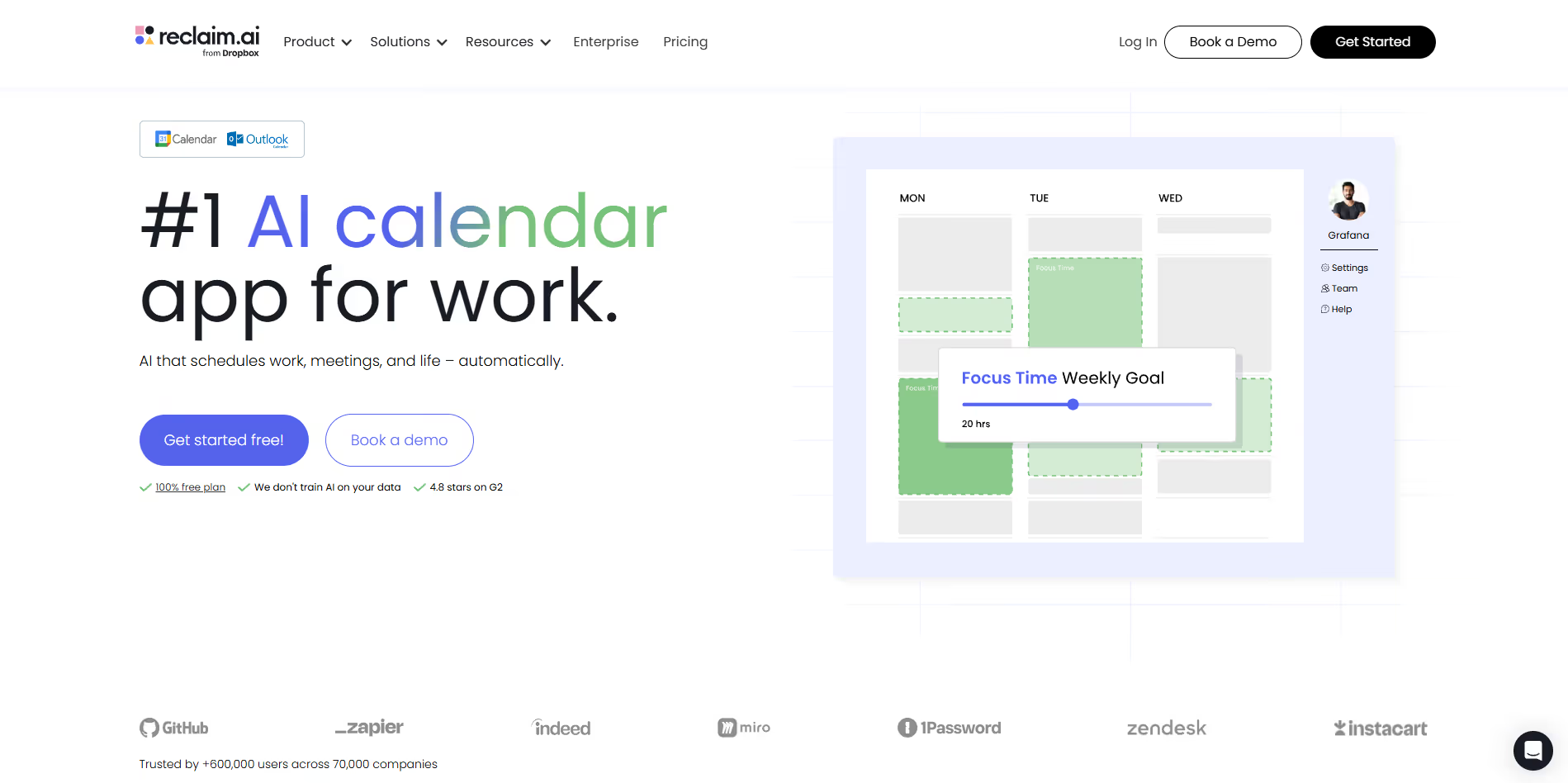
Most scheduling tools show you open slots, but Reclaim manages your calendar around your priorities.
Reclaim learns what time matters to you, whether that's a morning focus block, a standing commitment, or personal time. When meetings start creeping in, it moves lower-priority items out of the way instead of letting your protected time disappear.
What Reclaim handles:
- Scheduling: Finds the best time for meetings and tasks by weighing your priorities and existing commitments, not just whatever gaps happen to be open.
- Focus time: Schedules and defends deep work blocks. When meetings land nearby, it moves them instead of letting focus time get squeezed out.
- Task scheduling: Connect your task list and Reclaim places each item into the calendar based on deadlines and priority. Your to-do list becomes an actual plan.
- Calendar analysis: Flags overloaded days, back-to-back meeting chains, and recurring time sinks. Useful if you've ever looked at Friday and wondered where the week went.
- Team coordination: Finds meeting times that respect everyone's focus blocks simultaneously.
Pricing: Free plan available; paid plans start around $10/month per user.
Best for: Executives who need protected time to think but keep losing it to reactive scheduling.
3. Motion: Best for Task and Schedule Integration
Many executives have a task list, but rarely have time blocked to actually work through it. Motion fixes that.
Every morning, Motion looks at your meetings, your open tasks, and your deadlines, then maps out a schedule that fits all of it. When a meeting runs long or something new lands, it recalculates automatically.
What Motion handles:
- Daily planning: Motion slots tasks into available gaps based on deadlines and priority. No manual planning required.
- Dynamic rescheduling: When your day breaks (and it will), Motion moves things around so your day doesn't collapse into a mess.
- Priority management: Assign priorities and deadlines. Motion tells you when things will get done and flags when something is at risk of being missed.
- Meeting scheduling: Built-in scheduling that books calls into available time without breaking your focus blocks.
- Team coordination: Manages task assignments across small teams. Useful if you also run operations.
Pricing: Plans start at $19/seat/month.
Best for: Executives with heavy meeting loads and long task lists who need their day to actually make sense.
4. Superhuman: Best for Email
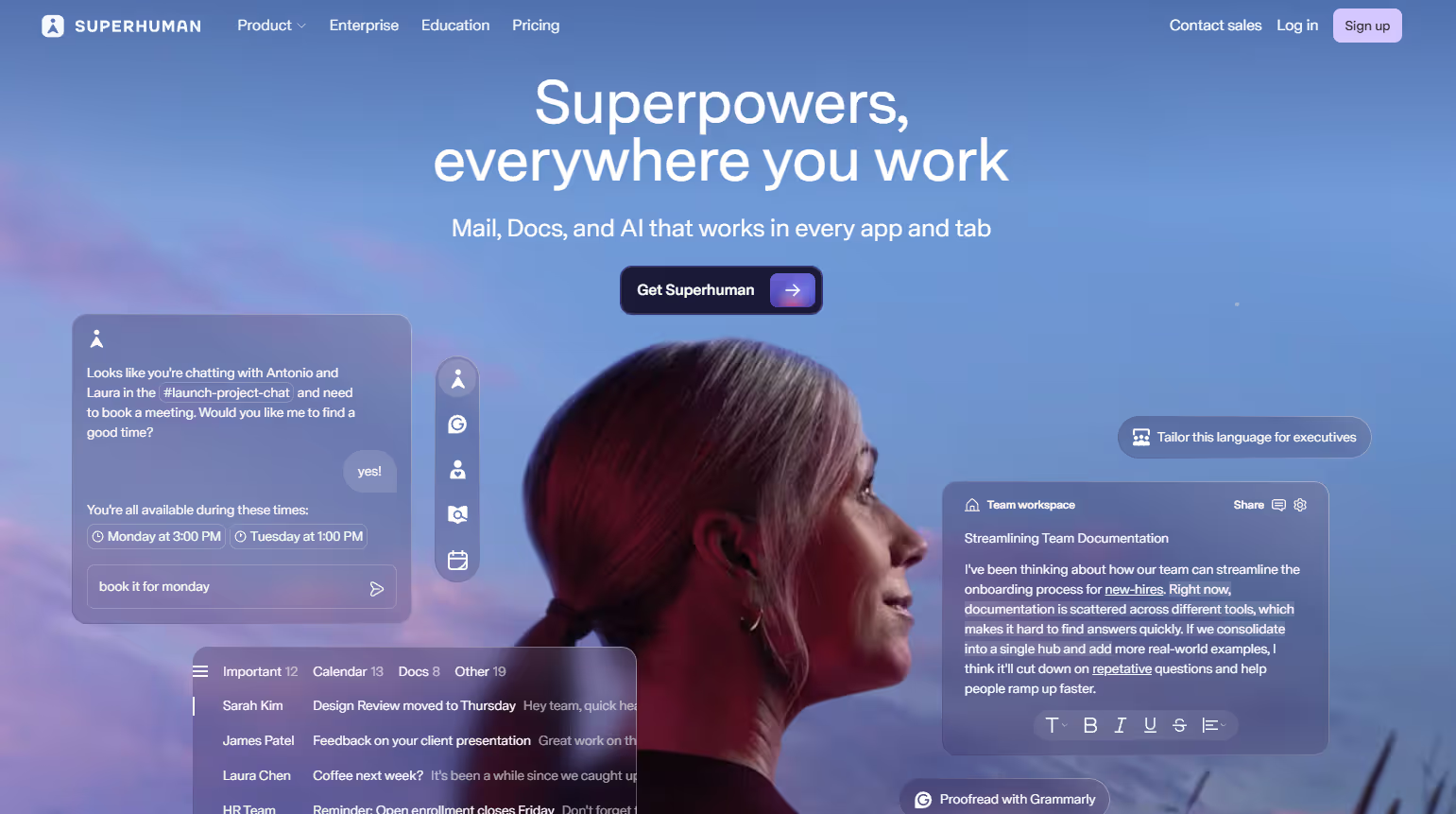
If email is your bottleneck, Superhuman is worth it. Superhuman handles drafts, thread summaries, and follow-up reminders so you spend less time reading and more time deciding. The whole product is built on the idea that email should take minutes, not hours.
What Superhuman handles:
- AI drafting: Write a few bullet points and Superhuman drafts the full reply in your tone.
- Fast triage: Read, reply, archive, snooze. One keystroke each. Inbox zero stops being aspirational.
- Thread summaries: Long email chains get compressed into one paragraph. You get the situation without reading the whole thing.
- Follow-up reminders: Surfaces threads that need action before they get buried.
- Read receipts and scheduled sends: Know when emails are opened. Schedule sends for the right time across time zones.
- Split inbox: Separate views for VIPs, internal, and newsletters. Your most important messages are always visible.
Pricing: Starts at $30/member/month.
Best for: Executives managing heavy external communication with investors, clients, and partners who need to move faster through email, not just feel more organized.
5. Notion AI: Best for Knowledge and Strategic Context
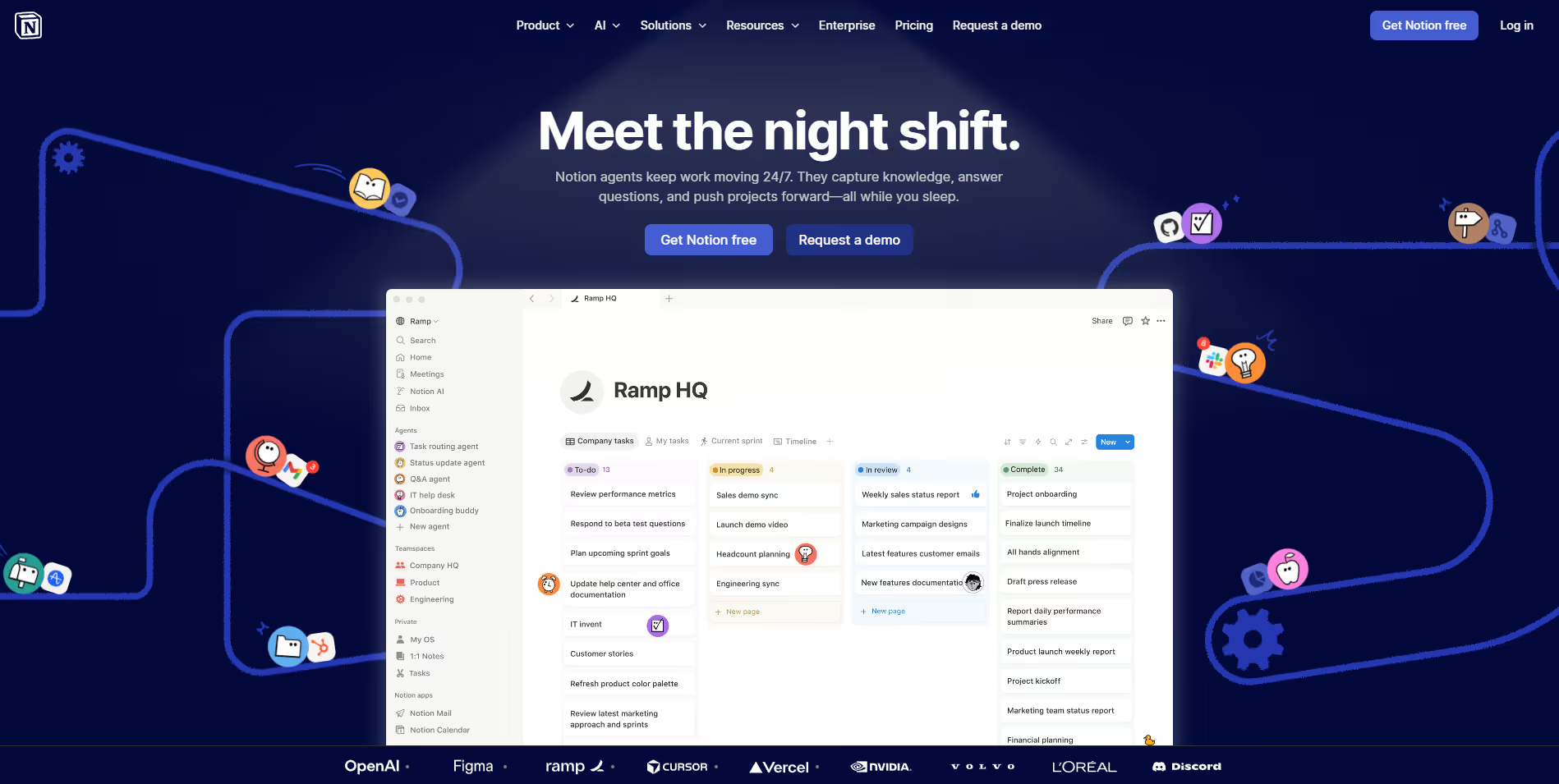
Every executive has the same problem: decisions made in one meeting, commitments tracked in another doc, strategies discussed over email. Most of that ends up in scattered notes nobody looks at again.
Notion AI gives all of it a place to live and makes it searchable. If you already run on Notion, the AI layer turns it from a place to store things into a place you can actually ask questions.
What Notion AI handles:
- Workspace Q&A: Ask "What did we decide about Q3 pricing?" and Notion AI finds and summarizes the answer from across your notes, pages, and databases.
- Meeting prep and summaries: Feed it a transcript and it produces a structured summary with action items and decisions.
- Drafting: Writes memos, strategy docs, and investor updates from your notes, drawing on what's already in your workspace.
- Database autofill: Automatically categorizes and tags records based on content. Your database stays clean without manual data entry.
Pricing: AI features are included from $10/member/month (Plus plan).
Best for: Executives juggling multiple projects and teams who need their collective knowledge to be findable, not just stored.
{{cta}}
How These Tools Fit Together
These five tools don't overlap much. Each one targets a different part of the week where executives lose time. Email piles up. Calendars fill with meetings that shouldn't be there. Follow-ups get dropped. Decisions made three months ago become impossible to find. Whichever one costs you the most, that's where to start.
Reclaim and Motion both fix your calendar, but in different ways. Reclaim defends focus time when meetings keep creeping in. Motion replans your whole day when something breaks. Superhuman is worth it if email is where hours disappear. Notion AI if you keep losing track of what was decided. Lindy is the only one who touches all of it: inbox, meetings, scheduling, follow-through.
Each of these tools solves a real problem. The question is which one is yours?











Blog
Related Articles

.png)

%20(1).png)
%20(1).png)
%20(1).png)
.png)

The AI assistant that runs your work life
Lindy saves you two hours a day by proactively managing your inbox, meetings, and calendar, so you can focus on what actually matters.
