11 Best Virtual Assistant Software Tools: Tested for 2026
Everett tested 11 virtual assistant software tools, comparing pricing, features, and daily admin use cases to find the best options for 2026.


Last month, I observed my founder friend and her virtual assistant (VA) spend 20 minutes executing a simple task.
The virtual assistant had to confirm a meeting, pull the latest client notes, send a follow-up, and log the update. But the details were scattered across Gmail, Slack, Google Docs, ClickUp, and a shared password vault.
Nothing was broken, exactly. It was just too much tool-switching for one simple task.
That’s the problem some of the best virtual assistant software try to solve. These tools should help human VAs stay organized, protect client access, track time, and manage work without searching for missing context across five apps.
So I tested the tools people use most for virtual assistant work, from classic VA staples to newer AI assistants. Then, I shortlisted these 11 tools that can help virtual assistants and lean teams with their daily tasks.
What is virtual assistant software?
Virtual assistant software is a tool that helps teams manage, delegate, or automate admin work.
For a human virtual assistant, it can be a task manager, time tracker, password manager, calendar tool, or shared workspace. These tools help VAs stay organized, work with clients, and avoid losing context across emails, chats, docs, and spreadsheets.
For a founder or small team, virtual assistant software can also mean an AI assistant that handles routine tasks automatically. Instead of hiring someone to chase meeting times, sort through emails, or check your CRM, you can ask the tool to help with those tasks.
So, these tools fall into two categories:
- Software for human virtual assistants
- AI virtual assistant software
Let me expand on these two.
1. Software for human virtual assistants
Human VAs use software to manage client work, track time, protect account access, and communicate clearly. These tools help with:
- Task and project management
- Client communication
- File storage and document sharing
- Calendar scheduling
- Password sharing
- Time tracking
- Notes, SOPs, and client records
For example, a VA might use ClickUp to manage client tasks, Toggl Track to log billable hours, Google Workspace to share documents, and 1Password to access client tools safely.
These tools don’t replace the VA. They help them do cleaner, faster, and more reliable work.
2. AI virtual assistant software
AI virtual assistant software can take on parts of the work itself. These tools help with tasks like:
- Scheduling meetings
- Planning your day
- Answering questions from connected apps
- Drafting replies
- Sending reminders
- Updating records
For example, you can text an AI assistant like Lindy to check your calendar, help with your inbox, or handle a routine admin task. Motion can plan tasks around your calendar. Reclaim can protect focus time. Zapier can move information between apps when something changes.
Traditional VA tools help people manage work, while AI virtual assistants can complete parts of that work for you.
How I researched and tested these virtual assistant software tools
I looked at virtual assistant software from two angles. First, I wanted to know which tools help human virtual assistants work better. That includes task management, time tracking, password sharing, client communication, scheduling, and file organization.
Second, I wanted to consider tools that act more like an AI assistant. These tools help you organize work, plan your day, answer questions, schedule meetings, connect apps, or handle routine admin when you ask.
To compare them fairly, I focused on six criteria:
- Task coverage: I checked where each tool helps, like scheduling, task management, communication, time tracking, password sharing, and admin work.
- Ease of use: I looked at how quickly a founder, operator, or VA could start using it without a long setup process.
- Assistant value: I checked whether the tool only stores information, helps a human assistant work faster, or completes tasks on its own.
- Integrations: I looked for useful connections with tools like Gmail, Google Calendar, Slack, HubSpot, Salesforce, Notion, Zoom, and Microsoft Teams.
- Pricing: I compared free plans, entry-level paid plans, and whether the tool gives enough value for small teams.
- User feedback: I checked reviews and community discussions to understand what users like, where they get stuck, and which tools hold up in daily use.
It helped me shortlist tools that fit into a real virtual assistant workflow. Some work well for human VAs managing client work, while others make sense for busy teams that want to text an AI assistant, protect their calendars, or reduce admin work.
11 best virtual assistant software tools: TL;DR
Among the virtual assistant tools I tested, these 11 performed best, whether you need help completing tasks, organizing work, managing client access, or tracking time. Here’s a quick side-by-side comparison:
| Tool | Best for | AI assistant? | Starting price (billed monthly) | Limitation |
|---|---|---|---|---|
| Lindy | Texting an AI assistant to get work done | Yes | $49.99/month | Needs clear instructions |
| ClickUp | Managing tasks and projects | AI features | $10/user/month | Can feel crowded |
| Motion | AI calendar and task planning | Yes | $29/user/month | Costs more than basic planners |
| Reclaim.ai | Protecting calendar time | Yes | $12/seat/month | Mostly calendar-focused |
| Notion | Notes, docs, and SOPs | AI features | $12/seat/month | Needs structure |
| Zapier | Connecting apps | AI features | $29.99/month | Complex automations take work |
| Calendly | Booking meetings | No | $12/seat/month | Narrow use case |
| Slack | Team communication | AI features | $8.75/seat/month | Can get noisy |
| Google Workspace | Email, docs, and calendars | AI features | $8.40/user/month | Not a dedicated VA tool |
| 1Password | Secure password sharing | No | $4.99/month | Only solves access management |
| Toggl Track | Time tracking and billable hours | No | $10/user/month | Requires consistent tracking |
Let’s now explore them in detail.
1. Lindy: Best AI assistant to offload recurring admin work
What it does: Lindy is an AI assistant you can text to manage your inbox, calendar, meetings, and follow-ups.
Best for: Founders, operators, executives, and lean teams that want an assistant they can message throughout the day.
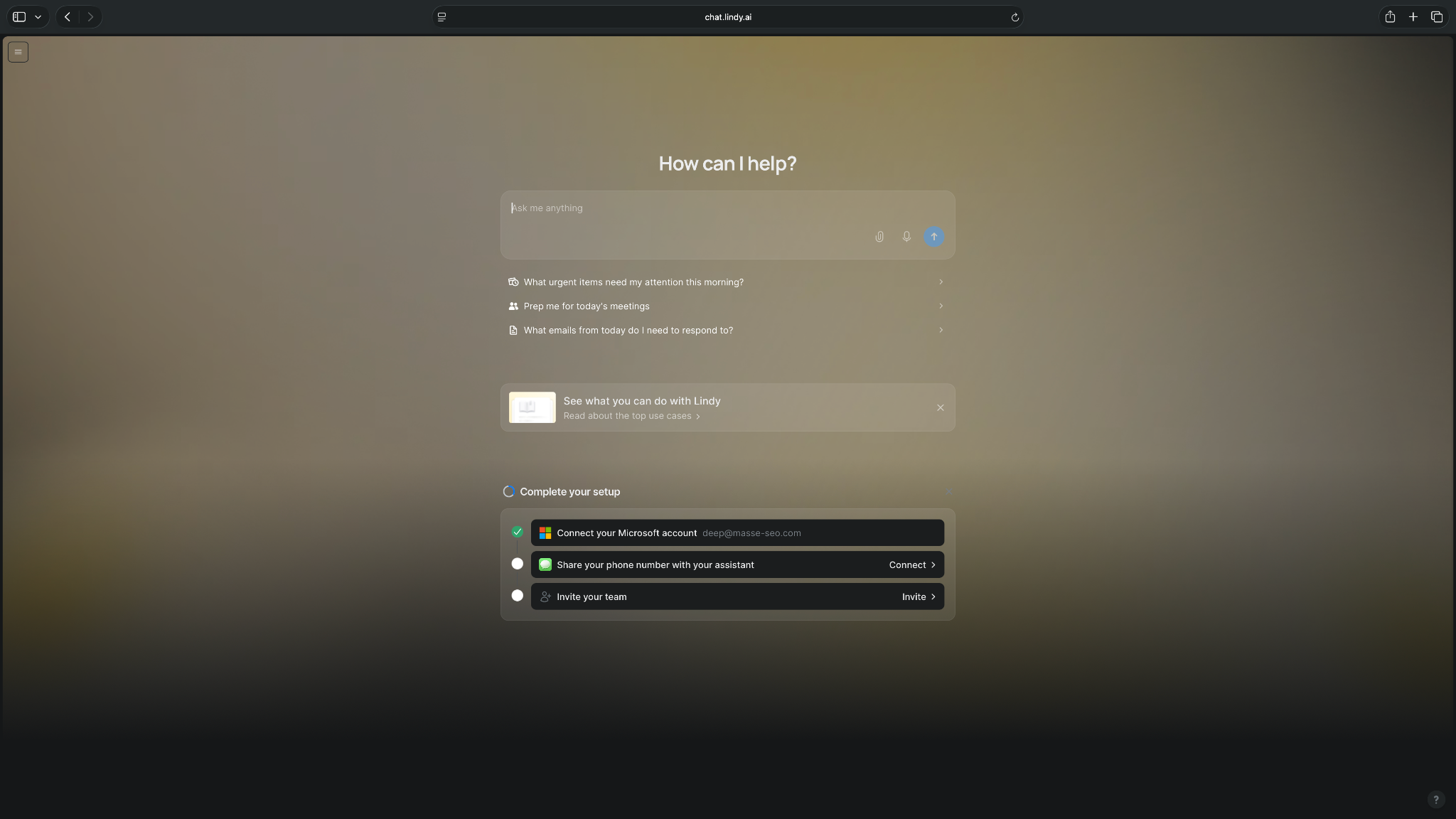
Lindy feels different from most tools on this list because you don’t start by building a board, creating a project, or setting up a dashboard. You text Lindy what you need.
I ask Lindy to check my calendar, draft replies, prepare me for meetings, summarize important updates, and help manage follow-ups. It also texts me when something needs my attention, which makes it feel closer to a personal assistant than another SaaS app you need to babysit.
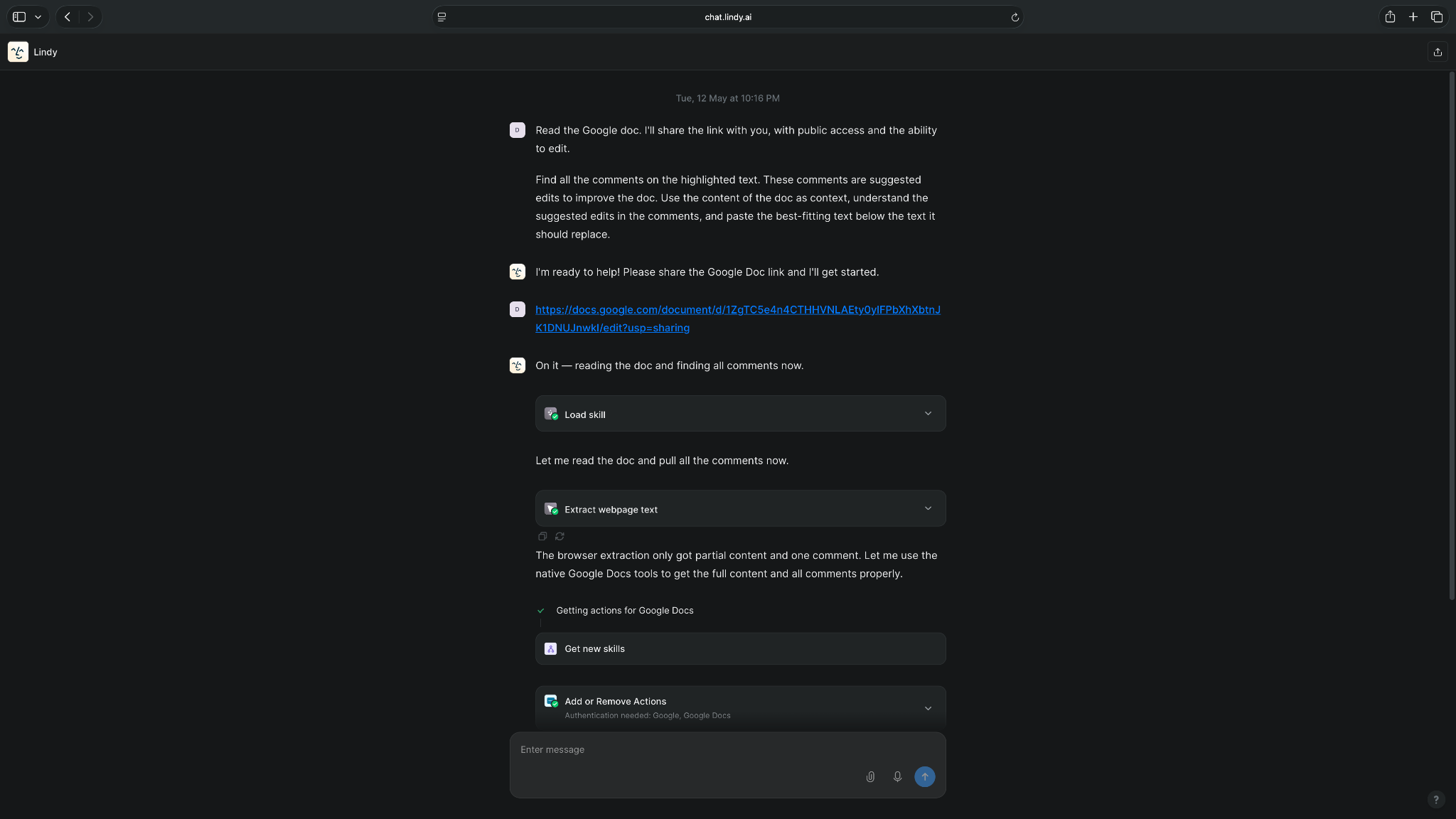
Lindy lets you connect hundreds of business apps, and you can ask it to handle a complex set of tasks across multiple apps. It also comes with ready-to-use skills that help you offload common tasks within minutes.
Lindy works best with clear instructions. Tell it exactly what you want, like 'reschedule my 2 PM meeting and let the attendees know’, and you'll get a clean result.
Key features
- Text-based assistant: You can chat with Lindy through iMessage or SMS, so you don’t need to open a separate dashboard for every request.
- Inbox help: Lindy can help you draft emails, manage inboxes, and pull out important messages.
- Meeting support: Lindy can help with scheduling, meeting notes, prep, and follow-ups.
- Calendar context: You can ask Lindy about your schedule and get quick answers without digging through your calendar.
- Hundreds of integrations: Lindy connects with tools like Gmail, Outlook, Google Calendar, Slack, and Notion.
- Approval controls: Lindy drafts emails and messages that you can review before sending, so you stay in control of what goes out.
- Enterprise-grade security: Lindy is SOC 2, HIPAA, GDPR, and PIPEDA compliant, ideal for organizations in regulated industries.
Pros
- You can text Lindy instead of learning another complex tool
- Works well for inbox, calendar, meeting, and follow-up tasks
- Helpful for busy people who want answers without switching apps
- Works on iMessage and SMS, including Android devices
- Keeps you in control with review steps before sending messages
Cons
- Works better when you give clear instructions
- Teams with complex processes may still need time to set it up properly
What users say
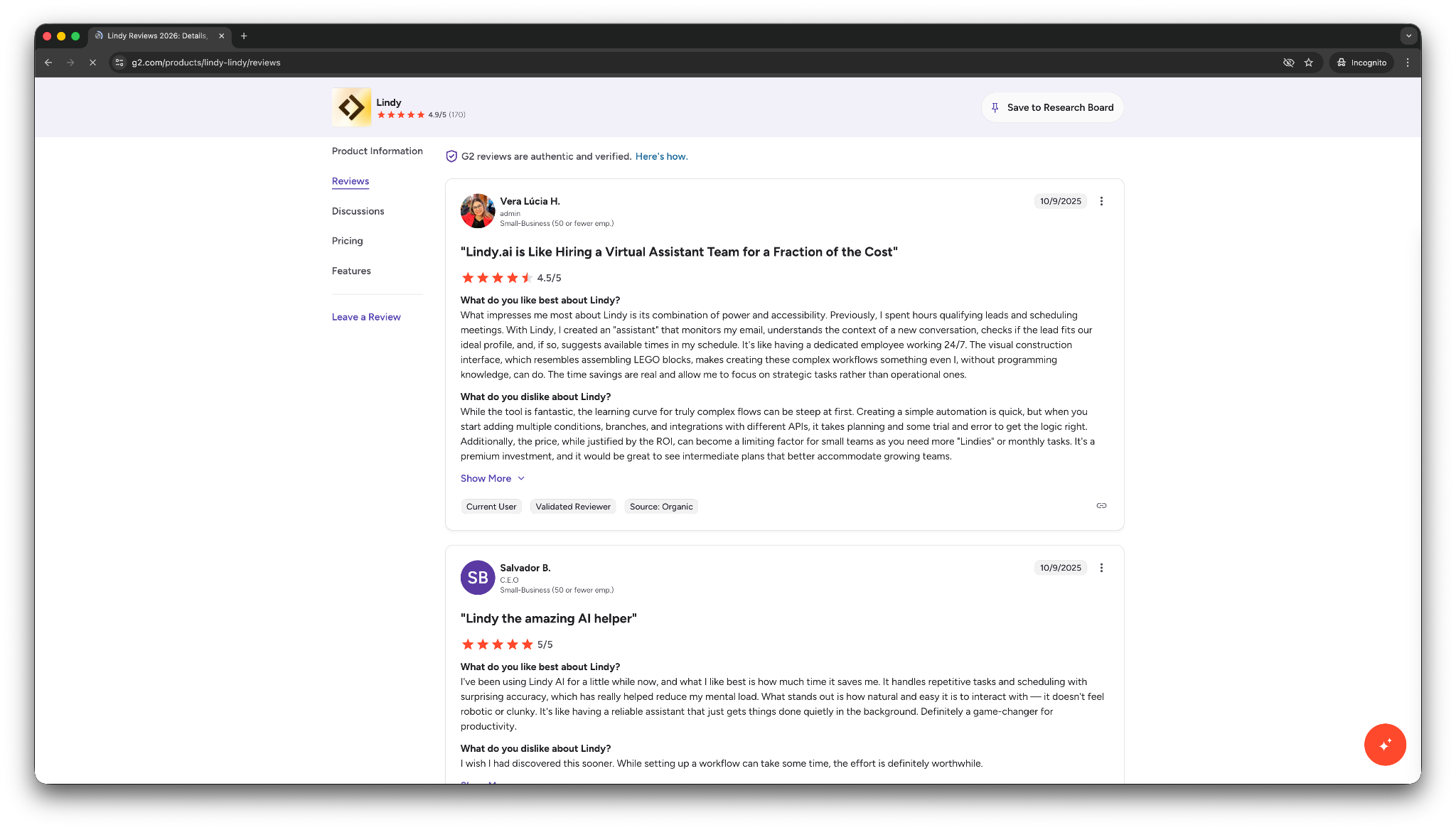
- “With Lindy, I created an assistant that monitors my email, understands the context of a new conversation, checks if the lead fits our ideal profile, and, if so, suggests available times in my schedule.” — Vera Lúcia H, G2
- “Sometimes the images it produces look realistic, but other times they don't quite achieve that level of realism. I would really like it to be more consistently realistic…” — Cardiechey J, G2
Pricing
- No free plan, only a 7-day free trial
- Paid plans from $49.99/month, billed monthly
Bottom line
Lindy is the best virtual assistant software if you want to text an AI assistant and get help across your workday. It’s especially useful for inbox, calendar, meeting, and follow-up work, but it makes less sense if you only need a simple task tracker.
{{templates}}
2. ClickUp: Best for project management and task delegation
What it does: ClickUp helps teams manage tasks, projects, docs, dashboards, goals, and internal collaboration in one workspace.
Best for: Human virtual assistants, agencies, operators, and teams that need one place to manage tasks, deadlines, and client work.
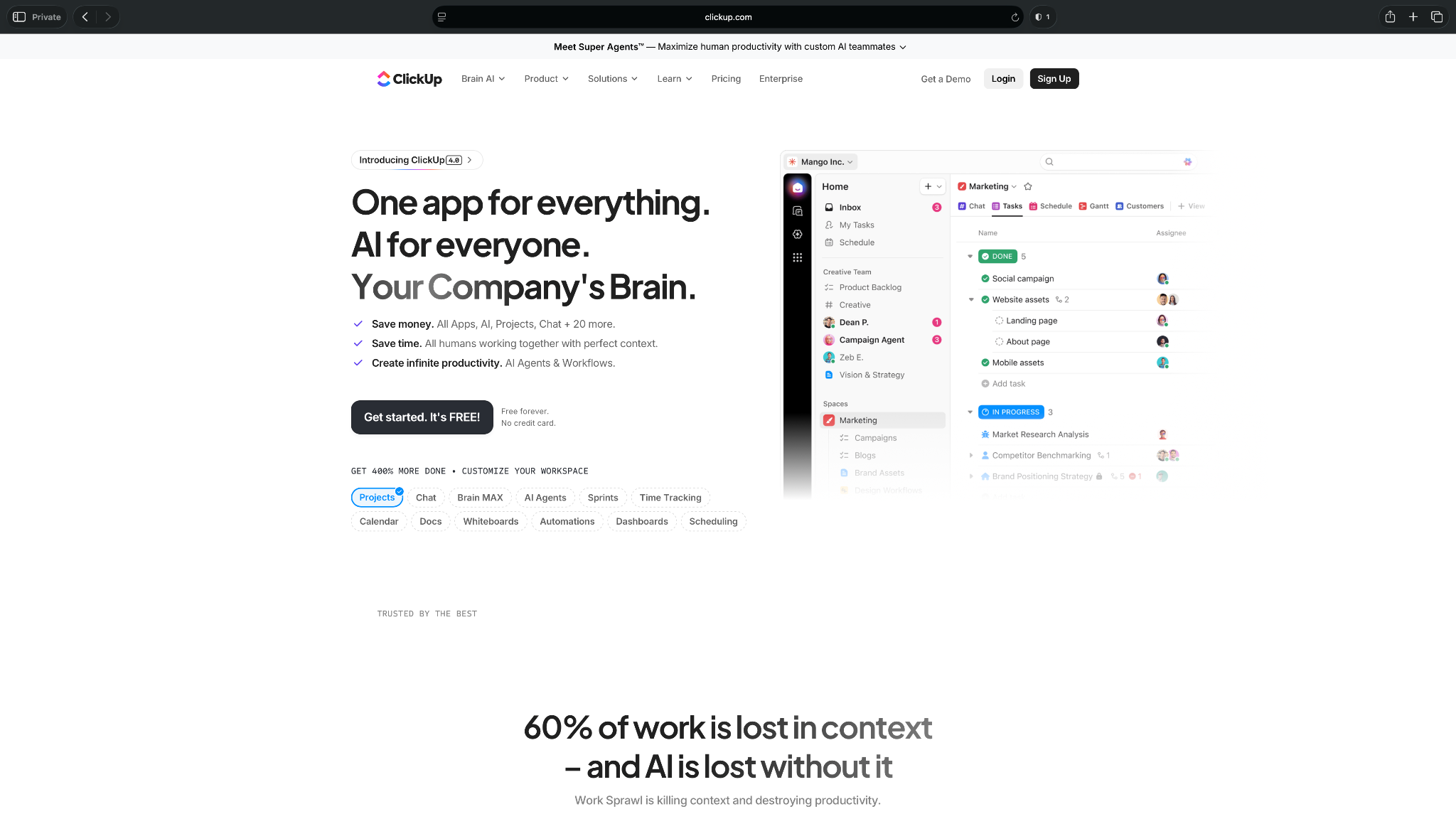
ClickUp is one of the most useful toos for human VAs because it gives structure to messy work.
Instead of tracking tasks across Slack messages, emails, spreadsheets, and sticky notes, you can create one shared workspace for client projects. A VA can assign tasks, add due dates, attach files, leave comments, build checklists, and keep everyone updated.
It’s also flexible. I tested ClickUp for simple task lists, recurring admin work, content calendars, client onboarding, SOPs, internal requests, and multi-step projects. That flexibility is the reason many teams like it, but it’s also the reason some people bounce off it.
If you don’t set up your workspace carefully, ClickUp can start to feel crowded.
Key features
- Task management: ClickUp lets you create tasks, subtasks, checklists, priorities, due dates, and assignees.
- Multiple views: Teams can switch between list, board, calendar, Gantt, and workload views depending on how they prefer to work.
- Docs: VAs can store SOPs, meeting notes, client instructions, and project briefs close to the work.
- Dashboards: Managers can track progress, workloads, project status, and team activity.
- Automations: ClickUp can handle simple repeatable actions, like assigning tasks or changing statuses when work moves forward.
- ClickUp Brain: ClickUp includes AI features for writing, summaries, workspace answers, and project help.
Pros
- Supports managing multiple clients, projects, and deadlines
- Flexible enough for admin work, content workflows, onboarding, and internal ops
- Helpful docs and task views keep instructions close to execution
- Built-in dashboards make project status easier to track
- Free plan gives small teams a useful place to start
Cons
- Can feel overwhelming if you only need a simple to-do list
- Requires a clean setup, or the workspace can get messy
What users say
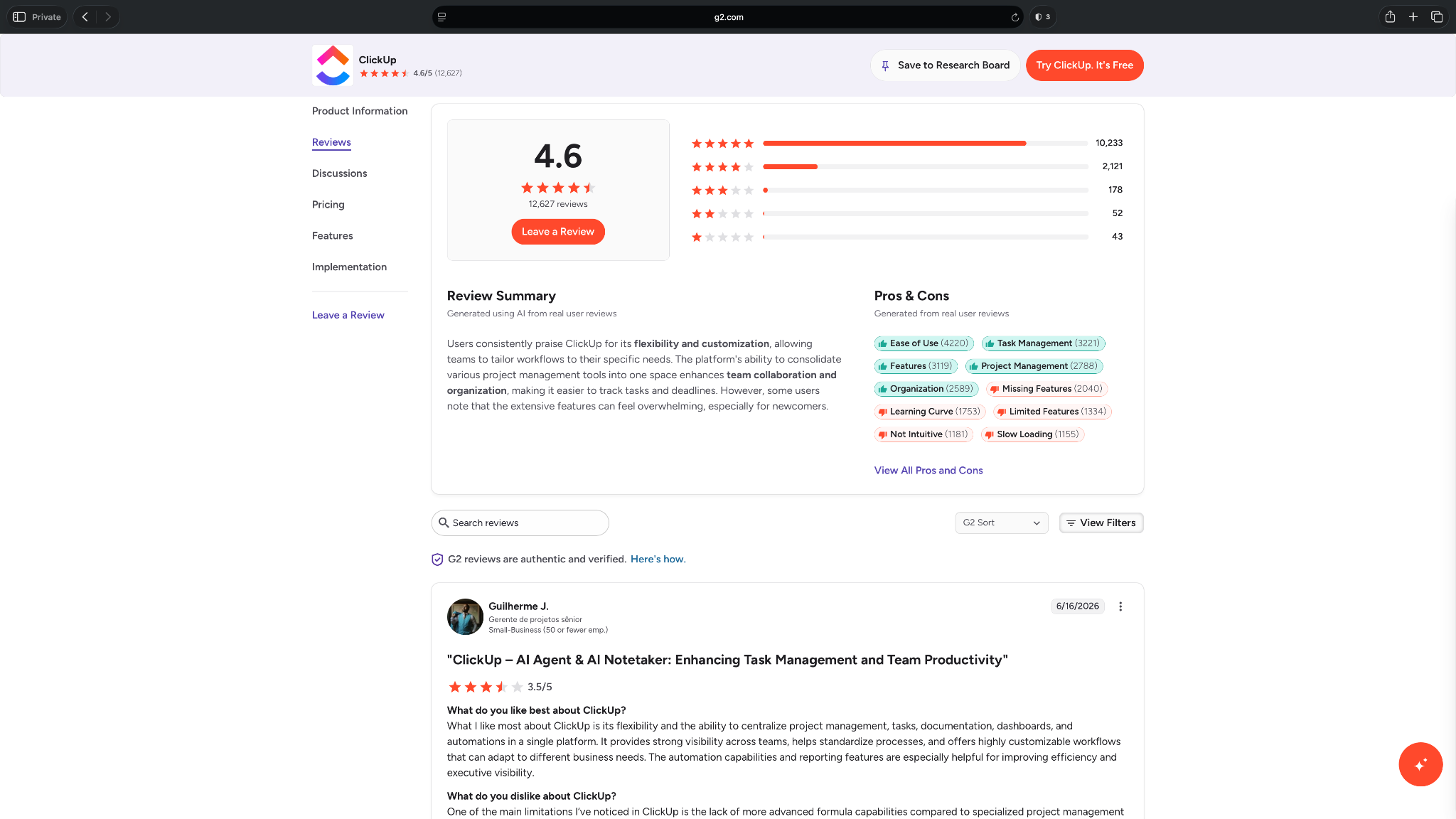
- “The shared boards have chat channels too, which have proven valuable on larger-scale projects, as we are not fans of using Slack or similar tools and prefer to have it in one place.” — Zoey H, G2
- “I experience slow load times or lag when opening various tasks, which can disrupt workflow momentum. Additionally, I would love to see a more unified, centralized data-entry feature.” — Matteo G, G2
Pricing
- Free forever plan with 60MB storage
- Paid plans from $10/user/month, billed monthly
Bottom line
ClickUp gives human VAs and teams a shared system for client work, deadlines, docs, and project updates. It works best when tasks need clear owners, due dates, and visibility.
3. Motion: Best for AI calendar and task planning
What it does: Motion combines a calendar, task manager, and AI planner that schedules your workday for you.
Best for: Executives, managers, and busy professionals who need help deciding what to work on and when.
Motion is useful when your to-do list looks manageable in the morning, then falls apart by 11 AM.
I added tasks, deadlines, priorities, meetings, and work hours. Motion then built my schedule around them. If a meeting runs long or something urgent comes in, it reshuffles the day instead of leaving me rebuilding my calendar manually.
That makes it feel more like a planning assistant than a standard task manager. It stored my tasks and told me where those tasks fit in my day.
For virtual assistants, Motion works well when they support busy clients with packed calendars. It can help plan focus blocks, protect deadlines, and reduce the back-and-forth that usually comes with daily planning.
But it’s not the best choice if you mainly need client task tracking, shared SOPs (standard operating procedures), or broader project management.
Key features
- AI task scheduling: Motion automatically plans tasks into your calendar based on priority, deadlines, dependencies, and available time.
- Calendar planning: Motion helps you manage meetings, tasks, and work blocks in one place.
- Automatic rescheduling: When plans change, Motion rebuilds your schedule so missed tasks don’t disappear.
- Meeting scheduler: Motion lets you book meetings without as much back-and-forth.
- Project management: Teams can manage tasks, projects, workloads, and timelines inside Motion.
- Daily work recommendations: Motion shows what to work on next, which helps reduce planning fatigue.
Pros
- Works well for overloaded calendars and fast-changing workdays
- Turns tasks into scheduled work blocks instead of static to-dos
- Helpful for founders and executives who need daily planning support
- Automatic rescheduling reduces manual calendar cleanup
- Combines calendar, tasks, meetings, and project planning in one tool
Cons
- Higher cost than basic calendar and task tools
- Can feel too rigid if you prefer planning your day manually
What users say
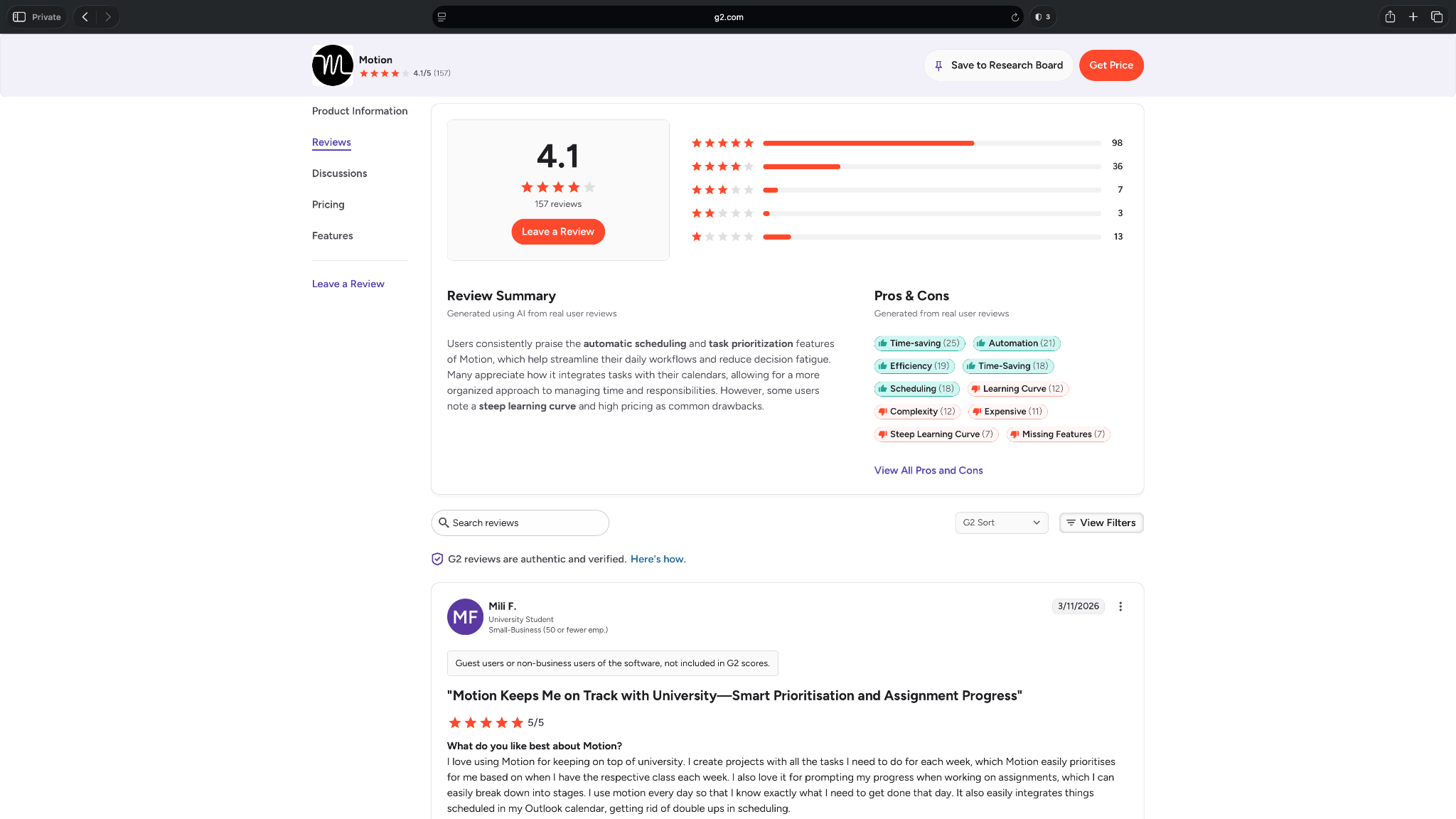
- “I can enter tasks for different projects and have an organized and timely calendar to follow.” — Sabrina A, G2
- “The platform is unnecessarily complex, with features that add more confusion than value. The AI agents frequently generate irrelevant email replies or meaningless projects.” — Joe S, G2
Pricing
- No free plan, only a free trial
- Paid plans from $29/user/month, billed monthly
Bottom line
Motion turns your task list into a planned calendar. It’s a strong pick for people who need help deciding what to work on, when to do it, and how to adjust when the day changes.
4. Reclaim.ai: Best for protecting calendar time
What it does: Reclaim.ai helps you protect focus time, schedule habits, book meetings, and fit tasks into your calendar.
Best for: Professionals who want better calendar control without manually moving blocks around all day, like C-level executives, managers, and VAs.
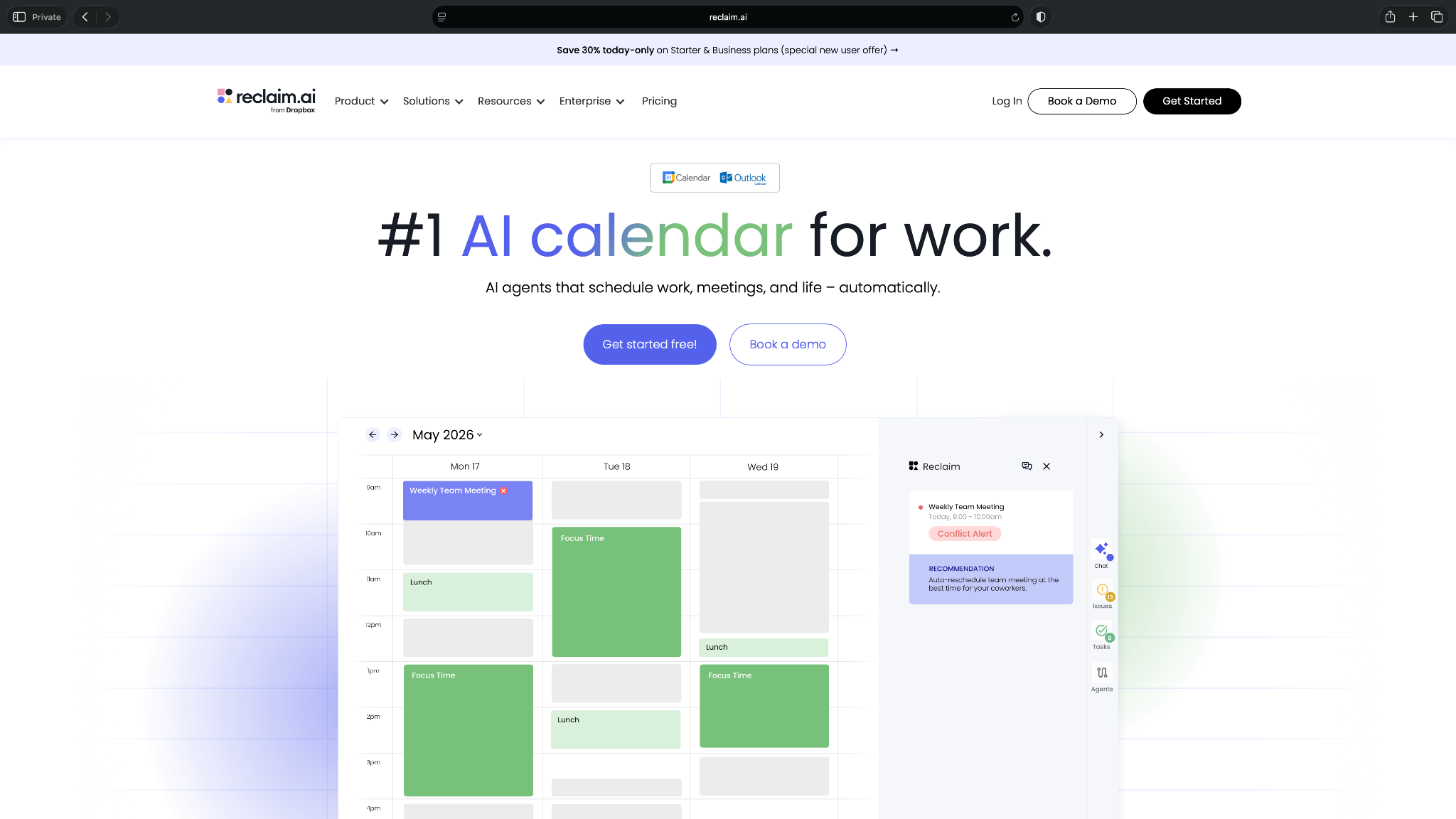
Reclaim.ai works well when your calendar keeps getting eaten by meetings.
You can tell it what you need time for, such as deep work, lunch, recurring habits, task work, or prep time. Reclaim then looks at your availability and finds space for it. If a meeting lands on top of your planned work, Reclaim moves the block instead of letting it disappear.
That makes it useful for both individual users and human VAs who manage calendars for busy clients. A VA can use it to protect focus time, schedule recurring work, and reduce the manual cleanup that comes with meeting-heavy weeks.
Reclaim is narrower than Motion. It focuses more on calendar protection and smart scheduling than full task planning or project management. That can be a strength if your main problem is calendar chaos, but it won’t replace ClickUp, Notion, or a full VA workspace.
Key features
- Smart time blocking: Reclaim finds open calendar slots for tasks, habits, breaks, and focus work.
- Habit scheduling: You can set recurring routines like lunch, admin work, exercise, or weekly planning.
- Focus time protection: Reclaim blocks time for deep work and moves it when your calendar changes.
- Scheduling links: You can share booking links while keeping priority work protected.
- Calendar sync: Reclaim syncs across calendars so personal and work commitments don’t clash.
- Team scheduling: Teams can use Reclaim to coordinate meetings while protecting individual schedules.
Pros
- Protects focus time and recurring routines
- Helpful for VAs who manage busy client calendars
- Moves your focus blocks automatically when a meeting lands on top of them
- Free plan gives individuals a useful way to test the tool
- Less expensive than some AI scheduling alternatives
Cons
- Too calendar-focused if you need broader project management
- Can feel unnecessary if your schedule stays predictable
What users say
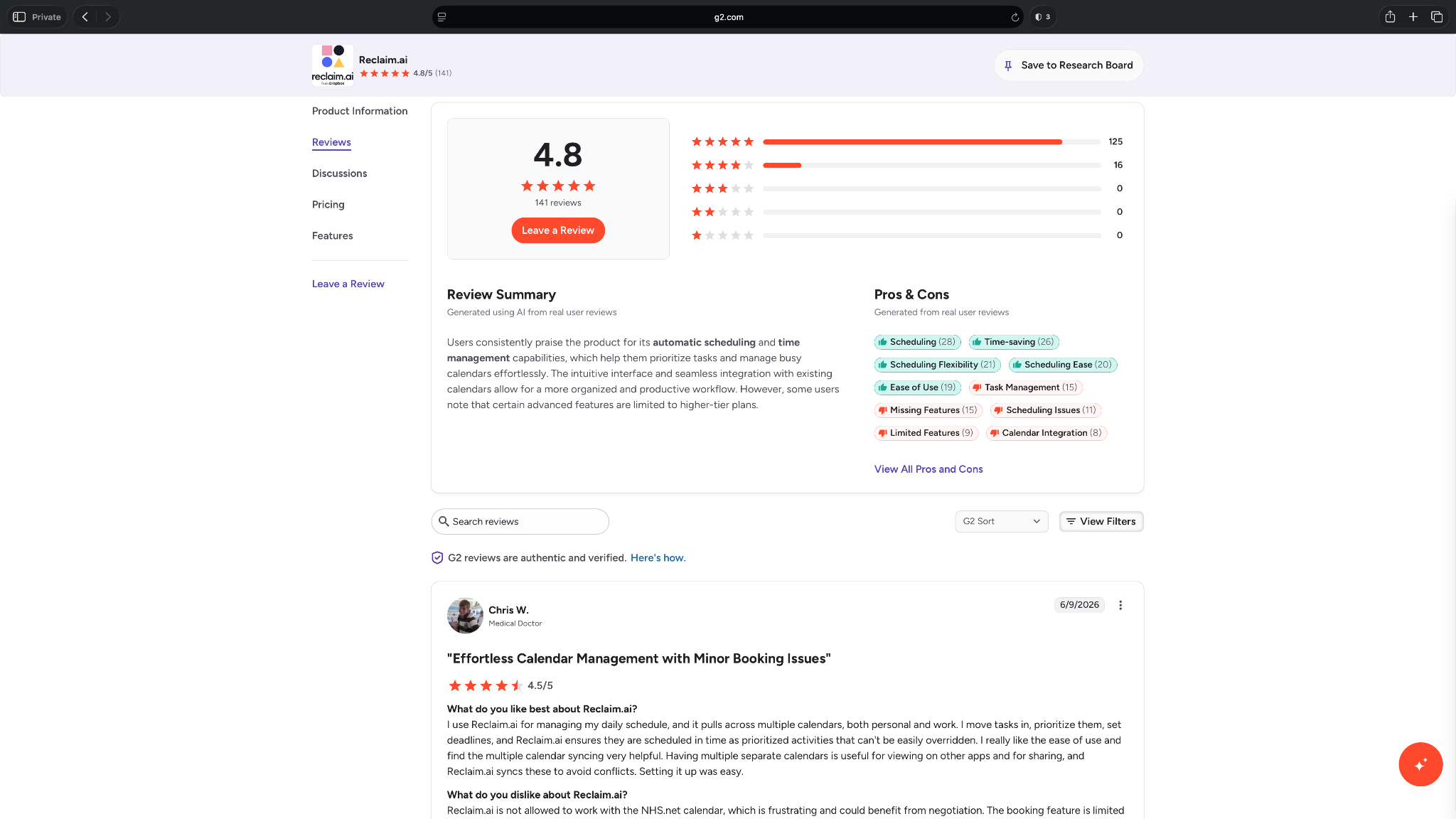
- “I move tasks in, prioritize them, set deadlines, and Reclaim.ai ensures they are scheduled in time as prioritized activities that can't be easily overridden.” — Chris W, G2
- “Some advanced features are locked behind higher-tier plans, which can be a limitation depending on how deeply you want to integrate it into team workflows.” — Samanta J, G2
Pricing
- Free plan with 5 AI agents and 1 user seat
- Paid plans from $12/seat/month, billed monthly
Bottom line
Reclaim.ai helps protect the time your calendar usually loses. It’s useful for focus blocks, recurring habits, breaks, and smarter scheduling around meetings.
5. Notion: Best for notes, docs, and SOPs
What it does: Notion gives teams one place to manage notes, docs, databases, SOPs, project pages, and internal knowledge.
Best for: Human virtual assistants, agencies, and teams that need a clean home for client instructions, processes, meeting notes, and reusable templates.
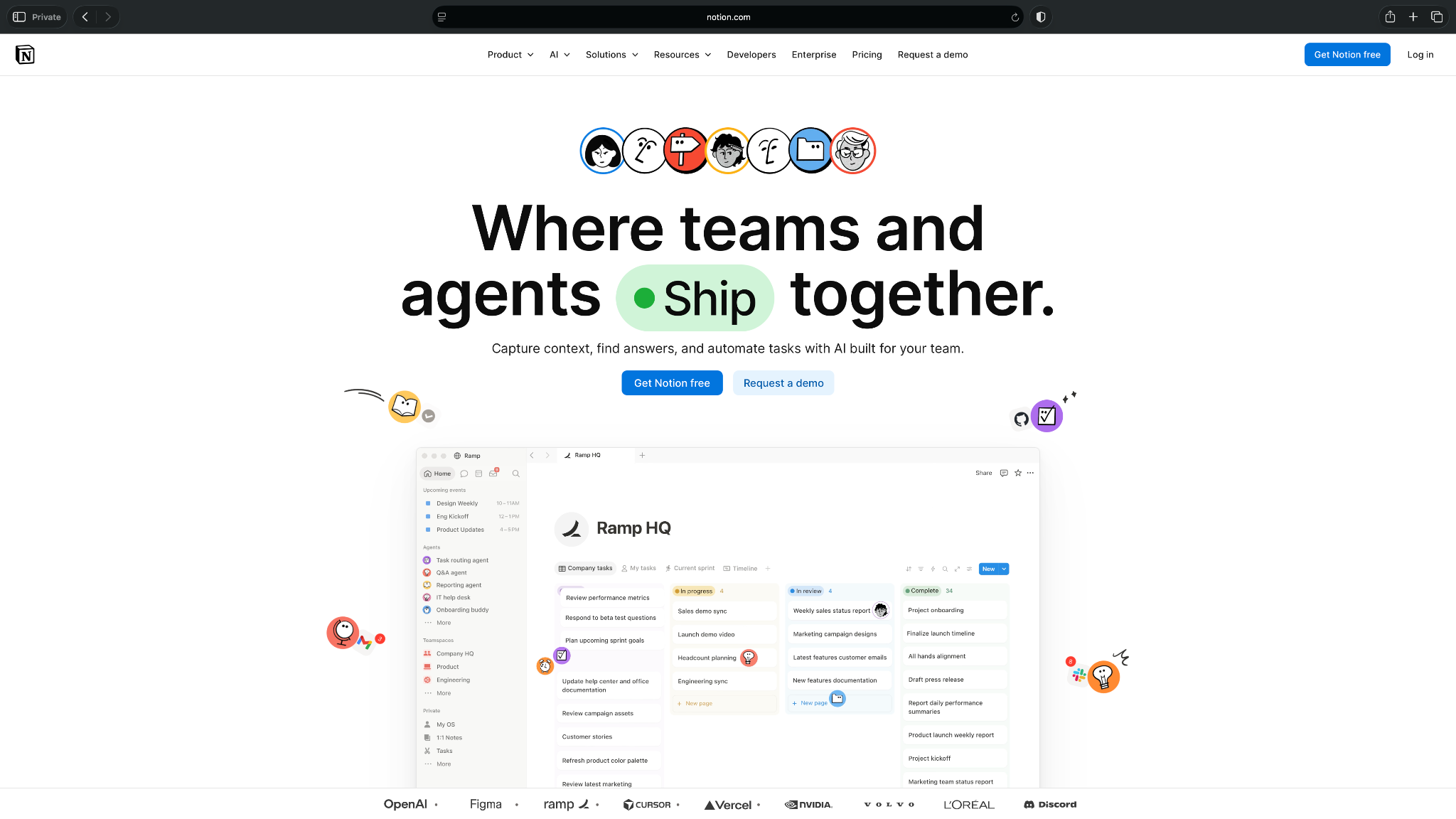
Notion works best when your assistant's work depends on context.
A human VA can use it to store client briefs, SOPs, recurring checklists, meeting notes, content calendars, project docs, and internal wikis. Instead of asking for the same instructions again and again, the VA can document the process once and improve it over time.
It’s also flexible enough to act as a lightweight project hub. I’ve created databases for clients, tasks, and content ideas. You can also use it for invoices, vendors, or research. For teams that don’t need a heavy project management tool, Notion can feel simpler than ClickUp.
The tradeoff is structure. Notion gives you a blank canvas, which can be freeing at first and messy later. If you don’t organize pages, permissions, and databases carefully, your workspace can turn into another place where information gets buried.
Key features
- Docs and pages: Notion lets you create pages for SOPs, client notes, meeting recaps, briefs, and internal documentation.
- Databases: You can manage structured information like tasks, content calendars, vendors, CRM-style lists, and research libraries.
- Templates: VAs can create reusable templates for onboarding, reporting, meeting notes, client updates, and recurring admin tasks.
- Wikis: Teams can build a searchable knowledge base for processes, policies, client details, and internal guides.
- Collaboration: Users can comment, tag teammates, assign work, and edit shared pages together.
- Notion AI: Notion includes AI features for writing, summarizing, finding answers, and working across your workspace.
Pros
- Ideal for SOPs, client instructions, notes, and internal knowledge
- Flexible enough for docs, databases, content calendars, and lightweight project tracking
- Useful templates help VAs repeat common processes faster
- Shared pages make client collaboration easier
- The free plan works well for individuals and small personal workspaces
Cons
- Can get confusing without clear naming, page structure, and ownership
- Not the best fit for complex project management or time tracking
What users say
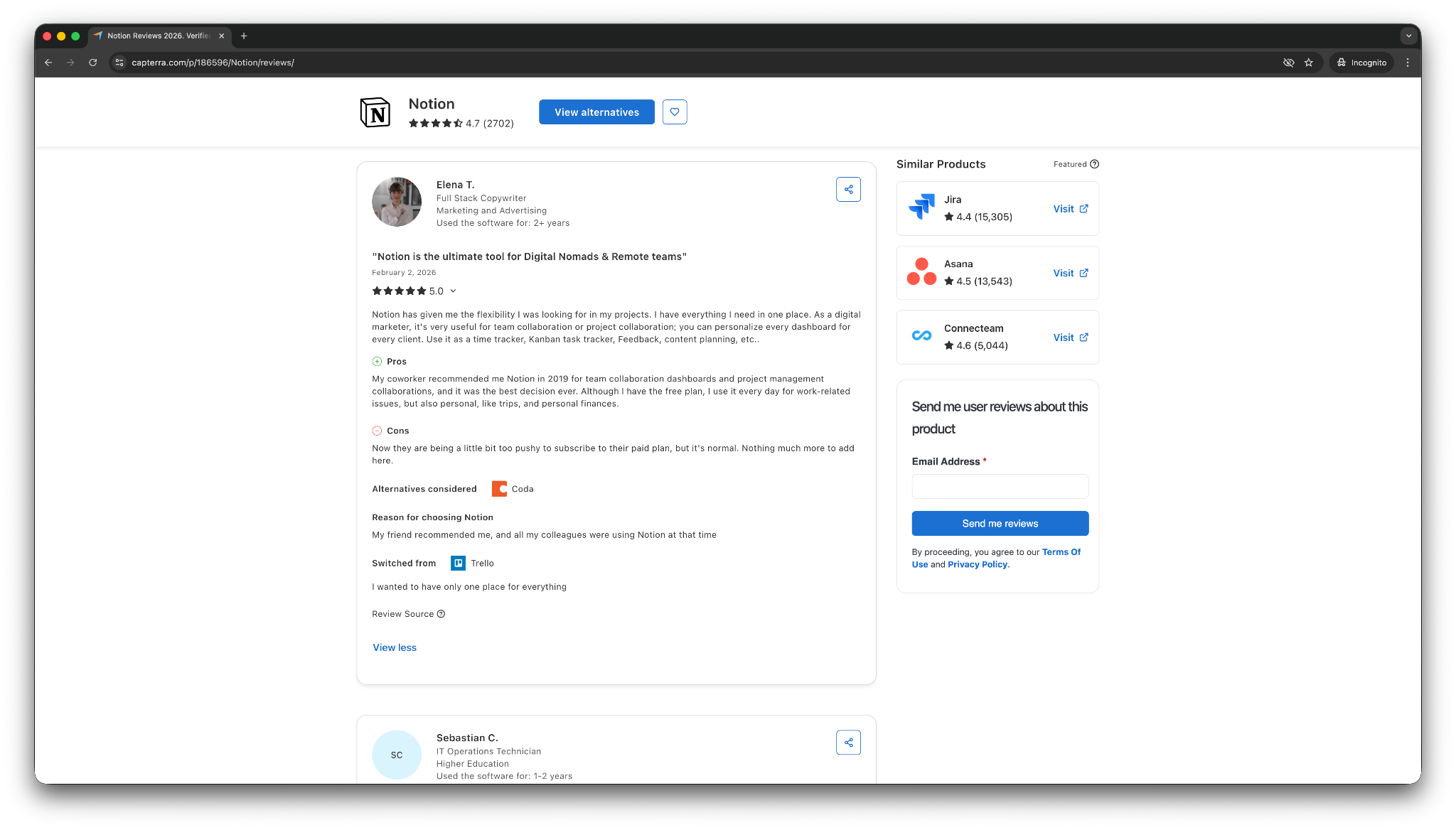
- “Its customizable workspace keeps everything organized, and the Q&A AI feature helps me find information fast, saving time during hectic days.” — Alexander Z, Capterra
- “It makes it extremely hard for me to use. I would rather just use Google Docs.” — Verified user, Capterra
Pricing
- Free plan: Notion offers a free plan for individuals.
- Paid plans: Paid plans start at $12/seat/month on monthly billing.
Bottom line
Notion gives VAs and teams a flexible space for SOPs, notes, client instructions, and internal knowledge. It’s especially useful when repeatable work depends on clear context.
6. Zapier: Best for connecting apps and automating handoffs
What it does: Zapier is an automation tool that connects apps so information can move between them without manual copy-pasting.
Best for: VAs, operators, cross-team professionals, and teams that spend too much time moving data between tools.
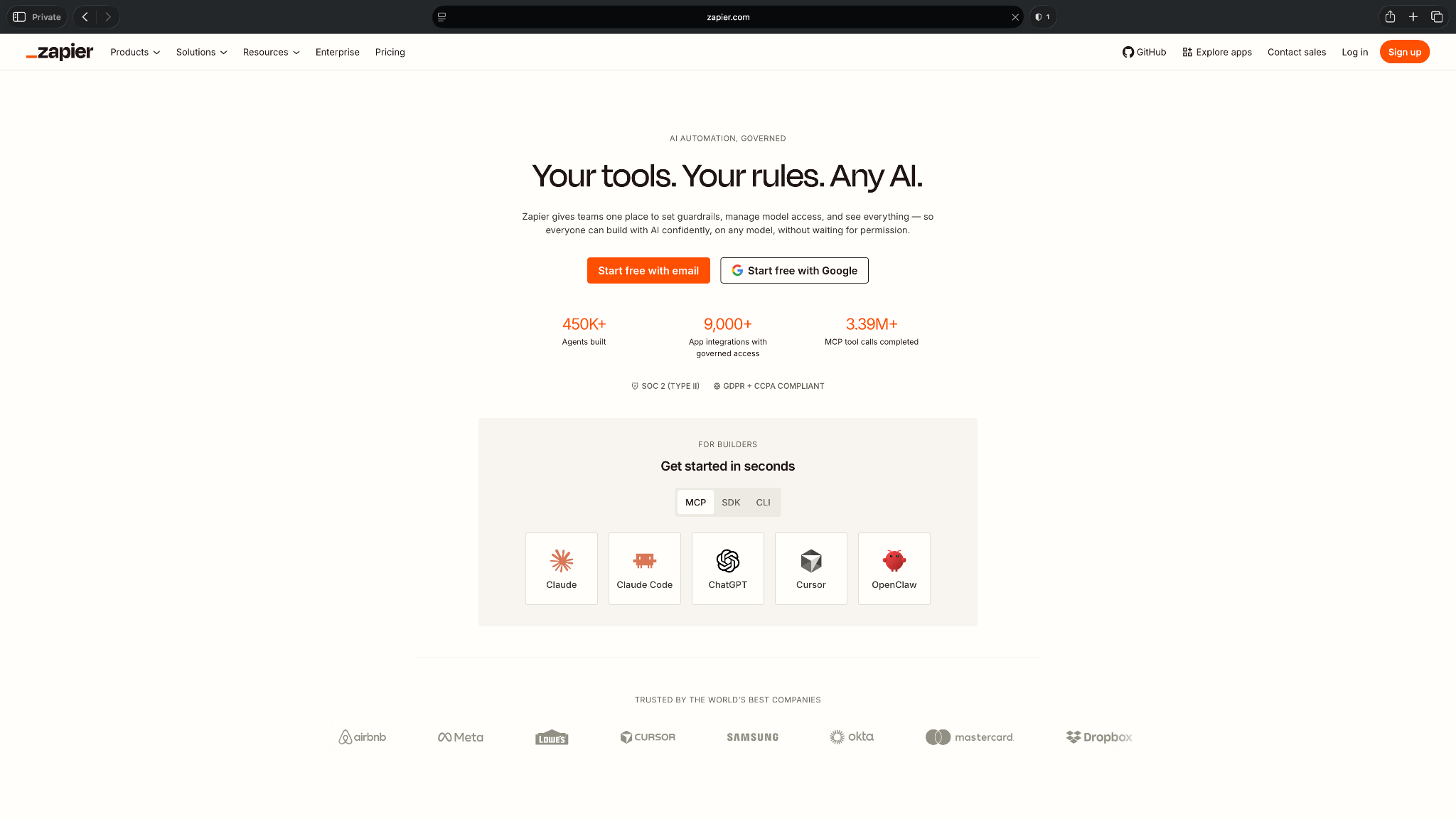
Zapier is useful when your virtual assistant work depends on small handoffs between apps.
A lead fills out a form, and Zapier adds them to your CRM. A client uploads a file, and Zapier sends a Slack alert. Someone books a call, and Zapier creates a task in ClickUp. These are the tiny admin jobs that don’t feel huge on their own, but they add up fast across a week.
For human VAs, Zapier can remove repetitive copy-paste work and make client systems feel more connected. For busy teams, it can keep processes running in the background, like updating CRMs or creating sheets, without asking someone to check every app.
Zapier also works well because it connects with 9,000+ apps. The downside is that more complex setups can take planning. If a process has many steps, branches, or exceptions, you’ll need to test it carefully so it doesn’t break or create messy data.
Key features
- Zaps: Zapier lets you create automated steps between apps, such as sending form leads to a CRM or posting updates in Slack.
- Triggers and actions: Each Zap starts when something happens in one app, then performs an action in another.
- Multi-step automation: Paid plans let you create automations with multiple steps, filters, paths, and logic.
- App connections: Zapier connects with thousands of apps across sales, marketing, support, finance, and operations.
- Tables and interfaces: Zapier includes tools for storing data and building simple internal pages around automation.
- AI features: Zapier includes AI-supported tools that can help create, explain, and improve automations.
Pros
- Eases repetitive handoffs between apps
- Useful for VAs who manage client systems across many tools
- Large integration library covers most common business apps
- Can reduce manual copy-paste work across sales, marketing, and ops
- Free plan gives small teams a useful way to test basic automations
Cons
- Complex automations can take time to set up and maintain
- Task-based pricing can become expensive as usage grows
What users say
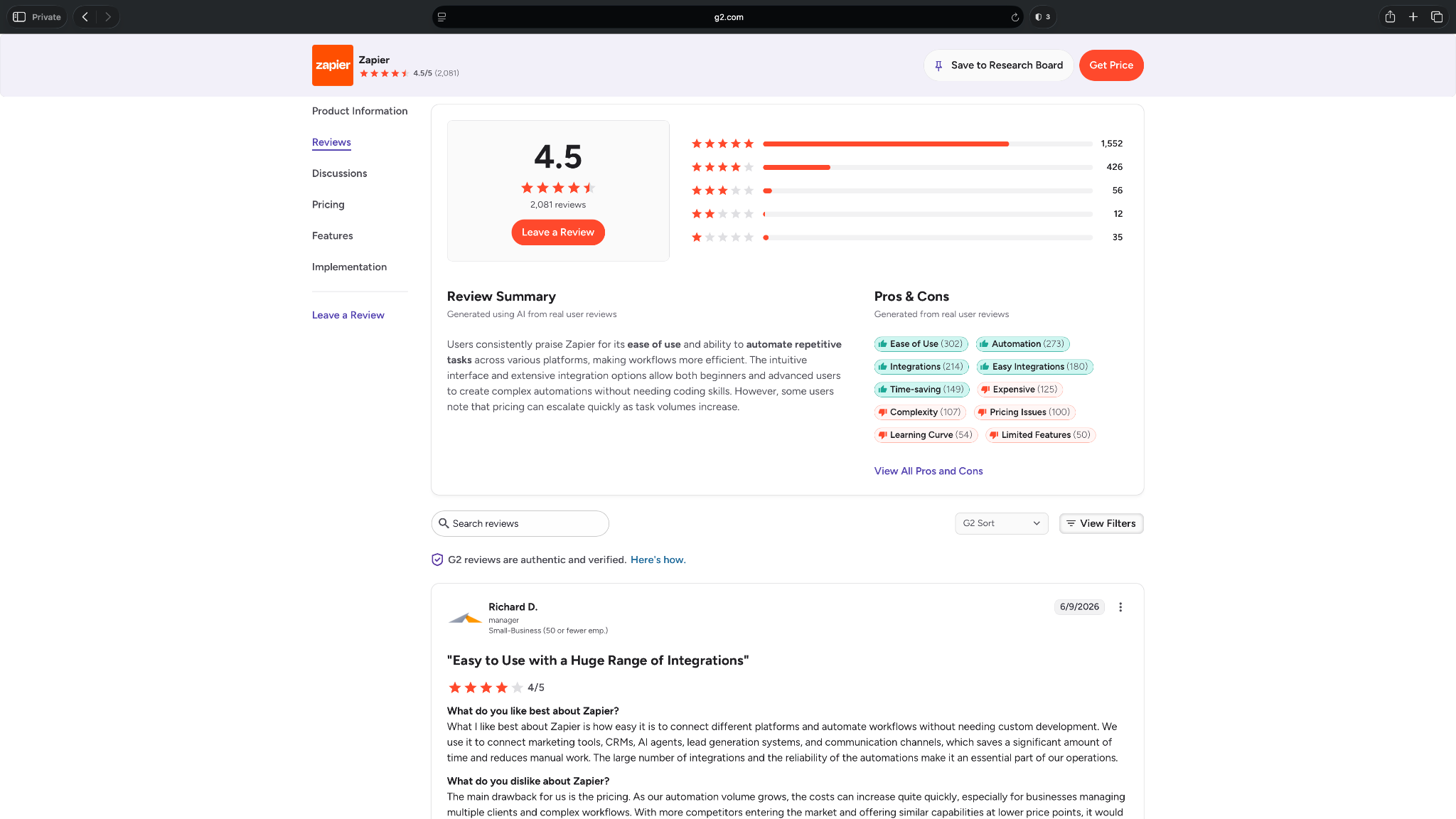
- “I use Zapier to integrate my forms, CRMs, spreadsheets, and notifications, and this has saved me from a ton of manual work every week.” — Abhishan M, G2
- “There are three primary issues with this tool: price, complexity, and lack of control.” — Mark D, G2
Pricing
- Free plan with 2-step Zaps
- Paid plans from $29.99/month, billed monthly
Bottom line
Zapier connects the tools your team already uses and handles repetitive handoffs between them. It’s a practical pick for reducing copy-paste admin across sales, marketing, ops, and support.
7. Calendly: Best for booking meetings without back-and-forth
What it does: Calendly lets people book meetings with you based on your availability.
Best for: VAs, consultants, sales teams, recruiters, coaches, and client-facing teams that spend too much time coordinating meeting times.
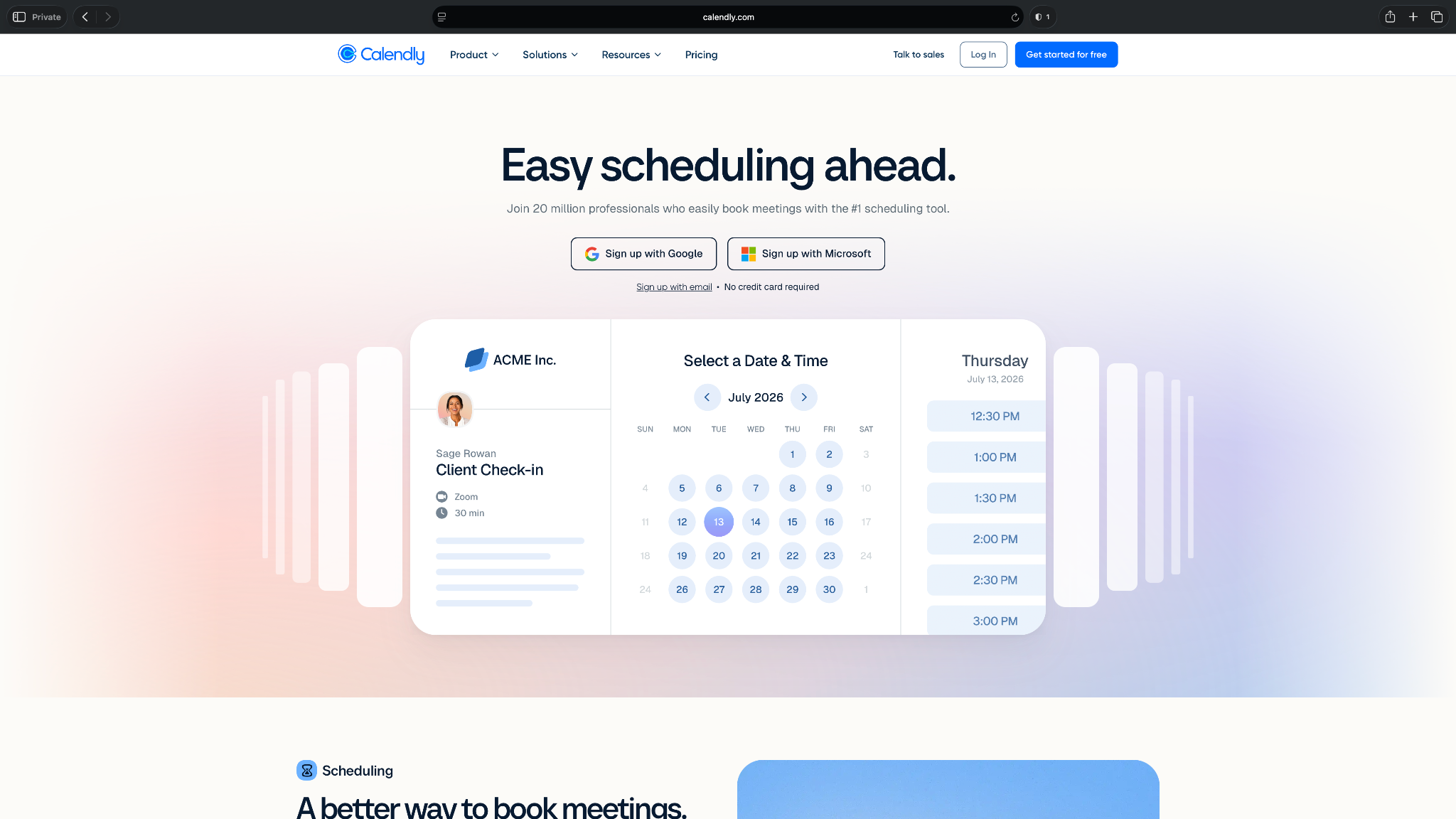
Calendly solves one of the most annoying admin problems of finding a time that works for everyone.
Instead of sending three “Does Tuesday at 2 work?” emails, you send one booking link. The other person picks a time, Calendly adds it to your calendar, and the meeting details go out automatically.
That makes it useful for human virtual assistants who manage discovery calls, client check-ins, interviews, onboarding calls, and internal meetings.
I used Calendly to create different event types, set availability rules, and add buffer time. It reduced the manual scheduling work that eats into the day. If scheduling causes constant friction, it does that one job well.
However, it won’t help you with tasks like managing your inbox, tracking tasks, or organizing client projects.
Key features
- Booking links: Calendly lets you share a link so people can book available times without email back-and-forth.
- Event types: You can create different meeting types for discovery calls, consultations, interviews, check-ins, and demos.
- Calendar connections: Calendly checks connected calendars for conflicts and adds booked meetings to your calendar.
- Video meeting support: Calendly can add video conferencing links from tools like Zoom, Google Meet, and Microsoft Teams.
- Automated reminders: Calendly can send confirmation and reminder messages to reduce no-shows.
- Team scheduling: Paid plans support group events, round-robin routing, and team scheduling options.
Pros
- Helps with scheduling client calls, interviews, demos, and consultations
- Easy for clients and prospects to use without training
- Suits VAs who manage calendars for multiple people
- Automated reminders help reduce missed meetings
- Free plan works well for simple one-on-one scheduling
Cons
- Too narrow if you need task management, inbox help, or broader admin support
- Free plan limits you to one event type and one connected calendar
What users say
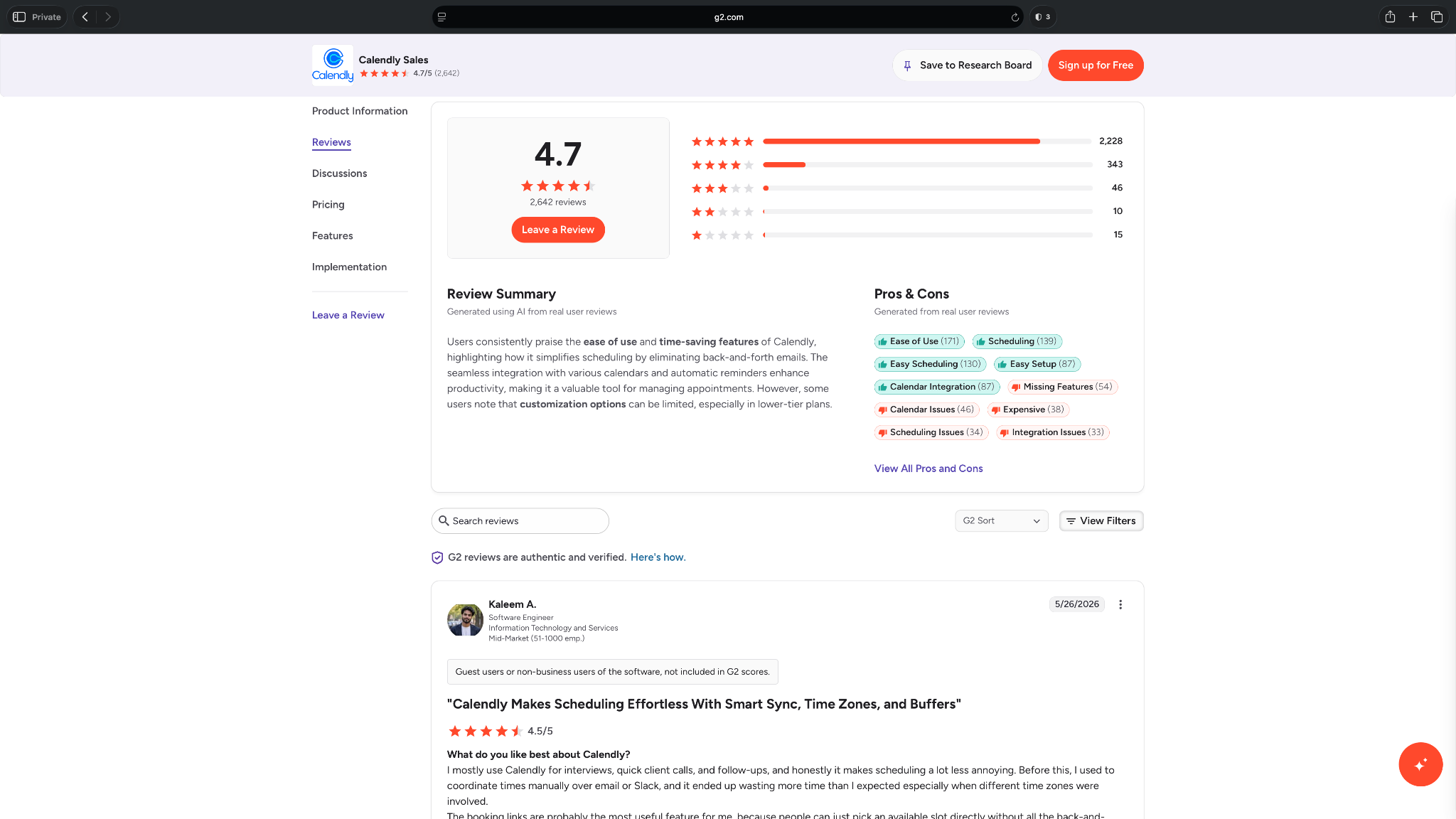
- “I love how it automates meeting schedules with interactive, quick, qualified questions, allowing me to eliminate prospects without an immediate need.” — Sasi B, G2
- “It feels restrictive that features like routing forms and team scheduling are locked behind higher-tier plans.” — Sabina K, G2
Pricing
- Free plan for personal use with one event type and one connected calendar
- Paid plans from $12/seat/month, billed monthly
Bottom line
Calendly removes the back-and-forth from meeting booking. It’s a simple, reliable tool for calls, interviews, demos, consultations, and client check-ins.
8. Slack: Best for team communication and assistant workflows
What it does: Slack helps teams communicate through channels, direct messages, huddles, app alerts, and internal workflows.
Best for: VAs, remote teams, agencies, support teams, and operators who need faster communication than email.
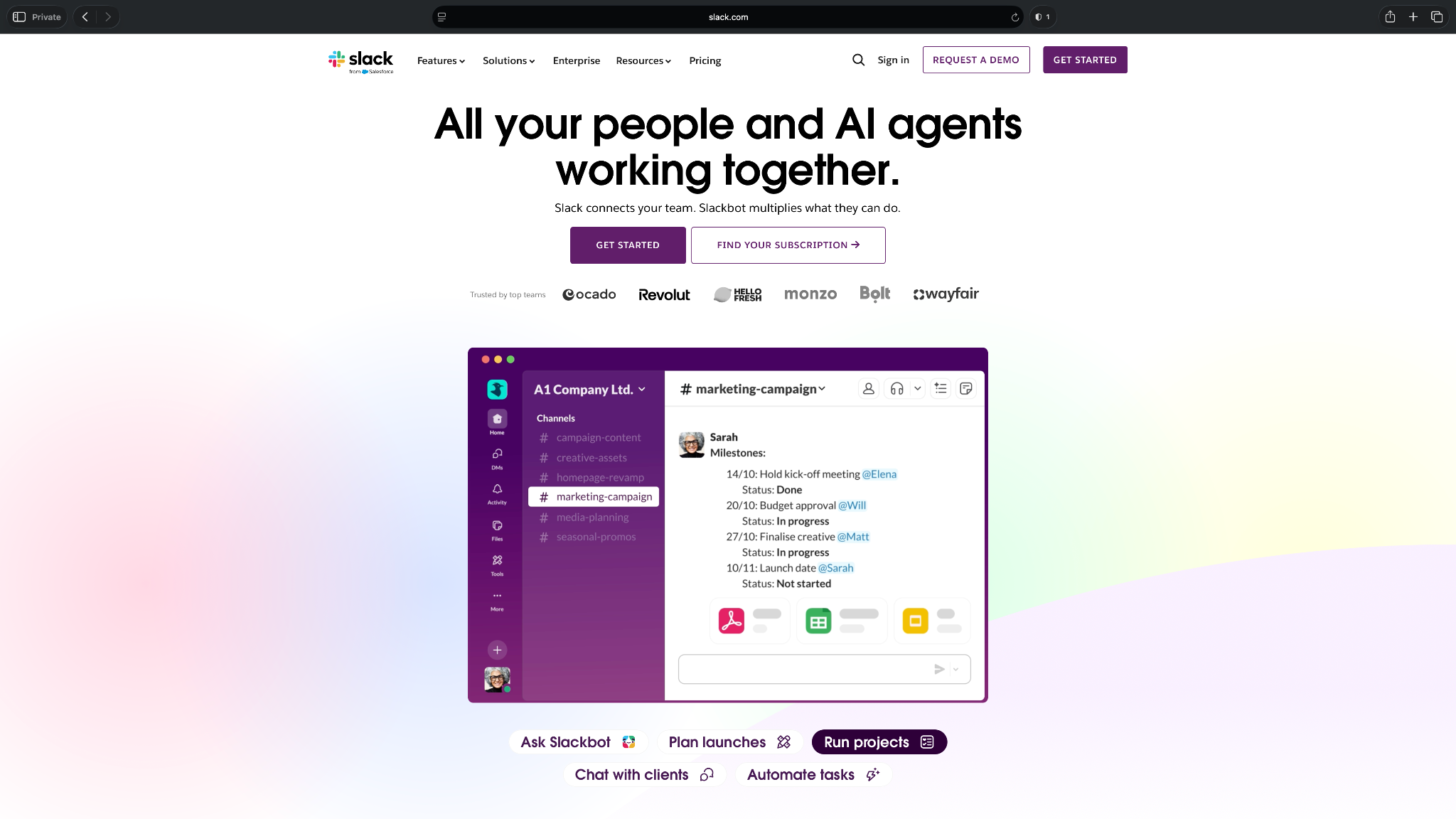
Slack works well as the communication layer for a virtual assistant setup.
A human VA can use Slack to manage client requests, ask quick questions, share updates, route approvals, and keep conversations organized by channel. Instead of digging through email threads, the VA can search past messages and follow project context in one place.
Slack also works well with the rest of your stack. You can connect tools like Google Drive, Zoom, Asana, Salesforce, and Zapier, then send updates into the right channels. That makes it useful for assistant workflows where someone needs to know when a lead arrives, a task changes, or a file gets uploaded.
The main risk is noise. Without clear channel rules, Slack can become another inbox. VAs and teams need naming conventions, notification habits, and response expectations so it supports the work instead of interrupting it.
Key features
- Channels: Slack lets teams organize conversations by client, project, function, or topic.
- Direct messages: VAs can ask quick questions or share updates without starting long email threads.
- Huddles: Teams can jump into quick audio or video conversations when text won’t solve the issue.
- App integrations: Slack connects with tools like Google Drive, Salesforce, Zoom, Asana, Jira, and Zapier.
- Workflow Builder: Teams can create simple workflows for requests, approvals, check-ins, and internal updates.
- Slack AI: Slack includes AI features for conversation summaries, recaps, file summaries, workflow generation, and search answers on paid plans.
Pros
- Strong fit for quick client and team communication
- Helpful for VAs who need context across projects and clients
- Large app ecosystem makes it useful as an alert hub
- Search helps teams find past decisions and project details
- Free plan gives small teams a useful way to start
Cons
- Can become noisy without channel and notification rules
- Not a replacement for task management or documentation
What users say
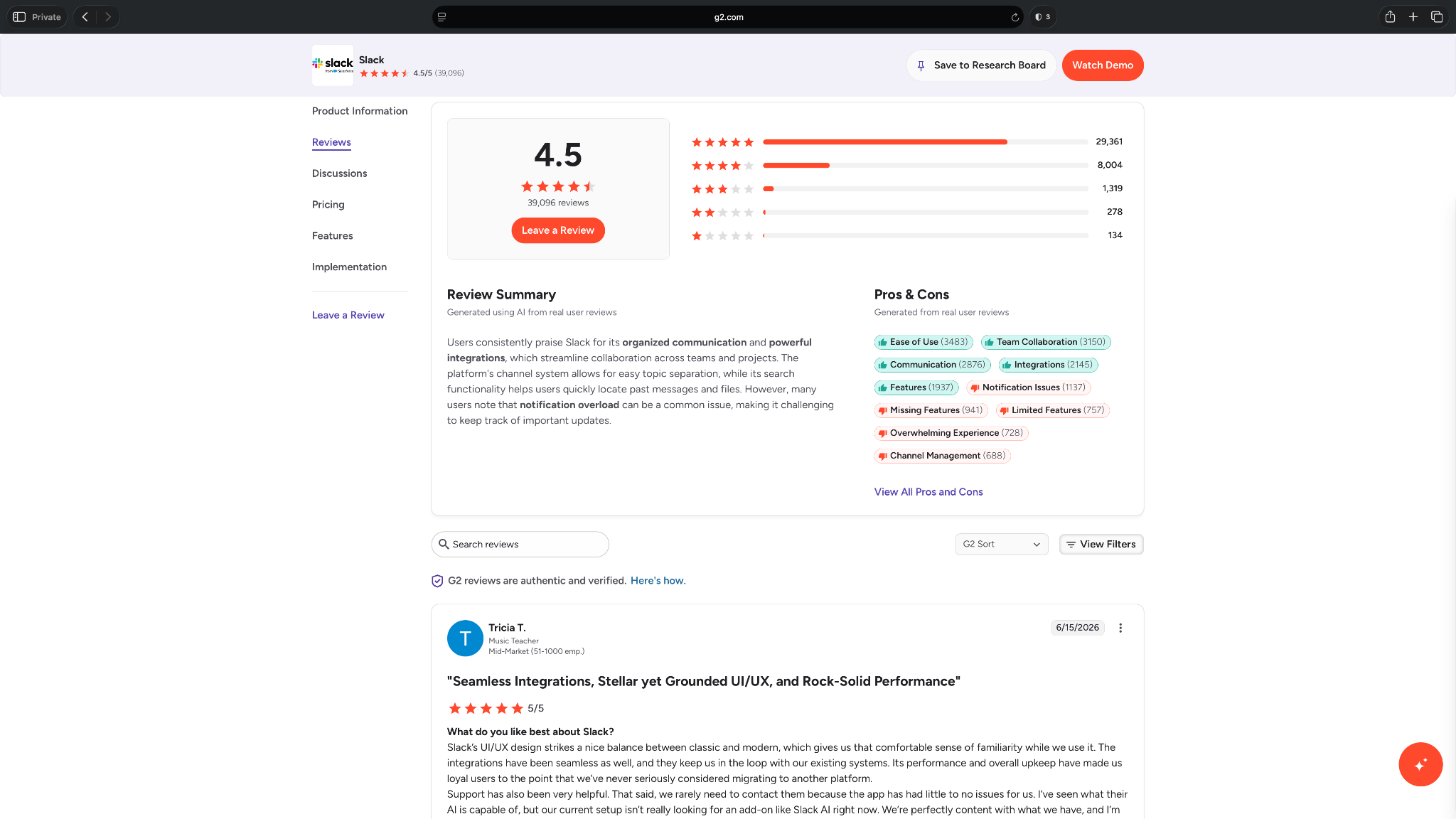
- “It makes it easy to have quick, instant conversations with my coworkers. I can also upload files and share photos and videos so everyone can see them.” — Jan F, G2
- “If channels are not organized well, the platform can become messy and harder to manage over time.” — Danielle P, G2
Pricing
- Free plan with 90 days of message history and up to 10 app integrations
- Paid plans from $8.75/user/month, billed monthly
Bottom line
Slack gives VAs and teams a faster way to manage requests, approvals, updates, and tool alerts. It works well as the communication hub for remote and client-facing work.
9. Google Workspace: Best for email, docs, and file collaboration
What it does: Google Workspace gives teams business email, calendars, shared files, documents, spreadsheets, video meetings, and admin controls in one suite.
Best for: Human VAs, founders, agencies, small teams, and client-facing businesses that need a shared workspace for everyday admin work.
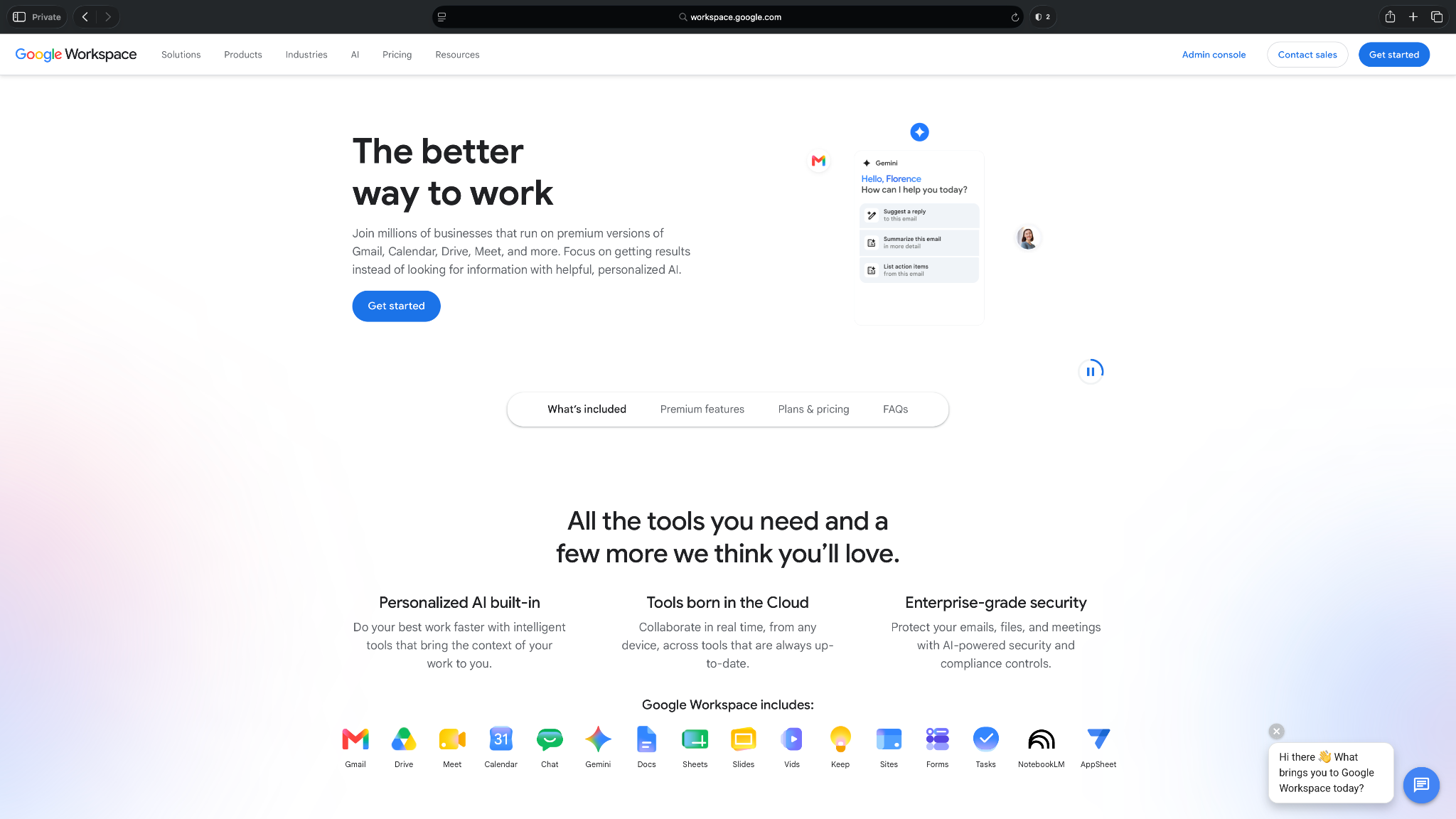
Google Workspace is one of those tools that doesn’t look like virtual assistant software at first. But in practice, it supports a huge part of VA work.
If your virtual assistant supports multiple clients, Google Workspace often becomes the place where most of the day-to-day work happens. Managing Gmail, organizing Google Drive folders, updating Sheets, editing Docs, booking meetings in Calendar, and jumping on calls through Meet, all these tasks need Google Workspace.
It also works well because most clients already know how to use it. You don’t need to train someone to open a Doc, comment on a proposal, or share a folder. That familiarity matters when a VA needs to move quickly.
The main drawback is that Google Workspace gives you the tools, not the assistant structure. You still need clear folders, naming rules, permissions, and processes. Without those, Drive can turn into a messy storage room with a search bar.
Key features
- Business Gmail: Teams can use custom business email addresses and manage inboxes under one domain.
- Google Calendar: VAs can schedule meetings, manage availability, and coordinate calls across teams.
- Docs, Sheets, and Slides: Teams can create, edit, comment on, and share documents, spreadsheets, and presentations.
- Google Drive: VAs can organize client files, control access, and manage shared folders.
- Google Meet: Teams can host video calls, client meetings, and internal check-ins.
- Gemini features: Google includes Gemini features in Workspace plans, with different AI capabilities depending on the plan.
Pros
- Ideal for tasks like email, calendars, docs, spreadsheets, and file sharing
- Familiar interface makes client collaboration easier
- Helpful for VAs who manage inboxes, calendars, and shared folders
- Works well with many other virtual assistant tools
- Business plans include admin and security controls
Cons
- Not a dedicated virtual assistant or task management tool
- Difficult to organize shared files without folders and permission rules
What users say
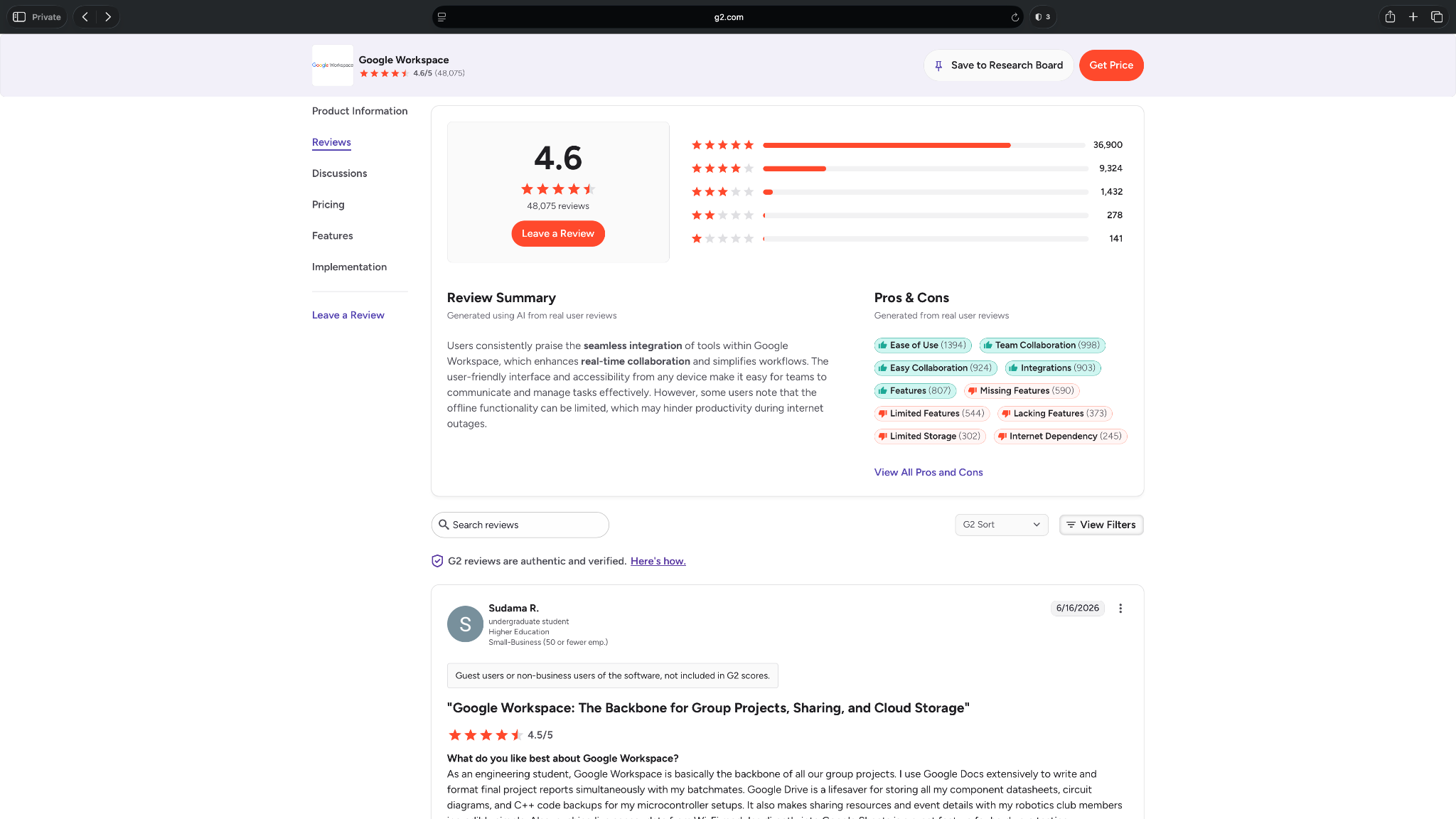
- “Gmail, Drive, Calendar, Docs, and Sheets are all connected, so it is much easier for people to access the information they need and work together even when they are not in the same place.” — Francesco P, G2
- “I use keywords and still cannot pull up what I need. I have to try to remember how to look certain items up because you cannot just put in words that are in the heading.” — Crystal L, G2
Pricing
- No free business plan, only a 14-day free trial
- Paid plans from $8.40/user/month, billed monthly
Bottom line
Google Workspace gives VAs the everyday admin tools most teams already rely on, like email, calendar, docs, spreadsheets, meetings, and shared files.
10. 1Password: Best for secure password sharing
What it does: 1Password helps teams store, manage, and share passwords, passkeys, secure notes, and sensitive account details.
Best for: Agencies and teams that need to give virtual assistants access to accounts without sharing passwords in Slack, email, or spreadsheets.
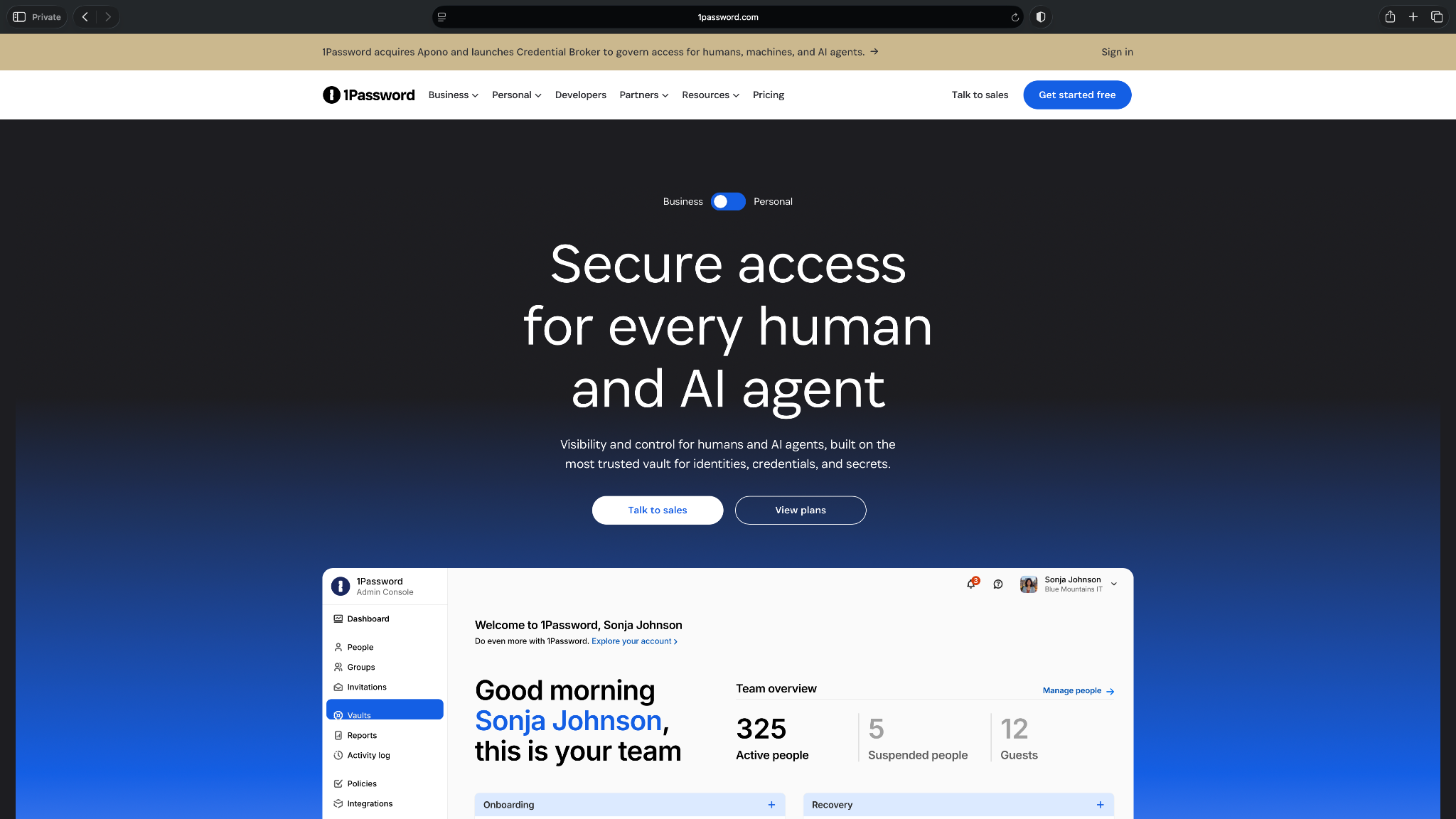
1Password solves a boring but serious virtual assistant problem of account access.
If a VA needs to log in to your CRM, email tool, social media scheduler, invoicing app, or file storage system, you need a safe way to share access. Sending passwords over chat might feel quick, but it creates risk fast.
I’ve lost track of who has access to what, with old credentials hanging around. Revoking access becomes messy. That’s where this tool helps.
1Password gives teams shared vaults, permissions, and admin controls, so assistants can access what they need without seeing or storing passwords in unsafe places. That matters even more for agencies and VAs who support several clients at once.
It won’t help with scheduling, tasks, or admin execution. But if a human assistant touches client accounts, 1Password belongs in the stack.
Key features
- Shared vaults: Teams can create vaults for clients, departments, or projects and control who can access each one.
- Password and passkey storage: 1Password stores logins, passkeys, payment details, secure notes, documents, and other sensitive information.
- Access controls: Admins can invite users, remove users, manage permissions, and limit access by role.
- Password generator: 1Password creates strong passwords so teams don’t reuse weak ones across accounts.
- Watchtower: 1Password flags weak, reused, or exposed passwords so teams can fix risky logins.
- Device and browser support: 1Password works across desktop, mobile, and browser extensions.
Pros
- Strong fit for secure password sharing with human VAs
- Helpful for agencies and teams that manage access across multiple clients
- Shared vaults make account access easier to organize
- Admin controls help teams add and remove users safely
- Works across devices and browsers, which helps VAs move quickly
Cons
- Doesn’t help with task management, scheduling, or admin work
- No free plan, so every team needs a paid subscription
What users say
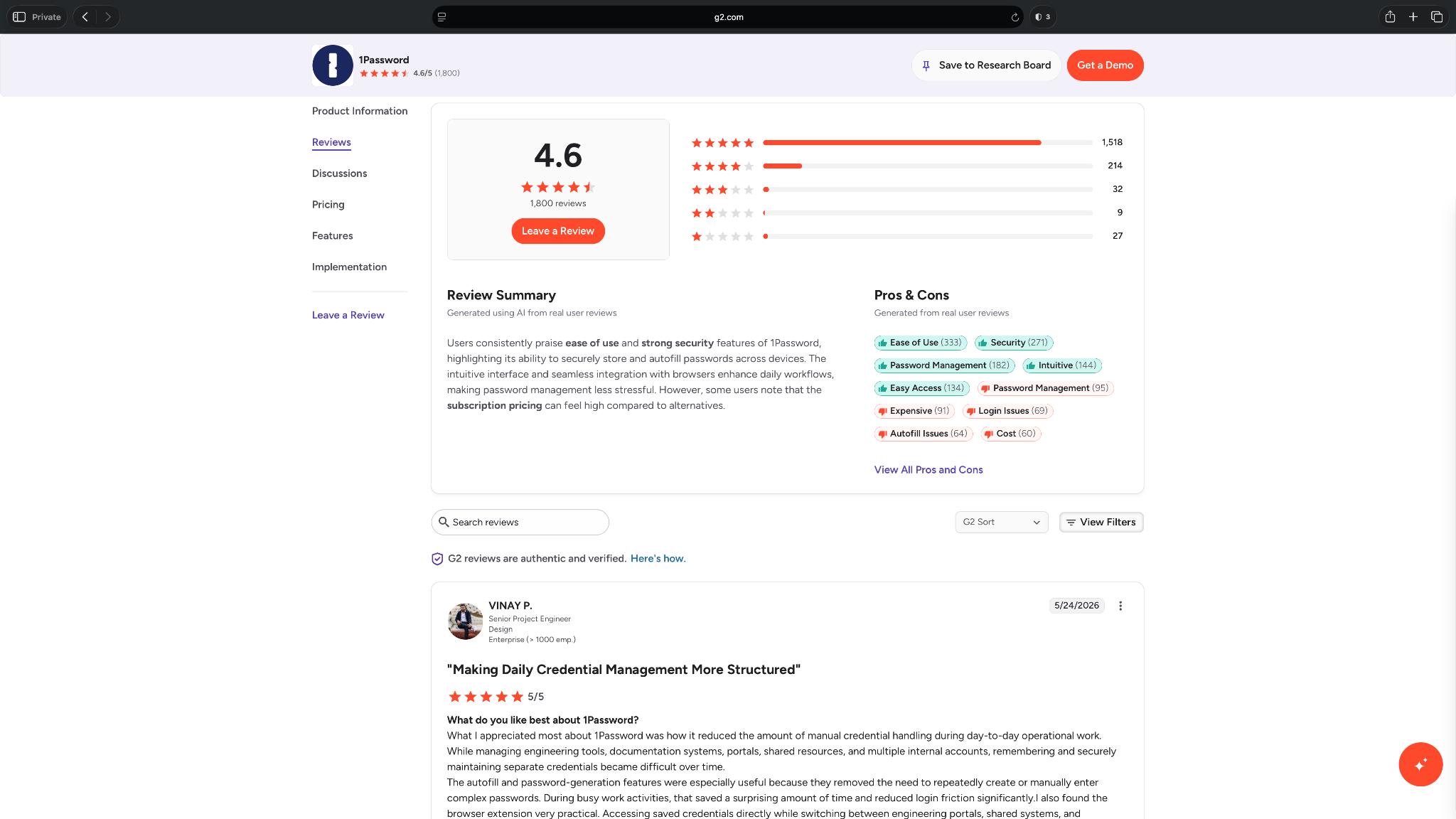
- “The browser extension is incredibly intuitive, allowing me to switch between personal vaults and client-specific credentials without missing a beat.” — Christina M, G2
- “It can feel a bit overbuilt at times, especially if you just want something simple. The pricing isn’t the cheapest, and if you’re not deep into its features, it can feel like you’re paying for more than you actually use.” — Andres S, G2
Pricing
- No free plan, only a 14-day free trial
- Paid plans for Password Manager from $4.99/month, billed monthly
- For Extended Access Management, you need to request a quote
Bottom line
1Password helps teams share account access without passing passwords through unsafe channels. It’s a must-have when human VAs work across client or company tools.
11. Toggl Track: Best for time tracking and billable hours
What it does: Toggl Track helps individuals and teams track time, review productivity, and report billable hours.
Best for: Human virtual assistants, freelancers, agencies, consultants, and client-facing teams that bill by the hour or need clearer time reports.
Toggl Track is useful because time tracking gets messy fast when a VA manages multiple clients.
Without a clean tracker, small blocks of work become hard to bill, explain, or improve. For example, billing your virtual assistant for fragmented tasks can be challenging, like answering emails (20 minutes), updating a content calendar (45 minutes), and preparing a report (30 minutes).
Toggl Track keeps that work organized. You can start a timer, assign work to a project, add tags, mark time as billable, and turn the data into reports. That helps VAs show clients where time went and helps agencies understand which tasks take longer than expected.
It also works well for teams that want visibility without consistent monitoring. Toggl Track focuses on clear time entries and reports, not invasive employee surveillance.
Key features
- Time tracking: Toggl Track lets users track time on web, desktop, mobile, and browser extensions.
- Manual time entries: VAs can add time after the fact when they forget to start a timer.
- Projects and clients: You can organize tracked time by client, project, task, and tag.
- Reports: Toggl Track creates reports that help with client updates, billing, workload reviews, and project planning.
- Billable rates: Paid plans let teams add billable rates and track revenue more clearly.
- Calendar integrations: Toggl Track connects with Google Calendar and Outlook Calendar, so users can turn calendar events into time entries.
Pros
- Helpful for VAs, freelancers, and agencies that bill by time
- Simple timer makes daily time tracking easier to stick with
- Reports help explain client work without building spreadsheets manually
- Project and client tracking keeps multiple accounts organized
- Free plan works well for individuals and small teams
Cons
- Not useful if you don’t bill by time or track internal capacity
- Requires consistent use, or reports lose accuracy
What users say
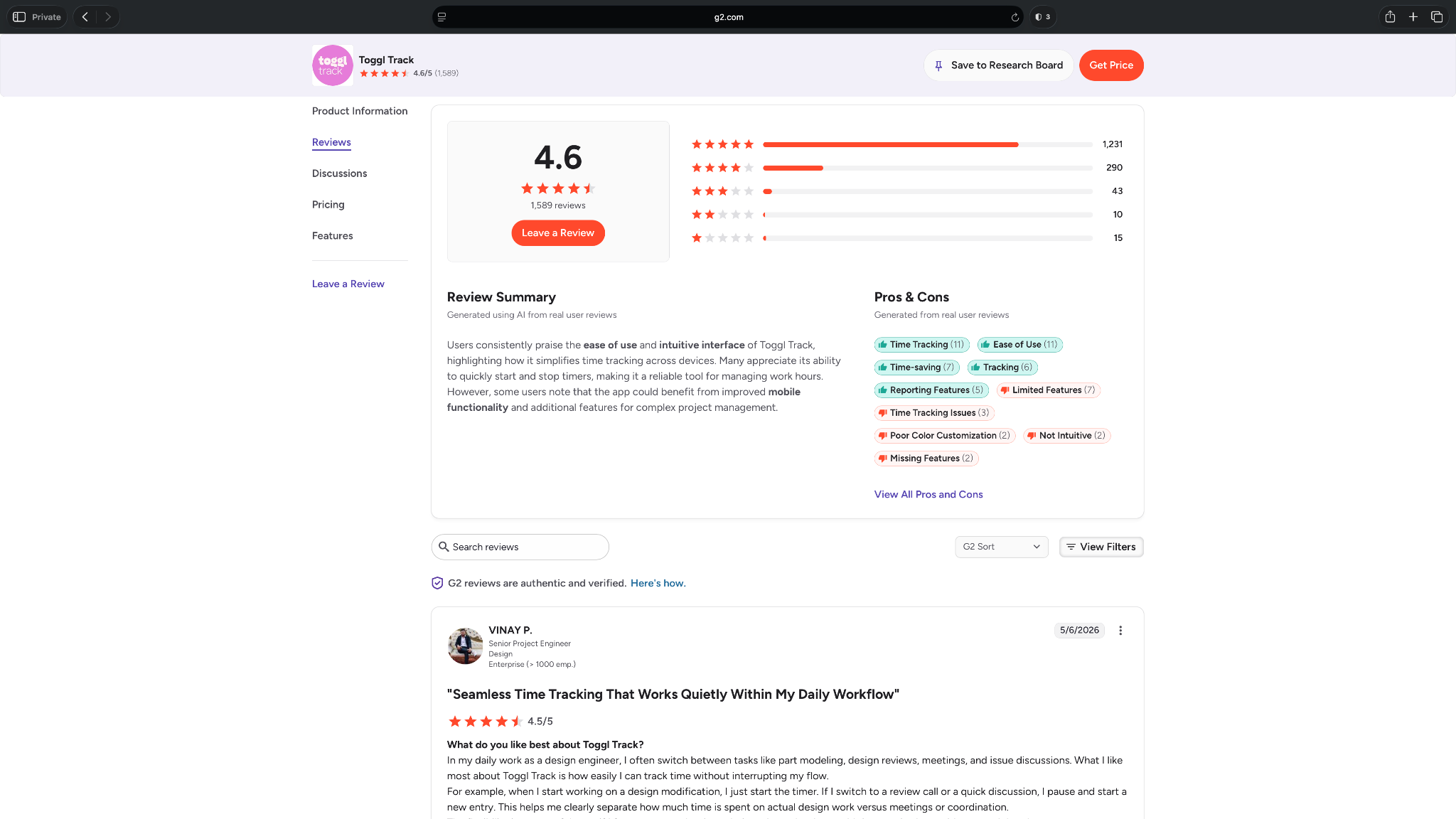
- “Toggl Track gives me an overview of all the hours I've worked in different areas. It has been very helpful in seeing how much time I am spending, especially in meetings.” — Loni S, G2
- “It lacks some more advanced features you’ll likely need as your business grows, such as built-in invoicing and more in-depth reporting. Once your workflow becomes more complex, this tool can start to feel a bit too simple.” — Mariana V, G2
Pricing
- Free plan for a limited number of users
- Paid plans from $10/user/month, billed monthly
Bottom line
Toggl Track gives VAs, freelancers, and agencies a clean way to track time, report work, and support billable-hour conversations with clients.
AI virtual assistant software vs traditional VA tools
AI virtual assistant software works best when the task has a clear pattern, while traditional VA tools suit teams where a person still owns the task. Both can save time, but they solve different problems. Here’s how they differ:
| Category | AI virtual assistant software | Traditional VA tools |
|---|---|---|
| Purpose | Complete parts of the work | Help people manage work |
| Best for | Founders, operators, busy teams | Human VAs, agencies, client teams |
| Common tasks | Scheduling, inbox help, reminders, admin requests | Tasks, docs, time, passwords, files |
| Examples | Lindy, Motion, Reclaim.ai, Zapier | ClickUp, Toggl Track, 1Password, Google Workspace |
| Setup style | Ask, text, or set instructions | Create boards, docs, folders, and rules |
| Limitation | Needs clear context and oversight | Still needs a person to do the work |
Traditional VA tools work best when a human assistant still owns the work.
A human VA might use one tool to manage client tasks, another to track billable hours, and a third one to access accounts safely. The software creates structure around the work, but the VA still makes decisions, communicates with clients, and handles the follow-through.
AI virtual assistant software works better when the task follows a clear pattern.
For example, you might ask an AI assistant to check what’s on your calendar, draft a follow-up from meeting notes, or surface an important customer update. The software does part of the work directly, but it still needs clear instructions, connected apps, and the right context.
I’d suggest following these two principles:
- Use traditional VA tools when you want to support a human assistant.
- Use AI virtual assistant software when you want the software to handle part of the admin work directly.
Tips for choosing the best virtual assistant software
Whether you have a human virtual assistant and need a tool to support the operation, or want to pick an AI virtual assistant, knowing a few tips can help you choose the right tool. Here’s a checklist you can use:
- Decide if you need organization or execution: Use tools like ClickUp, Notion, Google Workspace, and Toggl Track if a human VA still owns the work. Use tools like Lindy, Motion, Reclaim.ai, and Zapier if you want software to help complete parts of the work.
- Check integrations before features: Make sure the tool connects with your current stack, such as Gmail, Outlook, Google Calendar, Slack, Microsoft Teams, HubSpot, Salesforce, Notion, ClickUp, Zoom, or Google Meet.
- Look for permission and approval controls: This matters if your VA or AI assistant touches passwords, inboxes, client records, invoices, contracts, or customer messages. You should be able to control access, remove permissions, and review sensitive actions.
- Compare cost against hours saved: A free tool isn’t useful if it adds more admin. A paid tool makes sense when it saves more time, reduces mistakes, or helps your VA handle more work with less back-and-forth.
{{cta}}
Do you need one virtual assistant platform or a stack of tools?
Depending on your team and the work you do, you either need a single AI assistant that can help across the workday or a stack of specialized tools that can help a human VA work faster. Let me break it down for you:
Choose one platform if you want fewer handoffs
A single assistant-style tool makes sense when you want to reduce tool-switching.
For example, Lindy fits well if you want to text an AI assistant for help with your inbox, calendar, meeting prep, follow-ups, and daily admin. Instead of opening several apps to find one answer, you can ask Lindy and keep moving.
The setup works best when you:
- Want one assistant to help across multiple parts of your day
- Don’t want to manage a large tool stack
- Need quick answers from your calendar, inbox, or connected apps
- Want help with routine admin without hiring another person
- Prefer plain-English requests over dashboards and settings
However, you still need clear instructions. An AI assistant works better when your inbox, calendar, and tools have enough context to guide the task.
Choose a stack if you already have a human VA
A tool stack makes more sense when a human assistant still owns the work. For example, your VA might use ClickUp to manage tasks, Google Workspace to handle docs and calendars, 1Password to access accounts, Slack to communicate, Calendly to book meetings, and Toggl Track to log billable hours.
This option works best when:
- Your VA already manages client work
- You need specialized tools for different tasks
- You want more control over each part of the process
- You work with clients who already use specific apps
- You want to start with free or lower-cost tools
You’ll have to manage too many tools, though. A stack gives you flexibility, but it also creates more places for information to live.
Most teams end up somewhere in the middle. They use a few core tools for human assistant work, then add an AI assistant where manual admin still slows them down.
Which virtual assistant software should you choose?
You should choose virtual assistant software based on the kind of work you want to fix first. A tool like Lindy may be too much if you only need a booking link or a timer. Use the scenarios below to decide the best fit:
Choose Lindy if:
- You want to text an AI assistant to check your inbox, review meetings, manage follow-ups, and handle routine work across your tools.
- You use multiple apps in a day and lose time jumping between email, calendar, Slack, and your CRM.
- You want help getting tasks done, not only a place to store tasks.
Choose ClickUp if:
- You work with a human VA who manages multiple clients, projects, deadlines, or internal requests.
- You need one place to assign tasks, track progress, store project details, and keep everyone aligned.
- You want a flexible project management tool that can support admin work, content workflows, onboarding, and operations.
Choose Motion if:
- You want AI to plan your day around meetings, tasks, deadlines, and available work hours.
- Your to-do list changes often, and you need your calendar to adjust when priorities shift.
- You care more about daily planning than shared client workspaces or detailed SOPs.
Choose Reclaim.ai if:
- You want to protect focus time, recurring habits, breaks, and task blocks on your calendar.
- Meetings keep crowding out the work you planned to finish.
- You need smart calendar support, but you don’t need a full task or project management tool.
Choose Notion if:
- You want one place for SOPs, meeting notes, client instructions, wikis, and reusable templates.
- Your VA needs better context before doing recurring work.
- You care more about documentation and knowledge management than time tracking or scheduling.
Choose Zapier if:
- You spend too much time copying information between apps.
- You want simple handoffs to run in the background, such as form submissions going to a CRM or meeting bookings creating tasks.
- You already use several tools and need them to talk to each other.
Choose Calendly if:
- Your biggest admin problem is booking meetings.
- You want clients, prospects, or candidates to pick a time without long email threads.
- You need a simple scheduling tool, not a full virtual assistant workspace.
Choose Slack if:
- Your team or VA loses context across email, texts, and scattered chats.
- You want one place for quick updates, approvals, project channels, and tool alerts.
- You already use several apps and want notifications to land somewhere your team checks often.
Choose Google Workspace if:
- You need the core admin suite for email, calendars, docs, spreadsheets, video calls, and shared files.
- Your VA manages client communication, shared folders, meeting invites, or document updates.
- You want tools that most clients already understand.
Choose 1Password if:
- Your VA needs access to company or client accounts.
- You want to stop sharing passwords through Slack, email, spreadsheets, or screenshots.
- You need shared vaults, access controls, and a cleaner way to remove access later.
Choose Toggl Track if:
- You bill by the hour or need clearer reports on where time goes.
- Your VA works across multiple clients and needs to track time by project or task.
- You want simple time tracking without employee surveillance or a heavy project management setup.
My final verdict
If I had to pick one tool for most people reading this, I’d choose Lindy.
Lindy makes the most sense if you want to reduce the amount of admin work your VA handles or avoid building a large tool stack in the first place.
A human VA still needs tools for tasks, passwords, time tracking, docs, and communication. Lindy takes a different route. You can ask Lindy to handle parts of that daily work directly, like preparing for meetings, drafting follow-ups, checking your calendar, and keeping track of important updates across your apps.
Lindy can eliminate the need for extra tools or help your VA spend less time chasing updates. That said, it won’t be the best fit for every use case.
If you already work with a human VA and need better task visibility, ClickUp is the better starting point. If you mostly need to track billable hours, Toggl Track makes more sense. If you need safe account access, start with 1Password. And if scheduling is the only problem, Calendly or Reclaim.ai may be enough.
Personally, I prefer tools that reduce manual work instead of creating another place to check. I’d rather text an assistant to find what matters, summarize updates, and help me move work forward than keep bouncing between email, calendar, Slack, and project boards all day.
For human VAs, a small stack of tools will still work best. For founders and teams that want more work handled through simple requests, Lindy is the stronger long-term choice.
Try the Lindy free trial and see how much daily admin it can take off your plate.
Frequently asked questions
What is the best virtual assistant software?
The best virtual assistant software in 2026 depends on your use case, with Lindy leading the list if you want to text an AI assistant to handle inbox, calendar, meeting, and follow-up tasks. ClickUp works better for project management. Toggl Track fits time tracking. 1Password helps with secure account access.
What does virtual assistant software do?
Virtual assistant software helps with admin, communication, scheduling, documentation, task tracking, password sharing, time tracking, and workflow support. Some tools help human VAs work faster, while others act like AI assistants and handle parts of the work directly.
Is virtual assistant software the same as a human virtual assistant?
No, virtual assistant software is not the same as a human virtual assistant. A human VA uses judgment, context, and client knowledge to complete work. Virtual assistant software supports that work or automates parts of it, such as scheduling, reminders, task updates, time tracking, and inbox help.
Can AI virtual assistants replace human virtual assistants?
No, AI virtual assistants cannot fully replace human virtual assistants. They can only take over the repetitive admin tasks. AI virtual assistants work best for structured work like scheduling, meeting prep, inbox summaries, follow-ups, reminders, and moving information between apps.
Human VAs still handle judgment-heavy work, client relationships, and tasks that need personal context.
What features should I look for in virtual assistant software?
Look for features that match the work you want to improve. For human VAs, that might include task management, time tracking, secure password sharing, file storage, and client communication. For AI assistants, look for inbox access, calendar support, plain-English requests, app integrations, proactive updates, and approval controls.
What is the best free virtual assistant software?
ClickUp, Notion, Calendly, Slack, and Toggl Track are the best free virtual assistant software. ClickUp works well for task management, Notion for notes and SOPs, Calendly for simple scheduling, Slack for team communication, and Toggl Track for time tracking.
Lindy also offers a free trial if you want to test an AI assistant before paying.
How much does virtual assistant software cost?
Virtual assistant software can cost $5/month to $50/month, depending on the tool you choose. Simple tools like time trackers and schedulers often cost less. AI assistants, project management suites, and business workspaces cost more.
Most tools offer a free plan or a trial so you can test them in your workflows.
Do I need virtual assistant software if I already have a VA?
Yes, you still need virtual assistant software if you already have a VA. A human VA needs tools to manage tasks, access accounts safely, track time, share files, and communicate with your team. Good software helps your VA spend less time chasing context and more time doing useful work.
Should I choose one virtual assistant tool or multiple tools?
Choose one tool if a single assistant-style platform meets your main needs. Choose multiple tools if a human VA manages different parts of the work, such as tasks, passwords, files, time, and communication. Most teams use a small stack instead of trying to force one app to do everything.









