


The 9 Best AI Virtual Assistants in 2026: Tested + Reviewed


I tested more than a dozen AI assistants across business workflows like scheduling, email handling, reporting, and automation to find the best AI virtual assistants worth using in 2026. These are the top 9, along with detailed reviews and pricing.
Top 9 AI virtual assistants: TL;DR
These tools help different teams and users save time and effort on tedious, time-consuming tasks. Here’s how they compare side-by-side:
Now, let’s explore them in detail and see how I tested them.
1. Lindy: Best for no-code workflow automation across apps
What it does: Lindy lets you create AI assistants that can automate everyday work across email, calendars, CRMs, and internal tools.
Who it’s for: Founders, operators, and lean teams that want reliable automation without hiring more staff or learning to code.
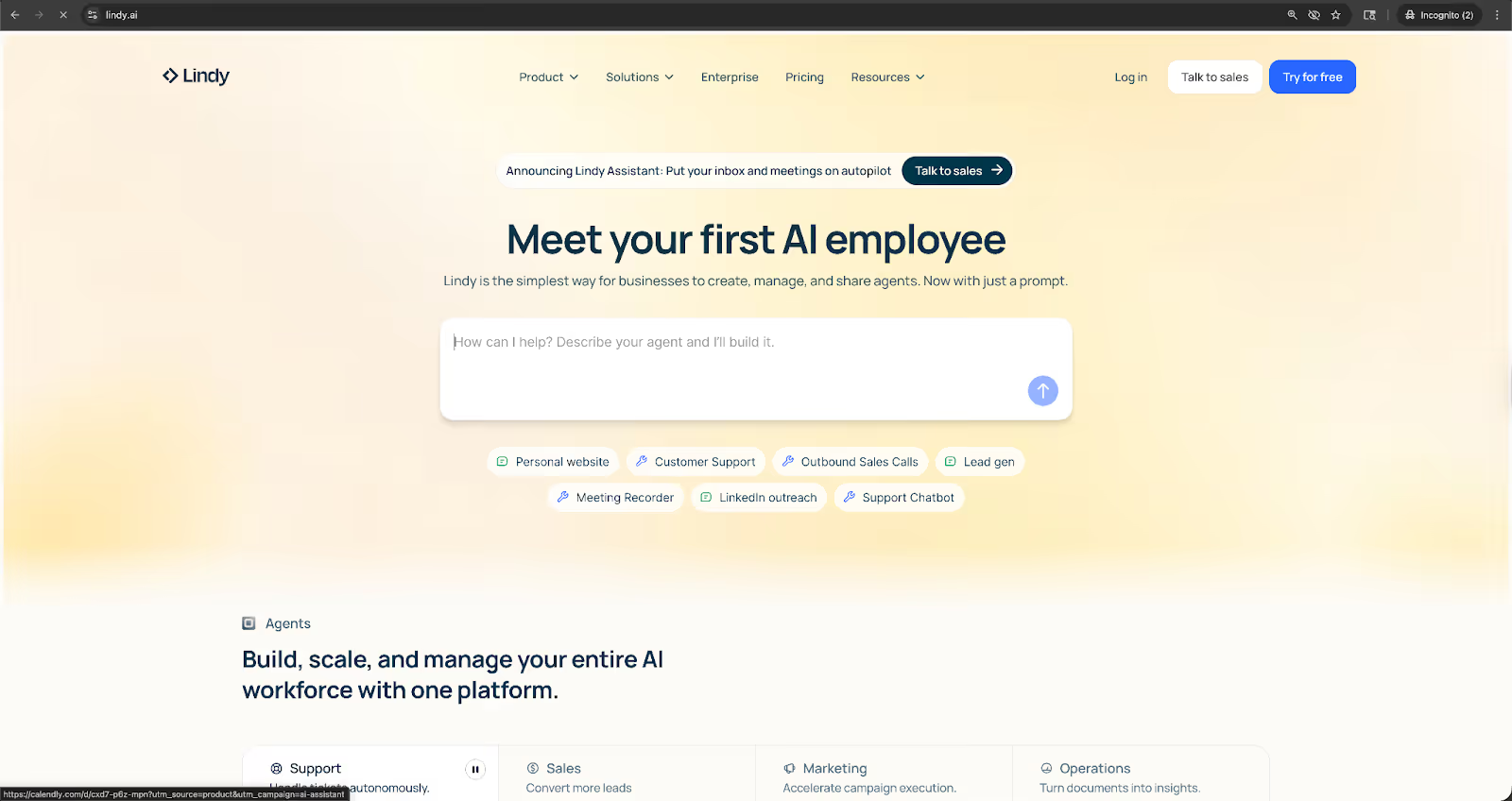
You can set up Lindy, connect it with your apps, and automate tasks without writing code. It works well for teams that rely on tools like Google Workspace, Slack, HubSpot, and Salesforce, by connecting with them without extra setup.
Lindy handles tasks you would usually give to a real-life human assistant. I tested it across scheduling, inbox routing, lead intake, and customer support workflows.
I also tested complex tasks where Lindy handles multiple steps simultaneously. It reviewed incoming emails, drafted replies, and updated CRM records all at once. This helped me reduce manual review time and felt like having a small operations team running in the background.
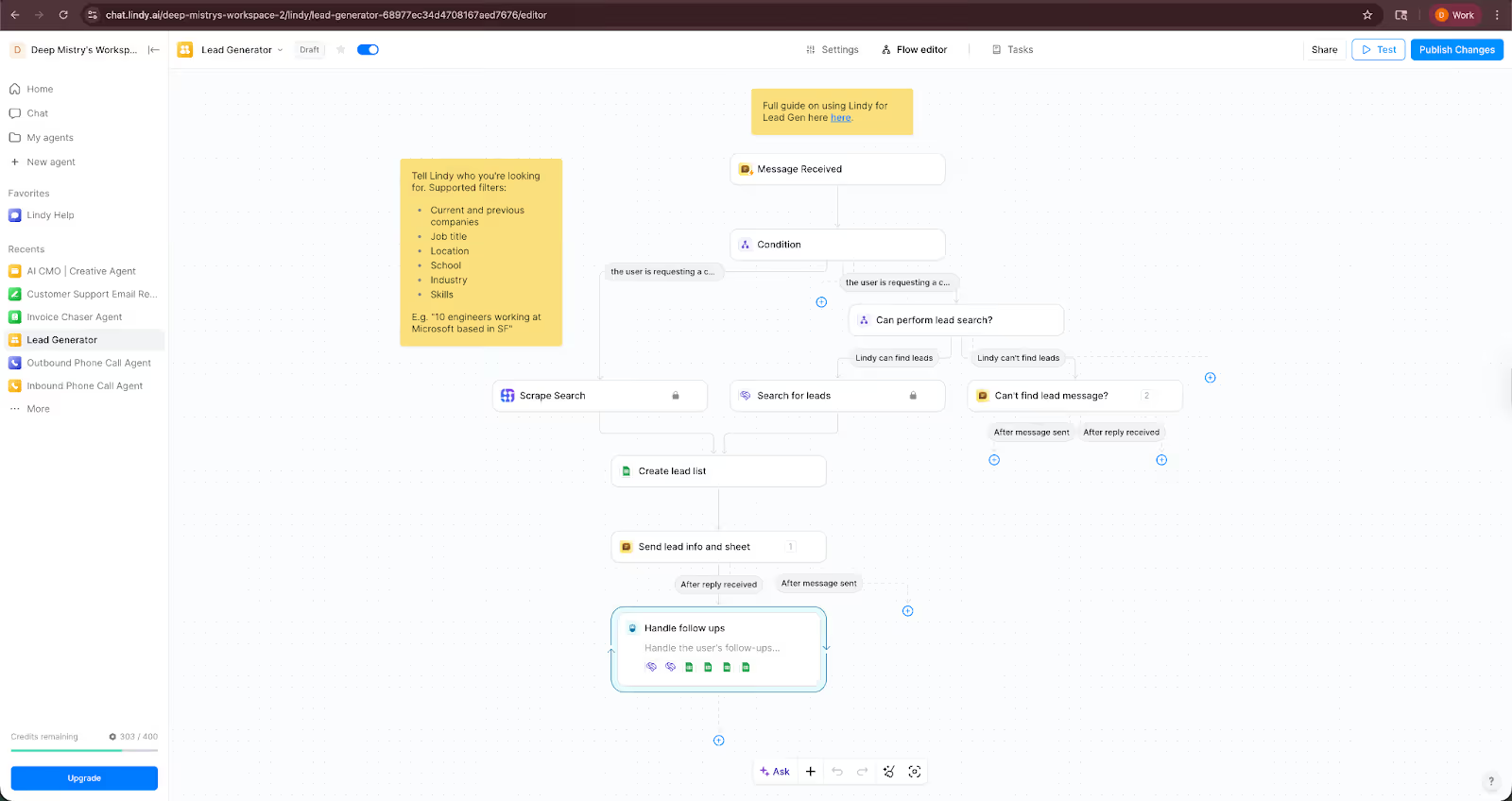
Lindy’s visual workflow builder lets you adjust the flow or tweak how an assistant makes decisions. And for all your workflows, you get clear logs of the actions.
Teams that rely on inbound or outbound calls can also offload phone and SMS tasks to Lindy, including appointment booking, lead follow-ups, and basic support requests.
Key features
- Visual builder for custom workflows that link email, calendars, CRMs, and internal systems
- Collaboration among AI assistants for tasks that need parallel work
- Phone and SMS assistants for reception, scheduling, and follow-ups
- 4,000+ integrations through native connectors and APIs
- SOC 2 and HIPAA compliance for teams that handle sensitive data
Pros
- Easy setup and interface that suits non-technical users
- Ready-to-use and customizable templates for common tasks
- Human-in-the-loop control for edge cases and oversight
- Flexibility to switch between different AI models
Cons
- Requires clear scoping to avoid inefficient workflows
- Slight learning curve to create complex workflows
Pricing
- Free plan with up to 40 tasks/month
- Paid plans from $49.99/month, billed monthly
Bottom line
Lindy suits teams that want dependable automation without technical overhead. It handles everyday work at a level that feels helpful for real business operations, not just simple tasks.
{{templates}}
2. Microsoft Copilot: Best for boosting productivity within the Microsoft 365 suite
What it does: Microsoft Copilot brings AI into Word, Excel, Outlook, PowerPoint, and Teams to help you write, analyze, summarize, and complete routine work faster.
Who it’s for: Teams already working inside Microsoft 365 that want AI support without changing their daily tools or workflows.
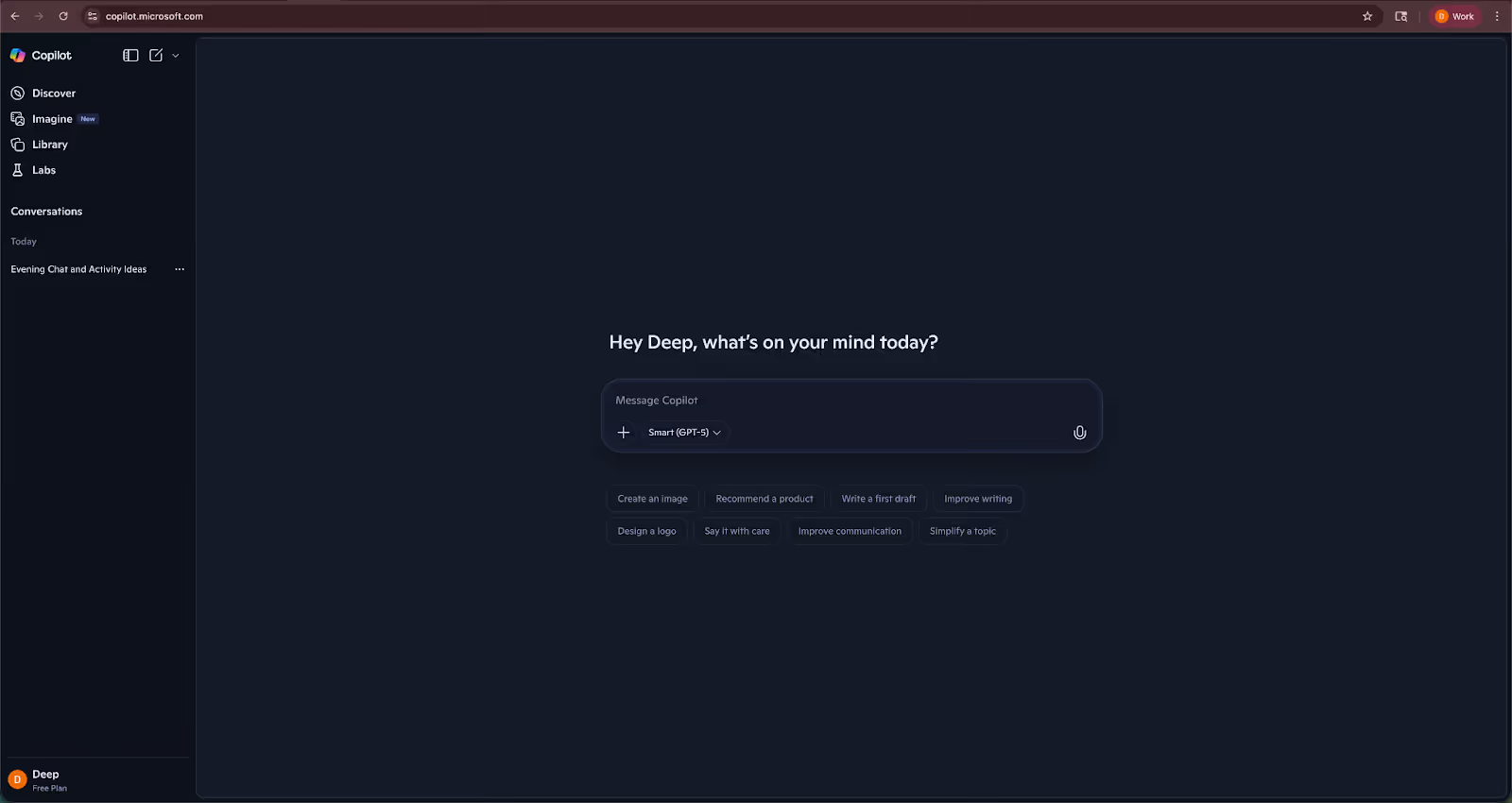
I tested Copilot inside the Microsoft 365 apps I use most. It works well because it pulls context directly from files, emails, chats, and calendars.
In Word, it drafted outlines and rewrote long sections with better structure. In Excel, it interpreted datasets, built formulas, and generated charts without complex setup. In Outlook, it handled email summaries and quick drafts that matched my writing tone.
Copilot also created meeting summaries, action items, and follow-up lists in seconds. These summaries felt more accurate than third-party tools because they had access to call transcripts and chats inside the same environment.
However, Copilot’s advanced integrations for meeting summaries and fetching action items from transcripts and chats are only available in Teams with Copilot for Microsoft 365. These features aren’t standard across all tiers and environments.
I also tested Copilot Studio, which lets you build task-oriented agents. You can create an agent that updates spreadsheets, drafts reports, or routes approvals based on your workflow. This helps teams automate internal processes without learning new software.
It also aligns with Microsoft’s security and compliance setup, which matters for companies in regulated spaces.
Copilot Chat gives you a general assistant that understands your organization’s documents. It answered questions about past projects, pulled details from stored files, and summarized long PDFs. This worked best when the content already lived inside OneDrive or SharePoint.
Key features
- AI writing tools inside Word and Outlook
- Data analysis and chart creation in Excel
- Meeting summaries and action items in Teams
- Copilot Studio for building custom agents
- Secure chat that uses your organization’s context
Pros
- Strong productivity gains for teams already inside Microsoft 365
- Accurate output because it uses your work data
- Custom agents through Copilot Studio
Cons
- Requires a Microsoft 365 subscription and add-on pricing
- Limited value if your team uses mixed tools outside Microsoft
Pricing
- Free plan with limited use
- Paid plans from $9.99/month, billed monthly
Bottom line
Microsoft Copilot is the best choice for companies built around Microsoft 365. It saves time across writing, analysis, emails, and meetings without disrupting existing workflows.
3. ChatGPT: Best for conversational AI and creative text generation
What it does: ChatGPT helps with writing, coding, research, and analysis across many types of work.
Who it’s for: Professionals who want a flexible assistant that adapts to different tasks, from drafting content to solving technical problems.
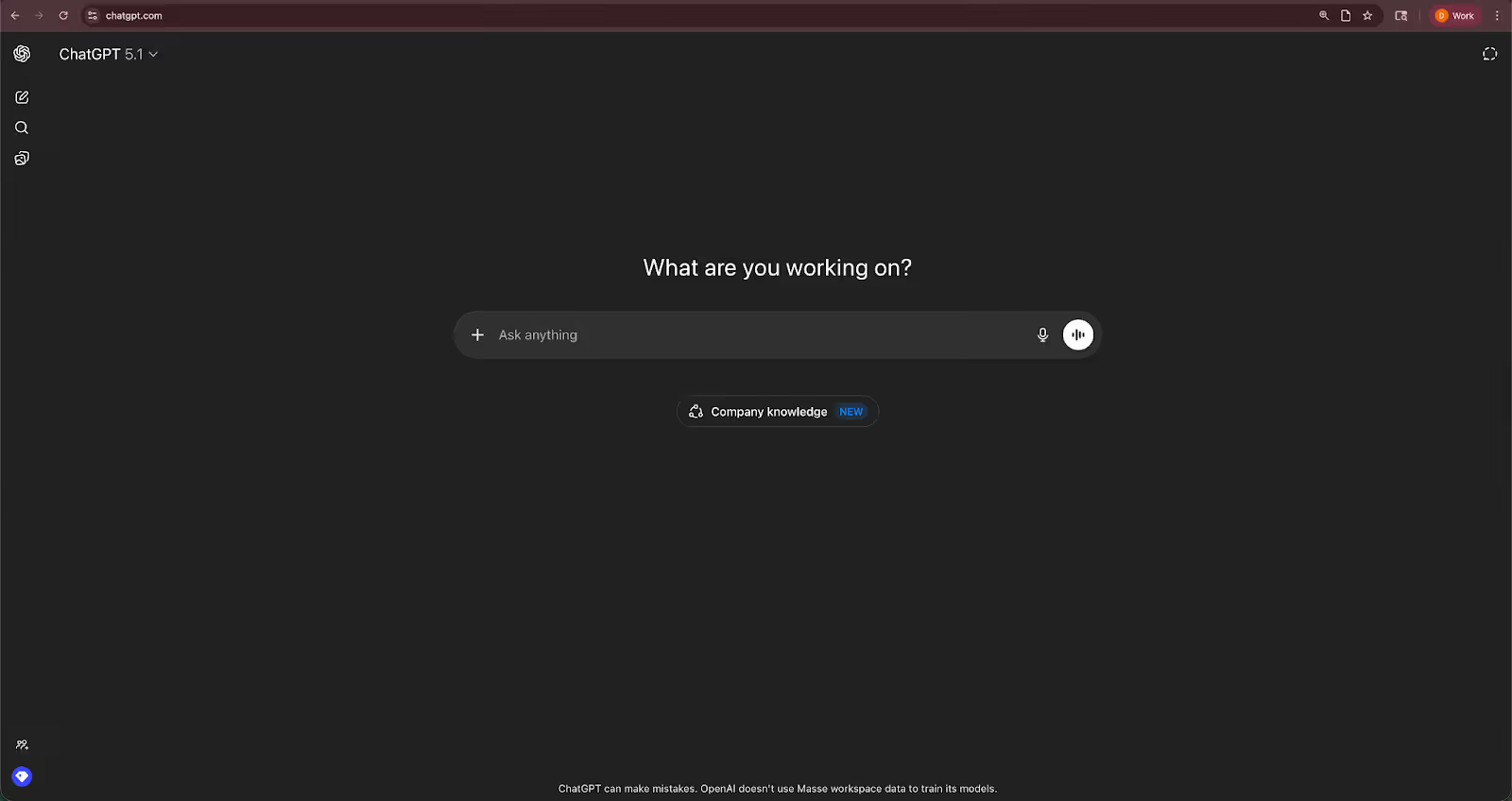
I used ChatGPT across writing, planning, coding, and data tasks to see how it performs in real situations. It works well because it understands a wide range of prompts and adjusts its tone or structure with minimal effort.
For example, when I was exploring SDN networks, it generated outlines, comparisons, and examples that helped me move faster.
ChatGPT also supports coding tasks. I tested it by debugging scripts and asking for small utilities. It explained logic, caught mistakes, and suggested improvements. It helped me work through problems that usually take longer because I would search for reference code. This made it useful for teams that want quick technical support without fully relying on developers.
For research tasks, I uploaded PDFs, spreadsheets, and long documents. ChatGPT summarized key points, extracted relevant data, and answered follow-up questions.
The more advanced GPT models, currently GPT-5, performed consistently well during my tests when it comes to reasoning and output quality.
I also tried the voice and mobile versions for small tasks such as reminders, quick planning, or rough brainstorming. These tools help when you want a hands-free way to capture ideas or shorten writing cycles.
ChatGPT works best when paired with specific workflows. It needs clear prompts, and you may need to validate its output when accuracy matters.
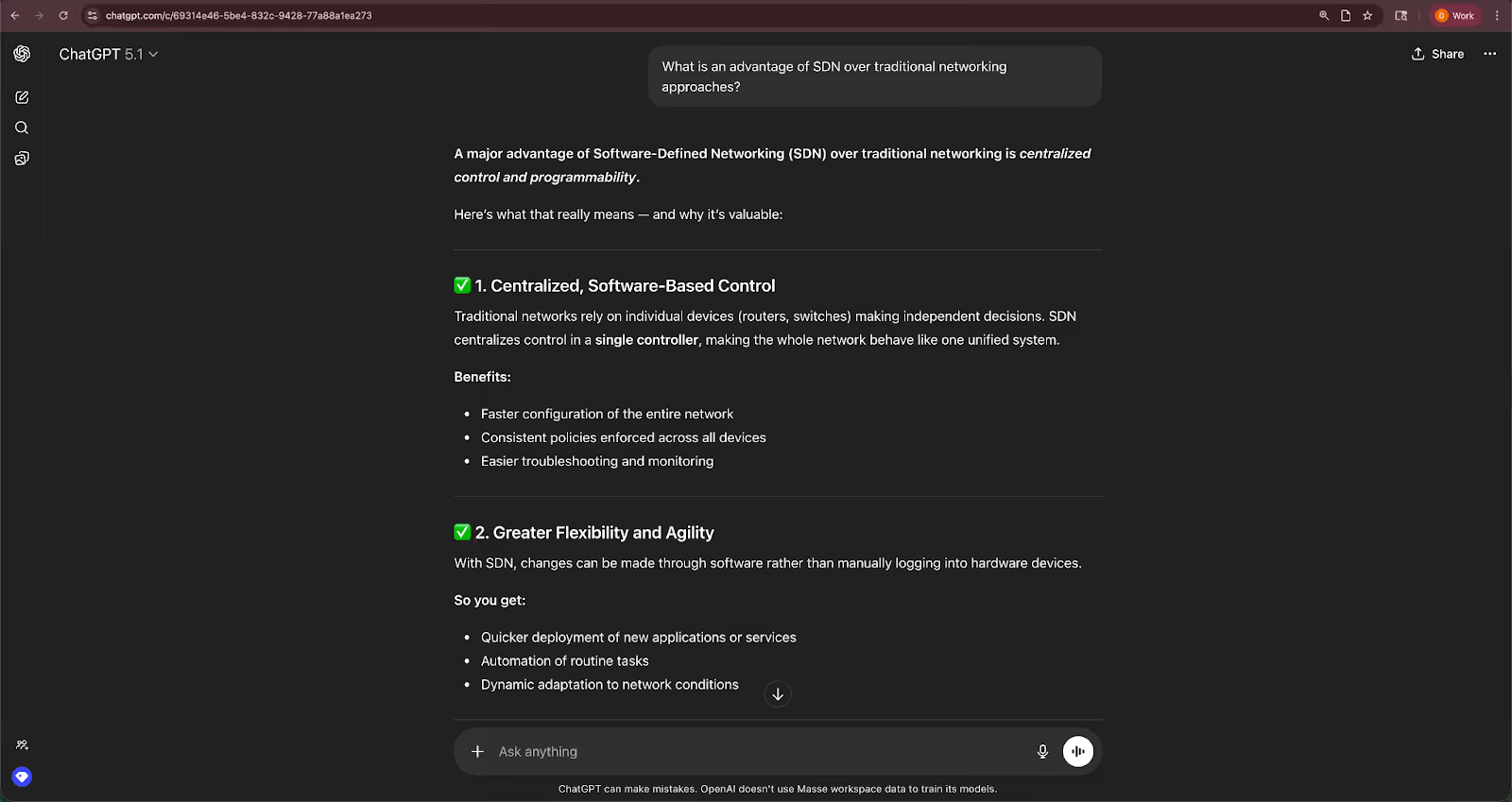
However, it does not connect deeply to business apps without extra tools, so it functions as a strong assistant rather than an automation platform.
Key features
- Writing and editing support for emails, documents, and reports
- Code generation and debugging across multiple languages
- File uploads for summaries, extraction, and structured analysis
- Voice input and mobile access for quick tasks
- Custom GPTs and project tools for repeatable workflows
Pros
- Handles many types of work with one interface
- Strong writing and reasoning tools
- Helpful for coding, analysis, and planning
Cons
- Requires precise prompts for best results
- Limited integrations with business systems
Pricing
- Free plan with daily usage limits
- Paid plans start from $8/month, billed monthly
Bottom line
ChatGPT suits users who need a flexible assistant for writing, coding, and research. It’s a generalist tool that can support many workflows without a learning curve or setup.
4. Gemini: Best for managing tasks within the Google ecosystem
What it does: Google Gemini helps you manage schedules, reminders, routines, and basic tasks inside Google apps using voice or text.
Who it’s for: People and teams that rely on Google Calendar, Gmail, and Nest devices and want quick, hands-free control of daily tasks.
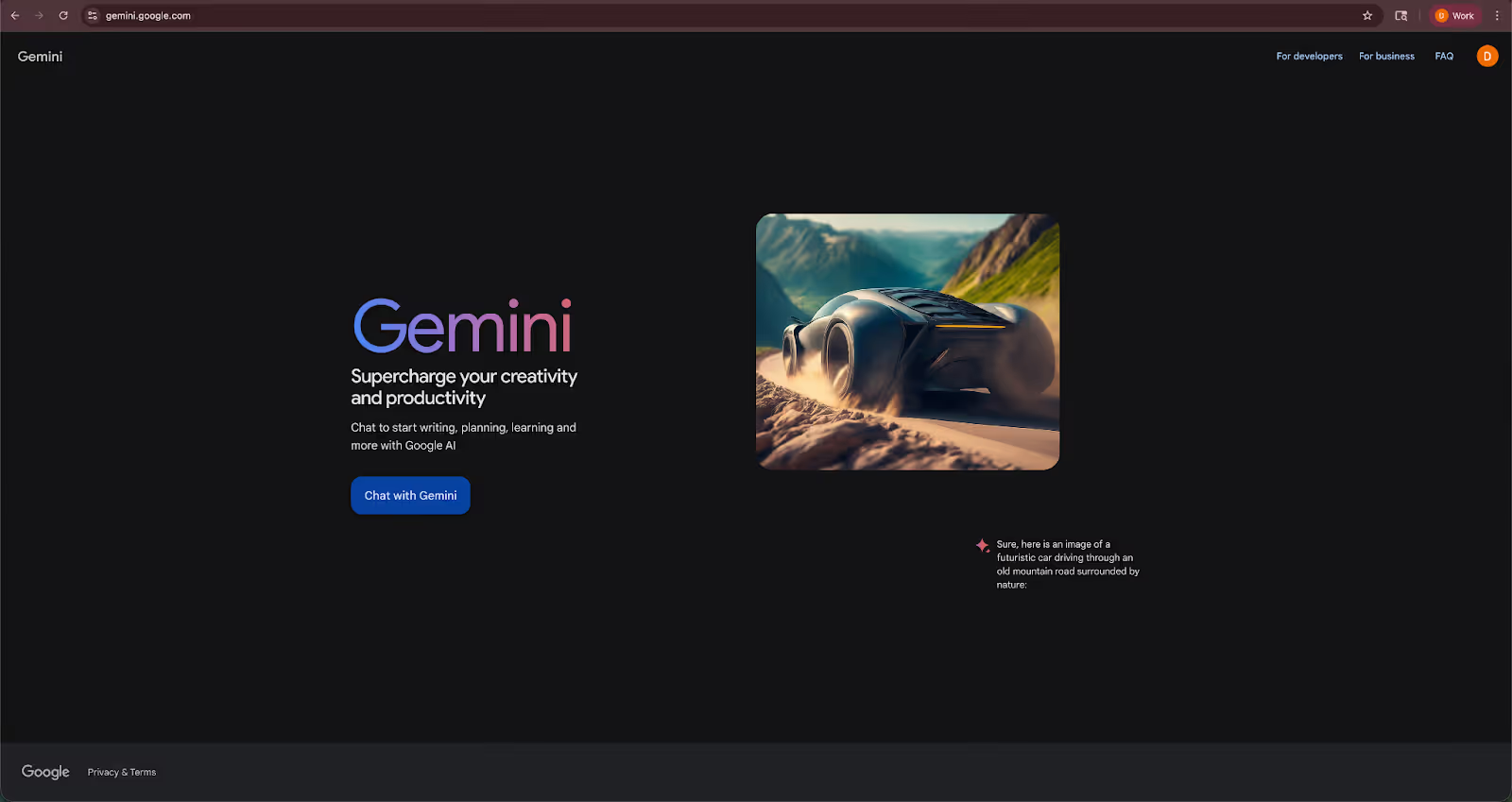
I tested Google Gemini across mobile, laptop, and smart home devices to see how it performs for work tasks.
When I asked it to add or shift meetings, it updated my Google Calendar instantly. It also managed reminders, quick notes, and timers without friction. These small tasks save time because you can speak instead of typing.
I also tested how it interacts with routines. I created a morning routine that involved reading my schedule, turning on lights, and playing a short briefing. This helped set up the workday without extra steps. It worked consistently across different Nest devices, which felt convenient for anyone using Google’s hardware.
Gemini also handles tasks like summarizing emails, searching inbox threads, and preparing short outlines. It worked well when the request stayed within Google’s ecosystem.
For smart home tasks, Gemini still performs better than most competitors. It controls lights, thermostats, and speakers quickly. These features matter if you want a smooth work environment or automated office routines.
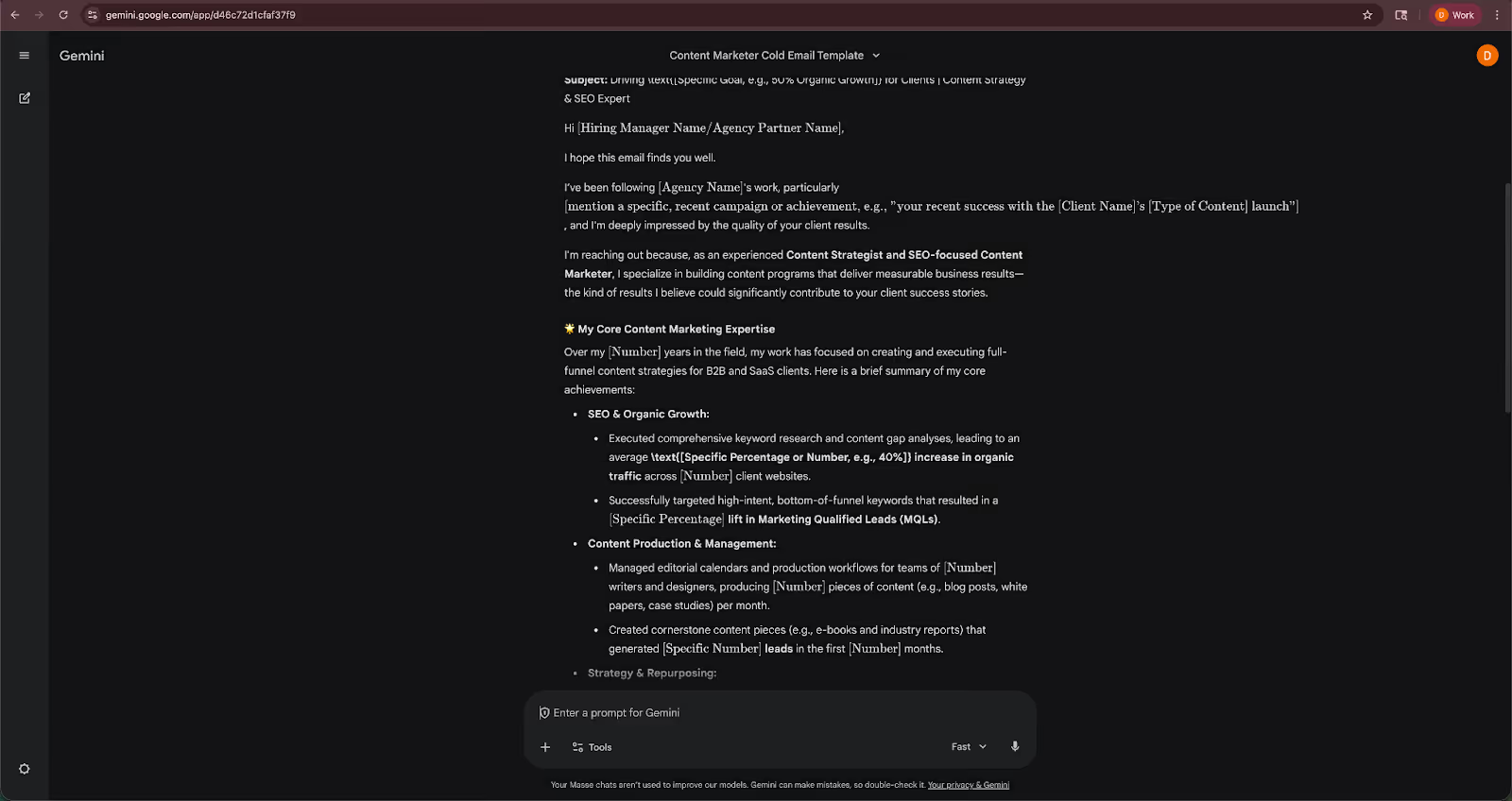
The tool has clear limits for business use. It cannot run multi-step workflows, update CRMs, or automate operations. It also works best when the entire team uses Google Workspace, since many features depend on shared calendars and contacts.
Key features
- Voice control for scheduling, reminders, and quick tasks
- Routines for common morning or end-of-day workflows
- Smart home control across Nest devices
- Cross-device syncing for phones, laptops, and speakers
Pros
- Fast scheduling and reminder management
- Strong smart home ecosystem for office or home setups
- Simple voice commands that feel natural
Cons
- Limited automation depth for business workflows
- Works best inside Google Workspace with a few external connections
Pricing
- Free plan with limited access to the latest models
- Paid plans from $7.99/month, billed monthly
Bottom line
Gemini works best for users who want quick scheduling, reminders, and hands-free control inside the Google ecosystem. It’s a helpful companion for day-to-day tasks rather than a full automation tool.
5. IBM watsonx Assistant: Best enterprise-grade AI virtual assistant
What it does: IBM watsonx Assistant handles customer support, internal helpdesk tasks, and complex routing across websites, chat, and phone systems.
Who it’s for: Enterprises with technical resources that need scalable, controlled automation across high-volume support channels.
I tested the watsonX Assistant across chat, voice IVR, and internal support scenarios. It suits customer service teams that need consistent answers and structured workflows.
The assistant understands detailed queries, asks follow-up questions, and routes users to the right flows. This creates a smoother support experience for organizations that deal with large call or chat volumes.
The visual builder helps teams design flows without writing code. I built a support path that handled order lookups, basic troubleshooting, and agent escalation. The tool connected to backend data sources for accurate responses tied to customer records.
IBM watsonx Assistant includes analytics that highlight user drop-off points, common intents, and reasons for escalation. These insights help teams refine their flows and improve how the assistant handles real questions.
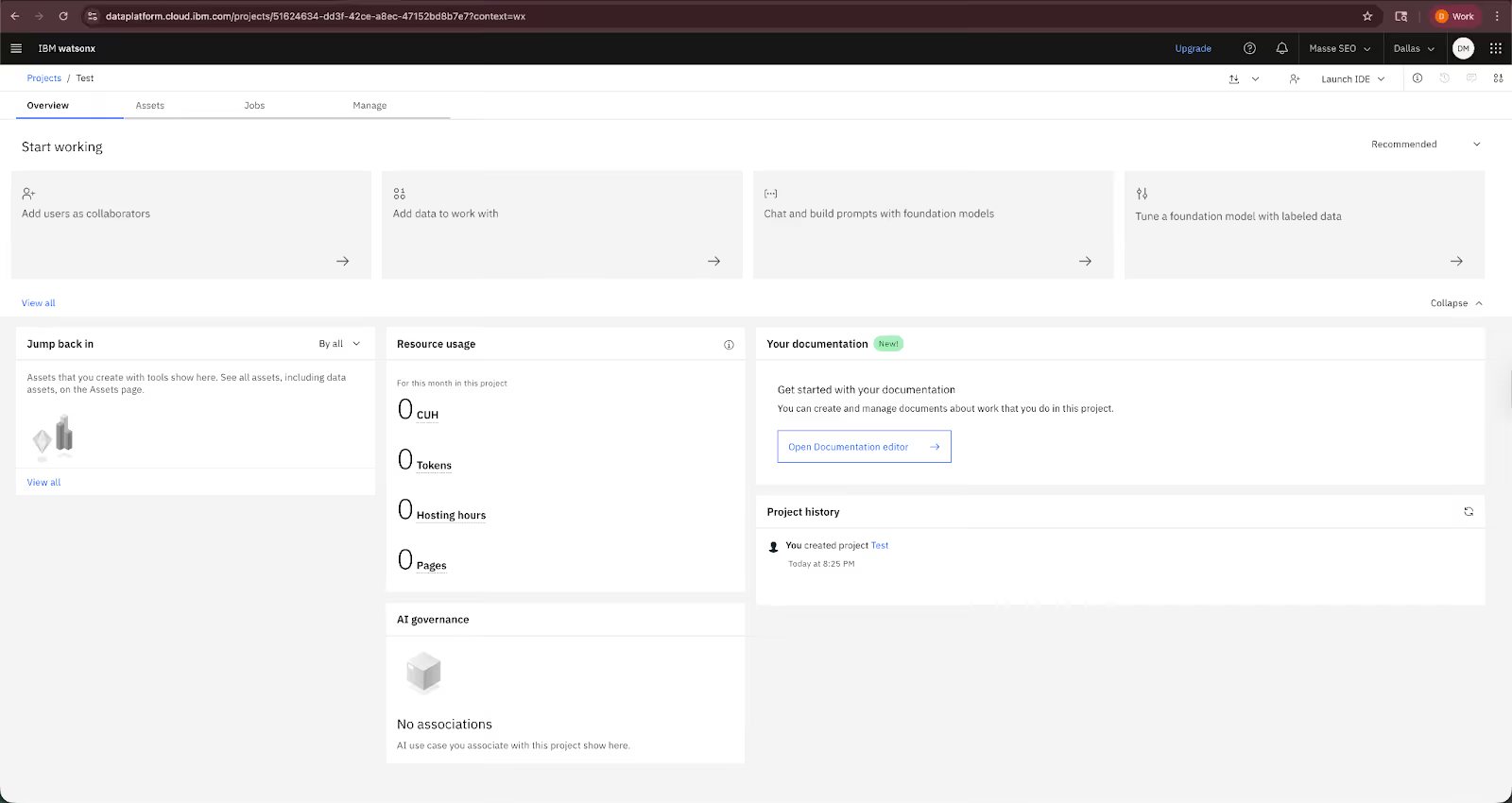
Large organizations find this useful because small adjustments can reduce agent workload across thousands of interactions.
Security and compliance features stand out. The platform supports enterprise requirements for data governance and integrates with IBM’s AI and cloud ecosystem.
Key features
- Visual builder for structured conversation flows
- Connections to backend systems for accurate, personalized answers
- Deployment across chat, web, and IVR
- Analytics for optimizing support workflows
- Enterprise security and governance tools
Pros
- Strong natural language understanding for complex support questions
- Reliable across voice, chat, and messaging channels
- Integration options for enterprise systems
Cons
- Setup requires technical work for custom integrations
- Cost makes it less practical for small teams
Pricing
- Free plan with 300,000 tokens/month
- Paid plans with usage-based pricing depending on the model you choose, starting from $0.06/1M input tokens and $0.25/1M output tokens
Bottom line
IBM watsonx Assistant fits enterprises that want structured, scalable support automation. It performs well when accuracy, governance, and multi-channel consistency matter more than a simple setup.
6. Motion: Best for automated task and calendar planning
What it does: Motion automatically schedules your tasks into your calendar and keeps adjusting them as priorities change.
Who it’s for: Solo founders, managers, and small teams that want help planning their day without manually juggling to-do lists and calendars.
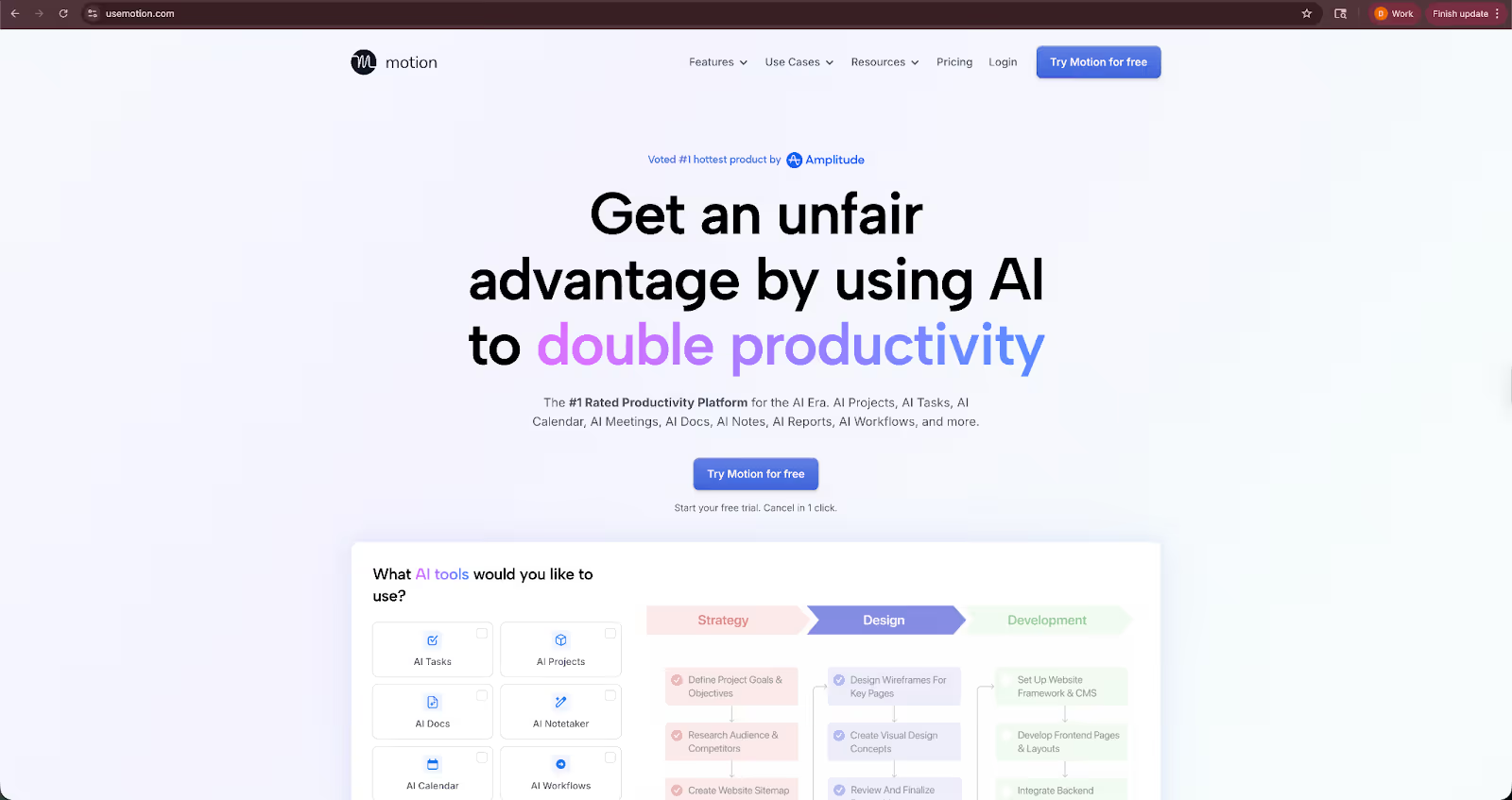
Motion helps you solve the problem of prioritizing your work and helping decide what to work on next. I tested it by connecting my calendar and adding a mix of work tasks with deadlines, priorities, and estimated effort.
Once you add the tasks, Motion builds a daily schedule automatically. If a meeting moves or a task takes longer than expected, it reshuffles the rest of the day without you needing to intervene.
I also tested it across multiple projects. Motion handled conflicting deadlines better than manual planning, especially when priorities changed mid-week. Instead of rewriting my plan, the schedule updated on its own.
The interface is simple and easy to navigate. You see a calendar view of your day and a task list that clearly shows what’s planned, what’s overdue, and what’s coming up. There’s no complex setup or automation to manage.
Motion won’t write emails or connect directly with CRMs. Its value comes from removing the mental load of planning and re-planning your workday.
Key features
- Automatic task scheduling based on deadlines and priorities
- Real-time calendar adjustments when meetings or tasks change
- Focus time blocking to protect deep work
- Project and task tracking across teams
- Integrations with Google Calendar and Outlook
Pros
- Saves time on daily and weekly planning
- Easy to use with minimal setup
- Realistic schedules as priorities shift
Cons
- Limited automation beyond task planning
- Can feel rigid for users who prefer manual control
Pricing
- No free plan, only a 7-day free trial available
- Paid plans from $29/seat/month, billed monthly
Bottom line
Motion works best for individuals and small teams that struggle with planning overload. If your biggest issue is deciding what to work on and when, it helps you sort that conundrum without adding complexity.
7. Jasper: Best for marketing content creation at scale
What it does: Jasper helps teams create written content for blogs, ads, emails, and landing pages using AI trained on marketing use cases.
Who it’s for: Marketing teams, content leads, and founders who need consistent on-brand content without writing everything from scratch.

Jasper is built around content production rather than general assistance. I tested it by generating blog outlines, rewriting existing pages, and drafting short-form copy for ads and emails.
The tool works best when you give it direction. You start with a brief, choose a content type, and Jasper generates drafts that follow the structure you’d expect from marketing copy. It’s more guided than open-ended chat tools.
One area where Jasper stood out was brand control. You can define brand voice, terminology, and examples, and the outputs stay closer to that tone across different pieces of content. That consistency matters when multiple people are creating copy.
I also tested Jasper’s editing and rewriting features. It handled content expansion, summarization, and tone adjustments well, especially for polishing rough drafts rather than writing from a blank page.
Jasper doesn’t try to manage tasks, meetings, or workflows. Its value is focused on helping teams publish more content with less manual effort, not replacing a general-purpose assistant.
Key features
- Templates for blog posts, ads, emails, and landing pages
- Brand voice and style guidelines for consistent output
- Content rewriting, expansion, and summarization tools
- Collaboration features for marketing teams
- Browser extension for writing across tools
Pros
- Strong fit for marketing and content workflows
- Maintains consistent brand tone across content
- Reduced setup time with ready-to-use templates
Cons
- Limited value outside content creation
- Requires clear prompts and direction for best results
Pricing
- No free plan, only a 7-day free trial available
- Paid plans from $69/seat/month, billed monthly
Bottom line
Jasper suits teams that produce a high volume of marketing content and want help moving faster without sacrificing consistency. It’s most effective as a writing partner, not a general AI assistant.
8. Otter: Best for meeting transcription and notes
What it does: Otter records meetings, transcribes conversations in real time, and generates searchable notes and summaries.
Who it’s for: Founders, managers, and small teams that spend a lot of time in meetings and want reliable notes without manual follow-up.

Otter excels at capturing conversations accurately. I tested it across video calls and live meetings to see how well it handled transcription, speaker identification, and summaries.
During meetings, Otter transcribes in real time and highlights key moments as the conversation unfolds. After the meeting ends, you get a full transcript along with a concise summary and action items.
I found it most useful for recurring meetings. Instead of taking notes or rewatching recordings, I could search past conversations and quickly pull up decisions or follow-ups from weeks earlier.
Otter also works well as a passive assistant. It joins meetings automatically, records in the background, and organizes everything in one place. There’s very little setup beyond connecting your calendar.
That said, Otter stays focused on meetings. It doesn’t handle task execution or workflow automation. Its value comes from reducing the time spent documenting and reviewing conversations.
Key features
- Real-time meeting transcription with speaker identification
- Automated summaries and action items
- Searchable transcript library
- Calendar integrations for automatic meeting capture
- Live notes and highlights during calls
Pros
- Accurate transcription for most meeting formats
- Saves time on note-taking and follow-ups
- Easy setup with minimal configuration
Cons
- Limited usefulness outside meetings
- Accuracy can drop with strong accents or noisy audio
Pricing
- Free plan with 300 monthly transcription minutes
- Paid plans from $16.99/user/month, billed monthly
Bottom line
Otter is ideal for teams that want dependable meeting notes without extra work. If meetings generate important decisions and action items, it helps keep everything documented and easy to revisit.
9. Gong: Best for sales call analysis and revenue insights
What it does: Gong records sales calls, analyzes conversations, and surfaces insights about deals, risks, and buyer behavior.
Who it’s for: Sales leaders, revenue teams, and founders who want better visibility into what’s happening across sales conversations.
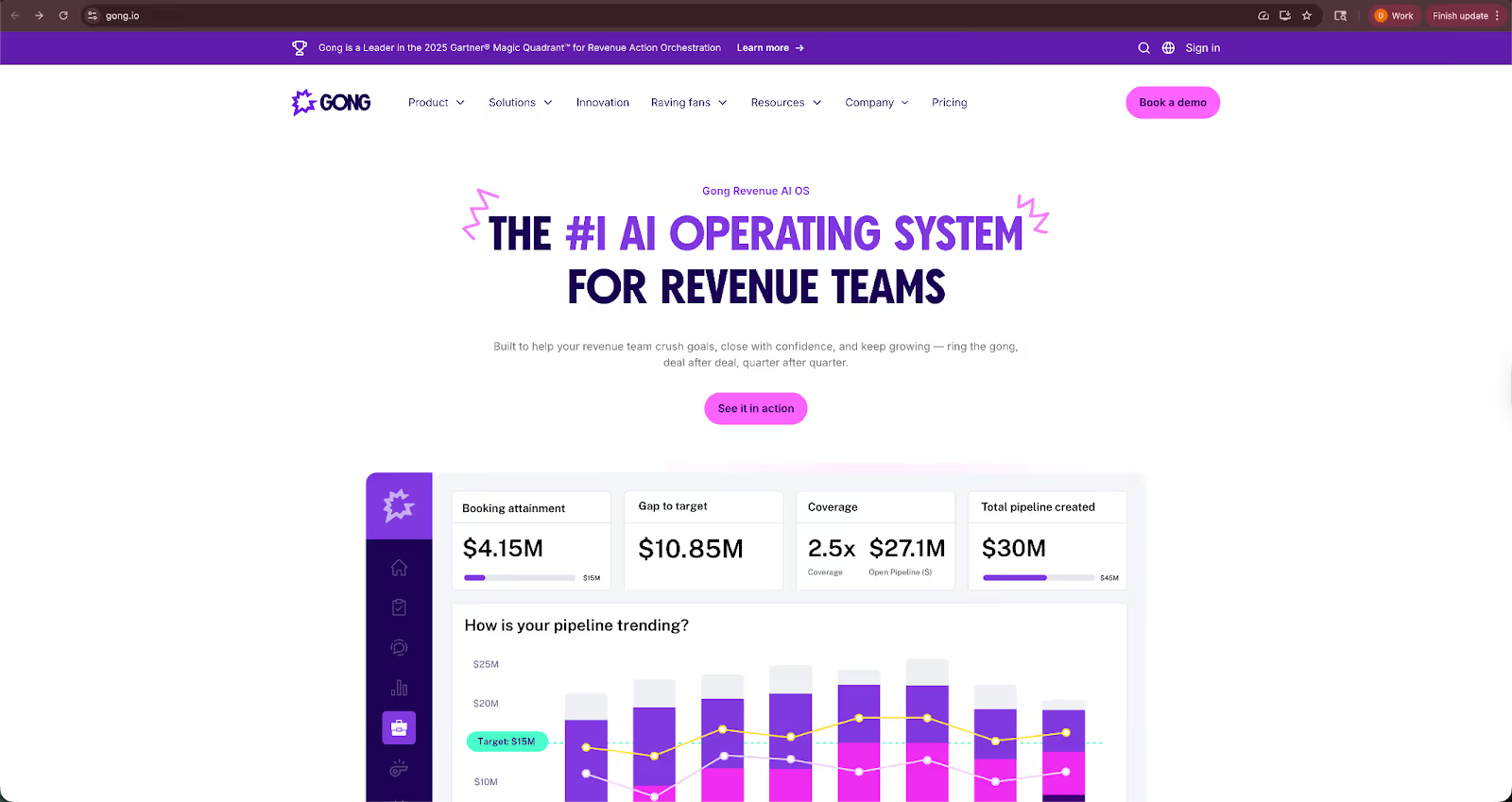
Gong is designed for sales conversations, not general productivity. I tested it by reviewing recorded calls, deal timelines, and post-call insights to see how actionable the analysis felt.
After each call, Gong breaks down key moments, talk ratios, objections, and next steps. You can quickly see what was discussed, what was missed, and how the conversation compares to successful deals.
One area where Gong stands out is pattern detection. Over time, it highlights trends across calls, such as topics that stall deals or phrases top performers use consistently. That makes it useful for coaching and forecasting, not just call reviews.
I also tested Gong’s deal tracking. It connects call insights to pipeline stages, which helps identify deals at risk earlier. Instead of relying only on CRM notes, you get context straight from the conversation.
Gong is not a lightweight tool. Setup takes more effort, and it’s most useful when adopted across a sales team. For smaller teams, it works best when sales conversations are central to revenue.
Key features
- Automatic recording and transcription of sales calls
- Conversation analysis with talk ratios and key topics
- Deal risk signals tied to pipeline stages
- Coaching insights based on top-performing reps
- Integrations with major CRMs and video conferencing tools
Pros
- Visibility into sales conversations
- Useful for coaching and performance improvement
- Helps identify deal risks earlier
Cons
- Higher cost than SMB-focused tools
- Requires consistent usage across the sales team
Pricing
- Custom pricing based on team size and usage
Bottom line
Gong fits teams that rely heavily on sales calls and want clearer insight into what drives wins and losses. It’s most valuable when used as a shared system for sales coaching and deal review, not as a standalone assistant.
{{cta}}
How I tested these AI virtual assistants
I ran each assistant through work tasks that covered scheduling, writing, support, and data handling. This helped me see which tools save time in daily workflows and which ones fall short, keeping the comparison fair.
Here’s what I looked for:
- Accuracy and consistency: I checked how well each assistant followed instructions and handled repeat tasks. I looked for tools that produced the same quality output every time without drifting or making small mistakes.
- Ease of use: I tested how fast each tool connected to my apps, how clear the setup felt, and how quickly I could complete a basic task. I gave higher marks to tools that worked without heavy configuration.
- Workflow impact: I measured how much time each assistant saved across email triage, scheduling, summaries, and support tasks.
- Pricing fairness: I compared what each plan offered for the money they charged and how usable the free tiers were for actual work.
- Integration depth: I checked how well each assistant plugged into email, calendars, CRMs, and document systems to support daily operations.
Which AI assistant should you choose?
Each assistant fits a different type of workflow, so the best choice depends on the apps you use and how much automation you need. Here’s a simple way to decide:
Choose Lindy if:
- You want automation that covers email, calendars, CRMs, support inboxes, and internal tools
- You need AI assistants that can collaborate on multi-step workflows without supervision
- You prefer a no-code tool that maps logic clearly and works across many apps
- You handle work that switches across channels such as email, chat, and phone
- You want SOC 2 and HIPAA compliance to handle sensitive data
Choose Microsoft Copilot if:
- Your team works inside Microsoft 365 every day
- You want AI inside Word, Excel, Outlook, and Teams
- You need summaries, reporting, and drafting that use your work data
Choose ChatGPT if:
- You want a flexible assistant for writing, coding, or research
- You need a general tool that adapts to many tasks
- You want strong reasoning without setup or integrations
Choose Google Gemini if:
- You rely on Google Calendar and other Google apps like Docs and Sheets
- You want fast scheduling and reminders
- You use Google Nest and other smart home appliances compatible with Gemini
Choose IBM watsonx Assistant if:
- You run a high-volume support operation
- You have a technical team that can manage the setup
- You care about governance, security, and backend integrations
Choose Motion if:
- You struggle to plan your day and prioritize tasks manually
- Your calendar changes often and you want schedules to adjust automatically
- You’re a solo founder or part of a small team that needs better focus, not more tools
Choose Jasper if:
- You create a lot of marketing content like blogs, emails, or ads
- You need a consistent brand voice across different writers or campaigns
- Your team wants help drafting and polishing content faster
Choose Otter if:
- Meetings are a major part of your workday
- You want reliable transcripts, summaries, and action items without manual note-taking
- You need an easy way to search past conversations and decisions
Choose Gong if:
- Sales calls play a big role in how you close deals
- You want deeper insight into what top reps do differently
- You need better visibility into deal risks and pipeline health
My final verdict
After testing all five assistants across real workflows, Lindy works the best for business use. It handles multi-step tasks, works across the apps I already use, and reduces the time I spend on repetitive tasks and small decisions each day.
Some teams may prefer other options, though. If you work inside Microsoft 365, Copilot fits naturally into your tools. If you want a flexible writing or coding partner, ChatGPT covers a wide range of tasks.
Gemini helps with simple tasks inside Google’s ecosystem. IBM watsonx Assistant fits large business teams with strict requirements and technical teams.
Motion works well for individuals who want help planning their day. Otter is useful if meetings drive most decisions. Jasper fits teams producing a lot of marketing content, while Gong suits sales-led teams that rely heavily on call reviews and deal insights.
If you want an assistant that supports daily operations and frees up real time, Lindy feels the most helpful tool for day-to-day work.
Try Lindy, one of the best AI virtual assistants
Lindy is one of the best AI assistants for businesses and busy professionals who want a reliable, easy-to-use automation tool. You can ask these AI assistants to help you with emails, meetings, sales, and more in natural language.
Here’s why Lindy beats other AI assistant tools:
- Visual interface for non-coders: You don’t need any technical skills to offload and automate tasks with Lindy. It offers a drag-and-drop visual workflow builder.
- Create AI assistants for your use cases: You can give them instructions in everyday language and automate repetitive tasks. For instance, create an assistant to find leads from websites and sources like People Data Labs. Create another assistant that sends emails to each lead and schedules meetings with members of your sales team.
- Free to start, affordable to scale: Build your first few automations with Lindy’s free version and get up to 40 tasks. With the Pro plan, you can automate up to 1,500 tasks, which offers much more value than Lindy’s competitors.
Frequently asked questions
What is an AI virtual assistant?
An AI virtual assistant is a digital tool that uses artificial intelligence to help users complete tasks or answer questions through natural language. You can interact with it via voice or text to manage schedules, set reminders, or handle work processes on various devices. This makes them useful in both personal and professional settings.
Who are the top AI assistants available today?
Lindy, Microsoft Copilot, ChatGPT, Google Gemini, Motion, Jasper, Otter, Gong, and IBM watsonx Assistant are some of the top AI assistants today.
What makes the best intelligent virtual assistant stand out?
The best intelligent virtual assistants stand out by delivering accurate responses, handling complex tasks without friction, and integrating with your existing apps. Reliability and security also matter since the assistant processes important information.
How can AI virtual assistants improve business operations?
AI virtual assistants improve business operations by taking over repetitive tasks such as lead intake, scheduling, email triage, and customer support. They free teams to focus on higher-value work. They also increase accuracy and speed because they follow instructions consistently.
What should I look for when choosing the best AI personal assistant?
You should look for an assistant that connects well with your daily tools and supports the tasks you complete most often. You should check how easily you can customize responses or workflows. You should also confirm that the assistant supports voice commands, mobile access, or proactive reminders if those features matter to you.
What are AI-powered virtual assistants best used for?
AI-powered virtual assistants are best used for managing calendars, sending reminders, answering common questions, and helping with customer interactions. They reduce manual effort by handling small repeatable tasks, helping you stay organized and respond faster.











Blog
Related Articles
.avif)
.avif)

%20(1).png)
%20(1).png)


The AI assistant that runs your work life
Lindy saves you two hours a day by proactively managing your inbox, meetings, and calendar, so you can focus on what actually matters.
