23 Best Small Business Tools for 2026 – Tested & Ranked
Michelle reviewed 23 small business tools, including Notion, QuickBooks, and Canva, weighing ease of setup, affordability, and integrations for lean, growing teams.


When picking tools to run your small business in 2026, start with tools like Notion for organizing docs and projects, and QuickBooks for staying on top of finances. These platforms stand out for being easy to set up, affordable, and flexible enough to grow with your team.
In this article, we’ll cover:
- How to spot a good small business tool
- The top 23 small business tools
- Picks for marketing, finance, support, and e-commerce
- How tools like Notion and QuickBooks compare on pricing and features
- FAQs regarding these tools
Let’s start with what makes a business tool suitable, especially for lean teams.
What do the best small business tools have in common?
What makes a tool great for small businesses? The answer is the practicality they offer.
Here’s what stood out across every tool:
Easy to set up and use
Most small teams don’t have time to watch a 90-minute onboarding video or hire someone to configure a tool. Whether setting up a CRM or testing a new email tool, the best small business tools let you get to value quickly, ideally on the same day you sign up.
Affordable for lean teams
Budget matters a lot. That’s why even the most popular platforms, like HubSpot or Zoom, offer free plans or usage-based pricing models. The best tools for small businesses meet them where they are financially, without holding core features hostage behind high paywalls.
Scalable as your business grows
You’ll see a common thread in the tools we highlight later: they offer enough flexibility to handle growth. Whether expanding automation capacity, adding more users, or unlocking richer integrations, they grow with you.
Integrated with other popular apps
You shouldn’t have to rebuild your workflows from scratch just because you added a new tool. Business management tools that offer plug-and-play integrations with Gmail, Slack, Google Sheets, or CRMs save time and eliminate duplicate work.
Designed to save time
Small business organization tools that reduce overhead, an AI inbox assistant, a smart meeting scheduler, or a CRM auto-updater, tend to stick. The best ones fade into the background and get things done.
Next, we’ll discuss our top recommendations based on what real teams use daily.
Top 23 tools for small businesses
These are the best small business tools we’ve tested, researched, and seen in the wild. From automation and communication to finance and design, these picks are well-suited for teams that want to save time and stay lean.
We’ll start with the ones we recommend for core operations. Here’s a quick look at the tools and what they’re great at:
- Notion – best for centralizing docs, tasks, and knowledge in one workspace
- QuickBooks – best for managing small business accounting and cash flow
- Canva – best for creating polished marketing assets without a designer
- Missive – best for managing shared inboxes, team chat, and tasks in one place
- Zapier – best for connecting apps and automating tasks with no code
- HubSpot CRM – best for tracking leads, deals, and customer interactions
- Mailchimp – best for launching email campaigns and nurturing contacts
- Slack – best for team communication and app-based collaboration
Special mentions:
- Leadfeeder – best for identifying B2B website visitors and powering outbound sales
- Typeform – best for building surveys, lead forms, and feedback flows
- Yotpo – best for managing reviews, loyalty, and social proof in e-commerce
- Buffer – best for scheduling and analyzing social media posts
- FreshBooks – best for invoicing, expense tracking, and solo freelancers
- Stripe – best for accepting online payments and managing billing
- Expensify – best for tracking expenses and scanning receipts
- Zoom – best for virtual meetings, webinars, and screen sharing
- Zendesk – best for customer support tickets, chat, and help centers
- Google Workspace – best for email, docs, storage, and calendar in one suite
- Shopify – best for launching and scaling online stores
- WooCommerce – best for WordPress-based e-commerce with full control
- Trello – best for visual task tracking with boards and cards
- ClickUp – best for all-in-one task, doc, and goal management
- Grammarly – best for real-time writing suggestions and tone edits
Now, let’s break each one down, what they do well, why small businesses love them, and how they compare on pricing and features.
1. Notion
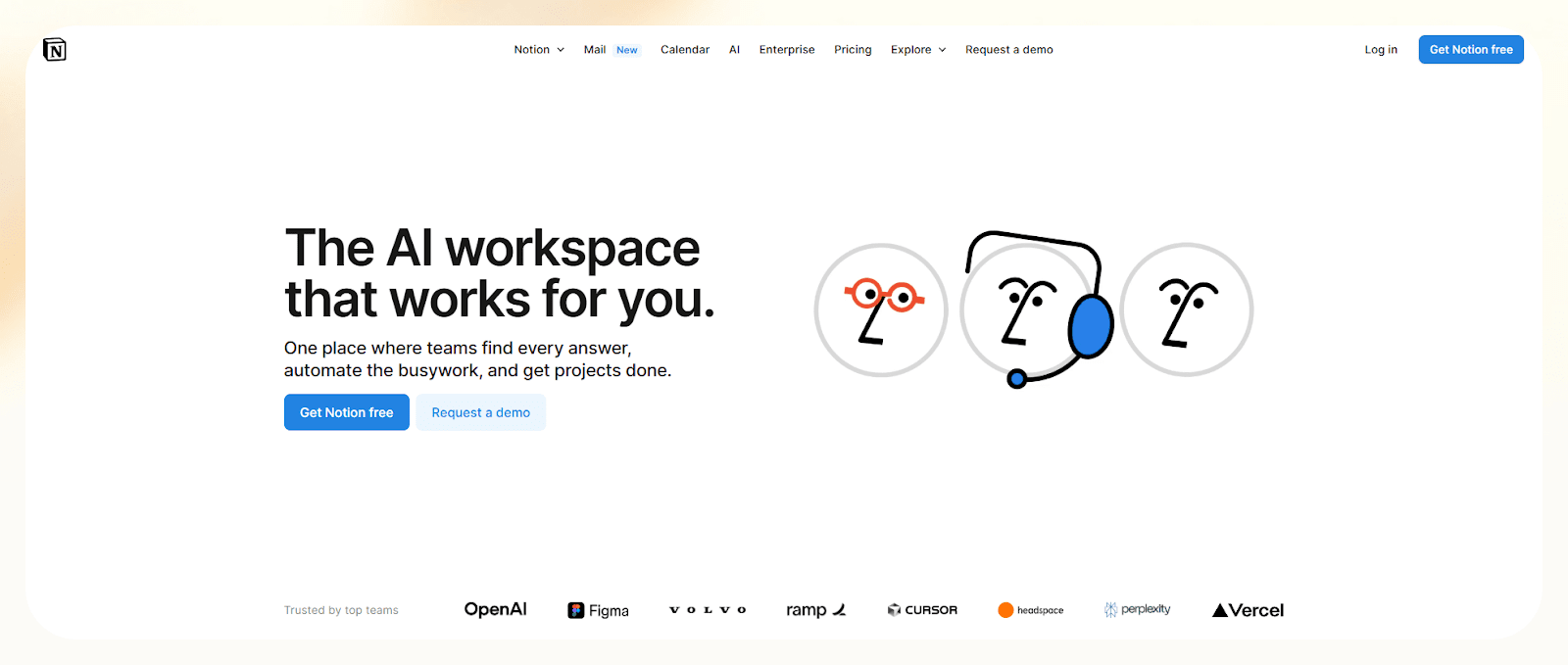
Notion can be whatever you need it to be, documents, to-dos, databases, wikis, calendars. It's especially popular with early-stage teams that want everything in one place: project plans, SOPs, meeting notes, content calendars, and more.
Who it’s for
Founders, marketers, and operators who need a central workspace to organize ideas, tasks, and documentation, without juggling a dozen tabs, will find Notion useful.
Key features
- Drag-and-drop building blocks for everything from text to tables
- Shared workspaces for team notes, SOPs, and docs
- Calendars and databases for tracking projects
- AI assistant for writing, summarizing, and brainstorming
- Easy-to-use templates
Notion is a lightweight, small business organization tool that helps teams stay on the same page, especially when remote or asynchronous.
It integrates well with other business tools, such as Slack, Google Drive, and Figma, through native embeds or integrations.
Pricing
- Free for individuals
- Plus: $12/user/month, billed monthly
- Business: $14/user/month, billed monthly
2. QuickBooks
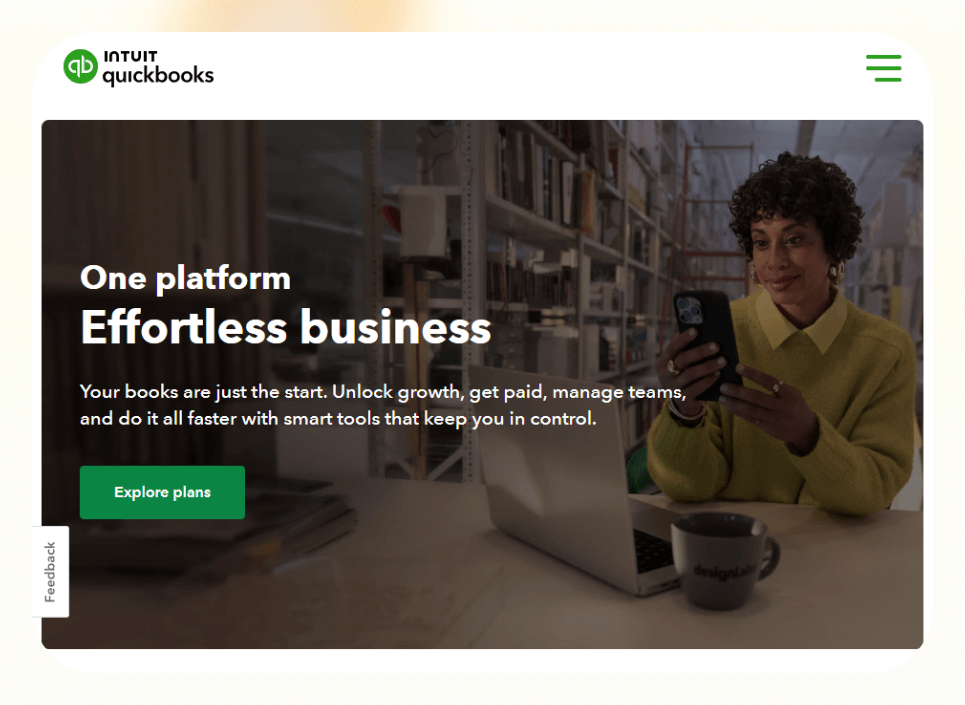
QuickBooks handles everything from invoicing and payments to expense tracking, taxes, and payroll. It’s a reliable tool, and way better than juggling spreadsheets.
Who it’s for
QuickBooks makes sense for solopreneurs, freelancers, and business owners who want to keep their finances in check without hiring a bookkeeper right away.
Key features
- Track income and expenses automatically by syncing your bank account
- Create and send branded invoices
- Accept online payments directly from invoices
- Run profit and loss reports, tax summaries, and cash flow statements
QuickBooks also integrates with other digital tools for business, including payment platforms like Stripe, CRMs like Salesforce, and even eCommerce platforms like Shopify.
Pricing
- Plans start from $35/month, billed monthly
3. Canva
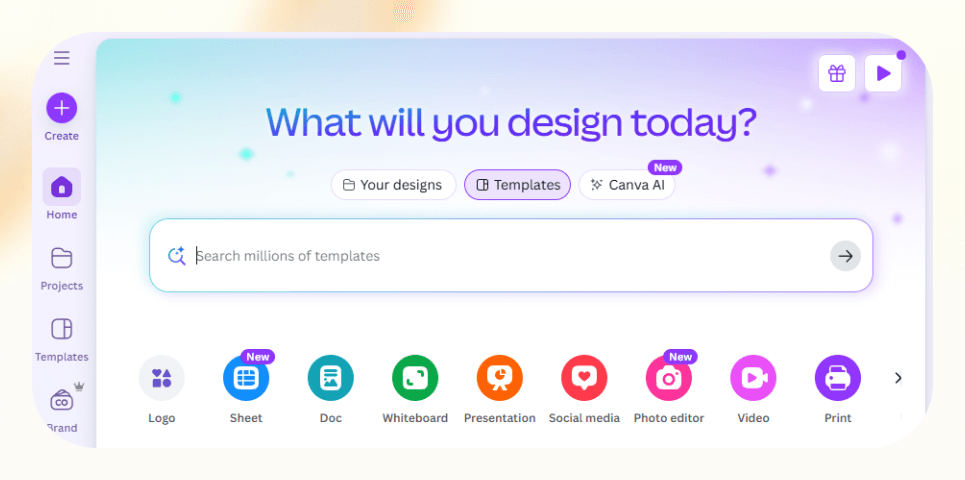
Canva makes it easy to design everything from pitch decks to Instagram posts, no design skills needed. It's drag-and-drop, packed with templates, and ideal for small teams that need things to look polished without hassle.
Who it’s for
It’s for founders, marketers, and virtual assistants who need fast, good-enough visuals for brand and marketing work.
Key features
- Thousands of prebuilt templates
- Built-in AI tools for speed
- Brand kits to manage fonts, logos, and color palettes
- Real-time collaboration
- Easy export to any format, PDF, MP4, PNG
It’s one of the most useful online business tools for visual content, especially when you don’t have a designer in-house but still want your materials to feel legit.
Pricing
- Free plan with 2+ million templates, paid plans start from $15/month, billed monthly
4. Missive
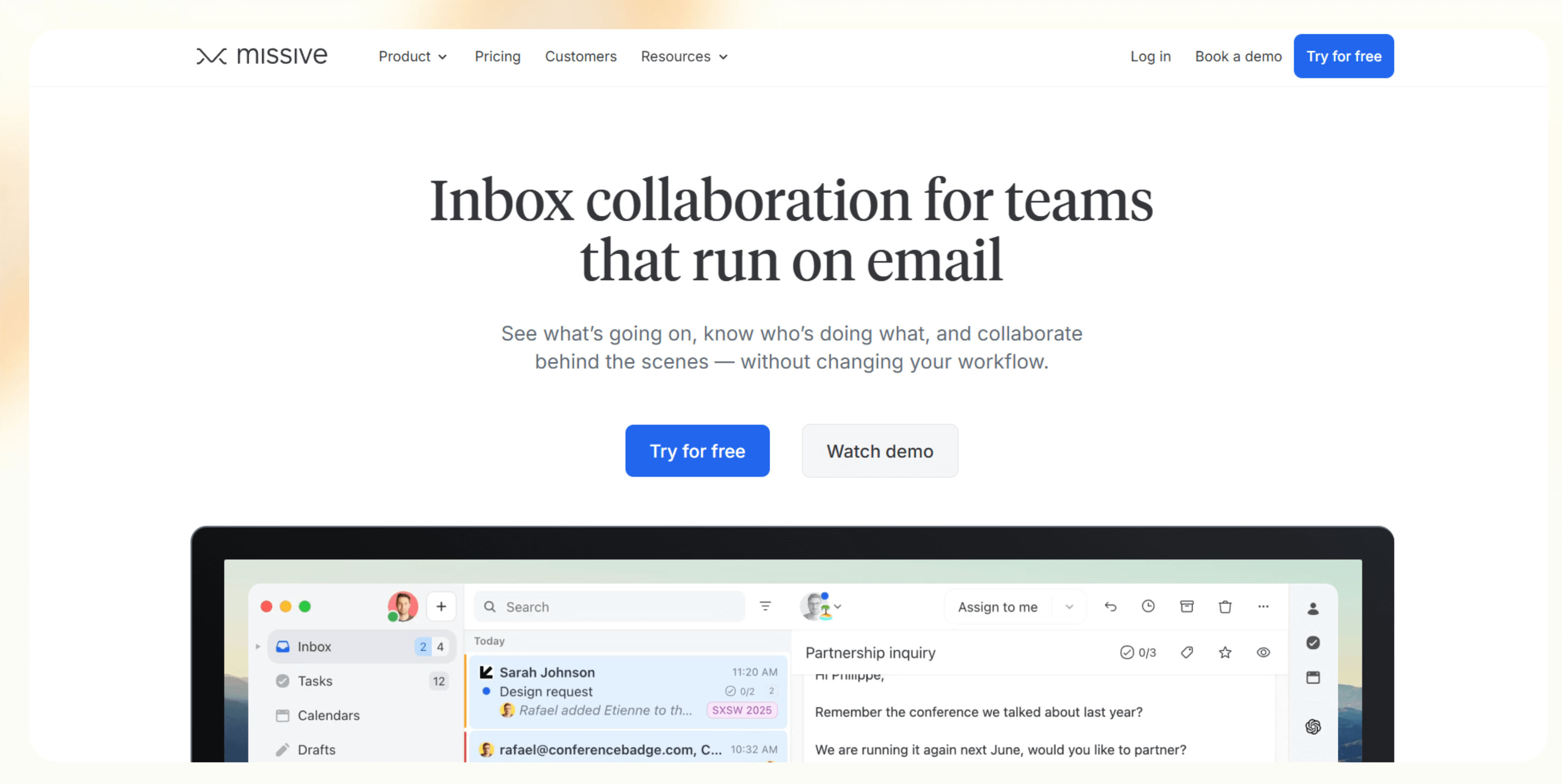
Missive is a collaborative email and messaging platform that brings team communication into the inbox. It lets teams manage emails, SMS, live chat, social messages, internal chat, and tasks inside a single shared workspace.
Who it’s for
Missive is ideal for customer-facing teams like support, client services, and sales who spend their day inside email. It’s useful for teams that want to assign, discuss, and resolve messages without bouncing between inboxes, chat apps, and project tools.
Key features
- Shared team inboxes with real-time assignments and chat
- Built-in task management with dedicated Tasks view
- AI Rules to auto-label, triage, summarize, and draft replies
- Deep integrations with tools like HubSpot, Pipedrive, Trello, Slack, and ChatGPT
- Guest access for clients and freelancers without full user seats
- Keyboard shortcuts, snooze, send later, templates, and mobile support
It consolidates team communication into one tool and reduces email clutter, and shortens response time without changing how your team works.
It’s a great fit for fast-moving teams who rely on shared inboxes and want a cleaner way to collaborate.
Pricing
- Free: 15-day message history, 5 shared accounts
- Starter: $18/user/month, billed annually
- Productive: $30/user/month, billed monthly
- Business: $45/user/month, billed monthly with advanced controls like SSO and IP restrictions
5. Zapier

Zapier is one of the most popular automation platforms with one of the widest integration libraries. Teams use it to automate simple, repetitive tasks, like copying new leads from a form into your CRM or posting social content from a spreadsheet.
It connects your apps and automates the handoffs between them, with no coding needed.
Who it’s for
Zapier suits solo operators or lean ops teams who want to cut out repetitive manual work across their stack.
Key features
- 7,000+ app integrations
- Multi-step workflows
- AI Copilot that helps generate automation ideas
Zapier is great for connecting business tools. Whether you’re syncing lead information, logging form responses, or routing tasks, the connective tissue makes everything run smoother.
For teams already using tools like HubSpot, Mailchimp, or Trello, Zapier becomes one of those small business organization tools that helps connect your tech stack for seamless automation.
Pricing
- Offers a free plan with 100 tasks/month, paid plans from $29.99/month, billed monthly
6. HubSpot CRM

HubSpot CRM is one of the most popular CRMs for tracking leads, deals, and customer activity. It’s free to start, easy to use, and offers quick setup. For most small teams, it’s the first real CRM they’ll use.
Who it’s for
Small business owners and sales teams who want a central place to track outreach, follow-ups, and deal stages will find HubSpot valuable.
Key features
- Contact and company records that update automatically
- Deal pipelines with drag-and-drop stages
- Email tracking, scheduling, and meeting links
- Built-in tools for forms, live chat, and ticketing
- Integration with Gmail, Outlook, Slack, and more
And if you’re not ready for the entire CRM suite yet, you can start with just the basics.
Pricing
- Free CRM plan
- Starter: $15/month/seat
7. Mailchimp

Mailchimp is one of the easiest ways to send email campaigns, build a subscriber list, and automate follow-ups. It’s a solid tool for small businesses to communicate with their audience.
Who it’s for
Mailchimp is for solo founders or marketing leads who want to send newsletters, launch drip campaigns, or create basic automations without getting into the weeds.
Key features
- Drag-and-drop email builder with ready-made templates
- Automation flows for welcome emails, cart abandonment, and more
- Basic CRM and audience segmentation
- Landing page builder and signup forms
- Performance reports with open/click data
It’s a reliable digital tool for business marketing, especially if email is a primary channel. Its AI email generation capabilities fall short, but for teams just getting into automation, it’s a gentle entry point before moving to more advanced platforms.
Pricing
- Free: Up to 500 contacts
- Essentials: From $13/month
- Standard: From $20/month
- Premium: From $350/month
8. Slack
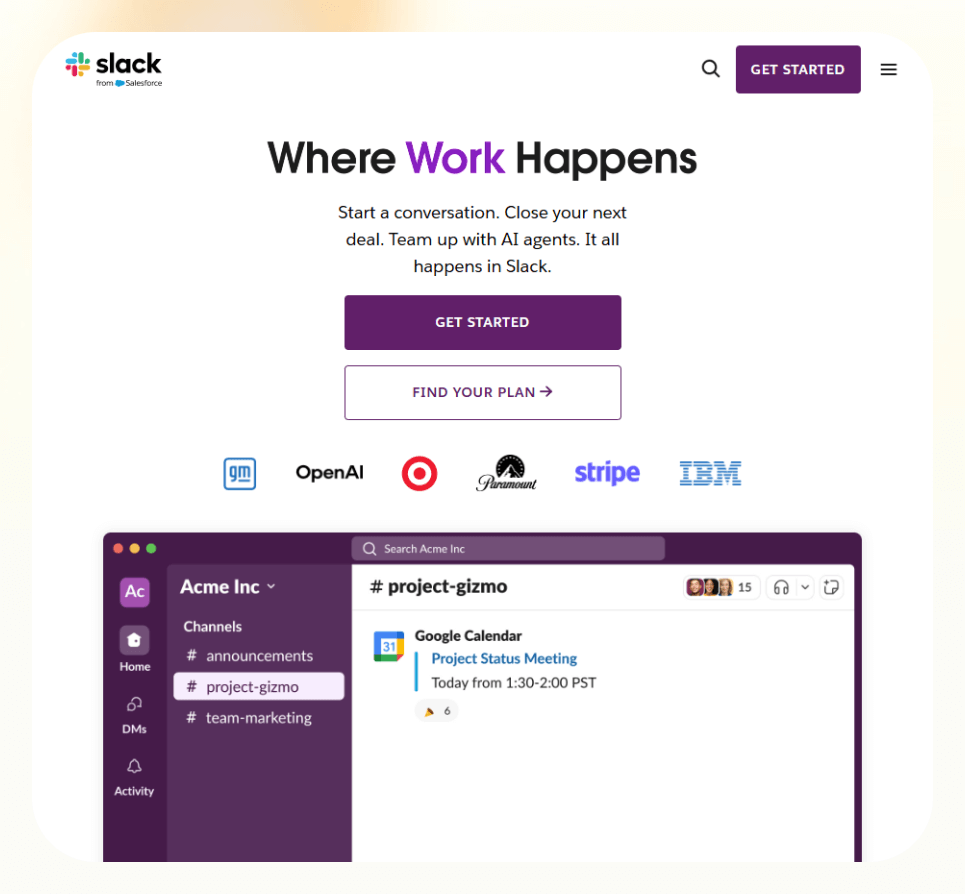
Slack is one of the most popular tools for team communication, especially for small businesses that are remote, hybrid, or don’t want to deal with endless email threads. It’s simple to use, quick to set up, and plays nicely with the rest of your stack.
Who it’s for
For teams that need a central spot to chat and share updates, Slack makes sense.
Key features
- Channels for teams, projects, or topics
- Threaded conversations
- Huddles for quick voice calls
- File sharing, polls, and reminders
- 2,000+ integrations with apps like Google Drive, Notion, and Trello
Slack bridges communication between teams and tools for small businesses. When paired with apps that send updates, like CRMs, task trackers, or AI agents, it helps push real-time alerts into specific channels.
Pricing
- Free plan with up to 90-day message history
- Paid plans from $8.75/user/month
Next, we’ll discuss a few other business tools that are great for niche use cases, from B2B lead gen to invoicing to social scheduling.
Related: How AI email assistants can improve response time
Special mentions: other small business tools to consider
Some teams are sales-heavy, while others are focused on design, support, or e-commerce. These tools might not sit at the core of your daily workflow, but they’re strong additions depending on your needs.
Let’s break them down by category:
Marketing & sales
9. Leadfeeder – Best for B2B teams that want to see which companies are visiting their website (even if no forms are filled out). It is also great for outbound and sales teams doing cold outreach.
10. Typeform – A clean, user-friendly form builder. It works well for customer surveys, lead gen, and feedback collection and integrates easily with CRMs or email platforms.
11. Yotpo – For e-commerce businesses, Yotpo makes it easy to collect and showcase reviews, generate user content, and manage loyalty/referral programs. Useful if you want to build social proof without doing it manually.
12. Buffer – A lightweight social media scheduler with built-in analytics. Perfect if you want to stay consistent on social media without spending all day on content.
Finance & payments
13. FreshBooks – Built for freelancers and solo operators. Handles invoicing, expense tracking, time logs, and light reporting. It is not as deep as QuickBooks, but it is faster to get started with.
14. Stripe – The standard for accepting online payments. Especially good for SaaS and product-based businesses with recurring billing or one-off checkout needs.
15. Expensify – Expense tracking and receipt scanning made simple. Handy if you reimburse team members often or need to prep clean reports for tax time.
Communication & support
16. Zoom – Everyone knows it. Still one of the best tools for virtual meetings, client calls, webinars, or team standups that need screen sharing and recording.
17. Zendesk – A support desk platform that lets you manage tickets, live chat, and help center content. Useful for teams with high volumes of customer queries.
18. Google Workspace – Gmail, Docs, Drive, Calendar, all under one roof. Most small teams already use it, but it’s worth calling out as one of the most foundational business management tools.
eCommerce & project tools
19. Shopify – Ideal for launching and scaling an online store. It handles products, payments, shipping, and themes, and has an ecosystem of add-ons for everything else.
20. WooCommerce – Built for WordPress users. Offers more flexibility than Shopify but requires a bit more setup, a solid choice for dev-savvy teams.
21. Trello – Visual task tracking using boards, lists, and cards. Super intuitive, especially for creative teams or marketing projects that don’t need complex reporting.
22. ClickUp – A deeper alternative to Trello. Combines tasks, docs, goals, and dashboards into one place. Ideal for teams that want structure and visibility as they grow.
23. Grammarly – Real-time writing suggestions for grammar, tone, and clarity. It’s a subtle but powerful tool that levels up your emails, proposals, and marketing copy without much effort.
Frequently asked questions
Which free tools are best for small businesses?
A few tools offer generous free tiers if you're starting. For example:
- HubSpot CRM gives you contact management, email tracking, and forms at no cost.
- Notion covers docs, project planning, and wikis in a single place.
- Trello is great for lightweight task tracking.
- Canva handles simple designs without the paywall.
Each of these gives you a strong foundation, and you can always upgrade later as your needs grow.
What’s the best tool to manage customer communication?
It depends on the type of communication. Here’s a guide:
- For email and form submissions, use HubSpot CRM or Zendesk.
- For quick team chats and alerts, use Slack.
You could also explore AI email assistant tools if inbox overload is your main issue.
What tools can help automate admin tasks for my business?
If manual follow-ups, CRM updates, or data entry are taking up too much of your time, automation tools are worth exploring. These can help:
- Zapier is great for connecting your apps and creating logic-based workflows.
- ClickUp and Trello both offer built-in automations tied to project actions.
Can I run a business entirely with free tools?
Yes you can, especially early on. Let’s look at a hypothetical scenario:
Pair tools like Notion (for docs and planning), HubSpot CRM (for customer management), Canva (for visuals), and Trello (for task tracking), and you’ve got the core of your workflow covered.
If you need automation, many tools offer free tiers with basic access to AI agents that can help with call handling, follow-ups, or inbox triage.
Remember that as your team grows or your workflows get more complex, paid plans often unlock time-saving features worth the cost.
How do I choose the right tool stack for my business?
Start with the must-haves. For most teams, that includes:
- A CRM (like HubSpot)
- A project/task tool (like ClickUp or Trello)
- A communication layer (like Slack or Gmail)
- A basic design tool (like Canva)
- One or two automation helpers (like Zapier)
From there, layer in tools based on your workflow: email marketing (Mailchimp), payments (Stripe), ecommerce (Shopify), customer support (Zendesk), and so on.
Are AI tools useful for small teams?
Yes, they are, especially if they want to be frugal. AI business tools are absorbing the repetitive work no one has time for, like qualifying leads, drafting replies, logging meeting notes, sending reminders, or calling to confirm appointments.
What’s the best project management tool for small businesses?
It depends on how structured your work is. Here are a few tools that can help:
- Trello is easy and visual, great for small teams or marketing workflows.
- ClickUp gives you more depth: goals, time tracking, custom fields, and dashboards.
- Notion can work too if you want a hybrid between tasks and documentation.
All three qualify as small business organization tools, but your choice depends on how much structure you need.
Can these tools grow with my business?
Yes, these tools are highly scalable. Both small and mid-sized teams can use most of the tools we’ve included here. For example:
- HubSpot grows into a complete sales and marketing suite.
- ClickUp can scale up to thousands of users with advanced reporting.









