How to Scrape Emails for Marketing (+ 6 Top Tools in 2026)
Marvin walked through scraping emails for marketing, covering legal and ethical practices, a step-by-step AI workflow, and the top six tools.
.avif)

Scraping emails sounds simple — until you try to do it at scale.
Between figuring out which tools to use, staying compliant, and avoiding spam traps, most people end up with either a broken workflow or a messy spreadsheet that's hard to trust.
The good news? AI makes scraping emails more intelligent, faster, and targeted.
In this guide, you'll learn:
- What email scraping is
- Legal and ethical rules to know before you start
- A step-by-step process for scraping emails with AI
- Which tools are worth your time in 2026 and how do they compare
- How to plug scraped emails into your outreach stack
Let's start by defining email scraping.
What is email scraping?
Email scraping automatically extracts email addresses from accessible online sources, such as team pages, contact directories, blog bylines, or event speaker lists. It's a standard method for outbound sales, lead generation, hiring research, and competitor monitoring.
The key is that scraping tools — or email scrapers — are built to crawl and parse web pages and identify email patterns, such as someone@company.com. Most tools today use either code-based scripts or browser extensions to do this.
But email scraping has evolved. The latest generation of AI-powered scrapers doesn't just pattern-match — they understand page structure, detect job titles, and even fill in missing context like company info or LinkedIn handles. For targeted individual outreach, following the best how to find someones email on linkedin methods can help you gather key contacts.
Some advanced AI-based tools can extract emails from dynamic content like AJAX-loaded pages or directories with changing structures. For PDFs, however, most tools require additional parsing or OCR (optical character recognition) to pull out email addresses.
When done right, it can pull the right contacts from the right pages, cleaning, validating, and responsibly using that data.
Before using an email scraper, it's crucial to understand what is legal, what is a gray area, and what is just bad practice. This knowledge will keep you informed and on the right side of the law.
Legal considerations and ethical practices
Scraping emails might seem like a harmless hack, but if you're not careful, it can lead to legal headaches. Here's what to know before you scrape emails from a website:
Compliance with data protection laws
Always check for compliance. Depending on where you and your prospects are based, several data privacy laws may apply:
- GDPR (EU): Personal data (including email addresses) can't be collected or used without a lawful basis, such as legitimate interest or consent. If you're reaching out to EU residents, you must tread carefully.
- CAN-SPAM (US): Less strict on data collection but requires a valid opt-out mechanism and accurate sender info.
- CASL (Canada): Requires express consent before sending commercial emails — yes, even B2B.
While scraping isn't inherently illegal, using scraped emails for cold outreach without consent might be. That's why email validation, segmentation, and opt-out links matter so much — more on that later. Integrating these verified leads into your broader ai email outreach campaign can maximize your response rates.
Respecting the website's terms of service
Most sites explicitly forbid scraping in their terms of service or block it using robots.txt. Ignoring this can result in:
- Your IP is blocked or blacklisted
- Legal action from the website owner (rare, but not unheard of)
- Poor deliverability if your scraped list includes low-quality or irrelevant emails
Some AI tools allow you to set up ethical scraping agents that work within these boundaries, respecting delays, avoiding spam traps, and skipping restricted content.
Ethical considerations
Just because you can scrape an email doesn't mean you should use it. A few good ground rules:
- Don't scrape personal emails from non-work sources
- Avoid generic addresses like info@, sales@, or careers@ — they rarely convert
- Always include a way for recipients to opt-out
- Make sure your outreach adds value (and sounds like a human wrote it)
Handle data securely
If you're scraping and storing emails, you're responsible for that data. Make sure your workflow includes:
- Encrypted storage (especially if emails are tied to names or roles)
- Access controls so only your team sees the list
- Regular cleanup of outdated or invalid addresses
Scrape only what's public
This might seem obvious, but you're in risky territory if you must log in, bypass a CAPTCHA, or impersonate a user to get the email. Stick to publicly available pages — where the best, most accurate B2B data usually lives anyway.
Now that we've covered the legal side, let's discuss using AI to run an innovative, scalable, and compliant email scraping workflow.
Step-by-step guide to scraping emails with AI
There are a dozen different ways to scrape emails from websites. However, the goal isn't to dump thousands of random addresses into a spreadsheet. Instead, it's to build a focused, high-quality list that's clean, verified, and valuable to your sales or marketing goals. Connecting this verified list directly to an outbound email automation system helps streamline your entire sales pipeline.
Here's how to do that, step by step:
1. Define your objectives and target websites
Start with clarity. Is the end goal:
- Building a prospect list for outbound sales?
- Researching potential partners, vendors, or investors?
- Mapping out competitors' hiring or event outreach?
Once you know your goal, identify sources where relevant contacts live: LinkedIn profiles, industry directories, conference websites, guest post bios, and startup databases. These are all publicly accessible online sources where you can find emails. If you plan to source prospects from professional networks, using a specialized linkedin scraper can speed up the process.
The better your inputs, the cleaner your outputs.
2. Choose an AI-powered email scraping tool
AI tools can understand page context and extract information more accurately without needing constant manual updates. They can handle:
- Dynamic page layouts
- Email validation and enrichment
- Custom logic (like "only extract emails if the person is in marketing")
- CRM or Google Sheets integration
Some platforms let you build scraping agents using templates or visual logic builders. That means you don't need to write a line of code to get started.
Pick a tool that matches your comfort level and can scale if your workflow grows.
3. Implement proxy management
Most sites will block repeat scraping requests from a single IP. Using rotating proxies helps avoid that.
Good scraping platforms offer built-in proxy management or let you add your own. Just ensure the tools distribute requests across multiple locations, so the proxy you're using can't get flagged.
4. Incorporate rate limiting
Don't hammer a site with 100 requests in 10 seconds. That's the fastest way to get blocked.
Instead, set your tool to wait between requests — ideally, a few seconds apart. This will make your scraper look more like a genuine user and reduce your chances of being flagged.
5. Configure the tool and set parameters
This is where you can define your configuration and rules. A good AI email scraper should let you define:
- Target URLs or domains (manually or from a CSV/Google Sheet)
- What to extract (email, name, title, etc.)
- Logic like "only scrape if job title contains 'growth' or 'marketing'"
You can even add conditions into your workflows with tools like Lindy, so your agent behaves differently depending on what it finds. That's key for complex or messy websites where page structures aren’t clear or information is hard to find.
6. Handle anti-scraping mechanisms
Sites with stronger protection may have JavaScript rendering, CAPTCHA challenges, or bot detection. A few tactics that help:
- Use headless browsing tools (or tools that simulate user behavior)
- Trigger human-in-the-loop checkpoints when automated scraping gets blocked, a CAPTCHA appears, or critical decisions (like form submissions) are needed
- Respect robots.txt and avoid scraping login-protected content
This is another area where AI makes a difference. Some scrapers can now dynamically detect and adjust to these blockers.
7. Initiate the scraping process
Before running a complete job, start with 5–10 test URLs to ensure everything's working. Then, launch your workflow.
Better tools let you monitor logs in real time, view scraped results as they're captured, and get alerts if something breaks mid-run.
8. Validate and clean the extracted emails
Once you've scraped the emails, don't blast them yet. Clean the list by:
- Removing duplicates
- Validating addresses using a ping or SMTP check
- Filtering out role-based or generic emails (info@, support@, etc.)
Some scrapers have built-in validation, and others integrate with third-party tools. Please don't skip this step. It directly impacts your deliverability and domain reputation.
9. Conduct data enrichment
This is where scraping shifts from data gathering to actual revenue ops. Tools like Lindy can enrich email records with:
- Job titles
- Company names and size
- Location
- LinkedIn profiles or social handles
You can also connect your scraper to enrichment APIs or CRM lookups to pull this data automatically as part of the workflow.
10. Ensure compliance with data protection regulations
As a final check, make sure your list:
- Includes only business-relevant, publicly available emails
- Has a clear use case and value prop
- Will be used with opt-out options in your emails
If you're storing this data for the long term, encrypt it. Don't hold on to stale or irrelevant records just because you scraped them.
11. Integrate emails into your marketing strategy
Scraping isn't the end goal, conversion is. Once your list is clean and enriched:
- Push it into your CRM (like HubSpot or Pipedrive)
- Segment by job title, industry, or location
- Build campaigns that speak directly to those segments
Tools like Lindy can help automate triage and follow-ups or intelligently sort replies based on intent.
Next, let's discuss how to keep your scraping workflow clean, reliable, and compliant.
Best practices for effective email scraping
Email scraping can get your IP blacklisted if done wrong. Here are some of the best practices to follow:
Use reputable tools
Don't skimp here. A good email scraper doesn't just pull addresses — it also pulls the right ones, verifies them, and respects site boundaries.
Look for tools that:
- Offer built-in validation and enrichment
- Have logic controls (like rate limiting and domain targeting)
- Integrate cleanly with your existing workflow (e.g., Google Sheets, HubSpot, Airtable)
Platforms like Lindy and others in this space offer templates and prebuilt automations that help you do it fast and ethically.
Respect website policies
Every website has a robots.txt file that tells crawlers what's off-limits. Good scraping tools read and respect that file; you should, too. Don't crawl login-required pages, gated content, or anything explicitly blocked.
The good part? Following site rules reduces your chances of being IP banned.
Regularly update your email list
Emails go stale faster than you'd think — people change jobs, domains get shut down, and internal teams rotate constantly.
Revalidate your list every few months. Better yet, build a scraper that checks for bounce indicators and drops emails that start failing. This also helps your open and reply rates stay healthy.
Provide opt-out options
Even in B2B, cold outreach should include a straightforward way to unsubscribe — whether a one-click link or a simple "reply with 'unsubscribe'" line.
Besides being legally necessary in many regions, this also makes your emails feel more human and less spammy.
Monitor engagement metrics
The best scraping workflows close the loop. That means watching what happens after the emails are sent:
- Are they bouncing?
- Are people opening or replying?
- Are specific titles or industries engaging more than others?
Tools that combine scraping, outreach, and analytics (like AI marketing platforms) can help you track and adapt in real-time.
The AI email scraping landscape has changed significantly. Some tools focus purely on finding addresses, while others go much deeper, pulling in contact information, verifying emails, enriching data, and handling outreach.
Here are six standout tools in 2026, and how they compare.
Top 6 AI-powered email scraping tools in 2026
1. Lindy

Lindy is a complete AI automation platform built for teams that want to scrape emails, qualify leads, enrich data, and trigger follow-ups — all in the same workflow. It's no-code, which makes it accessible for growth teams, marketers, and ops folks alike.
Capabilities
- Custom AI agents with scraping logic and conditional rules
- Prebuilt templates for scraping LinkedIn, team pages, event sites, and Google Sheets
- Built-in email parsing, validation, and enrichment via web or using data from People Data Labs (company size, role, LinkedIn)
- Hundreds of native integrations like HubSpot, Salesforce, Airtable, Gmail, and 2500+ total integrations via Pipedream partnership
- Drag-and-drop workflow builder with looping, human-in-the-loop, and rate limiting support
Pricing
- Free plan with 400 monthly credits
- Pro starts at $49.99/month
- Business plan with 30,000 credits at $299.99/month
The bottom line
Lindy is a great fit for teams that want email scraping built into a bigger system for handling leads, follow-ups, and customer tasks. It’s highly capable of doing outbound sales and marketing automation post email scraping.
{{templates}}
2. Kaspr
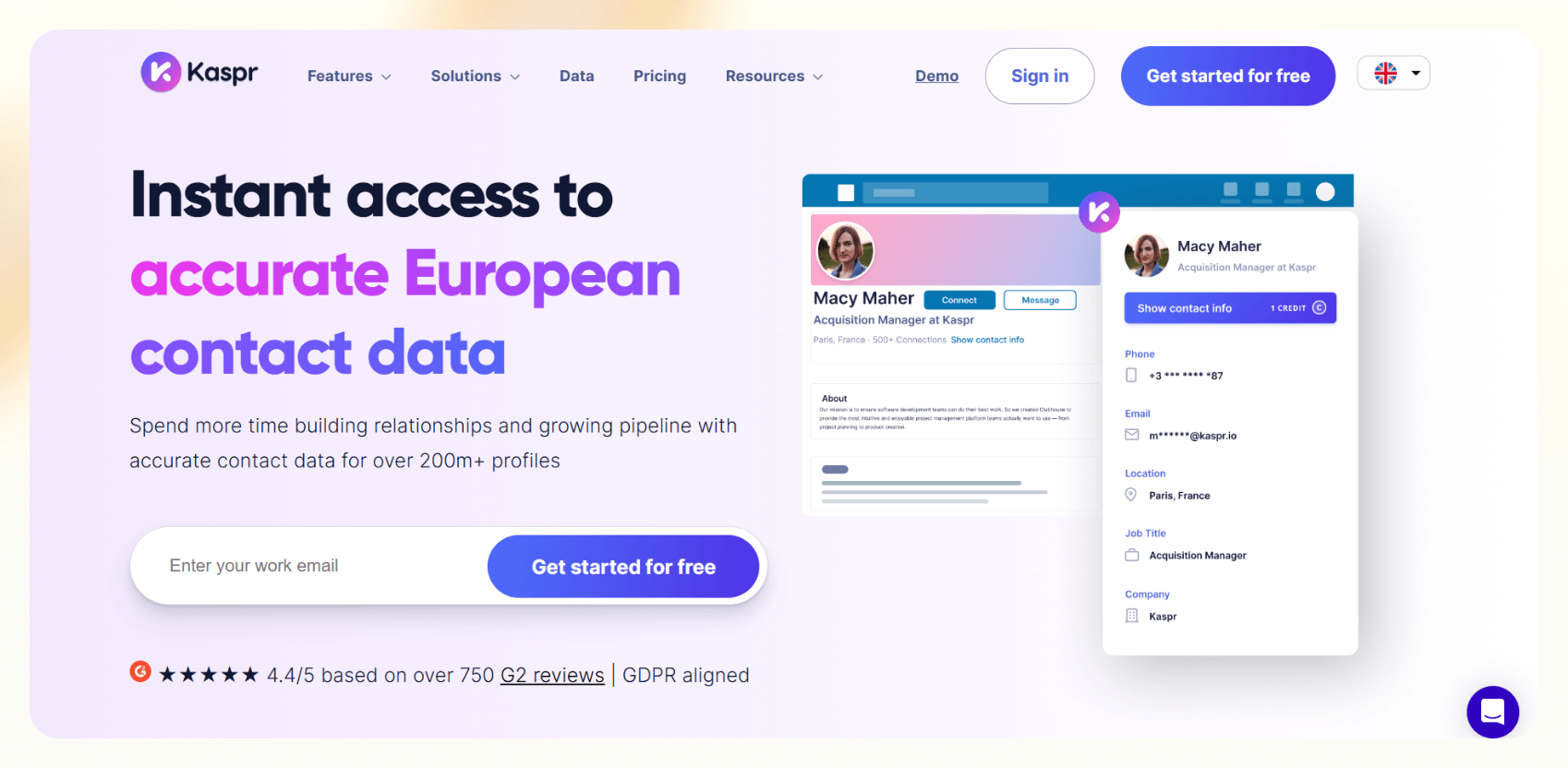
Kaspr is a Chrome extension built primarily for scraping emails from LinkedIn profiles.
Capabilities
- Find work emails from LinkedIn
- Offers real-time contact discovery
- Native integrations with Salesforce and HubSpot
- Good for BDRs or sales teams doing 1:1 outreach
Pricing
The pricing starts at free. The paid tier starts at €59/month for the Starter plan.
The bottom line
Kaspr is quick and straightforward, but very LinkedIn-dependent. It’s better suited for individual prospecting than bulk workflows.
3. Skrapp.io
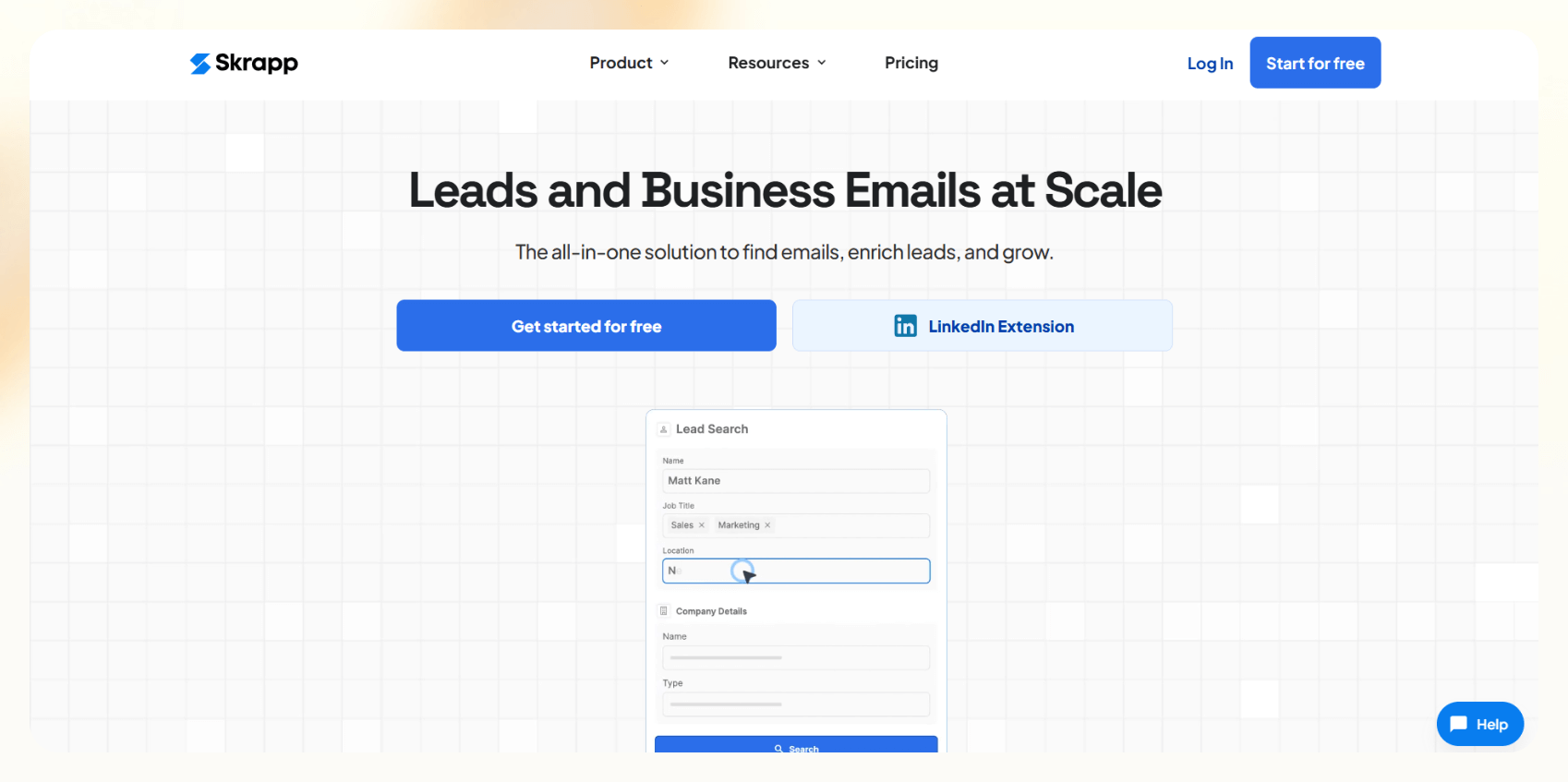
Skrapp is a domain and LinkedIn-based email discovery tool with built-in email verification.
Capabilities
- Bulk email search by domain
- LinkedIn plugin for individual profile scraping
- Verifies emails before export
- Simple CRM integrations
Pricing
Skrapp starts with a free plan that offers 100 email credits. The paid plan starts from $49/month, billed monthly.
The bottom line
It is a good option for startup sales teams who need basic email finder functionality. It’s not suitable for workflow-heavy teams.
4. Hunter.io
Hunter is one of the longest-running email finders on the market. It focuses on domain search and email pattern recognition.
Capabilities
- Domain-based searches
- Email verifier and scoring
- Outreach campaign builder
- Chrome extension
Pricing
Hunter offers a free plan that lets you search 25 emails/month. The paid plan starts from $49/month, billed monthly.
The bottom line
It's great if you know the domain and want to guess emails. However, it lacks scraping flexibility and AI logic.
5. GetProspect
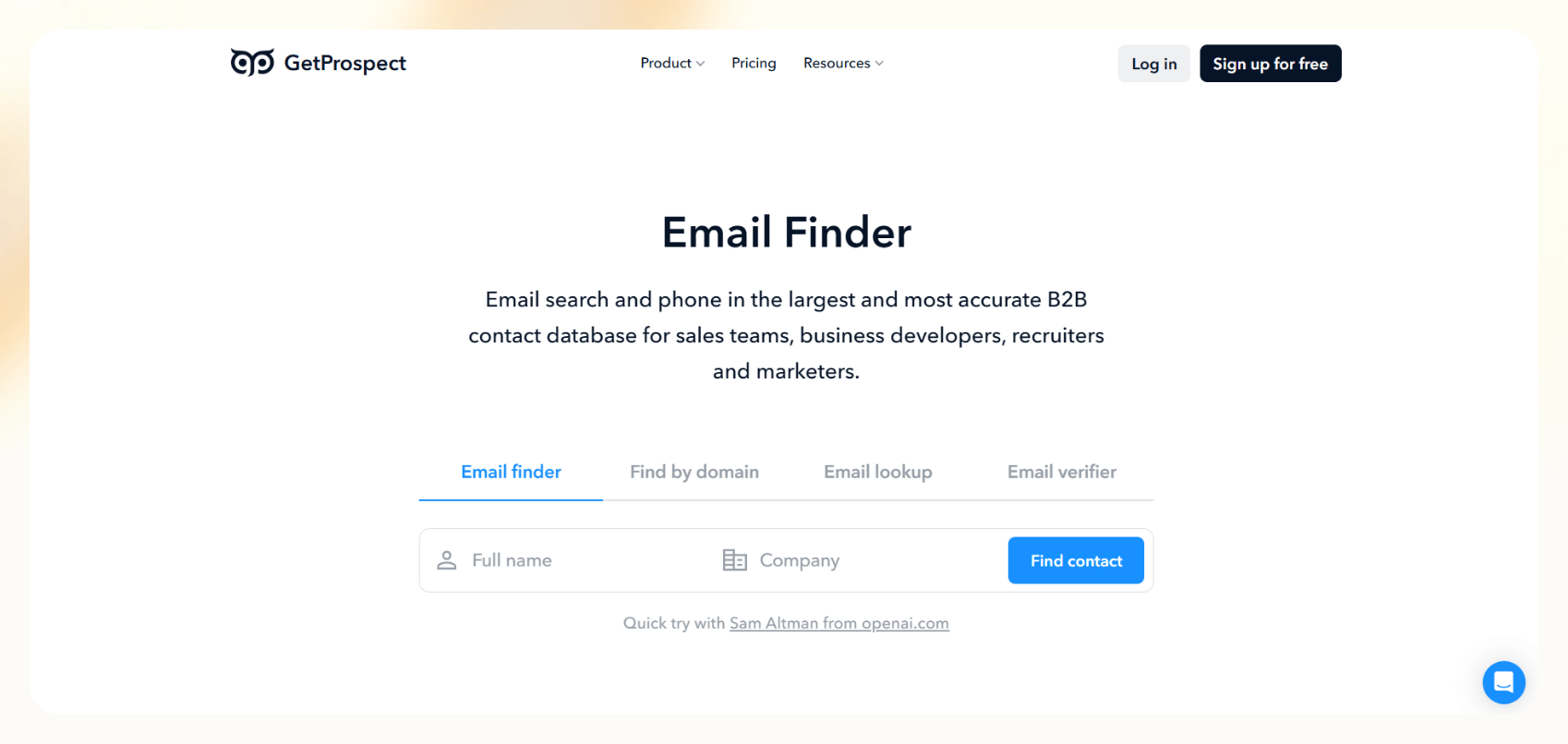
GetProspect offers email discovery via LinkedIn, domain search, and basic enrichment.
Capabilities
- LinkedIn plugin for real-time scraping
- Email export and bulk searches
- Some CRM integration
- Basic data points like job title and location
Pricing
GetProspect gives you 50 monthly emails in its free plan. The paid plan gives you 1000 monthly emails for $49/month, billed monthly.
The bottom line
GetProspect is a low-friction option for small sales teams doing light prospecting. However, it lacks deeper automation or scraping flexibility.
6. ZoomInfo
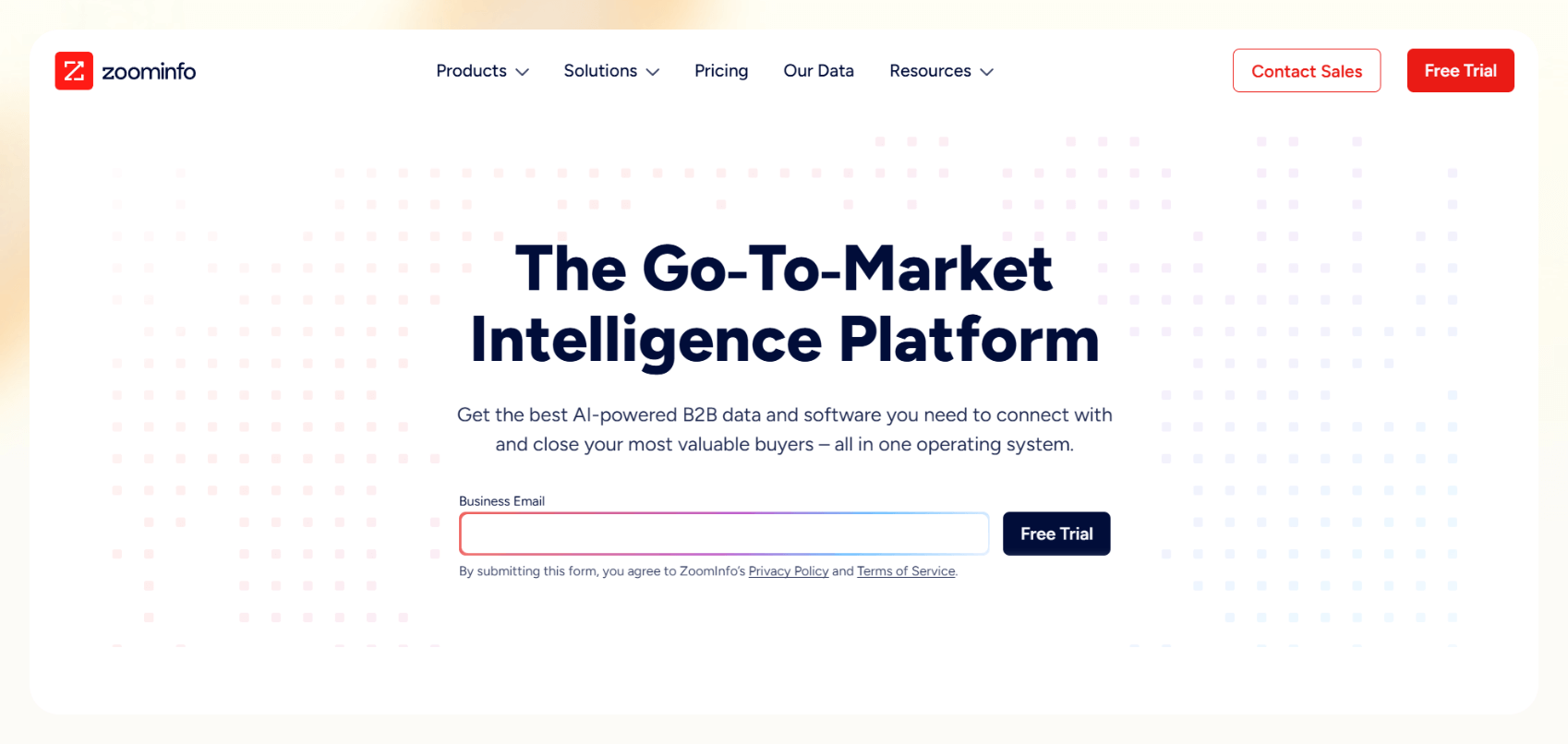
ZoomInfo is a high-end sales intelligence platform with massive B2B contact databases and intent data.
Capabilities
- Contact enrichment
- Real-time company insights and org charts
- Intent signals and buying journey tracking
- CRM and ABM integrations
Pricing
ZoomInfo doesn’t declare its pricing publicly. You can contact their team for custom quotes.
The bottom line
It is best for large revenue teams. It is not a proper scraping tool but more of a database and enrichment engine.
Frequently asked questions
What are the risks associated with email scraping?
There are two main types of risks. Let’s look at them:
- Legal: Scraping personal emails or sending outreach without consent could violate regulations like GDPR, CASL, or CAN-SPAM.
- Technical: Bad scraping can block your IP, damage your domain reputation, or land you in spam folders.
Stick to public business emails, use validation tools, and always include an opt-out. This will keep you on the safer side of both worlds.
How can I avoid being blocked while scraping emails?
There are a few ways you can avoid being blocked. Here are some proven tactics:
- Use rotating proxies or built-in proxy pools
- Add rate limiting between requests
- Respect robots.txt files and avoid gated content
- Test with small batches before launching a full scrape
AI scrapers that support logic flows and human-in-the-loop actions are helpful here. If something is flagged, they adjust behavior in real time.
How do I integrate scraped emails into my marketing strategy?
Start with cleanup. Always validate your scraped emails before pushing them into any CRM or email tool. Then, segment your list by job title, industry, company size, etc. This will personalize and make your outreach relevant.
Some AI tools can even help with email triage and follow-ups, so you won't have to sort hundreds of replies manually.
Can AI improve the email scraping process?
Yes, AI absolutely improves the email scraping process. Here’s how:
- More competent page parsing: Understands structure, not just patterns
- Conditional logic: Scrape different fields based on context
- Built-in enrichment: Job title, LinkedIn, company info
- Workflow automation: Validation, formatting, integration — all in one flow
{{cta}}
Let Lindy be your AI-powered email scraping tool
If you want affordable AI email scraping and more, go with Lindy. Its intuitive interface and prebuilt AI agents let you automate email and related tasks.
Plus, there are loads of integrations to choose from.
Here’s why Lindy is an ideal option:
- AI Meeting Note Taker: Lindy can join meetings based on Google Calendar events, record and transcribe conversations, and generate structured meeting notes in Google Docs. After the meeting, Lindy can send Slack or email summaries with action items and can even trigger follow-up workflows across apps like HubSpot and Gmail.
- Automated CRM updates: Instead of just logging a transcript, Lindies can be set up to update CRM fields and fill in missing data in Salesforce and HubSpot — without manual input.
- AI-powered follow-ups: Lindies can send follow-up emails, schedule meetings, and keep everyone in the loop by triggering notifications in Slack by letting you build a Slackbot.
- Automated sales outreach: Lindy can run multi-touch email campaigns, follow up on leads, and even draft responses based on engagement signals.
- Cost-effective: Automate up to 400 monthly tasks with Lindy’s free version. The paid version lets you automate up to 5,000 tasks per month, which is a more affordable price per automation compared to many other platforms.










