Obsidian Pricing in 2026, Explained Plan by Plan
Michelle broke down Obsidian pricing across Free, Sync, Publish, and Catalyst tiers, weighing device sync limits, storage caps, and version history against Notion.


The Obsidian app is still completely free, which made the business-use question the only part I had to double-check.
Obsidian’s current pricing page confirms that for-profit companies can use the app without paying for a Commercial license. That license is optional support now.
The costs only start if you add Sync, Publish, Catalyst, or a Commercial license. Here’s the current breakdown.
How much does Obsidian cost?
Obsidian costs nothing for the core app, with optional services and licenses priced below.
All prices are in USD and come from Obsidian’s pricing page and its Sync comparison.
Obsidian Sync Standard vs Plus
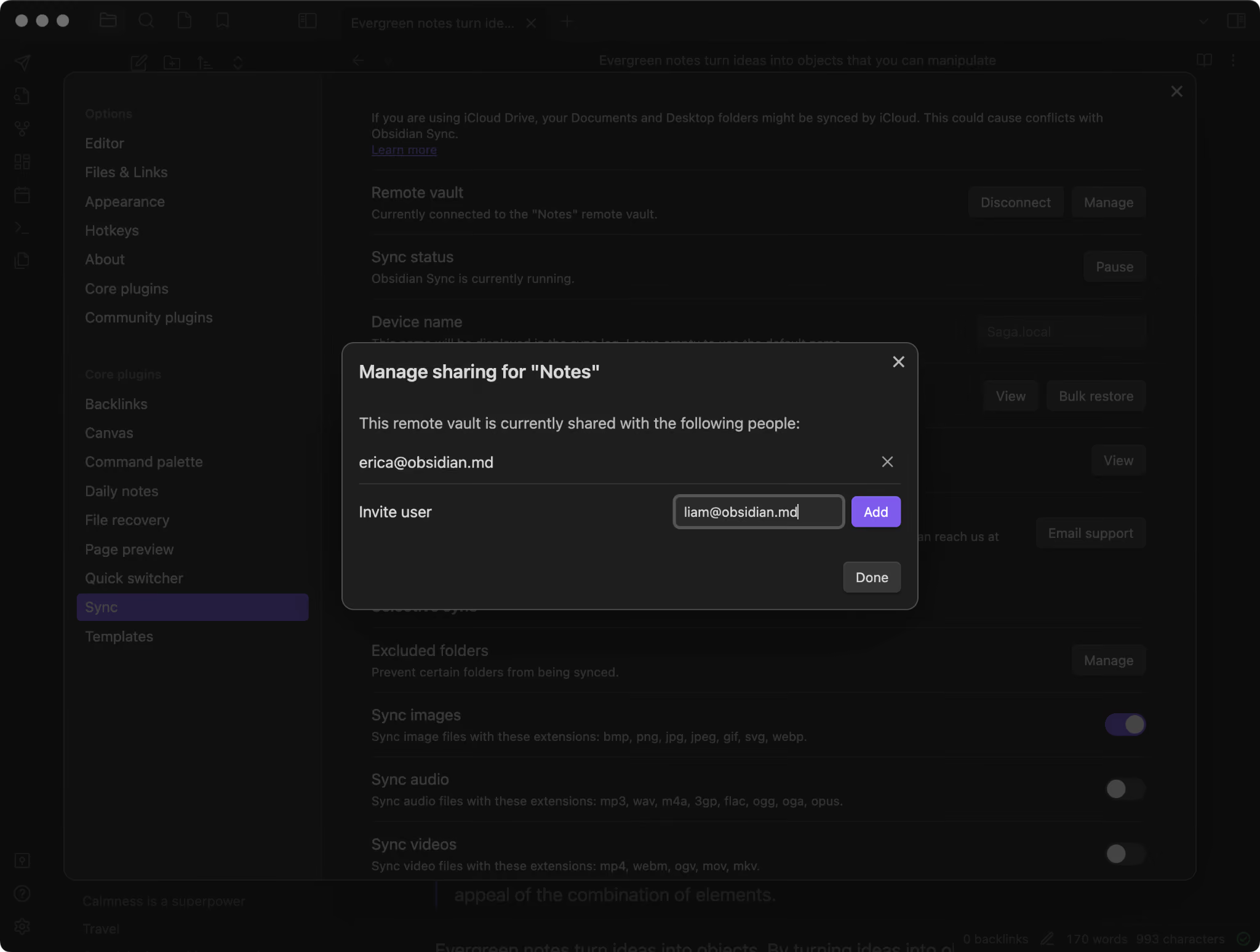
Sync Standard suits a single vault with smaller attachments. Plus adds more vaults, storage, and version history. Obsidian’s Sync comparison breaks down the limits:
Both plans include AES-256 end-to-end encryption and syncing across Mac, Windows, Linux, iOS, and Android. You can edit offline, and Sync merges changes when you reconnect.
You also get controls for what travels between devices:
- Selective sync lets you choose whether images, audio, videos, and PDFs sync.
- Settings sync carries preferences such as hotkeys and themes between devices.
- File recovery lets you restore deleted files and review sync activity.
- Shared vaults let teammates work with the same collection of notes.
I’d check attachment sizes before choosing. A 12 MB research PDF exceeds Standard’s 5 MB limit, even with storage available. Plus accommodates larger files and gives you a year of version history for revisiting earlier edits.
Obsidian Publish pricing
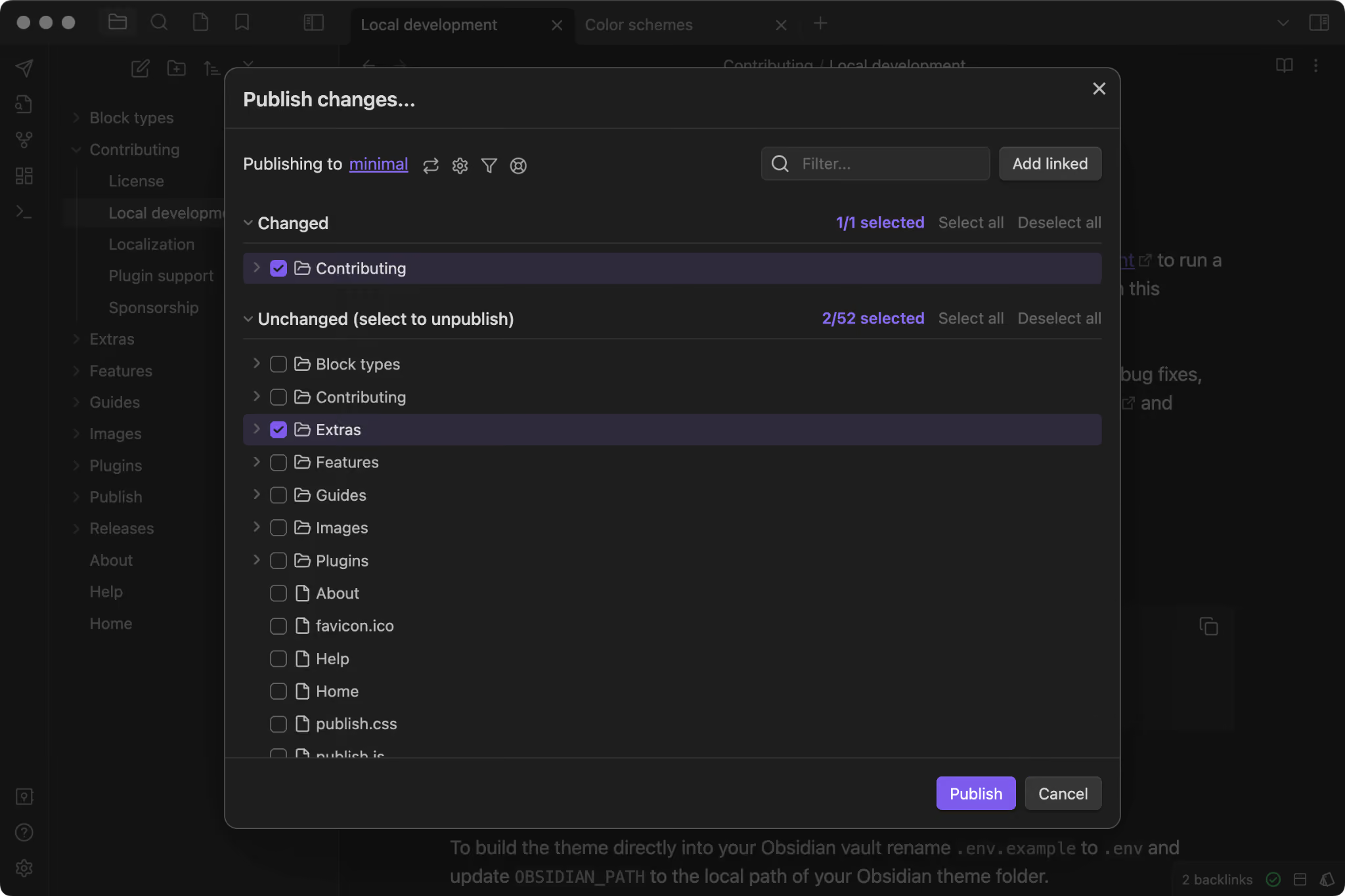
Obsidian Publish turns your notes into a wiki, knowledge base, or documentation site. You can edit and publish directly from the app.
Each site needs its own subscription. Keep this in mind if you plan to publish a personal wiki and a separate client handbook.
Catalyst and Commercial licenses
Catalyst and Commercial licenses offer optional ways to support Obsidian’s development. Catalyst includes early beta access and community perks, with three contribution tiers.
You can upgrade by paying the difference between tiers. The Commercial license is voluntary, including for company use. Purchases support development and offer organization recognition through Obsidian’s enterprise page. Catalyst and Commercial purchases are non-refundable.
Student and nonprofit discounts
Students, faculty, and people who run or work at nonprofits qualify for 40% off Sync and Publish.
With annual billing, the discounted totals are:
Apply through Billing → Discount in your Obsidian account, using your school or organization email.
Approval may be immediate after email verification; applications requiring review can take up to three business days.
Alternative verification is available if your school or nonprofit doesn’t provide an email address. Obsidian support accepts documents such as a student ID, transcript, or employee ID, along with your account email.
I’d apply before subscribing. An approved discount applies to future renewals while valid. If you purchased within the past seven days, contact support about your options. Older purchases don’t qualify for a partial refund.
Discounts expire and require renewal. Your account shows the expiry date, and Obsidian sends a reminder one week beforehand. Education and nonprofit discounts also can’t be combined with early-bird pricing.
{{templates}}
Obsidian pricing per month versus per year
Obsidian’s annual billing saves 20% over twelve monthly payments for Sync and Publish.
Here’s the full-year cost before education or nonprofit discounts:
I’d choose monthly billing while testing the service. Annual billing becomes cheaper once you reach your tenth monthly payment.
Are Obsidian’s paid add-ons worth it?
Obsidian’s paid add-ons are worth considering when syncing or publishing becomes part of your routine. How often you use those services matters more than how many notes you have.
Sync earns its place when you move between devices daily. Think of a shopping list written on your laptop that you need on your phone, or meeting notes you want available before opening your work computer.
Publish makes sense for material people return to, such as a project handbook or public research wiki. An occasional page shared with a colleague gives you less reason to take on another subscription.
Our Obsidian review explores the app’s everyday strengths and limitations beyond its pricing.
Where does Obsidian’s pricing model fall short for teams?
Obsidian’s pricing model falls short for teams because each shared-vault collaborator needs a paid Sync subscription, while collaboration controls remain limited. Ten people on Sync Standard cost $480/year with annual billing.
Obsidian’s shared-vault documentation outlines three limits worth considering:
- Limited access controls. Collaborators get the owner’s permissions, except the ability to invite others. You can’t assign granular roles within the vault.
- Editing through sync. Colleagues’ changes appear after syncing. People can edit the same file, but live cursors and real-time co-editing are unavailable.
- Up to 20 collaborators per shared vault. Check this cap against everyone who needs access.
Two colleagues editing the same meeting summary may need to review merged changes. Before buying for the whole team, try a shared vault with a few people and test how editing and access work in practice.
{{cta}}
Is Obsidian better than Evernote?
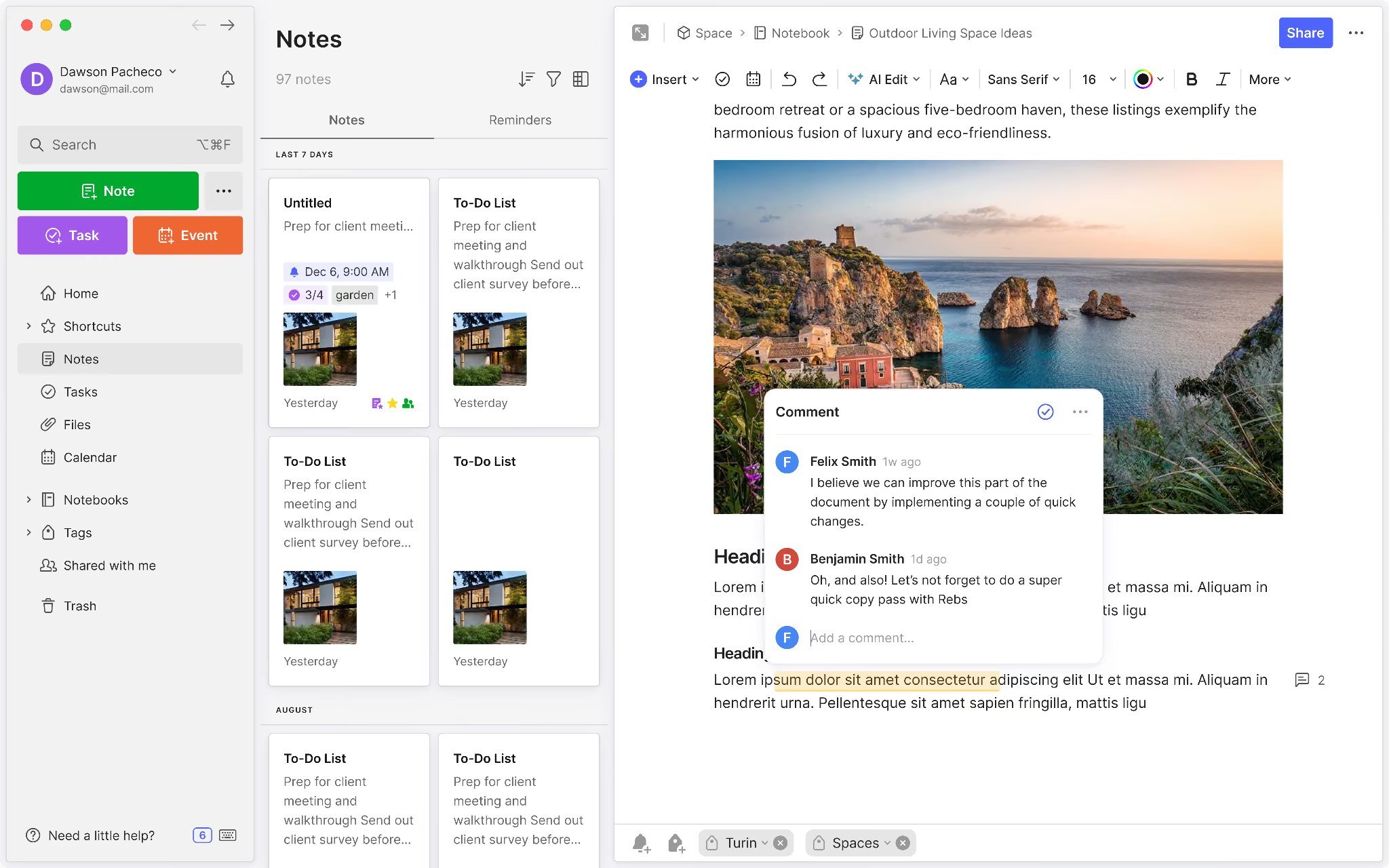
Obsidian is better than Evernote if you prioritize local file ownership and free note-taking. Its Markdown files stay on your device, and personal and commercial use are free.
Evernote suits people who want built-in capture and organization tools, including document scanning, image search, tasks, and calendar connections. Your choice depends on which features you’ll use regularly.
The Obsidian alternatives guide compares other options if you’re still weighing how you want to capture, organize, and share notes. If your meeting notes run long, an AI summarizer can shorten them before you sync.
FAQs
1. How much does Obsidian cost per month?
Obsidian’s core app is free. Sync Standard starts at $4/user/month, Sync Plus at $8/user/month, and Publish at $8/site/month, all billed annually. Monthly billing costs $5, $10, and $10, respectively.
2. Is Obsidian completely free?
Yes, Obsidian’s core app is completely free for personal and commercial use. You can keep using it without buying Sync, Publish, or a supporter license.
3. What is Obsidian’s refund policy?
Obsidian offers full refunds for Sync and Publish within seven days of purchase, with no questions asked. Catalyst licenses, Commercial licenses, and Obsidian Credit are non-refundable.
4. Do I need a Commercial license to use Obsidian at work?
You can use Obsidian at work for free. The optional Commercial license costs $50/user/year and helps fund development.
5. Which Obsidian option should I choose?
Start with the free app for local note-taking. Choose Sync Standard for one vault with small attachments, or Plus for larger files and multiple vaults. Add Publish if you want to turn your notes into a website.









