Top 9 Obsidian Alternatives to Take Better Notes in 2026
Marvin reviewed nine Obsidian alternatives including Tana, Logseq, and Craft, weighing AI capabilities, automation, sync, and pricing for note-taking workflows.


Top 9 Obsidian Alternatives to Take Better Notes in 2026
I liked the idea of Obsidian more than the routine of using it. I would open the app to take a note, then end up adjusting plugins, links, or folder structure before I wrote anything useful. Then a teammate asked to share one page, and it was a nightmare to get it synced. The graph looked gorgeous, but it never told me what I should do next.
Obsidian works well when you want local-first storage and complete control over your setup. I wanted something that helped me capture, connect, and use my notes without maintaining the system around them.
So I tested 15 Obsidian alternatives across structured notes, visual research, collaboration, AI recall, task connections, and sync. These are the 9 alternatives I’d recommend.
9 best Obsidian alternatives: TL;DR
- Tana: Best for notes connected to tasks
- Scrintal: Best for visual thinking and mind mapping
- Logseq: Best for private, local-first notes
- Roam Research: Best for networked, non-linear thinking
- RemNote: Best for students and spaced repetition
- Craft: Best for polished, shareable documents
- Mem: Best for AI-organized daily notes
- Dendron: Best for developers who want strict hierarchy
- Supernotes: Best for collaborative, card-based notes
Exploring AI productivity tools? Check out these guides on voiceflow alternatives and microsoft copilot alternatives.
The 9 best Obsidian alternatives in 2026: At a glance
| Tool | Best for | Starting price (billed monthly) | Key advantage vs Obsidian | AI capabilities | Automation & sync | Notes-as-action |
|---|---|---|---|---|---|---|
| Tana | Notes connected to tasks | $25/month | Built-in structure connects notes, tasks, and calendars | Yes | Yes | Yes |
| Scrintal | Visual thinking and mind mapping | $9/month (billed yearly) | Canvas-based notes make connections visible, not buried | Yes | No | No |
| Logseq | Private, local-first notes | Open-source | Local-first outliner with backlinks and no cloud lock-in | No | Partial | No |
| Roam Research | Networked, non-linear thinking | $15/month | Graph-native daily notes without heavy setup | No | No | No |
| RemNote | Students and spaced repetition | $10/month | Notes convert directly into flashcards and reviews | Yes | Partial | No |
| Craft | Polished, shareable documents | $10/month | Clean documents with real-time collaboration | Yes | Yes | No |
| Mem | AI-organized daily notes | $9/month | AI organizes and resurfaces notes automatically | Yes | Yes | No |
| Dendron | Developers who want strict hierarchy | Open-source | Hierarchical notes inside the developer workflow | No | No | No |
| Supernotes | Collaborative, card-based notes | £8/month (about $11) | Card-based interfaces and easy sharing with real-time collaboration | Yes | Yes | No |
I compiled this list of tools to cover a range of use cases, like AI notes, visual thinking, task integration, and more. Here are the top Obsidian alternatives pitched side-by-side: If you want an AI-focused assistant alongside these note tools, exploring a dedicated chatgpt alternative can help automate your workflow. Understanding standard obsidian pricing models helps clarify how much you might save by choosing a free alternative.
Still on the fence about leaving? My hands-on obsidian review covers where the app still wins before you commit to a switch.
1. Best Obsidian Alternative for Notes Connected to Tasks
Tana: What is it?
Tana is a structured note-taking tool where every note works like a data object. It connects notes, tasks, meetings, and references inside a single system using nodes, fields, and views. Instead of writing freeform notes and organizing them later, Tana pushes you to capture information in a way you can query, filter, and reuse. Many modern AI-powered note taking apps use similar database structures to automatically organize incoming information.
I tested Tana in planning and operations workflows where notes often blur into tasks. It worked best when notes needed structure and follow-through, not long-form writing. If you need an AI tool focused on taking notes during meetings, consider exploring these ai note-taking apps for your workflow.

Why it beats Obsidian
- Connects notes directly to tasks, dates, and projects without relying on plugins
- Uses built-in structure and queries instead of manual tagging and linking
- Surfaces relevant notes automatically through views and daily workflows
- Reduces time spent maintaining a personal system as note volume grows
Pros
- Combines notes and tasks in one structured workspace
- Makes large volumes of notes easier to filter and reuse
- Supports AI-assisted capture and summarization inside workflows
- Avoids heavy plugin dependency
Cons
- Feels restrictive if you prefer freeform writing
- Requires upfront time to learn its structure
Pricing
- Free plan with 50 AI queries/month
- Paid plans from $25/user/month, billed monthly (early-bird Pro price; $20/user/month billed yearly)
Bottom line
Tana fits people who want their notes to behave like structured data. If you like seeing tasks, meetings, and references snap into place through views and queries, Tana feels more like a system than a notebook.
If most of your notes happen on a PC, see the best note-taking apps for Windows I tested alongside these tools.
2. Best Obsidian Alternative for Visual Thinking and Mind Mapping
Scrintal: What is it?
Scrintal is a visual note-taking tool that offers an infinite canvas. It lets you place notes as cards, move them freely, and connect ideas spatially instead of forcing everything into folders or outlines. The focus stays on sense-making, not structure.
I tested Scrintal while working through research-heavy projects where relationships between ideas mattered more than a clean hierarchy. It felt closer to a thinking space than a notes app.

Why it beats Obsidian
- Organizes ideas visually on a canvas instead of relying on text-based graphs
- Makes patterns and connections easier to spot through spatial layout
- Encourages synthesis by letting you group, rearrange, and cluster notes freely
- Removes the need to design a complex folder or tagging system upfront
Pros
- Strong visual canvas that supports freeform thinking
- Feels natural to synthesize research and map ideas
- Handles PDFs, images, and references well
- Simple linking without plugin management
Cons
- Limited automation or task handling
- Offline access and exports feel constrained
Pricing
- No free plan
- Only one paid plan, $9/month, billed yearly
Bottom line
Scrintal works best when you think in diagrams, clusters, and visual relationships. If moving ideas around helps you understand them faster, this approach clicks immediately.
3. Best Obsidian Alternative for Private, Local-First Notes
Logseq: What is it?
Logseq is an open-source note-taking app built around local files, block-based notes, and daily journals. It stores everything on your device by default and uses backlinks and outlines to connect ideas. The design favors people who want complete control over their notes and data.
I tested Logseq for long-running research notes and daily journaling. It felt closer to a personal workspace than a shared system. To better understand how this compares to the primary alternative, read our full obsidian review.

Why it beats Obsidian
- Stores notes locally by default without relying on paid cloud sync
- Uses block-based notes that make linking and restructuring faster
- Combines journaling, tasks, and references in one daily workflow
- Avoids complex plugin setups for core features like backlinks and outlines
Pros
- Strong privacy and offline-first design
- Clean outliner that works well for research and journaling
- Supports Markdown and Org-mode files
- Active open-source community and plugin ecosystem
Cons
- Limited collaboration options
- Some features require a light technical setup
Pricing
- Open-source, free to download and use
Bottom line
Logseq fits people who want control, privacy, and a daily writing habit in one place. It works well when your notes stay on your device and not in the cloud.
4. Best Obsidian Alternative for Networked, Non-Linear Thinking
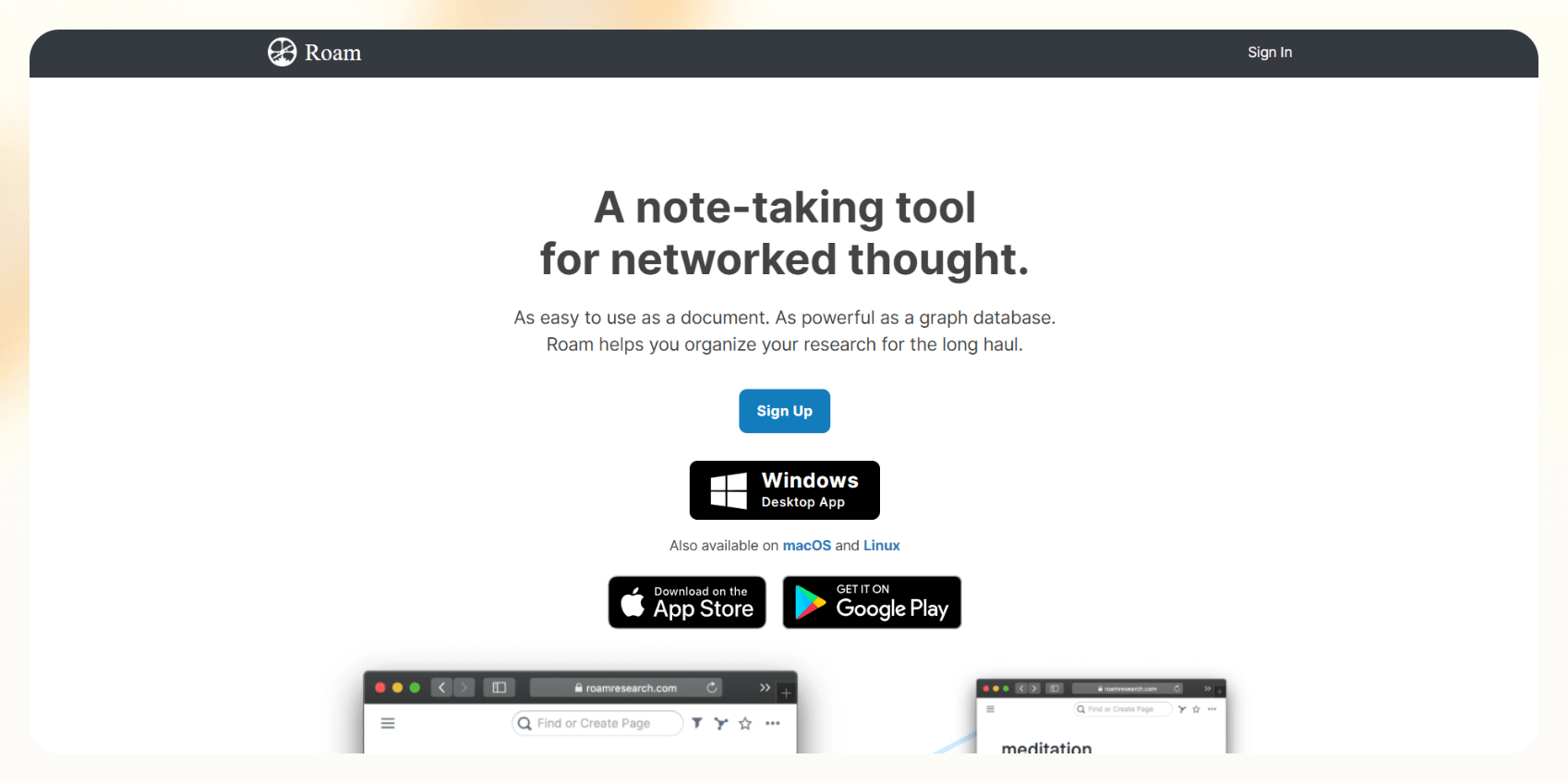
Roam Research: What is it?
Roam Research is a note-taking tool built around backlinks and daily notes. Every page and block connects to others, which makes it easy to follow how ideas evolve over time. The product focuses on thinking in networks instead of documents or folders. If you need a system that combines networked notes with AI-driven task management, explore taskade alternatives software options.
I tested Roam for long-form thinking and ongoing idea development. It felt strongest when notes needed to stay fluid and connected across days, not filed away.
Why it beats Obsidian
- Treats backlinks and block references as the core workflow, not an add-on
- Keeps daily notes central, which encourages continuous idea capture
- Makes it easy to resurface related thoughts without manual organization
- Reduces upfront system design by relying on links instead of folders
Pros
- Fast backlinking and block-level references
- Strong support for non-linear thinking and idea evolution
- Daily notes work well for writing and research habits
- Clean interface focused on writing
Cons
- Requires an internet connection unless you set up a local graph
- Limited collaboration and automation options
Pricing
- No free plan, only a free trial
- Paid plans from $15/month, billed monthly
Bottom line
Roam works best if your notes grow through links and repetition. It suits writers and researchers who want ideas to connect naturally over time.
5. Best Obsidian Alternative for Students and Spaced Repetition
RemNote: What is it?
RemNote combines note-taking with active recall. It turns notes into flashcards automatically and schedules reviews using spaced repetition. The tool focuses on retention, not long-term knowledge mapping or workflow automation.
I tested RemNote while working through dense learning material and recurring review cycles. It worked best when the goal involved remembering details, not connecting ideas across projects.

Why it beats Obsidian
- Converts notes into flashcards without manual setup
- Schedules reviews automatically using spaced repetition
- Keeps learning and notes in one continuous workflow
- Reduces the need for third-party study plugins
Pros
- Strong flashcard and spaced repetition engine
- Notes and study material stay connected
- Supports PDFs, highlights, and references
- Works well offline for focused study sessions
Cons
- Not designed for task management or workflows
- Can feel busy for simple note-taking
Pricing
- Free plan with limited features
- Paid plans from $10/month, billed monthly ($8/month billed yearly)
Bottom line
RemNote fits people who take notes to learn and retain information. It shines when recall matters more than organization or automation.
6. Best Obsidian Alternative for Polished, Shareable Documents
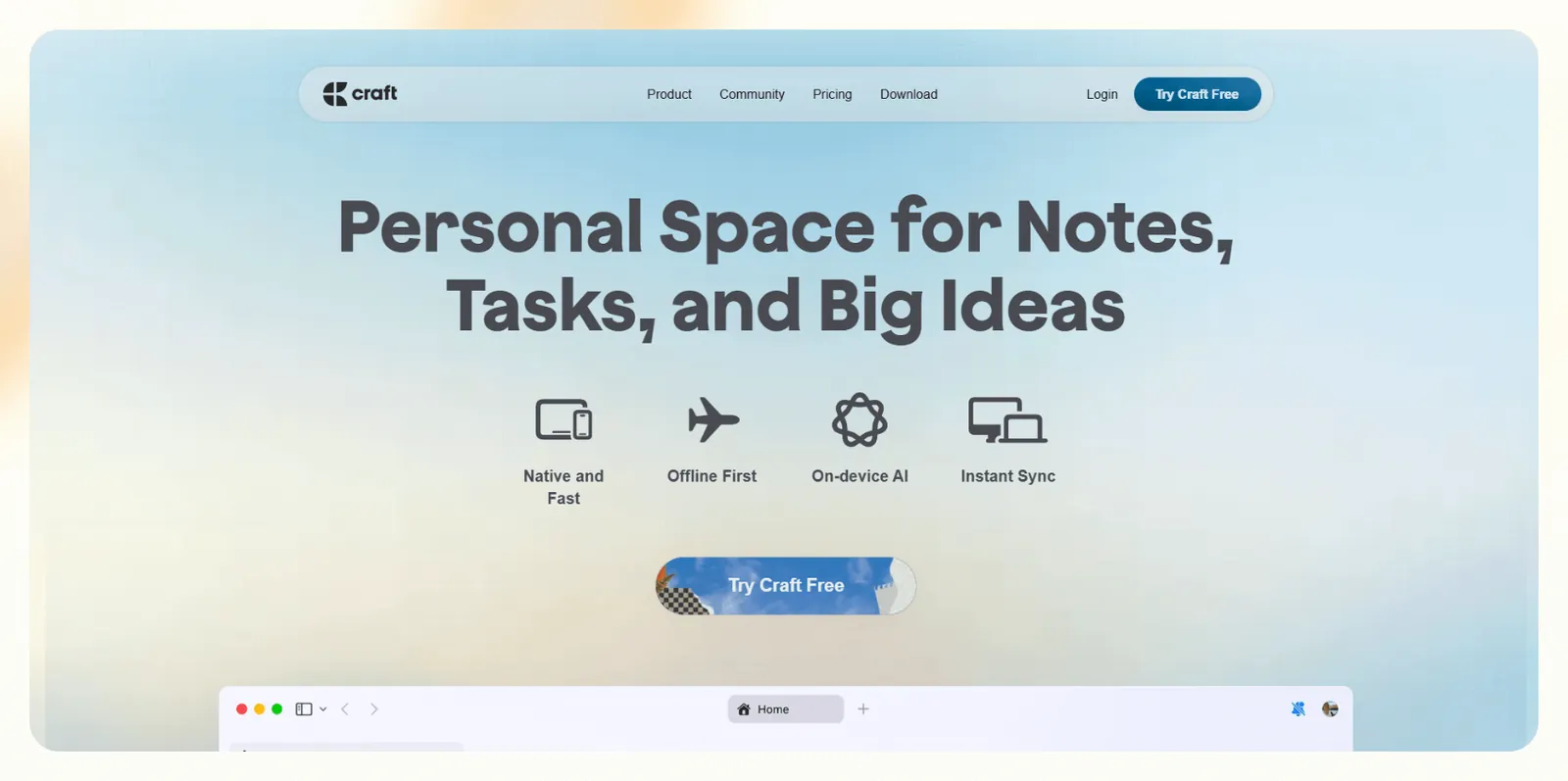
Craft: What is it?
Craft is a document-first note-taking app designed for clean writing, sharing, and collaboration. It focuses on structured pages, rich formatting, and easy publishing across web, desktop, and mobile. Instead of building a personal system, Craft prioritizes clarity and presentation.
I tested Craft for writing specs, internal docs, and shareable notes. It worked best when notes needed to look finished and circulate beyond one person.
Why it beats Obsidian
- Produces clean, presentation-ready documents without extra styling work
- Supports real-time collaboration and sharing out of the box
- Syncs smoothly across web, desktop, and mobile devices
- Avoids manual export steps for publishing or sharing
Pros
- Excellent writing and formatting experience
- Easy sharing with teams or external collaborators
- Strong cross-platform support
- Reliable exports to PDF, Word, and Markdown
Cons
- Limited support for graph-style knowledge linking
- Less flexible for deep personal knowledge systems
Pricing
- Free plan with limited features
- Paid plans from $10/month, billed monthly ($8/month billed yearly)
Bottom line
Craft fits writers and teams who care about how notes read and look. It works well when documents need to move from draft to share-ready without extra work.
7. Best Obsidian Alternative for AI-Organized Daily Notes
Mem: What is it?
Mem is a note-taking app for fast capture and AI-assisted retrieval. It removes folders and manual structure and instead relies on AI to organize, surface, and connect notes when you need them. The goal is to reduce the time spent managing notes altogether.
I tested Mem in daily workflows where notes pile up quickly. It worked best when capture speed mattered more than long-term structure.

Why it beats Obsidian
- Organizes notes automatically without manual folders or tags
- Uses AI search and chat to surface relevant notes on demand
- Reduces setup time by removing the need to design a system
- Simple daily notes capture without long-term maintenance
Pros
- Fast note capture with minimal friction
- Clean interface that stays out of the way
- Works well for lightweight personal and team notes
Cons
- Limited control over structure and organization
- Not ideal for complex or long-term knowledge systems
Pricing
- Free plan with 25 notes/month
- Paid plans from $9/month, billed monthly
Bottom line
Mem fits people who want notes to organize themselves. It works well when speed and recall matter more than structure and customization.
8. Best Obsidian Alternative for Developers Who Want Strict Hierarchy
Dendron: What is it?
Dendron is a note-taking tool that works as an extension for Visual Studio Code. It treats notes like a structured knowledge tree, with clear hierarchies, predictable paths, and Git-friendly files. It suits engineers who already live in their editor and want notes to behave like code.
I tested Dendron while working on technical documentation and architecture notes. It felt most useful when structure and consistency mattered more than speed or collaboration.

Why it beats Obsidian
- Uses strict hierarchies instead of loosely linked graphs
- Lives inside VS Code, which removes context switching for developers
- Works naturally with Git for version control and collaboration
- Keeps large documentation sets organized without plugin tuning
Pros
- Strong hierarchical organization for large note sets
- Fits naturally into developer workflows
- Markdown files stay portable and transparent
- Predictable structure makes long-term maintenance easier
Cons
- Only works inside VS Code
- Active development has ceased, and the project is in maintenance-only mode
Pricing
- Dendron is free and open source, with no paid plans
Bottom line
Dendron fits engineers who want notes to feel like well-organized code. It works best when hierarchy and predictability matter more than flexibility or visuals.
9. Best Obsidian Alternative for Collaborative, Card-Based Notes
Supernotes: What is it?
Supernotes is a note-taking app that creates small, linked cards instead of long documents. Each card holds a single idea, which makes notes easier to share, reuse, and build on with others. It offers speed, clarity, and collaboration without a complex setup.
I tested Supernotes in shared note-taking scenarios where multiple people needed to add, edit, and reference ideas quickly. It worked best when I wanted lightweight and modular notes.

Why it beats Obsidian
- Breaks notes into small, focused cards instead of long Markdown files
- Supports real-time collaboration without plugins or sync workarounds
- Makes linking ideas simple without maintaining a complex graph
- Keeps shared notes easy to edit and extend over time
Pros
- Clean, fast interface built around short-form notes
- Card-based structure keeps notes focused and reusable
- Simple publishing and sharing options
Cons
- Card limits apply on lower tiers
- Not designed for deep personal knowledge graphs
Pricing
- Free plan with 100 cards
- Unlimited plan costs £8/month (about $11), billed monthly

Bottom line
Supernotes fits teams and learners who prefer short, focused notes they can build together. It works well when collaboration and clarity matter more than building a personal knowledge system.
Why I looked for Obsidian alternatives
I looked for Obsidian alternatives because my team struggled with collaboration and workflow support. If you're managing knowledge at scale or across functions, you’ll run into a few problems. Here are the reasons why I looked for options:
- Steep learning curve for plugins & graph logic: Obsidian’s customization is powerful but takes time to master and maintain.
- No built-in collaboration or AI functionality: Teams can’t co-edit in real-time, and there’s no AI to automate routine work.
- Not ideal for team-based or non-technical users: Only power users benefit most from Obsidian’s UI, plugin setup, and local file management.
- No automation or integrations out of the box: Obsidian doesn’t connect well with tools like Slack, Google Docs, or CRMs without plugins or scripts.
- No functionality beyond notes: You can write and organize notes, but they don’t trigger workflows, assign tasks, or move information across tools.
How I tested Obsidian alternatives
I tested these Obsidian alternatives over several weeks using them for meeting notes, research, planning, and shared docs. I let notes accumulate and revisited them later to see which systems helped me act faster and which created drag.
Here’s what I looked for:
- Capture speed: How quickly I could take notes during live meetings, calls, or research without breaking focus
- Post-note follow-through: Whether notes naturally turned into tasks, summaries, or next steps, instead of sitting untouched
- Retrieval after time passed: How easy it was to find useful notes days or weeks later, without remembering exact keywords
- Maintenance effort: How much effort is required for setup, tagging, or system upkeep to stay usable
- Collaboration friction: How well the notes worked when shared, edited, or reused by other people
Which Obsidian alternative should you choose?
The right Obsidian alternative depends on whether you want notes to trigger work, stay structured at scale, support visual thinking, or help you learn and remember information. Here’s how you can pick the right tool:
Choose other alternatives:
- Tana, if you want notes tightly connected to tasks, dates, and projects
- Scrintal if you think visually and need a canvas to map ideas and research
- Logseq or Roam Research, if you build knowledge through daily notes and backlinks
- RemNote, if you study and need spaced repetition and recall
- Craft, if you write documents meant to be shared, published, or polished
- Mem, if you want fast capture and AI-assisted recall without system design
- Dendron, if you are a developer who prefers a strict hierarchy and Git-based notes
- Supernotes, if you collaborate using short, focused notes instead of long docs
Stick with Obsidian:
- If you enjoy designing and maintaining your own note system
- If you work mostly solo and do not need real-time collaboration
- If you want complete control over local files and long-term storage
My final verdict
I would choose Tana if my notes need to behave like structured data, where tasks, dates, and projects snap into place without plugin upkeep. Notes usually stall once they're written, but Tana connects them directly to the work that follows.
However, Tana does not replace a freeform personal knowledge system. If you enjoy writing, linking, and revisiting notes over time, tools like Obsidian, Logseq, or Roam still work better.
And if your work leans more toward studying or visual research, RemNote or Scrintal will fit those workflows more naturally.
For me, the deciding factor is simple. Notes that turn into work matter more than notes that sit untouched in a folder.
Frequently asked questions
What are the best alternatives to Obsidian for beginners?
Craft and Tana are the best Obsidian alternatives for beginners. Craft has a clean, doc-style interface with polished exports, and Tana works out of the box without needing a third-party plugin setup.
Can I use AI tools like Lindy for knowledge management?
Yes, AI tools like Lindy can manage your knowledge workflows by capturing, organizing, and routing notes automatically.
Are there open-source alternatives to Obsidian?
Yes, there are open-source alternatives to Obsidian, like Logseq and Dendron. Logseq focuses on graph-based thinking, while Dendron is ideal for developers who want structured, local-first documentation inside VS Code.
Which note-taking apps support graph views?
Obsidian, Logseq, and Roam Research support graph views. Each varies in depth and use case, but they all give you a bird's-eye view of how your ideas connect.










