Make.com Pricing: Plans, Costs, and Is It Worth It in 2026?


I started using Make.com because a freelance client wanted every new form submission to trigger a CRM update, a Slack notification, and a welcome email. The workflow was simple enough to explain in one sentence. Building it and predicting what it would cost was another story.
Make's credit model is not complicated once you understand it. But it takes a moment to understand, and the pricing page doesn't explain it as clearly as it should.
I tested the free plan and Core across several scenarios, tracked where credits go faster than expected, and compared Make's costs directly against Zapier and n8n.
Here's what I found.
Make.com pricing plans: At a glance
All prices shown for 10,000 credits per month. Credit volume is adjustable on all paid plans, and the price scales with what you choose. Enterprise pricing and billing terms are negotiated directly with sales.
For a deeper look at how the platform holds up beyond pricing, see our Make review.
What is Make?
Make is a no-code visual automation platform that lets you connect apps and build automated workflows without writing code. You design those workflows on a canvas by chaining modules together, where each module is one action an app performs, like reading a row from Google Sheets and sending a Slack message.
Every module that runs costs one credit. Filters and routers are the exception and cost nothing.
Maia by Make lets you type something like "when a new lead fills out my form, add them to HubSpot and send a welcome email" and it maps the scenario for you. Make AI Agents go a step further: instead of running a fixed sequence, they read context and decide what to do next, the way a person working through a task would.
Make is a good fit for teams that need complex, structured automation and want to see exactly how it works at every step.
How Make's credit system works
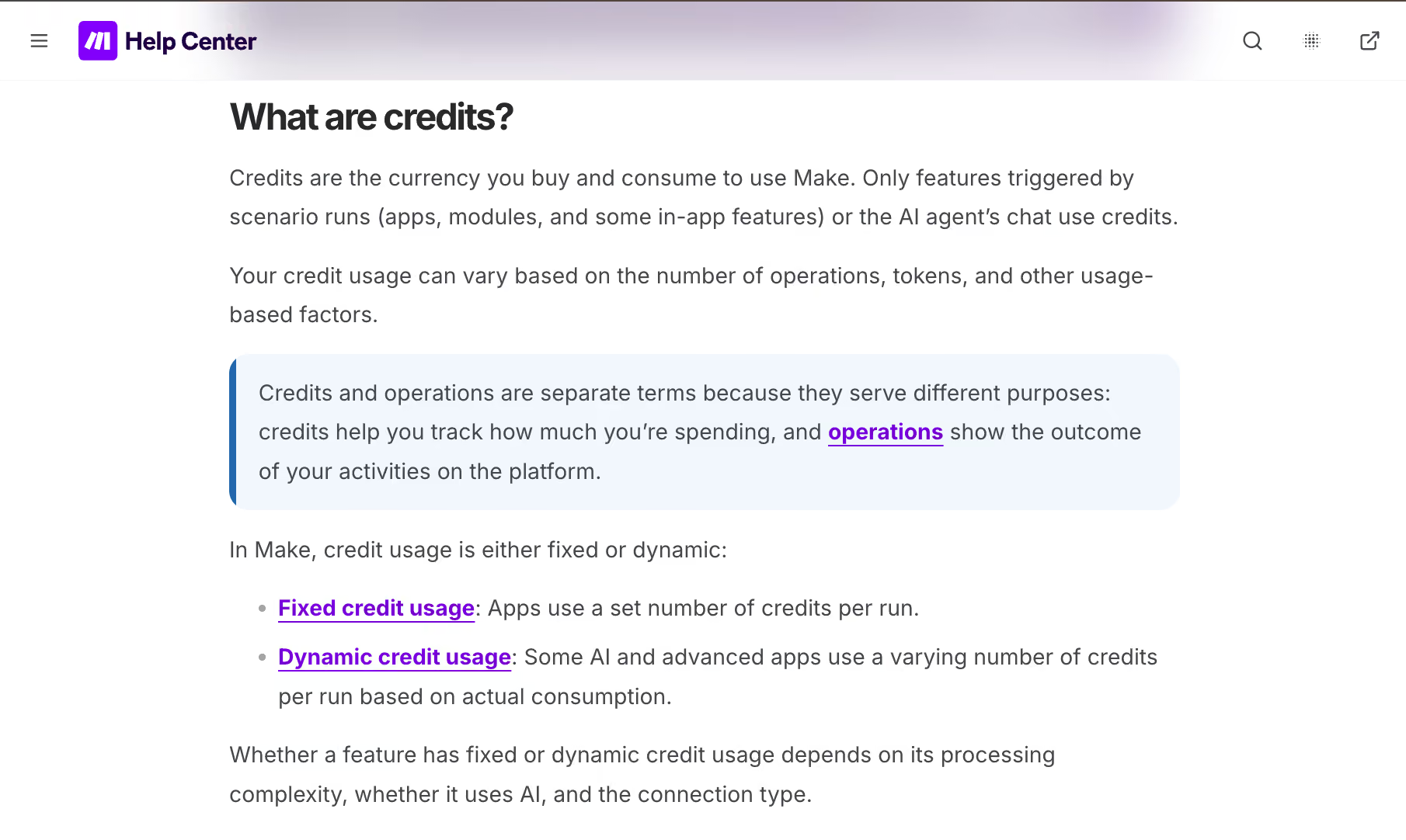
Make bills by credits, so every action a scenario performs consumes one credit. That includes triggers and every individual app action. A scenario that fires a webhook, updates a Google Sheet, and sends a Slack message costs three credits per run. Each module is billed on its own, so your cost tracks the number of modules, not the number of scenarios.
Here's what that looks like in practice: a five-step scenario running 200 times a month burns through 1,000 credits. The same scenario running 1,000 times uses 5,000 credits. If you have ten scenarios of varying complexity all running on a schedule, your actual credit burn rate is the sum of all of them.
The August 2025 switch from "operations" to "credits" did not change the math for standard automations. One module execution still costs one credit, as it did before.
The change matters most for AI features, where credit consumption depends on how you connect:
- Make's built-in AI provider: Credits are based on tokens and operations combined, and the rate varies by model.
- Your own API key (OpenAI or Anthropic): You pay Make one credit per operation and pay your AI provider separately for tokens. This is the more predictable option for AI-heavy workflows.
Two rules apply on every plan, AI or not:
- Credits running out: Scenarios stop running. Make notifies you at 75% and 90% usage. On Core, Pro, and Teams, you can buy extra credit bundles or set up auto-purchasing to avoid scenarios stopping mid-month.
- Exceptions: Error handler modules (Rollback, Break, Resume, Commit, Ignore) and the Router module itself do not consume credits.
{{templates}}
How Make compares to the alternatives
For a full breakdown of all Make alternatives, see 13 Best Make.com Alternatives in 2026.
Is Make free?
Yes, Make has a free plan which covers the basics well enough to understand how the platform works and test a scenario or two, but it is not built for production use. The credit limit and the two-scenario cap are the main reasons most people outgrow it within a week of real use.
Here is what the free plan actually includes and where it stops:
- 1,000 credits per month: Each module action in a scenario costs one credit. A five-step scenario running 200 times exhausts the free allowance entirely. Most real workflows hit this ceiling fast.
- Two active scenarios maximum: You can build as many scenarios as you want, but only two can be active and running at any given time. This is the harder constraint for anyone trying to automate more than one process.
- 15-minute minimum run interval: Scheduled scenarios can check for new data at most once every 15 minutes. Anything requiring near-real-time triggers needs a paid plan.
- No priority execution: During peak platform usage, free plan scenarios queue behind paid users. Delays are unpredictable.
- No Make Code App: Custom JavaScript or Python in scenarios is a paid feature. Free plan scenarios are limited to Make's built-in modules.
- Customer support for 90 days only: After the first 90 days, free plan users lose access to expert support.
Make.com pricing plans breakdown
Make has five plans: Free, Core, Pro, Teams, and Enterprise. The Free plan gives you 1,000 credits per month at no cost. Core, Pro, and Teams are the three paid tiers, and Enterprise is custom-priced. All paid plans let you scale your monthly credit volume up, and the price adjusts with it.
Free
- What's included: 1,000 credits per month, the no-code visual workflow builder, 3,000+ app integrations, routers and filters, Maia by Make, all AI features (Make AI Toolkit, Make AI Agents, AI Web Search, AI Content Extractor, MCP server), parallel scenario execution, and customer support for the first 90 days.
- What you miss out on: Only two active scenarios at a time. Scheduled runs limited to once every 15 minutes. Maximum scenario execution time of five minutes. No Make Code App (no custom JavaScript or Python). No Make Grid. No priority execution. Support ends after 90 days.
- Best for: Learning the platform and understanding how credits work before committing to a paid plan.
Core: $16/month (or $12/month billed annually)
- What's included: Everything in Free, plus unlimited active scenarios, 1-minute scheduling intervals, increased data transfer limits (5GB per 10k credits), Make API access (60 API calls per minute), the Make Code App (JavaScript and Python), and Make Grid.
- What you miss out on: Scenarios run without priority during peak hours, so expect occasional queuing delays. Custom variables are Pro-only, so values you want to reuse have to be stored in a data store instead. Execution history shows status, duration, credits, and data size, but full-text search across logs needs Pro.
- Best for: Individuals and small teams running predictable, scheduled automations who need unlimited scenarios and API access but do not need collaboration features or priority execution.
Pro: $28/month (or $21/month billed annually)
- What's included: Everything in Core, plus high-priority scenario execution, custom variables, and full-text execution log search. Annual billing unlocks credits usage flexibility, meaning unused credits carry forward and expire at the end of your 12-month term instead of each month.
- What you miss out on: Team roles, shared templates, custom permissions, analytics, audit logs, and Enterprise app integrations all require an upgrade.
- Best for: Power users and freelancers running client-facing or revenue-connected automations who need faster execution, better debugging tools, and the option to roll unused credits forward on annual billing.
Teams: $51/month (or $38/month billed annually)
- What's included: Everything in Pro, plus teams and team roles (manage permissions for scenario apps, templates, and connections), and the ability to create and share scenario templates across the organization.
- What you miss out on: Analytics, audit logs, and custom roles require an upgrade. Credits overage protection is not available, so you have to buy extra credit bundles or turn on auto-purchasing to keep scenarios running past the monthly limit. Enterprise app integrations, on-prem agent access, and custom functions are Enterprise-only.
- Best for: Small to mid-sized teams building and managing automations together who need role-based permissions and shared templates without the cost or complexity of Enterprise.
Enterprise: Custom pricing
- What's included: Everything in Teams, plus custom functions, Enterprise app integrations (Workday, ServiceNow, Coupa), on-prem agent access for SAP and local networks, custom roles, an Analytics Dashboard, audit logs, and credits overage protection. Support upgrades to 24/7 top-priority assistance from senior specialists, with access to the Value Engineering team.
- What you miss out on: No public pricing. Requires a sales conversation. No self-serve signup at this tier.
- Best for: Organizations with compliance requirements, teams running mission-critical automations that cannot afford to stop when credits run out, and companies that need enterprise-grade apps, security controls, or dedicated onboarding support.
Annual vs. monthly billing: what you actually save
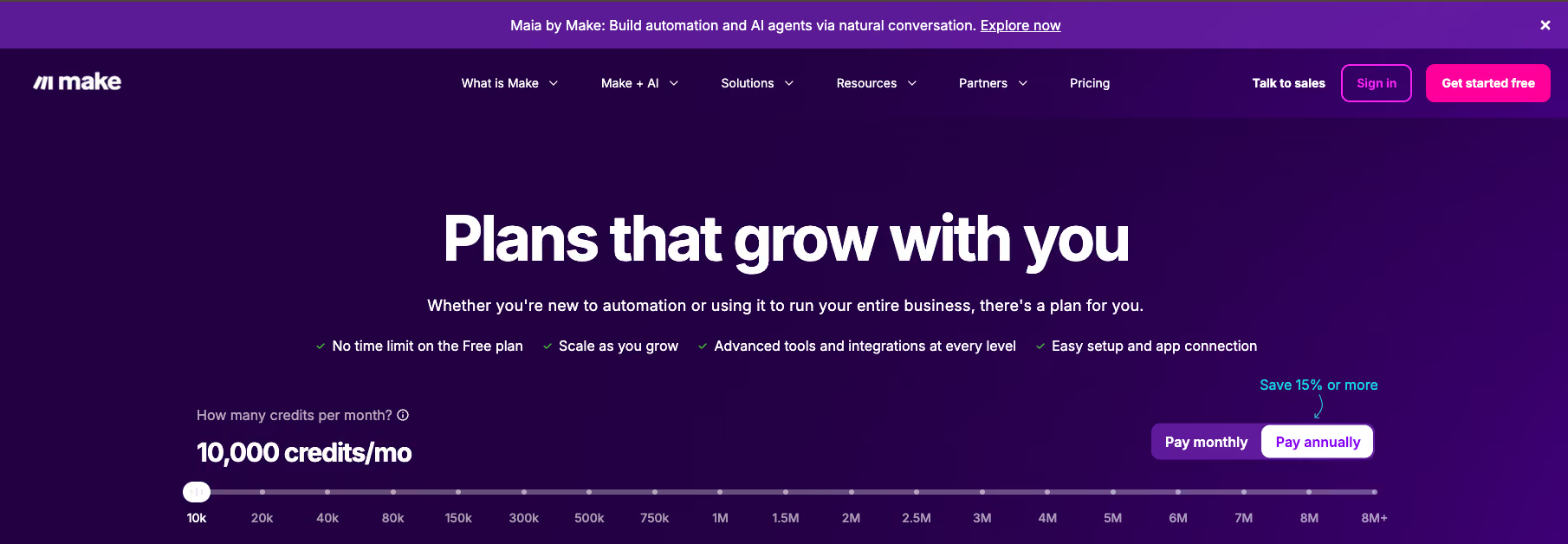
Make offers 15% or more off on annual billing. The price discount is straightforward. The more meaningful difference is what annual billing does to your credits.
At the 10,000-credit starting tier, here is what the difference looks like across each paid plan:
On Pro and Teams, switching to annual unlocks credits usage flexibility: unused credits carry forward and expire at the end of the 12-month term rather than each month. If your automation volume is uneven across the year, that rollover is worth more than the price saving alone.
Core annual billing saves money but does not unlock credit rollover. Credits still expire monthly on Core regardless of which billing cycle you choose.
Make does not give cash refunds on annual plans. If you downgrade, your unused credits move across to the new plan, so the money is not lost, just locked into Make. Run 60 to 90 days of real usage before committing to an annual plan and credit tier.
Where Make costs more than you expect
Make's plan price is predictable, but credit consumption is not. Most overages come from a handful of patterns that are easy to miss until the bill arrives.
Here is where teams consistently get caught out:
- Branches multiply your module count: Filters and the Router module are free, but every module sitting on a branch that runs is billed. A scenario that splits three ways and runs four modules down each path costs twelve credits per execution, not four.
- Polling intervals compound fast: A scenario set to check for new data every minute runs 1,440 times per day. A three-module scenario at that interval uses roughly 4,320 credits daily, or around 130,000 credits per month on a single workflow. Most teams set this up once and forget about it until credits run out.
- Make's built-in AI features bill by token: Credits vary based on token consumption and model, so costs are harder to predict. For a flat rate, connect your own OpenAI or Anthropic API key. Make charges one credit per operation, and you pay your provider separately for tokens.
- Annual billing locks in your credit volume: If you commit to 40,000 credits per month on an annual plan and your usage drops to 10,000, you cannot get that money back as cash. Your unused credits do carry over to the smaller plan. Estimate conservatively, run on monthly billing for 60 to 90 days first, and only lock in once your actual burn rate is clear.
Which Make plan should you choose?
The right Make plan depends on how many people are building scenarios and how much a delay or failure actually costs you.
Here is how each plan maps to a real situation:
- Free: You are evaluating Make before spending anything. You have one or two scenarios to test and no time pressure on when they run. The two-scenario cap and 15-minute interval will not bother you yet.
- Core: You are running automations solo or with a small team, your scenarios are scheduled and predictable, and occasional queuing delays during peak hours are acceptable. You need unlimited scenarios and API access but do not need anyone else to manage them alongside you.
- Pro: At least one of your scenarios is client-facing or directly tied to revenue. Delays cost you something real, so priority execution matters. You also want to search logs quickly when something breaks, and you want unused credits to roll forward rather than expire each month.
- Teams: More than one person is building or managing scenarios. You need to control who can access what, share templates across the team, and keep things organized as the operation grows.
- Enterprise: Your automations cannot stop mid-month under any circumstances. You have compliance requirements, need apps like Workday or ServiceNow, or require dedicated onboarding and security reviews. You are also comfortable with a sales process instead of self-serve signup.
Make vs. Zapier pricing
Both tools scale pricing by usage volume, but they measure usage differently. Make charges per module execution, so every step in a scenario costs one credit. Zapier charges per completed task, and conditional logic steps like filters and paths do not count.
That one difference changes the math significantly depending on how your workflows are built.
Make is cheaper at the entry level. A Core plan at $16/month buys 10,000 credits, while Zapier Professional at $29.99/month buys 750 tasks, so Make covers far more volume for straightforward, linear workflows. The gap narrows on branch-heavy workflows, because Make bills every module sitting on a branch that runs, while Zapier bills only the actions that complete.
For our full breakdown of how the two platforms compare beyond pricing, see Make vs Zapier. For a full look at Zapier's pricing structure, see our Zapier pricing breakdown.
Is Make worth the cost?
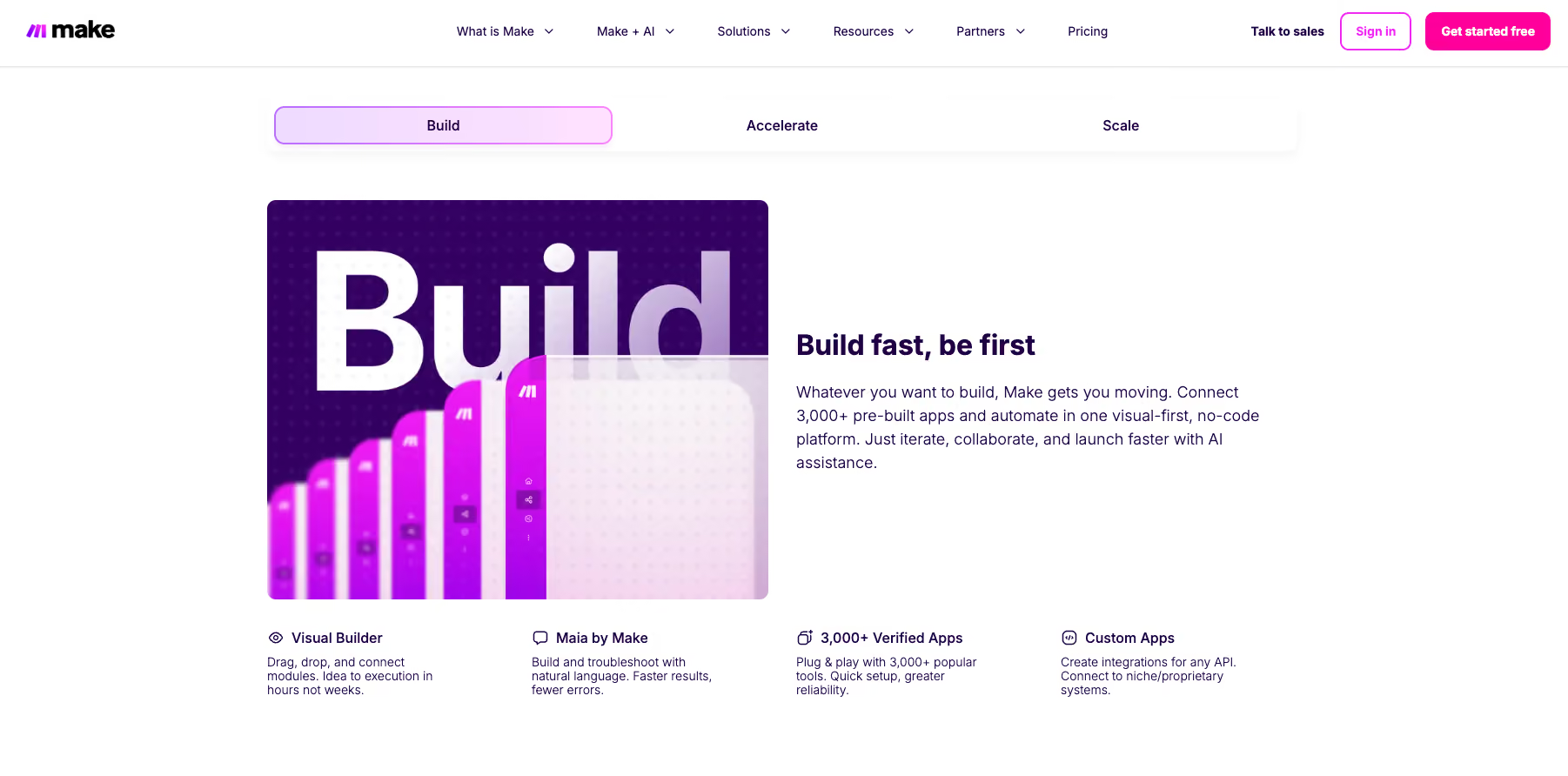
For structured, predictable automations, Make is worth the cost. Make's pricing works well when you know your workflows: how many steps they have, how often they run, and roughly how much that adds up to each month. The visual canvas makes it easier to count modules than most comparable tools, so estimating credit consumption before you build is straightforward.
The model gets expensive when it's unpredictable. Multi-step scenarios with loops, frequent triggers, or high message volume can burn through your monthly credit allowance faster than a month-one estimate suggests. Teams that don't monitor usage closely tend to hit their limit mid-month and then face a choice between buying add-on bundles or waiting for the reset.
Make is worth it if you:
- Want visual control over every step and condition in a workflow
- Run scheduled, structured workflows where execution volume is consistent
- Automate internal operations, like data syncing, reporting, and system handoffs
Skip Make if you:
- Want pricing that scales without needing to track credit consumption
- Run customer-facing automations where demand spikes unpredictably
- Want to say what you need in plain English instead of building it on a canvas first
If any of those sound familiar, Lindy is worth a look. Lindy is an AI teammate that lives in your Slack and connects to your email, calendar, and CRM. You tell it what you need in plain English, and it does the work, with no scenario to build first.
Try Lindy free and see how it handles your first request in Slack.
{{cta}}
Frequently asked questions about Make
How much does a Make subscription cost?
Make subscriptions start at $16/month for the Core plan, which covers 10,000 credits per month at monthly billing. Pro runs $28/month, and Teams runs $51/month. All three are cheaper on annual billing. Enterprise is custom-priced. Every paid plan lets you scale your credit volume up from the starting tier, with the price adjusting accordingly.
Is Make free?
Yes, Make has a free plan with 1,000 credits per month, the full visual workflow builder, and access to 3,000+ app integrations. The practical limits are two active scenarios at a time and a 15-minute minimum run interval. It is useful for testing, but most production workflows need a paid plan.
How does Make pricing work?
Make pricing is credit-based. Every module action a scenario performs costs one credit, including triggers and each app action. Filters and routers are free. You choose a monthly credit volume when you sign up, and the plan price scales with that volume. Credits reset each billing cycle on monthly plans and expire after 12 months on annual Pro and Teams plans.
Is Make cheaper than Zapier?
Yes, at the entry level, Make is cheaper than Zapier. Make Core starts at $16/month versus Zapier Professional at $29.99/month. The gap narrows for complex workflows because Make bills every module on every branch that runs, while Zapier bills only completed actions. For branching, multi-condition workflows, Zapier's task-based billing is often more cost-efficient.
Is Make better than n8n?
Make is easier to learn and faster to set up, with a visual canvas that requires no coding. n8n works per workflow execution regardless of step count, starting at $24/month for 2,500 executions. Make bills per module action, starting at $16/month for 10,000 credits. For complex multi-step workflows, n8n's execution-level billing is often cheaper. See our n8n pricing guide for the full breakdown.
What happens when I run out of Make credits?
Your scenarios stop running until credits are added. Make sends notifications at 75% and 90% usage so you are not caught off guard. Incoming webhooks are queued and processed once credits resume. You can buy extra credit bundles, enable auto-purchasing, or upgrade to a higher credit tier to avoid hitting the limit mid-month.
What is an operation in Make?
An operation is a single module run to process one bundle of data. When a module handles five emails, that is five operations. By default, one operation equals one credit, though some AI features consume more. Trigger modules are the exception: they always count as one operation regardless of how many bundles they return.









