11 Best Make Alternatives in 2026 (Tested)
Marvin reviewed 13 Make.com alternatives including Zapier and n8n, weighing integration counts, pricing tiers, and AI workflow features for teams.


In March, I set up what I thought was a simple Make scenario: a webhook waiting for new form submissions, enriching each lead, and routing them into HubSpot based on deal size. Six modules, forty daily runs.
I was still on the free plan, and by the end of the first week I had burned through the whole month's credits. A six-step scenario running at volume costs more than the pricing page suggests, and I had learned that the hard way.
That sent me looking at Make alternatives properly. I spent six weeks testing many tools across the same set of workflows. Some were faster to set up and some were cheaper at scale. A few handled things Make cannot.
Here is what I found.
Best Make alternatives: at-a-glance table
What is Make?
Make is a visual workflow builder that connects 3,000+ apps through a drag-and-drop canvas it calls scenarios. Think of it as the middle ground between Zapier (simpler, pricier per task) and n8n (more control, but you're on your own for setup). For a full breakdown of what Make costs, see our Make pricing guide and Make review.
Here’s a look at Make’s core features and how they work:
- Flow control: Scenarios in Make can branch. You set a condition inside the workflow, and data takes a different path depending on whether it matches. A lead from a paid campaign goes one way; an organic lead goes another. Same trigger, different outcomes, all inside one scenario.
- Data manipulation: Apps rarely speak the same language. Salesforce might expect a field called "Full Name," but your form sends "First Name" and "Last Name" separately. Make has a function library that lets you reformat, merge, or restructure data mid-workflow so the receiving app gets exactly what it expects.
- HTTP/Webhooks: If Make does not have a native connector for a tool, you can talk to it directly through its API using the HTTP module. You paste in the endpoint, configure the request, and Make treats it like any other step. That is what keeps the 3,000+ app count from being a hard ceiling.
- AI Agents: You can build an AI agent inside Make, give it a task, connect it to your tools, and then reuse that same agent across multiple scenarios. Instead of rebuilding the logic every time, you call the agent, and it picks up from there.
- Make AI Toolkit: Make has modules for things like categorizing text or summarizing content that sit inside a scenario like any other step. You connect your data to the module, it runs the AI task, and the output moves to the next step. Someone who has never written a prompt in their life can get this working in under five minutes.
- MCP Server: Make exposes your scenarios through an MCP server, which means an external AI tool or chatbot can trigger and interact with your Make workflows. If your team is already using an AI interface of some kind, this is the layer that connects it to whatever Make is running in the background.
How I tested these Make alternatives
I ran every tool through the same four workflows: a multi-step lead routing flow with conditional branching, a webhook-triggered data transfer to a CRM, an API call to a tool with no native connector, and an AI-assisted data processing task where incoming text needed classification before it moved on.
I also tracked setup time from sign-up to first successful run, and how each tool handled a deliberate failure mid-flow.
Testing ran over six weeks on paid accounts where free plans were too limited to cover the scenarios.
Three tools did not make the final list:
- Automate.io is gone. Notion acquired it and shut the product down in October 2022.
- Tray.io is capable but moved to fully opaque, sales-led pricing with no self-serve option, which made it impossible to evaluate honestly against the others.
- Activepieces is a strong open-source pick, but it covers the same ground as n8n for the same audience, so it sits in the FAQ rather than taking a ranked slot.
Make alternatives that made the list each solved a distinct problem well enough to recommend to a specific type of user.
What to look for in a Make alternative
Make’s G2 reviews tell a pretty consistent story. Users rarely have a problem with the platform itself. What they flag is something specific: a credit bill that made no sense, a workflow nobody on the team can debug anymore, or a setup that took three days when it should have taken one. The right alternative fixes that specific thing.
Best Make alternatives for non-technical teams
These Make alternatives for non-technical teams get you from sign-up to a working automation without touching a canvas, writing a line of code, or configuring a trigger. Each one trades depth for speed, and for most business workflows, that is the right trade.
1. Zapier: Best for teams that need the widest app coverage
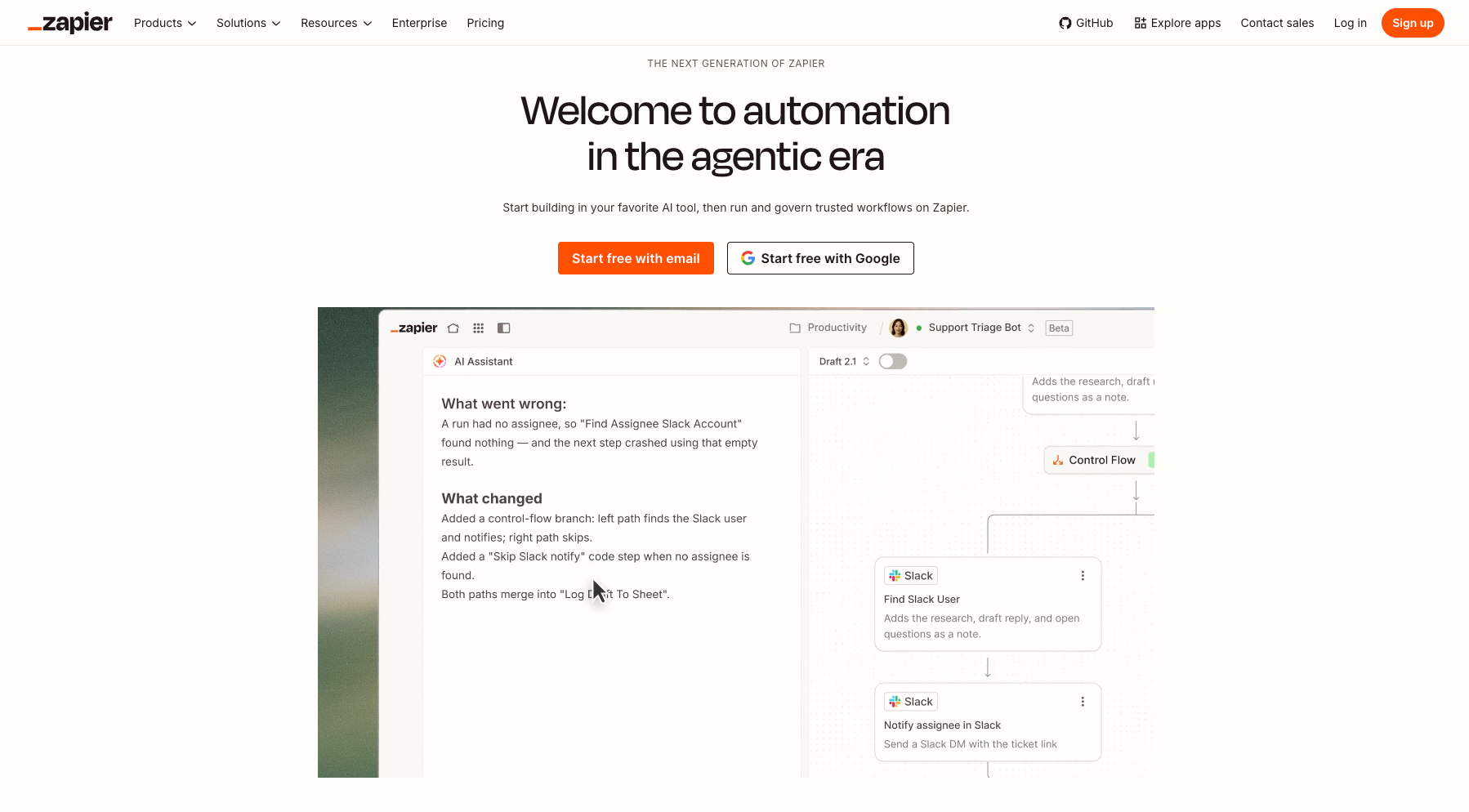
Zapier is a no-code automation platform that connects 9,000+ apps through trigger-and-action workflows called Zaps. You pick an event in one app. A form submission, a new row in a spreadsheet, a payment. Then you tell Zapier what to do in another app when that happens.
Why I picked it
I was setting up a workflow between a niche project management tool and a client CRM. Make had no native connector for it, and n8n required a custom HTTP setup. Our Make vs Zapier comparison covers that gap in more detail.
Zapier had both apps in its directory with pre-built actions ready. That saved a couple of hours of configuration work.
Zapier also works well for multi-step workflows for non-technical teams. The Paths feature lets you add conditional logic. If a deal is above a certain value, route it one way; if not, route it another, without needing to understand branching under the hood. I built a lead routing workflow for a small sales team in about twenty minutes.
Zapier now has AI fields built into the workflow builder. That means you can classify or summarize data as it moves through a Zap without connecting a separate AI tool.
Limitations
Task-based pricing stacks up quickly on complex workflows. The trigger is free and so are filters and paths, but every action step counts, so a five-action Zap running a few hundred times a month can eat through your plan faster than expected. Team starts at $103.50/month for 2,000 tasks, against $73.50 for the same volume on Professional.
Pricing
Professional starts at $29.99/month (750 tasks) and covers most of what a solo user or small team needs. The Team plan is $103.50/month for up to 25 users. There is a free plan with 100 tasks/month and two-step Zaps only, which is enough to test a handful of workflows but not much more.
2. Pabbly Connect: Best for unlimited automations on a budget
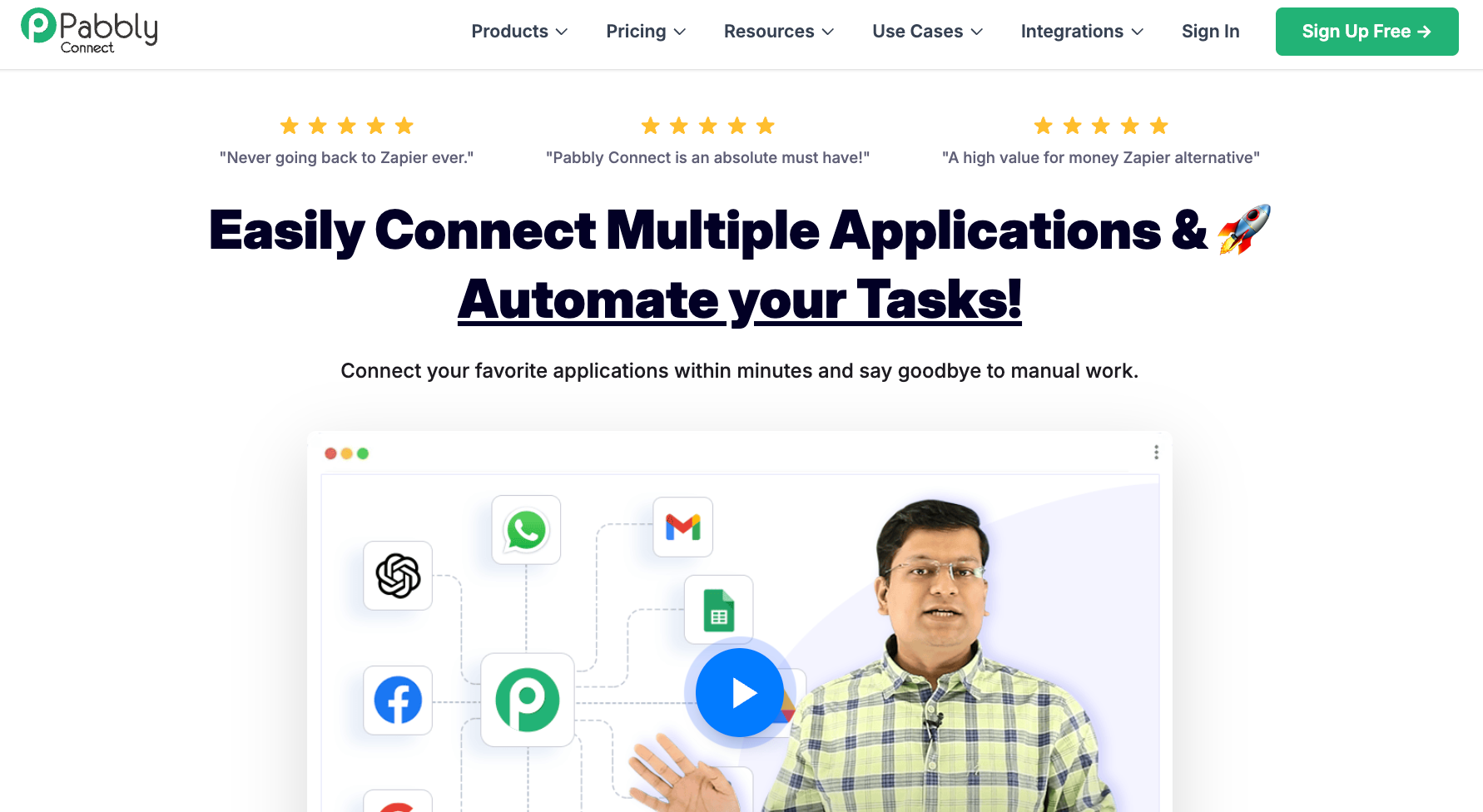
Pabbly Connect automates tasks between 2,000+ apps. Every paid monthly plan includes unlimited active automations, multi-step logic, conditional paths, filters, and webhooks. Between the monthly plans, the only variable is your task volume. The lifetime plans are also capped on workflows and steps.
Why I picked it
The math is what makes Pabbly worth the friction. Triggers, filters, formatters, and routers sit outside your task count. On a six-step automation where two of those steps are filters, you are only charged for four. For teams running multi-step flows at volume, that difference compounds over a month in ways the headline pricing does not show.
I ran five connections through Pabbly to see where the setup cost actually sits. A lead form to CRM sync, a Slack alert triggered by a spreadsheet update, an e-commerce order to fulfillment notification, and two multi-step flows with conditional branching based on tag values.
The Unlimited plan removes the monthly task cap entirely. For teams that run high-volume automations and want to stop thinking about execution budgets, that is the plan to evaluate.
Limitations
Support is forum and email only on every plan, with response times that can stretch past an hour for straightforward issues. The interface is less polished than Zapier or Make, and the documentation gap shows most when something breaks and you need to debug quickly.
Pricing
The free plan covers 100 tasks per month. Monthly plans start at $19/month (Standard, 10,000 tasks). Lifetime plans start at $349 one-time for 3,000 tasks per month, scaling to $1,298 for 20,000 tasks per month with no recurring fees.
3. Integrately: Best for teams that want automations running in minutes
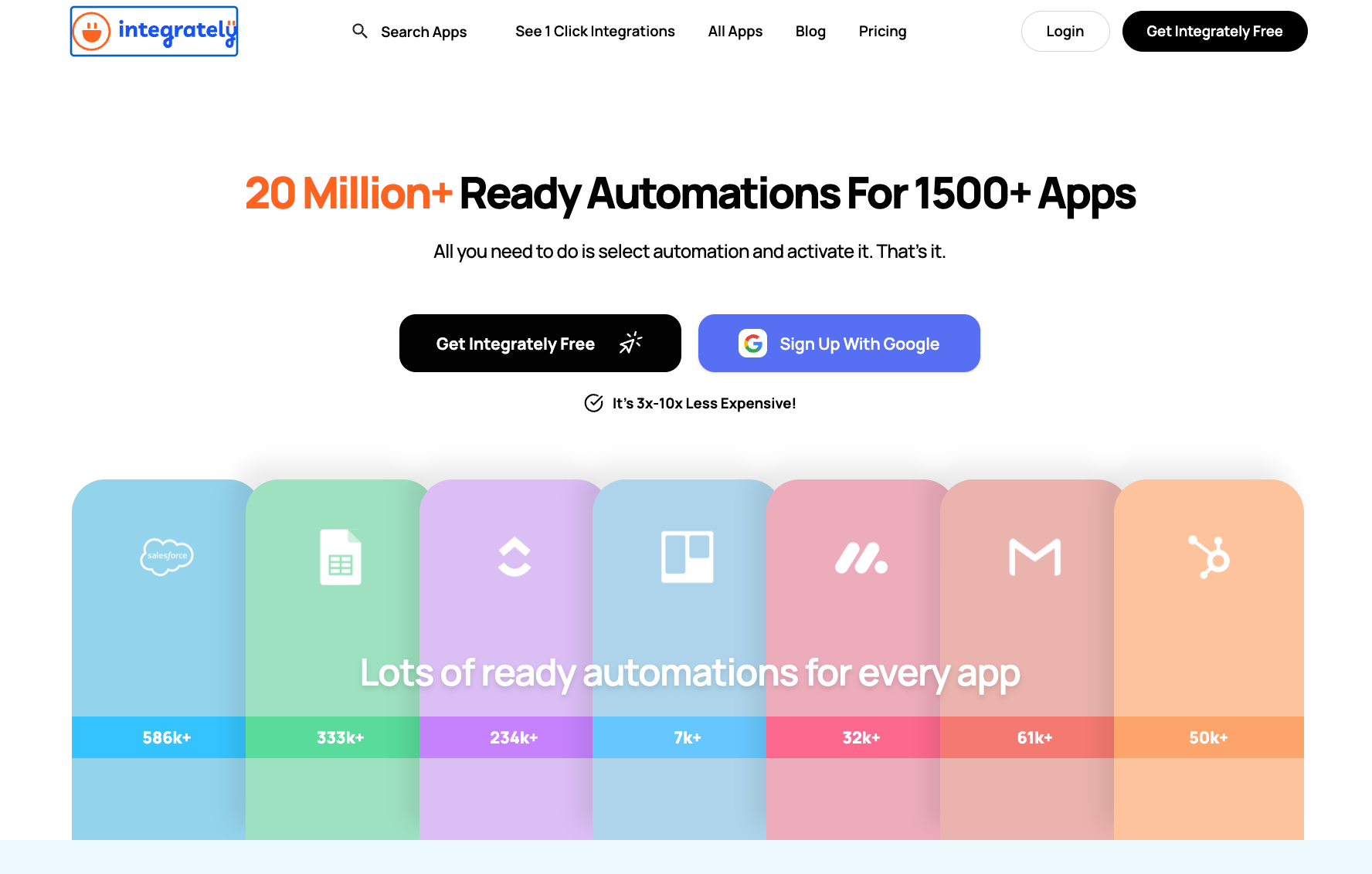
Integrately is a no-code automation platform that connects 1,500+ apps through a library of 20 million pre-built automations. Most of them activate in one click. You pick the two apps you want to connect, Integrately shows you every ready-made automation for that combination, and you turn on the one you need. Building from scratch is an option, but most users never need to.
Why I picked it
Setting up a Typeform-to-HubSpot workflow in Make means opening the canvas, adding a trigger module, configuring the action module, mapping the fields, and running a test. In Integrately, I searched for the two apps, saw the pre-built automation for that exact use case in the list, and turned it on. That was the whole process.
On Professional and up, a failed step retries automatically without you touching anything. You can even edit the automation between retries, and the next attempt picks up your changes. On Make, you configure that recovery logic yourself.
For more complex logic, the Automation Builder adds filters, delays, and data modifiers on Starter, and routing from Professional up. Branching a lead into different paths based on deal size or region needs that higher plan.
Limitations
The one-click library is the strength and the ceiling. When an automation you need does not exist in the pre-built list, and you need to build it yourself, the Automation Builder gets the job done, but it is not as flexible as Make or n8n for complex multi-step logic.
Pricing
Free plan includes 100 tasks/month. Starter is $29.99/month for 2,000 tasks; Professional is $49/month for 10,000 tasks. AutoRetry requires the Professional plan or higher.
4. Gumloop: Best for AI-heavy pipelines that involve unstructured data
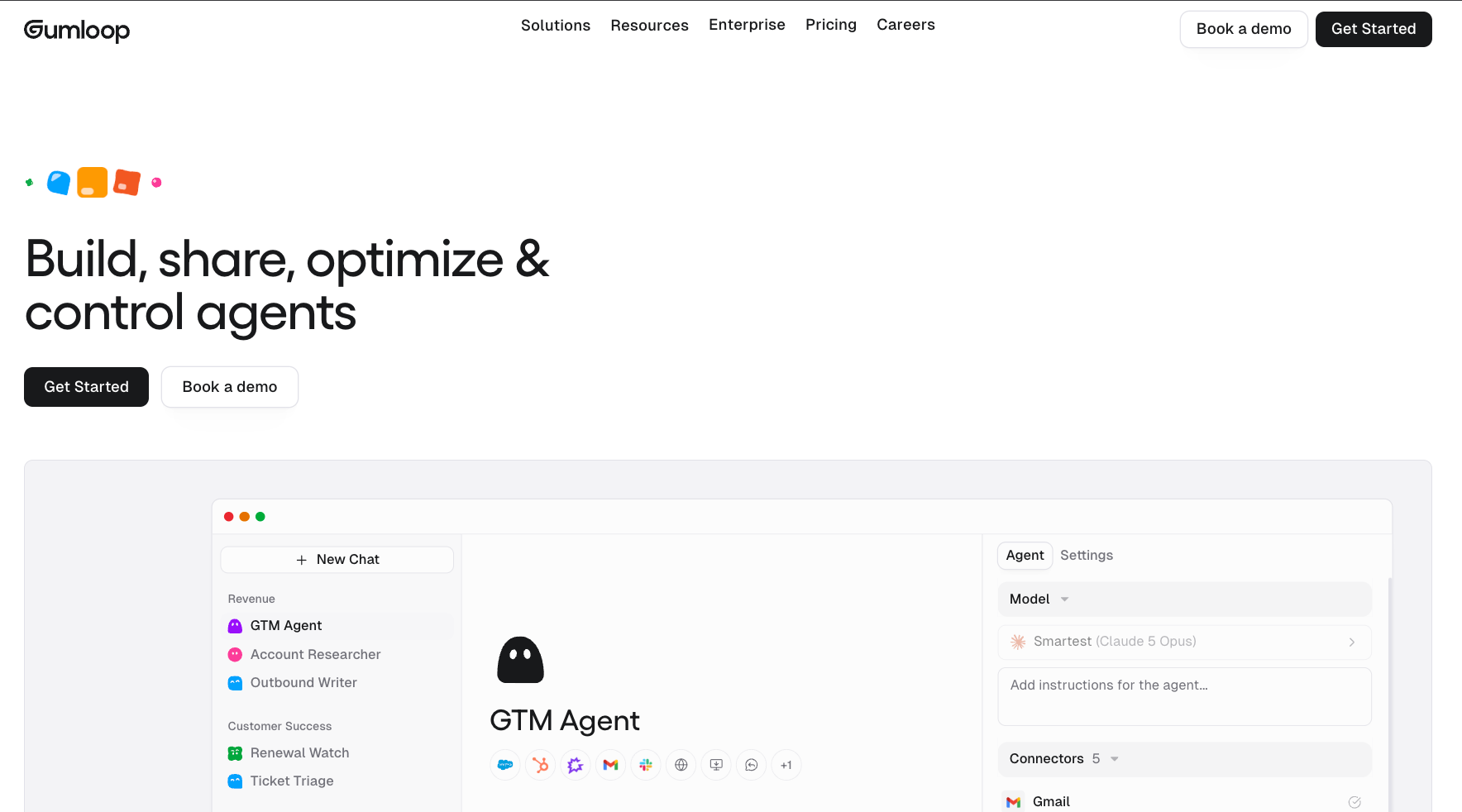
Gumloop is a no-code AI automation platform built around agents, with a drag-and-drop canvas still available for building workflows by hand. Each node handles one job: fetch a webpage, call an AI model, parse a document, push to a CRM. The difference from Make or Zapier is that AI reasoning sits inside the pipeline.
Why I picked it
I had a list of company names, and I needed each one researched, summarized, and scored before it went into HubSpot. In Make, that requires connecting external AI tools manually and mapping every output field. In Gumloop, I dropped in a web scraper node, an LLM node set to summarize and score, and a HubSpot action node. The canvas handled the rest, including looping through the list automatically.
You can also run GPT, Claude, or Gemini at any step, swap models per node, or bring your own API keys. For content workflows, document processing, or any automation where the data is messy and needs a judgment call before it moves, that flexibility matters.
For more on how it compares to other tools in the space, the Gumloop vs Make and Gumloop review breakdowns are worth reading alongside this.
Limitations
The 8% orchestration fee on every agent run is the number the $37/month headline does not show. Gumloop's own worked example puts a single lead-research run at 459 credits, so 20,000 credits is about 43 of them a month. Credit usage is variable by design, so a month of heavy AI workflows can cost noticeably more than the base subscription suggests.
Pricing
Pro starts at $37/month and includes 20,000 credits. On top of that, every agent run carries an 8% orchestration fee on the underlying compute and model cost. Bringing your own API keys raises that fee to 16%. There is no free plan and no annual billing option. The 14-day trial requires a credit card.
5. Lindy: Best for teams who want the work done, not the workflow built
Lindy is an AI teammate that handles recurring work across your tools from Slack. You describe what you need once. It takes care of email triage, meeting prep, lead follow-up, and CRM updates from that point forward, with no workflow setup required.
Why I picked it
I connected Lindy to my inbox and told it what to prioritize and what to ignore. The next morning it had triaged 40-odd emails, labeled what mattered, and drafted replies to three that needed a response. I approved two, edited one, and moved on. That took four minutes. The manual version of the same pass takes closer to thirty.
The primary surface is Slack. @mention Lindy in any channel and it answers in a thread, pulling from your meetings, files, and connected tools.
For personal work, DM it directly and it works across your email, calendar, and private memory. You can also reach it through iMessage, through the Gmail Chrome Extension for inbox management and draft replies, or through the web app at chat.lindy.ai for settings and routines.
Where it sits apart from everything else in this list is the absence of a build step. There are no modules to configure, branching logic to wire, or scenarios to test and deploy. You tell Lindy how you want something handled; it saves that as a skill, and runs it from then on.
Limitations
Lindy is not a workspace you sit inside. It keeps files in Memory and can build a hosted page as an Artifact, but there's no database to design and no editor to draft in. It also needs access to your email and calendar before it can do anything useful, which means setup is not optional.
Pricing
Starts at $29.99/user/month on the Plus plan, Pro is $99.99/user/month, and Max is $199.99/user/month. Enterprise is custom.
Best Make alternatives for developers
These Make alternatives for developers expose the underlying logic: code steps, self-hosting, API-first builds, and browser-level automation. They take longer to set up than the tools above, but they give you control that no-code platforms cannot match.
{{templates}}
6. n8n: Best for developers who want full automation control without per-execution limits
n8n is a fair-code workflow automation platform built around a visual node editor. You connect triggers to actions, wire them together on a canvas, and drop a Code node anywhere to write JavaScript or Python when prebuilt nodes fall short. It runs on the cloud or your own server, and the self-hosted version is completely free with unlimited executions.

Why I picked it
The self-hosted setup is where n8n makes its case. I spun it up on a $5/month Hetzner VPS using Docker, and it took about two hours. After that, the execution math changes completely. A workflow that checks Gmail every ten minutes runs 4,320 times a month, which blows through the Starter plan's 2,500 execution cap before the month is two-thirds done. On self-hosted, none of that matters.
The Code node and HTTP Request node working together is what makes n8n useful for technical teams. A sales handoff workflow I built pulled a new HubSpot lead, enriched it through an HTTP call, posted a Slack notification, and updated the CRM record, all in one flow. The prebuilt nodes handled the standard calls. The HTTP node handled anything without a native connector.
Limitations
Cloud support is the consistent complaint across Trustpilot reviews. Lost accounts and unanswered tickets show up repeatedly, specifically on lower cloud plans. If you're running on cloud, keep local backups of your workflow JSON files and register with a permanent email address.
Pricing
Free if you self-host. The Community Edition has unlimited executions and access to all 2,000+ integrations. Cloud plans start at $24/month (Starter, 2,500 executions/month) and $60/month (Pro, 10,000 executions/month). If you are comparing n8n to other self-hosted options, our n8n alternatives guide covers the field.
7. Pipedream: Best for developers who want code and no-code in the same workflow
Pipedream is an integration layer for AI agents and workflows, built for developers. It gives you managed auth and 10,000+ tools across 3,000+ APIs, either as pre-built triggers and actions or as code steps you write directly in Node.js, Python, or Go. Now a Workday company, it targets developers who need integration coverage at scale without building and maintaining auth flows themselves.
Why I picked it
The workflow I kept coming back to involved a webhook trigger, a custom data transformation, and a write to an internal API that had no native connector. In n8n, that means an HTTP Request node plus some expression logic.
In Pipedream, I wrote a Python step that handled the transformation and the API call in one place, with a try-except block and readable execution logs. It runs in an isolated serverless environment with nothing to host or manage.
The GitHub Sync feature on the Advanced plan is worth calling out for teams. Every workflow syncs to a repository as version-controlled code. If something breaks after a deploy, you pull up the diff, see exactly what changed, and roll back.
Pipedream Connect is for developers embedding integrations into their own products. Point your users at it, and it handles OAuth, token management, and account storage on their behalf.
Limitations
Credits bill on elapsed compute time, not step count, so a slow-running workflow costs more than a short one with more steps. Run that workflow at high frequency against a sluggish third-party endpoint and the Basic plan's 2,000 monthly credits go faster than expected.
Pricing
Free plan includes 100 credits/month and 3 active workflows, no credit card required. Basic is $45/month for 2,000 credits and 10 active workflows. Advanced is $74/month for unlimited workflows, unlimited connected accounts, GitHub Sync, and premium apps. Credits on both paid plans scale with a slider if you need more volume.
8. Workato: Best for enterprise teams connecting critical business systems
Workato is an enterprise integration and automation platform with 1,200+ pre-built connectors reaching 17,000+ apps through recipe-based workflows. A recipe is a trigger plus a sequence of actions, with conditional logic, loops, and error handling built in. It runs under the Workato ONE platform, which now covers iPaaS, agentic AI, Enterprise MCP, and legacy system connectivity.
Why I picked it
Workato earns its price tag in multi-system enterprise orchestration. I was working alongside a team connecting Salesforce, NetSuite, Workday, and ServiceNow across a 200-person company.
The employee onboarding recipe touched six systems in one flow: HR record, access provisioning, Slack notification via Workbot, IT ticket, and CRM update. In Make, that would have been multiple scenarios with manual handoffs. In Workato, it is one recipe.
Recipe lifecycle management is what makes Workato workable at team scale. Every recipe moves through dev, test, and production environments before it touches live data. You can see exactly what changed between versions and roll back without affecting running workflows. When a broken sync between Salesforce and a billing system costs real money, that audit trail matters.
Workato Copilot suggests actions and field mappings as you build, which cuts recipe setup time on well-supported connectors like Salesforce and ServiceNow. On connectors for less common enterprise systems, you are building more manually.
Limitations
The self-serve plan is easy to try, but larger deployments go through a quote-based sales process that can add weeks before you know the real cost.
Extra concurrency and on-premise agents cost more on top of the base contract. For a small or mid-size team with a modern SaaS stack, the overhead is significant before you write your first recipe.
Pricing
Workato publishes a self-serve credit plan that starts at $75/month for 2,500 credits and runs to $1,275/month for 50,000. Larger deployments are quote-based through sales.
More detail in the Workato pricing breakdown and the Workato vs Zapier comparison.
Other Make alternatives worth considering
IFTTT only works for consumer apps, Skyvern only works on websites without APIs, and Jitterbit only makes sense for legacy enterprise ERP integration. None of them are general-purpose Make replacements. They solve one specific job well and struggle outside of it.
9. IFTTT: Best for simple personal automations
IFTTT connects 1,000+ apps, devices, and services through trigger-action rules called applets. One thing happens in one app; something else happens in another. It covers smart home control, social media automation, and personal productivity well. The free plan gives you two active applets. Paid plans start at $2.99/month. For anything that needs multi-step logic or complex branching, it runs out of road fast.
10. Skyvern: Best for automating websites that have no API
Skyvern sends a browser agent to complete tasks on any website, the way a person would. It reads the page, clicks, types, and navigates. It handles CAPTCHAs and login flows that break conventional scripts. Two-factor support starts on the Pro plan. The use case is narrow but specific: government portals, vendor invoice sites, procurement forms, and any workflow where no API exists.
Hobby starts at $29/month (30,000 credits). Outside of browser-based tasks, there is no reason to use it over the other tools here.
11. Jitterbit: Best for legacy enterprise system integration
Jitterbit is an enterprise iPaaS with 200+ pre-built connectors weighted toward legacy systems, like SAP, NetSuite, Oracle, and Microsoft Dynamics. If your team is connecting on-premise ERP infrastructure to modern SaaS tools and Workato's enterprise contracts are out of budget, Jitterbit is the next conversation to have. Pricing is quote-based across Standard, Professional, and Enterprise editions. There’s no public pricing or free plan.
{{cta}}
Which Make alternative to choose
To choose the right Make alternative, start with your team type and task volume. Non-technical teams will find the fastest path through Zapier or Integrately. Developers with self-hosting capacity should look at n8n first. If your workflows involve AI reasoning or enterprise-scale system integration, the calculus shifts toward Gumloop or Workato.
Frequently asked questions
What is the most cost-effective Make alternative?
The most cost-effective Make alternative depends on your volume. Pabbly Connect's lifetime plan starts at $349 one-time for 3,000 tasks per month with no recurring fee, making it the lowest long-run cost for high-volume teams. For teams with technical capacity, n8n self-hosted is free with unlimited executions. The only cost is your server.
Which Make alternative is easiest for beginners?
Integrately is the easiest Make alternative for beginners. Its library of 20 million pre-built one-click automations means most workflows are already built. You search for your two apps, turn on the automation, and it runs. No canvas to configure or module logic to wire up. The free plan covers 100 tasks per month.
Is there a free Make alternative?
Yes. n8n's Community Edition is free if you self-host it, with unlimited executions, almost the full feature set, and 2,000+ integrations. SSO, Projects, and Git version control are the paid extras. Cloud plans for n8n start at $24/month. For light personal automations, IFTTT's free plan covers two active applets at no cost. Activepieces is the other open-source option worth a look, though it covers much the same ground as n8n.
What is the difference between Make and n8n?
Make is a visual automation platform that charges one credit per module action, whereas n8n is fair-code and code-first. You can self-host it for free with unlimited executions and write JavaScript or Python steps directly inside a workflow. Make is easier for non-technical users. n8n gives developers more control.
Is Make still worth it in 2026?
Yes, for the right team. Make is worth it if you want a polished visual canvas with 3,000+ app connectors, solid branching logic, and no infrastructure to manage. The credit-per-action model becomes expensive on complex high-frequency workflows, and the learning curve is real. Teams that outgrow the pricing model or need self-hosted control should evaluate n8n.
Who are Make's main competitors?
Make’s main competitors are Zapier (most integrations, easiest setup), n8n (fair-code, self-hosted), Workato (enterprise iPaaS), and Gumloop (AI-native pipelines). For developer use cases, Pipedream and Skyvern compete on specific workflow types. For budget-conscious teams, Pabbly Connect and Integrately are the most direct alternatives on price.










