7 LangChain Alternatives to Try in 2026 (Tested and Reviewed)
Marvin tested seven LangChain alternatives including LlamaIndex, Haystack, and CrewAI, building real RAG pipelines and multi-agent workflows to compare pricing and production readiness.


I tested 7 LangChain alternatives by building real agent workflows, from RAG pipelines to multi-step business automations. This guide breaks down which tools actually hold up in production and when each one makes more sense than LangChain in 2026.
7 best LangChain alternatives: At a glance
| Alternative | Best for | Starting price | Key advantage vs LangChain |
|---|---|---|---|
| LlamaIndex | Data-centric RAG | Starter $50/month | Strong parsing, indexing, and query engines for document-heavy apps |
| Haystack | Production RAG pipelines | Not publicly listed | Modular, Kubernetes-ready pipelines with solid retrieval and monitoring |
| AutoGen | Multi-agent research and control | Free (open source) | Code-first framework for agent roles, messaging, and collaboration |
| CrewAI | Team-based agent collaboration | Professional $25/month | Builds coordinated “crews” with tracing and serverless deploy options |
| Flowise | Low-code visual building | Starter $35/month | Drag-and-drop canvas to design, test, and deploy LLM workflows |
| Vertex AI Agent Builder | Enterprise and cloud-native | Pay as you go | Managed multi-agent stack on Google Cloud with grounding and ADK |
| Vellum | Enterprise dev and governance | Pro $50/month | One workspace for evaluation, versioning, deploys, and monitoring |
Top LangChain alternatives in 2026
1. LlamaIndex: Best for data-centric tasks and RAG
I tested LlamaIndex with a few hundred company reports in PDF form, focusing on financial queries across quarters. It handled structured questions well and consistently linked answers back to the exact source documents, which is critical when accuracy matters.
Why does it beat LangChain?
LlamaIndex is purpose-built for retrieval and data-centric applications. It focuses on how documents are parsed, indexed, and queried so responses stay grounded in source data. This makes it easier to control relevance and trace answers back to the underlying documents.
Teams often choose LlamaIndex when working with large or frequently changing datasets. Its abstractions around indexes, retrievers, and query engines reduce the effort needed to maintain RAG systems as data grows.
Pros
- Returns answers with clear document references
- Gives multiple indexing options, so you can tune for your data
- Supports many source types, including PDFs, Word docs, Slack, and Google Drive
Cons
- You still need to build the full app around it
- Less useful if you do not need retrieval and indexing
Pricing
LlamaIndex has a free plan. Paid plans start at $50/month (Starter) and $500/month (Pro).
Bottom line
Choose LlamaIndex when your product depends on reliable retrieval from documents and internal data. It is a strong pick when you want answers you can trace back to real sources.
2. Haystack: Best for production-grade RAG and AI pipelines
I tested Haystack with a few thousand product manuals in a RAG setup, focusing on troubleshooting-style queries. It retrieved relevant sections quickly, generated clean summaries, and linked each answer back to the exact source document.
Why does it beat LangChain?
Haystack is built for teams that need RAG systems to hold up in real production use. It uses explicit pipelines, where components like retrievers, rankers, and generators are connected into a clear, inspectable flow. This structure makes systems easier to scale and keep stable as usage grows.
Haystack also includes production features many teams need early, such as Kubernetes-friendly workflows, saving and loading pipelines, and built-in monitoring for debugging and performance tuning. It can power question answering systems, chat agents, and multimodal apps that combine text, images, and audio.
If you want a RAG setup that runs reliably in the cloud or on your own servers, Haystack is designed for that level of operational control.
Pros
- Strong pipeline design for RAG and agent apps that need to scale
- Works with many models and vector stores, so you can mix what fits your stack
- Supports a visual option with Deepset Studio for designing and testing pipelines
Cons
- You still need to design the pipeline and choose the building blocks yourself
- Best fit is production RAG and agent pipelines, not quick prompt experiments
Pricing
Pricing is not publicly available.
Bottom line
Choose Haystack when you want a RAG or agent pipeline that can run reliably in production. It is a strong LangChain alternative when scale, monitoring, and steady performance matter.
3. AutoGen: Best for multi-agent collaboration and research
AutoGen is built for multi-agent systems where agents can talk, plan, and solve tasks together. It is best for technical teams that want detailed control over how agents work as a group.
Why does it beat LangChain?
AutoGen is designed for scenarios where multiple agents need to collaborate rather than run in a single chain. You define agents with distinct roles and let them communicate, delegate tasks, and adapt as the conversation evolves.
This approach works well for complex problem-solving, planning, or coding workflows where back-and-forth reasoning matters. Teams often prefer AutoGen when agent coordination is the core challenge, not tool integration. Teams looking for visual drag-and-drop canvas builders can also review langflow alternatives software for modular workflow design.
Pros
- Runs in both Python and .NET, which helps teams with mixed stacks
- Strong tracing and monitoring options, including OpenTelemetry support
- Supports text and image inputs, which helps when your agent needs more than text
Cons
- Not a visual builder, so it is not ideal for non-technical teams
- Takes more setup work than no-code tools, since you define roles and message flows yourself
Pricing
AutoGen is open source and free to use under Microsoft Research’s license.
Bottom line
Choose AutoGen when you need agents to work together as a system, with clear roles and controlled communication. If you want fine control over multi-agent behavior, it can be a better fit than LangChain.
4. CrewAI: Best for team-based multi-agent collaboration
I tested CrewAIcrew ai alternatives for your workflow. by assigning three agents distinct roles. One researched competitor data, one built a structured outline, and one refined tone and clarity. If you are evaluating other multi-agent frameworks, you can also explore top
Each agent picked up where the last left off, and after minor prompt tweaks, the final draft was more structured and consistent than what I got from a single agent.
Why does it beat LangChain?
CrewAI is designed around coordinated agent teams rather than single-agent chains. Instead of defining a linear flow, you assign agents clear roles, such as researcher, planner, and executor, and let them collaborate through task handoffs and shared context.
This structure makes complex workflows easier to reason about. Each agent owns a specific responsibility, which reduces prompt sprawl and makes failures easier to trace.
Teams often use CrewAI for research-heavy tasks, content pipelines, and planning workflows where work benefits from parallel thinking instead of step-by-step execution.
Pros
- Connects with tools like Gmail, Salesforce, Notion, and HubSpot
- Supports role-based access and centralized monitoring for larger teams
- Has a human-in-the-loop training option to help agents follow company guidelines
Cons
- Best fit is multi-agent teamwork, not simple one-step scripts
- You need to define agent roles and how they coordinate, which adds setup work upfront
Pricing
CrewAI offers a free Basic plan. The Professional plan starts at $25/month, and Enterprise pricing is custom.
Bottom line
Choose CrewAI if you want coordinated agent teamwork across tasks from start to finish. It is a strong option when you care about collaboration, oversight, and smoother deployment.
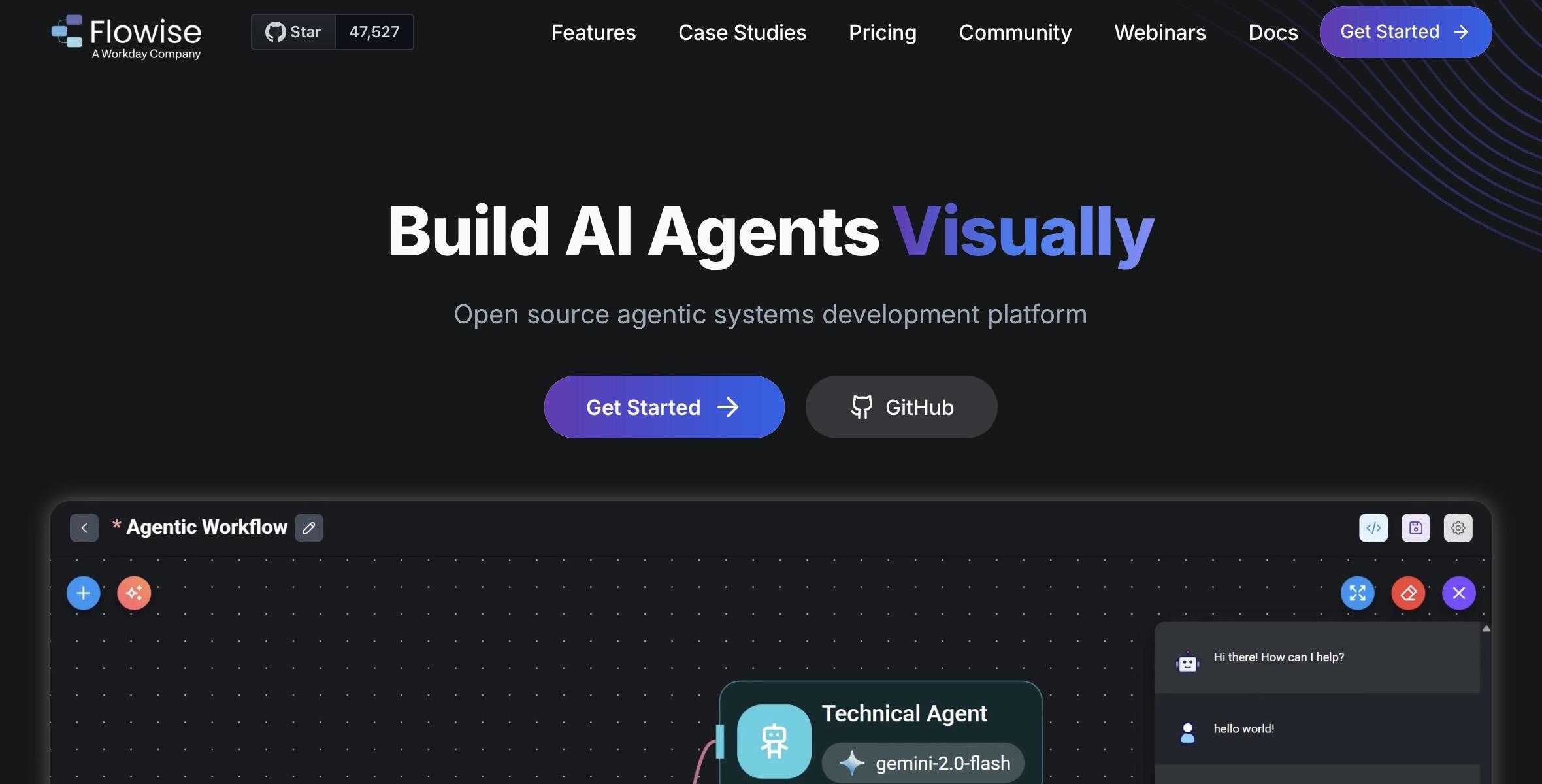
5. Flowise: best for low-code and visual AI development
Flowise builds a retrieval workflow with a document index, a memory node, and a text generator. The full pipeline was ready in under 10 minutes, and the answers stayed tied to the source material.
Why does it beat LangChain?
Flowise is a better fit than LangChain when you want to build agents in a visual way. Instead of writing chains and debugging code, you drag blocks onto a canvas and connect them. You can see how data moves through the workflow as it runs. That makes it easier to spot gaps and fix them fast.
In my test, the workflow came together quickly, and the results were easy to trace on the canvas. Flowise also supports full execution traces, which helps when you need monitoring in production. It can run on a laptop, a private server, or a cloud setup. It also supports many LLMs, embeddings, and vector databases, so you can match it to your stack.
Pros
- You can export a workflow to production after you validate it
- A clean canvas that makes workflows easier to follow and explain
- Works across many environments, including local, private server, and enterprise cloud
Cons
- Large workflows can become harder to manage visually as the number of nodes grows
- Advanced branching and memory control are more limited than in code-first frameworks
Pricing
Flowise has a free plan. Paid plans start at $35/month (Starter) and $65/month (Pro).
Bottom line
Choose Flowise when you want a visual way to build, test, and ship LLM workflows. It is a strong pick if you want less code, faster iteration, and a clear view of how the system works.
6. Vertex AI Agent Builder: Best for enterprise and cloud-native AI agents
To test Vertex, I connected a demo agent to a BigQuery-backed knowledge base and asked for a summary of recent sales performance. The agent pulled structured data directly from BigQuery and returned a grounded summary, which shows how tightly Vertex integrates with Google Cloud data services.
Why does it beat LangChain?
Vertex AI Agent Builder provides a fully managed agent stack inside Google Cloud. It handles scaling, security, monitoring, and access control while grounding responses in enterprise data sources like BigQuery and Google Enterprise Search.
For teams already on GCP, this reduces operational burden and simplifies compliance. It’s a strong choice when agents must meet enterprise reliability and governance requirements.
Pros
- Lets agents use many enterprise connectors and custom APIs via Apigee
- Supports both ADK coding and low-code builds, so different teams can work together
- Supports more natural interactions, including bidirectional audio and video streaming
Cons
- Built for smooth scaling inside Google Cloud, so it fits best when your stack already lives there
- Aimed at enterprise-grade deployment, so it may be more than you need for small experiments
Pricing
Pricing is pay-as-you-go.
Bottom line
Choose Vertex AI Agent Builder when you want enterprise reliability, strong integrations, and managed scaling in Google Cloud. If you are considering cloud-native enterprise stacks, you may also want to evaluate the best vertex ai alternatives for your infrastructure.
7. Vellum: Best for enterprise-grade AI development and governance
I tested Vellum by setting up a chatbot workflow with its built-in evaluation tools. After each run, it logged accuracy scores and showed improvement trends, so it was easy to see what changed and what got better.
Why does it beat LangChain?
Vellum focuses on testing, evaluation, and version control for LLM workflows. It gives teams a workspace to compare prompts, models, and configurations before shipping changes to production.
It also fits technical and non-technical teams. Engineers can adjust prompts and models, while product teams can review quality without digging through code. Once your agent is live, Vellum tracks performance and usage and flags drift or latency issues early. Version control and isolated environments help you iterate safely.
Pros
- Version control and isolated environments for safer changes
- Side-by-side evaluations across models, with real-time monitoring
- Ships to APIs, SDKs, and embedded widgets for flexible deployment
Cons
- You need team buy-in, since the workflow lives inside one platform
- Best fit is product teams treating AI as a core product, not a quick side project
Pricing
Vellum offers a free plan. The Pro plan starts at $50/month.
Bottom line
Choose Vellum when you need strong testing, tracking, and safe releases for AI features. It is a good alternative when you want more control over quality and production changes than LangChain gives by default.
Why I looked for LangChain alternatives
I looked for LangChain alternatives because most teams hit the same problems when they try to ship LangChain apps in production. Setup takes longer than expected, maintenance gets messy, and scaling adds cost and risk.
The most common issues are:
- Setup gets heavy as projects grow: LangChain can be great for a first build, but real systems need more pieces. You add tools, prompts, memory, retries, and safety rules. You also need clean data passing between steps. Over time, the “glue work” can take more time than the agent logic.
- Maintenance becomes harder than expected: When a workflow has many steps, small edits can cause side effects. A prompt change can affect tool calls. A new data source can shift answers. This creates a cycle where teams spend time fixing issues instead of improving the product.
- Production needs more than chaining: In production, you need logs, traces, and clear error handling. You also need ways to test changes before release. Without this, it is hard to know why an agent failed or why quality dropped. LangChain does not cover all of this out of the box.
- Scaling can raise cost and time: As usage grows, you start caring about speed, caching, and token spend. You may need rate limits and queues so systems do not overload your tools. If you rebuild these controls for every new agent, the approach stops being efficient.
- Non-developers get blocked: Many workflows live with ops, support, and sales. If every change needs a developer, simple updates get delayed. That is when teams look for tools that let non-devs make safe changes without breaking the system.
How I tested these LangChain alternatives
I tested these LangChain alternatives using the same short checklist, so you can compare tools fast and avoid picking the wrong one for your use case.
Here are the main factors I considered:
- Ease of setup and deployment: I looked at how quickly a team can go from “new project” to a working agent. I also checked how clear the setup steps are, and whether the tool supports common deploy options like local runs, cloud runs, or managed hosting.
- Production readiness and scalability: I focused on what happens after the demo works. I looked for basics like tracing, monitoring, and error handling. I also checked whether the tool can handle higher volumes without becoming hard to manage.
- Flexibility vs ease of use: Some tools give you full control but need more glue code. Others are more guided but faster to ship. I judged each option on how much it hides, how much it exposes, and how painful it is to change later.
- Fit for enterprise-grade use cases: I looked for features that matter in larger teams. This includes governance, access control, and safe ways to ship updates. I also considered how well each tool fits into a typical company stack, not just a dev sandbox.
Which LangChain alternative should you choose?
If you are choosing between LangChain alternatives, start by matching the tool to your main goal. The “best” option depends on what you are building and who will run it day to day.
Choose LlamaIndex if:
- You want strong indexing and query tools, with clear source references.
- You are building a data-heavy assistant and want retrieval to be the core layer.
- Your main use case is RAG, and answers must come from your documents and internal data.
Choose Haystack if:
- You expect higher volume and need a system that stays stable over time.
- You prefer a pipeline setup with clear components you can swap and tune.
- You want a production-grade RAG pipeline that is easier to scale and maintain.
Choose AutoGen or CrewAI if:
- You want agents with roles like planner, researcher, and critic.
- You want more control over how agents communicate and share work.
- Multi-agent teamwork is the core problem, not just one agent calling tools.
Choose Flowise if:
- Your team prefers low-code building over writing chain logic.
- You want a visual builder to design and test workflows quickly.
- You want a clear canvas view for debugging and sharing workflows.
Choose Vertex AI Agent Builder if:
- Governance and production rollout matter as much as agent logic.
- You need an enterprise setup on Google Cloud with managed scaling.
- Your data already lives in Google tools like BigQuery or enterprise search.
Choose Vellum if:
- You have a team shipping AI features and need a steady workflow.
- Your biggest need is evaluation, version control, and safe releases.
- You want to track quality changes and compare versions in one place.
Stick with LangChain if:
- You need full control and deep customization.
- You are building highly custom chains and want maximum flexibility.
- You have strong engineering support to own the glue code and long-term upkeep.
My final verdict
If you want a faster way to build and ship LLM workflows in 2026, start with Flowise. You design the workflow on a visual canvas, trace each run, and export it to production once it works.
If you need deeper control, AutoGen and CrewAI give you more say over how agents work together, while LlamaIndex and Haystack are stronger picks for retrieval-heavy systems.
FAQs
1. What are the best LangChain alternatives in 2026?
The best LangChain alternatives in 2026 include LlamaIndex, Haystack, AutoGen, CrewAI, Flowise, Vertex AI Agent Builder, and Vellum. These LangChain competitors fit different needs, from data-centric RAG to visual building and enterprise-grade deployment.
2. Why do teams look for alternatives to LangChain?
Teams look for alternatives to LangChain because production builds can get hard to manage. Setup can take longer than expected, and small changes can break workflows. Many teams also need better testing, tracing, and safe releases. Others want tools that non-developers can use. Tools like Lindy take that approach, handling the workflow setup behind the scenes so teams can make changes without writing code.
3. Is LangChain still worth using for production systems?
Yes, LangChain is still worth using for production systems if you need deep control and your team can maintain the code. It works best when you are fine with building extra layers for testing, monitoring, and deployment. If you want a faster setup with less glue work, many teams switch.
4. Who offers the best enterprise-grade LangChain alternatives?
The best enterprise-grade LangChain alternatives depend on your setup. Vertex AI Agent Builder is strong for Google Cloud teams. Vellum is strong for evaluation and safe releases.
5. Are there LangChain competitors better suited for non-developers?
Yes, some LangChain competitors are better for non-developers. Flowise is the clearest pick because it uses a visual builder, so teams can design and test workflows on a canvas instead of writing chain logic.










