Build your own AI chatbot on Lindy FREE now
Marvin walked through building a no-code AI chatbot in eight steps, from picking a builder like Landbot or Tidio to adding integrations, testing, and scaling.


This guide covers how to build an AI chatbot without coding in 8 practical steps, including the setup mistakes most beginners make.
How to Build your own AI chatbot on Lindy FREE now: TL;DR
To build an AI chatbot without coding, you choose a clear use case, pick a no-code platform, give it the right information, connect your tools, then test and publish it on your preferred channels. Here are more details on building your chatbot step by step: If you are evaluating agent builders, exploring top relevance ai alternatives can help you select the best platform.
| Step | What you do |
|---|---|
| Step 1: Figure out what your chatbot needs to do | Decide the main goal, who will use it, and where it will live (site, app, WhatsApp, etc.). |
| Step 2: Pick the right chatbot builder | Choose a no-code platform that fits your use case. AI agent platforms can handle real business tasks, not just scripted conversations. |
| Step 3: Map your flow or define goals | Plan flows if you use a traditional builder, or write clear goal instructions if you use an AI agent platform. |
| Step 4: Build the chatbot | Create the bot in your chosen tool, describe its role, add messages or instructions, and set the basic structure. |
| Step 5: Teach your bot or feed it information | Add FAQs and docs manually in traditional bots, or upload content directly so the AI can learn from it. |
| Step 6: Add integrations | Connect tools like Sheets, Calendly, Zapier, or your CRM so the chatbot can store data, book meetings, and trigger workflows. |
| Step 7: Test and launch | Try every path, verify integrations, check human handoff, polish wording, then publish on your website or channels. |
| Step 8: Monitor, improve, and scale | Review transcripts and metrics, fill content gaps, refine instructions, and keep iterating as real conversations come in. |
Why you need an AI chatbot (and why no-code matters)
An AI chatbot matters because it can handle real conversations, not just scripted interactions. People can ask questions in their own words and still get useful answers. It works even when the request is unexpected or loosely phrased.
This makes AI chatbots more practical than older chat tools that rely on buttons, fixed flows, or exact keywords. Instead of forcing users to adapt to the system, the system adapts to how people naturally communicate.
That difference becomes clearer when you compare AI chatbots with traditional rule-based bots.
AI chatbot vs traditional rule-based bot
In the past, creating this kind of chatbot required developers, APIs, and custom infrastructure. No-code platforms remove that barrier. You work in a visual interface where you define the chatbot’s role, add knowledge from documents or FAQs, and connect it to your existing tools without custom development.
| Feature | Traditional rule-based bot | AI chatbot |
|---|---|---|
| How it responds | Follows predefined rules and scripts | Understands intent and responds dynamically |
| Input handling | Requires exact keywords or button clicks | Understands natural language and variations |
| Conversation flow | Breaks if users ask unexpected questions | Adapts to how people ask things |
| Context awareness | Treats each message separately | Keeps context across multiple messages |
| Response type | Plays back prewritten replies | Generates responses based on the request |
| Setup approach | Requires mapping every possible path | Focuses on defining knowledge and behavior |
| Flexibility | Limited to narrow use cases | Works across support, sales, and internal tasks |
Step-by-step: how to build your AI chatbot in 8 easy steps
You now know what an AI chatbot is and why a no-code builder makes life easier. This section walks through the full build process, from idea to live chatbot, using the same flow you would follow inside any modern no-code platform.
Step 1: Figure out what your chatbot needs to do
Before you start using any platform, decide what job your chatbot should handle. This stops you from building something flashy that does not help.
Ask yourself:
- What is the main goal? Start by defining the one job you want the chatbot to handle. This could be answering support questions, qualifying leads, or booking meetings. A clear goal keeps the setup focused and avoids overloading the chatbot too early.
- Who will use it? Decide whether the chatbot is meant for customers, prospects, or your internal team. This choice affects how it should speak, what information it needs access to, and how much context it should handle. If you plan to use a bot for internal team training, specialized chatbot onboarding software can streamline that process.
- Where will it live? Choose where the chatbot should appear, such as your website, inside your app, or on messaging channels like Messenger or WhatsApp. Placement matters because it shapes how and when people interact with it.
A few common use cases:
- Customer support : Answer frequent questions and reduce ticket volume
- Lead qualification : Collect key details and flag high-potential leads
- Appointment booking : Let visitors schedule meetings from the chat window
- AI recruiting : Answer policy questions and help new hires get started
Once you are clear on this, every later decision becomes easier.
Step 2: Pick the right chatbot builder
Now, choose a tool that matches your use case and skill set. If this is your first bot, use a no-code chatbot builder. These platforms let you drag, drop, and configure instead of writing code.
| Tool | Best for | Why it stands out |
|---|---|---|
| Landbot | Website lead generation | Visual builder with flexible logic rules |
| Tidio | E-commerce + live chat | A mix of chatbot and support widget in one |
| ManyChat | WhatsApp and Instagram bots | Multi-channel support with light CRM features |
| Chatfuel | Facebook Messenger | Quick bot creation for social audiences |
Here are some of the well-known options and where they fit:
Step 3: Map your flow (traditional) or define your goals (AI agents)
How you plan conversations depends on the type of chatbot you are building. Traditional builders rely on predefined conversation flows. AI agent platforms work from goals and instructions instead. To learn how to configure these autonomous workflows, consult our best ai agent tutorial.
Think of traditional builders as needing a script for every line of dialogue, and an AI agent just needing a one-page summary.
If you are using a traditional no-code chatbot builder
With a traditional no-code builder, you design the conversation like a simple flowchart. Each step is planned in advance, and the chatbot follows a fixed path.
A typical setup includes:
- A welcome message that explains what the chatbot can help with
- Clear user options, such as buttons or menu choices
- Conditional logic that routes users based on what they select
- Fallback messages for moments when the chatbot cannot understand a request
This approach works well for structured use cases, but it requires you to think through every possible path ahead of time.
If you are using an AI agent platform
With AI agents, the setup shifts from drawing flows to defining outcomes. Instead of mapping each step, you describe what the chatbot should accomplish and how it should behave.
You focus on:
- The goal of the chatbot
- The information it can use
- When should it ask follow-up questions or escalate
For example, using a tool like Lindy, you give the agent clear instructions in plain language, connect the tools it needs access to, and let it decide how to respond based on intent and context. You spend less time designing paths and more time defining results.
Step 4: Build the chatbot
The build steps change slightly depending on the type of platform you use. Here are a couple of chatbot builder types to consider:
Using an AI agent platform
- Sign up or log in : Create an account on your chosen platform or sign in.
- Create a new agent: From the dashboard, click “Create new agent” to start.
- Describe its role: In plain language, explain what you want your chatbot to do. For example, “Be a customer support agent for my Shopify store,” or “Qualify leads for my software business.”
- Upload information: Give your bot the data it needs: Upload PDFs, add Google Docs and Notion pages, and paste FAQs or link to your knowledge base
- Add tools (integrations): Connect the bot to calendars, Zapier, Slack, or your own systems so it can take actions via API.
- Deploy: With one click, launch your chatbot on your website, Slack, or other channels.
An AI agent platform manages conversations by interpreting user intent and available context, using your uploaded information to guide responses across multi-turn chats, even as topics shift.
Using a traditional drag-and-drop builder
- Start a new bot or project.
- Create message blocks on the canvas.
- Add user inputs, such as buttons, open text fields, or structured fields like dates and emails.
- Connect actions, for example, sending form data to a Google Sheet or CRM.
- Set logic rules so the bot reacts correctly when users click options or type specific keywords.
This approach shows how rule-based builders differ from AI chatbots in practice.
Step 5: Feed your bot information
This is where your chatbot gets its knowledge.
With an AI agent platform
- Data upload: Upload PDFs, Notion pages, Google Docs, or links to your help center.
- Instant learning: The AI reads and understands this content right away. You do not need to build a separate “training dataset.”
- Memory and context: It remembers previous conversations and uses that context to make future chats feel more natural.
- Less scripting: You do not have to write hundreds of fixed questions and answers.
With traditional bots
- Write specific Q&A pairs
- Add example phrases or keywords
- Keep flows and responses up to date whenever something changes If you want to deploy on internal messaging platforms, you can learn how to create slack bot assistants for your workspace.
It works, but it can be time-consuming.
Step 6: Add integrations
Integrations turn your chatbot into a useful assistant instead of a simple FAQ box.
| Tool | Typical use |
|---|---|
| Google Sheets | Store form submissions and contact details |
| Calendly | Let users book appointments from the chat |
| Zapier | Trigger automations across many other tools |
| HubSpot / CRM | Send qualified leads directly to your sales team |
Common integrations include:
Some AI agent platforms also support web search, database lookups, document creation, and custom APIs. That means your bot can act as a full AI agent.
Step 7: Test and launch
Start by using the chatbot the way a new visitor would. Click every button, try different questions, and see how the chatbot responds when inputs are unclear or unexpected. The goal is to find edge cases and fix them early.
Next, confirm that every integration works as expected. If the chatbot books meetings, make sure they appear on your calendar. If it sends data to another tool, check that the information arrives correctly.
You should also verify that users can reach a human when needed. Make sure fallback options are clear and work reliably, especially when the chatbot cannot answer a request.
Before launching, read through every message carefully. Check for clarity, tone, and typos so the chatbot sounds consistent and professional.
Once everything works as expected, you can launch the chatbot through one or more channels, such as a direct web link, a website widget, an embedded iframe, or messaging platforms like Slack, Microsoft Teams, WhatsApp, or Facebook Messenger.
Step 8: Monitor, improve, and scale
Going live is not the end of the process. To keep your chatbot useful, you need to review how it behaves and refine it over time.
Here is a quick checklist:
- Monitor conversations: Review chat transcripts regularly. Look for moments where users get stuck, receive unclear answers, or show signs of frustration.
- Find the gaps: Identify missing topics, weak responses, or confusing conversation paths that need improvement.
- Refine the chatbot: Update flows, instructions, or source content based on what you see in real conversations. For AI chatbots, this usually means adding better documentation, clarifying instructions, or tightening the chatbot’s goal.
- Track performance metrics: Use your platform’s analytics to monitor signals such as time saved per interaction, task completion rate, and how often conversations escalate to a human.
By reviewing results and making small adjustments over time, you can gradually turn a basic chatbot into a more reliable AI assistant that supports real workflows, not just simple questions.
Mistakes to avoid when learning how to build an AI chatbot
Even with a good tool, learning how to build an AI chatbot is easy to get wrong. Small mistakes can make a chatbot feel confusing or unreliable. The good news is that most of these issues are easy to avoid with better planning.
| Mistake | The Problem | How to Fix It |
|---|---|---|
| Giving the chatbot too many jobs at once | If you ask one chatbot to sell, support, onboard, and troubleshoot from day one, it usually does none of them well. Conversations become long, messy, and hard to improve. | Launch a focused version first, then add more skills later. Start with one main goal, such as "answer support FAQs" or "qualify leads." If you are using an AI agent platform, create separate agents for different roles (support, sales, internal) instead of one "catch-all" bot. |
| Not giving it enough (or the right) information | A chatbot without good content is guessing. It will sound vague, repeat itself, or escalate too often. | Collect your core materials first: FAQs, help articles, policy docs, product pages. Prioritize the top 20-50 questions people ask, not everything you have ever written. In any AI builder, upload these documents and links as the primary knowledge base before you worry about edge cases. |
| Overcomplicating flows and logic | In traditional builders, it is tempting to design a huge flowchart that covers every branch you can imagine. The result is hard to maintain and even harder to debug. | Only add extra branches when you see real users needing them. Map a simple "happy path" for each key task first: one clear route from start to finish. With AI-first tools, lean on natural language and goals instead of micromanaging every turn in the conversation. |
| Skipping proper testing before launch | Many teams build the bot, skim a couple of test chats, and put it on the website. Early visitors then discover broken flows, missing answers, or loops. | Test integrations: check that bookings, contacts, and tickets land in the right tools. Run through your main scenarios yourself: new visitor, returning customer, someone who is frustrated. Ask a teammate who was not involved in the build to try the chatbot and note where they get stuck. |
| Ignoring analytics and real conversations after launch | A chatbot is not "set and forget." If you never look at transcripts or metrics, it will stay at the same level it had on day one. | Review a small batch of conversations each week to spot repeated problems. Track a few simple numbers: how many chats are resolved, how often people ask for a human, which intents or tools are used most. Use what you see to guide improvements: upload missing content, tweak instructions, or adjust flows where people drop off. |
If you avoid these common pitfalls, your chatbot feels less like a scripted widget and more like a reliable assistant. The tools handle the AI and infrastructure; your job is to give it a clear scope, good information, and regular tuning.
No-code vs code: Which approach is better to build an AI chatbot?
Once you decide to build an AI chatbot, the real choice is whether to use a no-code AI chatbot builder or build a custom AI chatbot with code. Both are valid, but they suit different situations.
| No-code AI chatbot builder | Custom-coded AI chatbot |
|---|---|
| Fast, hours to a few days | Slower, weeks or months |
| Ops, support, marketing, founders | Engineering team |
| Low: subscription + configuration | High: project scoping + development |
| Covers most support, sales, and internal use cases | Can match almost any edge case |
| Changes made in the platform UI | Ongoing code changes and deployments |
| Within what the platform supports | Full control, but limited by dev capacity |
If speed and iteration matter, no-code usually wins. You can launch an AI chatbot in days, test real conversations, and adjust without engineering support. This works best for support, sales, and internal assistants who rely on existing content and standard integrations.
A coded approach makes sense only when constraints demand it. If you need complex workflows, legacy system access, or strict infrastructure control, custom code gives flexibility. Most teams still start with no-code to validate the use case before committing engineering time.
A practical way to think about it: Start with no-code to prove the value, then move to custom code only if you clearly hit limits you cannot solve with configuration or integrations.
Best AI chatbots to consider (free & paid)
You do not have to start from scratch when you learn how to build an AI chatbot. Several mature no-code platforms cover most use cases, from simple website FAQs to multi-channel AI agents.
Here is a short list to help you choose:
1. Landbot: Visual flows for websites and WhatsApp
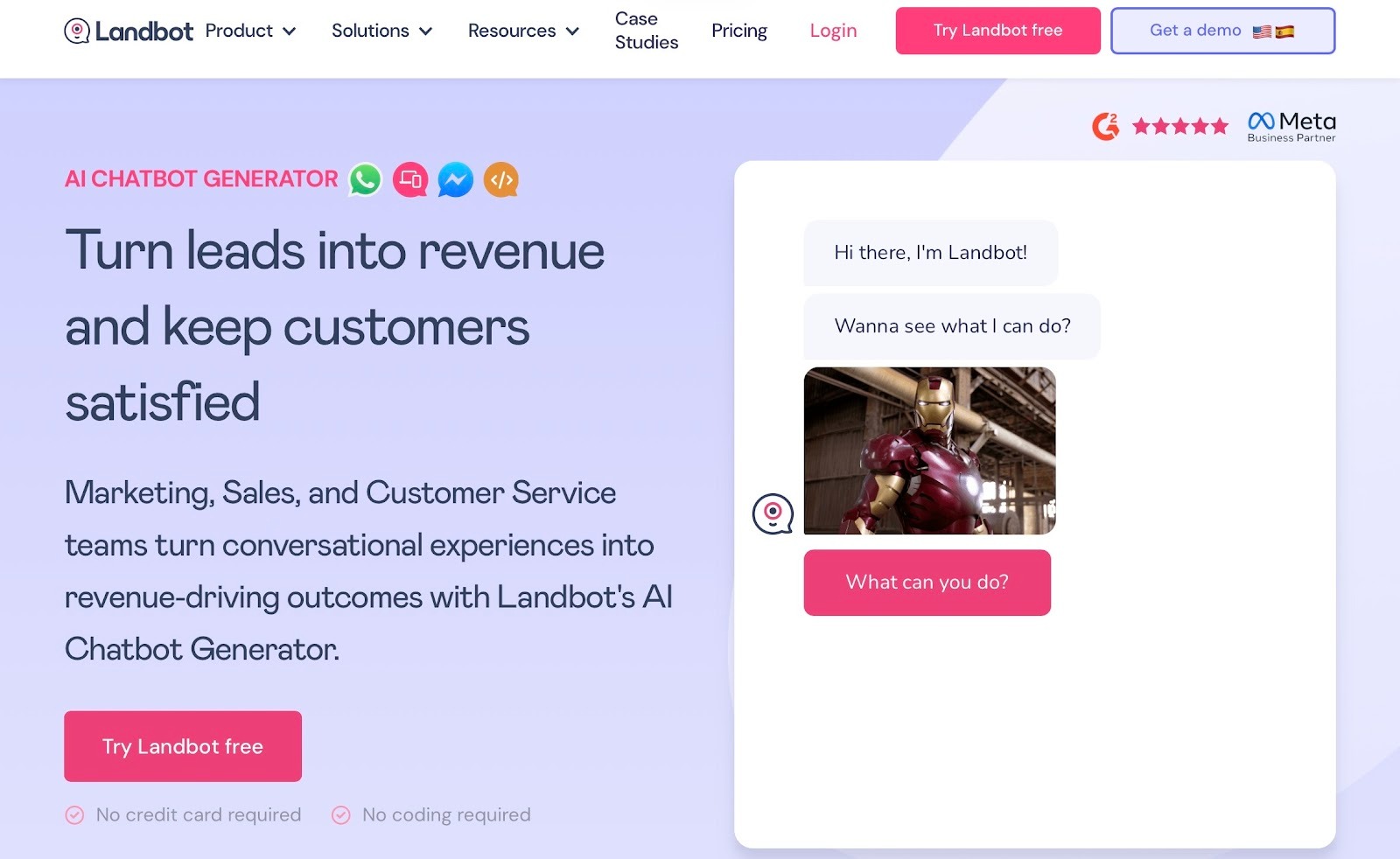
Landbot is a no-code chatbot builder designed around visual, drag-and-drop conversation flows. You build structured chat experiences by connecting message blocks and user choices, then deploy them on your website or WhatsApp. If you need tools specifically tailored for support teams, compare the best customer service chatbots for automated support.
It is popular for lead capture and guided web experiences, and offers a free tier plus paid plans starting at $45/month as you grow.
Best suited for:
- Structured, button-based conversation flows
- Lead capture and marketing chatbots on websites and WhatsApp
2. Tidio: Live chat plus AI support
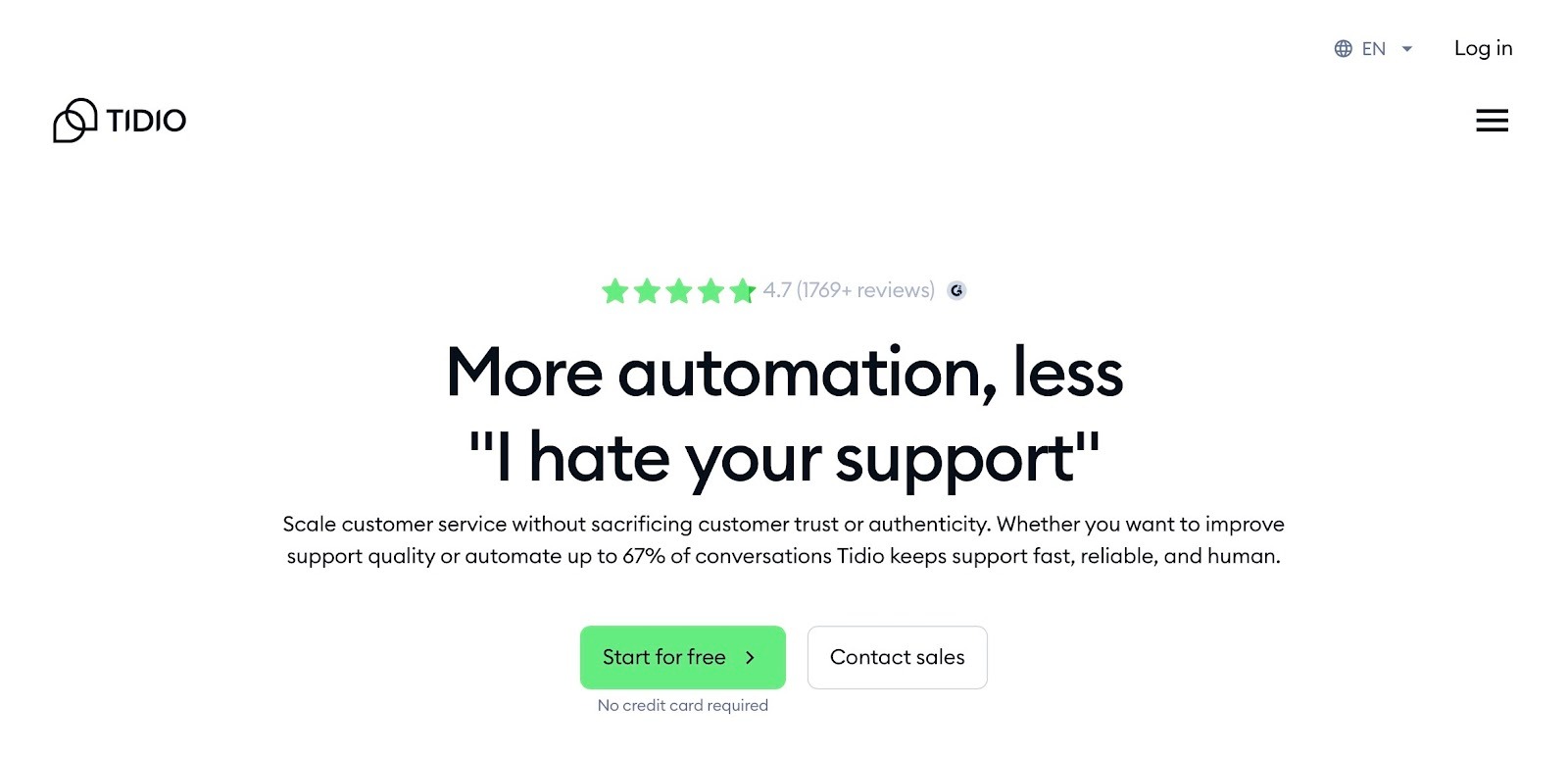
Tidio combines live chat, AI-assisted chatbots, and basic help desk features in one platform. It provides a shared inbox for managing website conversations and supports automation through predefined flows and its AI assistant, Lyro. Tidio offers a free plan, with paid tiers that unlock higher limits and additional features. For a broader look at software options, review our guide on the best ai chatbots for businesses.
Best suited for:
- Small and mid-sized businesses that want live chat with AI assistance
- Support teams that need one place to manage customer conversations
FAQs
How long does it take to build an AI chatbot without coding?
It takes anywhere from an hour to a couple of days to build a simple AI chatbot without coding. If your FAQs and docs are ready, you can create a basic support or lead bot in an afternoon. With an AI agent platform, most of the work is defining the goal and adding content, not setup.
Which is the best free chatbot platform?
The best free chatbot platform depends on your use case. Landbot's free tier works well for structured, button-based flows and lead capture, while Tidio's free plan combines live chat with AI-assisted support. You can start on a free tier, then scale as conversations and use cases grow.
How much does it cost to run an AI chatbot?
The cost to run an AI chatbot depends on platform, volume, and features. Most tools offer a free or low-cost tier for early usage, then paid plans as conversations, integrations, and agents increase. A practical approach is to start small, prove value, then upgrade gradually.
Can I integrate a chatbot with WhatsApp/Telegram?
You can integrate a chatbot with WhatsApp or Telegram if the platform or its connectors support those channels. Landbot and ManyChat, for example, both offer WhatsApp support.
If your platform supports these channels, the same chatbot that runs on your website can also handle conversations in WhatsApp or Telegram.










