Gumloop vs n8n: Which tool to choose in 2026?
Marvin compared Gumloop, n8n, and Lindy for AI workflow automation, weighing pricing, ease of setup, and production-ready AI capabilities.


Gumloop, n8n, and Lindy are the top choices when you need AI workflows, not just basic automations. I tested all three to see which one is easiest to run, which gives you the most control, and which makes the most sense for real work.
Gumloop vs n8n: at a glance
| Tool | Best for | Starting price | Key strength | Best use cases |
|---|---|---|---|---|
| Gumloop | No-code AI workflow building | From $37/month | Visual AI workflow design | Content workflows, research tasks, and lead tagging |
| n8n | Technical automation teams | From $24/month | Strong integration control | Complex multi-system automations and custom data pipelines |
| Lindy | AI-first business workflows | From $49.99/month | Production-ready AI assistant | Lead routing, customer support, CRM updates, and meeting notes |
- Choose Gumloop if: You want a visual, no-code way to test AI workflow ideas quickly.
- Choose n8n if: You need full control for complex automations, including self-hosted setups. If you are considering other platforms, you can also compare top n8n alternatives to find the right fit.
- Choose Lindy if: You want an AI assistant that can handle real business work across your inbox, calendar, CRM, and support tools without a complex setup. For another breakdown of technical automation options, read our detailed comparison of n8n vs relevance ai. For a closer look at how it compares to traditional automation tools, see our breakdown of gumloop vs zapier.
Meet the contenders
Gumloop is built for no-code AI workflows, n8n is made for flexible automations with more technical control, and Lindy is an AI assistant that helps teams get work done across their tools.
Gumloop: Best for no-code
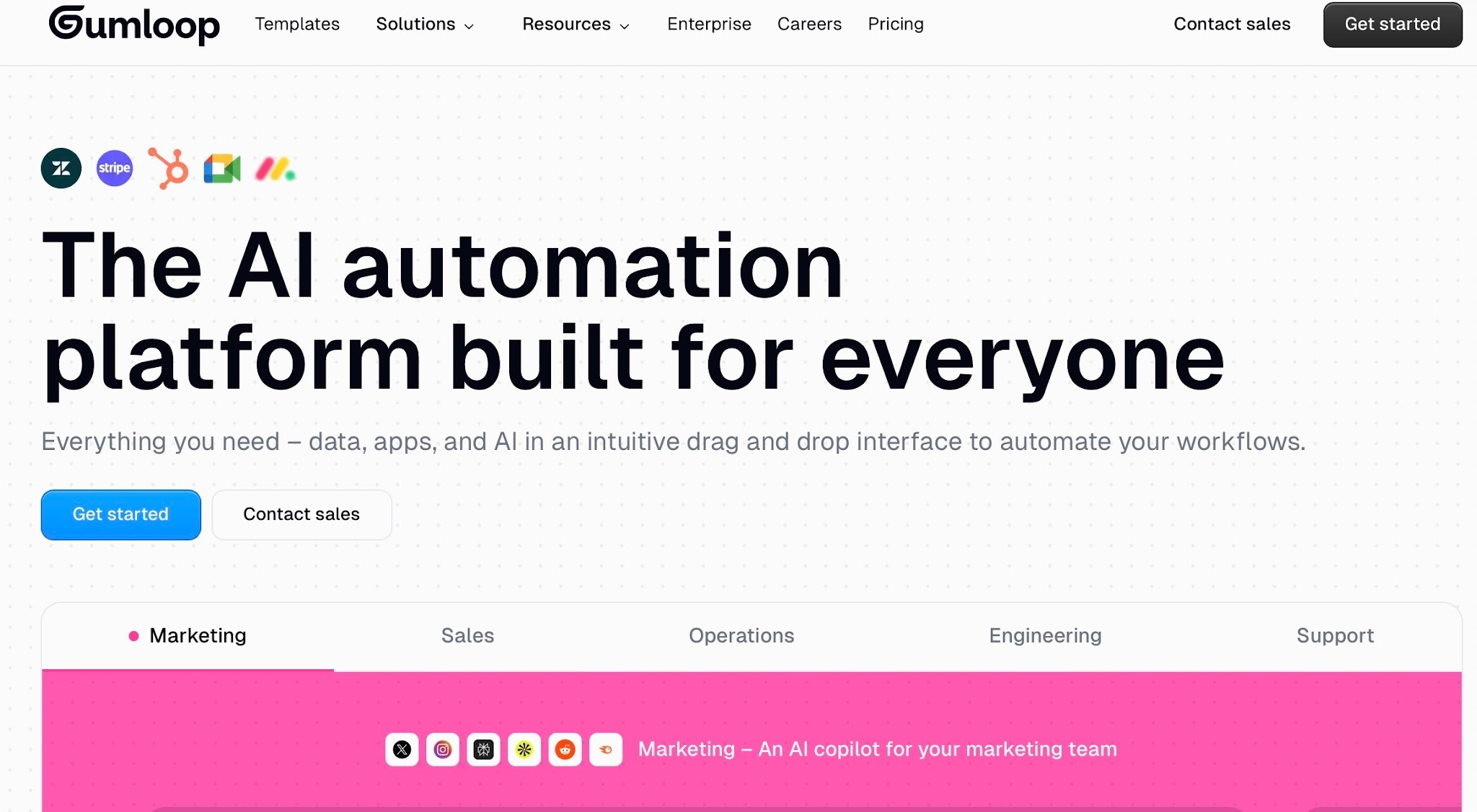
Gumloop is a no-code, visual AI workflow builder. You connect prompts, tools, and data steps in a drag-and-drop flow. It’s most useful when you want to prototype fast and see results quickly, without setting up a lot of infrastructure.
Teams often use it for content workflows and simple research or data tasks where you want AI to handle one part of the process, then pass the result into the next step automatically. If you are exploring alternative tools, reviewing top gumloop competitors can help you find the right fit for your automation needs.
n8n: Best for developer-friendly workflow automation
n8n is a workflow automation platform for technical teams. It’s built around a node-based builder, with room for advanced logic and custom steps. A key reason teams pick n8n is control, including the option to self-host when they want to manage data, security, and deployment themselves.
It works well when your workflows need more than simple triggers and actions, and you have the time and skills to build and maintain them.
Lindy: Best AI assistant for getting work done across tools
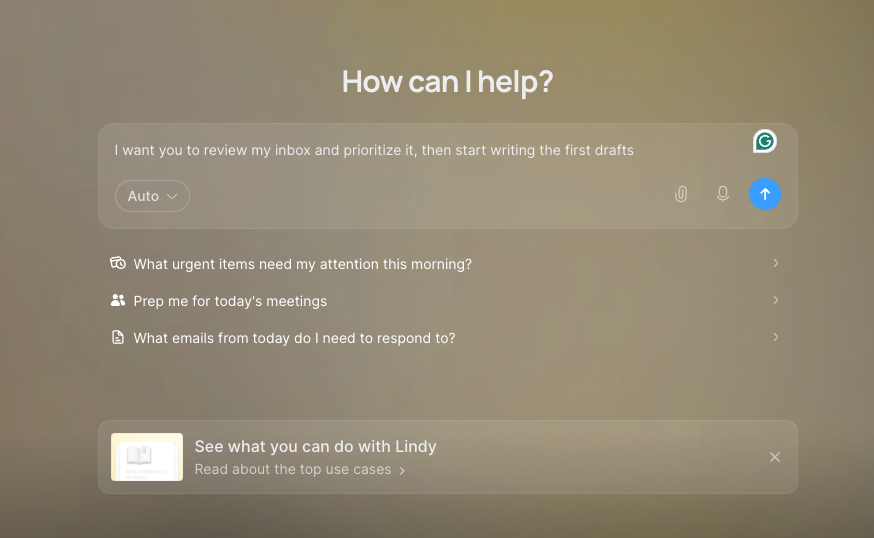
Lindy is an AI assistant for teams that want work handled across sales, ops, and support. It can follow up with leads, route requests, update tools, and keep routine work moving based on context, without turning setup into an engineering project.
Lindy is designed for workflows that need to run reliably day after day, without turning implementation into an engineering project.
Pricing breakdown: Gumloop vs n8n
gumloop pricing. For a detailed look at cloud vs self-hosted plan costs, explore our complete breakdown of Gumloop offers a free plan and paid tiers, n8n offers a free self-hosted Community Edition with paid plans starting at $24/month, and Lindy starts with paid plans from $49.99/month, with custom pricing for larger teams. To learn more about credit limits and tier details, read our complete guide to n8n pricing.
How Gumloop and n8n compare on setup, AI power, and production readiness
Gumloop helps you build quickly with no code, n8n gives you the most control, and Lindy is the easiest path to production-ready AI workflows for business teams.
Set up and ease of use
Gumloop is quickest for no-code builds, n8n takes more effort but offers the most control, and Lindy is the easiest way to get a business-ready setup running fast.
Gumloop
Gumloop is quick to start because the whole workflow is built in a drag-and-drop canvas. Steps are easy to see and edit, so it works well when non-technical teammates need to understand what the automation is doing. Templates also speed things up, since you can start from a working pattern instead of a blank flow. To see how its visual canvas compares to other popular platforms, read our detailed comparison of gumloop vs make.
As workflows grow, you need to spend time on reliability. That means testing with real inputs, adding simple checks for missing data, and making sure the AI output is in a usable format. The build stays visual, but the last mile is about consistency.
n8n
n8n takes more effort at the start because it feels more like an engineering tool. You often need to understand how data moves between steps, how to set conditions, and how to troubleshoot when a node fails. The upside is that you can model workflows very precisely.
If you self-host, the setup includes infrastructure choices and ongoing maintenance. Even on the cloud, complex workflows still need careful testing and monitoring. n8n is easiest when someone on the team is comfortable owning the workflow long term.
Lindy
Lindy is designed for fast setup using prompts, templates, and integrations. Instead of setting up every step yourself, you text Lindy what you need done. Lindy handles the work across your tools, and you can refine the instructions as you go.
Since Lindy also supports approvals, you can keep humans in the loop for sensitive steps like sending emails or updating records. For many business teams, this reduces risk while still keeping setup simple.
Winner: Lindy because it gets most teams to a usable workflow with the least setup work.
Key AI capabilities
Gumloop and n8n mostly add AI to a workflow. Lindy works more like an AI assistant you text to get work done across your tools. You describe the task, and Lindy handles the steps in the background.
Gumloop
Gumloop is strong when you want to add AI into a workflow without coding. You can drop in AI steps, write prompts, and pass outputs to the next block.
Gumloop also has an “AI Router” idea, where AI can pick what to do next based on the input. This kind of workflow is useful for sorting, tagging, drafting, and other light decision-making tasks.
Still, most Gumloop flows work best when the path is mostly planned. The AI helps inside steps, but it is not usually running as a fully independent agent that owns the whole job.
n8n
n8n puts more emphasis on flexible automation than on AI doing the work for you. You can add AI models, prompts, and agent-style logic, but you still have to wire the flow, define the conditions, and manage what happens at each step.
That means you can build almost anything, but you are responsible for how the AI behaves, when it runs, and what happens when it fails. In short, n8n supports AI, but it feels more like “bring your own agent logic” than a built-in agent system.
Lindy
Lindy works more like an AI assistant than a workflow builder. You tell it what needs to happen, it keeps track of context, follows instructions, and carries out the work across your tools. That makes it a better fit for workflows where the AI needs to do more than generate text.
Lindy handles complex requests by breaking big jobs into coordinated tasks, like intake, research, and execution, all through a single assistant you direct. No extra setup or siloed tools required.
Winner: Lindy, because it does the best job of turning AI into an assistant that can actually carry work forward.
Customization and flexibility
Gumloop stays simpler but hits limits with complex logic, Lindy gives solid flexibility with guardrails, and n8n goes the furthest with strong branching and custom code.
Gumloop
Gumloop is flexible within its visual builder. You can change prompts, reorder steps, and swap building blocks without touching code. For many teams, that is enough to shape common workflows like content runs, research, and basic routing.
It gets harder when the workflow needs strict rules across many paths. If you need heavy data shaping, lots of conditional branches, or very specific “only do X when Y and Z are true” logic, you may hit limits.
n8n
n8n gives you the most freedom to build workflows exactly the way you want. You can add conditions, loops, and custom code steps, and you can control how data is transformed at each point. This works well when the process is unique and needs precise handling.
The downside here is complexity. More control means more configuration, more testing, and more upkeep. Also, workflows can become harder to debug if they are not kept clean and well-documented.
Lindy
Lindy is flexible in a different way. Instead of wiring up every branch yourself, you tell Lindy what you want handled, give it the context it needs, and refine the instructions over time. That works well for jobs like inbound requests, lead follow-up, and support messages, where the work changes from case to case.
Lindy also supports approvals, which helps keep sensitive actions like sending messages or updating records safer and more consistent.
Winner: n8n for maximum control, but Lindy is the better fit if you want flexibility without managing every rule by hand.
Production readiness and scaling
Gumloop suits simpler workflows, n8n scales with full control but more upkeep, and Lindy is built for production with guardrails and less maintenance.
Gumloop
Gumloop can run real workflows, but it is most comfortable in lighter, repeatable jobs. It is a good fit when your flow is mostly AI steps and common app actions, and you do not need a lot of strict rules.
When volume grows, the risks are usually practical ones. Prompts can drift, inputs can get messy, and usage limits can become a factor. So the scaling work is often about keeping outputs consistent and adding simple checks so one odd case does not break the flow.
n8n
n8n is a strong choice for production when you want control over how workflows run. It supports complex logic, and self-hosting gives you freedom over data handling and deployment.
But scaling n8n usually means you take on the ops side. You need to think about uptime, monitoring, retries, error handling, and keeping versions up to date. For teams with engineering support, that is normal. For smaller teams, it can be more work than expected.
Lindy
Lindy is built for teams that want work handled across their tools without a lot of day-to-day upkeep. You can text Lindy to follow up with leads, route requests, update records, or keep recurring work moving, and it works across hundreds of integrations.
That matters when several people rely on the same setup, and you want work to keep moving without constant troubleshooting.
Winner: Lindy for teams that want reliable, day-to-day execution with less maintenance than a more technical setup.
What real users say about Gumloop vs n8n
User feedback usually comes down to a few practical things: how easy it is to build, how much control you get, and how much upkeep the tool needs. Below are the pros and cons people mention most often for each platform.
Gumloop
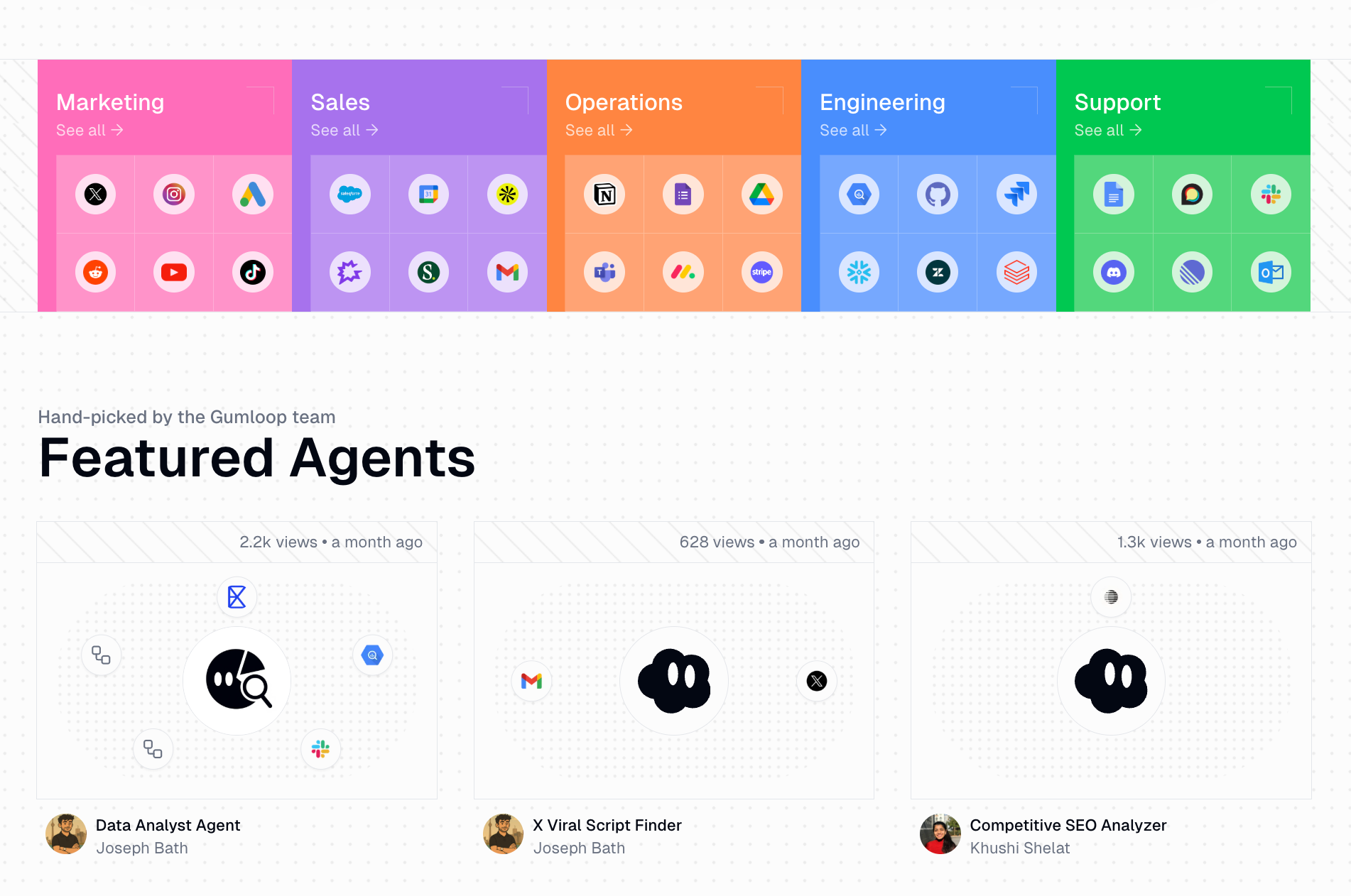
Pros
- Easy for non-technical teams to understand and edit
- Fast to build workflows in a drag-and-drop canvas
- Templates help you start without building from scratch
- Good for AI tasks like drafting, tagging, and quick research flows
Cons
- Results can vary if prompts are not tightly written and tested
- Complex flows need more checks to avoid breaks on messy inputs
n8n
Pros
- Works well for long, multi-step automations across many tools
- Strong choice if your team wants to self-host for data and control
- Easy to extend with custom code when built-in nodes are not enough
- Best option when you need custom logic, branching, and data handling
Cons
- Needs ongoing technical ownership to scale cleanly
- Can get messy when you push too much processing into the workflow itself
Lindy
Pros
- Keeps work more consistent across the team
- Human approvals add control for sensitive actions
- Faster to get working with templates and integrations
- Audit logs improve visibility into changes, actions, and integrations
Cons
- Results depend on how clearly you tell Lindy what to do
{{templates}}
Which tool should you choose in Gumloop vs n8n vs Lindy?
Your best pick depends on two things: how much control you need and how much setup work you can take on. Here’s a clean way to decide:
Choose Gumloop if you:
- Want a no-code, visual way to build AI workflows
- Prefer templates and building blocks over technical setup
- Need to move fast on experiments and internal workflows
- Are fine with some limits when workflows get large or very complex
Choose n8n if you:
- Want self-hosting for control over deployment and data
- Expect workflows to be more “system-like” than “prompt-like”
- Need deep customization with complex logic and data handling
- Have technical resources to build, debug, and maintain workflows
Choose Lindy if you
- Want the fastest path to a setup that works reliably
- Need strong security and compliance (SOC 2, GDPR, HIPAA, PIPEDA)
- Want a no-code or low-code setup, but still need serious power and integrations
- Use an AI assistant for intake and routing, like sorting requests and updating email, CRM, or Slack
Gumloop vs n8n - My final verdict
If you want one tool that most business teams can start using quickly and keep relying on day to day, Lindy is the best pick. You text Lindy what you need handled, and it takes care of work across sales, ops, and support without the heavy setup or upkeep that more technical tools often require.
I found Gumloop best when I wanted to move fast in a visual builder. It’s strong for testing AI workflow ideas and getting quick internal wins, especially when the workflow stays fairly simple.
For strong customization, complex logic, and the option to self-host, n8n is the best fit, as long as you have the technical time to set it up and maintain it.
Choose Lindy if you want the easiest way to get work done with AI
If you like the idea of AI helping with real work, but do not want to build and manage everything yourself, Lindy is a strong alternative. Instead of configuring complex systems, you simply tell Lindy what you need in plain English.
Whether it’s managing your inbox, scheduling meetings, updating your CRM, or following up with leads, Lindy handles it.
Here’s what that looks like in practice:s
- Get answers instantly: Text Lindy to pull information from your email, calendar, or CRM without digging through tabs.
- Send emails and follow-ups automatically: Ask Lindy to draft, personalize, and send outreach and handle replies.
- Take meeting notes and share summaries: Lindy joins meetings, writes structured notes, and sends action items afterward.
- Update your CRM without manual entry: After a call, Lindy logs notes and fills in missing fields automatically.
- Find and qualify leads in minutes: Tell Lindy your ideal customer profile and get curated lead lists ready for outreach.
- Works with hundreds of integrations: Lindy connects with the tools you already use, so everything stays in sync.
{{cta}}
FAQs
1. Is Gumloop better than n8n?
Gumloop is better than n8n if you want a no-code, drag-and-drop builder and you want to ship fast. n8n is better than Gumloop if you need deep control, custom logic, and advanced data handling. Gumloop feels simpler for most non-technical teams.
2. Can n8n compete with AI workflow builders like Gumloop?
Yes. n8n can compete with AI workflow builders like Gumloop, but it does so from a more technical angle. It gives you more control over logic, integrations, and deployment, while Gumloop is usually faster for no-code AI workflows.
3. Is Lindy better than Gumloop and n8n?
Lindy is the better choice when you want an AI assistant that can handle work across your tools without a heavy setup burden. Gumloop is better for fast visual builds, while n8n is stronger when you need deeper control and have the technical time to manage it.
4. Is Gumloop self-hosted?
No, Gumloop does not appear to offer a public self-hosted option. Its public pricing and product pages position it as a hosted platform, while n8n offers self-hosting through its Community Edition.
5. How does Gumloop compare to other no-code AI tools?
Gumloop stands out among no-code AI tools for its visual builder, fast setup, and strong template library. It’s a better fit when you want to launch workflows quickly, while more developer-oriented tools like n8n go further on logic and control.










