CrewAI vs AutoGen vs Lindy: Which Tool Is Best in 2026?
Everett compared CrewAI, AutoGen, and Lindy for building AI agents, weighing setup, agent orchestration, customization, and production readiness alongside pricing.


I compared CrewAI, AutoGen, and Lindy across real workflows to see how they differ in setup, orchestration, pricing, and production fit. This guide breaks down where each one works best, where each falls short, and which one makes the most sense for your team in 2026.
CrewAI vs AutoGen vs Lindy: At a glance
| Tool | Best for | Starting price | Key strength | Best use cases |
|---|---|---|---|---|
| CrewAI | Structured multi-step AI workflows | $25/month | Role-based handoffs | Research, drafting, QA checks |
| AutoGen | Custom AI systems built in code | $0/month | Code-level control | Custom routing, tool-heavy builds |
| Lindy | Founders and business teams handling work across the inbox, calendar, CRM, and support | $49.99/month | Production-ready assistant workflows | Lead routing, support triage, CRM updates |
- Choose CrewAI if: you’re building structured agent teams with defined roles.
- Choose AutoGen if: you’re experimenting at the framework level and coding everything yourself.
- Choose Lindy if: you want an AI assistant that works out of the box for real business workflows.
Meet the contenders
CrewAI: Role-based multi-agent orchestration
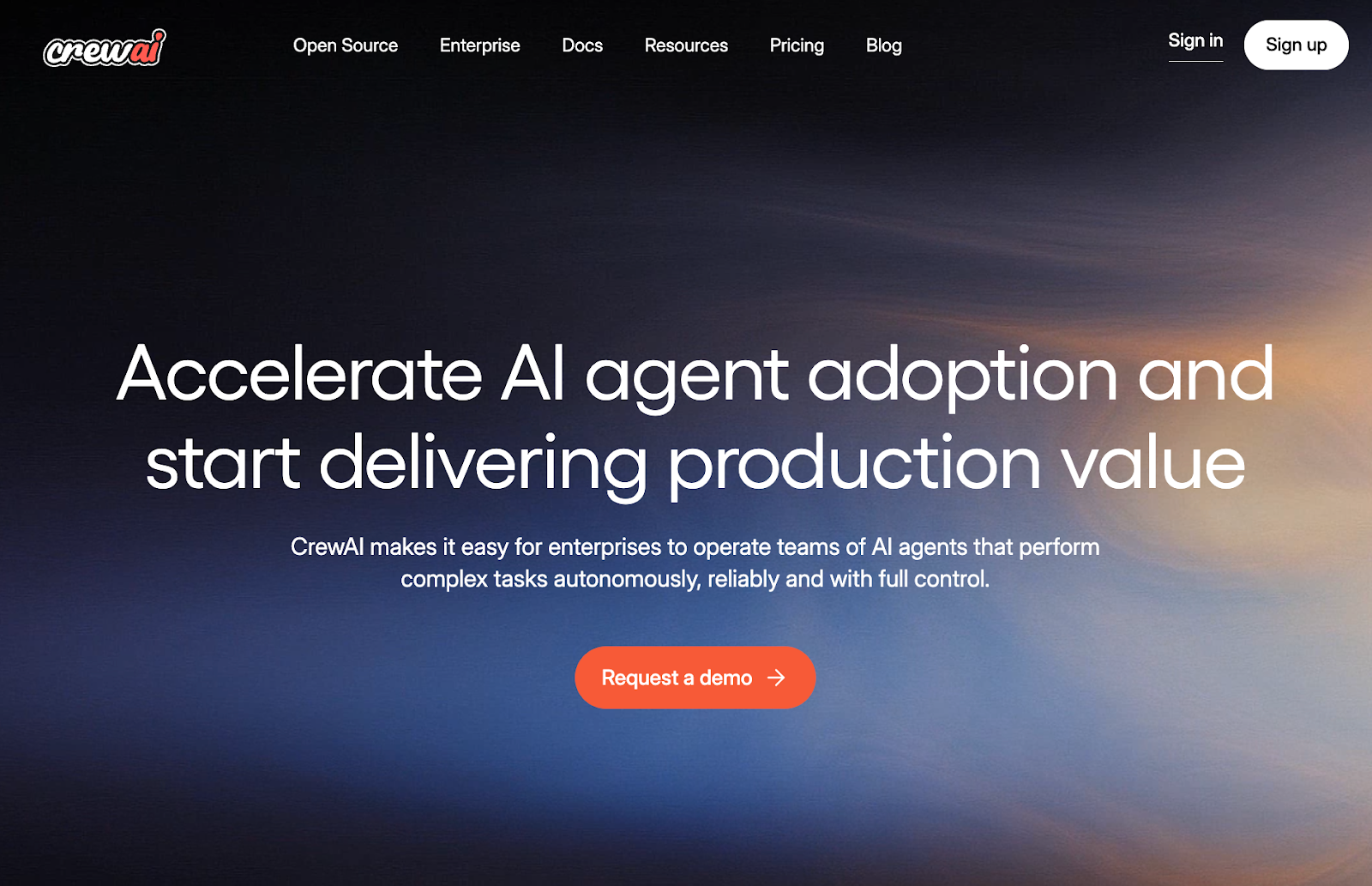
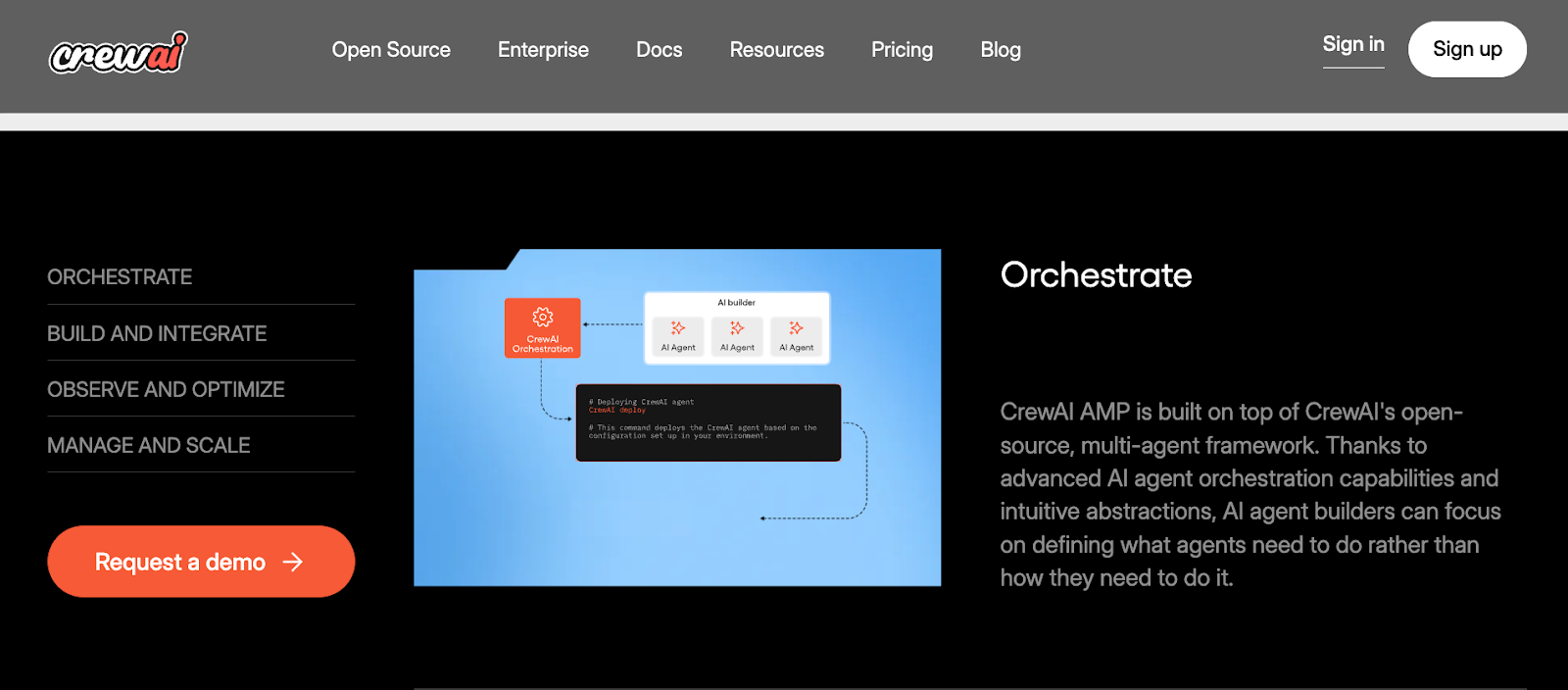
CrewAI is built for multi-agent teamwork, where each agent has a job and a goal. You might have one agent gather info, another draft an answer, and another check quality before the final output.
You usually design the workflow as “roles + tasks,” then run the crew to complete work in order. It’s a good fit if you want agent work to feel structured and repeatable, not improvised.
AutoGen: Flexible agent framework for developers
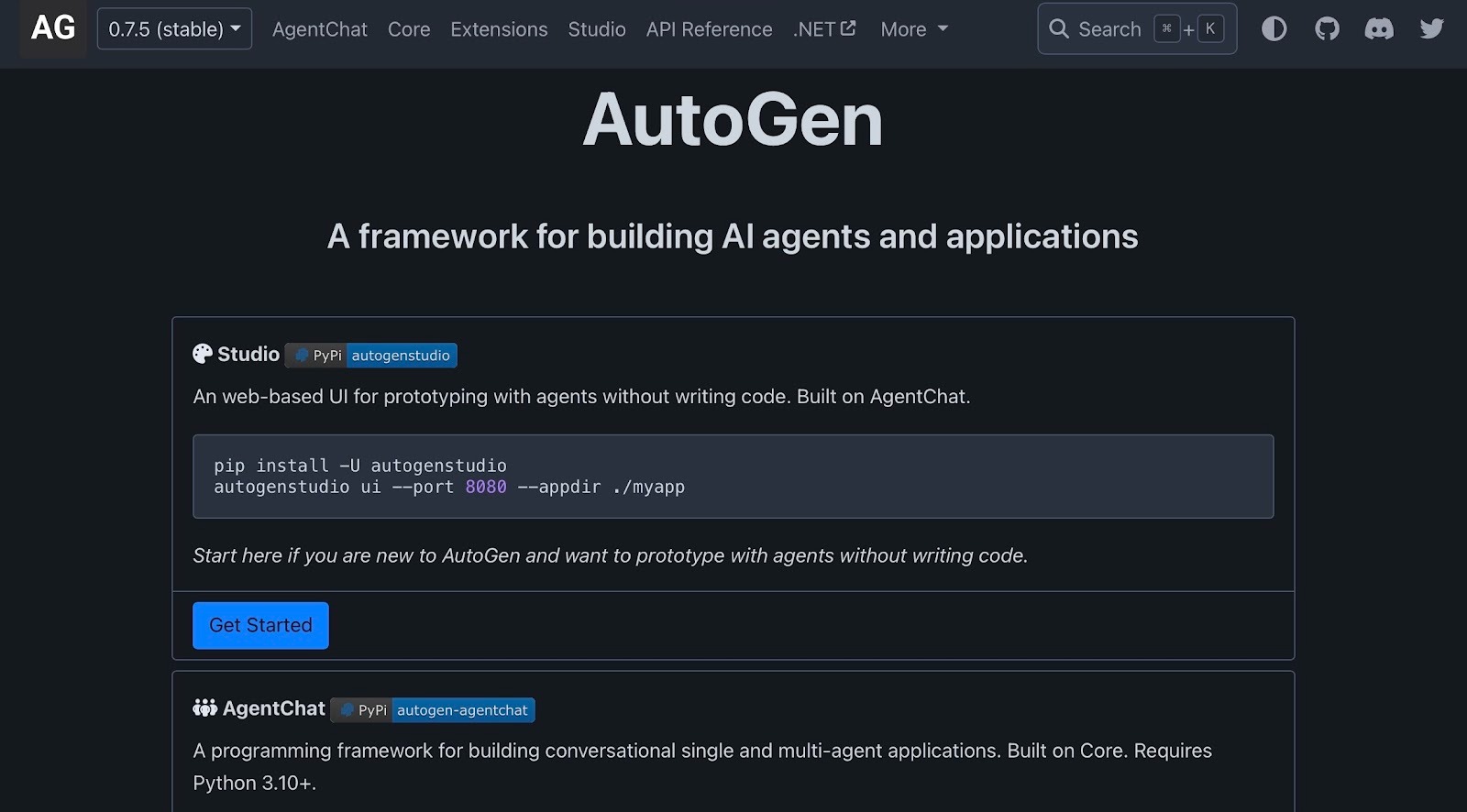
AutoGen is a developer-first framework from Microsoft for building agent systems. It’s flexible by design, which means you can shape how agents talk, when tools run, and how steps connect.
AutoGen can start simple, but it excels when you want to build custom patterns for agent coordination and tool use. It’s best for teams that are comfortable coding and enjoy full control, even if setup takes more effort.
Lindy: AI assistant for business teams across sales, support, and ops
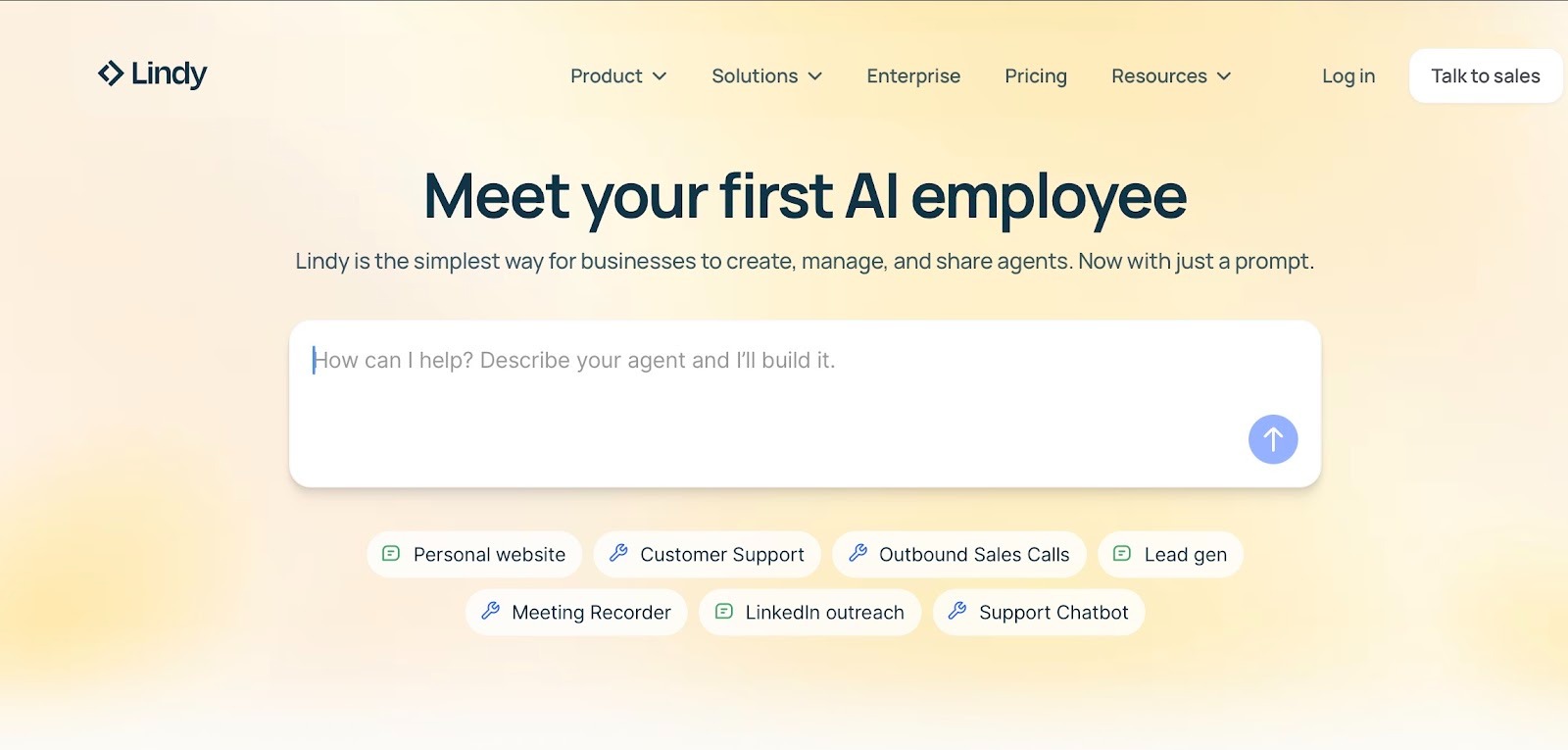
Lindy is an AI assistant for business teams that want to get work done across sales, support, and operations. Instead of starting with agent architecture, you usually start with a task, like “reply to inbound leads” or “route support tickets,” then connect the apps you already use.
Lindy is built to help teams get useful workflows live quickly, with templates and 4,000+ integrations that handle much of the setup. It’s a strong fit for teams that want an AI assistant working across their day-to-day tools, not just a framework to configure.
{{templates}}
Pricing breakdown: CrewAI vs AutoGen vs Lindy
CrewAI offers a free plan for getting started, while AutoGen is an open-source framework and does not sell paid plans. Lindy offers a 7-day trial, and its Plus plan starts at $49.99/month. Higher tiers are available for teams with larger usage and more advanced needs.
CrewAI pricing:
- Free: Basic plan
- Professional: $25/month
- Enterprise: Custom pricing
AutoGen pricing:
- Free: Open-source framework
- Paid plans: None. You pay for hosting, compute, and LLM API costs
Lindy pricing:
- Plus $49.99/month
- Enterprise: Custom pricing
How they compare on setup, agent orchestration, customization, and production readiness
Overall, CrewAI is best for role-based agent teams with clear handoffs. AutoGen is best for code-first builds with deep control. Lindy is best for fast setup and steady workflows in real business tools.
Set up and ease of use
Lindy is the fastest to set up for business tasks, CrewAI is easiest when your steps are already defined, and AutoGen takes the most time because you design and test the full setup in code.
CrewAI
CrewAI setup follows a fixed pattern. You create agents, give each one a role, then list the tasks in order. This works well when the steps are already known, like research, draft, and review.
The real setup time goes into the rules. You decide what each task should return, what tools each agent can use, and what gets passed to the next step. Early runs can be uneven, so teams often refine task outputs and add clearer checks until results look consistent.
AutoGen
AutoGen setup is more hands-on. You decide how agents talk, who speaks when, and how the system moves from one step to the next. You also need to connect tools, handle tool failures, and stop runs when they go off track.
Because so much is custom, setup takes longer. You also spend more time testing. Small changes in prompts or tool outputs can change the whole run, so teams usually build strong tests and logging before using it for real work.
Lindy
Lindy is easy to start using because you can text Lindy what you want done as if you’re asking an assistant. Ask Lindy to reply to inbound leads, route support tickets, qualify prospects, or update your CRM, and it handles the work across the tools you already use.
Most of the setup is practical. You confirm permissions, choose what Lindy can read or update, and test it with a few real examples. You can also use templates to speed up the first draft, but the quality comes from the details you set.
If something looks off, you tighten the instructions or limits and run it again. That makes Lindy a strong fit for teams that want to text an AI assistant to get work done without writing code.
Winner: Lindy wins for setup speed and day-to-day use.
Agent orchestration and collaboration
CrewAI leads for role-based teamwork with clear handoffs. AutoGen fits when you want to design the coordination logic yourself. Lindy fits when one agent needs to carry a lead, ticket, or thread from start to finish across your tools.
CrewAI
CrewAI is built around the idea that each agent has a job. One agent does research, another writes, another checks, and so on. The “crew” follows the order you set, so each step knows what it needs to deliver before the next step starts.
This is helpful when tasks depend on each other. You can also keep work aligned because each agent stays inside its role. The downside is that the collaboration style is guided by the CrewAI structure, so if you want a very different way of coordinating, you may need extra design work.
AutoGen
AutoGen is more open-ended. You can run agents in a group chat style, decide who speaks next, and set rules for when the system should switch roles or call a tool. You can also build your own “manager” logic that picks the next agent based on what happened in the last step.
This gives you deep control over collaboration. It also means you must define how the group avoids loops, how decisions are made, and how the run ends. When the coordination is well-designed, AutoGen can handle complex team behavior. When it is not, it can feel unpredictable.
Lindy
Lindy works from the task itself, whether that is an email thread, a lead, or a support ticket. It reads the context, pulls in the right details from your tools, and handles the next step, like drafting a reply or updating a record.
That keeps the flow easy to follow because Lindy stays anchored to the same piece of work from start to finish. It can tag and route items, update fields, and notify the right owner based on the rules and context you set.
When a case needs a person, Lindy can pause before a high-impact action and hand it off at the right moment.
Winner: CrewAI is strongest for structured multi-agent collaboration because role ownership and step-by-step handoffs are core to how it works.
Customization and flexibility
CrewAI supports structured role and task changes. AutoGen gives full code-level control. Lindy lets teams tune agent behavior using business data and clear rules.
CrewAI
CrewAI customization is strongest when you want to keep the system organized while still making it smarter over time. You can refine each role’s focus, add new roles as your process grows, and break big work into smaller tasks that are easier to control.
It also fits well when you want clear ownership. Each agent stays tied to a purpose, so changes stay contained. The limit is that you are still customizing inside the CrewAI model. If your use case needs a totally different control style, you may feel boxed in.
AutoGen
AutoGen is best when you want customization that looks like product building. You can create your own agent types, add your own control logic, and plug agents directly into your app code. This makes it easier to match your exact requirements, especially when the workflow is unique.
The negative is that every design choice is yours. The more custom you go, the more you need to manage how the system stays clean and understandable for future changes.
Lindy
For customization and flexibility, Lindy works best when you want to shape how work gets handled inside the tools your team already uses. A good example is inbound sales. When a new lead fills out your demo form, Lindy can look at the lead stage, company size, region, or source, then decide what should happen next based on the rules you set.
That could mean tagging the lead, updating the CRM record, assigning the right owner, or drafting a follow-up in the format your team prefers. You can control what Lindy writes, where it saves it, and which conditions change the outcome. That makes Lindy flexible in a practical way. Not at the code level, but in how it adapts to real business cases.
Winner: AutoGen wins on pure flexibility because it gives developers more control at the code level.
Production readiness
CrewAI holds up in production with disciplined change control. AutoGen reaches production when you build the safety and reliability layer in code. Lindy is production-ready for business teams with managed operations and approval control.
CrewAI
CrewAI is strongest in production when your workflow is already well-defined, and you want the system to follow it step by step. The structure helps, but it also means you need discipline around changes. Small edits to roles or tasks can shift results across the chain.
In practice, teams keep it stable by treating updates like releases. They test changes on a small set of inputs before pushing them live. This is why CrewAI fits best when an engineer owns the runtime and can keep the system consistent.
AutoGen
AutoGen is a better fit when production means “custom behavior” instead of “standard workflow.” You can shape how the system makes decisions, how it routes work, and how it enforces rules. That makes it useful inside a product or a complex internal system.
The catch is that reliability does not come built in. You have to define the limits, build the safeguards, and keep the system maintainable as tools and requirements change. This is why AutoGen fits teams that want full control and can support it long term.
Lindy
For production readiness, Lindy is easier for business teams to use day to day because you do not need engineers to manage every change. You can control who can update it, see what happened, and keep work moving without turning every adjustment into a technical project.
It is as simple as texting Lindy to handle customer replies, update records, or route work to the right person. If something needs a human check, Lindy can pause before the final step and ask for approval. That makes it easier to use Lindy safely in real business tools.
Winner: Lindy is the strongest choice for production readiness because it is easier to run safely and manage in real business environments.
What do real users say about CrewAI vs AutoGen vs Lindy?
Across all three, users most often praise speed to build and how much control they get, but they also flag trade-offs around complex setup and ongoing upkeep.
CrewAI
Pros
- Growing ecosystem around “crews” and common patterns
- Clear roles + tasks model that keeps multi-agent work easy to follow
- Strong fit for step-based work like research, drafting, and review flows
- Easy to extend by adding new roles and steps without rewriting the whole plan
Cons
- Can feel like overkill when the job is small or linear
- Production use can require extra work around stability and run management
AutoGen
Pros
- Good fit for custom systems that do not match a fixed template
- Strong code-level control over routing, rules, and agent behavior
- Supports many coordination styles, from simple pairs to larger groups
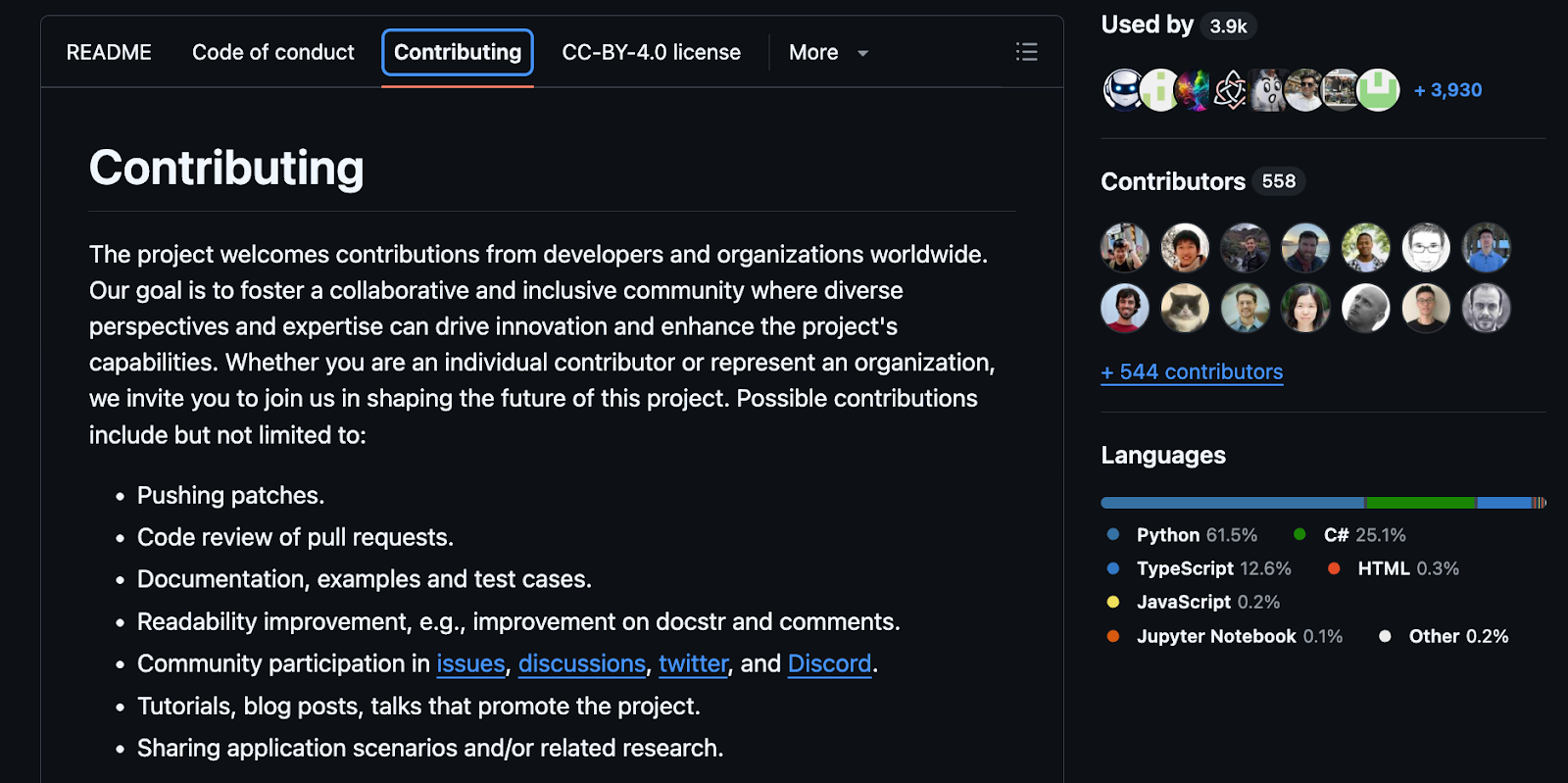
- Strong Microsoft backing and a migration path into the newer Microsoft Agent Framework
Cons
- Reliability work is largely on you, especially for long-running flows
- Updates can create churn, so keeping builds consistent takes effort
Lindy
Pros
- Strong for lead follow-up, ticket routing, CRM updates, and approvals
- Makes it easier to keep a person in the loop before high-impact actions
- Helps teams get day-to-day work done without building custom systems
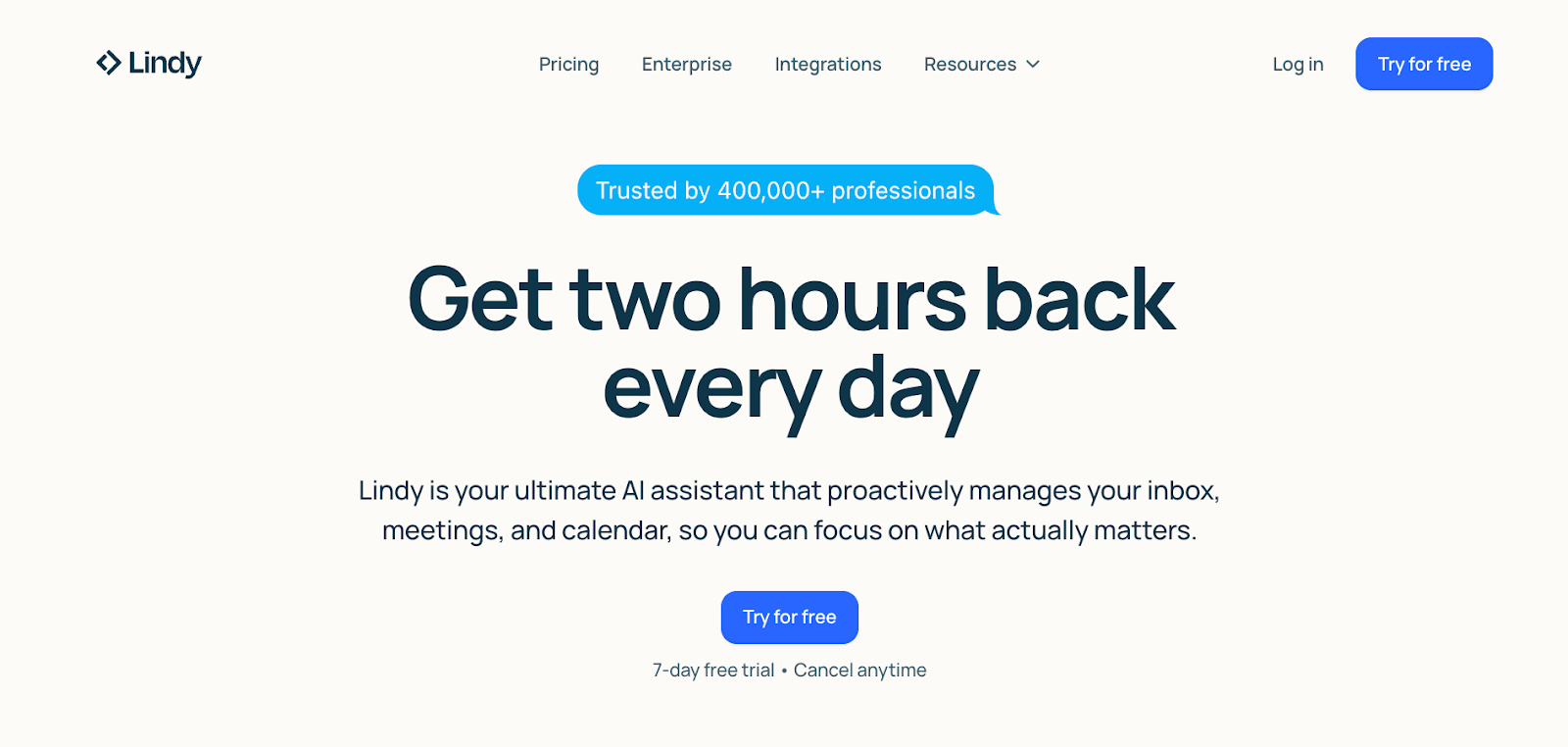
- Fast to get started, with a more assistant-like experience than a build-it-yourself system
Cons
- The 7-day trial gives you a limited time to judge fit before committing
{{cta}}
Which tool should you choose in CrewAI vs AutoGen vs Lindy?
Choosing between CrewAI, AutoGen, and Lindy is based on how you build and what you need to ship. The points below match each tool to the team setup, control level, and workflow type it fits best.
Choose CrewAI if you:
- Prefer “roles + tasks” so the process stays easy to follow and repeat
- Build structured agent teams where each agent has a clear job and handoff
- Use Python and can own the setup, runs, and updates as the project grows
Choose AutoGen if you:
- Need custom patterns that do not fit a fixed “team” structure
- Build in code and want full control over routing, rules, and agent behavior
- Can support testing, debugging, and maintenance as a real software system
Choose Lindy if you:
- Want an AI assistant you can text to get work done in the tools your team already uses
- Need help getting day-to-day work done without building custom systems or relying on engineers for every change
- Want Lindy to handle things like lead follow-up, ticket routing, CRM updates, and approvals inside the tools your team already uses
My final verdict
After testing all three, I think Lindy is the best choice when you want to put your AI assistant to work across tools like email, CRM, and support apps. That too, without any complicated setup or coding needed.
CrewAI is the best fit when you want structured agent teamwork with clear roles and handoffs.
AutoGen is best for developers who want full control of code, but it takes the most effort to set up and keep stable in production.
Choose Lindy if you want the easiest way to get work done with AI
If you like the idea of AI helping with real work, but do not want to build and manage everything yourself, Lindy is a strong option. Instead of configuring complex systems, you simply tell Lindy what you need in plain English.
Whether it’s managing your inbox, scheduling meetings, updating your CRM, or following up with leads, Lindy handles it.
Here’s what that looks like in practice:
- Get answers instantly: Text Lindy to pull information from your email, calendar, or CRM without digging through tabs.
- Send emails and follow-ups automatically: Ask Lindy to draft, personalize, and send outreach and handle replies.
- Take meeting notes and share summaries: Lindy joins meetings, writes structured notes, and sends action items afterward.
- Update your CRM without manual entry: After a call, Lindy logs notes and fills in missing fields automatically.
- Find and qualify leads in minutes: Tell Lindy your ideal customer profile and get curated lead lists ready for outreach.
- Works with 4,000+ integrations: Lindy connects with the tools you already use, so everything stays in sync.
FAQs
1. What is the difference between CrewAI and AutoGen?
The main difference is that CrewAI is built around structured role-based teamwork, while AutoGen gives developers more code-level control. CrewAI makes multi-agent collaboration easier to organize out of the box, while AutoGen gives you more freedom to design the orchestration and guardrails yourself.
2. is CrewAI better than AutoGen?
CrewAI is better than AutoGen if you want structured multi-agent workflows with clear roles and handoffs. AutoGen is better if you want maximum flexibility and you’re comfortable coding more to build and maintain the system.
3. Is Lindy better than CrewAI and AutoGen?
Lindy is a better fit for most business teams that want an AI assistant they can text to get work done in the tools they already use. CrewAI and AutoGen are a better fit when the priority is building a custom system and you have the engineering time to set it up, manage it, and maintain it.
4. Does AutoGen have pricing?
No, AutoGen does not have direct pricing. The framework is free and open source. Any costs come from the model you use, plus hosting, compute, and the engineering work needed to run and maintain it in production.
5. What is CrewAI Studio pricing?
CrewAI offers a free open-source framework, plus paid plans for its cloud product. On the pricing page, CrewAI lists a free Basic plan, a Professional plan starting at $25/month, and Enterprise pricing on request. For the latest details, check CrewAI’s official pricing page.









