


How to Automate Clinical Notes with an AI Scribe in 5 Easy Steps


I used to spend hours every week writing clinical notes. It was draining, repetitive, and took time away from actual patient care.
Then I started using an AI medical scribe – and everything changed.
In this guide, I’ll show you how to automate your clinical notes in 5 easy steps using AI. You’ll save time, reduce documentation errors, and focus more on patients, not paperwork.
What Is an AI Scribe and Why Automate Clinical Notes?
An AI scribe is a voice-powered assistant that listens to your patient conversations and turns them into structured clinical notes automatically.

What it does:
- Understands medical context (symptoms, diagnoses, treatments)
- Generates SOAP, H&P, or custom notes instantly
- Pushes notes to your EHR, no typing needed
- Captures live conversations in real time
- Transcribes with speaker separation
- Adds ICD-10 codes and tags
Why automate it?
Manual notes waste hours, cause burnout, and distract from care. AI scribes help you:
- Document faster
- Improve accuracy
- Save 1–2 hours per day
- Stay focused on the patient
Now, let’s get to automating clinical notes:
How to Automate Clinical Notes with an AI Scribe (Step by Step)
Switching from manual note-taking to AI-assisted documentation can save hours every week, reduce burnout, and improve your accuracy. Here’s a step-by-step walkthrough to help you set it up the right way.
Step 1: Choose the Right AI Scribe for Your Practice
Before jumping in, you need a tool that actually fits your workflow. Not all AI scribes are equal—some are built for speed, others for deep EHR integration, and some for customization.
Here’s what to look for in a good AI scribe:
- Real-time, HIPAA-compliant transcription so you can use it safely during patient visits
- EHR integration with platforms like Epic, Athenahealth, or Cerner for auto-syncing notes
- Medical context awareness so it understands clinical language and summarizes notes like a trained assistant
- Multi-speaker separation, which helps it distinguish your voice from the patient’s
- Ambient listening or voice activation so you don’t have to manually start and stop recordings
Popular AI scribes in 2025:
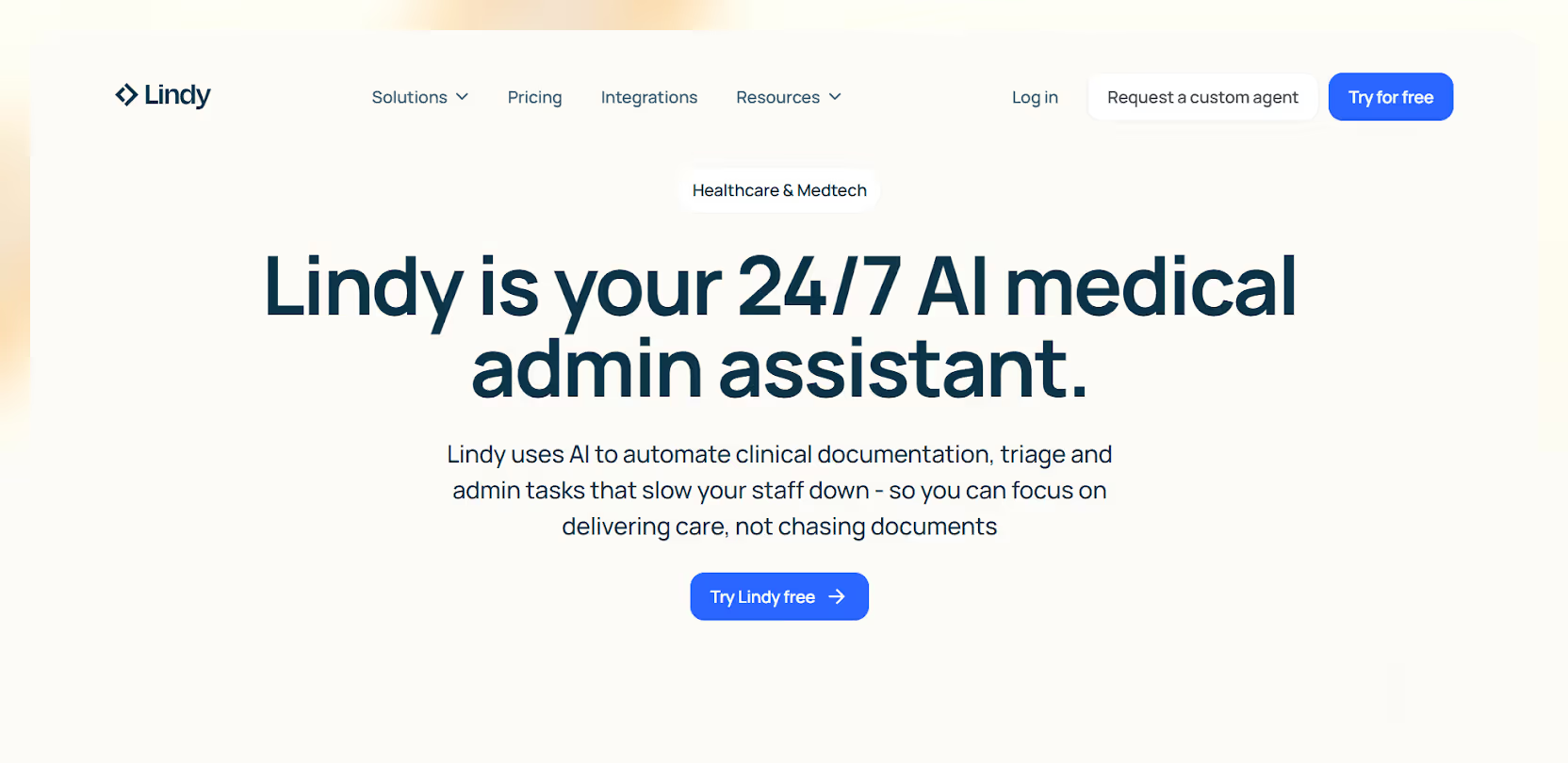
- Lindy: Great for building custom workflows. Can generate notes and trigger tasks like follow-ups or prescriptions.
- Suki: Fast SOAP notes with strong EHR push capabilities
- Nuance DAX Copilot: Enterprise-grade, ideal for Epic users
- Freed AI: Lightweight and budget-friendly, perfect for small clinics
Choose based on what slows you down most like speed, EHR entry, or custom workflows, and match the tool to that.
{{templates}}
Step 2: Set Up Your Environment and Workflow
Once you’ve chosen your tool, the next step is configuring it to fit your daily routine. A poor setup leads to interruptions or missed notes, so spend a few minutes getting this right.
Start by selecting the device you'll use. Most tools support laptops, tablets, or phones. Make sure your mic quality is clear and background noise is low.
Then, do the following:
- Log in to your AI scribe platform and connect your EHR (if supported)
- Choose the note structure that works best for your documentation style, like SOAP, H&P, narrative, or custom templates
- Enable ambient listening mode if you want it to automatically begin transcribing when you start speaking, or set a voice command trigger (e.g., “Start note”)
Some tools also let you pre-define the output style, like:
- Including vitals automatically
- Formatting medication plans a certain way
- Summarizing history vs. copying it verbatim
Do a mock patient visit to test how it captures your voice and structures the note. Adjust keywords, voice volume, or layout preferences if needed.
Step 3: Use It During Live Consultations
This is where the automation kicks in.

As soon as you start the session, the AI scribe begins listening in real time. There’s no need to pause, dictate, or speak in rigid formats. Just have a natural conversation.
Behind the scenes, the tool is:
- Transcribing everything live
- Recognizing who’s speaking (you vs patient)
- Extracting key details like symptoms, duration, treatments, and patient concerns
- Structuring it into a clinical note format in the background
There’s nothing for you to do here except stay present with the patient. The AI handles the rest.
Step 4: Review and Approve the Drafted Note
After the visit ends, a full note is waiting in your dashboard, usually within seconds.
What you’ll see:
- A pre-filled SOAP note or chosen format
- ICD-10 codes or treatment tags (if supported)
- A summary that reflects the full conversation, not just fragments
You can:
- Make quick edits (most tools allow inline editing)
- Add any final observations or assessments manually
- Save or approve the note for recordkeeping
Example output:

Most AI scribes improve over time, learning how you phrase things and adapting your preferred style, tone, and structure.
Step 5: Sync with Your EHR or Trigger Actions
Once the note is finalized, you can push it directly to your EHR. Some tools do this automatically; others let you approve it first.
What happens next depends on the tool:
- Notes get synced to the right patient file
- Follow-up reminders, referrals, or prescription requests may be generated
- You can create custom rules. For example, tagging certain visits for QA review or flagging new diagnoses for additional workflow
With advanced tools like Lindy, you can go further:
- Send referral letters right after note approval
- Trigger appointment booking workflows
- Share post-visit instructions with the patient via email or SMS
Your entire documentation process, once manual and time-consuming, can now be completed by the time the patient leaves the room.
4 Things to Watch Out for When Getting an AI Medical Scribe
AI scribes are powerful, but they’re not plug-and-play for every practice. These are the key risks and limitations to keep in mind:
1. Compliance and Privacy
Not all AI scribes are created with medical-grade security. You must ensure the tool is HIPAA-compliant, encrypts data end-to-end, and stores transcripts on secure, U.S.-based servers.
If you're dealing with PHI (Protected Health Information), make sure the vendor offers a Business Associate Agreement (BAA). This is legally required for HIPAA compliance.
Ask for a full data handling policy before onboarding any tool.
2. Accent and Voice Recognition Limitations
AI scribes rely on speech-to-text engines, which can sometimes struggle with:
- Non-native English accents
- Soft-spoken or fast speakers
- Medical jargon or abbreviations
- Background noise (e.g., clinic chatter or machines)
If your practice has multilingual patients or staff with strong regional accents, test the tool thoroughly before deploying it widely. Some scribes (like Nuance or Lindy) offer better multi-accent support than others.
Use high-quality mics or noise-canceling headsets to boost transcription accuracy.

3. EHR Compatibility
Not every AI scribe integrates directly with your electronic health record system. Even if a tool claims EHR support, it may:
- Only support limited platforms (like Epic, but not Athena)
- Require extra setup, APIs, or paid add-ons for syncing
- Only allow note export, not full EHR record updates (e.g., vitals, labs)
Check if the scribe tool supports bi-directional EHR sync and whether your vendor charges for integrations.
4. Note Accuracy and Clinical Risk
AI-generated notes are fast, but not perfect. They may:
- Miss key patient statements
- Misinterpret symptoms or treatments
- Leave out critical context from conversations
- Apply incorrect ICD-10 codes or default templates
Always review and edit your notes before signing off. You’re still legally responsible for what’s in the record.
Avoid copy-paste culture. Train your team to treat AI notes as drafts, not finished documentation.
Who Should Use an AI Scribe?
AI scribes aren’t just for large hospitals. They’re helping solo providers, mobile clinics, and telehealth teams work faster and smarter. But they’re not ideal for everyone.

Best suited for:
- Primary care physicians: High patient volume, repetitive visit types (e.g., hypertension, diabetes, etc.)
- Specialists: ENT, dermatology, cardiology, especially when visits follow structured templates
- Mental health professionals: Ideal for therapists or psychiatrists who need full-session summaries without interrupting flow
- Telemedicine providers: AI scribes work well in quiet, virtual settings where transcription is easier and documentation must be immediate
Avoid AI scribes if:
- You don’t use an EHR system: If your records are still paper-based or partially digital, most AI scribes won’t deliver full value.
- Your IT department bans third-party tools: Hospitals or enterprise networks often block software that isn’t vetted. If your environment is locked down, integration may be impossible.
- You rely on highly complex, non-verbal data: AI scribes struggle with workflows that include diagrams, procedures, or detailed imaging interpretation unless manually added.
If your day is packed with patient visits, and you're tired of spending evenings writing notes, an AI scribe can completely change how you practice. But only if it fits your systems, security, and workflow.
{{cta}}
Automate More Than Just Notes with Lindy
Want full automation with deeper control?
Lindy lets you build a custom clinical note-taking agent that not only writes your SOAP notes but also:
- Updates your EHR
- Automatically generate referral letters
- Trigger follow-up appointment bookings
- Alert nurses for post-visit care instructions
- Create prescription drafts based on the visit
Frequently Asked Questions
1. How to write medical notes faster?
Use an AI scribe to transcribe and summarize patient conversations in real time. Tools like Lindy or Suki can auto-generate SOAP notes, push them to your EHR, and reduce manual typing. You’ll spend less time documenting and more time with patients without sacrificing accuracy.
2. What are clinical notes?
Clinical notes are written records of patient encounters. They document symptoms, diagnoses, treatments, and care plans, usually in formats like SOAP or H&P. These notes help ensure continuity of care, meet legal requirements, and support billing, communication, and clinical decision-making across healthcare teams.
3. Will medicine be automated?
Many parts of medicine are already being automated like documentation, image analysis, remote monitoring, and triage. But full automation isn't the goal. AI will handle routine tasks, so clinicians can focus on care. The future is not doctorless medicine, it’s medicine with smarter, AI-supported workflows.
4. How do I test an AI scribe before using it in real patient sessions?
Most AI scribe tools offer trial periods or sandbox modes. Start by running mock consultations or solo voice recordings. Check how well the tool transcribes, summarizes, and structures the notes. Pay close attention to how it handles clinical terms, speaker separation, and formatting preferences.
5. Can I train an AI scribe to match my documentation style?
Yes. Many AI scribes, like Lindy and Suki, learn from repeated use. They adapt to your preferred language, formatting, and structure over time. You can also customize templates or set predefined output rules for how you'd like SOAP, H&P, or discharge notes to appear.
6. How long does it take to set up an AI scribe for a small clinic?
Setup typically takes 30–60 minutes. You'll need to connect your EHR (if applicable), configure note formats, test your mic, and adjust listening settings. Some tools like Freed AI or Lindy also offer onboarding help to speed up the process and minimize disruption.
7. Do AI scribes work for group practices or only individual doctors?
AI scribes work for both. Group practices can assign each clinician their own agent or configure shared workflows across teams. Some tools also support role-based access, shared note libraries, and centralized admin dashboards, helpful for multi-specialty clinics and collaborative care teams.
8. What happens if the AI misses something important during a session?
AI scribes are designed to capture as much as possible, but they’re not flawless. That’s why the human review step is critical. You should always check the draft before approving. You’re still responsible for clinical accuracy, so treat AI notes as first drafts, not final records.
9. What’s the best next step after choosing an AI scribe tool?
After selecting a tool, start with 2–3 low-stakes consultations. Evaluate the output, test how it integrates with your current workflow, and make edits to the default note structure. Once it’s running smoothly, gradually roll it out across your clinic for full efficiency gains.











Blog
Related Articles
.avif)

.avif)

%20(1).png)

%20(1).png)

The AI assistant that runs your work life
Lindy saves you two hours a day by proactively managing your inbox, meetings, and calendar, so you can focus on what actually matters.
