


Top 14 AI Automation Tools to Improve Productivity in 2026


Some AI automation tools focus on content creation, while others offer task automation or email management. After testing them thoroughly, I’ve compiled the top 14 tools for specific use cases to make the process easier for you.
Types of AI automation tools you’ll see in this guide
Different AI workflow automation tools exist and excel at specific tasks. The right tool depends on what part of your work you want to automate. Let’s explore the most common types of tools that I’ve covered:
Task-based automation
These tools handle repeatable actions such as recording meetings, transcribing notes, or updating spreadsheets.
Bardeen is a good example of a task automation tool, focusing on browser-based task automation. Fireflies.ai, while excellent for meeting transcription and note-taking, specializes in automating meeting documentation rather than broader workflow automation.
Communication automation
Email and messaging tools like Superhuman and Grammarly use AI to write, summarize, and respond to messages. They help teams maintain tone and accuracy, and cut time spent on drafts and edits.
Workflow orchestration
Platforms such as Lindy and Relevance AI let you automate tedious, repetitive tasks that involve multiple departments. They can run actions across apps, like syncing CRM data, sending emails, and scheduling follow-ups.
Data automation
Tools like Levity process and classify incoming data from emails, documents, or forms. They automatically route information to the right process, reducing manual sorting and human error.
Scheduling and time management
AI scheduling tools, such as Motion, plan and reorder your calendar to match priorities. They make daily planning a breeze, helping teams use their time more efficiently.
Top 14 AI automation tools: At a glance
I reviewed more than 25 automation tools across different applications and shortlisted the top 14. Here’s a quick side-by-side comparison:
I’ve also reviewed each tool in detail, with its pros, cons, and key features. Let’s explore that next.
1. Lindy: Best overall
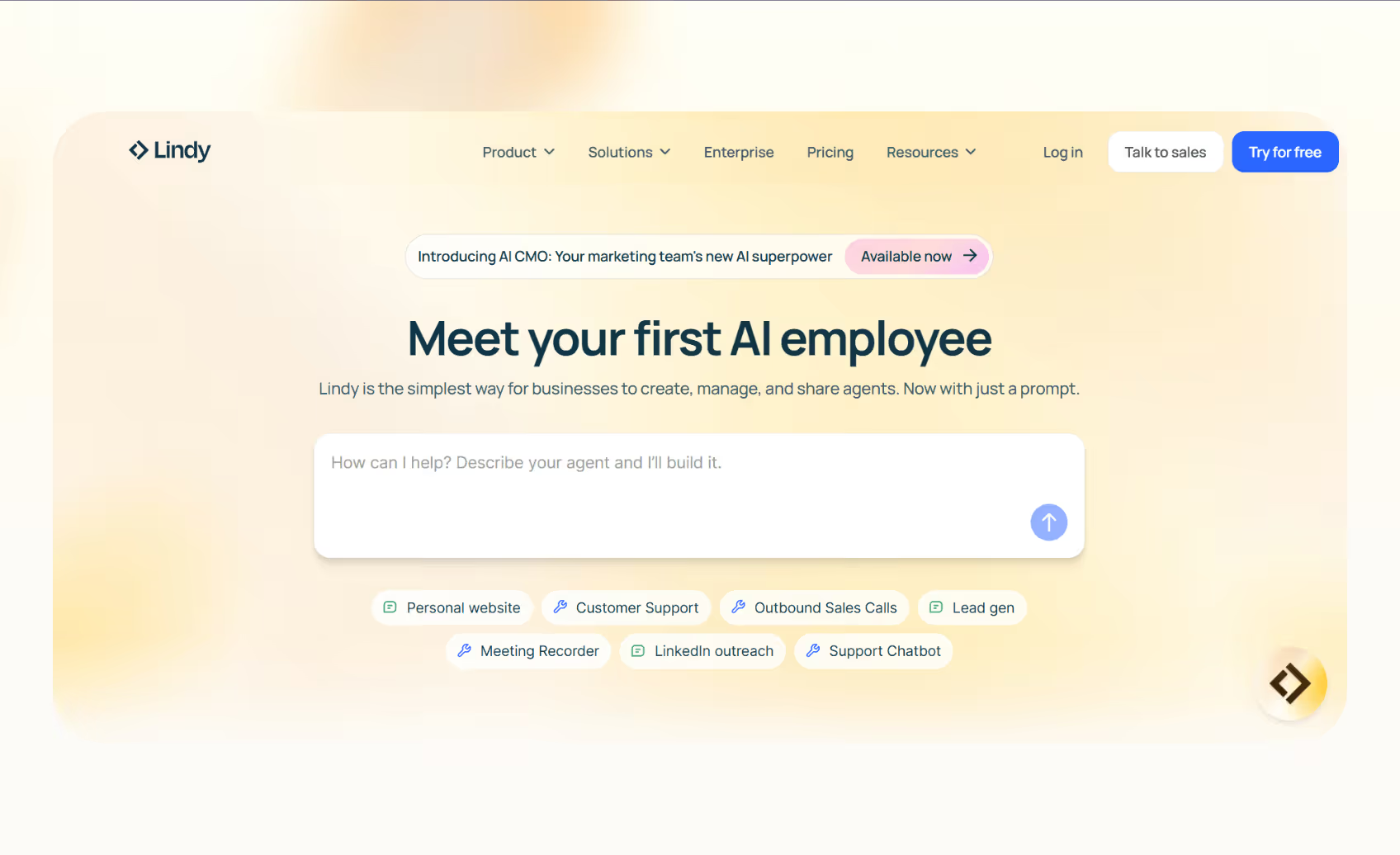
Lindy is a no-code AI tool that helps teams automate repetitive tasks across business workflows. Its visual AI agent builder lets users create custom agents that handle calls, manage inboxes, and connect data between apps. You can run your tasks from one app instead of using separate tools.
Who it’s for
Lindy suits business owners, operations teams, and non-technical professionals who want to scale their workplace without extra hires. It’s also useful for startups that need flexible AI workflow automation across departments.
Key features
- No-code agent builder with hundreds of templates
- Works across phone, email, and web apps
- Prebuilt templates to launch automation quickly
- 4,000+ integrations across popular apps like Gmail, Notion, Airtable, and more
- SOC 2 and HIPAA compliant for regulated industries
- Lindy App Builder creates apps based on the natural language description you provide
Pros
- Handles complex workflow automation that links multiple tools
- Reduces manual coordination between departments
- Intuitive and quick to automate tasks
Cons
- Need to track the credits to avoid overages
- Requires some time to map complex automation workflows
Pricing
- Free: Up to 40 tasks/month
- Pro: $49.99/month for 5,000 credits, billed monthly
- Business: $199.99/month for 20,000 credits, billed monthly
- Enterprise: Custom pricing and limits
Bottom line
Lindy stands out because it supports over 4,000 integrations and complies with SOC 2 and HIPAA standards, so you can easily scale complex workflows, something I experienced firsthand with automations that span across departments.
{{templates}}
2. Fireflies.ai

Fireflies.ai records and summarizes meetings automatically and saves time by turning conversations into searchable notes you can share across the team. The tool handles transcription, action items, and summaries for calls on Zoom, Meet, or Teams.
Who it’s for
It works for sales, marketing, and support teams that rely on regular client calls and need consistent documentation.
Key features
- AI transcription with speaker detection
- “AskFred” chat for meeting summaries and questions
- Integrations with CRMs, Slack, and Google Workspace
Pros
- Accurate transcriptions and smart summaries
- Easy setup with common video platforms
- Secure with HIPAA support
Cons
- Limited customization for summaries
- Free plan restricts transcription credits
Pricing
- Free plan available
- Paid plans from $18/user/month, billed monthly
Bottom line
Fireflies is an efficient tool for automating meeting notes and creating structured records from team discussions.
3. Bardeen
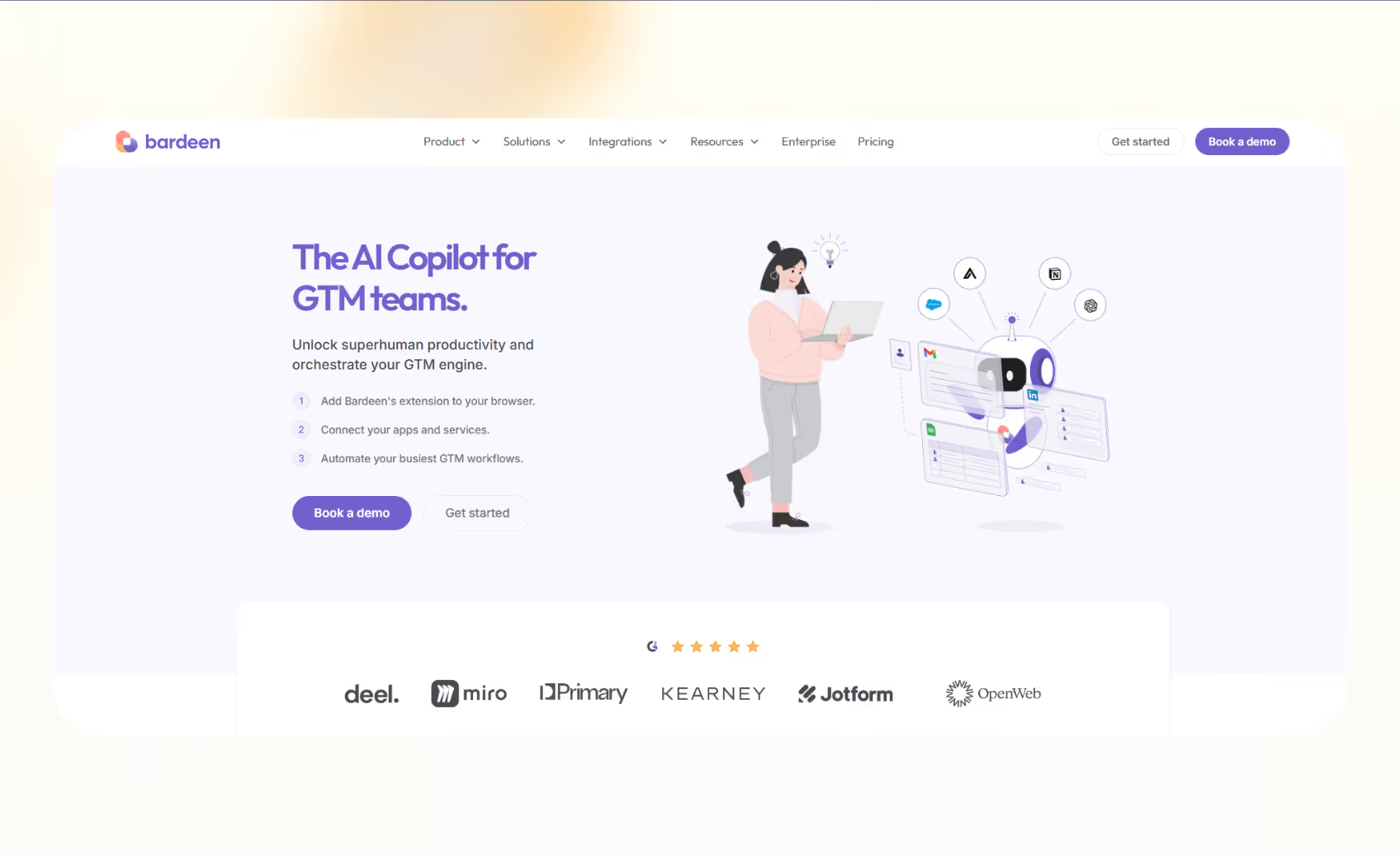
Bardeen helps users automate tasks within the browser. It turns repetitive clicks and copy-paste actions into one-click automations. For example, it can analyze data from web pages, fills out forms, and moves information between apps.
Who it’s for
Bardeen works for sales and marketing professionals who collect data, update CRMs, or manage outreach lists from online sources.
Key features
- Magic Box for natural language automation
- 200+ prebuilt workflows
- Integrations with Sheets, Notion, Airtable, and HubSpot
Pros
- Quick setup and intuitive interface
- Strong web scraping capability
- No technical setup required
Cons
- Browser-based limits cross-platform workflows
- The free plan has limited credits
Pricing
- Free plan with 100 credits
- Paid plans from $129/month, billed monthly
Bottom line
Bardeen is ideal for automating quick web-based tasks and saving hours spent on data entry or research.
4. Motion
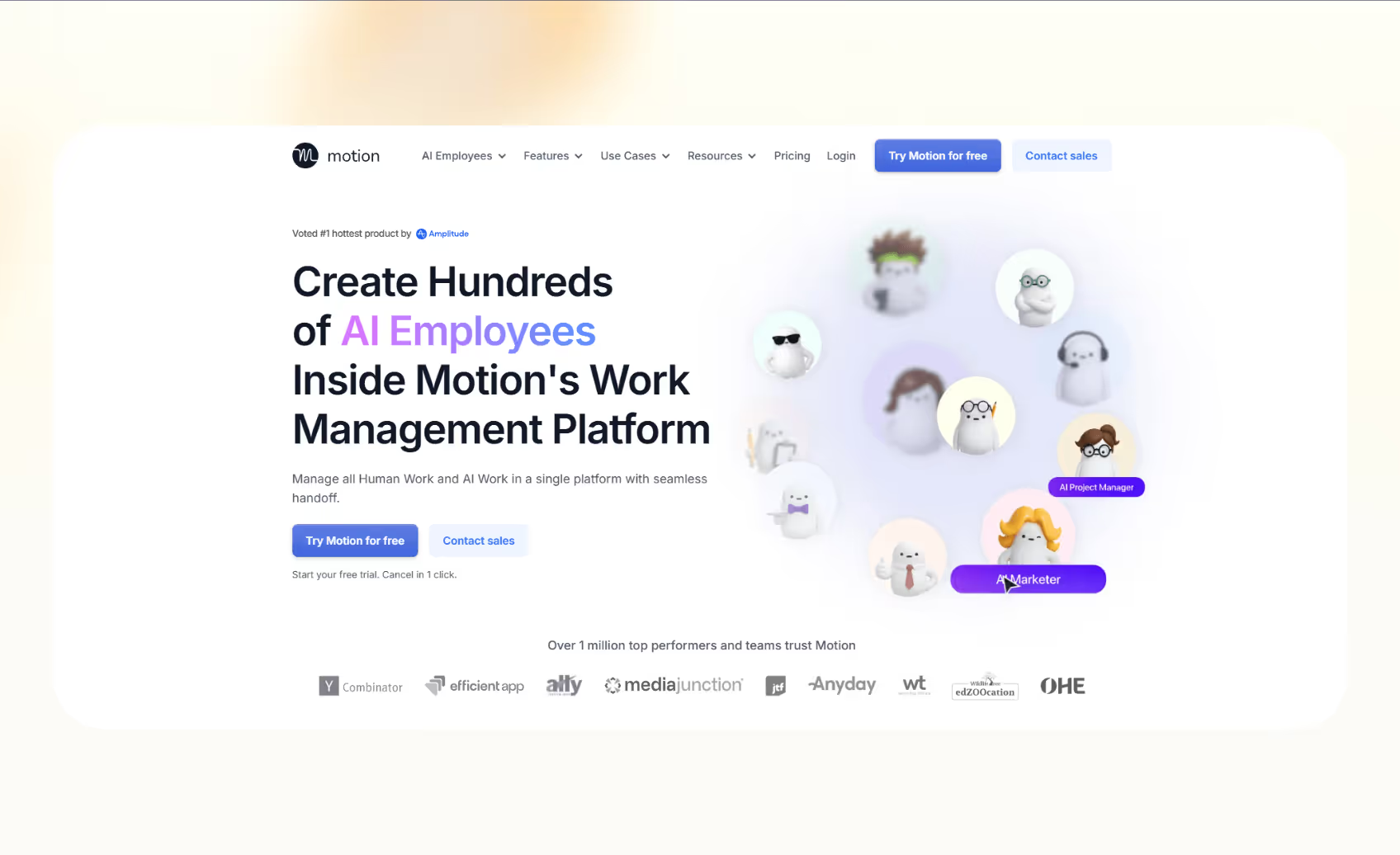
Motion organizes your workday through intelligent scheduling by building daily plans automatically and adjusting them when priorities change. It combines task lists, calendars, and project deadlines.
Who it’s for
It is ideal for professionals and teams that juggle multiple meetings and projects but want a structured daily plan without manual coordination.
Key features
- Automatic scheduling and re-prioritization
- Integrated task and project management
- Real-time calendar syncing
Pros
- Saves time by removing manual scheduling
- Easy to use with Google and Outlook calendars
- Improves productivity through clear time blocking
Cons
- Only offers annual billing for the first two plans
- Limited integrations beyond core calendar apps
Pricing
- No free plan
- Paid plans from $29/month, annual billing only
Bottom line
Motion works for users who want AI to manage their calendars and optimize focus time.
5. Taskade
Taskade helps teams build custom AI agents to automate daily tasks like to-do lists, generating content, or organizing information inside shared workspaces. It offers Genesis, an AI app builder, that creates apps based on your natural-language description.
Who it’s for
It works best for remote and creative teams that want to collaborate, manage projects, and automate repetitive work without leaving their workspace.
Key features
- Genesis AI builder for quick app creation
- Prebuilt templates for meetings, notes, and goals
- Real-time collaboration with team chat
Pros
- Combines collaboration and automation in one place
- Flexible interface for teams of any size
- Works well across desktop and mobile
Cons
- Advanced AI tools still in beta
- Limited third-party integrations
Pricing
- Free plan with 3 AI apps
- Paid plans start from $20/month, billed monthly
Bottom line
Taskade is ideal for teams that want an all-in-one workspace for projects, notes, and automation.
6. Otter
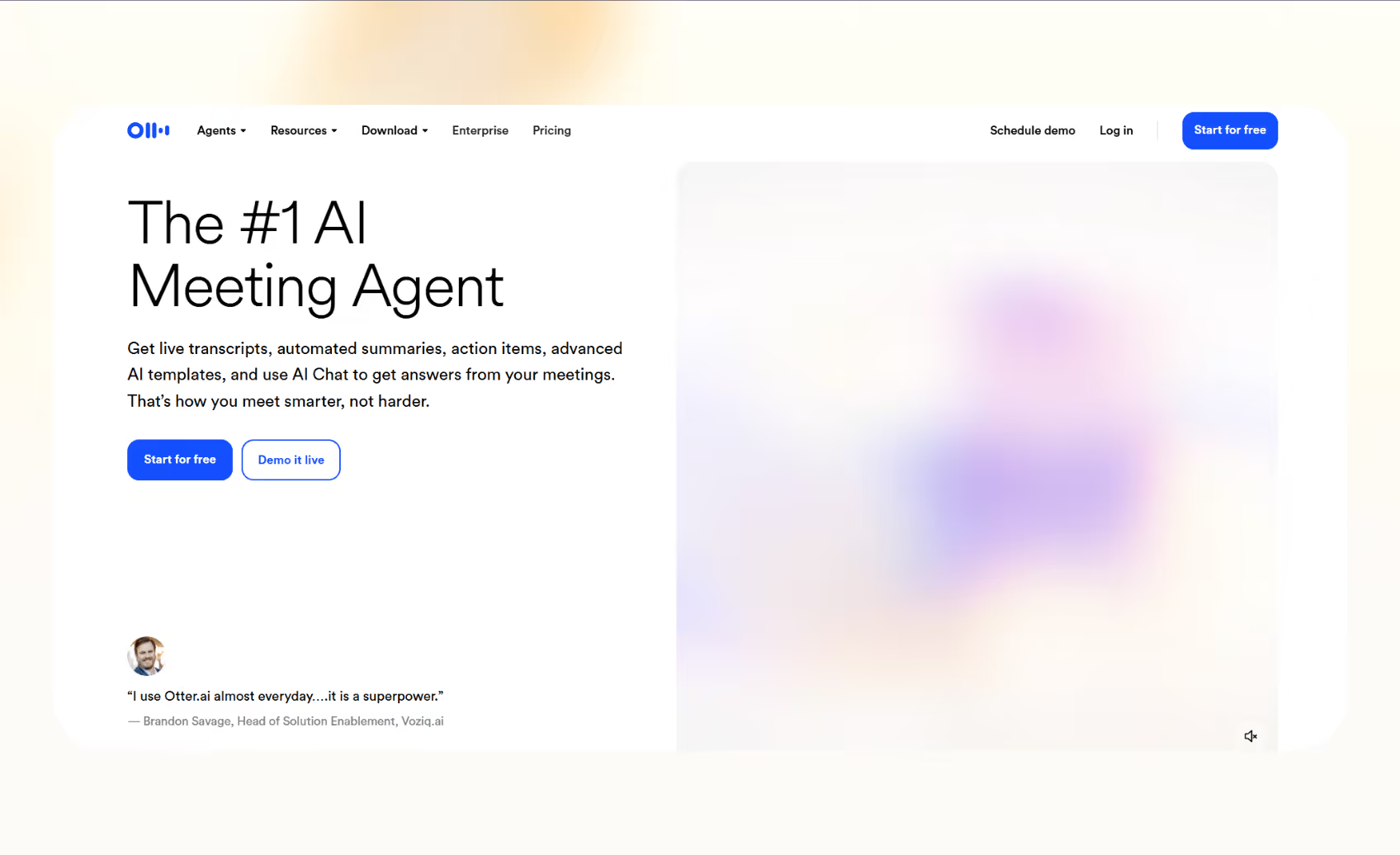
Otter is an AI transcription tool that helps teams capture, summarize, and share meeting insights. It records every conversation and turns it into notes you can search or share. Otter joins your calendar meetings, transcribes them live, and generates concise summaries. It also identifies key topics and action items for faster follow-ups.
Who it’s for
For teams that spend hours in client calls, interviews, or internal meetings and need reliable records for reference or training, Otter works well.
Key features
- Real-time transcription with speaker labeling
- AI meeting summaries and action items
- Calendar integration with Zoom, Meet, and Teams
Pros
- Accurate transcription across multiple accents
- Easy sharing of searchable notes
- Integrates with popular conferencing tools
Cons
- Free plan limits monthly transcription minutes
- Advanced features locked to higher tiers
Pricing
- Free plan with 300 monthly minutes
- Paid plans from $16.99/user/month, billed monthly
Bottom line
Otter is a dependable transcription tool for teams that want quick, searchable summaries from every meeting.
7. Levity
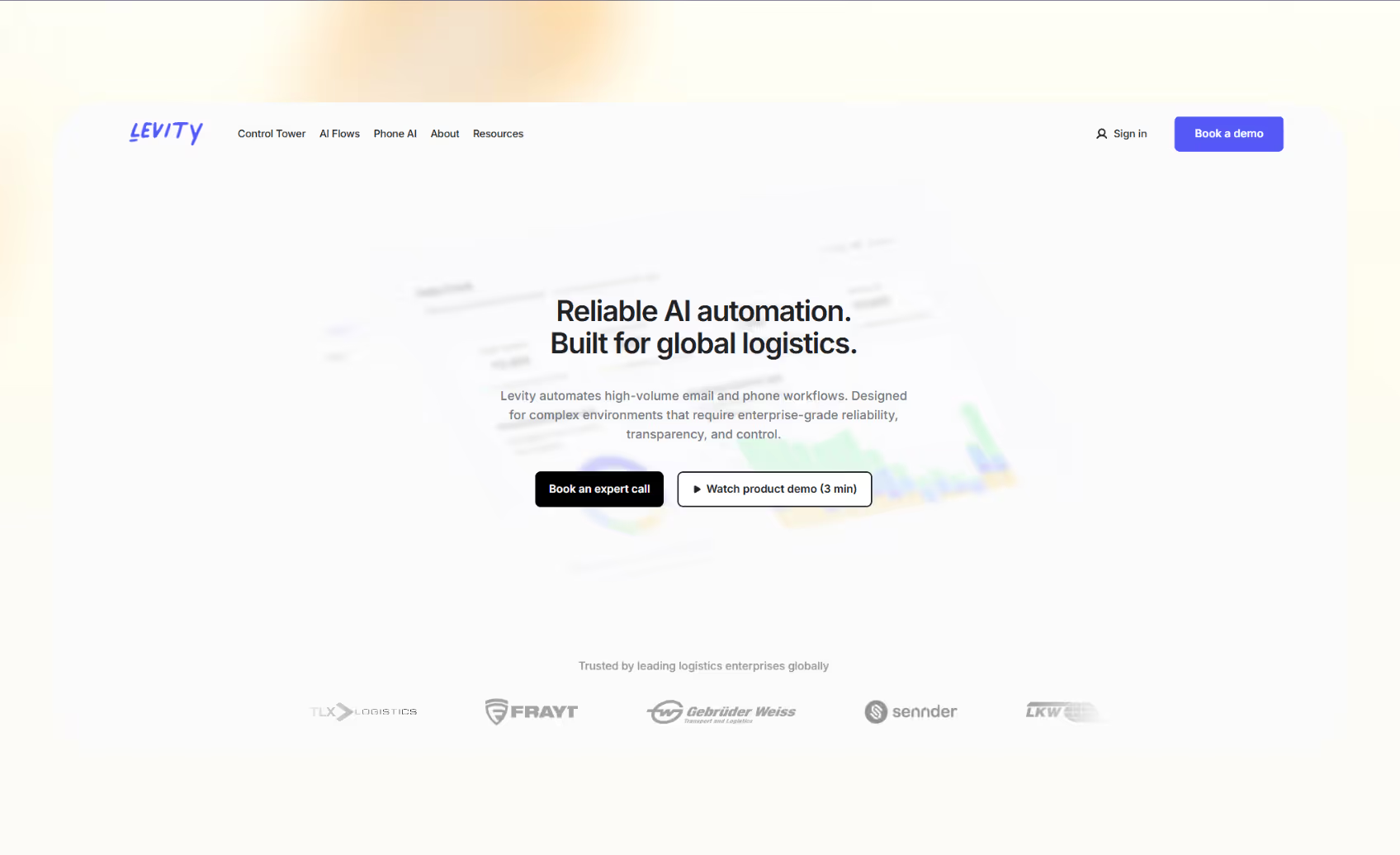
Levity uses AI to process and organize incoming data. It replaces manual data entry and classification with machine learning models tailored to your business. You can automate tasks like sorting emails, tagging documents, and routing support tickets, and turn unstructured data into usable information without requiring code or technical setup.
Who it’s for
It reduces a lot of manual work for operations, logistics, and customer service teams that deal with high volumes of messages, forms, or reports every day.
Key features
- Custom AI models for text, image, and document processing
- AI Flows to connect tools and automate routing
- Dashboard for analytics and performance tracking
Pros
- Reduces time spent on manual sorting
- Simple, no-code setup
- Works with Slack, Gmail, and CRMs
Cons
- Pricing only available on request
- Suits enterprise-scale workflows and not small teams
Pricing
- Custom pricing based on usage and integrations
- Requires a sales call or a demo
Bottom line
Levity works for businesses that rely on fast, accurate data automation across multiple tools.
8. Relevance AI
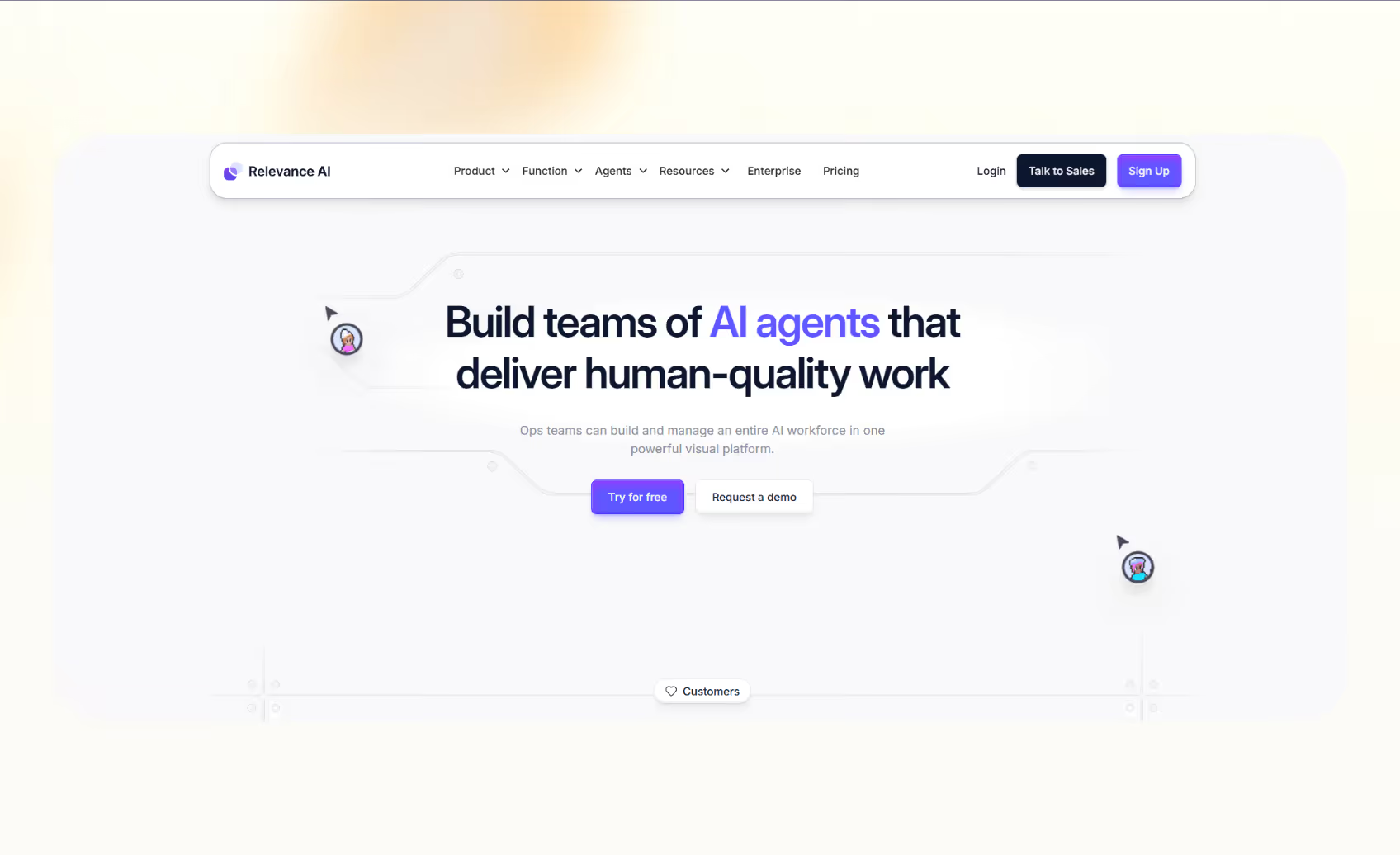
Relevance AI lets you create complex AI agent systems that manage repetitive work. It links multiple agents to perform actions across apps. These agents can extract insights, update records, and send reports as part of a continuous AI workflow.
Who it’s for
It’s for the teams that need scalable, collaborative AI systems for research, reporting, or customer operations.
Key features
- Multi-agent orchestration for large workflows
- 2,000+ integrations and API support
- Built-in analytics and performance tracking
Pros
- Flexible for custom AI workflows
- Strong reporting and data visualization
- Scales easily for growing teams
Cons
- Requires planning to map multi-agent setups
- Some advanced agents available only on higher tiers
Pricing
- Free plan with 200 actions/month
- Paid plans start from $29/month, billed monthly
Bottom line
Relevance AI is ideal for teams building connected agent systems that execute large, multi-step workflows.
9. Tally
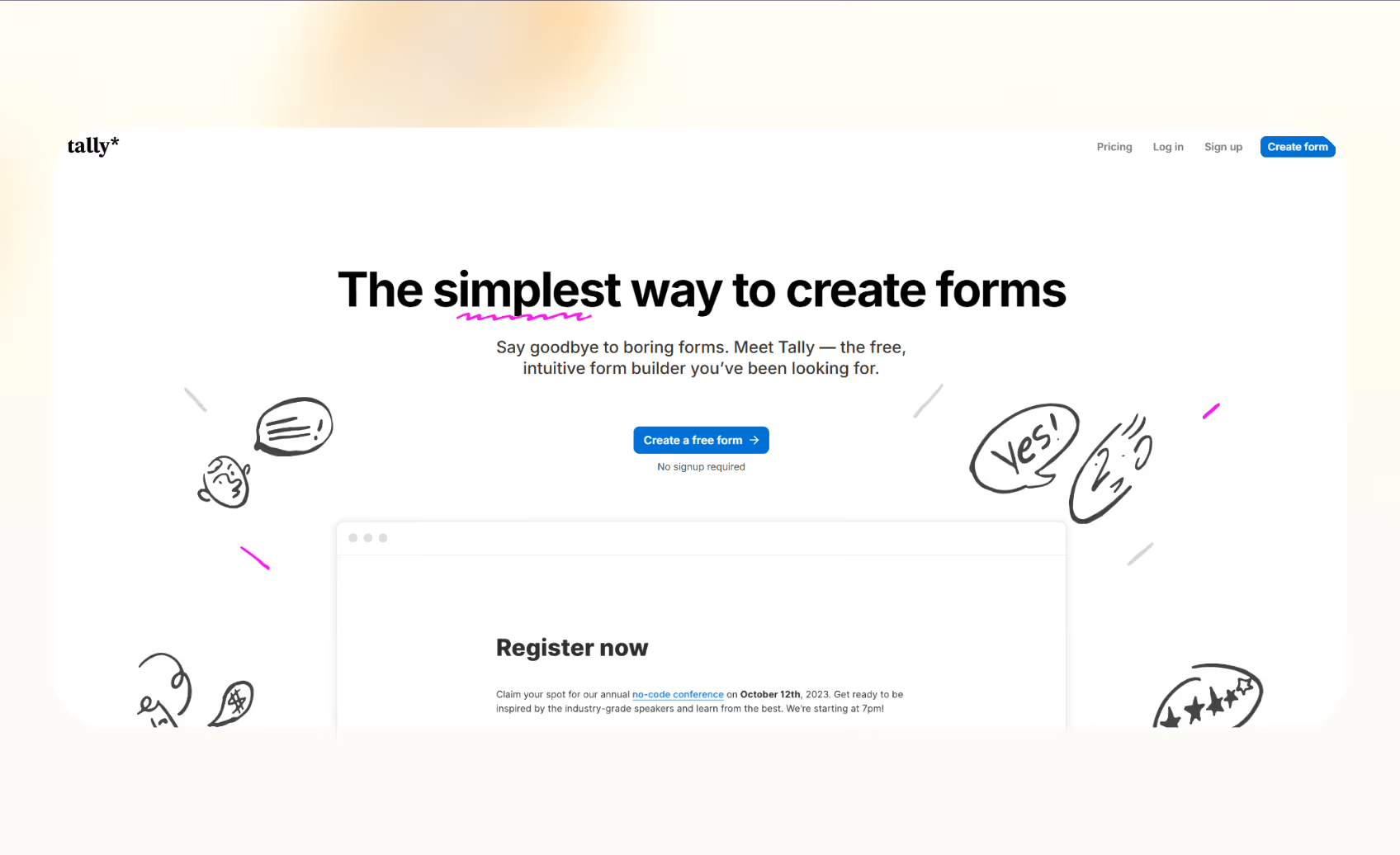
Tally helps users create online forms that connect directly with other apps. It adds automation to data collection and speeds up form-based workflows. Tally integrates with tools like Zapier, Make, and Notion and triggers actions based on form responses, such as sending follow-up emails, creating tasks, or updating databases.
Who it’s for
It’s ideal for freelancers, agencies, and small teams that collect client data or feedback through online forms.
Key features
- Unlimited forms and submissions on the free plan
- Conditional logic for personalized workflows
- Integrations with Google Sheets, Notion, and Airtable
Pros
- Simple, no-code interface
- Works with external AI tools for smarter automations
- Affordable for startups and solo users
Cons
- Built-in AI features rely on third-party integrations
- Limited analytics compared to enterprise tools
Pricing
- Free plan with unlimited forms and 45+ languages
- Paid plans start from $29/month, billed monthly
Bottom line
Tally is a good choice for teams that want to automate form data without heavy technical setup.
10. ClickUp
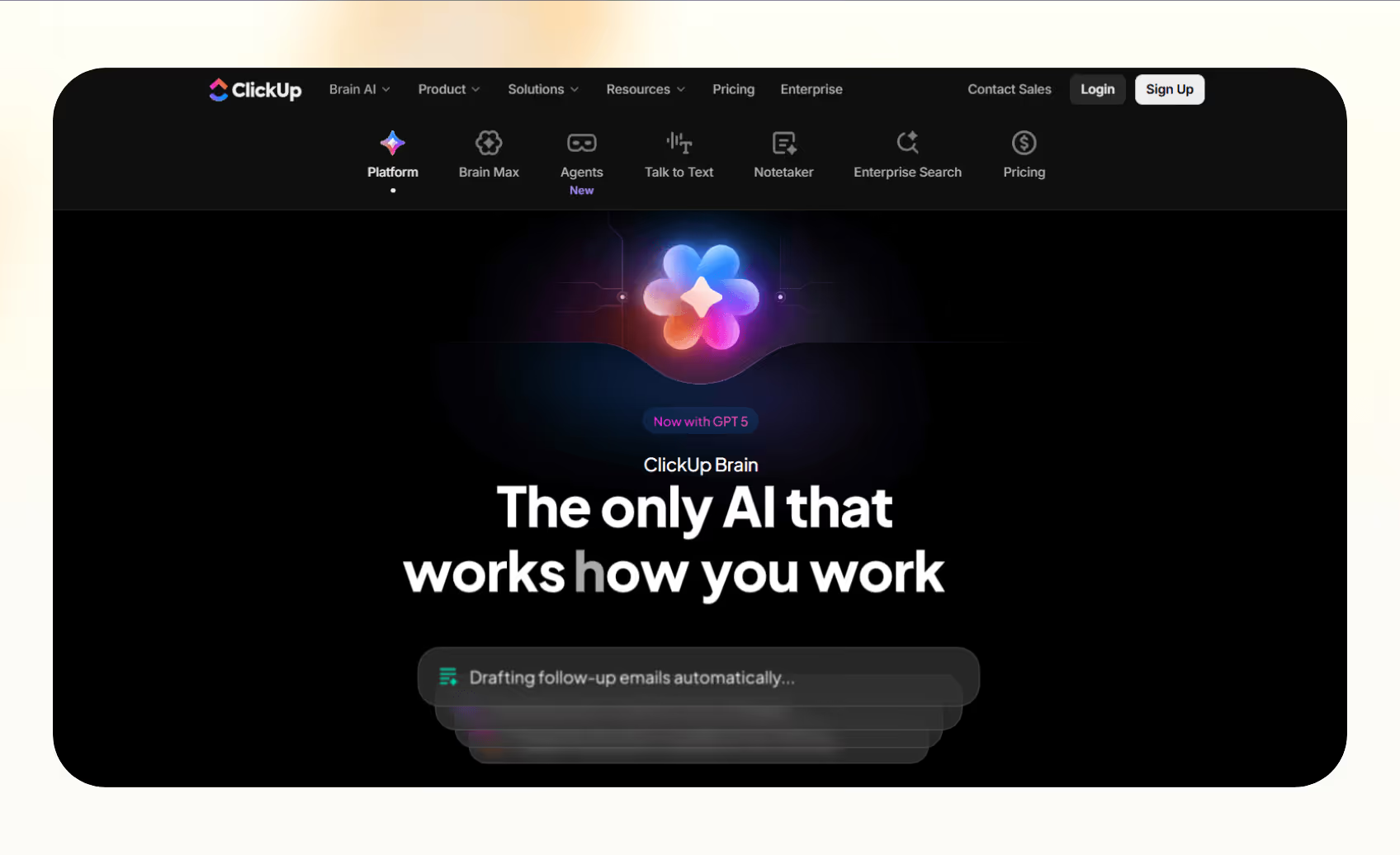
ClickUp summarizes updates, creates task descriptions, and answers project-related questions. It helps teams manage projects while automating repetitive documentation tasks.
Who it’s for
Teams that already use ClickUp and want to boost productivity and reduce time spent writing updates or summaries will benefit from ClickUp.
Key features
- Role-based AI writing assistant
- Instant task and document summaries
- Integration with ClickUp Docs and chat
Pros
- Works directly inside existing workflows
- Reduces manual writing and note-taking
- Easy to enable within the workspace
Cons
- Requires an active ClickUp workspace
- The add-on cost applies on top of plan pricing
Pricing
- Starts free with trials for AI features
- Paid plans from $14/month, billed monthly
Bottom line
ClickUp is best for teams that already manage projects in ClickUp and want automation for their daily workflows.
11. Descript
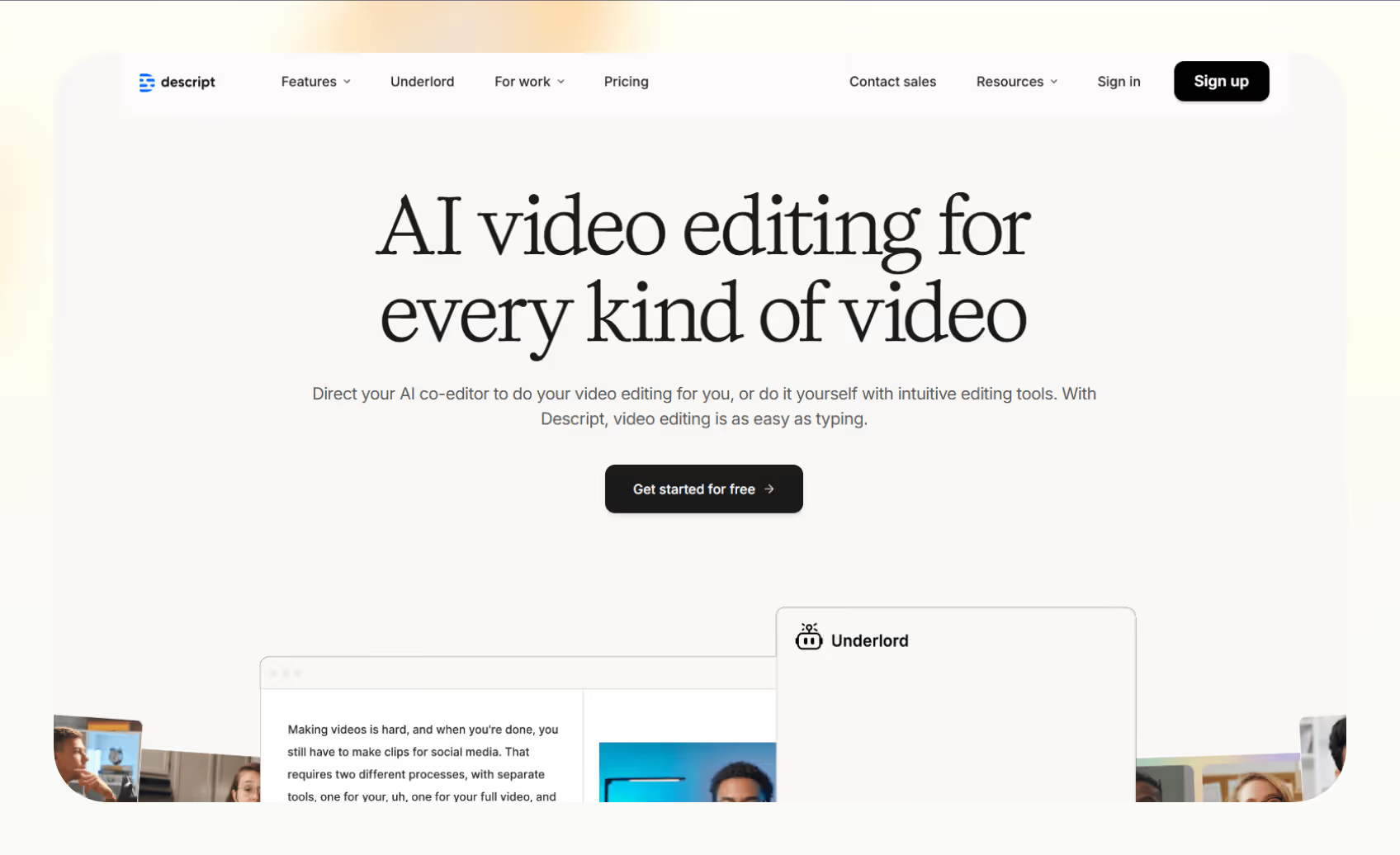
Descript is an AI video editing tool that transcribes recordings, removes filler words, and generates captions automatically. You can edit any video like a document by editing its transcript, saving hours on editing. Its Underlord assistant suggests edits, writes summaries, and improves content flow for podcasts or videos.
Who it’s for
It’s a valuable tool for podcasters, marketers, and content teams that produce audio or video regularly and need quick, accurate editing.
Key features
- Text-based editing for audio and video
- AI transcription and filler-word removal
- Automatic caption and title generation
Pros
- Easy learning curve for new creators
- Accurate transcription and voice cloning
- Fast export to major publishing platforms
Cons
- Higher usage may require premium plans
- Processing large files can slow performance
Pricing
- Free plan available
- Paid plans start from $24/person/month, billed monthly
Bottom line
Descript is an excellent fit for teams that want fast, AI-powered editing inside a simple text interface.
12. Superhuman
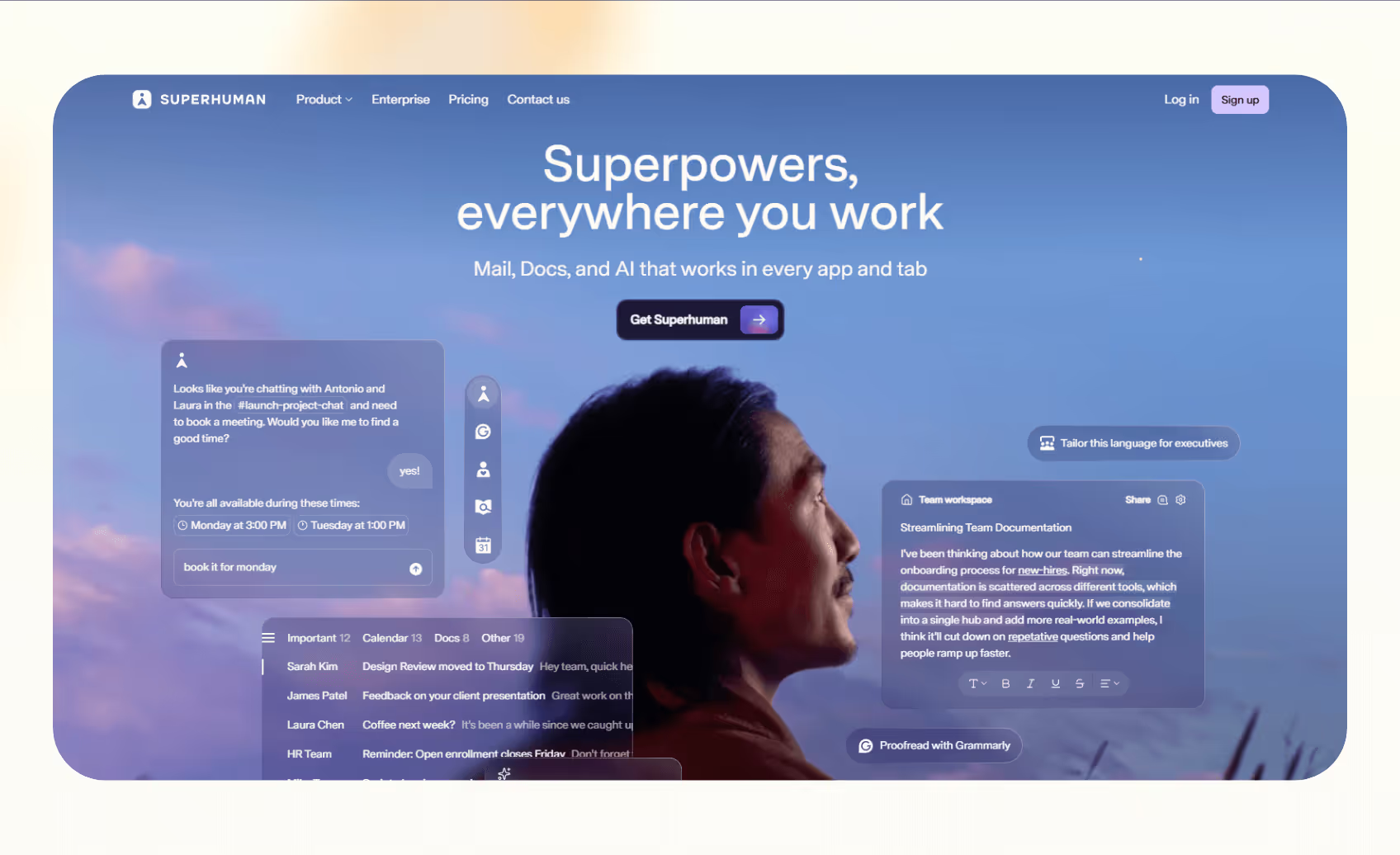
Superhuman is an AI email client that helps professionals manage their inbox faster by automating replies, scheduling, and message prioritization. You can also add read receipts, reminders, and shortcuts to your email to reduce time spent managing messages.
Who it’s for
It’s best for executives, founders, and sales professionals who receive high email volume and want faster turnaround.
Key features
- Instant Reply and AI Summarize
- Calendar and CRM integrations
- Keyboard shortcuts for faster navigation
Pros
- Improves email speed and focus
- Simple and clean interface
- Strong integrations with Gmail and Outlook
Cons
- Paid-only product with limited free access
- Works best within Gmail or Outlook ecosystems
Pricing
- Plans start at $30/user/month, billed monthly
Bottom line
Superhuman is ideal for professionals who rely on fast, accurate communication and want to automate routine email tasks.
13. Notion AI
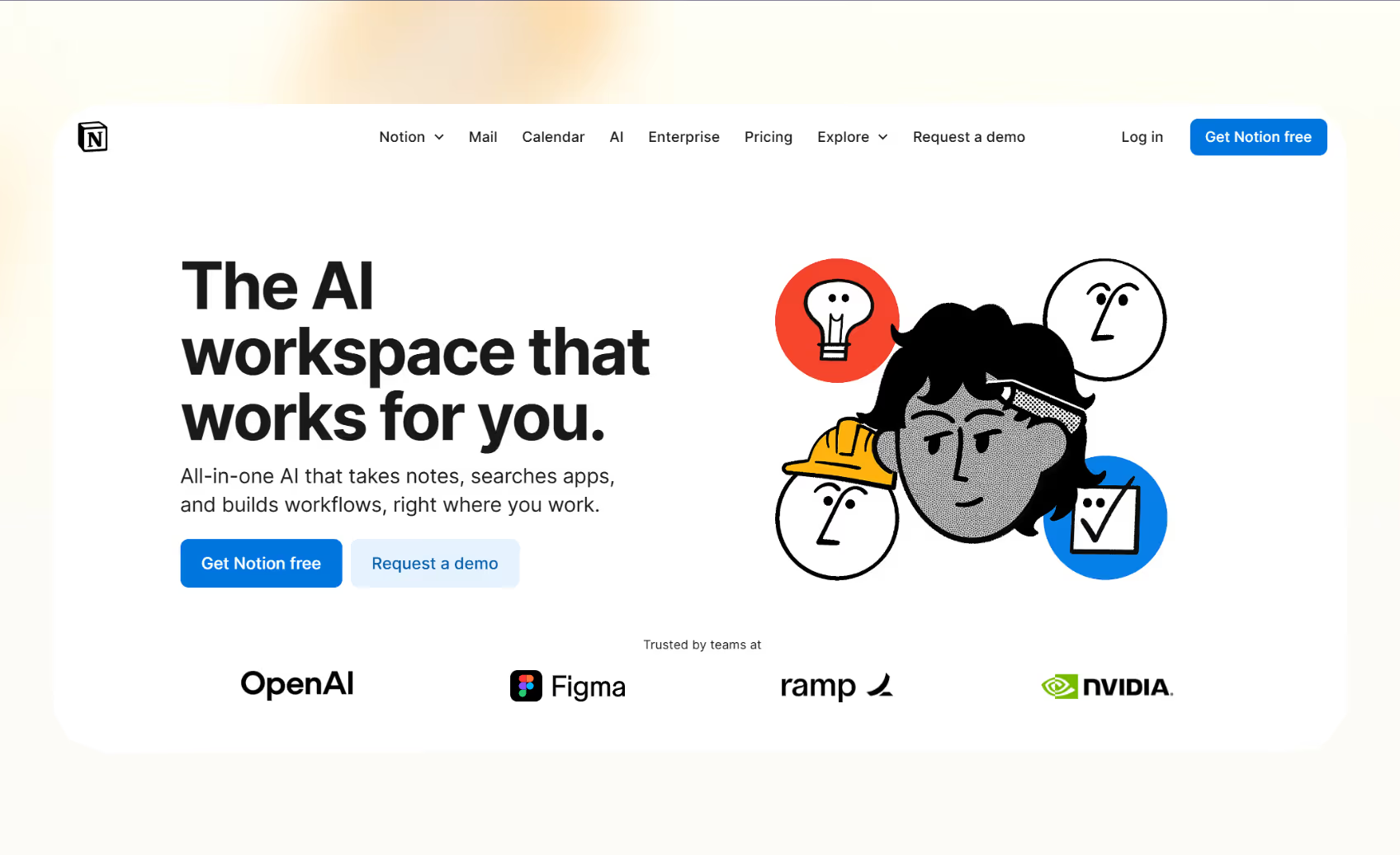
Notion AI adds intelligent writing and organization features to Notion’s connected workspace. It helps users draft, summarize, and analyze information without leaving their documents. The Connectors feature links Notion with tools like Google Drive, Figma, and Slack to create a unified AI workflow.
Who it’s for
Notion suits teams that manage content, knowledge bases, or project documentation inside Notion.
Key features
- AI writing, translation, and summarization
- Connectors for multi-tool integration
- Custom prompts for better context awareness
Pros
- Works well inside Notion workspaces
- Improves writing speed and content clarity
- Supports multilingual teams
Cons
- Full AI access only on Business and Enterprise plans
- Lacks automation outside the Notion ecosystem
Pricing
- Free and Plus plans include the trial of Notion AI
- Included with Business and Enterprise plans, from $12/member/month, billed monthly
Bottom line
Notion AI is perfect for teams that want intelligence within Notion to manage documents and internal knowledge efficiently.
14. Grammarly
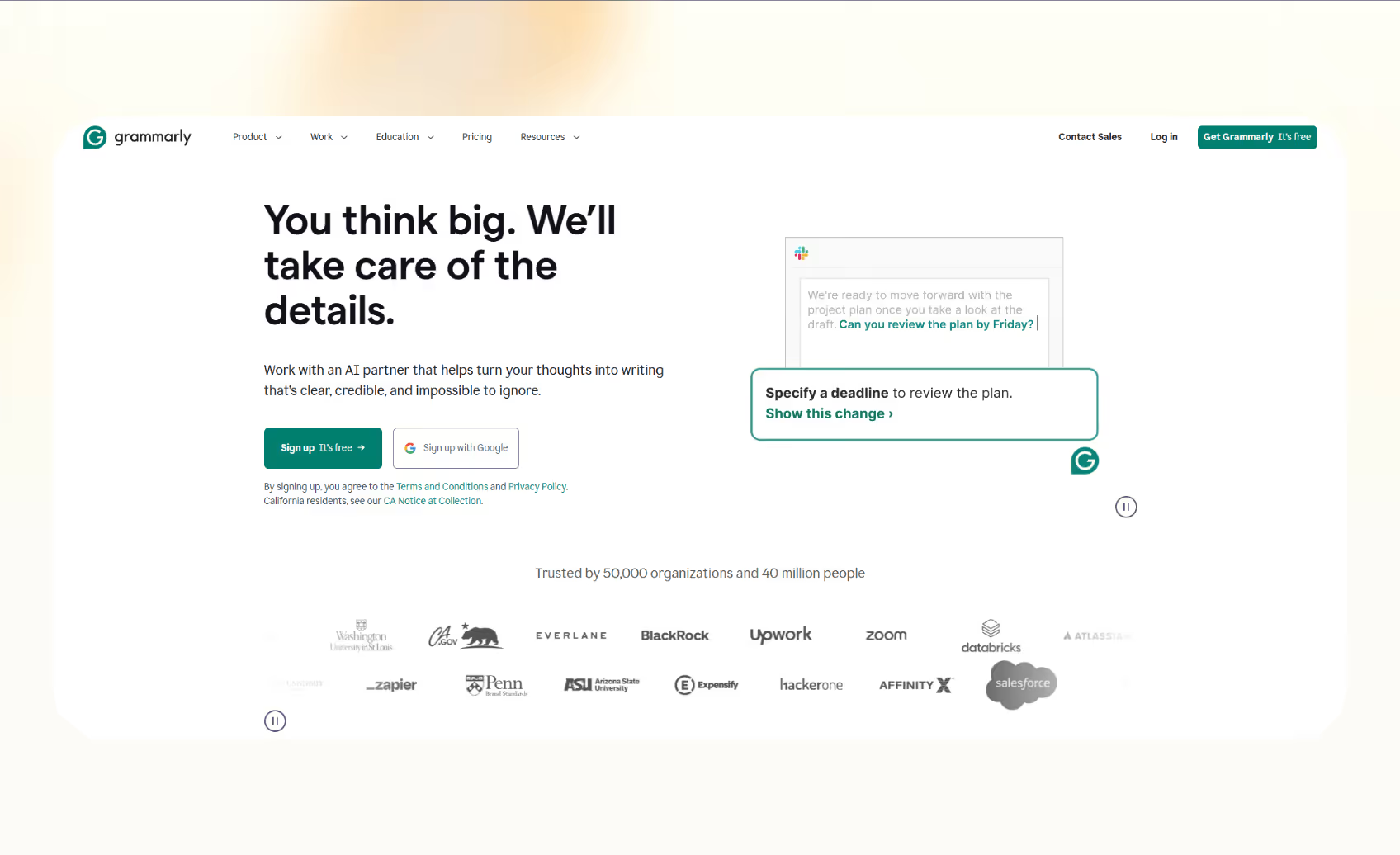
Grammarly is an AI writing tool that helps teams write with clarity. It detects grammar issues, rewrites unclear sentences, and adjusts tone across different apps. The new capabilities include document summarization and AI-powered collaboration features across platforms.
Who it’s for
Grammarly is for professionals and teams that want consistent, high-quality communication across business tools.
Key features
- Grammar, tone, and clarity suggestions
- AI rewrites and auto-summaries
- Team style guides and analytics dashboard
Pros
- Works across most writing and messaging apps
- Easy onboarding for individuals and teams
- Improves writing speed and tone consistency
Cons
- Needs paid plan for AI features
- Internet connection is a must for real-time checks
Pricing
- Free plan with 100 monthly AI prompts
- Paid plans start from $30/member/month, billed monthly
Bottom line
It suits teams that need clear, polished communication across different domains like chat, email, browser, and text apps.
How I tested these AI automation tools
I tested these platforms side-by-side for one week by creating three workflows per tool, one prebuilt, one cross-app, and one from scratch. I tracked time to deploy, the number of steps automated, and the level of manual oversight needed.
Here’s what I looked for:
- Ease of setup: Most teams want results without technical complexity. I evaluated how quickly a new user could build their first AI workflow using templates or onboarding tutorials.
- Reliability of automation: I measured how consistently each tool automated tasks across common use cases such as scheduling, transcription, and CRM updates. Tools that completed workflows without manual checks scored higher.
- Integration depth: Effective AI workflow tools connect multiple apps. I checked how many native integrations each platform offered and how smoothly those connections ran under load.
I also considered a few additional factors:
- Security and compliance: For business users, I confirmed whether tools offered SOC 2, GDPR, or HIPAA compliance options.
- Pricing transparency: I compared the cost of automation by estimating how many actions or credits each plan could handle monthly.
Together, these tests revealed how each tool performs under practical, everyday conditions rather than ideal demos or marketing claims.
{{cta}}
Which AI automation tool should you choose?
The ideal tool depends on whether you want workflow automation, meeting transcripts, browser automation, or help with content and marketing tasks. Here’s how you can decide:
When to choose Lindy
- If you want one platform for calls, emails, and app integrations
- For AI workflow automation that connects data, communication, and decision-making
- If you prefer a single tool to design, test, and manage automations
Lindy works best for teams that handle operations across different domains such as sales, support, and internal coordination. It combines reasoning and execution, which makes it ideal for scaling repetitive work without adding new tools.
When to choose the competitors
- Use Fireflies.ai or Otter for meetings and transcriptions
- Try Motion for scheduling and time management
- Pick ClickUp or Notion AI if your team already uses those ecosystems
- Choose Bardeen for fast browser-based AI task automation
- Go with Grammarly for communication-heavy roles
Each option excels in its niche, so you get results faster when the problem is specific and narrow.
When to avoid these tools
- If Only need basic reminders or rule-based workflows
- When you lack consistent processes for AI to improve
- If you work in regulated industries that require strict data control, as some tools may rely on third-party servers
The goal is to choose a platform that fits how your team already works. Start small with one workflow, then expand as your confidence grows.
My final verdict
AI automation now covers almost every part of our work. From meetings and emails to data processing and project management, the right tool can save hours each week.
After testing multiple platforms, Lindy stands out for its ease of use and the ability to work across multiple domains, like communication, scheduling, and system updates. For teams that manage complex operations, it replaces several single-purpose tools with one unified solution.
However, smaller teams may prefer niche AI workflow tools like Fireflies.ai, Motion, or Bardeen for faster onboarding. Larger businesses can pair Lindy or Relevance AI with their enterprise tools for complex workflow automation.
Try Lindy, one of the best AI automation tools for everyday use
Lindy is an AI workflow automation tool that lets you create custom AI agents for tasks like emails, meetings, and sales. You can get started easily with prebuilt templates and 4,000+ integrations.
Lindy stands out among other AI automation tools for three key reasons:
- Drag-and-drop workflow builder for non-coders: You don’t need any technical skills to build workflows with Lindy. It offers a drag-and-drop visual workflow builder.
- Create AI agents for your use cases: You can give them instructions in everyday language and automate repetitive tasks. For instance, create an assistant to find leads from websites and sources like People Data Labs. Create another agent that sends emails to each lead and schedules meetings with members of your sales team.
- Free to start, affordable to scale: Build your first few automations with Lindy’s free version and get up to 40 tasks. With the Pro plan, you can automate up to 1,500 tasks, which offers much more value than Lindy’s competitors.
Frequently asked questions
Why is AI automation vital for enterprises in 2026?
AI automation lets teams do more without adding headcount by handing off tedious tasks to AI. It learns from the feedback and data you provide and adapts to changing inputs. Businesses now use it for scheduling, email follow-ups, meeting notes, and data entry.
What is the best AI automation tool for everyday workflows?
Lindy is one of the best AI automation tools for everyday workflows that span across several apps and domains like customer support, sales, marketing, and internal ops. Fireflies.ai and Otter work well for meetings, while Motion handles scheduling efficiently.
Can I use AI tools without technical skills?
Yes, you can use AI tools without technical skills as most tools are no-code, easy to use, and include prebuilt templates for common use cases.
What types of tasks can AI automate?
AI can automate scheduling, meeting transcription, email writing, lead tracking, and CRM updates. It handles repetitive or predictable tasks using AI to save time.
Are AI automation tools safe for business use?
AI automation tools can be safe for business use if they comply with security and privacy standards such as SOC 2, GDPR, or, in specific cases, HIPAA.
Always review each vendor’s compliance certifications and data handling policies before storing sensitive information. For example, Lindy offers options for SOC 2 and HIPAA compliance for regulated industries.
Which tool is best for small teams or startups?
Tools like Lindy, Tally, Grammarly, or Taskade are ideal for small teams as they are capable and affordable options. These tools offer free plans and templates to build a practical AI workflow without high setup costs.











Blog
Related Articles
.avif)


.avif)

%20(1).png)
%20(1).png)

The AI assistant that runs your work life
Lindy saves you two hours a day by proactively managing your inbox, meetings, and calendar, so you can focus on what actually matters.
