


How to Ask AI a Question to Get the Best Answers?


I’ve spent hundreds of hours using AI tools, and here’s what I’ve learned. The quality of your question = the quality of your answer.
If you’re getting vague, generic, or useless responses, the problem isn’t the AI – it’s how you’re asking.
In this guide, I’ll show you how to ask AI the right way, with simple tips and examples to get clearer, smarter, and more useful answers every time.
Or Skip the Hard Work & Just Ask Lindy
If you're constantly searching for answers, need help with tasks, or want insights on the fly, try Lindy's AI Answer Generator.
Here's why:
- Conversational AI = easy interaction: Powered by GPT-4, Lindy understands your questions like a person would. No need to learn complex keywords or phrasing.
- Answers in 50+ languages, so just get talking: Get the info you need, regardless of your preferred language.
- Ask any question, big or small: Get answers on a vast range of topics. Lindy's knowledge isn't limited to a specific field.
- Provides truly personalized responses: Lindy continuously learns from your requests and adapts its answers to match your needs and preferences.
No matter which AI you’re using, here’s how you can get the best answers.
Step 1: Specify Your Intent
If you give vague prompts, AI will give you vague responses. Be explicit about what you want to know.

Instead of: “Tell me about automation tools.”
Ask: “Which AI automation tools are best for automating LinkedIn outreach for B2B SaaS companies in 2025”
Adding details like your use case, industry, timeline, or goal provides the AI with necessary context.
Without clear definitions for terms like “best” or “automation” the AI makes assumptions, which often results in inaccurate or unhelpful information.
Step 2: Provide Relevant Context
AI lacks inherent memory of your role or current challenges. Supply this information to get more relevant answers.
Example Prompt: "I’m a startup founder building a remote team. What’s the best way to automate onboarding using Lindy or similar AI tools?"
Mentioning your role, industry, tech stack, and business stage will transform the answers AI gives you. Advice for a founder differs a lot from that for a marketing lead or operations manager, even on the same topic.
Lindy’s AI agents retain your workflow context, so you don’t need to explain your objectives again and again with each interaction.
Step 3: Breakdown Complex Queries
AI processes information more effectively when questions are structured and direct, rather than bundled into single, multi-part inquiries.
Instead of: "How can I automate emails and calendar events and also connect Slack with my CRM?"
Break it into:
- "How can I automate sales follow-up emails using Lindy?"
- "What’s the best way to auto-schedule meetings via Google Calendar?"
- "Can Lindy sync Slack with HubSpot?"
Breaking down complex questions triggers focused, direct answers for each component. This also makes it easier to build multi-step workflows step by step.
Step 4: Specify the Output Format
AI can give you responses in various formats like lists, paragraphs, tables, or step-by-step instructions.
If you’re looking for a list, specify it. Telling it your preferred format helps you use the answer right away instead of having to give follow-up prompts.

Prompt examples:
- "Provide a comparison table of Lindy vs. Zapier vs. IFTTT for workflow automation."
- "Explain how to create an AI sales assistant in 5 steps."
- "Summarize this in bullet points under 100 words."
Formatting improves comprehension, especially when integrating the output into client calls, slide decks, email responses, or internal standard operating procedures (SOPs).
Lindy allows you to build AI agents with structured flows rather than relying on unstructured chat prompts.
Step 5: Use Clear and Direct Language
Avoid using slang, metaphors, or overly informal language. Keep your prompts literal and unambiguous.
Poor prompt: "How can I level up my ops game with AI that’s not dumb?"
Improved prompt: "How can I automate repetitive operational tasks using AI agents in tools like Lindy?"
AI does not interpret tone or slang effectively. Use clear and simple wording to get consistently better results.
Step 6: Use Role-Based Prompting
When I just ask AI to do something, versus when I explain my role and persona while asking it to do the same thing? BIG DIFFERENCE!
So, instructing the AI to adopt a specific persona really improves the relevance and depth of its answers.
Examples:
- "Act as a startup CFO. How would you explain AI budgeting assistants to a non-technical founder?"
- "You’re a customer support lead. What are 3 ways to use AI to resolve Tier 1 tickets automatically?"
Role-based prompts tell the AI what kind of role or job it should act like, such as a lawyer, salesperson, or tech expert. So it gives more relevant and useful answers that match the needs of that specific profession.
Lindy’s AI agents can be pre-trained with role-based behaviors, so you don’t have to reframe prompts manually each time.
Step 7: Set Rules
Define limitations for length, style, time, or complexity to receive outputs that require minimal editing.

Examples:
- "Explain [something] like I’m new to automation."
- "Provide a summary in under 100 words."
- "Write in a friendly but professional tone for LinkedIn."
Setting such rules helps AI give answers that you can use right away.
This is why we allow Lindy users to configure tone and output style within their AI agent’s personality settings.
Step 8: Ask Follow-Up Questions
Don’t take the first AI response as the final answer. Use it as a starting point to further refine and improve the response until you get the answer you want. You can ask certain questions or give certain commands like below.
Examples:
- "Can you simplify this for a junior team member?"
- "What are some examples specific to healthcare?"
- "Now, draft this as an email."
Remember, AI gets better through back-and-forth conversations. Instead of starting over with a new prompt, you can improve the results by giving feedback and adjusting step by step.
With Lindy's memory feature, the AI learns from your feedback and keeps getting better over time.
Step 9: Say Exactly What You Want/Mean
Be specific about the tool, task, or desired output. AI cannot infer your intentions.
Poor prompt: "How do I do this faster with AI?"
Improved prompt: "How do I speed up contract drafting using AI agents in Lindy?"
Avoid using vague pronouns like "this," "that," or "it" unless their context is very obviously clear within the same sentence.
{{templates}}
6 Tips to Get the Best Answers from AI
AI works best when you give it clear, detailed instructions.

To get accurate and useful answers:
- Be specific about what you need
- Give any important background or context
- Break complex questions into smaller parts
- Say how you want the answer to look or sound
- Ask follow-up questions to fine-tune the results
- Mention the tool or type of output you’re expecting
How Lindy Can Help
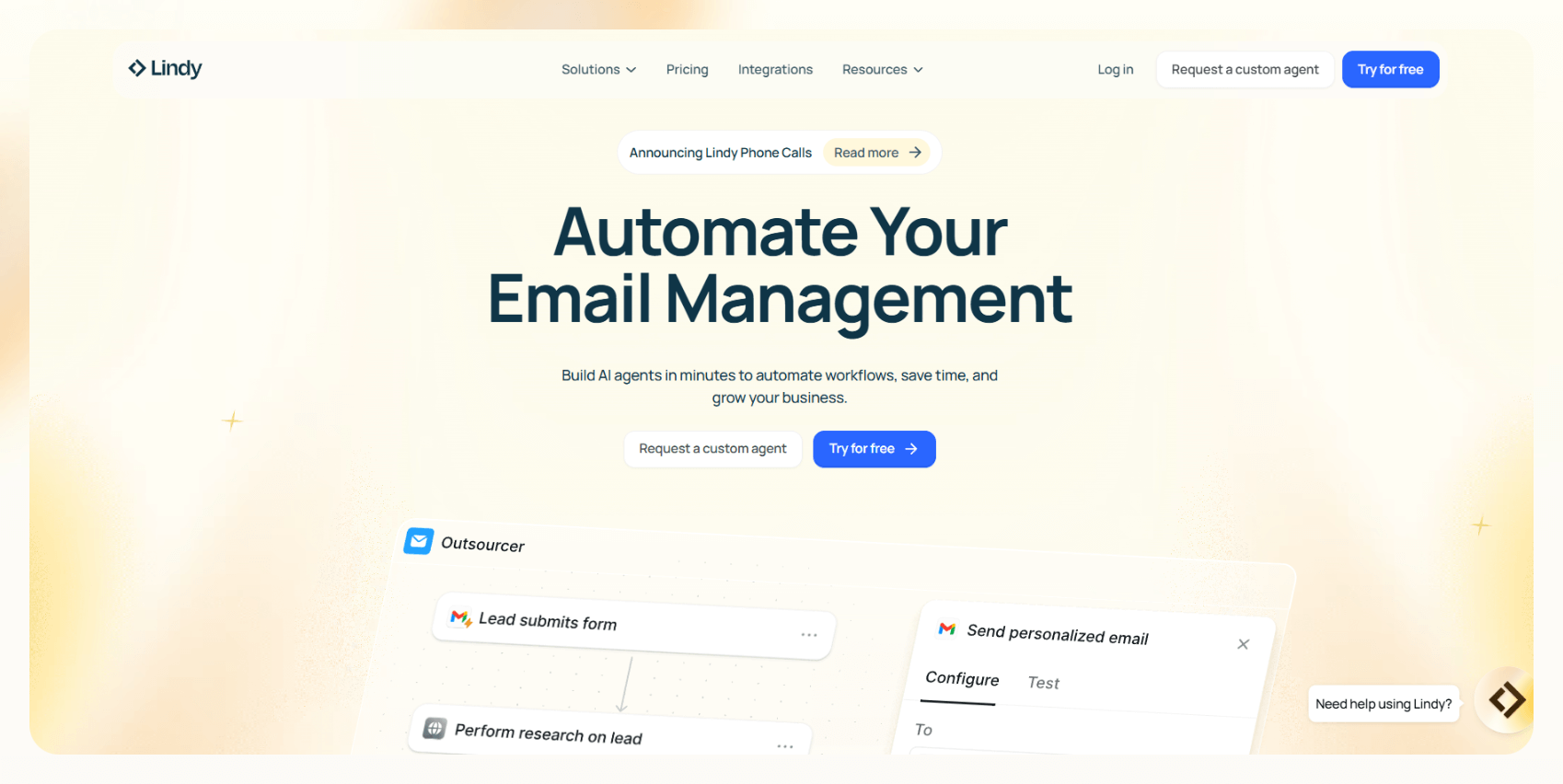
Typing new prompts for every interaction can be time-consuming. Lindy lets you create custom AI agents for specific workflows, such as sales follow-up, lead enrichment, customer support, or legal drafting.
These agents:
- Operate in real-time across various tools like Slack, Gmail, Notion, and HubSpot
- Consistently deliver high-quality output without repeated prompting
- Ask clarifying questions before executing tasks
- Learn your unique style and rules
- Answer in 50+ languages
Instead of repeatedly formulating similar questions, build an AI agent once and delegate tasks effectively.
Try Lindy for free and start building your first AI agent now!
{{cta}}
Frequently Asked Questions
1. How is Lindy different from other tools like ChatGPT or Claude when it comes to answering questions?
Lindy is task-specific and workflow-oriented. Unlike generic chatbots like ChatGPT or Claude, Lindy lets you build AI agents that remember context, follow structured steps, ask clarifying questions, and adapt to your tone. It’s built for execution, not just conversation.
2. What are some real-world examples of bad prompts and how they were improved using these tips?
A vague prompt like “How do I use AI in sales?” returns broad info. But rephrasing it to “How can I use Lindy to automate sales follow-up emails in HubSpot for B2B SaaS?” gives you targeted, usable results.
3. What if I don’t know the technical terms or language to specify my query, how should I ask AI then?
Use simple, literal language and describe your task step by step. You don’t need jargon. Just explain what you want done, who you are, and where you’re stuck. Lindy’s AI is designed to understand natural language and ask clarifying questions when needed.
4. Can I save or reuse my best-performing prompts in Lindy?
Yes. You can turn your best prompts into reusable AI agents inside Lindy. Once saved, they can run on demand, follow your preferred format, and adapt automatically, saving you time and making your workflows consistent without needing to retype anything.
5. How does Lindy’s memory feature work in practice?
Lindy remembers the tasks you assign, your preferred tone, and previous responses. It uses this memory to generate more relevant answers in future interactions. This means less repetition, smoother conversations, and better results the more you use it.
6. What’s the easiest way to get started if I’ve never used an AI agent before?
Start with a ready-made AI agent template in Lindy, like one for email replies, lead enrichment, or document drafting. You can tweak the tone, rules, and task flow to match your needs. No coding or advanced setup is required to get started.
7. Are there any best practices or templates to help speed up prompt creation?
Yes. Lindy offers prompt templates and preset agent flows for common tasks across sales, support, and operations. You can use these as a starting point and then customize based on your workflow or role, saving time and ensuring consistent output.
8. How do I know when to stop asking follow-up questions and that the AI’s answer is ‘good enough’?
When the response is clear, actionable, and fits your format or objective, it’s ready to use. If you’re not getting new insights with follow-ups, or the output feels repetitive, that’s your cue to move forward with the result.
9. Can Lindy help generate prompts for other AI tools like ChatGPT, Claude, or Bard?
Yes. You can use Lindy to write and refine prompts for use on other platforms. Just explain what kind of answer you want and where you plan to use it. Lindy can format and optimize it based on your target AI.
10. What are some things AI still can’t do well, no matter how good the prompt is?
AI struggles with tasks that need emotional intelligence, real-time judgment, or external data it hasn’t seen. It can’t make legal decisions, replace human intuition, or access private systems without integrations. Use AI for assistance, not as a full replacement for critical thinking.











Blog
Related Articles
.avif)

.avif)

%20(1).png)

%20(1).png)



The AI assistant that runs your work life
Lindy saves you two hours a day by proactively managing your inbox, meetings, and calendar, so you can focus on what actually matters.
