


AI Automation Explained: 5 Best Tools & Top Use Cases for 2026


Automation tools help teams get more work done efficiently. Some tools work on simple triggers and data transfers, but newer platforms use AI to handle things like email follow-ups, meeting scheduling, and CRM updates — saving teams hours every week.
In this guide, we'll break down everything you need to know about AI automation. Here's what you'll learn:
- What AI automation is and how it's different from RPA or rule-based workflows
- How modern AI automations work behind the scenes
- 10 practical AI automation use cases across industries
- The top AI tools for small businesses and fast-moving teams
Let's start by clearly understanding what AI automation actually means and why it matters now more than ever.
What is AI automation?
AI automation is the use of artificial intelligence to automate tasks that usually require human thinking, judgment, or decision-making. It combines advanced algorithms like machine learning and natural language processing to analyze data, understand context, and take the right action automatically.
Unlike traditional automation, which only follows fixed logic, AI automation can handle ambiguity, adapt to changing inputs, and make context-aware decisions — like qualifying leads, drafting emails, or updating CRMs based on real-time behavior.
Difference between AI automation vs. RPA vs. standard automation
AI for automation goes further than RPA and standard automation — it adapts based on the knowledge and context you provide, instead of just executing fixed instructions.
Robotic process automation (RPA) is great for copying and pasting repetitive tasks across apps. Standard automation handles simple if/then sequences, but requires training them specifically across all the situations they’ll face.
Here’s an example: If traditional automation is like setting a coffee machine to brew every morning at 7 AM, robotic process automation (RPA) is like a machine that clicks the buttons for you, exactly as instructed.
AI automation, on the other hand, is more like having an assistant who checks your calendar, sees you have an early meeting, and brews coffee at 6:30 AM — without being told.
Now, let’s understand how it works.
How AI automation works
AI automation works by taking in information, assessing it, and deciding what to do next without human inputs. Let’s get into the details:
Inputs → AI model → Decision/action
Every AI automation flow follows a similar pattern:
- Inputs: These could be anything — a new lead filling out a form, an email from a prospect, or a voice note after a call.
- AI model: This is where the magic happens. The AI analyzes the input, understands the context, considers the right next step, and chooses the best action.
- Decision/action: Based on its analysis, the AI could send a follow-up email, assign a task in your CRM, update a Slack channel, or even trigger another workflow.
AI for automation adapts its decisions based on the input and context you give it.
Role of LLMs, APIs, NLP, and machine learning
LLMs, APIs, NLP, and machine learning play a vital role. Here's a quick breakdown:
- LLMs (Large Language Models) like GPT-4o understand and generate human language, allowing AI agents to interact in real conversations, emails, and chat threads.
- NLP (Natural Language Processing) enables the system to read messy, unstructured text and extract meaning, which is critical when handling real-world inputs like emails or support tickets.
- APIs connect the AI to external tools (like Gmail, HubSpot, and Slack), allowing it to take real actions inside those systems.
- Machine learning continuously improves the AI's decisions, based on new examples and feedback.
When you put all of these layers together, you get systems that intelligently and flexibly automate AI actions across apps, channels, and teams.
We've covered how AI automation works. Let's talk about the real-world benefits it brings to businesses today.
Benefits of AI automation
Whether you're a small team or scaling fast, the right artificial intelligence automation can completely change how you operate — and where you spend your time. Let’s see what you gain:
- Saves time on repetitive tasks: Instead of manually logging calls, updating CRM fields, or sending reminder emails, AI agents handle the busywork for you.
- Enables personalization at scale: AI automation lets you personalize emails by suggesting recommendations based on user behavior, preferences, and engagement signals.
- Improves data accuracy: AI keeps your CRM and customer databases accurate by logging every action automatically, eliminating human error from the process.
- Unlocks 24/7 operations: Systems that automate workflows using AI can respond to leads, handle support tickets, or update tasks even when your team is offline.
- Cuts costs and scales operations: Smart automation helps businesses grow without needing to proportionally increase headcount, keeping overhead low while improving speed and consistency.
Next, we look at real-world examples across different industries and teams.
10 real-world AI automation use cases
AI automation is already part of everyday work. Businesses use it to save time, move faster, and improve how they serve customers — across roles and industries.
Let's break it down by function:
1. Sales: lead scoring and email follow-ups
AI can analyze new leads, prioritize the most promising ones, and automatically trigger follow-up actions based on engagement signals.
For example, instead of manually chasing every lead, a sales team uses AI to score leads based on website activity and send customized follow-up emails, freeing reps to focus only on top prospects.
2. Customer support: AI agents and chatbots
Support teams deploy AI agents that can answer FAQs, triage support tickets, or resolve simple issues without human intervention.
For example, an e-commerce brand uses an AI chatbot to instantly handle common return policy questions, escalating only complex cases to human reps.
3. HR: resume screening and scheduling interviews
AI helps HR teams by reviewing resumes automatically and reducing the back-and-forth of scheduling interviews.
For example, an HR team uses AI to scan resumes for relevant keywords and automatically suggest top candidates. The team then sends calendar invites based on open slots.
4. Marketing: campaign personalization and ad generation
Marketers can build more intelligent, relevant campaigns without manually segmenting audiences or writing endless ad variations.
For example, an AI engine personalizes email sequences based on which content the user engages with and generates A/B-tested ad headlines that match audience behavior.
5. Admin: meeting summaries and inbox triage
Admin-heavy tasks like summarizing meetings or sorting emails no longer need human attention.
For example, after every client meeting, an AI agent generates a structured Google Doc summary and auto-sends it to the team's Slack channel.
6. Ops: workflow routing and inventory triggers
Operations teams can use AI to route tasks dynamically, assigning jobs based on urgency, volume, or performance metrics.
For example, a warehouse management system uses AI to reorder inventory automatically when stock levels dip below a threshold.
7. Data entry: parsing documents and logging calls
AI can extract information from PDFs, scanned documents, call recordings, and push it into the right fields inside CRM or ERP systems.
For example, a legal team uses AI to directly pull contract dates, signatures, and renewal terms into their tracking spreadsheets without manual review.
8. Finance: invoice processing and fraud detection
Finance teams can use AI to flag irregularities and auto-approve routine transactions, reducing the need for constant manual checks.
For example, an accounting team uses AI to process incoming vendor invoices, flagging any entries that don't match purchase orders.
9. Healthcare: SOAP note generation and EHR entry
Clinicians spend less time on admin when AI can automatically listen to consultations and structure notes.
For example, after a patient visit, an AI system compiles the SOAP note and updates the electronic health record, letting doctors focus more on patient care, not paperwork.
10. Agencies/startups: AI outreach and proposals
Small, fast-moving teams can deploy AI to handle prospecting and outreach and even draft customized proposals based on client industry and needs.
For example, a digital marketing agency uses AI to automatically create a personalized pitch deck after a discovery call, speeding up the client onboarding process.
Next, let's look at the top tools making AI automation possible today.
Top 5 AI automation tools on the market
From fully customizable AI agents to drag-and-drop builders, today's platforms offer a range of approaches depending on what you need.
Here's a breakdown of five standout options:
1. Lindy – best for customizable AI automation across voice, text, and apps
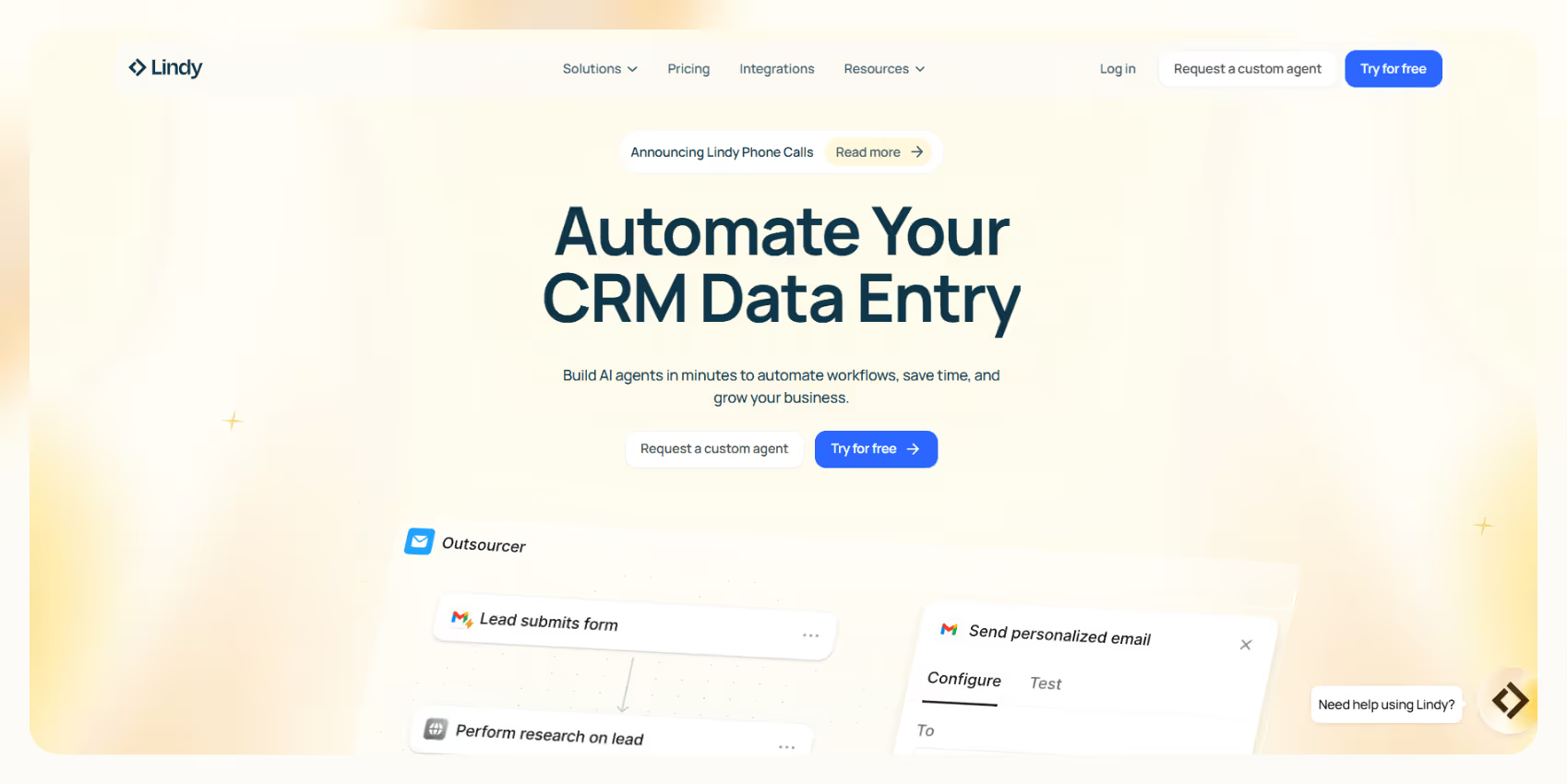
Lindy is an AI-first automation platform that lets businesses build AI agents for tasks like CRM management, email management, meeting scheduling, customer support, and more.
Lindy offers a visual flow builder that enables users to design custom logic, set conditions, and define actions — all without writing code.
What it does
- Create AI agents that can handle calls, be an email assistant, update CRMs, and triage Slack messages
- Integrates with major platforms like Salesforce, HubSpot, Gmail, and Slack
Who it's for
It’s for businesses, startups, and fast-moving sales teams looking for AI automation without code — to handle tasks like outreach, follow-ups, and CRM updates.
Pricing
Lindy offers a free plan with up to 400 tasks/month. Paid plans start at $49.99/month with up to 5,000 tasks.
{{templates}}
2. Make – best for visual, complex no-code workflows
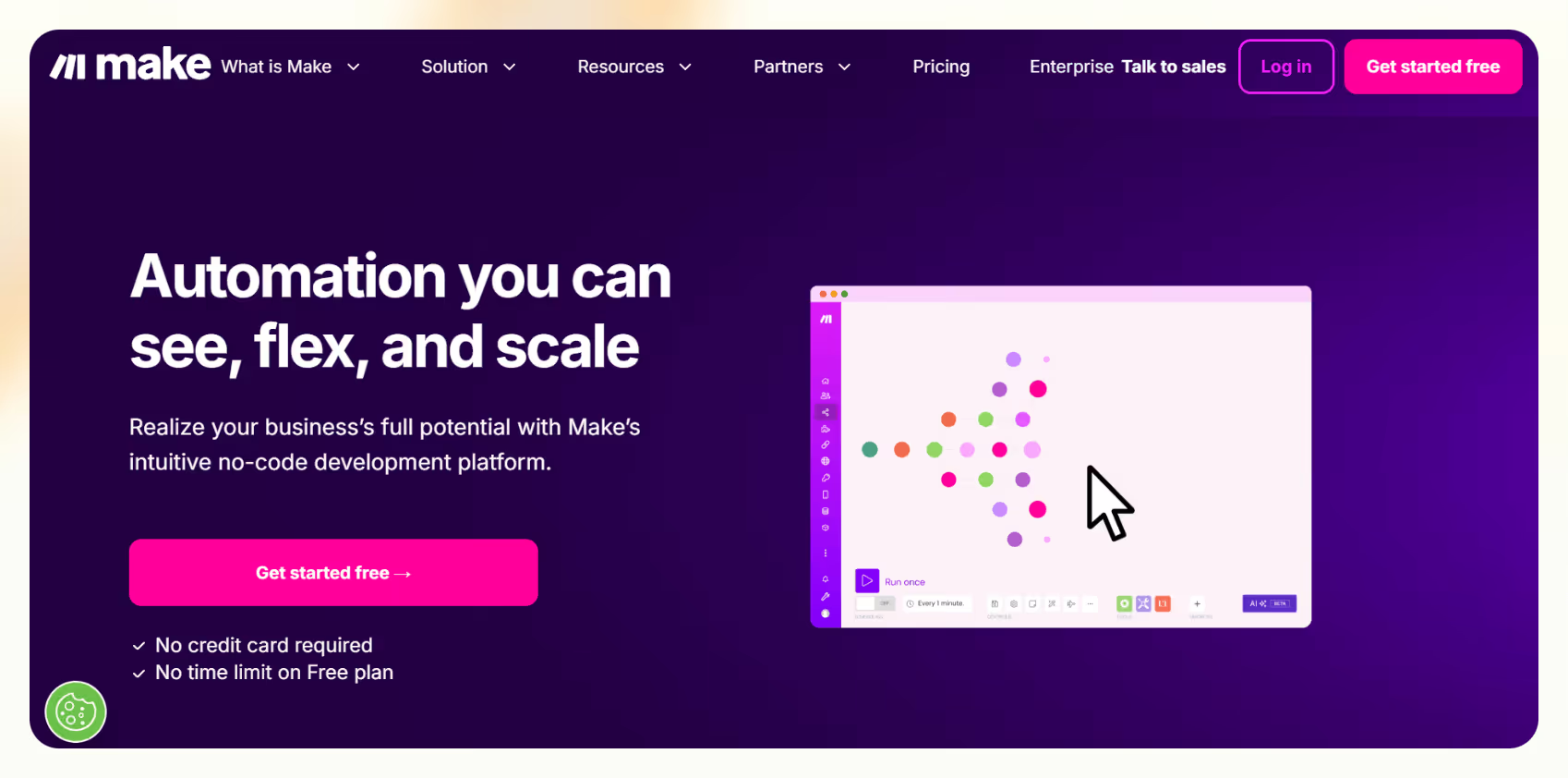
Make (formerly Integromat) offers a highly visual platform where users can build complex, multi-app workflows using a drag-and-drop editor.
What it does
- Connects over 2,000 apps with intricate conditional logic and branching
- Recently added AI modules (like OpenAI) to add intelligence to flows
Who it's for
It’s for ops teams, marketing pros, and builders who want complete control over workflow design and don't mind a learning curve.
Pricing
The free tier includes 1,000 operations/month. Paid plans start at around $10.59/month, billed monthly.
3. Zapier AI – best for simple automations with wide app coverage
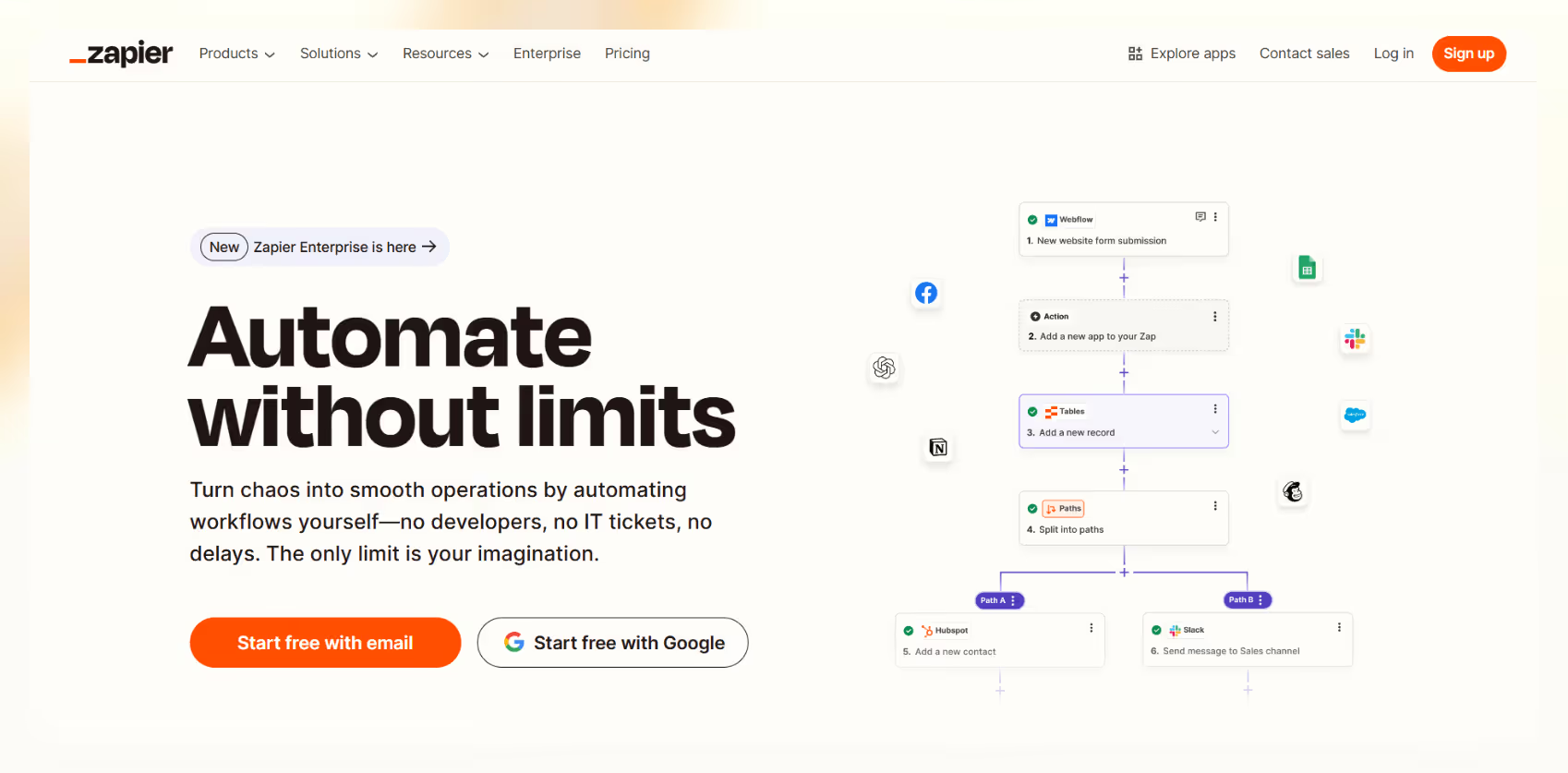
Zapier is a widely used automation platform that connects over 7,000 apps, making it ideal for setting up simple workflows without code. It now offers AI-powered setup suggestions and built-in OpenAI integrations to help non-technical users create automations faster.
What it does
- Connects 7,000+ apps with simple trigger-action workflows
- New AI assistant helps set up basic automations faster
Who it's for
It’s for non-technical users or solo operators who need fast, straightforward automations without complex logic.
Pricing
The free tier includes 100 tasks/month. Paid plans start at $29.99/month.
4. Workato – best for enterprise-grade integrations and orchestration

Workato is designed for businesses that need to connect multiple apps and orchestrate large-scale workflows — often with API calls and custom recipes.
What it does
- Handles multi-step, multi-app integrations with advanced conditional logic
- Offers enterprise-grade security and governance
Who it's for
It’s for mid-market to enterprise companies with dedicated IT or Ops teams.
Pricing
You need to contact sales for a custom quote based on your workspace and task needs. We researched and found that it typically starts from around $10,000/year.
5. Moveworks – best for internal employee support automation
Moveworks specializes in internal IT support automation using conversational AI. It automates repetitive employee requests like password resets, access provisioning, and ticket triage — all within platforms like Slack and Microsoft Teams.
What it does
- Provides AI chatbots for Slack, Teams, and other internal systems
- Focuses on internal ticket resolution, not customer-facing workflows
Who it's for
It’s ideal for large enterprises needing AI-driven employee self-service systems.
Pricing
Moveworks provides custom pricing for enterprises only. There are no tiers or monthly plans.
We’ll cover the core factors we considered when evaluating AI automation platforms next.
How these tools were evaluated
We looked beyond the features and focused on the fundamentals that impact day-to-day usage.
Here's what mattered most during the evaluation:
Setup speed and ease
How fast can a team (especially a small team) get started without pulling in developers or IT?
Platforms like Lindy and Make offer visual builders and prebuilt templates that make setup relatively quick, even for non-technical users. Tools like Workato require more technical configuration and often an implementation team.
Customizability
The best AI for automation platforms don't force you into rigid templates — they let you tweak flows, add conditions, and layer in decision logic.
Lindy stands out here by letting users visually map complex workflows involving email, calls, CRM updates, and Slack actions. Zapier offers some flexibility, but mainly sticks to basic trigger-action flows.
Integration support
Platforms with broad integration libraries — and good API support — can automate more end-to-end processes without manual hacks.
Make and Zapier lead on app coverage (thousands of integrations). Lindy covers the major business apps most SMBs and startups rely on, with deep native integrations for CRM, email, calendar, and communication platforms.
AI decision quality
A major differentiator is whether the AI can just trigger actions or actually make smart decisions based on context.
Lindy uses AI agents that understand context and can adapt their behavior. For example, they can decide to escalate a lead based on the urgency detected in an email. Zapier focuses more on shortcutting the setup process, but workflows are still largely rule-based.
When evaluating AI automation, it's about whether the platform fits how your team works, and whether it can grow with you. But how do you start putting AI automation into action without getting overwhelmed?
Let's explore that next.
{{cta}}
Getting started with AI automation: real-world tips
Teams can start small with AI automation, pick quick wins, and then layer on complexity as they grow.
Here's a simple way to approach it:
1. Audit your manual workflows
Before adding any AI, map out the repetitive, manual tasks that slow your team down. Look for:
- Actions that happen repeatedly (lead follow-ups, meeting summaries, ticket triaging).
- Processes that rely on people remembering to update a system (like CRM notes).
- Bottlenecks where deals, tasks, or tickets get stuck waiting for someone to act.
This audit gives you a clear view of where artificial intelligence automation can make an immediate impact.
2. Pick 1–2 use cases
While automating everything simultaneously is tempting, starting with 1–2 high-impact use cases leads to faster wins and cleaner setups. Some good starting points:
- Automating CRM updates after sales calls.
- Scheduling follow-ups after demo requests.
- Triaging incoming emails based on urgency.
3. Choose a tool
Different tools fit different needs, depending on the workflows you want to automate first. Here’s something to help you out:
- If you want to automate CRM and Slack updates after meetings or calls, a platform like Lindy can set up customizable agents that handle everything from logging notes to sending follow-up emails.
- If you want to route form submissions into different Slack channels based on answers, Make offers a highly visual way to set up branching workflows with GPT triggers.
Focus on the workflows you need to fix first, and not just feature lists. That way, you can get faster results. AI automation is about freeing up your team to work on higher-impact tasks while the AI takes care of the busywork in the background.
Frequently asked questions
Is AI automation only for developers?
Platforms like Lindy and Make are ideal for non-developers. They offer visual builders, templates, and simple configuration options. If you can design a basic workflow diagram or use a drag-and-drop builder, you can set up AI automation without writing code.
What are some quick wins I can automate today?
Look for simple, repeatable tasks first. A few easy places to start:
- Automatically update your CRM after every sales call.
- Send customized follow-up emails based on website form submissions.
- Route incoming emails to the right team members based on content.
- Auto-generate meeting notes and action items after team calls.
Can AI automation replace human jobs?
AI automation can take over the low-value, repetitive work (data entry, basic triage, reminders) so human teams can focus on strategic, creative, and high-touch activities.
What industries are adopting AI automation the fastest?
Most industries are adopting AI. Some of the fastest adopters today include:
- SaaS and tech startups
- Healthcare organizations (especially in administrative work like EHR updates)
- Real estate (for lead management and follow-ups)
- Agencies (for outbound prospecting and client management)
Across industries, the common thread is the need to automate repetitive AI workflows requiring context.
Can I use AI automation with Notion, Slack, or Gmail?
Yes. Most modern platforms offer direct integrations with tools like Notion, Slack, Gmail, Google Calendar, HubSpot, Salesforce, and more.
Let Lindy be your AI-powered automation app
If you want affordable AI automations, go with Lindy — it’s an intuitive AI automation platform that lets you build your own AI agents for loads of tasks.
You’ll find plenty of pre-built templates, and there are loads of integrations to choose from.
Here’s why Lindy is an ideal option:
- Automated CRM updates: Lindy can automatically update CRM fields and fill in missing data in platforms like Salesforce and HubSpot — going beyond basic transcript logging to keep your records accurate and up to date.
- AI-powered follow-ups: Lindy agents can send follow-up emails, schedule meetings, and keep everyone in the loop by triggering notifications in Slack by letting you build a Slackbot.
- Lead enrichment: Lindy can be configured to use a prospecting API (People Data Labs) to research prospects and to provide sales teams with richer insights before outreach.
- Cost-effective: Automate up to 400 monthly tasks with Lindy’s free version. The paid version lets you automate up to 5,000 tasks per month, which is a more affordable price per automation compared to many other platforms.
Try Lindy for free today to automate your workflows, boost productivity, and streamline tasks like outreach, lead enrichment, and CRM updates — all without writing code.











Blog
Related Articles
.avif)

.avif)
%20(1).png)

%20(1).png)


The AI assistant that runs your work life
Lindy saves you two hours a day by proactively managing your inbox, meetings, and calendar, so you can focus on what actually matters.
