What are AI Agent Business Applications & Use Cases in 2026?
Jack broke down real-world AI agent business applications across sales, support, and operations, comparing platforms like Relevance AI, Botpress, and Make for workflow automation.


AI agent business applications include repetitive tasks like lead routing, email follow-ups, and scheduling. These intelligent agents can save sales, customer support, and operations teams hours.
For example, AI agents can reference past actions, store task-specific data during a workflow, and pass context between agents, making it possible to update CRMs or take follow-up actions based on prior steps.
Here's what we'll cover in this article:
- What are AI agents?
- What do AI agents do?
- The most common AI agent business applications
- How teams are putting them to work
Let's begin with what AI agents do.
What does an AI agent do?
AI agents use advanced algorithms to understand goals, process information, and complete multi-step tasks across tools or systems. They can send follow-up emails, schedule meetings, update records in your CRM, summarize conversations, or answer support questions, all with minimal human input.
An AI agent is autonomous and doesn’t need someone manually clicking through each step. Once given a goal or task, it can make decisions, access context, and perform multi-step actions across different tools.
It's different from simpler automations like chatbots. Chatbots typically reply with static responses. APIs connect tools but don’t initiate action. Plugins offer features, but not logic. AI agents execute work across systems based on logic and memory you define.
The most useful agents in a business artificial intelligence context are the ones that can interact with real-world workflows –– email, phone, calendar, databases, or internal systems.
Let’s now compare AI agents with chatbots, plugins, and APIs.
AI agents vs. chatbots vs. plugins vs. APIs
AI agents are often associated with other automation tools, but they operate differently.
Here’s how that plays out in practice:
| Tool | What it does | Limitation |
|---|---|---|
| Chatbots | Respond to user inputs, often with pre-written answers | Can’t perform multi-step tasks or access data from other tools |
| Plugins | Add new features to existing software | Passive, only work inside the app they’re built for |
| APIs | Let systems talk to each other | Require dev setup and don’t make decisions |
| AI agents | Take action based on goals, logic, or triggers | Need a thoughtful setup and context to work well |
Where chatbots reply to a message, an AI agent might summarize that message, pull related info from your CRM, and send a follow-up email. A plugin might log data from a form, but an agent could route that lead, book a meeting, and kick off a follow-up sequence, all without human intervention.
This shift is possible because of the AI agent’s abilities, to hold memory, make decisions, and interact with tools directly. That’s what separates a helpful AI assistant from a basic script.
Next, let’s look at how businesses are putting AI agents to work, and where the value shows up.
Real-world business applications for AI agents
AI agents are increasingly showing up in workflows across sales, support, and operations, especially in teams adopting automation to boost efficiency. Below are the most common business use cases where they’re already creating leverage:
Sales automation
Sales teams are buried in repetitive work, follow-ups, CRM updates, enrichment, and scheduling. AI tools and agents can take those tasks off their plates. For example, an AI agent can:
- Enrich a new lead using public data
- Write a personalized intro email
- Schedule a meeting if the lead responds
- Update the CRM with outcomes and notes
Instead of bouncing between tools, reps focus on closing. The rest happens in the background.
Customer support
Agents in support typically help with two things –– routing and resolution. Here's how they help:
- When a new ticket or email comes in, an AI agent can tag it by intent, urgency, and customer type
- It can then surface knowledge base articles, draft replies, or escalate to a human if needed
These agents work across channels, email, live chat, even phone, and keep SLAs tight without bloating the team.
Scheduling and coordination
One of the simplest and most effective AI use cases is calendar agents. Instead of long email threads or Slack back-and-forths, an agent can:
- Parse availability from multiple people
- Suggest meeting times
- Book the meeting and send invites
- Follow up if something changes
It’s a small slice of work, but adds up fast, especially in sales and recruiting.
Marketing ops
Marketing agents can handle tasks that would otherwise need an ops person. Some of those tasks include:
- Queue up follow-up emails for webinar attendees
- Generate summaries from long-form content
- Tag and organize inbound leads
- Sync campaign data between tools
Finance and HR workflows
Agents help clean up the messy processes like forms, spreadsheets, and manual coordination.
For example:
- An HR agent can screen resumes and route qualified candidates
- A finance agent can summarize invoice terms and flag outliers
- An internal support agent can handle IT requests from Slack and log them into a ticketing system
These are all examples of artificial intelligence in business. Across the board, the pattern is the same –– AI agents reduce back-and-forth, cut down on clicks, and keep work moving.
Next, we’ll walk through actual agent setups that show how these workflows come together.
Examples: AI agents in action
To better understand how AI agents work, let's look at how they work in real-life workflows.
Here are a few examples:
A sales agent that enriches leads and follows up
Lead enrichment agent kicks in the moment a new lead enters the system. It checks for missing information like job title or company size, pulls enrichment data from public sources, and adds it to the CRM.
Once that’s done, the follow-up agent takes over. It drafts a personalized email, sends it, and waits for a reply. If there's no response in 3 days, it sends a follow-up, and flags the lead for review if there’s still no action.
In such workflows, the agent handles most of the early sales cycle.
A scheduling agent that coordinates calendars
Let’s say someone replies to a cold email with interest. A scheduling agent can check calendar availability, propose slots, and book a meeting once there’s alignment. It sends invites, blocks time, and handles rescheduling automatically if things change.
It saves time and removes delays, meetings get booked in minutes.
A support agent that writes and logs responses
This agent sits on top of an email inbox. It detects the intent of each message, pulls the right knowledge base content, drafts a reply, and logs the conversation in the ticketing system. If it can’t resolve the issue, it loops in a human, with context already attached.
These types of setups are becoming common in business artificial intelligence workflows, where speed and consistency matter more than scale.
Cross-agent collaboration
Some teams deploy multiple agents that work together. For example, one agent qualifies a lead, another sends the intro email, and a third logs the result into the CRM.
Next, let’s break down the key benefits companies see when they start using AI agents.
Benefits of using AI agents in business
Teams use agents to reduce manual work, speed up response times, and tighten operations without growing headcount. Here's how they add value:
24/7 coverage (without burnout)
AI agents don’t need sleep, context-switching time, or time off. That makes them ideal for inbound support or lead response, where timing is critical. They maintain system operations beyond business hours, efficiently routing leads, managing tickets, or following up with prospects while your team is offline.
Faster execution, fewer bottlenecks
Agents don’t wait for task switching or a rep to check Slack. When set up properly, they handle work instantly –– tagging a lead, updating a CRM, or routing an email based on its content. That kind of speed eliminates handoff delays and keeps things moving.
Lower overhead for recurring tasks
Most businesses have workflows that are simple, repeatable, and tedious. AI agents can automate these, whether it's following up on no-shows, checking data quality, or parsing customer feedback. That frees up your team to focus on high-value tasks.
Better output with memory and logic
AI agents can follow instructions, reference past interactions, and make decisions based on current context, enabling more consistent and efficient task execution across tools.
Up next: What usually goes wrong when businesses start using agents, and how to avoid it.
Common pain points of AI agents
AI agents do come with their pains. Most of the frustration businesses feel with agents is because they didn't implement it for the right problems.
Here’s where things usually break:
No clear objective
Teams create an agent without defining its objective or goal. Is it supposed to reduce response time? Book more meetings? Flag outliers? Without that clarity, it’s hard to measure impact.
Rigid, one-trick bots
It’s tempting to build agents that only do one thing –– tag a lead, send a reply, and file a ticket. However, the true benefit of AI agents lies in their versatility. A good agent can handle complex logic, access a knowledge base, and adapt to different inputs. Rigid bots break the moment something unexpected shows up.
No feedback loop
Agents aren’t “set it and forget it.” They need monitoring, context updates, and occasional tuning. Without a feedback loop, they drift, and their output gets stale.
Platform mismatch
When choosing a platform, it’s important to align it with your workflows. Some tools don’t support memory, decision-making, or integrations. That leads to agents that feel more like templates than workers.
Let’s now look at some tips to get started with a business AI agent, without wasting time or overbuilding.
Tips for getting started with a business AI agent
If you’re testing agents for the first time, the goal isn’t to automate everything. Here’s how you can get started:
Choose a use case with repeatable logic
Good starting points are repetitive tasks that follow a pattern and burn time. They can be triaging inbound leads, sending follow-up emails, or updating CRM fields. These are where AI agents offer fast, measurable value.
Define the inputs and the expected output
Be explicit about what counts as “done.” Let’s say you want an agent to handle scheduling. The input might be a Slack message with a request. The output is a confirmed calendar invite with all the details.
Pick the right tool for your team
Choose a platform that matches your team’s comfort level and the business use cases you care about. Some teams prefer a visual builder. Others want API access and complete control. If you need a guide, this comparison of agent capabilities might help.
Monitor early outcomes
Track metrics tied to the agent’s job –– time saved, emails sent, meetings booked, and response time. Use this to decide whether to double down or pivot.
Next, we’ll look at the best platforms for building and deploying business-ready agents.
Top 4 AI platforms for business applications
We compiled top 4 tools that suit different businesses and their workflows. Here’s a quick-glance list:
- Relevance AI – Best for modular, developer-led AI workflows
- Botpress – Best for building conversational agents with full developer control
- Make – Best for visual, workflow-first automations
- OpenAI Assistants – Best for custom AI assistants inside the GPT ecosystem
Next, we explore each tool in detail.
1. Relevance AI – Best for modular, developer-led AI workflows
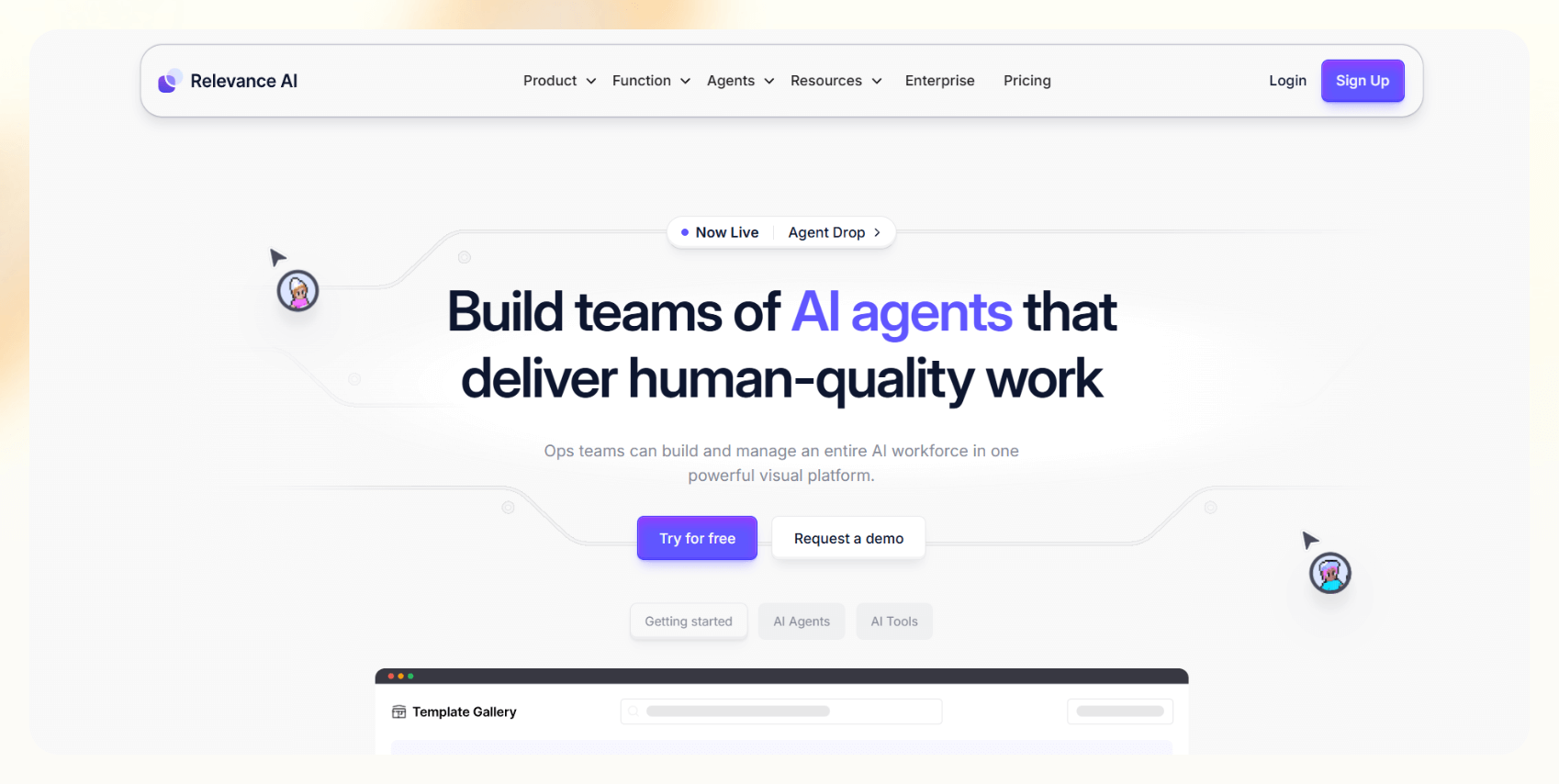
Relevance AI is a low-code platform for teams building custom AI workflows using modular components. It lets users chain together logic blocks, APIs, and AI models to create agents that can perform tasks like data tagging, summarizing, enrichment, and decision-making.
While it doesn’t require full-on programming, it does assume a level of technical comfort, making it a better fit for data teams, AI ops, or developers working on internal tools.
Relevance helps users move fast with templates, flexible workflows, and integrations with CRMs, analytics tools, and proprietary data. It’s handy when you want precise control over how an agent behaves, responds, and evolves based on feedback or incoming data.
Features
- Chain builder for modular agent workflows
- Knowledge storage and embeddings
- Prebuilt templates for tagging, summarization, CRM enrichment
- API support for custom extensions
- Built-in versioning and flow history
Pros
- Control over agent behavior and logic
- Good fit for semi-technical teams who want custom logic
- Visual builder with reusable components
- Useful for internal AI tooling and automation
Cons
- Ideal for technical teams
- Requires more setup than prebuilt agent tools
- UI can feel dense if you’re starting out
Use cases
- Tag support tickets automatically based on urgency
- Summarize long-form documents into CRM entries
- Run lead qualification agents with branching logic
- Build internal AI dashboards or enrichment flows
Pricing
- Free: 100 credits/day, 1 user, 10MB knowledge base
- Paid plans start from $19/month, billed monthly
2. Botpress – Best for building conversational agents with full developer control
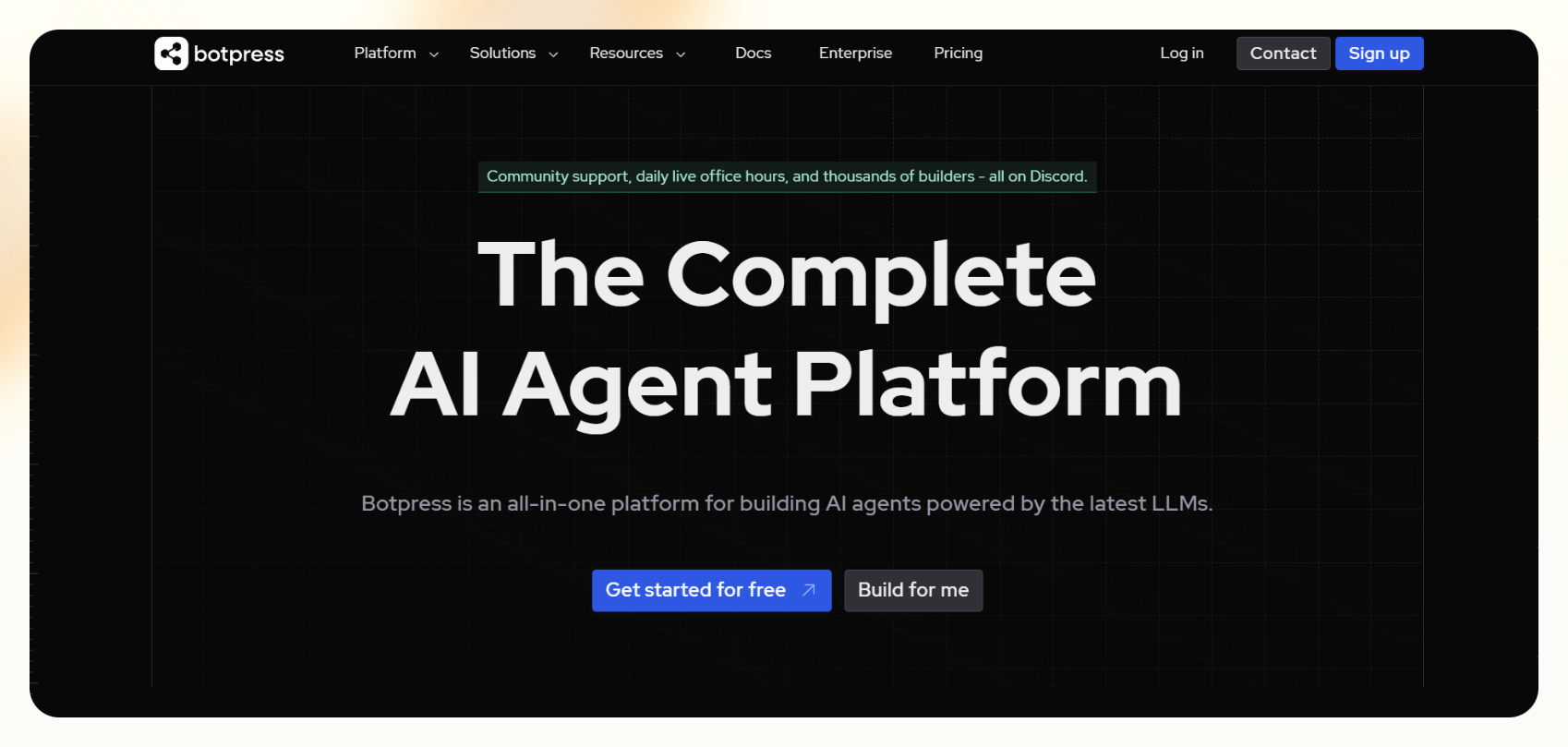
Botpress is an open-source conversational AI platform built for developers who want complete control over how their AI agents behave.
It’s primarily used to create chat-based agents for customer support, onboarding, or internal tools. You can deploy it across web, mobile, or messaging platforms like WhatsApp and Slack. It includes a visual flow editor, but most power users rely on its SDK and scripting capabilities to build advanced logic.
With Botpress, you can design every part of the conversation, connect to external APIs, and store custom context or memory. It’s a solid fit for teams that want to embed tailored conversational experiences into their products or workflows.
Features
- Visual flow builder with scripting and API hooks
- Support for multichannel deployment (Slack, WhatsApp, Messenger, etc.)
- Built-in NLU engine and memory
- Developer SDK for deep customization
- Real-time analytics and conversation logs
Pros
- Open-source and highly customizable
- Good developer documentation and community support
- Works well for chat-heavy use cases
- On-premise or cloud hosting options
Cons
- Requires developer time and technical expertise
- Integrates with voice and email platforms via external APIs and third-party connectors
- Maintenance and scaling are manual
Use cases
- Customer support chatbot embedded on a company’s website
- WhatsApp agent for appointment reminders
- Onboarding assistant for SaaS users
- Internal IT helpdesk agent via Microsoft Teams
Pricing
- Offers a free plan, paid plans start from $89/month, billed monthly
3. Make – Best for visual, workflow-first automations
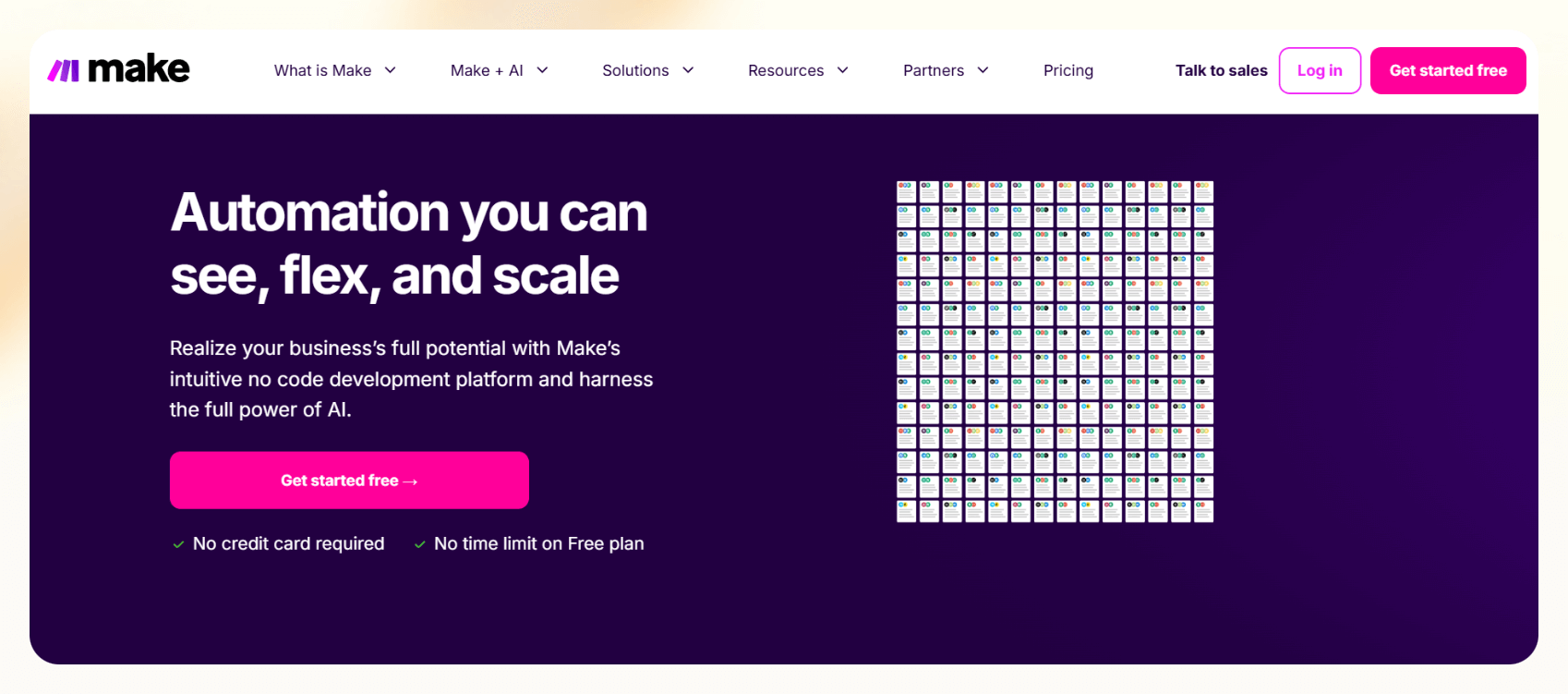
Make (formerly Integromat) is a visual automation platform built around connecting apps through logic-based workflows.
While not marketed as an AI agent builder, it’s often used to string together steps that mimic agent behavior like pulling data from one tool, processing it, and taking action in another. It’s ideal for operations, marketing, or customer success teams that want to automate multi-step tasks without writing code.
Make's strength is its drag-and-drop interface, flexibility, and library of thousands of prebuilt app integrations. It also lets you insert AI tools (like OpenAI or Claude) as steps within a workflow, giving semi-technical users the ability to experiment with agent-like behavior.
Features
- Workflow builder with conditional logic
- 2,000+ app integrations (CRMs, marketing tools, etc.)
- Scheduling and error-handling tools
- Webhooks, data parsing, custom functions
- Support for AI model APIs
Pros
- Intuitive visual interface
- Powerful for multi-app logic without coding
- Strong community and template ecosystem
- Useful for internal ops, lead handling, marketing
Cons
- Not a true “agent” platform
- Can get hard to manage at scale without documentation
- Requires a learning curve for advanced logic
Use cases
- Auto-enroll new leads into sequences from forms
- Cross-post social content across channels
- Log call summaries into a Google Sheet or CRM
- Trigger email alerts when a Slack message meets certain conditions
Pricing
- Free: 1,000 operations/month
- Paid plans start from $10.59/month, billed monthly
4. OpenAI Assistants – Best for custom AI assistants inside the GPT ecosystem
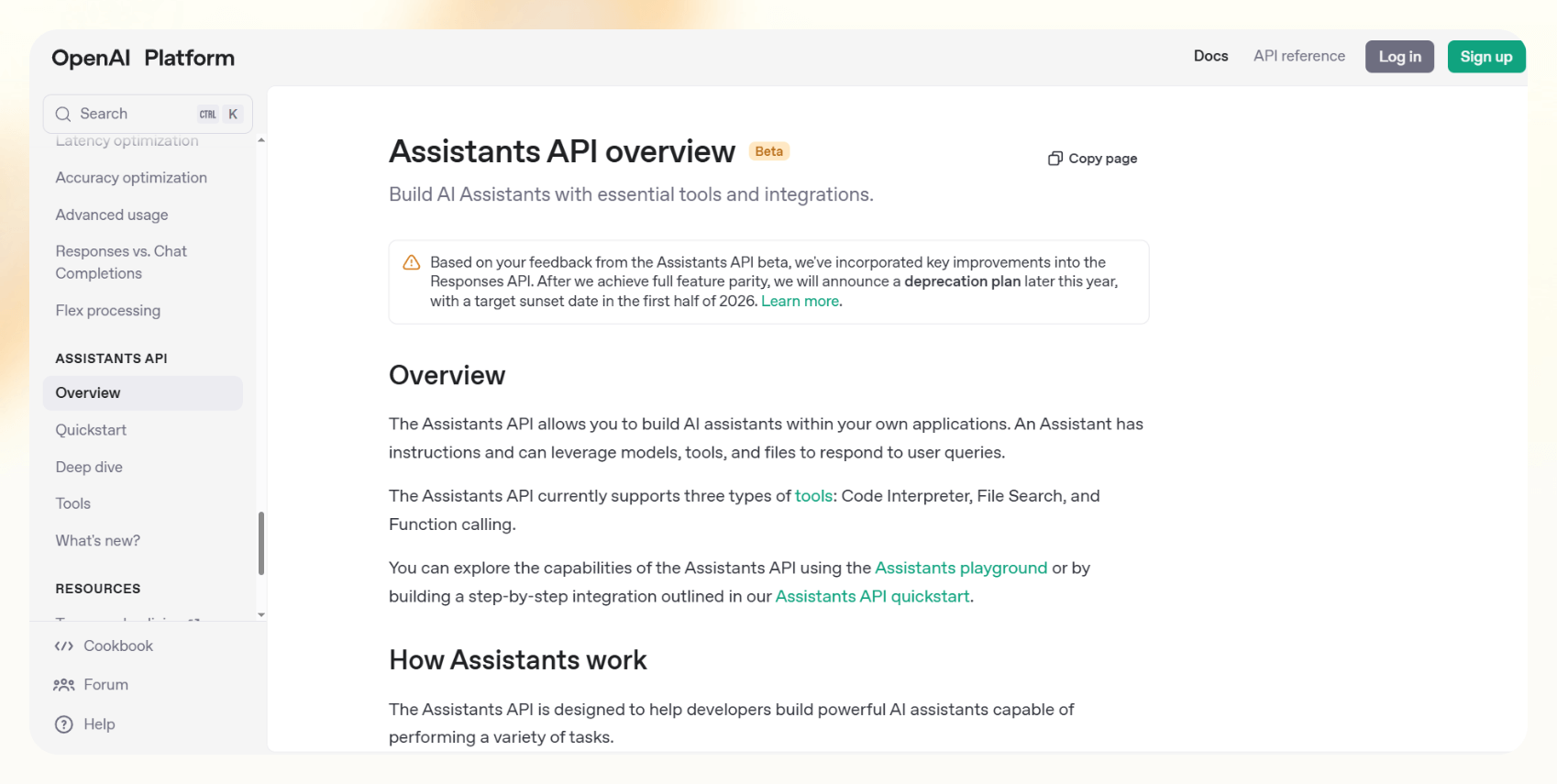
OpenAI Assistants is an API that lets developers create persistent, programmable AI assistants using GPT-4o. These assistants can respond to messages, call external functions, work with files, and hold memory across sessions. It’s built for teams building apps, SaaS tools, or internal platforms that want to embed AI logic directly into their user experience.
It’s not a plug-and-play automation platform. You define how your assistant behaves, what tools it can access, and how it should respond in different scenarios. That makes it powerful for building vertical-specific AI products or internal copilots tailored to your company’s workflow.
Features
- Function calling and code interpreter
- Persistent memory (thread-level or assistant-level)
- File and image support
- Supports tool use (retrieval, web browsing, code execution)
Pros
- Fully customizable assistant behavior
- Deep integration into apps or workflows
- Powerful model capabilities (including vision and code)
- File uploads and rich multimodal support
Cons
- Requires engineering resources
- No GUI, API-only access
- Managing context and latency can get tricky at scale
Use cases
- Embed a customer-facing assistant into a product
- Build a company-specific research copilot
- Create a file-analyzing agent for internal ops
- Build AI-driven workflows within SaaS tools
Pricing
- Different GPTs have different pricing
- For GPT-4o, you’ll pay $5.00/1M input tokens, $2.50/1M cached input tokens, and $20.00/1M output tokens
Getting AI agents working for your business
AI agents have moved from experiments to everyday business tools. The teams getting the most value aren't chasing the flashiest setup. They start with one repeatable workflow, like lead follow-up, scheduling, or support triage, and let an agent handle the parts that used to eat their time.
From there, the path is straightforward: define the inputs and expected output, pick a platform that matches your team's technical comfort, and monitor the early results before you scale.
Whether you need a no-code builder or a developer-first framework, the right agent turns recurring busywork into something that runs on its own.
Frequently asked questions
How do AI agents differ from chatbots or RPA tools?
AI agents can hold memory, make decisions, and perform multi-step actions across tools like email, CRM, and calendars. They’re more adaptive and context-aware. Meanwhile, chatbots only respond to prompts, and RPA tools follow predefined scripts.
Can I build a business AI agent without coding?
Yes. Several platforms now offer no-code builders that let you define workflows, triggers, and logic visually. Tools like Make allow non-technical users to build agents using drag-and-drop modules.
What’s the ROI of implementing AI agents?
Reduced time spent on manual work, faster task completion, and fewer handoffs are some initial benefits. Later, you'll notice lower operational costs, higher throughput, and quicker response times, especially in sales and support.
What’s the best AI agent platform in 2026?
Some platforms, like OpenAI Assistants, are optimized for developers, while others are better for business teams, like Make. Choose based on your technical comfort and workflow needs.
Are AI agents secure to use in regulated industries?
If the AI agent platform complies with SOC 2, HIPAA, GDPR or your regulatory guidelines, you can use it (depending on your industry). Some vendors also offer enterprise-level access controls, encryption, and audit trails.
How do AI agents integrate with tools like Slack or CRM?
Most AI agent platforms offer native integrations or API connectors. If they don't, you can connect to tools of your choice via webhooks.
Can AI agents make mistakes?
Yes. They rely on the logic, context, and data you give them. If inputs are unclear or workflows aren’t well-defined, agents can fail or take the wrong action.
What kinds of teams benefit most from AI agents?
Teams that handle repeatable, high-volume tasks see the most value, like sales, customer support, recruiting, and operations. These are the functions where AI agents can free up time for higher-value decisions.









