




Create *Trello cards* automatically from new Slack messages
Lindy watches your Slack and creates a Trello card whenever a new message comes in.
Capture good ideas without breaking flow
Stop losing brainstorms in Slack history
Skip the handoff step every new idea costs you

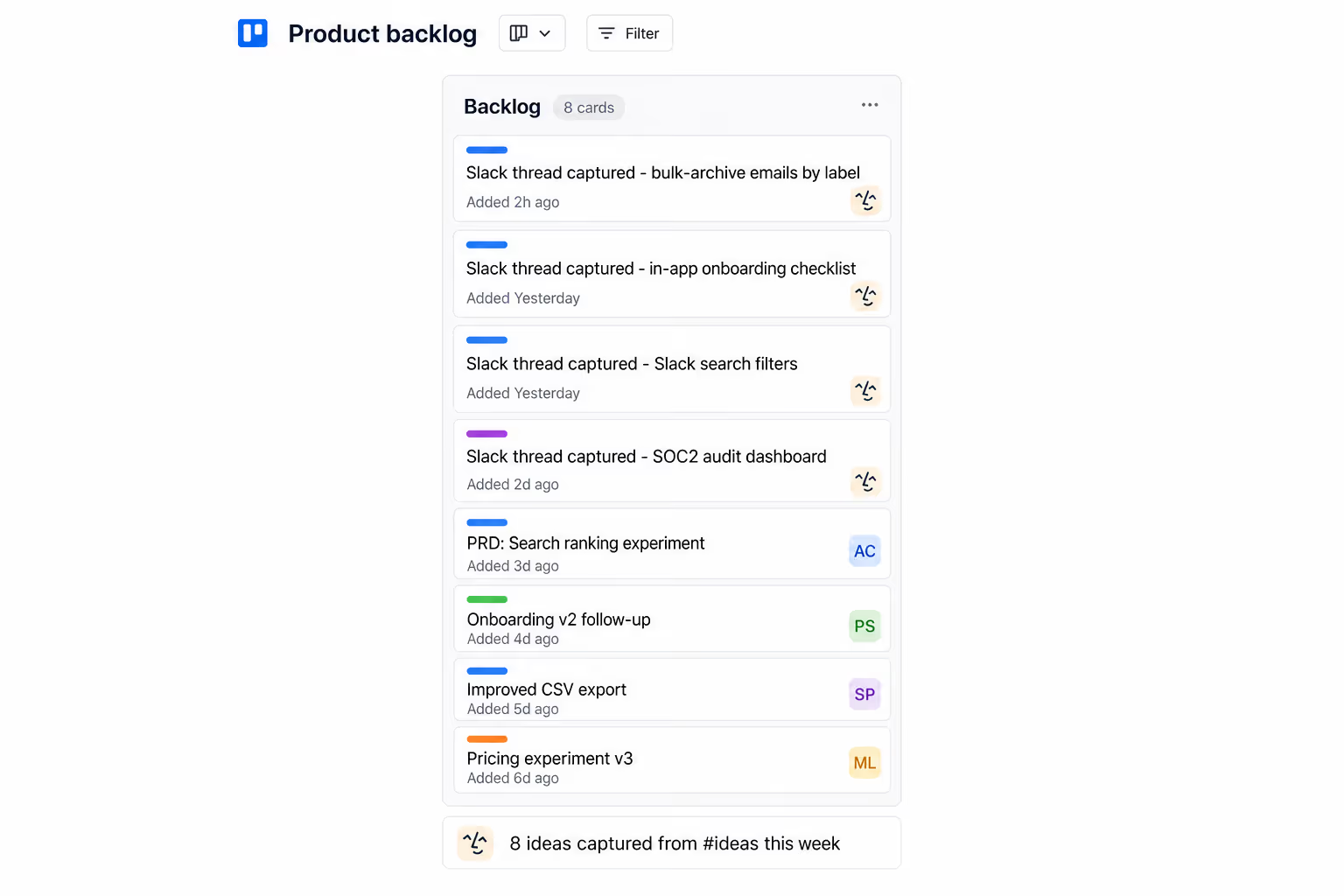
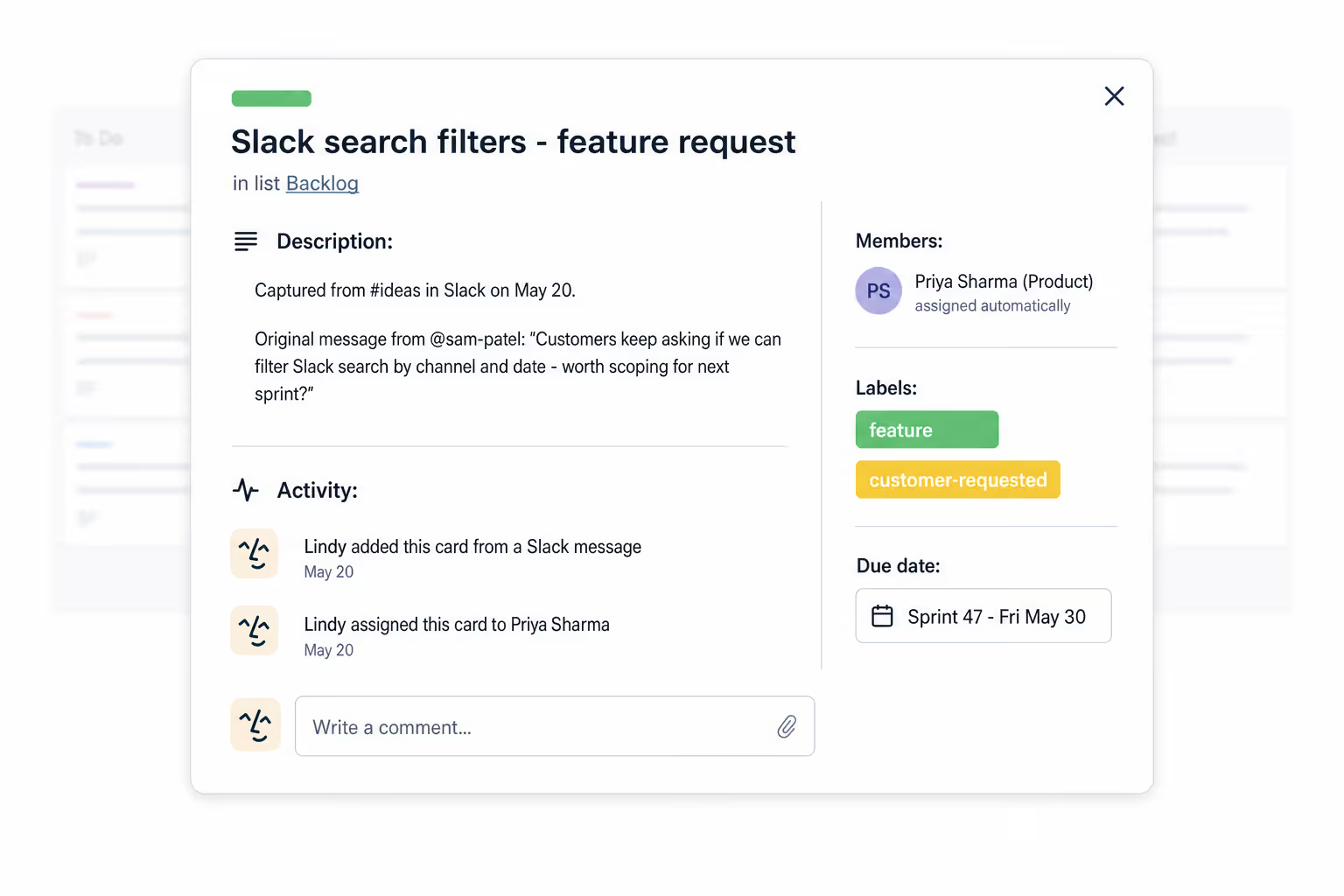






Supercharge your Slack-Trello workflow with AI.
Every time an important request or idea comes up in Slack, someone has to stop what they're doing, open Trello, and manually create a card before it gets forgotten.
Lindy watches your chosen Slack channels and automatically creates a Trello card with the right details every time a new message comes in, so nothing slips through the cracks.

Lindy pulls your Google Sheets data and turns it into a formatted weekly report.
Lindy watches your form and logs each new response as a row in Google Sheets.

See what Lindy can do for you
Capture every customer idea as a tracked card
Lindy turns Slack messages into Trello cards, so customer feedback and feature requests never live only in a DM.

Campaign ideas become a real backlog
Lindy converts your Slack idea channel into Trello cards, so brainstorms turn into a backlog you can actually work from.

Slack-tagged requests show up in Trello
Lindy converts emoji-tagged Slack messages into Trello cards, so requests stop existing only in a thread your boss can't find later.

Work spotted in Slack lands on the board
Lindy turns Slack messages into Trello cards, so good work captured in chat becomes tracked tasks on the right board.
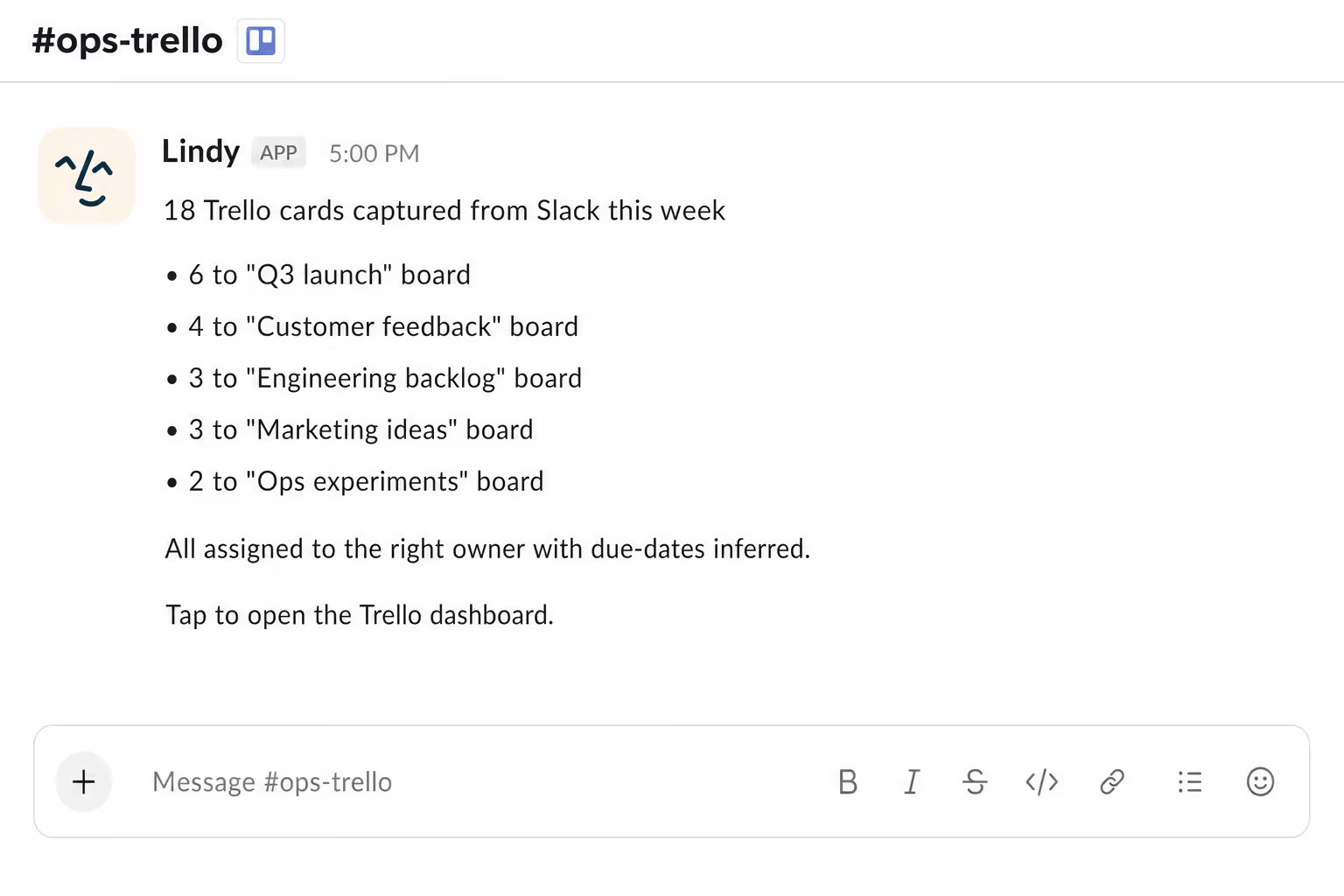
Ideas in Slack don't die in Slack
Lindy converts your Slack messages into Trello cards, so the things you mention in passing become work the team can pick up.

Summarise more than just Slack
Summarising Slack is just the start. Here's what else Lindy can do.

Lindy reads your inbox overnight and sends you a clean digest of what matters before you start your day.

After every call Lindy writes structured notes and sends you a summary so nothing gets lost.

Lindy reads your Zendesk or Intercom queue and delivers a daily overview of open issues and priorities.
Not sure if Lindy can do it? Just ask.
Text your question and Lindy replies with exactly what it can do for you. No account, no sign-up. Just send a message.
Try for freeMore ways to use Lindy
Plenty more in the library. Pick the next one that fits your day.

Lindy reads your Gmail inbox each morning and sends you a quick summary of what came in.

Lindy checks your Google Calendar and books meetings without the endless email chain.
Lindy checks your Google Calendar and finds a time that works for everyone.

Lindy joins your Google Meet calls and takes notes so you don't have to.


AI Agents for Trello
Keeping Trello up to date is a pain when your team moves fast in Slack, and cards just don't get created because nobody wants to stop the conversation to go do it.
When you connect Lindy to Trello, it can pull key details straight from a Slack message to build a card, drop it into the right list, and even assign it to the right person without you lifting a finger.

A skill shows you a real-world task Lindy can handle for you. It's there to inspire you and show what's possible, not a pre-built workflow you have to follow.
Yes. Sign up, connect the apps the skill needs, and you're ready to go. Most skills are up and running in minutes.
Lindy is your AI assistant. You tell it what you need in plain language and it takes care of the work, across your apps, on your schedule.
Each skill page lists exactly which apps are involved and whether they are required or optional. If you already use those apps, you're good to go.
No. Just tell Lindy what you want it to do and it figures out the rest. Skills are there to show you what's possible and get you started.
Almost certainly. Skills show what's possible, not what's limited. If you don't see what you need, just ask Lindy directly and it will figure it out.