




Notify your Slack channel when a *Stripe payment fails*
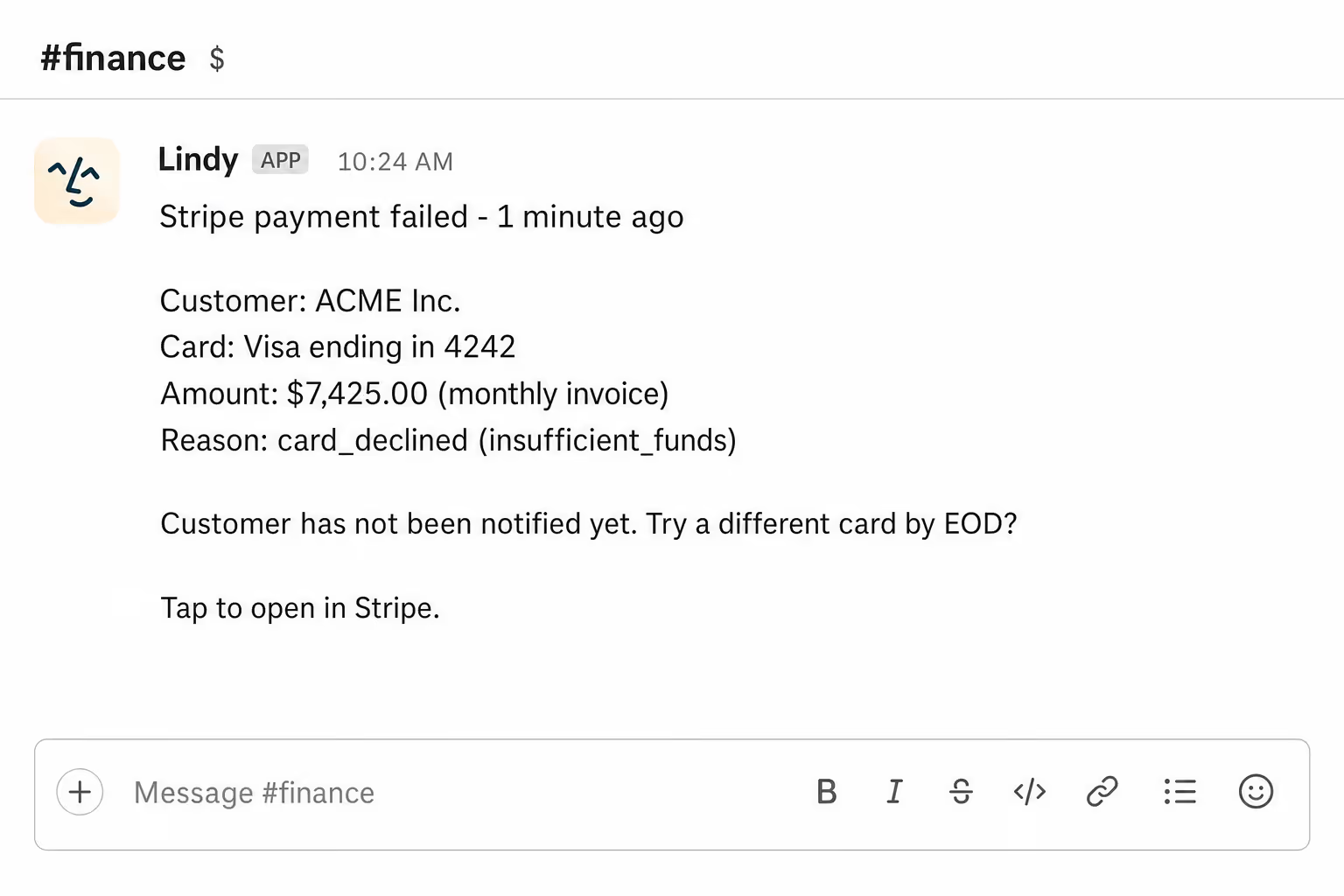
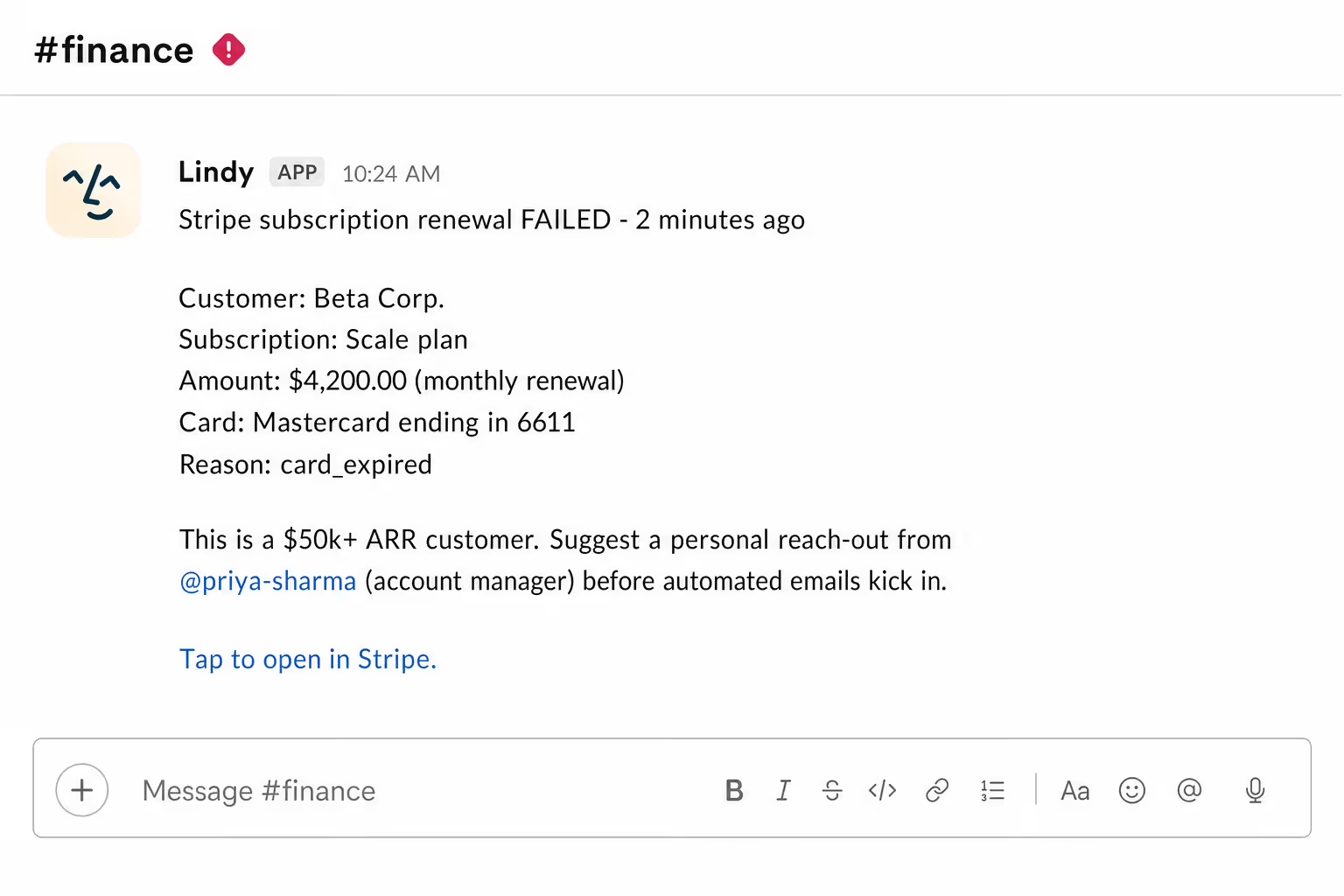
Lindy watches Stripe for failed payments and sends an alert straight to your Slack channel.
Fix it before the customer even notices
Catch churn risks the day they happen
Make sure big accounts get human follow-up
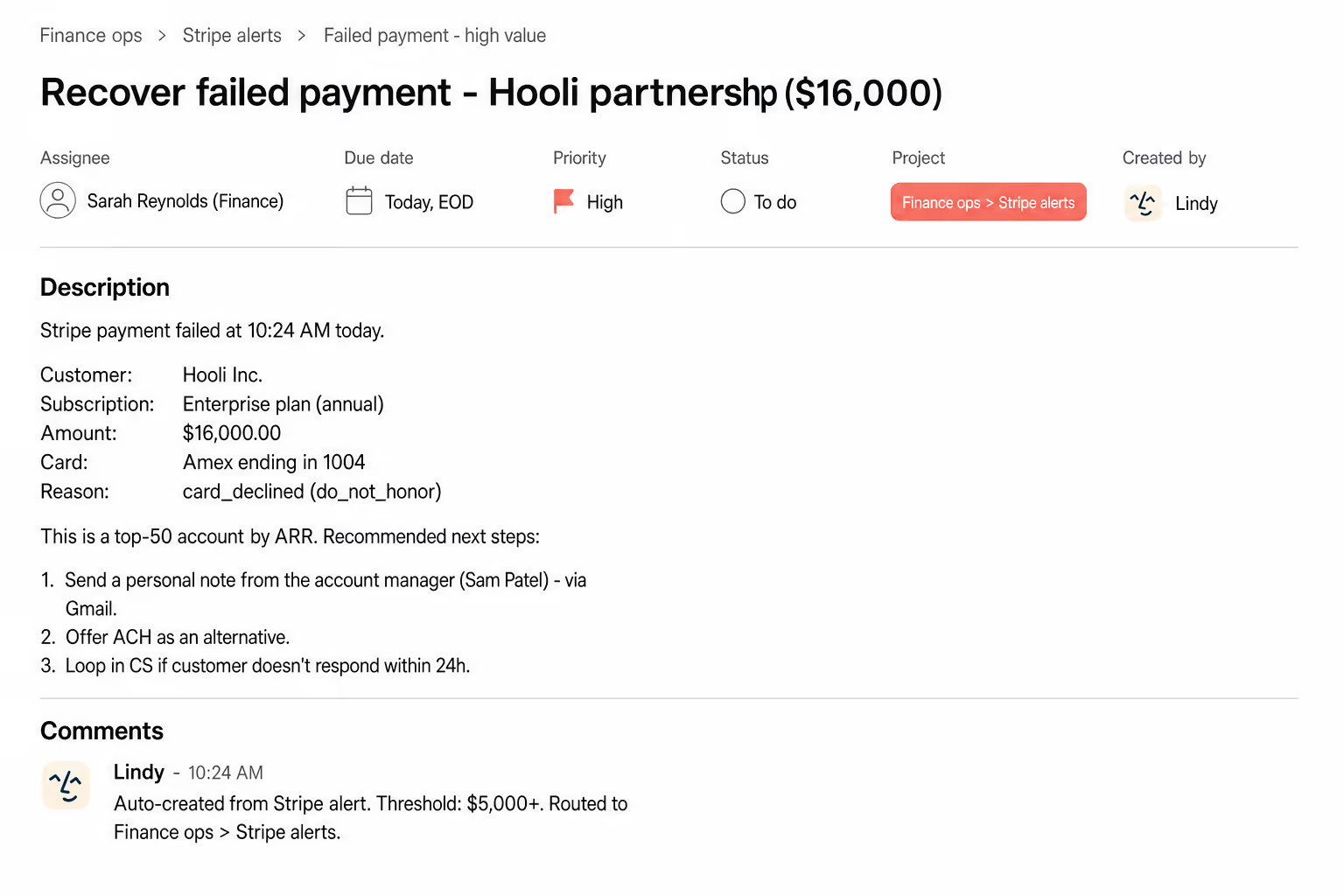






Automate your Stripe alerts with AI.
When a Stripe payment fails, you often find out too late, after a customer has already churned or a subscription has quietly lapsed without anyone on your team knowing.
Lindy monitors your Stripe account for failed payments and instantly posts a notification to the Slack channel of your choice, so your team can follow up right away.


See what Lindy can do for you
Catch a failing payment before a customer notices
Lindy posts to your sales Slack the moment a Stripe payment fails, so the team can save the customer before they spot the bounce.

See the dent every failed payment makes
Lindy posts every failed Stripe charge to your Slack, so marketing sees the real impact on revenue and retention.

Failed payments hit Slack before they hit a meeting
Lindy posts every Stripe failure to your channel, so your boss already knows when the topic comes up.

Failed payments stop being a Monday surprise
Lindy posts to Slack the moment a Stripe payment fails, so the team can fix the issue before churn quietly stacks up.
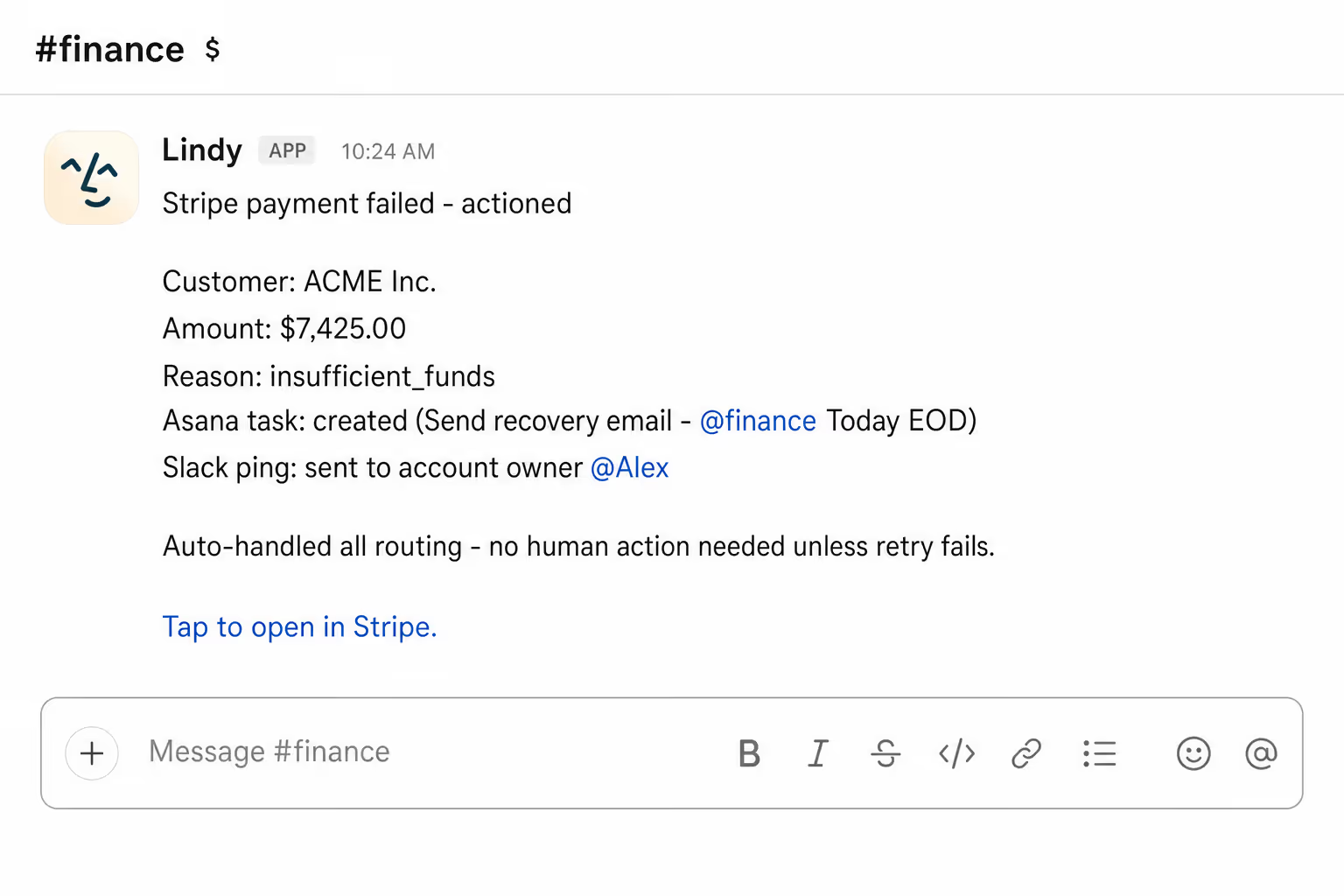
Spot revenue leaks the moment they spring
Lindy posts every failed Stripe payment to Slack, so revenue surprises don't wait for the monthly review.

Summarise more than just Slack
Summarising Slack is just the start. Here's what else Lindy can do.

Lindy reads your inbox overnight and sends you a clean digest of what matters before you start your day.

After every call Lindy writes structured notes and sends you a summary so nothing gets lost.

Lindy reads your Zendesk or Intercom queue and delivers a daily overview of open issues and priorities.
Not sure if Lindy can do it? Just ask.
Text your question and Lindy replies with exactly what it can do for you. No account, no sign-up. Just send a message.
Try for freeMore ways to use Lindy
Plenty more in the library. Pick the next one that fits your day.

Lindy pulls your daily info and texts you a personalized morning brief via SMS.

Lindy checks your top Slack channels each day and sends you a quick summary.
Lindy watches your Slack and texts you when a message needs your attention.

Lindy watches your Salesforce deals and pings your Slack team when a stage changes.


AI Agents for Stripe
Manually keeping track of failed Stripe payments means constantly checking your dashboard, and it's easy to miss one until a customer is already frustrated or a renewal has slipped through the cracks.
When you connect Lindy to Stripe, it can catch failed payments the moment they happen, send a detailed alert to your Slack channel with the customer and amount, and even flag repeat failures so your team knows who needs urgent attention.

A skill shows you a real-world task Lindy can handle for you. It's there to inspire you and show what's possible, not a pre-built workflow you have to follow.
Yes. Sign up, connect the apps the skill needs, and you're ready to go. Most skills are up and running in minutes.
Lindy is your AI assistant. You tell it what you need in plain language and it takes care of the work, across your apps, on your schedule.
Each skill page lists exactly which apps are involved and whether they are required or optional. If you already use those apps, you're good to go.
No. Just tell Lindy what you want it to do and it figures out the rest. Skills are there to show you what's possible and get you started.
Almost certainly. Skills show what's possible, not what's limited. If you don't see what you need, just ask Lindy directly and it will figure it out.