




Update *Salesforce* contacts after a Grain call
Lindy updates Salesforce contacts with notes and key details after each Grain call.
Your CRM reflects the real conversation every time
The next step is captured before you've closed your laptop
One call triggers everything that needs to happen next
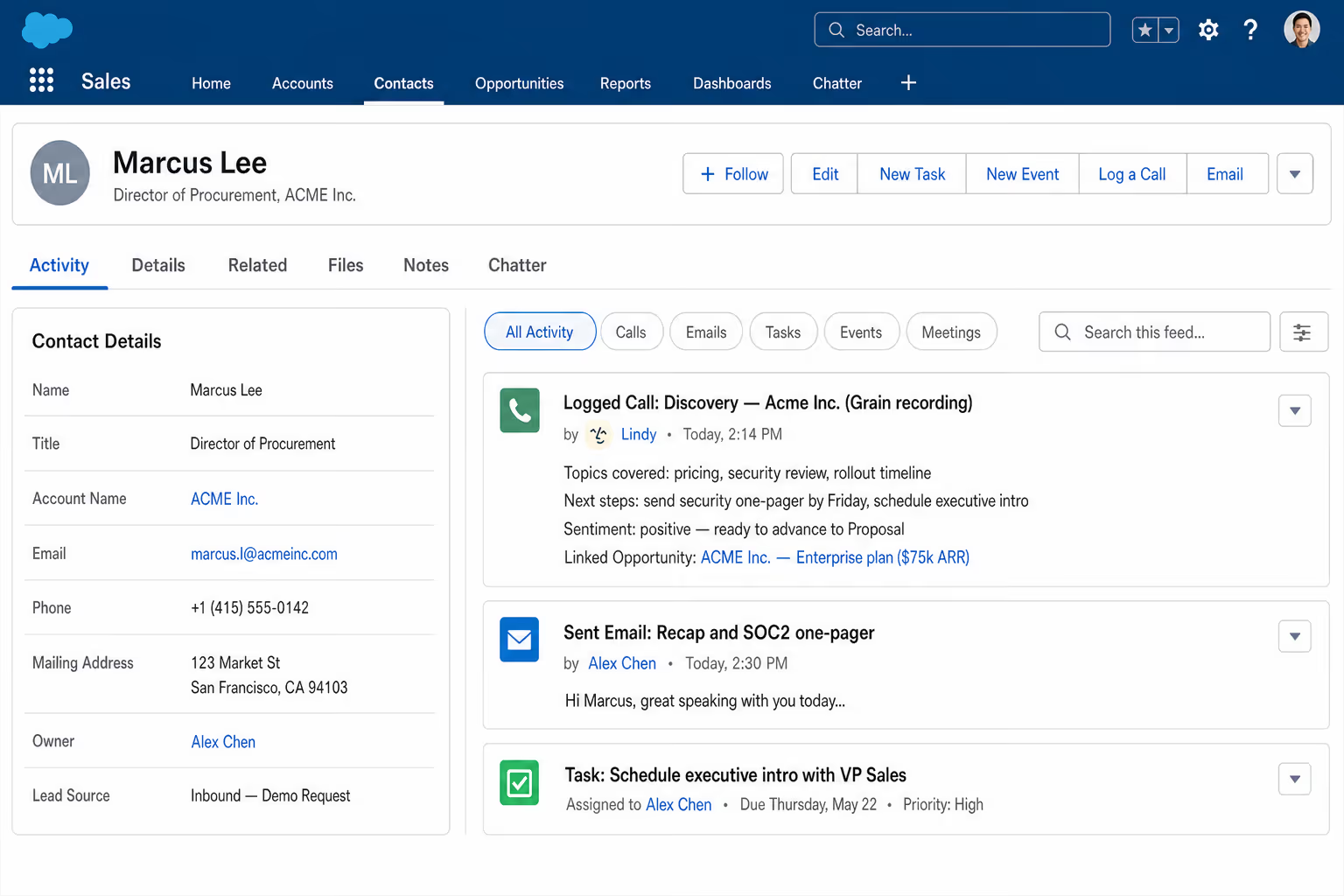
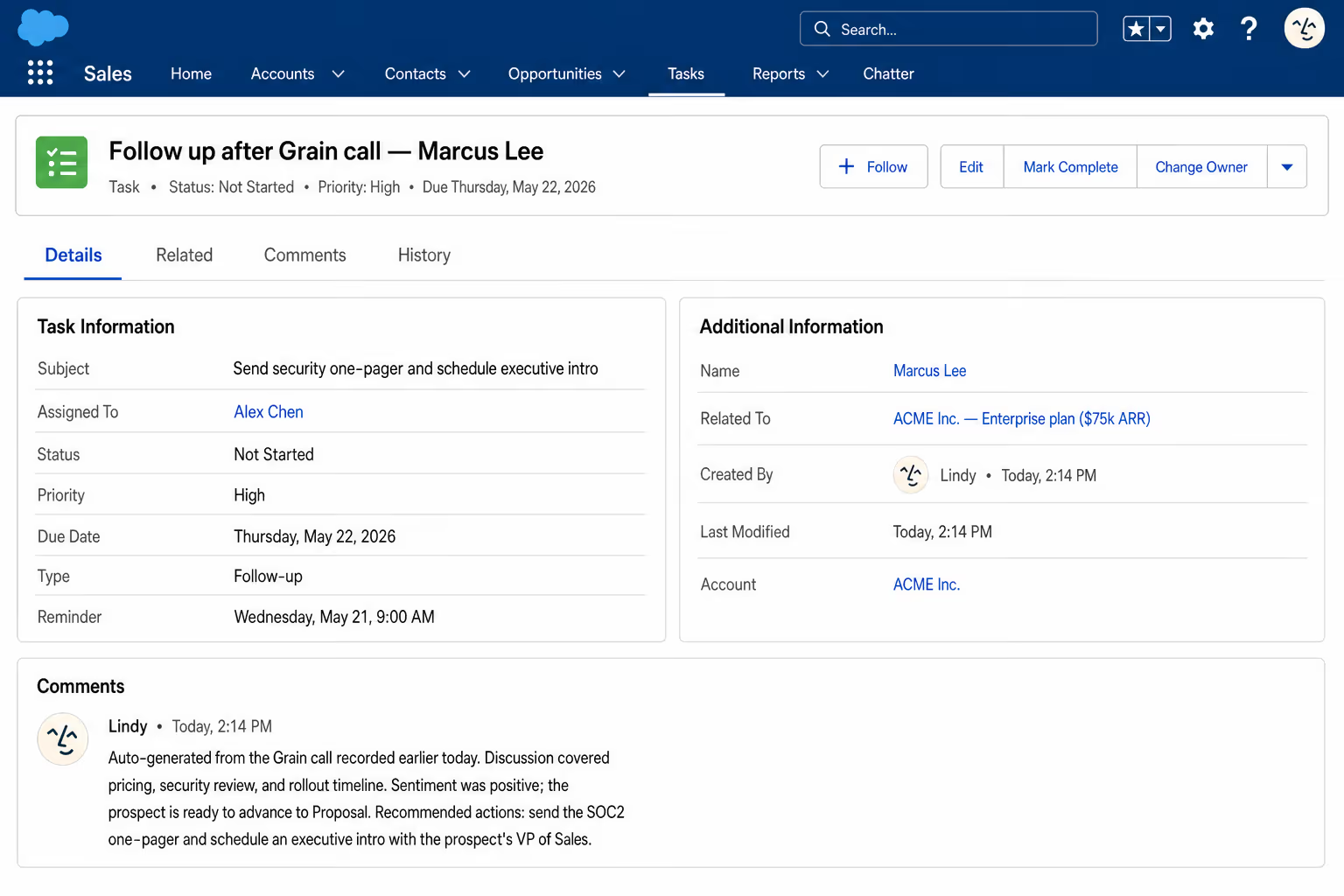
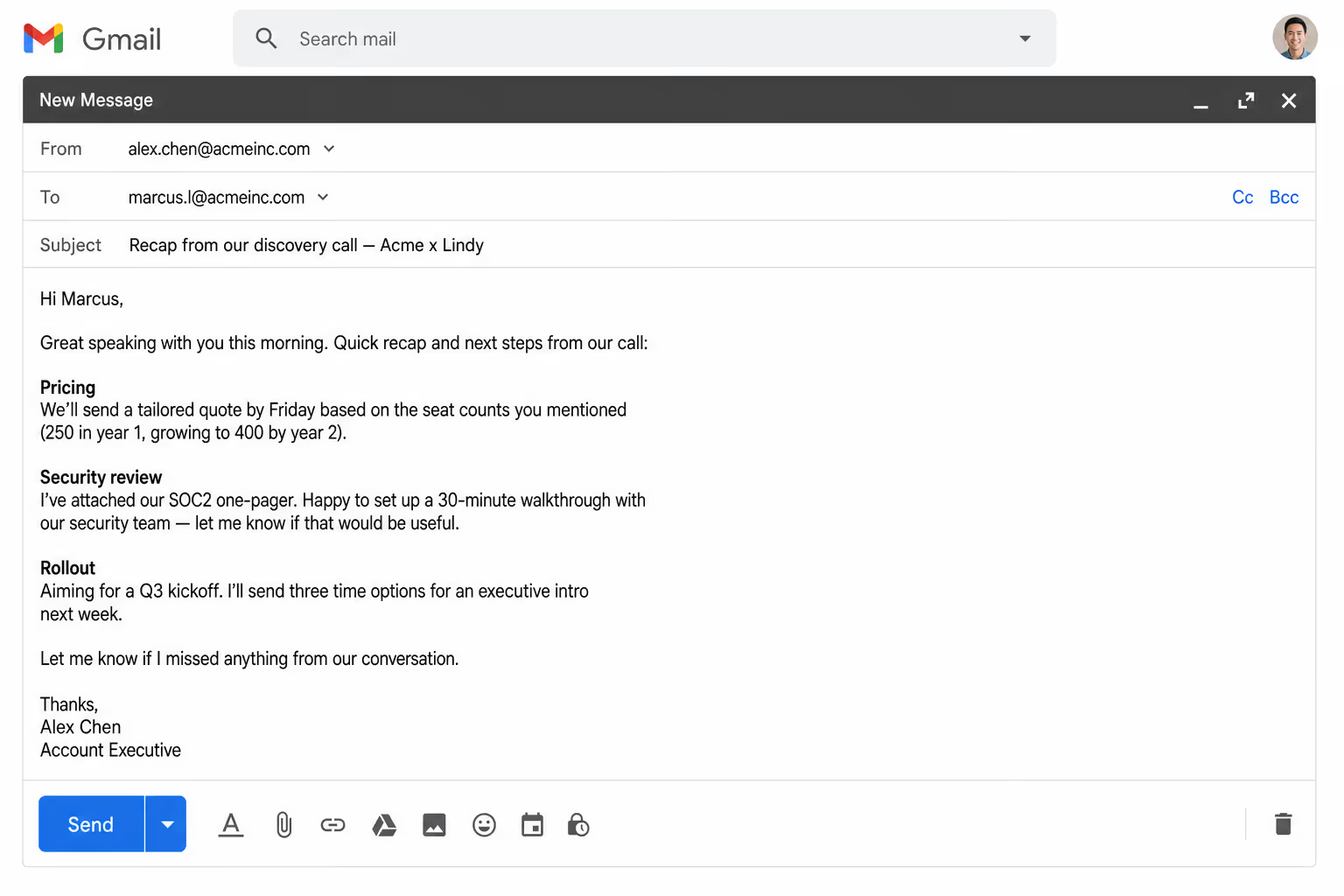






Sync your Salesforce with AI.
A great call ends and the Salesforce contact stays exactly where it was. By Friday no one can remember what was actually discussed.
Lindy reads the Grain transcript and updates Salesforce the second the call ends. Notes, next steps, and the contact info stays current.

Lindy grabs LinkedIn data for new HubSpot contacts and fills in their profiles automatically.

Lindy reads incoming WhatsApp messages and scores each lead based on your criteria.

See what Lindy can do for you
Every call updates the contact and pushes the deal forward
Lindy logs each Grain call to Salesforce with notes and next steps, so your CRM keeps up with your week.
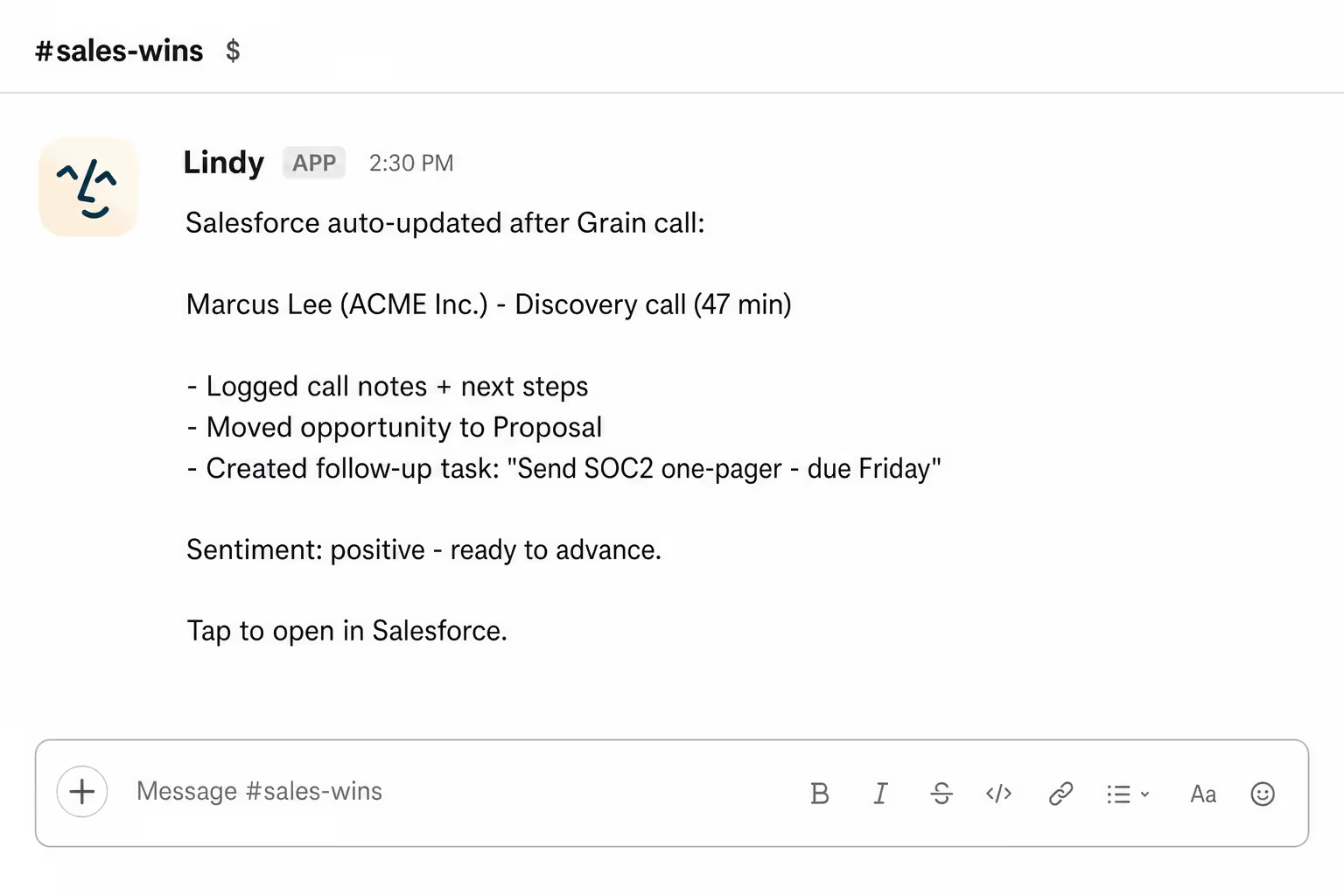
Customer conversations turn into clean CRM data
Lindy updates Salesforce after every Grain call, so the contact records actually reflect what was discussed.

Your boss's contact records are always current
Lindy logs every Grain call's notes and next steps to Salesforce, so the CRM never lags behind the calls.
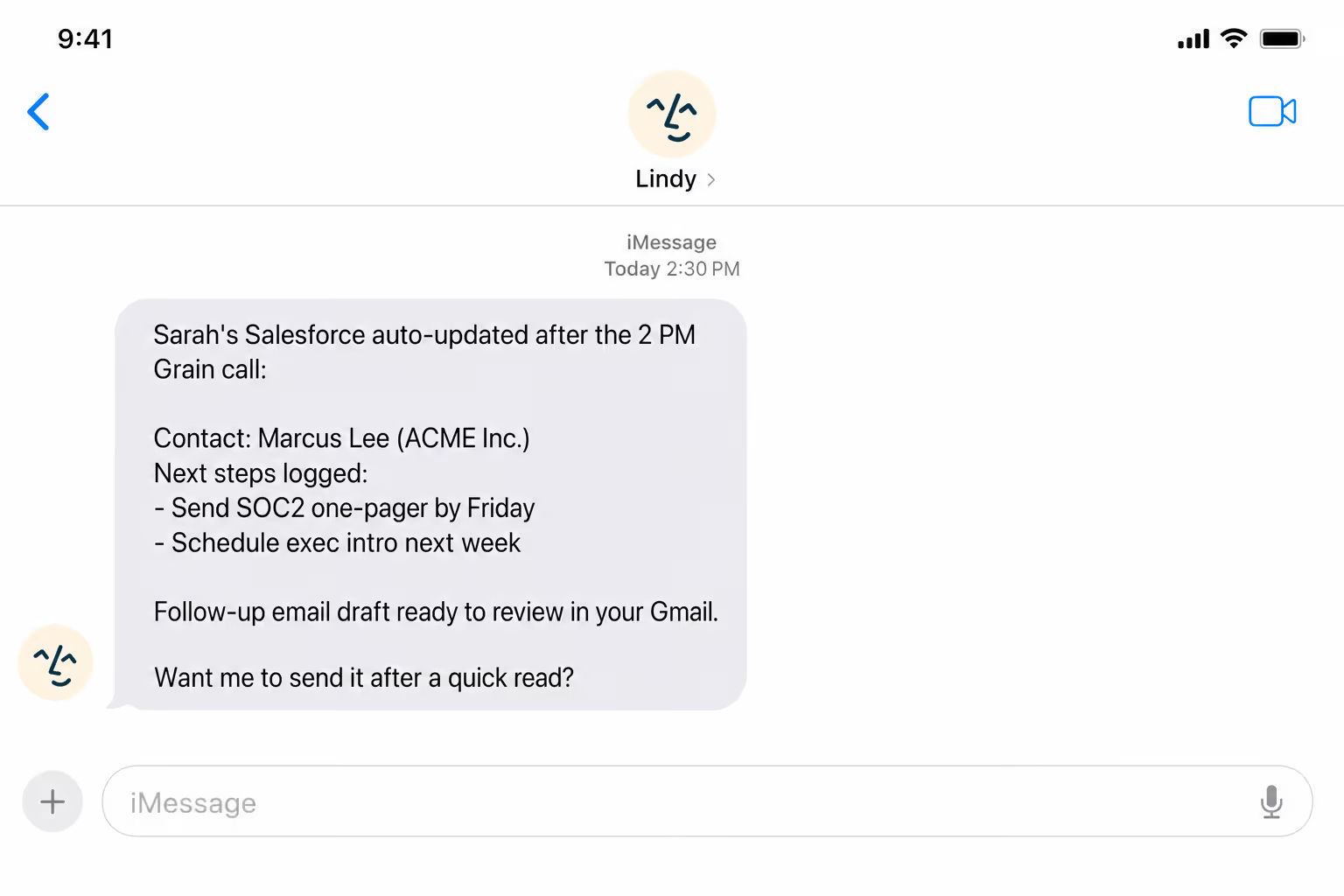
No more after-the-call admin
Lindy updates Salesforce automatically after every Grain call, so reps can move to the next call instead of typing up the last one.
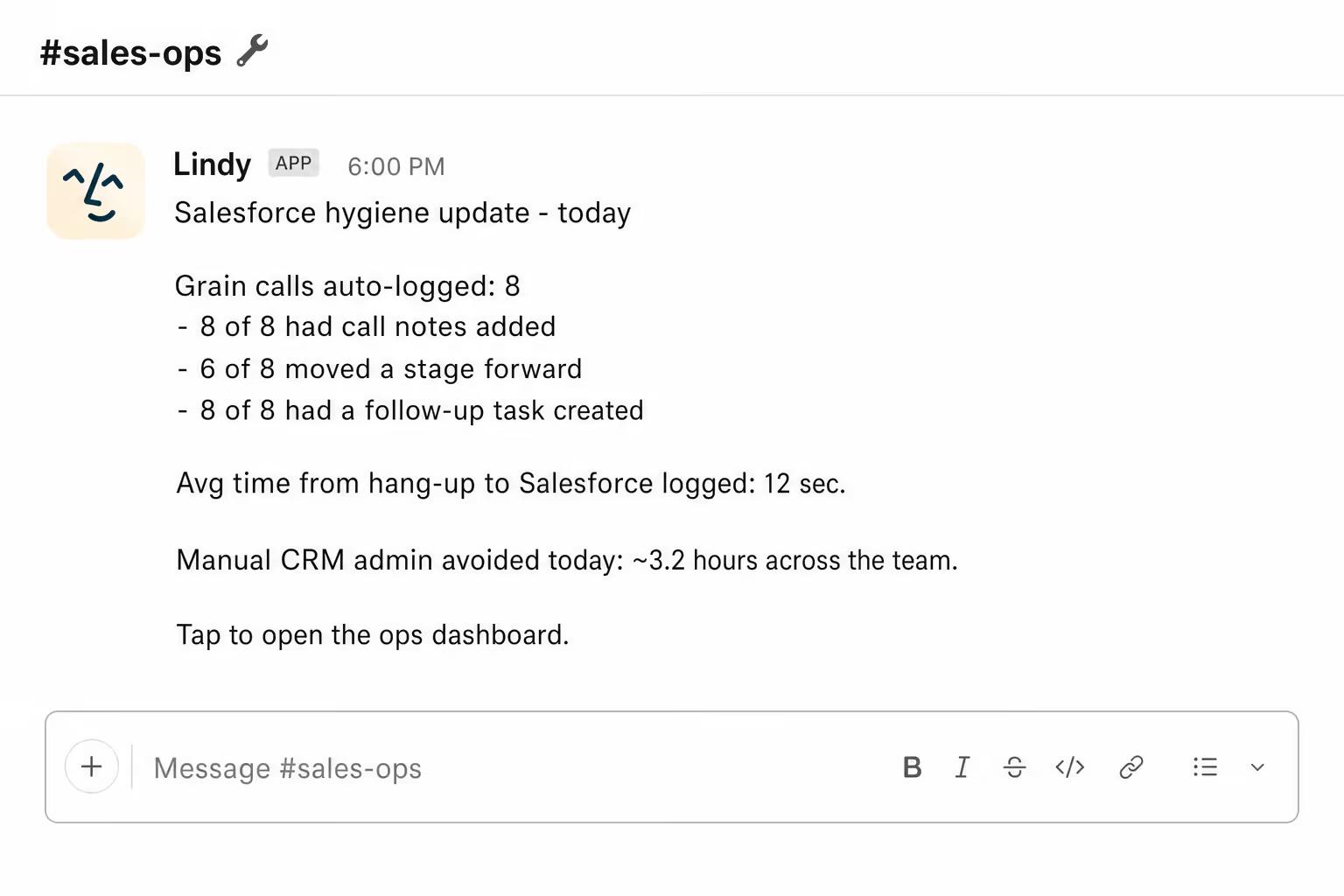
A clean Salesforce without nagging the team
Lindy logs each Grain call to Salesforce automatically, so the customer record stays accurate without anyone fighting for it.
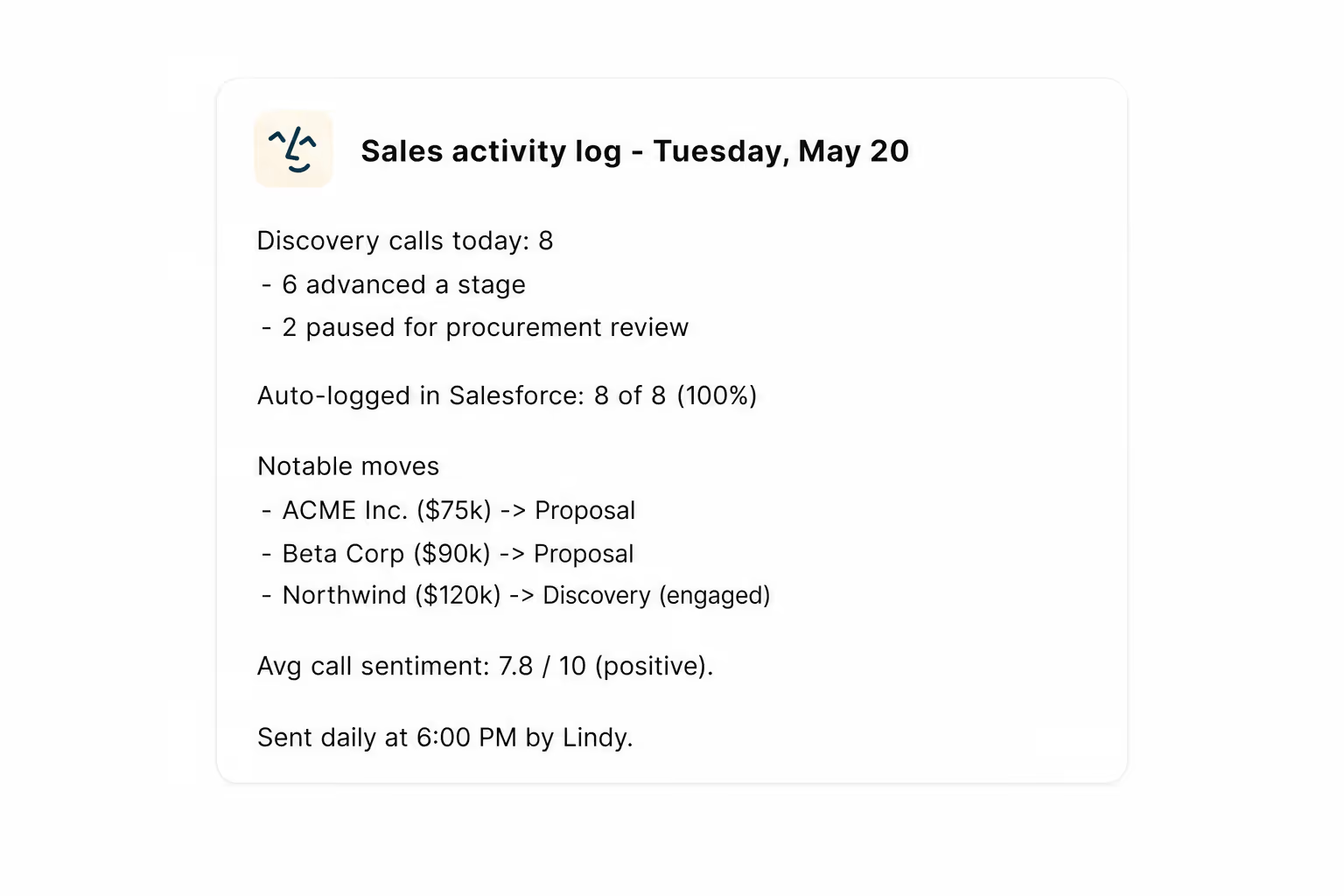
Summarise more than just Slack
Summarising Slack is just the start. Here's what else Lindy can do.

Lindy reads your inbox overnight and sends you a clean digest of what matters before you start your day.

After every call Lindy writes structured notes and sends you a summary so nothing gets lost.

Lindy reads your Zendesk or Intercom queue and delivers a daily overview of open issues and priorities.
Not sure if Lindy can do it? Just ask.
Text your question and Lindy replies with exactly what it can do for you. No account, no sign-up. Just send a message.
Try for freeMore ways to use Lindy
Plenty more in the library. Pick the next one that fits your day.
Lindy pulls company and role data and adds it to new HubSpot leads automatically.

Lindy watches your Gmail and texts you the moment a VIP sends you an email.

Lindy records your Zoom calls and turns them into text automatically.
Lindy listens to your calls and logs notes straight into HubSpot for you.

AI Agents for Salesforce.
Keeping Salesforce contacts up to date after every call is one of those things that sounds simple but never actually happens, because nobody wants to spend 20 minutes updating fields after back-to-back meetings.
Connect Lindy to Salesforce and it can update contact details, log the call under the right account, and add notes directly to the contact record without you touching anything.

A skill shows you a real-world task Lindy can handle for you. It's there to inspire you and show what's possible, not a pre-built workflow you have to follow.
Yes. Sign up, connect the apps the skill needs, and you're ready to go. Most skills are up and running in minutes.
Lindy is your AI assistant. You tell it what you need in plain language and it takes care of the work, across your apps, on your schedule.
Each skill page lists exactly which apps are involved and whether they are required or optional. If you already use those apps, you're good to go.
No. Just tell Lindy what you want it to do and it figures out the rest. Skills are there to show you what's possible and get you started.
Almost certainly. Skills show what's possible, not what's limited. If you don't see what you need, just ask Lindy directly and it will figure it out.