




Enrich new HubSpot leads with *company and role data*
Lindy pulls company and role data and adds it to new HubSpot leads automatically.
Know which leads to prioritize the moment they come in
Jump on the right leads before they go cold
Full contact context without any manual research
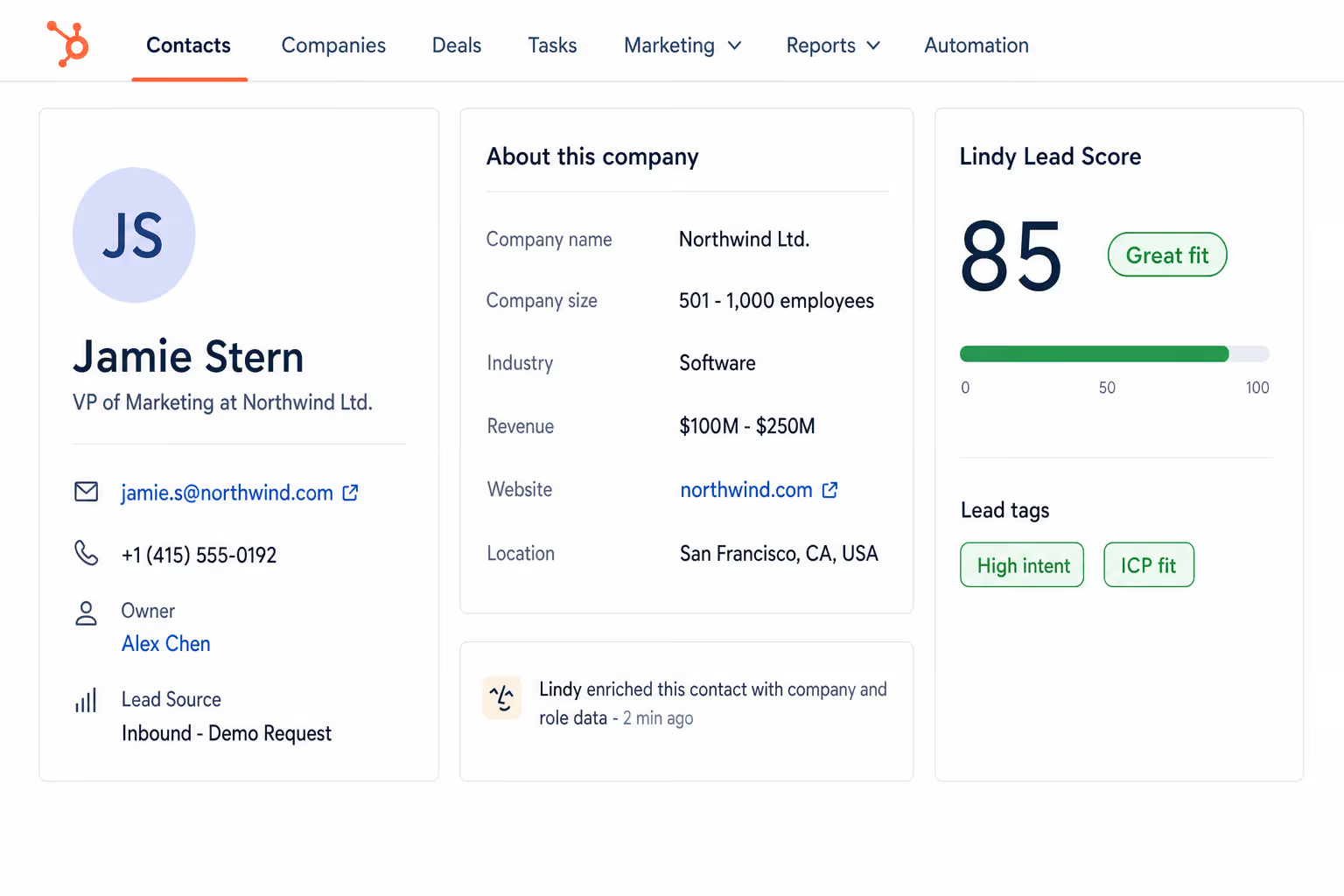
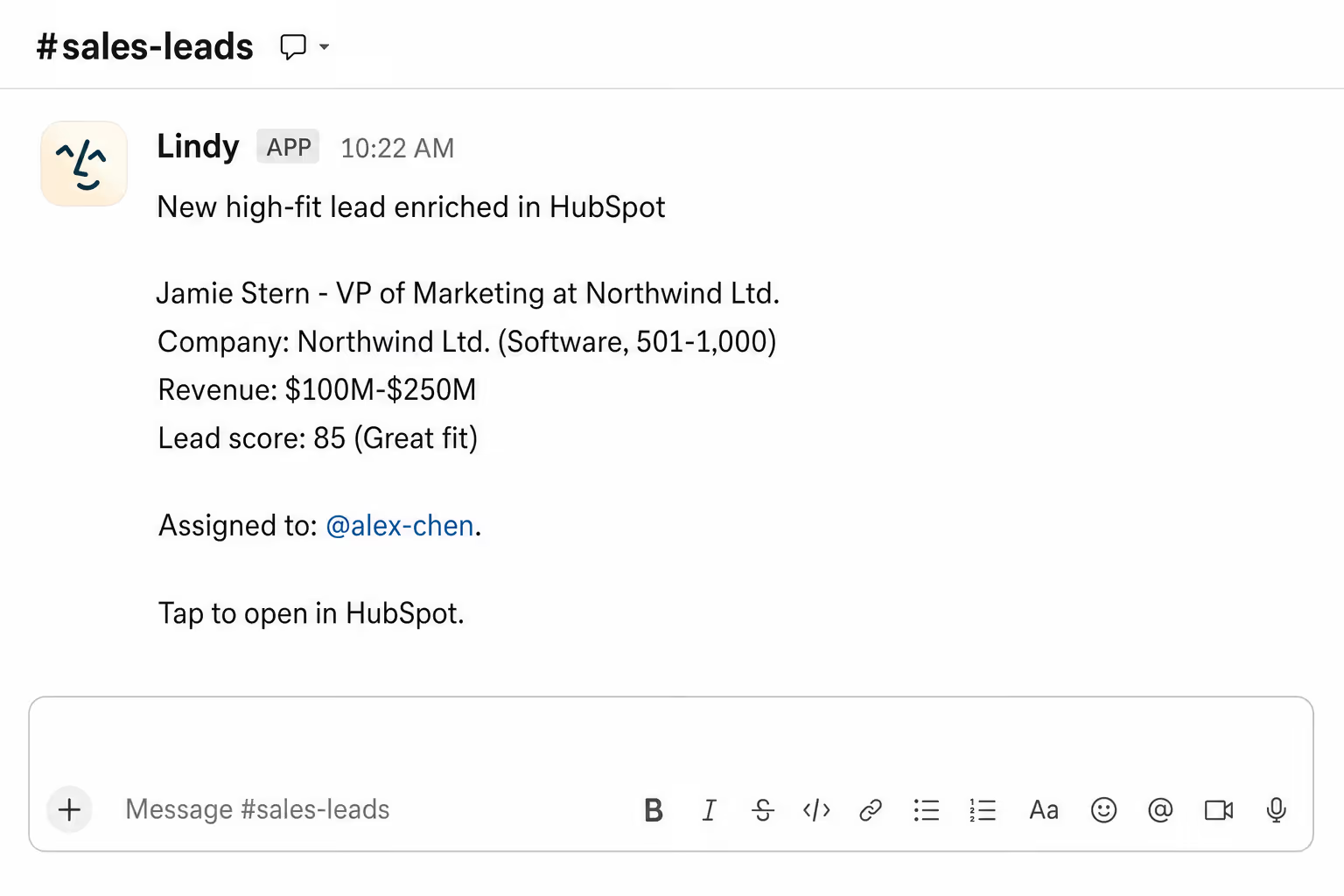






Supercharge your HubSpot leads with AI.
A lead lands in HubSpot with a name and email and not much else. Someone has to look up the company, the role, the size, before the rep can do anything.
Lindy enriches each new lead the moment it lands. Company, role, size, and any context worth knowing, all filled in before the first call.
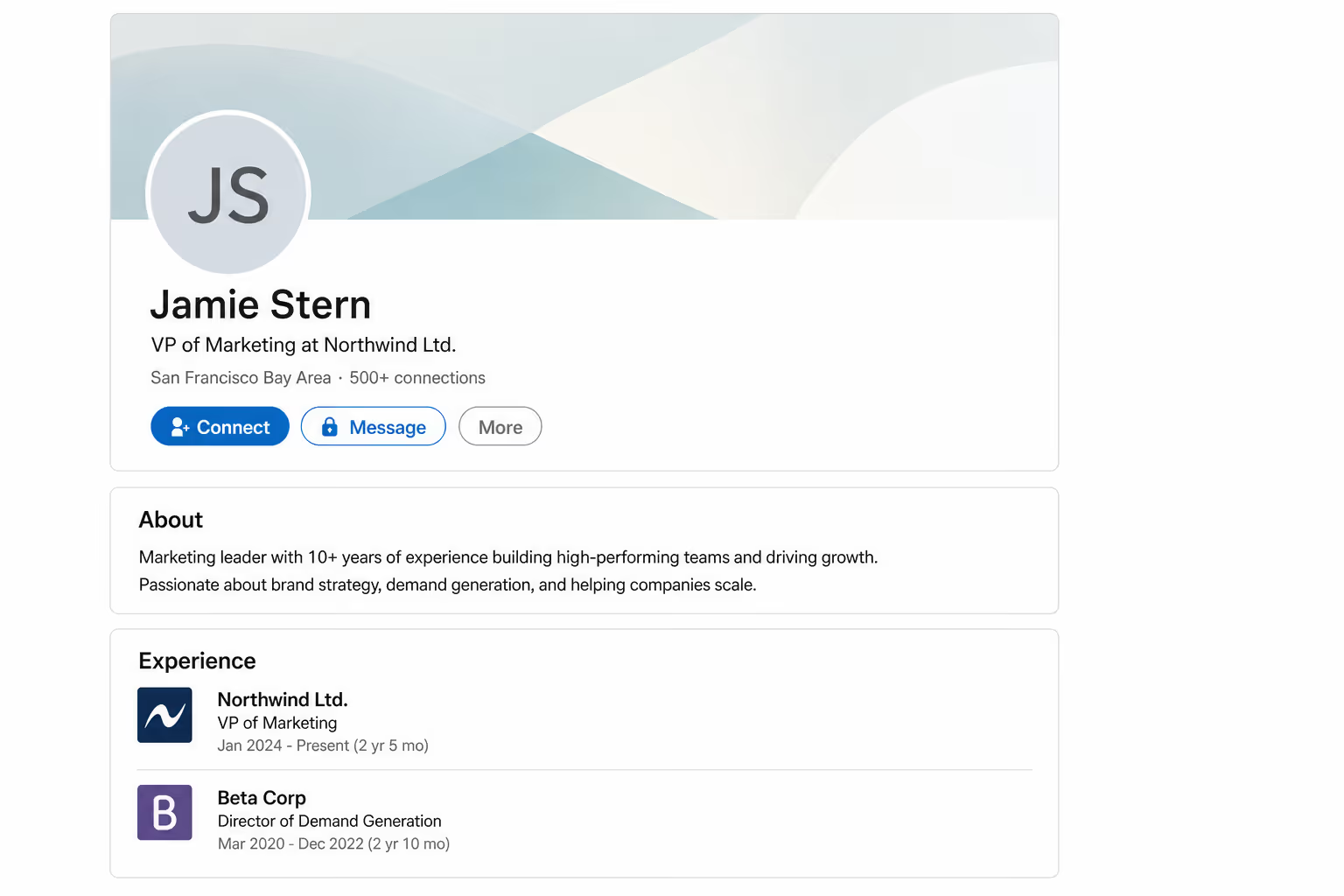
Lindy grabs LinkedIn data for new HubSpot contacts and fills in their profiles automatically.

Lindy reads incoming WhatsApp messages and scores each lead based on your criteria.

See what Lindy can do for you
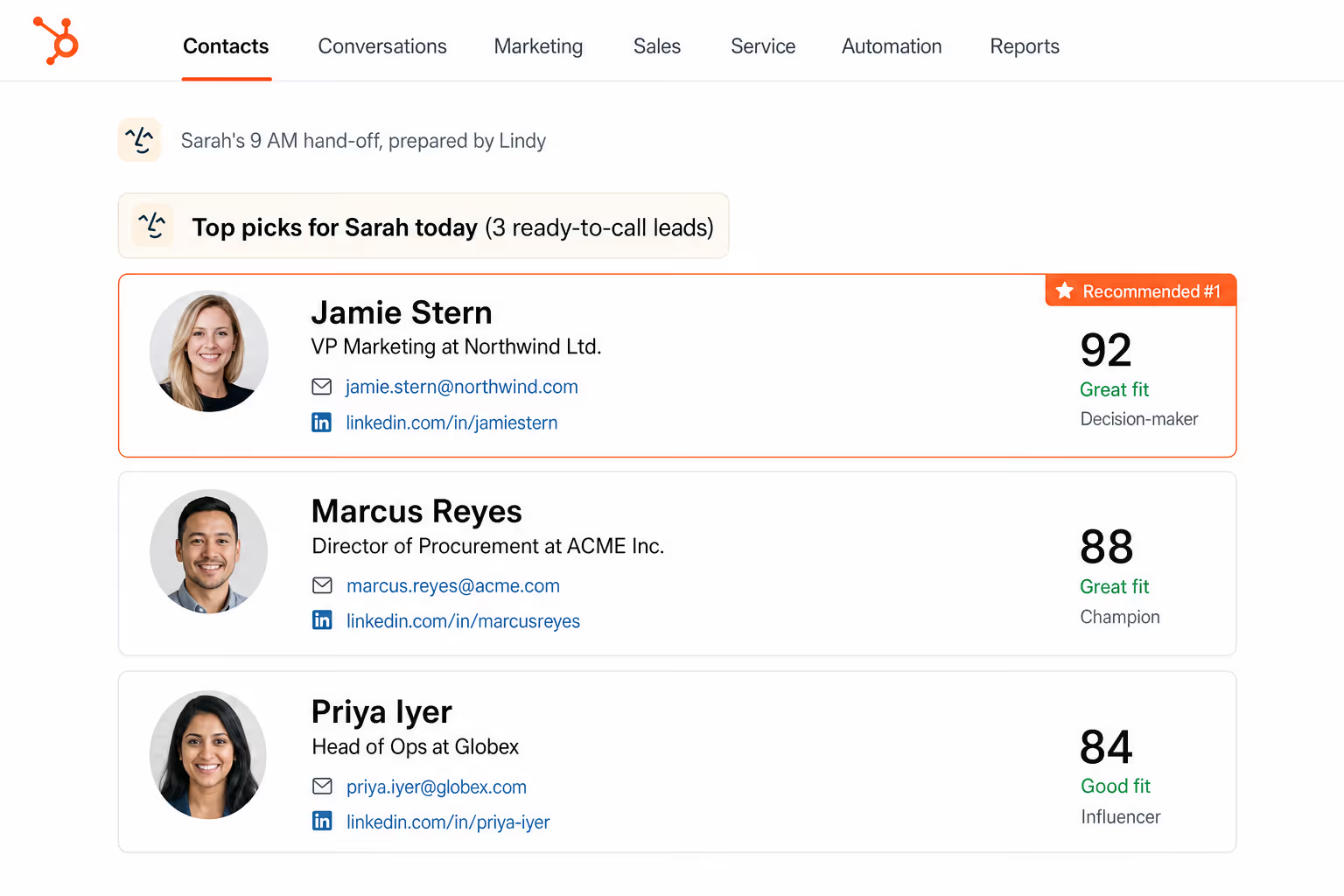
Every new lead is ready to call, not look up
Lindy enriches each new HubSpot lead with company and role data, so your reps can act on the lead instead of researching it.
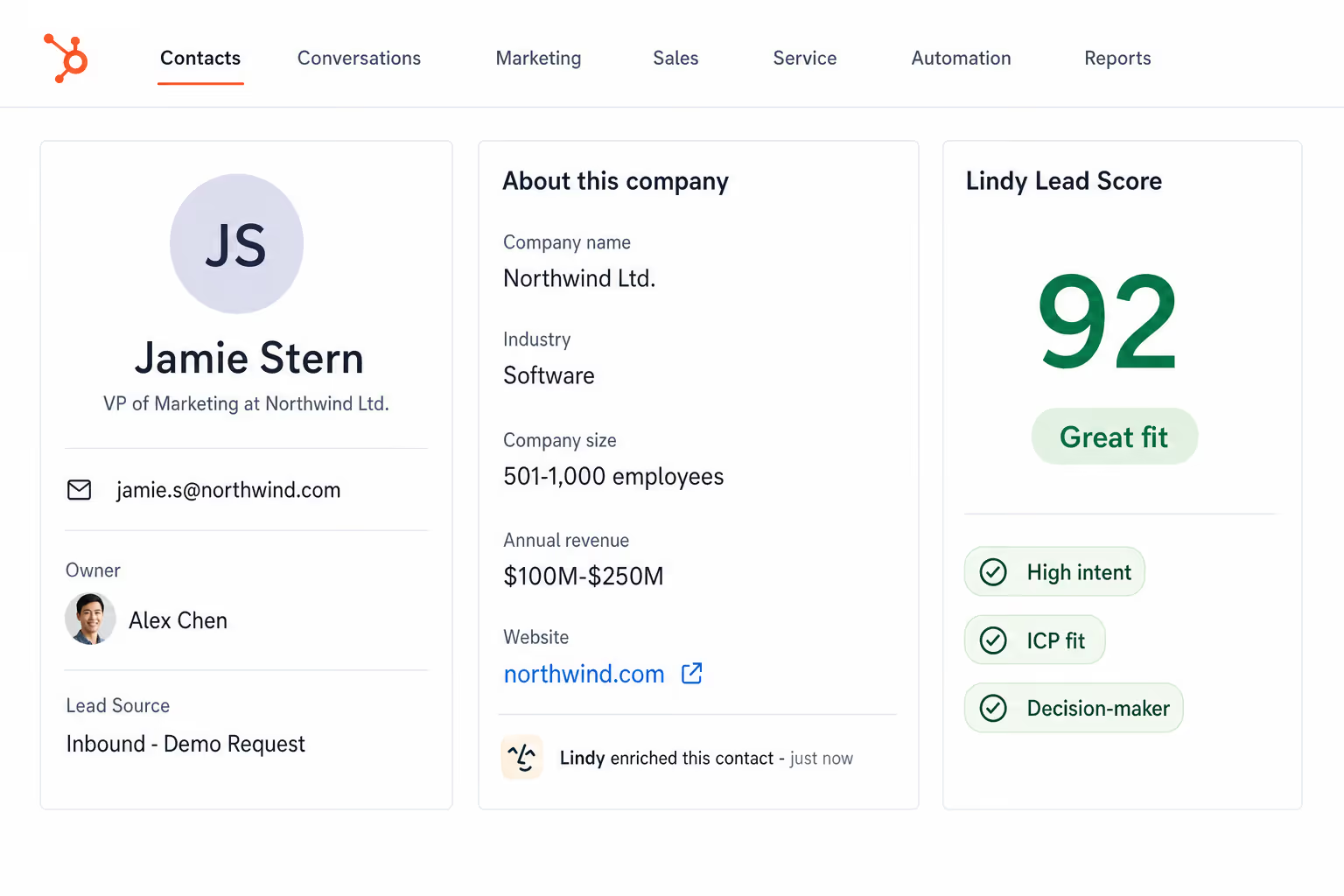
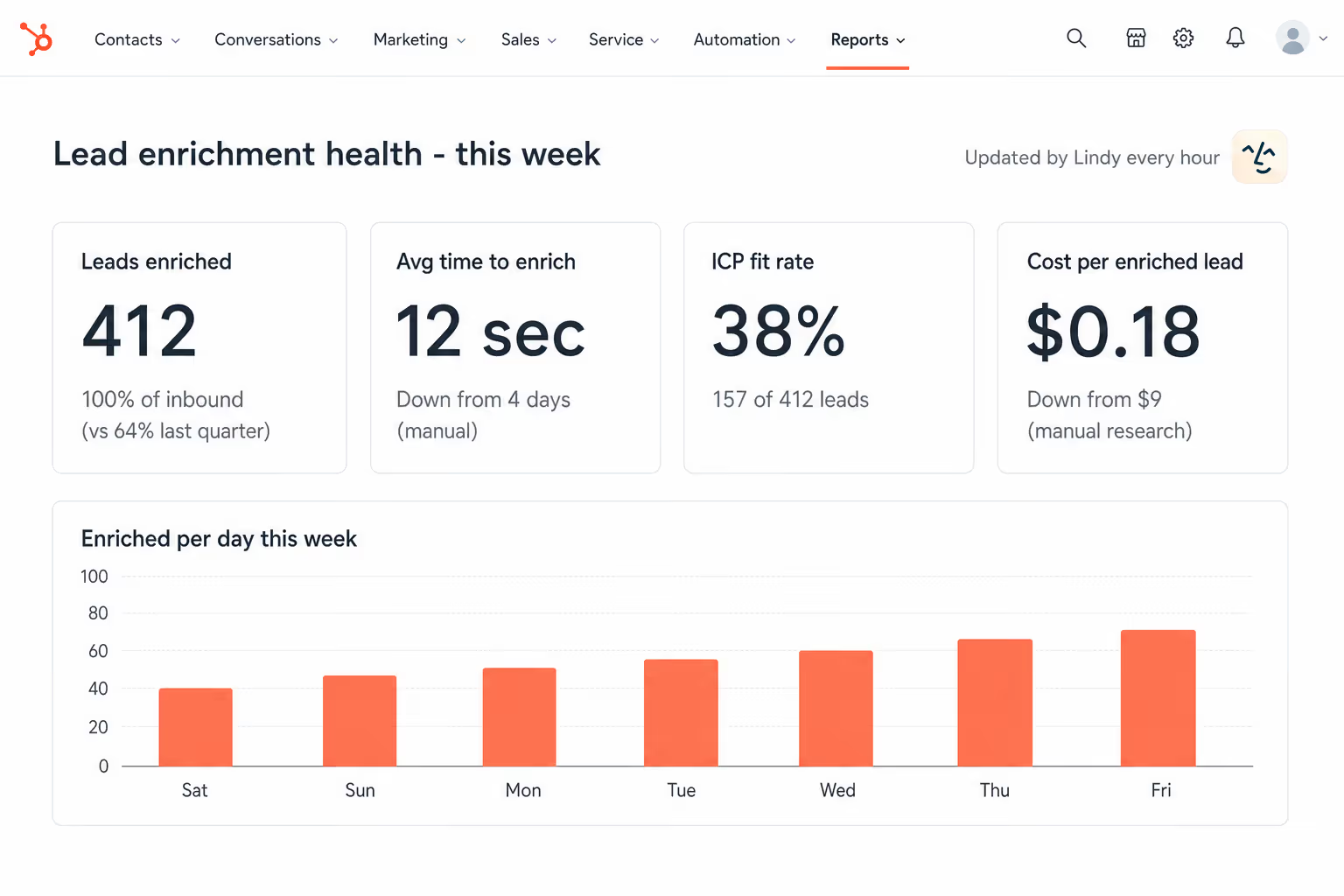
Lead quality is visible from minute one
Lindy enriches every new lead with firmographic data, so you can see which campaigns send real ICP fits.

No more manual lookups for every new contact
Lindy fills in the company and role on every new HubSpot lead, so the CRM is ready to use without an hour of cleanup.
Your CRM stays usable as it grows
Lindy enriches every new lead automatically, so the pipeline stays clean without anyone keeping it that way.
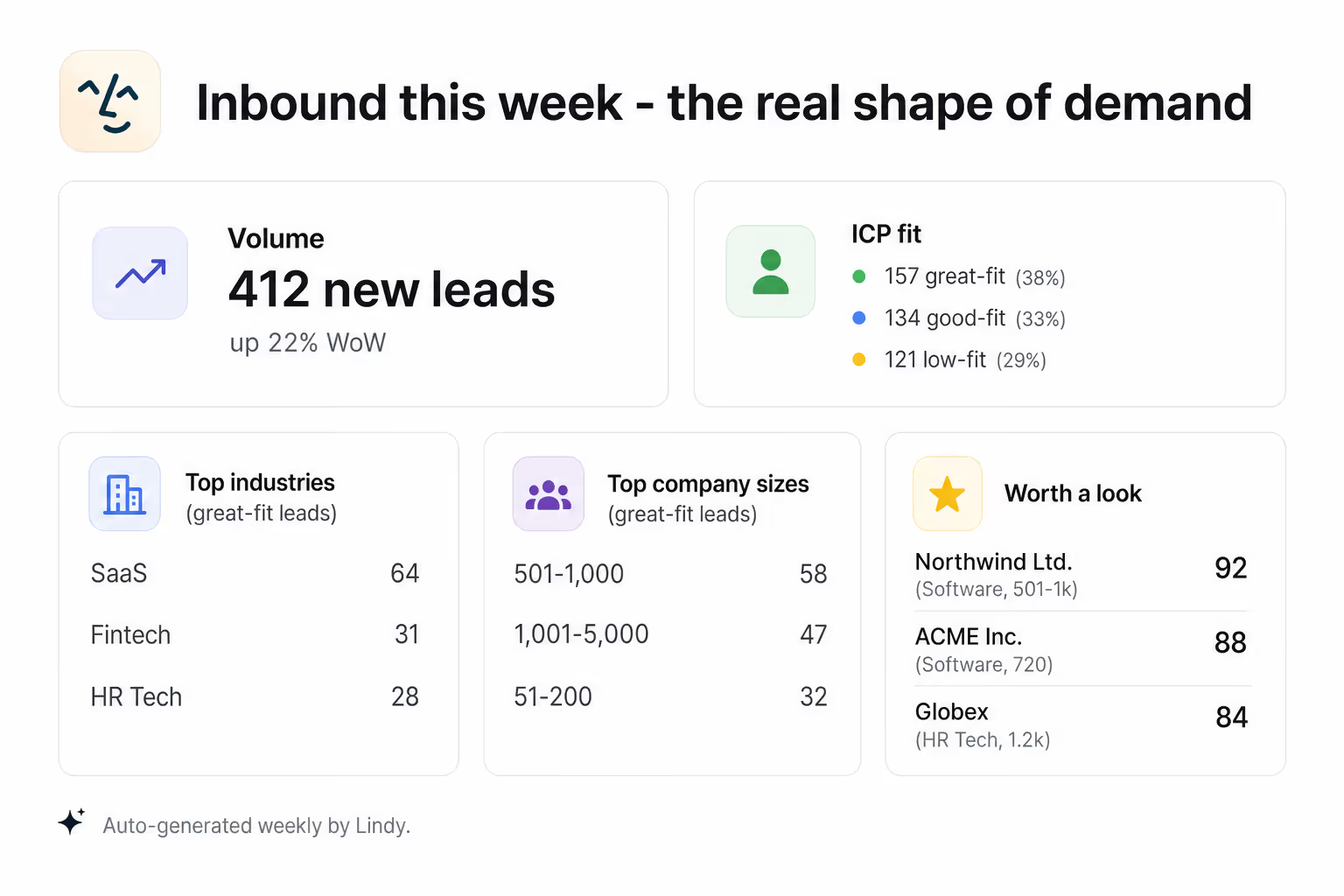
See the real shape of your inbound
Lindy enriches every new HubSpot lead with company data, so you can spot the ICP fits without reviewing the queue.
Summarise more than just Slack
Summarising Slack is just the start. Here's what else Lindy can do.

Lindy reads your inbox overnight and sends you a clean digest of what matters before you start your day.

After every call Lindy writes structured notes and sends you a summary so nothing gets lost.

Lindy reads your Zendesk or Intercom queue and delivers a daily overview of open issues and priorities.
Not sure if Lindy can do it? Just ask.
Text your question and Lindy replies with exactly what it can do for you. No account, no sign-up. Just send a message.
Try for freeMore ways to use Lindy
Plenty more in the library. Pick the next one that fits your day.

Lindy turns your meeting notes into clean summaries with decisions and next steps.

Lindy reads your Gmail threads and drafts replies that match how you write.

Lindy watches your Shopify store and pings your team the moment a new order arrives.

Lindy reads your top Slack channels and sends you a quick summary of what matters.

AI Agents for HubSpot.
Manually researching every new lead that comes into HubSpot is a time sink, and most reps either skip it or do it inconsistently, which means outreach ends up generic and poorly timed.
Connect Lindy to HubSpot and it can pull company size, industry, and job title data for each new contact, update the record automatically, and even tag leads based on fit so your team knows exactly who to go after first.

A skill shows you a real-world task Lindy can handle for you. It's there to inspire you and show what's possible, not a pre-built workflow you have to follow.
Yes. Sign up, connect the apps the skill needs, and you're ready to go. Most skills are up and running in minutes.
Lindy is your AI assistant. You tell it what you need in plain language and it takes care of the work, across your apps, on your schedule.
Each skill page lists exactly which apps are involved and whether they are required or optional. If you already use those apps, you're good to go.
No. Just tell Lindy what you want it to do and it figures out the rest. Skills are there to show you what's possible and get you started.
Almost certainly. Skills show what's possible, not what's limited. If you don't see what you need, just ask Lindy directly and it will figure it out.