




Log new form responses automatically in *Google Sheets*
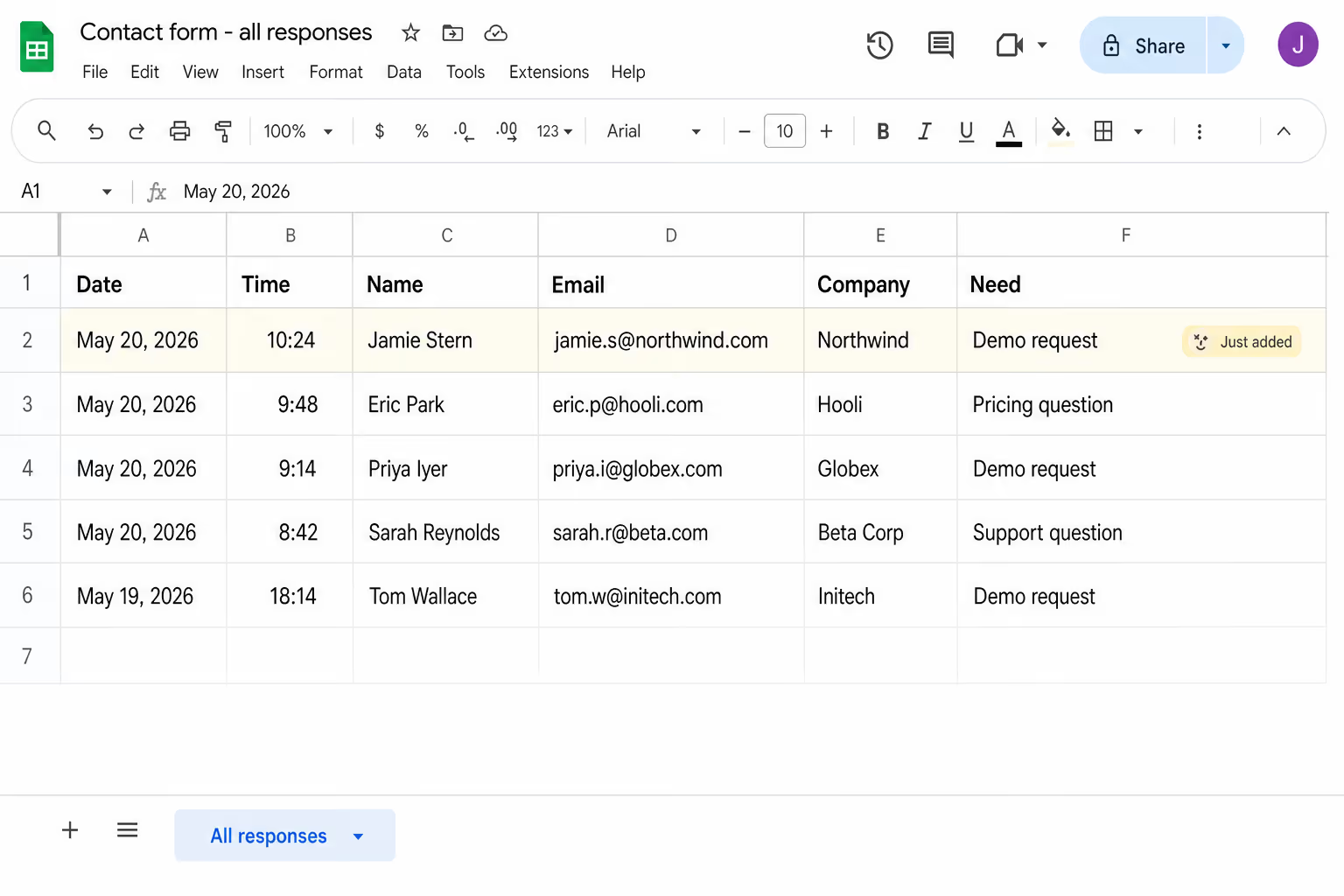
Lindy watches your form and logs each new response as a row in Google Sheets.
Build a CRM-lite in your Sheet automatically
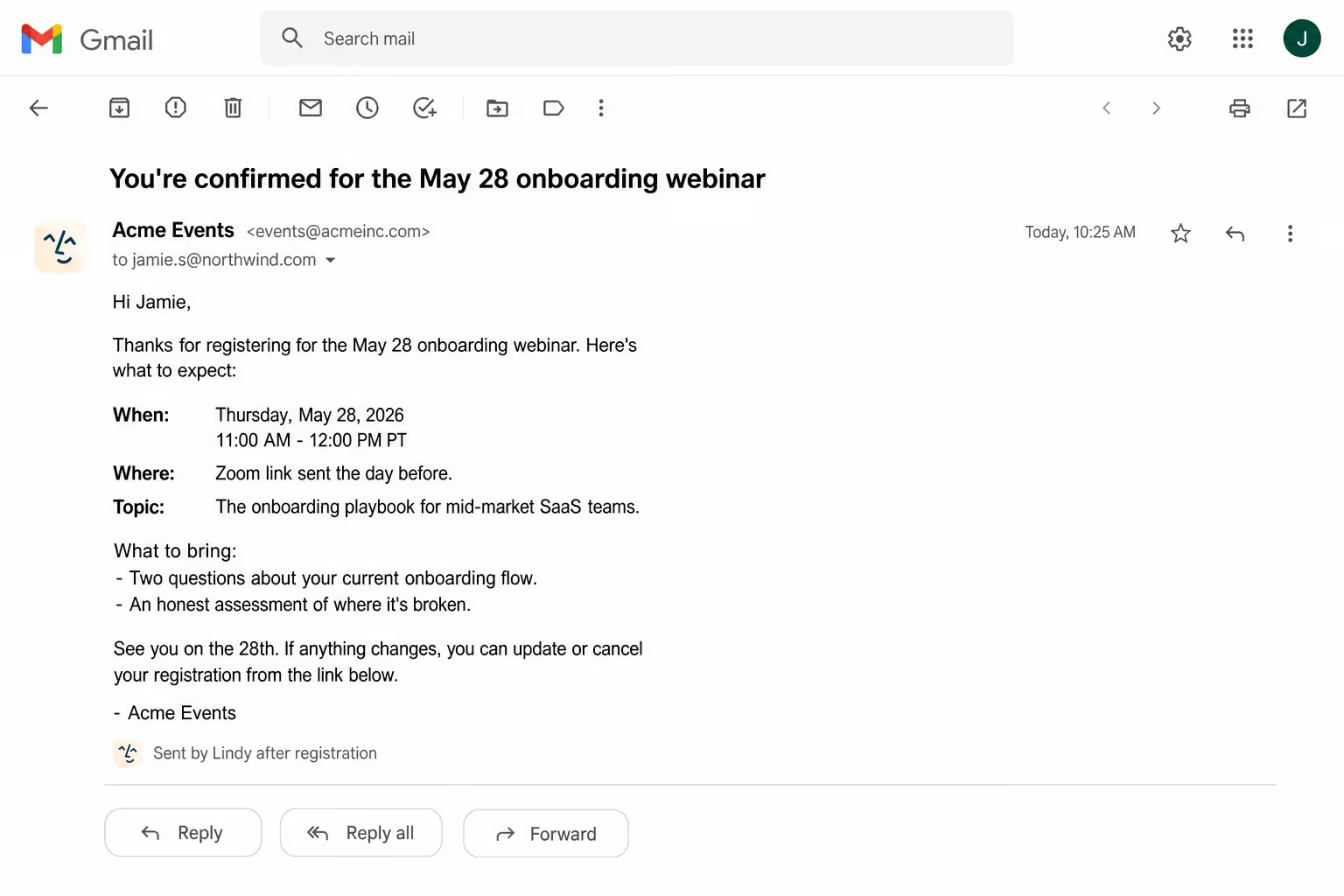
Confirm signups instantly without copy-paste
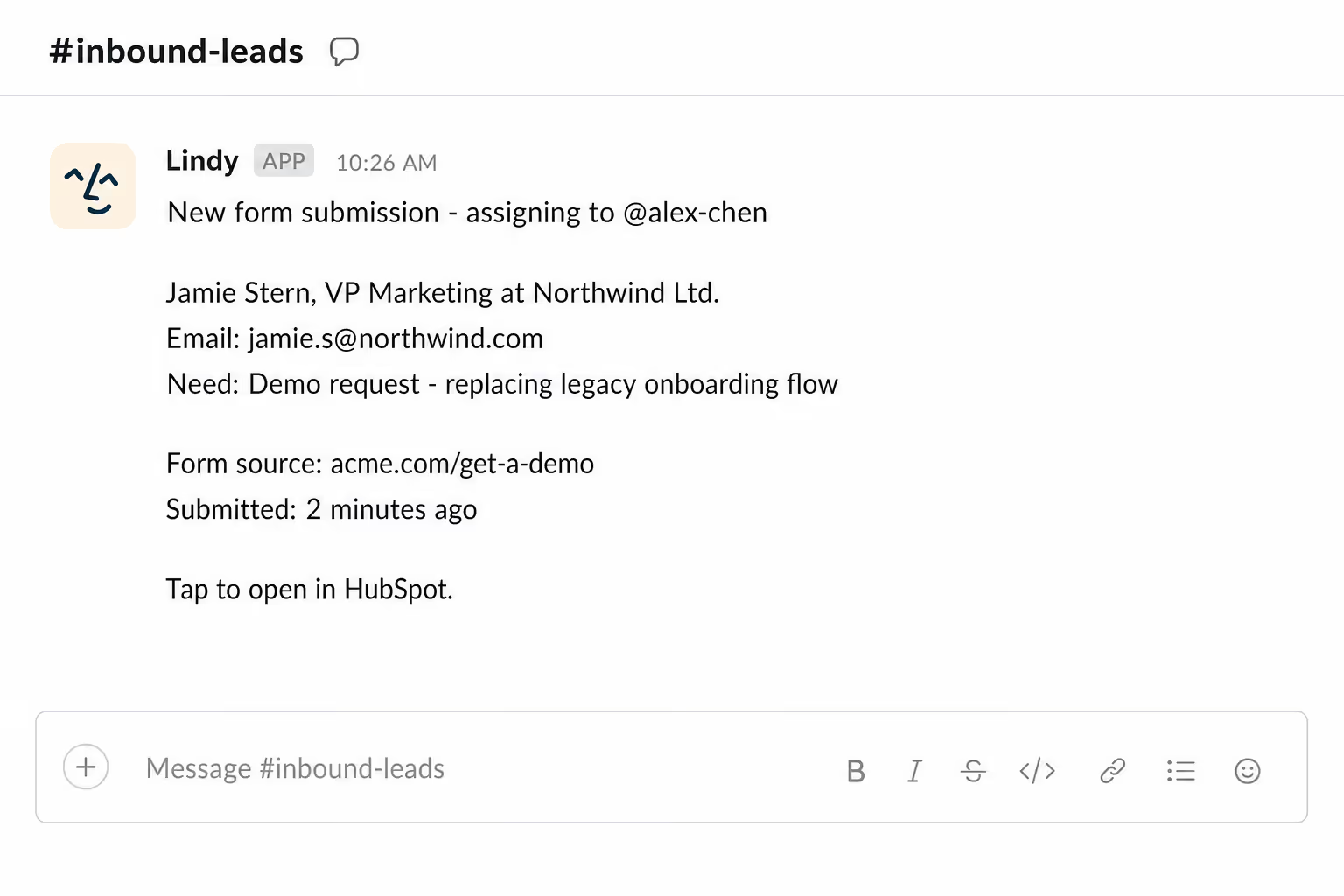
Hand off form leads before the day ends






Automate your Google Sheets with AI.
Every time someone fills out your Google Form, you have to manually open Sheets, find the right tab, and make sure the response actually landed where it should.
Lindy watches your form for new submissions and instantly logs each response into the correct Google Sheet, so your data is always up to date without you lifting a finger.
Lindy pulls your Google Sheets data and turns it into a formatted weekly report.

Lindy blocks off focus time on your Google Calendar so your schedule stays protected.


See what Lindy can do for you
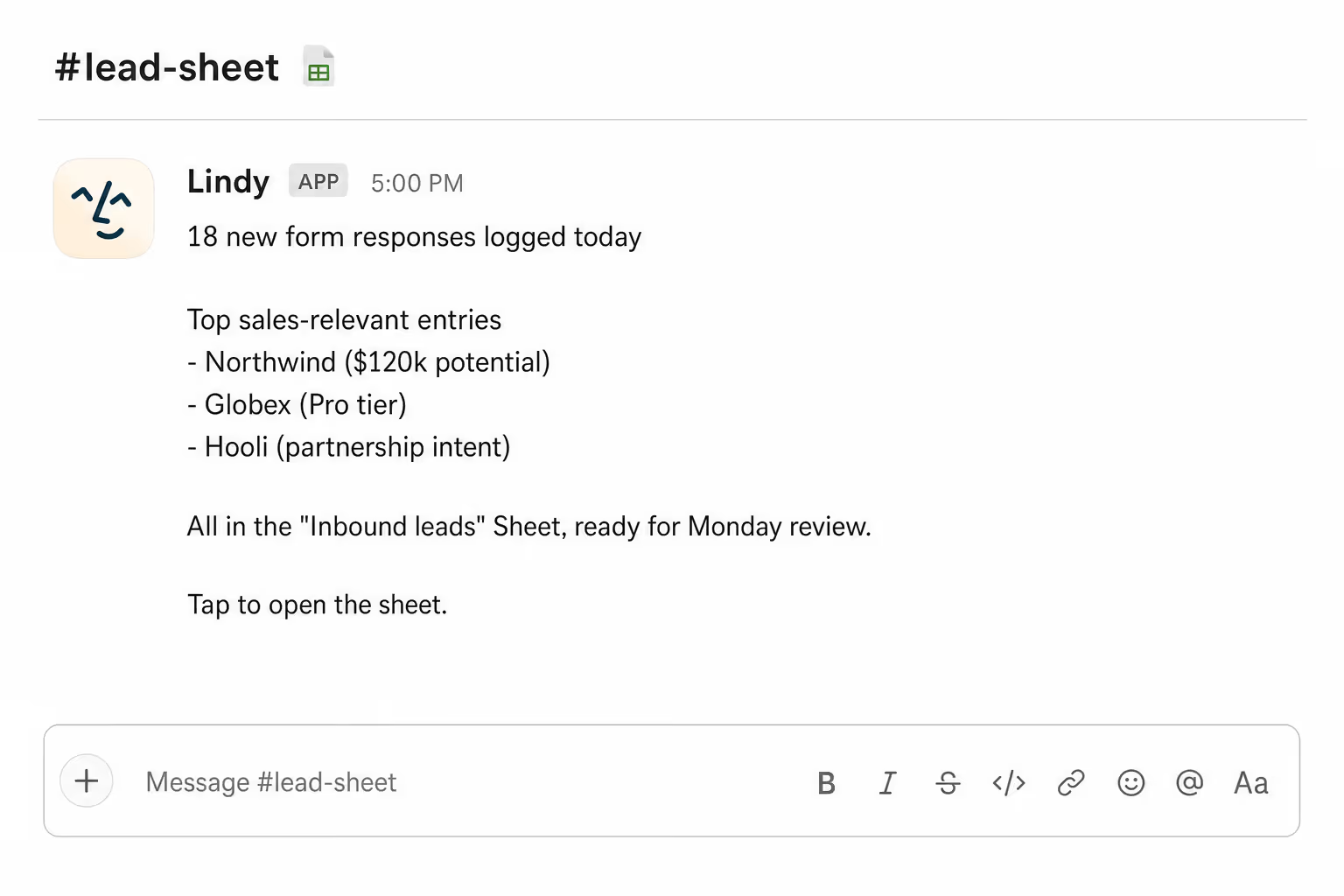
Every inbound lead lands in one trackable place
Lindy logs every form submission to your Google Sheet with full details, so the sales team has a single, current view of all inbound activity.
Form data feeds your reports automatically
Lindy logs form submissions to Google Sheets, so campaign performance reports stay current without anyone exporting CSVs.
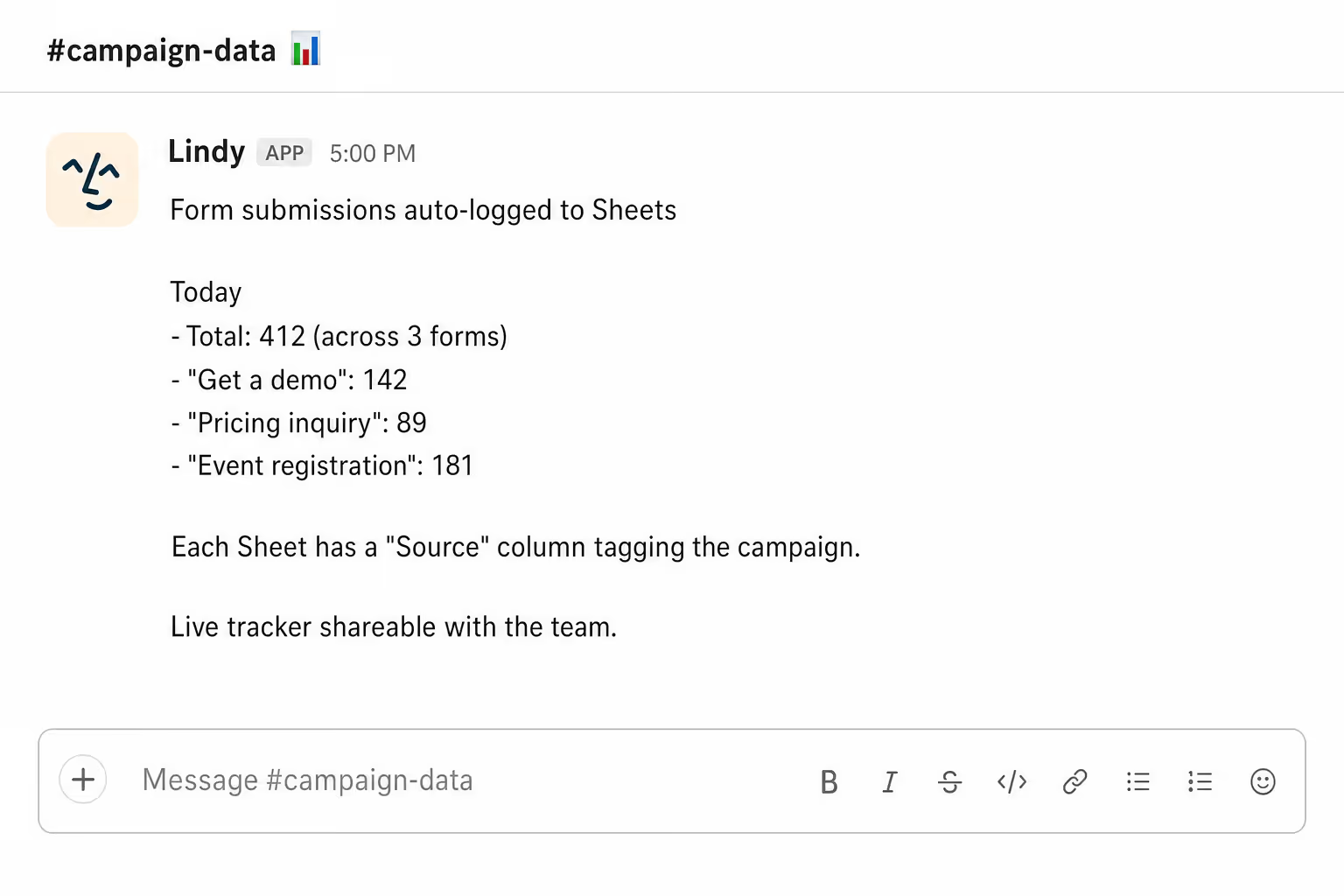
Form data hits Sheets without copy-paste
Lindy logs new form responses to your Sheet automatically, so you stop being the human pipe between forms and tracking docs.
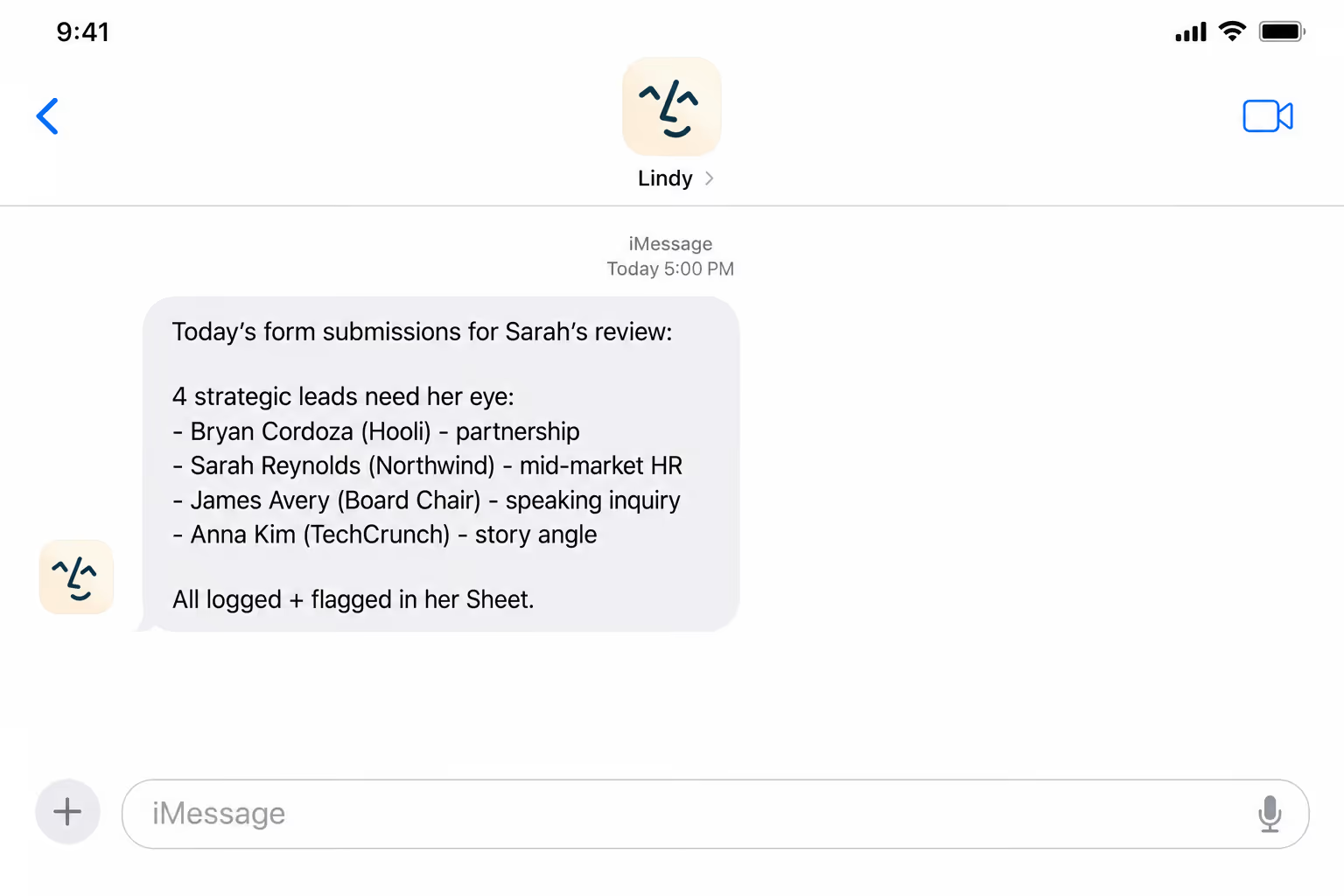
Inbound data lands in one source of truth
Lindy logs form responses to Sheets, so the team always works from one consistent view of inbound, no matter the form source.
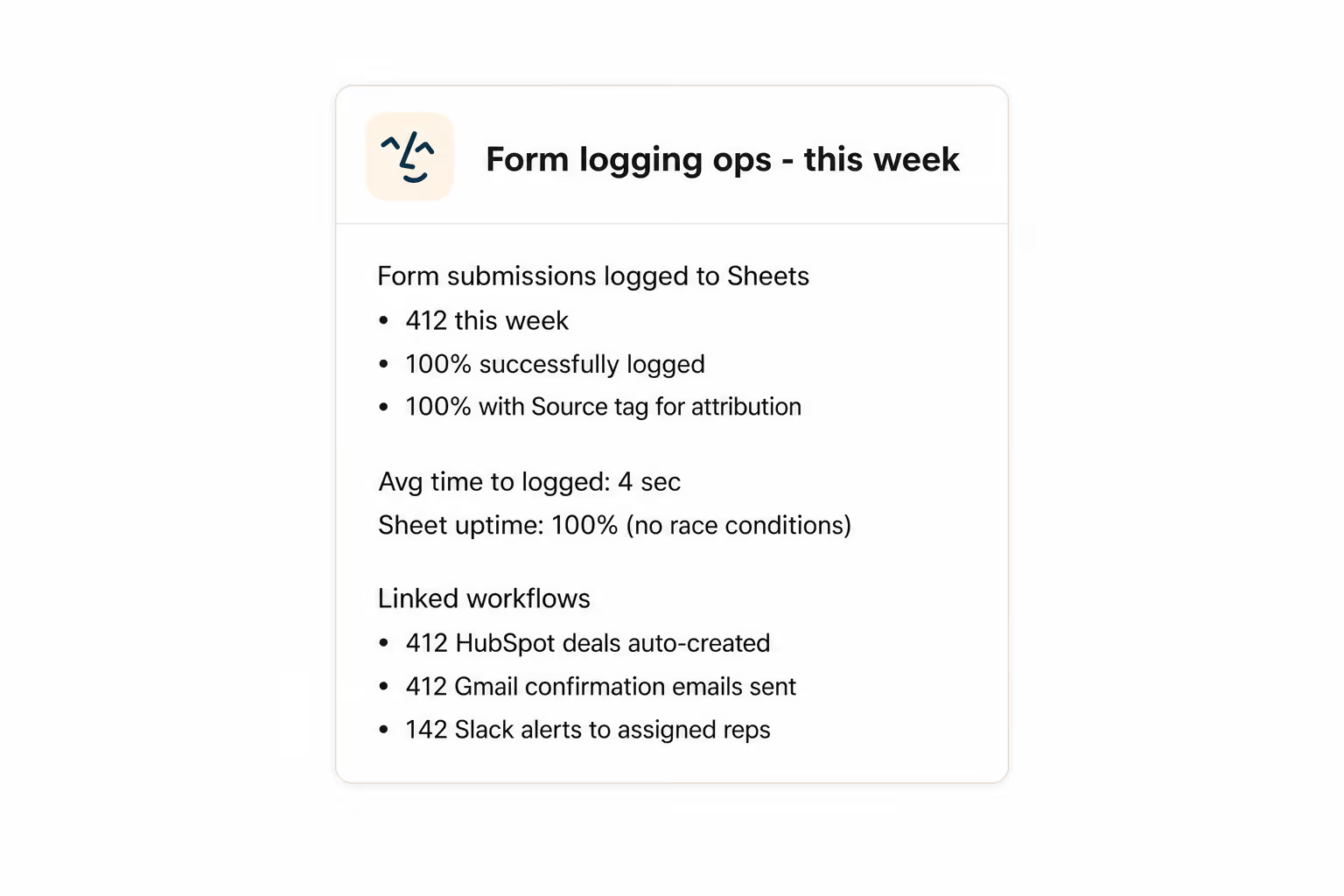
See every signup as it happens
Lindy logs every form response to Google Sheets, so you can read inbound demand in real time without opening Typeform.
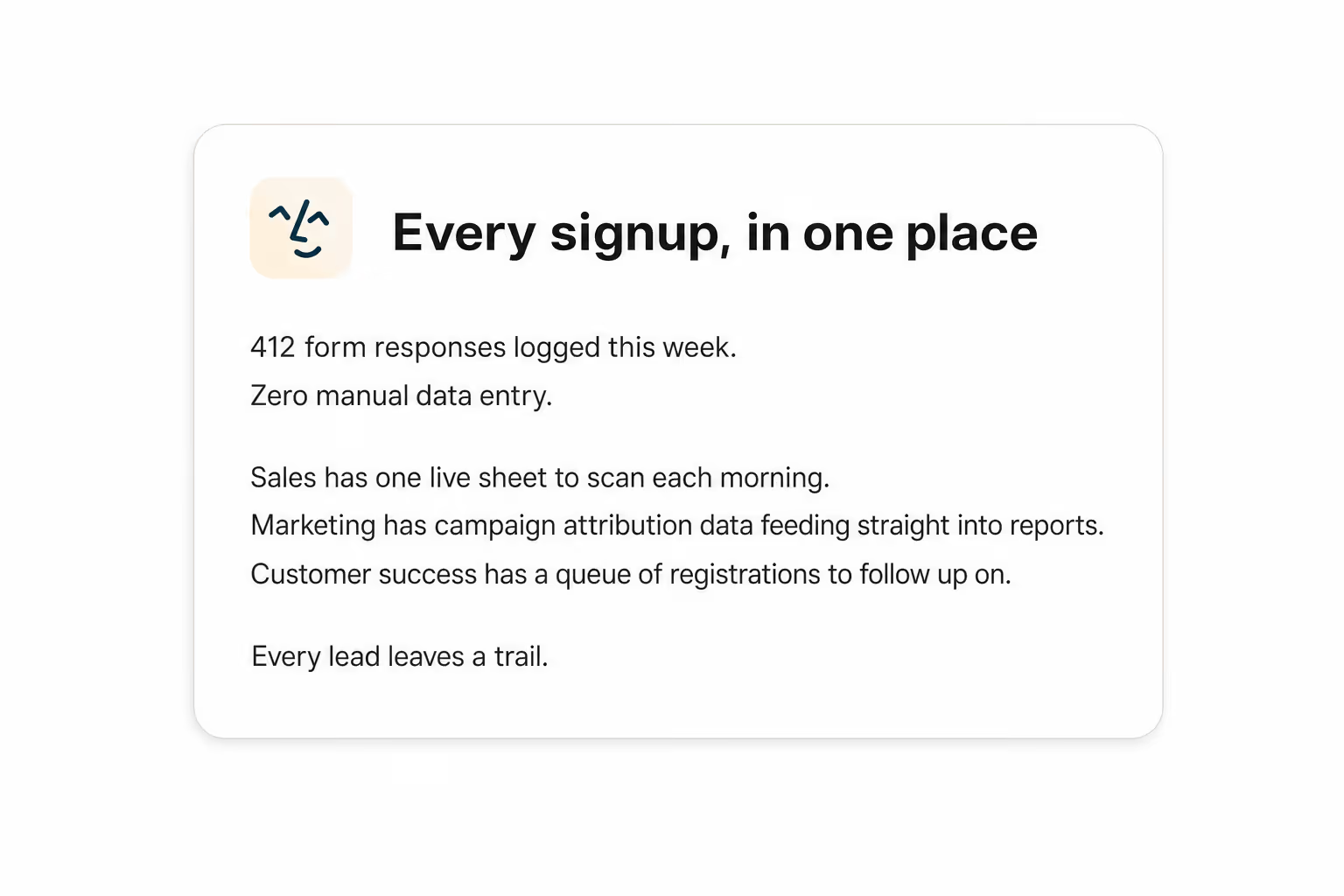
Summarise more than just Slack
Summarising Slack is just the start. Here's what else Lindy can do.

Lindy reads your inbox overnight and sends you a clean digest of what matters before you start your day.

After every call Lindy writes structured notes and sends you a summary so nothing gets lost.

Lindy reads your Zendesk or Intercom queue and delivers a daily overview of open issues and priorities.
Not sure if Lindy can do it? Just ask.
Text your question and Lindy replies with exactly what it can do for you. No account, no sign-up. Just send a message.
Try for freeMore ways to use Lindy
Plenty more in the library. Pick the next one that fits your day.

Lindy turns your meeting notes into clean summaries with decisions and next steps.

Lindy reads your Gmail threads and drafts replies that match how you write.

Lindy watches your Shopify store and pings your team the moment a new order arrives.

Lindy reads your top Slack channels and sends you a quick summary of what matters.

AI Agents for Google Sheets
Keeping track of form responses in Google Sheets is a pain when you're doing it by hand, especially if submissions come in at all hours and you're constantly worried something slipped through the cracks.
When you connect Lindy to Google Sheets, it can automatically add new rows for each form response, send a Slack message or email to notify your team, and even update related records in other sheets so everything stays in sync.

A skill shows you a real-world task Lindy can handle for you. It's there to inspire you and show what's possible, not a pre-built workflow you have to follow.
Yes. Sign up, connect the apps the skill needs, and you're ready to go. Most skills are up and running in minutes.
Lindy is your AI assistant. You tell it what you need in plain language and it takes care of the work, across your apps, on your schedule.
Each skill page lists exactly which apps are involved and whether they are required or optional. If you already use those apps, you're good to go.
No. Just tell Lindy what you want it to do and it figures out the rest. Skills are there to show you what's possible and get you started.
Almost certainly. Skills show what's possible, not what's limited. If you don't see what you need, just ask Lindy directly and it will figure it out.