




Get a daily briefing of your *Google Calendar* meetings every morning
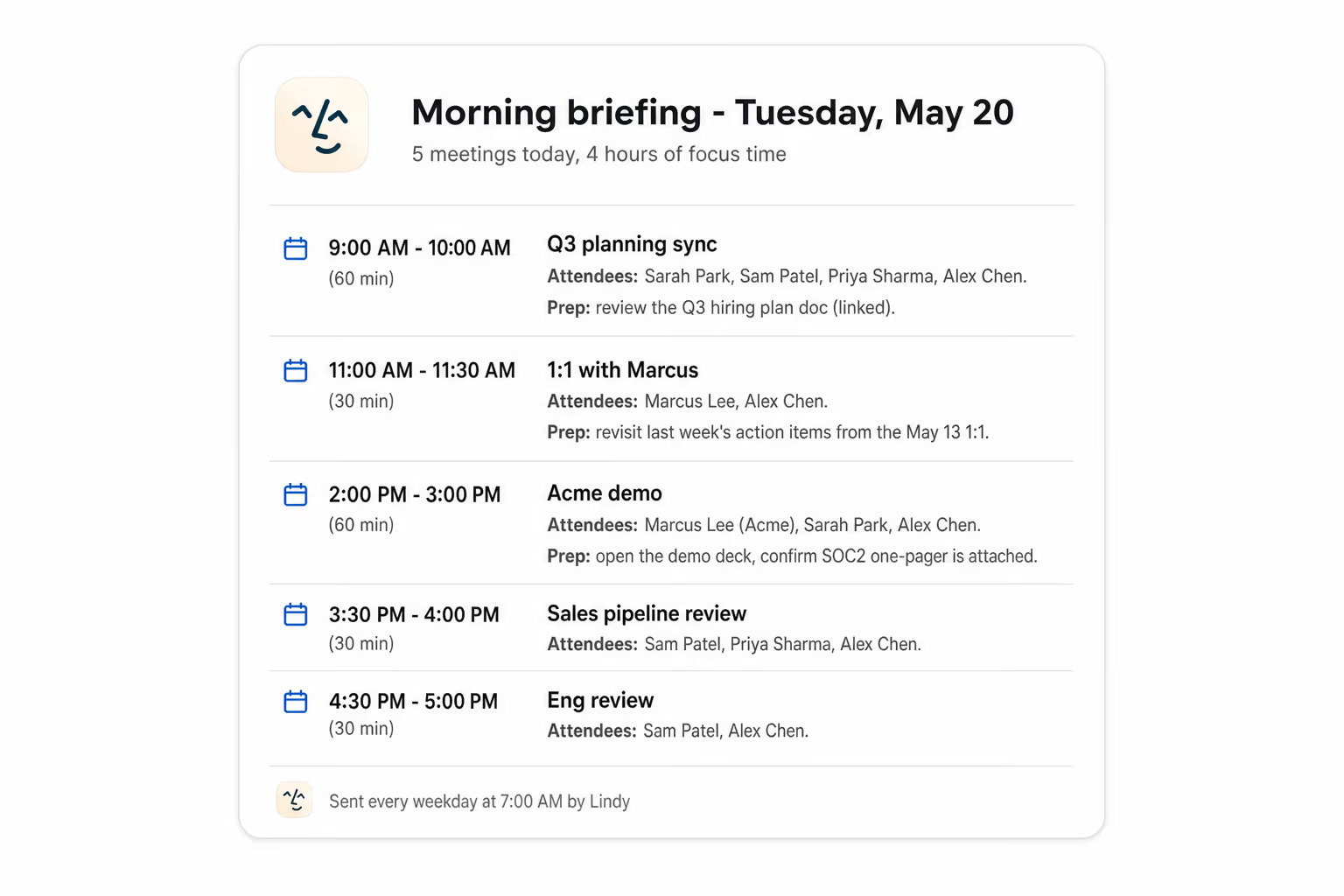
Lindy checks your Google Calendar each morning and sends you a summary of the day's meetings.
Start your day knowing where to focus first
Fix gaps before the calls start
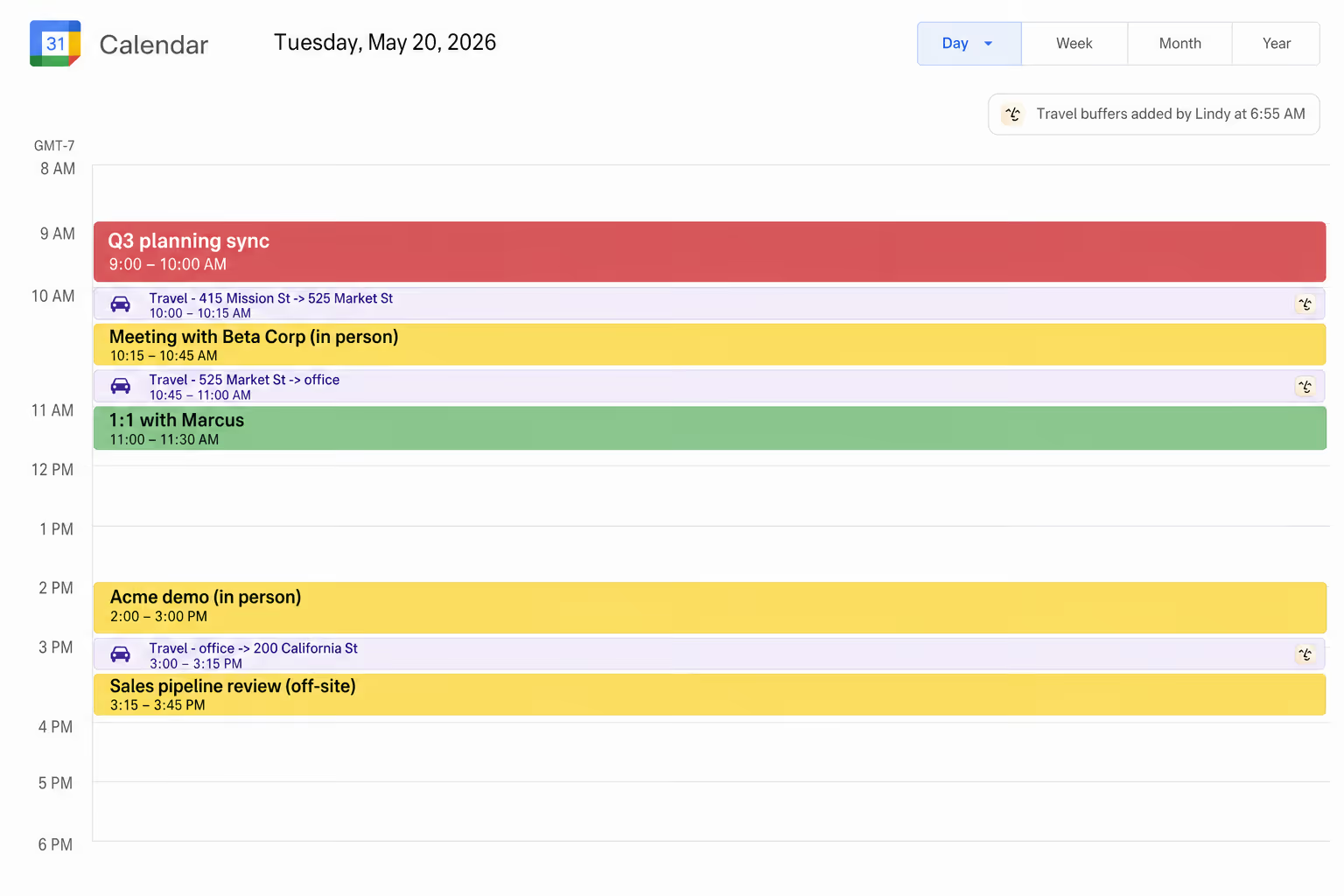
Stop running 10 minutes late every afternoon






Supercharge your Google Calendar with AI.
Without a quick overview of your day, you're constantly jumping between tabs, piecing together what meetings you have and when, and half the time you don't even realize a call is starting until it's already late.
Lindy sends you a morning email with a clean summary of all your Google Calendar meetings for the day, so you know exactly what's ahead before you even open your laptop.

Lindy pulls your Calendly meeting details and sends you a prep brief beforehand.

Lindy creates a Notion page for each new meeting so your notes stay organized automatically.


See what Lindy can do for you
Walk into your day knowing every call cold
Lindy briefs you on every meeting on the calendar with attendees and context, so you go into each sales call already prepared.

See the day's meetings before the day starts
Lindy delivers a calendar briefing each morning, so partner, agency, and team meetings get the prep they deserve.

Your boss starts the day already briefed
Lindy sends a daily calendar brief, so your boss opens the laptop already knowing what each meeting is and who they're seeing.

A morning view of the company's calendar load
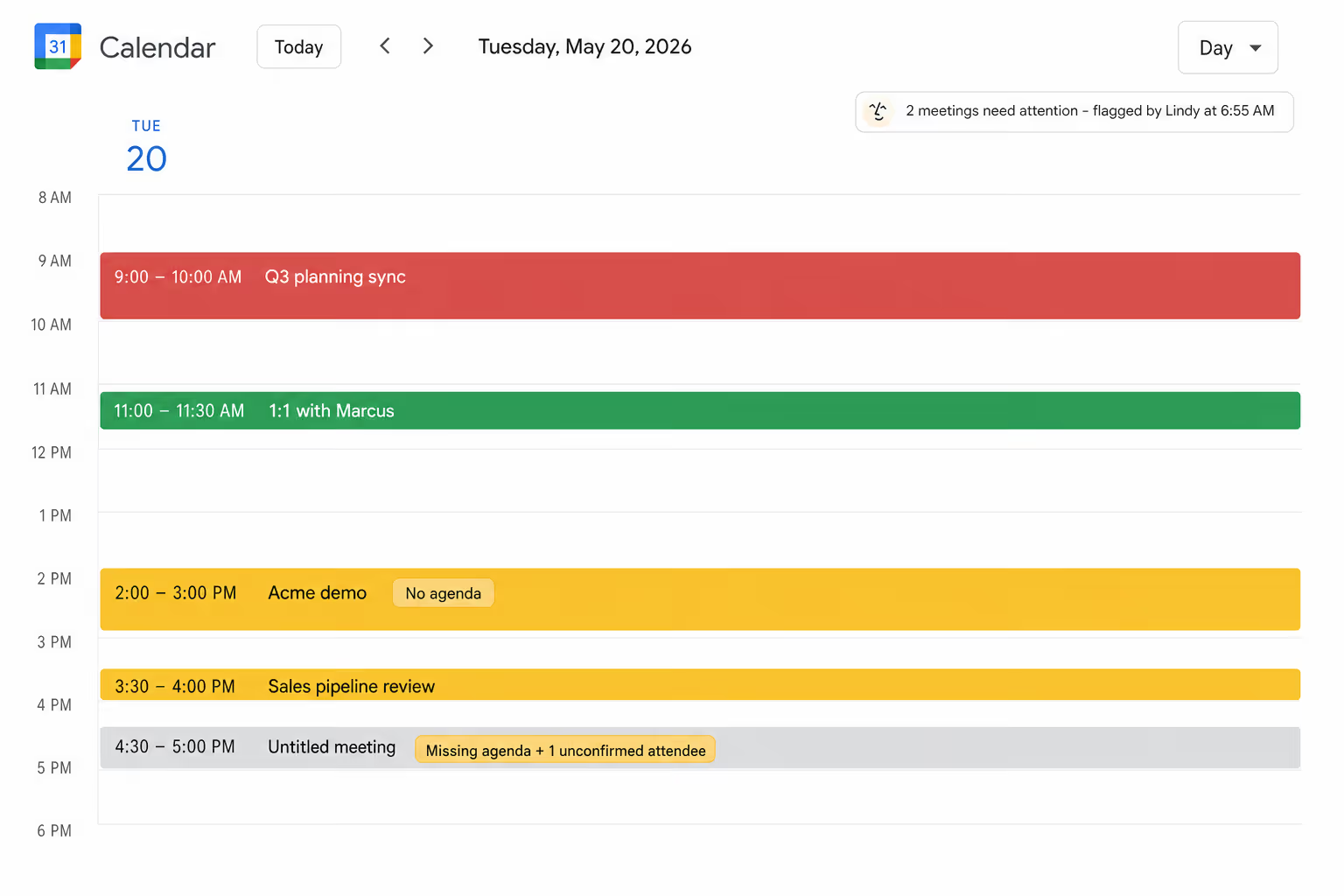
Lindy briefs you on the day's meetings each morning, so you can spot back-to-backs and missing agendas before they bite.
A clean read of your day, every morning
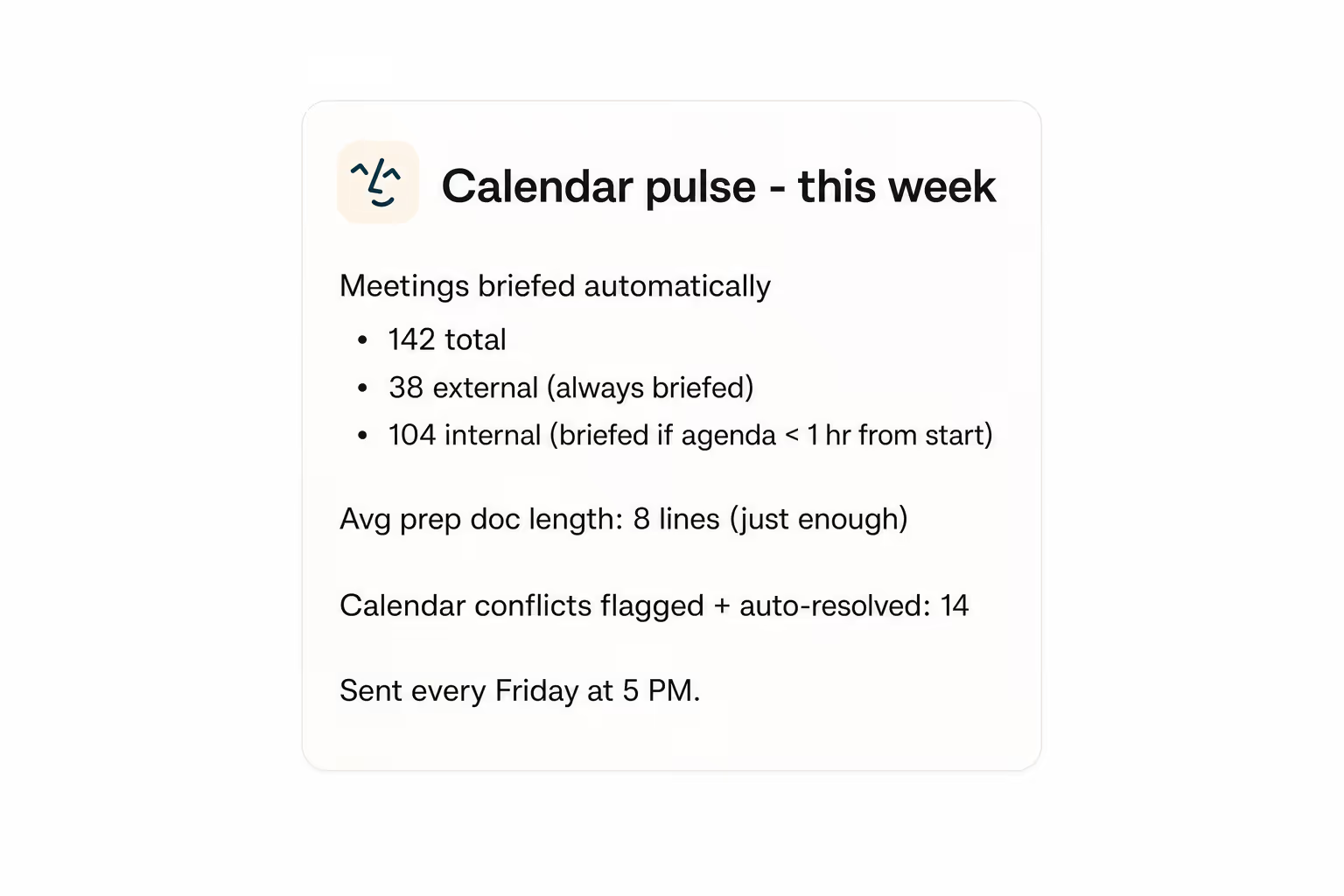
Lindy briefs you on every meeting on the calendar before your day starts, so you walk in already knowing where to focus first.

Summarise more than just Slack
Summarising Slack is just the start. Here's what else Lindy can do.

Lindy reads your inbox overnight and sends you a clean digest of what matters before you start your day.

After every call Lindy writes structured notes and sends you a summary so nothing gets lost.

Lindy reads your Zendesk or Intercom queue and delivers a daily overview of open issues and priorities.
Not sure if Lindy can do it? Just ask.
Text your question and Lindy replies with exactly what it can do for you. No account, no sign-up. Just send a message.
Try for freeMore ways to use Lindy
Plenty more in the library. Pick the next one that fits your day.
Lindy reschedules your Google Calendar meetings and emails all attendees the new time.

Lindy drafts and sends a meeting summary to every participant through Gmail.

Lindy watches your HubSpot deals and pings Slack when one hasn't moved in a while.
Lindy watches for new Typeform responses and creates a matching deal in HubSpot automatically.


AI Agents for Google Calendar
Keeping up with your Google Calendar manually means you're checking it multiple times a day just to stay on top of things, and it's easy to lose track of back-to-back meetings or forget something important is coming up.
When you connect Lindy to Google Calendar, it can pull your daily meetings, organize them into a clear briefing, and deliver a summary straight to your inbox or Slack every morning before your day kicks off.

A skill shows you a real-world task Lindy can handle for you. It's there to inspire you and show what's possible, not a pre-built workflow you have to follow.
Yes. Sign up, connect the apps the skill needs, and you're ready to go. Most skills are up and running in minutes.
Lindy is your AI assistant. You tell it what you need in plain language and it takes care of the work, across your apps, on your schedule.
Each skill page lists exactly which apps are involved and whether they are required or optional. If you already use those apps, you're good to go.
No. Just tell Lindy what you want it to do and it figures out the rest. Skills are there to show you what's possible and get you started.
Almost certainly. Skills show what's possible, not what's limited. If you don't see what you need, just ask Lindy directly and it will figure it out.