Integrate Notion with your AI Workflows
Connect Notion with hundreds of popular tools, AI models, or AI agents. Automate your work faster and better than ever before - all visually with no-code ease.
Choose a Tool
Choose a tool
Thank you! Your submission has been received!
Oops! Something went wrong while submitting the form.
This pairing may still be possible!
Start with Template
Find a Template

Triggers & Actions
Explore Triggers and Actions
Easy as one, two, three.
How it works
When this happens...
Do this

Select a trigger
A trigger is an event kicking off your AI agent — like a new email in your Gmail inbox.
Connect your apps
Hundreds of integrations available.
Let AI do the work
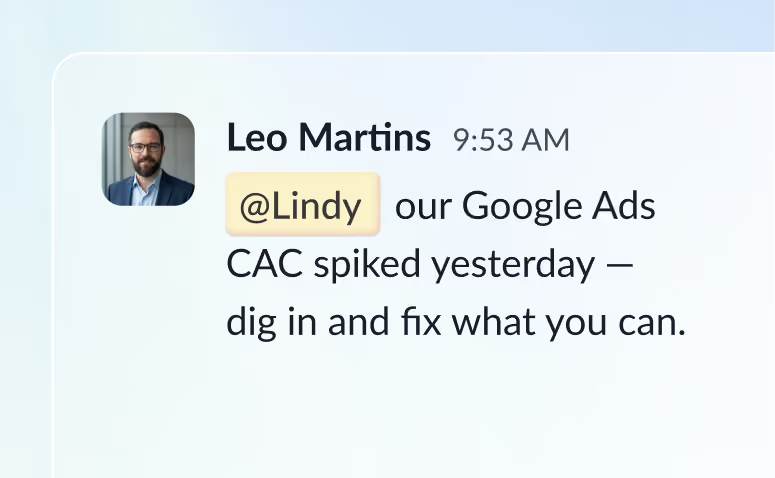
Give custom instructions to your agent, all in natural language.

Templates
Try a Slack Template
Notion Reminder to Gmail Draft
Writes emails from flagged Notion items
Gmail
.
Notion
.
Try It

Gmail-to-Notion Pages
Transfers important emails to Notion pages.
Gmail
.
Notion
.
Try It

Gmail-to-Notion Sync
Sends data from new emails in Gmail\ to Notion.
Gmail
.
Notion
.
Try It


How it works
How does Lindy work?
Watch: Lindy explained in 60 sec
Frequently asked questions
Once you signup to Lindy, you can enable the Notion integration from your dashboard. Once you’ve authenticated with Notion, Lindy can execute various triggers and actions from your Notion account using the Rails workflow builder.
Grant access to your Notion account directly via our integration and combine Notion's Actions and Triggers in Lindy's AI-powered Rails workflow builder to bring custom automations and AI assistants to life.
Trusted by 400K+ professionals
The AI assistant that actually does stuff
Lindy saves you two hours a day by proactively managing your inbox, meetings, and calendar, so you an focus on what actually matters.
7-day free trial
Cancel anytime