Zapier + ChatGPT: Top Integrations & A Comparable Alternative
Everett walked through how Zapier and ChatGPT connect for automation, the jobs they handle together, pricing, and where a single-platform alternative fits instead.


Zapier and ChatGPT together let you create an AI assistant that can write emails, draft social media posts, summarize documents, and analyze customer feedback — automatically.
When you integrate the two, you can easily generate AI responses in your favorite apps, reducing the repetitive, time-consuming tasks we all face. Whether it’s sending instant, personalized replies to customers or notifying your sales team in Slack when a new lead fills out a contact form, this integration helps businesses work smarter and faster.
Read on to learn more about:
- An overview of ChatGPT and Zapier integrations for automating processes
- How Zapier and ChatGPT can work together
- Tasks and processes you can execute with a Zapier-ChatGPT integration
- Zapier and ChatGPT pricing
- How Lindy.ai compares to Zapier and ChatGPT
- Why you Lindy should be your Zapier-ChatGPT alternative
How are Zapier & ChatGPT used for automation?
While both Zapier and ChatGPT are go-to automation tools, they have their own unique quirks and differences. Here’s how both are used for automations:
Zapier overview

Zapier is a no-code tool that automates tasks between multiple applications without any programming or coding. It connects 1,000s of web apps, such as Gmail, Slack, and Dropbox with the simple click of a mouse, and creates automations between them.
These automations, or "Zaps," trigger actions based on specific conditions. For example, when a new email is received in Gmail, a Zap could automatically save any attachments to Dropbox and then alert you via a Slack message.
These simple integrations allow you to automate routine processes, saving you time.
ChatGPT overview
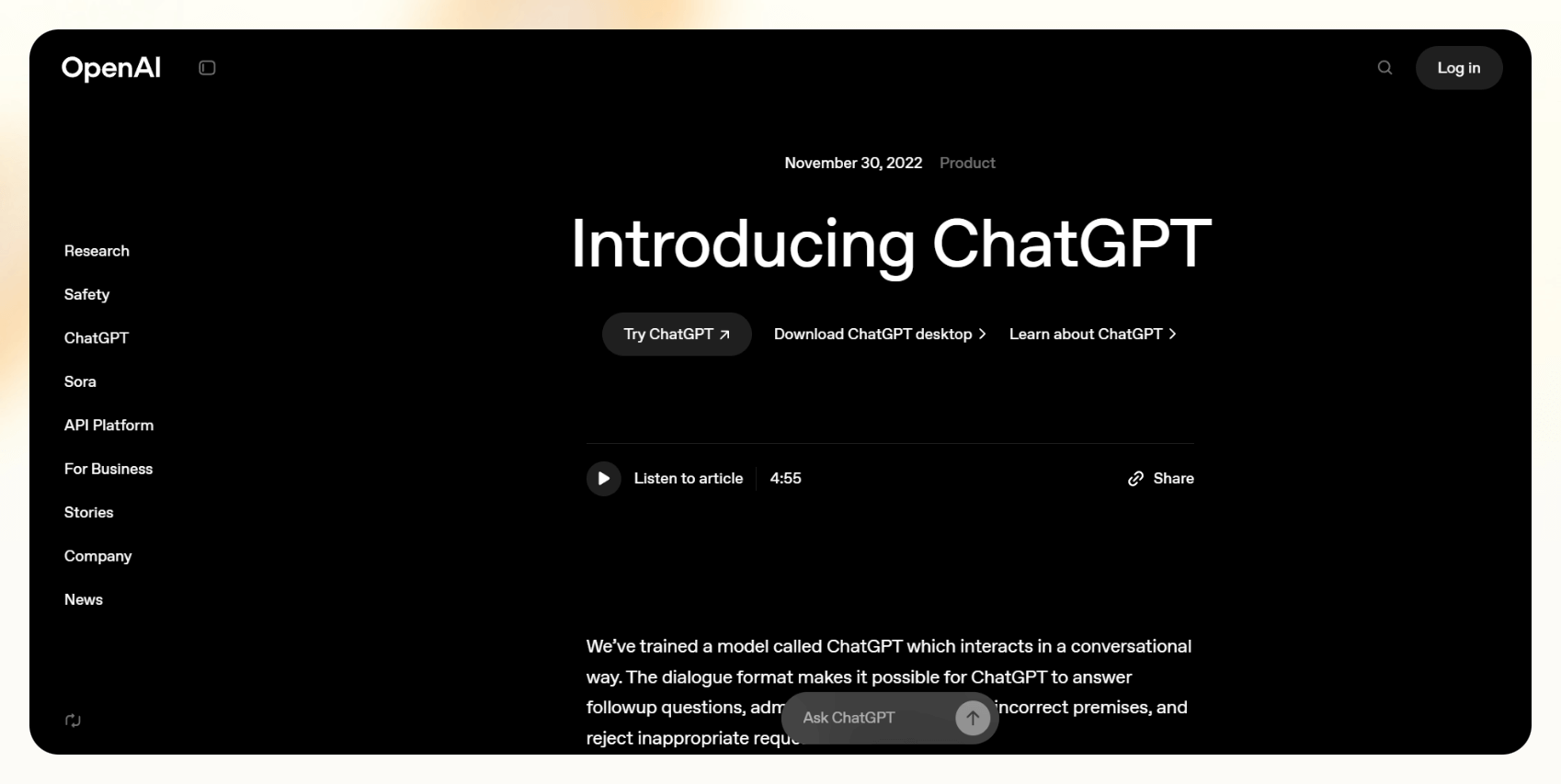
ChatGPT, developed by OpenAI, is a chatbot that uses an advanced AI language model designed to understand questions, commands, and nearly anything else you include in a prompt. It will then generate text responses, create images, and even have a conversation with you.
You could use ChatGPT for tasks such as answering questions, summarizing documents, generating content, and more. Additionally, it can be integrated into various applications to enhance automation. For example, it can power website chatbots to handle inquiries, interact with users, and even assist in decision-making processes — all without human oversight.
Its ability to process and conversationally respond to text makes it invaluable for improving customer experiences, automating communication, and improving workflows.
How do Zapier and ChatGPT work together?
ChatGPT is indeed one of those 1,000 programs for which Zapier can create automation — it integrates with Zapier to carry out several tasks rapidly and proficiently.
For instance, you can create a ChatGPT-powered customer-service bot with Zapier for an e-commerce app. When a customer requests information about a product's availability from the chatbot — this triggers a Zap.
Zapier then scans the database containing information about the product in question's availability. It fetches the information and sends it back to the ChatGPT-fueled chatbot, which then informs the customer about availability.
As you can see, the Zapier and ChatGPT tandem offers a robust solution for automating workflows and processes. It improves responsiveness and customization of digital services, making it an option if you’re looking to optimize processes through automation.
{{templates}}
How to connect ChatGPT to Zapier: A quick guide
Let’s quickly walk through the steps for connecting Zapier and ChatGPT to trigger specific automations.
Step 1: Create Zapier and ChatGPT accounts
Visit the Zapier website to create a Zapier account — it’s the standard operating procedure of providing email or using an existing Google or Facebook account. This account will be your “hub” for automating tasks between ChatGPT and other apps. You’ll also need to repeat this step with ChatGPT.
Step 2: Link it to ChatGPT
Once your Zapier account is ready, add ChatGPT as a connected app. Search for "OpenAI" or "ChatGPT" in the Zapier app directory, and follow the prompts to authenticate and link your OpenAI account.
This connection allows Zapier to access ChatGPT functionalities.
Step 3: Choose a trigger app (Gmail, Slack, QuickBooks, etc.) to send data to ChatGPT
Select an application that will trigger an action using ChatGPT. For example, you can choose Gmail to trigger ChatGPT when a new email arrives, Slack when new messages are posted, or QuickBooks when a new invoice is recorded.
Set up the trigger by connecting the chosen app and specifying the event that starts the automation, like “receiving a new email” or “new entry in accounts receivable.”
Step 4: Set up an action (e.g., ChatGPT generates a response and sends it via email)
Define what you want ChatGPT to do in response to the trigger. For instance, configure ChatGPT to generate a confirmation reply to an email when a payment is recorded in QuickBooks.
Then, set up Zapier to use ChatGPT's output to send a confirmation email to the customer who made the payment.
Step 5: Test and refine the workflow.
Test your automation to ensure everything works. Trigger the initial event (e.g., making a small payment and sending a test email) and see if ChatGPT responds correctly and Zapier sends the email.
Adjust settings, triggers, and actions to optimize the Zap and ensure accurate, timely responses.
What else can I do with a ChatGPT & Zapier integration?
Here are a few more automations you can execute with a ChatGPT-Zapier integration:
- Automated email responses: ChatGPT drafts replies based on incoming emails, and Zapier sends them automatically.
- Social media posting: ChatGPT generates LinkedIn posts or Twitter updates, and Zapier posts them at certain times.
- Meeting notes analysis: A new text file of meeting notes is uploaded to Dropbox. Zapier triggers ChatGPT to analyze the text to summarize key points, and then Zapier triggers Gmail to send summaries to relevant stakeholders.
- Customer feedback processing: A new form is submitted to Google Forms. Zapier commands ChatGPT to process and categorize it based on sentiment and content. Then, it sends a summary or specific alerts to Slack, helping reduce response time to customer needs.
How much does Zapier + ChatGPT cost?
Let’s take a look at the pricing plans and features that both Zapier and ChatGPT offer:
Zapier pricing
Zapier offers a tiered pricing model based on task usage, number of users, and premium app integrations. Each plan offers a number of actions, or specific tasks executed by one of your connected apps in response to a trigger.
Actions include sending an email, creating a document, commanding ChatGPT to write a response, or automating routine tasks across different applications.
| Free | Professional | Team | Enterprise | |
|---|---|---|---|---|
| Monthly Price | Free | $19.99 | $69.99 | Contact Sales |
| Features | 100 tasks/month | Starting at 750 tasks/month, customized integrations, email support | Starting at 2,000 tasks/month, up to 25 users, security features like single-sign-on | Customized tasks, unlimited users, support from an account manager |
Note: These are the minimum number of tasks per month, however if you need more, then just crank up your usage. This will mean you’ll pay significantly more. For example, 750 tasks on the Professional plan are only $19.99; however, if you need 2,000 tasks it will be $49.99, and if you need 10,000 tasks it would be $129.99. The price keeps going up.
If you go over your monthly Zap allotment, you'll be charged per task for the additional tasks until you upgrade to a higher tier.
ChatGPT Pricing
| Free | Plus | Pro | Team | Enterprise | |
|---|---|---|---|---|---|
| Monthly Pricing | Free | $20/month | $200/month | Up to $30/user per month | Contact Sales |
| Features | Limited access to file uploads, data analysis, image generation, and voice mode | Advanced reasoning model access, limited access to Sora video generation | Unlimited access to all reasoning models, including o1, unlimited advanced voice access | File uploads, data analysis, and higher message limits for advanced models like 4o | Multi reasoning models, advanced security, SOC 2 Type 2 compliance |
Let’s take a look at some pricing scenarios when combining both platforms:
- Basic automation (500 tasks/month, GPT-4o) → $20 for ChatGPT+ $19.99 for Zapier = $39.99
- Mid-size automation (5,000 tasks/month, ChatGPT-4o) → $20 for ChatGPT+ $89 for Zapier= $109
- Team automation (50,000+ tasks/month) → $20 for ChatGPT+ $289 for Zapier (Professional plan)= $309
Lukewarm about these options? We’ve got a great alternative: Lindy.
Is Lindy a smarter alternative to Zapier & ChatGPT?
Lindy was built to be more versatile than Zapier in its use of ChatGPT.
Zapier was originally built for simple stuff like automatically updating a CRM. It’s went beyond that as it’s grown, but Lindy was built from the ground up to handle more complex workflows in its no-code, visual interface.
Lindy lets you create AI agents called Lindies that can string together multiple AI models and other action that will automatically fire one after the other in a sequence. This lets you execute more complicated workflows automatically.
Here’s how Lindy can be configured to work better than Zapier for complex automations:
1. AI-powered context understanding
Zapier relies on predefined workflows with static triggers and actions — each Zap follows a strict if-this-then-that (IFTTT) logic. If a condition isn’t explicitly set, the automation won’t adapt.
Lindy, on the other hand, can use natural language processing (NLP) and machine learning to interpret unstructured data and understand intent. Instead of relying solely on predefined inputs, Lindy can:
- Analyze incoming messages, emails, or customer queries to extract relevant information.
- Classify requests and determine next steps based on context (e.g., whether an email is a lead, support request, or meeting request).
- Adapt responses dynamically by pulling from a knowledge base or previous interactions.
Example: Instead of manually creating separate Zaps for different customer inquiries, Lindy can read an email, determine if it’s a sales lead or a support issue, and route it accordingly — without requiring rigid conditions.
2. Decision-making without human intervention
Zapier requires users to manually define all possible paths in an automation. If an unexpected condition arises, Zapier won’t know how to handle it.
Lindy, however, apply reinforcement learning and decision trees within a workflow to make it more self-directed. It can:
- Detect anomalies and adjust workflows accordingly (e.g., if a meeting invite conflicts with another event, Lindy can reschedule automatically instead of simply creating a calendar entry).
- Prioritize and escalate tasks based on context, such as recognizing urgent emails and forwarding them to the right team without explicit rules.
- Handle exceptions gracefully, meaning if an API fails or a data field is missing, Lindy can attempt alternative actions instead of halting the workflow.
Example: If a sales lead replies to an automated email saying they’re interested in a demo, Lindy can not only log the response but also:
- Check the sales team’s calendar.
- Find the best available time slot.
- Schedule the meeting and send a confirmation — all without human intervention.
3. Smarter third-party integrations
While Zapier has an extensive integration library, it only moves data between apps — it doesn’t understand what the data means.
When you set up a workflow with AI modules to read incoming data, then it can go a step further:
- It can read, interpret, and act on incoming data rather than just passing it from one tool to another.
- It can trigger workflows based on contextual signals rather than requiring a predefined trigger.
- It can automate multi-step processes with decision logic without requiring users to define every branch manually.
Example:
- A Zap might send an email when a new lead is added to a CRM, but it won’t know if the lead has already been contacted or responded.
- Lindy, however, can be setup to check the CRM, see if the lead has engaged previously, and adjust the follow-up strategy accordingly — automatically personalizing the outreach.
How much does Lindy cost?
| Free | Pro | Business | |
|---|---|---|---|
| Pricing | Free | $49.99/month | $299.99/month |
| Features | 400 taks, build a knowledgebase of up to 1 million characters | Starting at 5,000 tasks, a knowledgebase of 20 million characters | Starting at 30,000 tasks, Inbound/Outbound phone calling, priority support |
If you’re on a budget, Lindy’s more affordable. You get 5,000 tasks for $50 and Zapier gives only 5,000 tasks for $89.
Each task counts as one action. If you need more tasks, you can buy an extra 1,000 per month for an additional $10.
{{cta}}
Final verdict: Should you use Zapier + ChatGPT or Lindy?

Zapier + ChatGPT is a reliable and efficient choice for businesses that need basic, structured automation with clearly defined triggers and actions.
With thousands of integrations, it’s a great option for automating straightforward workflows that involve moving data between apps or executing rule-based tasks.
However, if your business requires automation that goes beyond simple trigger-action sequences, Lindy is the better choice. It excels in complex, AI-driven workflows that involve decision-making, adaptability, and processing unstructured data.
Unlike Zapier, which requires more rule-based training, Lindy can use AI models in more complex ways to build out workflows that understand context better without any extra trainings. This means less human oversight and more optimized processes.
Want to check out one of Lindy’s pre-built templates for yourself? Try out Lindy today for free.









