Workato Pricing 2026: Plans Start at $75 a Month
Marvin broke down Workato's pricing and key automation features to weigh whether its high cost is justified against other automation platforms.


I spent a morning inside Workato's pricing page, its billing docs, and its signup flow. Workato pricing starts at $75 a month on a published credit ladder, and climbs into five and six figures a year once you need one of the enterprise editions.
Workato pricing plans: at a glance
Workato sells on two tracks. You can buy the first one with a credit card, and the second one only through sales.
Free and Pro are what Workato calls self-service. You sign up online, drag a slider to pick your credit amount, and pay by card.
Both tracks run the same engine. Workato's docs say Free and Pro "give you access to the same platform capabilities," so the free tier is the actual product with a ceiling on it.
How Workato pricing works
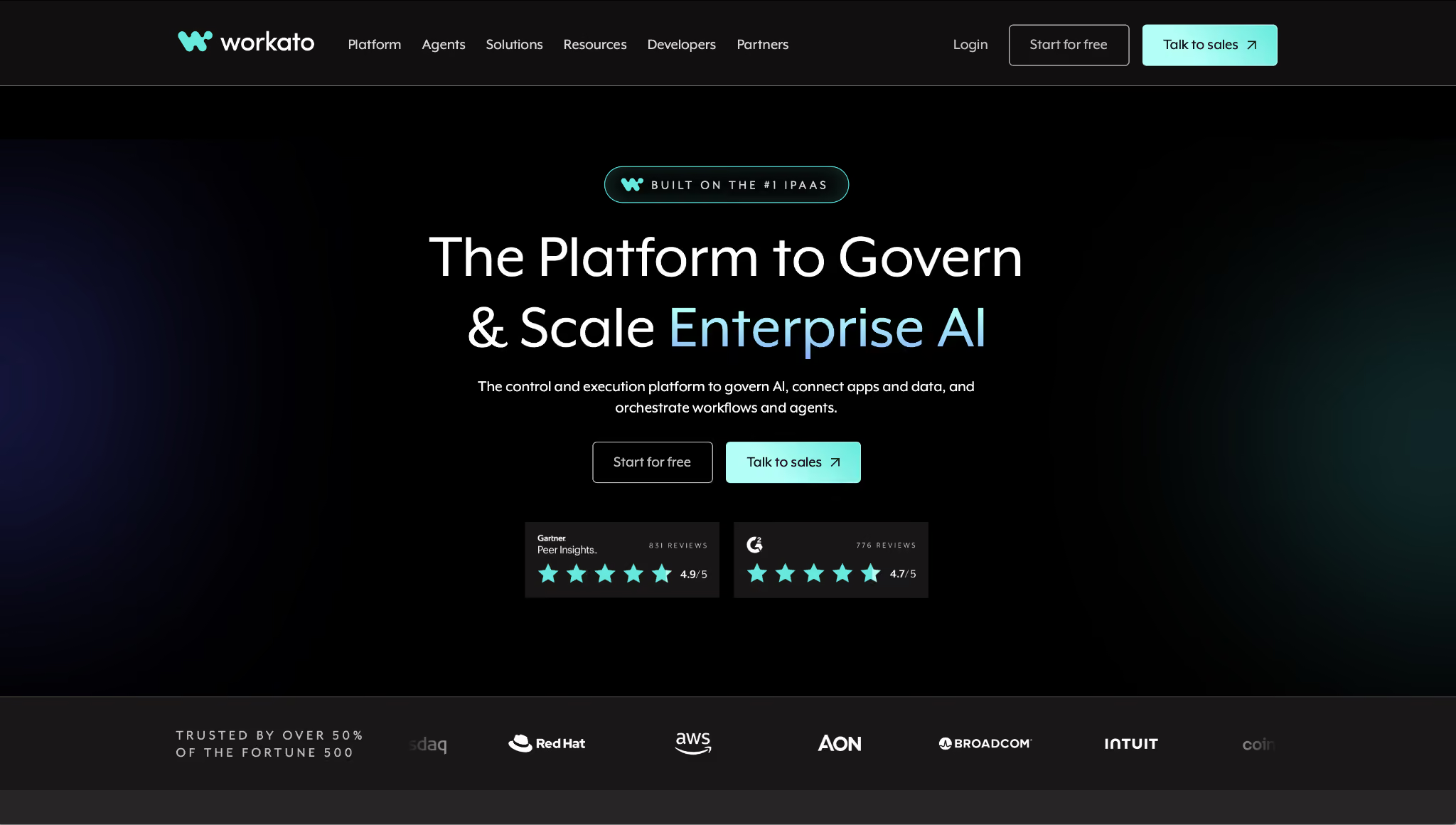
Workato's billing docs describe three components: a platform edition that sets your feature access, usage that moves with volume, and optional add-ons you buy separately. The docs sum it up: "you pay only for what you use."
On self-service, usage is measured in credits. One pool covers Workato Tasks, API Calls, Rows, and Genie actions, and unused credits expire when your billing month rolls over.
On the enterprise editions, each capability gets its own meter. Workflows bill in Business actions on the editions that use them, and in Tasks everywhere else. The API platform bills in API calls.
That split matters when you compare two quotes. Identical task counts can produce different invoices if one workspace leans on IDP or Event Streams, because those meters run in addition to recipe usage rather than inside it.
What counts as a Business action
A Business action is a trigger or an app action inside a recipe. Conditionals, loops, monitoring blocks, and Workato's own utility steps don't count on their own, though eligible steps inside them do.
Workato works through a loop in its docs: one trigger plus two actions running over a 10-row CSV file burns 21 Business actions (1 + (2 x 10)).
Run that recipe every hour and one workflow produces about 15,000 Business actions a month. What Workato doesn't publish is the conversion from a task to a self-service credit, so you can size your workload before signing up but you can't price it to the dollar.
Four counting rules decide the rest of your number:
- Failed actions are free. Workato's pricing FAQ is explicit: "Only successfully executed actions contribute to your usage."
- Skipped steps are free. If a conditional doesn't fire, the steps under it cost nothing.
- Reruns are not free. Rerun jobs get added to your usage, so a recipe you're debugging can outspend the same recipe in production.
- IDP, Event Streams, and Workflow apps each have their own meter. Turn one on and you've added a line to the bill.
Workato pricing plans: complete breakdown
Workato Free: $0 with 50,000 credits
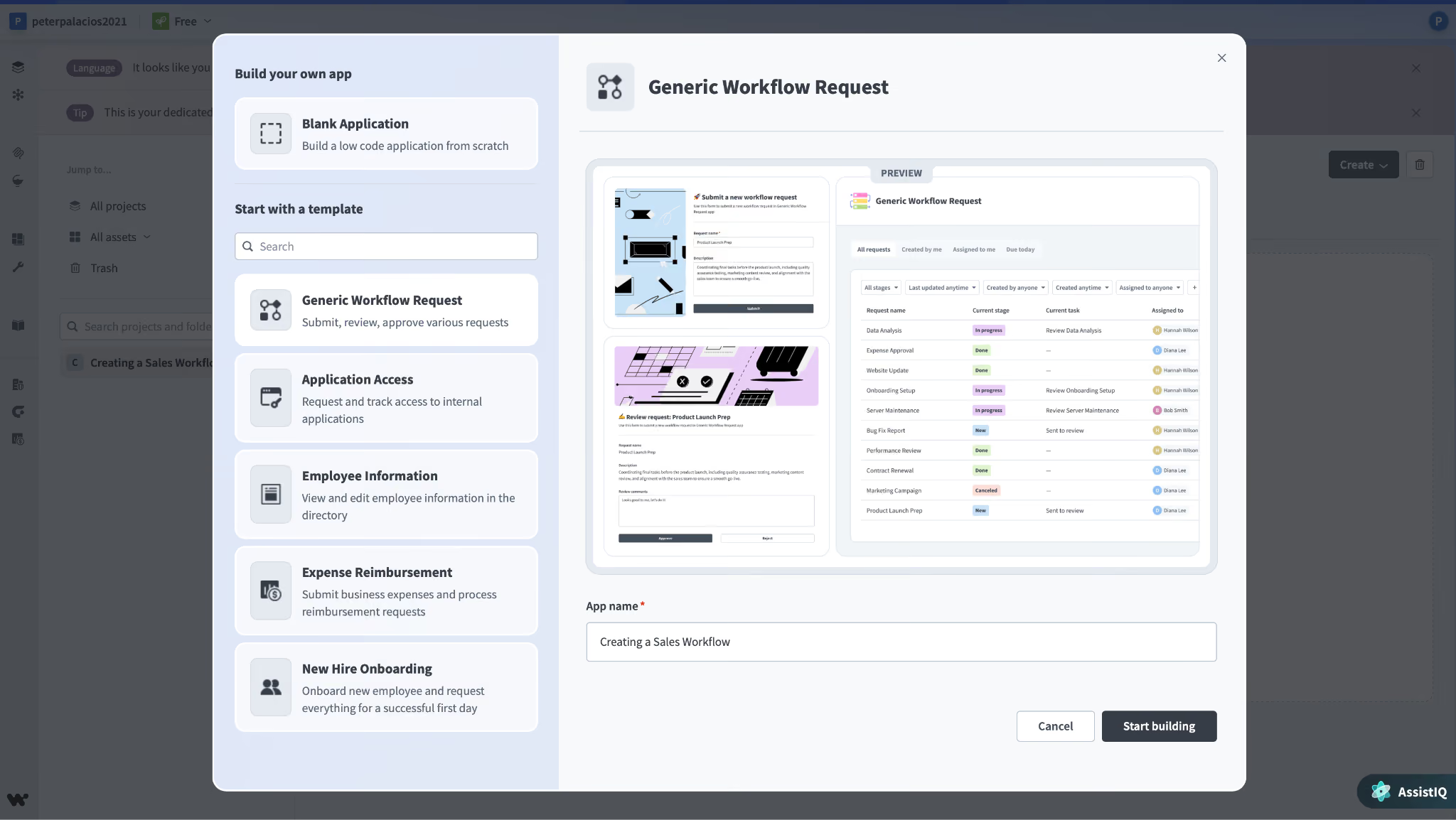
What's included: the same platform Pro customers get, with a one-time grant of 50,000 credits. The grant lands once. When it's gone, you either upgrade or stop.
Best for: building two or three real recipes against your own systems before procurement hears about it.
Pros:
- No card, no demo, no qualification call. You sign up with email, Google, GitHub, or Office 365.
- The grant is 20 months of the entry Pro tier handed to you at once, which leaves room for work that isn't a toy.
- You're testing the product your team would run, not a trimmed sandbox.
Cons:
- The grant never refills, and a week spent debugging a chatty recipe can spend most of it.
- Workato never publishes how a task converts into a credit, so there's no telling how far 50,000 goes until you've spent some of it.
Workato Pro: $75 to $1,275 a month
This is the Workato pricing per month that most reviews still say doesn't exist. The full ladder is published:
What's included: everything Free has, plus a recurring monthly allowance you pick on a slider at signup, with add-on credits available.
Best for: a solo operator or a two-to-three-person ops team running a handful of recipes on volume they can predict. Pro caps at three users per workspace, so a fourth person means an enterprise conversation.
Pros:
- The rate drops as you climb. Buying 20x the credits cuts the unit price 15%, from $30.00 per 1,000 down to $25.50.
- Upgrading, downgrading, and canceling all happen inside the product. Cancelling drops you back to Free instead of cutting you off.
- Invoices and receipts download from the billing screen, which is more than the enterprise side offers without an account manager.
Cons:
- Credits expire monthly. The docs don't hedge: "Unused Workato Pro credits expire at the end of the billing month and don't roll over."
- The ladder stops at 50,000 credits.
- You need the Admin system role to see usage and billing, so the person building recipes often can't see what they cost.
Past 50,000 credits, Workato stops publishing. The four editions below all price as a platform fee plus usage, and the only public read on contract size comes from buyer data: Vendr puts the median Workato contract at $64,544 a year across 341 purchases. Treat that as a center of gravity, not a quote.
Standard: custom quote
What's included: application integration and process automation, recipe lifecycle management, separate dev, test, and production environments, 1 Standard Workbot, SAML SSO with MFA and role-based access control, encryption at rest and in transit, 30-day log retention, and 1 concurrency.
Best for: a first enterprise rollout where the security review cares about SSO and environment separation more than about agents.
Pros:
- Environment separation and recipe lifecycle management show up at the entry edition rather than two tiers up.
- SSO, MFA, and RBAC are included at the entry edition.
Cons:
- 1 concurrency means one job runs at a time. Real throughput needs the concurrency add-on or a higher edition.
- No API platform and no ETL, so data integration work waits for Business MCP.
Business MCP: custom quote
Everything in Standard, plus the pieces most teams discover they need around month three.
What's included: pre-built MCP servers, the AI/MCP Gateway, Enterprise Skill builder, data integration (ETL, ELT, and reverse ETL), the API platform, log service, dependency graph, platform APIs, 10 Enterprise Workbots, and 3 on-premises agents.
Best for: companies that want Workato to be the integration layer and the API layer at once, with on-prem systems in the mix.
Pros:
- The API platform lands here, which turns Workato into something you publish endpoints from.
- 3 OPAs cover most on-prem database work without a separate line item.
Cons:
- Concurrency is still 1. Read Workato's own footnote closely: OPA and concurrency quantities are totals per edition, not amounts added to the tier below.
- MCP servers and the AI Gateway arrive before the security controls that a regulated buyer will ask about.
Enterprise MCP: custom quote
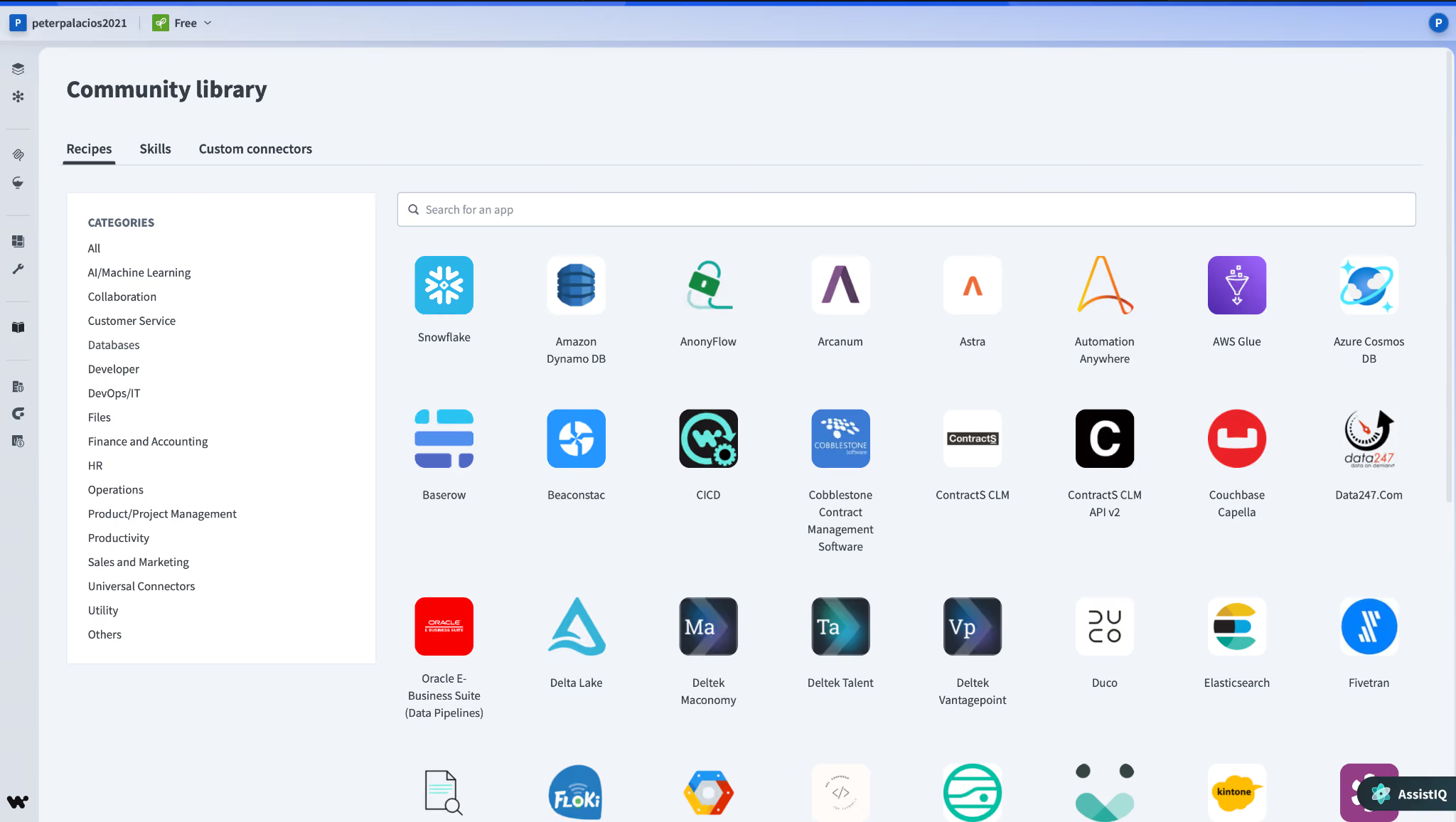
What's included: everything in Business MCP, plus data pipelines, Event Streams, Intelligent Document Processing, AI by Workato, Insights, unlimited Enterprise Workbots, data masking, activity audit, hourly key rotation, runtime user connections, flexible 90-day log retention, 10 OPAs, and 15 concurrency.
Best for: regulated teams, or any org running enough volume that one job at a time became the bottleneck.
Pros:
- Concurrency goes from 1 to 15, the largest practical jump anywhere in the ladder.
- Data masking, activity audit, and hourly key rotation are the controls that usually clear a security review.
- 90-day log retention is yours to configure.
Cons:
- The edition that hands you IDP and Event Streams also hands you two new meters that bill on top of everything else.
- 10 OPAs and 15 concurrency are the ceiling here. The only way past them is Workato ONE, which means buying the agent layer to get the headroom.
Workato ONE: custom quote
The agentic edition, and the one Workato is clearly steering buyers toward.
What's included: everything in Enterprise MCP, plus Agent Studio, the Workato Knowledge Base, Workato GO (Employee Assistant, Enterprise Search, and Action Board), 30 OPAs, and 30 concurrency.
Best for: companies that want employee-facing AI sitting on the same platform as their integrations, under the same governance.
Pros:
- Agent Studio and Workato GO come with the edition.
- 30 concurrency and 30 OPAs remove the two limits that bite hardest at scale.
Cons:
- Agent Studio bills in Genie actions, and every prompt you send counts as one no matter how complex it is or which model answers it.
- You're buying the entire platform to reach the agent layer.
What drives your Workato bill up
Four things move the number, and three of them live inside your recipes:
- Poll frequency. Workato's default trigger polls every 5 minutes. Every poll that finds something starts a job, so a recipe pointed at a busy object on the default interval bills far more than the same recipe on an hourly schedule. The Trigger Poll Interval field takes anything from minutes to 30 days.
- Batch size. This is the biggest documented lever, and Workato spells it out in its optimization guide: "Instead of processing 1 record (1 task) at a time, you can process 100 record batches (counts as 1 task). This would reduce task usage by a factor of 100."
- Reruns and debugging. Rerun jobs count toward usage. Teams new to the platform routinely spend more in the month they build a recipe than in the year they run it.
- Add-ons. The editions cover the platform, and eleven things sit outside them: on-premises agents, concurrencies, Workflow Apps, Private Link, Advanced Security & Governance, RobotiQ RPA, Pre-Packaged Genies, Workato Data Hub powered by Reltio, Workato EDI powered by Orderful, OpenLegacy, and Virtual Private Workato.
Recipes that pass 4 million tasks in a billing cycle get classed as High-Volume Recipes, tracked and tiered on their own line in the usage dashboard rather than counted in with everything else.
Which Workato plan should you choose?
The line falls at 50,000 credits a month. Everything under that ceiling you can buy yourself in an afternoon, and everything above it starts with a call.
Choose Workato Free if you:
- Want to test real recipes against your own systems before anyone signs anything.
- Are still comparing Workato against a cheaper tool and want that comparison to be honest.
Choose Workato Pro if you:
- Run a predictable workload under 50,000 credits a month and want a bill you pay by card.
- Don't need on-prem connectivity, enforced SSO, or more than one job at a time.
Choose Standard or Business MCP if you:
- Need environment separation and SSO to pass a security review.
- Want the API platform and ETL inside the same tool, which starts at Business MCP.
Choose Enterprise MCP or Workato ONE if you:
- Hit the concurrency ceiling and need 15 or 30 jobs running in parallel.
- Want Agent Studio and Workato GO governed by the same platform as your integrations.
Is Workato worth the price?
Depends on which half of the price list you're shopping in.
At $75 to $1,275 a month, Workato is priced against Zapier and Make and loses the headline comparison. Make's Core plan is $16 a month for 10,000 credits. Workato charges $275 for the same number.
The two credits aren't the same unit, so read that as a rough shape. The gap still holds, and what it buys you is governance you may not need yet.
At the enterprise end, the math flips. A five- or six-figure Workato contract competes with MuleSoft and Boomi, and Workato's feature ladder is the easiest of the three to read before a call.
Workato is worth it if you:
- Run integrations that touch on-prem systems, regulated data, or both.
- Have enough volume that batching and concurrency turn into real engineering decisions.
- Want integration, API management, and agents on one contract instead of three.
Skip Workato if you:
- Run a dozen app-to-app automations. Zapier or Make handle those for a fraction of the price.
- Need your annual number before you talk to a salesperson.
Workato alternatives and pricing comparison
The billing unit tells you more than the starting price here, because it decides how fast the bill grows when your volume does.
Every price above was checked on the vendor's own pricing page in September 2026.
Lindy
Lindy charges per seat, and every seat you add brings its own credits with it. Plus is $29.99 per seat per month and brings 3,000 credits; Pro is $99.99 for 15,000, and Max is $199.99 for 35,000.
The trade is predictability. You know what each seat costs before anyone builds anything, and the credits pile into one pool the whole team draws on.
Zapier
Zapier's Professional plan opens at $29.99 a month for 750 tasks and climbs from there, and the free tier gives you 100 tasks a month, capped at two-step Zaps. A task is one action Zapier completes, so a five-step Zap costs five.
It's the tool most teams should rule out before they price Workato. Our Workato vs Zapier comparison covers where Zapier's ceiling sits.
Make
$16/month for Core and 10,000 credits, with a free tier at 1,000 credits and two active scenarios. Make bills per module action, so a six-module scenario costs six credits every time it runs.
Cheapest volume in this table by a wide margin. The Make pricing breakdown walks the full ladder and the traps in the free tier.
n8n
n8n bills per workflow execution instead of per step, which changes the math entirely on long workflows. Starter is $24/month for 2,500 executions, and Pro is $60/month for 10,000, dropping to $20 and $50 if you pay for the year.
Then there's the Community edition, free and self-hosted. If your objection to Workato is the contract rather than the capability, price that one out first. Our n8n pricing breakdown has the details.
MuleSoft
Here's the Workato vs. MuleSoft pricing answer buyers actually want: MuleSoft publishes a floor, and Workato doesn't. MuleSoft starts at $2,000 a month billed annually, and its Pre-Commit option carries a $50,000 minimum annual commitment.
That $50,000 commitment sits in roughly the same territory as a small Workato contract. The difference is you can read MuleSoft's numbers without booking anything.
Boomi
Boomi is the cheapest door onto an enterprise iPaaS: $99/month plus usage on a pay-as-you-go basis, with 30 days free before that. Nothing else in this table hands you an enterprise platform for two figures.
Its subscription tiers behave like Workato's editions, though. Integration, API Management, Data Hub, and Data Integration each carry their own ladder, and every one of them says pricing on request.
So the split is about where you are in the buying cycle. Boomi suits a team that wants to touch the product before procurement gets involved. Workato suits a team that already knows its volume, because the self-service half at least puts a number on it.
{{templates}}
Lindy vs Workato: which should you choose?
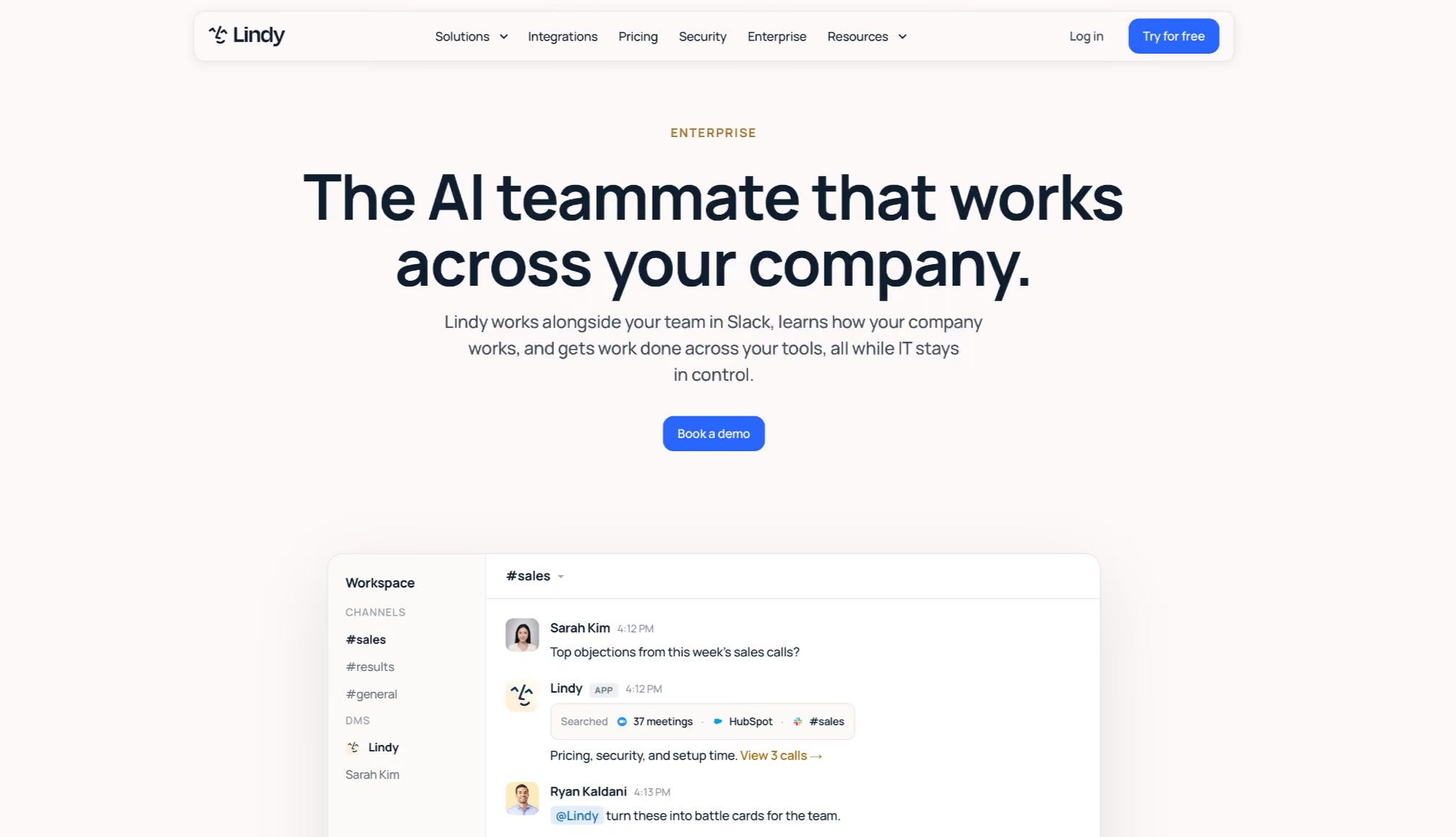
Workato is plumbing between systems. Lindy is a teammate your team talks to, and the price gap follows from that difference.
Workato is better for: moving data between enterprise systems on a schedule, with governance, on-prem connectivity, and separate environments behind it. A Salesforce to NetSuite sync that has to survive an audit belongs on Workato.
Lindy is better for: the work that starts as a question in a channel. You @mention Lindy in Slack; it reads the sources your team has given it access to, and it answers in the thread with citations pointing to where each piece came from.
It also finishes work rather than describing it. Lindy writes and runs code to build dashboards, decks, and reports from your CRM and analytics, and the files land in team folders with version history.
Pricing starts at $29.99 per user per month, and SOC 2 Type II, GDPR, and PIPEDA compliance apply across plans, with HIPAA and a signed BAA on Enterprise.
Use both if your integrations already run on Workato and your team still pings a human for the numbers those integrations produce.
{{cta}}
My bottom line on Workato pricing
Workato pricing is more public than the internet believes. The credit ladder from $75 to $1,275 a month sits in the billing docs, and every article still reporting that Workato hides all of its prices is working from a page Workato has since replaced.
The half that matters to enterprise buyers is still dark. Four editions, no numbers attached, and a final bill that depends on which meters your recipes happen to touch.
So price the meters before you price the quote. Count the Business actions in your three heaviest recipes, check whether they pull in IDP or Event Streams, and test whether batching cuts them by a factor of 100. That number is what you negotiate with, and it's the one thing the salesperson can't work out for you.
Frequently asked questions
How much does Workato cost?
Workato costs $0 on the Free plan and $75 to $1,275 a month on Workato Pro, where the price is set by your monthly credit limit. The four platform editions are quote-only.
Does Workato have a free trial?
Yes, though it works as a free plan rather than a timed trial. Workato Free gives you a one-time grant of 50,000 credits and the same platform capabilities as Pro.
How much does Workato cost per task?
Workato doesn't publish a per-task rate. Its self-service tiers work out to between $30.00 and $25.50 per 1,000 credits, and the conversion from a task into a credit stays unpublished.
Is Workato better than MuleSoft?
Neither is better outright. Workato fits business teams, with a low-code recipe builder they can run themselves, while MuleSoft fits developers running API-led integration programs. MuleSoft also publishes a $ 2,000-a-month floor billed annually, whereas Workato publishes only its self-service tiers.
What's the difference between Workato and Boomi?
The main difference between Workato and Boomi is the entry price. Boomi starts at $99 a month plus usage on pay-as-you-go with a 30-day free trial, while Workato's published entry is $75 a month on credits. Both keep their enterprise tiers quote-only.
Who does Workato compete with?
Workato competes with MuleSoft, Boomi, Tray, and Celigo at the enterprise end, and with Zapier, Make, and n8n at the self-service end. Lindy competes on the AI side, where the work arrives as a question instead of a scheduled sync.










