The 10 Best AI Customer Support Tools for your Business [2026]
Marvin evaluated AI customer support platforms like Zendesk, Freshdesk, and Intercom, comparing automation features, integration options, and pricing tiers for growing support teams.
.avif)

Scaling: It’s the white whale of any company and startup in the business.
We feel your pain, as you grow and expand, the surge in support tickets can overwhelm even the most efficient teams, complicating the delivery of quick, tailored customer service.
That’s exactly what AI customer support tools are here to help you out with.
Basically, you get an always-on virtual team member who can help your employees with even the hardest tickets.
In this article, we're diving into:
- What can AI customer support software do?
- A quick list of our favorite 10 AI customer support tools
- What to look for in the best software
- An in-depth look at the top 10 AI customer support tools
- Tips for getting the best out of your AI customer support tool
- Should you use AI customer support tools instead of humans?
Time to get started!
The best AI customer support tools
We get it, you’re busy, and we don’t want to take up a lot of your time. We’ve done a breakdown of each tool’s strengths so you can go about your day.
Check them out:
- Lindy the best overall AI tool, offering an army of customer support agents that can talk to each other and perform tasks in the background.
- Zoho Desk for cutting-edge features from a trusted CS brand.
- Nextiva flexes with conversational AI that pals with Google Dialogflow and IBM Watson, alongside Advanced IVR and Smart Routing.
- Churn360 brings its A-game with an AI churn prediction model that gives you a full 360° peep at your customers and how to keep them.
- Intercom keeps your support team in the loop with Fin's interactions and gets you straight to the point with customized answers.
- Freshdesk kicks into high gear with Freddy AI, with customization superpowers and insights that dig deep into your performance data.
- Tidio throws in the conversational AI bot Lyro, with features like AI Phrase Matcher and Smart Views.
- Zendesk ranks your customer queries with its Intelligent Triage, offering predictive insights and bots for the mundane stuff.
- Hiver zaps through emails with NLP for spot-on context spotting and smart template hints.
- Kustomer is your go-to for cutting the repetitive task grind, with a side of smart article suggestions and a chatty assistant for nailing down the details.
What can AI customer support software do?
AI-powered customer service tools can handle a lot of the repetitive, mundane tasks that take up so much of a support team’s time.
Let’s take a more in-depth look:
- Automate responses: AI tools quickly provide answers to common questions by scanning your knowledge base, freeing up your team for more complex queries.
- Direct customers efficiently: By analyzing customer messages, AI routes them to the most suitable agent.
- Mood reading: AI customer support tools read the mood in customer communications to tailor responses appropriately and improve service quality.
- Offer real-time suggestions: AI recommends responses and articles to agents during conversations, helping customers get faster, more accurate support.
- Gain new insights: Through machine learning, AI identifies trends and patterns in customer interactions, offering valuable data to refine support strategies.
What to look for in AI customer support software
Before making a decision, make sure you’ve got these down:
- Right tools for the job: Scout for a solution that nails your must-haves - be it live chat, email wizards, or knowledge vaults. Dodge the overkill of "jack-of-all-trades" tools if your heart's set on just one feature.
- Seamless team-up: Make sure your new AI tool can blend with your crew of existing apps. A smooth link-up means no info silos and a slicker customer journey.
- No-brainer operation: Pick a tool that doesn't need a manual thicker than "War and Peace". Easy to learn means quick to earn, getting your team on board without a hitch.
- Grows with you: Make sure the platform can keep up with your expanding business. It's about riding the wave of customer spikes, scaling up as your crowd grows.
- Cost vs. cool factor: Balance the budget with what you're really getting. Peek beyond the sticker price for any sneaky extras, and double-check the available support to keep potential tool tantrums at bay.
Need more? Check out our tip sections below!
Lindy
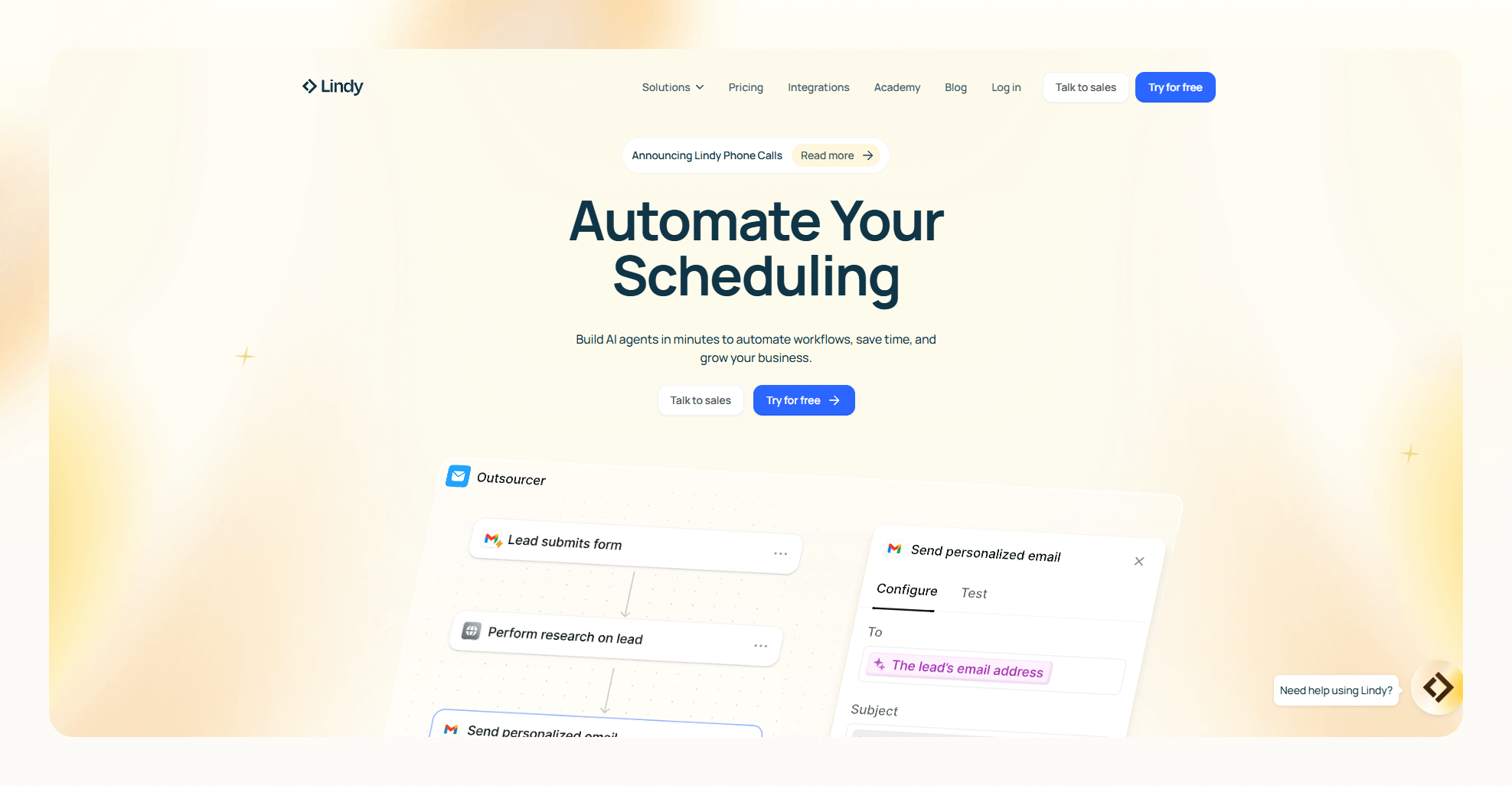
Lindy transforms customer support with cutting-edge automation, providing instant, flawless resolutions 24/7.
With Lindy you don’t get a tool, you get an army of customer support agents called Lindies that can talk with each other, all spearheaded by an AI manager.
You get:
- Absolutely effortless integration: In just 15 minutes, Lindy syncs with your current tools for a smooth start. For example, it can plug into Stripe to perform refunds or get customer information from your database.
- Website embedding made easy: Add Lindy to your site with a simple code snippet for active engagement. Want more? It can connect to tools like Intercom.
- Proactive inbox management: Lindy connects directly to your support inboxes and can also have her own email inbox to process issues in the background.
- Quick ticket resolution: Lindy slashes response times to under a minute, enhancing customer satisfaction.
- Scale into infinity: Ready to handle any volume, Lindy works non-stop, adapting to your business needs, and connects to other Lindies to perform different tasks.
- Multilingual support: Offering assistance in 50 languages, Lindy ensures your brand reaches a global audience.
- 24/7: With round-the-clock operation, Lindy is there for your customers anytime, anywhere.
{{templates}}
Zoho Desk
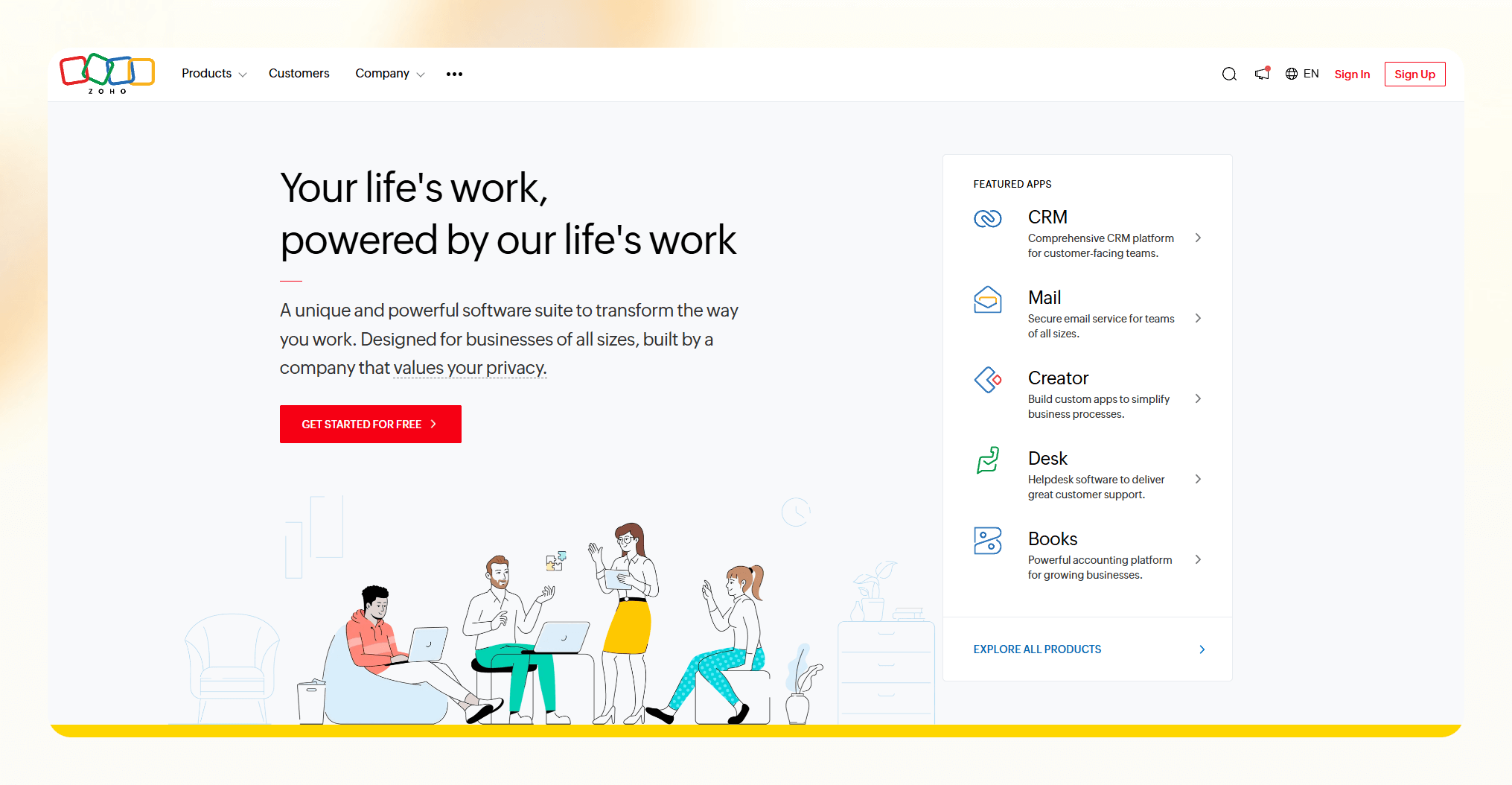
Zoho Desk amps up customer support with Zia, its savvy AI sidekick. Zia’s main gig is to make every customer interaction smooth sailing, thanks to its smart insights and automation prowess.
You get:
- Chatbot prowess: Zia’s available both on your site and mobile app, ready to tackle customer questions on the spot.
- Emotion radar: It reads the room – or ticket – to let agents tailor their tone and tackle any bad vibes early.
- Smart sorting: Zia’s on it, auto-tagging and zipping tickets over to the agents best suited to solve them.
- Performance watch: Keeps an eye on the team’s stats, giving heads up on ticket surges or the chill of customer thumbs-down, for a quick fix.
- Custom training: With Skill Builder, you get to teach Zia the tricks of your trade, making it a custom fit for your customer service playbook.
Choose your plan to suit your team’s needs:
- Free plan: Just starting out.
- Express: $7 per user/month for the basics.
- Standard: $14 per user/month for a bit more oomph.
- Professional: $23 per user/month for the full suite.
- Enterprise: $40 per user/month for the big leagues.
Comes with a 15-day free trial.
Nextiva Conversational AI
Nextiva takes customer communication into the cloud, mixing up voice, video, chat, and more for an all-in-one service experience. Its conversational AI goes beyond basic bots, engaging in real talk with customers, thanks to some brainy tech from Google Dialogflow and IBM Watson.
- Chat smart: Thanks to Google Dialogflow and IBM Watson, Nextiva gets what customers are saying, ditching the menu maze for straight-up conversation.
- Learn and adapt: With machine learning, Nextiva's AI gets sharper over time, making every call smoother than the last.
- Direct with precision: Smart Routing means calls always land where they should, guided by the AI's savvy understanding of the chat.
Pricing:
- Essential: At $18.95 per month per user, you're covered for the basics.
- Professional: Step it up to $22.95 per month per user for more features.
- Enterprise: For the full suite, it's $32.95 per month per user.
- Contact center plans: Ranging from Core to Ultimate, prices are tailored to fit.
Nextiva has a free 7-day trial.
Churn
Churn 360 is a SaaS and B2B-focused solution – turning customer data into actionable insights to reduce churn. Central to its operation is "Eddy," an AI bot that sifts through data to offer insights aimed at reducing customer turnover.
(However, users note limitations such as less intuitive email templates and limited dashboard customization).
You get:
- AI-powered churn prediction: Alerts businesses to potential customer departures for proactive action.
- Comprehensive customer insights: Provides a 360° view of customers, enhancing understanding of their experiences.
- Efficient customer segmentation: Enables personalized marketing and services by categorizing customers based on various criteria.
Pricing:
- Startup: $199/month.
- Professional: $499/month.
- Enterprise: Custom pricing.
Intercom

Intercom's AI bot, Fin, goes in hard on customer support using OpenAI's sophisticated language models. It's crafted to mimic human-like interactions, making customer support chats feel more genuine and engaging.
- Real deal answers: Fin pulls its insights straight from your business' help center, guaranteeing answers are on-point and backed by your own content. It even cites sources for full transparency.
- Inbox harmony: "Fin Conversations in Inbox" lets support teams track all of Fin's chats, ensuring no customer query slips through the cracks.
- Customized priorities: With "Custom Answers", Fin can be programmed to offer specific responses first, aligning with your unique customer service strategy.
Pricing tiers:
- Start: $39/month/seat.
- Grow: $99/month (includes 5 seats).
- Accelerate: Starting at $499/month (includes 10 seats).
- Scale: Starting at $999/month (includes 10 seats).
- Fin's cost: $0.99/"Resolution", on top of any Intercom plan.
14-day free trial.
Freshdesk

Freshdesk harnesses AI to enhance customer service, featuring Freddy, a bot that quickly responds to customers via chat and email. Despite its utility in simplifying tasks like ticket suggestions and email templates, Freddy faces limitations, including language restrictions and occasional comprehension challenges.
You get:
- Wide platform reach: Freddy operates across multiple messaging channels, ensuring support is accessible wherever customers are.
- Service customization: Freddy Copilot centralizes customer interactions for tailored service suggestions and quick issue resolutions.
- Insight-driven performance improvement: Freddy Insights analyzes data to boost team efficiency and solve problems proactively.
- Direct chat actions: Freddy can handle tasks within chats, streamlining operations like order checks or bookings.
- Intelligent ticket routing: Directs inquiries to the appropriate teams or agents, optimizing response times and accuracy.
Note: User feedback highlights Freddy's helpfulness in routine tasks, but points out its limitations in language support and understanding nuances.
Pricing options for every team size:
- Free: Get started with the basics for an unlimited number of agents.
- Growth: $15/agent/month for those ready to expand their capabilities.
- Pro: $49/agent/month for advanced features and support needs.
- Enterprise: $69/agent/month for comprehensive solutions at scale.
Tidio
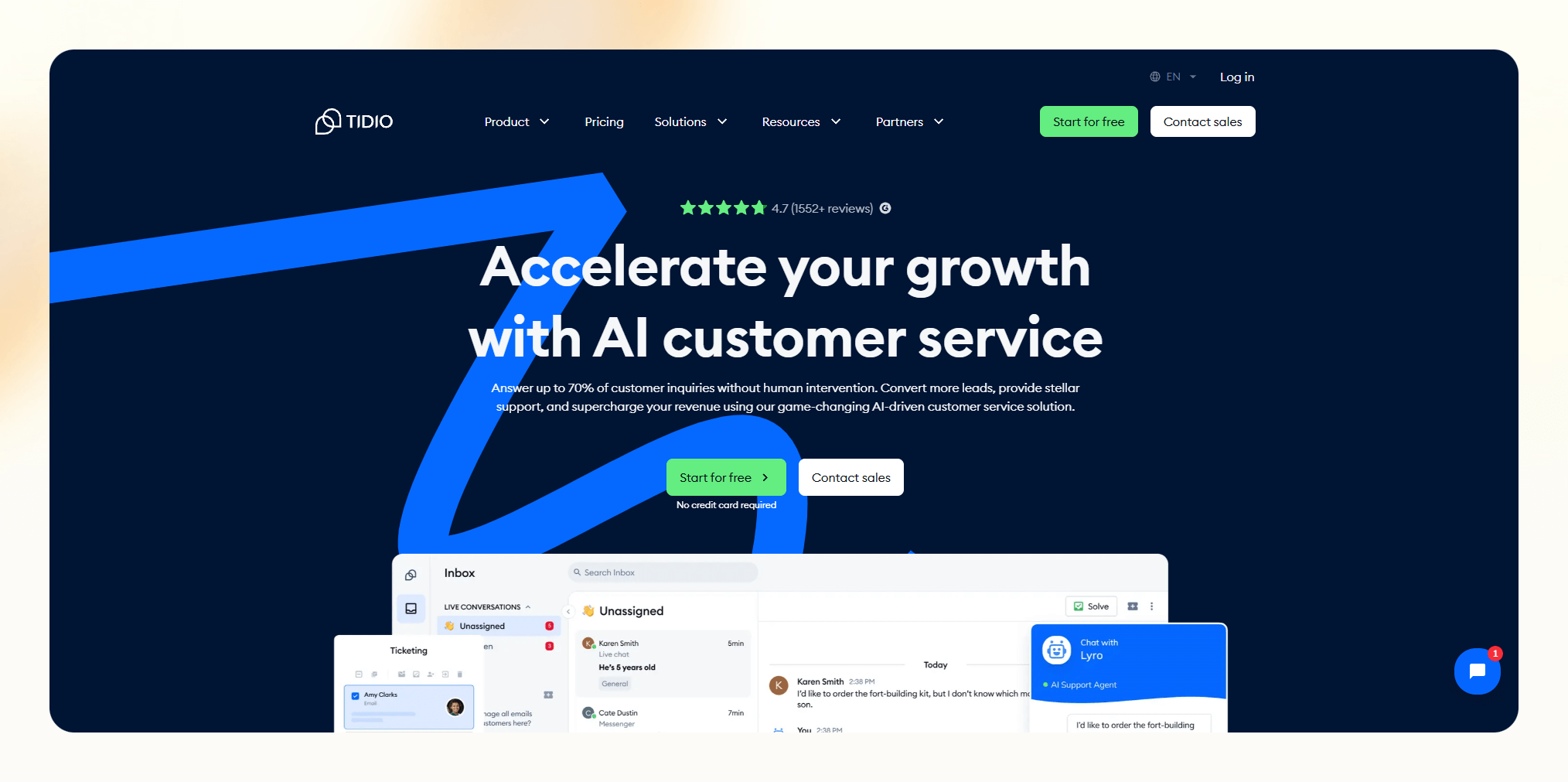
Tidio streamlines customer support for SMBs with its AI-enhanced toolkit, highlighted by Lyro, its conversational AI bot. Lyro quickly answers common customer queries using the website’s knowledge base, though it currently supports only English.
- Efficient query handling: Lyro resolves up to 70% of routine questions, freeing up agents for more complex issues.
- AI phrase matcher: Utilizes NLP to craft responses that resonate with customers, stepping beyond preset options.
- Instant inquiry classification: The Customer Questions feature swiftly categorizes and answers inquiries, improving with each interaction.
- Agent performance tools: Includes the Reply Assistant for uniform responses, Customer Intent for sorting conversations, and Smart Views for prioritizing urgent matters.
Pricing options tailored to various needs:
- Free: For basic access.
- Starter: $29/month for core features.
- Communicator: $25/month per seat for extended communication tools.
- Chatbots: Begins at $29/month for automated conversations.
- Tidio+: Starts from $394/month for full features.
Bonus: Combine chatbots and communicators to get the first 50 Lyro conversations for free.
Comes with a 7-day free trial.
Zendesk AI
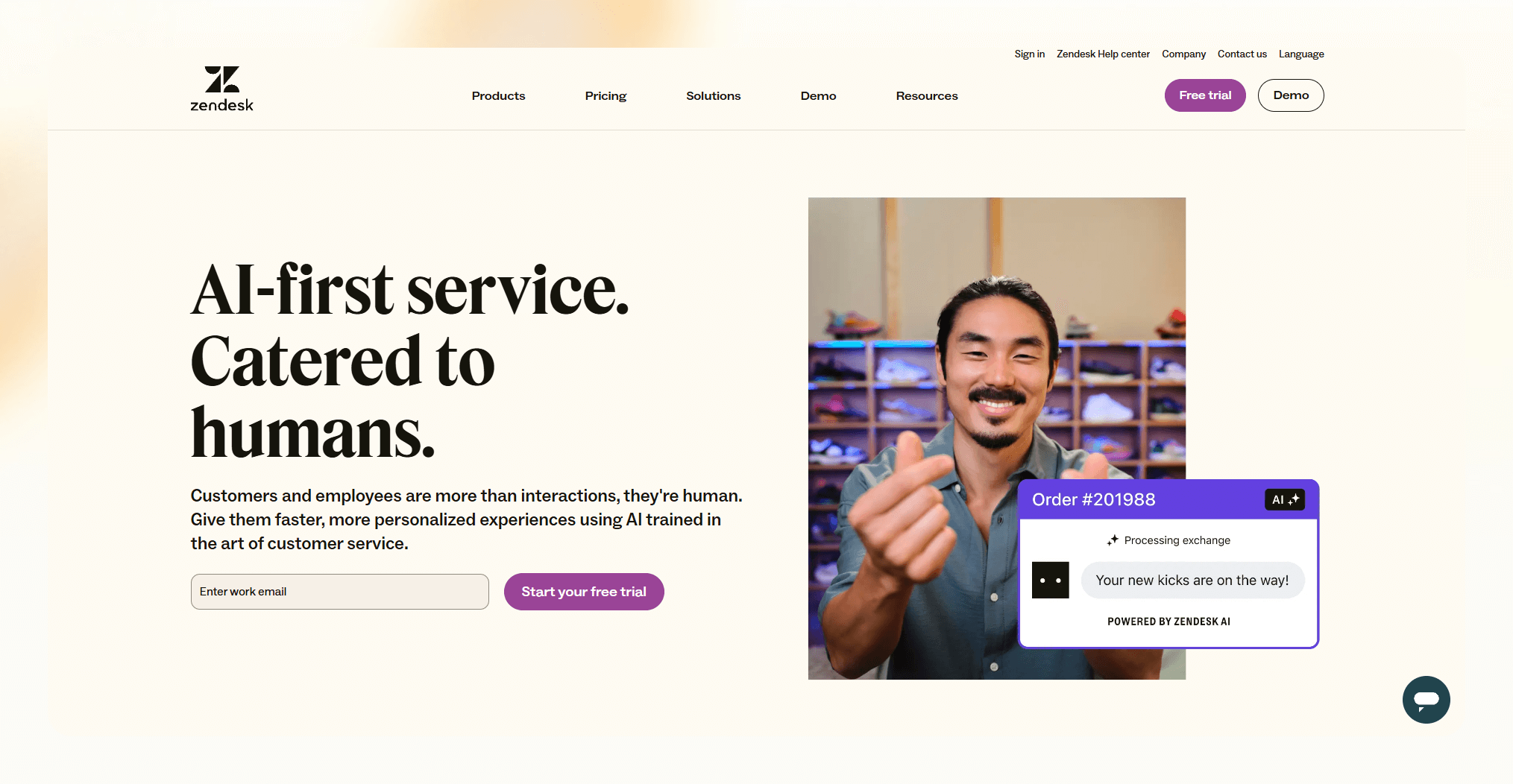
Zendesk AI brings its A-game to customer service with its smart tools and bots, designed to smooth out every interaction. Its Answer Bot stands out, sifting through your resources to automatically resolve queries.
- Smart sorting: The "Intelligent Triage" sifts through inquiries, ensuring they're seen by the right eyes or handled on the spot when possible.
- Future-gazing: With predictive insights, Zendesk AI doesn't just react; it helps you shape better customer experiences proactively.
- Autonomous bots: Tackling the basics like name and issue type, it frees up human agents for the heavy lifting, making sure everyone's playing to their strengths.
Pricing plans:
- Suite Team: $49/agent/month.
- Suite Growth: $79/agent/month.
- Suite Professional: $99/agent/month.
- Suite Enterprise: Starts at $150/agent/month, with more robust options beginning at $215/agent/month.
- Advanced AI add-on: $50/agent/month, available with Suite Professional plans and above.
Free 14-day trial as well.
Hiver
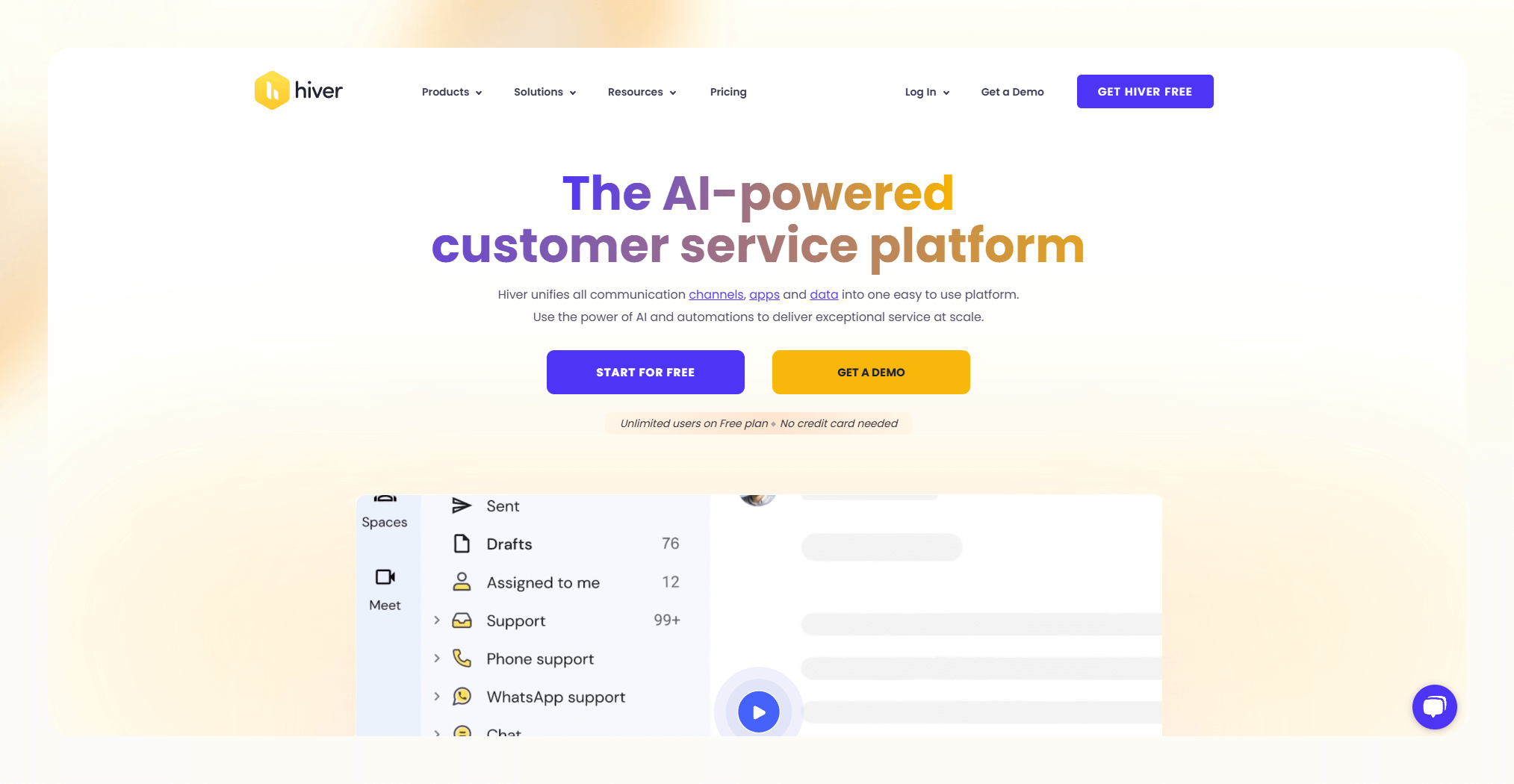
Hiver transforms Gmail into a customer service hub by introducing Harvey, its AI bot that harnesses natural language processing.
Check out Harvey's capabilities:
- Gmail helpdesk integration: Harvey integrates directly with Gmail, streamlining the user experience for teams already navigating Google's ecosystem.
- Context detection: Leveraging NLP, Harvey understands the context of customer conversations, ensuring responses hit the mark every time.
- Template suggestions: Harvey sifts through templates to recommend the best fit, speeding up response times with precision.
- 'Thank you' message handling: Harvey automatically manages 'Thank you' messages, keeping resolved chats closed.
- Transparent action tracking: Harvey logs every action, offering a clear audit trail for oversight and quality control.
- Adapts and learns: Harvey improves with feedback, refining its approach to enhance decision-making and accuracy.
- Simple setup: Activating Harvey requires just one click, seamlessly fitting into existing workflows without overriding agent actions or workflow automations.
Pricing:
- Lite plan: $15/user/month for core features.
- Pro plan: $39/user/month for advanced capabilities.
- Elite plan: $59/user/month includes full Harvey access.
Harvey has a 7-day free trial.
Kustomer

Kustomer AI supercharges the Kustomer CRM platform, automating the routine so agents can focus on what really matters.
- Automates the mundane: Frees agents from repetitive tasks by leveraging your knowledge base to suggest relevant articles for speedy issue resolution.
- Detailed conversations: The "Conversational Assistant" digs deeper, prompting customers for all the juicy details upfront for quicker, more accurate resolutions.
- Unified insights: Kustomer IQ throws in AI-powered insights, giving agents a holistic view of the customer journey across all channels without switching screens.
- Learning on the go: This AI isn't just smart; it's a quick learner, constantly refining its suggestions based on agent interactions and feedback.
Pricing:
- Enterprise: $89/month per user - For the big players needing the full suite.
- Ultimate: $139/month per user - Adds even more power to your customer service game.
- KIQ conversations: Starts at $15/mo for 100 conversations - For those dipping their toes into AI-driven customer interactions.
Tips for getting the best out of your AI customer support tool
Once you’ve chosen an AI customer support tool, it’s time to implement it and start getting the most out of it.
Here are some tips to help you get the most out of your new software:
- The AI won’t be useful right out of the box: You’ll need to train it by feeding it data like past support tickets, frequently asked questions and keywords. The more data you provide, the smarter your AI will become. Take time to go through historical records and identify patterns to help the AI learn.
- Integration, integration, integration: Hook your AI up with your other systems like chat, email, and socials for a seamless info flow. This way, the AI taps into a goldmine of interactions for on-point answers.
- Start simple: Let your AI cut its teeth on the easy stuff—think store hours or return policies. Gradually up the ante, as it gets smarter, but keep human agents in your back pocket for the tricky questions.
- Keep a close eye: Watch how your AI's doing and guide its growth with your feedback. Use those thumbs to teach it right from wrong and keep tabs on metrics to gauge its impact.
- Temper your expectations: Remember, AI's not about to outdo your human team. It's here to take the load off with the routine queries, letting your humans shine where it counts.
Should you use AI customer support software over humans?
AI customer support tools are designed to enhance human customer service teams, not replace them.
While AI can handle many routine inquiries and tasks, human agents still are necessary for the more complex stuff. The key is finding the right balance.
Take a look at how:
- Automate the mundane: AI is great for zapping through high-volume, repeat questions—password resets, order checks, shipping news, you name it. This automation wizard liberates your human crew for the hefty stuff while ensuring customers snag instant answers anytime.
- Boost, don't boot, human touch: AI's role? Boosting your customer service squad, not sidelining them. Complex issues and heartfelt chats still need the human touch. AI's smart suggestions and info digests can turbocharge agent efficiency and warmth. Opt for AI that plays well in a shared sandbox with your team.
- Grow without the groans: Scaling up? AI has your back, handling the uptick in customer queries without bulking up the payroll. Let AI tackle the routine so your team can zero in on deep customer connections, keeping the service stellar as your customer base balloons.
- Customer-centric strategy: At the end of the day, it's all about what your customers dig. Dive into surveys and data to nail the perfect AI-human mix that'll have your customers raving. Different strokes for different folks, so tailor your AI strategy to meet your customer's unique vibes.
{{cta}}
FAQs
Will AI replace human customer support agents?
AI won’t completely replace humans in customer service. AI tools will handle repetitive, mundane queries, freeing up human agents to focus on more complex issues. The combination of AI and human support will provide the best customer experience.
Some customers will always prefer human interactions for sensitive matters. AI and human agents working together create an omnichannel customer support system.
Which businesses benefit the most from AI customer support?
AI customer support tools benefit many types of businesses. Companies with a high volume of customer queries, like retail, e-commerce, and telecoms, gain significant productivity improvements. Startups and small businesses can provide 24/7 support without increasing costs.
Businesses that value speed, scale, and reduced customer effort scores will see big gains. Companies in regulated industries also benefit from AI’s data privacy and compliance capabilities.
How much does AI customer support software cost?
AI customer support tools have a range of pricing models. Many offer free trials and customizable plans based on the number of agents, integrations, and features. Basic plans for small teams typically start around $50-$100 per agent per month.
Enterprise plans for large contact centers usually start around $200-$500 per agent per month. Some vendors charge based on message volume. Many provide discounts for annual contracts.
Summing up
There you have it: The 10 best AI customer support tools to supercharge your team's productivity and take your customer service to the next level in 2026.
With the right solution matched to your needs, you'll be well on your way to leveraging the power of artificial intelligence to deliver quick, accurate, and personalized support around the clock.
And, you’ll be giving your human employees some much-needed relief.










![The 10 Best AI Customer Support Tools for your Business [2026]](https://cdn.prod.website-files.com/63e15df811f9df22b231e58f/6a7be012c8a145aa439fc449_blog-sidebar-teammate.avif)