n8n vs Relevance AI: Workflow Control vs Fast AI Agents
Jack tested Lindy, n8n, and Relevance AI head-to-head, comparing automation depth, integrations, ease of use, and pricing to find the best fit for teams.


I spent three weeks building real projects in both tools before I understood why people kept asking this question. On the surface, n8n and Relevance AI look like they compete. Look closer, and they solve almost entirely different problems.
n8n is a visual workflow builder. You map out each step, connect your apps, and define the logic that moves data between them. Relevance AI is an agent builder. You describe what you want an agent to do, give it tools and knowledge, and let it handle the thinking. The overlap is narrow, and the choice usually comes down to what your work actually looks like.
I tested both for scheduling, research, inbox triage, CRM updates, and multi-step handoffs. I also ran the same jobs in Lindy, which takes a different approach to the same set of problems.
Here is what I found.
n8n vs Relevance AI at a glance
Quick verdict
- Use n8n if you need precise control over multi-step workflows or want to build AI agents with full visibility into every step. It gives you the most customization of any tool in this comparison and the most flexibility on hosting. Before committing, check our full n8n review and n8n pricing guide to understand how the hosting options and execution model affect total cost.
- Use Relevance AI if your main jobs involve LLM reasoning, research, and analysis. It is fast to set up for focused agents and strong on vector search. Check our Relevance AI pricing guide for a full breakdown of how Actions and Vendor Credits work, and our Relevance AI alternatives page if the Actions-based plan limits don't fit your team.
- Use Lindy if you want your team to delegate work in Slack instead of building and maintaining automations. Lindy starts at $29.99/user/month on the Team plan.
What is the difference between n8n and Relevance AI?
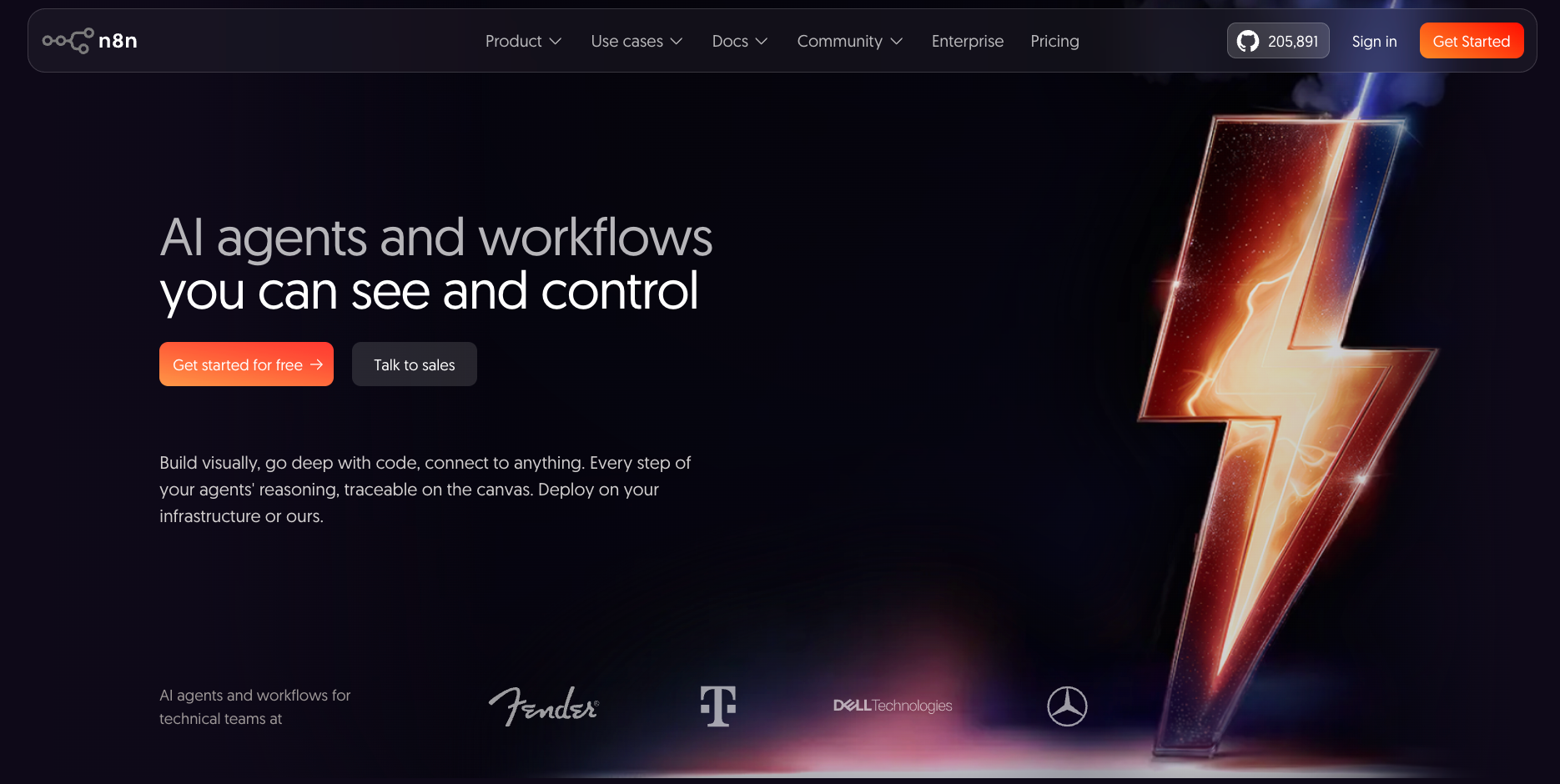
n8n is for teams that want to design and control exactly how work moves, whether through structured workflows or AI agents with traceable reasoning. Relevance AI is for teams that want to build specialized agents fast and organize them into a workforce.
n8n gives you two things that work together: a visual canvas where every workflow step is visible as a node, and a native Agent Builder where you configure agents with models, instructions, tools, knowledge bases, and memory. Both live in the same project.
You decide what triggers the work, how data transforms, which branches fire, and where errors route. That level of control is powerful when the logic matters. It asks for time and technical comfort in return.
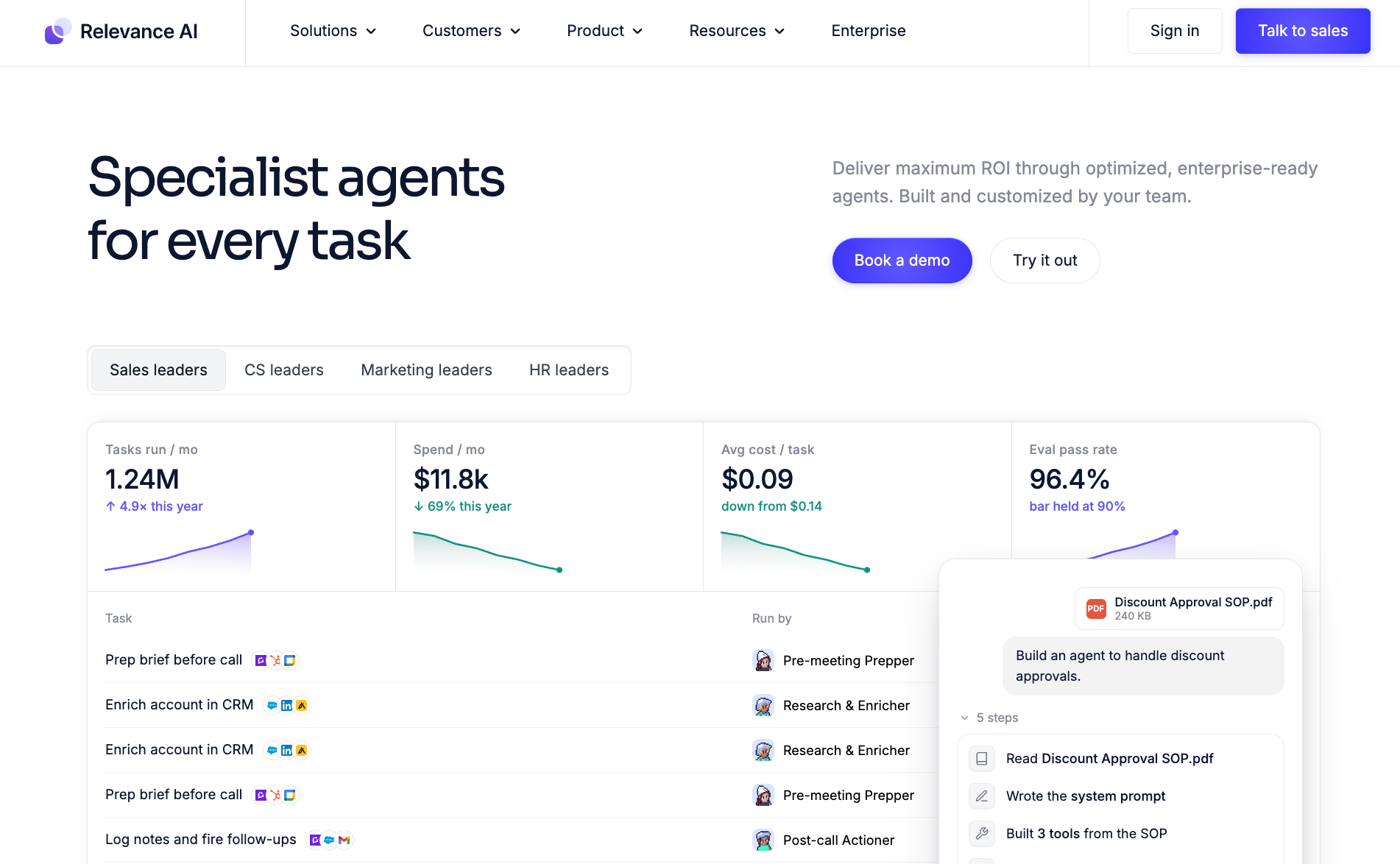
Relevance AI gives you agents that read, reason, and act. You give each agent its role, its tools, and its knowledge base, and it handles the problem-solving. You can also organize multiple agents into workforces on a visual canvas. The trade-off is that costs shift with how much LLM work the agents are doing, since every Tool run uses up one Action from your plan's monthly allowance, and model usage draws on Vendor Credits.
Can you use n8n and Relevance AI together? Yes. The n8n and Relevance AI integration does exist, through webhooks and API calls, and some teams use Relevance AI's reasoning layer alongside n8n's workflow layer. There is a section on that below.
How I tested n8n and Relevance AI
I picked five jobs that cover the main reasons teams consider tools like these, including research, inbox management, CRM updates, meeting follow-up, and multi-step handoffs.
For each one, I tracked three things: how long setup took before anything useful ran, where I had to stop and reconfigure, and whether the output needed editing to be usable. I ran the same jobs in Lindy as a reference point.
The five jobs I tested:
- Pulling sales call summaries from a meeting tool and drafting a weekly brief
- Researching a prospect before a meeting, combining their site, LinkedIn, and recent news
- Triaging an inbox and routing messages by urgency
- Pushing a deal update from email into a CRM
- Building a post-call handoff: notes to CRM, follow-up draft, task created
The research job is where Relevance AI pulled ahead fastest, with a brief in hand after about 15 minutes of setup. The CRM update and multi-step handoff are where the gap in setup time showed most.
Do n8n and Relevance AI have AI agents?
Both tools support AI agents. You can give agents tools, a knowledge base, and memory in either platform, and both handle multi-step jobs autonomously.
Where they differ: n8n agents live inside the same canvas as your workflows, so you can mix structured logic and AI reasoning in one project. Relevance AI treats agents as the core product and goes further on coordination, with a visual workforce canvas.
n8n
n8n now has a native Agent Builder alongside its workflow canvas. Each agent gets a language model, instructions, and tools. Those tools can be built-in integrations, workflows, custom JSON schema tools, or MCP servers. You can also attach a knowledge base (CSV, PDF, Markdown, TXT), web search, memory, and sub-agents.
Agents and workflows live in the same project and share the same execution quota. One agent turn counts as one execution.
The approach is more configurable than most agent builders. You can inspect every step of the reasoning loop, require approval before sensitive tool calls, and use episodic memory to let agents recall context from earlier sessions. Channels for Slack, Telegram, and Linear let people reach agents without going to the n8n interface.
The trade-off is setup time. Configuring a well-behaved agent means working through instructions, tools, memory, and approval rules before anything runs. Teams with engineering resources find this natural. Teams without them find it heavy.
Relevance AI
Relevance AI treats agents as the starting point. You give each agent its role, tools, and knowledge base, and it reasons through tasks. You can also organize agents into workforces on a visual canvas, where specialized agents hand work to each other.
For the research job I ran, a Relevance AI agent pulled prospect data, compared sources, and handed me a brief in about 15 minutes of setup.
Calling and meeting agents are available on Team and Enterprise plans only. Costs shift with how many Tool runs your agents make. A research workflow that calls web search, does a CRM lookup, and drafts an email uses three Actions from your monthly allowance.
{{templates}}
Do n8n and Relevance AI have enough integrations?
Both n8n and Relevance AI cover the same ground at a high level. The difference is how they connect. n8n integrations are nodes on the canvas. You wire them together manually and control exactly what data moves where. Relevance AI integrations are tools that agents pick up and use. You hand the agent the tool. It decides when to call it. Same apps, different mental model.
n8n
n8n has over 2,200 integrations covering CRM, communication, storage, databases, developer tools, and AI models. Every integration is included on all plans with no gating by tier.
Every integration works as a building block in the visual canvas. You connect apps together node by node, with full control over exactly what data moves where and under what conditions. This is the right model when precision matters more than speed.
Relevance AI
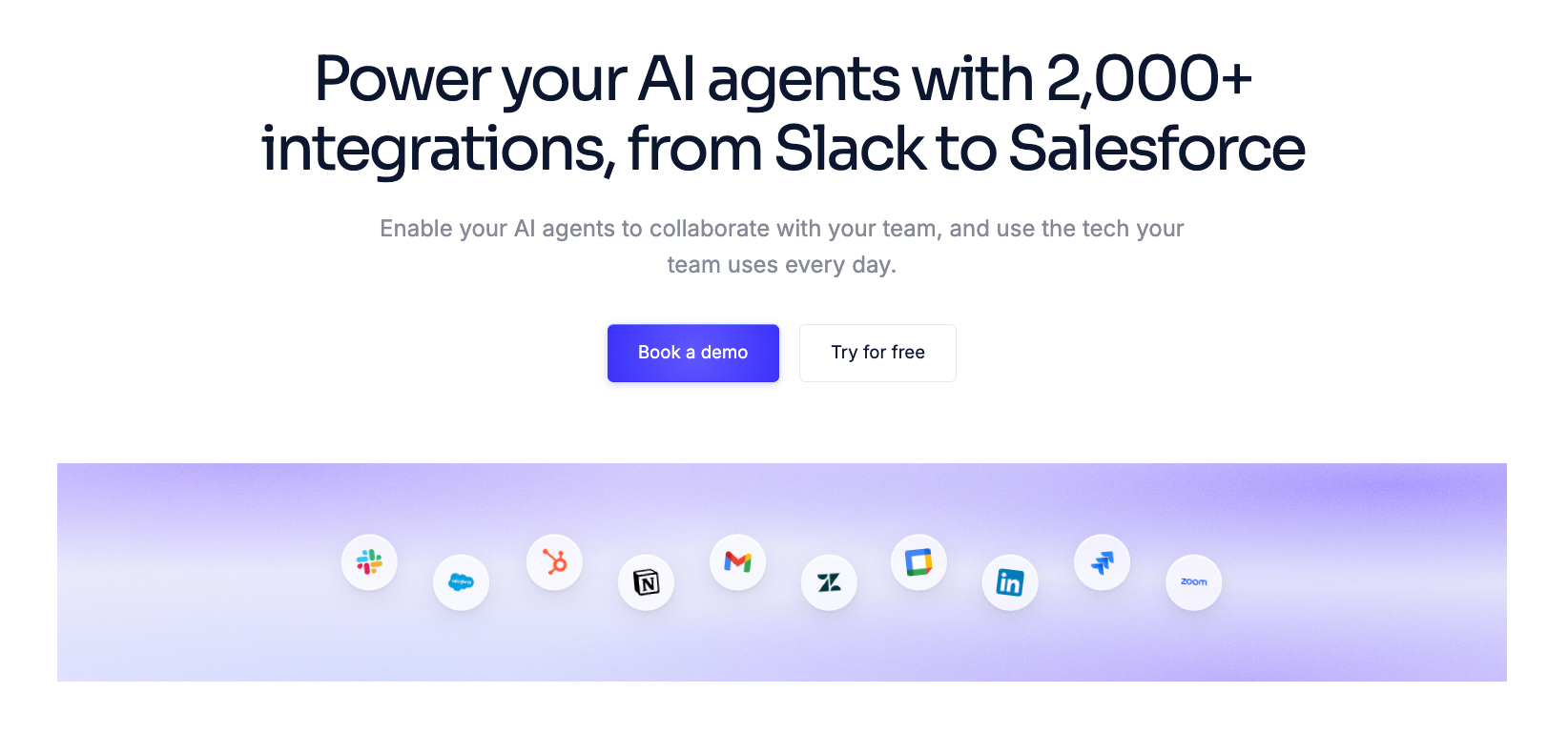
Relevance AI lists 2,000+ integrations, with webhook and MCP support on top. Standard business apps, LLM providers, and knowledge sources are all covered.
In practice, the integration layer worked well for reading from sources and triggering actions. Multi-system updates across several apps at once required more manual coordination.
Which is easier to use, n8n or Relevance AI?
Relevance AI is faster to launch, with most focused agents running in under 30 minutes. n8n takes longer to configure but gives you more control over complex workflows, memory, models, and approval rules. That setup feels slow for non-technical users but natural for developers.
n8n
n8n has a real learning curve. The visual canvas is clear, but understanding how data flows between nodes, how to handle errors, and how to build AI behavior into a workflow takes time. Developers and technical ops teams pick it up well, while non-technical users find it slow.
The payoff is visibility. Once a workflow or agent is built, you can see exactly what every step does, inspect the reasoning loop, and debug it when something breaks. That transparency matters at scale.
Relevance AI
Relevance AI is fast to start with for focused tasks. Giving an agent its role, tools, and knowledge is intuitive, and the results come quickly. The learning curve appears when you try to build longer, branching processes or coordinate multiple agents.
How much does n8n cost?
n8n has four main tiers, a discounted Start-up plan, and a free Community Edition. Before picking one, understand how billing works: one execution equals one full workflow run, regardless of how many steps it has. A 20-step workflow costs the same as a 2-step one.
Here is how each plan looks:
- Starter: $24/month ($20/month annually). Cloud-hosted. 2,500 executions, one shared project, five concurrent executions, 1,600 AI Assistant credits, no credit card required for the trial. The catch: 2,500 executions disappear fast. A single Slack status monitor on a schedule trigger that runs every five minutes fires 8,640 times a month, which is more than three times the plan limit. Run the math before committing.
- Pro: $60/month ($50/month annually). Cloud-hosted. 10,000 executions, three shared projects, 20 concurrent executions. Adds admin roles, global variables, workflow history, and execution search. Still forum support only.
- Business: $960/month ($800/month annually). Self-hosted only. SSO with SAML and LDAP, Git-based version control, separate dev and production environments, 40,000 executions, 30 days of execution insights. Forum support only.
- Start-up: $400/month ($333/month annually). Fewer than 20 employees and less than €5M in funding gets you 50% off Business, with the same features included. Self-hosted only. Worth checking before signing up for Business at full price.
- Community Edition (Free): Self-hosted, unlimited workflows and executions, no feature gating on the core engine. It lacks SSO, Projects, or Git version control. You're responsible for backups, security, and uptime.
- Enterprise (Custom pricing): Cloud or self-hosted, dedicated support with SLA.
How much does Relevance AI cost?
Relevance AI's public pricing page shows only an Enterprise plan, but two self-serve tiers exist and can be signed up for directly via the docs pricing page. The billing model differs from n8n: each Tool run counts as one Action against your plan's monthly allowance, and model usage draws on Vendor Credits (LLM cost at wholesale, no markup). Plan Actions reset each billing cycle. Vendor Credits roll over indefinitely while subscribed.
Here is how the plans break down:
- Pro: $29/month ($19/month annually). 2,500 Actions/month, $20/month in Vendor Credits, 2 Build Users, 1 Project. No calling or meeting agents on this plan.
- Team: $349/month ($234/month annually). 7,000 Actions/month, $70/month in Vendor Credits, 5 Build Users, 45 End Users, 5 Projects. Calling and meeting agents included, plus A/B testing and an analytics dashboard.
- Enterprise (Custom pricing): Unlimited users and projects, SSO, RBAC, audit logs, dedicated account manager.
- Top-ups: cost $80 per 1,000 extra Actions and $20 per 10,000 extra Vendor Credits (the same $20 of credit the Pro plan includes each month), available on any paid plan.
Can you use n8n and Relevance AI together?
Yes, you can use n8n and Relevance AI together. The n8n and Relevance AI integration works through webhooks and API calls in both directions.
The common pattern: use Relevance AI to handle the reasoning and analysis part of a job, then pass the output to n8n to trigger a multi-step action sequence. For example, a Relevance AI agent reads a prospect's site and writes a personalized pitch, then an n8n workflow pushes that pitch to HubSpot, sends it via email, and logs the outcome.
The reverse also works: n8n handles the trigger and data preparation, then calls a Relevance AI agent for the LLM-intensive part before continuing the workflow.
The main reason teams combine them is specialization. Relevance AI's workforce canvas makes it easy to coordinate multiple specialist agents. n8n's workflow layer handles the structured, multi-step execution that follows agent output, like precise routing, error handling, and data transformation.
Together they cover more ground, at the cost of managing two platforms and two billing models.
Who should use n8n?
n8n is the right call for teams that want complete control and full visibility over how their automation behaves. It could be structured workflows, AI agents, or a mix of both. If you have technical staff, a complex set of tools to connect, and processes that need precise routing logic, n8n gives you more customization than most alternatives.
It also works well for teams with developers who want to move fast. The node model is familiar if you think in code, every integration is included on all plans, and self-hosting on the community edition is free with unlimited executions.
The limitation is that both workflows and agents take real setup time. The Agent Builder makes configuration easier than wiring LLM nodes manually, but n8n still expects you to think through models, instructions, tool permissions, and memory from the start.
Who should use Relevance AI?
Relevance AI fits teams whose core work is knowledge-intensive. If your people spend significant time on research, analysis, content generation, or competitive intelligence, Relevance AI's agent model directly reduces that time. It also suits organizations deploying focused agents for prospect research, support triage, or competitor monitoring, each with its own knowledge context.
The Pro plan ($29/month) covers solo builders and small teams getting started. The Team plan ($349/month) is where the fuller feature set lives. It adds calling agents, meeting agents, A/B testing, and an analytics dashboard.
The main thing to budget carefully is Actions. Every Tool run counts as one. A research workflow that searches the web, reads a document, and updates a CRM field uses at least three. Heavy usage adds up fast.
n8n vs Relevance AI: comparison of standout features
{{cta}}
Try Lindy: An AI teammate for Slack-first teams
Lindy is an AI teammate that works across Slack, iMessage, Gmail, and your browser. @mention it in any channel, and it answers in a thread with sourced responses from your meetings, tools, and files. DM it for personal work like inbox triage, meeting prep, and calendar coordination. One admin installs it. From there, the whole team talks to it.
What Lindy handles:
- Inbox management: Lindy reads your inbox, triages it, labels what matters, and routes what needs a person
- Meeting prep and follow-up: Lindy joins Google Meet, Zoom, and Microsoft Teams as a named participant, records, transcribes, summarizes, and drafts the follow-up for your approval
- CRM updates: @mention Lindy to update your CRM from Slack. It updates HubSpot, Salesforce, or Pipedrive and confirms what it changed
- Daily briefs and catch-ups: Lindy sends a brief at the start of each day based on your meetings, inbox, and open tasks
- Routines: Set up recurring work in plain English ("every Monday at 9, send the pipeline brief") and Lindy runs it on schedule
Lindy starts at $29.99/user/month on the Team plan. New users start with $50 in free credits, no credit card required. Credits last 7 days.
FAQs
Is Relevance AI better than n8n for automation?
Relevance AI is better than n8n for tasks that involve LLM reasoning, research, or knowledge retrieval. If your work is designing and running structured multi-step workflows across many tools, n8n is the stronger fit. The two tools target different parts of the automation problem, and many teams use them together rather than choosing one.
What is the main difference between Relevance AI and n8n?
Relevance AI lets you define a job, add tools and knowledge, and quickly launch specialist agents. n8n combines workflows with an Agent Builder, offering more control over models, memory, and approvals. Relevance AI is faster to launch, while n8n offers more customization.
How does Lindy compare to n8n for the same jobs?
n8n requires you to build a workflow before anything runs, while Lindy works from a simple request in Slack. @mention Lindy in any channel to handle a task, and it draws on your connected tools and meeting history to get the job done. For technical teams that want control, n8n is the right tool. For teams that want to delegate work immediately, Lindy is faster to value.
Does Relevance AI integrate with n8n?
Yes. The Relevance AI and n8n integration works through webhooks and API calls. You can trigger a Relevance AI agent from an n8n workflow, or use n8n to process Relevance AI's output as part of a larger automation chain. Some teams use Relevance AI for the reasoning layer and n8n to handle the multi-step execution that follows. See the "Can you use them together?" section above for the common patterns.
Is Lindy an alternative to n8n?
Lindy is an alternative when the goal is getting work done rather than building the system that does it. n8n requires configuration upfront. Lindy starts from a conversation in Slack. If your team prefers to delegate tasks rather than design workflows, Lindy is the closer fit. See our full list of n8n alternatives to compare the broader set of options.
Which platform is best for AI-powered work in 2026?
Relevance AI is strongest for building specialist agents fast and coordinating them into a workforce, especially for research, analysis, and sales use cases. n8n is strongest when you want full technical control over both structured workflows and AI agents with flexible hosting. Lindy is the better fit for teams that want an AI teammate in Slack handling work across their whole tool stack without building anything.
Is anything better than n8n?
For visual workflow automation with precise control and broad integration coverage, n8n is hard to beat. It falls short on setup time for non-technical teams, needs wiring up before it works in Slack, and adds infrastructure overhead when self-hosted. Relevance AI is better for agent-first work where you want fast setup over fine-grained control. Lindy is better when your team wants to delegate work in Slack rather than build the system that handles it.









