Top 8 Relevance AI Alternatives & Competitors [2026]
Marvin reviewed ten Relevance AI alternatives including n8n, Flowise, and StackAI, comparing self-hosting options, compliance features, and credit-based pricing models.


I hit Relevance AI's Action limit on a Wednesday afternoon, eleven days into the billing cycle. The workflow I had running pulled prospect data, ran a web search, checked our CRM, and drafted an outreach email. Six Actions per run. Forty runs a day. The math was obvious in retrospect, but the pricing page had not made it obvious before I signed up.
I spent six weeks testing tools across the same five jobs, including lead research, inbox triage, CRM updates, meeting prep, and multi-step handoffs.
I wanted to know which ones handled Relevance AI's core use cases without credit-model unpredictability, SaaS-only deployment, or build-everything-from-scratch setup time.
Here's what I found.
Top 8 Relevance AI alternatives and competitors: At a glance
What is Relevance AI?
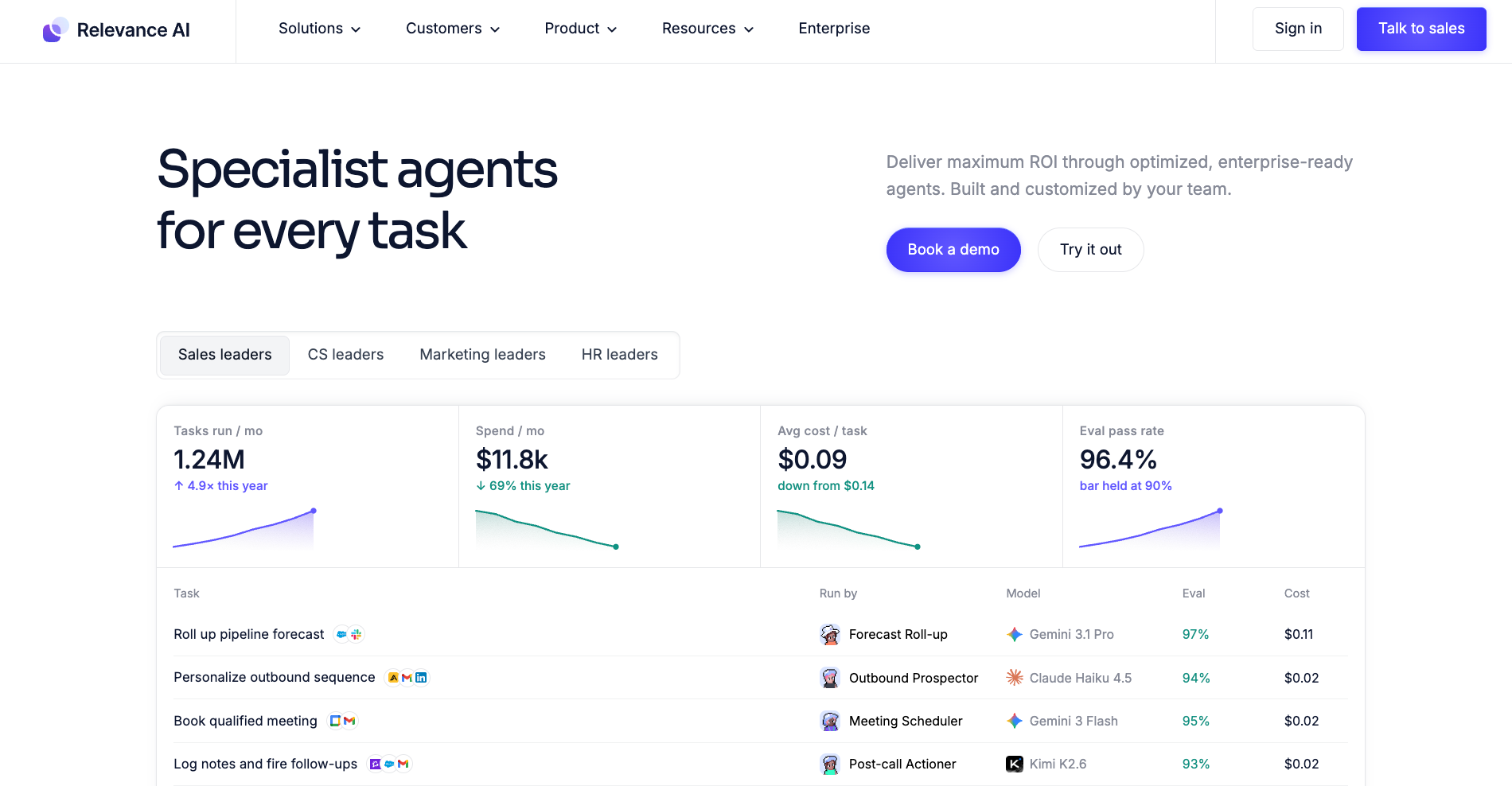
Relevance AI is a low-code platform for building and running AI-powered teams. You give each assistant a role, a set of tools, and a knowledge base, and it reasons through tasks on its behalf. Multiple assistants can be organized into a workforce that hands work between them.
Here is what the platform is built around:
- Agent creation: Define what each assistant does, which tools it can use, and what it knows. Setup is mostly configuration.
- Workforce coordination: Organize multiple assistants into a multi-agent canvas, where one hands off to another based on task type.
- Knowledge and RAG: Attach documents, databases, or web sources to any assistant. It retrieves relevant context before responding.
- Credit-based pricing: You pay per Action (one tool run) plus Vendor Credits for model usage. Each plan comes with a set number of Actions, and costs climb once you use them up.
- Deployment: SaaS only. Relevance AI doesn't offer a self-hosted or on-premises version.
Relevance AI suits teams whose core work is research, analysis, or content generation. Basically, jobs where fast LLM reasoning matters more than precise workflow control.
Why teams go looking for a Relevance AI alternative
Most teams leave Relevance AI for one of three reasons: the credit-based pricing becomes unpredictable as usage scales, the platform only runs as a managed SaaS with no self-hosting option, and most setups require significant configuration before anything useful runs.
Here is what tends to push teams toward alternatives:
- Credit pricing is hard to forecast. Relevance AI charges per Action (one tool run) plus Vendor Credits for model usage on top. A research task that hits web search, reads a document, and updates a CRM field uses at least three Actions before producing output. Teams running dozens of these jobs a day find the monthly bill difficult to predict, and top-ups at $80 per 1,000 extra Actions stack up fast.
- Deployment is managed SaaS only. Relevance AI doesn't offer a self-hosted or on-premises version. You can pick a US, EU/UK, or Australian data region at signup, but teams that must keep data on their own servers will need a self-hosted tool. Tools like n8n and Langflow cover this gap with self-hosted editions.
- Ready-made agents still need tuning. Relevance AI has a marketplace of ready-made agents, but fitting one to your tools and data takes setup time. Building from a blank agent means configuring each assistant's role, tools, and knowledge base individually, which takes more time than most buyers expect before trialing.
Is Relevance AI free to use?
Relevance AI no longer offers a free plan. The free tier was retired, and the platform's self-serve entry point is now the Pro plan at $29/month. Direct signups go straight into a paid subscription. Some teams looking for free Relevance AI alternatives should consider n8n (free to self-host), Langflow (open-source), or Dify (free self-hosted Community Edition).
For a full breakdown of what each Relevance AI plan includes and how the credit model works, see our Relevance AI pricing guide.
What to look for in a Relevance AI alternative
To find the best Relevance AI alternative, start with why you are leaving. Switch to flat per-seat pricing if costs are unpredictable, self-hosted options if deployment is blocked, or prebuilt platforms if setup takes too long.
Here is what to check before committing to anything else:
- Pricing model: Does it charge per task, per execution, per seat, or by credit pool? Credit-per-action models (like Relevance AI's) are hard to forecast at scale. Execution-based billing (n8n) is easier to budget.
- Self-hosting and deployment: Can you run it on your own infrastructure? If data residency or compliance is a constraint, tools without a self-hosted option will hit a wall. n8n and Langflow both offer self-hosted editions.
- Prebuilt options: How much do you need to configure before the tool is useful? Some platforms ship with ready-to-use setups across common jobs. Others expect you to build from scratch every time.
- Integration catalog: Does it connect to the tools your team already uses? Check native connectors first, then MCP and webhook support for the rest.
- No-code vs. developer-first: Relevance AI sits in the middle, intuitive for focused tasks, technical for complex ones. Decide which direction you need to go. Gumloop and Make lean no-code. n8n and Langflow lean developer-first.
- Compliance: SOC 2, HIPAA, and GDPR matter for teams in healthcare, finance, or any regulated industry. Verify which plans include these.
How I tested these Relevance AI alternatives
I ran each tool through the same five jobs that cover the main reasons teams consider Relevance AI: lead research before a meeting, inbox triage and routing, CRM updates from a conversation, meeting prep and follow-up, and a multi-step handoff across three tools.
For each job, I tracked three things: how long setup took before anything useful ran, where I had to stop and reconfigure, and whether the output needed editing to be usable.
I also tracked pricing predictability. For every tool with a usage-based billing model, I ran the same job volume I had used on Relevance AI and calculated what the monthly bill would look like at that pace.
Five criteria shaped the final rankings:
- Reasoning and task completion: Did the tool finish the job or hand me a half-built output to complete manually?
- Integration reliability: Did the connectors actually work, and did data land where it was supposed to?
- Setup time: How long from sign-up to first useful result on a job I had never configured before?
- Pricing predictability: Could I forecast next month's bill without a spreadsheet?
- Deployment options: Did the tool give me a choice about where my data lives?
1. Best Relevance AI Alternative for Self-Hosting and Workflow Control
n8n: What is it?
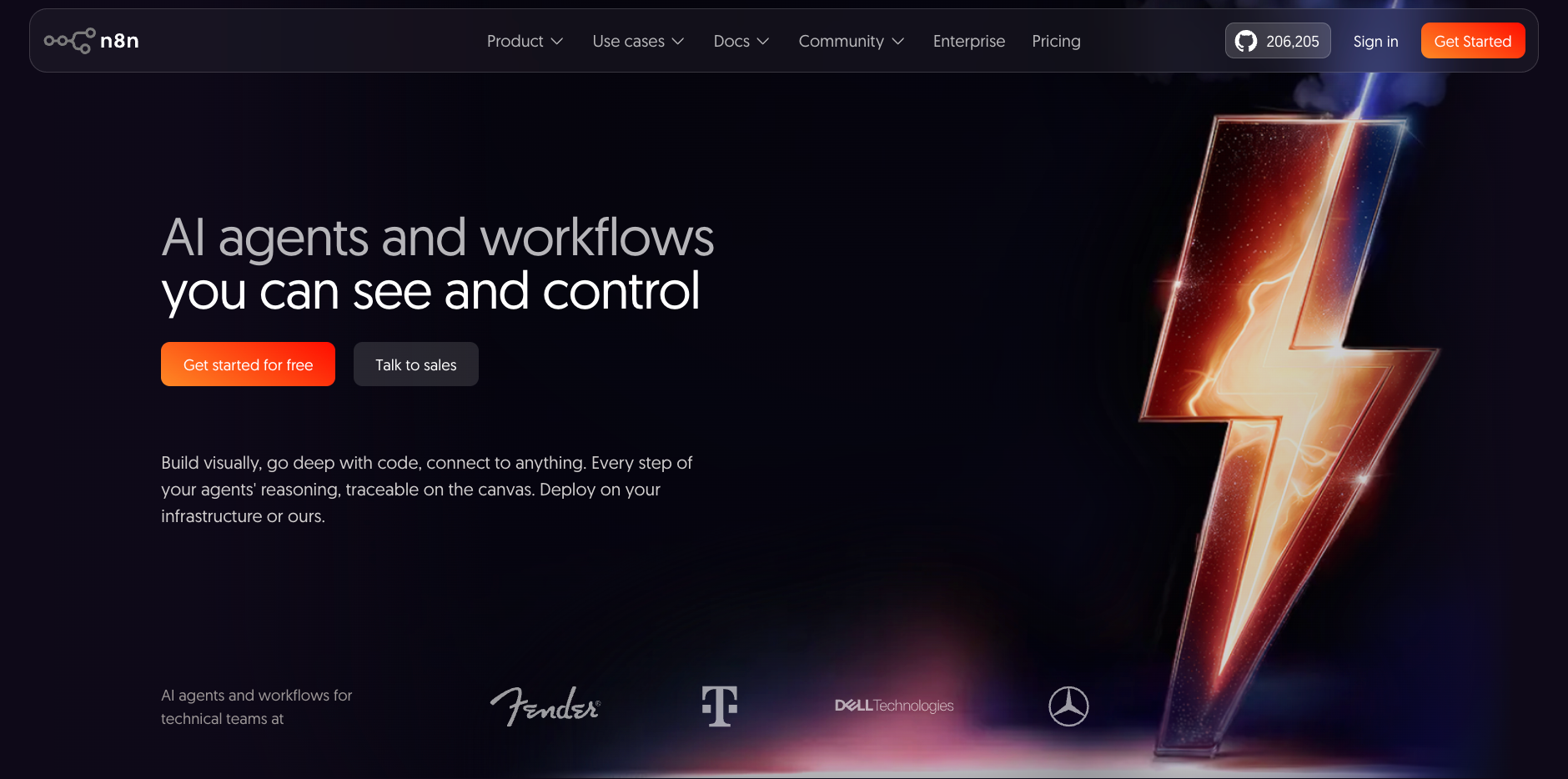
What is it? n8n is a fair-code workflow automation platform built around a visual node editor. You connect triggers to actions on a canvas, drop in JavaScript or Python code nodes when prebuilt integrations fall short, and run the whole thing on your own server for free. It also includes a native AI Agent node for adding LLM reasoning directly inside workflows.
Why I picked it
The self-hosted Community Edition is the reason n8n makes this list. I spun it up on a $5/month VPS using Docker in under two hours, and from that point the execution math stops being a problem entirely. A workflow checking Gmail every ten minutes fires 4,320 times a month, which quickly blows through Relevance AI's Action budget.
On self-hosted n8n, none of it counts. For teams with a technical ops person and a data residency requirement, this is the clearest alternative on the list.
Pros
- Git-based version control and separate dev/production environments on the Business plan
- Code node and HTTP Request node together cover almost anything a technical team needs to build
- Fair-code licensed and free to self-host on the Community Edition, with no execution billing and all 2,200+ integrations included
Cons
- Learning curve is real and well-documented in reviews; non-technical teams consistently flag it as slow-going
- Cloud support on lower tiers has a poor track record; keep local JSON backups if you run on cloud
Pricing
Free to self-host on the Community Edition. Cloud plans start at $24/month (Starter, 2,500 executions/month) and $60/month (Pro, 10,000 executions/month). Business is $960/month, self-hosted only. If n8n isn't the right fit, see our roundup of n8n alternatives.
2. Best Relevance AI Alternative for No-Code AI Workflow Building
Gumloop: What is it?
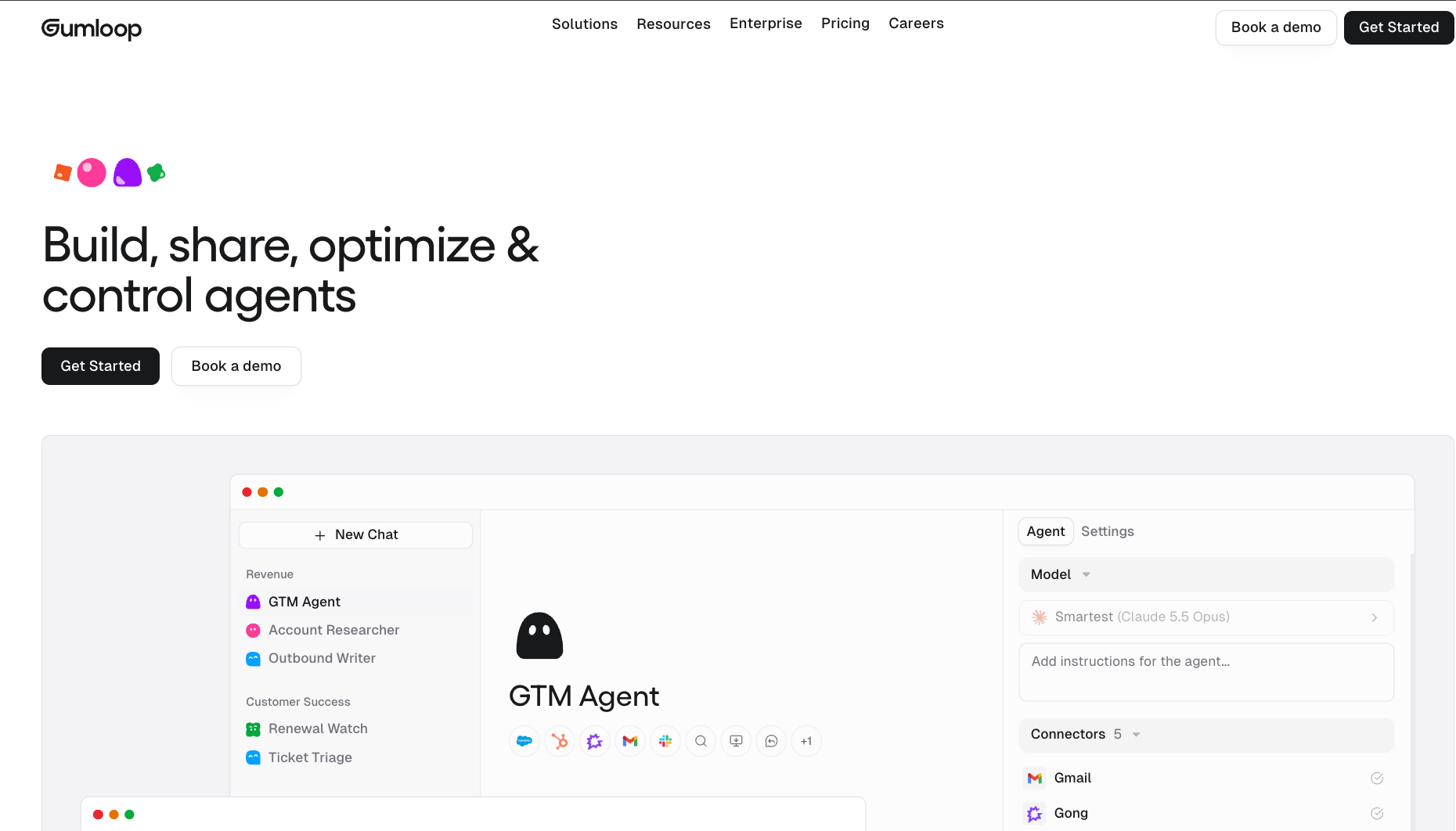
What is it? Gumloop is a chat-first AI platform where you describe what you want and an agent builds itself. It indexes your connected tools into a company brain, writes its own playbooks called skills, and improves them over time based on how runs go. The old node canvas is still available as Workflows (Legacy), but new building is chat-first.
Why I picked it
I had a list of company names that needed researching, summarizing, and scoring before going into HubSpot. In Gumloop, I described the task and the agent connected the right tools, wrote its own instructions, and started running. The skills system is what made it stick. After the first run, the agent had saved a playbook for that job and followed it every time after without being told.
For operations or marketing teams building agents they can share across the org, that compounds over weeks in ways a fixed workflow does not.
Pros
- 250+ connectors plus MCP server support for anything outside the native library
- SOC 2 Type II certified, GDPR compliant, and used in production by Shopify, Instacart, and Gusto
- Runs Claude, GPT, Gemini, Grok, and open-source models per agent; bring your own API key to pay your model provider directly, though the orchestration fee rises to 16%
Cons
- No free plan; the 14-day trial requires a credit card
- 8% orchestration fee on top of compute and model costs; heavy AI-step workloads can push the bill well past the $37/month base
Pricing
Pro at $37/month includes 20,000 credits/month and unlimited seats. Enterprise is custom with VPC deployment, SCIM/SAML, and audit logs. No free tier. Pro credits do not roll over month to month.
3. Best Relevance AI Alternative for RAG Pipelines and Open-Source Deployment
Dify: What is it?
What is it? Dify is an open-source LLM application platform that ships a visual workflow builder, built-in RAG pipeline management, prompt versioning, retrieval testing, and a deployment runtime in one product. It runs self-hosted for free under the Dify OSS License or as a managed cloud service, with MCP client and server support built in.
Why I picked it
Most open-source RAG tools make you assemble the production stack yourself. Dify ships document upload, chunking, and retrieval out of the box, with optional reranking once you add a rerank model. I ran a support triage prototype on the self-hosted edition in the afternoon.
Building the same pipeline on Relevance AI required more configuration time and gave me less visibility into what the retrieval layer was actually doing. Dify offers an out-of-the-box solution for teams that want infrastructure ownership and full operational visibility.
Pros
- Self-hosted Community Edition is free with no usage limits at the software level
- 156,000+ GitHub stars and actively maintained
- Retrieval, chunking, and annotation testing ship out of the box
Cons
- Dify OSS License is Apache-adjacent but not pure OSI Apache 2.0; worth reading if license compliance matters for your use case
- Self-hosted setup has more moving parts than most tools here; Docker Compose, monitoring, and scaling are your responsibility
Pricing
Sandbox (cloud) and Community (self-hosted) are both free. Cloud Professional is $59/month per workspace. The team is $159/month per workspace. Enterprise is custom.
4. Best Relevance AI Alternative for Open-Source LLM Application Building
Langflow: What is it?
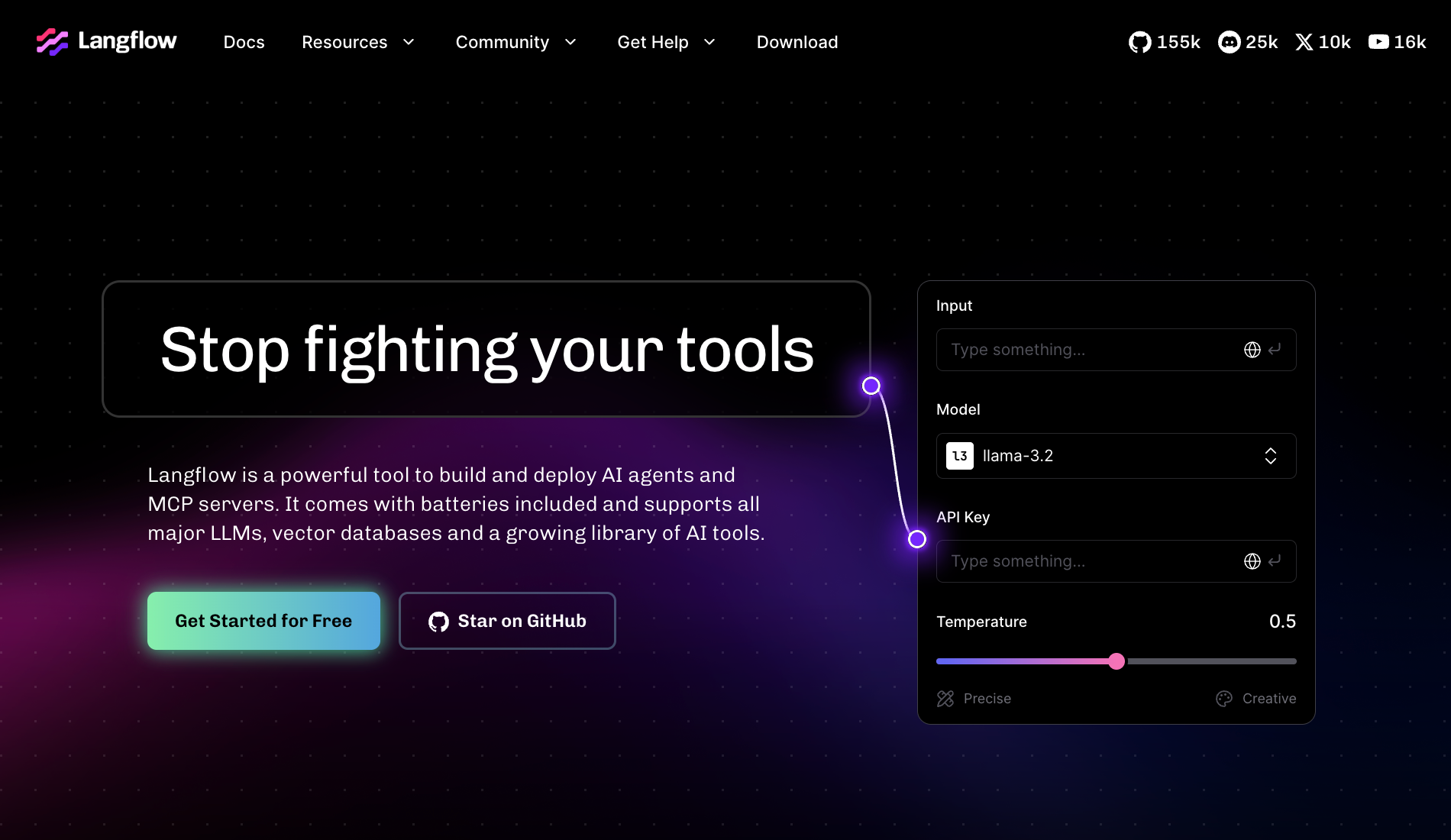
What is it? Langflow is an open-source, low-code builder for AI agent and RAG applications, available under the MIT license. You drag and drop nodes to create LLM chains, RAG pipelines, and multi-agent workflows without writing every connection by hand. It runs self-hosted and supports MCP client and server natively. The managed cloud version shut down in April 2026.
Why I picked it
Relevance AI's agent configuration is fast for focused tasks but opaque once you want to inspect what the model is actually doing. Langflow gives you full visibility at the node level. Every component, every prompt, every retriever connection is visible on the canvas.
I built a prospect research pipeline in Langflow and could trace every step of the reasoning loop, something Relevance AI's workforce canvas makes significantly harder. For teams building custom LLM applications where the reasoning chain matters as much as the output, that control is the reason to pick it.
Pros
- MIT-licensed and free to self-host with no execution limits
- Active contributor community with regular releases; backed by IBM via DataStax acquisition
- Built-in agent memory, and every component, prompt, and retriever connection is visible on the canvas
Cons
- Lacks native scheduling and retry logic; moving from prototype to production requires adding a separate ops layer
- Non-technical teams hit a wall early; the platform assumes a developer is driving
Pricing
Free to self-host under the MIT license. There is no managed cloud plan, and IBM sells paid enterprise support.
5. Best Relevance AI Alternative for Visual Automation With Agent Features
Make: What is it?
What is it? Make is a visual automation platform that connects 3,000+ apps through a drag-and-drop canvas it calls scenarios. It includes AI Agents in beta, letting teams embed LLM-driven logic inside existing automations without a separate build, and bills in credits, which replaced operations as its billing unit.
Why I picked it
I was building a six-step lead enrichment scenario: webhook, enrichment, conditional routing, CRM write, Slack notification, and a Google Sheets log. Make handled the branching logic visually, with no code.
The credit-per-module billing stung when the scenario ran at volume, but for a team that needs conditional logic, data manipulation, and wide app coverage in one visual layer, Make is the most complete no-code option here. Every app I needed had a prebuilt action; no HTTP calls from scratch.
Pros
- MCP server exposes your scenarios to external AI tools and chatbots
- Flow control, data manipulation, and HTTP module included on all plans with no tier gating
- Every app in my six-step lead enrichment test had a prebuilt action, so no HTTP calls from scratch
Cons
- Credit-per-module billing adds up fast on complex, high-frequency scenarios
- Version history only keeps past scenario versions for 60 days, so older edits can't be restored
Pricing
Free plan includes 1,000 credits/month. Core starts at $16/month (billed monthly). Pro is $28/month. Teams is $51/month. Enterprise is custom.
6. Best Relevance AI Alternative for the Widest Integration Library
Zapier: What is it?
What is it? Zapier is a no-code automation platform that connects 9,000+ apps through trigger-action workflows called Zaps. Zapier Agents is a separate product priced independently, including AI-powered assistants that handle tasks in conversation or on a schedule inside your connected apps.
Why I picked it
In one test, I needed to connect a niche project management tool to a client CRM. Make had no native connector, and n8n required a custom HTTP setup. Zapier had both apps in its directory with prebuilt actions ready. That saved a couple of hours of configuration.
For non-technical teams that need automations running fast across standard business apps, no other tool in this list comes close on coverage. The task-based billing adds up on complex workflows, but for simple trigger-action chains it is still the fastest path from idea to running.
Pros
- No-code builder accessible to non-technical teams immediately
- Paths, Filters, and Formatter are included and do not count as tasks
- Zapier Agents adds AI teammates that work across the same connected apps, as a separate add-on
Cons
- Task billing stacks per action; a five-action Zap uses five tasks per run, so high-frequency workflows clear the monthly allocation fast
- Professional to Team jump is steep at $103.50/month; overage billing is on by default unless you turn it off
Pricing
The free plan includes 100 tasks/month and two-step Zaps only. Professional starts at $29.99/month (750 tasks, billed monthly). Team is $103.50/month (2,000 tasks, up to 25 users). Enterprise is custom.
7. Best Relevance AI Alternative for Free AI Agents and Project Management
Taskade: What is it?
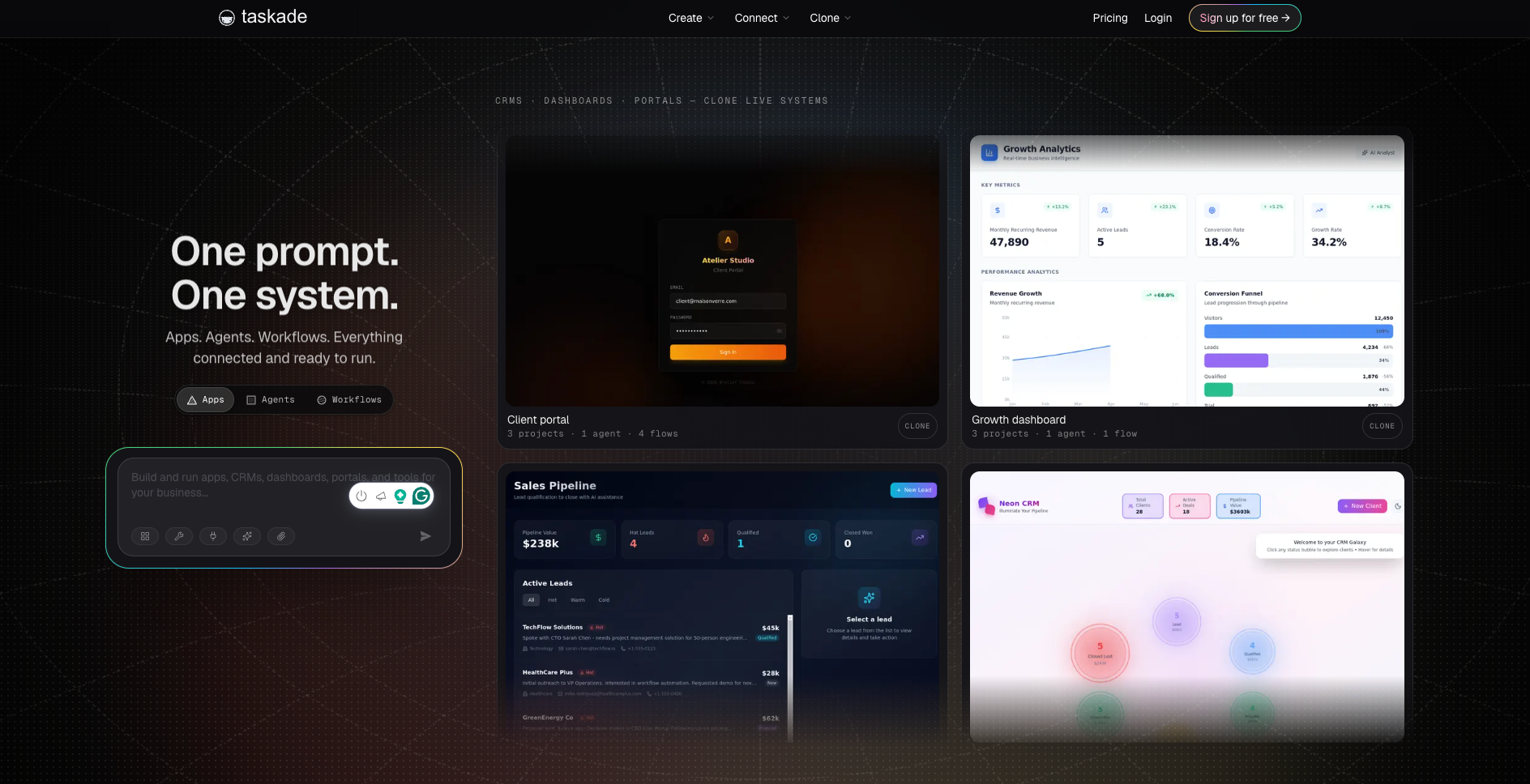
What is it? Taskade is a project management and collaboration platform with AI assistants built in. It combines task management, docs, mind maps, and chat in one workspace, and lets teams build custom AI assistants that connect to their projects, run on a schedule, or respond to messages.
Why I picked it
Relevance AI has no free plan and a credit model that becomes expensive quickly. Taskade's free tier is genuinely usable: one custom AI agent and real project management, with a multi-agent network on paid plans.
For small teams comparing Relevance AI on pricing alone, Taskade overlaps meaningfully at a fraction of the cost. I tested the AI assistant on a simple research-and-summarize task, and it ran reliably within the free tier's limits.
Pros
- Free-forever plan with one custom AI agent for up to 2 users
- Multi-agent network on paid plans allows assistants to hand tasks to each other
- All-in-one workspace covers tasks, docs, and chat alongside the AI layer; no separate tool for project management
Cons
- Not the right fit for teams that need enterprise compliance or self-hosting
- AI capabilities are shallower than purpose-built platforms; complex reasoning or large knowledge base tasks hit limits faster
Pricing
Free forever for up to 2 users with core AI features included. Pro is $20/month (10 users included, billed monthly). Business is $50/month with unlimited users. Max is $200/month with autonomous agents and per-agent model selection. Enterprise is custom.
8. Best Relevance AI Alternative for AI Across Slack, Email, and Calendar Without Building Anything
Lindy: What is it?
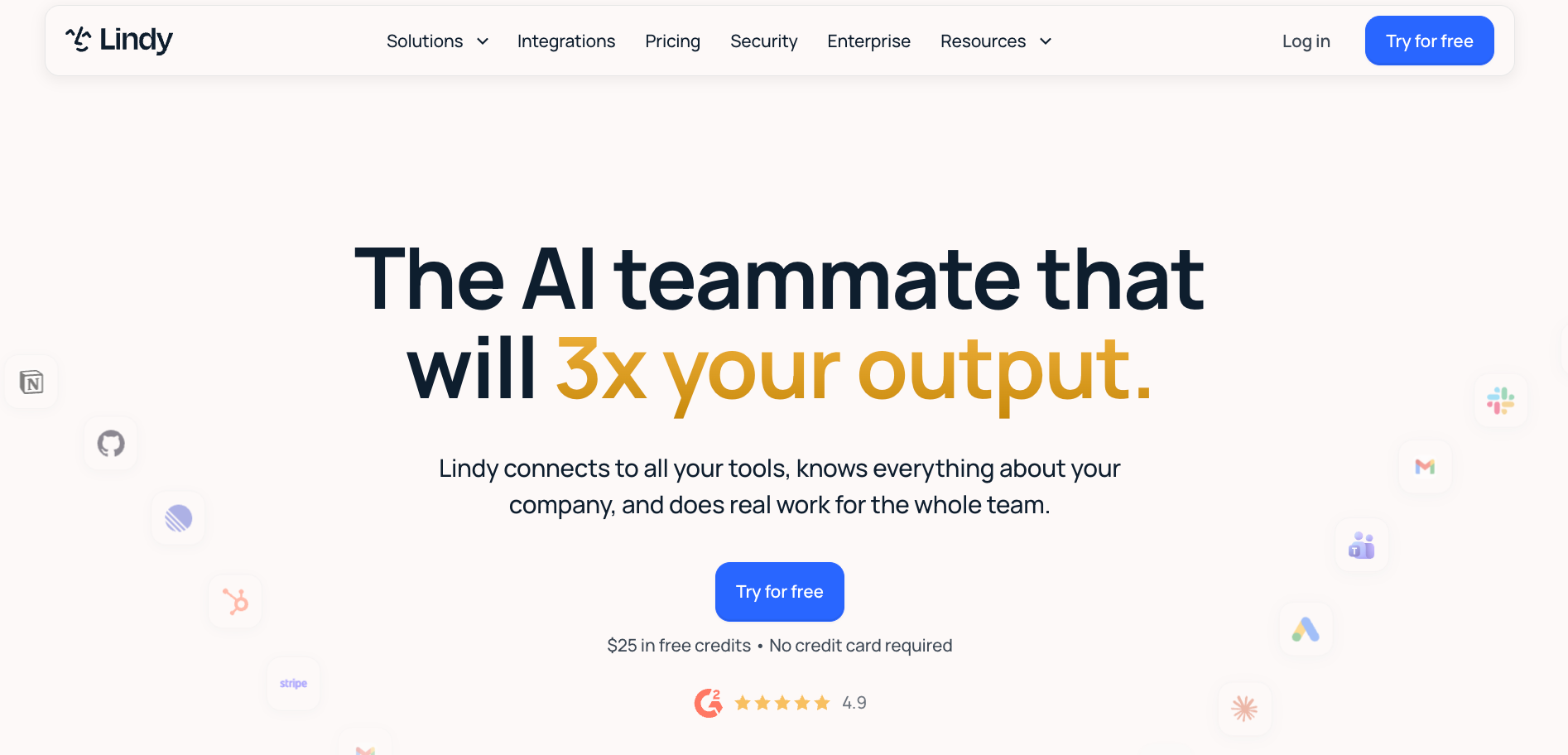
What is it? Lindy is an AI teammate that lives in your Slack, connects to your tools, and handles recurring work for the whole team. You @mention Lindy in any channel, and it answers in a thread, pulling from your meetings, files, and connected tools. For personal work, DM it directly, and it handles email, calendar, and private memory. It also works through iMessage, the Gmail Chrome Extension, and web.
Why I picked it
I connected Lindy to my inbox and told it what to prioritize and what to ignore. The next morning it had triaged 40-odd emails, labeled what mattered, and drafted replies to three that needed a response. I approved two, edited one, and moved on. That took four minutes. The same pass manually takes closer to thirty.
Every other tool on this list required me to build something first. Lindy ran from the first message. No workflow setup or canvas to configure.
Lindy's Gmail Chrome Extension lives inside your inbox. It pins a daily brief, applies smart labels that learn from your corrections, pre-drafts replies in your voice, and lets you chat with your entire inbox through a sidebar.
Pros
- 1,000+ integrations covering CRM, email, calendar, and more
- 40+ built-in skills for research, data analysis, decks, and dashboards, plus scheduled routines
- SOC 2 Type II, GDPR, HIPAA, and PIPEDA compliant; human-in-the-loop approvals built in for anything with outside impact
Cons
- Not built for deploying custom LLM applications; teams building their own LLM app are better served by Langflow or Dify
- No self-hosted option; teams that must run on their own servers are better served by n8n
Pricing
Free plan at $0 (includes $50 in credits, lasting 7 days, no credit card required). Team at $29.99/month per active user (3,000 credits). Enterprise is custom.
{{templates}}
Which Relevance AI alternative should you choose?
The right Relevance AI alternative depends on which specific limitation pushed you to look in the first place. Switching because of pricing unpredictability is a different problem from switching because of deployment constraints or setup time, and the tools that solve each one are different. Matching the alternative to the actual gap is what separates a good switch from a lateral move.
Here is how to match your situation to the right pick:
- Choose n8n if your team has technical staff and data residency requirements. The self-hosted Community Edition removes execution billing entirely, and the AI Agent Node handles LLM reasoning inside the same canvas as your regular workflows. If your main issue with Relevance AI was the Action billing model, n8n on a $5/month VPS solves it directly.
- Choose Gumloop if you want an AI-first platform your whole team can use without a developer in the room. The chat-first setup and skills system mean assistants improve over time without manual reconfiguration. Best for operations and marketing teams that need shared, reusable pipelines across the org.
- Choose Dify if you need RAG pipelines you can self-host and inspect at every layer. It ships document upload, chunking, and retrieval out of the box, with optional reranking once you add a rerank model, and the Community Edition is free with no usage limits at the software level.
- Choose Langflow if you are building a custom LLM application and need full visibility into the reasoning chain. Every component is visible on the canvas. If Relevance AI felt like a black box, Langflow is the opposite end of that spectrum.
- Choose Make if you need wide app coverage and conditional workflow logic in a visual builder without code. The 3,000+ native connectors and credit-per-module billing are more predictable than Relevance AI's Action model at moderate volumes.
- Choose Zapier if integration breadth is the priority and your team is non-technical. No other tool on this list comes close to 9,000+ apps with prebuilt actions. Best for simple trigger-action chains that need to run fast.
- Choose Taskade if budget is a hard constraint or your team needs project management built into the same tool. The free plan includes one custom AI agent, real project management, and one-time AI credits. Pro is $20/month for 10 users, a fraction of what Relevance AI's Team plan costs.
- Choose Lindy if your team is already in Slack and wants an AI teammate that handles work across email, calendar, and CRM without building anything first. No canvas to configure. @mention Lindy in any channel and it runs the task from your connected tools.
- Stick with Relevance AI if your core work is knowledge-intensive research or analysis and the credit model fits your volume. It is fast to set up for focused agent tasks, strong on vector search, and the workforce canvas works well for coordinating multiple specialist assistants.
{{cta}}
Frequently asked questions
What is Relevance AI used for?
Relevance AI is used for building AI assistants that handle research, analysis, and knowledge-intensive tasks. Teams configure specialist assistants for prospect research, support triage, content generation, and competitive intelligence, each with its own tools, knowledge base, and role. It suits teams whose work involves significant LLM reasoning rather than structured multi-step workflow automation.
What are Relevance AI's biggest limitations?
Relevance AI's biggest limitations are its credit-based pricing model, SaaS-only deployment, and setup time before anything useful runs. Billing charges per Action plus Vendor Credits for model usage, which becomes hard to forecast at scale. There is no self-hosted version, and even marketplace agents need configuring before they fit your tools and data.
Relevance AI vs n8n: which is better?
While Relevance AI centers on building autonomous AI workers and multi-agent teams, n8n focuses on developer-grade process engineering and infrastructure control. Many teams use both; Relevance AI handles the reasoning layer, and n8n handles the execution that follows.
Which Relevance AI competitor is best for enterprises?
n8n, Dify, and Lindy are the best Relevance AI competitors for enterprises. n8n offers Git-based version control, SAML SSO, and self-hosted deployment on the Business plan. Dify ships a full RAG pipeline and self-hostable Community Edition. Lindy is the right pick for enterprise teams that want SOC 2 Type II, HIPAA, GDPR, and PIPEDA compliance without building or hosting anything.
What are the best free Relevance AI alternatives?
n8n, Langflow, Dify, and Taskade are the best free Relevance AI alternatives. n8n's Community Edition is free to self-host with no execution billing and 2,200+ integrations. Langflow is free under the MIT license. Dify's Community Edition is free to self-host with no usage limits. Taskade has a free-forever plan with one AI agent for up to 2 users. Relevance AI's free tier was retired; the entry plan is now $29/month.
Is Taskade a good Relevance AI alternative?
Taskade is a good Relevance AI alternative for small teams that need AI assistants and project management in one place without per-seat pricing. The free plan includes one custom AI agent for up to 2 users. Pro is $20/month for 10 users, well below Relevance AI's Team plan. It falls short on deep LLM reasoning, large knowledge bases, and enterprise compliance requirements.










![Top 8 Relevance AI Alternatives & Competitors [2026]](https://cdn.prod.website-files.com/63e15df811f9df22b231e58f/6a7be012c8a145aa439fc449_blog-sidebar-teammate.avif)