The 6 Best Proposal Software Options in 2026
Marvin reviewed six top proposal software tools including Proposify, PandaDoc, and Better Proposals, weighing features, pricing, and workflow fit for sales teams.


Proposal software helps you create and send business documents fast, but what happens after that varies a lot. Some tools focus on branding and design, while others specialize in approvals, e-signatures, or billing.
Proposify gives you complete control over your proposals, and PandaDoc handles contracts and billing well.
Here's what we’ll discuss:
- What each proposal tool does best
- Who it's built for
- Their pricing and how it scales with usage
- The difference between design-focused tools and workflow automation platforms
- Pros, cons, and use cases
- Why automation may be more valuable
Let's start by understanding proposal software and why teams rely on it today.
What is proposal software?
Proposal software is a digital tool that helps you create, send, and manage business proposals more efficiently. Instead of piecing together PDFs and emails, it gives you one place to build polished, trackable proposals that speed up approvals and keep everything organized.
It's used by sales teams, agencies, consultants, and service businesses that want to close deals faster and more consistently. Most platforms include templates, e-signatures, pricing tables, and analytics, making them a significant upgrade from manual proposal writing software or offline documents. To manage broader operational tasks alongside proposal generation, many organizations also leverage an ai business assistant.
For teams dealing with multiple leads or complex offers, switching to online proposal software removes friction from the process and helps them maintain momentum with prospects. To capture deal requirements accurately during client discovery calls, sales organizations often use the best ai transcriber for teams software.
We’ve compiled the best tools for different teams. Let’s look at those.
The 6 best proposal software in 2026
Different tools cater to different needs. The best option depends on your workflow, team size, and how much control you want after hitting send.
Here's a breakdown of the top picks in 2026:
- Proposify – best for sales teams that want deep proposal analytics
- PandaDoc – best for end-to-end document workflows (proposals, contracts, payments)
- Better Proposals – best for small businesses that want fast, elegant proposals
- Storydoc – best for design-driven teams who want interactive decks
- Ignition – best for service businesses that want integrated billing + engagement
- Qwilr – best for turning proposals into interactive, web-based microsites
Each tool does things differently, whether it's advanced tracking, sales proposal automation software features, or smoother handoffs between teams.
1. Proposify – best for sales teams that want deep proposal analytics
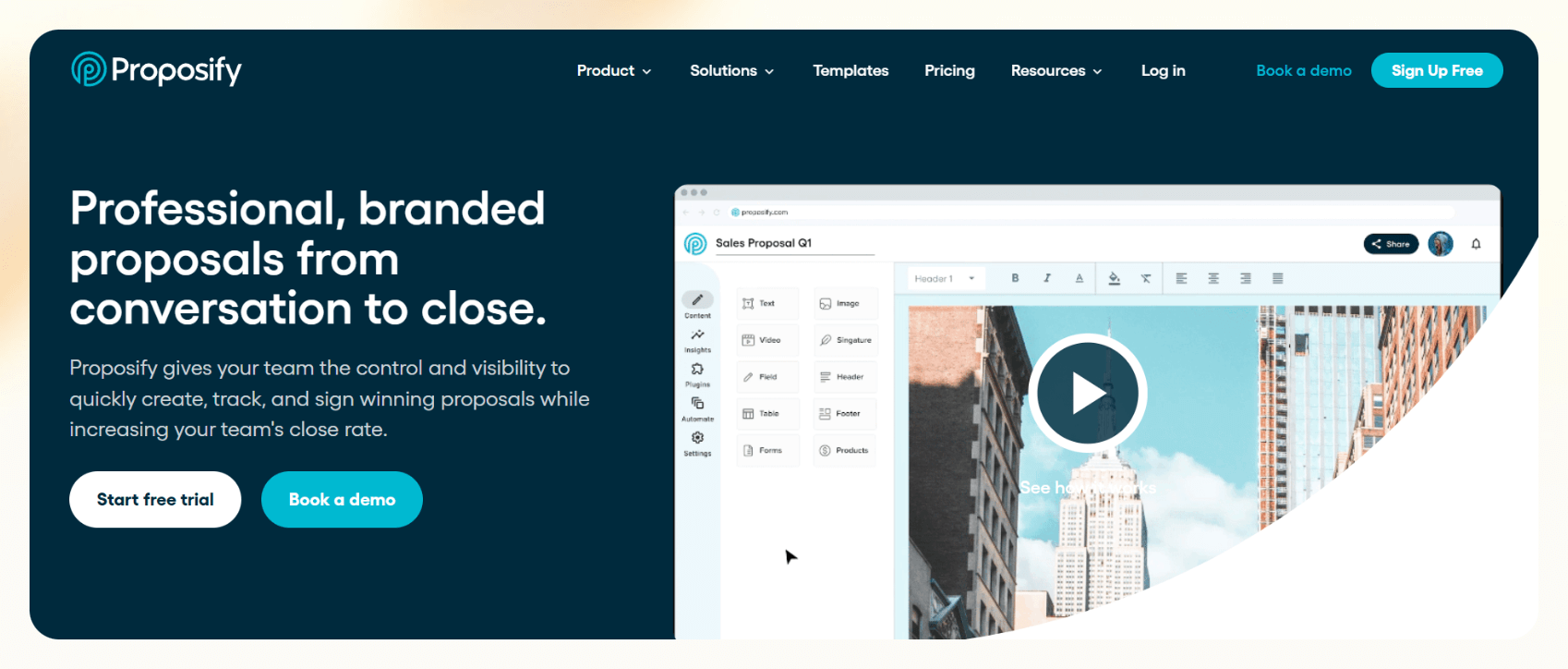
Proposify offers detailed analytics, pipeline visibility, and control over how proposals are created, customized, and tracked. It’s especially useful for managers who want to standardize the process and monitor team performance.
It's not the flashiest platform, but it's stable, mature, and trusted by mid-size and enterprise sales organizations.
Key features
- Drag-and-drop proposal builder with reusable content blocks
- Approval workflows to control content and pricing across teams
- Embedded e-signatures and interactive pricing tables
- Real-time engagement tracking
- Centralized library of templates, snippets, and branding assets
- Role-based permissions to lock down edits or access
Pros
- Strong analytics and visibility at the team and pipeline level
- Helps enforce brand and messaging consistency across reps
- Built for teams managing a large number of proposals a month
- Works well for agencies and consultancies with repeatable offerings
Cons
- Design and UX can feel a bit dated compared to newer tools
- Less flexibility in automating what happens after a proposal is sent
Pricing
- Basic plan starts at $29/month
- Team plan: $49/month
2. PandaDoc – best for end-to-end document workflows
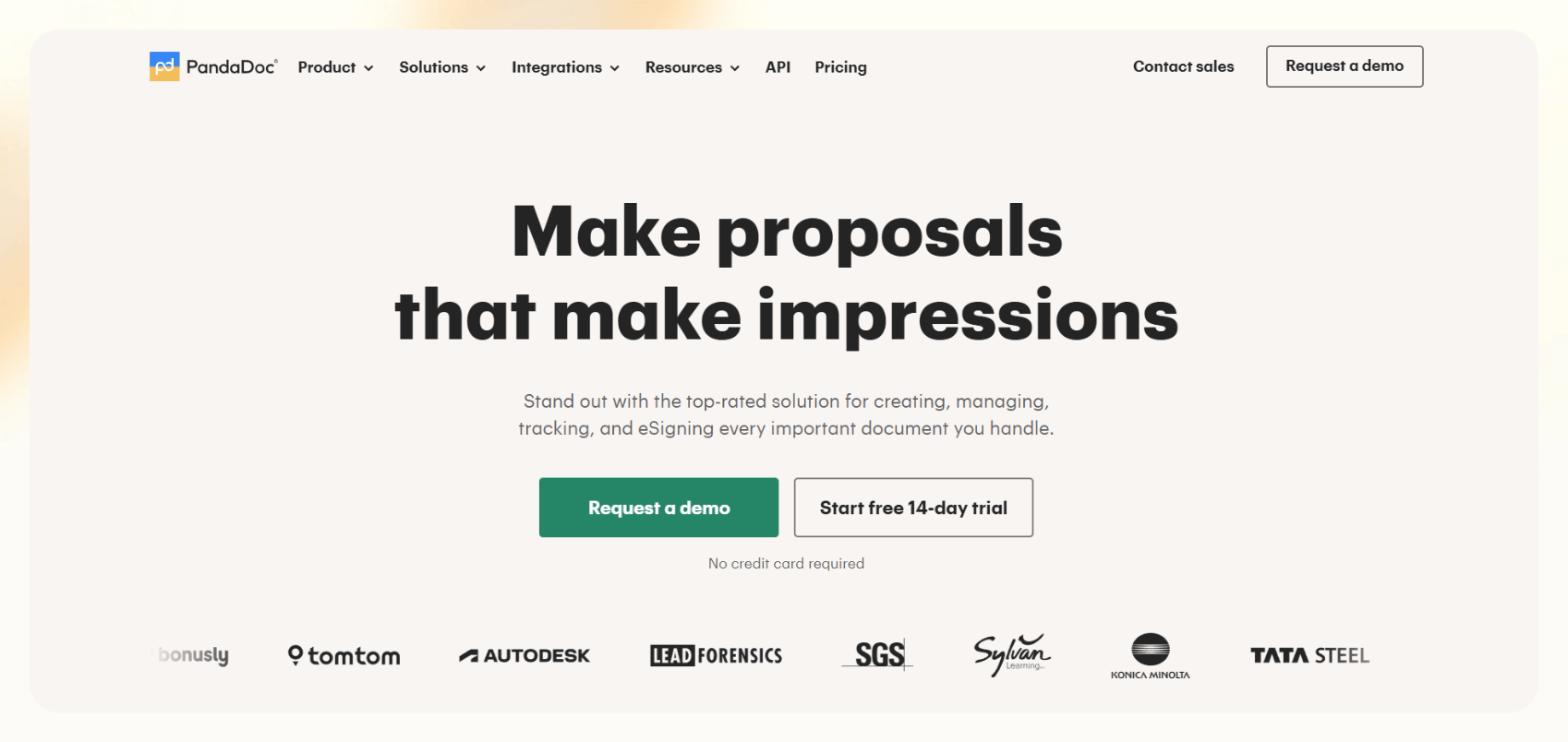
PandaDoc is a full document operations platform. You can create, send, track, sign, and even collect payments in one workflow. If your sales team handles quotes, contracts, or NDAs alongside proposals, PandaDoc helps centralize it with strong internal workflows and approvals. For teams looking to streamline post-sale billing, integrating dedicated invoice automation software can further accelerate payment collection.
It's well-suited for mid-market and enterprise teams that need a scalable, all-in-one platform for document-based processes.
Key features
- Extensive template library with support for proposals, quotes, and contracts
- CPQ (configure, price, quote) features for complex pricing models
- Built-in e-signatures and payment collection
- Multi-stage approval workflows for legal and sales compliance
- Real-time activity tracking
- Integrations with CRMs like Salesforce, HubSpot, and Pipedrive
- Shared workspaces for team collaboration across departments
Pros
- Centralizes multiple sales and legal workflows in one tool
- Flexible for growing teams that need contract + proposal support
- Strong automation features around approvals and document status
Cons
- The interface can be overwhelming for smaller teams or simple use cases
- Pricing adds up quickly as your team and usage grow
- Customization can require time and onboarding
Pricing
- Starter: $19/user/month
- Business: $49/user/month
- Enterprise: Custom pricing based on volume and features
3. Better Proposals – best for small businesses that want fast, elegant proposals
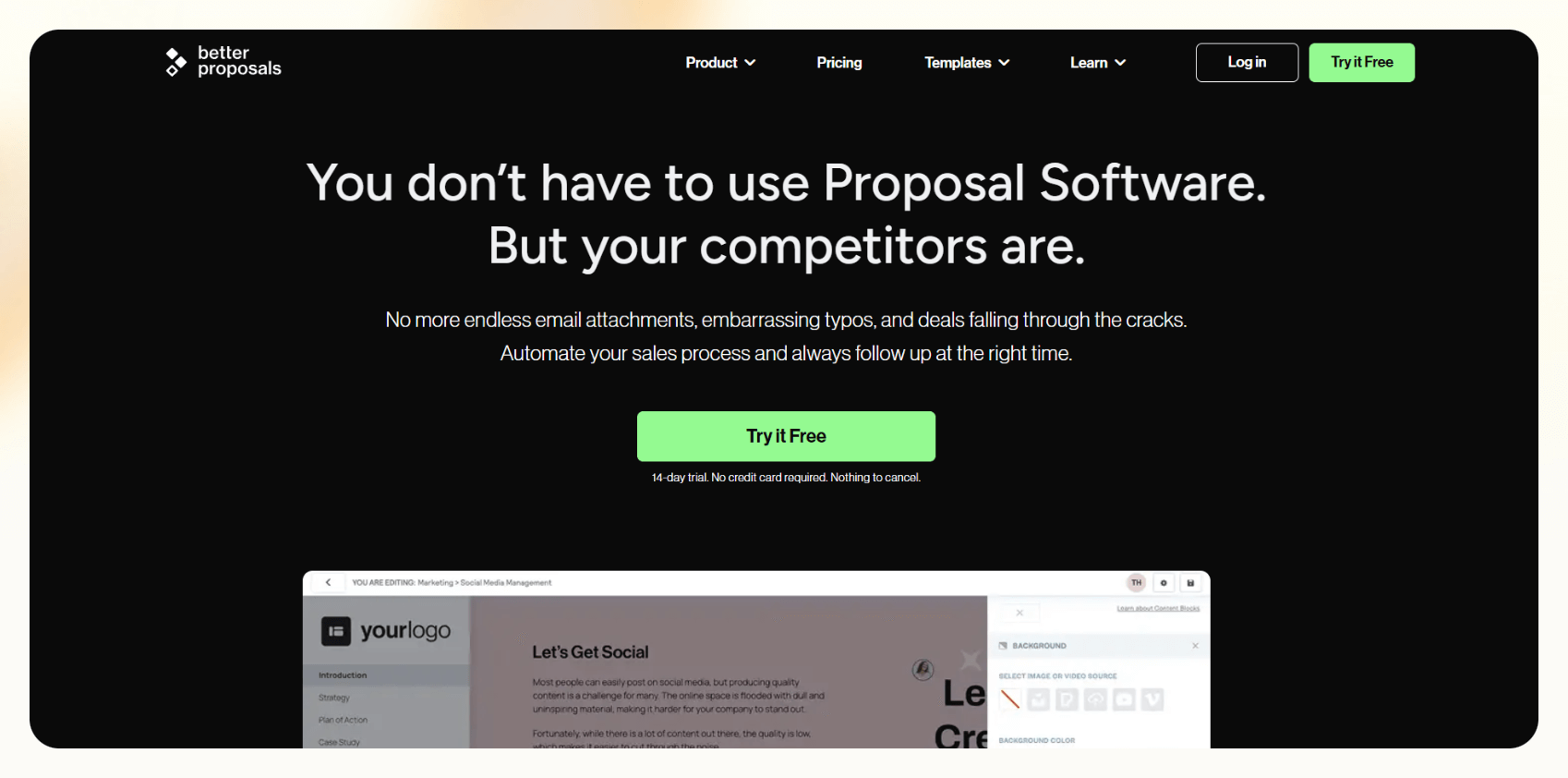
Better Proposals helps you create modern, good-looking proposals without spending hours on formatting or layout. It's popular among freelancers, agencies, and small service businesses that need to move quickly and look professional.
It covers the core needs of most small teams with an intuitive editor and well-designed templates.
Key features
- Clean, conversion-focused templates
- Built-in digital signatures and payment support
- Simple pricing tables with client-side interactivity
- Real-time notifications when a proposal is opened or signed
- Built-in scheduling for calls or meetings
- CRM and Zapier integrations for basic automation
Pros
- Easy to learn and fast to deploy
- Templates are well-optimized for visual impact and mobile viewing
- No-code setup makes it accessible to non-technical teams
Cons
- Limited automation or conditional logic
- Not ideal for teams managing complex sales workflows
- Basic integrations –– fewer native CRM connections than competitors
Pricing
- Starter: $19/user/month
- Premium: $29/user/month
- Enterprise: $49/user/month
4. Storydoc – best for design-driven teams who want interactive decks
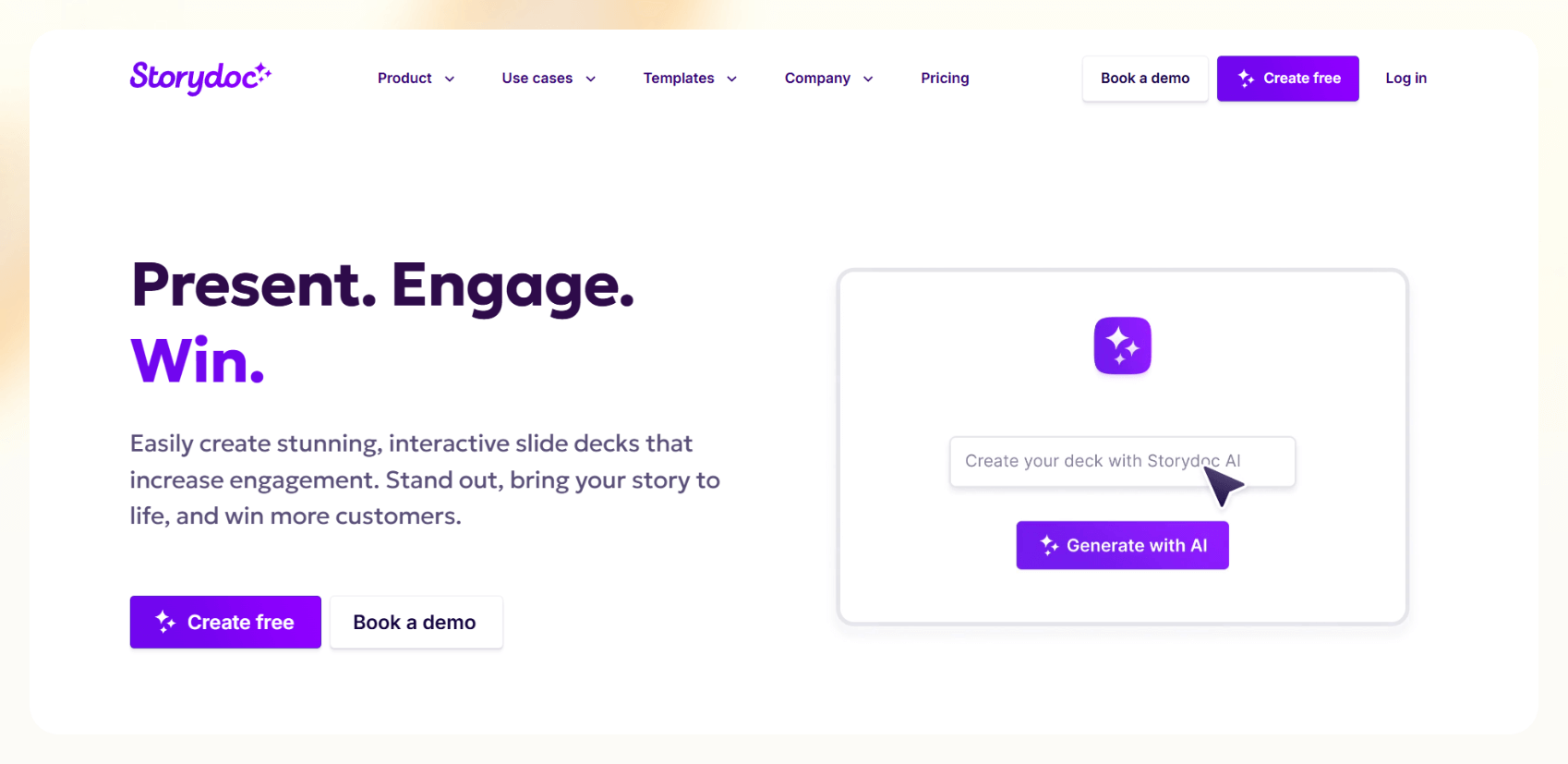
Storydoc helps teams build scrollable, interactive web pages that feel more like polished pitch decks than documents. It's ideal for agencies, startups, or enterprise teams that care as much about design and storytelling as they do about details and data.
It won't replace a CRM or act as full-blown proposal management software, but it shines where engagement and presentation matter most.
Key features
- AI-powered content builder
- Interactive elements like video embeds, dynamic charts, animations, collapsible sections
- Custom domains and analytics dashboards
- Templates designed for pitch decks, sales proposals, and one-pagers
- Real-time view tracking and engagement heatmaps
Pros
- Excellent for standing out in crowded inboxes
- Increases engagement and time-on-page
- Great for visually explaining products, services, or creative ideas
- Clean mobile experience
Cons
- Less functionality around contracts, e-signatures, or approvals
- Limited native CRM or workflow integrations
- Not ideal for teams that need automation or high proposal volume
Pricing
- Starter: $19.80/month, billed annually
- Pro: $36/month, billed annually
- Teams: Contact sales
5. Ignition – best for service businesses that want integrated billing + engagement
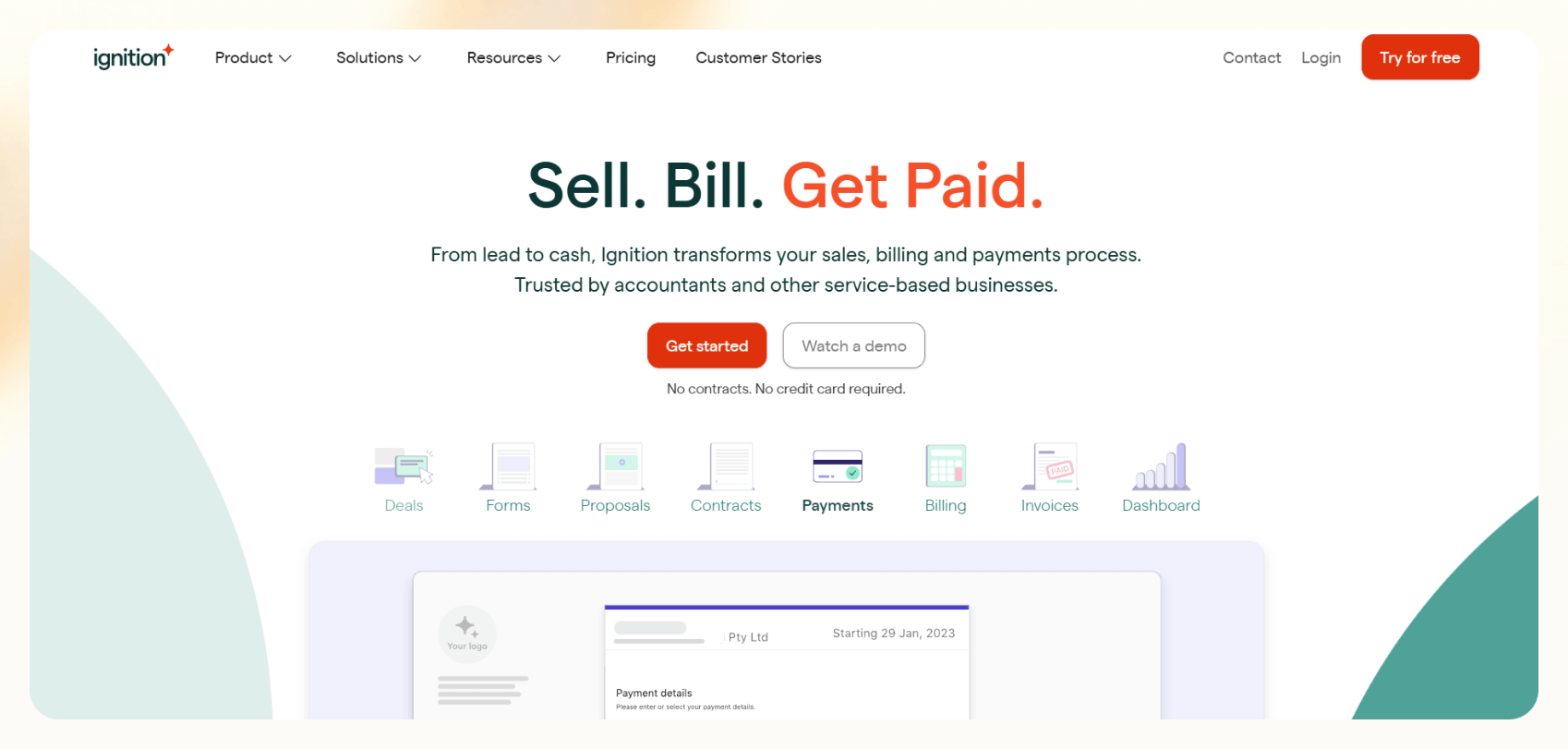
Ignition combines proposals, contracts, onboarding, and payments into a single flow, making it especially useful for accounting firms, consultancies, and other service-based businesses that need to streamline admin work once deals are closed.
You can automate client acceptance, invoice creation, and recurring billing all in one platform. Ignition focuses on backend efficiency.
Key features
- Proposal builder with engagement letter templates
- Built-in e-signatures
- Automated billing, invoicing, and recurring payments
- Client onboarding workflows and task triggers
- Revenue tracking and engagement analytics
- Integrates with tools like Xero, QuickBooks, Zapier
Pros
- All-in-one flow from proposal to payment
- Reduces double entry and follow-up by tying contracts to billing
- Minimal training required for client-facing teams
Cons
- Focused on service industries, so less relevant for B2B SaaS or product sales
- Fewer customization options in layout and design
Pricing
- Solo: $49/month
- Core: $149/month
- Pro: $279/month
- Enterprise: Custom pricing
6. Qwilr – best for turning proposals into interactive, web-based microsites
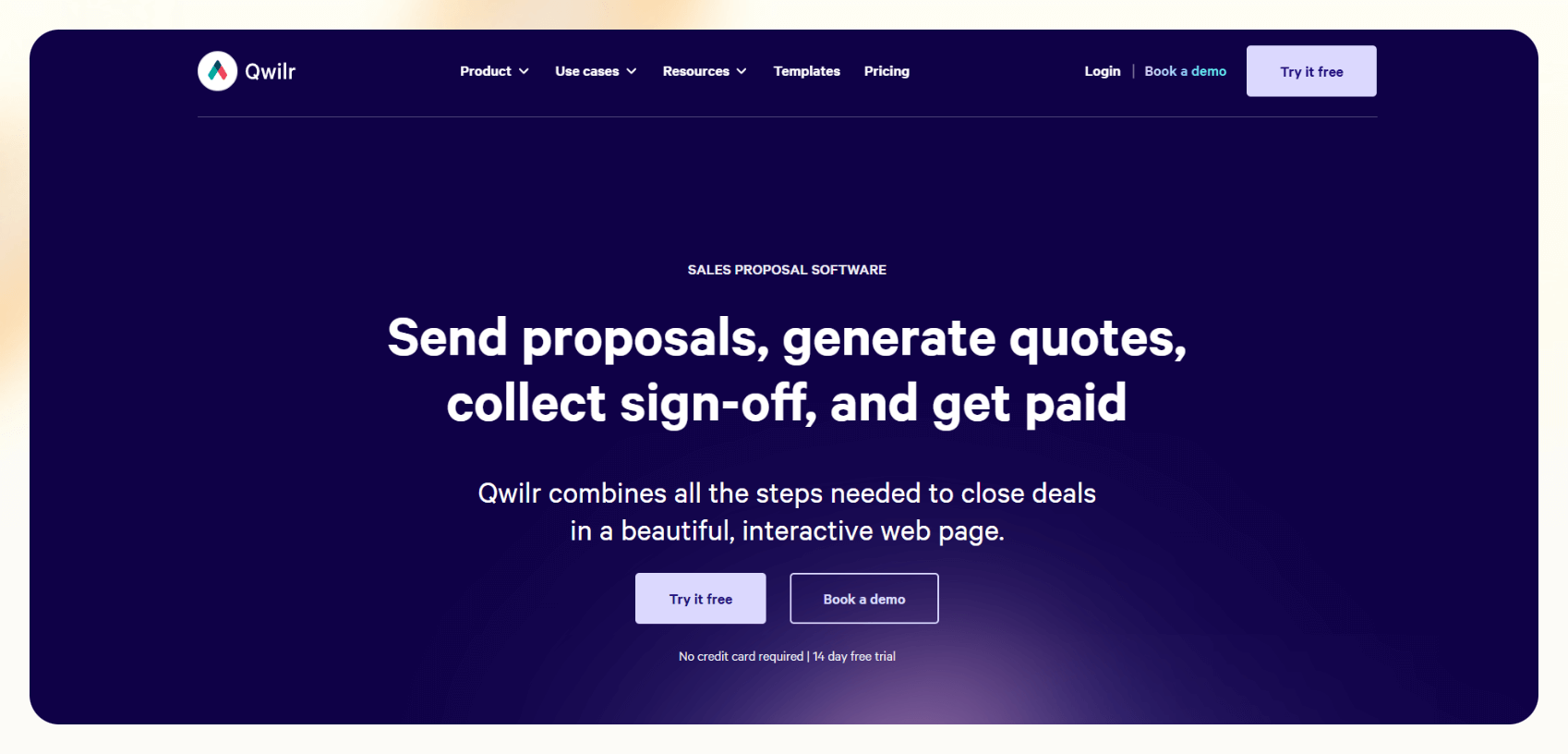
Qwilr lets your clients open a clean, interactive link that adjusts across devices instead of downloading a PDF. It's an excellent fit for SaaS companies, creative agencies, or any team looking to modernize how their proposals are experienced and tracked.
If your priority is delivering a sleek, no-friction client experience, with the ability to sign, pay, and interact in one place, Qwilr checks the box.
Key features
- Proposal builder with modular, responsive web design
- E-signature and payment blocks embedded directly in the proposal
- Real-time analytics with notifications on views, interactions, and time spent
- Dynamic pricing tables with conditional logic
- Integration with Salesforce, HubSpot, Slack, and Zapier
- Reusable content blocks for building templates at scale
Pros
- Lightweight, polished, and mobile-friendly
- Offers a unique web-based UX
- Easy to manage proposal templates across larger teams
Cons
- More visual than workflow-focused
- Limited post-signature automation
- Not ideal if your team needs approvals, billing, or document versioning
- Editing the interface takes some getting used to
Pricing
- Starter: $49/user/month, billed monthly ($35 billed annually)
- Growth: $55/user/month, billed annually (5-user minimum)
We’ve discussed each of these 6 tools. Next, we compare them side-by-side to make it glanceable.
Top proposal software – at a glance
This table gives you a high-level comparison across key criteria to help you figure out what fits your team best.
Here’s how they compare:
| Proposal software | Pricing | AI automation | CRM integrations | Best for |
|---|---|---|---|---|
| Proposify | From $29/mo | Limited | Limited | Sales teams that want pipeline visibility |
| PandaDoc | $35/user/mo | None | Deep (Salesforce, HubSpot, Pipedrive) | End-to-end document workflows |
| Better Proposals | From $19/user/mo | None | Basic (via Zapier, native CRM) | Small teams who want fast, clean proposals |
| Storydoc | From $20/user/mo | None | Limited | Visually rich, interactive sales decks |
| Ignition | From $49/mo | None | Accounting CRMs (Xero, QuickBooks) | Service firms needing billing + engagement flows |
| Qwilr | From $39/user/mo | None | Salesforce, HubSpot, Slack | Modern web-based proposal experiences |
Next, let’s understand why and how we chose these tools.
How we evaluated the best proposal tools
To determine which proposal software delivers, we focused on features that matter most to sales teams. Here's how each tool was evaluated:
Templates and design
What we looked for: Clean layouts, mobile responsiveness, template variety, and ease of customization.
Standouts: Storydoc for design flexibility and interactivity; Better Proposals for fast, pre-built options that still look great.
Ease of use
What we looked for: How fast it is to get started, whether you need a designer or developer to help, and how intuitive the UI feels daily.
Standouts: Better Proposals and PandaDoc are both user-friendly for non-technical teams.
Automation
What we looked for: Workflow automations (like reminders, notifications, CRM updates), and support for sales proposal automation software logic.
Standouts: Proposify includes built-in follow-up automation, and PandaDoc supports approval workflows that go beyond simple document delivery.
CRM integrations
What we looked for: Built-in support for syncing proposals, contacts, and activities with CRM tools like Salesforce or HubSpot.
Standouts: PandaDoc has the widest integration options. Qwilr also performs well here.
E-signatures and approvals
What we looked for: Embedded signature workflows, approval logic, and compliance options.
Standouts: PandaDoc and Ignition offer strong support, especially when tied to payment or invoicing.
Analytics and open tracking
We looked for: Whether you can see who viewed your proposal, what they clicked on, and how long they spent.
Standouts: Proposify, Qwilr, and Storydoc offer useful engagement insights.
Team collaboration
What we looked for: Ability to work on proposals with teammates, share templates, and manage permissions.
Standouts: Proposify and PandaDoc are built with multi-user teams in mind.
Frequently asked questions
What is the best proposal software for sales teams?
Tools like Better Proposals and Proposify are great for speeding up proposal creation. Pair them with your CRM if your team also needs sales automation like follow-ups or meeting scheduling.
Can I automate follow-ups in proposal tools?
Some modern proposal platforms, like Proposify, now offer built-in follow-up automation. Lindy supports native follow-up sequences as part of a broader sales automation flow, including multi-channel outreach and CRM updates.
Is proposal software secure?
Yes. Most proposal software platforms offer SSL encryption and role-based access control and are GDPR-compliant. Some, like PandaDoc, support audit trails and legal compliance for e-signatures. If dealing with sensitive data, ensure your tool natively supports these features.
Can I use templates with branding?
All major proposal tools let you create branded templates. Some, like Better Proposals and Qwilr, focus on aesthetic consistency.
What's the difference between PandaDoc and Proposify?
PandaDoc is better suited for organizations that also need contracts, quotes, and payment collection. Proposify, on the other hand, focuses on proposal creation and pipeline analytics.










