Pipedrive Pricing (2026): Plans, Add-Ons, True Costs & Is It Worth It?
Marvin broke down Pipedrive's Lite, Growth, Premium, and Ultimate pricing tiers, tallying add-on costs like LeadBooster and Smart Docs against HubSpot and Zoho CRM.
.avif)

Pipedrive’s low entry price of $14/user/month sounds great.
But here’s the catch: It doesn’t include the features most teams actually need.
Once you factor in add-ons, your bill grows fast, and suddenly that “simple CRM” can cost over $250/month for even small teams.
So, is Pipedrive still worth it? Or are you better off with a more flexible and scalable tool like Lindy?
Let’s find out.
What Is Pipedrive?
Pipedrive is a web-based customer relationship management (CRM) software designed primarily for sales teams to manage leads, deals, and the overall sales process.
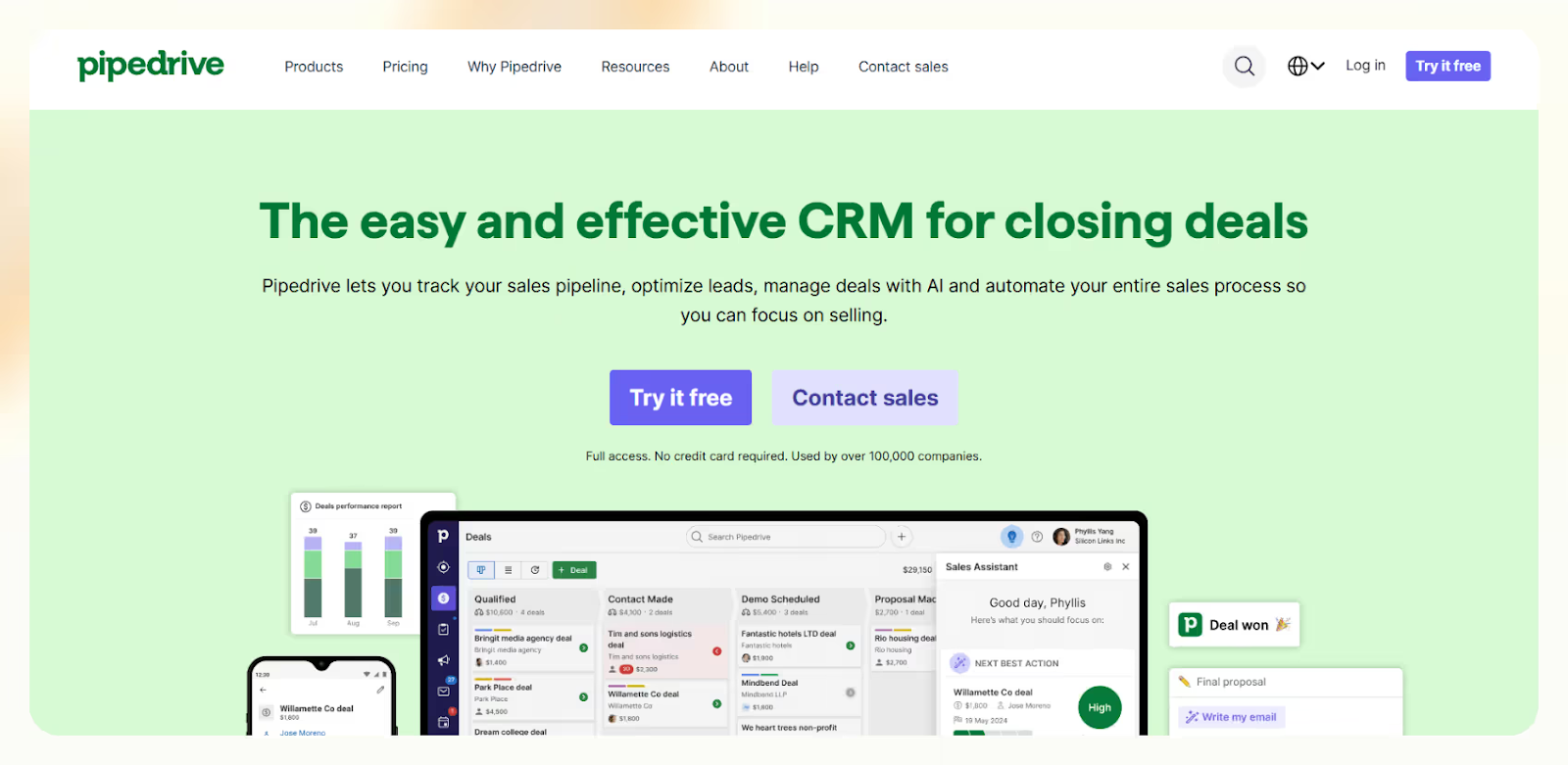
The best part about this sales-focused CRM is that it’s built by salespeople.
Most CRMs are designed for managers, not reps. They’re clunky, hard to use, and filled with stuff sales teams never touch. Pipedrive took the opposite approach and built a CRM that’s actually easy to use and focused on moving deals forward.
When I first tried it, I loved how visual and frictionless it felt. You can drag and drop deals through stages, automate basic tasks, and get quick reports without needing admin help.
Pipedrive is best known for:
- Sales pipeline management
- Activity tracking
- Workflow automation
- Email integration
- Basic reporting
If your sales process is straightforward, Pipedrive works really well. For a more detailed evaluation of its features and performance, read our complete pipedrive review.
But if you're scaling fast or need more flexibility, it can hit its limits quickly, especially when it comes to marketing, automation, and integrations.
Pipedrive Pricing Breakdown (2026)
Pipedrive’s pricing is split into four main tiers, billed either monthly or annually. You also get a 14-day free trial with no credit card required.
| Plan | Annual Price (per user) | Monthly Price (per user) | What You Get |
|---|---|---|---|
| Lite | $14 | $24 | Pipeline + basic reporting |
| Growth | $39 | $49 | Email sync + automation |
| Premium | $59 | $79 | Collaboration + forecasting |
| Ultimate | $79 | $99 | Admin controls + project tools |
No free plan. After the trial, it’s pay-to-play.
Here’s what that actually means in real-world numbers:
| Team Size | Plan | Monthly Cost (Annual Billing) | Yearly Cost |
|---|---|---|---|
| 3 users | Growth | $117 | $1,404 |
| 5 users | Premium | $295 | $3,540 |
| 10 users | Ultimate + Smart Docs + LeadBooster | $870 + add-ons | $10,440+ |
And that’s before add-ons kick in.
{{templates}}
Add-Ons That Change Everything
Pipedrive’s real power lies behind a paywall of optional add-ons. These are often essential, not optional, if you want to do more than just track deals.
| Add-On | Price (starting from) | What It Adds |
|---|---|---|
| LeadBooster | $32.50/company | Capture more leads with chatbot, live chat, web forms, and prospector |
| Smart Docs | $32.50/company | Manage proposals and contracts with e-signatures and document tracking |
| Projects | $6.67/user | Deliver projects and track post-sale goals faster |
| Campaigns | $13.33/company | Run email marketing campaigns directly from Pipedrive |
| Web Visitors | $41/company | See who’s browsing your site with IP tracking |
If you’re running a 5-person team and want CRM + automation + lead capture + proposals, your real monthly cost will look like this:
- Premium Plan ($59 × 5) = $295
- LeadBooster = $32.50
- Smart Docs = $32.50
- Projects ($6.67 × 5) = $33.35
Total: $393/month, which becomes $4,716/year
That’s a far cry from the advertised $14/month.
Pipedrive Pros & Cons
What I Like:
- Super simple to use: The UI is excellent, drag-and-drop, clean dashboards, and minimal training.
- Affordable base plans: If you’re a small team doing basic sales tracking, $14/month is solid.
- Reporting is great: You can easily track activities, conversions, and deal velocity.
- Large integration library: 400+ tools supported, including Zoom, Slack, Trello, and Google Workspace.
- Reliable mobile app: Great for field sales and quick check-ins.
Where It Falls Short:
- Rigid automation: Limited to 5,000 runs every 10 minutes. No branching, looping, or nested logic.
- Add-ons get expensive: Lead gen, documents, email? All extra.
- Weak marketing features: No segmentation, drip campaigns, or behavior-based logic.
- Limited scalability: As your team grows, managing workflows and automation becomes painful.
- Not built for complex teams: No territory management, no real-time logic triggers.
If you want a flexible CRM that grows with your team, these limitations matter.
Who Should Buy Pipedrive?
That depends on how simple your workflow is, and how long it stays that way.
Go for it if you:
- Have a small, sales-only team with a linear pipeline.
- Don’t need built-in marketing automation.
- Want a fast, clean CRM without a steep learning curve.
It’s not worth it if you:
- Need multi-channel outreach (email + SMS + chat).
- Require flexible automation and logic-based workflows.
- Want to automate more than just pipeline tracking (like lead gen, scheduling, reporting).
{{cta}}
Pipedrive vs Competitors
Here’s how it stacks up against others:
| Tool | Starting Price | Best For |
|---|---|---|
| Pipedrive | $14/user/mo | Simple pipelines, small teams |
| Lindy | Free + usage | Custom CRM, automation, multichannel |
| HubSpot | Free – $50+ | All-in-one GTM teams |
| Zoho CRM | $14/user/mo | Budget-friendly, good automation |
| Freshsales | $15/user/mo | Sales-focused teams needing built-in calling |
Why Lindy Is a Smarter Choice for Growing Teams
If you’re hitting the walls with Pipedrive or trying to avoid $300/month bills for a 5-person team, Lindy is the best alternative for a lot of reasons:
- Unlike Pipedrive’s basic triggers, Lindy gives you advanced AI-powered workflows.
- While Pipedrive charges extra for lead generation (LeadBooster), Lindy includes ready-to-use lead gen templates at no extra cost.
- Pipedrive is limited to basic email blasts, while Lindy supports email, SMS, and chat, all in one.
- Unlike Pipedrive’s manual and scattered setup, Lindy uses simple drag-and-drop templates.
- Pipedrive charges per user + each add-on, whereas Lindy is pay-as-you-go with no user limits.
- You need to pay $14/user/month to start using Pipedrive, but you can start using Lindy for free with 40 monthly tasks!
Frequently Asked Questions
Is there a free version of Pipedrive?
No, Pipedrive doesn’t offer a free plan. You can try it with a 14-day trial, but once that ends, you’ll need to subscribe to a paid plan. There’s no permanent free tier, even for basic features like pipeline tracking or task reminders.
Does Pipedrive charge extra for automation?
Automation is only available from the Advanced plan upward. While some basic workflows are included, there are strict limits on execution frequency. If your team relies on complex or high-volume automation, you’ll likely hit these caps fast and need external tools or workarounds.
What are the most essential Pipedrive add-ons?
The most commonly used add-ons are LeadBooster (for capturing web leads), Smart Docs (for sending proposals and collecting eSignatures), and Campaigns (for running email marketing). These are powerful but significantly raise your monthly cost beyond the base subscription.
Can I use Pipedrive for marketing too?
Barely. The Campaigns add-on lets you send basic emails, but there’s no support for segmentation, drip sequences, or behavior-based automation. If you need serious marketing capabilities, you’ll need to integrate other tools or consider a more complete platform like Lindy or HubSpot.
How much does Pipedrive really cost for a 5-person team?
If you're using the Professional plan and just a few core add-ons, expect to spend between $300 and $350 per month. That includes $245 for licenses and around $100 for add-ons like Smart Docs, Projects, and LeadBooster. Costs scale quickly with features.
Can Pipedrive integrate with my tools?
Yes, Pipedrive supports over 400 integrations with tools like Slack, Zoom, Trello, Google Workspace, and more. However, advanced workflows often require third-party services like Zapier or Make. API access is available, but it’s more limited than some modern platforms.
Is Lindy a full CRM replacement?
Yes. Lindy allows you to build a fully customized CRM using AI agents and no-code workflows. You can manage leads, automate outreach, log activity, and integrate with tools like Salesforce, HubSpot, and Slack, all without rigid structure or expensive per-user plans.
Does Lindy charge per user?
No. Lindy uses a task-based pricing model instead of charging per seat. You only pay when an AI agent performs an action like sending an email or booking a meeting. This makes Lindy much more affordable and flexible for teams of all sizes.
Can Lindy replace Pipedrive + Zapier + Mailchimp?
Yes. Lindy combines CRM tracking, workflow automation, and multichannel communication in one tool. You don’t need separate platforms for email marketing, lead routing, or task automation; it all runs through Lindy’s AI agents and templates, which saves time and cost.
What’s the best way to get started with Lindy?
Just sign up and choose a prebuilt template like Lead Follow-Up or Meeting Scheduler. Customize the prompts, connect your CRM or calendar, and you’re good to go. You get 40 monthly tasks free to test workflows, no credit card or sales call needed.










