Otter AI Pricing in 2026: Plans, Hidden Costs, and Alternatives
Michelle broke down Otter.ai's four pricing tiers, from Free to Enterprise, comparing transcription minutes, per-conversation caps, and file import limits for solo users and teams.


I ran Otter across two weeks of real calls, covering client syncs, team stand-ups, and a two-hour product review. Three things are easy to miss before you pay. Your recording minutes and import minutes share one monthly budget. Pro stops at five users. And Otter's terms of service say all fees are non-refundable.
Those are the things that matter before you pay. Here is what each plan costs you.
Otter AI pricing plans at a glance
Annual billing saves 51% on Pro and 33% on Business compared to monthly rates. On Pro, that is a saving of roughly $104 per user per year. On Business, it is about $120 per user per year.
What is Otter?
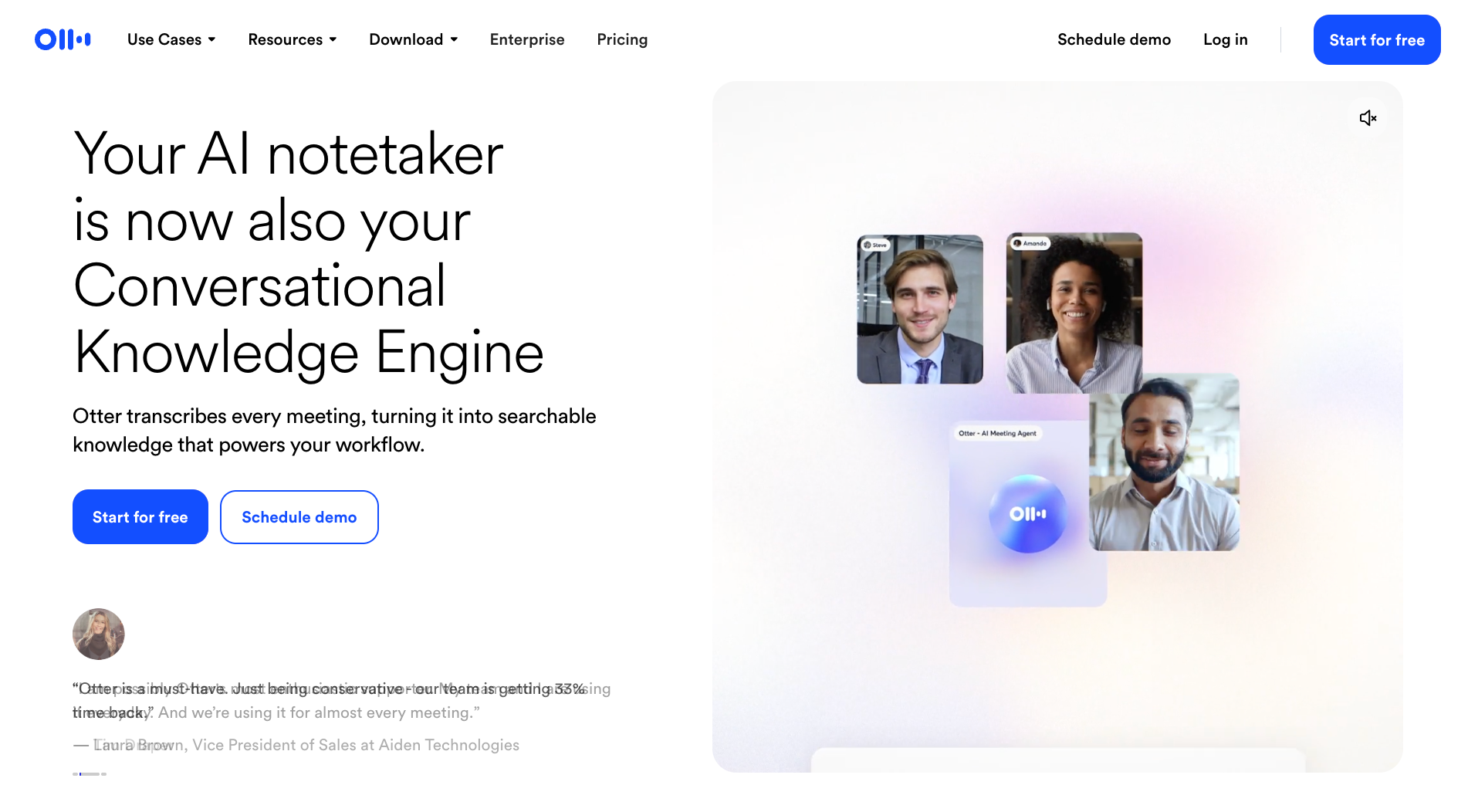
Otter is a meeting transcription tool. It joins your Zoom, Google Meet, or Microsoft Teams call as a named participant and transcribes the conversation live. It sends an automated summary email within two hours of the meeting ending. That email includes an AI-generated summary, action items, highlights, and any slides captured during the call.
It also records in-person conversations through its mobile and desktop apps and lets you import pre-recorded audio or video files for transcription. The AI Chat feature lets you ask questions about a single meeting or run queries across your full conversation history.
Otter gets the words out of a meeting and into a searchable, shareable record. On every plan, Otter can post meeting notes and action items to Slack. Zapier opens on Pro, and auto-written follow-up emails are Enterprise-only.
For a deeper look at Otter's transcription accuracy, interface, and where the product falls short in practice, the Otter AI review covers that in full.
Otter Basic plan (free)
What you get:
- 300 transcription minutes per month with a 30-minute cap per meeting
- Live transcription on Zoom, Google Meet, and Microsoft Teams, plus speaker ID, AI Chat (20 queries/month), and MCP server access
- Three audio or video file imports for the lifetime of your account
Limitation: The three file imports never reset. Use them and you cannot import another recording without upgrading. The 300 monthly minutes also cover both live meetings and any files you do import, so they compete for the same budget.
Best for: Testing Otter before committing, or recording a handful of short calls per month where none run past 30 minutes.
Otter Pro plan ($16.99/user/month | $8.33/user/month billed annually)
What you get:
- 1,200 transcription minutes per month, meetings up to 90 minutes, and 10 file imports per month
- Unlimited conversation history, team vocabulary, advanced AI workflows, meeting templates, and PDF/DOCX/SRT exports
- Salesforce, HubSpot, and Zapier integrations (CRM sync limited to one user)
Limitation: Live recordings and file imports draw from the same 1,200-minute pool with no rollover. The workspace caps at five billed users. A sixth person forces a jump to Business, which costs 77% more per seat.
Best for: Freelancers, consultants, and solo operators recording regular calls under 90 minutes who do not need admin controls or team-wide CRM sync.
Otter Business plan ($30/user/month | $19.99/user/month billed annually)
What you get:
- Unlimited live meetings and in-app recordings, meetings up to four hours, and three concurrent meetings
- Up to 6,000 imported file minutes per user per month with unlimited file imports
- Custom AI workflows, admin features (activity logs, usage analytics), prioritized support, and Salesforce/HubSpot sync for up to five users
Limitation: Workspaces cap at 25 billed users. Organizations larger than that need Enterprise. A five-person team on monthly billing costs $150/month. Run the per-seat math before committing.
Best for: Teams where meetings regularly exceed 90 minutes, Otter needs to cover parallel calls, or an admin needs usage reporting across the workspace.
Otter Enterprise plan (custom pricing)
What you get:
- Otter Sales Notetaker, API access and webhooks, and custom CRM and dialer integrations
- SSO, SCIM, domain capture, enterprise security controls, and unlimited workspace size
- Video replay for Zoom and Google Meet, AI Chat with Gmail, Google Drive, Notion, and Jira, and a Customer Success Program
Limitation: SSO and SCIM both require a minimum of 100 licenses. HIPAA compliance is a paid add-on, not included in the base Enterprise price. Confirm both before entering a sales conversation.
Best for: Large organizations that need custom integrations, compliance controls, or a workspace beyond 25 users.
Otter AI monthly vs annual billing
Annual billing saves 51% on Pro and 33% on Business compared to monthly rates. On Pro, that works out to roughly $104 per user per year. On Business, it is about $120 per user per year.
Annual billing pays for itself after 6 months on Pro and after 8 months on Business. Test on monthly billing first and move to annual once you know which plan you will stay on.
Does Otter offer a student and education discount?
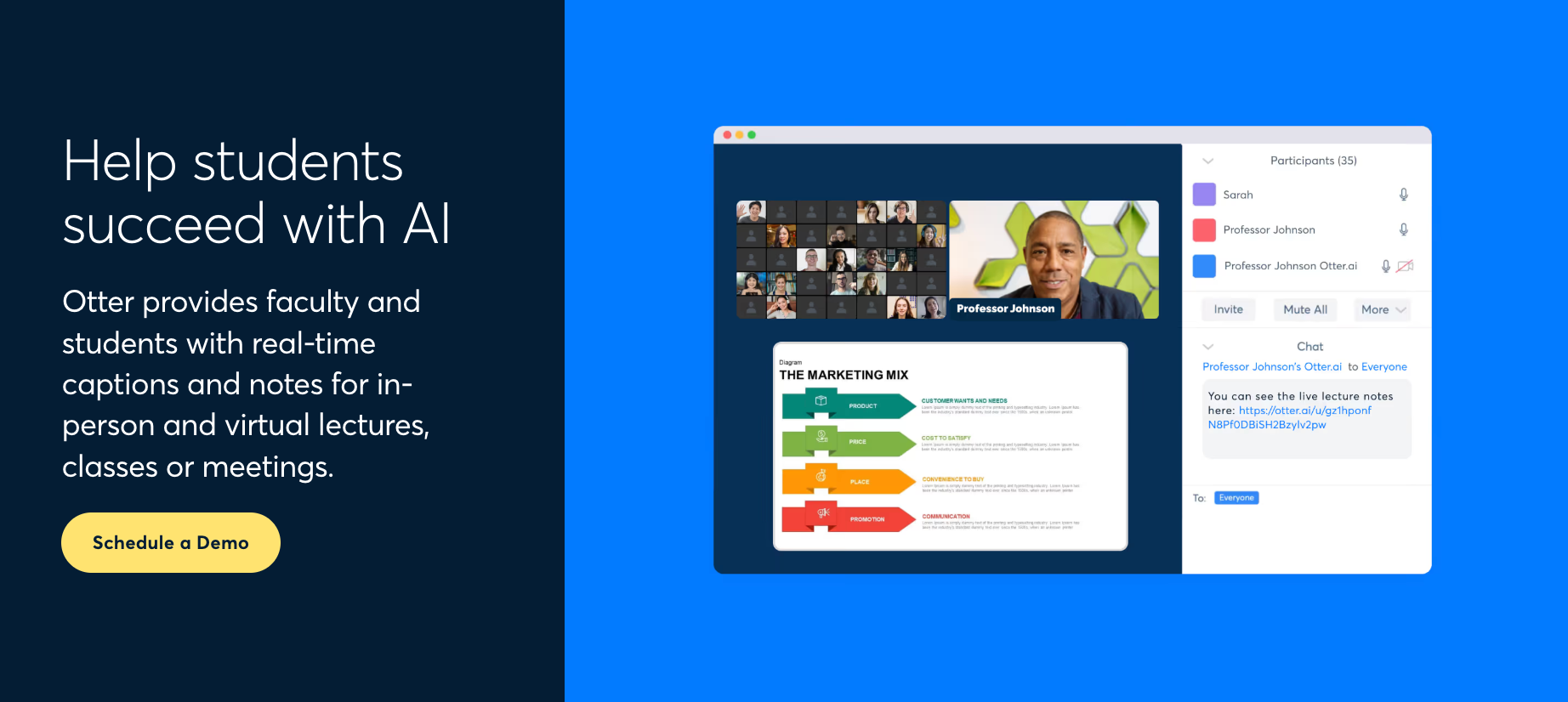
Yes. Otter offers a 20% discount on Pro plans for individual students and teachers with an email address ending in .edu. The discount applies to monthly and annual billing. If you already pay for Otter, you need to cancel your current plan first. Business and Enterprise plans are not included.
Discounted prices:
- Pro Monthly: $13.59 per user per month
- Pro Annual: $6.67 per user per month (billed $79.99 per year)
To access it, sign up with a .edu email, open your account's plan settings, and click "Student and Teacher Discount" below the Pro plan description.
How long can you use Otter for free?
The Basic plan has no expiration date, so you can keep it free as long as you like. What runs out is minutes and imports. When you exhaust the 300 monthly transcription minutes, you wait for the next billing cycle. When you use all three lifetime file imports, upgrading is the only way to import more.
In practice, 300 minutes run out fast. That is about ten 30-minute calls, since Basic cuts each call off at 30 minutes. Two half-hour calls a day uses it up in five days.
Hidden costs and limitations to know before you buy
Otter's four-tier structure looks clean until you read the footnotes. Most of the friction shows up in how minutes are counted, what happens when your team grows by one person, and which enterprise features are add-ons rather than included.
Six limits that are easy to miss in the footnotes:
- Minutes are not separate budgets on Basic and Pro: Live recordings and file imports draw from the same monthly allowance. Import a 40-minute file, attend three 60-minute calls, and you have used 220 of your 1,200 Pro minutes before half the month is done.
- Basic only shows your 25 most recent conversations: Older ones are archived, not deleted. Once you pass 25 calls, reaching an older one means upgrading to Pro.
- CRM sync is capped at one user on Pro: Salesforce and HubSpot integrations are listed as Pro features, but only one user can sync. Five users require Business. Unlimited sync requires Enterprise.
- SSO has a 100-license floor on Enterprise: A team of 30 that needs SSO pays for 100 Enterprise seats regardless. Confirm the minimum before starting a sales conversation.
- HIPAA compliance is a paid add-on: It shows under Enterprise on the pricing page but costs extra. Account for it separately when comparing Otter against tools that include HIPAA in their Enterprise base price.
- The jump from Pro to Business is 77% per seat: Pro caps at five billed users. A sixth team member triggers the full upgrade, raising the per-seat monthly cost from $16.99 to $30.
{{templates}}
Is Otter worth the cost?
Otter is worth the cost if your meetings run in one of its six supported languages and your primary need is accurate transcripts and summaries. The deciding factor is the plan limits. The right plan depends on meeting length, team size, and whether you need CRM sync or compliance controls.
What are the best Otter alternatives?
Fireflies, tl;dv, and Lindy are the best Otter alternatives. Fireflies is the pick if language breadth matters most. tl;dv suits teams that want AI insights across multiple meetings. Lindy is the option when transcription is not enough, and you need the meeting to drive actual follow-up work in Slack.
Here is how each one differs from Otter on the factors that matter most:
- Fireflies starts at $18 per seat per month on Pro (billed monthly) and transcribes in 100+ languages. Its free plan includes unlimited transcription with a 400-minute storage cap per team and 20 AI credits per month. Business costs $29 per seat per month and adds conversation intelligence, team analytics, and multi-language mode.
- tl;dv starts at $29 per seat per month on Pro (billed monthly) and covers 30+ languages. Its free plan includes unlimited video recordings and transcription, capped at 10 meetings with full AI notes for the life of the account. Business costs $39 per seat per month and adds automatic language detection, multi-meeting AI insights, scheduled reports, and team-wide automations.
- Lindy is an AI teammate that works across Slack, iMessage, Gmail, and your browser, and goes further than meeting notes. @mention Lindy in Slack after a call, and it can draft the recap, update your CRM, and flag action items to the right people. It starts at $29.99 per month per user on the Team plan.
If you are specifically evaluating Fireflies as an alternative, Fireflies AI alternatives covers that comparison with current pricing and feature breakdowns.
The best meeting minutes apps and best AI transcribers for teams roundups cover the broader category if you are still deciding what type of tool fits your workflow.
{{cta}}
FAQ
How much does Otter cost?
Otter pricing starts free on the Basic plan. Pro costs $16.99 per user per month on monthly billing, or $8.33 per user per month billed annually. Business costs $30 per user per month on monthly billing, or $19.99 per user per month billed annually. Enterprise is custom-priced following a demo with Otter's sales team.
Is Otter free?
Yes. The Basic plan is free and never expires. It includes 300 transcription minutes per month, meetings capped at 30 minutes per conversation, and three file imports for the lifetime of the account. Basic workspaces hold up to five members.
How many pricing plans does Otter have?
Otter has four pricing plans. Basic is free, with 300 transcription minutes per month and a 30-minute cap per meeting. Pro costs $16.99 per user per month, and Business costs $30 per user per month, with annual billing cutting those to $8.33 and $19.99. Enterprise is custom-priced after a demo.
How much is Otter Pro?
Otter Pro costs $16.99 per user per month on monthly billing. With annual billing, the price drops to $8.33 per user per month. Students and teachers with a .edu email qualify for a 20% discount, bringing Pro monthly to $13.59 and Pro annual to $6.67 per user per month.
Does Otter charge per user?
Yes, all paid Otter plans are billed per user. Pro workspaces cap at five billed users. Business goes up to 25. Enterprise has no workspace limit.
Do unused Otter minutes roll over?
No. Otter's monthly transcription allowance resets each billing cycle with no rollover. On Basic and Pro, live recordings and file imports draw from the same monthly pool, so both count against the same limit.
Is Otter being sued?
Yes, a consolidated federal class action, In re Otter.AI Privacy Litigation (N.D. Cal.), bundles four suits filed between August and September 2025. Plaintiffs allege Otter's AI notetaker recorded meetings without consent from all participants, potentially violating federal wiretap law and state privacy laws in California and Illinois.
On August 13, 2026, a federal judge largely denied Otter's motion to dismiss, allowing the lawsuit to proceed. No ruling has been issued on whether Otter broke the law.









