My n8n Review: Is It Worth It in 2026?
Lindy tested n8n as a non-developer, evaluating its visual workflow builder, AI agent nodes, and Salesforce and HubSpot integrations against execution-based pricing.


I spent three weeks running n8n on both the cloud version and a self-hosted VPS before writing this review. n8n is one of the most demanding automation tools I've tested, and whether that's a good or bad thing depends entirely on who you are.
If you can code, n8n is probably worth it. The self-hosted Community Edition is free, the execution-based billing beats Zapier and Make on anything complex, and the AI workflow nodes are flexible in ways no other no-code tool matches.
If you can't code, n8n will cost you time you didn't plan to spend. The learning curve is real, the error messages require context to read, and support is forum-first, including on the lower cloud plans, where it's the most common complaint.
I tested n8n across a sales handoff flow, email-based lead routing, and a meeting-to-document pipeline to see where it holds up and where it breaks. I also read through Trustpilot, G2, and Capterra reviews and community forum threads to capture what long-term users say.
Here's what I found.
TL;DR comparison
What is n8n?
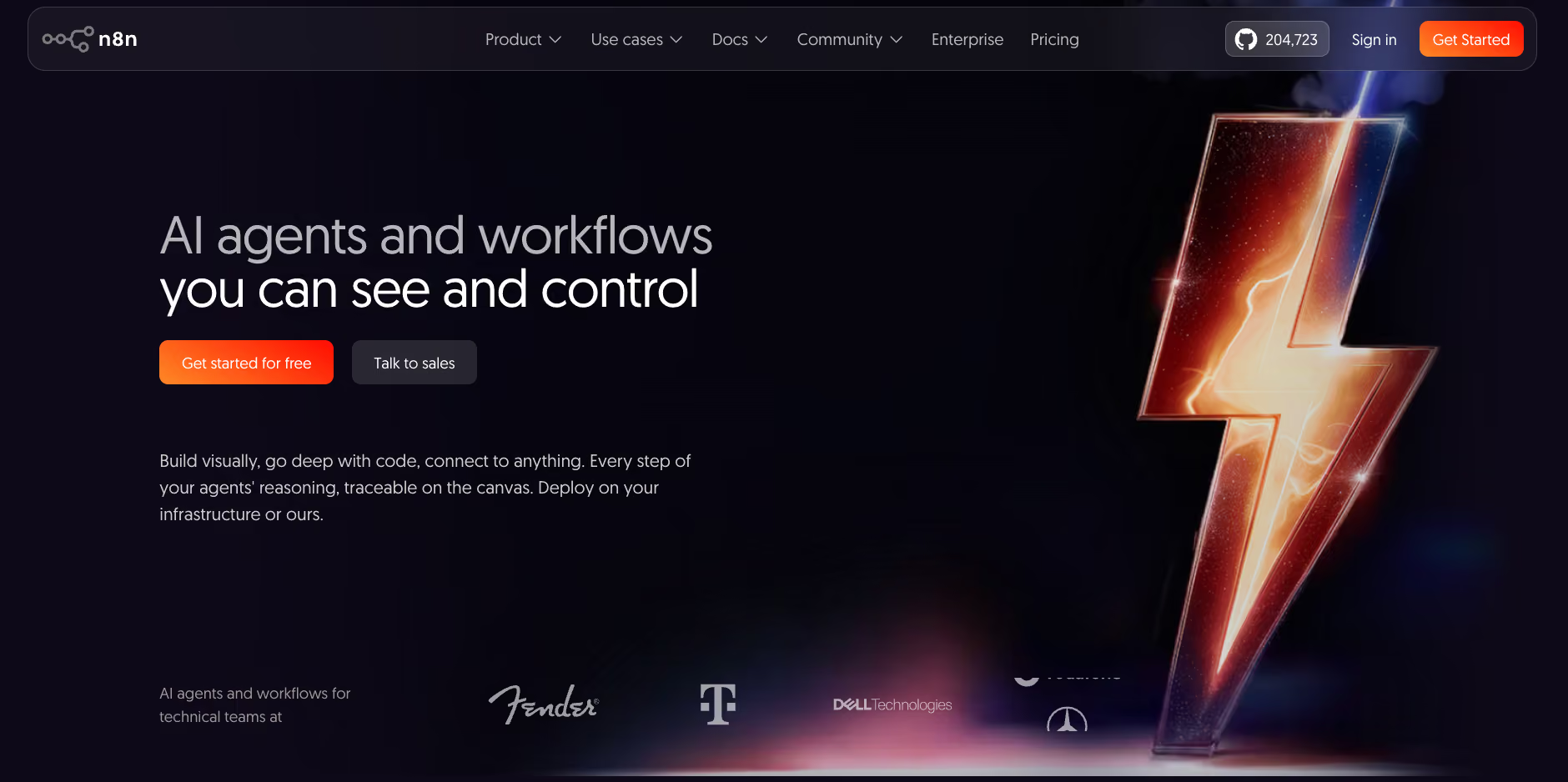
n8n is a workflow automation platform built around a visual node editor. You connect triggers (a webhook, a scheduled time, an incoming email) to actions like updating a CRM, posting to Slack, or running a JavaScript function, then wire the nodes together on a canvas.
The thing that sets it apart from Zapier and Make is that it lets you drop a code node into any workflow and write JavaScript or Python directly. If the prebuilt integrations don't cover what you need, you build it yourself.
n8n was founded in Berlin in 2019. It's distributed under a fair-code model, which means the source code is public and available to self-host for free. The company makes money on the managed cloud version and the enterprise self-hosted license.
There are two ways to run it:
- n8n Cloud: Managed hosting. You sign up, pick a plan, and n8n handles the infrastructure. Billing is based on monthly workflow executions. One full run of a workflow counts once, regardless of how many steps it contains.
- Self-hosted Community Edition: You install n8n on your own server using Docker or Node.js. Unlimited executions. The software is free. You pay only for the server, typically $4 to $7 a month on a basic VPS.
That self-hosting option is the reason n8n has a loyal developer following. No per-execution charges, no quota hitting you mid-month, and no vendor lock-in. For technical teams, it's hard to beat. For a full breakdown of what each plan includes, see our n8n pricing guide.
n8n pricing in 2026
A Start-up Plan also exists: 50% off Business for companies under 20 employees. Worth asking about if you qualify.
Important: Business is self-hosted only. There is no cloud-hosted Business option on the current pricing page.
Is n8n free?
Yes, n8n is free, but only if you self-host. The Community Edition is free, with unlimited executions and access to all 2,000+ integrations. The server costs around $4 to $7 a month. If you're not comfortable with Docker, the cloud Starter at $24/month is the real entry point.
How I tested n8n
I tested n8n over three weeks across three use cases: a sales handoff workflow (new HubSpot lead triggers enrichment, Slack notification, and CRM update), an email-based lead routing workflow, and a meeting-to-document flow.
I ran the cloud Starter plan for two weeks and then moved to a self-hosted setup on a $5/month Hetzner VPS for the final week. I also reviewed other tools that didn't make this piece: Make, Zapier, and Activepieces. Each got enough testing time for me to have a real view on it.
For user sentiment, I read through all 50 Trustpilot reviews, the most recent 290 G2 reviews, the Capterra reviews, and community forum threads.
What are the core features of n8n?
n8n's main features include a visual node editor, custom JavaScript and Python code nodes, and 2,000+ native integrations with an HTTP Request node for anything else.
Visual builder with optional code
The canvas editor is where you spend most of your time in n8n. You add nodes, connect them with lines, configure each one, and test in real time. The drag-and-drop part works fine. You can drop a Code node anywhere in the flow and write JavaScript or Python to transform a data object or write a conditional the UI can't express.
For a custom API call you pair it with the HTTP Request node, which is the one allowed to make the request.
For developers, this is the feature that justifies everything else about n8n, and for non-developers, the code node is the thing that blocks them. If a prebuilt node doesn't behave the way you need, and you can't write the Code node yourself, you're stuck.
Self-hosting and scaling
The Community Edition runs on Docker. Point it at a VPS, run the Docker command, set environment variables for your database and credentials, and you're live. For a developer, setup takes a couple of hours the first time.
Once it's running, n8n handles scaling through queue mode, which routes workflow executions through Redis workers. This supports horizontal scaling by adding more workers when execution volume grows. Teams with compliance requirements around data residency use this path because the workflow data never leaves their own infrastructure.
Triggers and the execution count trap
Workflows in n8n start with a trigger. You can use webhooks (Stripe, GitHub, Linear, Slack all support them), scheduled times, or polling checks on services that don't support webhooks.
This matters for pricing. On cloud plans, a workflow run counts as one execution, but a poll that returns nothing is not charged. Webhooks are cheapest because they fire only when something happens. Polling still costs more, because every poll that does find new data bills. A workflow that checks Gmail every 10 minutes polls 4,320 times a month.
On the Starter plan (2,500 executions), only the polls that find new mail are billed, so a quiet inbox stays inside the quota and a busy one clears it well before month-end.
The fix is to use webhooks wherever the source supports them. Most modern tools do. But if you're monitoring a service that doesn't expose webhooks, polling is your only option, and the execution math changes completely.
Integrations
n8n has 2,000+ native integration nodes covering the tools most technical teams use: Salesforce, HubSpot, Notion, Google Workspace, Slack, PostgreSQL, GitHub, Stripe, Linear, and more. There's also an HTTP Request node that connects to any REST API, so if a native integration doesn't exist, you can build the call yourself.
The honest comparison: Zapier publishes 9,000+ integrations, and for non-technical users that breadth still matters. Zapier does have webhook and code steps, but they aren't a realistic fallback for someone who doesn't code. n8n covers most production use cases natively, and the HTTP node closes the rest.
What AI features does n8n offer?
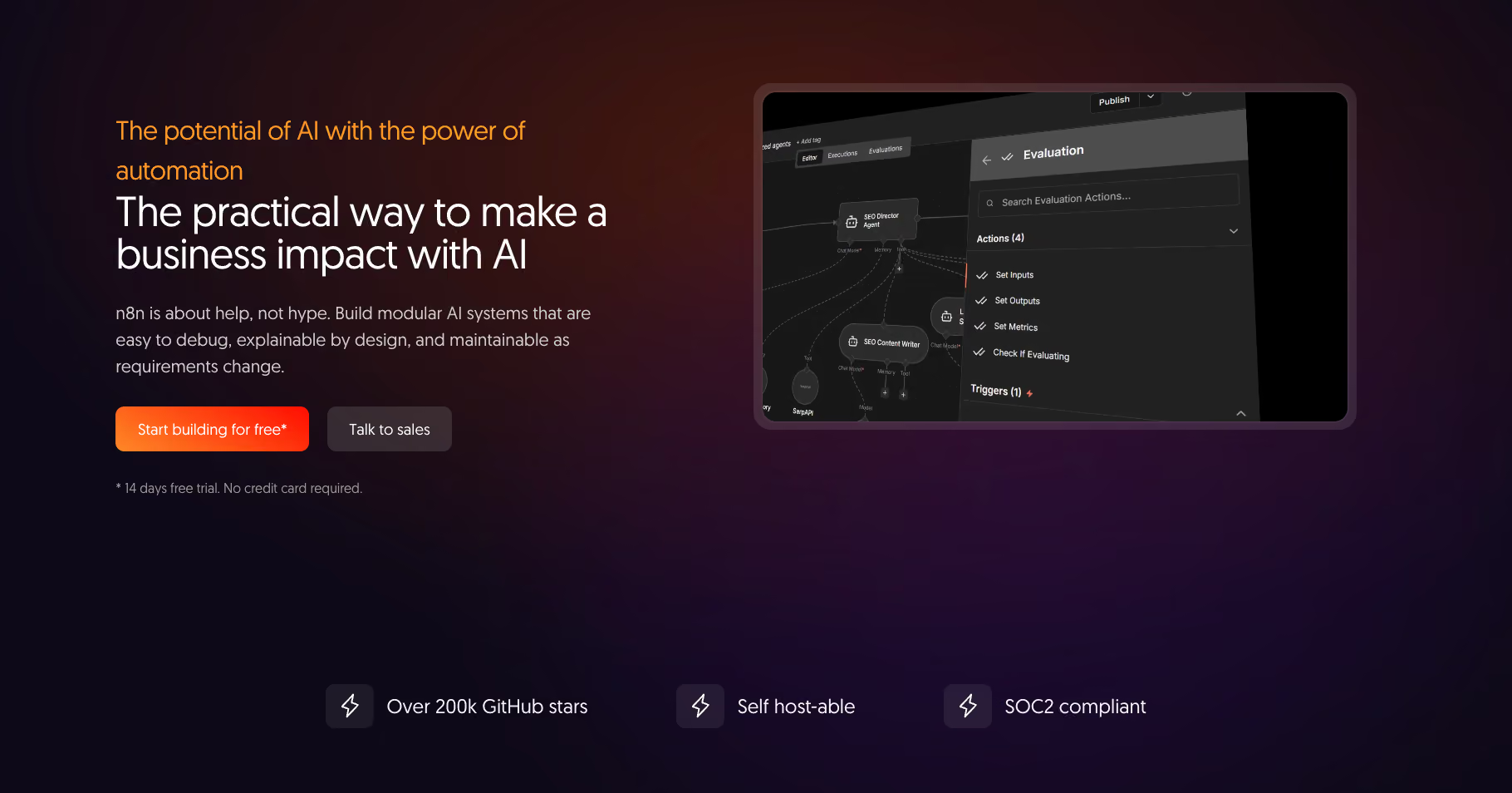
n8n's AI features cover the full build-it-yourself stack, including model selection, memory configuration, RAG pipelines, human approval controls, and a team-facing chat interface.
The current feature set includes:
- AI Agent node: A configurable agent that reasons, calls tools, and returns structured output. You pick the model, write the system prompt, define which tools the agent can access, and set how memory works. The agent can call other n8n nodes as tools, giving it live access to your CRM, calendar, or database inside a single workflow run.
- Memory nodes: Simple Memory keeps a set number of recent messages for the current session, and you set the window length yourself. For memory that survives a session, you swap in a database node, Redis, Postgres, MongoDB, Xata, or Zep. You configure which one the agent uses per workflow.
- Chain and vector store nodes: For retrieval-augmented generation workflows. Index your documents, query them at runtime, and pipe the results directly into the agent's context.
- Human-in-the-loop controls: Place approval checkpoints at any point in a workflow or in front of any agent tool. Combine AI steps with rule-based logic to constrain inputs, validate outputs, and route exceptions. Every execution logs the prompt sent, model response, and what happened next.
- Evaluations: Test AI reliability against defined metrics, use the results to refine prompts and select models, and monitor for drift in production.
- MCP support: Make your n8n workflows callable by any MCP-compatible AI platform. Claude, Lovable, and other clients can trigger your automations directly, and n8n can call other MCP-enabled tools from within a workflow.
- Chat Hub: A single interface for giving your whole team controlled access to multiple AI models and n8n agentic workflows. Create custom agents that surface internal workflows any user can run with a plain-language prompt.
- AI Workflow Builder: Describe what you want to automate. The assistant plans it, builds it on the canvas, runs it, and fixes errors until it works. Everything it produces is a standard n8n workflow you can inspect and edit.
{{templates}}
Self-hosted vs cloud: which one is right for you?
Self-hosting is cheaper and gives you full control. Cloud is faster to set up and easier to maintain. The right choice depends on one thing: whether you're comfortable managing your own server.
Go self-hosted if you:
- Are comfortable with Docker and basic Linux server management
- Have a technical team that can handle 1 to 4 hours of maintenance a month
- Work in a regulated industry and need data to stay on your own infrastructure
- Need unlimited executions at low cost (high-volume or frequently triggered workflows)
Go cloud if you:
- Are testing n8n before committing to a longer setup
- Run webhook-triggered workflows that stay within quota
- Don't have DevOps experience or don't want to manage a server
- Value managed infrastructure and automatic updates over cost savings
For a solo developer who already runs servers, it's straightforward. For a non-technical operations team, it's not a reasonable trade.
Is n8n worth learning in 2026?
n8n is worth learning in 2026 if you work in automation, ops, or AI development. The node-based mental model transfers across most iPaaS tools, the AI workflow patterns apply anywhere that supports function calling, and the self-hosted option means your skills aren't tied to a vendor's pricing decisions.
Here's how the answer breaks down by reader:
- Yes, for developers and technical ops. n8n's node-based model transfers across Make, Zapier, and most iPaaS tools. The AI workflow patterns you build here apply anywhere that supports function calling. The self-hosted option means you own the stack regardless of pricing changes.
- Qualified yes for non-technical operators. People without coding backgrounds do build working automations on n8n. The community forum, documentation, and YouTube tutorials are solid. Budget several weeks before you're building confidently on your own.
- Probably not, if you just need automations to work. If your goal is connecting Gmail to Slack and logging leads to a spreadsheet, Zapier or Make will get you there in an hour. n8n will too, but it takes longer and requires more troubleshooting. The payoff comes at scale and complexity. If your workflows are simple, that payoff never shows up.
Is n8n obsolete?
No, the opposite is true in 2026. n8n has added native AI agent nodes, the AI Workflow Builder, and a much bigger integration library since 2023. The GitHub star count sits at 205K as of September 2026, which reflects active developer adoption.
The more interesting question is whether n8n's category, technical workflow automation, is being displaced by AI-native tools.
For simple workflows, maybe. For complex multi-step processes that need custom logic, code execution, and data transformation across systems, n8n's model still outperforms anything purely conversational.
Describing a 40-node workflow with conditional branches and API transformations gets you a draft, not a finished build. The AI builder gets the shape started; the logic and the data transformations are still yours to wire.
What real users say: n8n reviews
What users say about n8n splits cleanly along technical lines. Developers rate it highly across platforms, while non-technical users on cloud plans flag support and quota issues as consistent pain points.
- On Capterra (4.6/5 from 48 reviews), the praise centers on flexibility and control. "n8n gives me the flexibility to connect different tools, APIs, webhooks, and data sources in a way that is more powerful than basic automation platforms." - Jerrid C., CEO, Computer Software
- On G2 (4.7/5 from 314 reviews), the recurring con is debugging at scale. "As workflows become more complex, it can be difficult to quickly identify where the problem is when something goes wrong. The learning curve can also be significant for non-technical users." - Francisco P., Presidente, Small Business
- On Trustpilot (2.9/5 from 50 reviews), the low ratings concentrate around cloud support. "Lost access to my n8n cloud workspace and support could not help, even with proof of ownership. I lost all the workflows I had built for my business." - Muzammil A., September 2026
Is n8n trustworthy?
Yes, with one caveat about cloud support. The company has been operational since 2019, raised $180 million in 2025, and the fair-code license keeps the source code public regardless of what happens commercially.
The trust gap is in cloud support at lower plan tiers: when something goes wrong, resolution isn't guaranteed. If you're on a cloud plan, register with a permanent email and keep local backups of your workflow JSON files.
How to get started with n8n
Start with n8n Cloud if you want to test it without any infrastructure work. It takes about five minutes to sign up; the 14-day trial needs no credit card, and it gives you Pro features capped at 1,000 executions. If you're technical and want unlimited executions from day one, spin up the Community Edition on a $5/month VPS using Docker.
Either way, build one simple webhook-triggered workflow first before touching the AI nodes or code editor. The canvas, the expression syntax, and the data flow model all make more sense once you've run something end to end.
Our verdict
n8n is the right tool for technical teams who want automation control without vendor lock-in. The self-hosted tier is generous. The execution-based billing model saves real money on complex workflows compared to task-based tools. The code node flexibility means there's almost nothing you can't build if you're comfortable with JavaScript or Python.
The tradeoff is that n8n asks for real investment. The learning curve is a recurring theme across hundreds of real user reviews.
Teams that get the most from n8n are teams that committed time to understanding how it works. Teams that expected Zapier-level setup and got n8n-level complexity are the ones who give up on it. The 1-star Trustpilot reviews are a different complaint: lost accounts, unanswered tickets, and billing disputes.
If you have the technical background or the time to build it, n8n is one of the strongest automation tools available in 2026. If you don't, the math changes.
When you don't need to build an automation at all
If the workflow complexity that makes n8n appealing also makes it unapproachable, there's a different category worth knowing about.
Lindy is an AI teammate that lives in your Slack, connects to all your tools, knows everything about your company, and does real work for the whole team. You don't configure triggers or build flows. You @mention Lindy in a channel or DM it, describe what you need, and it handles the work across your tools.
n8n asks: "What do you want to automate, and how should each step work?", while Lindy asks: "What do you need done?" You describe the outcome. Lindy figures out the steps.
Here's what that looks like in practice:
- Meeting workflow: Turn on meeting notes once, and Lindy joins the calls you choose on its own. After the call, it files the notes into your shared library and drafts the follow-up email for you to approve and send.
- Inbox management: @mention Lindy or DM it to manage your inbox; it reads every email, triages it, labels what matters, and routes what needs a person. You get a daily brief and stay in control without staying in the inbox.
- CRM updates from Slack: @mention Lindy in your sales channel after a call. Ask it to update the deal stage, log the notes, and post a summary to your customer-success channel. It does all three without you opening HubSpot.
Lindy starts at $29.99/month per user on the Plus plan. No free plan, but there's a 7-day free trial for teams joining through Slack. If your team is already on Slack and you want AI that does work rather than automations you configure, it's worth testing.
The limitation? Node-by-node workflow construction isn't where Lindy is at its best. If you need a 40-node process with conditional branches and custom data transformation, n8n is the right tool. Our n8n alternatives guide covers the rest of the field.
Try Lindy free and see how it handles your first week.
{{cta}}
Frequently asked questions
What are the disadvantages of n8n?
The main disadvantages of n8n are its steep learning curve and execution quota traps on cloud plans. The expression syntax and error handling take real time to learn, and polling workflows burn through quotas fast.
A single workflow checking Gmail every 10 minutes polls 4,320 times a month, and every poll that finds new mail bills, so how fast it clears the Starter plan's 2,500 executions depends on how much mail actually arrives.
How does n8n compare to Lindy?
n8n and Lindy solve different problems. n8n is a workflow builder for technical teams who want to configure every step of an automation. Lindy is an AI teammate that lives in your Slack and handles work when you ask it to.
Is n8n good for non-developers?
n8n can work for non-developers, but requires learning investment. People without coding experience do build working workflows, but G2 reviewers flag the learning curve across 39+ reviews as a consistent barrier. If you need automations running quickly, Zapier or Make will get you there faster. n8n pays off at scale and complexity, which takes time to reach.
Does n8n integrate with Salesforce and HubSpot?
Yes, n8n has native nodes for both Salesforce and HubSpot. You can trigger workflows on new leads, update deal stages, log call notes, and sync contact data through the prebuilt integrations. Any app without a native node can connect through the HTTP Request node using its REST API.
Which is better, n8n or Zapier?
n8n is better for complex, high-volume workflows with technical teams, whereas Zapier is better for simple workflows and non-technical users who need fast setup. The pricing models explain the split: n8n bills per workflow execution (one full run regardless of step count), Zapier bills per task (one charge per action per run). For a deeper comparison, see n8n vs Zapier.









