12 Best n8n Alternatives, Tested on One Workflow
Marvin tested nine n8n alternatives, including Zapier, Make, and Node-RED, building the same sample workflow to compare ease of use, AI integration, and pricing.


After testing n8n alongside popular automation platforms, I’ve compiled nine options that outperform it in setup time, AI capability, and day-to-day usability. Read my detailed reviews and learn why they are worth considering in 2026.
Activepieces is the closest open-source swap for n8n, and Zapier is the one I'd hand to a team with no appetite for maintaining an automation stack. Lindy had my test workflow running in the time it took to read its setup page.
I gave all 12 the same job: a webhook catches a form submission, an AI step pulls the company name out of the free-text field, a row lands in a Google Sheet, and a message posts to a Slack channel. Ten of them ran it as written. Temporal and Airflow made me redesign the job first, and I cover both in their own sections.
Teams leave n8n over two things: the jump from $60 a month to $960 the moment they need SSO, and how long it takes to get a first workflow running.
Pipedream, one of the 12 tools on this list, now belongs to Workday, which closed the acquisition in December 2025. What that means for the free tier is in the Pipedream section.
All 12 n8n alternatives, grouped by who they are for
The three groups are no-code, open-source self-hosted, and developer tools. Inside each group, I ordered them by how much of the setup the tool does for you, starting with the ones that do the most:
- Zapier: Best for connecting SaaS apps you'd rather stop thinking about
- Make: Best for visual workflows with messy data in the middle
- Lindy: Best for teams who want to describe the work in Slack instead of wiring it
- Gumloop: Best for AI-first automations a small team runs
- Microsoft Power Automate: Best for companies already paying for Microsoft 365
- Activepieces: Best for a self-hosted n8n swap with a cloud plan that doesn't jump tiers on you
- Kestra: Best for declarative workflows you keep in version control
- Windmill: Best for teams whose workflow steps are already scripts
- Node-RED: Best for hardware, IoT, and anything at the edge of a network
- Pipedream: Best for developers who live in code and APIs
- Temporal: Best for workflows that cannot lose a step
- Apache Airflow: Best for scheduled data pipelines with dependency graphs
Why look for n8n alternatives?
n8n gives you three things at once that rarely come together: a visual builder, an escape hatch into working code when the builder runs out, and a server you host yourself for nothing. No other tool here gives you all three, and the Community Edition costs nothing to try.
Four things push teams off it anyway.
- The price jump. Pro is $60 a month billed monthly for 10,000 executions. The next step up, Business, is $960. SSO, Git version control, and separate environments all sit on the far side of that 16x, so the first security review that asks about single sign-on turns a $60 line into a $960 one. Nobody else charges that for SSO. Activepieces puts SSO on a $200 flat plan, and Windmill's Enterprise starts at $120 a month.
- Executions run out faster than the tier names suggest. n8n counts one execution every time a workflow fires, but the steps inside that run are unlimited. So a webhook that fires once on a 500-row import costs one execution, and the same import sent row by row costs 500. Our n8n pricing breakdown walks through where the tiers land.
- Concurrency is capped low at the bottom. Starter, the cheapest paid tier at $20 a month billed annually, allows 5 concurrent executions. Pro allows 20. If your workflows are slow, you hit that ceiling long before you spend the executions you paid for.
- It assumes you can debug it. n8n documents expressions, error workflows, and AI node wiring in three separate guides, and none of them is short. Our n8n review found the same thing: it works well once it is running, and getting it running is a developer's job.
What is free about self-hosting is the download. The Community Edition costs nothing, and then you pay for a server, a database, backups, and whoever gets called when the container stops.
Which n8n alternative should you choose?
Two things decide which n8n alternative you end up with, more than any feature list does. One is the unit you're billed in. The other is who edits the workflow once the person who set it up has moved on.
Choose Zapier if you want the widest app coverage and you're fine paying for the privilege of never reading documentation.
Choose Make if your workflows spend the bulk of their time reshaping data between two systems that disagree about formats.
Choose Lindy if the work belongs to a team and you'd rather ask for it in a Slack channel than build it node by node.
Choose Gumloop if the automation is largely an AI job and your team is small enough that unlimited seats matter more than the credit math.
Choose Microsoft Power Automate if your company already pays for Microsoft 365 and the workflows live in Outlook, Teams, and SharePoint.
Choose Activepieces if you want n8n's shape with an MIT core and a cloud plan that doesn't jump 16x.
Choose Kestra if your workflows belong in Git as YAML and a data team is going to own them.
Choose Windmill if your team writes Python or TypeScript and wants the schedule, the form, and the permissions generated for you.
Choose Node-RED if the automation touches hardware, sensors, or a machine sitting on a factory floor.
Choose Pipedream if your workflows are code with a trigger in front, and you're comfortable with its new owner.
Choose Temporal if a half-finished workflow would cost you money or trust, and you need every step to survive a crash.
Choose Apache Airflow if the job is a nightly data pipeline with dependencies your scheduler has to respect.
Stick with n8n if you're already self-hosting it and your team can maintain it without the Business tier. Free and unlimited on your own server is a very good deal until a security review asks for audit logs.
How I tested these n8n alternatives
I built the same workflow from scratch on all 12 platforms. A webhook catches a form submission, an AI step pulls the company name out of the free-text field, a row lands in Google Sheets, and a message posts to a Slack channel. It is four steps, and one of them is unpredictable.
I recorded the same three things on every platform:
- What it demanded before it would run. API keys, a database, a credit card, a container, a developer. Most of those mean asking somebody else first.
- What one run of that workflow costs. I priced it in the billing unit each vendor uses, on the monthly plan where one exists, from the vendor's own pricing page.
- How long it took to reach a first successful run, where the setup turned out to be the story.
Two platforms would not take the job as designed. Temporal made me define retry and partial-failure behavior before it would run anything, and Airflow only ran it once I rebuilt the test as a scheduled batch. Both are in their own sections.
Pricing came from each vendor's own pricing page in September 2026, with the monthly toggle switched on wherever the page opens on annual pricing. Nothing here is quoted from a review site.
Every n8n alternative at a glance
Six of these 12 are free to self-host. Two of those six, Activepieces and Temporal, show a cloud price in the table because that is the only number either one publishes. Among the paid tools, Make's entry plan runs at under 2% of what n8n charges for Business.
| 💻 Tool | 🎯 Best for | 💰 Starting price |
|---|---|---|
| Zapier | The widest app coverage | $29.99/month |
| Make | Visual workflows with messy data | $16/month |
| Lindy | Automation you ask for in Slack | $29.99/user/month |
| Gumloop | AI-first flows, unlimited seats | $37/month |
| Microsoft Power Automate | Microsoft 365 shops | $15/user/month, paid yearly |
| Activepieces | The closest open-source swap | $20/month |
| Kestra | Declarative workflows in Git | Free (Apache 2.0) |
| Windmill | Workflows where each step is a script | Free, self-hosted |
| Node-RED | Hardware, IoT, and edge devices | Free (Apache 2.0) |
| Pipedream | Code-first workflows on APIs | $45/month |
| Temporal | Workflows that cannot lose a step | $50 per million actions |
| Apache Airflow | Scheduled data pipelines | Free (Apache 2.0) |
Pricing is correct as of September 2026 and shown billed monthly, except Power Automate, whose published seat prices are annual-only.
n8n alternatives you can run without writing code
These five are made for teams with no appetite for learning what an expression is. All five run in the cloud, none of them will ask you to open a terminal, and only Zapier, Make, and Power Automate let you sign up without entering a credit card.
1. Zapier
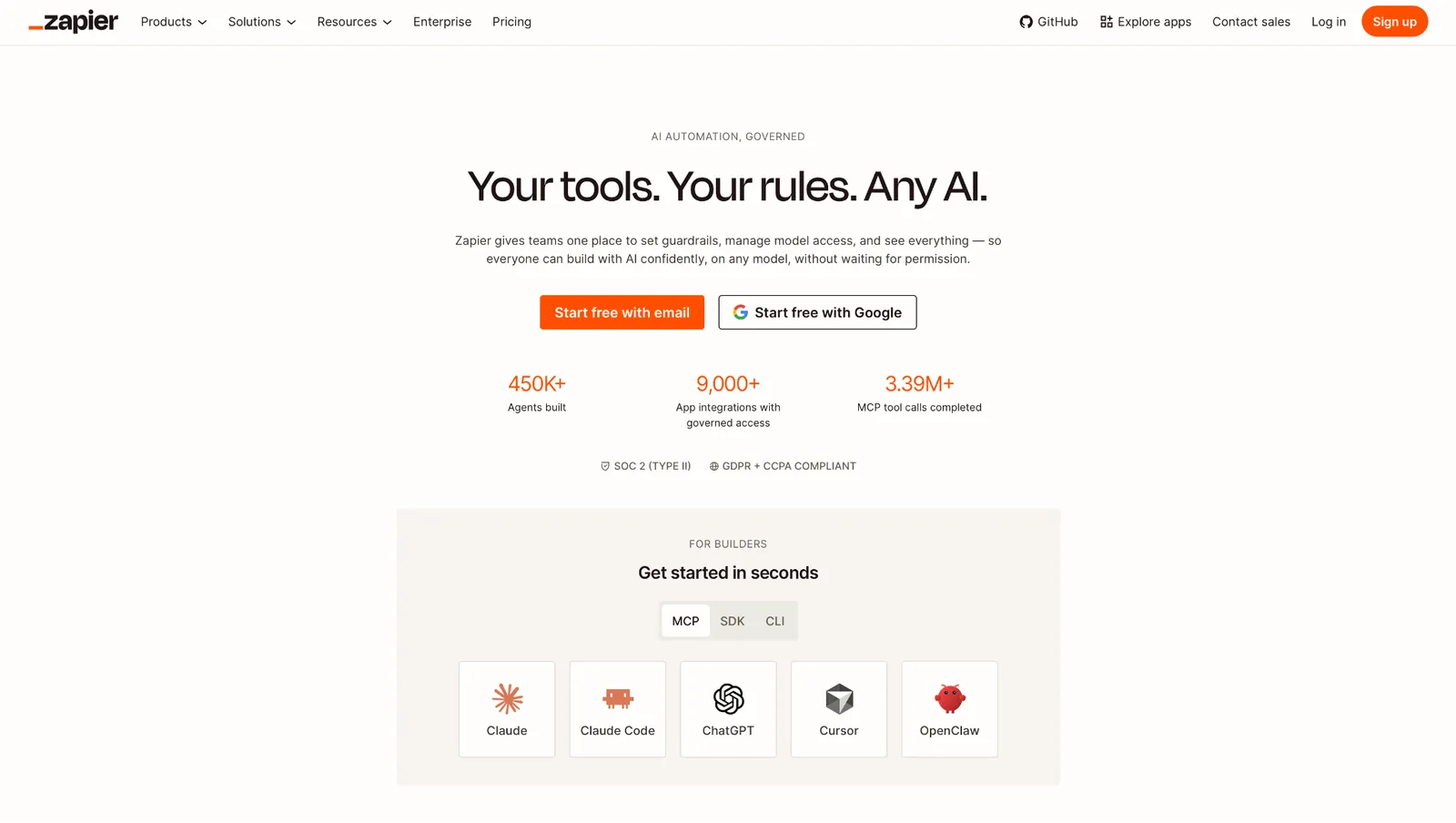
Zapier connects to 10,000+ apps, more than anything else in this roundup, and for many teams that decide it.
Zapier's editor asks one question at a time, which is why a marketer finishes a workflow here and abandons the same job in n8n. Its Copilot takes a plain-English description and assembles the steps for you to check.
Rebuilding the form workflow in Zapier took almost no thinking, and I never opened the docs. The tradeoff showed up when I wanted to change how a step retried and found no setting for it.
Zapier counts tasks, and only successful actions count, so filters and paths are free. Because of that, a five-step Zap with a trigger and a filter costs three tasks each time it fires, while one with a trigger and four actions costs four.
That arithmetic is what makes the invoice bigger than people expect. The free plan gives you 100 tasks a month and caps every Zap at two steps, which covers a proof of concept and stops there. Our n8n vs Zapier comparison puts the two billing models side by side.
At high volume, n8n on your own server costs less than Zapier's tasks, and it is not close.
Nobody in the reviews describes one big automation. They describe dozens of small ones nobody wanted to do by hand.
"Zapier has been a hero for many automations that I had to build to remove toil in software development teams." - Diego P., G2.
Key features
- Multi-step Zaps: chain triggers, filters, and actions without touching code.
- Copilot: describe the automation in a sentence, and it builds the steps for you.
- Tables and Forms: store the data and collect it inside the same subscription.
- Webhooks: catch a POST from anything the app library doesn't cover.
Pros
✅ The largest catalog of prebuilt app connections in this roundup
✅ Non-technical people finish workflows here without help
✅ A free tier that's enough to validate an idea before paying
Cons
❌ Task-based billing gets expensive fast at volume
❌ Limited control for anyone who wants to shape how a run executes
❌ Webhooks are gated behind the Professional plan
Best for
- Teams connecting many SaaS apps with low run volume
- Companies without developer time to spare on automation
- Anyone replacing manual copy-paste between two tools
Pricing
Professional starts at $29.99 a month billed monthly, and Team starts at $103.50 a month billed monthly. Paying yearly instead cuts 33% off both. Every price is tied to a task slider, so those two figures are the floor and they climb as you raise the volume. Enterprise is quoted by sales. The free plan runs 100 tasks a month.
2. Make
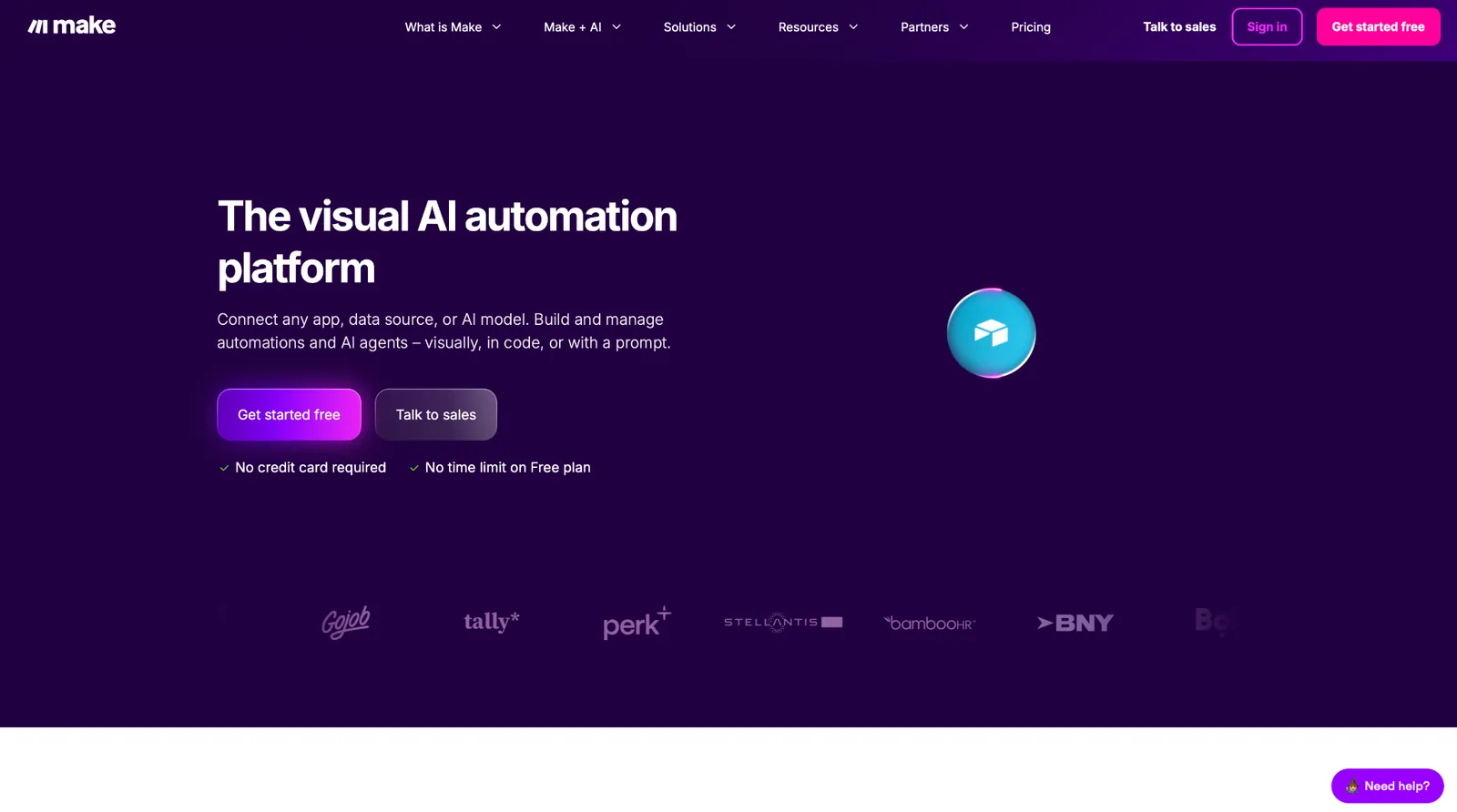
In Make, you build the scenario yourself, dragging modules onto a canvas and drawing the connections. The result reads like a map, so a router splitting into three branches is three lines you can trace with your finger.
It connects to more than 3,000 apps and does the awkward work between them: aggregating arrays, mapping fields two systems name differently, running formulas without a code step.
Celonis bought Make in 2020, when it was still called Integromat, and renamed it in 2022. Make is one product inside a process-mining business, which is worth knowing before you build something you cannot easily move.
The hardest part of my test happened here. The AI step returned a nested object and Sheets wanted flat columns. Make unpacked it with one aggregator module. Every other tool needed a code node.
Make charges a credit per module that runs, so a router firing both branches bills you for both sides. The canvas that made the logic obvious tells you nothing about what a run costs.
The free plan will not schedule a scenario more often than once every 15 minutes, which rules out anything that fires the moment a form is submitted. That arithmetic is part of why we ran a separate Make alternatives roundup.
"I find it super visual and clear to see the diagrams of what I want to do." - Sergio D., G2.
Key features
- Visual scenario builder: branching logic laid out on a canvas you can read at a glance.
- Aggregators, iterators, and functions: reshape payloads mid-run without a code step.
- 3,000+ app connections: available on every plan, including the free one.
- Scheduling down to the minute: from the Core plan up.
Pros
✅ Once a scenario stops being linear, the map still shows you where a branch went wrong
✅ Flattening the AI step's nested output took one aggregator here and a code node in every other tool
✅ The cheapest paid entry point of any cloud tool here that bills month to month
Cons
❌ Per-module credit billing is hard to forecast before you've run the scenario
❌ The free plan's 15-minute floor rules out anything that has to fire within the minute
❌ The canvas gets hard to read past a dozen modules
Best for
- Workflows that reshape data between systems that disagree about formats
- Teams who map a process on a whiteboard before they build it
- Small budgets that still need branching logic
Pricing
Core is $16 a month billed monthly at 10,000 credits, Pro is $28 a month, and Teams is $51 a month. Paying yearly drops them to $12, $21, and $38, and the page opens on those annual figures.
3. Lindy
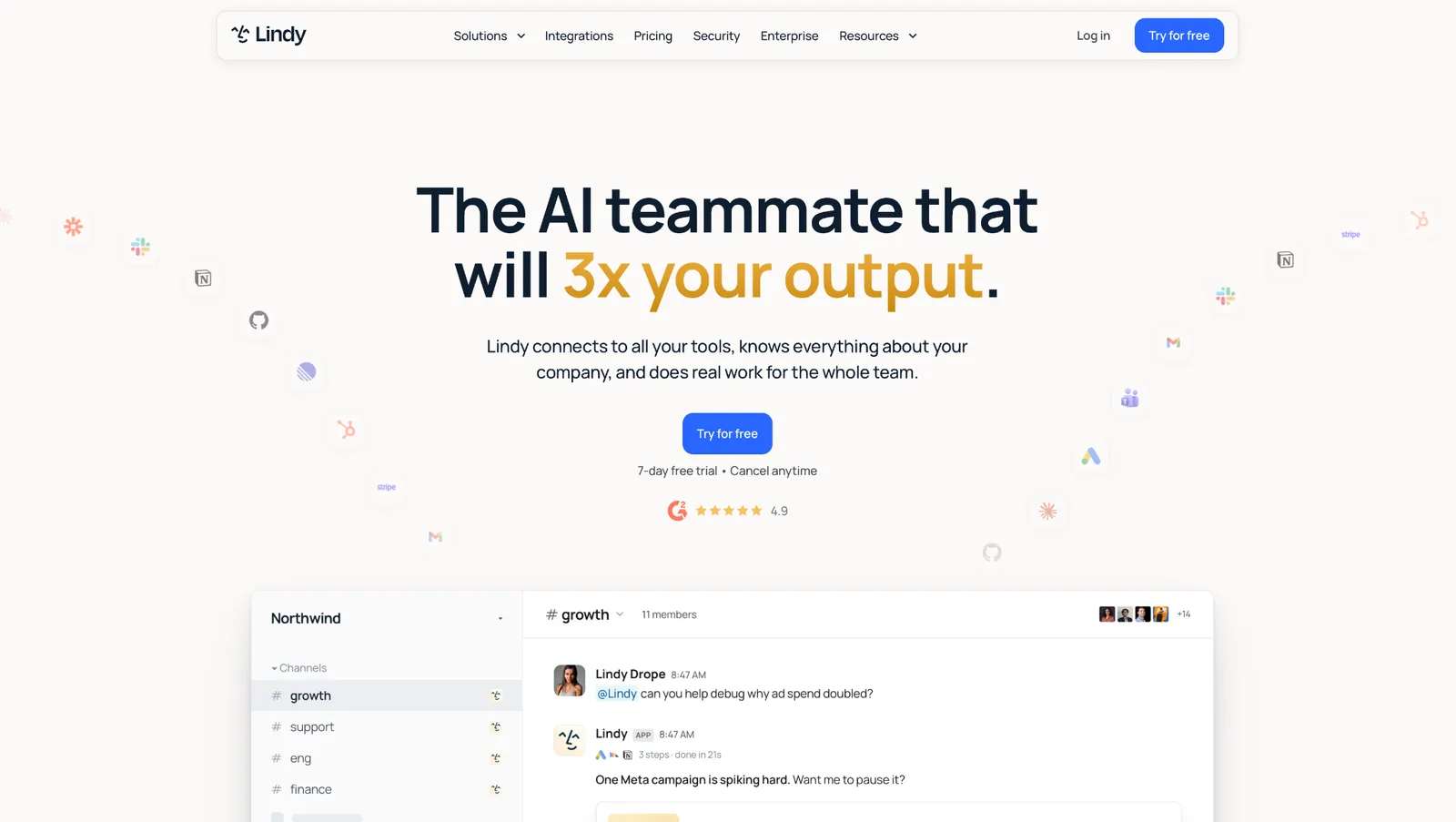
Lindy is the only one here you never open a builder for. You @mention Lindy in a Slack channel, and the answer comes back with the source attached to it.
It reads what your team approves, which covers Slack history, Notion, Google Drive, and Gmail, plus the meetings and files your team shares. Recurring work is described in a sentence. "Every Monday at 9, send the pipeline brief" becomes a routine you can read back in plain English.
I described the whole job to Lindy in one message: the Slack post, the sheet, the AI step. I still expected to wire most of it by hand afterwards. It had the sheet connected off that one sentence, and I didn't believe it until I opened the file and saw the row sitting there. No API keys anywhere in the setup.
Credits refresh monthly and do not roll over, so anything you do not spend is gone at the reset. Admins can set per-tool guardrails on every connected app, and the guardrails apply to writes; reads pass through.
One reviewer who moved off a canvas tool put it like this.
"Unlike other automation tools that are super clunky and rigid, Lindy lets you build 'agents' that actually get the context." - Osmar G., G2.
Key features
- Slack teammate: @mention it in a channel, and it joins the thread and answers, citing whatever message or file it used.
- 1,000+ app connections: the tools your team already runs, wired in by one admin, once.
- Routines and skills: recurring work described in plain English, plus a library of prebuilt skills you install.
- Per-tool guardrails: admins set always allow, require approval, or don't offer on every connected app.
Pros
✅ Setup took one admin and zero API keys
✅ Every answer carries a citation, and it says so when it doesn't know
✅ SOC 2 Type II and GDPR on every paid plan
Cons
❌ Credits don't roll over, so an unused month is money gone
❌ HIPAA, the signed BAA, audit logs, and SSO all wait until Enterprise
❌ Priced per user, so headcount drives the bill
Best for
- Teams whose work already happens in Slack and who don't want another login
- Security reviews that ask about per-tool approvals and BAAs
- Turning meetings into follow-ups that don't need chasing
Pricing
Plus is $29.99 per user per month with 3,000 credits per user. Pro is $99.99 per user per month with 15,000 credits, and Max is $199.99 per user per month with 35,000 credits. Enterprise is quoted by sales and adds HIPAA with a signed BAA, audit logs, and usage pooled across the team. Teammates joining through Slack get a 7-day free trial, once per person.
{{templates}}
4. Gumloop
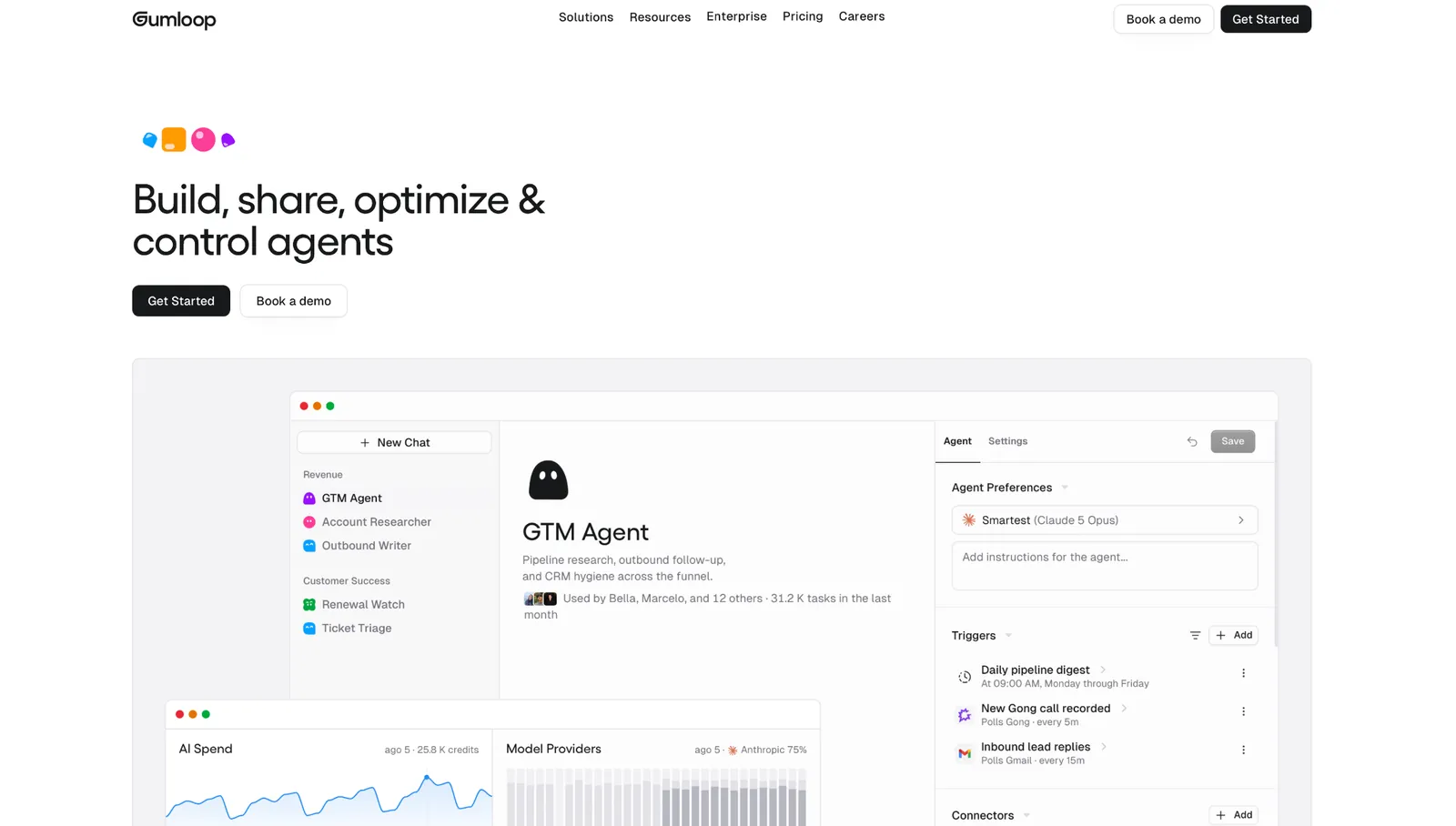
Gumloop is built around the AI step. Its canvas assumes that step is the unpredictable one, so retries and reprocessing sit on the node itself.
Every plan carries unlimited seats, which almost nothing else in this category offers. The model list runs to 35+, and you can bring your own API keys and pay the provider directly.
Gumloop raised a $50 million Series B led by Benchmark and is still independent, which Pipedream on this list is not.
Gumloop ran my test in four nodes, where every other tool needed six. One AI node absorbed the work three separate nodes were doing elsewhere, and when that node returned something unusable, I reprocessed it instead of rerunning the flow, which matters when the step that failed is a model call.
An 8% orchestration fee sits on top of your credit spend, so the invoice lands above the tier price every month, and the pricing page lists it below the cards. Credits are 20,000 a month on Pro, and heavy AI steps consume them quickly.
On G2, it lands between the two tools it replaces.
"The platform is much simpler than n8n and significantly more flexible than Zapier." - Dmytro K., G2.
Key features
- AI-native nodes: model calls are a core building block, with reprocessing when an output comes back wrong.
- 35+ models on one plan: swap between them per node and the rest of the flow stays as it is.
- Unlimited seats and teams: headcount doesn't change the bill on either plan.
- Company Brain: shared context your flows can draw on, plus GitHub skill sync.
Pros
✅ A 14-day Pro trial that runs the full product on your own flows, once per customer
✅ Bring-your-own API keys keeps model spend out of the credit pool, though the orchestration fee doubles to 16% when you do
✅ My test ran in four nodes here and needed six in every other tool, because one AI node absorbed the work three separate nodes were doing elsewhere
Cons
❌ An 8% orchestration fee sits on top of credit spend
❌ Only one self-serve tier, so there's no cheap way in below $37
❌ Heavy AI steps burn the 20,000 monthly credits fast
Best for
- Small teams whose automations are largely AI work
- Companies putting the whole org in the tool, where per-seat pricing would sting
- Workflows where a model's output needs a retry path
Pricing
Pro starts at $37 a month billed monthly, with 20,000 credits, unlimited seats, and an 8% orchestration fee on usage. Enterprise is custom, with discounts on that fee. A 14-day Pro trial is available once per customer. It needs a card and rolls into a paid subscription unless you cancel first.
5. Microsoft Power Automate
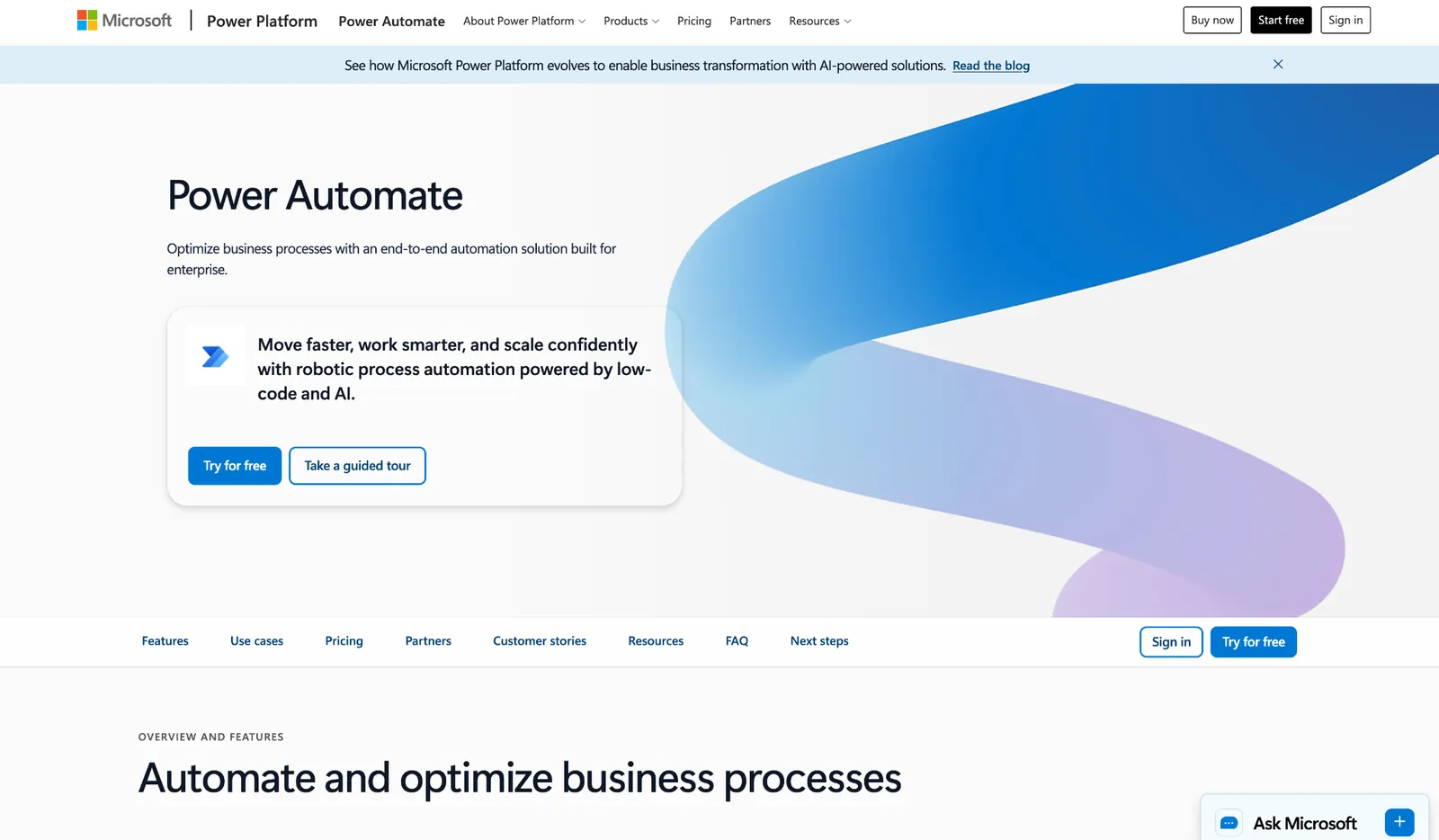
Microsoft Power Automate wins on the connectors nobody else can match. Outlook, Teams, SharePoint, Excel, and Dataverse are the same company's products, so the integrations go places a third-party connector cannot reach.
Desktop flows drive the Windows applications your finance team still runs, clicking through screens that have no API at all. Nothing else on this list attempts that.
My test took longer here than anywhere else in this group, and none of it was the workflow. Finding out which license covered the steps I wanted ate the afternoon, and the answer lived in a separate licensing guide rather than on the pricing page.
Every price on that page ends in "paid yearly," but the page isn't the whole story. Power Automate Free is a permanent license for work and school accounts on standard connectors, and Azure pay-as-you-go bills monthly with no license commitment. Unattended RPA is a separate $150 per bot.
The praise is about what saves people from writing code.
"What I like most is that it lets me automate repetitive tasks without having to write much code." - Sree K., G2.
Key features
- Microsoft 365 connectors: Outlook, Teams, SharePoint, Excel, and Dataverse, on the same tenant and the same identity.
- Desktop flows: drive Windows applications that expose no API, in attended or unattended mode.
- Process and task mining: watch how work happens today before deciding what to automate.
- Dataverse entitlements: a governed data store included with the Premium license.
Pros
✅ Governance, tenant controls, and audit sit inside the Microsoft admin center your IT team already runs
✅ Attended and unattended modes, so the same flow can run with somebody watching it or overnight on a schedule
✅ A team already on Microsoft 365 adds no new vendor, no new login, and no new security review
Cons
❌ The published seat prices are annual-only, so paying month to month means moving to Azure pay-as-you-go
❌ Unattended automation is licensed per bot at $150, separate from user seats
❌ Working out which license covers which step takes an afternoon
Best for
- Companies whose workflows already live in Outlook, Teams, and SharePoint
- IT departments that want automation inside their existing tenant governance
- Processes that have to click through a Windows application with no API
Pricing
Premium is $15 per user per month, paid yearly, and covers cloud flows, attended desktop flows, and process mining. Process is $150 per bot per month for unattended automation, and Hosted Process is $215 per bot with a Microsoft-managed virtual machine.
Power Automate Free costs nothing and doesn't expire for work and school accounts, on standard connectors. The 30-day Premium trial is separate, and Azure pay-as-you-go bills monthly with no license commitment.
n8n alternatives that are open source and self-hosted
This is the group people mean when they search for n8n alternatives open source self-hosted. All four cost nothing to download. Running them costs a server, backups, upgrades, and somebody's time, and that is the gap between a free download and a free tool.
n8n itself is not open source in the OSI sense. Its Community Edition ships under a Sustainable Use License, which restricts commercial hosting.
The four tools in this group don't carry that restriction. Activepieces' core is MIT, and Kestra and Node-RED are both Apache 2.0, all OSI-approved. Windmill's source mixes Apache 2.0 and AGPLv3, both OSI-approved, with a separate commercial license attached to its Enterprise plan.
6. Activepieces
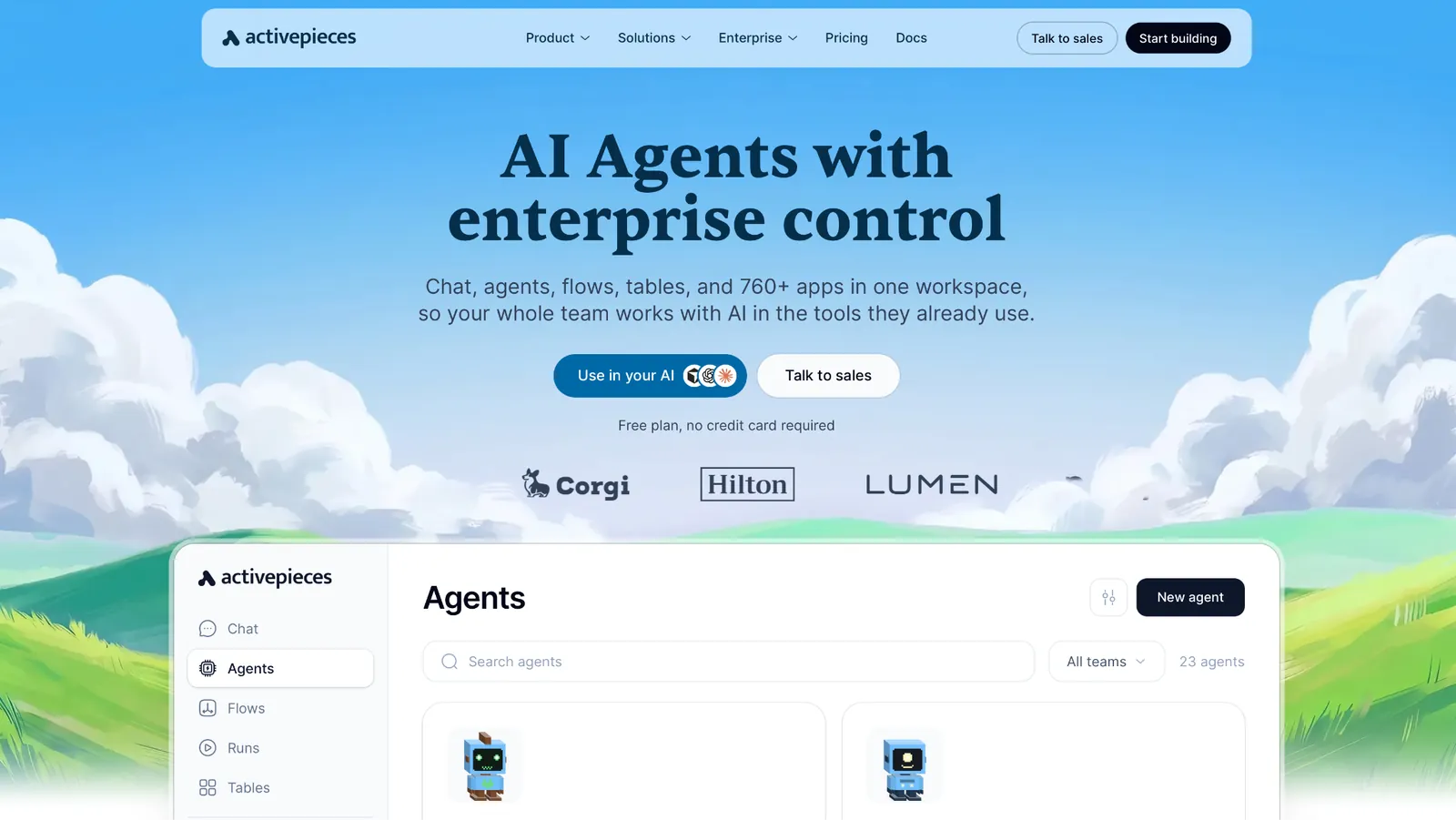
Activepieces comes up more than anything else in n8n migration threads. Its repo carries more than 24,000 stars.
The core is MIT-licensed, and the free plan already includes self-hosting. One MCP server covers every piece you connect, instead of one server per app, which matters if your automations are feeding an AI agent rather than a spreadsheet.
Self-hosting it took under an hour on a small VPS. The builder was close enough to n8n's that I rebuilt the test flow without opening the docs.
Then I spent most of the rest of the day finding a Sheets piece that appended rows the way I needed.
At 100 credits a day, the free cloud tier stops answering, which works out to about four runs an hour before it does. The Plus plan, at $20, removes the cap in exchange for pay-as-you-go beyond the included amount. SSO starts on Team; audit logs wait until Ultimate, the same place n8n and Windmill put them. Our AI automation platform roundup tracks where each tool in this category puts that gate.
Reviewers coming from Zapier weigh the integration count against the license.
"I am a big fan of Zapier, but I can see ActivePieces replacing it very easily with a few more integrations & logic functions." - Ayman Magedy, Product Hunt.
Key features
- MIT-licensed core: fork it, host it, and ship it commercially under the MIT terms.
- Self-hosting on every plan: including the free one, which no cloud-only tool here matches.
- One MCP server for every piece you connect: the apps you switch on become tools an AI agent can call through a single endpoint.
- Chat to automation: type what the flow should do and Activepieces assembles the pieces it thinks you need.
Pros
✅ The MIT license lets you host it for other people and resell it, which n8n's Sustainable Use License blocks
✅ 760+ pieces in the catalog; a large share of them are community contributions
✅ The builder is close enough to n8n's that migrating doesn't mean relearning
Cons
❌ The free cloud tier caps at 100 credits a day, about four runs an hour
❌ Community-contributed pieces range from full API coverage to a single endpoint
❌ Nobody patches your self-hosted instance but you
Best for
- Teams leaving n8n specifically over its license
- Self-hosting on a team too small to sign an enterprise contract
- Automations that also need to work as MCP tools
Pricing
Plus is $20 a month billed monthly, flat, with up to 5 users and pay-as-you-go beyond the included credits. Team is $200 a month with 25 users and SSO, and Ultimate is quoted by sales. Paying yearly takes two months off both.
7. Kestra
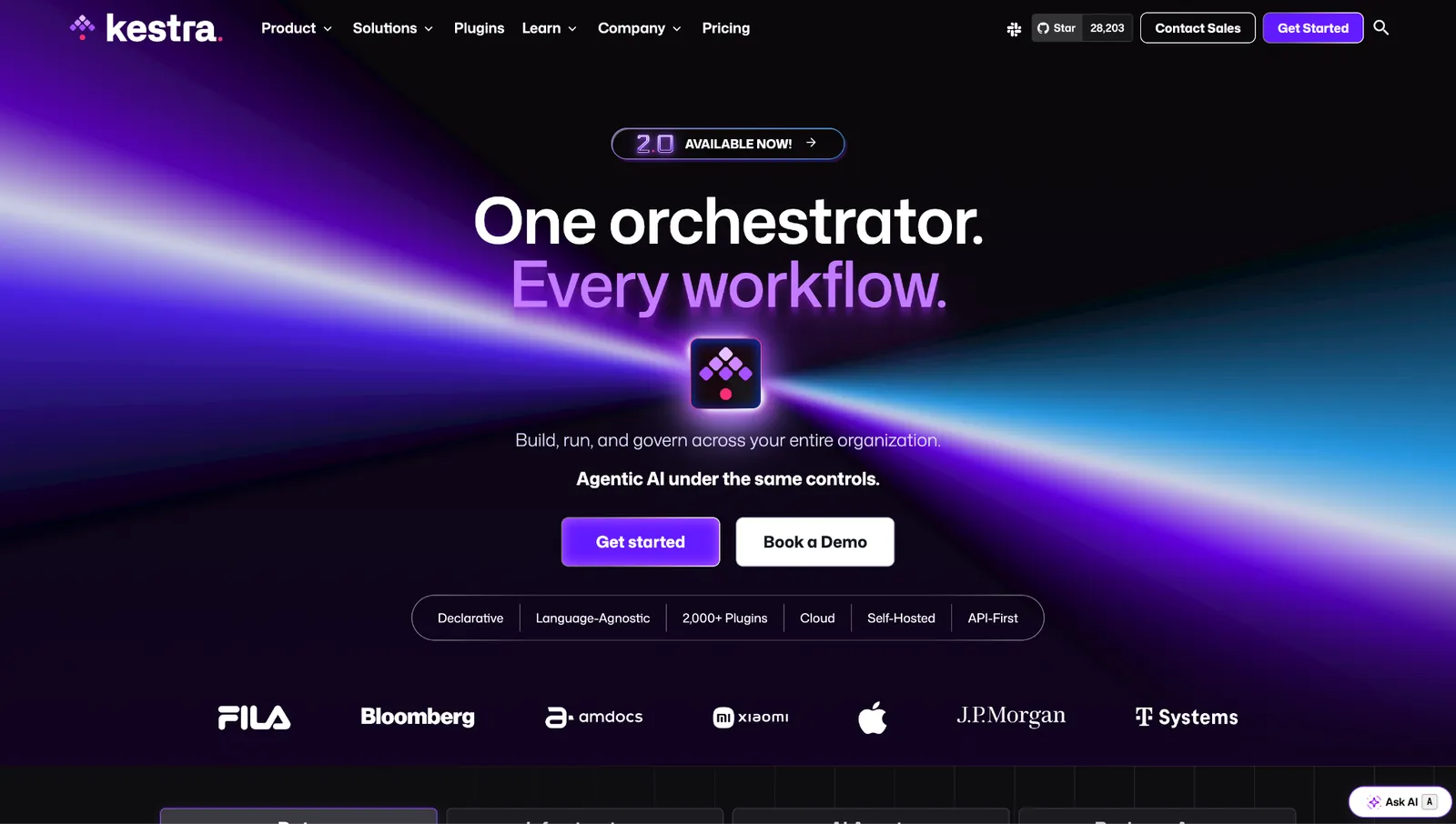
Kestra writes your workflow as a file, then draws the diagram from it. Every flow is YAML, so it lives in Git, reviews like code, and rolls back like code.
Kestra is Apache 2.0, and its repo carries more than 28,000 stars, ahead of both Activepieces and Windmill. It ships 2,000+ plugins, a no-code editor for people who don't want to touch the YAML, and an MCP server so agents can call the flows.
Rebuilding my test here meant writing it out before running it, which felt slow until the second pass. Changing the Slack step was a two-line diff I could read, whereas the canvas tools made me hunt for the node and remember what I'd set.
Everything past the open-source edition goes through sales. Kestra publishes no numbers for Cloud or Enterprise, and the six features a company tends to need all sit on Enterprise: SSO, LDAP and SCIM, role-based access, audit logs, multi-tenancy, and worker groups. The open-source build is production-ready and carries no execution ceiling.
What users single out is the recovery, not the YAML.
"Kestra’s ability to orchestrate self-healing data pipelines is exceptional." - Deemanth G., G2.
Key features
- Workflows as YAML: every flow is a file, so Git handles review, history, and rollback.
- 2,000+ plugins: databases, warehouses, cloud services, and messaging, maintained in the open.
- Code and no-code editors: the same flow edited either way, so a data engineer and an analyst share one artifact.
- MCP server: your flows become tools an AI agent can call.
Pros
✅ Apache 2.0 with no use restrictions, and more than 28,000 stars behind it
✅ Changing the Slack step was a two-line diff I could read, where the canvas tools made me hunt for the node
✅ Event-driven scheduling and declarative retries without writing orchestration code
Cons
❌ Neither Cloud nor Enterprise publishes a price, so you can't budget for either one before a sales call
❌ SSO, audit logs, and multi-tenancy all sit on Enterprise
❌ The no-code editor handles the common cases, and anything unusual sends you back to the YAML
Best for
- Data teams that already review infrastructure as code
- Workflows that need to be diffed, approved, and rolled back
- Companies that want orchestration without a per-execution meter
Pricing
The open-source edition is free under Apache 2.0 and self-hosted, with unlimited flows, tasks, and executions. Kestra Cloud and Kestra Enterprise Edition are both quoted by sales, with Enterprise sold as an annual per-instance subscription. Your cost on the free edition is the infrastructure you run it on.
8. Windmill
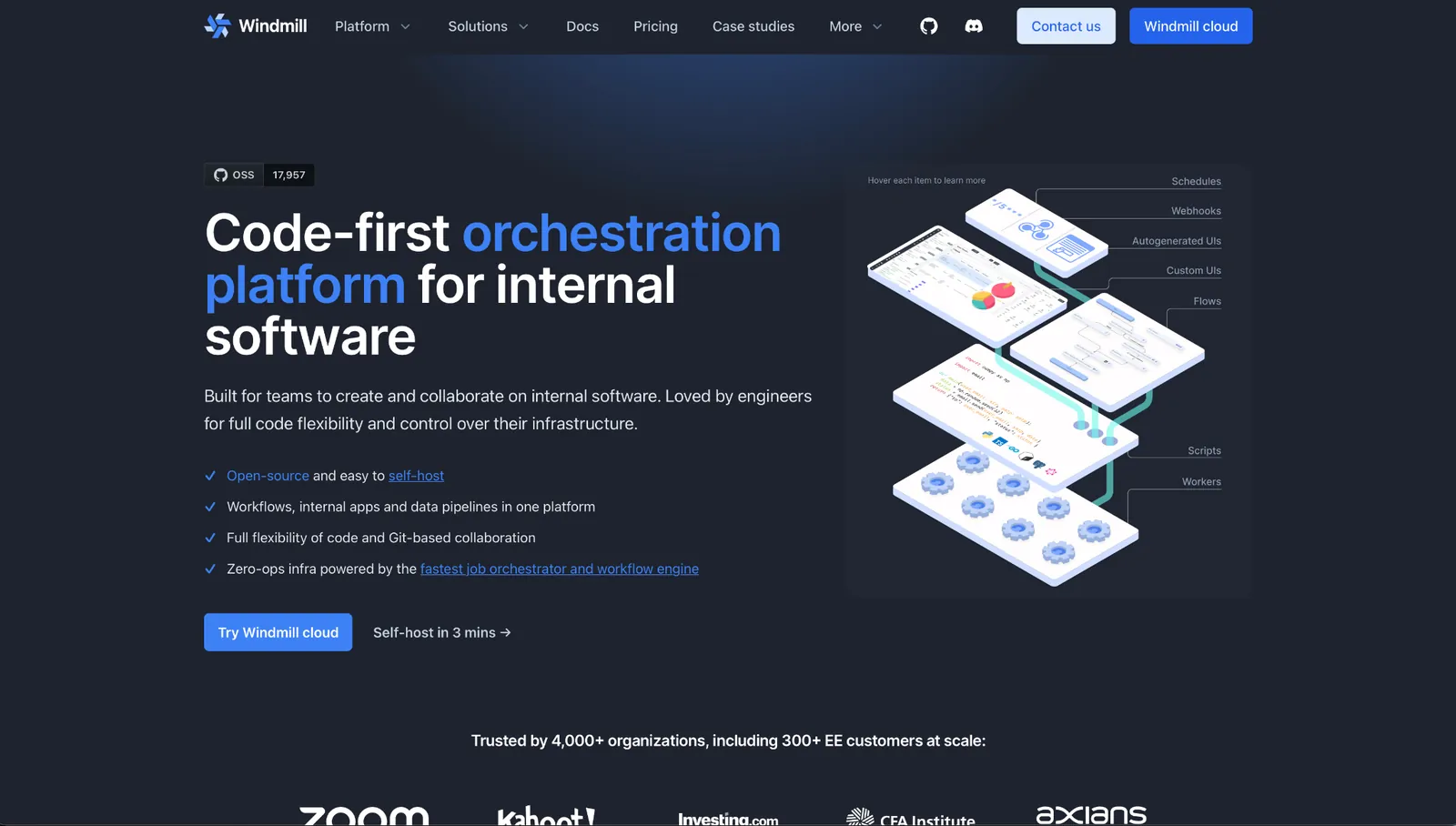
Windmill treats the script as the unit of work. There's a flow editor and an app editor on top, though Windmill now marks the low-code app editor as legacy and points new builds at full-code apps. The steps they wire together are scripts you wrote in any of more than ten languages.
The free edition runs with no execution cap, which no cloud plan here matches. Deployment is documented for the usual container targets, and the repo sits at about 18,000 stars.
Every step in that flow editor is a script somebody had to write first, and running it expects a container and a database, so what you spend is hours, not dollars. Parts of the source are AGPLv3, a copyleft license, so legal review is a real step before it ships.
The engineers who get handed it say the same thing twice over.
"Windmill has the power to quickly replace most of our internal tools with a single stack. The tool is extremely powerful but the UX can be daunting and confusing." - Robin C., G2.
Key features
- Scripts and flows: TypeScript, Python, Go, Bash, PHP, Rust, C#, Java, Ruby, and SQL among others, with the UI generated for you.
- Unlimited executions on the free edition: no credit pool, no task counter.
- Self-host on Docker, Kubernetes, or Fargate: with a documented path for each.
- Full-code apps: put a form in front of a script and ship it as an internal tool, now that the low-code editor is legacy.
Pros
✅ 100 free app guests every 30 days, each signing in through your identity provider without taking a seat
✅ Faster than a visual builder for a team that already writes the code
✅ SSO for up to 10 users on the free edition
Cons
❌ The flow editor assumes each step is a script somebody wrote, so a team with no coder runs out of road fast
❌ Parts of the source are AGPLv3, and the commercial license comes with Enterprise
❌ About 18,000 stars to n8n's 200,000-plus, so fewer answers when you're stuck
Best for
- Engineering teams whose workflow steps are already code
- Internal tools that need a form in front of a script
- High-volume workloads where per-execution billing would hurt
Pricing
The free and open-source edition is $0 a month with unlimited executions and SSO for up to 10 users. Enterprise starts at $120 a month billed monthly, and above that floor it bills $20 per developer per month and $10 per operator per month.
9. Node-RED
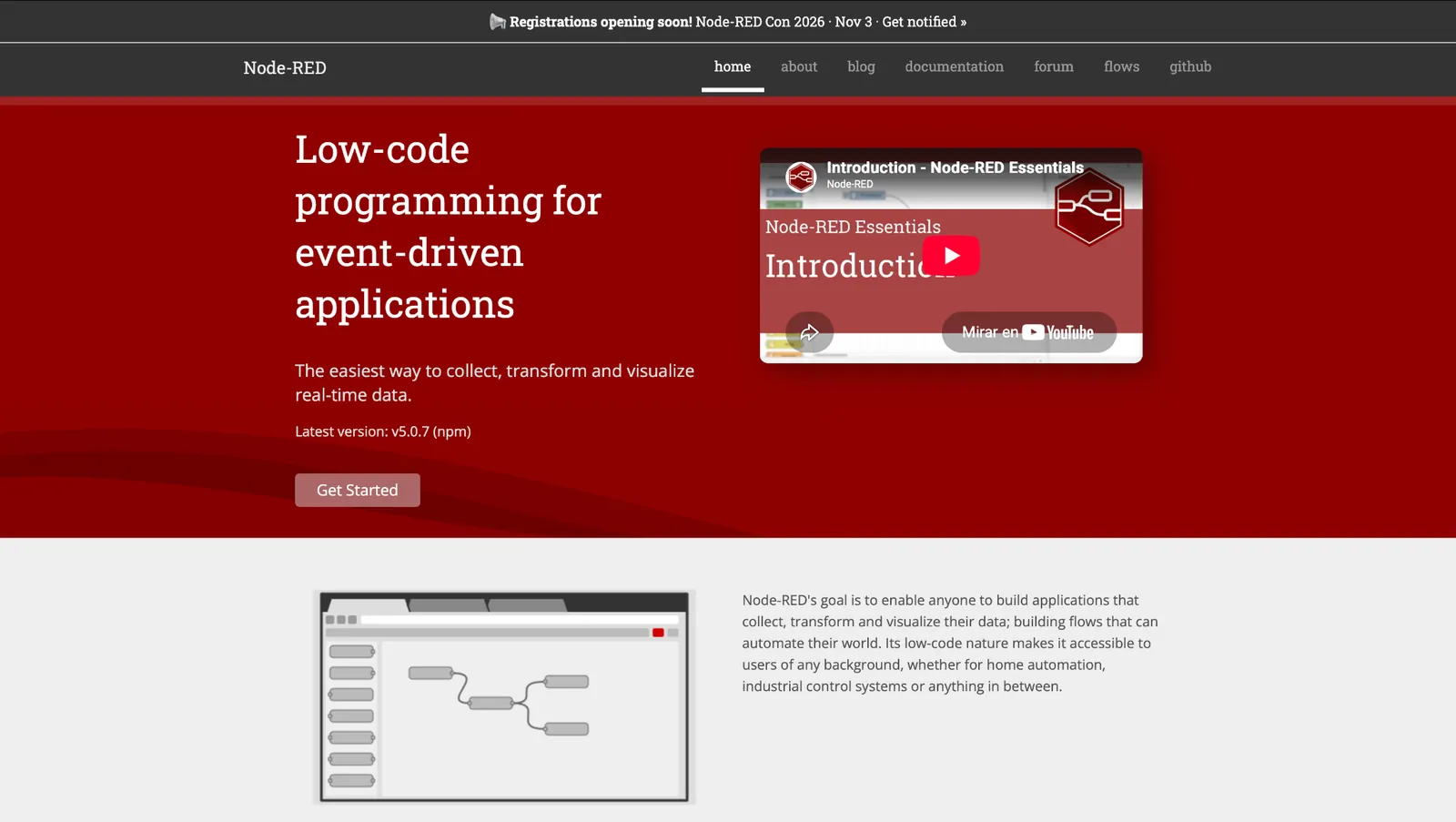
Node-RED was written for hardware. MQTT, serial ports, and GPIO are first-class here.
It's Apache 2.0, copyright belongs to the OpenJS Foundation, and the repo has around 23,600 stars. Node-RED Con runs again on November 3, 2026, more than a decade after the first release.
Wiring up a sensor took ten minutes, and wiring up a modern SaaS app took the rest of the afternoon. Installing it is one npm command, and it's serving on port 1880 in under a minute.
Its SaaS connectors come from the community, and several of the widely used ones haven't had a commit in two years. Third-party nodes also carry their own licenses, which the project says plainly on its license page.
The license is the first thing its users bring up.
"It's totally open source. There are no features behind a paywall." - Rodrigo Juan H., G2.
Key features
- The palette: protocols first, HTTP alongside them.
- Runs on a Raspberry Pi: the standard install targets hardware no cloud platform can reach.
- Function nodes: drop JavaScript into a flow when the palette runs out.
- The Node-RED Library: thousands of community flows you can import whole.
Pros
✅ Apache 2.0 under foundation governance, so a license change would need the foundation
✅ Handles hardware and industrial protocols no other tool in this roundup reaches
✅ Install to first working flow is one command
Cons
❌ SaaS connectors are community-maintained, and several widely used ones have gone untouched for years
❌ The editor's interface dates from an earlier generation of tooling
❌ The project doesn't host it, so the uptime is yours unless you pay FlowFuse Cloud to run it
Best for
- IoT, sensors, and anything running on a factory floor
- Edge deployments where the automation can't depend on a cloud
- Home lab and hobby projects that need to stay free forever
Pricing
Node-RED costs nothing under the Apache 2.0 license, with copyright held by the OpenJS Foundation. The project sells no paid tier and hosts nothing itself, so the only cost is the hardware you run it on, or a FlowFuse Cloud plan if you'd rather someone else runs it.
n8n alternatives for developers
You end up in this group when the thing you're building turns out to be software with a schedule, and you want the tools that treat it that way.
10. Pipedream
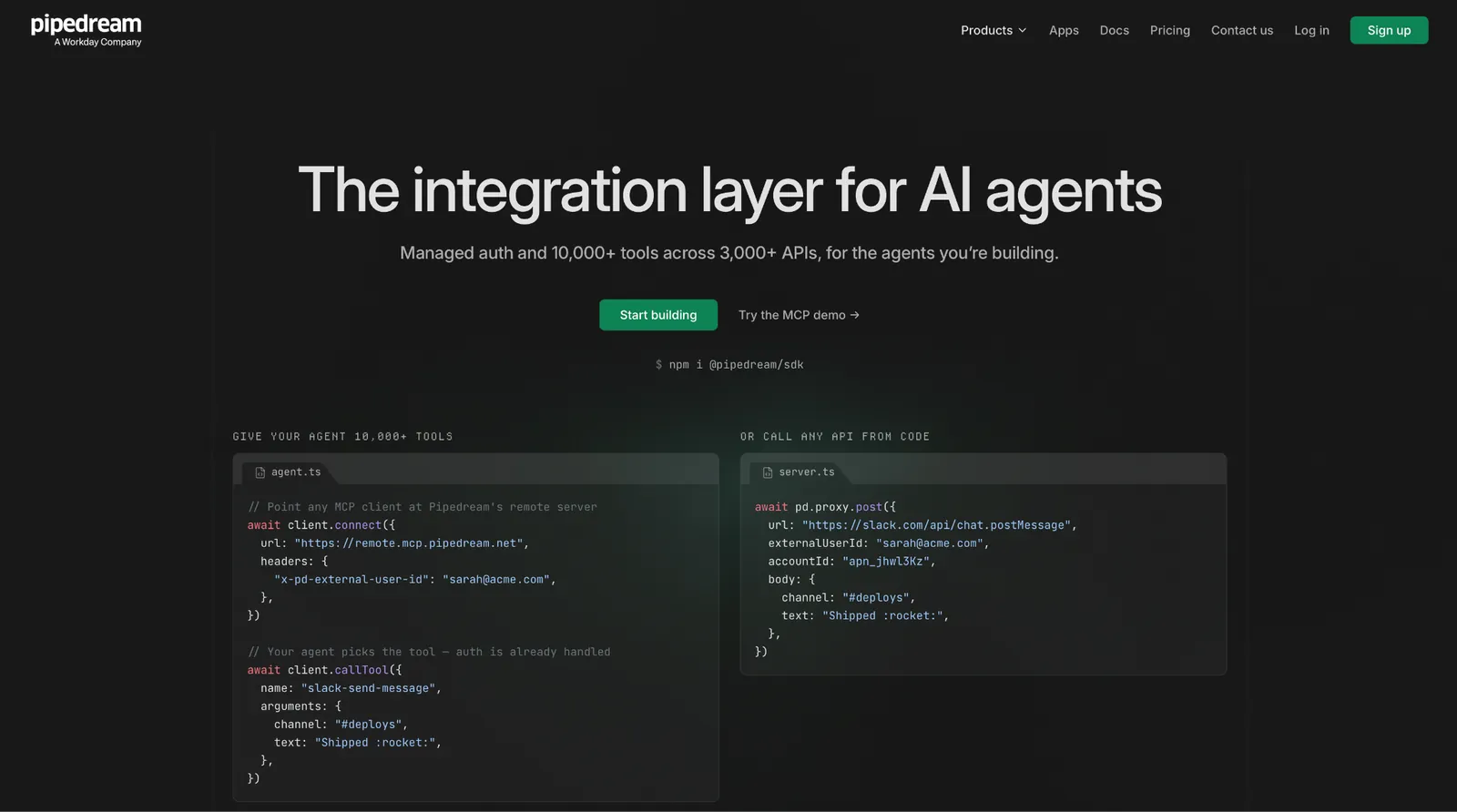
Pipedream puts your own code between prebuilt actions. Four languages run inside a single workflow, next to components from a registry of thousands of ready-made steps.
Every run is logged and inspectable, and you can replay any one of them. The replay is what developers come for.
When my AI step returned malformed JSON, Pipedream's log showed the exact payload at the exact step. I fixed it and replayed the same event without re-triggering the form.
Workday announced the agreement in November 2025 and closed the acquisition on 4 December.
Workday has been assembling an agent platform, buying Sana and Flowise as well, and it says Pipedream's builder community will feed connectors into that platform.
For now, the product is still self-serve and the free tier still works. Ask where a standalone automation platform ranks inside an HR and finance suite before you make it a dependency. Our workflow management software guide covers what happens to a tool's roadmap after an acquisition.
The depth is what keeps people there.
"What I like about Pipedream is that at every level of sophistication, there's an open door to go a little bit deeper." - Celeste Bancos, Product Hunt.
Key features
- Code steps in 4 languages: Node.js, Python, Go, and Bash inside one workflow.
- Replay: inspect the payload at any step and re-run that exact event.
- Component registry: thousands of prebuilt steps you can fork and edit in the browser.
- Pipedream Connect: embed authenticated integrations into your own product.
Pros
✅ When my AI step returned malformed JSON, the log showed the exact payload at the exact step and I replayed it without re-triggering the form
✅ Prebuilt components and custom code run in the same workflow
✅ Start from a registry component, adjust its props, and edit its source in the browser until it does what your case needs
Cons
❌ Now owned by Workday, so its roadmap answers to an ERP company
❌ Free caps at 3 active workflows and 3 connected accounts
❌ Credits and AI tokens meter separately on every plan
Best for
- Developers whose workflows are code with a trigger attached
- Teams that need to inspect and replay individual production runs
- Products embedding third-party integrations for their own users
Pricing
Basic is $45 a month billed monthly, with 2,000 credits and 10 active workflows. Advanced is $74 a month with unlimited workflows, and Connect is $150 a month with 10,000 credits.
11. Temporal

Temporal guarantees your workflow finishes, even if the machine running it fails. It records every step as it happens, so when a worker crashes, the work resumes at the step it reached instead of starting over.
You write workflows as ordinary code in Go, Java, Python, TypeScript, .NET, PHP, Ruby, or Rust. The server is MIT-licensed with about 23,000 stars and is free to self-host. Temporal Cloud is the managed version.
Temporal is the first of the two that made me redesign the job. Before, it would treat my webhook as a workflow; I had to say what a retry meant and what should happen on partial failure. No drag-and-drop tool on this list asked me either question.
There's no canvas and no app directory, and nothing a non-engineer can open. The getting-started path covers workflows and activities before it gets to workers and task queues, and you write every integration yourself.
Cloud pricing asks the same of you. It bills per action, so what you pay depends on the load you have not run yet.
The failure handling comes up first in every review.
"How it visualizes the activities and making it easy to trigger and recover from failed ones." - Verified user in construction, G2.
Key features
- Durable execution: the run's recorded history is the source of truth.
- Workflows as code: eight official SDKs.
- Retries and timers: defined in code, including workflows that sleep for months.
- MIT-licensed server: self-host the whole thing for free.
Pros
✅ Temporal made me define retry behavior and partial-failure handling before it would run the workflow. No drag-and-drop tool on this list asked either question
✅ MIT license with no commercial restriction on the self-hosted server
✅ No base monthly fee, so a month you barely use costs almost nothing
Cons
❌ No visual builder and no app directory, so every integration is yours to write
❌ Action-based pricing is hard to estimate before you've run production load
❌ Days to learn, and the payoff only shows on failures
Best for
- Payments, provisioning, and anything where a half-finished run costs money
- Engineering teams already writing the integration code by hand
- Long-running processes that span days or months
Pricing
The server is free to self-host under MIT. Temporal Cloud is pay-as-you-go from $50 per million actions with no base monthly fee, dropping to $25 per million at volume through self-service. Storage is billed separately, and new accounts get $150 in credits for 90 days.
12. Apache Airflow
Apache Airflow schedules pipelines that depend on each other. You define a DAG in Python, Airflow works out the order, and the UI shows you the status of each task.
It's Apache 2.0, currently on the 3.x line, and governed by the Apache Software Foundation, so the license and the roadmap aren't one company's to change. The provider library is deeper than anything newer in the category.
Airflow is the second one that made me redesign the job. A webhook that fires on a form submission is not what a DAG scheduler is for, so I rebuilt my test as a scheduled run over batched submissions, and that version worked.
Running it means a scheduler, a metadata database, and workers somewhere, which makes standing it up an infrastructure project before it's an automation one. Astronomer and Amazon MWAA run it for you, both priced on environments and compute rather than on workflows.
For data teams, the appeal is that nothing new has to be learned.
"Because every workflow is defined as a Python script, it fits perfectly into our existing development practices." - Sachin G., G2.
Key features
- DAGs in Python: dependencies expressed as code, with the ordering handled for you.
- Provider packages: maintained operators for Snowflake, BigQuery, Postgres, and the major cloud services.
- Backfills and reruns: re-execute a historical window without rewriting the pipeline.
- Grid and graph views: per-task status across every run in the UI.
Pros
✅ The Apache Software Foundation owns the license and the roadmap, so no single vendor can put a feature you rely on behind a paywall
✅ The deepest provider library in the category for scheduled data work
✅ Backfilling a failed window is a first-class operation
Cons
❌ Event-driven app automation is the wrong job for it
❌ Self-hosting is a three-service deployment
❌ Assumes a data team that writes Python
Best for
- Nightly ETL and data pipelines with dependency graphs
- Data engineering teams already writing Python
- Work that has to be backfilled when a source system was wrong
Pricing
Airflow carries no license cost under Apache 2.0, with copyright held by the Apache Software Foundation. The only cost is the infrastructure it runs on, or a managed provider such as Astronomer or Amazon MWAA, which price separately.
What free buys you, and what it costs
"Free" means two different things across these n8n alternatives, and mixing them up is how teams end up over budget.
Free cloud tiers exist for evaluation, not for production. Zapier caps you at 100 tasks a month. Make hands you 1,000 credits with a 15-minute floor between runs. Activepieces resets 100 credits every day. Pipedream runs 100 credits a month across 3 workflows.
Power Automate Free never expires, but it keeps you on standard connectors, and the webhook trigger my test starts with is premium.
Of the five, Activepieces stretches furthest, because the reset is daily and it puts no cap on how many flows you build.
Self-hosted free is a bill you pay somewhere else. Activepieces, Kestra, Windmill, Node-RED, Temporal, and Airflow all cost $0 to download. Then you need a server, a database, and backups, plus somebody on call when the container stops.
Add up the server and the hours somebody spends on it, and a free n8n alternative lands near the price of a paid seat. The difference is that you own the installation, and nobody can move a feature you rely on to a higher tier.
If you want no cap on runs, Windmill's open-source edition puts no ceiling on executions. If you want familiarity, Activepieces is the closest thing to the n8n builder you already know. Either way, the number that matters is the one you land on after the free tier runs out.
{{cta}}
How to evaluate n8n alternatives
Four questions separate these 12 n8n alternatives, and they apply to any tool in the category.
Where does the price break? Each of these 12 has a tier where the cost stops being linear. For n8n, it's $60 to $960. Find that step on any tool you're considering, then ask which feature lives just past it. If it's SSO and your company requires SSO, that's what the tool costs you.
What unit are you being billed in? Tasks, operations, credits, executions, and actions are five different things, and vendors are not trying to make them comparable. Take one workflow from your week, count how many times it would fire in a month, and price that same workflow on each platform. The cheapest tool changed on almost every workflow I priced.
Who maintains the integration you depend on? A vendor's own connector gets fixed on the vendor's release cycle. A community node gets fixed when its author comes back to it. Check the last commit date on the piece you can't live without before you commit to a platform.
Can a non-engineer change it later? The person who builds the automation is often not the person who needs to edit it in six months. Windmill and Temporal assume an engineer stays involved. Lindy and Zapier assume one never will.
Many teams sit between the two, which is why the handoff question is worth answering before you sign anything. If the answer is a procurement team rather than a person, the enterprise iPaaS tier is a different purchase again, and Workato and Microsoft Power Automate are where that search goes.
The n8n alternatives split into two different products
"Workflow automation" now covers two purchases that share a name and nothing else. They are sold to different people and they fail in different ways.
One is software you assemble, with nodes, credentials, retries, and a canvas you maintain. Windmill, Temporal, and Airflow live there, and they reward a team with engineering time to spend.
The other is work you ask for. You describe the outcome, and the platform works out the steps. Lindy and Gumloop belong to the second, and they trade control for the hours you get back.
Make, Activepieces, Power Automate, Pipedream, and increasingly Zapier sit in the middle.
n8n sits awkwardly between the two, which is why teams leave it in both directions. Whichever alternative you pick, pick the side that matches who has to maintain it six months from now.
If that person is your whole team, start with Lindy. You ask for the work in Slack and the answer comes back with its source attached, with no canvas in between. See how Lindy handles the workflows you already run in n8n.
Frequently asked questions
Is n8n obsolete?
No, n8n is not obsolete. SAP's investment in May 2026 more than doubled its valuation to $5.2 billion, and its repo carries more than 204,000 GitHub stars as of September 2026.
What replaced n8n?
Nothing replaced n8n, which still leads the self-hosted category. Teams that move pick Activepieces or Kestra for a similar open-source builder, Zapier or Make for no-code cloud, or Lindy when they'd rather describe the work than build it.
Is there a free version of n8n?
Yes, n8n's Community Edition is free to self-host, and n8n publishes no execution cap on it. It ships under a Sustainable Use License, which blocks offering n8n as a commercial hosted service.
What is the best free n8n alternative?
Activepieces, Kestra, and Windmill. Activepieces is the closest match to the n8n builder, with an MIT core and self-hosting on every plan, including the free one. Kestra keeps the workflow as a YAML file under Apache 2.0, which suits a data team that already reviews infrastructure as code. Windmill puts no execution cap on its open-source edition.
None of the three carries n8n's Sustainable Use License, which blocks hosting it for other people.










