Motion App Pricing 2026: Is It Worth $49 a Month?
Lindy mapped all four Motion pricing combinations across Pro AI and Business AI, checking each plan variant and the help docs to show what you actually pay and where the 7-day trial catches people.


A friend asked me last week what Motion costs, and I gave him a confident answer. Then he pulled up the pricing page, and it showed something different. Turns out I was looking at the Teams annual rate, and he was on the Individuals monthly view, and neither of us knew there were four combinations to pick from in the first place.
I tested every plan variant, dug through the help docs, and cross-checked with real user reports to map out exactly what you'd pay. This guide covers all Motion app pricing combinations, what the 7-day trial includes, and who each plan is for.
Here's what I found.
Note: This guide covers Motion. It is not about Motion app, a separate ad-analytics product.
What is Motion?
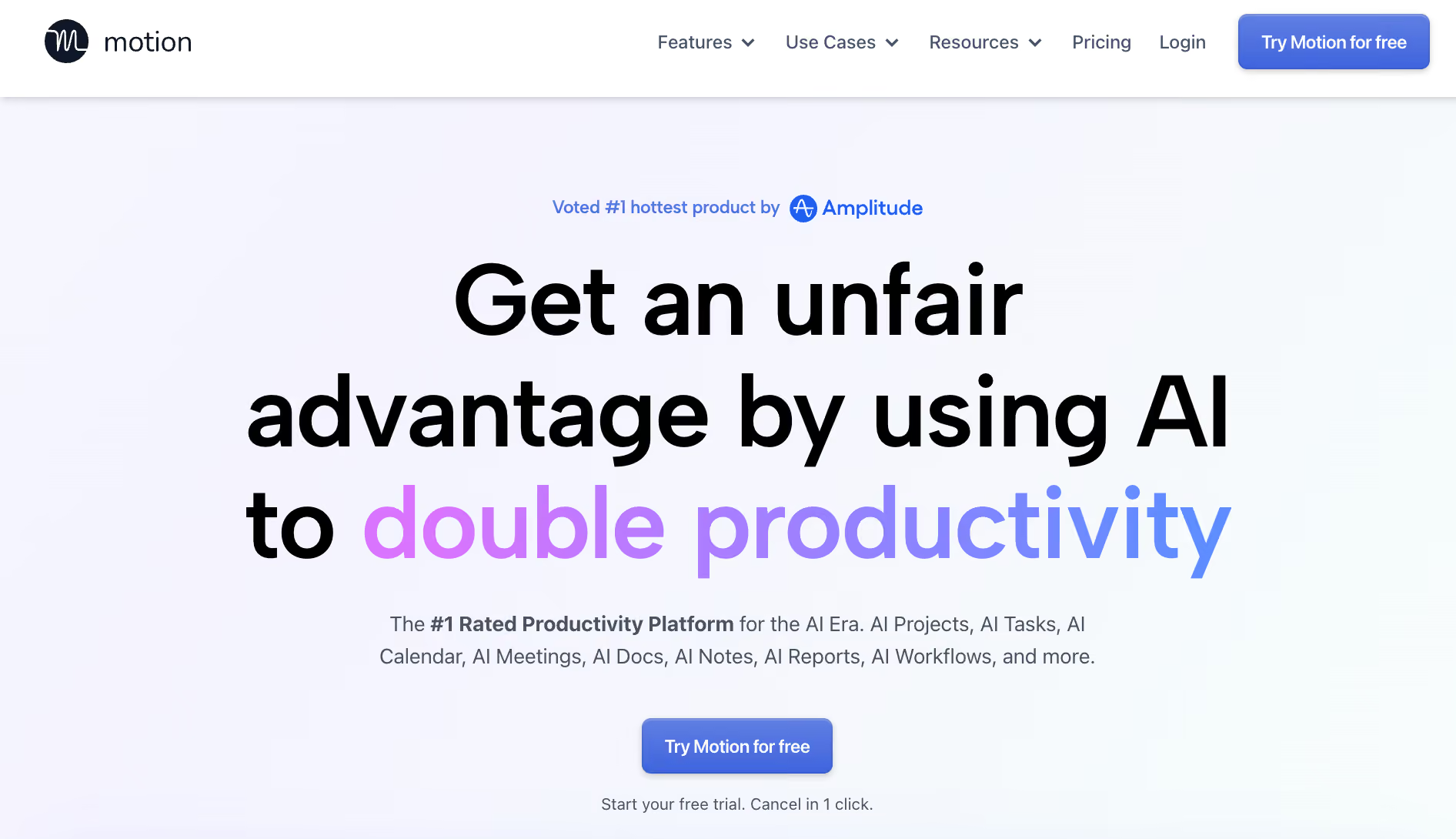
Motion is an AI-powered productivity tool that automatically schedules your tasks on your calendar. You add a task with a deadline and a priority, and Motion finds the best available time slot, then reshuffles everything when a meeting gets added or a task runs long.
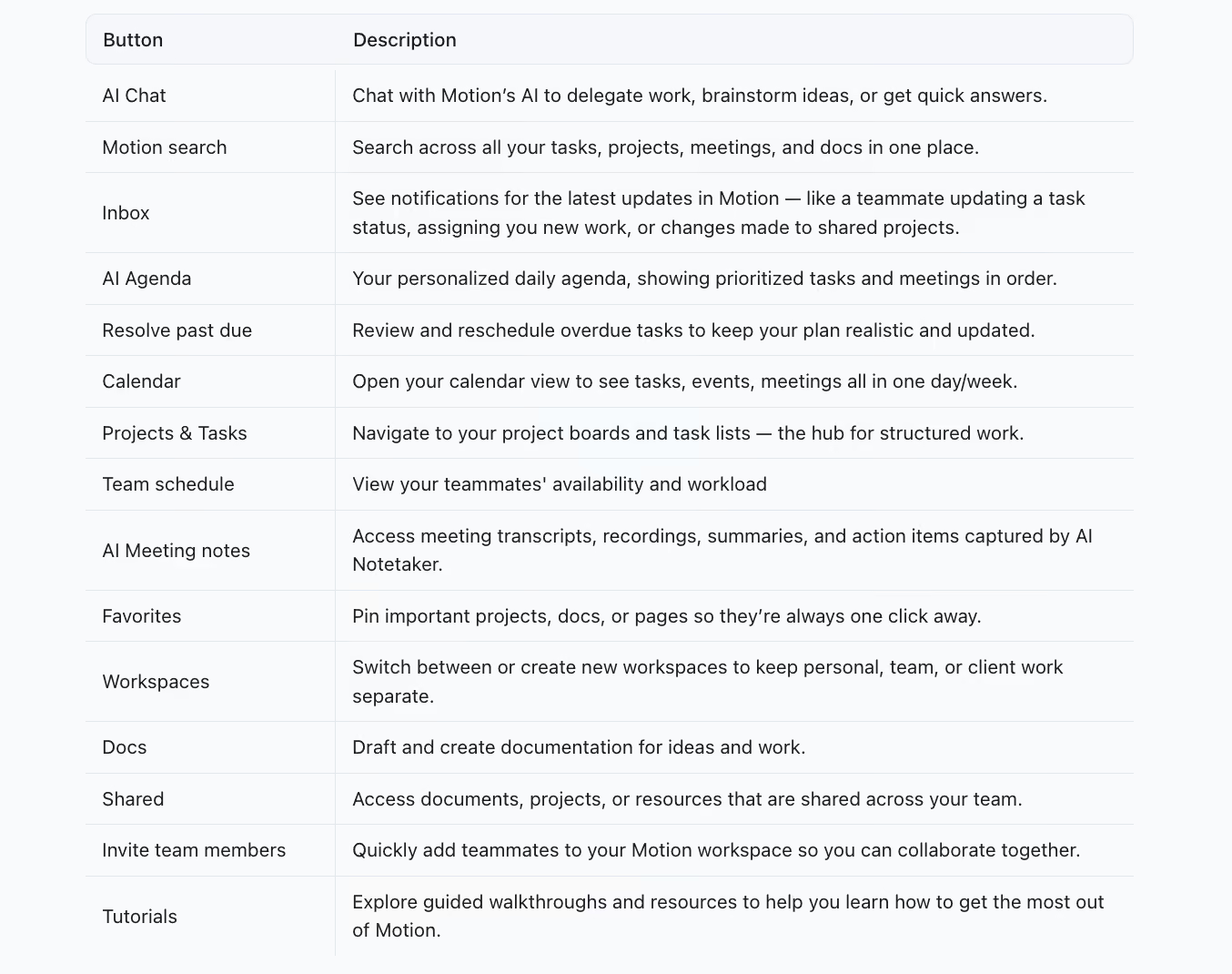
It's more than a to-do list. Motion handles task management, project tracking, meeting notes, AI chat, docs, and team coordination all in one workspace. The core differentiator is the AI scheduler. It actively moves things around so you don't have to decide what to work on and when. For a broader look at how AI handles scheduling, see our guide to the best AI calendar tools.
On the downside, email is a side feature in Motion, not the main event. Its AI chat can search, label, and draft messages, but Motion is built around your calendar.
Does Motion have a free plan or free trial?
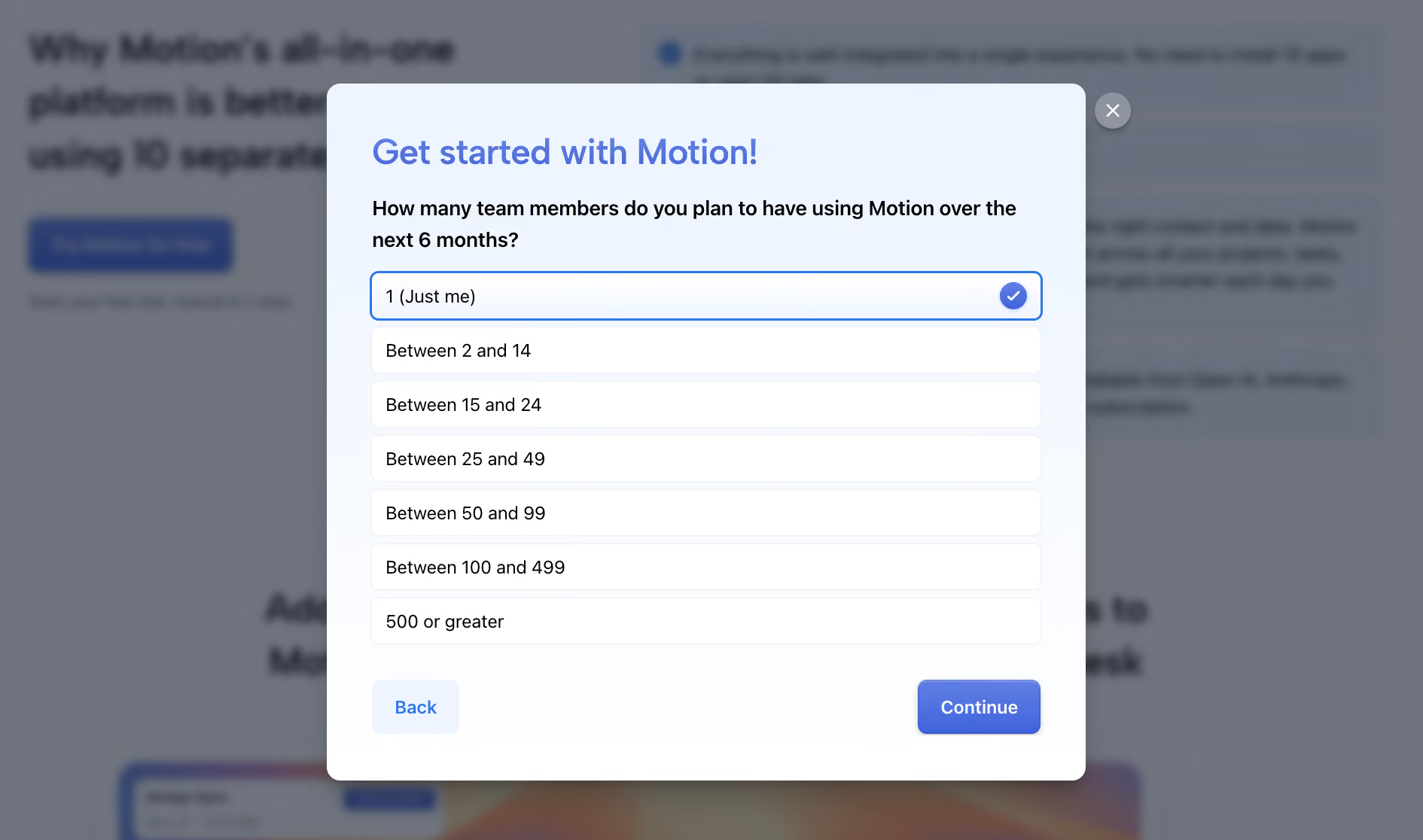
Motion offers a 7-day free trial on both plans. The sign-up and the cutoff are where you'll want to pay attention.
A few things to know before you start:
- Card required upfront: Motion places a $1 verification hold on your card at sign-up and releases it within a couple of days. The charge to watch for is the one after the trial, which bills the full term at once.
- 7 days is tight: Motion is only as good as what you feed it. Load your real calendar and a real task list on day one, or you'll spend the week judging an empty schedule.
- No free tier when it ends: If you don't cancel, Motion bills you for the first full term. If you do cancel, you lose access.
- Canceling: Go to app.usemotion.com on a computer, then Settings > Manage Plan > Cancel Plan. Team admins cancel under Billing. If you subscribed through an iPhone or iPad, cancel in your Apple subscription settings instead.
- On refunds: Motion's terms state purchases are non-refundable, though the company may issue refunds at its discretion. If you're charged unexpectedly, it's worth contacting support directly.
If you go into the trial expecting to click around for a few minutes and see the magic, you'll probably leave underwhelmed. Motion rewards users who put the time in during the first two days.
How much does the Motion app cost?
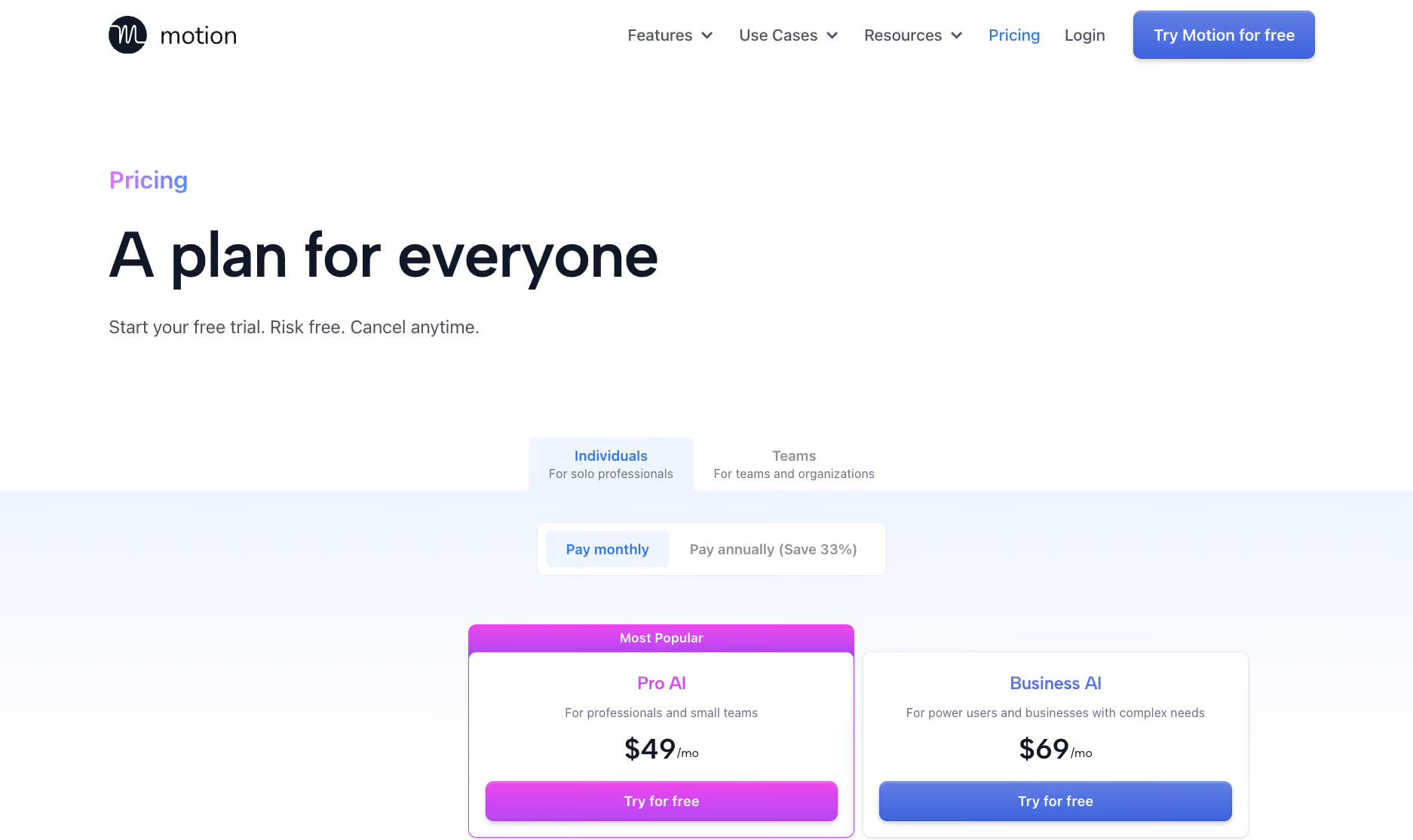
Motion has two tiers (Pro AI and Business AI) across two tracks (Individuals and Teams), with monthly and annual billing on each. Motion advertises 33% off for annual billing. Its own rates cut more than that on every plan, between 34% and 44%.
Here's the full pricing matrix:
The official pricing page defaults to Teams on annual billing, which makes it look cheaper than it is if you're an individual paying monthly. That's the source of most of the confusion. The $19 figure you'll see quoted in a lot of articles is the Teams annual Pro AI rate. If you're signing up solo on a monthly basis, you're looking at $49.
What's included in each plan:
What are Motion's hidden costs?
Motion's listed price covers your base subscription only. Heavy AI feature use adds overage charges on top, and the trial setup catches a lot of people off guard before they've even committed to a plan.
AI credit overages are the most common surprise. The monthly allowances (7,500 on Pro AI, 15,000 on Business AI) cover most everyday use, but heavy reliance on AI Chat or the Meeting Notetaker burns through them faster than expected.
Once out of allowance, the overage rate depends on your plan and your billing cycle. On monthly billing, Individuals pay 65 cents per 100 credits on Pro AI and 46 cents on Business AI. Teams pay 39 cents and 33 cents. Annual billing is cheaper on all four.
The trial card charge catches people off guard. Reviewers report being billed for a full year the moment the trial converted, on a card they'd forgotten about. No free fallback means canceling is all or nothing. There's no lighter plan to drop to. If you cancel after the trial, you lose access entirely.
Motion Pro AI plan for Individuals
Pro AI is Motion's core plan for individual professionals who want AI to handle the scheduling work. It includes everything you need to use Motion as your main productivity tool.
What's included:
- Unlimited Storage: no cap on files or documents
- Integrations: connects with the tools you already use
- AI Writer and Editor: content drafting built into the workspace
- iOS, Android, and Desktop apps: full access across all devices
- AI Task Planner: the daily prioritization engine that builds your schedule
- AI Projects and Tasks: full project and task management with dependencies
- AI Docs, Wiki, and Notes: in-workspace documentation with AI writing assistance
- AI Chat: natural language interface for managing tasks and querying your workspace
- AI Calendar and Meetings: the core auto-scheduler; two-way sync with Google Calendar and Outlook
- 7,500 AI credits per month: the allocation that powers AI Chat and the Meeting Notetaker (more on this below)
The Pro AI plan covers everything for individual use. The features locked behind Business AI are team-facing: capacity planning, advanced reporting, Gantt charts, and permissions management.
For a detailed comparison of how Motion's individual plans stack up against competing smart schedulers, see our Motion vs Reclaim AI guide.
If you're flying solo, Pro AI is the complete product. At $49/month (monthly) or $29/month (annual), Pro AI sits in the premium range for individual productivity tools.
Motion Business AI plan for Individuals
Business AI includes everything in Pro AI and adds the features that make Motion useful when you need shared visibility across a team.
What Business AI adds on top of Pro AI:
- Time Tracking: log and report time per project or task
- Priority Support: faster response times from Motion's support team
- 15,000 AI credits per month: double the Pro AI allocation
- Central Billing: manage seats and payments from one admin account
- Timeline and Gantt Charts: visual project timelines with dependencies
- Permissions and Access Control: manage who can see and edit what
- Advanced Dashboards and Reports: cross-team progress tracking in one view
- Team Capacity Planning: see how much work each team member has and when they're available
For an individual, Business AI runs $69/month, or $39/month billed annually. It adds the features that matter once you need shared visibility across a team. That's $20 more than Pro AI at the monthly rate and $10 more billed annually, for the team features above. If you actually have a team, the Teams track below prices per seat and works out cheaper.
Business AI makes sense when you're a team lead or manager who actively needs to see teammate workloads, assign tasks across people, and track delivery against deadlines. If you're a solo user or a small team where everyone works independently, the Pro AI features are enough.
Motion Pro AI plan for Teams
Pro AI for Teams is the entry point for shared workspaces. Every seat gets access to Motion's core scheduling tools, and the whole team works from the same environment.
What's included:
- AI Chat: natural language interface for managing tasks and querying the workspace
- AI Projects and Tasks: full project and task management with dependencies
- AI Calendar and Meetings: auto-scheduler with two-way sync across Google Calendar and Outlook
- AI Docs, Wiki, and Notes: in-workspace documentation with AI writing assistance
- AI Task Planner: daily prioritization engine that builds each person's schedule
- AI Writer and Editor: content drafting built into the workspace
- Unlimited Storage: no cap on files or documents
- iOS, Android, and Desktop apps: full access across all devices
- Integrations: connects with the tools the team already uses
- 7,500 AI credits per seat per month: overages charged at $0.39 per 100 credits on monthly billing, $0.25 on annual
At $29/seat/month (monthly) or $19/seat/month (annual), Pro AI covers everything a team needs to use Motion as their primary planning tool. If your team doesn't need shared workload visibility or Gantt-level project tracking, this plan is enough.
Motion Business AI plan for Teams
Business AI for Teams adds the operational layer on top of Pro AI. It's built for managers and team leads who need visibility across the whole team, not just their own schedule.
What Business AI adds on top of Pro AI:
- Team Capacity Planning: see what each teammate is working on and when they're available
- Advanced Dashboards and Reports: cross-team progress tracking in one view
- Timeline and Gantt Charts: visual project timelines with dependencies
- Time Tracking: log and report time per project or task
- Permissions and Access Control: manage who can see and edit what
- Central Billing: manage seats and payments from one admin account
- Priority Support: faster response times from Motion's support team
- 15,000 AI credits per seat per month: overages charged at $0.33 per 100 credits on monthly billing, $0.19 on annual
At $49/seat/month (monthly) or $29/seat/month (annual), Business AI makes sense when you're actively managing team workloads, deadlines, and delivery. For a 5-person team on annual, that's $145/month. On a monthly plan, it's $245/month. The annual discount is large enough that it's worth committing upfront if the team is already bought in.
Is Motion worth it? Pros and Cons
Yes, if your main challenge is scheduling. Motion's AI auto-scheduler does what it does well. If you have 40 tasks competing for 30 available time slots, and meetings keep blowing up your plans, Motion solves that problem better than most tools on the market.
Pros
- AI auto-scheduling: Builds and rebuilds your day around deadlines and priorities without manual time-blocking
- Dynamic rescheduling: When meetings shift or tasks run long, everything else adjusts in real time
- All-in-one workspace: Tasks, projects, calendar, docs, and meeting notes in one place
- ADHD-friendly: Removes the daily decision of what to work on next
- Team workload visibility (Business AI): Managers can see capacity, assign work, and track delivery across the team
Cons
- Email is a side feature: Motion's AI chat can search, label, and draft messages, but inbox work isn't what Motion is built for. If email drives most of your work, you'll still spend an hour every morning in your inbox.
- All or nothing: Tasks move around constantly, and Motion only works if you let it own your schedule. Running it beside another task manager creates friction that defeats the purpose.
- Steep learning curve: Motion rewards users who invest time upfront. And a half-filled task list makes it look far worse than it is.
- Credit overages add up: Heavy use of AI Chat or the Meeting Notetaker burns through the monthly allowance faster than expected.
- No Linux desktop app: Motion ships desktop apps for Mac and Windows only. Linux users are stuck in the browser.
If you want tools that take a lighter approach to daily planning, our guide to the best AI planners is worth a look.
{{templates}}
What are Motion’s cheaper alternatives?
Reclaim, Sunsama, and Lindy are three of the most common alternatives people consider when Motion feels too expensive or too heavy for their needs. Each solves a different piece of the scheduling problem.
Reclaim
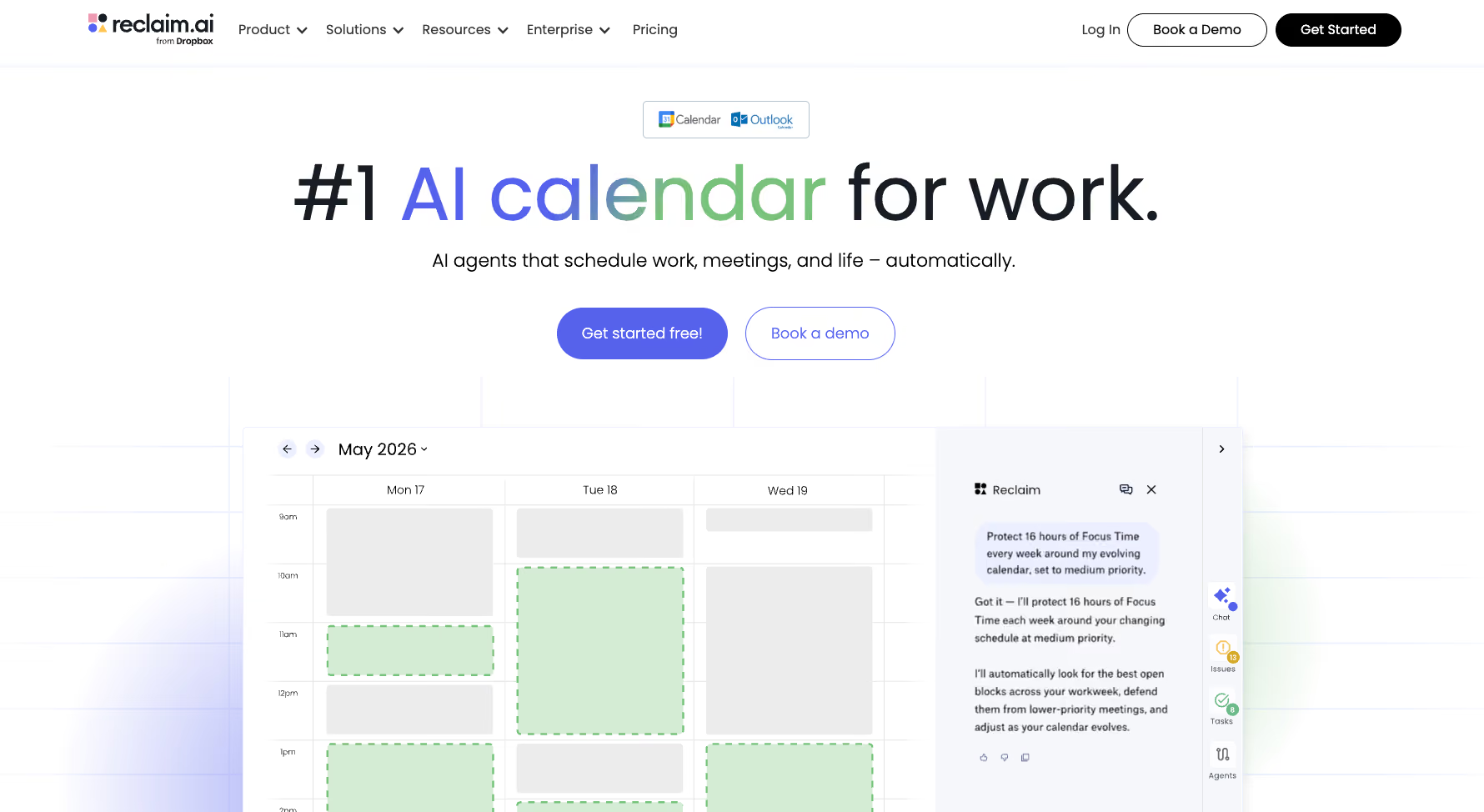
- What it is: Reclaim is an AI scheduling tool built around habit blocks, focus time, and smart meetings
- What it does: Automatically protects time for recurring tasks and habits, syncs across Google Calendar and Outlook, and coordinates team scheduling without manual effort
- Standout feature: Habit scheduling finds and protects time for recurring personal and work habits automatically
Sunsama
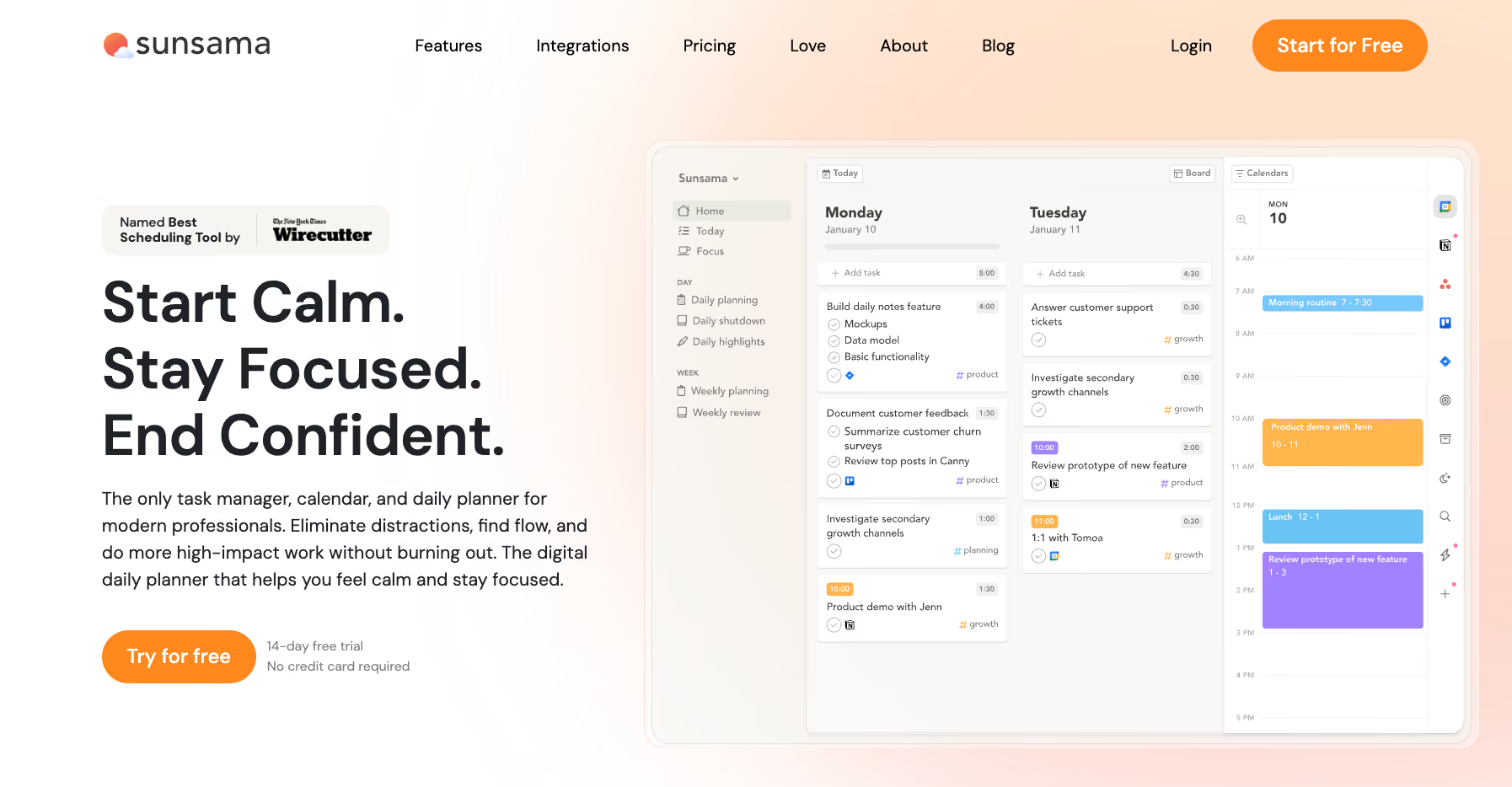
- What it is: Sunsama is a guided daily planning tool built around a structured morning ritual
- What it does: Pulls tasks from your existing tools (Asana, Notion, Linear, Gmail, and others), helps you plan your day intentionally, and tracks what you finished
- Standout feature: The daily planning ritual walks you through prioritizing and time-boxing your day rather than doing it automatically
Lindy

- What it is: Lindy is an AI teammate that works across Slack, iMessage, Gmail, and your browser, handling scheduling, inbox triage, meeting prep, and CRM updates. There’s a 7-day free trial for Slack workspace joiners
- What it does: @mention Lindy in Slack to schedule meetings, draft follow-ups, prep for calls, and manage your inbox, all without switching apps
- Standout feature: Lindy connects to over a thousand apps. Plus, it connects up to five inboxes, so email is a core job, not a side feature.
{{cta}}
FAQs
Does Motion have a free plan?
No. Motion offers a 7-day free trial on both Pro AI and Business AI, but there's no permanent free tier. You need to enter card details to start the trial. After 7 days, you either subscribe or lose access.
What's the difference between Motion Pro AI and Business AI?
Pro AI covers the core AI scheduling tools, like task management, calendar, meeting notes, docs, AI chat, and personal planning. Business AI adds team-facing features including capacity planning, Gantt charts, time tracking, permissions, central billing, and priority support. Business AI also doubles the AI credit allocation from 7,500 to 15,000 a month, per seat on the Teams track.
What are Motion AI credits and do they cost extra?
Motion AI credits are the usage units that power AI Chat and the Meeting Notetaker. Every plan includes a free monthly allowance (7,500 credits on Pro AI, 15,000 on Business AI), and basic scheduling never touches them. You only pay extra if you burn through your allowance; then overage charges automatically stack on top of your subscription.
Is Motion worth the price?
Yes, if your core problem is scheduling and time-blocking. Motion's AI effectively builds and rebuilds your day around your actual priorities and commitments. It's a weaker pick if your main bottleneck is email, since Motion treats the inbox as a side feature.
What happens when the Motion free trial ends?
When the free trial ends, your account converts to a paid subscription at the rate for the plan you selected. There's no free tier to fall back to. Cancel before the trial ends, and you're never charged. If it converts first, Motion's terms make purchases non-refundable, though it may issue a refund at its discretion. To avoid any billing surprises, cancel before the trial ends.









