7 Best Manus AI Alternatives, Ranked on 4 Real Jobs (2026)
Marvin tested six Manus AI alternatives, comparing pricing, agent features, and workflow automation use cases for teams in 2026.


After testing Manus AI and the alternatives, these 7 competitors stood out in 2026 for their features, pricing, and everyday usability. Explore how they compare with each other and what they excel at.
I keep hearing the same two reasons for looking at Manus AI alternatives. What the credits cost, and the nine months Manus spent inside a Meta acquisition.
That deal collapsed, and Manus is independent again, which settles the second reason and leaves the first one exactly where it was.
Lindy suits teams answering questions in Slack, and ChatGPT Work suits one person turning research into a document. If you'd rather not pay a subscription, start with OpenClaw, or OpenManus if you write Python.
I gave seven alternatives the jobs I'd normally hand Manus. Each one had to research a topic and cite it, then turn that research into something I could send.
Each one also had to run a task on a schedule without me watching, and do all of it without spending a month of credits.
Yes, Lindy is on this list, and Lindy pays for this blog. Lindy gets the same Cons as everyone else; every price comes from the vendor's own pricing page, and I've said plainly where Manus is still the better choice.
The 7 best Manus AI alternatives in 2026
| 💻 Tool | 🎯 Best for | 💰 Pricing |
|---|---|---|
| Lindy | Sourced answers in Slack | $29.99/seat/month |
| ChatGPT Work | Turning research into deliverables | $8/month |
| Claude (Cowork) | Multi-step work across your files | $20/month |
| Genspark | One-prompt decks, sites, and media | $24.99/month |
| OpenClaw | Self-hosted agent in your messaging app | Free (self-hosted) |
| Kortix (Suna) | Open-source team agents | Free, then $40/seat/month |
| OpenManus | Self-run agent loop in Python | Free (MIT) |
Pricing is correct as of October 2026. Verify with the vendor before purchasing.
Why look for Manus AI alternatives?
Manus returns the artifact itself. You describe a job, and what comes back is a research doc, a working site, a deck.
Wide Research spreads one task across hundreds of items at once, and for research that has to cover that much ground, nothing on this list works the same way.
A run you can't use still costs you. In our own Manus review, the heaviest tasks cost 500 to 900 credits each. The $20 plan carries 4,000 credits a month, so that's four to eight of them.
Manus refunds credits when a task fails on its end, but not when the prompt was wrong or the result wasn't usable. Our Manus pricing breakdown walks through what each tier buys.
Paying more doesn't raise the ceiling. Every paid tier stops at up to 20 concurrent and scheduled tasks.
Going from $20 to $200 buys you 40,000 credits instead of 4,000, and the same limit on how many run at once.
The free plan is hard to find, and thin when you do. The pricing page shows three paid tiers and no free card, while the docs still describe a free plan with limited credits. The two pages disagree, so check your account.
Manus's free plan gives you 300 credits a day and one task at a time, so you can try it before you spend anything. Most of the Manus AI alternatives below let you test the work before you buy, either on a free tier or a trial.
Output still needs a supervisor. Our reviewer had Manus build a digital detox web app. It cleared all six development steps without an error and handed back a dated interface, then needed round after round of redesign feedback before it was usable.
The fifth reason has nothing to do with the software. Meta's roughly $2 billion acquisition fell through, and Manus resumed independent operations under its founding team in September 2026.
It announced the move on its own blog. So if your procurement team asks who owns a vendor, that's now a question Manus has had to answer out loud.
Which Manus AI alternative should you choose?
Choose Lindy if the work belongs to a team, and you want the reply and the source behind it to land in the Slack channel where the question got asked.
Choose ChatGPT Work if you were mainly using Manus to turn research into a finished file, and you pay OpenAI for something.
Choose Claude if the job spans your files and apps and you'd rather watch an agent reason through each step than wait for a finished result.
Choose Genspark if what you liked about Manus was the output, the deck or the site, and your day also runs on chat and image generation, which don't touch credits on the core models.
Choose OpenClaw if you want to stop paying a subscription and you're comfortable running a server and holding your own API keys.
Choose Kortix (Suna) if you need an open-source platform your security team can put in a VPC, with SSO and audit logs on the enterprise tier.
Choose OpenManus if you're a developer who wants the Manus loop as Python you can read and point at whichever model you like.
Stick with Manus if Wide Research at full scale is what you paid for, and 500 to 900 credits a run costs you less than the afternoon it replaces.
How I tested these Manus alternatives
Every tool got the same four jobs, and they're the four things I was paying Manus to do. Here's what I watched for in each one:
- Research with a trail: whether it cites where each fact came from, or hands back a confident page you have to re-check yourself.
- Research into an artifact: does the run end in a file, site, or deck you can send, or in a chat reply you still have to assemble from?
- Unattended work: will a scheduled job run on its own and tell you what it did?
- The cost of a bad run: what a failed or half-right task costs, in credits, tokens, or your time.
Four Manus AI alternatives didn't earn a section.
AutoGPT. It carries 187K GitHub stars, and competing roundups still list it. But the original agent now sits in a classic/ directory under MIT.
The active product is AutoGPT Platform, licensed under Polyform Shield, which permits any use except building a product that competes with AutoGPT.
AgenticSeek. I hated cutting this one, and 27.2K stars say I'm not alone. But the repo's own requirements ask for 12GB of VRAM as a floor, and 24GB or more for a 32B model. That's a graphics card before you type a single prompt.
n8n. Teams really do build agents on it, and it works. Though you assemble the agent node by node, which is the opposite of why you'd leave Manus.
Perplexity. It answers a research question better than anything here, and Perplexity Labs turns that answer into a report or a spreadsheet you can download.
Best Manus AI alternatives for general agent work
Best Manus AI alternative for sourced answers in Slack
Lindy
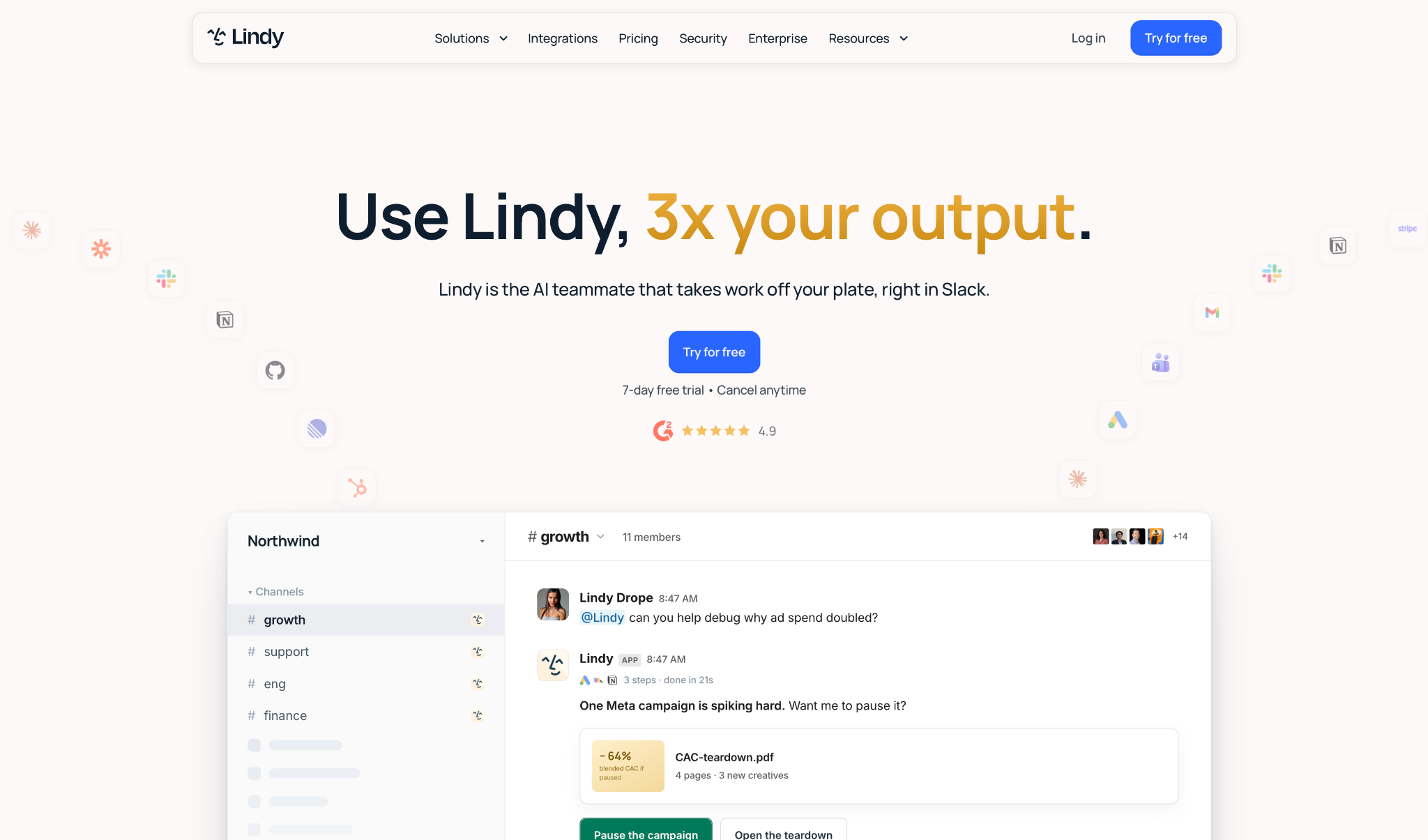
Lindy answers where your team already talks. You @mention it in a Slack channel, and the reply comes back with the source attached to it.
It reads whatever your team approves: Slack history, Notion, Google Drive, Gmail, meetings, and files. When it doesn't know something, it says so and names the source you'd need to connect. That last part is rarer than it should be.
Then it keeps going. Lindy writes and runs code to build dashboards and financial models, hosts them at their own lindy.link address, and gives you a link you can set to private or share. Nobody has to go hunting for a colleague's downloads, because there is no download.
Credits refresh monthly and don't carry over. The month you barely touch Lindy, that's money the vendor keeps. The month you use it heavily, you run out early.
I'd still take the credit reset over Manus billing me the same for a failed run.
"I appreciate how Lindy automates tasks that used to require manual effort, especially when it comes to summarizing calls or making call notes." - Naqeeb K., G2.
Key features
- Slack teammate. @mention it in a channel or DM it, and it joins threads and routes questions on its own. Every reply carries a citation back to the message, file, or meeting behind it.
- 1,000+ integrations to the tools your team already runs, and every action they take there draws credits.
- Meetings get recorded and turned into follow-ups, and you can ask questions about any meeting in the library.
- Routines. Describe recurring work in plain English, like a Monday pipeline brief. Built-in skills sit in a library you install from.
- Per-tool guardrails. Admins always allow, require approval, or don't offer, on every connected tool. Reads are never guarded, only writes are.
Pros
✅ SOC 2 Type II, GDPR, HIPAA, and PIPEDA, with the signed BAA on Enterprise
✅ Setup took one admin and no API keys, which was not true of anything else I set up
✅ Personal context stays out of public channels by default
Cons
❌ Credits don't roll over, and running out pauses credit-consuming actions until the reset
❌ Audit logs and the signed BAA sit behind Enterprise
❌ Per-user pricing climbs with headcount, and you pay the same for the people who open it twice a month
Pricing
Free is $0, with $50 in credits that last 7 days and no credit card required. Team starts at $29.99/month per user for 3,000 credits, with larger credit tiers available and credits pooled across the team. Enterprise is custom and adds the signed BAA, SSO and SCIM, and audit logs.
{{templates}}
Best Manus AI alternative for turning research into deliverables
ChatGPT Work
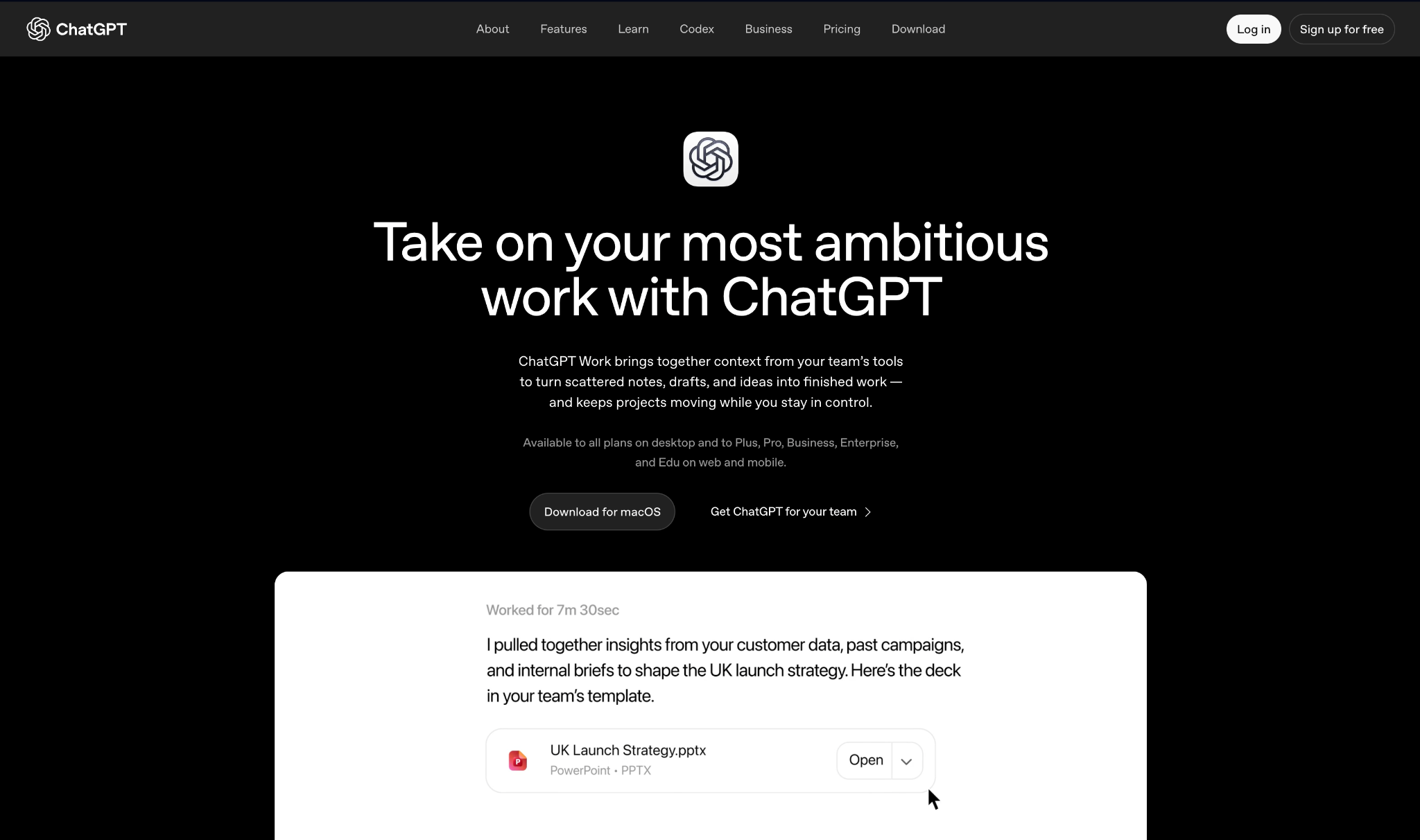
OpenAI retired agent mode and put ChatGPT Work in its place. Its help center states plainly that ChatGPT agent is no longer available, and points you here for longer, multi-step tasks and finished deliverables.
If you arrived from a tutorial, that's the problem. When I checked the SERP in September 2026, the top roundups and Google's AI Overview were still recommending a feature OpenAI had retired.
The connectors are the part those old guides never covered. A business workspace wires the agent into the tools your files sit in, so it opens the source itself. No attaching, no pasting, no re-uploading the same deck twice.
Log in as an admin on Plus, and there's almost nothing to press. The security and billing settings live on Business, and that is the plan a company needs.
If you already pay OpenAI, I wouldn't shop further for this one job.
Citations came attached to the finished file, and the scheduled runs fired. What costs you is the run that doesn't land. Credits are non-refundable, and users on OpenAI's own forum report failed deep research attempts still counting against the limit, so every retry is a paid one.
"What I like most about ChatGPT is how it helps me take complex information and turn it into clear, practical next steps. I use it to draft professional correspondence, organize legal and administrative research, strengthen QA and production workflows." - Fernando, G2.
Key features
- Multi-step delivery. Long tasks end in a file you can send, with nothing to reassemble on your side.
- Cloud browser. The agent browses and acts on the web when a task needs a live page.
- Connectors. Google Drive, Slack, GitHub, and Microsoft 365, from the Plus plan up.
- Projects and scheduled tasks. Recurring work and grouped context, available from the Plus plan up.
Pros
✅ If your team is on ChatGPT Business, the agent work comes with the $20 seat
✅ Business adds SAML SSO, MFA, and workspace user management at $20 per seat on the annual plan, with a two-seat minimum
✅ Connectors let it open the source file itself, so nothing gets attached, pasted, or re-uploaded
Cons
❌ Access on the free plan is limited, so judging it means paying first
❌ The agent-mode rename means the public guides describe a workflow that no longer exists
❌ Below Business, there's no admin console to speak of
Pricing
Go is $8/month and Plus is $20. Pro starts at $100. Business is $20 per user per month billed annually, or $25 monthly.
Best Manus AI alternative for multi-step work across your files
Claude (Cowork)
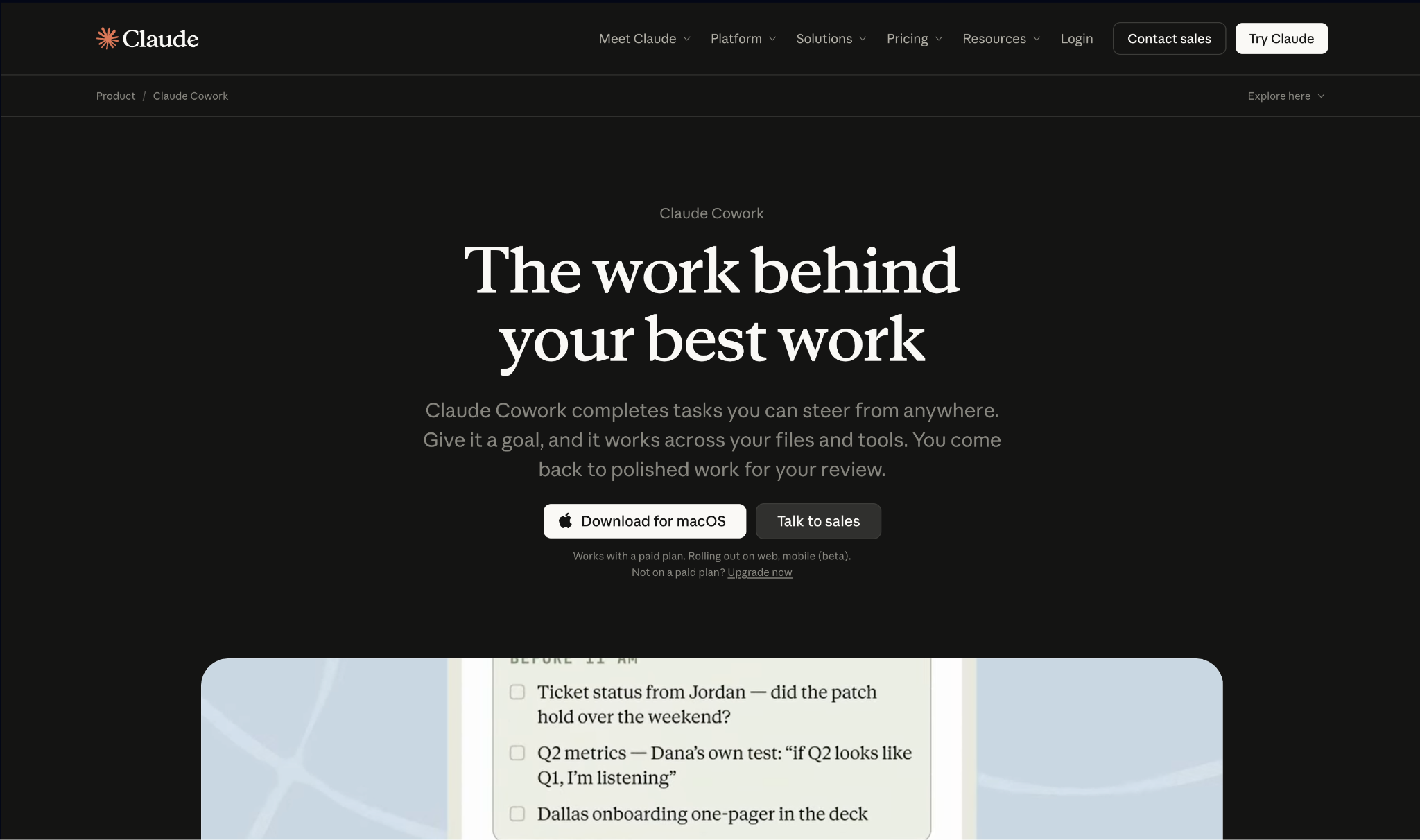
Claude shows you the work as it happens. Cowork takes a job that spans a folder of files and works through it step by step, with each step visible.
Even the free plan connects Slack and Google Workspace, and takes any other tool through remote MCP. Running the work is Cowork's job, and Cowork starts on Pro. Since September 16, 2026, Anthropic has been merging Cowork and chat into one Claude, rolling out to Pro and Max first.
Cowork, Claude Code, and Claude Design all arrive on Pro at $17 a month billed annually, and that's the line that matters.
You find the limit by hitting it, usually halfway through something. Max sells 5x or 20x more usage than Pro and never says what one x is worth.
I'd want that invisible ceiling fixed before I put a team on it.
The trail is what Claude gets right. Every claim links back to the section of the file behind it. The ceiling is what bites: scheduled runs live on Anthropic's servers and can't be pointed at a folder on your machine, and agent work draws the allowance faster than chat, so two ambitious runs leave you rationing the rest of the five-hour window.
"What I like most about Claude is that it is useful when I have to work through a detailed client query or understand a topic before giving my advice." - CS Gajanan H., G2.
Key features
- Cowork. Multi-step execution on the files in front of you, with each step visible as it runs.
- Connectors. Wire in the tools that expose an MCP server, including Slack and Google Workspace, with the setup on you rather than an admin panel.
- Memory. Context carries from one session to the next.
- Claude writes code and runs it in the same session, chart included.
- Claude for Microsoft 365. Reaches Office files on the Pro plan and above.
Pros
✅ $17 a month on the annual plan, and that one subscription covers Cowork, Claude Code, and Claude Design
✅ Runs on web, desktop, iOS, and Android, so the same work follows you
✅ SOC 2 Type II, GDPR, and a HIPAA BAA on the enterprise plans
Cons
❌ Cowork sits behind Pro, so agent runs aren't part of the free plan
❌ Limits reset on a rolling five-hour window, so a heavy morning can stall work you planned for the same afternoon
❌ Connector setup falls on each user, with no admin panel to run it from
Pricing
Pro is $20/month billed monthly, with the annual discount at $200 up front, and includes Cowork. Max starts at $100/month. Free is $0.
Best Manus AI alternative for one-prompt decks, sites, and media
Genspark
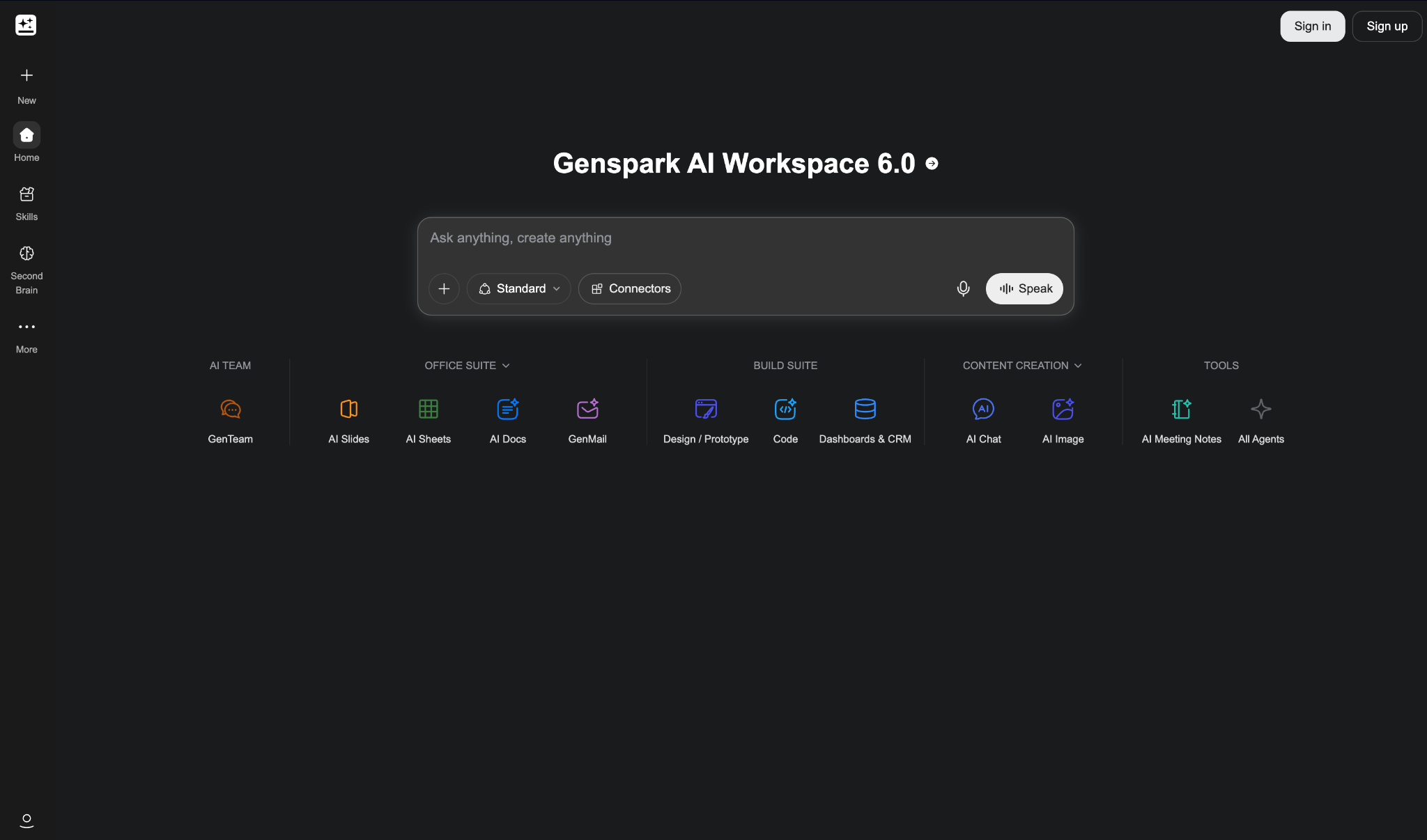
Of everything here, Genspark is the only one that returned a deck, a site, and a video from the same brief, which is what Manus does.
AI Slides, Genspark Code, and the rest of the agent set sit in one workspace, and everything they generate is cleared for commercial use.
As of September 2026, one subscription covers Claude Fable 5.1 and GPT-6 Astra for text, GPT Image 2 and Nano Banana Pro for images, Gemini Veo 3.1 and Seedance 2.5 for video, and ElevenLabs and MiniMax for audio.
All of it runs on credits, with a few exceptions. Chat and image creation on the core models, meeting transcription, and voice dictation sit outside the pool, which changes the monthly bill if your day runs on chat and notes.
Since September 18, 2026, Plus and Pro also include a weekly Free Quota for Standard-mode tasks in Super Agent, AI Slides, AI Sheets, and AI Docs. Genspark Code, Ultra mode, and anything past that weekly balance still draw from the credit pool. And the $19.99 price needs a year paid up front.
I liked the output more than the billing, and that tension never resolved for me.
It cites, and it schedules down to a run every 30 minutes. The citations are the half I'd check behind it, because reviewers report links that don't hold the number attached to them once a question turns statistics-heavy. Re-running one costs the same as the first attempt, and a generation that finishes and then gets flagged is still charged.
"Genspark is most useful when I need to turn a broad research question into a usable output." - Luca Huajian Y., G2.
Key features
- AI Slides and Genspark Code. Deck generation and code agents alongside the general chat agent.
- AI Drive. 50GB of storage on entry plans, 1TB on the top tier.
- Models from six vendors under one subscription, across text, image, video, and audio.
- Core-model chat and image generation, meeting transcription, and dictation don't consume credits.
Pros
✅ Anything the agents generate is cleared for commercial use on Plus and Pro, with plan benefits valid through June 30, 2027
✅ 24 hours of daily transcription sits outside the credit pool
✅ One subscription covers text, image, video, and audio models from six vendors
Cons
❌ No published price per task, since a run's cost moves with the model tier, the output length, and how many steps it takes
❌ Commercial-use rights skip the free tier, so nothing you make while testing is cleared
❌ The $19.99 headline needs a full year paid up front
Pricing
Plus starts at $24.99/month for 10,000 credits, with a larger tier at $49.99 for 21,000. Pro starts at $249.99 for 125,000. Annual billing drops those to $19.99, $39.99, and $199.99. We compared it with its rivals in our Genspark alternatives roundup.
Free and open-source Manus alternatives
Best Manus AI alternative for a self-hosted agent in your messaging app
OpenClaw
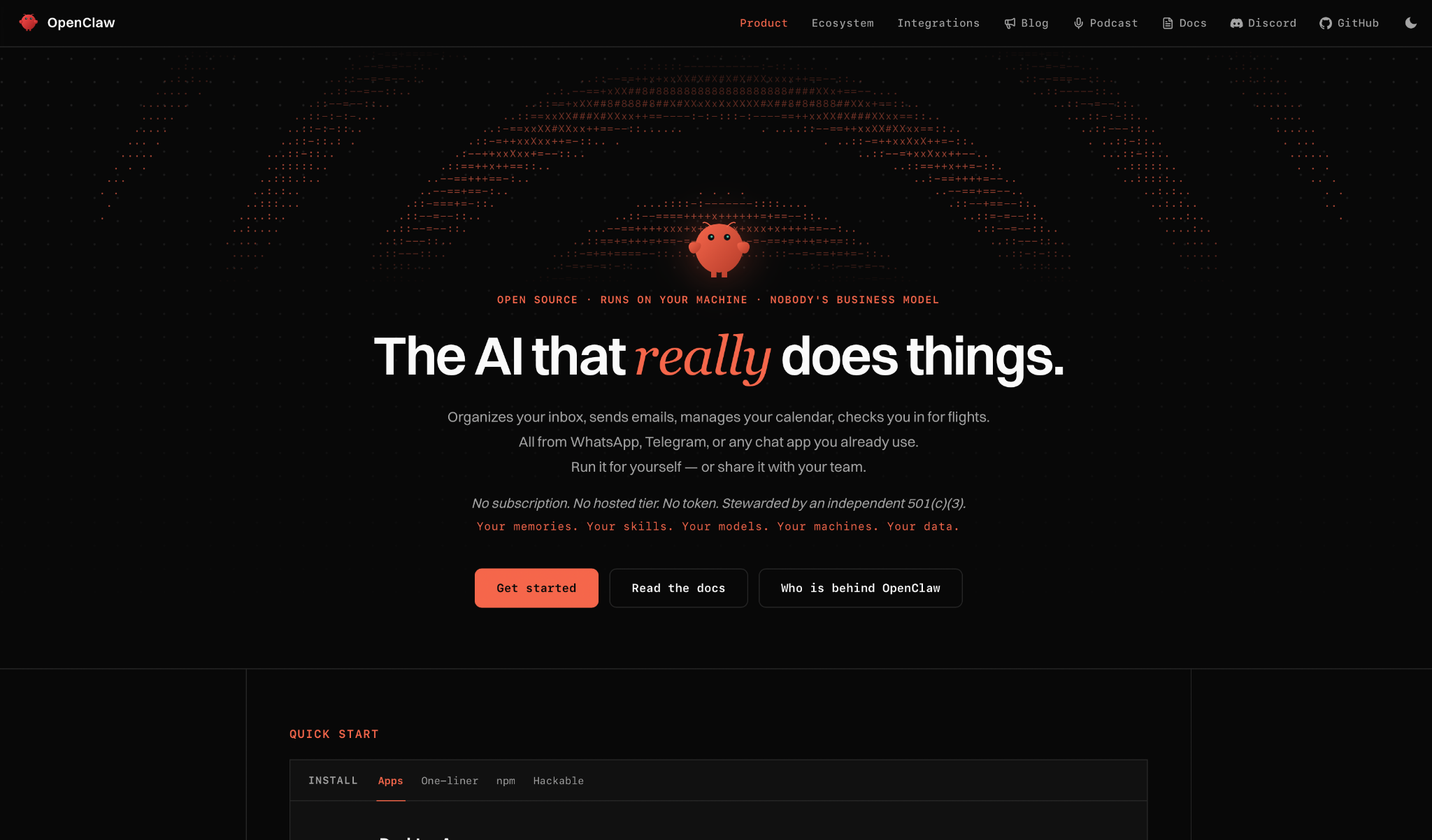
OpenClaw has no interface to log into. It runs on a server you own, and you reach it through Signal, Telegram, Discord, WhatsApp, iMessage, or any of the other 24 channels it connects to.
It shipped as Warelay in November 2025, became Clawdbot, then Moltbot after a trademark complaint from Anthropic, and landed on OpenClaw at the end of January. Four names in three months.
By February, its creator had left for OpenAI, and the project passed to the OpenClaw Foundation, a nonprofit funded by donations. Same ownership question you'd ask Manus, with a different answer.
It has since cleared 389K stars. Its site, quoting Y Combinator, calls it the most-starred software repo on GitHub in under five months.
What that community mostly builds is skills, and skills are how it learns a job. Each one is a folder with a markdown file in it. That's all it takes to add a skill, and all it takes to hand the agent something it shouldn't have.
Cisco's security team has already documented third-party skills exfiltrating data and injecting prompts with the user none the wiser. Vetting what you install is your job, not the project's.
Treat a community skill the way you'd treat a browser extension asking for full inbox access. I run it, and I still read every skill before I install it.
Nothing comes back with a source attached unless you open the raw tool output yourself. The scheduling holds up no better: a fifth of the fires vanish with no error on the current release. And loop detection ships turned off, so the tracker carries agents that looped overnight on their own keep-alive and spent $30 before anyone noticed.
"It runs on your own machine and keeps everything local. That alone puts it ahead of most AI agent tools. The memory system is properly useful; it actually picks up where you left off instead of starting fresh every time. And being able to talk to it through WhatsApp instead of opening yet another app is a nice touch." - Naumaan Zahid, Product Hunt.
Key features
- Reach the agent from 29 channels, including Signal, Telegram, and WhatsApp.
- Point it at OpenAI, Anthropic, Google, or a model running on your machine.
- Skills. Folders of instructions that teach it a repeatable job.
- Browser control. It drives a browser for tasks that need a live page.
- Voice. Speak to it through the same channels you type in.
Pros
✅ Free and open source, with a nonprofit foundation that says it stays that way
✅ The software has no license fee, so the bill is whatever your server and your model calls come to
✅ Your data stays on your server, apart from what you send to the model provider
Cons
❌ Every third-party skill you install is yours to vet before it runs
❌ When it breaks, you post in the community and wait. There's no vendor to call
❌ You own the uptime and the API bill
Pricing
Your costs are a VPS from $5 a month, pay-per-use AI API calls, and a domain at roughly $10 a year. The software itself is free and open source, and the foundation says there's no enterprise edition and no paid version.
Best Manus AI alternative for open-source team agents
Kortix (Suna)
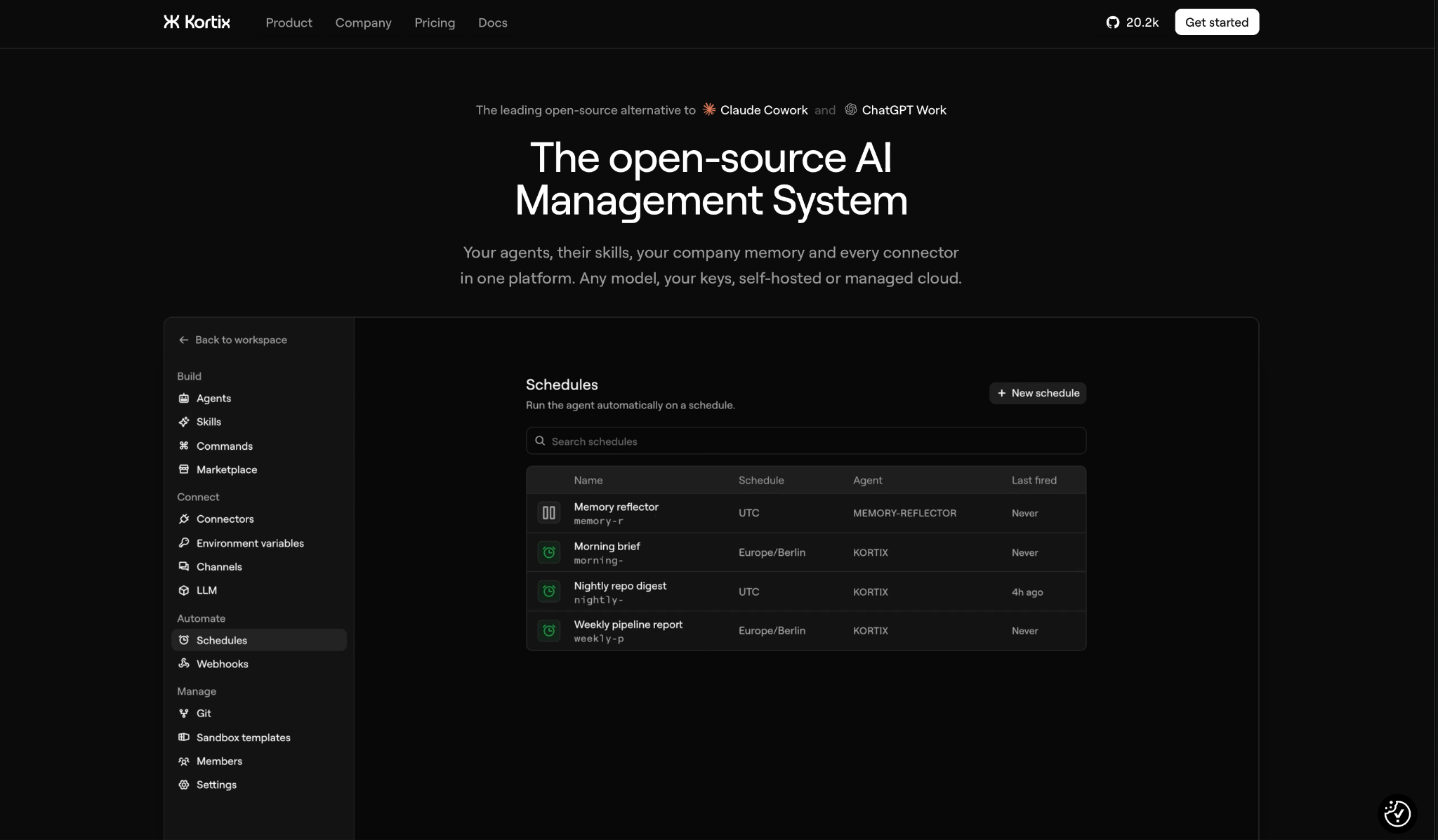
Search for Suna, and you land on Kortix. Same project, renamed. The scope grew with it, and now covers agents, their skills, company memory, and every connector in one platform you can self-host.
The whole company setup lives as code in one repository. Each session boots its own isolated Linux machine. The work lands on main as a change request, and you read the diff before it merges.
That last part is the one idea here I'd want in a tool I wasn't self-hosting.
The free tier is a trial and says so: 200 credits of sandbox compute on a single project, and you bring an API key for any premium model.
If nobody on your team reads diffs for a living, you'll feel it by the second change request. Kortix grew out of Suna into something you staff, not something you sign up for.
Of the self-hosted three, this is the one you can audit. It cites only URLs that appeared in a tool result, keeps a screenshot of every step, and its triggers open a session with nobody present. That trail isn't free: a failed run bills tokens and tool calls at a 20% markup on models and 50% on tools, and a mid-run rate limit on your own key fails over to a managed model that charges your credits.
"This is good. It gives you a vision of how this app thinks before answering, nicely done." - Swasono, Product Hunt.
Key features
- The company setup lives as code in one repository you own.
- Change requests. Agents propose edits from isolated sandboxes, and a human approves the diff.
- 3,000+ connectors to the tools your team runs today.
- Bring your own model. Claude, OpenAI, Gemini, or a custom endpoint, with your keys.
Pros
✅ Open source, with managed cloud on Team and self-host, VPC, or on-prem on Enterprise
✅ Enterprise adds SAML SSO, SCIM sync, role-based access control, and audit logs
✅ Credits pool across the team, so a single heavy user draws on the shared balance and nobody hits a personal wall
Cons
❌ The free 200 credits cover sandbox compute only, on a single project
❌ The git-and-diff model assumes somebody on the team is fluent in it
❌ A failed run still bills the tokens and the tool calls, and getting those credits back means a support ticket
Pricing
Team is $40 per seat per month with 2,500 credits per seat, pooled across the team. That's about 125 Agent Computer hours per seat if you spend nothing on managed models.
Best Manus AI alternative for a self-run agent loop in Python
OpenManus
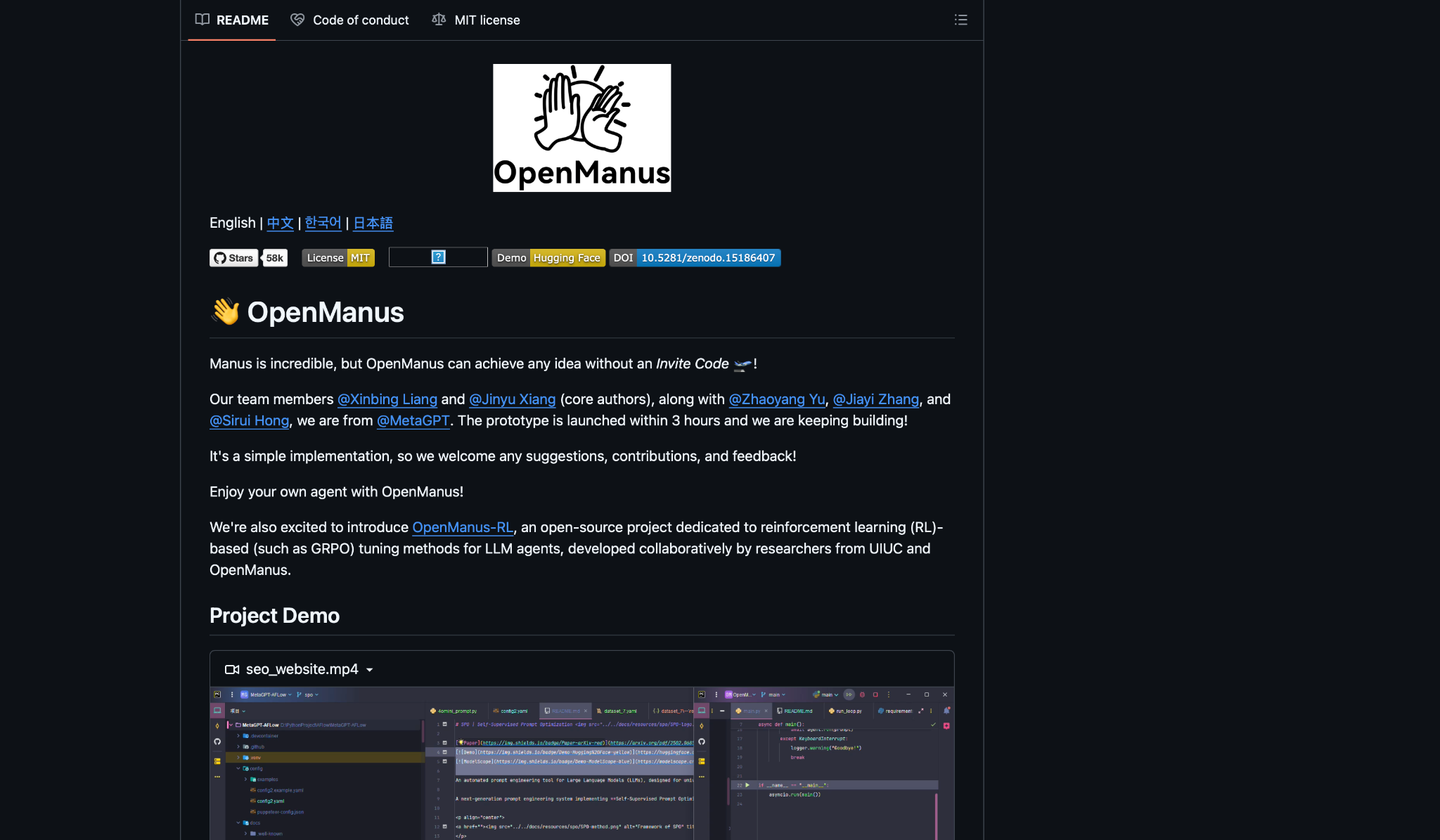
OpenManus exists because Manus launched invite-only. The README says it outright: "Manus is incredible, but OpenManus can achieve any idea without an Invite Code."
The MetaGPT team behind it, with Xinbing Liang and Jinyu Xiang as core authors, had a working prototype in three hours. It now carries 58.5K stars, a Hugging Face demo, and a published DOI.
Clone it, drop your API key into config/config.toml, and run main.py. The repo holds more than the loop. OpenManus-RL tunes LLM agents with reinforcement learning, alongside researchers from UIUC. It won't change what you ship this month, but it's the reason the main loop keeps getting rewritten.
The authors call it a simple implementation and ask for contributions. Read the main loop, and you'll see they mean it. The edges are still sharp.
Here you build the missing piece yourself, every time. Web search hands URLs to the model and nothing carries them into the output. There's no scheduler, so unattended means your own cron entry around main.py. And a run caps at 20 billed steps with no input-token ceiling set in the config.
"If you want an agent loop you can read end to end, modify and run entirely on domestic infrastructure, this is the reference codebase." - Francis Okafor, FrancisOkafor.com
Key features
- Python you can read and change without reverse engineering it.
- Your own model. Point the config at OpenAI or any compatible endpoint.
- MCP support. Separate entry points for server mode and multi-agent flow runs.
- Docker. A Dockerfile ships in the repo for a contained setup.
Pros
✅ MIT license, so you can fork it and ship it commercially
✅ Academic backing through OpenManus-RL and a published DOI
✅ Setup is a clone, your API key in one config file, and one command
Cons
❌ Python 3.12 and a terminal are the interface, so there's nothing to hand a colleague
❌ No subscription to pay, and no way to avoid the model bill. Every run comes off your own API key
❌ No scheduler, so anything unattended is a cron entry you write yourself
Pricing
OpenManus ships under the MIT license, with no paid tier and no hosted version. Your only cost is the model API you connect.
{{cta}}
What free Manus AI alternatives get you
Free means two different things in this list.
Hosted free tiers are evaluation licenses. Claude's free plan chats and writes but keeps Cowork behind the paywall. ChatGPT's free plan gives limited access to Work. Kortix hands you 200 credits of sandbox compute and one project.
Kortix and ChatGPT give you a couple of real runs on the free tier, which is enough to judge them. Claude's free plan won't run the work at all. None of them will carry a week of work.
Manus does have a free path, and it's Chat Mode plus the Lite agent on 300 credits a day. That's enough to see the interface and nowhere near enough to run the jobs you'd hire it for.
Self-hosted free is a bill you pay somewhere else. Between the VPS, the model calls, and the hours you spend patching, the total comes close to what a paid seat costs. And you're the one on call.
OpenClaw at least names the hosts you'd run it on. OpenManus leaves you to work it out.
If you came looking for free Manus AI alternatives because $20 felt like a lot for something you'd use twice a week, a hosted free tier plus a cheap paid month will tell you more than a weekend of setup.
How to evaluate Manus AI alternatives
Five questions separated these seven Manus AI alternatives for me, and they'll work on anything else in the category, including the AI tools and apps that market themselves that way.
Ask each one before you pay, in this order:
- Does the run end in something you can send? You want the file. Manus set that expectation, so measure the alternative against it.
- What does a bad month cost? Credits get deducted on failures too, at Manus and at every tool here that bills in credits. Price one job from your week, multiply by the attempts you'd need, and compare that against the plan you were going to buy.
- Where does it live? An agent you @mention in Slack gets used by the team. One with its own login gets used by whoever set it up. Ask where the tool will live before you ask what it can do.
- What can an admin stop it from doing? Ask if approvals sit per tool and per action. Ask who can read the log. Ask what stops personal context from landing in a shared channel. In regulated work, ask about a signed BAA before you commit to a demo.
- Who maintains it? Self-hosted means somebody patches it. Ask who, and ask whether they'll still want to in March.
When Manus is still the better choice
Wide Research doesn't have a match here. Running one brief against hundreds of sources at the same depth is what Manus was made for, and it was built around that job rather than adapted to it.
The same goes for how much one prompt can produce. Manus returns working sites with data analytics, generates decks in batch, and the Cloud Computer add-on gives you a persistent server for sustained heavy use, from $30 a month on top of your plan.
If your month runs to forty or fifty large research jobs, each ending in a polished artifact, then 40,000 credits at $200 buys 44 to 80 runs at 500 to 900 credits each. That's arithmetic that holds.
The trouble starts below forty. A dozen big jobs a month leaves three-quarters of the allowance unspent, and the 20-task ceiling caps how fast you could spend the rest even if you tried.
The Manus AI alternatives split into two different purchases
"AI agent" now covers two different purchases. One is a coworker you talk to. It answers in your channel with the source attached, and finishes work your team can see.
The other is an engine you operate. It runs on your infrastructure and does what you configure it to do, no more and no less. Nobody @mentions it.
Manus sits in the middle, which is why the churn goes both ways. Pick the side that matches who's going to be responsible for it on a Tuesday afternoon.
If that person is your whole team, start with Lindy. Sourced answers in Slack, meetings turned into follow-ups, and admin guardrails on every action. See how Lindy handles the work you were sending to Manus.
Frequently asked questions
Is there a free alternative to Manus AI?
Yes. OpenClaw and OpenManus are free to run, and you pay only for the server and the model calls. Kortix has a free tier, but it's 200 credits on a single project, so treat it as a trial. Manus itself has a free plan too, at 300 credits a day and one task at a time, and the cheapest plan you can buy is $20 a month.
What is the best Manus AI alternative?
Lindy is the best Manus AI alternative for a team because it answers in the Slack channel where the question was asked. ChatGPT Work is the better pick for one person turning research into a document.
Is there an open-source Manus alternative?
Yes, OpenManus runs the same plan-act-observe loop as Manus, in Python, under MIT. OpenClaw and Kortix are the other two, and both self-host.
Manus vs ChatGPT, which should you use?
Manus bills you per run. ChatGPT Work bills you per seat, and if your team pays OpenAI already, that seat exists. On a heavy research month, what the credits cost is what decides it.
Manus vs Claude, which is better for agent work?
Manus runs in the cloud and hands back a result. Claude Cowork works through your own files and shows each step as it goes. Pick based on where your files live.
Which Manus alternative is cheapest to run?
OpenManus is cheapest, with no subscription and no hosted tier, so you pay only for model tokens. OpenClaw is next, at roughly $5 a month for a VPS.










