10 Best LinkedIn Scrapers in 2026, Compared by Account Risk
Everett reviewed 10 LinkedIn scrapers including Evaboot, ScrapIn, and BrightData, weighing pricing, compliance risk, and lead-export quality for sales and recruiting teams.


If you build prospect lists from LinkedIn, copying names and job titles into a spreadsheet one profile at a time takes hours. A LinkedIn scraper does that by copying for you and sends the data to a spreadsheet, a CRM, or your own code.
LinkedIn scrapers come in four types. No-code tools run from Slack, a desktop app, or a Google Sheet. Chrome extensions work on the LinkedIn page you have open, Python libraries run inside your own code, and scraper APIs return large volumes of data on request.
The type you pick decides what you pay and what you risk. A monthly plan you rarely use still bills you, and a tool that logs in as you can get your LinkedIn profile restricted when a public-data API could have pulled the same list.
I compared ten LinkedIn scrapers across those four types, and for each one I checked whether it needs your LinkedIn account or works without it. By the end, you'll know which type matches your list and how much account risk comes with it.
For high volume, I'd pick Bright Data, which collects public pages only and never asks for your login. For enriching profile URLs from Slack, I'd start with Lindy.
Every tool went through the same checks, and you can match each price to the vendor's own page and each quote to the review it came from.
10 best LinkedIn scrapers: TL;DR
The first four are no-code tools, and the next three are scraper APIs. Two Chrome extensions follow, and an open-source Python library closes the list.
Here's how I'd rank the ten LinkedIn scrapers in this guide:
- Lindy: Best for teams that want LinkedIn data pulled into their CRM by asking in Slack
- PhantomBuster: Best for no-code exports of LinkedIn searches, profiles, and post engagers
- Octoparse: Best for point-and-click scraping of LinkedIn job listings
- Derrick: Best for enriching LinkedIn URLs without leaving Google Sheets
- Bright Data: Best for high-volume public LinkedIn data through a scraper API
- Apify: Best for picking a ready-made LinkedIn scraper from a marketplace and paying per result
- Scrapfly: Best for developers who want the unblocking handled and the parsing left to them
- Evaboot: Best for turning a Sales Navigator search into a clean, verified lead list
- Wiza: Best for adding emails and phone numbers to LinkedIn leads from a Chrome extension
- joeyism/linkedin_scraper: Best for Python developers who want a free, open-source library
How I evaluated these LinkedIn scrapers
For each tool, I read the pricing page with the toggle on monthly billing and went through the docs to see what it asks you to connect before the first run. I also read user reviews and GitHub issues for the complaints that repeat.
I scored every tool on the same criteria:
- Account exposure: Whether the tool logs in as you, uses your session cookie, or collects public data without touching your account. LinkedIn's User Agreement bans copying cookies and scripted scraping, so the first two options put your own account at risk.
- Data depth: Which parts of LinkedIn it can pull from, and whether emails come back with the list.
- Pricing: What the first paid tier costs at monthly billing, and how many records the free tier lets you export.
- Setup: What you need in place before the first file (URLs, a Sales Navigator seat, an API key, or your own login), and what a developer has to maintain after that.
Three tools got a short note here instead of a full section.
Captain Data bills by usage, and the example on its own pricing page works out to $660 a month for 20,000 credits. It targets go-to-market teams that want enrichment inside their existing systems, and that example alone costs more than any starting price in the table below.
ScrapIn is now part of Reverse Contact and still active, but the entry point is a $30 paid seven-day trial, followed by pay-as-you-go credits starting at $500. Bright Data and Apify both let you test for free first.
Profile Scraper for LinkedIn has a Chrome Web Store listing with 4.9 stars from 130 ratings and about 3,000 users, and the free tier stops at 10 entries per session. The developer is listed only as "narutoapps913."
An extension that reads your LinkedIn pages needs a developer you can identify, so it stays out of the main list. For a Chrome extension with a public review history, Evaboot and Wiza are covered below.
With that small footprint, it stays out of the main list. For a Chrome extension with a public review history, Evaboot and Wiza are covered below.
Can you use AI to scrape LinkedIn?
Yes. Lindy pulls LinkedIn data from URLs when you ask in Slack, then writes the results into a sheet or your CRM. PhantomBuster, Evaboot, Bright Data, Apify, Scrapfly, Octoparse, Wiza, and Derrick also offer MCP servers, so an AI tool can run them from a chat.
An assistant that calls a no-login API carries the same account risk as that API, and one that drives your logged-in browser is as exposed as a Chrome extension. Ask which path the AI takes before you hand it a list of 5,000 profiles.
And if you are only missing contact details, you can usually find someone’s email on LinkedIn without scraping anything at all.
How to extract LinkedIn profile data, step by step
Which method works depends on whose data you need, since LinkedIn lets you export your own profile and connections but bans scraping other people's pages with automated tools. Follow these steps in order:
- Decide what you're starting from. A list of profile URLs points you to URL-based tools like Lindy or Bright Data. A search or Sales Navigator filter calls for an exporter like Evaboot or PhantomBuster.
- Choose how the tool reaches LinkedIn. Public-data APIs work without your account. Extensions, cookie-based cloud tools, and login libraries act as you, so use a profile you can afford to lose and stay under each tool's recommended daily limits.
- Run a small batch on the free tier. Pull 20 to 50 profiles, then check the fields against the live profile before you pay for volume.
- Clean and deduplicate the file. Remove duplicates from overlapping searches, standardize company names, and verify any emails before they go into a sequence.
- Load it into your CRM. Push the list into your CRM or sequencer with an approval step before anything writes or sends. A LinkedIn data extractor like Lindy can push the list and wait for approval from Slack.
Is scraping LinkedIn legal, and will LinkedIn ban you?
What follows is general information as of September 2026. Check with a lawyer before you act on it.
LinkedIn's rules
Section 8.2 of the LinkedIn User Agreement, effective November 3, 2025, bars members from using "software, devices, scripts, robots or any other means" to scrape the services.
The same section also bans getting around use limits and using another person's account, including by copying cookies. A scraper that works through your LinkedIn account or session appears to conflict with those Section 8.2 terms.
Court rulings on public data
In hiQ Labs v. LinkedIn (9th Cir. 2022), the court found the federal anti-hacking law (the CFAA) likely doesn't cover scraping public pages, ruling at the preliminary injunction stage. The same opinion said other claims, breach of contract among them, "may also lie."
LinkedIn sued Proxycurl in January 2025 for violating its User Agreement, and the court entered a permanent injunction.
Privacy law
Under GDPR, LinkedIn profile data that identifies a person is personal data, and processing generally requires a lawful basis.
California's CCPA/CPRA works differently. Covered businesses must meet notice, access, deletion, correction, and opt-out requirements. An exemption for publicly available information exists, but don't assume it covers a scraped list. Treat the data as covered unless a lawyer tells you otherwise.
Account restrictions
LinkedIn restricts accounts it flags, and whichever account runs the scraper is the one it restricts. A joeyism/linkedin_scraper user describes a series of identity checks before getting access back.
A setup with no LinkedIn login leaves no account for LinkedIn to restrict, which is how Bright Data and no-cookie Apify Actors work.
10 best LinkedIn scrapers in 2026: Quick comparison
Here's how the ten compare on type, free option, and starting price:
| 💻 Tool | 🧰 Type | ⚡ Strengths | 💸 Free Option | 🎯 Best For | 💰 Starting Price |
|---|---|---|---|---|---|
| Lindy | AI assistant in Slack | Profiles, jobs, posts by URL | ⚠️ 7-day trial via Slack | Slack teams | $29.99/user/month |
| PhantomBuster | No-code cloud | Search and profile exports | ⚠️ Trial, 10-row exports | No-code lead lists | $69/month |
| Octoparse | Desktop no-code | Visual job scraping | ✅ 10 tasks | Job listings | $83/month |
| Derrick | Google Sheets add-on | URL enrichment in Sheets | ✅ 100 credits/month | Spreadsheet users | €20/month |
| Bright Data | Scraper API | Public data at volume | ✅ 5,000 records/month | High volume | $1.50/1K records |
| Apify | API and marketplace | Pay-per-result Actors | ✅ $5 usage/month | Ready-made scrapers | $19/month |
| Scrapfly | Scraper API | Anti-bot unblocking | ✅ 1,000 credits | Developers | $30/month |
| Evaboot | Chrome extension | Clean Sales Navigator exports | ❌ No | Sales Navigator users | $9/month |
| Wiza | Chrome extension | Emails and phones | ✅ 20 emails | Contact data | $49/user/month |
| joeyism/linkedin_scraper | Python library | Profiles, companies, jobs | ✅ Open source | Python developers | Free |
Starting prices are the first paid tier at monthly billing, in each vendor's own unit. Bright Data and Apify charge by usage, Lindy and Wiza charge per user, and Derrick bills in euros.
No-code LinkedIn scrapers
These four tools suit teams that want LinkedIn data without writing or maintaining code. You set up the job in Slack, a cloud dashboard, a desktop app, or a Google Sheet, and the tool handles the collection and formatting.
Where they differ is how they reach LinkedIn. Lindy and Derrick work from profile URLs you already have, and Octoparse's job templates run from search URLs without a login. PhantomBuster runs its LinkedIn Phantoms on your session cookie, which is where the ban risk in this group comes from.
1. Lindy: Best for teams that want LinkedIn data pulled into their CRM by asking in Slack
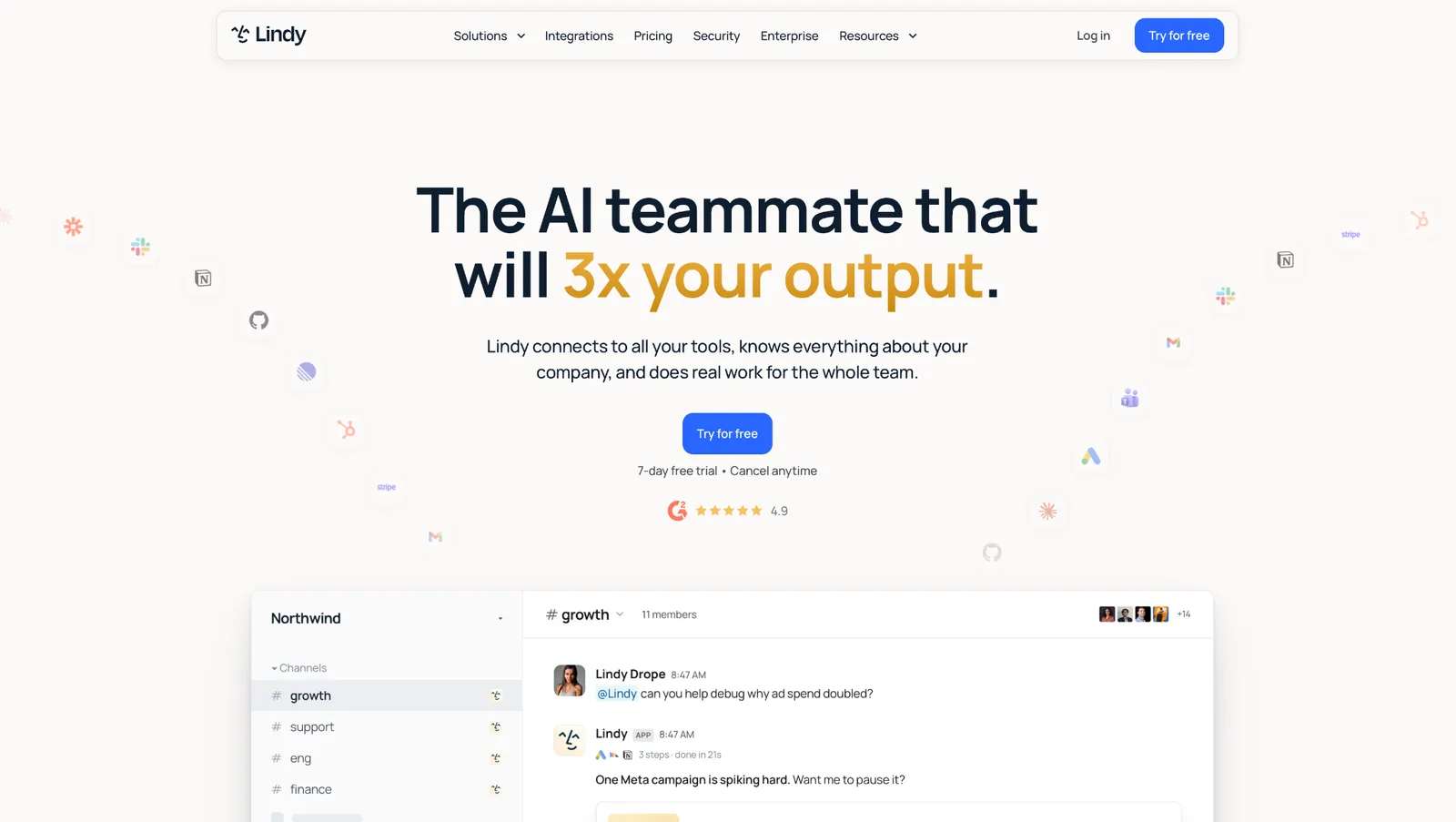
What it does: Lindy is an AI assistant that works inside your Slack. With LinkedIn connected, it pulls data from the URLs you give it and returns the fields you asked for.
Best for: Go-to-market and recruiting teams on Slack who already have LinkedIn URLs and want them turned into a filled-in sheet or CRM records without running their own scraper.
You @mention Lindy in a channel with a column of profile URLs and ask for each person's role and employer. Lindy's own walkthrough of Bright Data enrichment runs the same job from a Google Sheet, writing full name and job title back into the same rows.
After enrichment, the same request can update HubSpot or Salesforce and post a sourced summary, with an approval step on writes from shared threads.
Everything above starts from a URL, so a Sales Navigator search has to go through an exporter like Evaboot or PhantomBuster first.
Key features
- LinkedIn actions by URL: Four of the actions on its LinkedIn page work from a URL, pulling profiles, companies, job listings, and posts from links in a thread or a sheet column.
- Works in Slack: Answers in channels and DMs alike.
- Routines in plain English: Set recurring work like a Monday check on a list of target companies' job posts, and it runs on schedule.
- Guardrails per tool: Each connected tool gets its own guardrail setting, which controls what the assistant can write from shared Slack threads.
Pros and cons
Pros:
✅ There's no scraper to host or maintain, because collection runs on the assistant's side.
✅ It connects to 1,000+ tools, so the enriched data can go to whichever CRM you already use.
✅ Each answer links to its source for a quick check against the live profile.
Cons:
❌ Its only LinkedIn search action finds organizations by vanity name or email domain, so people and Sales Navigator searches still happen in an exporter.
❌ Collection runs on monthly credits, so a heavy week of enrichment can drain the Plus allowance early.
❌ There's no free plan, and the first week free only applies to teammates who join through Slack. Connecting the workspace also needs an admin.
What users say
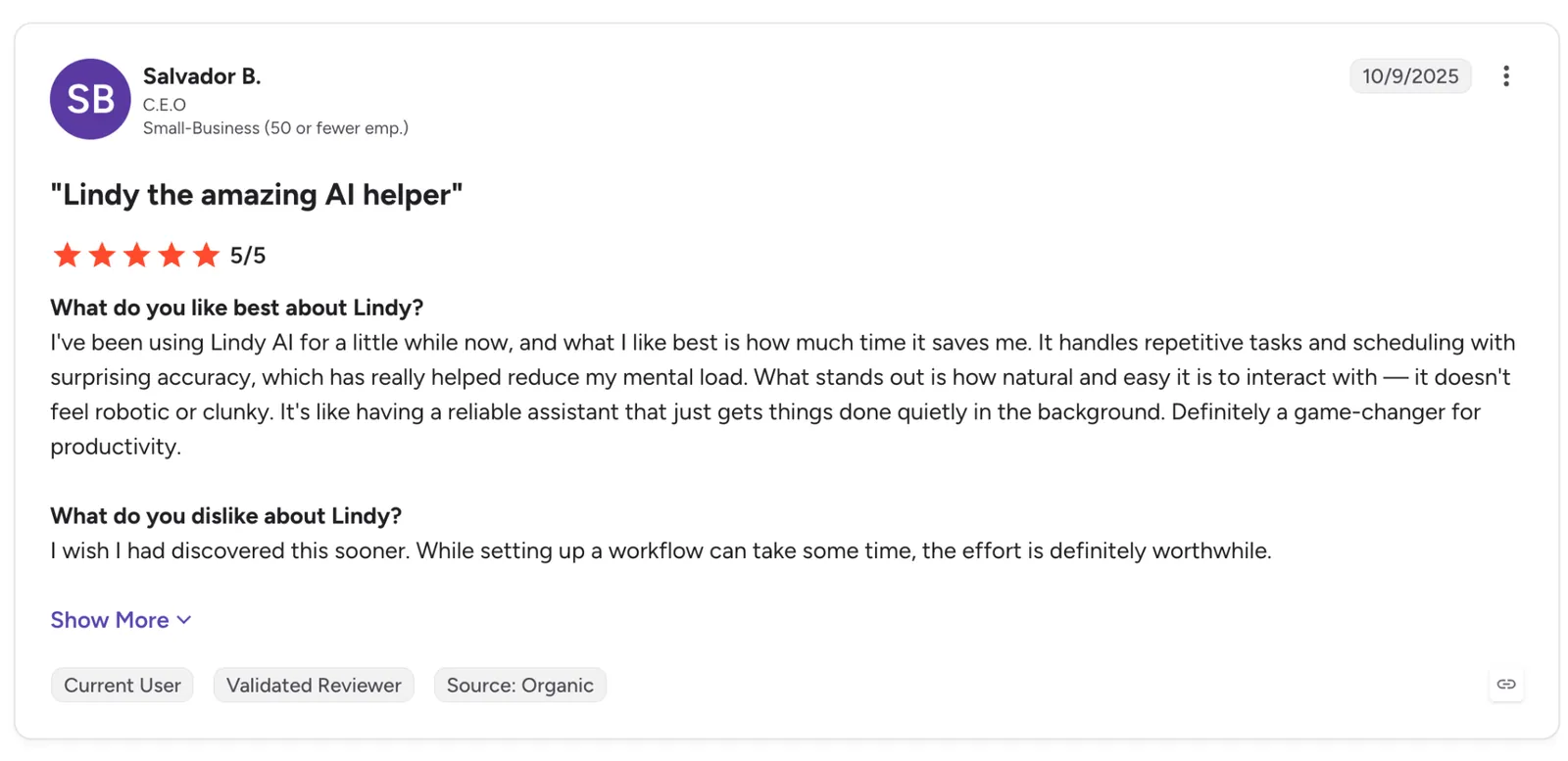
"It handles repetitive tasks and scheduling with surprising accuracy, which has really helped reduce my mental load." (Salvador B., G2)
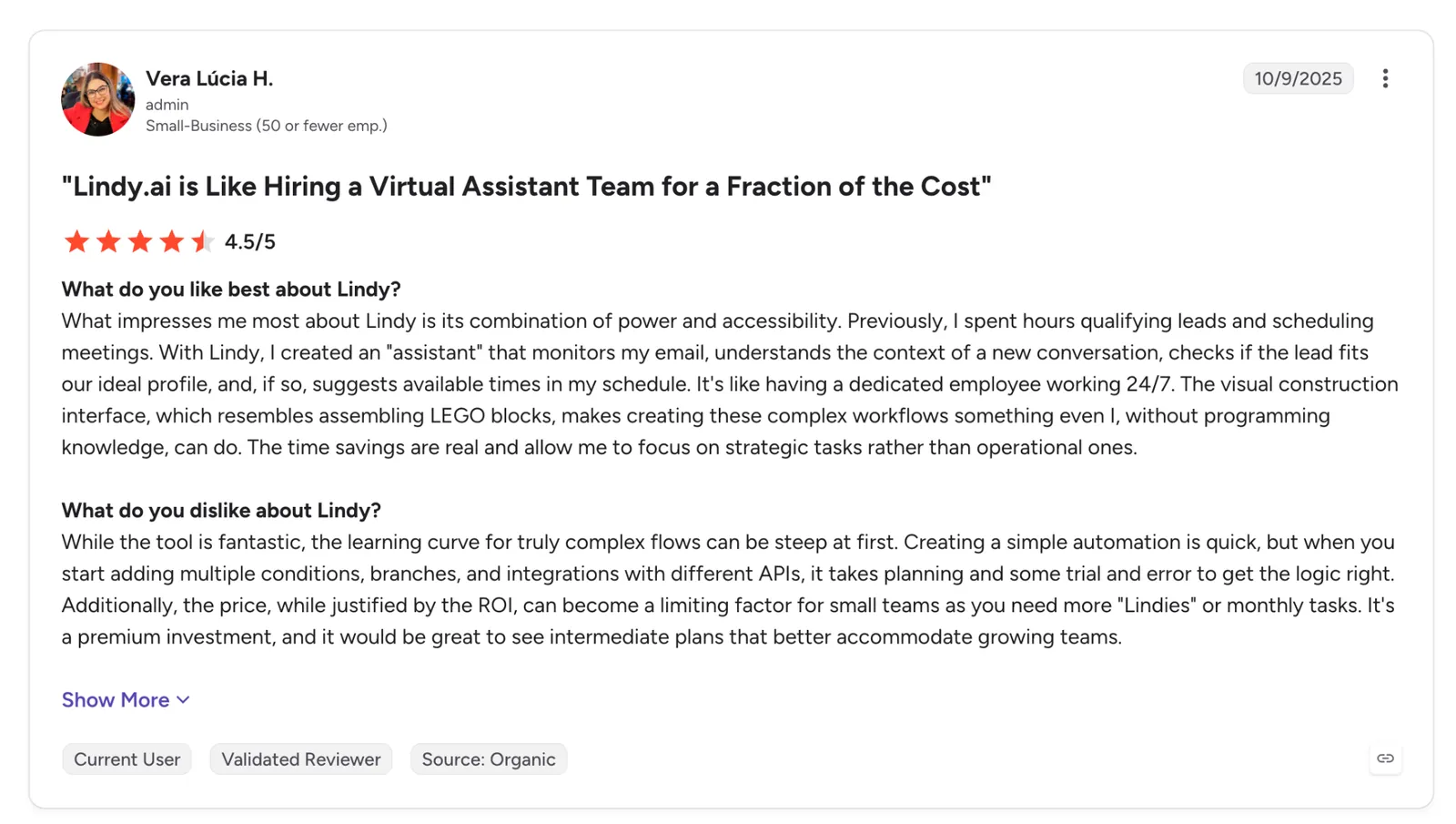
"Creating a simple automation is quick, but when you start adding multiple conditions, branches, and integrations with different APIs, it takes planning and some trial and error to get the logic right." (Vera Lúcia H., G2)
Pricing
Plus starts at $29.99/user/month with 3,000 credits. Pro runs $99.99/user/month with 15,000 credits, and Max runs $199.99/user/month with 35,000 credits, while Enterprise adds HIPAA, audit logs, and bonus pooled credits at a custom price. Teammates who join through Slack get their first week free, while direct signups are billed right away.
Bottom line
Pick Lindy when you already have the list and what's left is enriching it and getting it into the CRM. It runs in the Slack channels your team already uses, so asking for an update doesn't mean opening another tool.
{{templates}}
2. PhantomBuster: Best for no-code exports of LinkedIn searches, profiles, and post engagers
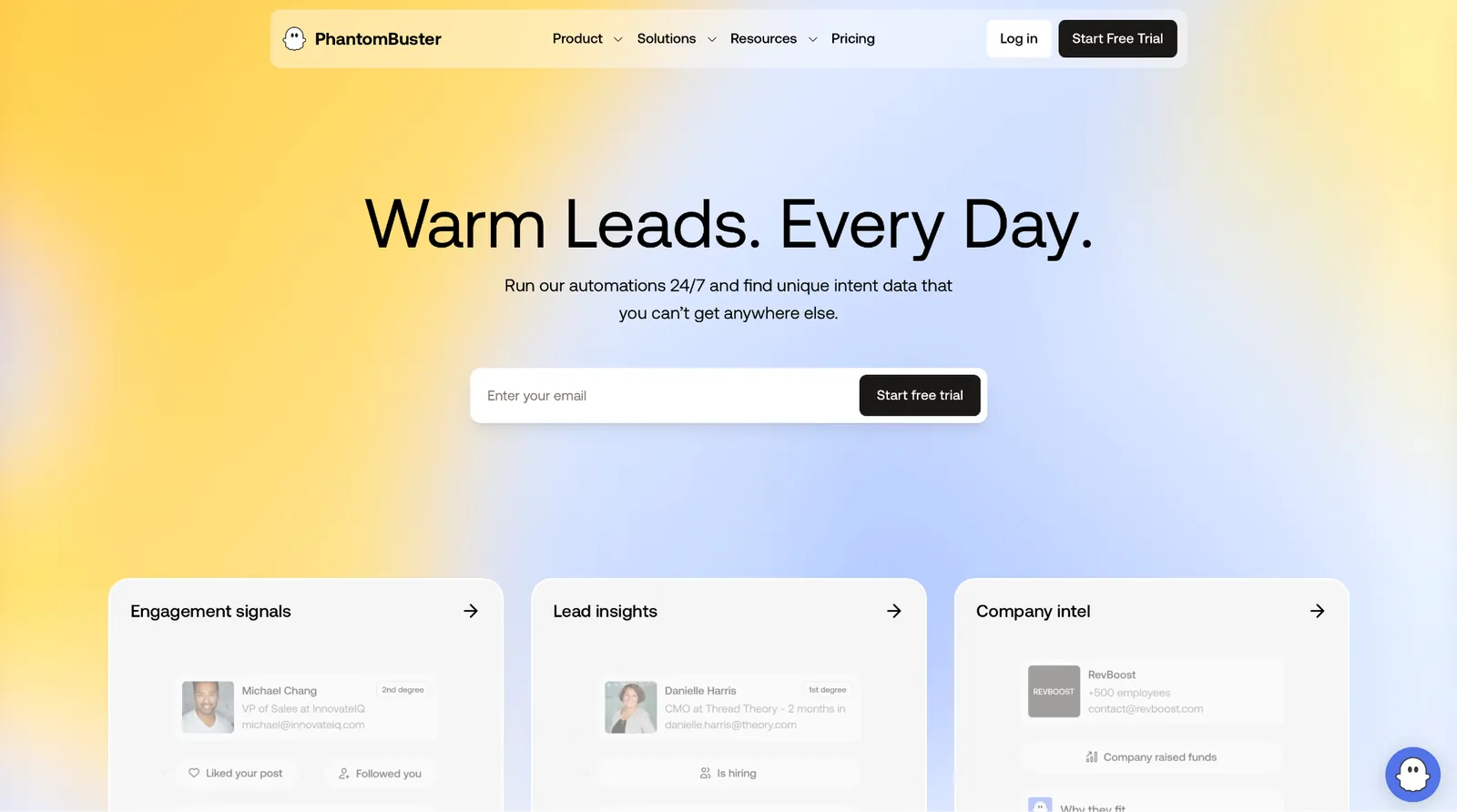
What it does: PhantomBuster offers ready-made cloud workflows, called Phantoms, that pull LinkedIn data and rerun at set intervals.
Best for: Growth and sales teams who need a repeatable LinkedIn export without writing code and don't mind connecting it to their own account.
For a standard lead list, PhantomBuster's LinkedIn category pairs LinkedIn Search Export with LinkedIn Profile Scraper. Chained together, the first builds the list and the second enriches it in the same run.
PhantomBuster can also build a list from post engagement. Its LinkedIn Post Commenter and Liker Scraper collects the people who comment on or like the posts you point it at, and it can re-run daily to add new ones.
The result differs from a search export in one way. Each name on that list interacted with a specific post, a signal LinkedIn's search filters don't offer.
Both kinds of Phantom run on your LinkedIn session cookie, and reviewers describe the cost of that dependency. A G2 reviewer mentions having to refresh cookies regularly, and a Trustpilot reviewer got a warning from LinkedIn after 50 records while staying under the tool's recommended limit.
Key features
- LinkedIn Profile URL Finder: Finds profile URLs from a full name plus a company or work email, using a Google search instead of your LinkedIn session.
- LinkedIn Post Commenter and Liker Scraper: Collects commenters and likers on specific posts and can re-run to pick up new ones.
- Chained workflows: Link an export Phantom to an enrichment Phantom so one triggers the other.
- MCP server: Launch Phantoms from Claude or ChatGPT by describing them, on every plan.
Pros and cons
Pros:
✅ Each Phantom launches from a template, so there's no workflow to design from scratch.
✅ Every plan allows up to 100 workspace members and bills by usage instead of per seat, so the whole team shares one subscription.
✅ Scheduled runs keep a list up to date.
Cons:
❌ LinkedIn Phantoms that use your session cookie put your profile at risk.
❌ Execution time is metered, and one G2 reviewer on the Grow plan used it up well before running out of slots.
❌ Trial exports cap at 10 rows, so the free tier works as a preview of the output format.
What users say
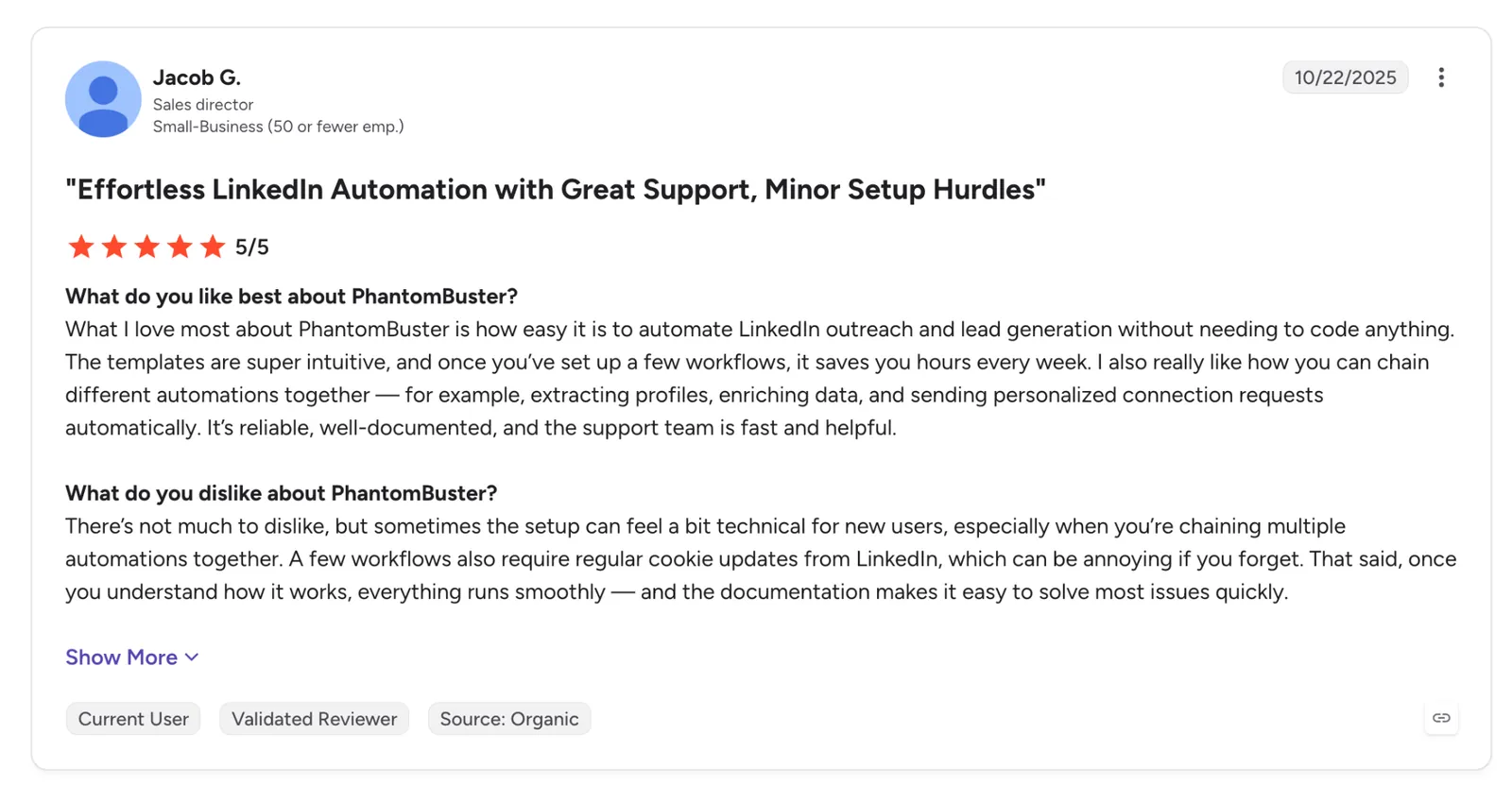
"The templates are super intuitive, and once you’ve set up a few workflows, it saves you hours every week." (Jacob G., G2)
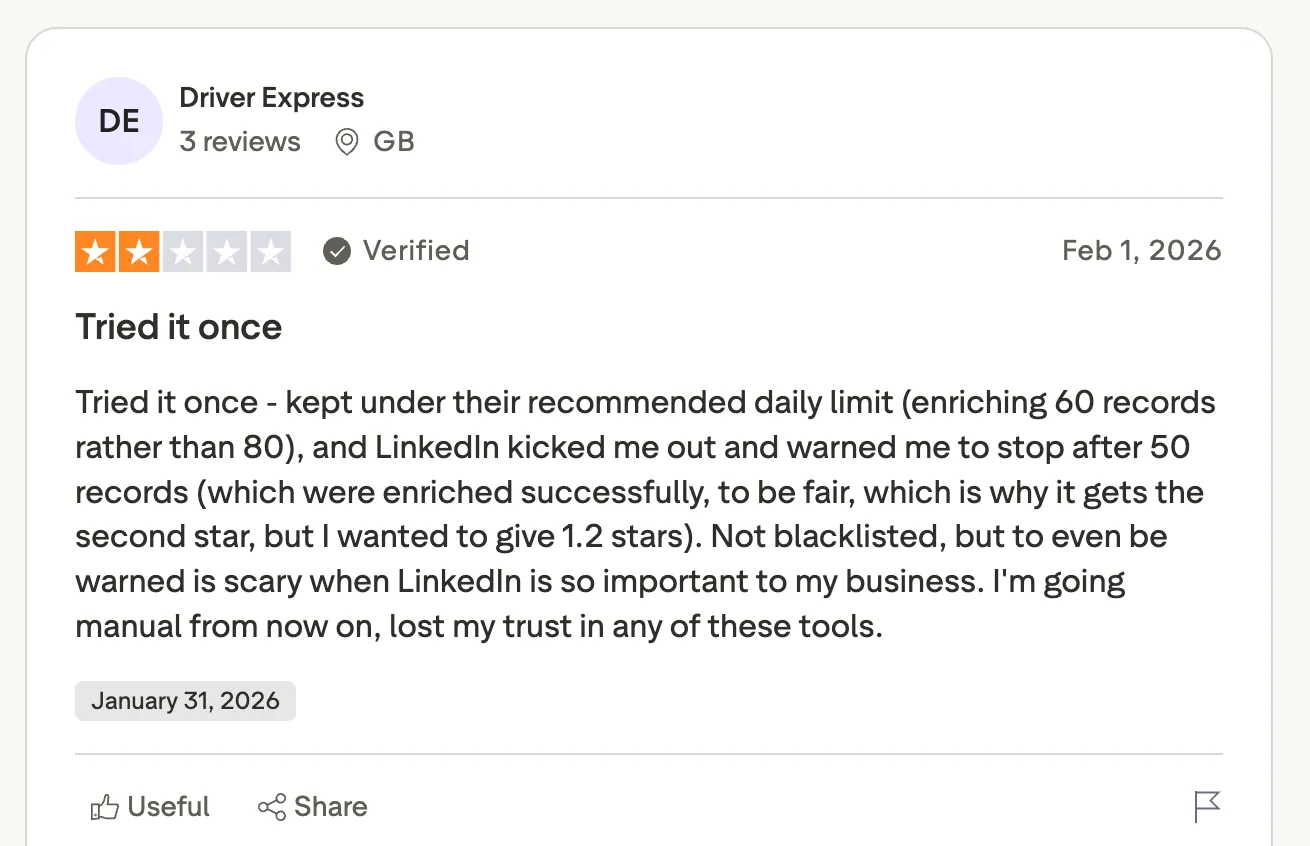
"Not blacklisted, but to even be warned is scary when LinkedIn is so important to my business." (Driver Express, Trustpilot)
Pricing
Start runs $69/month billed monthly with 5 automation slots, 20 hours of execution time, 500 email credits, and unlimited exports. Grow is $159/month and Scale is $439/month, and annual billing cuts 20%. The free Trial includes 2 hours of execution and 10-row exports.
Bottom line
PhantomBuster is worth it when your team pulls different LinkedIn exports every week. Use an account you can afford to have flagged, and stay under PhantomBuster's recommended daily limits.
3. Octoparse: Best for point-and-click scraping of LinkedIn job listings
What it does: Octoparse is a no-code scraper with a desktop app and cloud runs. You click the fields you want on a page, and it builds the extraction, with preset templates for LinkedIn jobs.
Best for: Recruiters and market analysts who need LinkedIn job data in a spreadsheet and have no interest in code.
Four of the LinkedIn templates I found in Octoparse's library are for jobs. The LinkedIn Job Search Scraper template collects title, company, location, hiring status, post date, and job URL from search results, and a separate Job Details template fills in the rest.
Beyond jobs, its LinkedIn templates include companies and posts (login required). Profiles didn't appear in my search of the library, and people data means building a custom task from scratch.
Custom tasks happen in the visual builder, where you click a field on the page, and Octoparse's Auto-detect picks up the pattern across the list and handles pagination.
Key features
- LinkedIn job templates: Preset scrapers for job listings and job details from LinkedIn searches.
- Point-and-click builder: Select elements on the page and let it detect the pattern.
- Octoparse Cloud: Executes tasks on Octoparse's servers with IP rotation and CAPTCHA solving on Standard and above.
- Scheduling and exports: Schedule runs and export to Excel or CSV, or pull results through an API.
Pros and cons
Pros:
✅ Job results include hiring status and post date, which help filter out stale postings.
✅ The free plan exports up to 50,000 rows a month, enough for a month of job research.
✅ A separate posts template means one tool covers both jobs and post content.
Cons:
❌ The posts template needs a LinkedIn login, which puts your account back in play on a tool that otherwise runs without one.
❌ The listing template caps each run at 100 URLs.
❌ Free runs stay on your local device, and IP rotation, CAPTCHA solving, and cloud runs all start at the paid Standard plan.
What users say
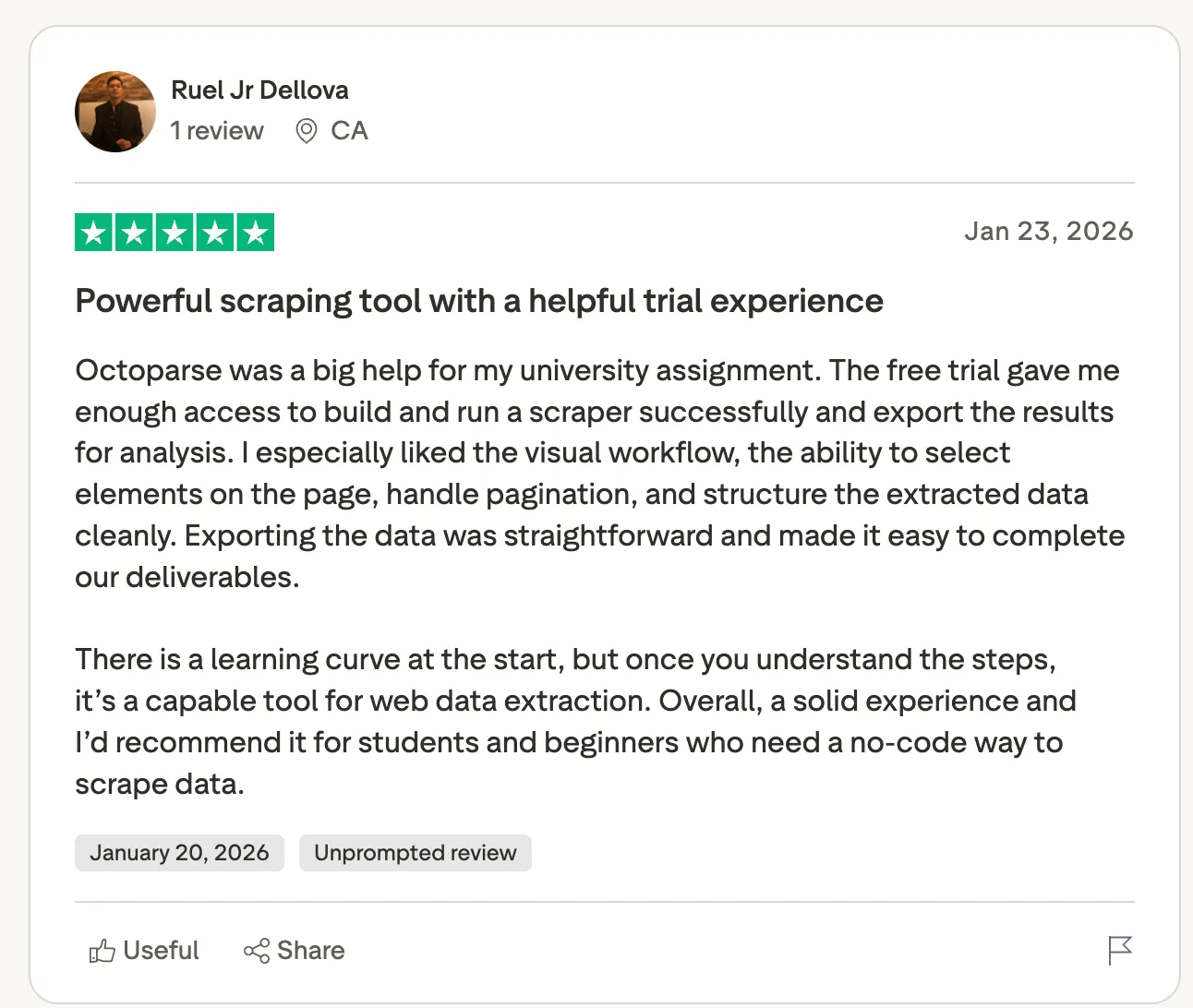
"I especially liked the visual workflow, the ability to select elements on the page, handle pagination, and structure the extracted data cleanly." (Ruel Jr. Dellova, Trustpilot)
"However, credit usage can be a concern, especially for large projects or when dealing with duplicates." (Md. Ahshanul Karim, Trustpilot)
Pricing
Standard starts from $83/month billed monthly with 500+ preset templates, 100 tasks, and cloud extraction, and Professional costs $299/month. Yearly billing takes 16% off. The free plan covers 10 tasks on local devices and 50,000 exported rows a month.
Bottom line
Octoparse is the tool I'd use for LinkedIn job postings, since its job templates run from pasted search URLs and return hiring status with each result. Budget for Standard if the job runs weekly, because the free plan keeps every run on your own machine.
4. Derrick: Best for enriching LinkedIn URLs without leaving Google Sheets
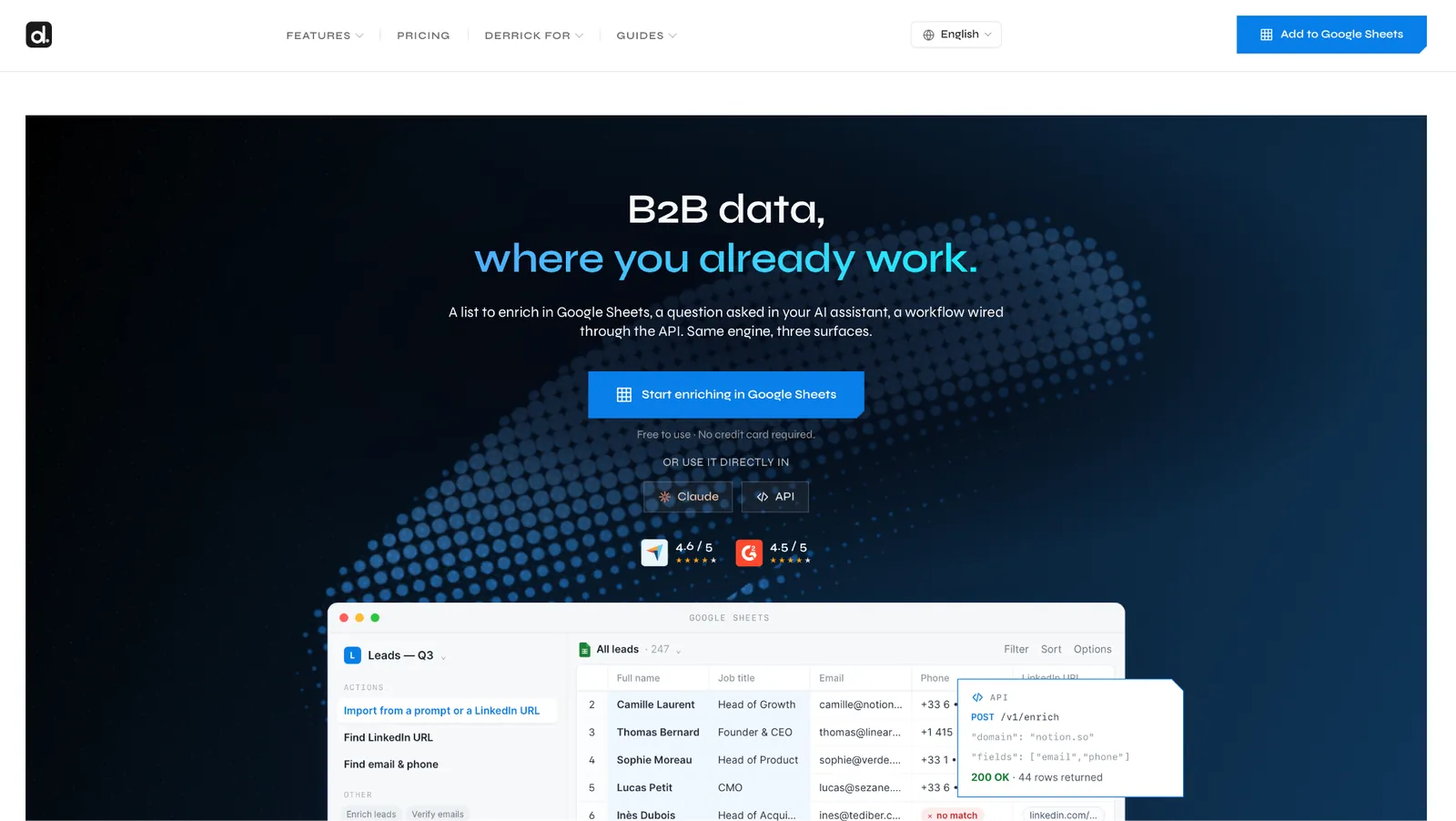
What it does: Derrick is a Google Sheets add-on. Its LinkedIn actions enrich a profile from a URL, find a profile URL, and import a Sales Navigator search. Plus and above add an API and a Claude connector.
Best for: Freelancers and small sales teams who keep their prospect lists in Google Sheets and need LinkedIn data added to those sheets.
Inside the Derrick sidebar, you choose an action and map it to a column of LinkedIn URLs. Derrick then writes the profile fields into the columns next to each URL.
Derrick can also import a Sales Navigator search, up to 2,500 results per query, which is the cap LinkedIn sets on a single lead search. Plain profile enrichment doesn't need Sales Navigator.
Derrick holds a 4.7 on Trustpilot from 33 reviews, 88% of them five stars. Older complaints about losing credits after cancellation drew an April 2026 reply from Derrick saying credits now remain through the current billing period and for 30 more days on the free plan.
Key features
- LinkedIn profile data: Fills 30+ data points per profile into your sheet.
- Sales Navigator import: Pulls up to 2,500 results per search into Sheets.
- Contact and company actions: Email and phone finding, company enrichment, and job-change signals sit in the same sidebar as the LinkedIn tools.
- API and MCP: Plus and above add API access and a Claude connector that share the same credits.
Pros and cons
Pros:
✅ Nothing to install beyond a Sheets add-on, and the output goes into your existing columns.
✅ The free plan refreshes 100 credits every month with no card.
✅ Unused credits roll over month to month and don't expire.
Cons:
❌ Excel teams have to go through the API, since the add-on only exists for Google Sheets.
❌ Email lookups cost 5 credits and phone lookups cost 150, so contact data drains a plan quickly.
❌ Older Trustpilot reviews report losing credits after cancelling, a policy Derrick says it changed in April 2026.
What users say
"The integration with Google Sheets is smooth and saves a lot of time since everything can be managed in one place." (Web Research, Trustpilot)
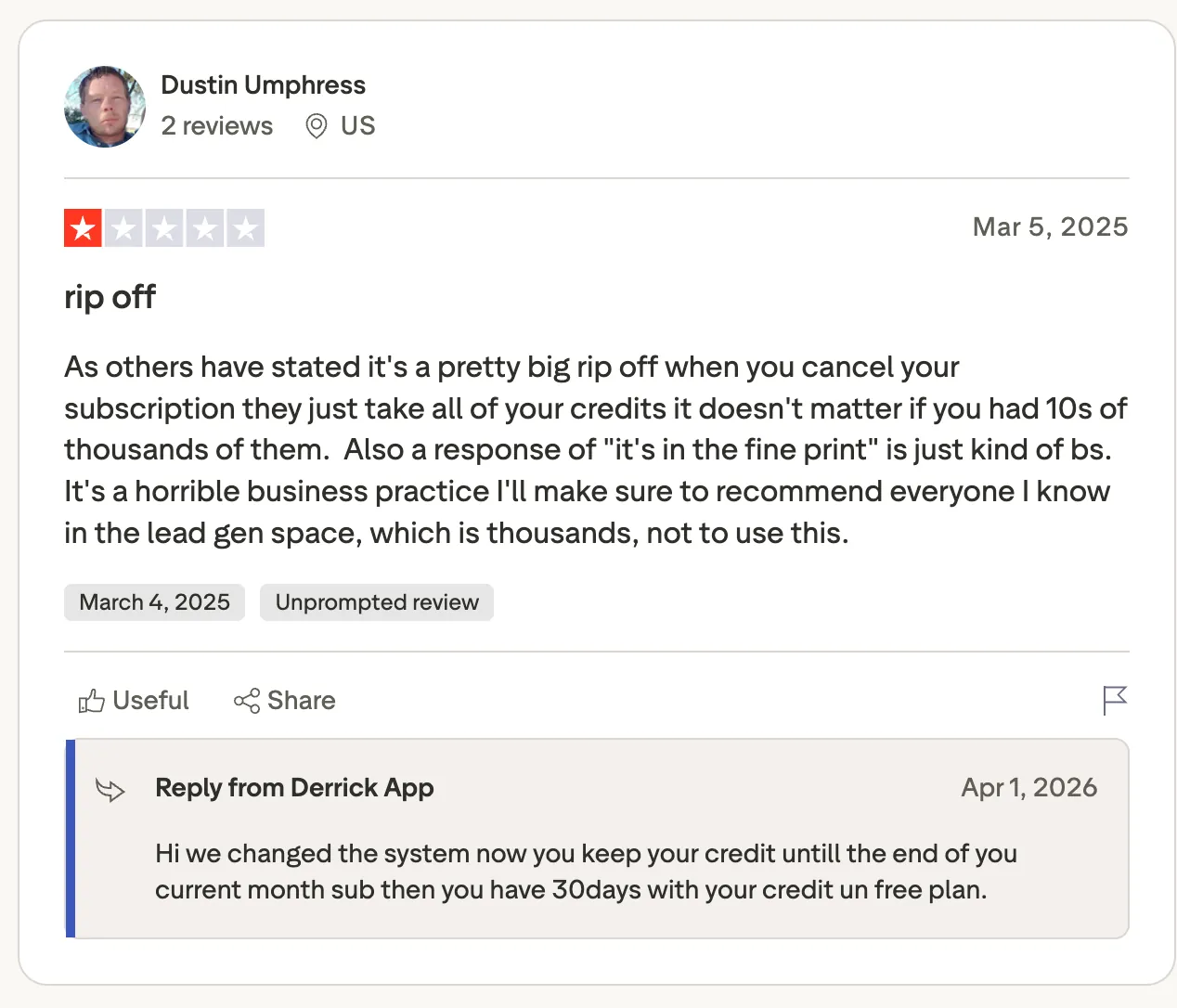
"As others have stated it's a pretty big rip off when you cancel your subscription they just take all of your credits it doesn't matter if you had 10s of thousands of them." (Dustin Umphress, Trustpilot)
Pricing
Standard costs €20/month for 10,000 credits and adds signal change alerts plus 30 days of job history. Plus runs €47.50/month for 25,000 credits and adds the API and MCP server, with Pro at €175 and Scale at €320. The free plan gives 100 credits a month with no card.
Bottom line
For a team whose CRM is a Google Sheet, Derrick keeps enrichment and the list in the same sheet. Once the data has to go into HubSpot or Salesforce, the API tier or a tool that writes to your CRM directly makes more sense.
LinkedIn scraper APIs
A LinkedIn scraper API returns structured data to your code, and the three here differ in how much work they leave you. Bright Data sits at the finished end and sends back complete LinkedIn records.
Apify gives you a marketplace of Actors with pay-per-result pricing, and Scrapfly handles the unblocking while you define the fields.
5. Bright Data: Best for high-volume public LinkedIn data through a scraper API
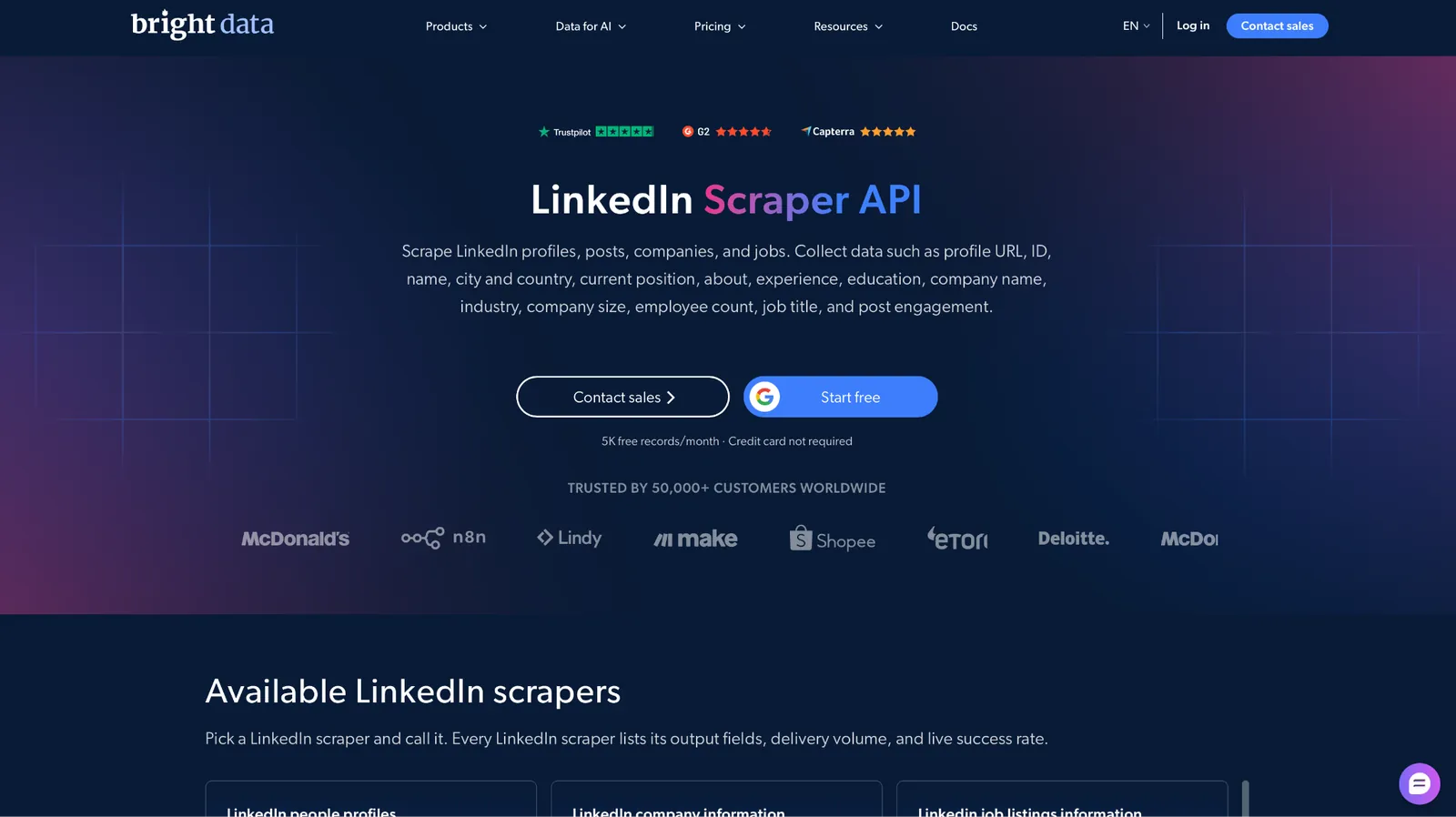
What it does: Bright Data sells a LinkedIn Scraper API with ten endpoints, and it handles anti-bot measures itself.
Best for: Data teams and researchers who need thousands of public LinkedIn records on a recurring basis and want nothing tied to a personal account.
Those ten endpoints cover profiles, companies, job listings by URL or keyword, posts by profile or company, and people search by first and last name, all through one API.
Of the three APIs here, it has the biggest free allowance. A free tier of 5,000 records a month with no card lets you test at volume before you spend anything, and failed deliveries aren't billed.
Bright Data states it collects public data only, so it can't reach anything behind a login, Sales Navigator included.
Its catalog also covers far more than LinkedIn scrapers, and one G2 reviewer says it isn't always clear which Bright Data product suits older content.
Key features
- Ten LinkedIn endpoints: Three cover jobs, and four cover posts or articles.
- Managed unblocking: Proxies, CAPTCHA solving, and parsing come included at no extra charge.
- Delivery options: Exports as JSON or CSV, or goes directly to cloud storage or Snowflake.
- AI Scraper Studio: Describe a scraper in a prompt when the ready-made endpoints don't cover what you need.
Pros and cons
Pros:
✅ The free tier covers 5,000 records a month, enough to build and test a working pipeline.
✅ The people search starts from a first and last name, so you don't need a URL to find someone.
✅ Monthly spend limits stop a job that runs past your budget.
Cons:
❌ The step up from pay-as-you-go is Scale at $499/month, a big jump for a team that has outgrown the free tier.
❌ The catalog is large, and choosing an endpoint requires reading the docs first.
❌ None of the listed delivery options is a CRM, so you'll need your own step to sync results into one.
What users say
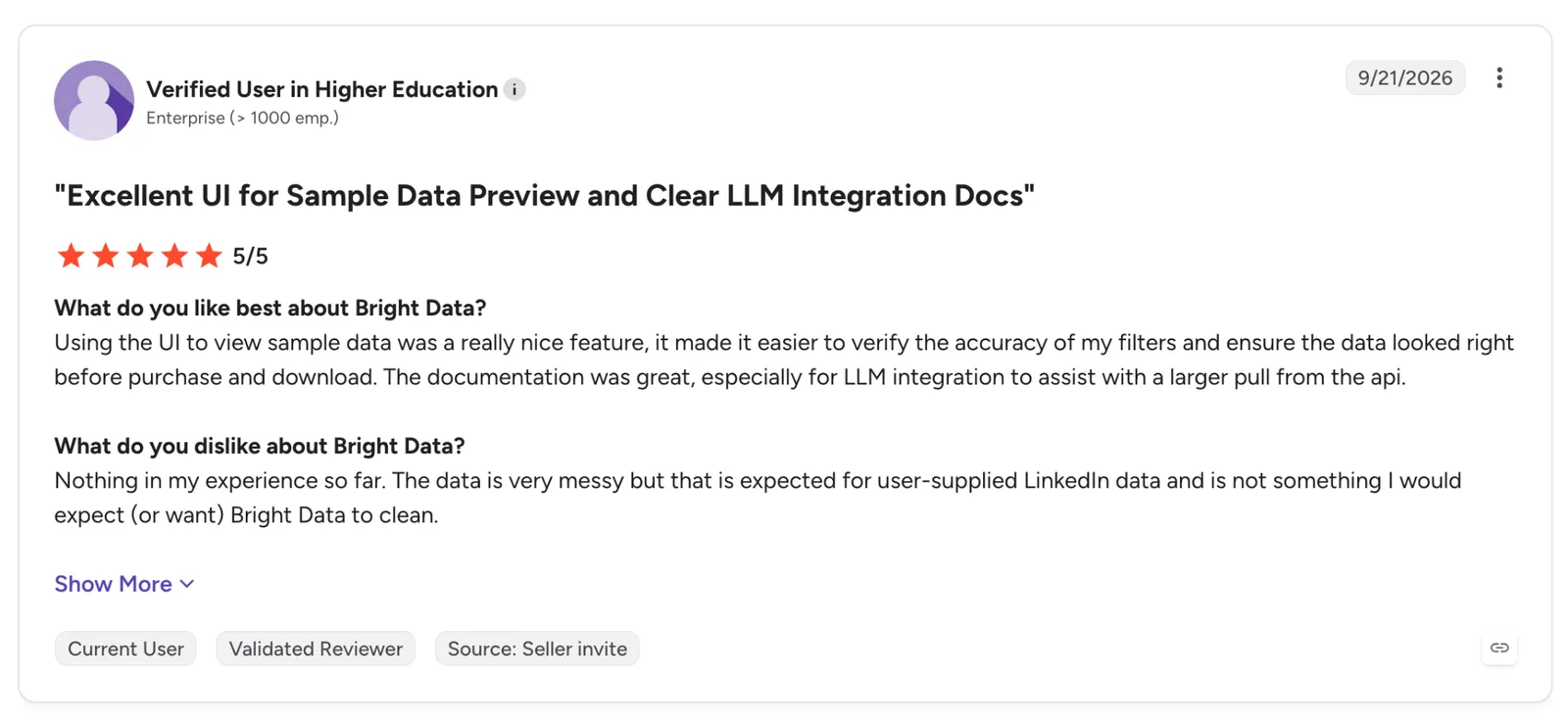
"Using the UI to view sample data was a really nice feature, it made it easier to verify the accuracy of my filters and ensure the data looked right before purchase and download." (Verified User in Higher Education, G2)
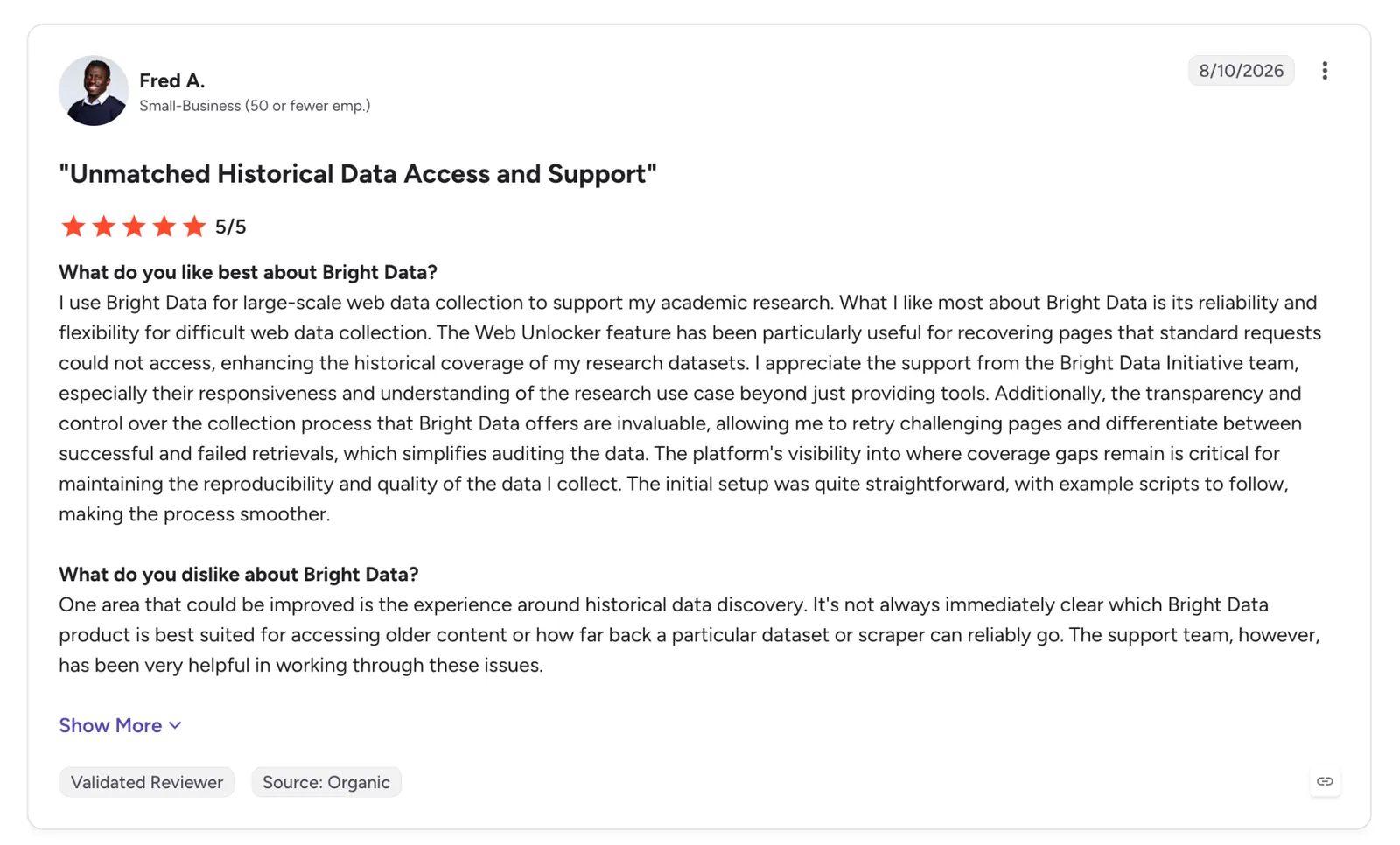
"It's not always immediately clear which Bright Data product is best suited for accessing older content." (Fred A., G2)
Pricing
Pay-as-you-go costs $1.50 per 1,000 records, with monthly spend limits you set. Scale runs $499/month with about 384,000 records included and $1.30 per 1,000 after that. The free tier gives 5,000 records a month with no credit card.
Bottom line
Take on Bright Data's setup when you need volume and want your account kept out of it. For a few hundred profiles, Apify needs less setup, since that volume stays within its $5 of free usage and runs from the console with no API code.
{{templates}}
6. Apify: Best for picking a ready-made LinkedIn scraper from a marketplace and paying per result
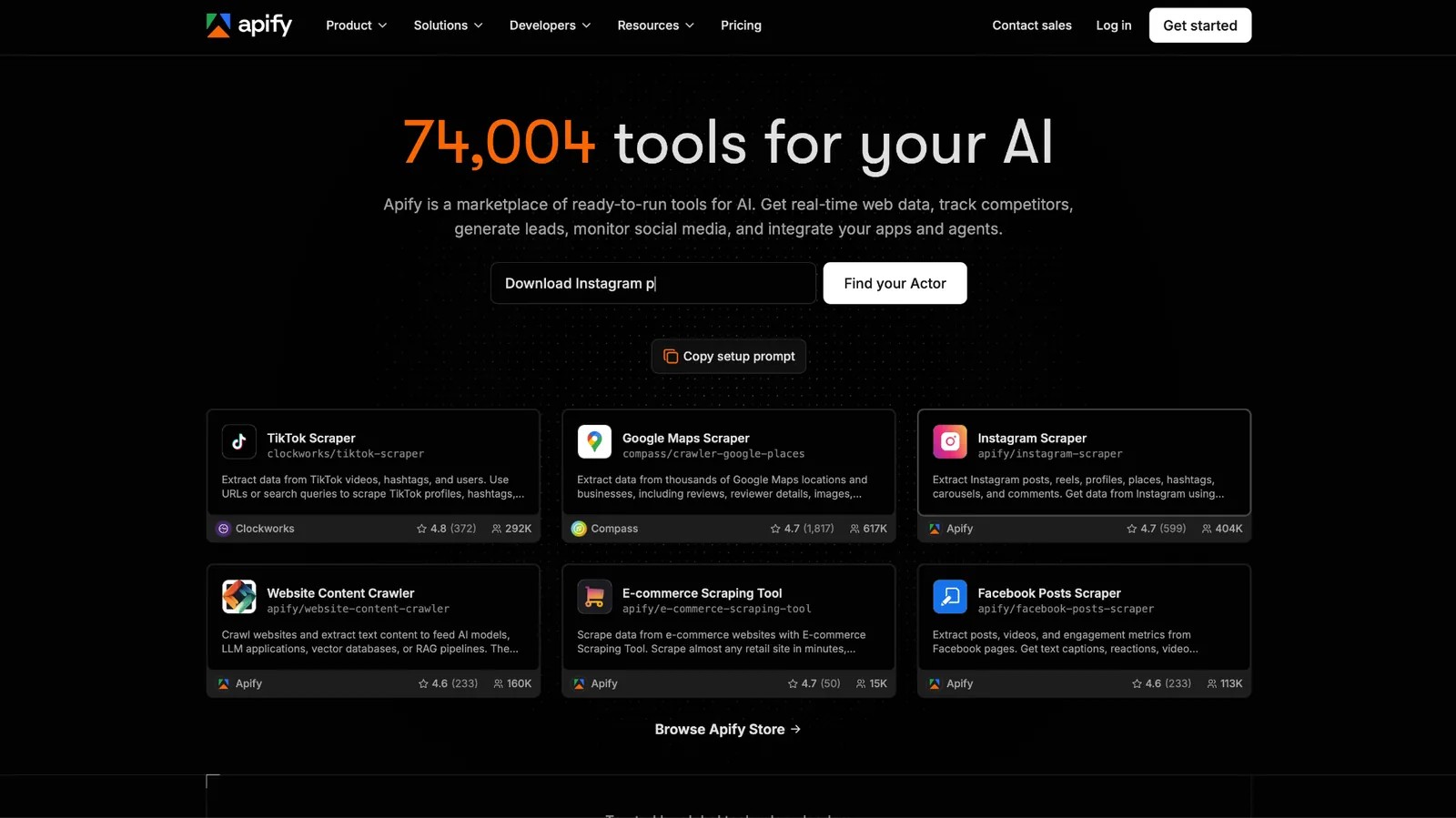
What it does: Apify is a platform and marketplace of scrapers called Actors, including dozens made for LinkedIn, which you run from the console, the API, or an AI tool over MCP.
Best for: Developers and technical marketers who need a working LinkedIn scraper today and don't mind choosing between community-made options.
Searching the Apify Store for LinkedIn profiles surfaces Actors like HarvestAPI's LinkedIn Profile Scraper, which needs no cookies or account and charges from $4 per 1,000 profiles, or $10 per 1,000 with an email search.
HarvestAPI's Actor alone lists more than 74,000 total users and a 4.6 rating, and it's one of several. You can compare input schemas, sample outputs, and issue response times on each listing before you launch anything.
LinkedIn Actors come from different community developers, so quality and pricing vary from one listing to the next.
Key features
- LinkedIn Actors: Community-made scrapers for LinkedIn data, some with no-cookie modes.
- Pay per result: Actors like HarvestAPI's bill per 1,000 results, so 500 profiles cost about $2 at its $4 rate.
- Scheduling and API: Run Actors on a schedule and pull datasets into your scripts.
- Apify MCP server: Trigger Actors from AI assistants and agents.
Pros and cons
Pros:
✅ The $5 of monthly free usage covers about 1,250 profiles at HarvestAPI's $4 rate.
✅ Each listing shows sample output and issue response times before you run it.
✅ You can switch Actors without switching platforms when one breaks.
Cons:
❌ Community Actors vary in quality and maintenance, and each one needs a test run before you rely on it.
❌ Pricing models vary by Actor, and some charge platform usage on top of the Actor fee, so a large run takes a test to estimate.
❌ One G2 reviewer found the console overwhelming at first because of the number of settings and Actors.
What users say
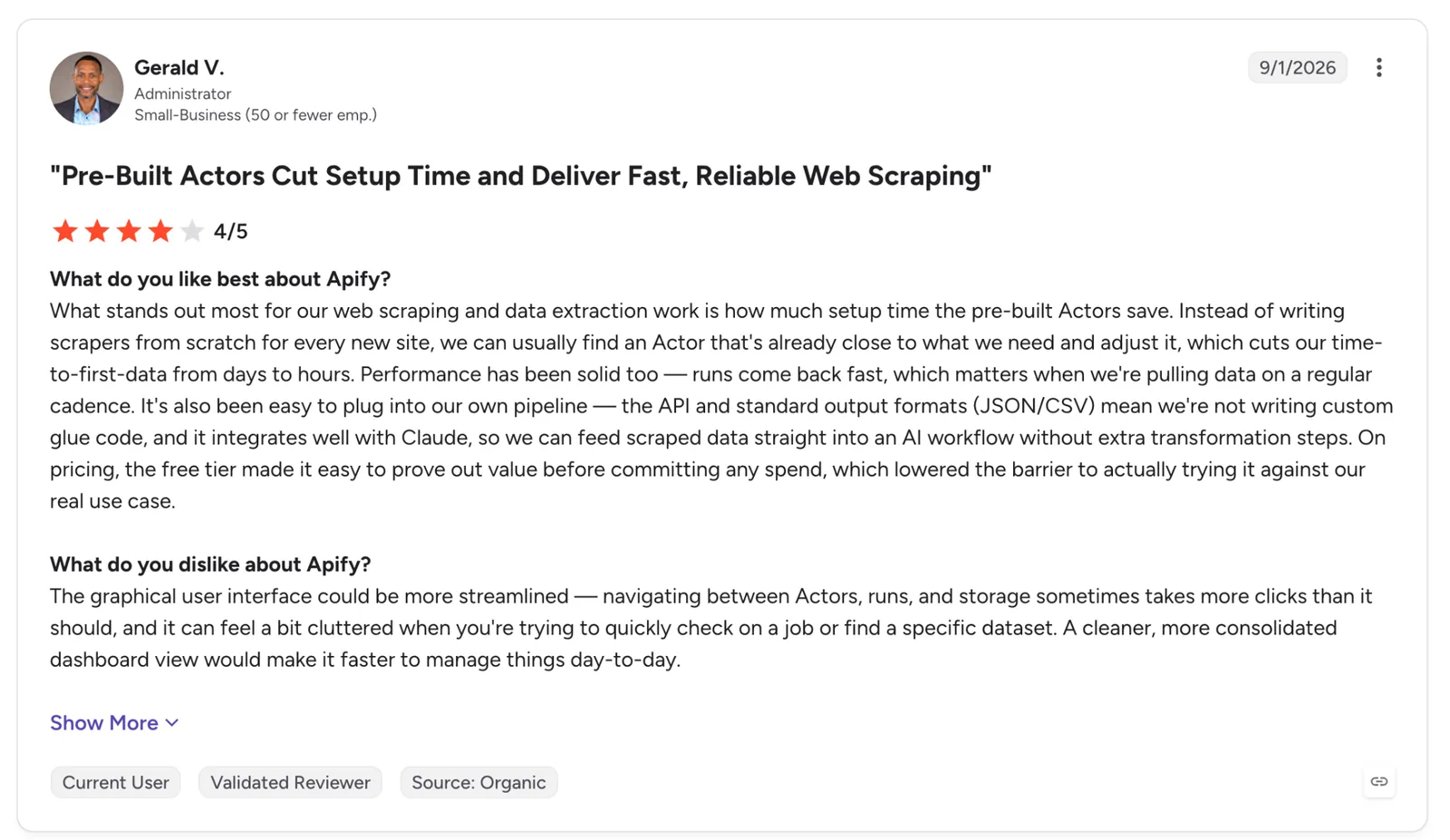
"Instead of writing scrapers from scratch for every new site, we can usually find an Actor that's already close to what we need and adjust it, which cuts our time-to-first-data from days to hours." (Gerald V., G2)
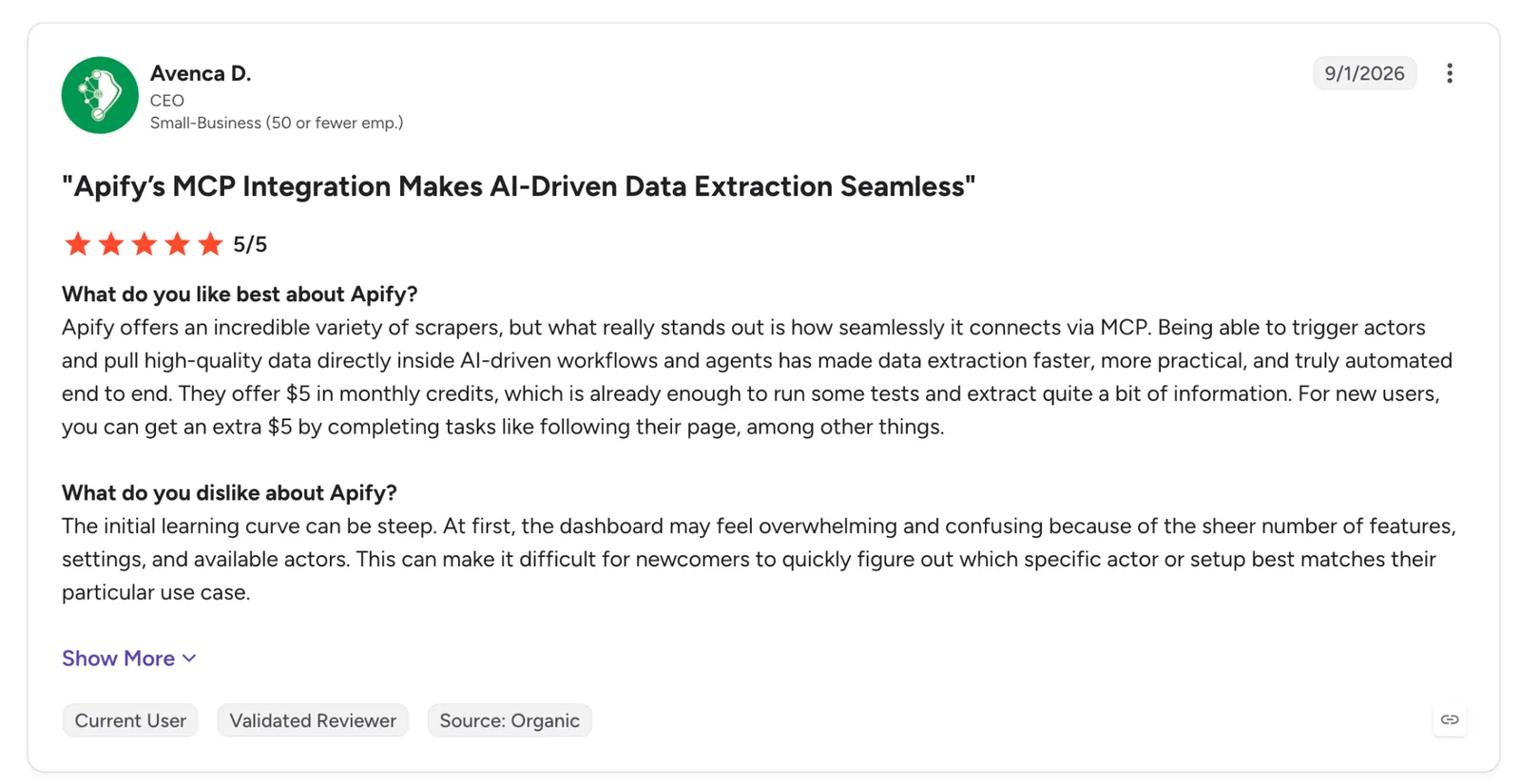
"At first, the dashboard may feel overwhelming and confusing because of the sheer number of features, settings, and available actors." (Avenca D., G2)
Pricing
Starter costs $19/month billed monthly plus pay-as-you-go, with $19 of prepaid usage and $0.20 per compute unit. Scale is $199/month and Business is $999/month, and annual billing takes 10% off. The free plan includes $5 of usage every month with no card.
Bottom line
Once you're familiar with the console, a good Actor turns a list of URLs into a dataset without code of your own. Anyone who wants one vendor accountable for the whole pipeline is better off with Bright Data.
7. Scrapfly: Best for developers who want the unblocking handled and the parsing left to them
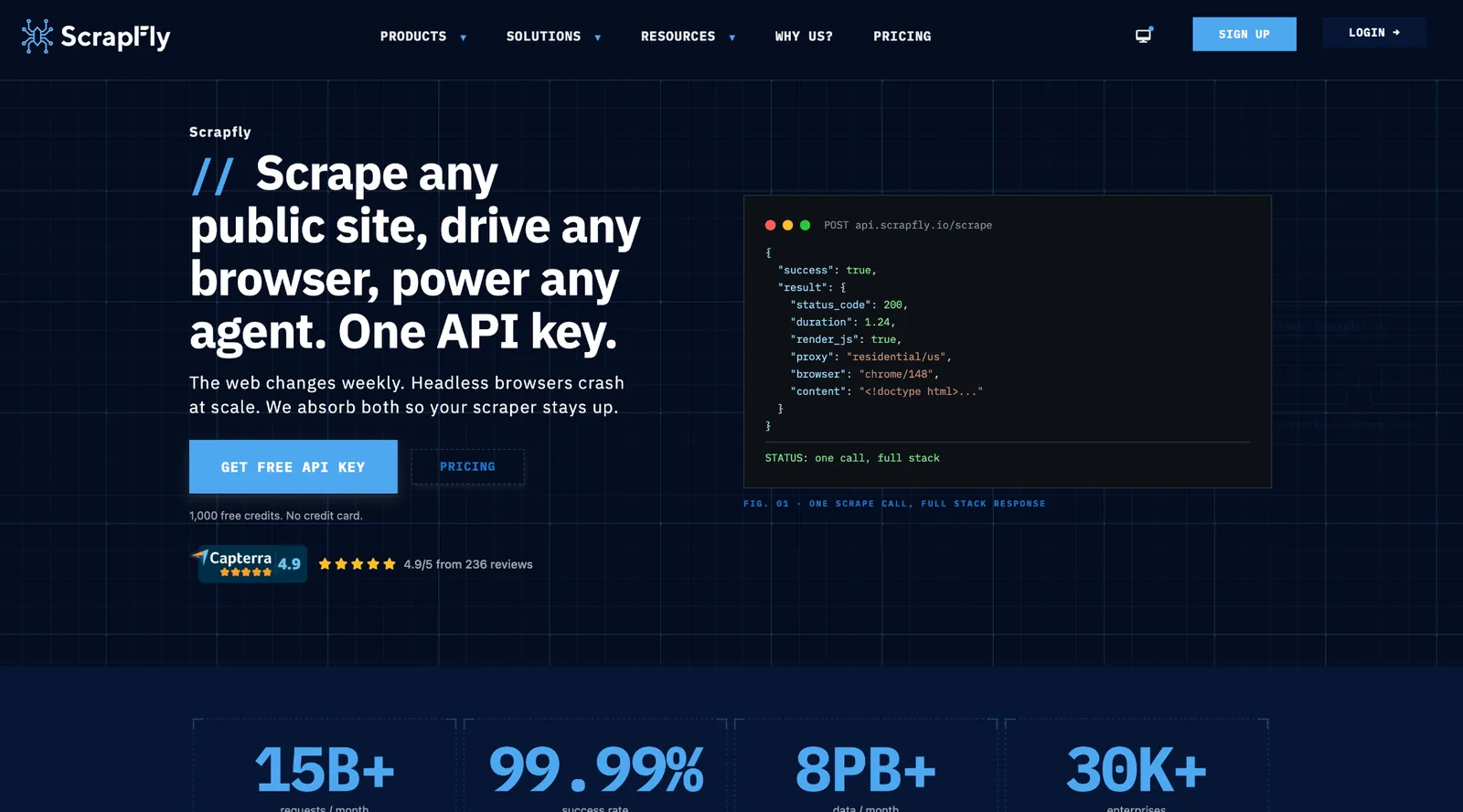
What it does: Scrapfly is a web scraping API that handles anti-bot protection, JavaScript rendering, and proxies, returning the page for you to parse or feed into its extraction API.
Best for: Engineers building their own LinkedIn pipeline who prefer control over the parser and would rather not maintain IP pools or browser fingerprints.
Scrapfly bypasses the blocking on each request you send. From there, your own code handles the extraction, or you can start from the open-source LinkedIn scraper it publishes on GitHub.
Scrapfly is also open about what LinkedIn does to scrapers. Its LinkedIn guide, updated September 2026, reports that "an anonymous browser session meets a sign-in prompt after roughly three to five profiles."
Signing in has limits of its own, and Scrapfly's social media scraping post warns that "even authenticated scrapers face hard rate limits."
Scrapfly's Data Extraction API can turn a page into JSON with selectors, an LLM prompt, or 20+ pre-trained models. The pre-trained models don't include one for LinkedIn profiles, so you still write the field definitions and handle retries.
Key features
- Unblocker (formerly Anti Scraping Protection): One parameter turns on unblocking for protected pages.
- JavaScript rendering: Renders client-side pages so LinkedIn content that loads late shows up before you parse it.
- scrapfly-scrapers on GitHub: A Python LinkedIn example that calls the API with no LinkedIn login.
- One key for every product: A single API key and credit balance work across every Scrapfly API.
Pros and cons
Pros:
✅ The 1,000 signup credits never expire, so you can prototype for free.
✅ Failed requests aren't billed as long as failures stay under 30% of your traffic in an hour.
✅ The Data Extraction API can parse a page from a plain-language prompt instead of selectors.
Cons:
❌ Discovery allows 5 concurrent requests, which caps how fast a large LinkedIn job can run on the entry plan.
❌ Credit cost per page depends on rendering and proxy settings, so the monthly bill takes testing to predict.
❌ Error messages on failed requests can be vague, according to a recent G2 reviewer.
What users say
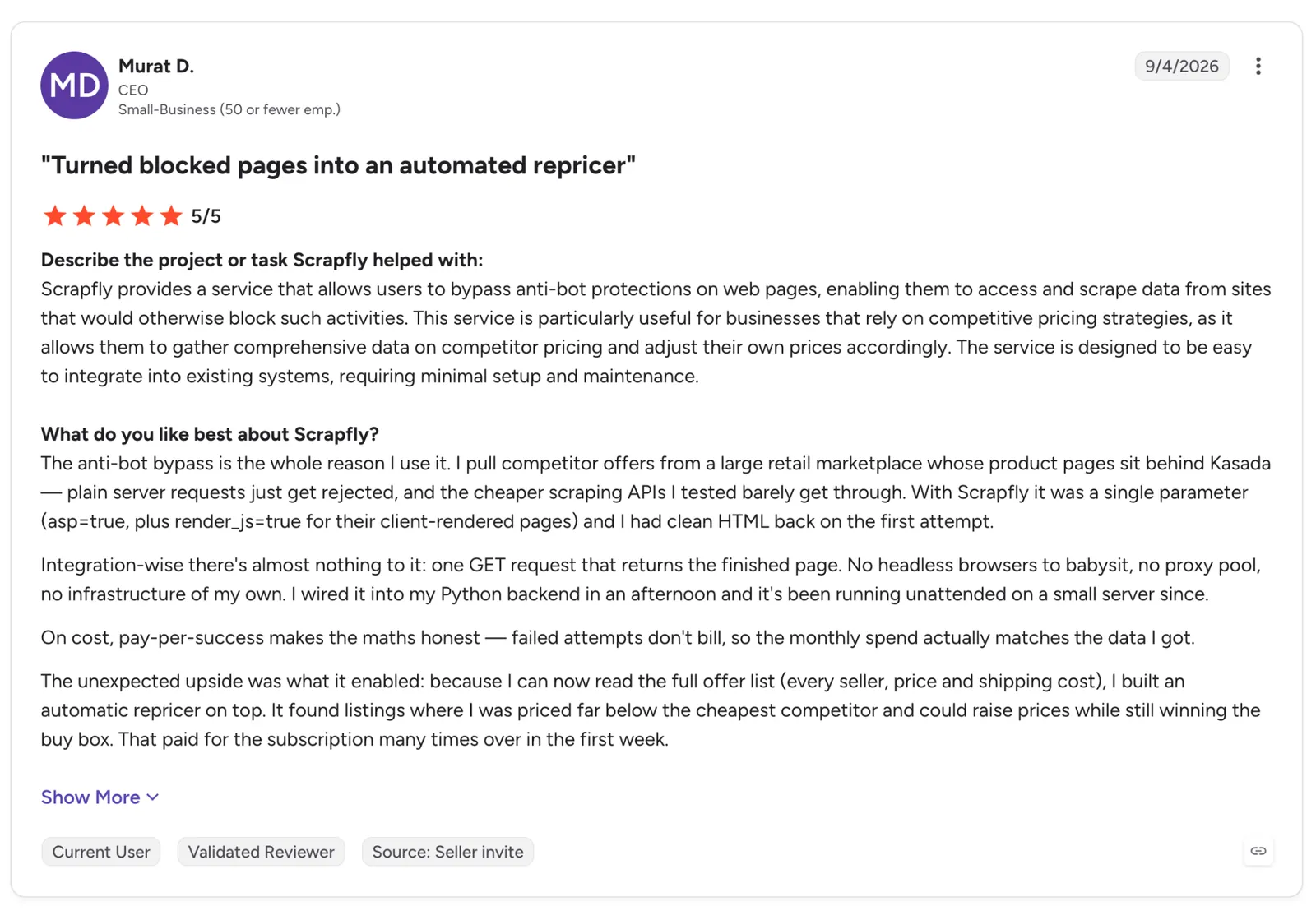
"With Scrapfly it was a single parameter (asp=true, plus render_js=true for their client-rendered pages) and I had clean HTML back on the first attempt." (Murat D., G2)
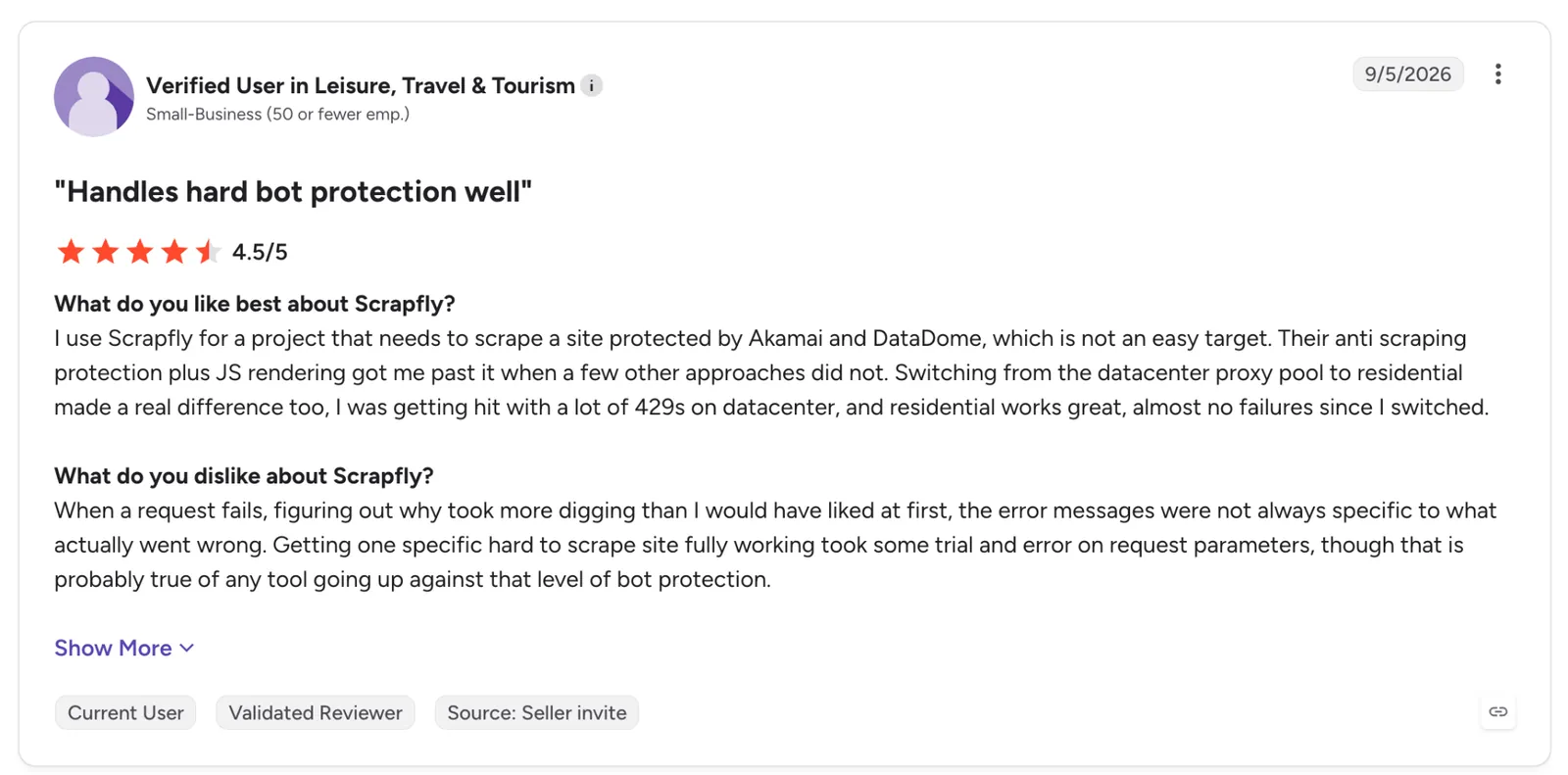
"When a request fails, figuring out why took more digging than I would have liked at first, the error messages were not always specific." (Verified User in Leisure, Travel & Tourism, G2)
Pricing
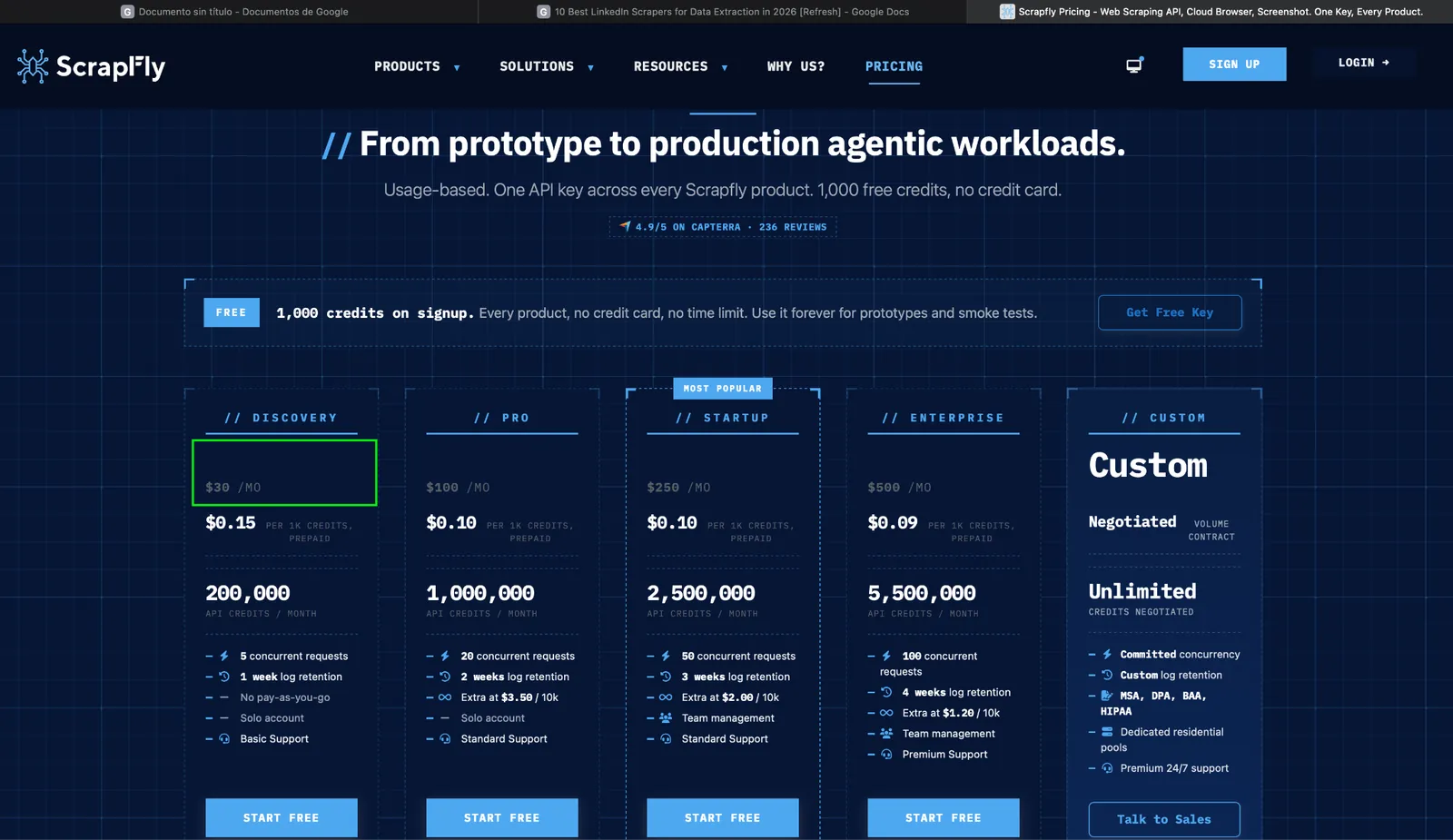
Discovery costs $30/month for 200,000 API credits and 5 concurrent requests. Pro runs $100/month for 1,000,000 credits, with Startup at $250 and Enterprise at $500. New accounts get 1,000 free credits with no card and no time limit.
Bottom line
Scrapfly makes sense when your developers already write parsers and want to stop maintaining proxies. Its LinkedIn guide gives the most candid account of blocking in this list, and it's worth reading before you plan volume on any tool.
LinkedIn Chrome extensions
Extensions work on the page you're already looking at. They need no API key or setup, but they sit inside your logged-in session, so every export happens under your account.
Evaboot only loads on Sales Navigator pages, while Wiza works on both regular LinkedIn and Sales Navigator. Check the developer before you install a lesser-known one, because an extension with LinkedIn access can read the pages you open.
8. Evaboot: Best for turning a Sales Navigator search into a clean, verified lead list
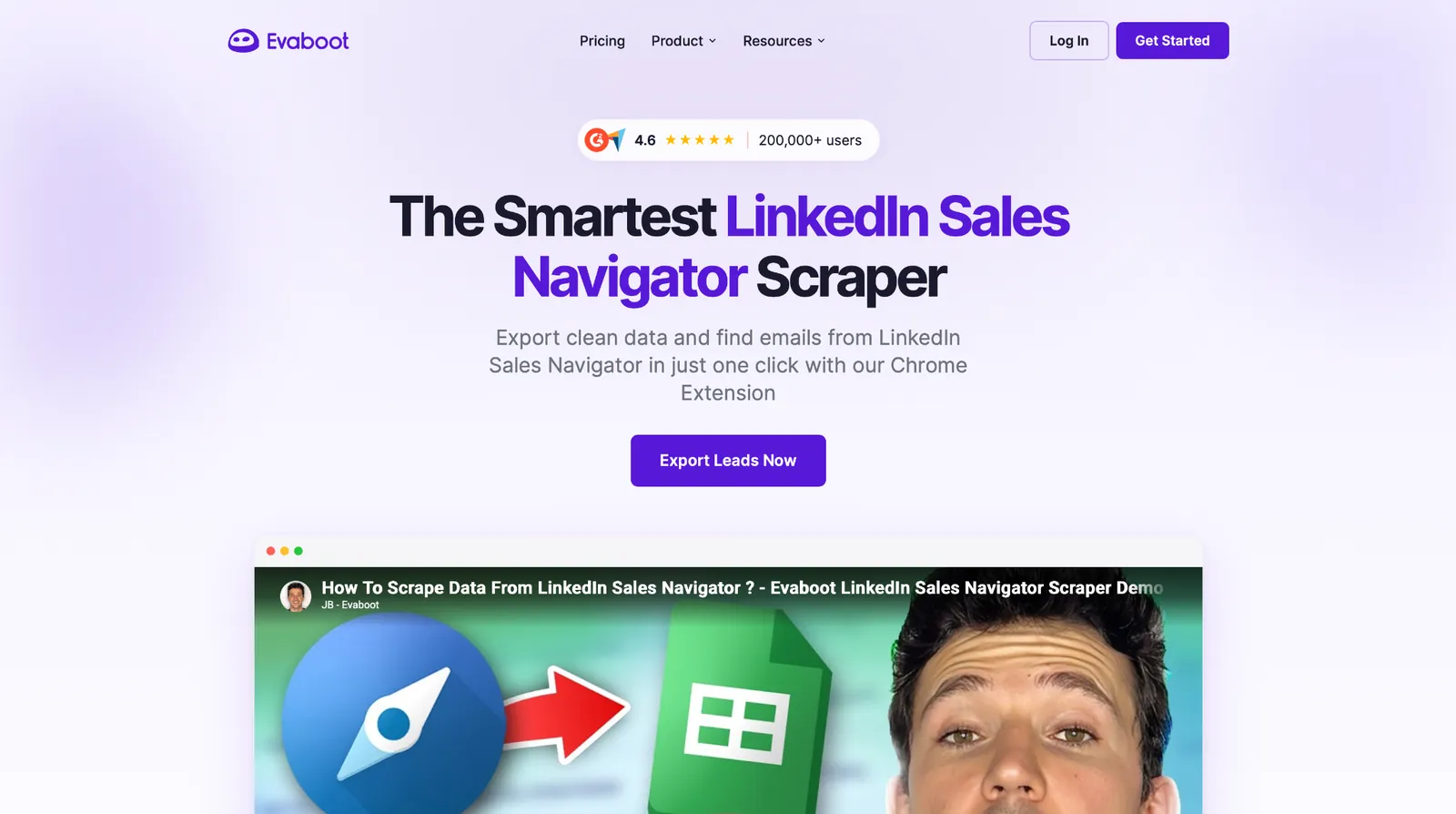
What it does: Evaboot is a Chrome extension that adds an export button to LinkedIn Sales Navigator and returns a cleaned lead list with verified work emails.
Best for: SDRs and recruiters who already pay for Sales Navigator and fix exported lead data by hand before every campaign.
You run your Sales Navigator search as usual, click "Export with Evaboot," and the leads come back as a CSV cleaned for outreach.
Evaboot also checks each lead against your search filters, and I'd call that its strongest feature. Evaboot says Sales Navigator results include people who don't match those filters, and it flags the mismatches before they reach a sequence, so the campaign stays aimed at the titles you picked.
All of this happens inside Sales Navigator. A regular LinkedIn search or a pasted list of profile URLs won't go through Evaboot, because the extension only loads on Sales Navigator pages.
Key features
- "Export with Evaboot" button: Pulls a lead or account search directly into a CSV.
- Data cleaning: Strips emojis, non-Latin characters, bad capitalization, and legal suffixes like LTD from names and company fields.
- Email Finder and Email Verifier: Finds work emails for the list and checks deliverability before you send.
- CRM sync and MCP: Pushes results to your CRM or your app, and an MCP server lets AI assistants run it.
Pros and cons
Pros:
✅ Leads that don't match your filters get flagged before they reach a sequence.
✅ Credits roll over as long as the subscription stays active.
✅ You only spend a credit on an email when one is found.
Cons:
❌ The search export, its main job, needs a paid Sales Navigator subscription on top of Evaboot's own plan.
❌ A lead with an email costs 2 credits, so the entry plan's 100 credits cover 50 of those.
❌ Large exports slow down, according to a recent G2 reviewer.
What users say
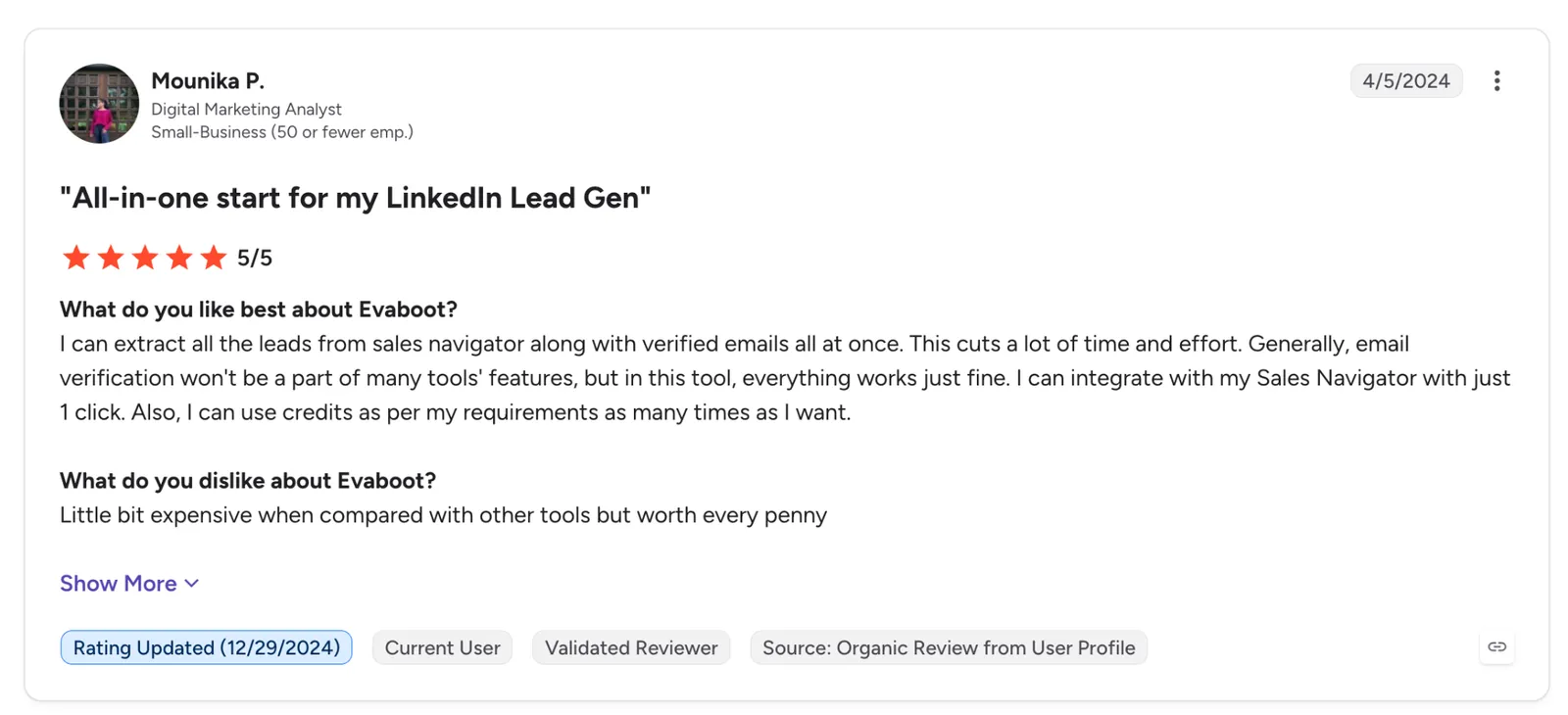
"I can extract all the leads from the sales navigator along with verified emails all at once." (Mounika P., G2)
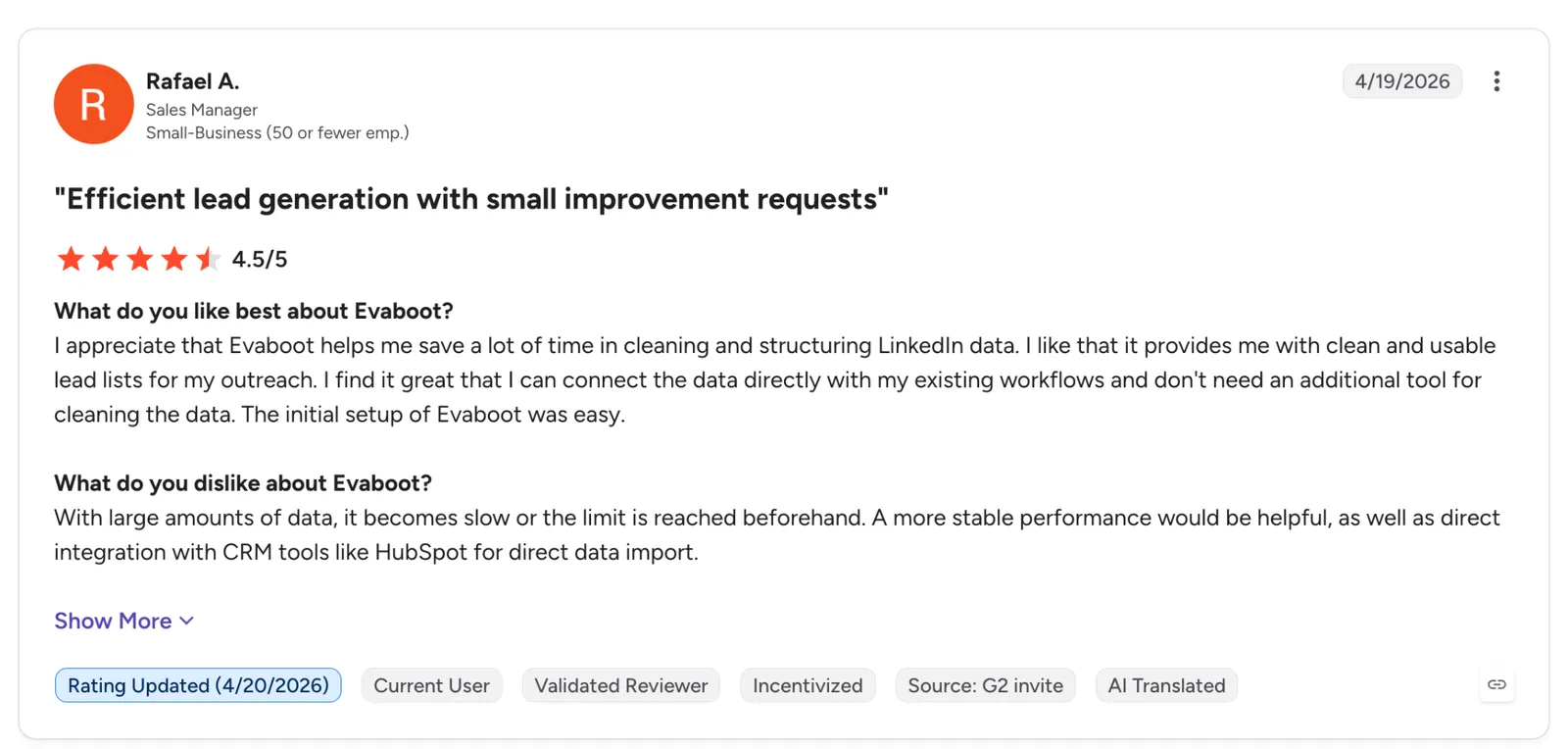
"With large amounts of data, it becomes slow or the limit is reached beforehand." (Rafael A., G2)
Pricing
Evaboot starts at $9/month billed monthly for 100 credits, which covers 100 exported leads, 50 leads with emails, or 100 verified emails. The same slider sets 400 credits at $29/month, and yearly billing saves two months.
Bottom line
If you prospect in Sales Navigator, Evaboot has the lowest flat monthly starting price in this comparison, and it cleans names and company fields on export. The filter check is the part I'd pay for, since it catches off-target leads before a sequence reaches them.
9. Wiza: Best for adding emails and phone numbers to LinkedIn leads from a Chrome extension
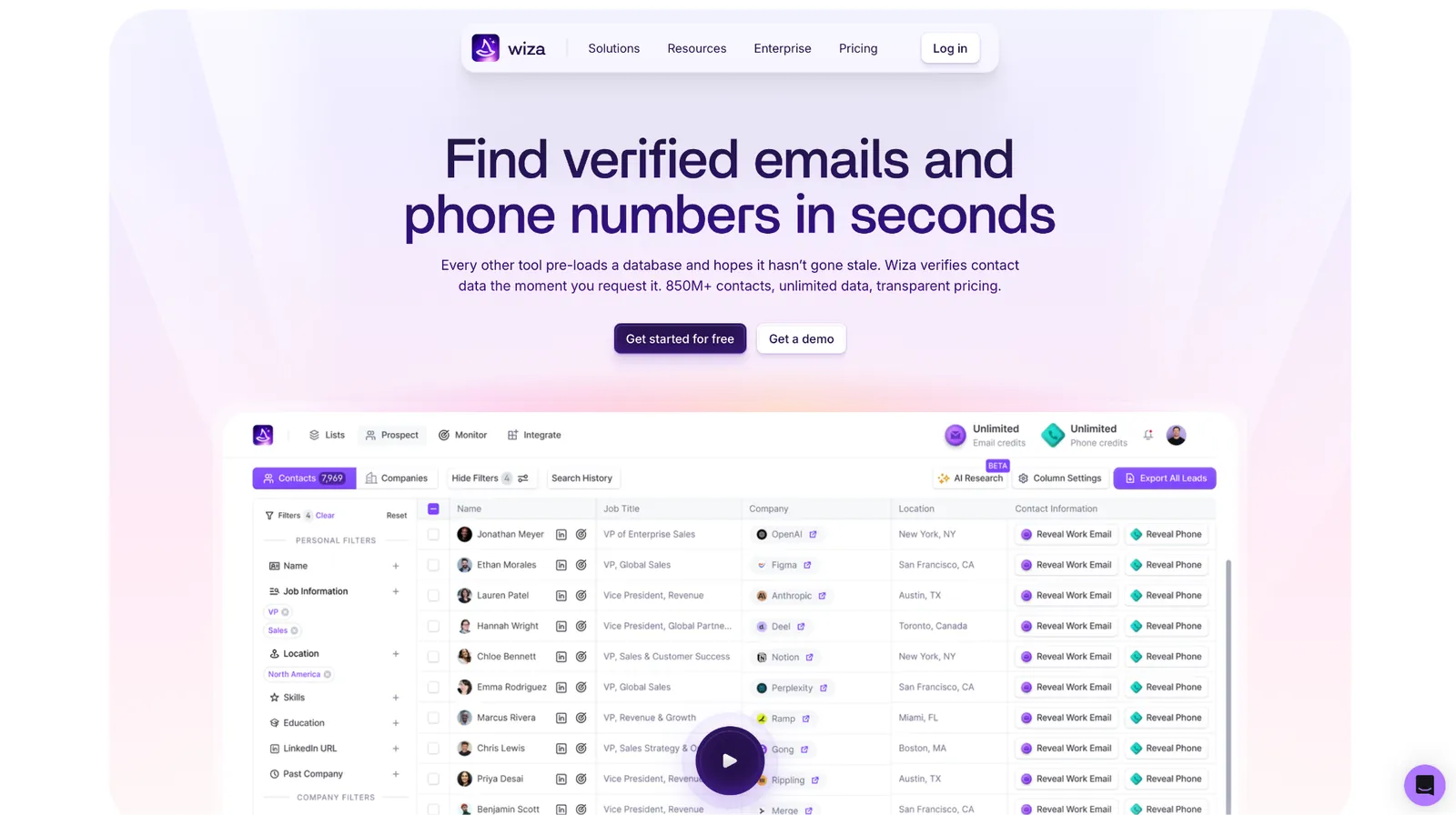
What it does: Wiza is a Chrome extension and prospecting platform that exports LinkedIn and Sales Navigator leads and finds verified work emails, personal emails, and phone numbers for them.
Best for: Sales reps who prospect on LinkedIn and care more about reaching the person than about the profile fields.
Select leads on a LinkedIn or Sales Navigator page, and Wiza verifies each contact at lookup. The list then goes to a CSV or your CRM.
Wiza only charges for valid results. Its pricing page lists plans in "valid emails," so an address that fails verification doesn't count against your monthly allowance.
The contact data itself is where Wiza draws criticism. Its Trustpilot page includes reviews from people who say their information was outdated or published without their consent, so read it before you buy.
Key features
- Chrome extension for LinkedIn: Finds contacts from LinkedIn and Sales Navigator pages and exports them in bulk.
- 40+ data points: Enriches each prospect with more than 40 fields on top of the contact details.
- Phone data: Adds direct dials and mobile numbers on the Starter and Email + Phone plans.
- CRM sync: Sends contacts to your CRM or a CSV, with team analytics on paid plans.
Pros and cons
Pros:
✅ Personal emails come back next to work emails, which helps when a work address bounces.
✅ The free plan includes 20 emails and 5 phone numbers to test accuracy on your own leads.
✅ Annual Email plans include unlimited one-by-one email reveals, with 2,500 bulk exports a month.
Cons:
❌ Pricing is per user, so the bill grows with every rep you add.
❌ The jump from Starter at 100 emails to Email at 500 costs $50 more a month.
❌ Reviewers whose data sits in Wiza's database report outdated employers, so test accuracy on your own leads first.
What users say
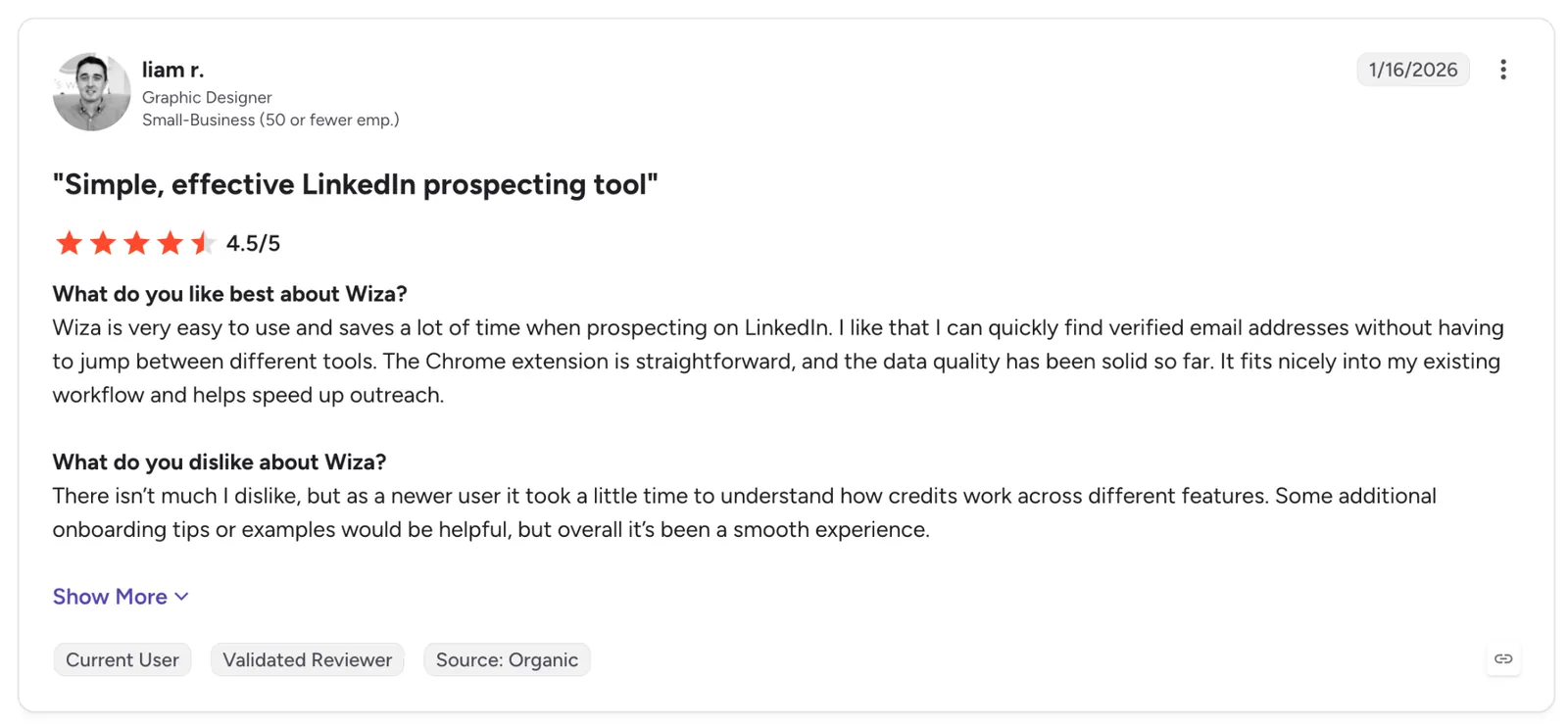
"Wiza is very easy to use and saves a lot of time when prospecting on LinkedIn." (Liam R., G2)
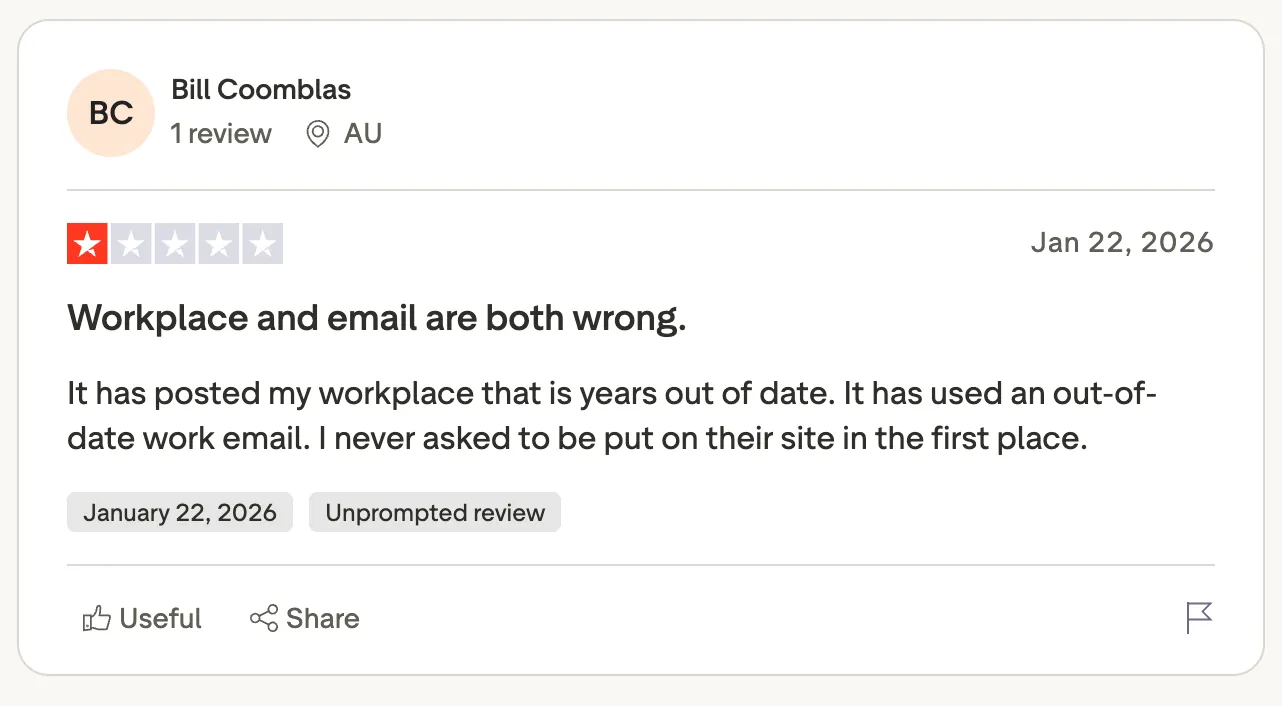
"It has posted my workplace that is years out of date." (BC, Trustpilot)
Pricing
Starter costs $49/month per user billed monthly, with 100 valid emails and 100 phone numbers. Email runs $99/month per user with 500 emails, and Email + Phone runs $199/month per user with 500 of each. The free plan includes 20 valid emails and 5 phone numbers.
Bottom line
Wiza is useful once the list is accurate and what's missing is a working email or phone number. With more than two or three reps, price the per-user cost first.
Open-source LinkedIn scrapers
joeyism/linkedin_scraper covers four LinkedIn page types but needs a login. Scrapfly's open-source LinkedIn scraper, covered with Scrapfly at #7, works without a LinkedIn account but requires a Scrapfly API key. Pick the first for control on a small job and the second when you'd rather not use your login.
10. joeyism/linkedin_scraper: Best for Python developers who want a free, open-source library
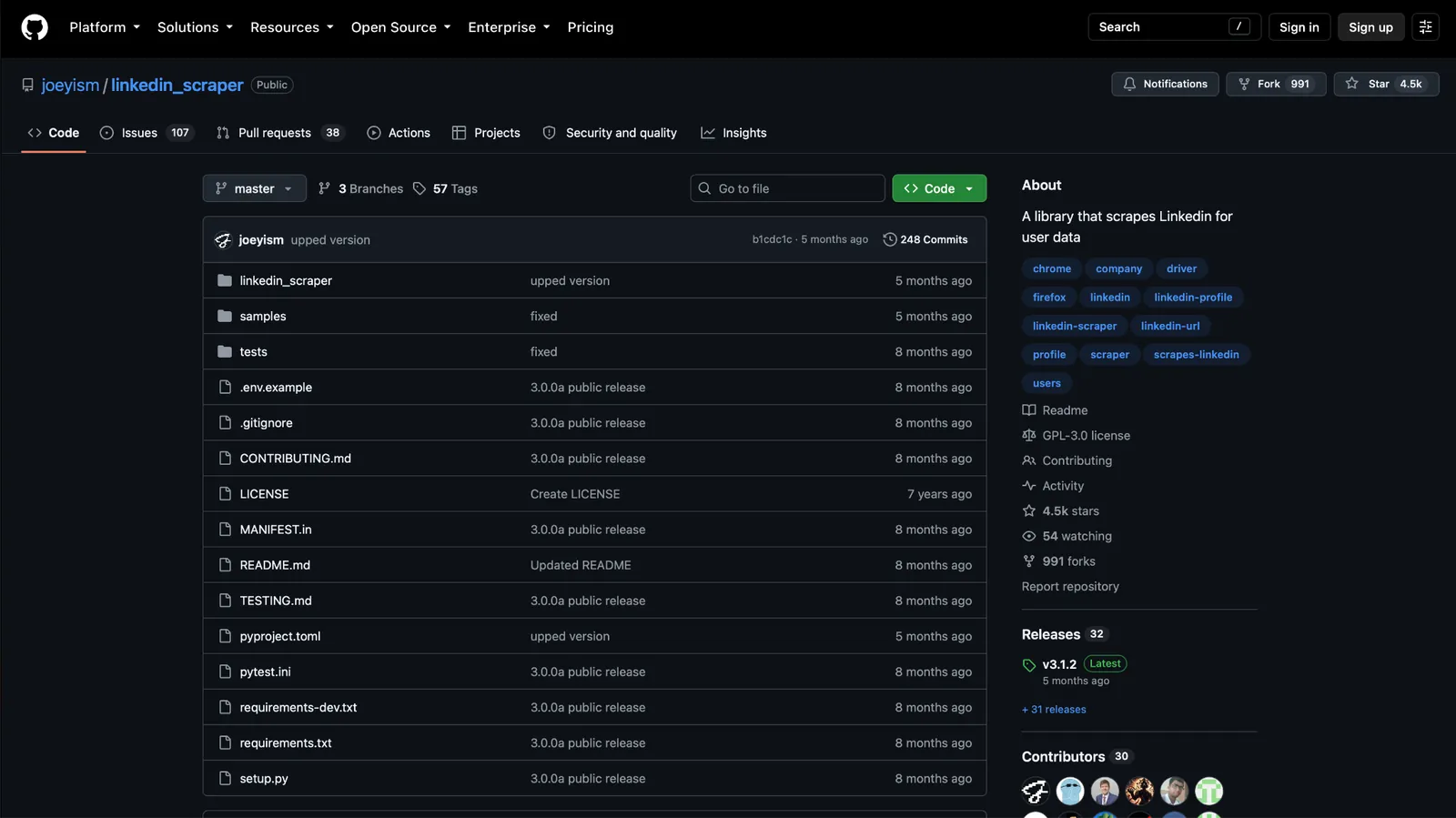
What it does: linkedin_scraper is an open-source, async Python library that uses Playwright to scrape person profiles, company pages, job listings, and company posts, returning the data as Pydantic models.
Best for: Python developers who want full control over a small LinkedIn scraping job and can accept that it needs a LinkedIn login.
The repo has 4.6k stars and nearly 1,000 forks, and version 3 moved it from Selenium to Playwright, so older tutorials written for Selenium may not match the current code.
The library logs in with your LinkedIn credentials or a saved session, and in issue #259, a user describes the account getting restricted, with image puzzles, phone verification, and a request for government ID.
Its own classifiers mark it Alpha, and more than 100 issues are open, so a LinkedIn markup change stays broken until you or a contributor patches it.
The licensing is mixed as well. The repo's LICENSE file is GPL-3.0, while pyproject.toml declares Apache 2.0. Under GPL-3.0, running the library inside your own company is allowed, but shipping modified code to others means releasing it under GPL-3.0 too.
Key features
- Four scrapers: One class per LinkedIn page type, each returning typed data.
- Playwright browser: Drives a full browser, so pages load as they would for a person.
- Session saving (save_session / load_session): Save a logged-in session once and load it on every run.
- Async design: Built on async Python, so scrapes fit into an existing asyncio pipeline.
Pros and cons
Pros:
✅ It costs nothing to install and run, beyond the LinkedIn login and any proxies you use.
✅ You control every request and delay in your own code.
✅ The code is public, so you can read exactly what it sends to LinkedIn.
Cons:
❌ The ban risk falls on whichever LinkedIn account you log in with.
❌ A LinkedIn markup change can break a scraper until a contributor patches it, and you have to detect the failure yourself.
❌ The README doesn't mention proxies or scheduling, and support happens in GitHub issues.
What users say
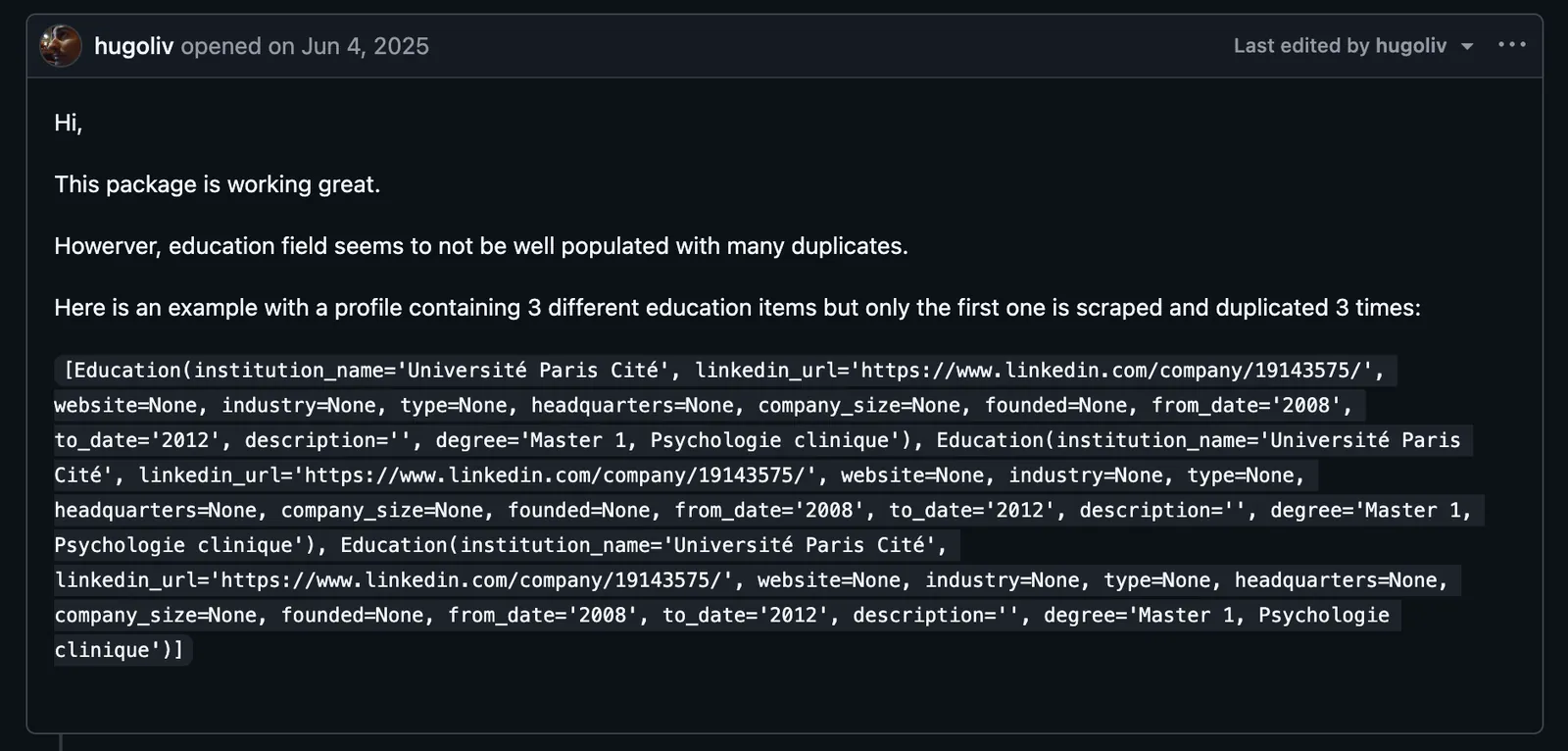
"...education field seems to not be well populated with many duplicates." (hugoliv, GitHub)
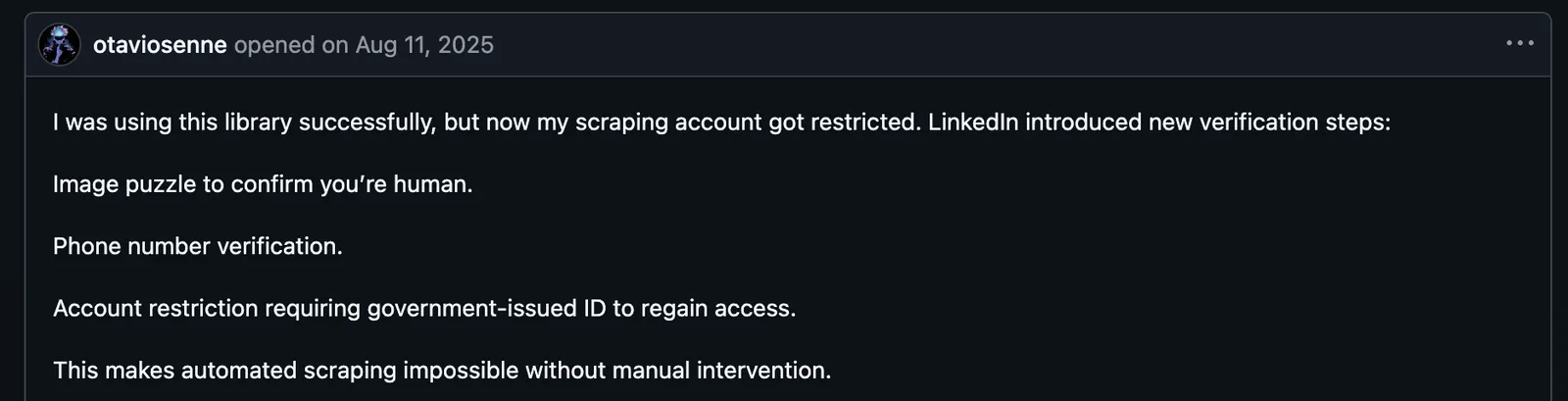
"I was using this library successfully, but now my scraping account got restricted." (otaviosenne, GitHub)
Pricing
The library is free and open source, currently at version 3.1.2 and requiring Python 3.8 or later. Its license metadata conflicts: the repository's LICENSE shows GPL-3.0, while pyproject.toml declares Apache 2.0, so confirm with the maintainer before commercial reuse. Your real costs are the LinkedIn account you run it on and any proxies you add.
Bottom line
For a developer with a small, controlled job, this library covers four LinkedIn page types for free, with typed output. On a production pipeline, the login requirement becomes the weak point, since one restricted account can stop the job.
{{cta}}
Which LinkedIn scraper should you choose?
Two things decide which LinkedIn scraper you end up with. One is what you start from: a list of profile URLs or a search. The other is whether your own LinkedIn account can be part of the job.
Choose Lindy if you already have LinkedIn URLs and want them enriched and sent to your CRM from Slack, with an approval step before shared-thread writes go out.
Choose PhantomBuster if you need several kinds of LinkedIn exports on a schedule, post engagers included, and you're fine running them through an account you've set aside.
Choose Octoparse if LinkedIn job postings are the data you need and nobody on the team writes code.
Choose Derrick if you keep your prospect list in Google Sheets and want LinkedIn fields filled in right inside it.
Choose Bright Data if you need thousands of public records a month and your LinkedIn account has to stay out of the pipeline.
Choose Apify if you need a LinkedIn scraper running today at a per-result price and don't mind comparing community-made Actors.
Choose Scrapfly if you'd rather define the fields yourself and want the blocking handled, with a free prototype before the first invoice.
Choose Evaboot if you build lists in Sales Navigator and want clean names, titles, and verified emails in one export.
Choose Wiza if you need emails and phone numbers more than profile fields and your team is small enough for per-user pricing.
Choose joeyism/linkedin_scraper if you write Python for a small job and accept the login risk in exchange for no license cost.
Skip scraping entirely if you need verified contacts at scale without the account and legal exposure that scraping carries, which a licensed contact database handles better. Our Seamless.AI pricing breakdown covers one option.
Final verdict
The ten LinkedIn scrapers here split on whether they need your LinkedIn login or session, and that decides which account LinkedIn can restrict.
Lindy is my pick for teams that already have LinkedIn URLs and need the data enriched and pushed into the CRM from Slack. When the list doesn't exist yet, PhantomBuster builds it from searches and post engagers, and Evaboot builds it from Sales Navigator.
For the steps after enrichment, see our guide to AI sales automation, or try Lindy through Slack, where new teammates get their first week free.
Bright Data, Apify, and Scrapfly make up the API route, each leaving a different amount of work to you.
Octoparse handles job data for non-coders, joeyism/linkedin_scraper is the free Python option, Wiza adds the contact details, and Derrick enriches rows in a spreadsheet.
Whichever exporter builds the list, pairing it with Lindy keeps the enrichment and the CRM update inside Slack.
For the steps after enrichment, see our guide to AI sales automation, or try Lindy through Slack, where new teammates get their first week free.
Frequently asked questions
What is the best LinkedIn scraper?
The best LinkedIn scraper depends on your starting point. Lindy suits teams that already have profile URLs and want the data enriched into a CRM from Slack, Evaboot works best for Sales Navigator users, and Bright Data handles high-volume public data through an API.
Is it legal to scrape LinkedIn?
LinkedIn's User Agreement bans it, and the law is less settled. Section 8.2 prohibits scraping with bots or scripts. iQ v. LinkedIn narrowed the federal anti-hacking argument for public pages, and breach of contract was among LinkedIn's claims when it sued Proxycurl in 2025.
Personal data you collect can also fall under GDPR or CCPA/CPRA, so check with a lawyer before scraping at scale.
Can LinkedIn ban you for scraping?
Yes. LinkedIn restricts accounts it catches scraping, and tools that work through your login, cookie, or browser session put your profile at risk. Public-data APIs like Bright Data and no-cookie Apify Actors don't need your login.
Can I use AI to scrape LinkedIn profiles?
Yes. Every tool here except the open-source library takes requests from an AI chat, Lindy directly in Slack and the other eight over MCP. The AI layer doesn't change the account risk. An assistant calling a no-login API is as safe as that API, and one driving your logged-in browser is as exposed as a Chrome extension.
What is the best free LinkedIn scraper?
Bright Data is the best free LinkedIn scraper for volume, with 5,000 records a month and no card. Apify gives $5 of monthly usage, and joeyism/linkedin_scraper is free on GitHub and depends on your LinkedIn login.









