How to Summarize a YouTube Video in Seconds with AI
Everett walked through three ways to summarize a YouTube video: an AI agent, the Eightify browser extension, and pasting the transcript into ChatGPT.


How to Use AI to Summarize a YouTube Video?
Method 1: Use an AI Tool Like Lindy
The best way to summarize your YouTube video is to use a tool like Lindy.
- Create a free account on Lindy
- Use Lindy’s pre-built YouTube Summary AI Agent.
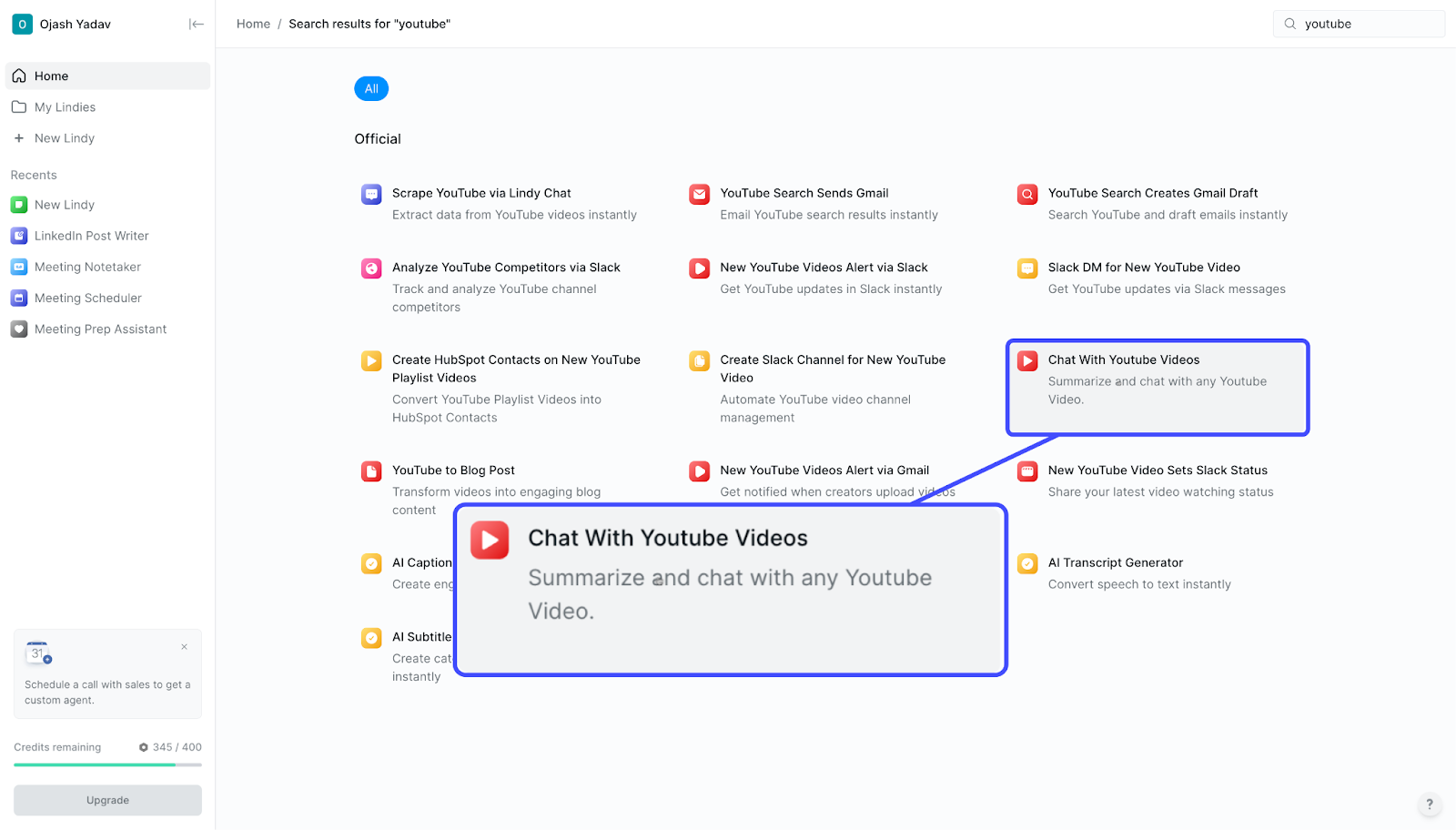
- Just send your YouTube video’s URL, and Lindy will automatically create a quick summary for it.
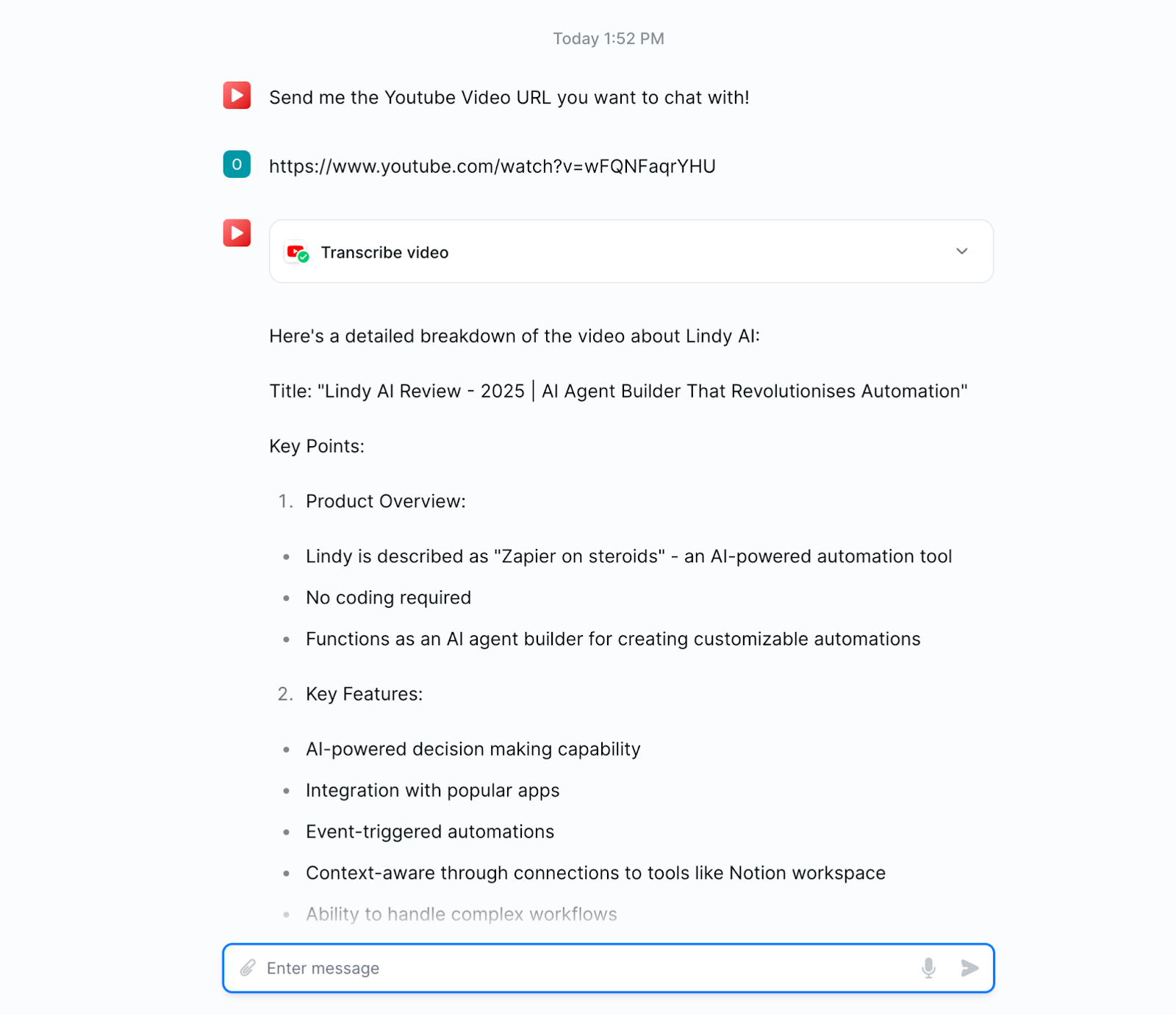
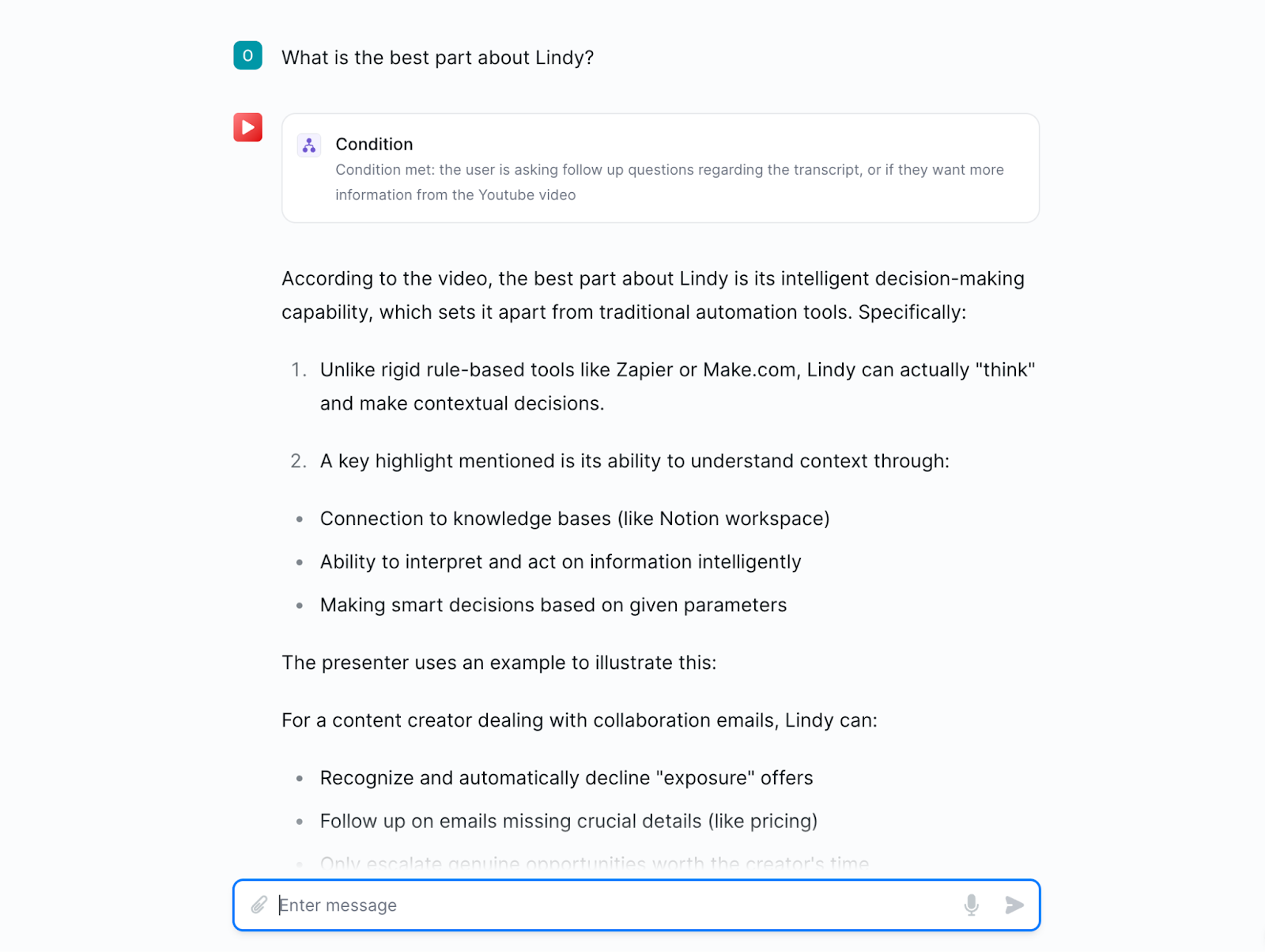
- You can even ask a follow-up question and Lindy will reply to it, allowing you to literally chat with your video!
Method 2: Use a Browser Extension
Another easy method is to use a YouTube summarizer extension.
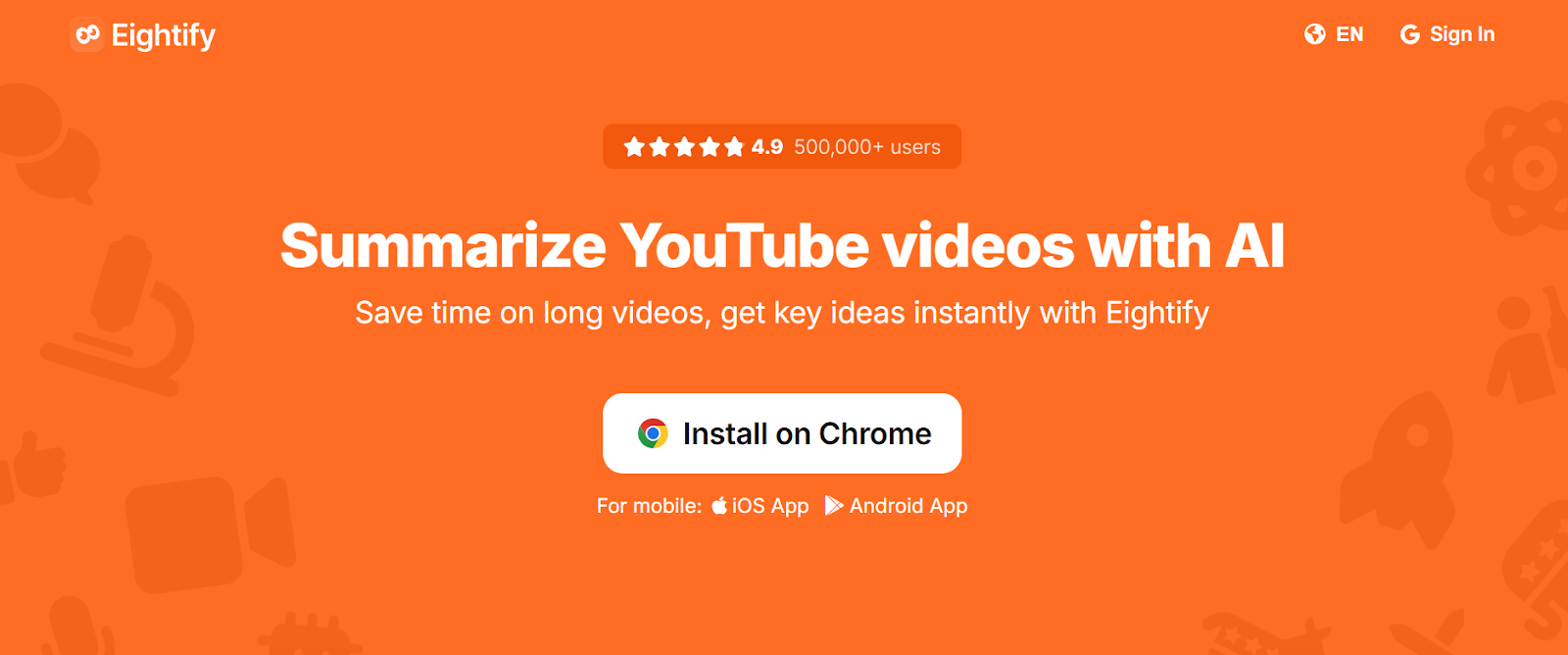
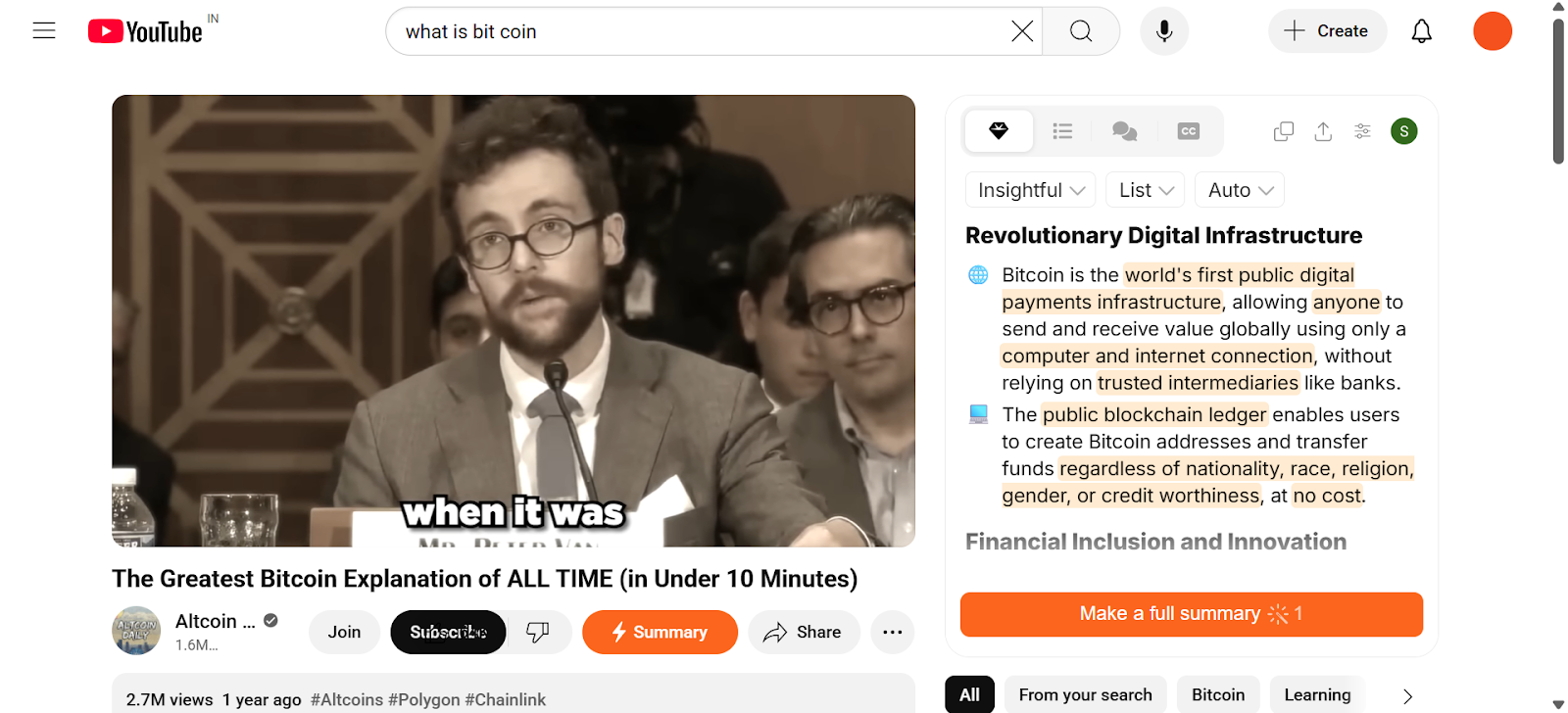
I used Eightify.
Just install it on your browser, open a YouTube video you want to summarize.
Click Summarize video.
Then it will summarize the video in text.
Method 3: Use ChatGPT + Transcript (Manual but flexible)
This method gives you custom summaries and more control over the output.
Here’s how to do it:
- Open the YouTube video
- Click the three-dot menu and select Show transcript
- Copy the entire transcript
- Go to ChatGPT
- Paste the transcript and use this prompt:
Summarize this transcript in 5–7 bullet points. Highlight the main takeaways, avoid fluff, and explain key ideas in simple terms.
Optional Prompt Variations:
- Turn this into a blog post
- Extract action items from the video
- Break down key moments with timestamps
- Write an X (Twitter) thread based on the summary
Use this if you're repurposing the content, studying, or writing content based on the video.
How Do You Refine and Edit Your Video Summary?
You’ve written your first draft. Now edit it with focus and purpose.
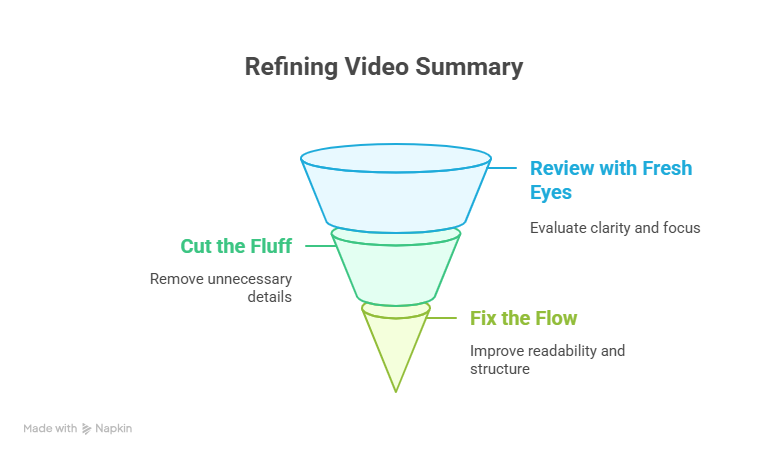
1. Review with fresh eyes
Step away for a few minutes, then read your summary. Ask:
- Does it clearly explain what the video is about?
- Is it too long or too detailed?
- Does it stay focused or wander off?
2. Cut the fluff
Remove anything that doesn’t help the reader understand the video.
- Delete filler phrases.
- Cut long-winded explanations.
- Keep only what’s essential.
3. Fix the flow
Make the summary easy to follow.
- Add short transitions where needed.
- Rearrange ideas so they build naturally.
- Keep the structure clean and logical.
If you need assistance with refining your video summary, find a video editor that can enhance your project.
Choose a tool that provides a variety of user-friendly features, regardless of your video editing experience.
Look for functionalities like background noise remover, subtitle generator, video translator, audio editor, and voice dubber.
Basically, be clear. Be brief. Make sure anyone can get the video’s main idea in a few seconds.
{{templates}}
How to Choose the Right YouTube Summarizer
To pick the best YouTube summarizer for your needs, focus on what outcome you want. If you need quick bullet-point notes, go for a fast, AI-powered summarizer like Lindy.
If you want a deep, time-stamped breakdown, choose one that offers detailed context and highlights.
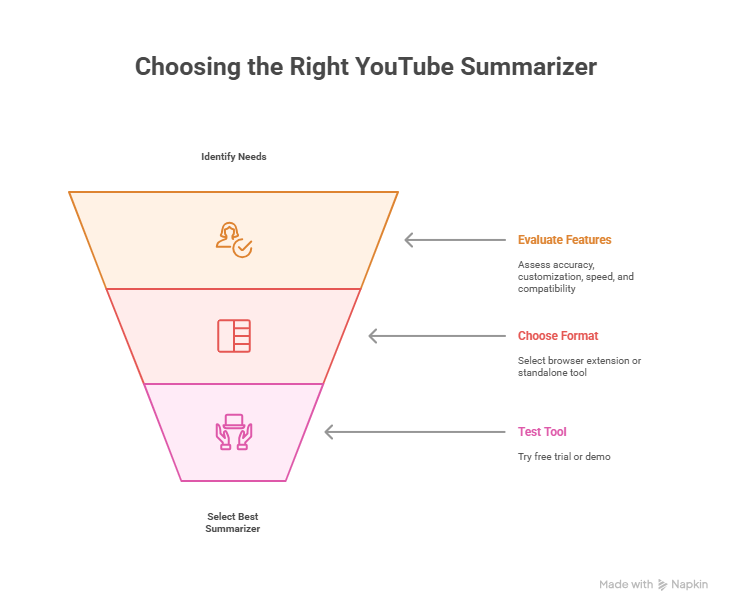
Look for features like:
- Accuracy: Does it pull key points or just fluff?
- Speed: How fast does it generate the summary?
- Customization: Can you set summary length or style?
- Compatibility: Can it handle long-form content, specific niches, or your favorite channels?
Choose your format:
- Browser extensions for on-the-go summaries directly on YouTube
- Standalone tools like Lindy for batch summaries, exports, and team use
Start with a free trial or demo so you know if the tool fits your workflow.
Make Easy YouTube Summaries with Lindy
Summarizing videos manually is a pain. Here’s why you should give Lindy a try:
- Say goodbye to manual labor: With Lindy, you can kiss those hand cramps goodbye. Lindy’s summary generator can take care of all your summarization needs, be it for YouTube, Zoom meeting summaries, or even website summaries.
- Hello, accuracy: With accuracy levels exceeding 99%, you know Lindy will catch even the darnedest terms, even if the speaker’s got an accent thicker than the cast of Trainspotting.
- Customization is key: Adjust the length to your heart's content, and voila. Your perfect summary awaits. Can’t find what you need in the Marketplace? You can create your own Lindy in seconds and watch it go.
- A team at your fingertips: Need to do more than just summarize videos? You can create an army of Lindies to tackle different tasks. The kicker? Lindies are collaborative, meaning you can pool their brain power together to maximize results.
{{cta}}
Frequently Asked Questions
What is video summarization?
Video summarization is the process of condensing long videos into short, key highlights. It trims out filler and keeps the most useful moments, saving you time. Whether you’re watching or creating content, it helps you focus on what matters, making long videos faster to understand and easier to share.
Is there a way to get a summary of a YouTube video?
Yes. You can use tools like Lindy, Eightify, or YouTube Summary with ChatGPT to get quick summaries of videos. These tools pull key points either from captions or AI analysis, helping you understand the content without watching the full video.
Can ChatGPT summarize a YouTube video?
ChatGPT can summarize a YouTube video if you provide the transcript or a detailed description. It doesn’t watch videos but works with text inputs. Pair it with a browser extension like “YouTube Summary with ChatGPT” to extract captions and turn them into a clear, concise summary.
Is there an AI that can summarize YouTube videos for free?
Yes. Tools like Lindy, Glasp, Eightify (for short videos), and YouTube Summary extensions offer free options. They generate summaries based on closed captions or speech-to-text. While some features may be limited in the free version, they’re enough for basic video summarization.
Can you get the full transcript of a YouTube video?
Yes. If a video has closed captions enabled, you can view the full transcript directly on YouTube. Click the three dots below the video > “Show transcript.” You can also use third-party tools to extract transcripts, even from videos without public captions.
Can I summarize videos without watching them?
Yes, you can summarize videos without watching them. That's the whole point of these handy tools. They do the heavy lifting for you, extracting key information so you can quickly grasp the gist of a video without having to watch it in its entirety.
Are summaries always accurate?
While AI summarizers are pretty smart, they're not perfect. It's always a good idea to double-check summaries for accuracy, especially when dealing with complex or nuanced topics. This will help make sure that the summaries are accurate.
What if I don't like a summary?
If you don’t like a YouTube video summary, there are other tools and methods you can use. Also, most tools offer different summary lengths and styles. You can often customize the output to your liking, whether you prefer a quick overview or a more detailed breakdown.









