Enterprise AI Agents in 2026 (8 Examples + 10 Platforms)
Michelle broke down how enterprise AI agents differ from RPA, chatbots, and LLMs, then researched Glean, Sema4, and Google Agentspace on security, integrations, and scalability.


Enterprise AI agents close IT tickets and answer HR requests on their own, using only the access your IT team gives them. I reviewed the docs and pricing of 10 platforms and 8 deployments, and the strongest published results come from high-volume, rules-based requests at IBM, Agibank, and ServiceNow. Below, I show which of those numbers hold up and which platform fits the systems you already run.
What are enterprise AI agents? The 30-second answer
Enterprise AI agents are AI systems that pursue a business goal across several company tools. The agent picks the steps and takes the actions, and IT's rules limit what it can access.
In practice, you give one a task like "resolve this laptop lockout," and it plans the work from there.
The enterprise part comes from the controls around the agent, including a dedicated identity, a permission scope, and a log of its actions. With an identity and a log in place, your security team can review the agent like any other system account.
Key features
Check the platforms in this guide for these capabilities:
- Write access to business systems. The agent reads and updates records in your ITSM, CRM, HR, and ERP tools. Microsoft lists more than 1,400 connectors for Copilot Studio, and Glean has 275+.
The count matters less than whether the one for your core system can make changes.
- An identity of its own. Google's Gemini Enterprise Agent Platform gives each agent its own SPIFFE identity through Agent Identity. The certificate behind that identity is issued automatically, and every agent is listed in an Agent Registry.
- Memory across sessions. Google's Memory Bank carries context from past sessions into the next task, so the agent knows a user's history.
On other platforms, memory can add to the bill. AgentCore, for example, charges $0.25 per 1,000 new events for short-term memory.
- Approval steps and logs. You can send sensitive actions to a person for sign-off and keep a log your compliance team can check later. Someone has to watch the approval queue, though, or the agent's tasks stay on hold.
How do enterprise AI agents work?
Enterprise AI agents work in a repeating cycle that starts each time something changes in a connected system. The agent works within its permissions, and its actions are logged.
Each cycle goes like this:
- An event triggers the agent. Examples include a new ticket, a form submission, a supplier record update, or a job scheduled for every Monday at 9 a.m.
- Permissions get checked. The agent's identity sets which systems it can open and which actions it can take there.
- Context comes in. It pulls the related records, knowledge articles, and past tickets to decide what to do.
- It acts or hands off. It completes routine, low-risk tasks and sends riskier ones to a person, with the case details attached.
- The result gets logged and scored. Steps are recorded, and some platforms score the agent too. Gemini Enterprise Agent Platform runs evaluations against live traffic to spot problems early.
ServiceNow's L1 Service Desk AI Specialist follows this cycle on the 15% of incidents currently eligible for it. It resolves 46% of those, 99% faster than human agents, per the case study.
Harder cases still go to people, and ServiceNow says staff moved into roles like L2 and L3 support.
Examples of enterprise AI agents
Each of these enterprise AI agent examples comes from a vendor case study, a customer announcement, or a customer quote in a vendor's launch post. Here they are by function:
- IT support (ServiceNow). ServiceNow runs 950+ business applications, and its L1 Service Desk AI Specialist takes the incidents it's cleared to handle.
- HR (IBM). IBM's AskHR takes on more than 80 HR tasks, from vacation requests to compensation changes. It handles over 2.1 million employee conversations a year, with a 94% containment rate on common questions.
- Procurement (Dun & Bradstreet). D&B Ask Procurement runs on watsonx Orchestrate and pulls supplier risk data on request. The estimated result is a 10% to 20% cut in time for procurement tasks.
- Finance (Payhawk). The Financial Controller Agent remembers each user's expense habits and auto-submits claims, according to Google. In July 2026, Payhawk reported a 46% drop in submission times for vendor invoices since January.
- Customer support (Microsoft). The Ask Microsoft web agent routes site visitors' questions to specialist sub-agents and reduced human-handled chat volume by up to 70%.
- Banking support (Agibank). An Agentforce agent answers 22,500 loan inquiries a month with a 75% deflection rate.
- Sales (Uber). Within 2 weeks of launch, Uber's Agentforce outreach emails reached a conversion rate about 60% higher than the organic baseline, per Salesforce.
Uber also has a second agent that should turn 20-plus-page RFPs into opportunities in an estimated 5 minutes, down from about 30.
- Healthcare (Color Health). The Color Assistant checks breast cancer screening eligibility, connects people to clinicians, and helps schedule appointments.
I trust the IT and HR numbers more than the sales ones. IBM and ServiceNow measured theirs on live requests, and the Uber RFP number is still a Salesforce projection.
For smaller, single-team use cases, Lindy keeps a longer list of AI agent examples by function.
Enterprise AI agents vs. agentic AI tools and consumer agents
The main difference between enterprise AI agents, agentic AI tools, and consumer agents is who controls the agent, from its identity to its billing. The table shows the usual setup for each type.
A consumer agent is enough when the work is yours alone, like booking travel or sorting a personal inbox. An agentic tool suits a single team with a narrower workflow and lighter setup needs, like the AI agents for small businesses Lindy has tested.
AI agents for enterprises make sense once a process touches regulated data or several departments. HIPAA, for example, requires audit controls that record and examine activity in systems with health data.
Pros and cons of enterprise AI agents
I based the pros and cons below on the 8 case studies and the pricing information for the 10 platforms in this guide. The results are strongest on high-volume support work, and the limits come mostly from pricing and eligibility rules. Here's where they win and where they fall short:
Pros
- Repeat HR requests get handled. IBM's AskHR has a 94% containment rate on common questions, per IBM's case study.
- L1 tickets close fast. ServiceNow's L1 Service Desk AI Specialist resolves eligible incidents 99% faster than people do, on a desk that supports 34,000 end-user devices.
- Pilots can be cheap. Google gives every account 50 free vCPU-hours a month across its agent services. AWS gives new customers up to $200 in Free Tier credits to try AgentCore, with $100 at signup and $100 more you earn, so you can test without a signed contract.
- Governance is included. CrewAI's Enterprise plan includes SSO, role-based access, and PII redaction, so your security team starts with controls already in place.
Cons
- Costs are hard to forecast. Credit-based billing (Salesforce Flex Credits, Microsoft Copilot Credits) scales with every action, and on Salesforce, anything you don't use expires at the end of the term.
- Coverage starts narrow. Even ServiceNow's internal IT desk has only 15% of incidents eligible for the L1 Service Desk AI Specialist. At that coverage, the agent resolves about 7% of all incidents (46% of 15%).
- Setup takes weeks. CrewAI's enterprise onboarding lasts 45 days, and IBM's Standard plan starts at $6,360 a month. Both mean a procurement cycle before the first agent goes live.
- Approvals need an owner. Sensitive actions wait for a person to sign off, so if nobody watches the approval queue, the agent's work sits on hold.
Should you use enterprise AI agents? My take
Use them for repetitive, rules-heavy work at high volume spread across systems you already own. AskHR, for example, handles 2.1 million employee conversations a year. Here's who they fit and who should skip them:
Enterprise AI agents are a good match for:
- IT service desks with a steady flow of password resets, access requests, and device tickets
- HR and finance teams answering the same policy and expense questions every week
- Support operations where the bulk of inquiries are status checks, like the 22,500 monthly loan inquiries at Agibank
- Businesses using Salesforce or ServiceNow as their system of record, with clean data in it
Skip enterprise AI agents if you:
- Lead a team of 10 to 100 people without a dedicated IT or security function to manage agent identities
- Have messy source data, because an agent will act on wrong records just as quickly as right ones
- Need results inside a week, since CrewAI's enterprise onboarding alone lasts 45 days
For smaller teams, the best AI agents for business roundup compares lighter options that plug into Slack, Gmail, and other everyday tools.
Best enterprise AI agent platforms in 2026
The best enterprise AI agent platforms below range from suites on software you already pay for to cloud builders and engineering frameworks. Prices come from each vendor's site as of September 2026, so check the linked pages before you budget.
Prices use different billing units, so rows aren't directly comparable. Copilot Studio bills per user, watsonx Orchestrate bills per organization, Agentforce bills per credit, and Gemini and AgentCore bill by compute used.
1. Microsoft Copilot Studio: Best for Microsoft 365 companies
If Outlook, Teams, and SharePoint are your daily tools, put Copilot Studio first on your shortlist. You build agents in natural language or a visual editor, and they can run business processes autonomously and escalate when needed.
For systems outside Microsoft, more than 1,400 connectors link Copilot Studio to them.
Pricing: Microsoft 365 Copilot costs $30 per user per month, paid yearly, and includes standard Copilot Studio access. Agents then draw down Copilot Credits for each completed action or response, so the bill grows with every ticket they close.
Credit packs cost $200 per month for 25,000 credits, with a pay-as-you-go option.
2. Gemini Enterprise Agent Platform: Best for teams building on Google Cloud
Google launched Gemini Enterprise Agent Platform in April 2026 as the evolution of Vertex AI. It says every future service and roadmap update will ship through the new platform, and it names Payhawk and Comcast among its customers.
The platform covers the build-to-launch cycle, with Agent Studio for low-code builds, the Agent Development Kit (ADK) for code, Memory Bank for long-term context, and Agent Simulation to test agents before launch.
Business teams can start in Agent Studio on their own, while projects on the ADK need developers.
Pricing: Agent Runtime is pay-as-you-go at $0.085 per vCPU-hour and $0.009 per GiB-hour after a free tier of 50 vCPU-hours and 100 GiB-hours a month. Gemini Enterprise Business edition seats start at $21 per seat per month.
3. Salesforce Agentforce: Best for CRM-heavy sales and service teams
Agentforce works on Salesforce records, and the Agibank and Uber results above both come from it. For a deeper look, see our full Agentforce review.
Because the Field Service and Operations, Sales, and Service add-ons attach to Salesforce clouds, a company on HubSpot or Dynamics would have to buy Salesforce first.
Per-user pricing starts with the $5 Agentforce User License. Add-ons for Field Service and Operations, Sales, and Service cost $125 per user per month, and Agentforce 1 Editions start at $550 per user per month.
Pricing: Salesforce Foundations lets you try Agentforce for $0, and paid usage starts with Flex Credits at $500 per 100,000 credits. One employee onboarding action, for example, costs 20 credits ($0.10).
4. IBM watsonx Orchestrate: Best for regulated industries
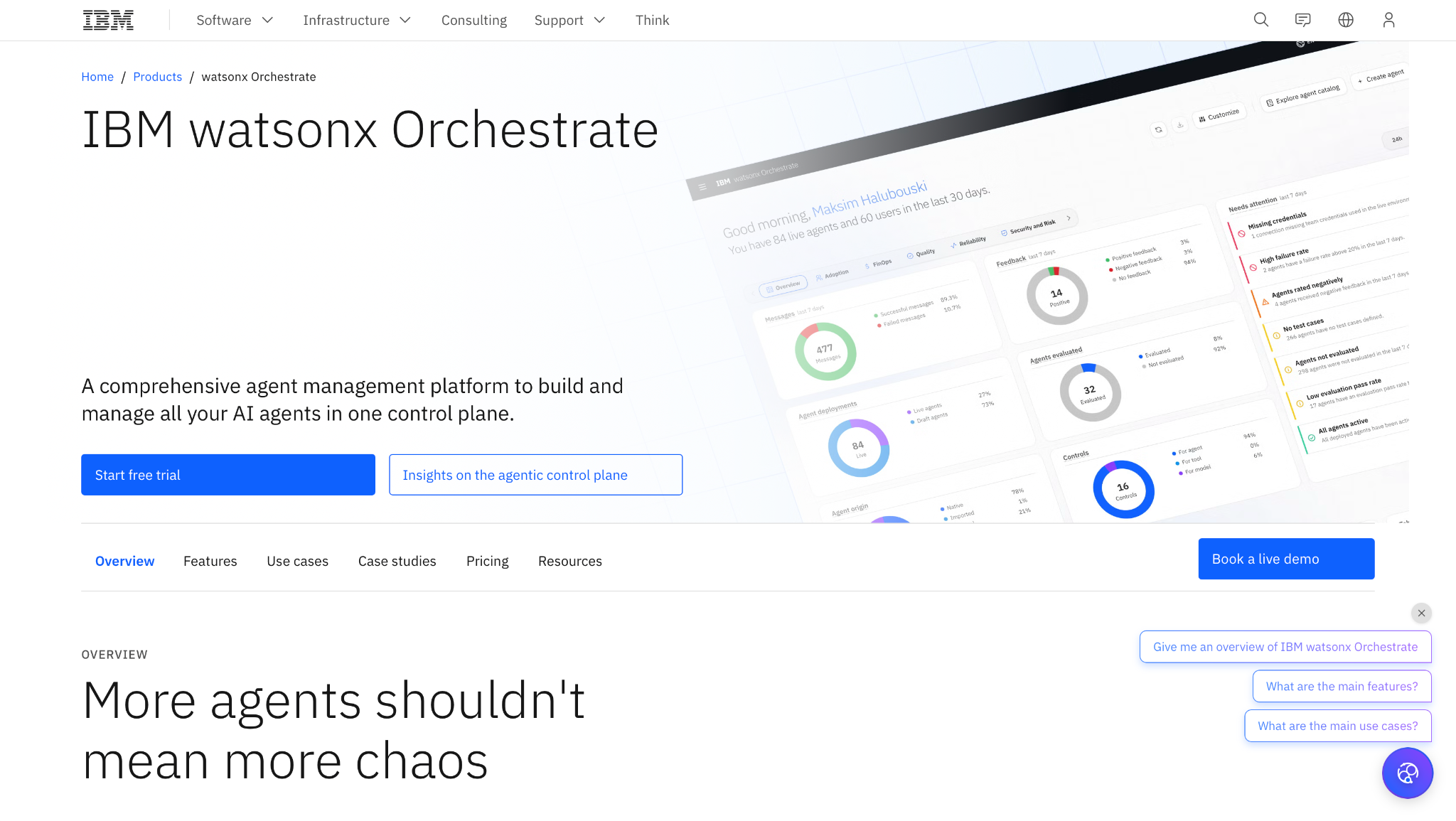
IBM designs watsonx Orchestrate around governance controls. The Premium plan adds data isolation, a dedicated data space, and a HIPAA-ready option. On the channel side, you can deploy agents to chat and voice, Slack and Teams included.
Pricing: IBM has a 30-day free trial. Essentials starts at $530 per month with 4,000 monthly active users. Standard costs $6,360 per month, about 12x more, which is a large increase if your pilot outgrows Essentials. Premium is custom.
5. ServiceNow AI Agents: Best for IT and employee service
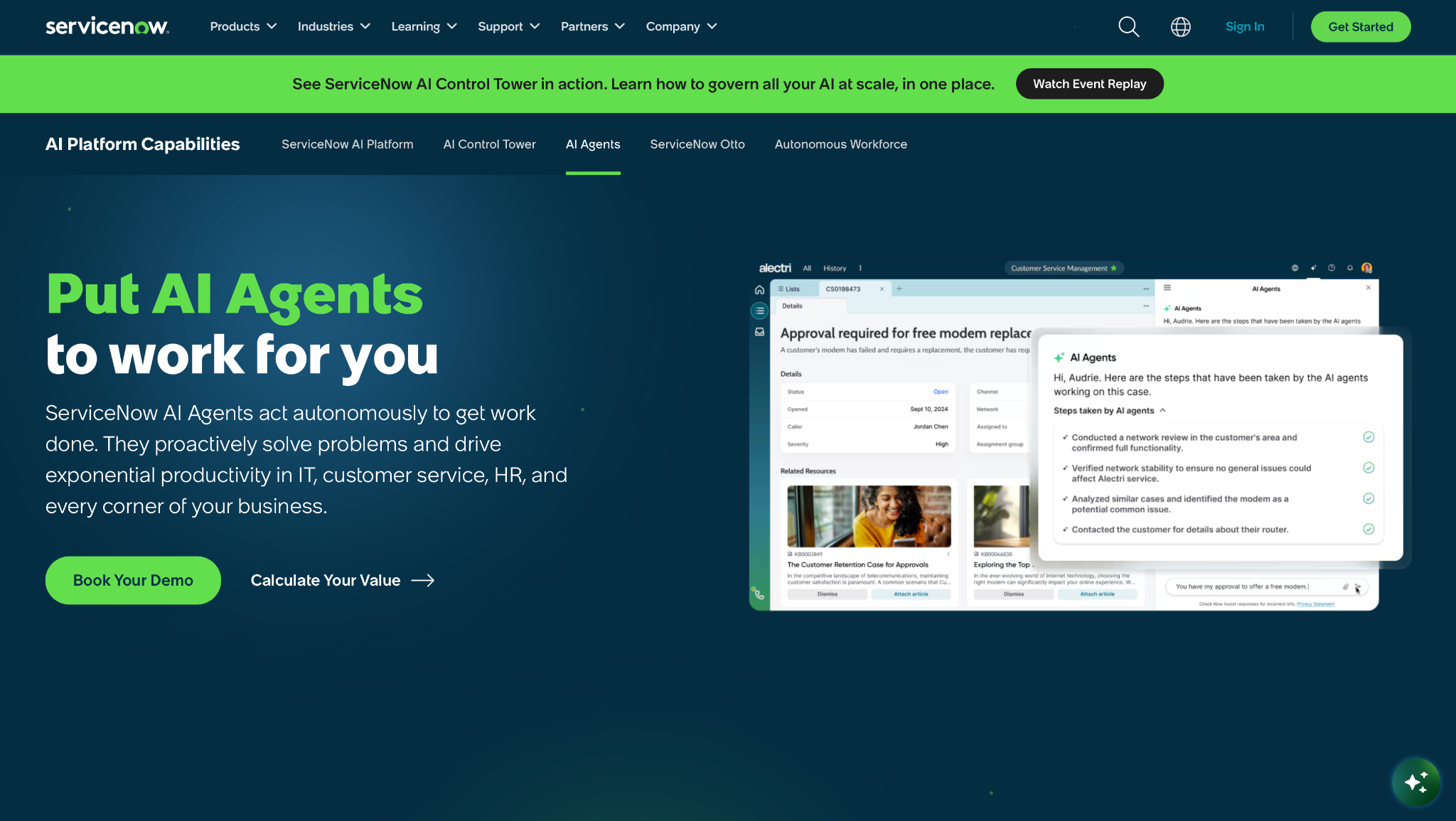
ServiceNow's AI Agent Orchestrator coordinates teams of AI agents toward specific goals, and AI Control Tower tracks AI systems in one place. The company runs its own IT desk on it, which is the L1 example covered above.
The agents run on the ServiceNow AI Platform, so teams without ServiceNow would have to adopt that platform first, and in that case, I'd pick another option.
Pricing: ServiceNow prices AI Agents through a custom quote, so you'll need to talk to sales.
{{templates}}
6. UiPath: Best for companies with existing RPA bots
UiPath's orchestration layer, Maestro, coordinates agents, robots, systems, and people, so agents can pass steps to your current bots. If you already have years of UiPath workflows, reusing them is the main reason to pick it.
Without existing RPA bots, there's nothing to reuse, and a pure agent platform is usually the simpler pick.
Pricing: Basic starts at $25 per month, with EU hosting only and caps on scale and agent use. Community is free. Heavier agent use means Standard or Enterprise, and both require a sales conversation.
7. Amazon Bedrock AgentCore: Best for AWS engineering teams
AgentCore provides Runtime, Gateway, and Memory services to host agents on AWS. It bills by usage, with no upfront commitment or minimum fee. Agents that run for long stretches can use Instances instead, which bill by the hour from boot until you stop them.
AWS points new users to the AgentCore CLI and SDKs like Strands and LangChain, so plan on engineering time from the start.
Gateway API calls cost $0.005 per 1,000, and search calls cost five times that. Short-term memory is $0.25 per 1,000 new events, and long-term memory adds $0.75 per 1,000 stored records for every month you keep them. New AWS customers get $100 in Free Tier credits at signup and can earn up to $100 more, and the free account closes after six months.
Pricing: Runtime starts at $0.0895 per vCPU-hour and $0.00945 per GB-hour on v1 microVMs. On v2 microVMs, it costs $0.1276 per vCPU-hour and $0.0169 per GB-hour.
8. CrewAI: Best for multi-agent builds you host yourself
CrewAI pairs an open-source framework for multi-agent crews with a commercial platform. The Enterprise plan adds SSO, role-based access control (RBAC), and PII redaction. You can also deploy on CrewAI's cloud or on infrastructure you control.
Pricing: Basic costs nothing and includes 50 workflow executions a month. Enterprise is custom and comes with a 45-day onboarding, so I'd only sign up with engineers ready to lead it.
9. Glean: Best for agents grounded in company knowledge
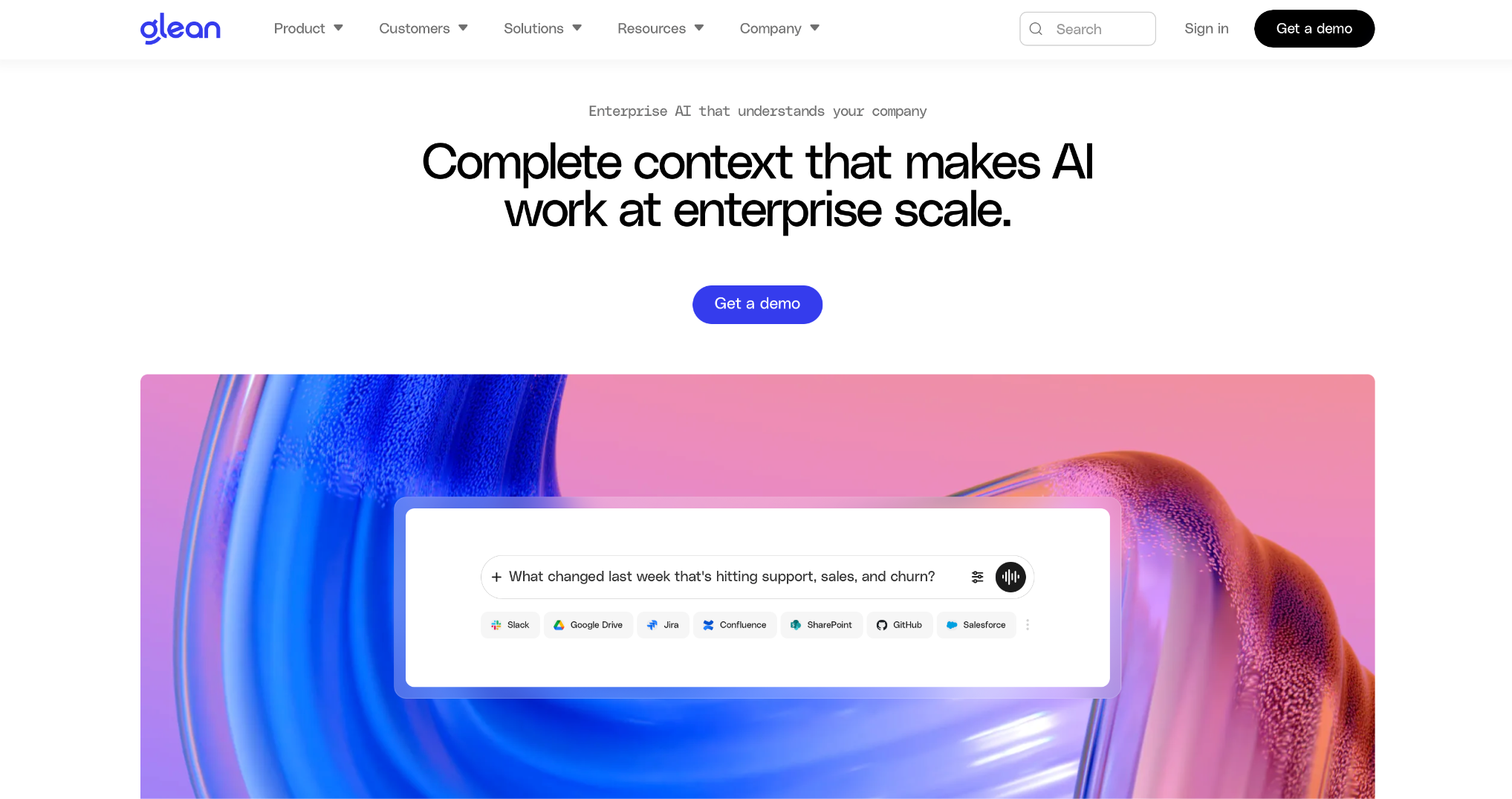
Glean ties its agents to company knowledge. 275+ connectors link it to your apps, and its AI agents page lists Agent Builder, Agent Orchestration, Agent Governance, and Agent Library.
Glean works well when the agent has to find internal knowledge first and then act on it. Agent Orchestration can also run steps across systems.
For high-volume transactions, though, I'd keep the agent on the system of record, like Salesforce or ServiceNow.
Pricing: Glean doesn't publish list pricing on its site, so you'll need to book a demo for a quote.
10. Oracle OCI Enterprise AI: Best for teams on Oracle Autonomous AI Database
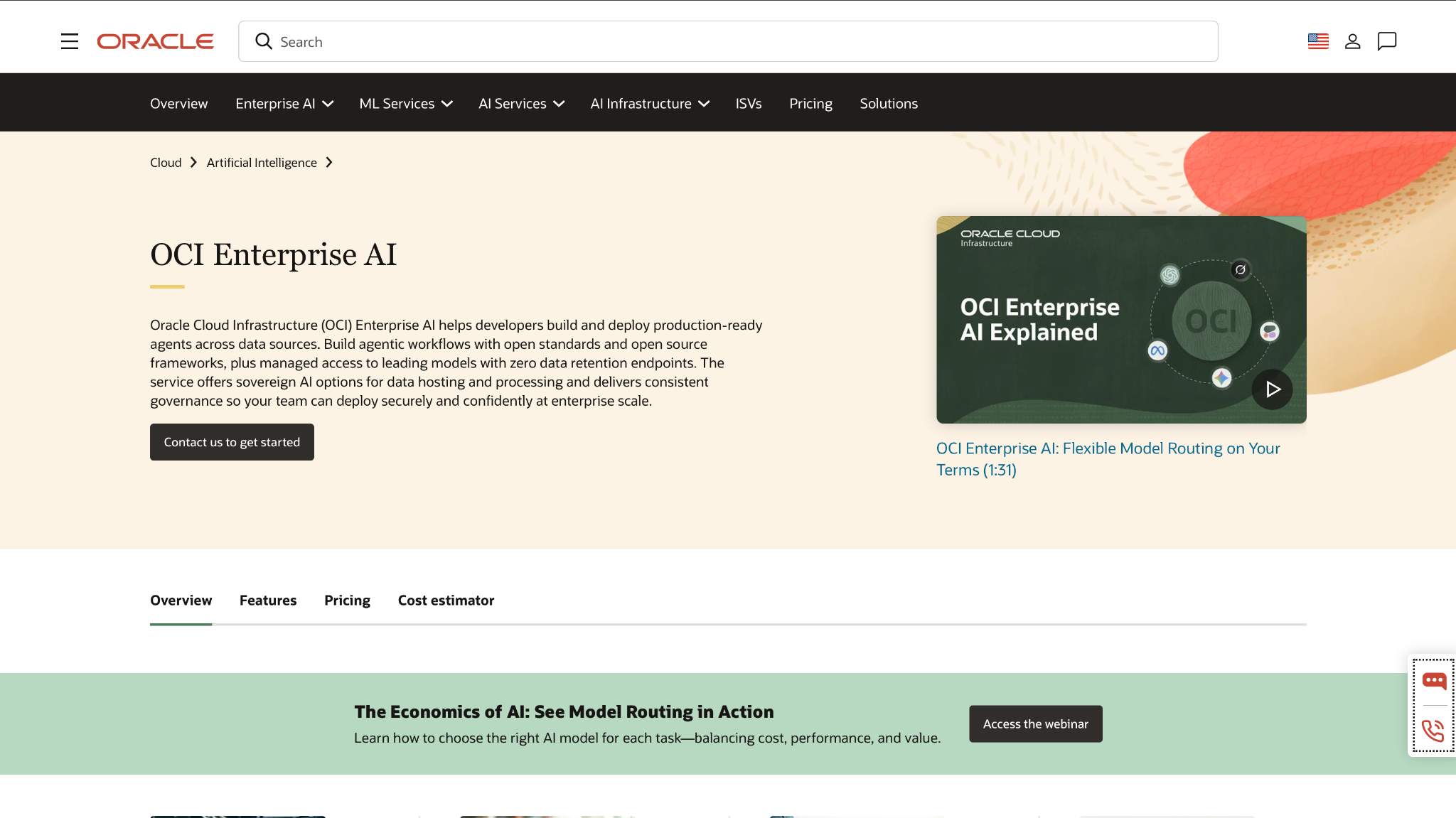
Oracle made OCI Enterprise AI generally available on March 24, 2026, and it gives you two ways to build agents. You can build on an OpenAI-compatible Responses API with File Search, Code Interpreter, Function Calling, and MCP Calling built in. Or you can deploy an agent you built locally with LangGraph or a similar framework as a container.
Its NL2SQL feature turns plain-language requests into validated SQL without moving or copying the underlying data, but the source data must sit in Oracle Autonomous AI Database. Agents get short-term and long-term memory. For hosted agents, OCI IAM adds SSO and identity propagation through OAuth.
If your data already sits in Autonomous AI Database, NL2SQL is the main reason to pick Oracle over the cloud you already pay for. If it doesn't, you can't use NL2SQL on it.
Pricing: Oracle bills by usage, with separate meters for File Search storage, memory ingestion and retention, and vector store storage and retrieval. Rates vary by workload, so use Oracle's cost estimator before you budget. The Free Trial includes $300 in credits for up to 30 days, in select countries.
{{cta}}
How to get started with enterprise AI agents in 5 steps
A first agent should prove itself in one narrow process before anyone talks about a full rollout. Run the pilot in this order:
- Pick one high-volume, low-risk process. Good candidates are password resets, PTO questions, or order status checks. Count the monthly volume first so you've got a baseline.
- Choose the platform that owns the data. For a Salesforce process, that's Agentforce. For a ServiceNow process, it's ServiceNow AI Agents. Moving records to suit a platform adds a migration project on top of the agent project.
- Scope the agent's identity tightly. Let it read broadly, and limit write access to the fields that the process needs.
- Set the escalation rule before launch. Decide which cases go to a person and what context travels with them.
- Measure containment and error rate weekly. Compare against your baseline, then widen scope only after 4 steady weeks.
Pro tip: Write down the cost per resolved case during the pilot. Finance will ask for that figure when you propose the rollout.
Enterprise AI agent best practices I wish I knew earlier
An enterprise agent project needs sign-off from security and finance, so both teams should have answers before the pilot starts.
What to check before you commit:
- Governance and security. Look for per-agent identity, role-based access, SSO, and audit logs, and check which plan tier includes each one.
Compliance options vary by tier too. IBM, for example, only offers the HIPAA-ready option on the watsonx Orchestrate Premium plan.
- Two-way integrations. Try a test write on a system with known data problems to confirm the agent can update records there before you sign anything.
- Observability. You need to see why the agent chose each step. Google's Agent Observability, for example, traces the agent's reasoning, and Agent Evaluation scores agents against live traffic.
- Cost model. Seat prices stay flat as volume grows, while credits and cloud consumption rise with usage. Estimate the cost of all three at 10x your pilot volume.
Mistakes I'd avoid:
- Launching without a fallback. If no one has defined the escalation path, an agent can stall on edge cases or take a wrong action that reaches customers.
- Starting company-wide. When an agent covers a small share of tickets, a wide launch makes it hard to tell where it helps. Begin with one team and one process.
- Skipping data cleanup. Agents act on what the record says, so a stale field gets copied into the next ticket or email.
My verdict on enterprise AI agents
I think enterprise AI agents are worth the cost for repetitive work on clean data.
The case studies with published numbers point the same way, with 94% containment at IBM HR, 75% deflection at Agibank, and a 46% resolution rate on eligible incidents at ServiceNow.
If you're a large organization, pick your first use case, then go with the vendor whose software already runs that process. Companies on Microsoft 365 should look at Copilot Studio, CRM-led teams at Agentforce, and regulated industries at watsonx Orchestrate.
For teams under 100 people, a Slack-based assistant that bills per seat can cover password resets, PTO questions, and status checks.
Lindy as an AI teammate in Slack
Lindy is an AI teammate that works inside Slack, for teams that don't need an enterprise build. You @mention it in a channel, and it answers in the thread, using your team's meeting notes and connected docs.
It joins your calls on Google Meet, Zoom, or Teams and runs scheduled routines across 1,000+ integrations. Anything with outside impact waits for a named approver before it goes out.
Lindy is SOC 2 Type II, GDPR, and PIPEDA compliant. The Enterprise plan adds SSO, HIPAA with a signed BAA, and audit logs that record every change and action, including what data an agent accessed.
The Team plan costs $29.99 per user per month with 3,000 credits per seat, and you can top up at $10 per 1,000 credits. The Free plan gives you $50 in credits for your first 7 days, with no credit card required.
If you try Lindy, start with one recurring task and check its first outputs before letting it work unsupervised.
Frequently asked questions
What are examples of enterprise AI?
Examples of enterprise AI include IBM's AskHR, which handles over 2.1 million employee conversations a year, and ServiceNow's L1 Service Desk AI Specialist, which resolves 46% of eligible incidents. Other examples are Agibank's loan-status agent on Agentforce and the Ask Microsoft web agent.
What is the best AI agent platform for enterprises?
The best AI agent platform for enterprises is usually the one that already holds your data. Pick Copilot Studio for Microsoft 365, Agentforce for Salesforce, and watsonx Orchestrate for regulated industries. For agents inside Slack, Lindy has a free plan, and paid seats start at $29.99 per user per month.
What are the top 3 AI agents?
Three major enterprise AI agent platforms are Microsoft Copilot Studio, Salesforce Agentforce, and Google's Gemini Enterprise Agent Platform. Each connects to its vendor's cloud suite, so choose the one your company already pays for.
What are the 7 kinds of AI agents?
Lists of 7 kinds of AI agents start with IBM's 5 main types: simple reflex, model-based reflex, goal-based, utility-based, and learning. They then add hierarchical and multi-agent systems, which IBM treats as ways of combining agents.
Are enterprise AI agents secure?
Enterprise AI agents are as secure as the controls around them, mainly identity, permissions, and monitoring. Before you connect an agent to live systems, confirm the vendor's SOC 2 or HIPAA status and turn on audit logs.









