9 Best CrewAI Alternatives: Tested and Reviewed for 2026
Marvin tested CrewAI alternatives like LangGraph, AutoGen, and LlamaIndex, comparing agent orchestration, ease of setup, and workflow automation for developers.


I tried CrewAI to automate reception tasks at my workplace. I created AI agents, gave each one a role, assigned tasks, and let them work together. It felt like a small AI team doing the tedious tasks for you.
The initial setup wasn’t that hard. However, I struggled when agent handoffs needed tuning, prompts needed cleanup, and the tool calls behaved differently than expected. A workflow that worked once needed more debugging before I could trust it again.
And if you’re not comfortable with Python, CrewAI can feel even more complex.
CrewAI is powerful, but it still asks you to build and manage the system. If your goal is to ship an AI app, it can work. But if you want help with daily work, customer requests, research, follow-ups, or business processes, you may need something simpler.
So I tested the popular CrewAI alternatives, from developer frameworks like LangGraph and AutoGen to business-friendly tools like Lindy, n8n, and Relay.app. Then, I shortlisted the top 9 tools that’d fit every user and use case. If you are evaluating broader no-code options, exploring lindy ai alternatives software can help you find the best fit.
What is CrewAI?
CrewAI is an open-source Python framework for building teams of AI agents that work together on complex tasks.
Instead of using one AI assistant to answer a question or complete a task, CrewAI lets you create a “crew” of specialized agents. Each agent gets a role, a goal, a backstory, and a set of tools.
For example, one agent might research a topic, another might write a draft, and another might review the output for accuracy. If you are looking for a standalone chat model instead, reviewing top claude alternatives software can help you compare available options.
CrewAI suits developers who want to experiment with multi-agent systems. It gives you a clean way to define roles, assign tasks, and test how agents collaborate. But that strength also creates its biggest tradeoff.
CrewAI still expects you to think like a developer. You need to write Python code, define tools, manage prompts, debug handoffs, and handle production questions related to memory, state, approvals, and monitoring.
Why do users look for CrewAI alternatives?
CrewAI works well for building agent crews using Python. It gives developers a clear structure for assigning roles, tasks, and tools to different AI agents.
But once you try to use it for everyday work, a few problems show up fast. These are the ones users complain about the most:
Needs a technical setup
CrewAI makes sense if you’re comfortable writing Python, configuring tools, and debugging agent behavior. That’s fine for developers. It’s less helpful if you’re a founder, operator, sales leader, or support manager who wants help with daily tasks. If your team needs conversational phone agents instead of complex code, reviewing top bland ai alternatives can offer simpler solutions.
From what I saw, teams don’t want to spend hours setting up agents just to follow up on leads, summarize customer requests, or update a CRM. They want to ask for the outcome and move on.
Agent handoffs can get messy
Multi-agent workflows sound clean in theory. The first agent can research, the second one writes, while the third agent reviews. Everyone does their job. However, these handoffs can create weird gaps.
For example, one agent may pass an incomplete context. Another may ignore a constraint. A reviewer may approve something that still misses the point.
That means you spend more time tuning prompts, reviewing outputs, and figuring out where the workflow broke. For experiments, that’s manageable. But for business work, it gets tiring fast.
Production needs more than a working demo
A CrewAI demo can come together quickly. When you try to put it into production, you face some tricky situations.
What happens if a tool call fails? Can the workflow resume from the same step? Can a human approve risky actions? Can you see why an agent made a decision? Can your team monitor cost, quality, and output history?
crew ai pricing can help you evaluate expected operational costs before deploying workflows to production.Those questions matter when your workflow touches customers, leads, internal data, or revenue. Understanding
Some CrewAI alternatives focus more heavily on these production needs. Lindy works well for non-technical users who want to text an AI assistant to offload tasks. LangGraph gives developers more control over state and branching. If you are evaluating visual builders alongside code frameworks, exploring langflow alternatives can give you more options. If your application centers on voice agents rather than text workflows, evaluating top vapi ai alternatives can provide suitable options.
LlamaIndex and Haystack help with knowledge-heavy workflows. n8n and Relay.appvertex ai alternatives software can help you find the right cloud infrastructure. focus more on business process automation. If your team is also evaluating enterprise AI platforms, reviewing top
Business teams may need an assistant, not a framework
CrewAI helps you build AI systems. But not every team wants to build. Sometimes teams just want a tool they can ask to handle their tasks for them. If your team specifically needs automated meeting transcription and note-taking tools, reviewing top fireflies ai alternatives can help.
That’s the gap Lindy targets. It acts more like an AI assistant you text than a framework you configure. You can ask Lindy to help with inbox management, meeting prep, follow-ups, CRM context, scheduling, and other daily work. If you want ready-to-use assistants instead of building from scratch, comparing sintra ai alternatives software offers additional options.
So the right CrewAI alternative depends on what you’re trying to avoid.
If you want less Python, pick an easier-to-use tool.
If you want stronger production control, pick a more technical framework.
If you want help getting work done, pick an AI assistant.
How I tested CrewAI alternatives
I tested each CrewAI alternative by assessing how fast a user can go from an idea to a useful workflow. Teams want a tool that can help with work like research, follow-ups, customer requests, internal updates, CRM tasks, or document-heavy processes.
Here’s what I looked at:
Setup speed
I checked how long it took to get started. Could I create something useful in a few minutes, or did I need to read docs, install packages, set up API keys, and write Python before anything worked?
CrewAI gives developers a good starting point, but it still expects a technical setup. That made speed an important part of the test.
Ease of use
I looked at how easy each tool felt after the first setup. Could I understand where to edit instructions, add tools, change logic, and test the output? Or did every change send me back into code, docs, or debugging?
It helped me separate tools built for developers from those built for business users.
Agent control
I checked how much control each tool gave me over roles, tools, memory, handoffs, and approvals. Some teams need tight control over every step. Others want to ask an assistant for help and let it handle the task. Both are valid, but they serve different users.
Business fit
I tested whether each tool made sense for daily business work. Could it help with inboxes, meetings, CRM updates, customer support, research, lead follow-ups, or internal ops? Could a non-technical teammate use it without asking engineering for help?
That’s where tools like Lindy, n8n, and Relay.app felt different from code-first frameworks.
Debugging and visibility
I looked at what happens when something breaks. Can I see which step failed? Can I understand why the output missed the mark? Can I retry, edit, or add approval steps without rebuilding the whole thing?
Integrations
I checked how easily each tool connected to the apps teams already use. For business workflows, this includes tools like Gmail, Slack, calendars, CRMs, spreadsheets, docs, and databases. For developer frameworks, this includes APIs, model providers, vector databases, and observability tools.
Pricing
I compared the starting cost and the likely cost as usage grows. Some tools look cheap until you add model usage, hosting, workflow runs, storage, or support. Others cost more upfront but save time because they need less setup.
9 best CrewAI alternatives: at a glance
The CrewAI alternatives I’ve picked target different users and workflows. Some work well for non-technical users, while others focus heavily on developer control. Here’s how they compare side-by-side:
| Tool | Best for | Starting price (billed monthly) |
|---|---|---|
| Lindy | Texting an AI assistant to get work done | $49.99/month |
| LangGraph | Stateful, graph-based agents | $39/user/month |
| AutoGen | Developer-led multi-agent systems | Free and open-source |
| LlamaIndex | RAG-heavy agent workflows | Free and open-source |
| Flowise | Visual AI workflows | $35/month |
| Haystack | Enterprise LLM and RAG apps | Open-source, cloud plans need a custom quote |
| OpenAI Agents SDK | OpenAI-first agent apps | Free SDK, usage-based API costs |
| n8n | Self-hosted AI workflow automation | $24/month |
| Relay.app | Lightweight business process automation | $38/month |
1. Lindy: Best for texting an AI assistant to get work done
Lindy is an AI assistant you can text in plain English to offload everyday business tasks without writing code. It’s one of the best CrewAI alternatives if you don’t want to build agent crews, write Python, or manage a technical system.
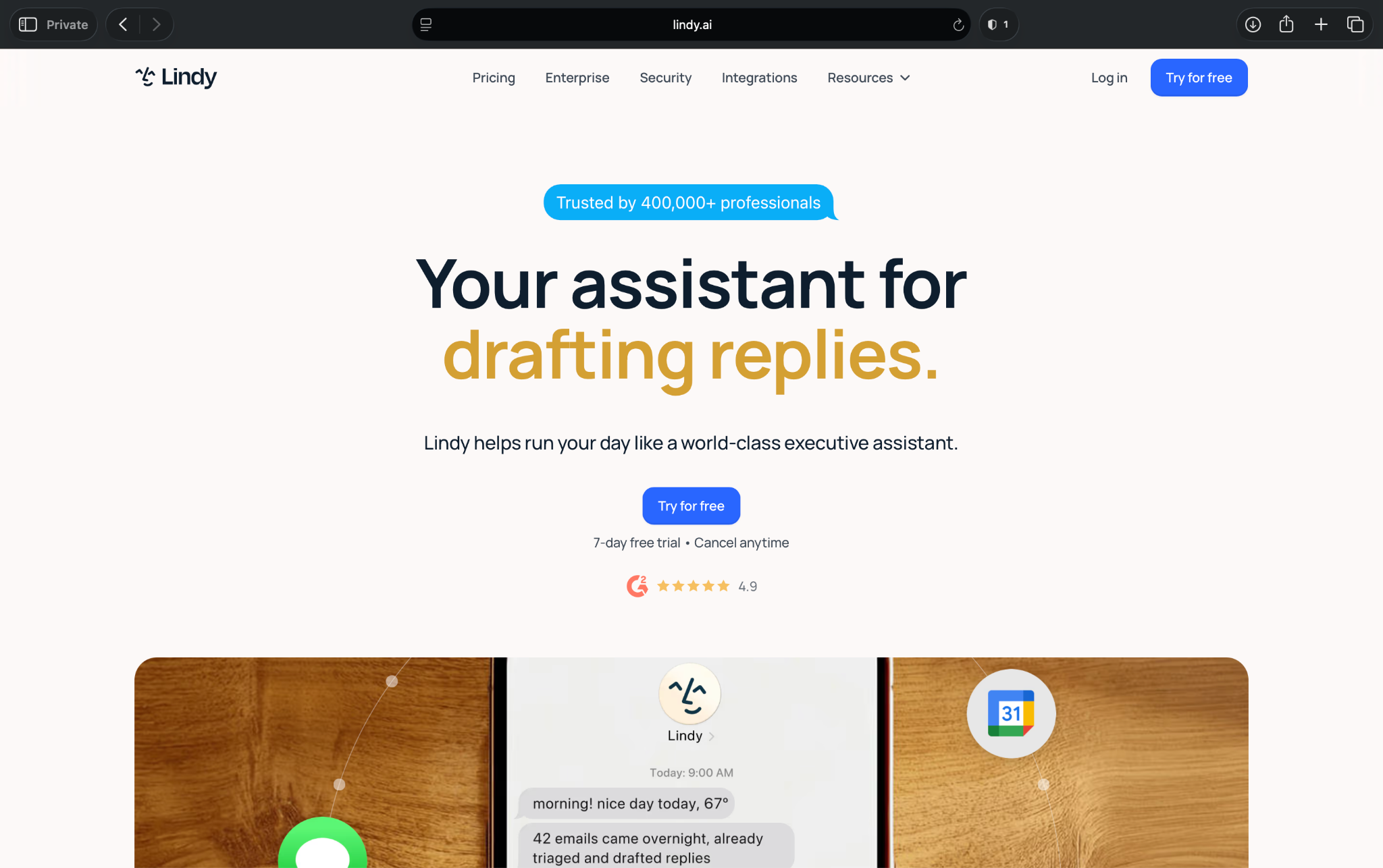
CrewAI helps developers build multi-agent systems. Lindy, on the other hand, takes a simpler route. You text your AI assistant, ask for what you need, and it handles daily work like inbox triage, meeting prep, calendar scheduling, follow-ups, and CRM updates.
As I tested Lindy, I realized it felt less like a framework and more like having an assistant on standby. That makes it a better fit for operators, founders, sales teams, and busy professionals who want work done without setting up roles, tools, and task chains.
Why it beats CrewAI
- You can text Lindy instead of writing Python scripts or configuring agent crews.
- It works better for non-technical teams that want the outcome, not the setup process.
- Lindy can pull context from your work apps and help you act on it faster.
- Lindy helps with daily business tasks like email, meetings, follow-ups, scheduling, and CRM updates.
- It can notify you via email or Slack when something important needs your attention.
Pros
- Text your AI assistant: You ask Lindy to block meeting slots in your calendar using incoming email invites instead of building an agent system for that task.
- Strong fit for daily work: Lindy can help with inboxes, calendars, meetings, follow-ups, and admin tasks.
- Better for non-technical users: Founders, operators, and sales teams can use it without Python.
- Ready-to-use skills: You can pick from prebuilt skills for common workflows to get started without much setup.
- Connects with hundreds of apps: Lindy can work across the tools your team already uses.
- Enterprise-grade security: Lindy is SOC 2, HIPAA, GDPR, and PIPEDA compliant, ideal for organizations in regulated industries.
Cons
- Takes time to get workflows right: You’ll have to use the trial-and-error approach to get the workflow right for your use case.
- Not for custom research frameworks: Lindy works best when you want help with business tasks, not low-level agent experimentation.
- Usage can add up: Heavy users may need to pay for the Pro or Max plan, depending on their workloads.
Best for
- Founders who want help managing email, meetings, follow-ups, and daily admin
- Operators who need an assistant that can work across inboxes, calendars, CRMs, and internal tools
- Sales teams that want help with lead follow-up, meeting prep, and CRM context
- Busy professionals who would rather text an assistant than build an automation
Pricing
- No free plan, only a 7-day free trial
- Paid plans from $49.99/month, billed monthly
{{templates}}
2. LangGraph: Best for stateful, graph-based agents
LangGraph works well as a CrewAI alternative if you want more control over how agents move through complex tasks.
CrewAI works well when you want to assign roles and tasks to different agents. LangGraph makes more sense when your workflow needs branching paths, loops, checkpoints, human review, and persistent state
I found LangGraph to be more technical than CrewAI. But it was also more predictable for complex workflows. It gives developers a clearer way to define what happens next, especially when agent behavior can’t follow a quick start-to-finish path.
Why it beats CrewAI
- Developers get stronger control over state, branching, loops, and retries.
- It works better for long-running workflows that need checkpoints or resumable steps.
- You get human-in-the-loop patterns for review and approval.
- Teams can design stricter execution paths instead of relying only on agent handoffs.
- It fits production-minded teams that need more structure than CrewAI’s role-based crews.
Pros
- Strong graph control: LangGraph helps developers map complex agent logic with more precision.
- Better for stateful workflows: It handles workflows where context needs to be carried across multiple steps.
- Useful for production apps: It fits teams that care about retries, checkpoints, and clear execution paths.
- Open-source library: LangChain says LangGraph is MIT-licensed and free to use.
Cons
- Requires technical skill: Non-technical users will likely struggle without developer help.
- More complex than CrewAI for easy tasks: You don’t need graph control for every agent workflow.
- Production costs can vary: You still pay for hosting, model usage, observability, and related infrastructure.
Best for
- Engineering teams building stateful AI apps
- Developers who need branching, retries, loops, and checkpoints
- Teams that want more execution control than CrewAI gives them
- AI products that need human review before certain actions
Pricing
- Open-source library and free to use
- Paid plans through LangSmith start from $39/user/month, billed monthly
3. AutoGen: Best for developer-led multi-agent systems
AutoGen gives developers more room to experiment with agent conversations, tool use, and custom collaboration patterns than CrewAI.
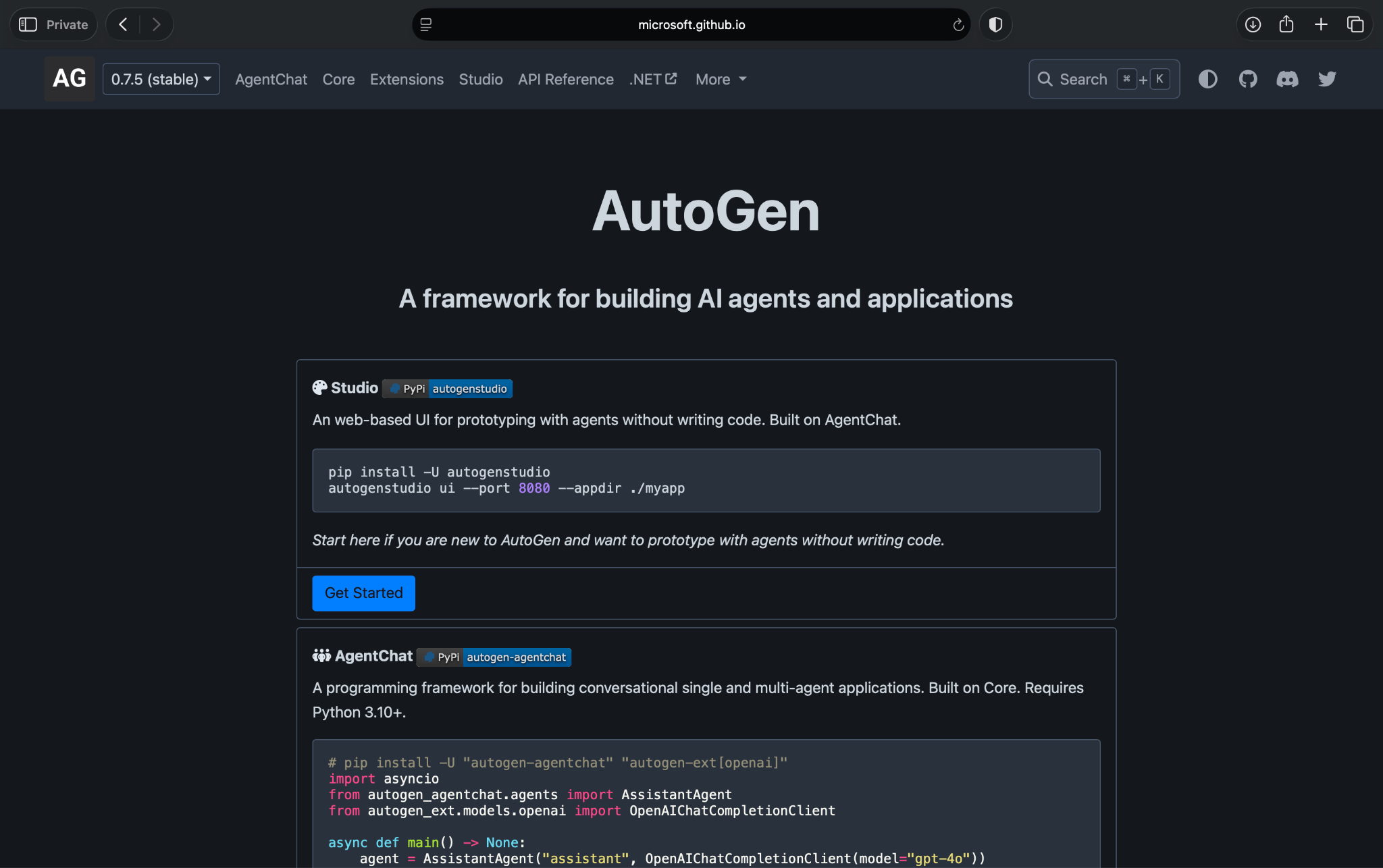
When I tested it, AutoGen felt less rigid than CrewAI. Instead of thinking only in terms of fixed roles and tasks, I could shape how agents talked to each other, used tools, executed code, and worked through a problem.
That flexibility makes AutoGen a better fit for technical teams that want to explore multi-agent behavior in depth. An ops manager won’t be comfortable with it, but it gives engineers a lot to work with.
Note: Microsoft has moved AutoGen into maintenance mode and folded it into Microsoft Agent Framework. New projects should start with MAF; AutoGen remains useful for existing setups and experimentation.
Why it beats CrewAI
- Developers get more flexibility when designing agent-to-agent conversations.
- It works well for research-heavy workflows, experiments, and custom multi-agent setups.
- You get support for code execution, tool use, and more open-ended collaboration patterns.
- Technical teams have more control over how agents reason through tasks.
- It fits teams that want to test different agent behaviors before locking into a structure.
Pros
- Strong developer control: AutoGen gives engineers plenty of room to customize how agents interact.
- Good for experimentation: It works well when you want to test different agent patterns and collaboration styles.
- Useful for code-heavy workflows: AutoGen fits projects where agents need to write, run, or review code.
- Active technical ecosystem: Developers can find examples, docs, and community support around common use cases.
Cons
- Not beginner-friendly: Non-technical users will need help from engineering.
- Setup can take time: You’ll spend time with docs, configuration, and debugging before you get stable results.
- Less suited for daily business tasks: It won’t feel like texting an assistant to handle your inbox or CRM updates.
Best for
- Developers building custom multi-agent systems
- Research teams testing agent collaboration patterns
- Engineering teams working on code execution or technical task automation
- AI teams that want more flexibility than CrewAI’s role-and-task setup
Pricing
- Fully open-source, with a free-to-use framework
- Need to pay for model usage, hosting, storage, and engineering time
4. LlamaIndex: Best for RAG-heavy agent workflows
LlamaIndex makes the most sense when your setup depends on documents, internal knowledge, or private data sources.
CrewAI focuses on how agents work together. LlamaIndex, on the other hand, gives AI apps better access to the information they need. That difference matters if you want an assistant, chatbot, or agent workflow that can search company docs, pull from databases, and return answers grounded in your data.
In testing, LlamaIndex felt strongest when the workflow needed retrieval. It’s not the easiest option for non-technical teams, but developers get a strong foundation for knowledge-heavy AI apps.
Why it beats CrewAI
- It handles retrieval-heavy workflows better than CrewAI’s role-based agent setup.
- Developers get stronger tools for connecting LLMs to documents, databases, and APIs.
- It works well for internal knowledge assistants, document search, and research apps.
- You can ground answers in source data instead of relying only on agent prompts.
- Teams that care more about data access than multi-agent collaboration will find it useful.
Pros
- Strong RAG (Retrieval Augmented Generation) support: LlamaIndex works well when your AI app needs to retrieve and use private data.
- Great for document-heavy workflows: It can support search, Q&A, and knowledge apps built around files and databases.
- Flexible developer toolkit: Teams can use it with different LLMs, data sources, and retrieval patterns.
- Free framework available: Developers can use the open-source framework without paying a license fee.
Cons
- Requires engineering help: Business users won’t use it like a plug-and-play assistant.
- Costs can vary: You pay for model usage, embeddings, vector storage, hosting, and managed LlamaIndex products.
- Less useful for simple daily tasks: It can require a lot of setup for quick tasks like meeting scheduling or inbox clean-up.
Best for
- Developers building RAG apps with private data
- Teams creating internal knowledge assistants
- Companies building document search or Q&A tools
- AI teams that need better retrieval more than agent orchestration
Pricing
- Open-source framework, free to use
- Costs come from the hosting and compute resources you use
5. Flowise: Best for visual AI workflows
Flowise works well if CrewAI feels too code-heavy and you want to see your AI workflow on a canvas.
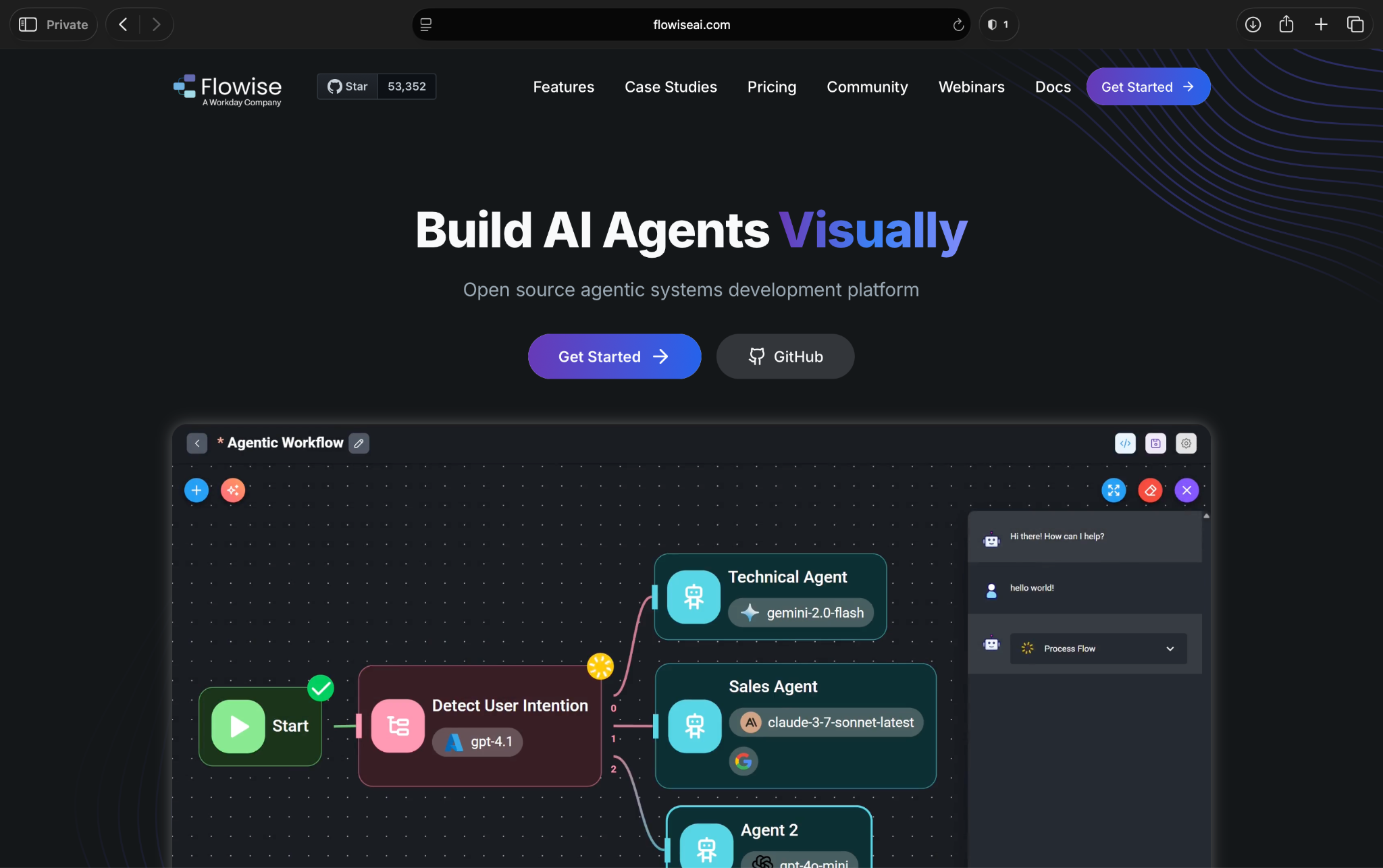
When I tested Flowise, the biggest advantage was visibility. Instead of jumping between Python files, prompts, tools, and docs, I could see how each piece of the workflow connected. That made it easier to test RAG flows, chatbot logic, and simple agent-style workflows.
It still feels like a builder for technical users, though. Flowise reduces the amount of code you write, but it doesn’t remove the need to understand models, prompts, data sources, APIs, and deployment.
Why it beats CrewAI
- There’s a visual builder instead of a Python-first setup.
- You can prototype AI workflows faster because you can see the logic on a canvas.
- It works well for RAG flows, chatbots, and internal AI tools.
- Semi-technical builders have more control than easy business automation tools.
- It supports self-hosting, which helps teams that want more control over infrastructure.
Pros
- Visual workflow builder: Flowise makes prompts, tools, memory, and data sources easier to map.
- Strong for prototypes: You can test AI workflow ideas without writing every step from scratch.
- Good RAG support: Flowise works well for document-based chatbots and knowledge workflows.
- Open-source option: Teams can self-host Flowise and control their setup.
Cons
- Still requires technical comfort: You need to understand LLMs, API keys, data sources, and hosting.
- Complex flows can get messy: Large workflows can become harder to manage on a visual canvas.
- Not an AI assistant: Flowise helps you build AI workflows, but you cannot text it to get work done.
Best for
- Semi-technical teams that want a visual AI builder
- Developers who want to prototype RAG workflows faster
- Teams building internal chatbots or knowledge tools
- Companies that want an open-source, self-hosted AI workflow option
Pricing
- Open-source and free to self-host
- Cloud plans start from $35/month, billed monthly
6. Haystack: Best for enterprise LLM and RAG apps
Haystack is a better CrewAI alternative when your main problem is retrieval, not agent teamwork.
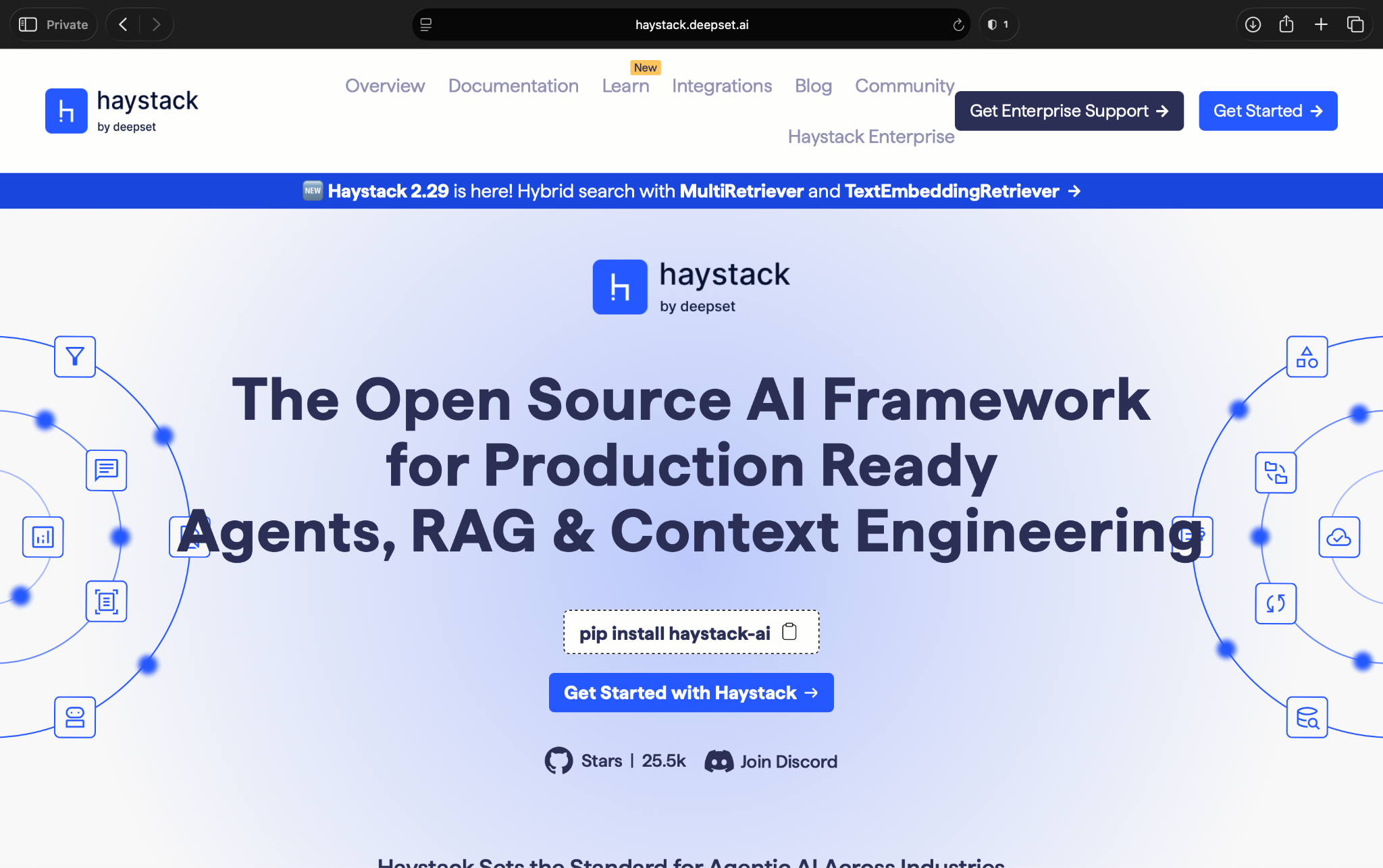
Haystack helps developers build AI apps that search, retrieve, and use the right information from documents, databases, and other data sources.
When I tested Haystack, it felt more like a serious RAG framework than a general AI assistant. It gives technical teams more control over retrieval pipelines, routing, memory, and generation, which makes it a strong fit for enterprise search, Q&A, and document-heavy LLM apps.
Why it beats CrewAI
- Developers get stronger building blocks for RAG, search, and Q&A apps.
- Haystack has more explicit control over retrieval, routing, memory, and generation.
- It fits document-heavy workflows better than CrewAI’s role-based structure.
- When the answer quality depends on source grounding, Haystack performs better than CrewAI.
- Technical teams get a more modular architecture for production LLM apps.
Pros
- Strong RAG foundation: Haystack works well for search, Q&A, and document-based AI apps.
- Modular pipeline design: Developers can control how retrieval, routing, and generation work.
- Open-source framework: Teams can use the core framework without license fees.
- Better for enterprise knowledge use cases: It fits teams building AI over internal docs and data.
Cons
- Suits technical users: You’ll need developers to set up and manage it.
- Less useful for daily admin work: Haystack requires effort to set up agents that can handle meetings, email, or follow-ups.
- No public pricing for enterprise plans: Teams need to contact Deepset for Enterprise pricing.
Best for
- Engineering teams building enterprise search or Q&A apps
- Companies with document-heavy RAG use cases
- Developers who need control over retrieval and generation pipelines
- Teams that want an open-source framework for production LLM apps
Pricing
- Open-source and free to use
- No public pricing for enterprise/cloud plans, contact Deepset for a quote
7. OpenAI Agents SDK: Best for OpenAI-first agent apps
OpenAI Agents SDK makes the most sense if your team already builds with OpenAI and wants a cleaner way to create agent apps with tools, handoffs, and guardrails.
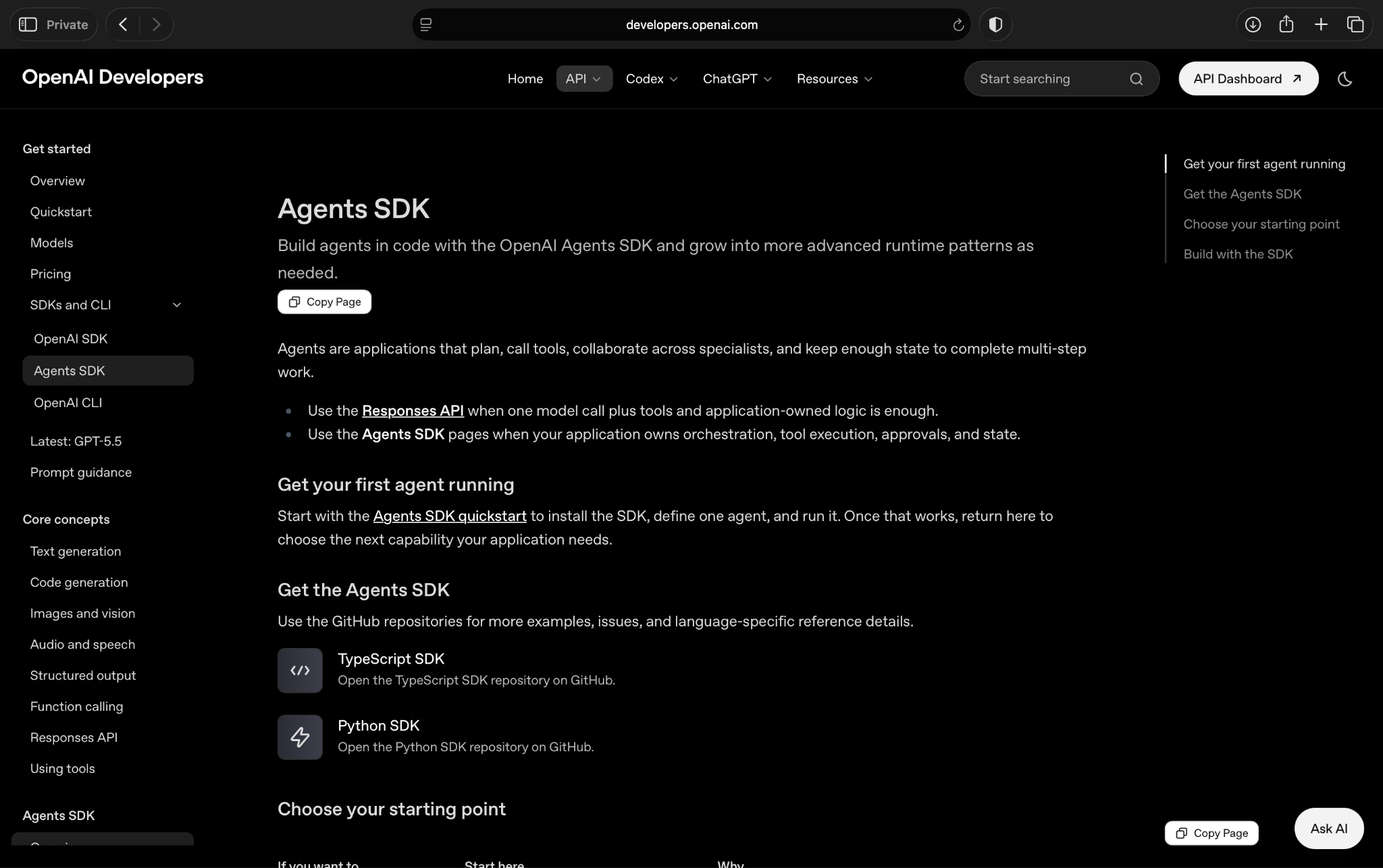
When I tested it, the appeal was clear: You stay close to the OpenAI stack instead of layering another framework on top. That helps if your team already uses OpenAI models, traces outputs, and wants to build agents that call tools or pass work between steps.
It’s still a developer tool, though. You won’t use it like a no-code assistant, where you text it or use a visual builder to prepare for a meeting or handle follow-ups. It belongs with engineering teams building custom agent apps.
Why it beats CrewAI
- Teams already building around OpenAI models and APIs will find it better than CrewAI.
- It gives developers a direct way to work with tools, handoffs, and guardrails.
- You can reduce framework sprawl if your product already depends on OpenAI.
- Agents SDK offers more control over custom agent behavior.
- It works well when you want a lower-level SDK instead of CrewAI’s role-based crew structure.
Pros
- Strong OpenAI fit: Teams already using OpenAI can build agent apps without adding a larger framework.
- Good developer experience: The SDK gives engineers a direct way to define agents, tools, and handoffs.
- Useful tracing support: Developers can inspect agent runs and debug behavior more easily.
- Good for custom apps: It works well when you want to build your own product experience around agents.
Cons
- Requires engineering skill: Non-technical teams will need developer help.
- Tied to the OpenAI ecosystem: It makes less sense if your team wants a model-agnostic framework.
- Not built for daily admin: It won’t feel like texting an assistant to manage email, scheduling, or CRM updates.
Best for
- Engineering teams building OpenAI-based agent apps
- Products that need custom tool use, handoffs, or guardrails
- Teams that already use OpenAI APIs and want to stay in that ecosystem
- Developers who want more control than CrewAI’s crew abstraction gives them
Pricing
- Free to use as a developer framework
- You pay for OpenAI API usage based on the models, tokens, and tools you use
8. n8n: Best for self-hosted AI workflow automation
n8n is a good CrewAI alternative if you care more about connecting tools than designing agent crews.
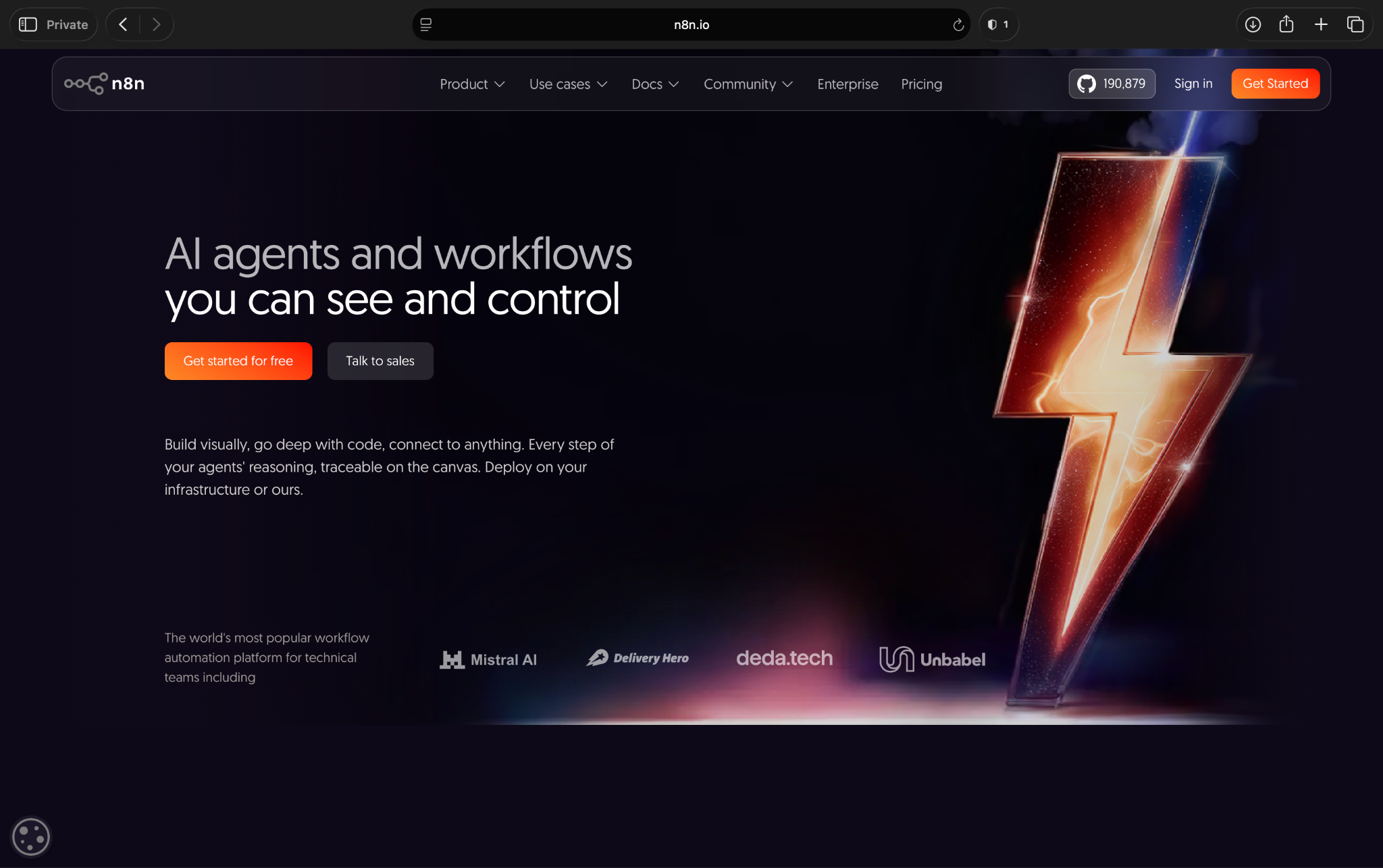
While testing, n8n felt more like a technical Zapier alternative than a CrewAI-style agent framework. You can connect apps, trigger actions, move data between systems, and add AI steps where they make sense.
That makes n8n useful for a chain of tasks like taking a form submission, summarizing it, updating a CRM, notifying a team, and creating a follow-up task. n8n often works better than CrewAI when you need reliable app-to-app processes with some AI in the middle.
Why it beats CrewAI
- There’s a visual workflow builder instead of a Python-first agent setup.
- It works better for app-to-app automation across CRMs, databases, email, Slack, and internal tools.
- Technical teams have the option of a self-hosted setup when they want more control over data and infrastructure.
- For workflows where AI supports a process instead of running the whole process, it’s better than CrewAI.
- Triggers, actions, conditions, and retries are easier to manage than a custom CrewAI setup.
Pros
- Strong app integrations: n8n connects with hundreds of business tools and APIs.
- Good self-hosted option: Technical teams can run it on their own infrastructure.
- Visual workflow control: You can see each trigger, condition, and action in one place.
- Flexible AI steps: You can add LLM calls into broader workflows without turning everything into an agent system.
Cons
- Still needs technical comfort: n8n is easier than writing everything from scratch, but non-technical users may still need help.
- Not a true multi-agent framework: It won’t replace CrewAI if you need agent roles, collaboration, and reasoning loops.
- Workflow maintenance can grow: Large automation systems need naming, testing, error handling, and cleanup.
Best for
- Technical operators who want self-hosted automation
- Teams connecting CRMs, databases, email, Slack, and internal apps
- Companies that want AI to take steps inside structured workflows
- Developers who want more control than Zapier or Make usually provide
Pricing
- Open-source and free to self-host
- Cloud plans start from $24/month, billed monthly
9. Relay.app: Best for lightweight business process automation
Relay.app makes sense if you want simple business automations with human approval steps built in.
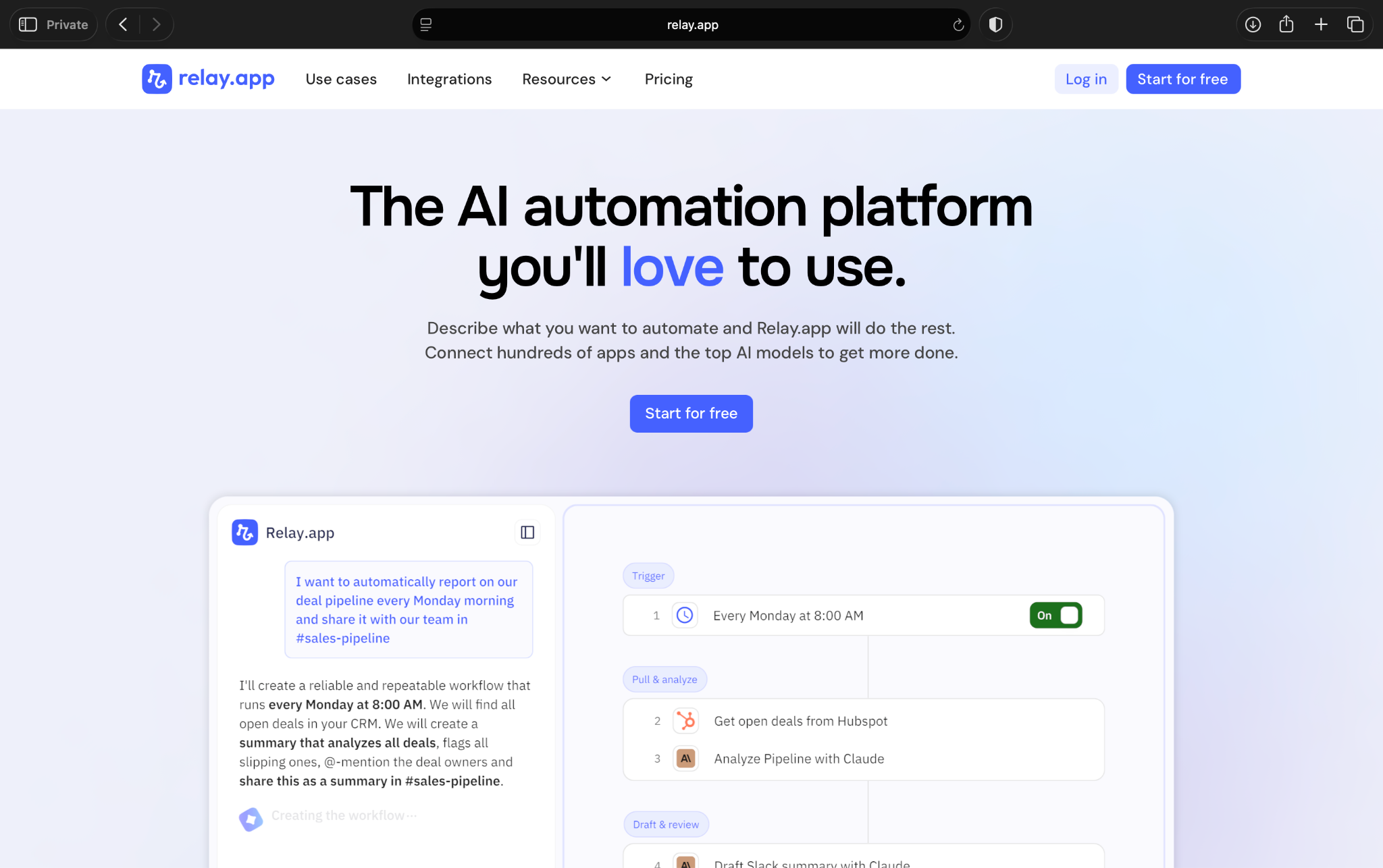
When I tested Relay.app, it felt more approachable than CrewAI. You don’t need to think in terms of agent crews, role prompts, or Python scripts. You can build step-by-step processes for tasks like approvals, handoffs, CRM updates, internal alerts, and email follow-ups.
The main reason to consider Relay.app over CrewAI is oversight. It works well when a human needs to review an AI output, approve a step, or add context before the workflow continues.
Why it beats CrewAI
- Non-technical teams have an easier way to create business processes.
- You get human approval steps, which help when AI actions need review.
- It works better for repeatable tasks like approvals, handoffs, alerts, and follow-ups.
- You can connect hundreds of apps, so teams can move work across their existing tools.
- It fits process automation better than CrewAI’s developer-first agent structure.
Pros
- Easy to understand: Relay.app uses a clean visual builder for step-by-step workflows.
- Strong approval workflows: Teams can add human review before important actions happen.
- Good for team handoffs: Relay.app works well when a process moves between people and tools.
- Useful AI features: It includes AI credits and supports models like GPT, Claude, and Gemini on its free plan.
Cons
- Not an AI agent framework: It won’t replace CrewAI for custom multi-agent systems.
- Less flexible than developer tools: LangGraph, AutoGen, and OpenAI Agents SDK give engineers more control.
- Step limits can matter: The free plan includes 200 steps per month, so active teams may need a paid plan.
Best for
- Teams that need approval-based business processes
- Operators who want simple workflows across apps
- Sales, marketing, and support teams managing repeatable handoffs
- Teams that want AI help but still need humans to review key steps
Pricing
- Free plan with 200 steps/month and 500 AI credits/month for a single user.
- Paid plans from $38/month, billed monthly
{{cta}}
What to look for in CrewAI alternatives
CrewAI alternatives fall into a few different buckets. Some help developers build controlled agent systems, while others let teams connect apps and automate repeatable processes. Tools like Lindy work more like an AI assistant you can text when you need help.
So before you pick one, here’s what you need to clarify:
Ease of use
Start with the obvious question: Who will use this?
If engineers will be owning the entire setup, tools like LangGraph, AutoGen, LlamaIndex, Haystack, and OpenAI Agents SDK make sense. They give developers more control, but they also expect technical skill.
If business users need to use the tool every day, the tools above won’t work. A founder, sales rep, or ops manager shouldn’t need to edit Python to follow up with a lead or prep for a meeting. In that case, Lindy, Relay.app, n8n, or Flowise may fit better.
Control over agent behavior
CrewAI lets you assign roles to your agents. That works for many projects, but some teams need stricter control. Look for alternatives that let you manage:
- Agent instructions
- Tool access
- Memory
- State
- Handoffs
- Human approvals
- Retry logic
LangGraph stands out here because it gives developers more control over state and branching. OpenAI Agents SDK also works well if your team already builds around OpenAI and wants more control over tools and handoffs.
Data and document handling
If your workflow depends on internal knowledge, don’t pick a tool only because it can run agents. You need strong retrieval.
LlamaIndex and Haystack fit this use case well. They help developers build apps that search documents, retrieve context, and answer questions from company data. Flowise can also help if you want to prototype RAG workflows visually.
Integrations with your work apps
A good CrewAI alternative should connect to the other apps where you work. For business teams, that usually means email, calendar, Slack, CRMs, spreadsheets, docs, and project management tools.
Lindy fits this assistant-style use case well because you can ask it to help with work across hundreds of apps.
For technical teams, integrations look different. You may care more about APIs, vector databases, model providers, storage, and observability tools.
Production readiness
Putting an AI agent into production asks harder questions. These can be:
- Can you see what happened when a task failed?
- Can you approve important actions before they run?
- Can you retry from the right step?
- Can you track cost and output quality?
- Can your team monitor usage over time?
CrewAI can support serious projects, but some alternatives give you more structure for specific production needs. LangGraph helps with stateful workflows. Haystack and LlamaIndex help with retrieval-heavy apps. n8n helps with reliable app-to-app processes.
Pricing at scale
CrewAI alternatives price themselves in different ways. Some are open-source, but that doesn’t mean free in practice. You may still pay for model usage, hosting, vector databases, observability, storage, and engineering time.
Others charge per user, task, step, credit, or workflow run. That can work well if it saves enough time, but you need to understand how usage grows.
Before you commit, estimate how often the tool will run and who will maintain it. The cheapest option on paper can become expensive if your team spends weeks setting it up.
Which CrewAI alternative should you choose?
You should pick the CrewAI alternative depending on the problem you’re trying to solve. Here are a few scenarios to help you choose:
Choose Lindy:
- If you want an AI assistant you can text instead of a framework you need to configure
- If you need help with email, meetings, calendar scheduling, CRM updates, lead follow-ups, or daily admin
- If you want to ask for the outcome in plain English instead of building the steps yourself
- If you’re a founder, operator, or busy professional who wants to get work done without turning every task into an engineering project
When to choose CrewAI alternatives:
- LangGraph, if you need stateful graph control, checkpoints, branching, and stricter execution logic
- AutoGen, if you’re a developer testing flexible multi-agent conversations
- LlamaIndex, if your AI app depends on documents, private data, or retrieval-heavy workflows
- Flowise, if you want a visual builder for AI workflows, chatbots, or RAG prototypes
- Haystack, if you’re building enterprise search, Q&A, or document-heavy LLM apps
- OpenAI Agents SDK, if your team already builds around OpenAI and wants direct control over tools, handoffs, and guardrails
- n8n, if you want self-hosted workflow automation with AI steps inside broader business processes
- Relay.app, if you want simple approval-based workflows across your business apps
Stick with CrewAI:
- If you’re comfortable with Python and like CrewAI’s role-based agent structure
- If you’re building prototypes, internal experiments, or developer-led agent systems
- If you want to define agents, tasks, tools, and crews yourself instead of asking an assistant to handle the work
- If you don’t need a visual builder, built-in business app experience, or heavy production controls yet
My final verdict
CrewAI still makes sense if you want to build role-based agent crews in Python. It gives developers a useful structure for assigning tasks, tools, and responsibilities to different agents.
But most teams searching for CrewAI alternatives want a less technical setup, more control, or a better way to connect AI to daily work.
If I were to pick my CrewAI alternative, I’d pick Lindy, as it has the easiest setup. You text Lindy, ask for what you need, and let your assistant help with email, meetings, scheduling, CRM updates, follow-ups, and other work that usually eats up your day.
For teams that want more developer control, LangGraph and AutoGen make more sense. LangGraph gives you tighter state and branching control, while AutoGen gives developers more room to experiment with multi-agent conversations.
If your work depends on company knowledge, LlamaIndex and Haystack fit better. They give technical teams stronger tools for RAG, search, and document-heavy AI apps.
And if you want app-to-app automation instead of agent architecture, n8n and Relay.app are better bets. They help teams connect tools, add approvals, and move work through repeatable processes.
Depending on your use case and pains, pick the alternative that removes the friction you’re tired of dealing with. I’d suggest you start the Lindy free trial today and see how that works for your everyday tasks.
Frequently asked questions
What is the best CrewAI alternative?
The best CrewAI alternative depends on what you need, with Lindy leading the list for users who need a simple, easy-to-use AI assistant they can text to get work done. LangGraph works best for stateful developer workflows, and AutoGen works best for custom multi-agent systems.
What is the best no-code CrewAI alternative?
Lindy is the best no-code CrewAI alternative. It’s an AI assistant you can text for daily work like email, meetings, follow-ups, scheduling, and CRM updates. Flowise, n8n, and Relay.app also work well if you want a visual workflow builder.
What is the best CrewAI alternative for developers?
LangGraph is the best CrewAI alternative for developers who need state, branching, and checkpoints. AutoGen is better if you want flexible multi-agent conversations. OpenAI Agents SDK fits best if your team already builds with OpenAI.
What is the best open-source CrewAI alternative?
LangGraph, AutoGen, LlamaIndex, Haystack, Flowise, and n8n are the best open-source CrewAI alternatives. Choose based on your use case: graph control, agent conversations, RAG, visual workflows, or self-hosted automation.
Is CrewAI still worth using?
Yes, CrewAI is still worth using if you’re comfortable with Python and want a simple way to create role-based agent crews. It makes sense for prototypes, experiments, and developer-led projects.
Is CrewAI good for production?
Yes, CrewAI can be good for production use cases, but you should test state management, tracing, retries, approvals, and monitoring before using it for critical work. Production agent systems need more than a working demo.
What is the difference between CrewAI and LangGraph?
CrewAI uses a role-and-task structure for building agent crews, while LangGraph uses a graph-based structure that gives developers more control over state, branching, loops, and checkpoints.
What is the difference between CrewAI and AutoGen?
CrewAI works best when you want structured agents with defined roles and tasks, while AutoGen works better when developers want flexible agent conversations, custom collaboration patterns, and more room to experiment.
What is the best CrewAI alternative for RAG workflows?
LlamaIndex and Haystack are the best CrewAI alternatives for RAG workflows. LlamaIndex works well for retrieval-heavy AI apps, while Haystack fits enterprise search, Q&A, and document-based LLM apps.
What is the best CrewAI alternative for business workflows?
Lindy is the best CrewAI alternative for business workflows. You can text Lindy to help with inbox management, meeting prep, scheduling, lead follow-ups, CRM updates, and daily admin work.










