8 Best Bland AI Alternatives for 2026, Tested and Compared
Marvin reviewed and compared 10 Bland AI alternatives, including Retell AI, Synthflow, and Ringly.io, weighing pricing predictability, setup complexity, and calling automation features.


I spent six weeks on eight Bland AI alternatives, running the same support script through the platforms I could get hands-on with, and researching the rest through docs, pricing pages, and reviews.
Retell AI, Synthflow, and Lindy stood out for different reasons. Lindy makes sense when the phone call is part of a larger workflow. Retell gives developers granular control over the voice stack. Synthflow puts more of the building process into a visual interface.
Here's what each one costs, who has to maintain it, and where it broke down.
8 best Bland AI alternatives TL;DR
- Retell AI: Best for developers who want control over the voice stack
- Vapi: Best for engineers building a custom voice stack
- Synthflow: Best for visual voice-agent building
- Lindy: Best for the follow-up work a call creates
- HappyRobot: Best for managed enterprise AI workers
- Ringly: Best for Shopify customer support calls
- Twilio Voice: Best for teams building the telephony layer themselves
- AssemblyAI: Best for developers who want a speech-first voice stack
Stick with Bland AI if Pathways already fits your workflow and your engineering team wants a contained voice platform with bundled AI pricing.
Why look for a Bland AI alternative?
Teams look for an alternative when pricing, technical setup, usage limits, or enterprise requirements stop fitting the way they want to run voice AI.
Bland still gives technical teams plenty of control through Pathways, APIs, and its bundled per-minute pricing. The friction tends to show up once teams need easier editing, different cost structures, higher self-serve limits, or broader controls.
Bland AI pricing has changed
Bland changed its pricing structure in late 2025. Start costs $0.14 per connected minute with no monthly platform fee, while Build costs $0.12 per minute plus $299/month.
Transfer time is billed separately at $0.05 per minute on Start and $0.04 on Build, though it is free if you bring your own Twilio number. Outbound calls on Bland's telephony also carry a $0.015 minimum per attempt. Telephony can add another cost depending on how you configure the agent.
Teams that planned around Bland’s older $0.09 rate will want to rerun the numbers. Our Bland AI pricing breakdown covers the current tiers and extra charges in more detail.
Technical ownership can be demanding
Bland has made agent building more accessible through Pathways, which lets you map branching conversations visually. You can also attach tools and webhooks to different points in the flow.
More advanced setups still lean heavily on APIs, webhooks, SIP, and developer tooling. That setup works well when engineering owns the agent. Teams that expect sales, support, or operations staff to make most changes themselves may prefer a more visual platform.
Latency varies by setup
Bland publishes sub-400ms response times for its voice infrastructure, and its homepage shows 400ms against a 1,240ms industry average.
Bland has also published testing where some configurations landed much higher, depending on the model, workload, and call conditions.
I’d treat vendor latency figures as a starting point. Run your own script through the platform, using the voice, model, knowledge base, and phone setup you plan to deploy.
Self-serve plans have volume limits
Bland’s Start plan includes 10 concurrent calls and 100 calls per day.
Build raises that to 50 concurrent calls and 2,000 calls per day, and Scale to 100 concurrent calls and 5,000 per day. Above that, capacity is set around an Enterprise contract.
Those limits matter most for outbound campaigns and support queues with sharp peaks. Average daily volume can look comfortable while one busy hour pushes past the concurrency cap.
Advanced controls sit on Enterprise
Some of Bland’s more advanced security and deployment options are tied to Enterprise.
That includes features such as BAA support, SSO, data residency, VPC or on-prem deployment, advanced guardrails, and higher-capacity deployments.
Teams in healthcare, finance, or other regulated industries should check which requirements are available on the plan they would buy before comparing headline prices.
Bland still fits developer-led teams that want detailed control over call logic, bundled AI pricing, and high concurrency. I’d look at alternatives when easier day-to-day editing, a different pricing model, broader workflow automation, or more self-serve controls matter more.
Bland AI vs Retell AI: Which is the better fit?
Retell AI is one of Bland’s closest comparisons because both are built for teams running production voice agents, yet they give you different levels of control over the underlying stack.
Bland feels more opinionated. Pathways gives you a structured way to build conversation logic, and more of the voice stack comes packaged together. That can make it easier to keep one setup consistent across agents.
Retell feels more modular. Developers can choose different models and voices, change providers as requirements evolve, and inspect more of the stack independently. Its testing and call-analysis tools also give technical teams plenty to work with once agents are live.
I’d choose Bland if I wanted a more contained system for building and running voice agents. I’d lean toward Retell if my team wanted to keep experimenting with the components behind each call.
8 best Bland AI alternatives at a glance
How I tested these voice AI platforms
I used the same support scenario across every platform that offered a live call without a sales conversation. For tools with gated access, I worked from product docs, pricing pages, and third-party reviews from teams already using them.
Each live test came down to five things:
- Setup time: How long it took to get a working agent on the phone.
- Response timing: How naturally it handled pauses, interruptions, and people talking over it.
- Call handling: What happened once the conversation moved away from the expected script.
- Pricing: What the same workload would cost at realistic call volume.
- After-call work: Whether the transcript, summary, actions, or context were useful once the call ended.
I learned more from one messy call than from ten perfect openings. The real test was whether the agent could recover when someone interrupted, changed direction, or asked something it clearly hadn’t planned for.
Sales-gated platforms needed a different approach. I compared their docs and pricing with deployment stories on G2, Capterra, and Reddit to see what teams were still complaining about weeks later.
1. Retell AI: Best for developers who want control over the voice stack
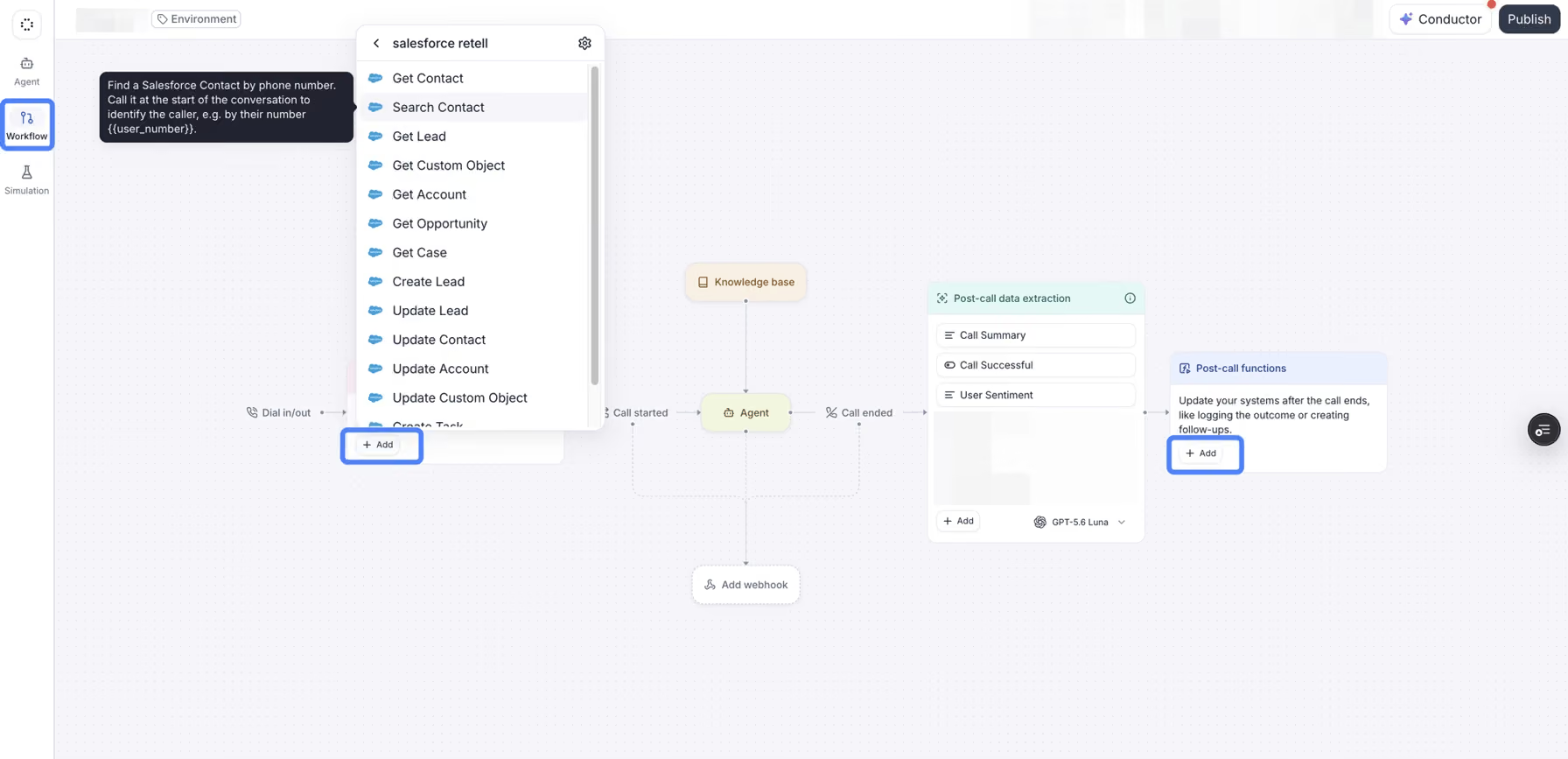
Retell AI gives developers more control over what sits behind each call. You can choose the LLM, voice, and telephony setup, then change those pieces as your needs change.
That flexibility is the main reason I’d consider Retell AI over a more bundled platform. Retell AI makes it easy to test whether Claude, GPT, or a different voice provider handles the same call flow better. The tradeoff is that your team has more decisions to make and more of the stack to own.
Best for: Development teams that want to choose and change the models, voices, and telephony behind their agents, plus healthcare teams that need a BAA without an Enterprise contract.
Pricing: Retell AI’s pay-as-you-go voice agents cost $0.07 to $0.31/minute, depending on the configuration. New accounts receive $10 in free credits, and the plan includes 20 concurrent calls. Enterprise pricing is custom.
Key features
- Multiple model options: Choose from GPT, Claude, Gemini, or a custom LLM for each agent.
- Component-level pricing: Retell lists voice infrastructure, TTS, LLM, telephony, and add-ons separately on its pricing page.
- HIPAA on pay-as-you-go: Healthcare teams can request a BAA without moving to Enterprise. PII redaction is available as a paid add-on.
- Flexible concurrency: The first 20 concurrent calls are included. Extra capacity costs $8 per concurrent call per month.
- Testing and analytics: Pay-as-you-go includes call analytics, transcripts, simulation testing, webhooks, and API access.
Pros
- Broad model and voice choice makes it easy to test different combinations as agent requirements change.
- Itemized pricing shows where call spend goes across voice infrastructure, models, telephony, and add-ons.
- HIPAA support is available on pay-as-you-go with a signed BAA, which gives healthcare teams a lower entry point.
- 20 concurrent calls are included, giving teams room to handle moderate volume before paying for extra capacity.
Cons
- The spread between the cheapest and priciest setup is over four times, so a quote built on the entry rate can miss badly once you pick your real model and voice.
- More component choices mean more setup decisions around models, voices, telephony, and add-ons.
- PII redaction and extra concurrency are both paid add-ons on top of the per-minute rate.
2. Vapi: Best for engineers building a custom voice stack
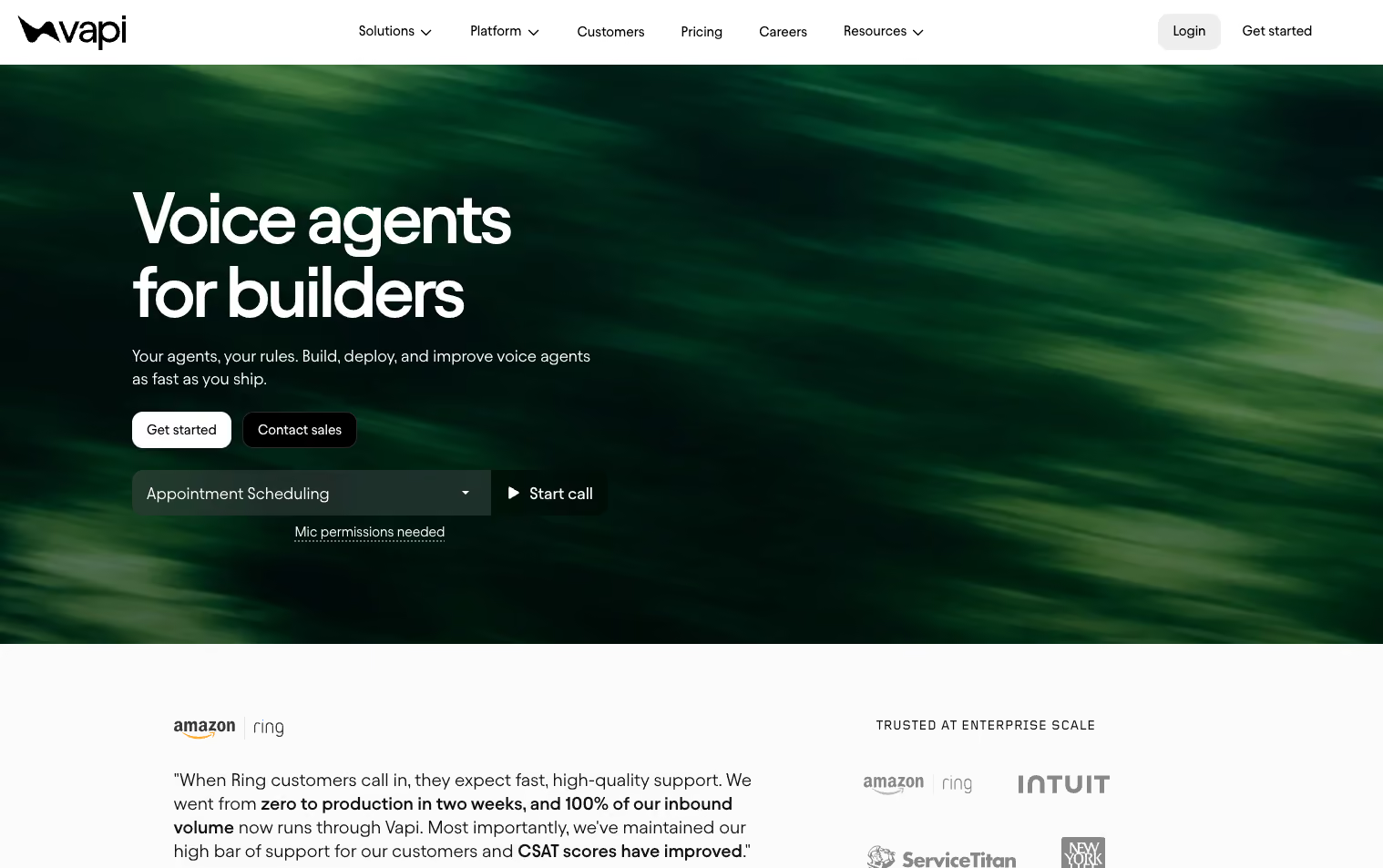
Vapi gives engineering teams fine-grained control over the pieces behind a voice agent. You can bring your own transcription, LLM, and text-to-speech providers, connect custom models, and configure telephony separately.
That setup works well if your team already knows which parts of the stack it wants to control. You can swap models, test different voices, or change providers without rebuilding the whole agent. The tradeoff is more setup and more moving costs to keep track of.
Best for: Engineering teams that want to choose and tune the models, voices, telephony, and logic behind their agents.
Pricing: Vapi starts at $0.05/minute for hosting, plus provider costs. On top of usage, Vapi sells Success Packages: Core at $29/month with 10 concurrent calls, Pro at 10% of your hosting fee with a $999/month floor and 30 calls, and Premier custom.
Key features
- Bring your own providers: Connect your own transcription, LLM, and TTS accounts or use Vapi-supported options.
- Modular voice stack: Change models, voices, and telephony independently as your setup evolves.
- Component-level pricing: Vapi breaks out hosting, transcription, LLM, voice, and telephony costs.
- Flexible concurrency: Usage-only accounts include 4 concurrent calls, while Core includes 10.
- Testing and analytics: Compare prompts, voices, and agent flows with built-in testing and reporting.
- Custom telephony: Support includes SIP, phone numbers, warm transfers, voicemail detection, and DTMF.
Pros
- Swap models, voices, and telephony without rebuilding the agent, which gives engineering teams plenty of room to tune the stack.
- Provider costs come through with no Vapi markup, which keeps the underlying model spend easier to track.
- Usage-only pricing has no monthly subscription, which works well for teams starting small or with uneven call volume.
- 200+ models and integrations give teams a broad set of components to test and combine.
Cons
- The $0.05/minute hosting fee does not include transcription, LLM, voice, or telephony. Those are billed on top.
- HIPAA compliance costs $2,000/month as a separate add-on.
- A modular setup means more components for your team to configure and monitor compared with a bundled voice platform.
3. Synthflow: Best for visual voice-agent building
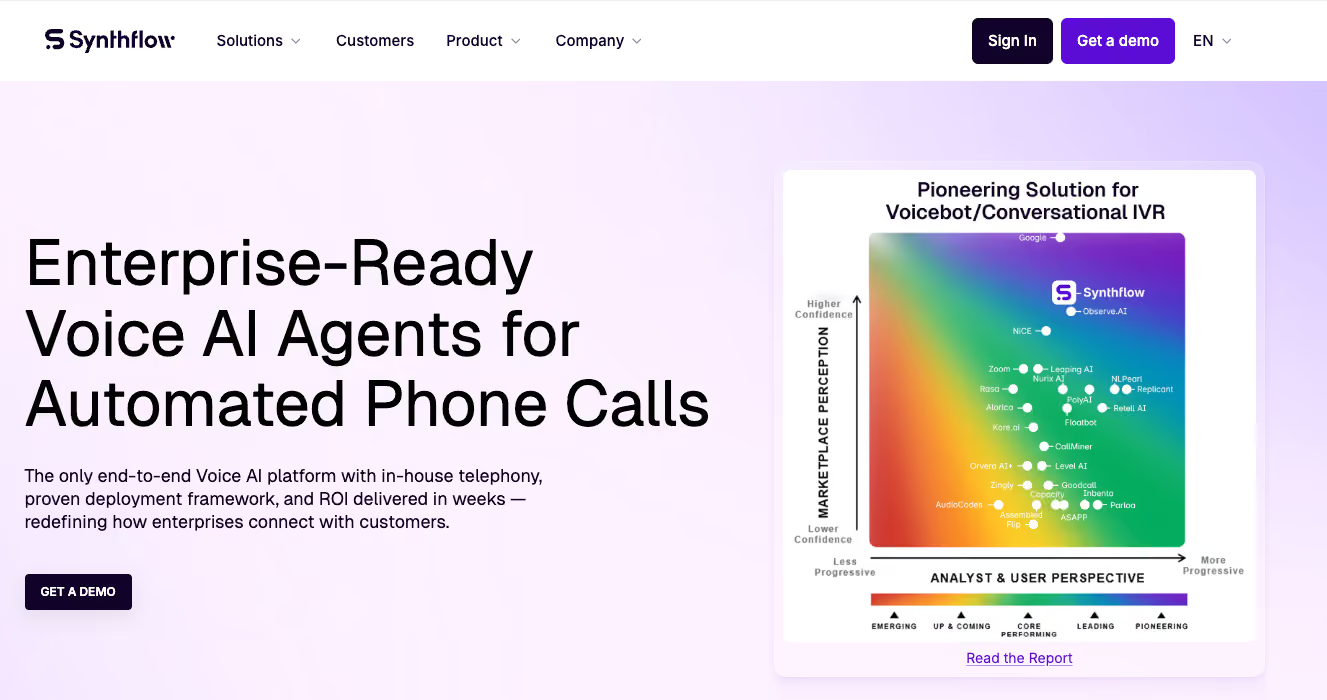
Synthflow gives teams a visual way to build and manage voice agents. Its Flow Designer lets you map call logic, variables, actions, and handoffs on a canvas, which makes complex flows easier to review and edit.
I’d look at Synthflow when operations or CX teams need more structure around a call flow without putting every change through engineering.
Best for: CX, operations, and enterprise teams that want to build and manage structured voice agents visually.
Pricing: Synthflow is pay-as-you-go per call and chat. Enterprise contracts start at $30,000 a year, with final pricing set by usage, concurrency, telephony, integrations, security, and support.
Key features
- Flow Designer: Map branching logic, variables, actions, and handoffs in a visual interface.
- Built-in testing: Simulate calls and review agent behavior before launch.
- 200+ integrations: Connect with tools such as Salesforce, HubSpot, Cal.com, Zapier, Twilio, Five9, Zendesk, and Freshworks.
- Enterprise compliance: Synthflow is SOC 2 Type 2, ISO/IEC 27001, and PCI DSS v4.0.1 certified, with HIPAA and GDPR support.
- Partner options: Agencies, BPOs, and consultants can deploy Synthflow for clients, with reseller and white-label options available for some partnership models.
Pros
- Visual call-flow design makes complex agents easier to build and edit without handling every change in code.
- Built-in simulations help teams catch issues before launch.
- 200+ integrations cover major CRM, telephony, scheduling, and support tools.
- Enterprise compliance support makes it suitable for regulated deployments.
Cons
- Synthflow no longer lists self-serve tiers on its pricing page, only Enterprise. Pay-as-you-go is still available, but you have to dig for the rates.
- Enterprise pricing starts at $30,000/year, which is a high entry point for smaller teams.
- Teams that want direct control over individual models, voices, and telephony providers may prefer a more developer-focused platform.
4. Lindy: Best for the follow-up work a call creates
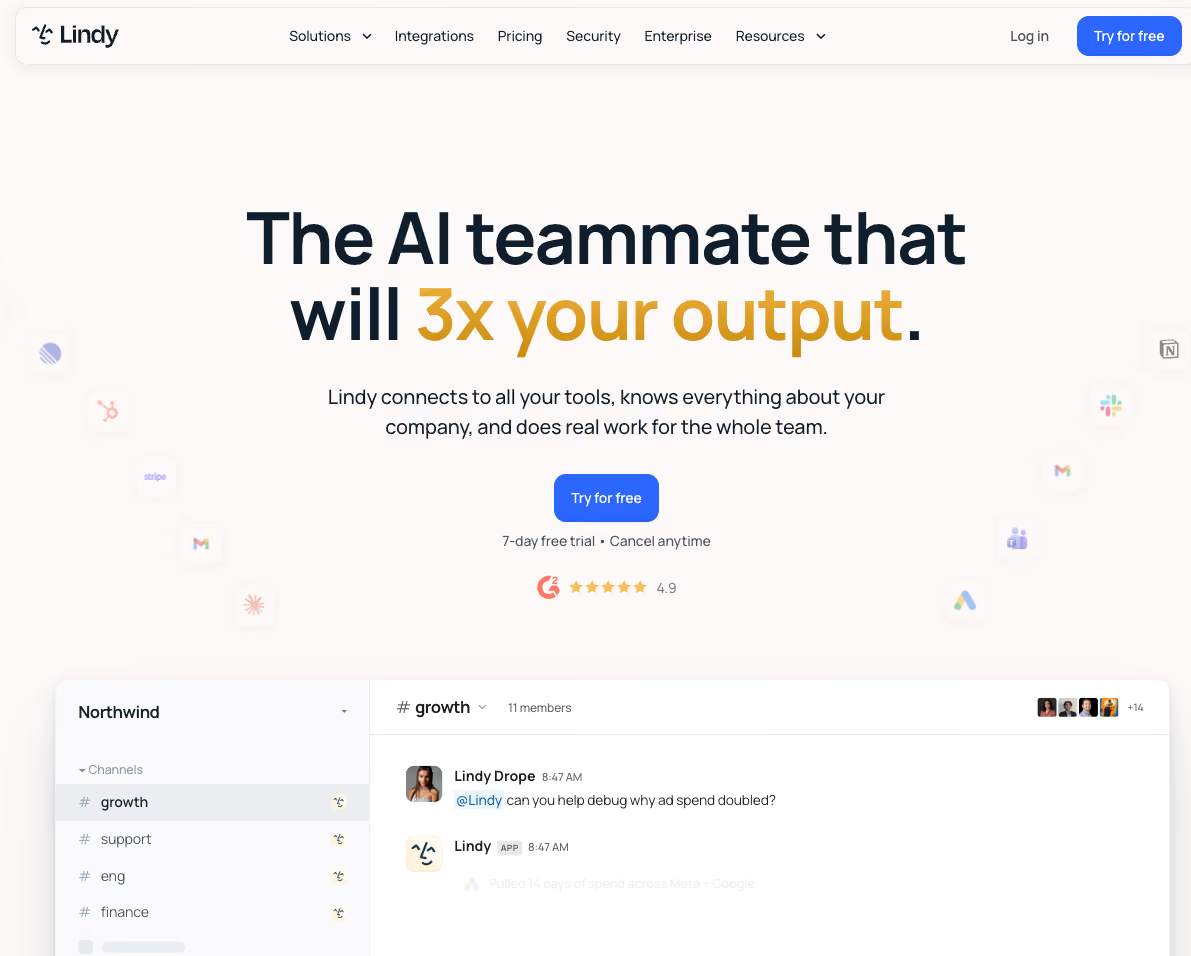
Lindy carries the context around a call into Slack, email, meetings, CRM data, and files, so it's there for whatever happens next. Call context can then carry into the work that comes next, such as updating a CRM, drafting a follow-up, or starting another task.
That broader context is what stood out in my testing. Lindy picked up the same support cases I'd run through Bland and kept the work moving after the conversation ended, which meant fewer separate automations to piece together.
Best for: Sales, support, and operations teams that want phone calls connected to CRM updates, follow-ups, meetings, and broader company context.
Pricing: Lindy starts at $29.99/user/month for Plus with 3,000 monthly credits. Pro costs $99.99/user/month with 15,000 credits, while Max costs $199.99/user/month with 35,000 credits. Enterprise uses custom pricing. There is no free plan, but every account gets a 7-day free trial.
Key features
- Meeting capture: Join calls across Google Meet, Zoom, and Microsoft Teams, and turn them into structured notes and follow-ups.
- Shared company context: Use approved information from Slack, Gmail, Notion, Google Drive, meetings, and other connected sources.
- Post-call follow-up: Carry call context into CRM updates, email follow-ups, summaries, and other next steps.
- Slack-native access: Teammates can mention Lindy in a channel or DM it for personal work.
- 1,000+ integrations: Connect Lindy to the tools your team already uses across sales, support, productivity, and knowledge work.
Pros
- One AI can handle the call and keep working afterward, including CRM updates, follow-up emails, scheduling, and other next steps.
- Shared context across Slack, email, meetings, CRM data, and connected apps helps keep follow-up work tied to the original conversation.
- Teams can use Lindy directly in Slack, with no workflow builder or code required for everyday requests.
- Hundreds of integrations connect Lindy with the tools teams already use across sales, support, productivity, and knowledge work.
Cons
- Lindy publishes no per-minute voice rate, so there is nothing to compare.
- Teams that only need low-level voice infrastructure may want more direct control over models, telephony, and other voice components than Lindy’s broader teammate approach provides.
- There is no free tier to test with. Lindy gives you a 7-day trial, while Retell hands new accounts $10 in credits to run real calls against.
{{templates}}
5. HappyRobot: Best for managed enterprise AI workers
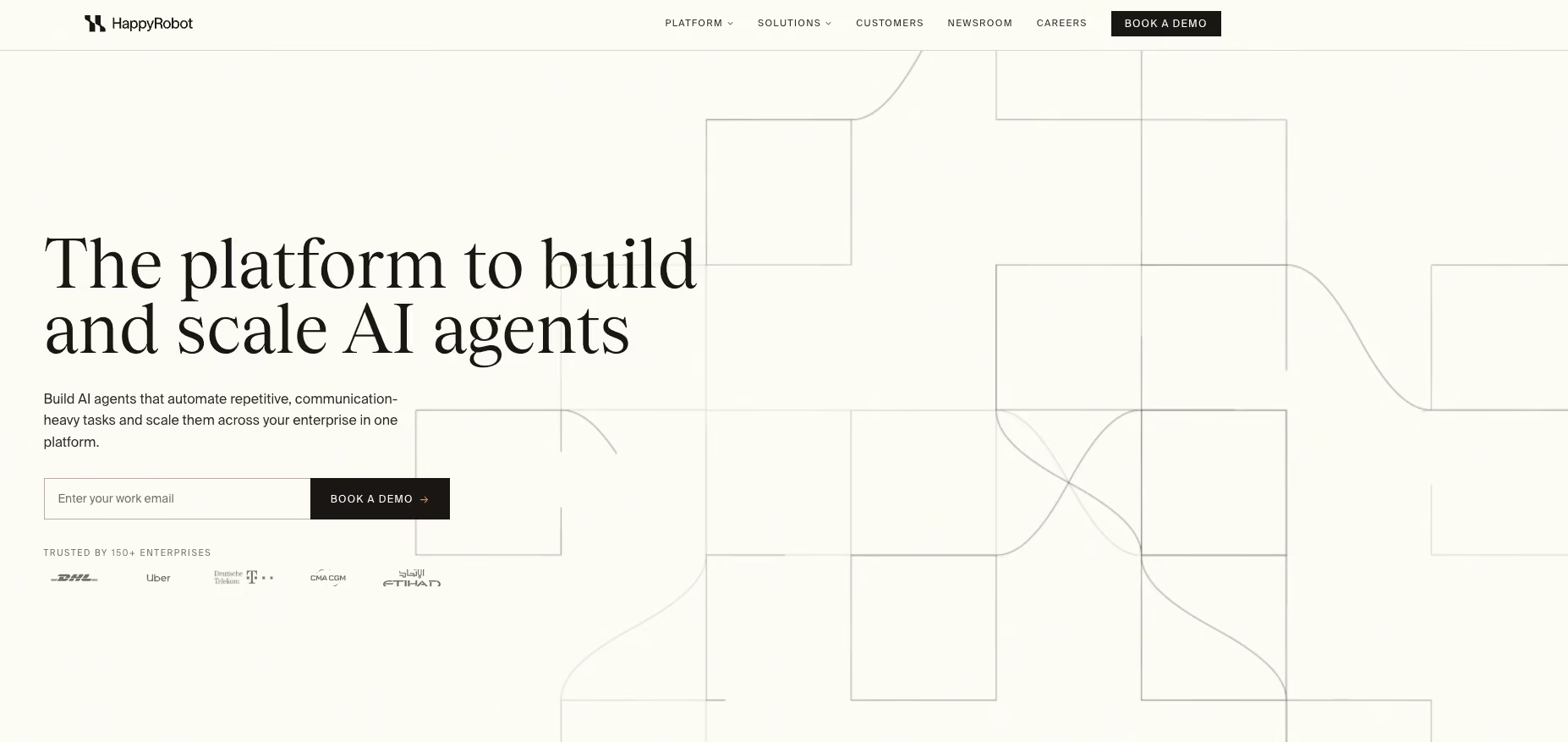
HappyRobot started in logistics and now works across utilities, airlines, finance, insurance, manufacturing, retail, and telecom. Its AI workers can handle phone calls, email, SMS, WhatsApp, and chat while working across the systems behind those conversations.
HappyRobot feels more managed than most tools in this list. Its Forward Deployed Engineers stay close to the deployment, helping with workflow design, setup, and launch, which can save enterprise teams a lot of internal build work.
Best for: Enterprise operations teams that want AI workers deployed across calls and the systems surrounding them, with hands-on engineering support.
Pricing: HappyRobot doesn’t publish pricing. Quotes are scoped around the workflows and deployment requirements, and buyers need to contact sales.
Key features
- Multi-channel AI workers: Handle voice, email, SMS, WhatsApp, and chat from the same workflow engine.
- Custom voice stack: HappyRobot uses its own voice technology alongside providers such as ElevenLabs and Cartesia.
- Multilingual calling: HappyRobot supports 50+ languages with automatic detection, including language switches within the same call.
- Forward Deployed Engineers: HappyRobot engineers can design workflows, configure agents, and support production deployments.
- Enterprise integrations: AI workers can connect with CRM, TMS, ERP, communication tools, and legacy systems.
Pros
- Hands-on deployment support reduces how much implementation work falls on your internal engineering team.
- Voice, email, SMS, WhatsApp, and chat share the same workflow, which suits operations that move between channels.
- Built for complex operational workflows across industries such as logistics, utilities, insurance, finance, and telecom.
- Legacy-system support lets agents work with tools that lack clean APIs.
Cons
- HappyRobot doesn’t publish self-serve pricing, which makes upfront cost comparisons with Bland, Retell, or Vapi difficult.
- The managed deployment model gives teams less reason to directly configure every voice-stack component themselves.
- It may be excessive for smaller teams that only need a straightforward phone agent.
6. Ringly: Best for Shopify customer support calls
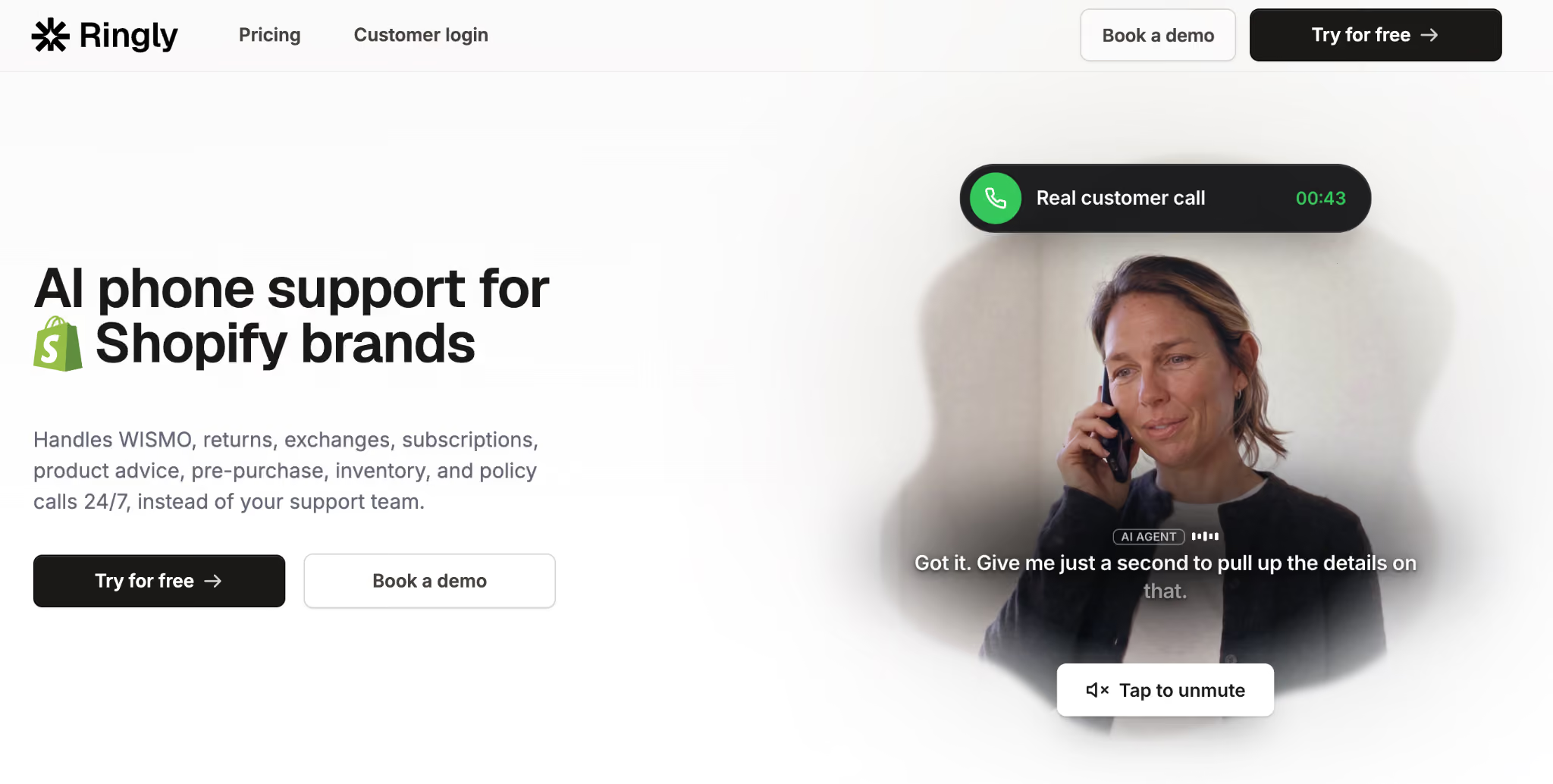
Ringly is much narrower than most tools on this list, and that’s part of the appeal. Seth, its AI phone agent, is built specifically for Shopify stores, with direct access to order, tracking, customer, and return data.
What I like here is how little setup there is to think through. You connect the store, knowledge base, helpdesk, and phone line, then Seth can start handling the same order-status and returns questions that tend to eat up support time. Ringly says most brands go live in under an hour.
Best for: Shopify brands getting a steady stream of calls about orders, tracking, returns, and product questions.
Pricing: Ringly costs $99/month for 50 phone conversations, then $1.99 per conversation. Billing is per conversation, regardless of call length. Custom rates apply above 1,000 monthly calls, and the plan includes a 30-day money-back guarantee.
Key features
- Native Shopify integration: Pull order, tracking, customer, inventory, and return data into the call.
- 40-language support: Handle customer calls across 40 supported languages.
- Human escalation: Pass unresolved calls to your team with the conversation context attached.
- Fast setup: Ringly says most brands can get live in under an hour.
- Call analytics: Review transcripts, resolutions, call history, and recurring knowledge gaps.
Pros
- Live Shopify data makes the agent useful from the first call, especially for order status, tracking, and returns.
- Setup is light, with no custom voice stack to assemble.
- Routine calls can stay off the human queue, and Ringly guarantees 65% resolution or credits that month's plan fee back to your account.
- Escalations keep the context attached, which saves customers from repeating the whole issue.
Cons
- Ringly is built heavily around Shopify, which limits its usefulness for other commerce platforms.
- About 80% of calls bill as conversations, so a store taking a few hundred calls a month lands well above the $99 base.
- Teams that want to pick their own LLM, voice, or telephony provider get less control than they would with Vapi or Retell.
7. Twilio Voice: Best for teams building the telephony layer themselves
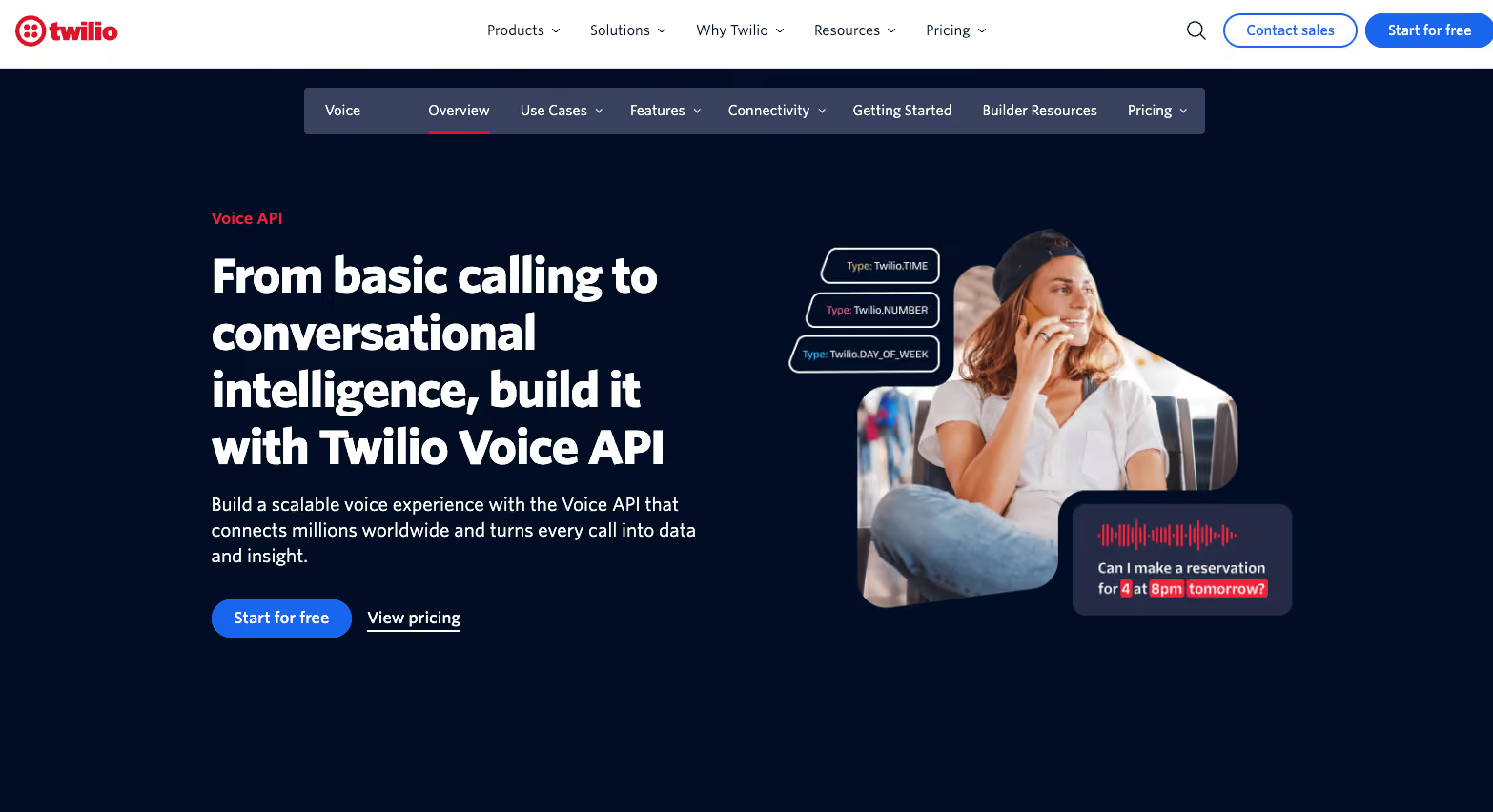
Twilio Voice gives developers the phone infrastructure underneath a custom voice system. You can buy numbers, make and receive calls, route traffic, record conversations, work with SIP, and control call flows through APIs.
I’d look at Twilio when the team wants to own the telephony layer directly. You get a lot of control, but you also need to connect the AI pieces yourself if you want a full voice agent.
Best for: Engineering teams that want to own the phone and carrier layer of a custom voice stack.
Pricing: US local calls start at $0.0085/minute inbound, with outbound calls at $0.014/minute. Local numbers cost $1.15/month. Volume and committed-use discounts are available as usage grows.
Key features
- Programmable Voice API: Build call routing, IVRs, recordings, queues, and other call logic through code.
- Global carrier infrastructure: Twilio supports voice connectivity across more than 100 countries.
- SIP support: Connect existing SIP infrastructure or bring your own carrier through Twilio’s programmable voice stack.
- Call recording and transcription: Record, store, retrieve, and transcribe calls through Twilio’s voice products.
- Volume pricing: Twilio applies volume pricing as usage grows, with committed-use discounts available for larger deployments.
Pros
- Direct control over call routing and telephony gives engineering teams plenty of flexibility around custom call flows.
- Global carrier coverage makes Twilio useful for teams operating across multiple markets.
- SIP and BYOC support let teams keep existing carrier relationships or infrastructure.
- Usage-based pricing keeps the telephony layer separate from the AI models you choose.
Cons
- Twilio Voice provides phone infrastructure through ConversationRelay, which handles speech recognition, text-to-speech, and orchestration. You supply the AI model and build the business logic around it.
- Building the full experience takes engineering work, especially once routing, monitoring, AI behavior, and integrations all need to work together.
- The $1.15 monthly fee stacks on top of every per-minute charge.
8. AssemblyAI: Best for developers who want a speech-first voice stack
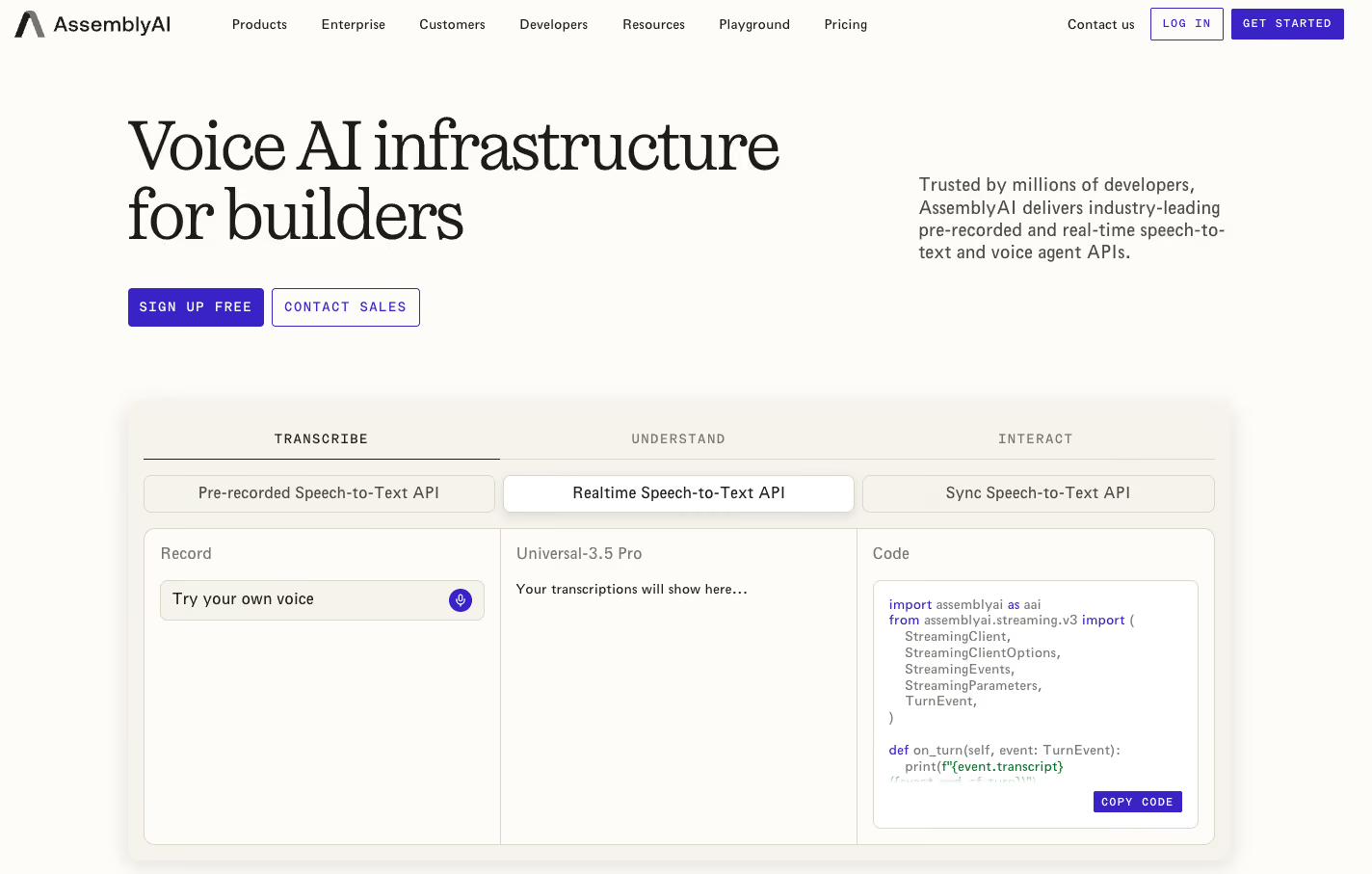
AssemblyAI is interesting because you can start small with transcription and expand from there. Universal-3.5 Pro Realtime fits into stacks built with Vapi, LiveKit, or custom orchestration, while the Voice Agent API covers speech-to-text, LLM, text-to-speech, turn detection, and tool calling in one place.
Which one you pick depends on how much of the stack you already have. I’d plug the realtime model into an existing stack if the rest of it was already working well. If I were building a new voice agent, I’d look at the Voice Agent API first because it removes a lot of the plumbing.
Best for: Developers who want high-quality realtime transcription inside an existing voice stack, with the option to move more of the pipeline onto AssemblyAI later.
Pricing: Speech-to-text starts at $0.15/hour for Universal-2 pre-recorded audio. Universal-3.5 Pro costs $0.21/hour for pre-recorded audio and $0.45/hour for realtime transcription. The Voice Agent API costs $4.50/hour.
Key features
- Real-time transcription: Universal-3.5 Pro Realtime is built for live voice agents and supports contextual transcription across conversation turns.
- Speaker diarization: Identify who spoke when across calls and recordings.
- Audio intelligence: Add features such as entity detection, sentiment analysis, and other speech-understanding capabilities.
- Two ways to build: Use AssemblyAI purely for streaming STT or use its Voice Agent API for STT, LLM, TTS, turn detection, and tool calling together.
- HIPAA support: AssemblyAI offers a BAA for both its Speech-to-Text products and the Voice Agent API, plus SOC 2 Type 2 and in-stream PHI redaction. The STT products are self-serve BAA-eligible; the Voice Agent API BAA goes through sales.
Pros
- Strong real-time transcription gives voice agents a solid speech layer, especially when names, numbers, and conversational context matter.
- You can keep your existing voice stack and use AssemblyAI only for transcription, which avoids a full platform migration.
- The managed Voice Agent API reduces setup work by combining STT, LLM, TTS, and turn detection in one connection.
- Usage-based pricing makes it easy to test the speech layer on your own calls before committing to a larger deployment.
Cons
- The transcription-only route still leaves the rest of the voice stack in your hands, including the LLM, TTS, orchestration, and phone integration.
- Realtime transcription costs more than pre-recorded processing, with Universal-3.5 Pro Realtime at $0.45/hour compared with $0.21/hour for Universal-3.5 Pro pre-recorded audio.
- The Voice Agent API offers less component-level control than assembling the stack yourself.
{{cta}}
Best picks by team type
The best fit changes depending on who will own the agent after launch. Enterprise teams often care more about deployment support and connected workflows, while developers tend to care more about control over the underlying stack.
Enterprise buyers
Lindy, HappyRobot, and Synthflow are the strongest fits for larger teams that want less engineering work around day-to-day operations.
- Lindy works well when calls need to carry into Slack, CRM updates, email, meetings, and follow-up tasks.
- HappyRobot pairs its AI workers with Forward Deployed Engineers who help configure and launch the deployment.
- Synthflow gives operations and CX teams a visual builder, broad integrations, testing tools, and enterprise compliance options.
Retell also has an Enterprise tier with higher concurrency, custom SSO, and role-based access control, plus dedicated infrastructure and implementation support as paid add-ons.
Developers
Retell AI and Vapi give engineering teams the most room to configure models, voices, telephony, and other parts of the voice stack.
Twilio Voice goes deeper into the phone infrastructure itself, which suits teams building custom routing and telephony. AssemblyAI can sit inside an existing stack as the speech layer, or take on more of the voice pipeline through its Voice Agent API.
The useful dividing line is ownership. Pick a managed or visual platform if business teams will maintain the agent. Pick a developer-first platform if engineering wants control over the underlying components.
How to evaluate a voice AI platform
A polished demo can hide the things that become expensive or annoying later. I’d compare these six areas before choosing a platform:
- Full call cost: Add platform fees, LLM, transcription, voice, telephony, transfers, concurrency, and compliance costs. Bland bundles more into its rate, while Retell and Vapi split more of the bill into components.
- Who maintains it: Retell and Vapi suit engineering-led teams. Synthflow is more visual, while Lindy lets teams work with the AI directly through Slack.
- Real-world latency: Test the same script, model, knowledge base, integrations, and phone setup you plan to use. Pay attention to pauses, interruptions, and transfers.
- Post-call work: Check what happens after a booking, refund request, escalation, or follow-up. CRM updates, tickets, email, and scheduling can matter as much as the call itself.
- Compliance: Confirm BAA support, SSO, data residency, retention controls, audit logs, and deployment options on the exact plan you would buy.
- Peak capacity: Look at concurrent-call and daily limits, then model your busiest hour. Average monthly volume can hide a capacity problem.
The real test is one call flow followed start to finish, through every handoff and post-call action.
The best Bland AI alternative depends on what you want to own
The biggest decision is how much of the voice stack your team wants to manage after launch. Once that is clear, the shortlist gets much easier to narrow down.
HappyRobot adds hands-on deployment support. Ringly focuses tightly on Shopify customer service. Twilio Voice and AssemblyAI give technical teams building blocks for more custom stacks.
Bland still fits engineering-led teams that like Pathways, bundled AI pricing, and direct control over call logic. The better alternative depends on who maintains the agent, what needs to happen after each call, and how much infrastructure your team wants to own.
If calls are only one part of a larger workflow, try Lindy with a real support or sales flow and see how well the context carries into the work that comes next.
FAQs
1. What are the best Bland AI alternatives in 2026?
The strongest Bland AI alternatives are Retell AI, Vapi, Synthflow, Lindy, HappyRobot, Ringly, Twilio Voice, and AssemblyAI. Retell and Vapi suit developer-led teams, Synthflow is stronger for visual building, and Lindy works well when calls need to trigger work across email, Slack, CRM, and meetings.
2. Bland AI vs. Retell AI: Which should you choose?
Choose Bland if you want Pathways, bundled AI pricing, and fewer separate provider costs to manage. Choose Retell if your team wants more control over models, voices, telephony, and other components behind the agent. Retell currently publishes voice-agent pricing from $0.07 to $0.31 per minute.
3. Is Bland AI good?
Yes, Bland AI is a solid option for developer-led teams building production phone agents. It supports Pathways for branching logic, real-time API calls, knowledge-base lookups, warm transfers, and enterprise deployment options.
4. Is Bland AI safe?
Bland says it is SOC 2 Type II certified, HIPAA-eligible with a signed BAA, GDPR compliant, and PCI DSS certified. Some controls, including BAA support, SSO, data residency, and VPC or on-prem deployment, are tied to its Enterprise plan.
5. How much does Bland AI cost in 2026?
Bland AI starts at $0.14 per connected minute on Start, with no platform fee. Build costs $0.12 per minute plus $299/month, Scale costs $0.11 per minute plus $499/month, and Enterprise uses custom pricing.










