11 AI Lead Generation Tools to Close More Deals in 2026
Jack tested Apollo, Clay, and ZoomInfo among 11 lead-generation platforms, evaluating data accuracy, outreach automation, and CRM integrations for HubSpot and Salesforce workflows.


Every Monday, I watched a friend who runs sales at a SaaS startup spend two hours copying contacts between three tabs before sending an email. Her team paid for four AI lead generation tools, and each one promised to find, enrich, and contact leads on its own. Half her "verified" emails still bounced, and her reply rate sat below 2%.
That made me skeptical of the whole category. If every tool does everything, why was her team still doing the work by hand? Which tools earn their monthly bill, and which ones only add another login?
So I tested them myself. I shortlisted 18 tools and ran each one through the same four-week B2B campaign. My target list was heads of RevOps at US SaaS companies with 50 to 500 employees. I tracked bounce rates, first-line quality, CRM sync errors, and cost per result, and I tested free plans separately.
Only 12 tools earned a spot, and none of them did every job well (the ones claiming to do it all were usually the weakest at each one). The best tools each owned one stage of lead generation, from enrichment and outreach to inbound and intent.
Here's what I found.
Quick comparison: AI lead generation tools at a glance
Here's how all 12 tools compare in terms of focus, starting price, and free access.
What are AI lead generation tools?
AI lead generation tools use AI to find, research, and qualify potential customers for your sales team. They pull prospect data from databases, fill in missing details such as job titles and verified email addresses, and flag the accounts most likely to buy. Many tools also write personalized outreach and send scheduled follow-ups.
Traditional lead generation runs on manual effort. A sales rep buys a static list, searches LinkedIn one profile at a time, and copies details into a spreadsheet. AI tools do that research in minutes and keep the data current as people change jobs or companies raise funding.
Say a B2B software company wants to reach operations managers at logistics firms with 50 to 200 employees. An AI tool builds that list, checks each email, and ranks companies by recent hiring activity. It then drafts a first message for each contact based on their company's latest news.
Most tools specialize in one job, such as enrichment, outreach, inbound chat, or intent signals. Sales teams often combine two or three of them to cover the entire lead generation process.
How I tested these AI lead generation tools
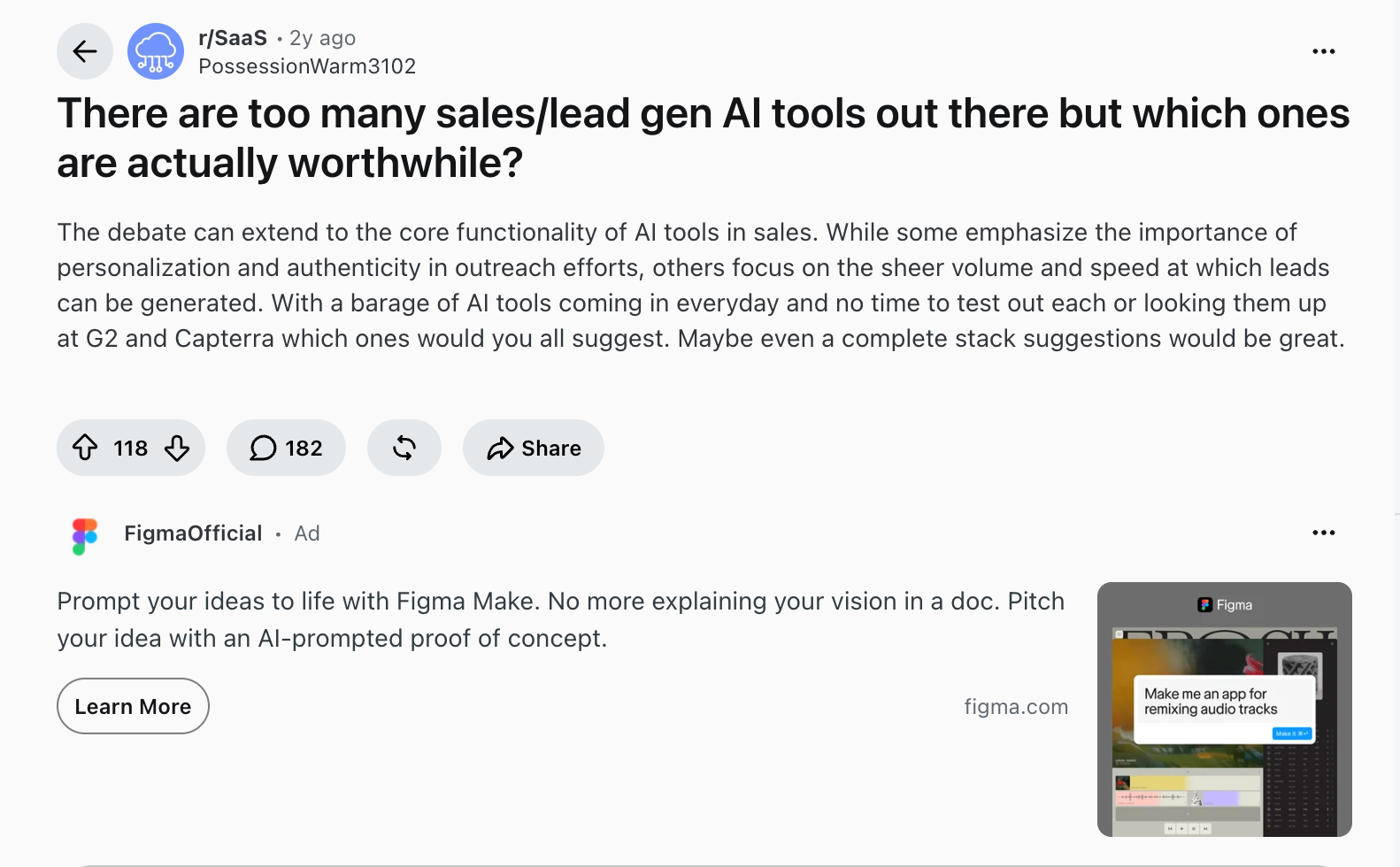
A thread on r/SaaS titled "There are too many sales/lead gen AI tools out" names the exact problem this article solves. Every vendor I looked at claims its tool finds, enriches, and contacts leads in one place. I wanted to see which of those claims held up in a real campaign.
I shortlisted 18 tools and ran each one through the same B2B campaign over four weeks. The target list was heads of RevOps at US SaaS companies with 50 to 500 employees. I used paid plans wherever a tool offered one and tested free plans separately for the free tools section.
Inbound tools ran against a test site and a Salesforce sandbox. I scored intent tools by how many flagged accounts matched my target list. I judged Leadzen by how many booked meetings fit my RevOps profile.
Every prospecting and outreach tool went through the same six tests:
- Data accuracy: I pulled the same 200-contact list from each tool and counted how many emails bounced on the first send. I then checked job titles and company sizes against LinkedIn to catch records that looked valid but pointed to the wrong person.
- Personalization depth: I asked each tool to write the first lines for 20 prospects from that list. A line passed only if it referenced something specific and current, such as a recent hire, a funding round, or a product launch. Generic lines about the company's industry counted as a miss.
- CRM sync: I pushed all lists into the same HubSpot account and checked the next morning. I logged duplicate records, empty fields, and contacts assigned to the wrong owner, since sales teams fix those errors by hand.
- Setup time: I started a timer at signup and stopped it at the first output. That meant an enriched list, a sent sequence, or a live chat widget. I also noted every point where I needed a help doc or support ticket to keep going.
- Monthly cost against output: I took each tool's starting monthly plan and worked out what it bought in credits, contacts, or sends. I then compared that number to how much of my 200-contact campaign the plan could cover before I hit a limit or an upgrade prompt.
- Free plan limits: For tools with a free plan, I ran a smaller 25-contact campaign from list building to first reply. A free plan passed if it got that far, on its own or paired with another free tool. It failed if a paywall or credit cap stopped the campaign midway.
I also read user reviews on G2 and Reddit to see where long-term users disagreed with my results.
Six tools didn't make the cut:
- ZoomInfo has one of the deepest B2B databases I tested, with strong coverage of direct dials and org charts. It lost its spot because pricing is tied to annual contracts and a sales call, which puts it out of reach for most small teams.
- Lusha made quick contact lookups easy with its Chrome extension, and it pulls up one contact at a time quickly. Once I needed to build and score a full list, it offered far less depth than Clay or Apollo.
- PhantomBuster reliably scraped LinkedIn profiles and search results. It covers one channel, though, so every list still needed a separate tool for enrichment, verification, and outreach.
- Gong gives excellent visibility into sales calls and deal risk. It works on deals already in your pipeline, so it does little to find or qualify new leads at the top of the funnel.
- Braze runs strong campaigns across email, push, SMS, and in-app messaging. It's built for B2C brands engaging existing customers and has no way to source new B2B prospects.
- Hunter finds and verifies work emails quickly from a name and company domain. It has a basic intent feature called Signals, but it's still mainly an email finder, and it did less than Clay or Apollo to help me pick which contacts to reach first. Its free plan still earns a spot in the free tools section below.
The 12 tools below each earned a spot, grouped by the lead generation job they do best.
Best AI lead generation tools by use case
AI lead generation tools fall into five jobs, and most tools excel at only one. Picking by job keeps you from paying for four overlapping platforms.
Data enrichment and prospecting tools
Data enrichment and prospecting tools find potential buyers and fill in the details your reps need to reach them. They search large B2B databases for names, verified email addresses, and phone numbers, then add company data such as headcount, funding, and tech stack. Start here if your team spends more time researching accounts than talking to prospects.
1. Best AI Lead Generation Tool for Waterfall Data Enrichment
Clay: What is it?
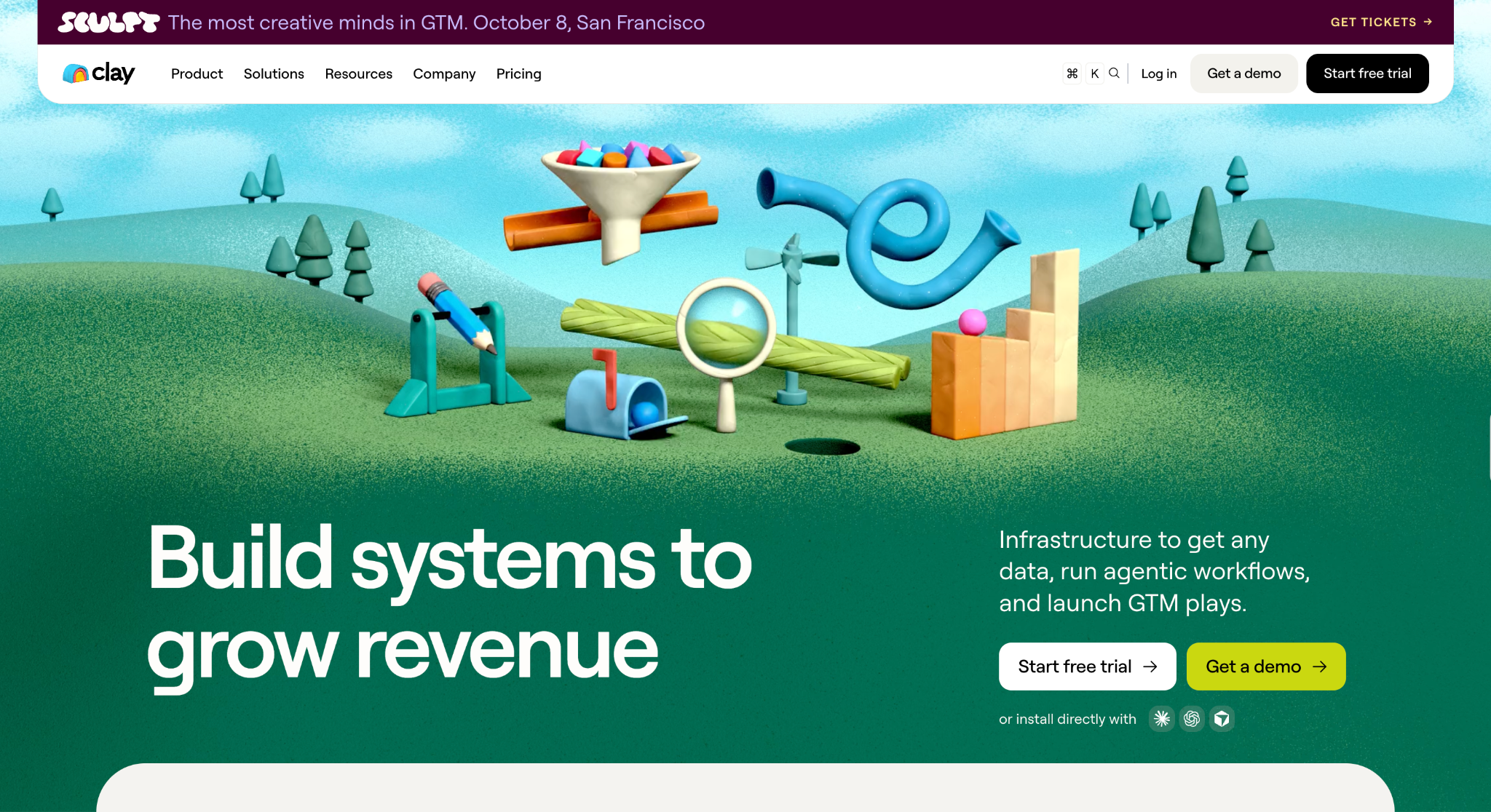
Clay is a data enrichment platform that finds, verifies, and enriches B2B contact and company data inside a spreadsheet-style table. It pulls from dozens of third-party data providers and runs AI research on every row.
Best for: RevOps and growth teams that want the highest match rates on hard-to-find contacts and are comfortable building custom enrichment tables.
Why I picked it
When one data provider came back empty on a contact, Clay queued the next one automatically. My match rates for hard-to-find contacts ended up higher than with any single-database tool I tested, and I didn't have to manage the fallback logic myself.
The AI research column was the other standout. I asked it to find each company's latest funding round and hiring focus, and it wrote the answer into the table for every row. Those notes fed straight into personalized first lines for the outreach tools later in this guide.
Key features
- Bring your own API key: Connects the data provider and AI accounts you already pay for. Each enrichment call goes to your own account instead of Clay's shared pool, which means you spend fewer Clay credits per record and your plan goes further.
- Claygent AI research: Browses the web for every row and answers custom questions, such as a company's latest funding round or open sales roles. Reps get a researched personalization hook for each prospect in minutes.
- Audiences: Run unlimited searches across Clay's data to build account and contact lists from scratch. You can go from a target profile to an enriched list inside one workspace, so there's no separate list-building tool to pay for.
- Job change signals: Tracks when contacts switch companies or roles, then flags them in your table. A buyer who pushed for your product at their previous company and has now moved somewhere new is one of the warmest leads you can reach. Clay surfaces them while the relationship is still fresh.
Limitations
CRM auto-sync is only available on the Growth plan, so Launch users have to move enriched data into their CRM another way. Credit costs are also hard to forecast, because each fully enriched record typically uses 6 to 20 data credits.
Pricing
Clay offers a free plan with 500 actions and 100 data credits a month. The Launch plan costs $185/month for 15,000 actions and 2,500 data credits. The Growth plan costs $495/month for 40,000 actions and 6,000 data credits. Enterprise pricing is custom.
2. Best AI Lead Generation Tool for Prospecting from One B2B Database
Apollo: What is it?
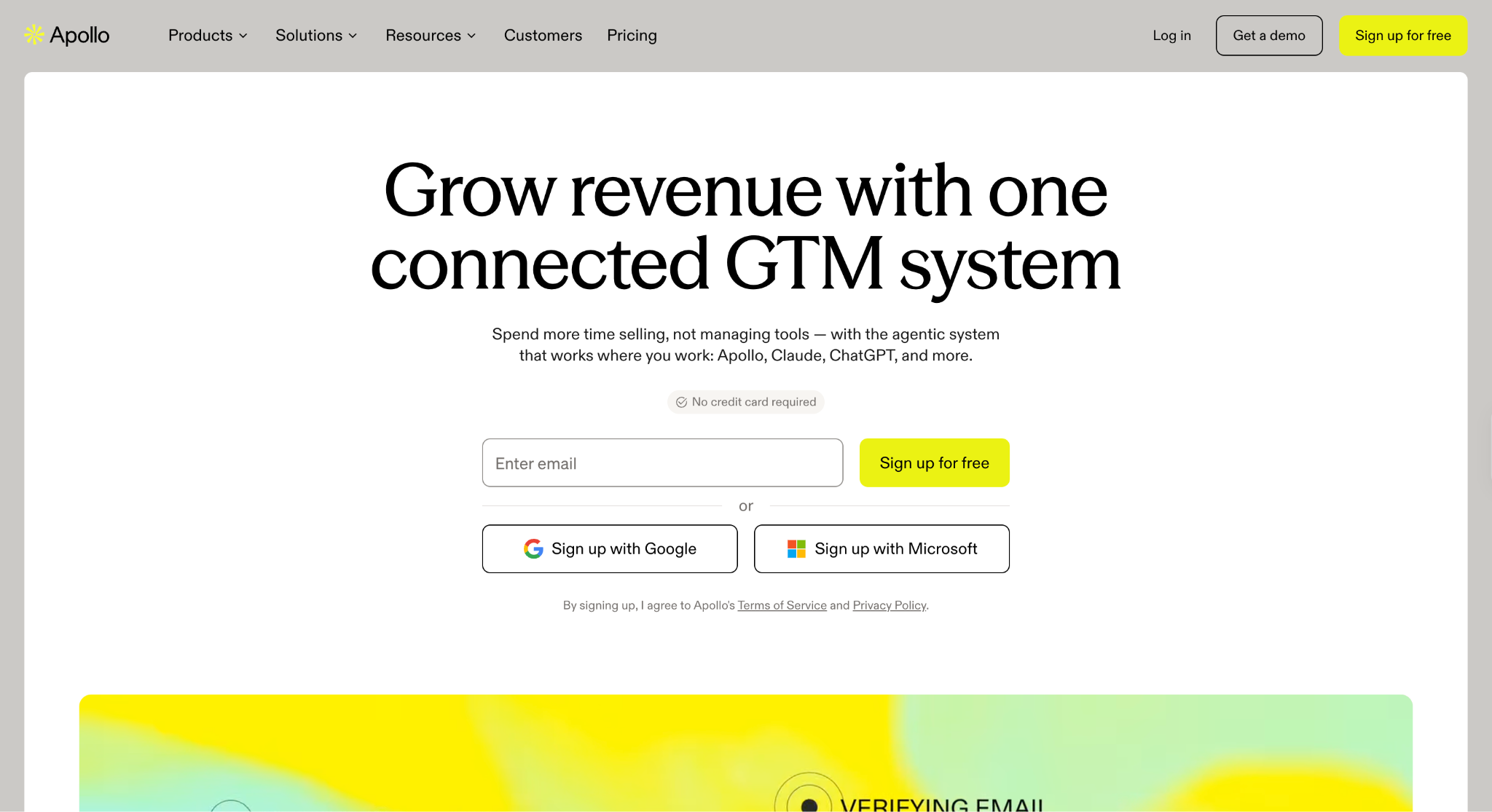
Apollo is a sales intelligence platform that combines a large B2B contact database with email sequencing and a dialer. AI lead scoring is available on the Professional plan and above.
Best for: Startups and small sales teams that want prospecting data, email sequences, and a dialer in one account from day one.
Why I picked it
Apollo took me from an empty CRM to a sent email in one sitting. I filtered by job title, headcount, and industry, pushed the list into a sequence, and scheduled the first touch from the same screen.
AI lead scoring was the other reason it made the list. It ranked my RevOps contacts by fit, so I started each day with the prospects most likely to reply. The database was strongest on US contacts, which matched my target list well.
Key features
- Gmail and Salesforce extensions: Bring Apollo's contact data and actions into Gmail and Salesforce. Reps can look up a prospect and add them to a sequence from the tools they already work in.
- Unlimited sequences: Run multi-step email campaigns from the same account where you built the list. No export step exists between prospecting and outreach, so you can go live with a new list within minutes.
- Deliverability Suite and email warm-up: Warms up new sending inboxes and monitors deliverability from inside Apollo. Your first campaigns reach inboxes more often, protecting reply rates and keeping your sending domain out of spam filters.
- A/Z testing: Tests multiple versions of an email step against each other on the Professional plan and above, so you can roll out the version that earns the most replies before it goes to the full list.
Limitations
Credits expire at the end of each billing cycle, so unused lookups don't carry over to the next month. Pricing is also per seat, so a five-person team on Basic pays $325/month.
Pricing
Apollo's Free plan costs $0 and includes 75 credits per seat per month. Basic costs $65/month per seat, billed monthly, with 2,500 credits per seat. Professional costs $99/month per seat, billed monthly, with 4,000 credits per seat.
The Organization plan costs $149/month per seat, with a 3-seat minimum and 6,000 credits per seat; it's only available with annual billing. Both Basic and Professional come with a 14-day free trial.
3. Best AI Lead Generation Tool for Pay-Per-Meeting SDR Outreach
Leadzen: What is it?
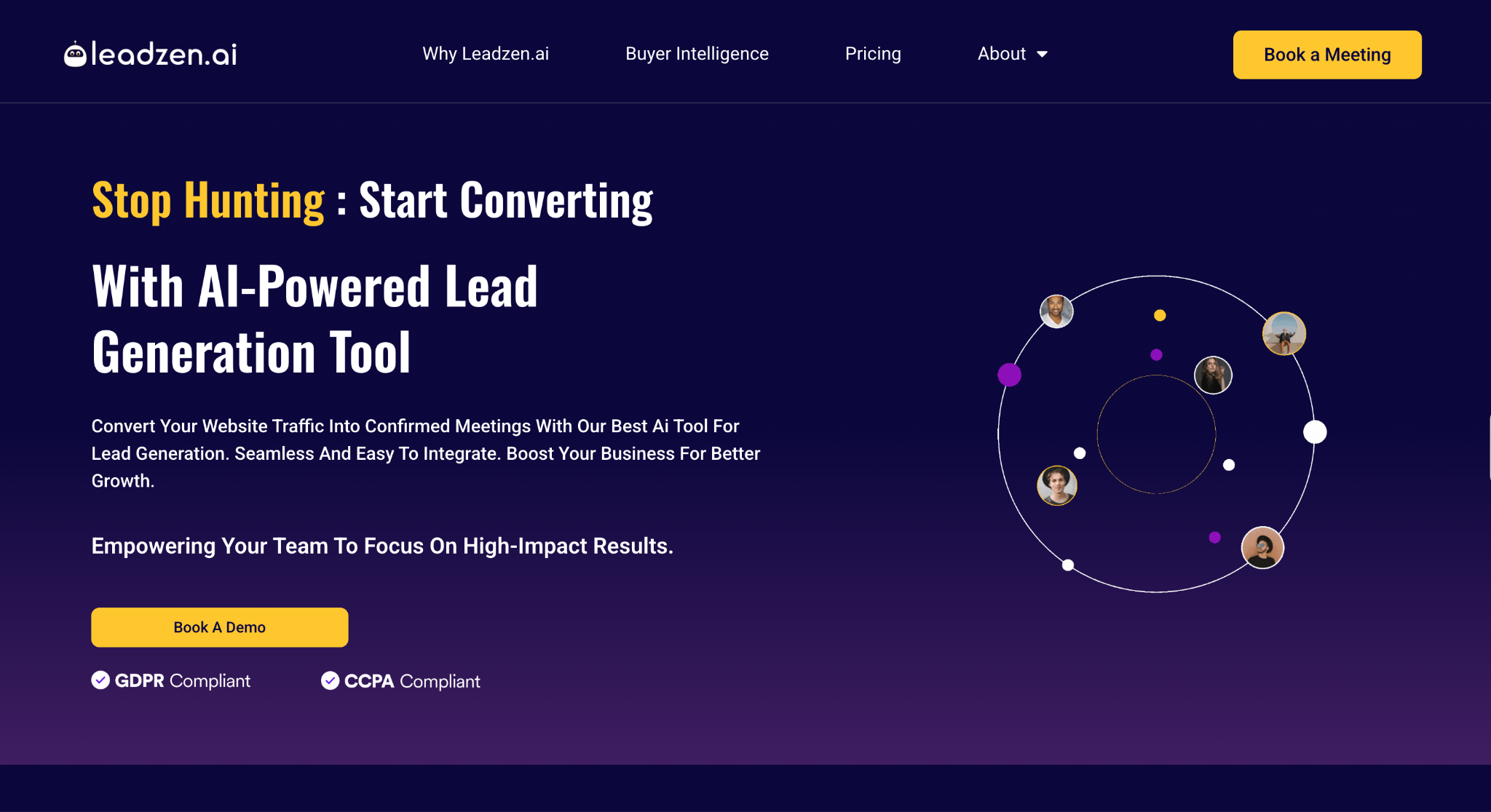
Leadzen is an AI SDR service that finds, qualifies, and books meetings with B2B leads for your sales team. It runs calling campaigns in India and across the US, UK, and EMEA.
Best for: Teams without in-house SDRs that want to pay for confirmed meetings, especially when selling into India, the US, the UK, or EMEA.
Why I picked it
Leadzen charged me per confirmed meeting. I bought a block of meetings with qualified prospects, and Leadzen handled the list building, calling, and qualification for each one. Every dollar tied straight to booked pipeline, which made the spend easy to justify to a sales leader watching cost per meeting.
Its focus on sales-qualified leads kept the calendar clean. Each meeting arrived with a prospect who matched my RevOps target profile, so reps walked into discovery calls with buying context. For teams without in-house SDRs, Leadzen covers prospecting, outreach, and qualification that an SDR would handle, and the team only shows up for meetings.
Key features
- Pay-per-meeting plans: Buys a set number of confirmed meetings every month, so your spend stays fixed. You can size the plan to how many discovery calls your reps can take, then move up a tier as the team grows.
- AI SDR qualification: Screens every lead against your criteria before a meeting gets booked. Only sales-qualified leads reach your calendar, so reps spend their call time on buyers who can say yes.
- Asia-Pacific data coverage: Draws on Leadzen's B2B contact database, which reviewers describe as especially strong across Asia. Decision-makers in India and Southeast Asia become reachable, even where US-built databases have thin coverage.
- Domestic and international calling: Runs calling campaigns in India and across the US, UK, and EMEA markets, with separate plans for each region. Teams selling across several territories can cover them all with a single provider.
Limitations
Leadzen's entry plan is a steep commitment for teams that only need a handful of meetings each month. The largest plan has no published price, so bigger teams need a sales call to budget.
Pricing
Leadzen prices its international plans for the US, UK, and EMEA by confirmed meetings per month. Standard costs $2,500/month for 10 meetings. Starter costs $4,800/month for 20 meetings. Growth covers 40 meetings with custom pricing. Every plan needs a 3-month minimum commitment.
Outreach personalization tools
Outreach personalization tools turn a prospect list into conversations by writing and sending tailored messages at scale. They draft first lines from each prospect's profile, run email and LinkedIn sequences, and time follow-ups based on opens and replies. These tools fit teams that already have good data but struggle to get responses.
4. Best AI Lead Generation Tool for Multichannel Outreach with Built-In Intent Data
Amplemarket: What is it?
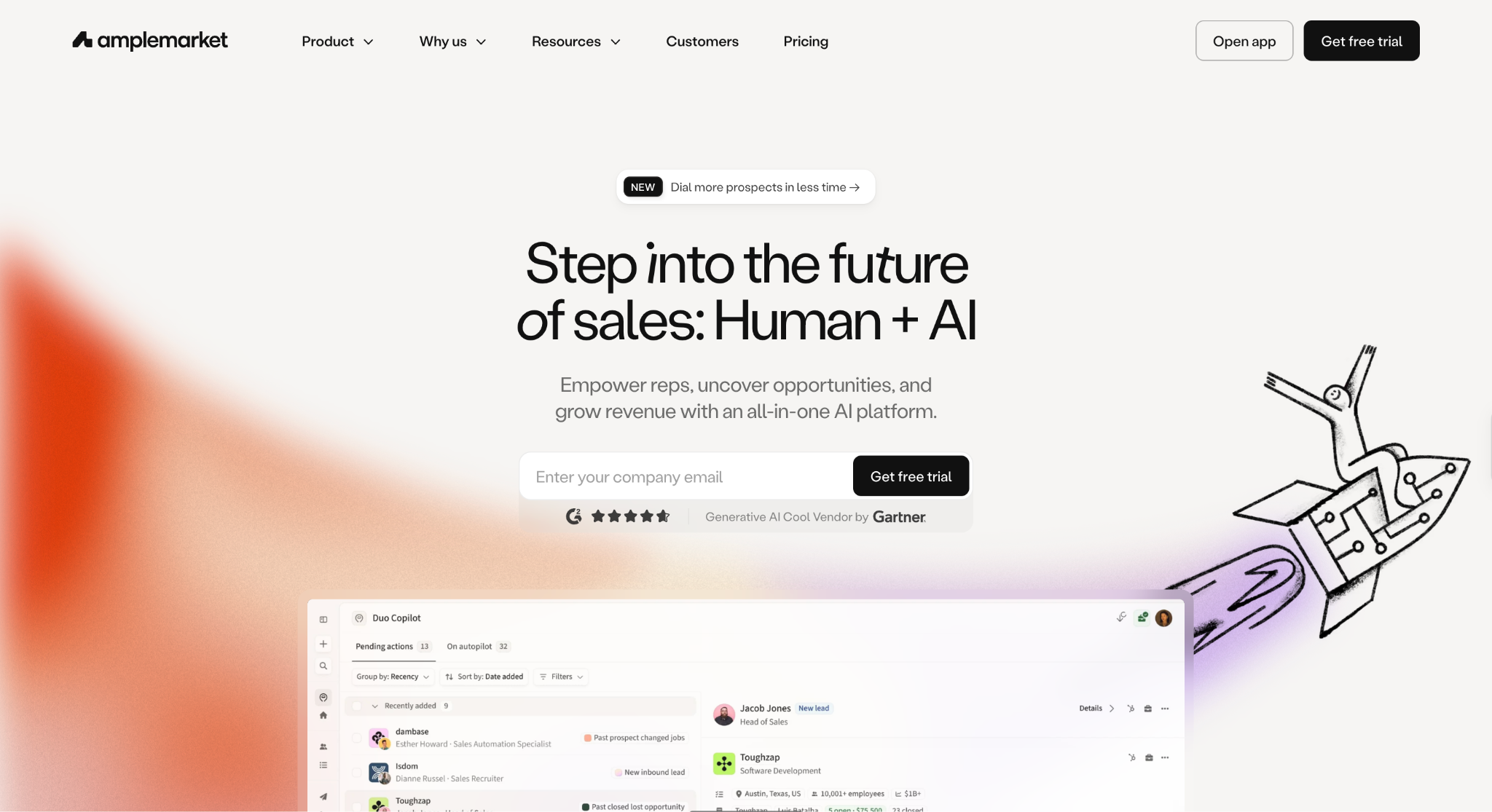
Amplemarket is an AI sales platform that combines a verified contact database, AI intent signals, and multichannel sequences in one account. Its Duo Copilot drafts messages and suggests the next prospects to contact.
Best for: Mid-size and larger sales teams that want intent data, AI copywriting, and multichannel sequences in one platform on an annual contract.
Why I picked it
Amplemarket's intent signals flagged RevOps leads at companies already showing buying activity before I built my list. Duo drafted first lines tied to those signals. Most of my strongest-performing first lines in the test came from that pairing, and I didn't research a single account to get there.
The Domain Health Center was the other reason it made the list. It caught a problem with one of my sending domains early in the test, before any emails went to spam. I fixed it the same day. Every campaign from that domain landed in primary inboxes for all four weeks of testing.
Key features
- AI Intent Signals: Track contact-level buying signals, such as job changes and research activity, across your target accounts. Reps reach prospects when interest is fresh, which boosts reply rates in cold outreach.
- Built-in contact data: Includes a verified contact allowance on every plan, with larger allowances as you move up. You build and refresh lists in the same tool that sends outreach, so you don't need a separate data vendor.
- Multichannel sequences: Combines email, LinkedIn, phone, WhatsApp, and iMessage steps in one sequence with shared timing rules. Prospects get a coordinated experience, and reps see every touch in a single timeline.
- Duo Copilot: Researches each prospect and drafts a personalized message with a suggested next step. Reps skip the manual research for every account and move straight to sending, replying, and booking calls.
Limitations
Amplemarket is the most expensive outreach tool on this list, and only the Startup plan has a published price. Every plan also runs on an annual term, so teams still testing outbound may prefer one of these outbound sales software options.
Pricing
Amplemarket's Startup plan costs $600/month, is only available with annual billing, and includes 2 users and 27,000 contacts. The Growth plan includes 4 users and 140,000 contacts, and the Elite plan includes 10 users and 400,000 contacts. Both Growth and Elite use custom pricing.
5. Best AI Lead Generation Tool for LinkedIn and Email Sequences
Overloop: What is it?
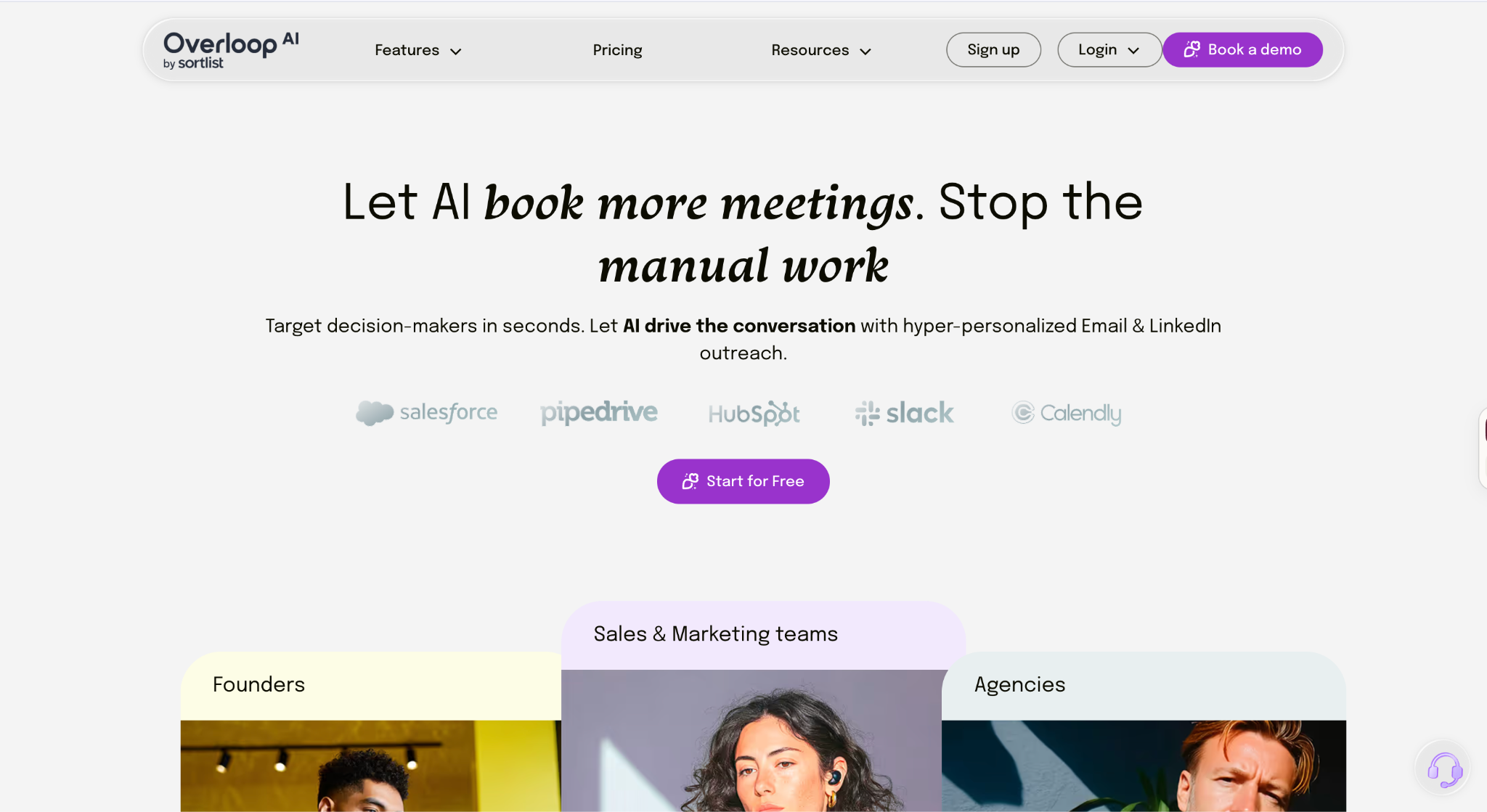
Overloop is an AI outbound platform that combines a 450M+ contact database with LinkedIn and email sequences and AI message writing. Now part of Sortlist, it's built for SMB and mid-market teams that want outbound execution from one place.
Best for: SMB and mid-market teams that run LinkedIn and email outreach together and want a simple built-in pipeline.
Why I picked it
I set up LinkedIn profile visits, connection requests, and email steps in one sequence, and Overloop moved each prospect to the next step based on their last action. The whole thing took one session to build, which made it the fastest LinkedIn-plus-email setup in my test.
The built-in pipeline kept replies from getting lost. When a RevOps lead answered on LinkedIn, the conversation appeared alongside their email history, so I followed up from one place. Every reply, deal stage, and next step lived in the same view.
Key features
- Built-in CRM: Tracks every lead through a visual sales pipeline, from first touch to closed deal. Small teams get one place to manage replies, deal stages, and next steps before they need to pay for a separate CRM.
- Slack, Chrome, and Zapier integrations: Come included on every plan, even Starter. Reps can bring Overloop updates into Slack, save prospects from any webpage with the Chrome extension, and connect hundreds of other apps through Zapier.
- AI email writing: Drafts emails in your voice from each prospect's website, social profiles, and company details. First lines reference something about the prospect, and you review every draft before launch, so personalization scales and quality holds.
- Contact database: Searches 450M+ contacts by role, company, and location, then adds prospects to a campaign in one click. List building and sending happen in the same place, so a new target list can go live the same day you define it.
Limitations
The Starter plan includes 1 connected email account per user and 3 active campaigns per account, which caps volume for anyone running several outbound motions at once. CRM sync also depends on your plan. HubSpot and Pipedrive are available on Growth, and Salesforce is only available in Enterprise.
Pricing
Overloop's Starter plan costs $69/month per user with 250 credits per user each month. Growth costs $99/month per user with 500 credits per user, 3 email accounts per user, and 10 campaigns. Enterprise uses custom pricing and includes 1,000 credits per user, unlimited email accounts, and unlimited campaigns.
6. Best AI Lead Generation Tool for High-Volume Cold Email
Instantly: What is it?
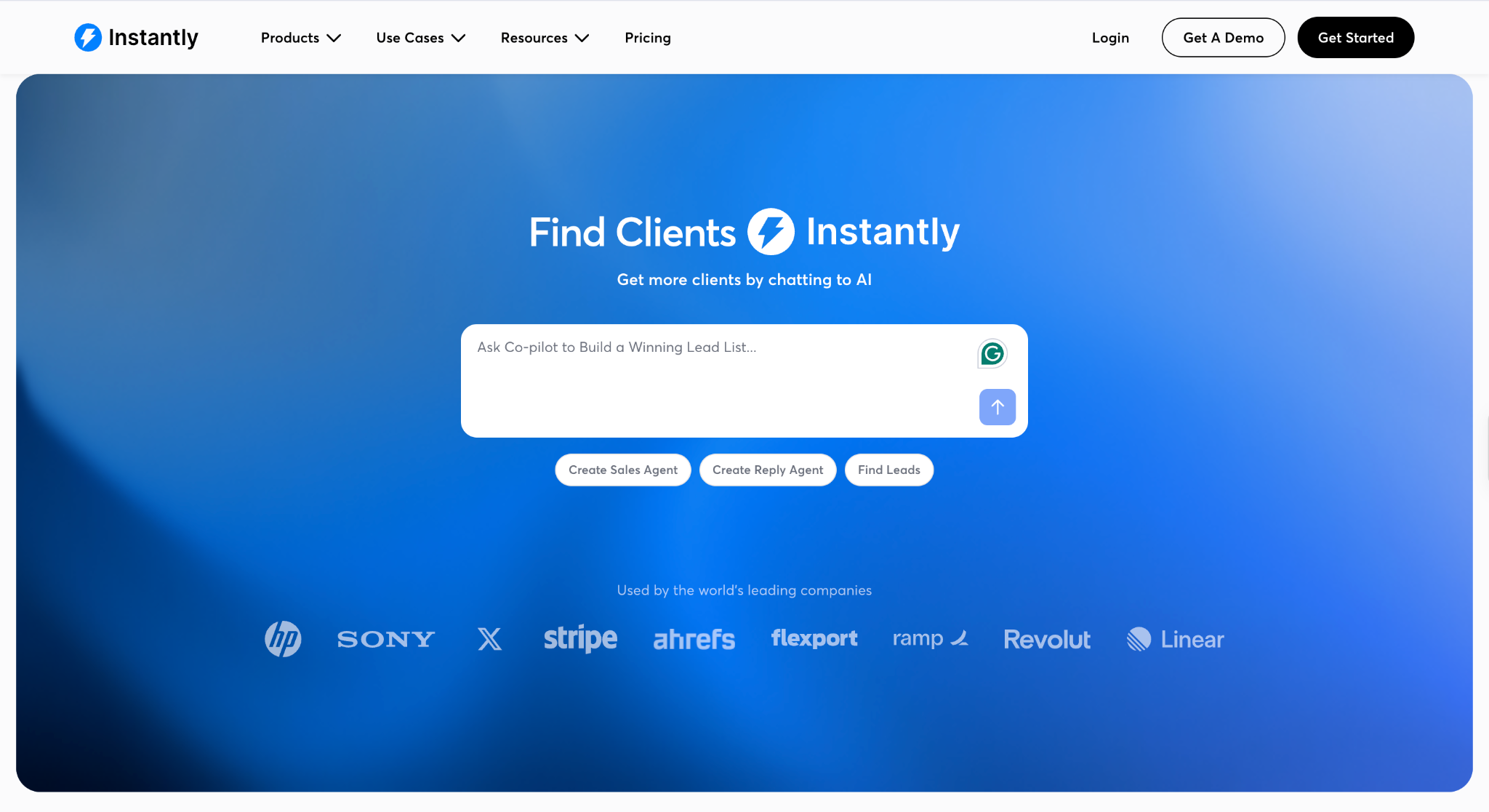
Instantly is a cold email platform built for high sending volume and strong deliverability. Every outreach plan includes unlimited email accounts and unlimited warm-up, so you can scale sending across as many inboxes as you need.
Best for: Agencies and outbound teams sending cold emails at high volume across many inboxes and domains.
Why I picked it
My Instantly campaign ran at full volume for four weeks, and test emails kept landing in primary inboxes as sends climbed. No other tool I tested handled that volume with less deliverability work.
The unified inbox made reply handling fast. Positive, negative, and out-of-office responses landed in one view, so I could follow up with interested RevOps leads within minutes. Fast follow-ups turned more of those replies into booked calls.
Key features
- SuperSearch lead database: Gives access to 450M+ B2B contacts purchased with Instantly Credits, a separate credit balance for contact lookups, with filters for role, company, and industry. You can build a list and drop it straight into a campaign, so sourcing and sending run from one platform.
- Unlimited email warm-up: Warms up every connected inbox automatically before launch and throughout live campaigns. New domains send low-volume emails back and forth with real inboxes to build a sending history with Gmail and Outlook. By the time your campaign launches, your domain looks established and emails land in the primary inbox instead of spam.
- Unlimited email accounts: Connect as many sending inboxes as you need on every outreach plan, with no per-inbox fee. You can spread 5,000 or 500,000 monthly emails across dozens of domains, so no single inbox gets flagged for heavy sending.
- AI Sales Agent and Reply Agent: Help run outreach and respond to incoming replies at scale. When a big send triggers dozens of responses at once, interested leads still get a quick answer while the conversation is warm.
Limitations
Instantly's outreach plans cover sending only. The lead database and the AI Sales and Reply Agents run on a separate Instantly Credits plan, and calling and SMS need the Hyper CRM add-on at $97/month. LinkedIn outreach also runs through other tools.
Pricing
Instantly's Growth plan costs $47/month for 1,000 uploaded contacts and 5,000 emails. Hypergrowth costs $97/month for 25,000 contacts and 125,000 emails. Light Speed costs $358/month for 100,000 contacts and 500,000 emails. Enterprise uses custom pricing for teams sending beyond that.
Inbound and chatbot tools
Inbound and chatbot tools qualify the leads who come to you through your website, forms, and live chat. They answer visitor questions, check fit with qualifying questions, and book meetings or route hot leads to the right rep in time. They matter most when you get steady site traffic, and slow follow-up is costing you demos.
7. Best AI Lead Generation Tool for SDR Conversations on High-Traffic Websites
Qualified: What is it?
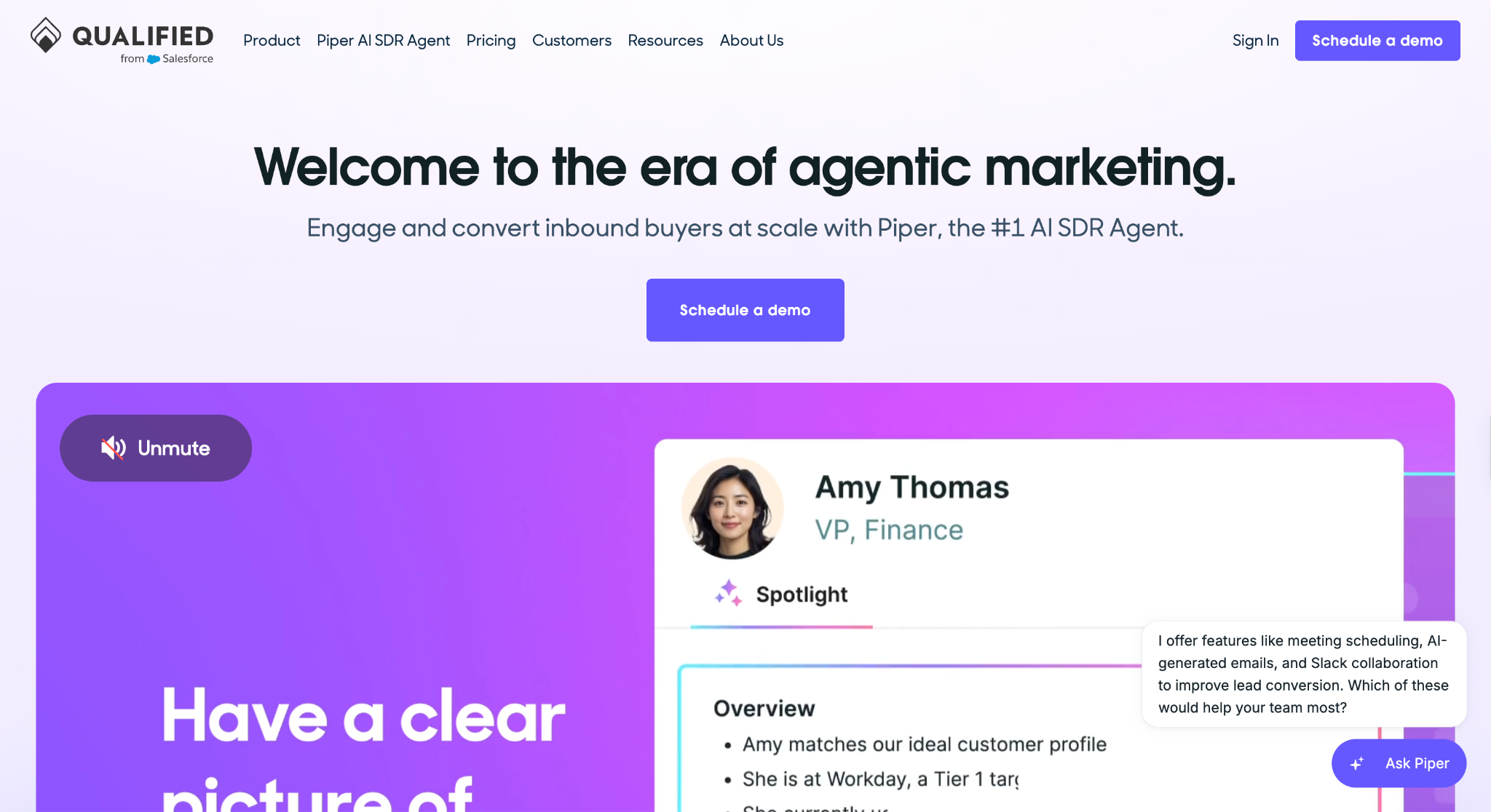
Qualified is an AI SDR platform from Salesforce, built around Piper, an agent that engages and qualifies buyers on your website. Piper talks with visitors by text, voice, and video, then books meetings with your sales team around the clock.
Best for: B2B companies on Salesforce or HubSpot with heavy website traffic that want an AI SDR turning visitors into meetings around the clock.
Why I picked it
When I posed as a RevOps lead and asked Piper about pricing and integrations, it pulled context from the site, asked two qualifying questions, and offered calendar slots in the same thread. I didn't have to leave the conversation to book a time. The whole exchange felt as if a trained SDR had picked up the chat.
It also knew when to hand off. Visitors who matched my target profile went straight to a rep's calendar, while poor-fit visitors got helpful answers and no meeting link. Reps saw only prospects worth a call, keeping their calendars full of opportunities.
Key features
- Multi-modal Piper agent: Talks with website visitors through text, voice, and video, switching formats as the conversation deepens. A buyer can start with a quick typed question and move to a live voice walkthrough of your product in the same session.
- Meeting booking: Offers calendar slots inside the conversation and books them for the right rep based on your routing rules. High-intent visitors book while interest peaks, which cuts the no-shows that come from slow email back-and-forth.
- Automated email follow-up: Reaches inbound leads by email after they leave your site, picking up where the on-site conversation left off. Prospects who browsed pricing but didn't book get a personalized follow-up.
- Multi-language support: Engages visitors in their own language with the same qualification logic. Global teams can capture international demand from a single agent, so leads from Europe or Asia receive the same response speed as home-market traffic.
Limitations
Qualified is priced for enterprise budgets, so smaller teams should start with one of these AI lead generation chatbots. It works with HubSpot too, but its deepest ties are with Salesforce, which now owns it.
Pricing
Qualified doesn't publish prices for its three plans. Premier includes 1 SDR agent profile, 250K monthly web sessions, and 2.5K monthly active email contacts. Enterprise raises that to 2M web sessions and 10K email contacts, adding agent handoff, MCP, API access, and a Salesforce sandbox. Ultimate covers 5M web sessions and 24K email contacts, with multiple agent profiles and a dedicated IP address.
8. Best AI Lead Generation Tool for Enriching and Routing Inbound Form Leads
Gumloop: What is it?
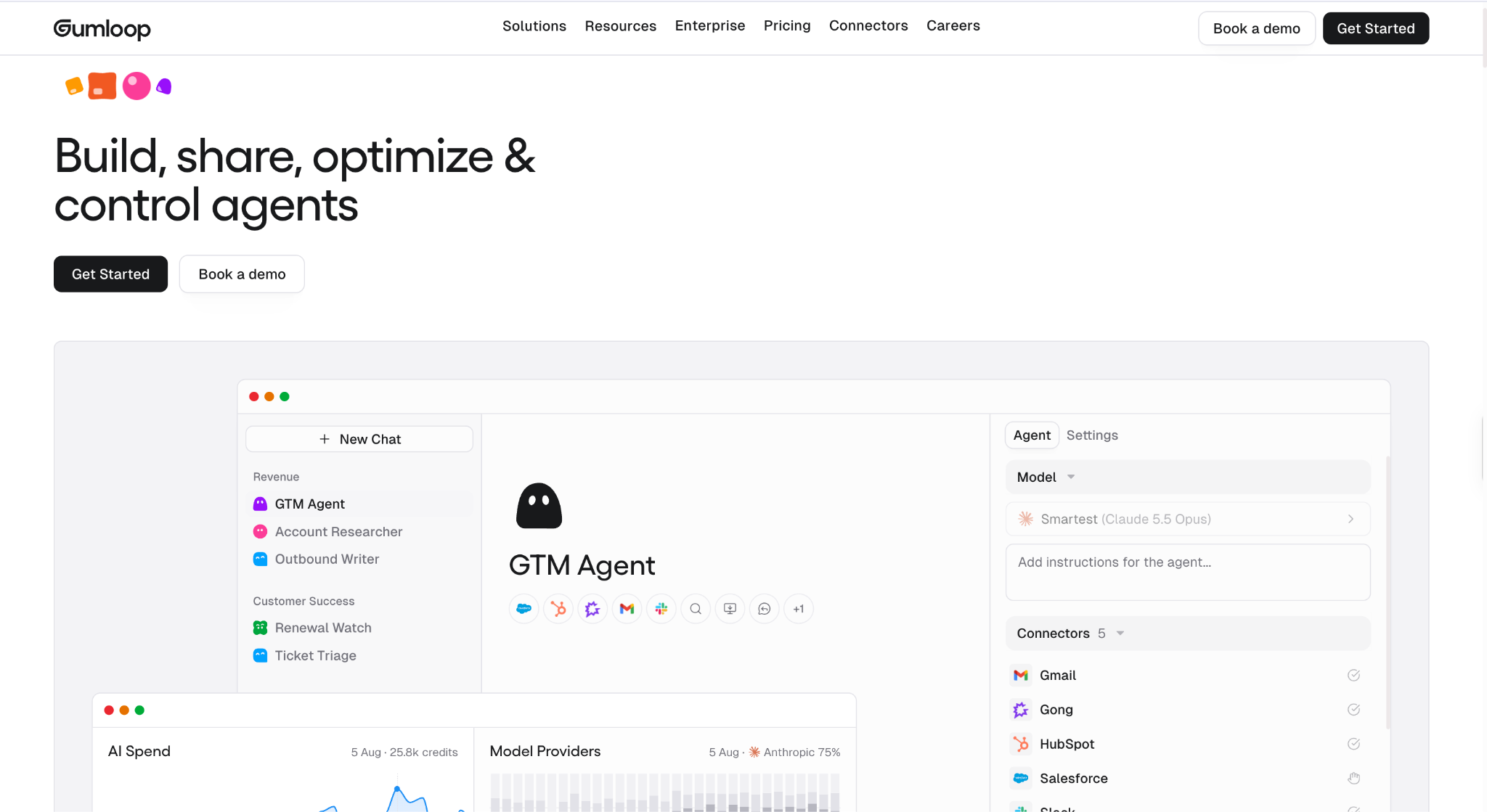
Gumloop is an AI automation platform where you connect drag-and-drop nodes and AI agents into flows that run on their own. Teams use it for lead research, enrichment, and routing, with 35+ AI models available on every plan.
Best for: Ops and marketing teams that want to enrich, score, and route every inbound form lead with no engineering help.
Why I picked it
I set up a flow that took each demo request, enriched the company, scored it against my RevOps profile, and posted a summary to Slack for the sales team. Every rep opened a lead with the research already attached. From form fill to Slack summary took seconds.
Chatbots only catch visitors who engage with the widget. Anyone who fills out a form and leaves skips that layer entirely. Gumloop applied the same enrichment and routing to every form submission, so no lead reached a rep's desk without attached research. The whole flow took an afternoon to build with no engineering help.
Key features
- Drag-and-drop flow builder: Connects apps, AI steps, and data sources on a visual canvas. Ops and marketing teams can build and change lead routing themselves, so updates ship in hours.
- Unlimited AI agents: Run as many agents as you need on every plan, each researching leads or answering questions with your connected tools. Qualification happens before a rep opens the lead, so first calls start with context.
- 35+ AI models: Gives every flow a choice of models, from fast, lightweight options to advanced reasoning models. You can match each step to the right model to keep credit spend under control for high-volume flows.
- Bring your own API keys: Connect the AI provider accounts you already pay for on every plan. Heavy flows can run on your own keys, which stretches your Gumloop credits further.
Limitations
Credit costs climb quickly on enrichment-heavy flows, since each enrichment call costs 1 credit plus the data provider's own charge. The Pro plan caps you at five workflow runs at the same time, and queuing is Enterprise-only, so a sudden burst of form submissions can be turned away instead of waiting its turn.
Pricing
Gumloop's Pro plan starts at $37/month and comes with a 14-day free trial. The monthly price scales up as you add more credits. Enterprise uses custom pricing and adds custom proxy support for AI models.
Intent signal tools
Intent signal tools show you which companies are researching your category before they ever fill out a form. They track signals like content consumption across B2B sites and review site activity, then predict the buying stage. Sales teams use them to decide which accounts their outreach tools should contact first.
9. Best AI Lead Generation Tool for Third-Party Intent Data from B2B Publishers
Bombora: What is it?
Bombora is a B2B intent data provider whose Company Surge product flags companies that are actively researching topics related to what you sell. Its data reflects 16B+ monthly research events across 5M+ company domains, drawn from a co-op of thousands of B2B sites.
Best for: Enterprise marketing and sales teams that want third-party intent data delivered into the CRM and ad tools they already use.
Why I picked it
I tracked topics tied to my RevOps campaign, including sales intelligence and CRM data quality, and Bombora flagged SaaS companies researching them above their normal baseline. Those accounts had never filled out a form or visited my site. No other intent source I tested surfaced them.
Those surge scores changed which accounts went to outreach first. I reordered the list so accounts with the sharpest spikes got the first touch. Because the data flowed into HubSpot, reps saw each score right next to the account record.
Key features
- Exclusive Data Co-op: Pulls research activity from thousands of B2B publishers and brand sites, and 86% of those signals come from publishers that contribute exclusively to Bombora's co-op, making them unavailable through any other intent provider. You see intent signals that most other providers can't access.
- Direct stack delivery: Sends data straight into your CRM, marketing automation, and ad platforms, including Salesforce, HubSpot, and Apollo. Teams act on intent inside tools they already use, with no new platform to learn.
- Visitor Insights: Identifies which companies are behind anonymous visits to your website, even when no one fills out a form, so your team can reach those accounts before they ask for a demo.
- 25,300+ intent topics: Lets you track research on specific products, categories, and problems. Signals stay tied to what you sell, which cuts noise from loosely related browsing.
Limitations
Bombora is account-level data, so it tells you a company is researching a topic but doesn't name the person doing the research. Contact data isn't included either, so you'll need a separate contact tool plus one of these AI outreach tools to act on each signal.
Pricing
Bombora doesn't publish pricing for Company Surge or its other data products. Bombora's sales team quotes plans through its "Speak to an expert" page.
10. Best AI Lead Generation Tool for Predictive Account Scoring
6sense: What is it?
6sense is a revenue intelligence platform that uses AI to predict which accounts are in the market and what buying stage they're in. Its data engine, called Signalverse, captures one trillion intent, company, and contact signals every day to power those predictions.
Best for: ABM teams that want AI to rank accounts by buying stage and connect those accounts to reachable contacts.
Why I picked it
6sense’s predictive models scored each account's buying stage, so I could see which SaaS companies were early in research and which were close to a decision. Every score came with the reasons behind it, which made prioritization easy to trust.
It also connected accounts to people. Once an account scored high, I could unlock emails and phone numbers for its RevOps leads with data credits. The Chrome extension kept that data in one view while I researched each account.
Key features
- Keyword-level intent data: Tracks research on specific keywords and combines it with third-party signals, such as job changes and funding. Reps can see exactly what an account is researching, making the first message far more relevant.
- Web visitor identification: Deanonymizes companies visiting your website and matches them to accounts in 6sense. Anonymous traffic turns into a list of named accounts your team can act on the same day.
- Sales Copilot: Delivers AI account summaries and recommended next actions for each prioritized account. Reps walk into every call with a ready-made briefing on where the account stands.
- AI Email Agents: Generate, send, and reply to emails grounded in real-time buyer signals and your brand voice. Outreach to high-intent accounts can scale to thousands of conversations while staying personal.
Limitations
6sense doesn't publish prices for any Sales Intelligence package, so every deal starts with a demo and a sales conversation. Contact data acquisition, buyer discovery, and the list builder also require purchased data credits, which adds to the cost of turning scores into outreach.
Pricing
6sense doesn't publish prices or package details for its sales intelligence products. All plans are quoted through a demo at the link above. Contact 6sense's sales team to confirm current tiers and pricing.
11. Best AI Lead Generation Tool for Software Vendors Tracking G2 Research
G2 Buyer Intent: What is it?
G2 Buyer Intent is an intent data product that turns research activity on the G2 software marketplace into signals for sales and marketing teams. It shows which of the 100M buyers on G2.com are researching your product, your category, or your competitors.
Best for: Software vendors with a G2 profile that want to reach accounts comparing them against competitors on G2.
Why I picked it
G2 Buyer Intent flagged accounts comparing tools side by side on G2. Those accounts were further along than ones reading a blog post, and more of them were close to a decision. The signals came from verified buyer activity, so I trusted them when ranking accounts.
Competitor tracking was the most useful piece. Seeing which accounts were researching rival products told me which pain points to lead with in outreach. Those messages carried more context than anything I could build from firmographics alone.
Key features
- Churn warnings: Flag existing customers who start researching competing solutions on G2. Customer success sees the risk before renewal talks begin, with time to fix issues or adjust the plan before the account leaves.
- Salesforce integration: Sends G2 signals straight into Salesforce, next to each account record. Reps see which company visited, how many people from it viewed your pages, and when, so outreach can reference that research.
- Verified first-party data: Comes from evaluation activity on G2's own marketplace, where buyers read reviews and compare products. These signals reflect what buyers do on G2 itself, which makes them reliable for late-stage prioritization.
- Profile, category, and comparison signals: Flags companies viewing your G2 profile, your category pages, or comparison pages that include you. Impact.com used these signals to cut its cost per lead from $120 to $53 by targeting accounts already building a shortlist.
Limitations
G2 Buyer Intent only works for software vendors with a G2 profile, and you can't buy it on its own. It also tracks activity on G2 alone, so buyers who research elsewhere never show up in your signals.
Pricing
G2's Free plan includes a basic profile with unlimited users. The Starter plan costs $299/month with no contract. G2 sells Buyer Intent as an add-on to its Professional and Enterprise plans, and both are priced through G2's sales team. Neither the Free nor the Starter plan includes Buyer Intent.
12. Best AI Lead Generation Tool for Lead Follow-Up and Pipeline Admin
Lindy: What is it?
Lindy is an AI teammate that keeps every lead who replies moving toward a booked call. It handles lead follow-up, meeting scheduling, and CRM updates from inside Slack. You can also text it over iMessage or SMS, or use it inside Gmail.
Best for: Sales teams that work in Slack and want one AI teammate to handle the admin between a lead's first reply and a booked meeting.
Why I picked it
Most tools above focus on finding and reaching leads. In my campaign, that hand-off was where leads went cold, because follow-ups, invites, and CRM notes still fell to a person. Lindy took over that layer from inside Slack, while the enrichment, outreach, and intent tools kept doing their own jobs.
You @mention Lindy in a deal channel or DM it with a request, and it answers in the thread with citations from your meetings and tools. One admin installs it, and the rest of the team can ask it for help the same day.
Key features
- Lead follow-up: Lindy handles replies to every lead who responds. It reads the full email thread and your CRM notes, then drafts a response in your voice that answers the prospect's question and proposes a next step. Each draft waits for your approval before it sends, so warm leads hear back within minutes and every message still passes your review.
- Meeting scheduling: Lindy handles demo booking from the prospect's first "yes" to the calendar invite. It checks your availability, proposes open times, and sends the invite once the prospect picks a slot. You can also text Lindy from your phone between calls to book or move a meeting, so no hot lead waits for you to return to your desk.
- CRM updates: Lindy handles logging after each email thread and call, adding notes, next steps, and deal changes to HubSpot or Salesforce. Lindy also joins Zoom, Google Meet, and Microsoft Teams calls as a named participant and summarizes them, so call details land in the record too. Your pipeline stays current, and reps get back the hours they spent on manual data entry each week.
- Pipeline routines: Lindy handles recurring requests you describe once, such as "Every Monday at 9, send the pipeline brief." It runs each routine on schedule, pulls from your CRM, inbox, and meeting notes, and posts the result to the Slack channel you choose. Your team starts each week with a list of stalled deals and leads that need a nudge, so fewer follow-ups go missed during a busy week.
Limitations
Lindy works from the leads and tools you connect, so it works best paired with a data or outreach tool from this list.
Pricing
Lindy's Free plan includes $50 in credits for the first 7 days, with no credit card required. Team costs $49.99/month per active user with 5,000 credits each month, and you can top up anytime at $10 per 1,000 credits. Enterprise uses custom credits and billing and adds HIPAA compliance, SSO, SCIM, audit logs, dedicated support, and onboarding.
{{templates}}
What are the best free AI tools for lead generation?
Clay, Apollo, and Hunter are the best free AI tools for lead generation, and all offer a permanent free plan. Each one can support a small prospecting campaign, which suits solo founders and small businesses testing outbound. The catch is volume, since free credits and sending limits run out quickly once you prospect every week.
Here's what each free plan gives you:
- Clay: The free plan includes 500 actions and 100 data credits a month, plus multi-provider waterfalls and Claygent AI research. Tables cap at 200 rows, so it works for enriching a short list of high-value accounts. Email sending isn't included, so pair it with Apollo or Hunter to reach the list.
- Apollo: The free plan includes 75 credits per seat per month, 2 sequences, basic filters, and the Gmail and Salesforce extensions. It pairs a large B2B database with built-in sequences, so one free account covers finding and emailing prospects. The credits go quickly, so it works best for light, targeted prospecting.
- Hunter: The free plan includes 50 credits a month, one connected email account, and up to 500 recipients per sequence. Finding an email costs 1 credit, and verifying one costs half a credit. It's the simplest free way to find and verify work email addresses for a short list of target companies.
For B2C and local businesses: Contractors, agencies, and other B2C sellers usually get more from inbound tools than B2B databases, since their leads arrive through website visits, ads, and calls. An AI chatbot on your site can capture and qualify those visitors around the clock, and these AI lead generation chatbots are a good place to start.
How to choose the right AI lead generation tool
The right pick for your team is the one that fixes the slowest step in your sales process. Start by naming where leads get stuck, then pick from the category built for that job. Price, CRM fit, and setup time determine which tools to choose within that category.
Match the tool to the step that's slowing you down:
- Your reps can't find enough good contacts: Start with a data enrichment and prospecting tool. Clay delivers the highest match rates if someone on your team can build custom tables. Apollo gets a small team from an empty CRM to a sent email in one sitting, and both have free plans for testing data quality first.
- Your lists are solid, but nobody replies: You need an outreach personalization tool. Instantly fits teams sending cold emails at high volume, and Overloop fits teams mixing LinkedIn and email. Amplemarket suits larger teams that want intent data and AI-written copy inside the same sequences.
- Website visitors and form fills go cold: An inbound tool closes the gap between a lead raising a hand and a rep responding. Qualified turns high-traffic websites into booked meetings through live AI conversations. Gumloop enriches, scores, and routes every form submission within seconds.
- Reps don't know who to contact first: Intent signal tools solve this by showing which accounts are in the market now. 6sense ranks accounts by buying stage, and Bombora shows which companies are researching your topics online. G2 Buyer Intent flags software buyers comparing you with competitors.
- Replies come in, but follow-up lags: A follow-up and pipeline admin tool handles the work that starts once a lead responds. Lindy drafts replies from the email thread and CRM notes, books meetings against your calendar, and logs each conversation in your CRM, all from Slack. It fits teams that lose warm leads between a positive reply and a booked call.
Before you buy, ask two questions:
- Does the tool sync with the CRM your team already uses on the plan you can afford? Several tools on this list gate CRM sync behind higher tiers or support only one CRM.
- What happens when you hit the monthly limit? Credits, contact caps, and sending limits shape your cost far more than the headline price. Run a small test campaign on a free plan or trial before you commit to a full seat count.
Most teams end up needing tools from more than one category, which is where the stack below comes in.
How AI lead generation tools fit together in a stack
AI lead generation tools fit together by job, with each tool handing its output to the next step in the sales process. A typical stack pairs a data or intent tool that decides who to contact with an outreach or inbound tool that starts the conversation. Your CRM sits in the middle, keeping every record in sync.
Three stack patterns show up again and again:
- Enrichment plus outreach: Clay builds and enriches the target list, then pushes verified contacts into Instantly for high-volume sending. This pairing gives you high match rates and ample sending capacity. Smaller teams can start with Apollo alone, since its database and sequences already reside in a single account.
- Inbound plus CRM: Qualified books meetings from website conversations and writes each lead into Salesforce, while Gumloop enriches form fills and routes them to the right rep. Together, they cover both kinds of inbound leads: visitors who chat and those who only fill out a form.
- Intent plus personalization: Bombora or 6sense flags accounts researching your category, and Amplemarket or Overloop turns those accounts into sequences. Reps can reference each account's research topic on the first line, making cold outreach feel timely. 6sense can also unlock contacts, so it covers more of this stack on its own.
Consolidate when your team is small or when one person runs every tool. Apollo and Amplemarket each cover prospecting and outreach in a single account, which reduces seat costs and sync errors. For more all-in-one options, see these AI sales automation platforms.
A specialist stack makes sense once volume grows or one step becomes the bottleneck. You get the strongest tool for each job, but every hand-off adds another integration to maintain. Our guide to AI for sales covers how larger teams coordinate these tools across the full funnel.
Even a well-built stack often leaves work after a lead replies, since follow-ups, meeting bookings, and CRM updates can still fall to your reps. Lindy, covered in section 12, takes on that layer from Slack, Gmail, and your phone.
{{cta}}
FAQ
Which AI tool is best for lead generation?
Clay is the best AI tool for lead generation. Its multi-provider waterfall checks one data source after another until it finds a verified email or phone number. Its match rates beat every single-database tool on this list. Claygent AI research adds a personalization hook to every row, and plans start at $185/month with a free plan for testing.
What is the best free AI tool for lead generation?
Apollo is the best free AI tool for lead generation. Its free plan gives each seat 75 credits a month, 2 email sequences, basic search filters, and Gmail and Salesforce extensions. You can find prospects, verify their emails, and send outreach from one free account.
Can AI replace human sales development reps?
No. AI cannot fully replace human sales development reps. AI handles prospect research, first-draft emails, follow-ups, and meeting booking faster than any rep can. Humans still win on discovery calls, objection handling, and building trust. The best teams use AI teammates like Lindy for follow-up and admin, so SDRs focus on qualified conversations.
What is the difference between AI lead generation and traditional lead generation?
AI lead generation uses software to find, verify, and score prospects, while traditional lead generation relies on reps researching accounts by hand from static lists. AI lead generation covers thousands of contacts in minutes and refreshes records as people change jobs. Traditional methods are slower and leave data stale before a campaign even launches.
Which AI lead generation tools work best for B2B?
Amplemarket is the best AI lead generation tool for B2B. It combines a verified contact database, AI-driven intent signals, and multichannel sequences on a single platform. B2B teams find, prioritize, and contact buyers within a single account. Its Duo Copilot drafts the first message based on the prospect's buying signals and suggests whom to contact next.
Are there AI lead generation tools for small businesses?
Yes. Apollo is the best AI lead generation tool for small businesses. It combines a B2B contact database, email sequences, and a dialer in a single account, with AI lead scoring on the Professional plan. Basic costs $65/month per seat with a 14-day free trial. For follow-ups, scheduling, and CRM updates, Lindy starts at $49.99/month per active user on the Team plan.
Can AI do lead generation?
Yes. AI can handle lead generation for research and outreach in a sales process. It identifies prospects who match your ideal customer profile and verifies their email addresses and phone numbers. Each lead then receives a score based on company size, job title, and buying signals such as recent funding or new hires.









