How to Automate Phone Calls With AI: Top 4 Tools for 2026
Lindy walked through a four-step process to automate calls with AI and tested tools like Autocalls, Callbot, and CallHub for scheduling, lead qualification, and support.


After testing both manual and AI calling tools across sales, support, and scheduling workflows, I realized that the process only works if you’re using the right tool. So, I’ll break down how to automate phone calls using AI and the 4 best AI calling tools for 2026 that can help you do it.
Traditional auto-dialers vs AI phone automation
Traditional auto-dialers automate dialing, while AI phone automation automates the conversation and the actions that follow. Here’s a clear side-by-side comparison:
| Feature | Traditional auto-dialers | AI phone automation |
|---|---|---|
| What is automated | Dialing and basic call routing | The conversation and the actions after the call |
| Best for | Reminders, alerts, simple campaigns | Lead qualification, scheduling, support triage |
| Conversation style | Scripted (recording, TTS, IVR menus) | Two-way conversation that adapts to what the caller says |
| Personalization | Basic (name merge, simple branching) | Dynamic (pulls context from CRM, calendar, knowledge base) |
| Integrations | Often limited or CRM-only | Typically connects to CRMs, calendars, ticketing, messaging, sheets |
| Handoff to humans | Standard (connect to agent) | Conditional (transfer only when needed) |
| Setup effort | Easier for simple blasts | Slightly more setup, but more flexible once live |
| Where it breaks | Anything off-script | Edge cases, compliance, and confidence thresholds (needs guardrails) |
If your goal is to send reminders or broadcast announcements, an auto-dialer works. However, if you need to qualify leads, book meetings, answer questions, or update your CRM automatically, you need AI phone automation. For outbound sales teams, leveraging ai cold calling allows you to reach prospects at scale without increasing headcount.
How to automate phone calls using AI
You can automate phone calls with AI by using no-code tools that let you build calling workflows using a visual builder or by describing the workflow you want in plain English. Here’s how the process works on most AI calling platforms: Learning how to set up these systems helps companies execute the best automated phone calls for business growth.
Step 1: Create an account and set up your AI phone number
Start by creating an account with the platform you choose. You then add your default phone number or set up a dedicated AI phone number, which usually costs a small monthly fee. Decide what you want your assistant to handle:
- Inbound calls, like answering customer questions
- Outbound calls, like qualifying leads or booking meetings
- Or both
With most no-code platforms, you don’t need to configure technical triggers. You can simply describe the workflow you want in plain English, and the tool will create it for you.
For example, ask your assistant to answer incoming calls, collect the caller’s name, and book appointments on your calendar. The platform will handle the setup for you.
Step 2: Define how the conversation should go
Next, tell your assistant how you want it to handle the calls. It’ll depend on your use case. For example:
- Ask qualifying questions before booking a demo.
- Transfer the call to me if the customer sounds frustrated.
- If they ask about pricing, send them a follow-up email.
You can also ask the assistant to:
- Pull answers from the website or knowledge base
- Log call summaries to the CRM or a Google Sheets
- Notify the team in Slack after important calls
For these capabilities, you’ll have to add a knowledge base and define when the assistant should hand over the call to a human. Clearly define the edge cases and low-confidence scenarios where human judgment is essential.
Step 3: Automate follow-ups and actions
After the call, a good AI calling tool can automate actions within your tools as it directly connects with email, Slack, CRM, and more. You can tell it to:
- Create a calendar event if an appointment is confirmed
- Update your CRM when a lead qualifies
- Retry missed calls after a set time
- Transfer calls to a human when needed
Don’t forget to add compliance features. Especially for marketing or healthcare use, make sure to offer opt-out options, include call recording disclaimers, handle data security, and comply with HIPAA or GDPR regulations.
Step 4: Monitor and optimize
After your assistant is live, review its performance. Check the answer rate, call transcripts, transfer frequency, and booking rate. If something feels off, adjust your instructions. For example:
- Keep responses shorter
- Ask fewer qualification questions
- Offer to transfer earlier
With continuous feedback, your AI calling assistant will improve how it handles calls. Understanding the fundamentals of ai phone calling can help you set up more effective automated workflows.
Features to look for in AI phone automation tools
While selecting an AI calling platform, always look for the features that make your work easier without adding clutter. If you want reliable automation, here’s what you should look for: Evaluating these key features helps you choose the best ai call bot for your specific business needs.
- Real-time, two-way conversation: The tool should be able to hold a natural back-and-forth conversation. It should respond quickly and adapt to what the caller says. If it sounds robotic or pauses awkwardly, people hang up.
- Visual workflow builder: The platform should let you define what happens next based on user input.
- CRM and calendar integration: The AI agent should connect directly to your existing systems. It should log call summaries, update contact records, trigger follow-ups, and book meetings automatically.
- Human-in-the-loop controls: The system should allow escalation when needed. You should be able to transfer calls to a human, review transcripts, set confidence thresholds, and approve sensitive actions.
- Analytics and transcript visibility: Ensure the tool offers metrics like answer rates, drop-off points, call outcomes, and full conversation transcripts. Without visibility, you cannot improve performance.
The 4 best tools to automate phone calls in 2026
I tested dozens of automated calling tools, but only a handful delivered the power, flexibility, and intelligence teams look for. Here’s a glance at the top tools: Finding the best automated phone call software for your team comes down to comparing call volume, features, and pricing.
| Tool | Best For | AI-Powered? | Pricing |
|---|---|---|---|
| Autocalls | High-volume call automation | Yes | From $34/month |
| Callbot | Simple calling tasks | No | Free to download; $0.99 per 20 calls |
| CallHub | Political campaigns, nonprofits | Yes | From $0.045/dial |
| Text-Em-All | Mass text and call notifications | No | From $0.09/credit or $19/month |
1. Autocalls: Best for high-volume call automation
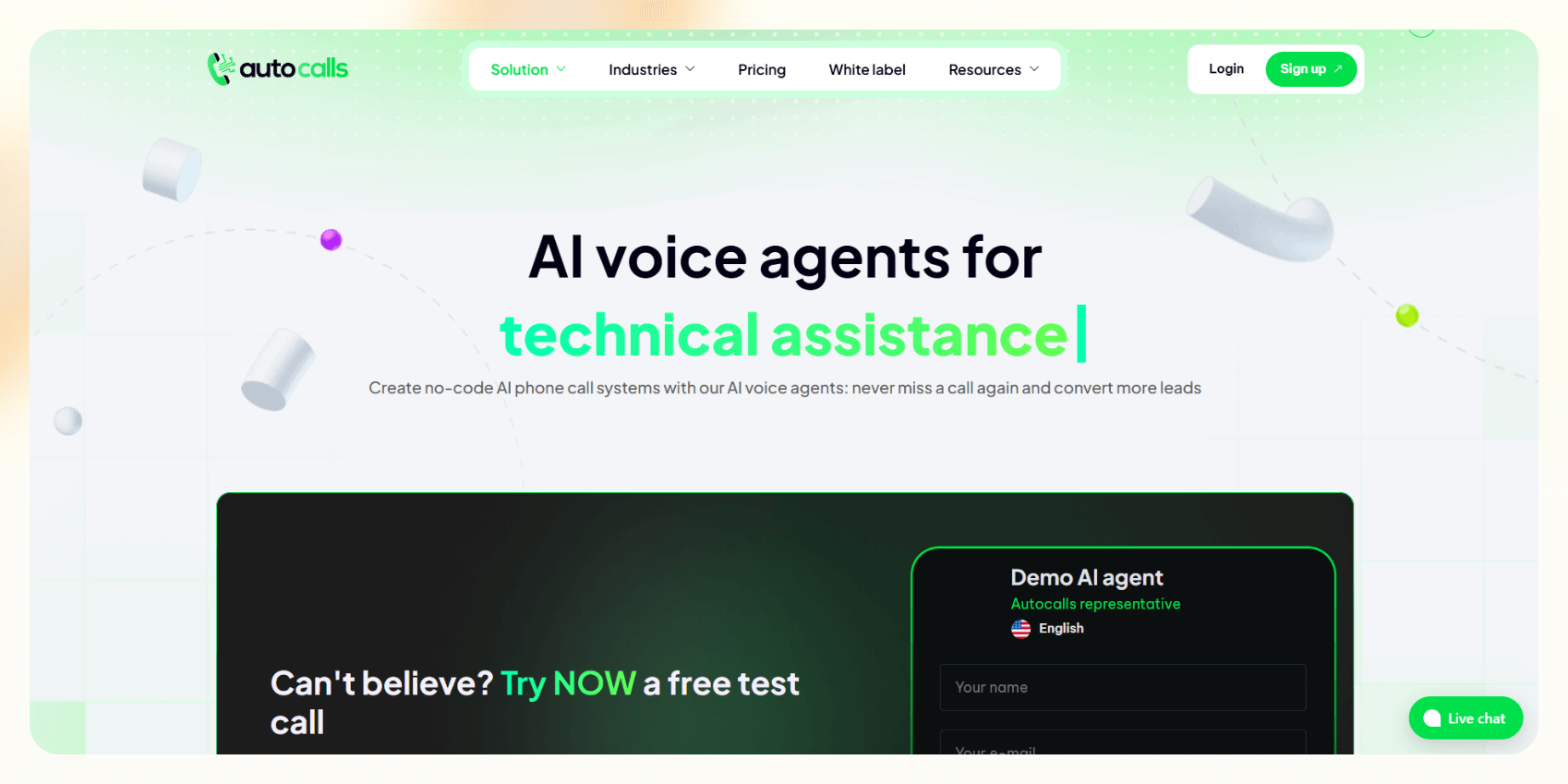
Autocalls offers AI-powered voice agents to automate business phone calls, handling tasks like lead qualification, customer support, and appointment scheduling.
Features
- AI voice calls at scale with quick setup and minimal friction
- Best for sending reminders, appointment confirmations, or alerts
- No-code interface and templated flows make it easy to launch
Ideal users
- SMBs, clinics, and local businesses that need bulk outbound calls without heavy setup
Pricing
- Paid plans from $34/month, billed monthly
Bottom line
Autocalls is ideal if your needs are basic. You won’t get AI capabilities or integrations, but it delivers value for short, transactional calls.
2. Callbot: Best for simple voice interactions
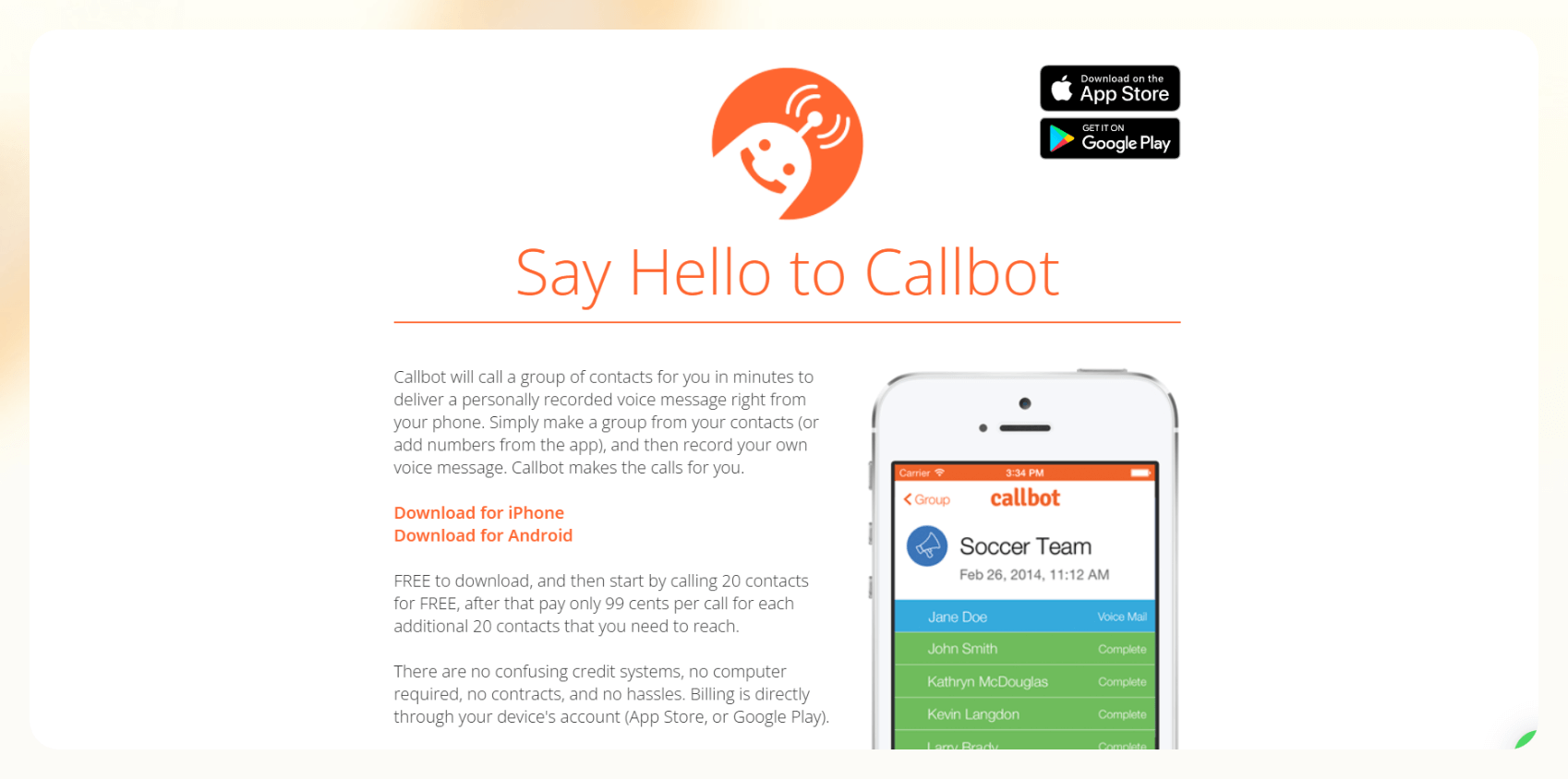
Callbot is an automated calling app to call multiple contacts when you need to call them, but don’t need to have a conversation. Notifications, reminders, and announcements are some examples of Callbot use cases. Record your message and Callbot will call your list of contacts for you.
Features
- Lightweight mobile-first AI caller app
- Handles simple voice interactions like reminders, check-ins, and basic Q&A
- Available as an iOS app
Ideal users
- Freelancers, solopreneurs, and mobile-first teams
Pricing
- Free to download and try with 20 contacts, then $0.99 for every 20 contacts added
Bottom line
Callbot suits freelancers, solopreneurs, and small teams needing a quick and efficient way to automate calls with easy setup. It's ideal for small-scale use, but limited when you want customization or scale.
3. CallHub: Best for large-scale campaigns or broadcasting messages
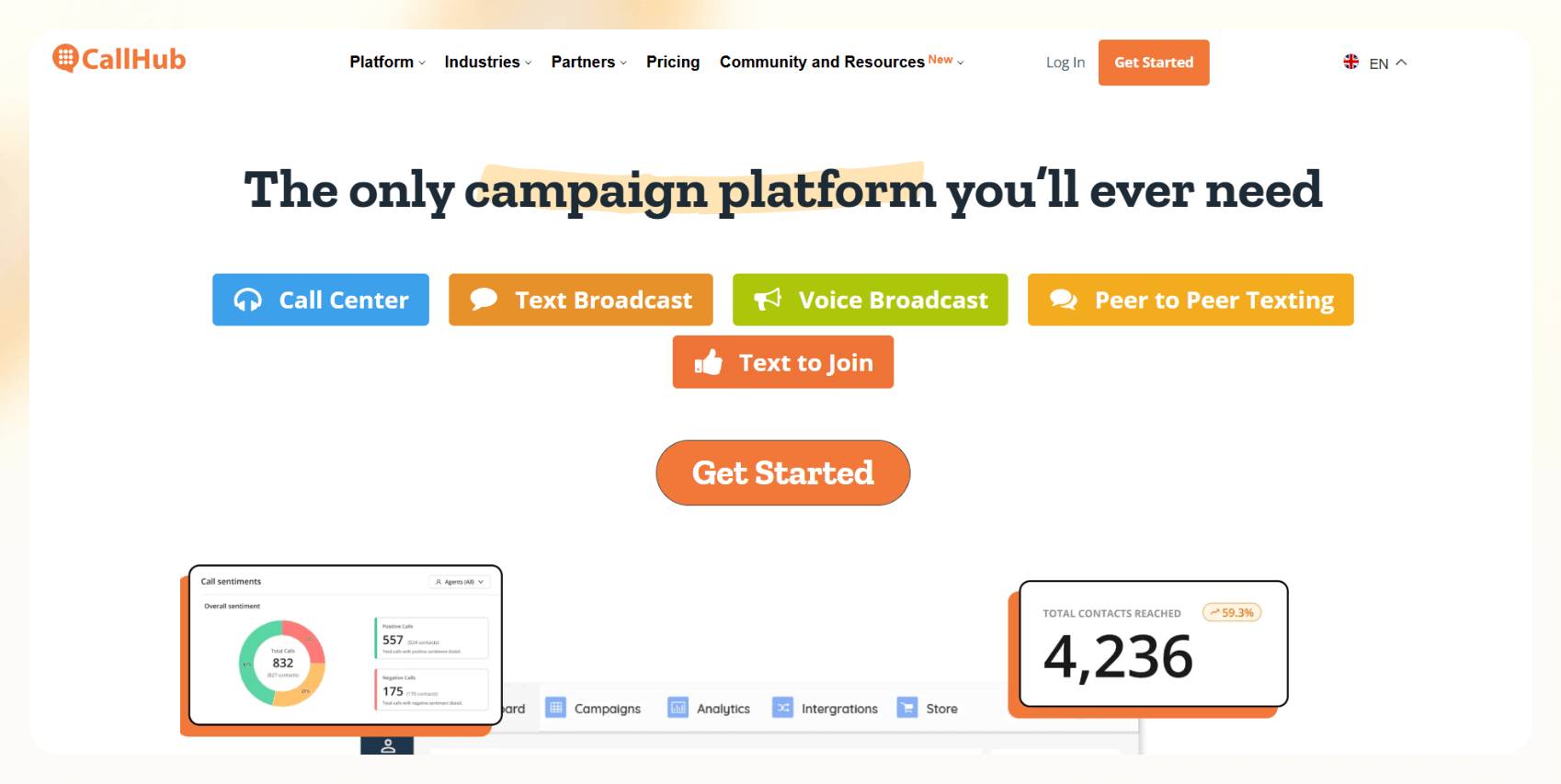
CallHub is a communication platform offering automated calling and texting campaigns. It features various dialers, including Predictive, Power, and Auto-Dialers, to enhance calling efficiency. You also get voice broadcasting, peer-to-peer texting, and integrations with CRMs.
Features
- Voice broadcasting, predictive dialers, and call center tools
- Excellent for political campaigns, fundraising, or advocacy outreach
- Call patching, scripting, and live transfers
Ideal users
- Nonprofits, political groups, unions, churches, and schools
Pricing
- Starts at $0.045/dial for outgoing calls in the USA, and the rates vary by country
Bottom line
While CallHub has powerful communication tools, it’s not true AI. It’s great for large-scale outreach but lacks conversational AI depth.
4. Text-Em-All: Best for notifications and alerts
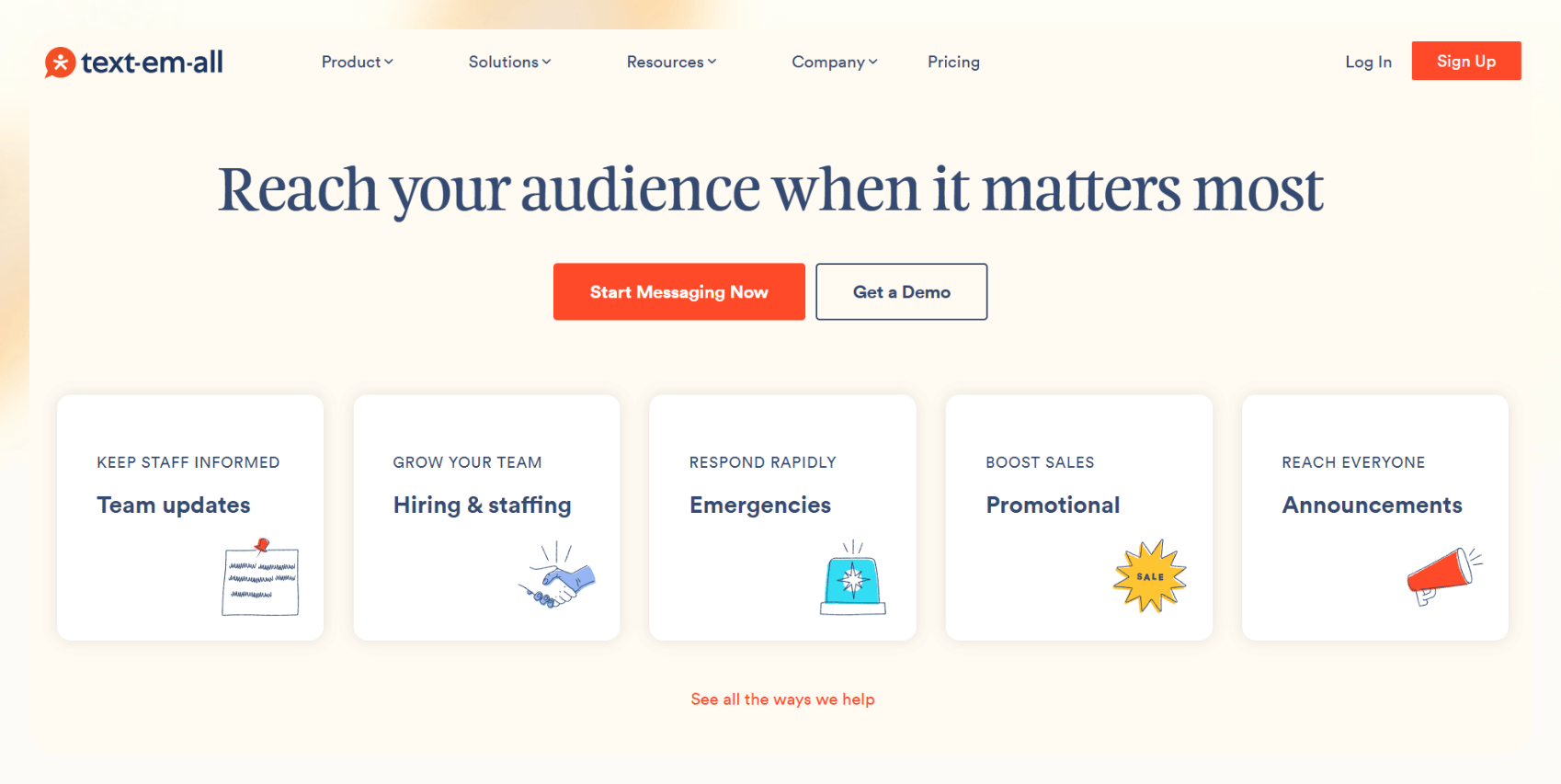
Text-Em-All is a tool to send mass text messages and automated phone calls for notifications, alerts, and reminders. It offers features like two-way texting, detailed analytics, and easy contact management, ensuring effective communication with large groups.
Features
- Pre-recorded voice messages or text-to-speech
- Group calls with scheduling and voicemail detection
- Easy to use with no coding or setup headaches
Ideal users
- Large organizations, marketing teams, or anyone who wants to notify a large number of people at once
Pricing
- You can buy credits starting at $0.09/credit
- Monthly pack for low-volume usage for $19/month, based on group size
- You can use their credit estimator to start
Bottom line
Text-Em-All is simple, reliable, and user-friendly if you want to send alerts or reminders to a list but don’t need replies or conversations. It’s not built for smart calling.
Examples of AI-powered automated calling
Automated phone call tools, with AI phone assistants, can handle complex calling workflows across domains. Here are some real-world examples:
Mass call broadcasting
They help you deliver a message to a large audience quickly. It's perfect for:
- Quick surveys
- Event announcements
- Emergency alerts
- Public service reminders
Appointment reminders & notifications
Rescheduling or miscommunication is painful. AI call assistants can:
- Remind customers of upcoming appointments
- Offer rescheduling options
- Share prep instructions or follow-ups
It’s more personal and difficult to ignore than a generic text or email.
Customer support
Support teams get overwhelmed with repetitive queries. An AI assistant can:
- Answer FAQs on the spot
- Route complex issues to the right human agent
- Collect information to reduce handling time later
Customers get help faster. Your team focuses on actual problems.
Payment or billing reminders
Chasing unpaid invoices or reminding clients for outstanding payments is a task. Here’s how automated calling helps:
- AI calls remind clients of pending payments
- Can take card details or guide them to payment portals
- It can be used for medical billing follow-ups
Call-based lead qualification
Instead of wasting sales time on every lead, AI agents can screen them:
- Ask discovery questions (budget, timeline, needs)
- Qualify or disqualify on the spot
- Route hot leads to a rep or schedule a demo
This way, your team will spend time on meaningful conversations.
Call surveys
Gathering feedback is tiring. A conversational phone survey can help:
- Capture customer sentiment post-interaction
- Use IVR or free-form AI conversation
- Great for customer experience teams or market research
People are more likely to respond to a conversational voice than a 10-question email form.
Benefits of automated phone calls
Automated phone calls are a big help if you still use archaic methods. Here’s what they'll do for you:
- Saves time for sales and support teams: Sales teams can focus on closing deals instead of chasing voicemails, and support teams can route FAQs and routine updates to an AI caller. You can even automate follow-up sequences entirely.
- Reduces manual dialing errors: The system dials correctly every time without skipping leads or dialing wrong numbers. If a line’s busy or goes to voicemail, it retries automatically.
- Improves response rates with smart scheduling: Calls go out at the right time, increasing the chances of engagement and conversions. More pickups mean more results.
- Delivers a human touch: Voice calls feel personal, especially in high-touch industries like healthcare or real estate. You can convey tone, urgency, and warmth, something a cold email can’t match.
- Integrates with your existing tools: Most platforms sync with CRMs like Salesforce or HubSpot, so you can log all your call data, follow-ups, and outcomes automatically without switching tabs or tools.
Frequently asked questions
What is automated phone calling?
Automated phone calling uses software or AI to make phone calls without a person dialing or speaking live. Businesses use it for reminders, follow-ups, and high-volume outreach. You can do this with simple broadcast tools that play pre-recorded messages or with AI phone assistants that hold conversations and respond in real time.
Is using an auto-dialer legal?
Yes, using an auto-dialer is legal in the US if you follow TCPA (Telephone Consumer Protection Act) and FCC guidelines. You must get consent before making marketing calls and have an easy opt-out mechanism.
Can I use AI to automate customer service calls?
Yes, you can use AI to automate customer service calls. Conversational AI tools like Lindy can handle common questions, collect data, and route complex issues to the right human.
How much does automated phone calling cost?
Automated phone calling usually costs between $0.045 and $0.99 per call, depending on the call type and provider. Some tools also charge a monthly platform fee, often starting around $20.
Can I schedule automated phone calls in advance?
Yes, most modern tools, especially AI-based ones, let you schedule automated phone calls in advance, including time zone handling and retry attempts if the call fails.
What’s the difference between an auto-dialer and AI phone software?
An auto-dialer plays a static message and is not interactive, while an AI phone software responds in real time, understands context, adapts to the responses, and can complete actions like scheduling or answering questions.









