9 Best AI Transcription Tools in 2026, Tested by Use Case
Marvin tested nine AI transcribers for teams, including Otter.ai, Gong, and Fireflies.ai, comparing live transcription accuracy, CRM integrations, and monthly pricing.


Twenty minutes into a discovery call, the prospect asked about a feature we'd discussed three weeks earlier. I had no notes from that call, no summary, nothing in the CRM. I started testing AI transcription tools the next day.
I tracked accuracy, speaker labeling, turnaround speed, export formats, free tier limits, and meeting-specific features. I also ran Lindy separately across a week of live sales calls, since it covers the full meeting cycle: prep, live recording, and follow-up, all from Slack.
Every tool on this list solved at least one of three problems well: live meeting capture, recorded file uploads for lectures and interviews, or video and podcast editing. Knowing which problem you're solving makes the decision straightforward.
Here's what I found.
What is AI transcription?
AI transcription turns spoken audio into written text within minutes, using speech models trained on large audio datasets. You upload a recording or let a tool listen live, and it returns a transcript with timestamps and speaker labels.
Say you record a 45-minute interview with a source. Typing it out by hand can eat up most of an afternoon. An AI tool returns a searchable draft in a few minutes, and you click any line to hear the matching audio. You fix the few words it misheard and move on.
Accuracy depends on audio quality, accents, and background noise. Most tools perform well on a clean recording and slip when people talk over each other. A decent microphone often improves accuracy more than switching tools.
The same technology powers three kinds of tools. Meeting tools join your calls and hand you a searchable record when the call ends. Upload tools handle interviews, lectures, and podcast episodes after the fact, while video editors let you cut footage by deleting lines of text. Knowing which one you need narrows your shortlist fast.
How I tested these AI transcription tools
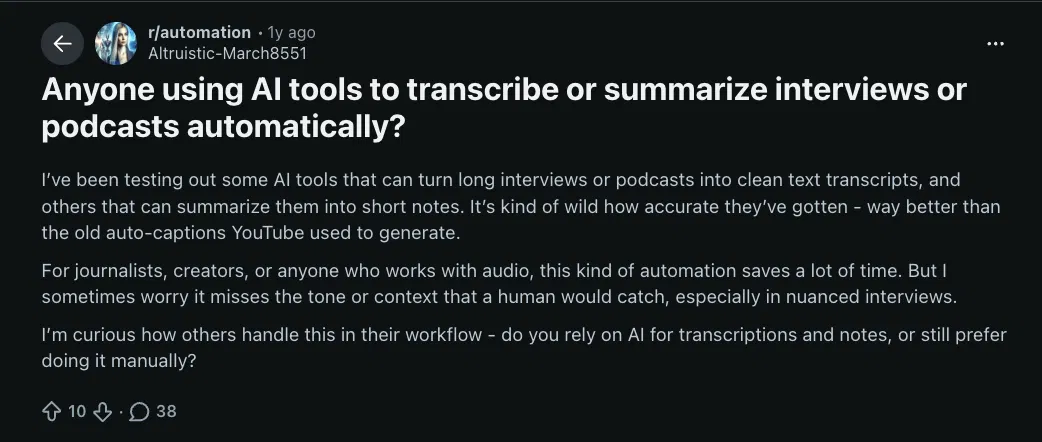
A thread on r/automation put the core concern well: accuracy has gotten good, but does it catch the tone and context a human would catch, especially on nuanced interviews? That question shaped what I measured.
I tested every tool on real work: uploaded interviews and podcast episodes, live team calls, and a noisy four-speaker recording where the tool allowed it. I tracked word accuracy, speaker diarization, turnaround speed, export formats, free tier limits, and meeting-specific features. Lindy was tested separately across a week of live sales calls.
A few tools didn't make the list: Trint has strong newsroom credibility but starts around $80 per seat per month, which is hard to justify over Good Tape or Rev.ai for most users. Happy Scribe handles multilingual uploads but fell short of Sonix on accented Spanish audio on the same test file. Castmagic is a content-repurposing tool first.
For teams who need more structure around meeting records, these meeting minutes apps cover the full range.
Quick comparison: Best AI transcription tools at a glance
1. Best AI Transcription Tool for Real-Time Meetings
Otter: What is it?
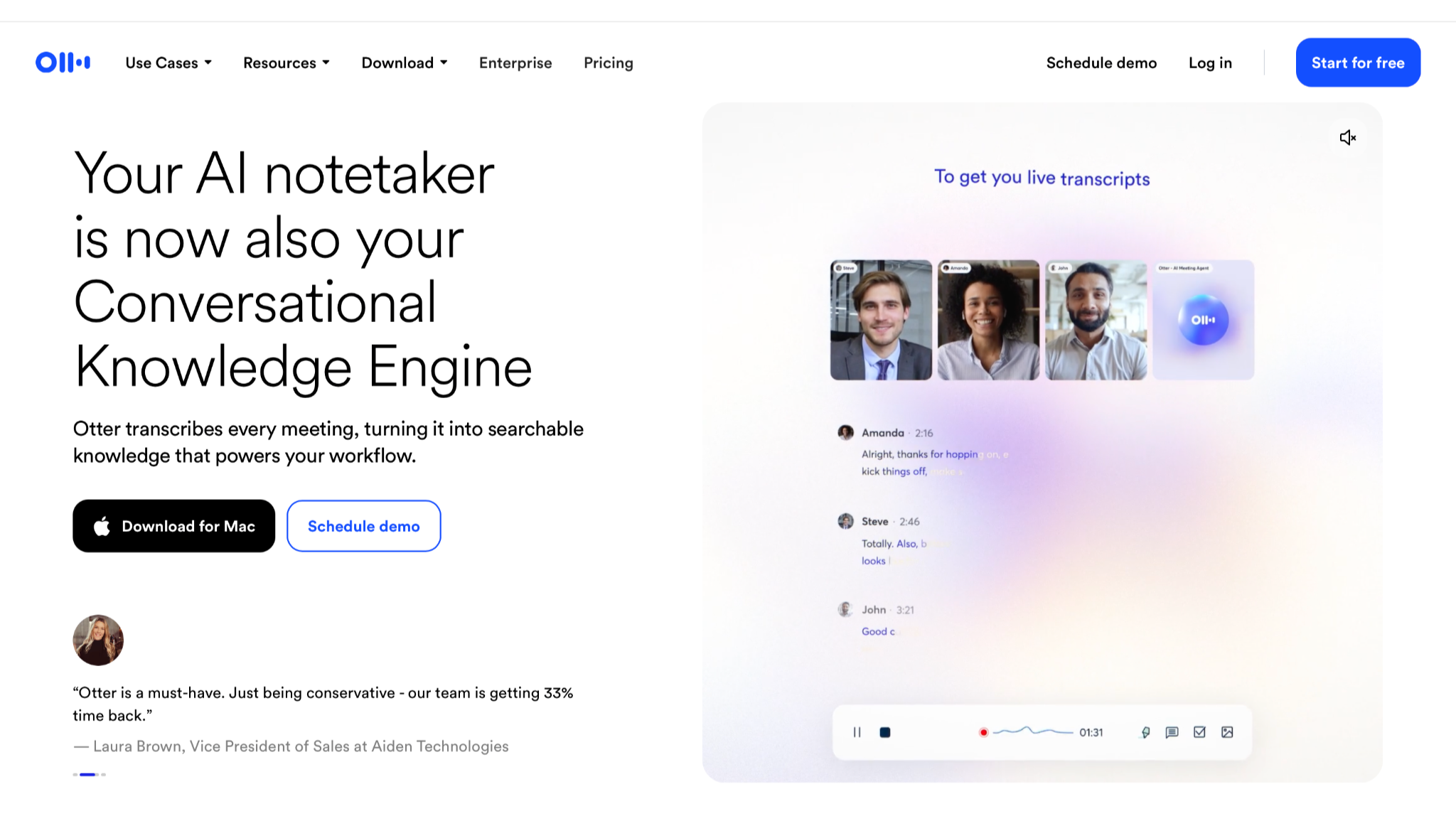
Otter is an AI meeting assistant that joins your Zoom, Google Meet, or Teams call through OtterPilot. It transcribes each speaker in real time and stores every call in a searchable workspace your team can annotate later.
Best for: Teams running back-to-back meetings who need accurate, searchable records without any per-call setup.
Why I picked it
OtterPilot joined a four-person team call in the background. By the time I closed the tab, the summary was in my inbox. It had speaker-attributed quotes, flagged action items, and a full searchable transcript.
I cross-checked speaker labels on a four-person call, and Otter kept them accurate through a 40-minute discussion. The collaborative workspace let me leave comments on specific lines of the transcript and tag teammates on action items directly in Otter.
Limitations
Otter transcribes six languages: English, Spanish, French, German, Japanese, and Chinese. That limits it for multilingual teams. The free plan limits each recording to 30 minutes and file imports to three uploads for the lifetime of your account. Speaker labels slip once people start talking over each other.
Pricing
The Basic plan is free and includes 300 minutes per month. Pro is $16.99 per user per month. Business is $30 per user per month. Enterprise pricing is custom. If Otter's six languages don't cover your team, compare these Otter alternatives.
2. Best AI Transcription Tool for Sales Teams and CRM Sync
Fireflies: What is it?
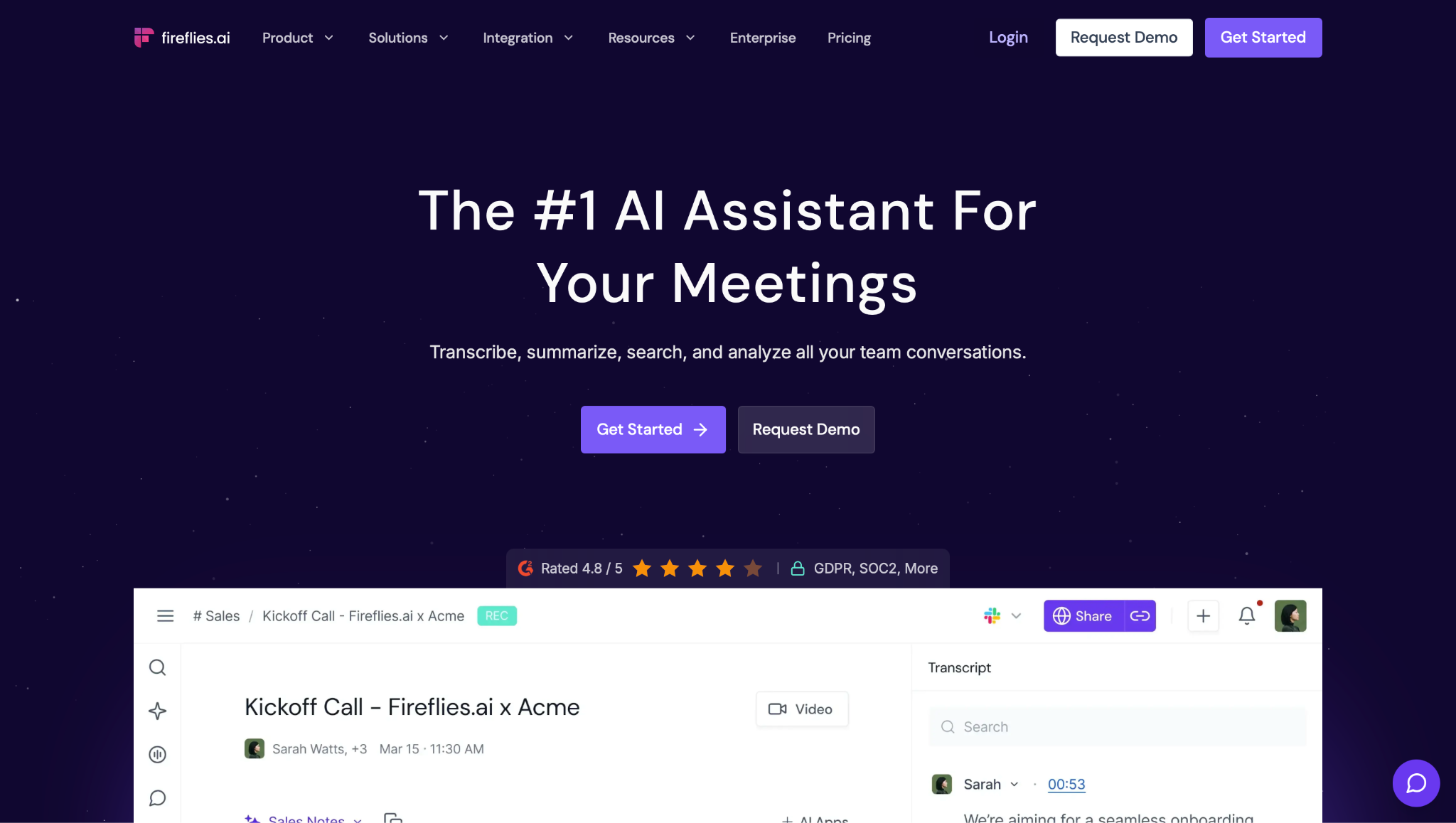
Fireflies is an AI meeting assistant built for sales teams. It joins Zoom, Google Meet, Teams, and Webex calls and pushes the output into Salesforce, HubSpot, or Pipedrive. A conversation intelligence layer sits on top of the transcript and tracks talk-to-listen ratio, sentiment, and topic flags across your full call history. If summaries are all you need, these AI summarizer tools cover lighter options.
Best for: Sales and revenue teams who need meeting output in their CRM after every call without any manual data entry.
Why I picked it
The problem with most meeting tools is that the notes stay in the notes app. With Fireflies connected to HubSpot, the call summary and key moments are synced to the deal record before the AE opens a new browser tab.
I ran a full discovery call through Fireflies. It captured the questions asked, the objections raised, and the agreed next steps with accurate speaker attribution. The searchable archive is what sets Fireflies apart. I searched for a keyword across stored calls and found the exact moment a prospect named a competitor.
Limitations
The free plan limits storage to 400 minutes per team and blocks transcript downloads. Talk-time and sentiment analysis start on Pro, and the full conversation intelligence dashboard is on Business and up. You need a Google or Microsoft account to sign up, and Fireflies only joins meetings on its own once your calendar is connected.
Pricing
The free plan transcribes unlimited meetings when auto-join is on, but AI summaries are limited. Pro is $18 per seat per month (or $10 per seat per month billed annually). Business is $29 per seat per month (or $19 per seat per month billed annually).
3. Best AI Transcription Tool for Multilingual Meetings
Notta: What is it?
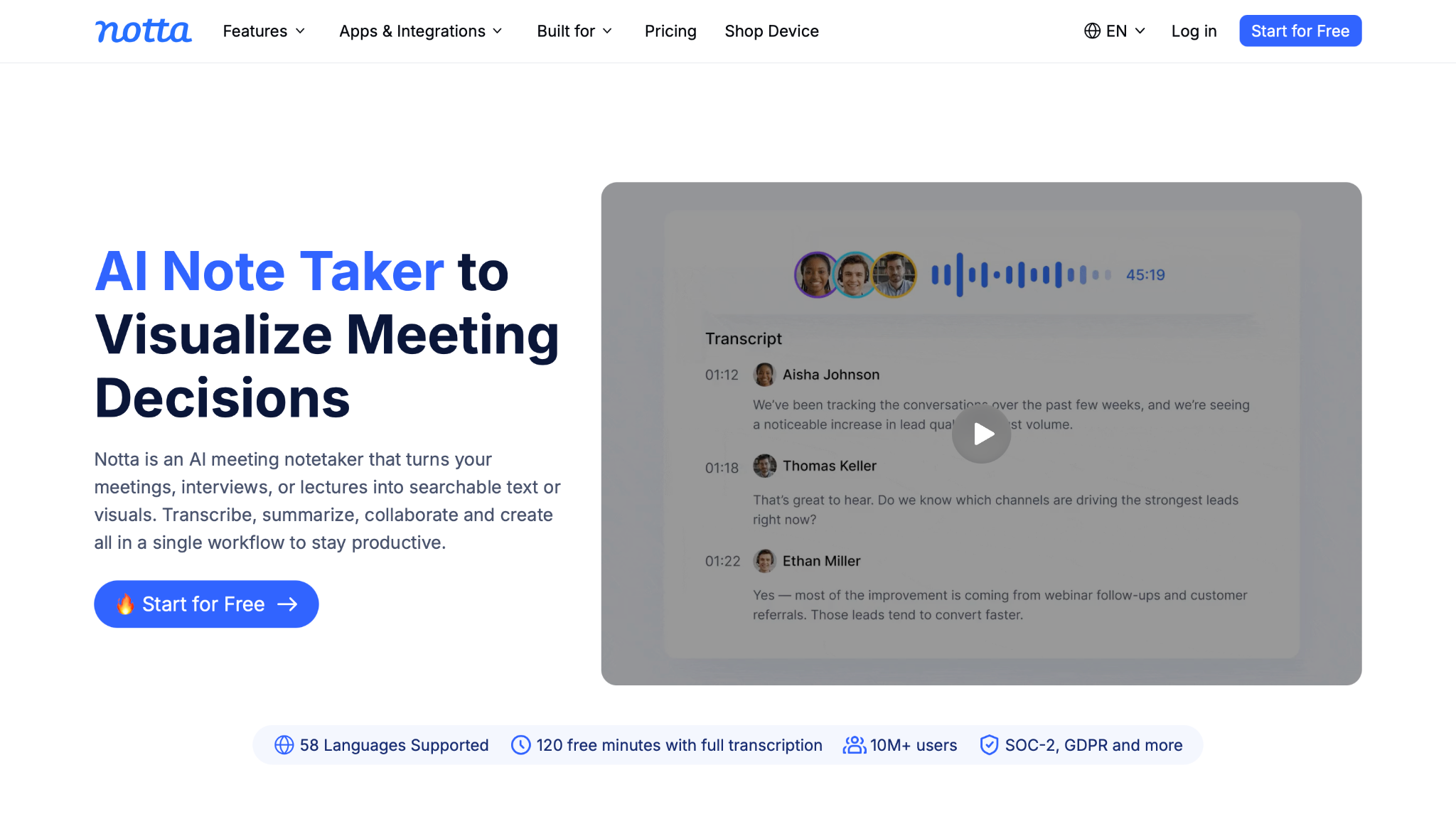
Notta is an AI transcription tool for multilingual teams, covering 58 languages across live meetings and uploaded files. It suits international researchers and teams whose calls switch languages mid-conversation. A bilingual simultaneous transcription mode captures two languages at once across 23 language pairs, a capability most transcription tools don't offer.
Best for: Multilingual teams and international researchers whose calls switch languages mid-conversation.
Why I picked it
I ran a 20-minute recording split evenly between English and Spanish through Notta. The transcription held across both languages without a manual switch mid-session. The Chrome extension captured a Google Meet with no visible bot in the participant list. On first-time client calls, a third-party name in that list creates friction. The AI summary accurately organized the main points.
Notta flags action items, generates summaries using templates, and exports transcripts as shareable links or in multiple file formats, which is useful when pushing meeting notes into a client deliverable or internal wiki. For teams already using Notion, Slack, or Zapier, the integrations mean the transcript lands where the work actually happens.
Limitations
The free plan's 120 minutes per month quickly run out for high-volume teams. Speaker diarization on calls with multiple overlapping speakers loses accuracy. SRT and VTT subtitle exports require a paid plan.
Pricing
The free plan includes 120 minutes per month with a 3-minute cap per conversation. Pro is $13.49 per user per month. Business is $27.99 per user per month. Enterprise is custom pricing starting at 51 seats.
4. Best AI Transcription Tool for Accuracy on Critical Recordings
Rev.ai: What is it?
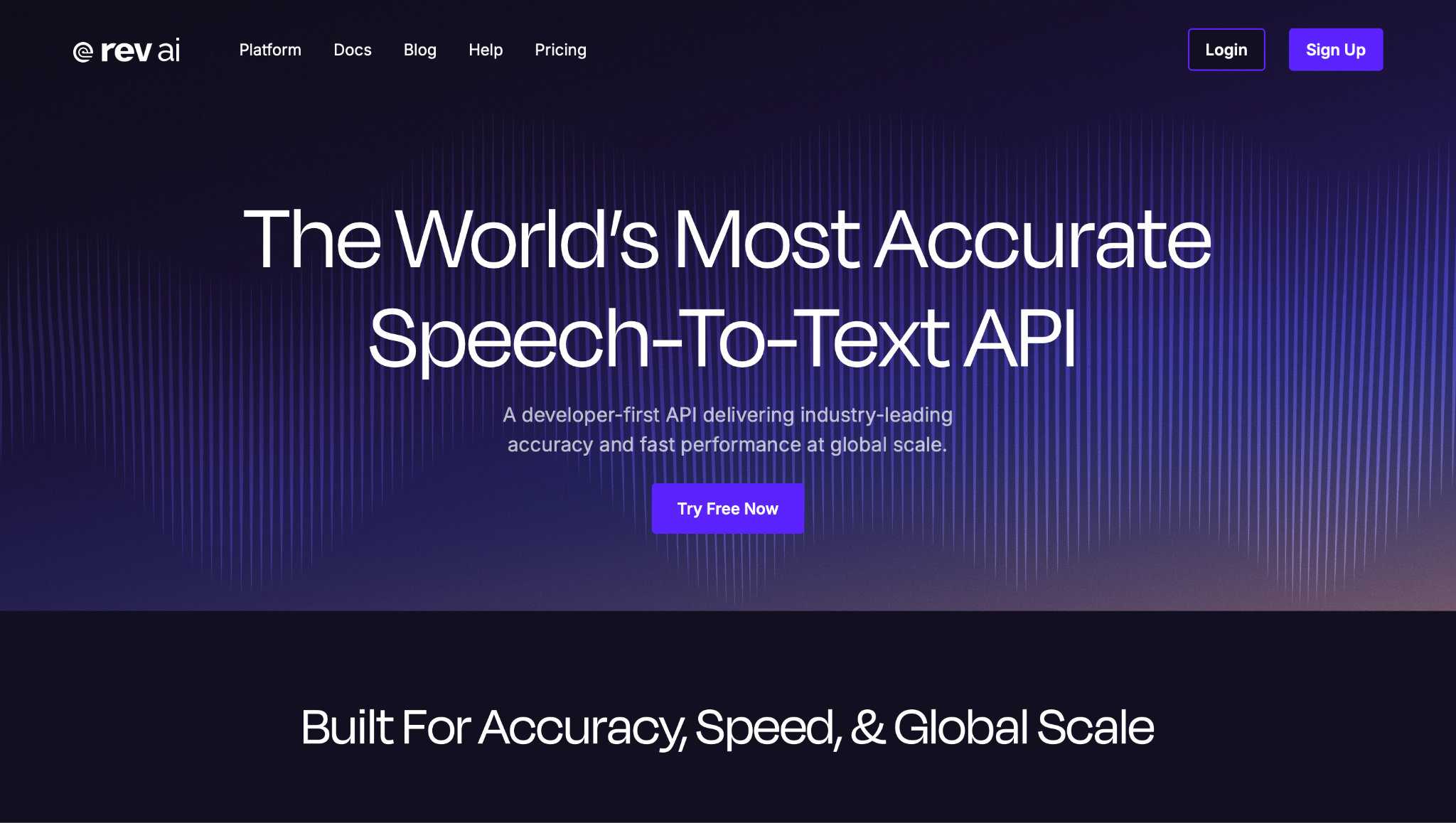
Rev.ai is a speech-to-text platform for transcribing uploaded audio and video files. It runs two tiers: an AI-automated option for fast turnaround and a human-reviewed option for recordings where verbatim accuracy carries legal or editorial weight. It supports 53+ languages and exports in SRT and VTT caption formats.
Best for: Journalists and legal teams handling recorded interviews where verbatim accuracy on a specific file carries legal or editorial stakes.
Why I picked it
I uploaded a 60-minute source interview where a specific quote carried legal weight. A paraphrase wouldn't hold up. I needed the exact words before writing a sentence. The Reverb ASR tier returned the transcript in minutes. On clean single-speaker audio, accuracy was strong, and speaker attribution held through the full recording.
For a 15-minute passage where exact phrasing mattered, I submitted it to the human-reviewed tier. With the verbatim add-on turned on, every word came back exactly as spoken, including fillers, restarts, and overlapping speech. The pay-as-you-go structure suits journalists who handle variable workloads, since they pay per file.
Limitations
Human transcription at $1.99 per minute is a precision tool. Ten hours of human-reviewed content works out to $1,194. On audio with heavy accents or background noise, expect to clean it up manually before publication. Rev.ai is an API-first product. Teams that want a simple web-based upload interface may prefer Rev.com, the same company's upload service for non-technical users.
Pricing
The pay-as-you-go plan includes 5 hours of free Reverb ASR credits. Reverb ASR transcription is $0.20 per hour for English and $0.30 per hour for 53+ other languages. Human transcription is $1.99 per minute. Enterprise pricing is volume-based and custom.
5. Best AI Transcription Tool for Multilingual File Transcription
Sonix: What is it?
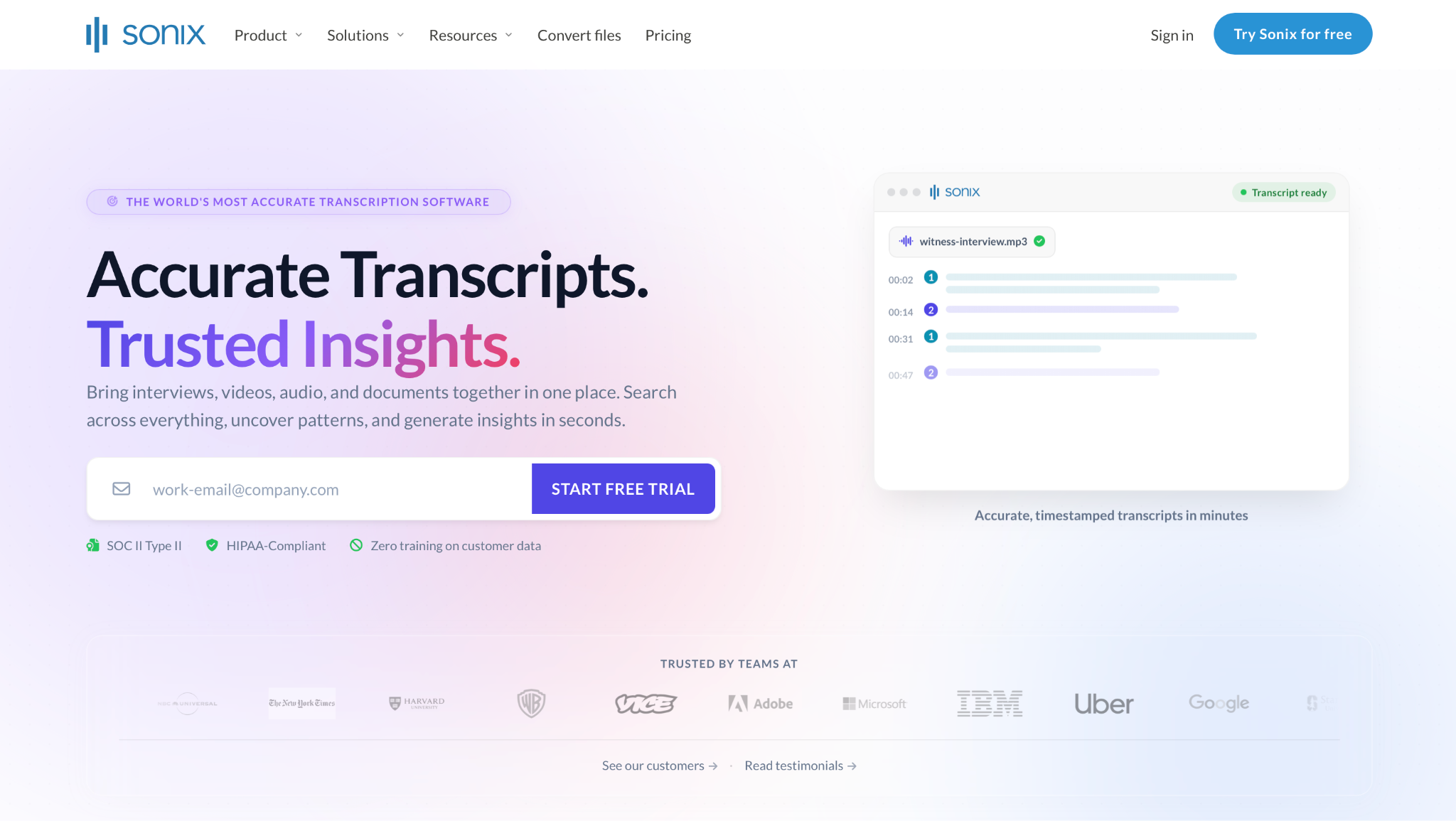
Sonix is a file transcription platform that handles uploaded audio and video in 54+ languages. It runs automated translation in the same workflow and exports SRT and VTT captions. The platform is SOC 2 Type 2 certified, offers HIPAA compliance through Medical Sonix, and operates a zero-training policy on customer data, which matters for legal teams and journalists handling sensitive recordings.
Best for: Researchers, multilingual content teams, and journalists working across languages who need transcription and translation in one tool.
Why I picked it
I uploaded a 45-minute Spanish-language interview to Sonix. The transcript came back within minutes. Clicking a timestamp mid-document jumped the editor to that word in the audio, which helped when I verified a specific quote across a long file.
I also translated a 10-minute clip without leaving the editor. A Portuguese file I uploaded next ran through the same flow, and I didn't touch the language settings.
The browser editor earns its place on longer files, since you can highlight a section and export only that clip. The Zapier integration pushes each transcript to downstream tools with no manual export. The Adobe Premiere integration helps video teams who use the transcript as a subtitle layer or a rough-cut guide.
Limitations
There is no recurring free plan, only 30 minutes free on signup. AI accuracy drops on audio with heavy accents or significant background noise. Translated output benefits from a human review pass before publication.
Pricing
Pay-as-you-go is $10 per audio hour, with no subscription required. The Core plan is $25 per month and includes 5 hours. Advanced is $50 per month and includes 20 hours. Pro is $80 per month and includes 40 hours. Additional hours on any subscription plan are billed at $10 per hour. Additional seats are $25 per month each. Enterprise pricing is custom.
6. Best AI Transcription Tool for Sensitive Source Interviews
Good Tape: What is it?
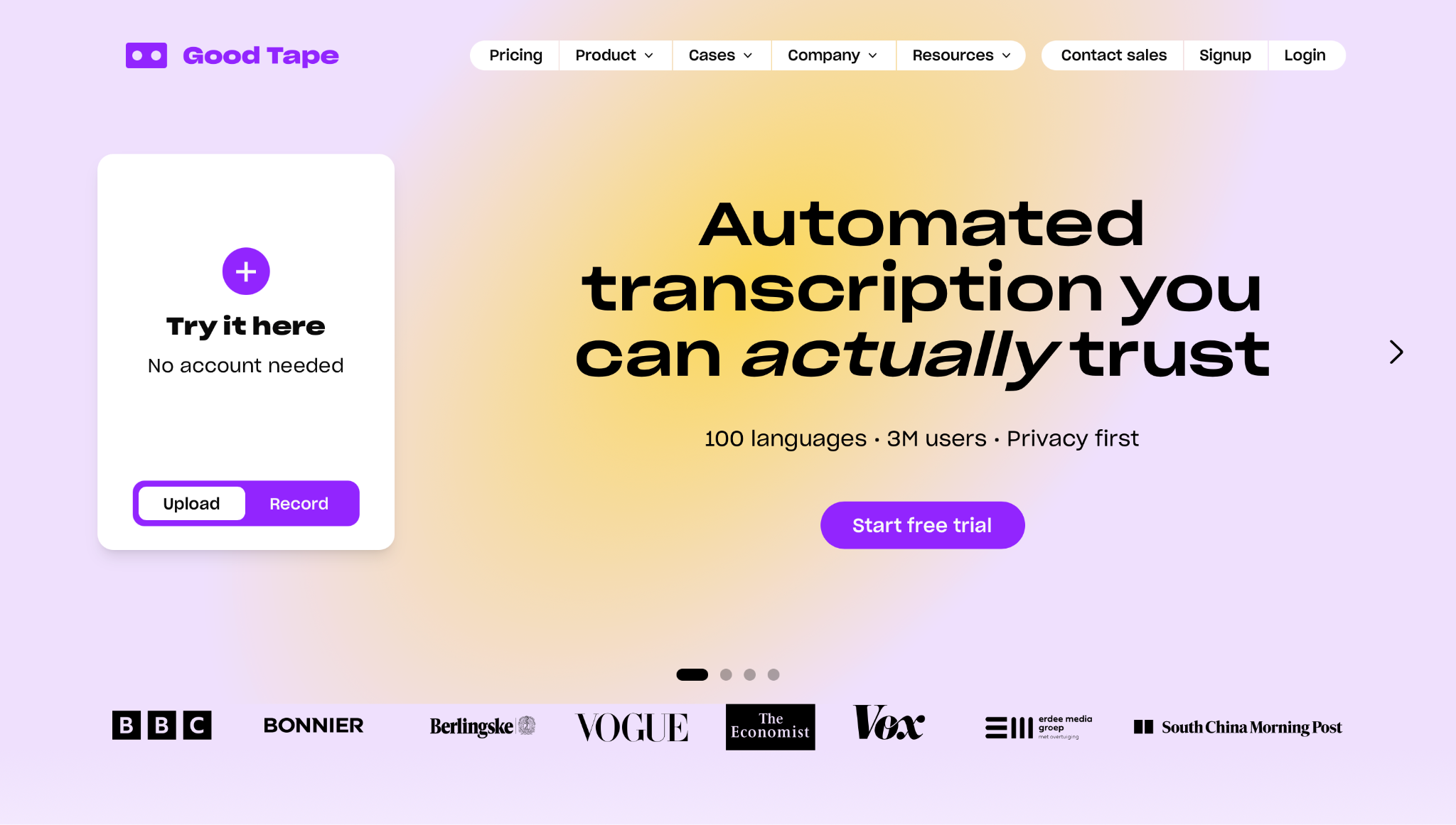
Good Tape is a privacy-first transcription tool built for Copenhagen newsrooms, with source confidentiality as the primary requirement. Files are processed on EU-based servers with AES-256 encryption and automatically deleted after transcription unless the user chooses to keep them.
Best for: Investigative journalists, legal researchers, and anyone handling sensitive interview audio where EU data residency and source protection are non-negotiable.
Why I picked it
I uploaded a 40-minute English interview. The transcript came back with accurate speaker labels and an AI summary that grouped the content by topic. The browser editor syncs playback to each word.
Clicking any word in the transcript jumps the audio to that exact moment. The summary included timestamp links for navigating directly to key quotes. Good Tape supports 100+ languages with automatic language detection, and the Pro plan allows bulk uploads for teams processing multiple files at once.
Limitations
Accuracy drops on low-quality recordings and audio with heavily overlapping speakers. Good Tape is built for uploaded recordings first, and its meeting notetaker is a newer add-on. The Pro plan's 20-hour monthly limit may be insufficient for high-volume users.
Pricing
A free trial is available with no credit card required. Good Tape lists prices in euros. Pro is €20 per month and includes 20 hours of transcription, unlimited file lengths, speaker labels, AI summaries, and smart search. Business pricing is available on request.
7. Best AI Transcription Tool for Video and Podcast Editing
Descript: What is it?
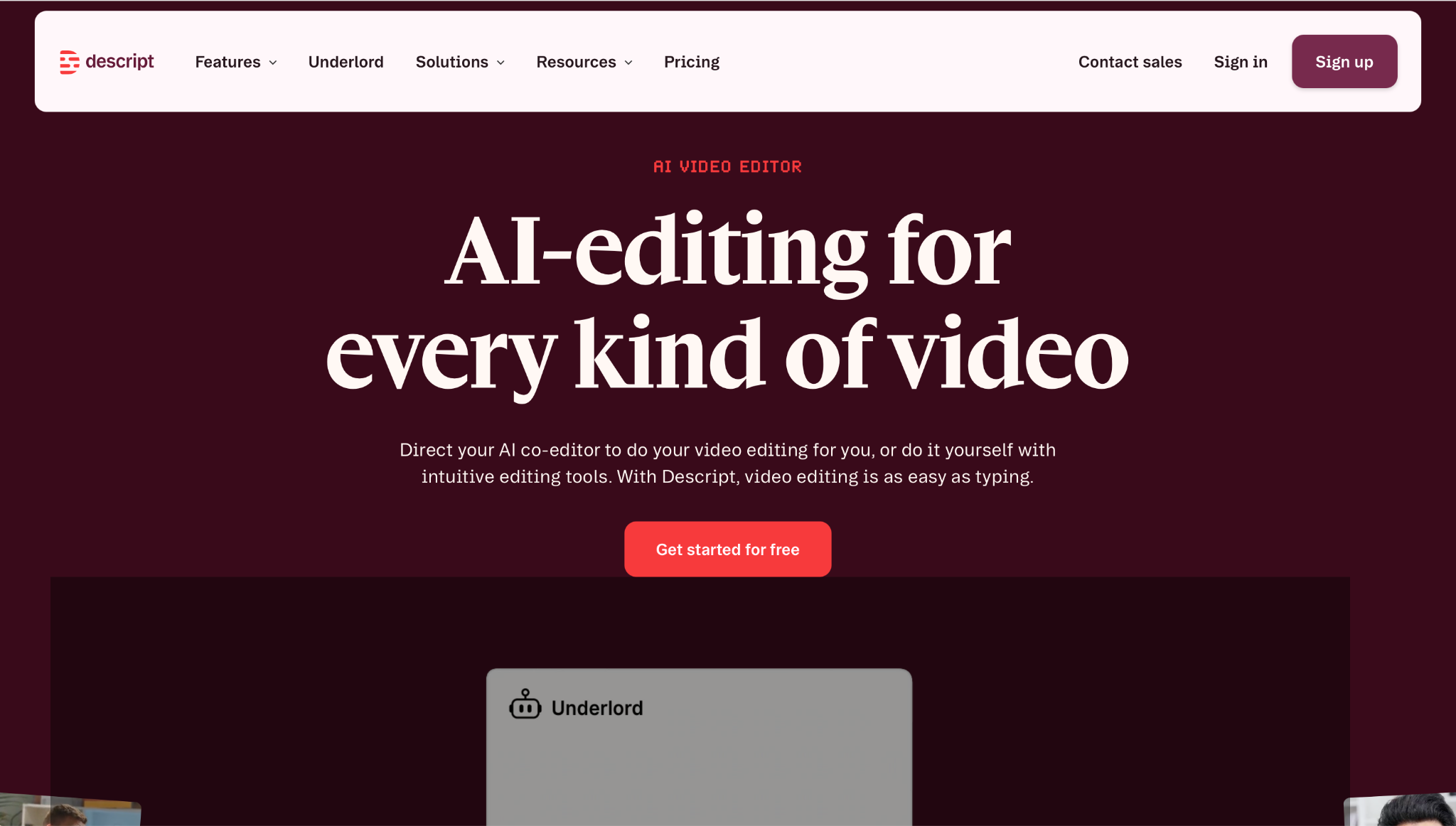
Descript is a video and audio editor that turns the transcript into an edit. Delete a sentence in the text, and that audio disappears from the video. Descript labels speakers automatically, and its Speaker Detective feature plays a clip of each voice so you can name them.
Best for: Podcast producers, YouTube creators, and content teams who want to edit video the way they'd edit a document.
Why I picked it
I opened a 90-minute podcast recording in Descript. The transcript loaded alongside the audio, and I cut 15 minutes by highlighting and deleting tangential passages. The audio gaps closed automatically. Filler words disappeared in one batch pass. Studio Sound removed room noise from my microphone with a single click.
Eye contact kept my gaze on the camera, even when I looked down at notes during the recording. Underlord drafted show notes from the full session inside the editor. Of the tools here, Descript is the one designed around transcript editing.
Limitations
Transcription supports 25 languages across all plans, far fewer than dedicated transcription tools. Accuracy on difficult audio is lower than that of standalone tools like Rev or Sonix. Transcription in Descript is one component of a larger editing suite.
Media hour limits apply per plan and changed with Descript's September 2025 pricing overhaul. Check their pricing page for current allowances before committing.
Pricing
Descript comes with a free plan. The Hobbyist plan costs $24 per user per month. Creator is $35 per user per month. Business is $65 per user per month, with Brand Studio and priority support. Check Descript's pricing page for current media hour allowances. Enterprise pricing is custom.
8. Best AI Transcription Tool for Podcast and Interview Recording
Riverside: What is it?
Riverside is a remote recording studio for podcasts and video interviews with guests in other locations. It captures each speaker's audio and video as separate tracks, and transcription runs after the session ends. A Magic Clips feature uses AI to identify the most engaging moments in a recording and package them as short-form clips for social, without any manual editing.
Best for: Podcast hosts, video interviewers, and content teams who need studio-quality capture from remote guests before any editing begins.
Why I picked it
I recorded a two-person interview in Riverside. Each participant recorded locally on their own device, which meant the audio quality reflected their hardware rather than their internet connection. The uploaded tracks came back as 4K video and 48 kHz audio per speaker, and the text-based editor handled a few light trims inside the same window without needing to export anything.
Riverside sits upstream of Descript in a creator's production stack: you capture here first, then move into post-production. The two pair naturally. Good Tape also handles remote interviews, but it optimizes for source protection and EU data residency rather than capture quality, which puts it in a different category despite the surface-level overlap.
Limitations
Separate track download hours are capped by the plan. Pro gives 15 hours per month, and Grow gives 20 hours. The free plan's 2-hour multi-track allowance is a one-off lifetime total. Combined with the watermark, it makes the free tier a trial rather than a working setup.
Riverside is a recording and editing platform. Teams that need transcription exports for external use will find dedicated standalone tools more flexible.
Pricing
The free plan includes 2 hours of multi-track recording and 720p video with a Riverside watermark. Pro is $35 per month. Grow is $45 per month. Webinar is $99 per month. Business pricing is custom.
9. Lindy: The AI teammate that handles meetings before, during, and after
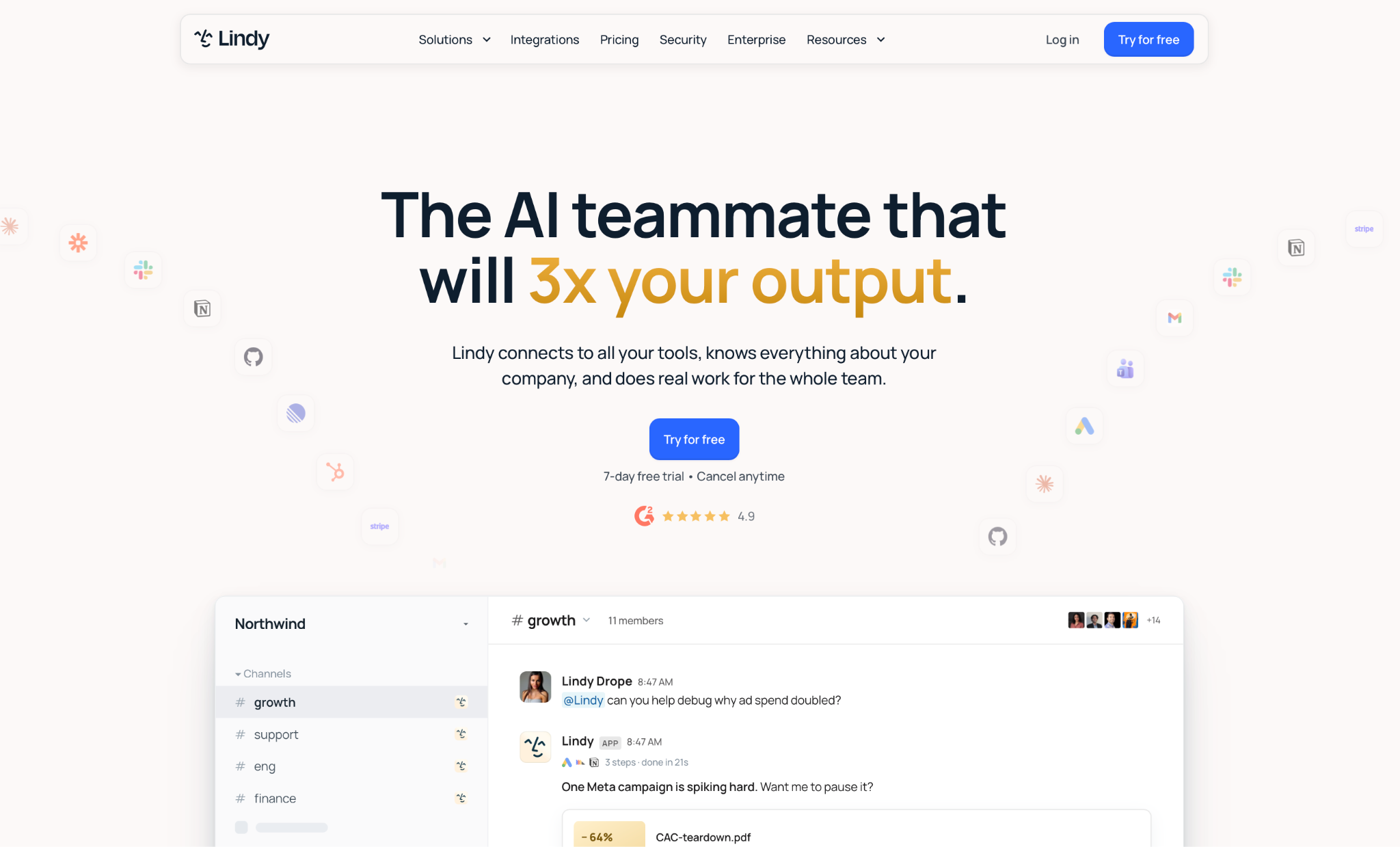
Lindy is an AI teammate that handles your full meeting cycle, including pre-call prep, live notes, and post-call follow-up. It lives primarily in Slack, but is also reachable over iMessage, Gmail, and the browser. It joins the call, records and summarizes it, then drafts the follow-up and queues the CRM update for your approval.
Best for: Slack-native teams who want meeting prep, live notes, and CRM follow-up handled in one place.
Why I picked it
I ran Lindy through a full week of back-to-back discovery calls with a four-person sales team. Before each call, deal history and past call summaries were waiting in my Slack DM.
I walked into every call that week knowing where the deal stood and what the prospect raised last time. Outside Slack, I could reach the same assistant over iMessage and inside Gmail through the Chrome extension.
Here's how Lindy handled each stage of those calls:
- Before the meeting: Lindy pulls deal history, recent call notes, and prospect activity into your Slack DM, so you walk in with full context.
- During the meeting: Lindy joins as a named participant and records the call, so you stay focused on the conversation.
- After the meeting: @mention Lindy in the deal channel to pull the action items from the recording, so nothing slips once the call ends. It also drafts the follow-up and queues the CRM update for your sign-off.
Limitations
Lindy isn't a standalone transcription tool. It doesn't export SRT files, handle bulk file uploads, or function as a video editor. It needs access to your email, calendar, and CRM to handle prep and follow-up. For dedicated file transcription, Rev.ai, Sonix, or Good Tape above are a better fit.
Pricing
Meeting recordings and notes are included in all plans. Lindy starts at $29.99/month per user on the Team plan (billed monthly). New teammates who join through Slack get a 7-day free trial. People who sign up directly are billed right away.
{{templates}}
Which AI transcription tools are actually free?
OpenAI Whisper is fully free with no usage cap, while Otter, Notta, and Descript offer free tiers with monthly limits. Knowing each limit upfront tells you which tool to test first.
Otter gives the most generous free tier for meeting users. Three hundred minutes per month cover a busy week of standups and syncs. The three lifetime file imports make it a non-starter for anyone who also needs to transcribe pre-recorded content.
Notta's 120 free minutes cover 58 languages, plus a bot-free Chrome extension. The 3-minute cap per recording makes it better for short calls and voice notes than for full meetings.
OpenAI Whisper is the open-source engine behind many transcription apps, including TurboScribe and MacWhisper. Running it directly is free and unlimited, but requires Python installation and command-line comfort. MacWhisper wraps it in a native Mac app. The free version covers the basics, and Pro is a one-time payment of €65. For non-technical users, start there.
Descript's free plan includes 1 hour of media per month and 100 one-time AI credits. The allowance covers a full test of the transcript-editing workflow on a real file.
Otter vs TurboScribe: Which one should you pick?
Pick Otter if you need a real-time meeting bot, and pick TurboScribe if you mainly upload files in bulk.
Otter wins if you need a real-time meeting bot. OtterPilot joins Zoom, Google Meet, and Teams automatically, labels speakers as they talk, and delivers a summary the moment the call ends. At $16.99 per user per month, it covers most meeting-heavy schedules.
The three lifetime file imports on the free plan and the 30-minute per-session cap will create friction for anyone also transcribing pre-recorded content at volume.
TurboScribe wins for bulk file upload. Unlimited transcription with no usage caps and 10-hour file uploads at $20 per month removes the per-minute math entirely. It supports 98+ languages and translates into 134+ languages, making it the stronger pick for multilingual file workflows. It has no meeting bot or real-time capture.
Which AI transcription tool is best for meetings?
Otter is the best AI transcription tool for most meetings, and Fireflies is the better pick when notes need to land in your CRM. Headline accuracy numbers matter less than how a tool handles your real calls. Most tools fall short on auto-join reliability, speaker accuracy on noisy calls, or downstream integrations.
Here is what matters when comparing options:
- Real-time vs. post-meeting capture: Tools like Otter, Fireflies, and Notta join calls automatically and transcribe as the meeting runs. Others require you to upload a recording afterward. If your team reviews calls after the fact, either approach works. If you need the summary before you close the browser tab, auto-join is non-negotiable.
- Bot-free recording: Otter and Fireflies use a bot by default, but both also offer desktop apps that record without one. Jamie and Fellow record from your device and keep a named participant out of the call. On sensitive client calls or first meetings, a bot in the room reads as intrusive. For more bot-free picks, see these AI note-taking apps.
- CRM and Slack integrations: For sales and ops teams, a transcript that stays inside the transcription tool is a dead end. Fireflies syncs directly to Salesforce, HubSpot, and Pipedrive. For research and journalism teams, accuracy and export formats matter more than these integrations. If your team lives in Slack, check whether summaries can be posted to a channel automatically.
- Speaker diarization accuracy: Most tools label speakers cleanly on calls with two or three distinct voices. On calls with four or more people talking over each other, accuracy drops across the board. Run a real recording of your own team through the free tier before committing, since your call format matters more than any benchmark.
- HIPAA and compliance: If your meetings include protected health information, legal interviews, or financial data, check whether the tool offers a signed Business Associate Agreement before uploading recordings. Most consumer plans do not include a BAA. Confirm availability directly with the vendor at the Enterprise tier.
For teams that want prep, live capture, and CRM follow-up handled from Slack, Lindy covers the full meeting cycle. It drafts the follow-up and queues the CRM update for your sign-off once the call ends.
How to choose the right AI transcription tool
To choose the right AI transcription tool, match it to your workflow before you compare features. The biggest mistake is running accuracy benchmarks between a live meeting bot and a file-upload tool. Those two products solve different problems. Identify your use case first, and the shortlist writes itself.
Here is how to pick based on what you actually need:
- Live meetings: Choose a tool that joins the call and moves the notes somewhere useful. Otter.ai leads on real-time capture. Fireflies.ai wins when the summary needs to land in your CRM after every call.
- Interviews and lectures: Prioritize accuracy and export flexibility over meeting features. Rev.ai wins when verbatim accuracy matters: legal interviews, published quotes, depositions. Sonix wins when you work across languages and need translation in the same workflow.
- Video and podcast editing: Use Descript if you want to edit footage by editing the transcript. Pair it with Riverside when remote guest recording quality matters. Riverside captures first, Descript edits after.
- Free tiers: Match the free allowance to your actual volume. Otter.ai gives 300 minutes per month for meetings. Notta gives 120 minutes across 58 languages with a 3-minute cap per recording. OpenAI Whisper is unlimited and free but requires a command-line setup. Non-technical users should start with MacWhisper instead.
- Privacy-sensitive recordings: Apply the privacy filter before the accuracy filter. Good Tape processes files on EU servers, deletes them after transcription, and never trains on your audio. For source interviews, legal recordings, or confidential content, it's the tool on this list most clearly built around privacy from day one.
Most meeting problems start after the transcript lands, in the follow-up that slips and the prep nobody did. Lindy is an AI teammate that joins your calls from Slack, then drafts the follow-up and queues the CRM update for your sign-off. Lindy starts at $29.99/month per user on the Team plan.
FAQs
What is the best real-time AI transcription app?
Otter is the best real-time AI transcription app for English-language meetings. OtterPilot joins Zoom, Google Meet, and Teams calls automatically, labels speakers as they talk, and sends a summary when the call ends. Fireflies is the better fit for sales teams that sync notes to a CRM. Lindy suits Slack teams that also want the follow-up drafted.
Is there a completely free AI transcription tool?
Yes. OpenAI Whisper is a completely free AI transcription tool with no usage limits, but it needs a Python setup to run locally. For non-technical users, Otter's free plan covers 300 minutes per month, and Notta's free plan covers 120 minutes. Descript’s free plan includes 1 hour of media per month. Beyond those allowances, you need a paid plan.
What is the most accurate AI transcription tool in 2026?
Rev.ai is the most accurate AI transcription tool in 2026 for recordings where every word counts. Its Reverb ASR tier handles clean audio with strong accuracy, and its English-only human tier starts at $1.99 per minute, with verbatim as a paid add-on. Sonix is the stronger pick for multilingual files. On any tool, accuracy drops with heavy accents, background noise, and overlapping speakers.
What is the difference between AI transcription and an AI meeting note-taker?
The main difference is that AI transcription gives you a word-for-word record, while an AI meeting assistant builds on that transcript with summaries, action items, and CRM syncs.
What is the best AI transcription for medical or legal use?
Rev.ai's human-reviewed tier is the strongest option for medical or legal transcription, starting at $1.99 per minute, with verbatim output as a paid add-on. Before uploading any protected health information, confirm the vendor will sign a Business Associate Agreement. AI-only output is not safe for depositions or patient records without a human review pass.
Which AI transcription tools work without a bot joining the meeting?
Notta, Jamie, and Fellow handle AI transcription with no meeting bot in the call. Notta's Chrome extension records browser-based calls with no named participant. Jamie and Fellow capture audio from your device instead. Otter and Fireflies send a visible bot by default, but their desktop apps also record bot-free when a bot would feel intrusive.










