10 Best AI Tools for Executive Assistants: 5-Week Test


AI tools for executive assistants have moved well past meeting transcription. In 2026, they handle email backlogs, meeting prep, and CRM updates. The best ones do several of those at once.
I spent five weeks running ten of them through a full EA workload.
That meant clearing a 180-message inbox backlog, managing nine recurring meetings across two time zones, generating pre-call briefings from scattered notes, and tracking post-meeting action items without writing anything down.
I also tested tools that didn't make this list and noted which ones I dropped and why. These ten earned a spot.
10 Best AI tools for executive assistants: TL;DR
- Superhuman: Choose it if you want AI that surfaces context across every app you use
- Motion: Choose it if calendar and task scheduling is where your day breaks down
- Fireflies: Choose it if you need meeting follow-ups and searchable call history
- Lindy: Choose it if you want one AI layer across your entire admin stack
- Notion AI: Choose it if your knowledge lives in Notion and you want to query it
- Reclaim.ai: Choose it if focus time keeps disappearing off your calendar
- Microsoft Copilot: Choose it if you run on Microsoft 365 and want AI woven into it
- Gong: Choose it if you're supporting a sales team that needs call intelligence
- Fathom: Choose it if you want a free, no-friction meeting notetaker
- Otter.ai: Choose it if you need live transcription during the call
How I researched and tested these AI tools for executive assistants
Every tool was run against the same full EA workload over five weeks, and each review below begins with the scenario in which that tool performed at its clearest.
The volume tests came first, clearing a 180-message inbox to zero and rescheduling nine weekly meetings across two time zones.
Then came the depth work, generating pre-call briefings from scattered CRM notes and capturing every post-meeting action item automatically.
I scored every tool across three criteria, and noted autonomy where it stood out:
- Task coverage: Whether the tool handles one executive task or several, and how well each one holds up under a full day's workload
- Speed to value: How quickly each tool went from signup to the first task it finished on its own
- Integration depth: Whether each assistant connected to Gmail, Google Calendar, Slack, HubSpot, and Notion, then confirmed it pulled actual context from each
I also tracked autonomy, meaning whether a tool acts on its own or waits for a prompt each time. Five tools I tested didn't make this list. BeforeSunset handled daily planning but had no integration with anything beyond the calendar. Sembly AI transcribed well but couldn't query past meetings.
Avoma required more setup than it returned in value at this workload. Chorus.ai and MeetGeek both capped out at meeting capture with no meaningful action layer on top.
This process helped me separate tools that perform under a full executive workload from the ones that only look good in a demo.
10 Best AI tools for executive assistants: Quick comparison
Pricing correct as of July 2026. Verify with the vendor before purchasing.
1. Superhuman: Best AI tool for executive assistants who want AI that shows up before they ask
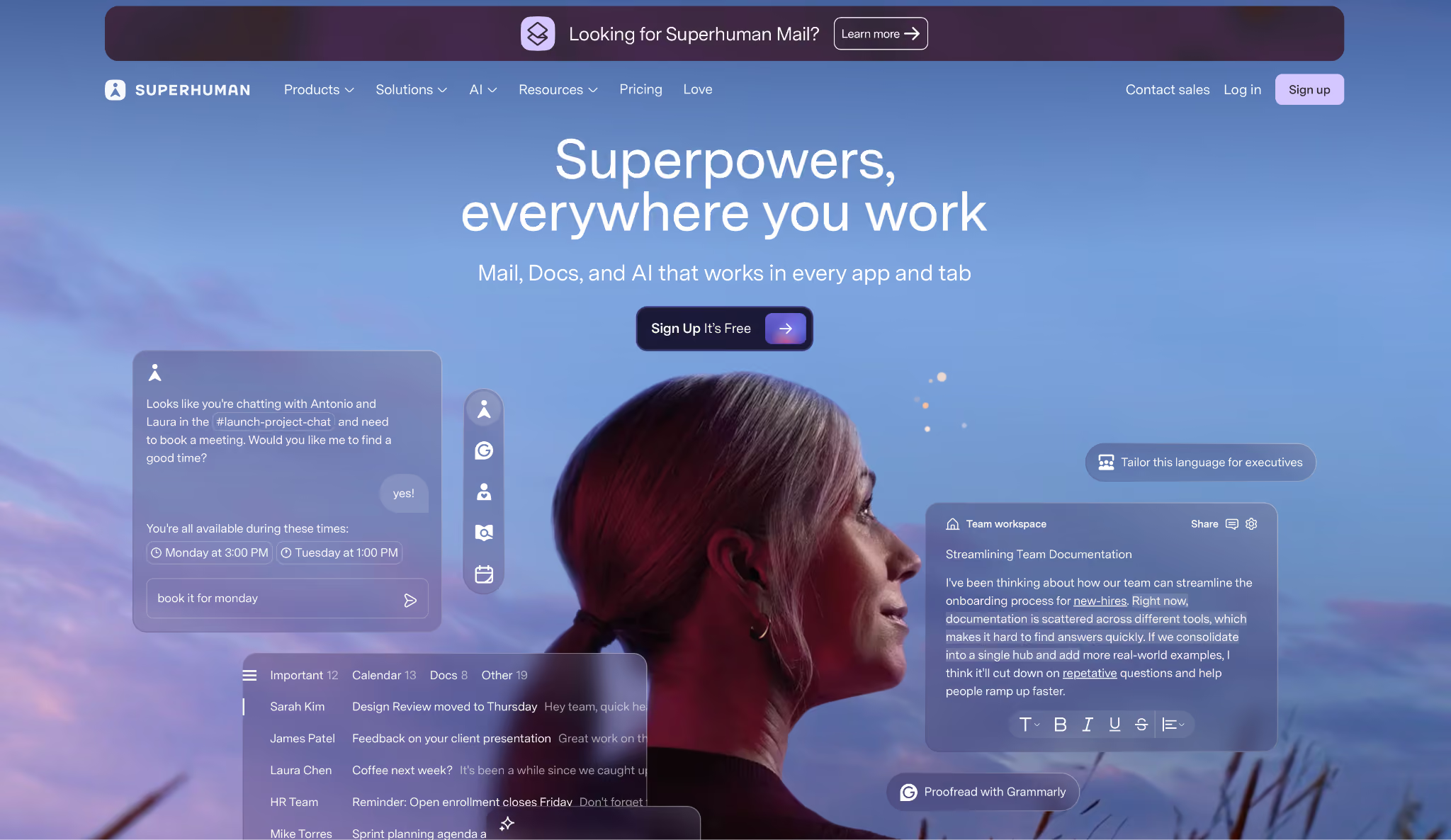
What it does: Superhuman is a productivity suite (Mail, Grammarly, Docs, and Go) where the AI layer (Go) works across every tab and app, pulling context from connected tools and surfacing drafts and next steps on its own.
Best for: Executives and professionals who want an AI assistant that follows them across every application and surfaces relevant context before they ask for it.
Go sits in a side panel across all browser tabs and apps. While drafting a reply to a frustrated customer, it pulled in the account's support history and the last three calls without prompting.
The draft it produced matched the situation closely enough that two sentences needed editing before sending. That head start is what sets Go apart from the other tools on this list.
One structural change is worth knowing about. Coda became Superhuman Docs in July 2026, now part of the suite alongside Mail, Grammarly, and Go. (Mail and the CRM integrations sit at the Business tier.)
If your team already pays for Grammarly or a separate docs tool, the combined plan may run cheaper than what you're paying now.
Key features
- Go (cross-app AI): Sits in a side panel across Gmail, Slack, Docs, Jira, and any browser tab; suggestions appear before you type a prompt
- Superhuman Mail: Inbox with Auto Drafts, Auto Labels, Auto Reminders, and CRM read integrations for HubSpot, Salesforce, and Pipedrive
- Grammarly: Writing assistant with brand tone, style guides, and AI Detection included
- Superhuman Docs: Collaborative workspace (formerly Coda) with AI views, automations, and database syncs from Jira, GitHub, and Figma
Pros and cons
Pros:
✅ Go pulled customer account history and support tickets into an email draft before anyone asked for it
✅ Scheduled a meeting directly from a Slack thread without opening a calendar app or a booking link
✅ The Business bundle replaces Grammarly, a docs tool, and an email client in one subscription
Cons:
❌ Go is still in beta for several features, so the experience varies depending on which apps and workflows you're running
❌ Calendar scheduling and CRM write actions still need a separate tool like Lindy or Motion
What users say
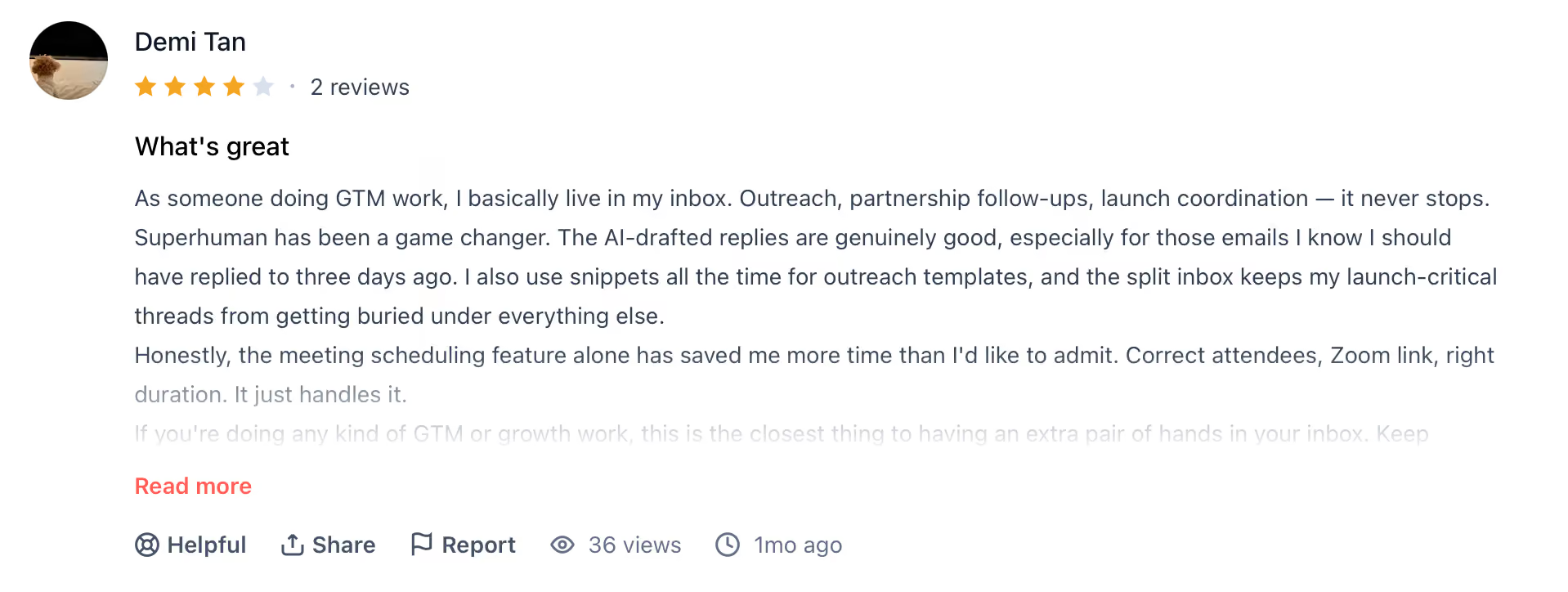
"Superhuman has been a game changer. The AI-drafted replies are genuinely good, especially for those emails I know I should have replied to three days ago." — Demi Tan, Product Hunt
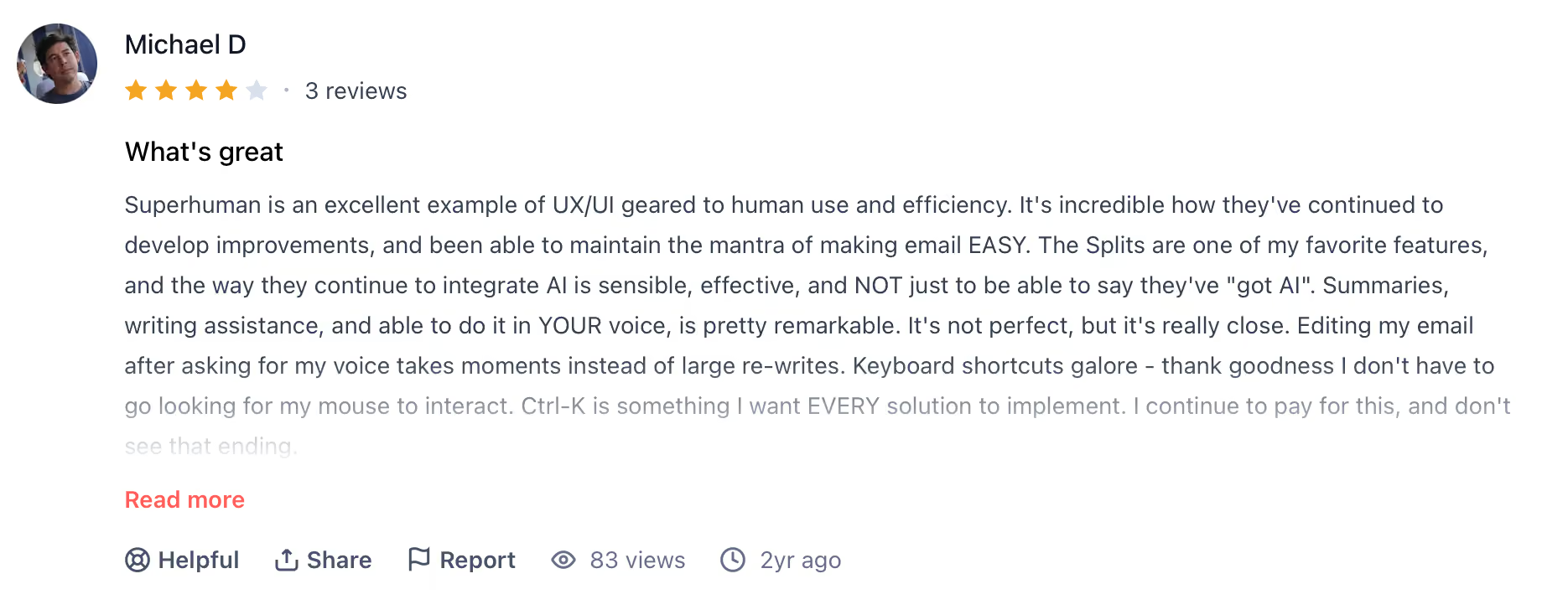
"It's just too expensive for my personal use. I don't use it to the volume (and value) where it's my primary client, or for work." — Michael D., Product Hunt
Pricing
Pro starts at $15/member/month (billed monthly), full Go, Grammarly, and Docs included. Business at $40/member/month adds Mail and CRM integrations.
Bottom line
Superhuman makes sense if you want the AI a step ahead of you, and if bundling email, writing, docs, and a cross-app assistant into one tool trims your subscription list.
For cross-app context that arrives unprompted, Go has the widest reach of the tools I tested. Pair it with Motion for calendar scheduling and deep CRM writes.
2. Motion: Best AI tool for executive assistants managing calendar chaos
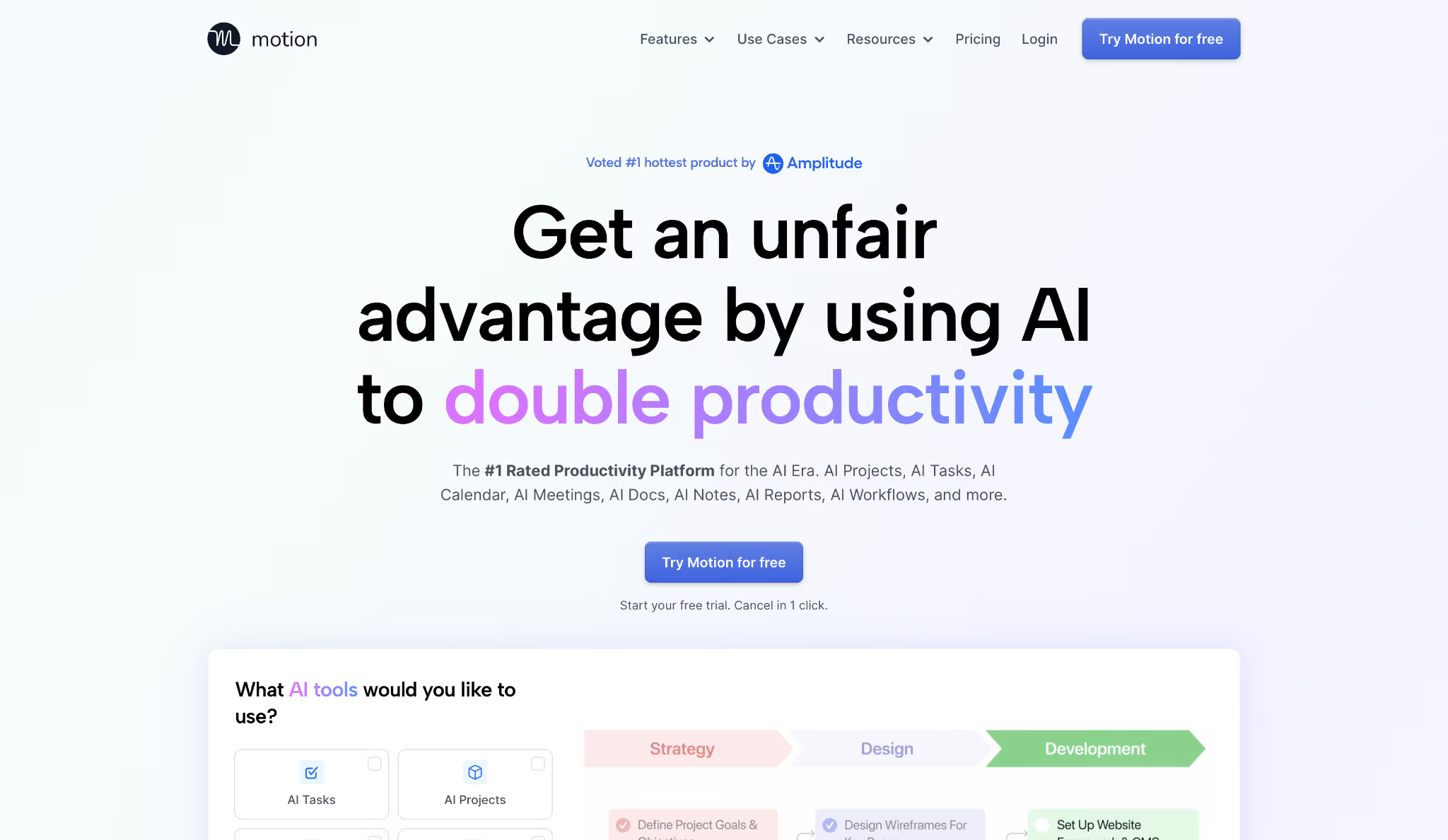
What it does: Motion builds your daily schedule on its own by fitting tasks into the open windows between meetings, then recalculates your entire day when anything changes.
Best for: Executives and operators whose days constantly change due to back-to-back meetings, leaving no predictable window for actual project work or deep focus.
Fourteen tasks with deadlines went into Motion on a Monday morning, and by 10 AM two meetings had been rescheduled by attendees.
Motion redrew the whole day before I'd finished my coffee, sliding three tasks into new gaps without a single manual edit.
Capacity flagging proved its worth on a Wednesday with four client calls and three deliverables stacked on top of each other. Motion caught the conflict on Monday morning, early enough to spread the load before anything slipped.
The scheduling engine is what you're paying for, and it holds up under a messy week.
Key features
- AI Task Manager: Prioritizes your to-do list by deadline and importance, placing tasks directly on your calendar
- Automatic rescheduling: When a meeting moves or a conflict lands, Motion rebuilds your day in seconds
- At-risk alerts: Flags deadlines in danger of being missed before the day they're due
- Meeting Assistant: Identifies your optimal booking windows based on rules you set once
Pros and cons
Pros:
✅ Rebuilt a full day schedule around three mid-day changes without any manual calendar edits
✅ Capacity flagging spotted an overcommitted Wednesday on Monday morning, early enough to redistribute before any deadline was at risk
Cons:
❌ Tasks sync to your primary calendar only, so a chief of staff managing your schedule through a shared calendar won't see the full picture
❌ No inbox management, CRM updates, or post-meeting follow-ups included
What users say
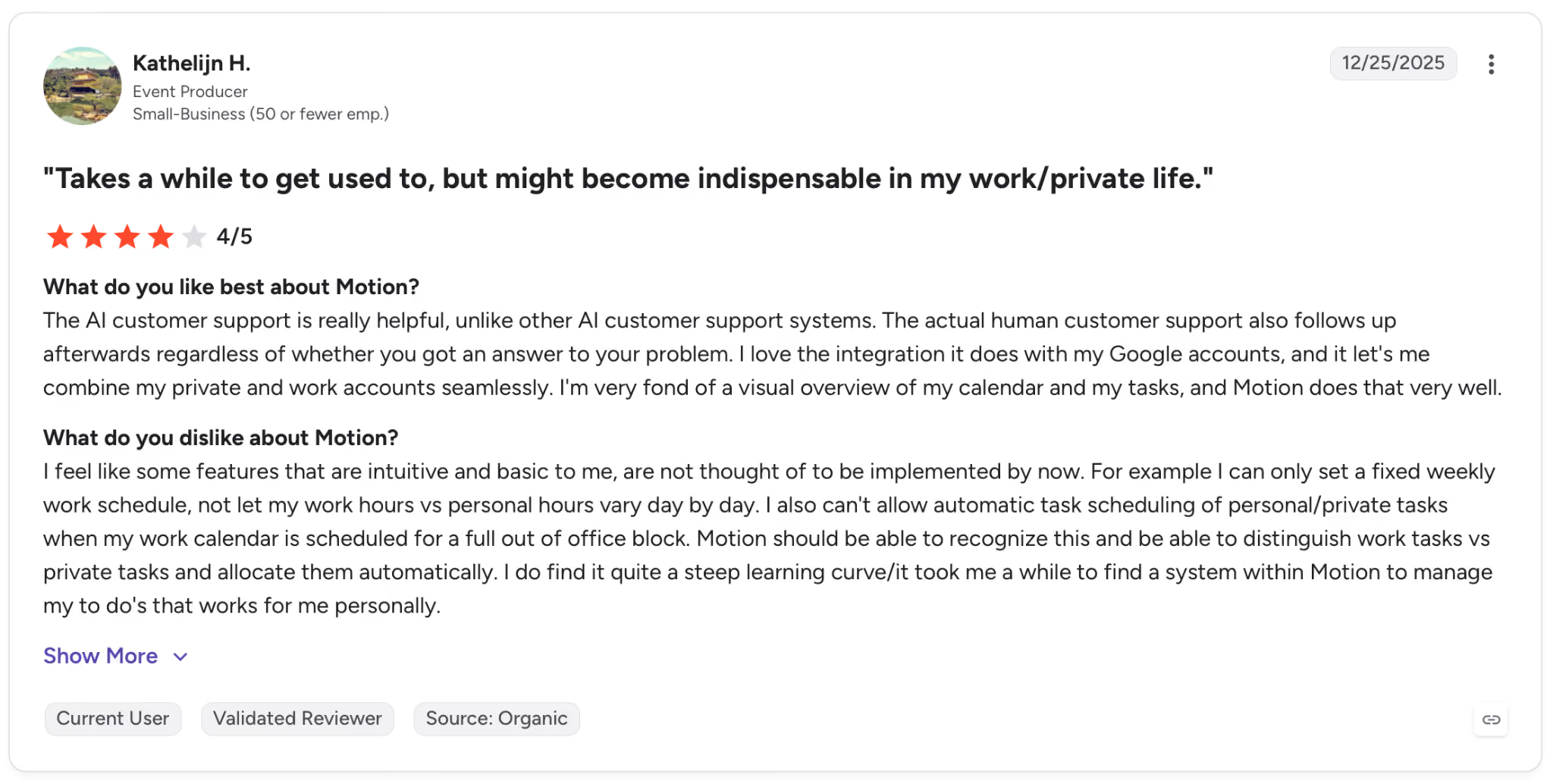
"The AI customer support is really helpful, unlike other AI customer support systems." — Kathelijn H., G2
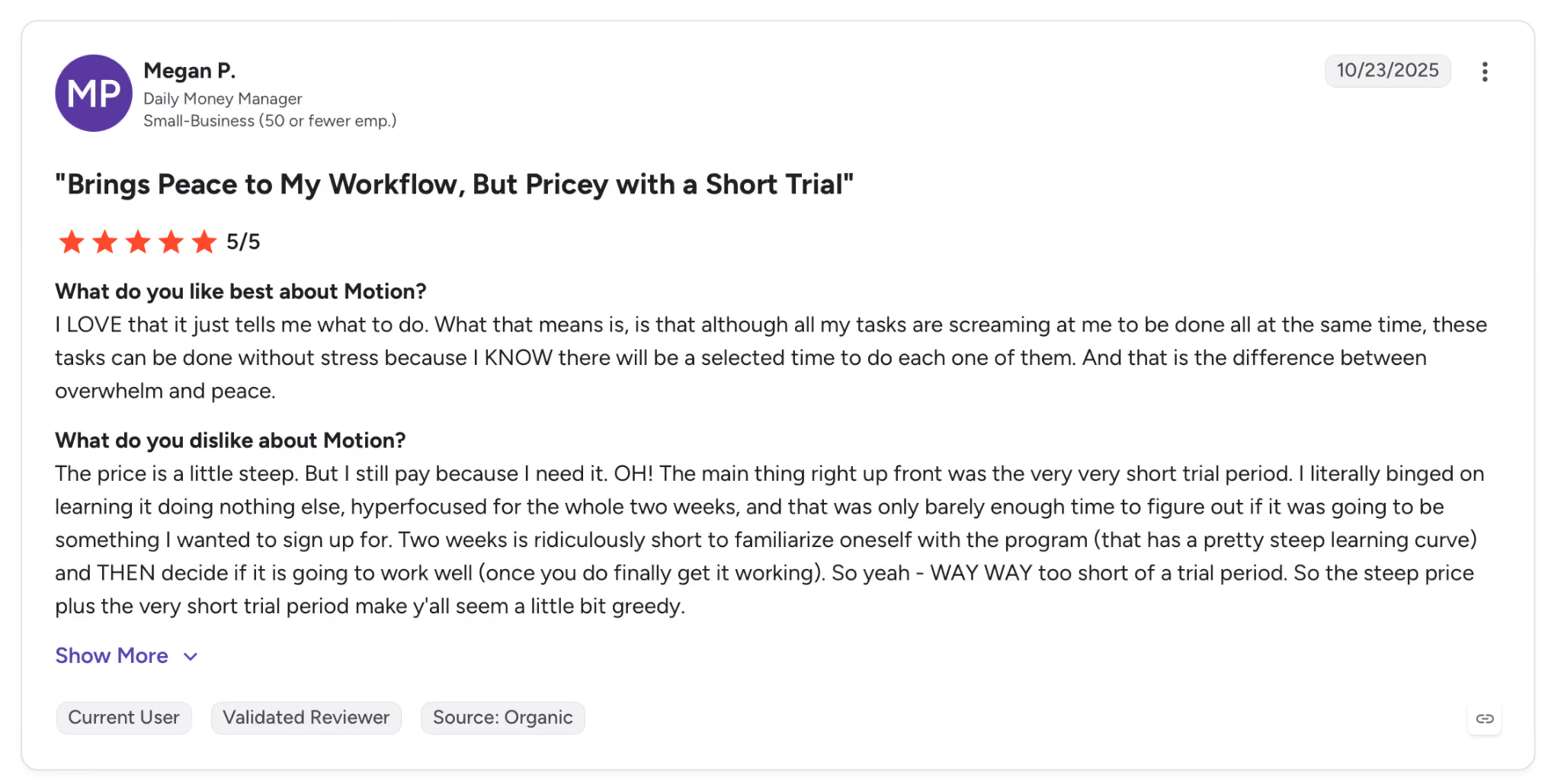
"The price is a little steep. But I still pay because I need it." — Megan P., G2
Pricing
$29/seat/month (billed monthly), AI task scheduling, automatic rescheduling, and meeting assistant included. Business AI at $49/seat/month adds capacity planning and team dashboards.
Bottom line
Motion is worth the money when the to-do list stays undone because the calendar has no open windows for it. The automatic rescheduling takes a recurring daily chore off your plate if your calendar runs packed.
Inbox triage and meeting follow-ups call for a different tool.
3. Fireflies: Best AI tool for executive assistants who need meeting follow-up on autopilot
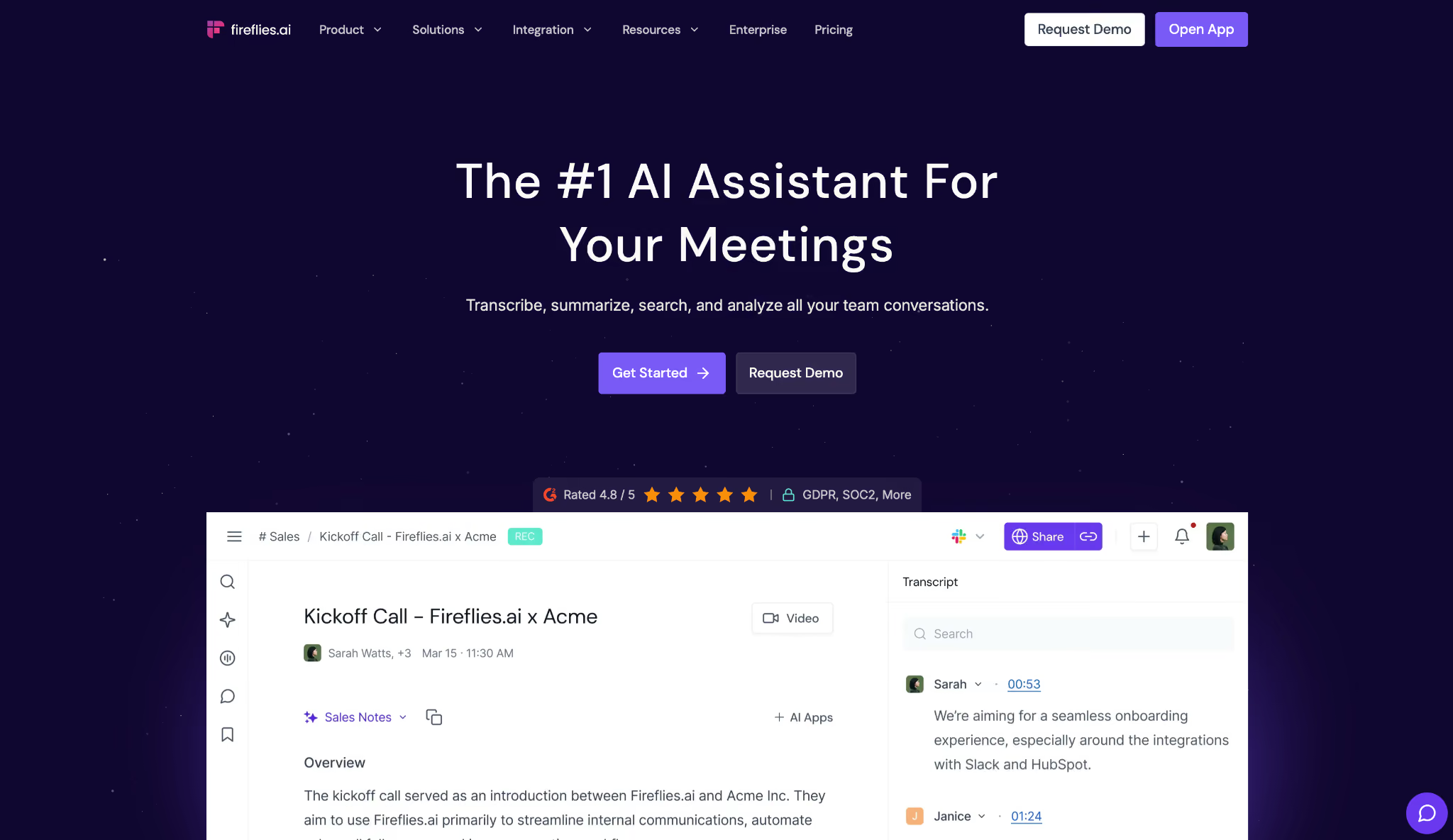
What it does: Fireflies joins your calls without setup, transcribes every word, and delivers summaries with action items the moment the meeting ends, then keeps your entire call history searchable.
Best for: Sales leaders and executives running ten or more calls a week who consistently lose commitments and context the moment the video window closes.
After an onboarding session that ran long, Fireflies pushed action items to the project Slack channel within 3 minutes, split by owner, before the next meeting started.
AskFred was the harder test. Asked to pull every commitment made to a specific client over four months, it searched 23 recorded calls and returned five promises, including a pricing adjustment from February that never made it into the CRM.
That whole query took about forty seconds, whereas scrubbing the recordings by hand would have cost me an hour.
One thing to know is that AskFred and AI Skills run on a separate credit system. The Pro plan includes 20 AI credits per seat each month, and additional credits start at $5/user/month.
For light users, this isn't an issue. For teams querying call history daily, it adds up.
Key features
- AskFred: Search your entire call history in plain English and get answers with timestamps
- AI action items: Detect tasks and commitments during a call and assign them to the person responsible
- CRM logging: Writes notes and outcomes directly into HubSpot or Salesforce after a sales call
- Conversation intelligence: Tracks talk time, sentiment, and engagement across your calls
Pros and cons
Pros:
✅ Action items appeared in Slack within minutes of the call ending, assigned to the right person, before anyone wrote a note
✅ AskFred dug through four months of call history and came back with the specific commitments, work that would have taken me an afternoon of scrubbing recordings
Cons:
❌ AskFred and AI Skills run on a separate credit system; teams querying call history frequently will need to budget for credit add-ons
❌ Captures and organizes meeting content well but doesn't handle inbox triage or calendar management
What users say
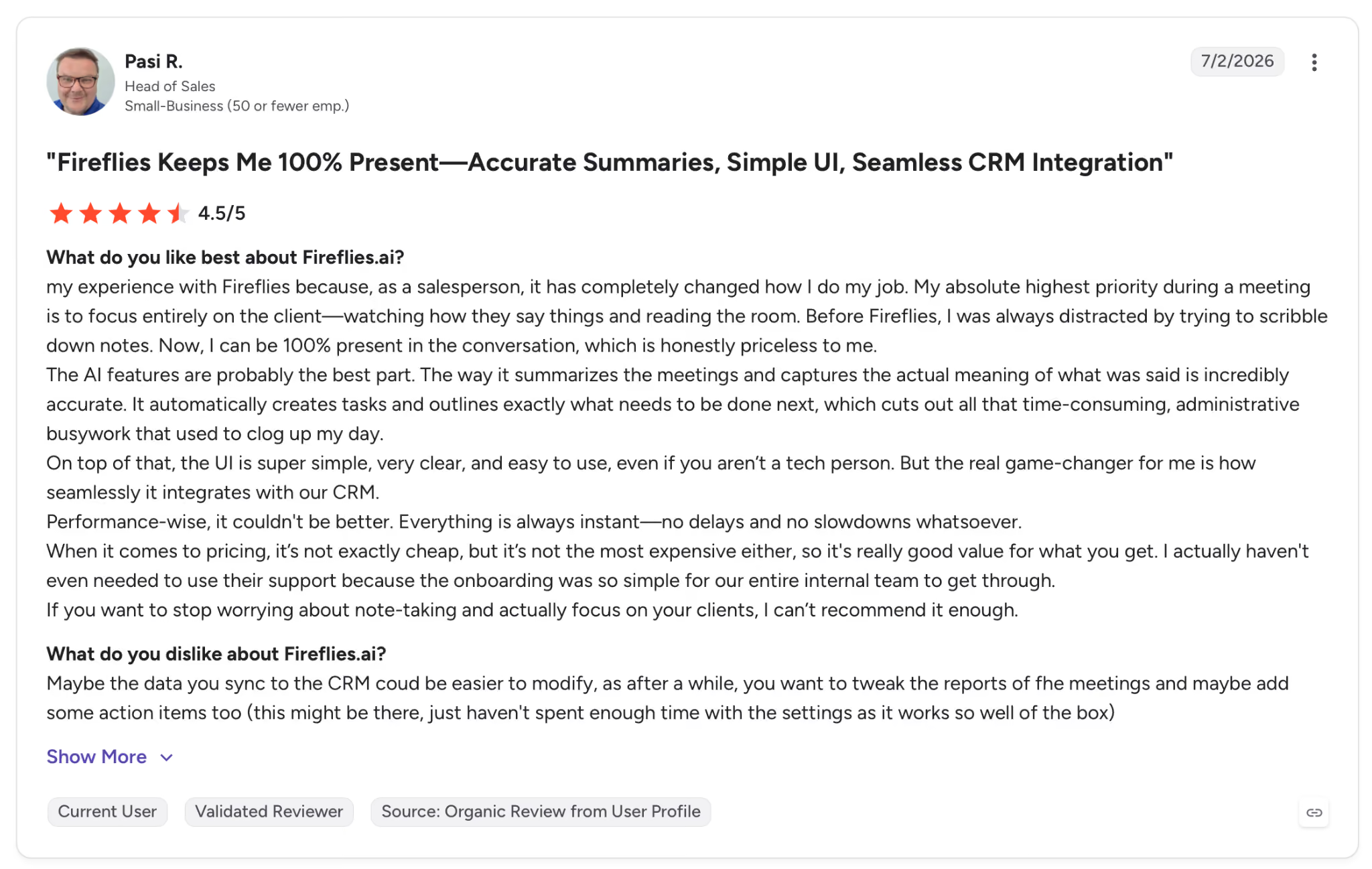
"Before Fireflies, I was always distracted by trying to scribble down notes. Now, I can be 100% present in the conversation, which is honestly priceless to me." — Pasi R., G2
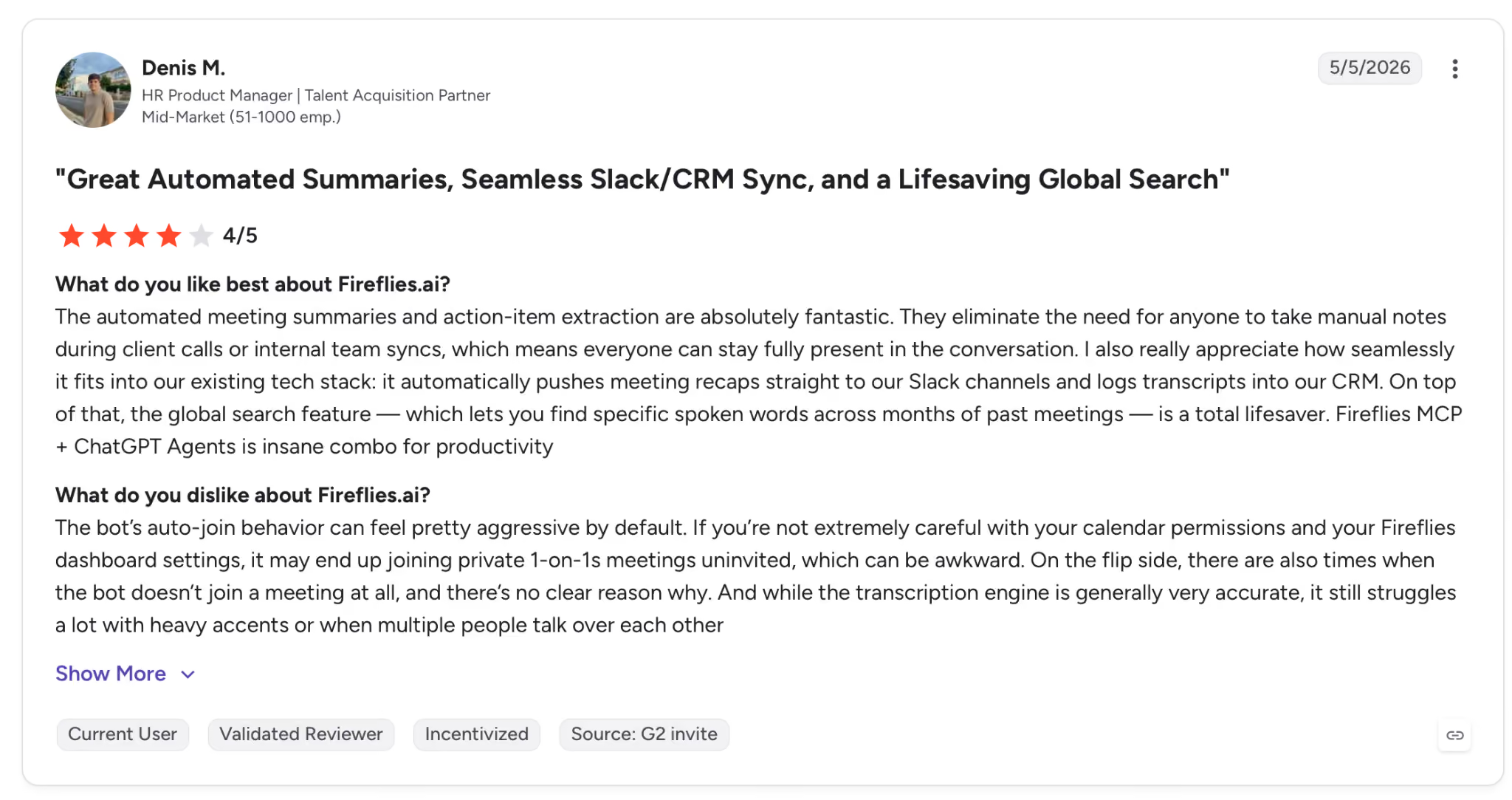
"If you’re not extremely careful with your calendar permissions and your Fireflies dashboard settings, it may end up joining private 1-on-1s meetings uninvited, which can be awkward." — Denis M., G2
Pricing
Pro at $18/seat/month (billed annually), video recording, 8,000 min storage, and AI Skills. AskFred queries run on a separate credit system, and heavy users add $5/user/month.
Bottom line
Pick Fireflies if you finish calls with a head full of context and an empty notes doc. AskFred turns your entire call history into a searchable knowledge base, and the action items land in Slack before your next meeting starts.
Budget for AI credit add-ons if your team queries past calls regularly.
4. Lindy: Best AI tool for executive assistants who want one tool covering the full admin stack
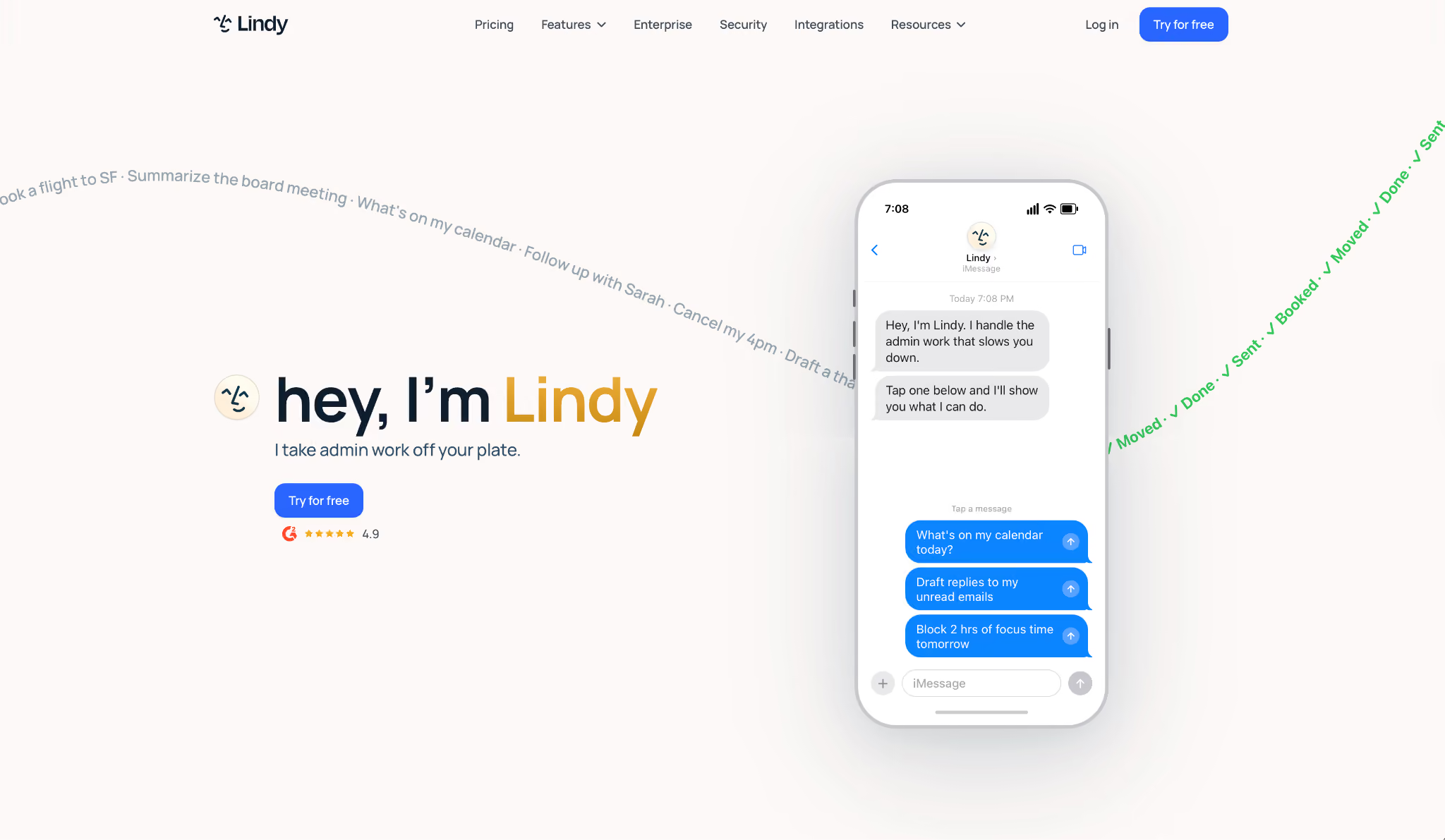
What it does: Lindy is an AI assistant you text to run your inbox, calendar, CRM, and meetings from one place. Tell it what you need in plain English, and it handles triage, drafting, follow-ups, scheduling, and CRM updates.
Best for: Founders, operators, and teams who want one assistant across their whole stack instead of five separate tools doing five separate jobs.
Lindy lives in your Slack and works across every tool you connect, so it can draft a reply or book a meeting without sending you to a second app. In testing, I texted it "prep me for the 3 pm Acme call," and it pulled the last three email threads, checked my calendar, and sent back a brief before I opened anything myself.
Over the five weeks, it cleared a 180-message inbox to zero and rescheduled nine weekly meetings across two time zones. Every meeting it joined came back recorded and summarized, and every answer cited the source it pulled from, so I could check it before acting.
You can also hand it recurring work in plain English, like "every Monday at 9, send the pipeline brief," and it runs it on its own. Admins keep control: for each tool and action you set it to always allow, require approval, or leave off, and every action is logged.
You get a 7-day trial, then the first paid tier, Plus. Billing is monthly, and usage quotas aren't published, so heavy users can hit a ceiling mid-cycle without much warning.
Key features
- Lives in your Slack: @mention Lindy in a channel and it answers with team context, or DM it as your personal assistant with access to your email and calendar. It joins channels, replies in threads, and routes questions on its own.
- Shared meeting library: Team meetings get recorded, summarized, and followed up on automatically. Anyone can chat with any meeting for summaries, action items, or follow-ups, while personal meetings stay private to you.
- Team knowledge with citations: Lindy searches across Slack, Notion, Google Drive, Gmail, meetings, and connected files, and every answer comes with a source link. When it doesn't know, it says so.
- Company-wide search: Ask it something like "what did customers push back on in sales this month?" and it reads across every meeting and tool at once, then answers in Slack with where each point came from.
- Code and file generation: Writes and runs code to build dashboards, reports, and financial models. Finished files land in team-visible folders with permissions, version history, and shareable links.
Pros and cons
Pros:
✅ Covers inbox triage, scheduling, follow-ups, and CRM updates in one place instead of five separate tools
✅ Team knowledge layer gives everyone sourced answers, even people who weren't in the room
✅ SOC 2, GDPR, and PIPEDA on every plan, with a HIPAA BAA on Enterprise, which matters for regulated industries
Cons:
❌ Usage quotas aren't public. When you hit the limit, the assistant pauses, and overages run 2x the standard rate
❌ Monthly-only billing with no annual discount, so the $49.99 starting price doesn't come down
What users say
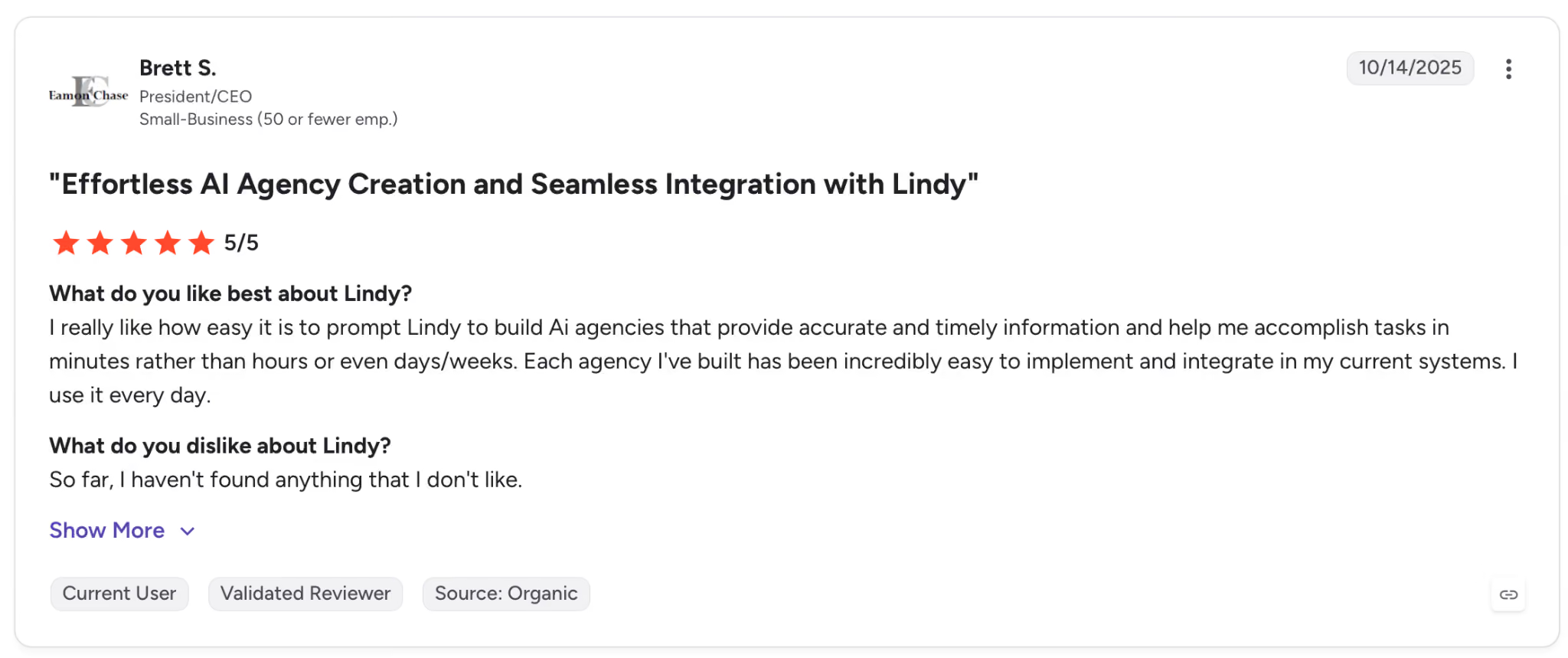
"I really like how easy it is to prompt Lindy to build AI agencies that provide accurate and timely information and help me accomplish tasks in minutes rather than hours or even days/weeks." — Brett S., G2
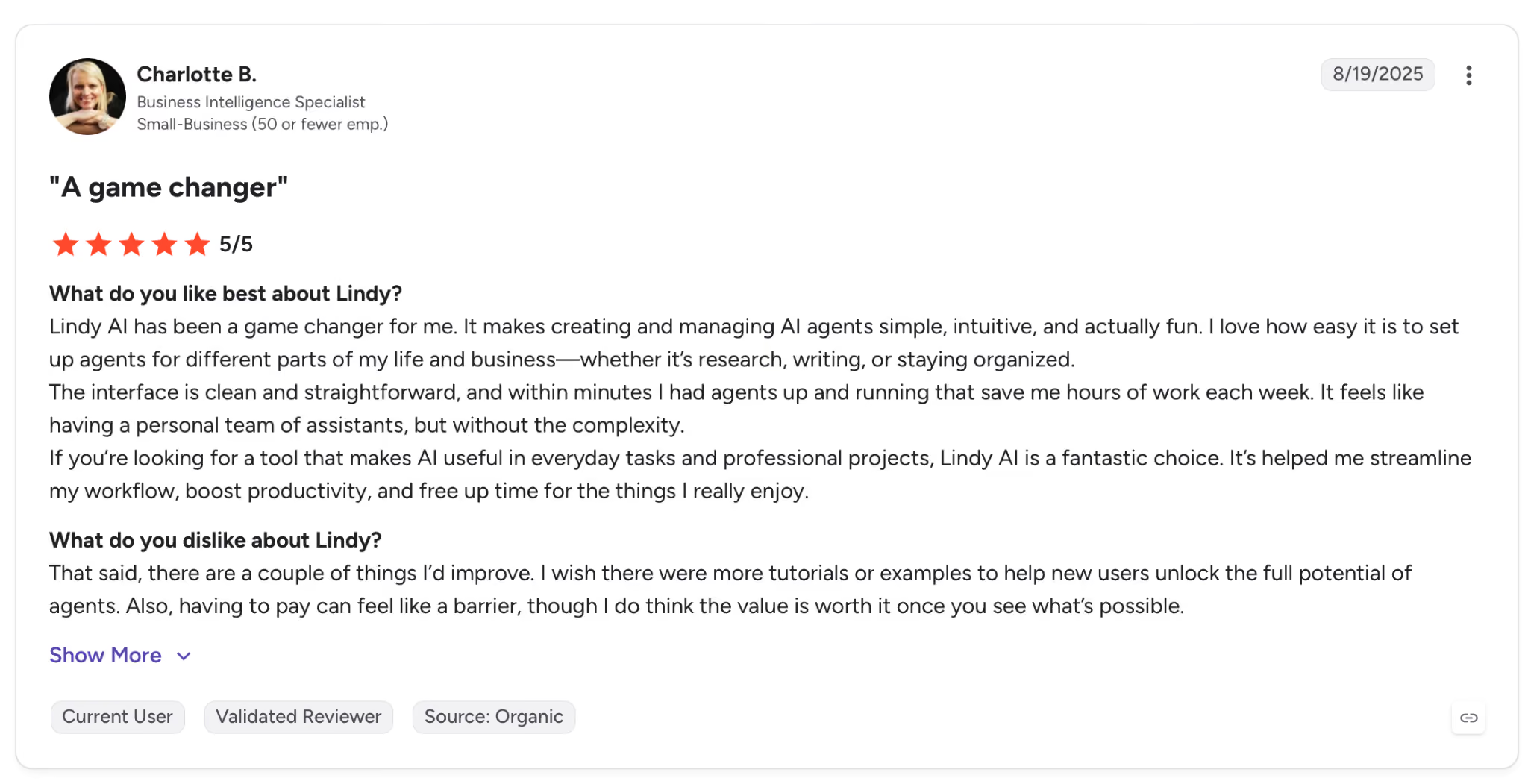
"I wish there were more tutorials or examples to help new users unlock the full potential of agents." — Charlotte B., G2
Pricing
Paid plans from $49.99/month (billed monthly): up to 2 inboxes, email and calendar automation, Slack integration.
Bottom line
Lindy is the answer when your admin work is fragmented, split across too many single-job tools that work in isolation.
For teams that want one AI brain across their full stack, it does more than any single tool here. If predictable monthly costs are a priority, verify your usage pattern against the trial before committing to a paid plan.
{{templates}}
5. Notion: Best AI tool for executive assistants managing a knowledge base
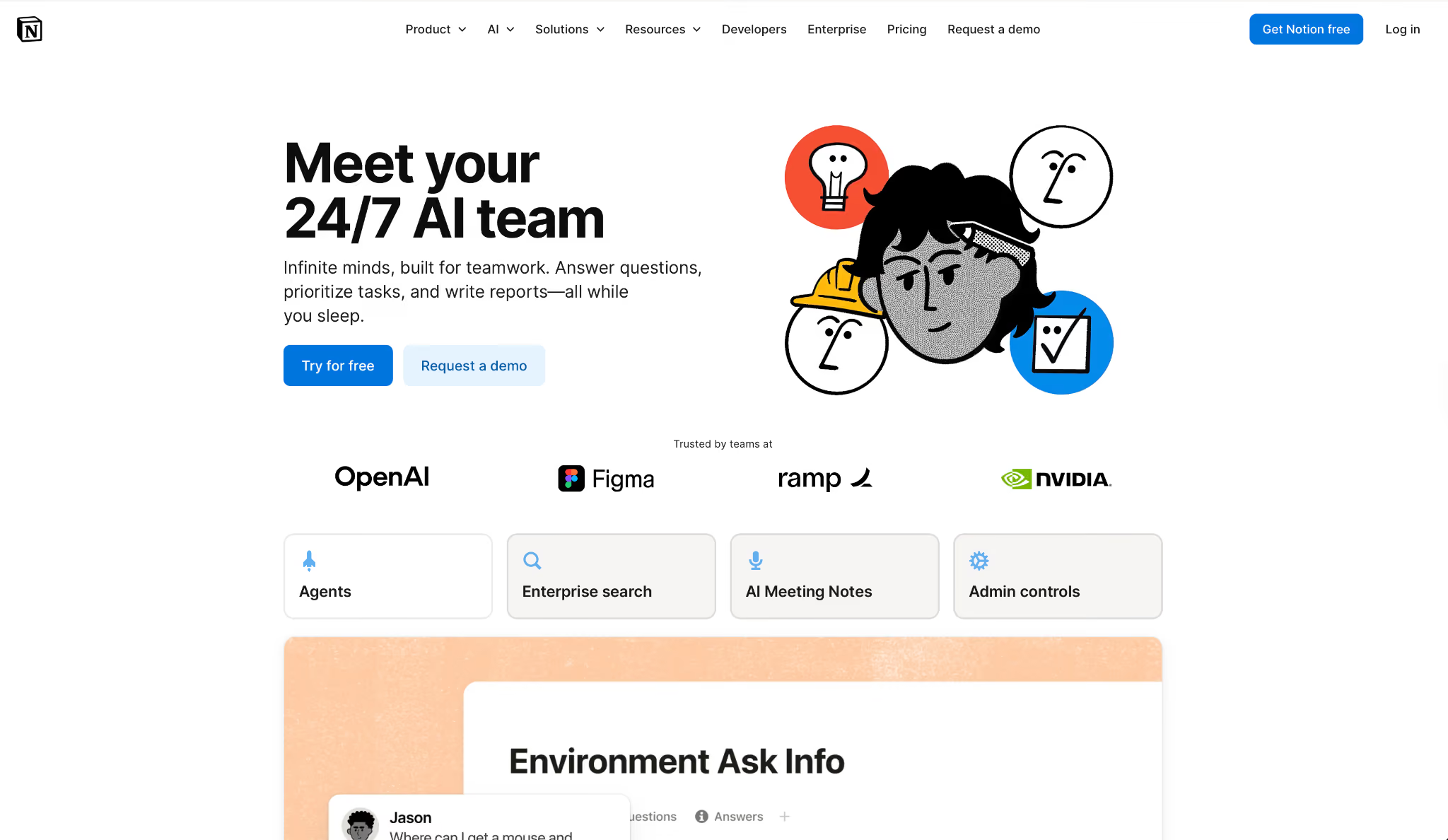
What it does: Notion turns your existing workspace into a knowledge base you can query in plain English, pulling cited and synthesized answers from across your docs, databases, and connected apps.
Best for: Leaders and chiefs of staff managing large internal wikis and project trackers who spend more time hunting for buried information than using it.
I put it to work prepping for a Q3 marketing strategy board review. The information I needed was spread across five project pages, two databases, and notes from a planning call three months earlier.
Notion AI's Q&A lets you ask a question in plain English and pulls the answer from across your workspace. Prepping the review, it drew from all seven sources with citations and flagged a budget conflict between two teams that everyone had missed.
The limit is the workspace border. Notion AI synthesizes well inside Notion but can't trigger actions in external tools like Salesforce or Jira.
Anything that has to happen outside the workspace lands on whatever runs your CRM or project board.
Key features
- Q&A with citations: Searches your entire workspace including connected Google Drive and Slack, and delivers answers with links to the specific source
- Notion Agent: Handles multi-step tasks using Notion, connected apps, and the web, available on the Business plan
- Smart Notes: Auto-transcribes meetings and generates summaries with decisions and next steps, delivered into your workspace
- AI Autofill: Populates database properties by summarizing linked pages or extracting key details like action items and deadlines
Pros and cons
Pros:
✅ Every answer cites its source page or database row, so you can verify before acting on it
✅ Q&A reasons across linked databases and nested pages, which makes cross-project synthesis possible
✅ AI Autofill filled in 40 half-empty database rows off the linked project pages, faster than I could have done ten by hand
Cons:
❌ Notion Agent requires the Business plan at $24/member/month; it's not available on Plus
❌ Can't trigger actions outside the Notion workspace; CRM and project management updates need a separate tool
What users say
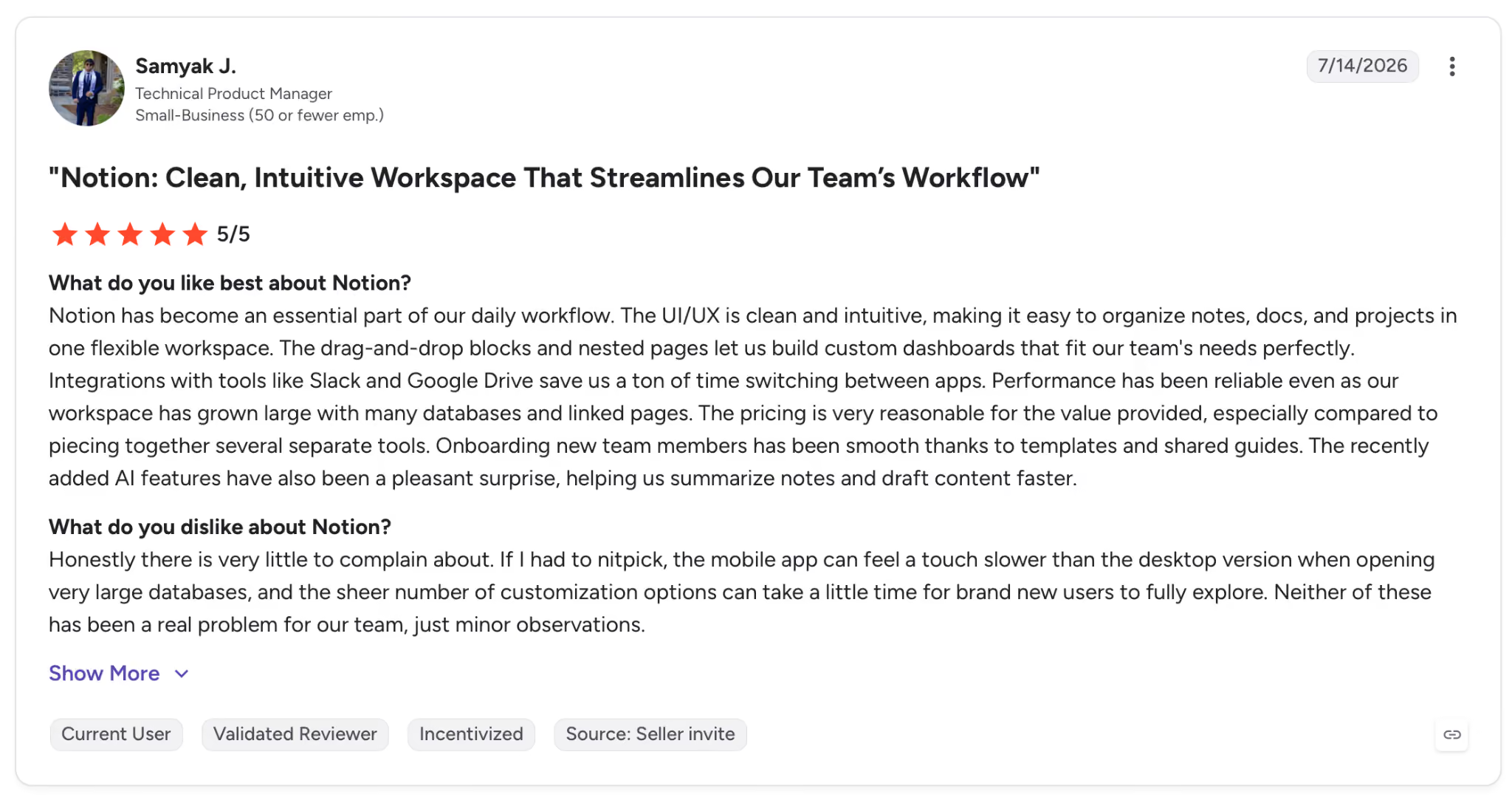
"The UI/UX is clean and intuitive, making it easy to organize notes, docs, and projects in one flexible workspace." — Samyak J., G2
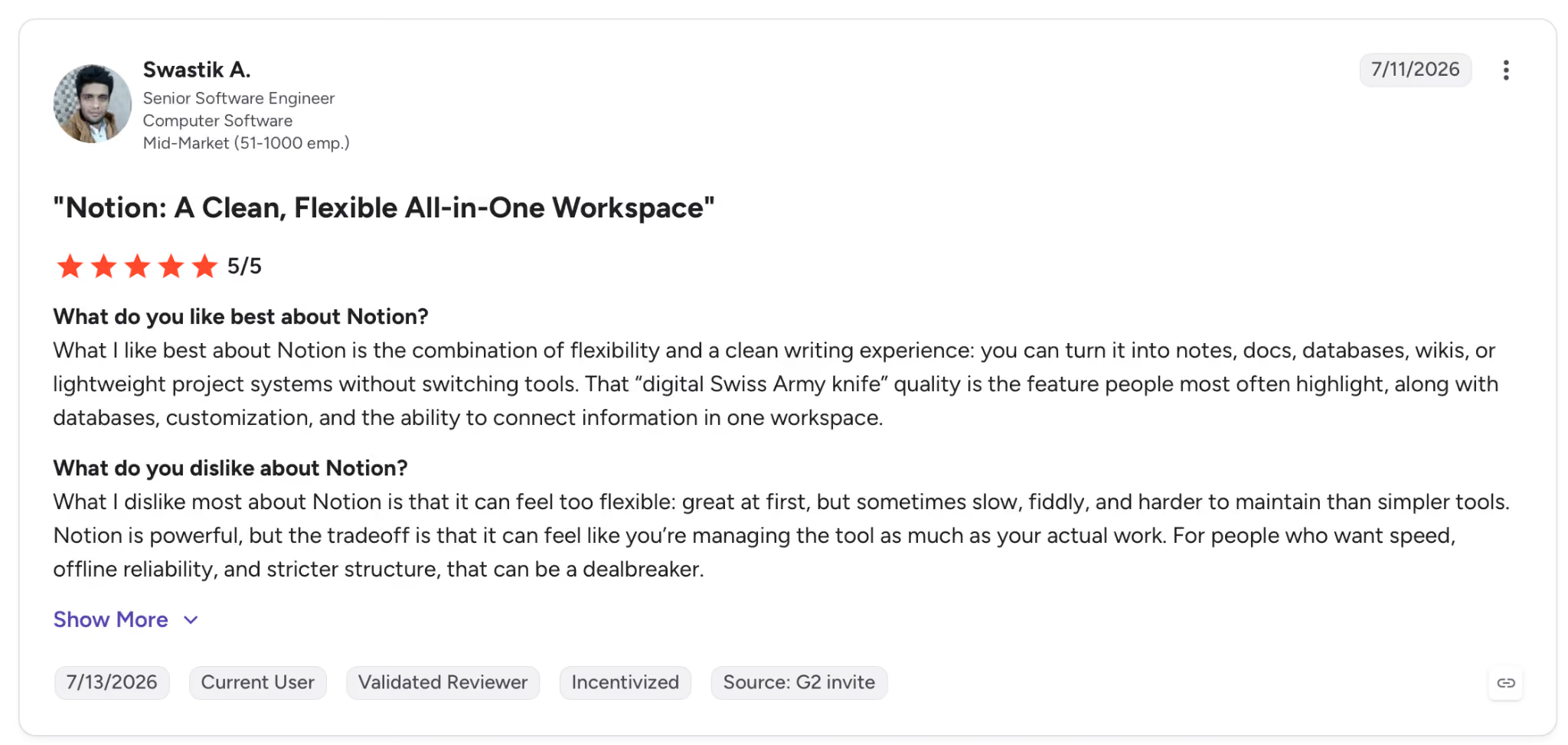
"What I dislike most about Notion is that it can feel too flexible: great at first, but sometimes slow, fiddly, and harder to maintain than simpler tools." — Swastik A., G2
Pricing
AI is now bundled into the paid plans: Plus at $12/member/month (billed monthly) includes AI features. Notion Agent and Smart Notes require Business at $24/member/month.
Bottom line
Notion pays off when your team already lives inside the platform, and the problem is finding information buried across hundreds of pages.
The cited answers eliminate the time spent cross-referencing docs manually. Any action outside Notion needs its own tool. Motion works well for that.
5. Notion: Best AI tool for executive assistants managing a knowledge base
What it does: Notion turns your existing workspace into a knowledge base you can query in plain English, pulling cited and synthesized answers from across your docs, databases, and connected apps.
Best for: Leaders and chiefs of staff managing large internal wikis and project trackers who spend more time hunting for buried information than using it.
I put it to work prepping for a Q3 marketing strategy board review. The information I needed was spread across five project pages, two databases, and notes from a planning call three months earlier.
Notion AI's Q&A lets you ask a question in plain English and pulls the answer from across your workspace. Prepping the review, it drew from all seven sources with citations and flagged a budget conflict between two teams that everyone had missed.
The limit is the workspace border. Notion AI synthesizes well inside Notion but can't trigger actions in external tools like Salesforce or Jira.
Anything that has to happen outside the workspace lands on whatever runs your CRM or project board.
Key features
- Q&A with citations: Searches your entire workspace including connected Google Drive and Slack, and delivers answers with links to the specific source
- Notion Agent: Handles multi-step tasks using Notion, connected apps, and the web, available on the Business plan
- Smart Notes: Auto-transcribes meetings and generates summaries with decisions and next steps, delivered into your workspace
- AI Autofill: Populates database properties by summarizing linked pages or extracting key details like action items and deadlines
Pros and cons
Pros:
✅ Every answer cites its source page or database row, so you can verify before acting on it
✅ Q&A reasons across linked databases and nested pages, which makes cross-project synthesis possible
✅ AI Autofill filled in 40 half-empty database rows off the linked project pages, faster than I could have done ten by hand
Cons:
❌ Notion Agent requires the Business plan at $24/member/month; it's not available on Plus
❌ Can't trigger actions outside the Notion workspace; CRM and project management updates need a separate tool
What users say
"The UI/UX is clean and intuitive, making it easy to organize notes, docs, and projects in one flexible workspace." — Samyak J., G2
"What I dislike most about Notion is that it can feel too flexible: great at first, but sometimes slow, fiddly, and harder to maintain than simpler tools." — Swastik A., G2
Pricing
AI is now bundled into the paid plans: Plus at $12/member/month (billed monthly) includes AI features. Notion Agent and Smart Notes require Business at $24/member/month.
Bottom line
Notion pays off when your team already lives inside the platform, and the problem is finding information buried across hundreds of pages.
The cited answers eliminate the time spent cross-referencing docs manually. Any action outside Notion needs its own tool. Motion works well for that.
6. Reclaim.ai: Best AI tool for executive assistants defending focus time
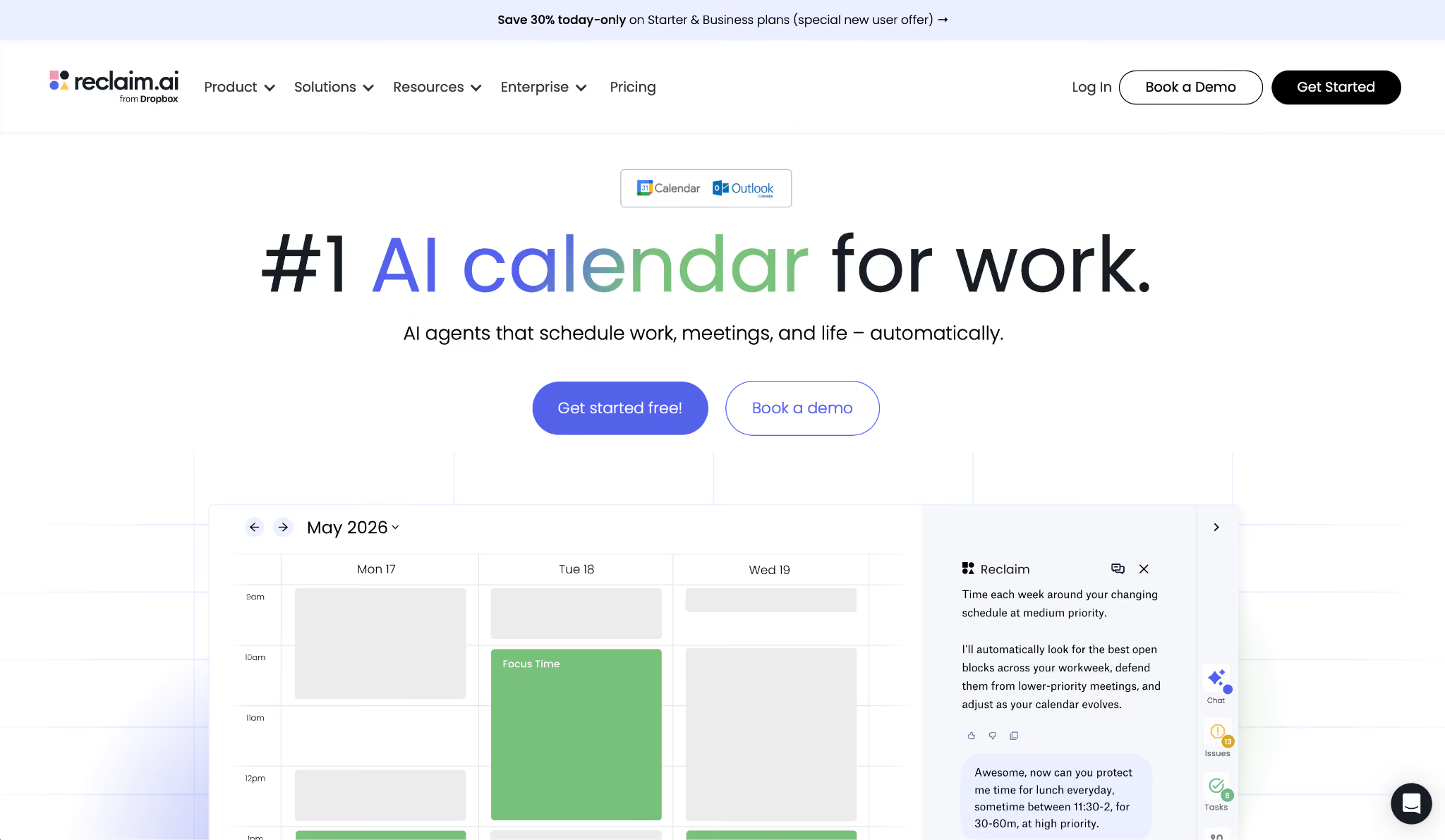
What it does: Reclaim.ai (now part of Dropbox) is a calendar intelligence tool that defends focus time on its own, schedules habits, and protects recurring routines by rearranging flexible blocks around meetings as your day changes.
Best for: Knowledge workers and executives with chronically overbooked calendars who need focus blocks and personal commitments protected without manually rebuilding their schedule every morning.
Three habits went into Reclaim on day one. A 90-minute deep work block, a half-hour lunch, and a 45-minute end-of-day review.
When an investor called unexpectedly and needed a same-day slot, Reclaim found 30 minutes at 10 AM by pushing the deep work block to a 2 pm opening, leaving lunch alone.
Nothing already on the calendar got canceled, and I never had to ask it to reshuffle.
Reclaim's scope ends at the calendar. Pair it with an inbox tool like Superhuman for the email and CRM work that fills those blocks.
Key features
- AI Focus Time: Set a weekly focus time goal and Reclaim defends those hours around existing events, rescheduling flexible blocks when meetings land in the way
- Habits: Recurring routines that find their own best time each day and move when conflicts arise
- Tasks: Connects to Todoist, Asana, Linear, ClickUp, and Jira to place deadline-linked tasks directly on your calendar
- Planner: AI chat interface for analyzing your schedule and setting up automation agents
Pros and cons
Pros:
✅ Resolves habit, task, and focus time conflicts before they surface. A same-day urgent request landed during the test week without touching any existing commitment
✅ Free Lite plan includes basic habit scheduling and up to 5 AI agents, enough to see the value before paying
Cons:
❌ Calendar scheduling only; no inbox, CRM, or meeting transcription
❌ No native mobile app as of July 2026; management happens through the web interface or your calendar app on mobile
What users say
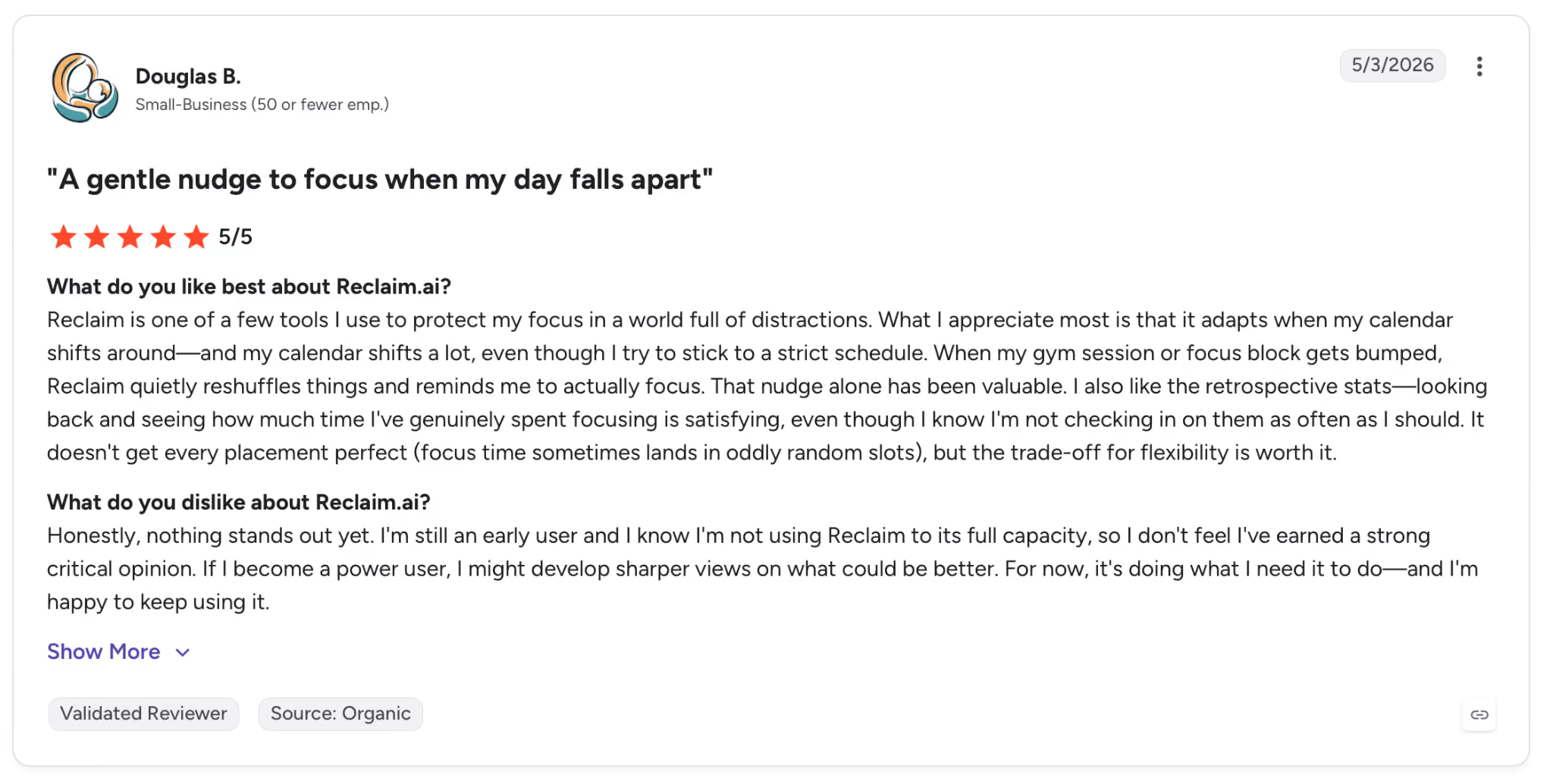
"What I appreciate most is that it adapts when my calendar shifts around, and my calendar shifts a lot, even though I try to stick to a strict schedule." — Douglas B., G2
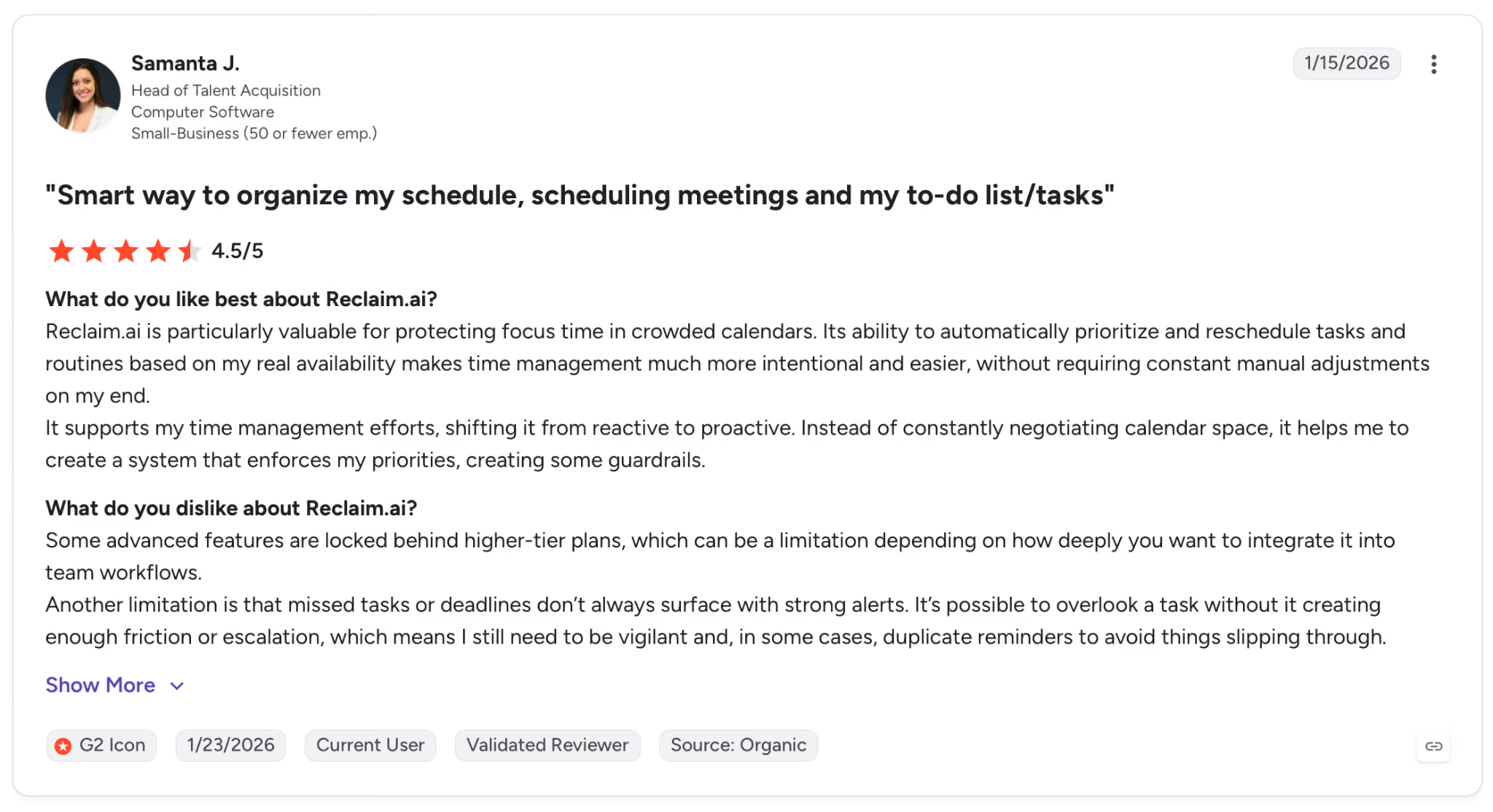
"Some advanced features are locked behind higher-tier plans, which can be a limitation depending on how deeply you want to integrate it into team workflows." — Samanta J., G2
Pricing
Starter at $12/seat/month (billed monthly), unlimited habits, task integrations, and scheduling links. Free Lite plan available for solo users.
Bottom line
Reclaim is worth it when disappearing focus time is the specific problem. It defends your schedule at a price point well below what full-stack tools charge. For inbox and CRM, add an inbox tool like Superhuman.
7. Microsoft Copilot: Best AI tool for executive assistants already in the Microsoft 365 ecosystem
What it does: Microsoft Copilot is an AI assistant embedded across Microsoft 365 (Outlook, Teams, Word, Excel, PowerPoint, and OneNote).
It pulls up context, drafts content, and summarizes meetings without leaving the apps your team already uses.
Best for: Organizations running on Microsoft 365 that want AI from the tools they already pay for.
Copilot runs deep inside one ecosystem and shallow everywhere else.
Ask it to prep a board briefing, and it goes straight to your Outlook threads, the last Teams recap, and the SharePoint deck nobody could find, then hands you a draft without any app-switching or hunting on your end.
Its limit is scope. Copilot knows your Microsoft data and nothing outside it. Teams that run heavily on Slack, Notion, or Google Workspace will hit that wall within the first week.
Key features
- Outlook AI: Summarizes long email threads, drafts replies, flags urgent items, and prepares meeting briefings from your inbox context
- Teams meeting intelligence: Transcribes and summarizes meetings, generates action items, and lets you ask questions about the call after it ends
- Cross-app context: Connects to your emails, meetings, files, and chats to answer questions about your work without manual searching
- Word, Excel, PowerPoint AI: Drafts documents, builds formulas, and generates slides from existing content in your connected files
Pros and cons
Pros:
✅ Pulled a board call briefing from emails, prior meeting summaries, and SharePoint docs without my touching a single app to find them
✅ Pulls context from Outlook, Teams, SharePoint, and OneDrive simultaneously, so briefings and summaries draw from what's in your stack
✅ Teams meeting summaries and action items go to all participants the moment a call ends
Cons:
❌ Drops significantly outside the Microsoft ecosystem; Google Workspace users get little value from it
❌ Copilot licenses for Business Standard and above require an additional per-user fee on top of the base Microsoft 365 subscription
What users say
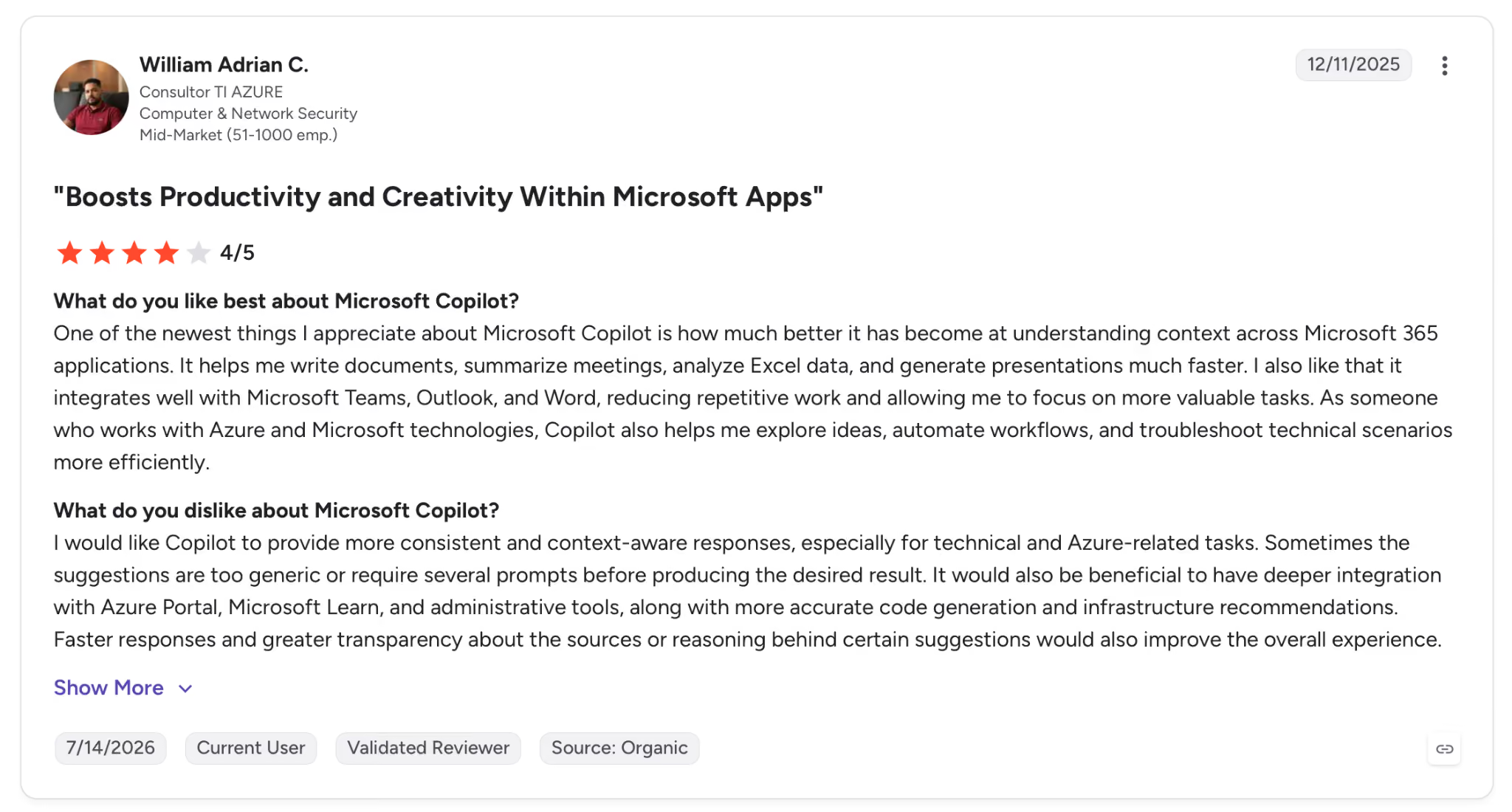
"One of the newest things I appreciate about Microsoft Copilot is how much better it has become at understanding context across Microsoft 365 applications." — William Adrian C., G2
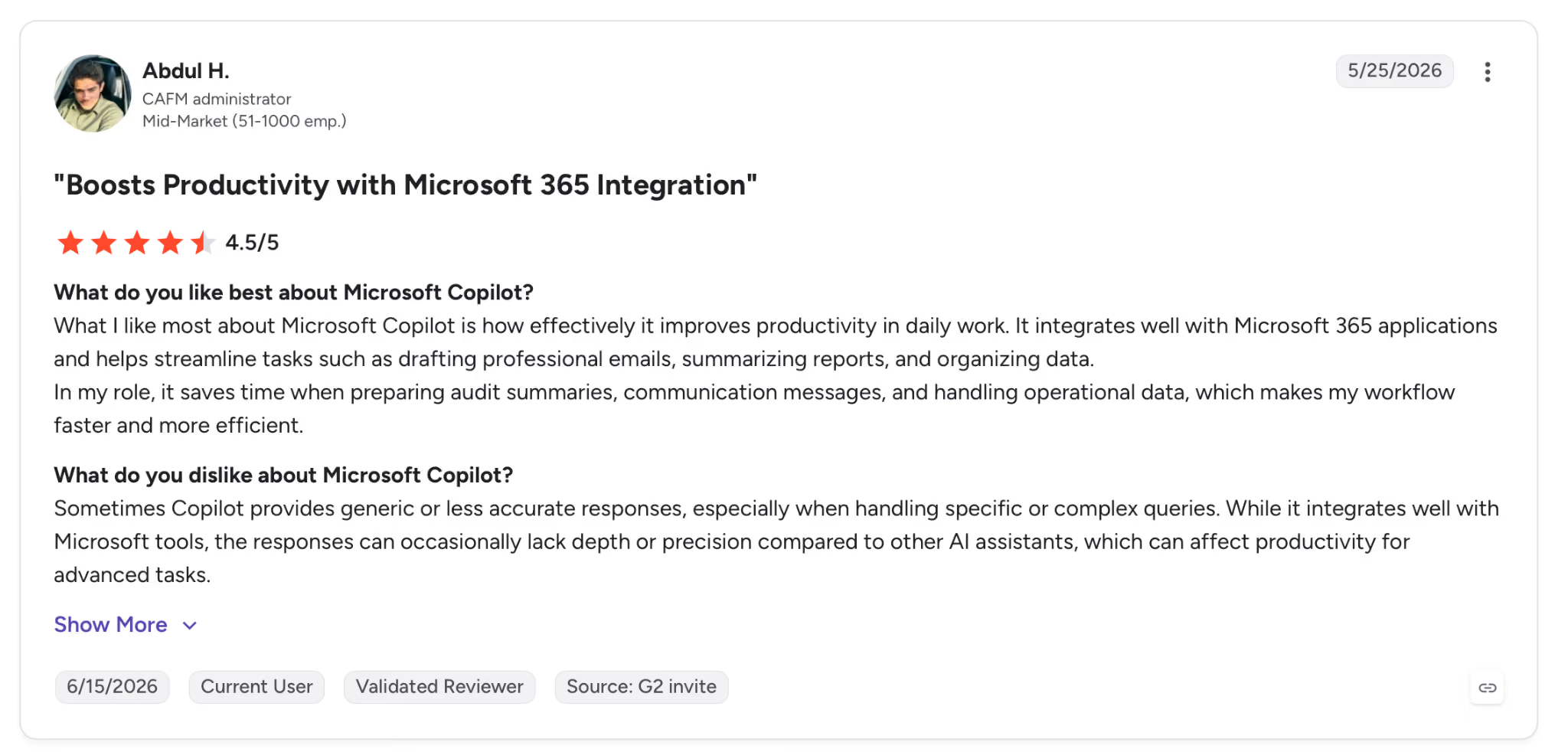
"Sometimes Copilot provides generic or less accurate responses, especially when handling specific or complex queries." — Abdul H., G2
Pricing
Copilot for Microsoft 365 Business runs $25.20/month/user on top of an existing M365 plan. That's a promotional rate. You get full AI inside Outlook, Teams, Word, and Excel.
Bottom line
Copilot is the clear choice for teams already committed to Microsoft 365 who want AI that works with what they have.
If your org is split across Google Workspace and Microsoft, it reaches only half the stack and needs another tool for the rest.
8. Gong: Best AI tool for executive assistants supporting revenue teams
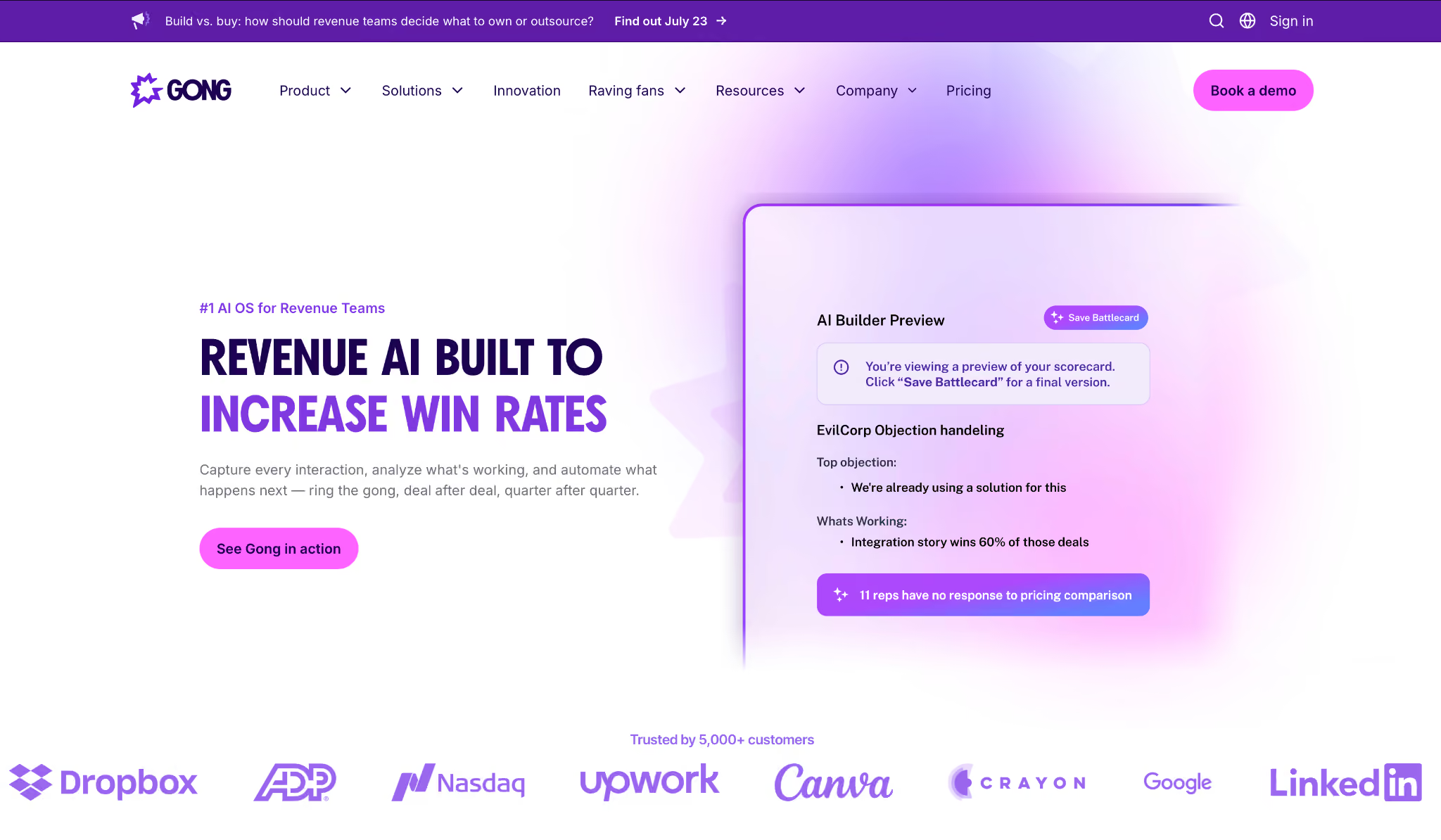
What it does: Gong records and transcribes every customer call, then reads it for where the deal stands, which reps need coaching, and which pipeline is slipping. It's the analytics layer sales ops runs on.
Best for: Sales leaders and revenue operations teams who need visibility into every customer conversation, including the ones no manager attended.
Gong reads a transcript to understand what it means for the deal, scoring risk, engagement, and the moments that move a sale forward.
After connecting 90 days of recordings, it pointed to three accounts where sentiment had declined, flagged two deals where the prospect had stopped responding, and identified which talk tracks correlated with closed-won outcomes in Q2.
Revenue teams stay for that deal-level read. If you're running ten calls a week and just need searchable transcripts, Fireflies or Fathom cover that at a fraction of the cost.
Key features
- Conversation intelligence: Analyzes tone, talk ratio, competitor mentions, and engagement signals across every recorded call
- Deal intelligence: Flags at-risk deals based on behavioral patterns across email and call history
- Coaching insights: Identifies the specific moments in top-performing calls that correlate with closed-won outcomes
- CRM integration: Sends summaries, activity data, and risk signals directly into Salesforce or HubSpot once each call ends
Pros and cons
Pros:
✅ Deal-level risk signals (declining sentiment, dropped engagement) showed up a week before the pipeline review
✅ Connects call behavior to closed-won outcomes, giving managers concrete moments to coach against
✅ Activity data lands in the CRM without any manual logging after calls
Cons:
❌ Pricing is custom and unpublished; you won't know the number until you talk to sales
❌ Setup and onboarding are substantial; expect two to three weeks before it pays off
What users say
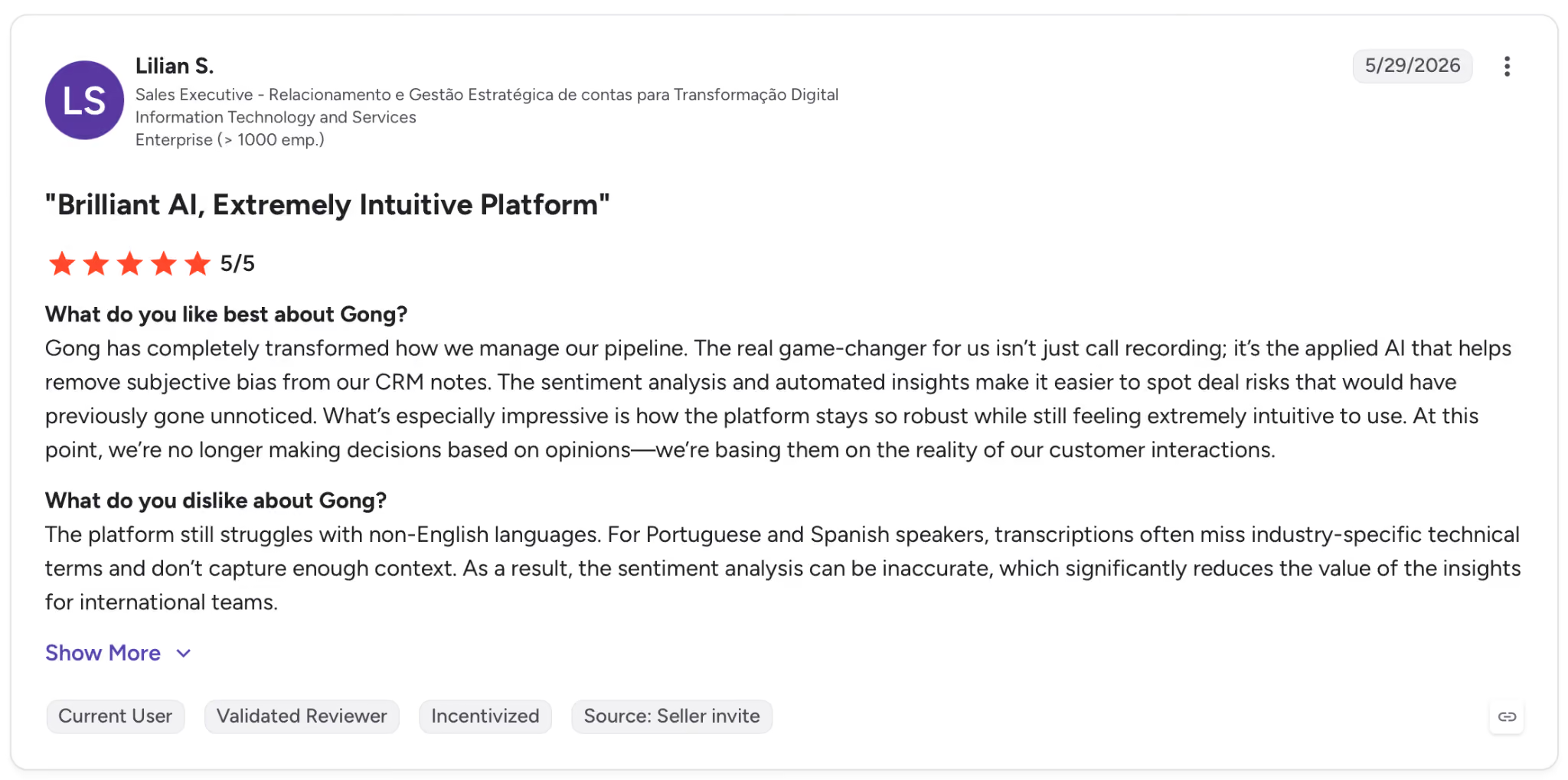
"The real game-changer for us isn’t just call recording; it’s the applied AI that helps remove subjective bias from our CRM notes." — Lilian S., G2
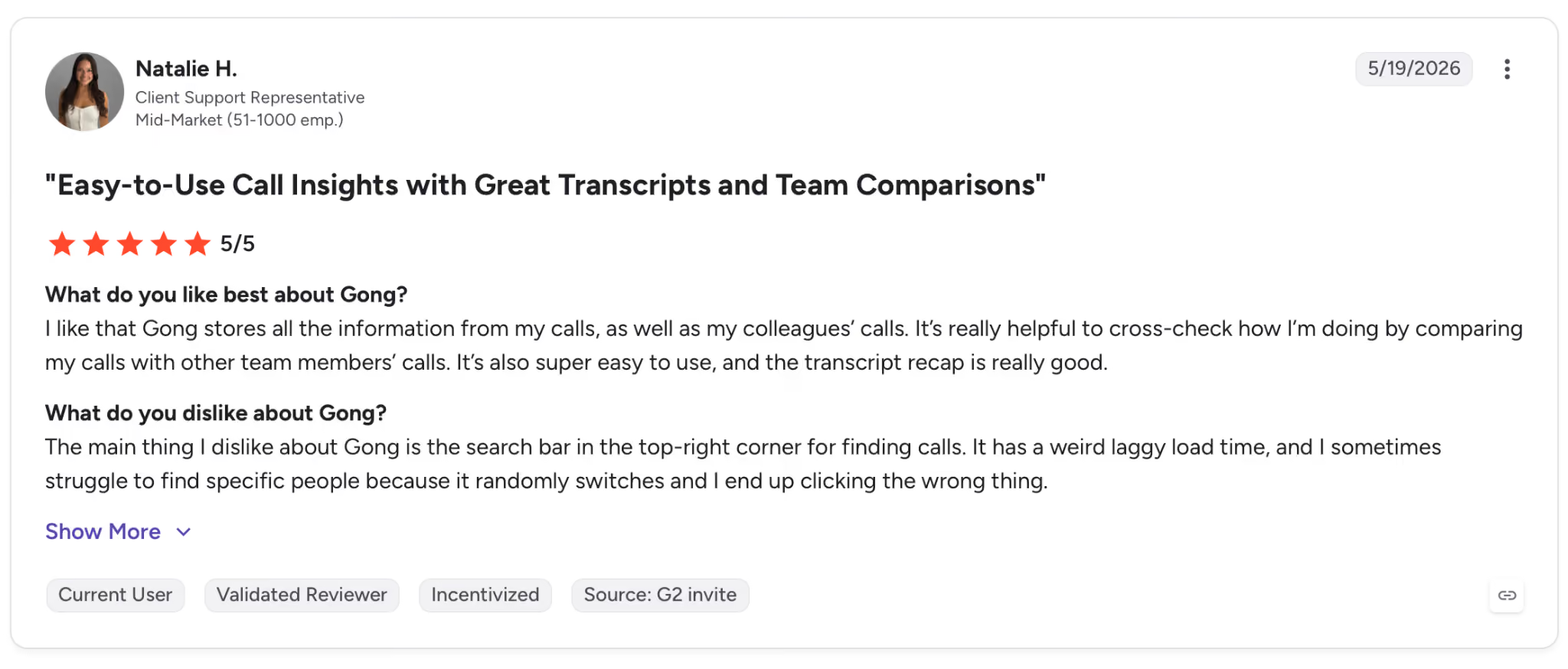
"It has a weird laggy load time, and I sometimes struggle to find specific people because it randomly switches and I end up clicking the wrong thing." — Natalie H., G2
Pricing
Gong pricing is custom pricing based on team size and feature requirements. See gong.io to request a demo and current pricing.
Bottom line
Gong is made for revenue teams. If managing pipeline and coaching reps is part of your role, it reads what's happening across their calls more closely than the notetakers on this list.
For meeting notes and follow-ups at an individual level, Fireflies or Fathom handle that for a fraction of what Gong runs.
9. Fathom: Best free AI meeting notetaker for executive assistants
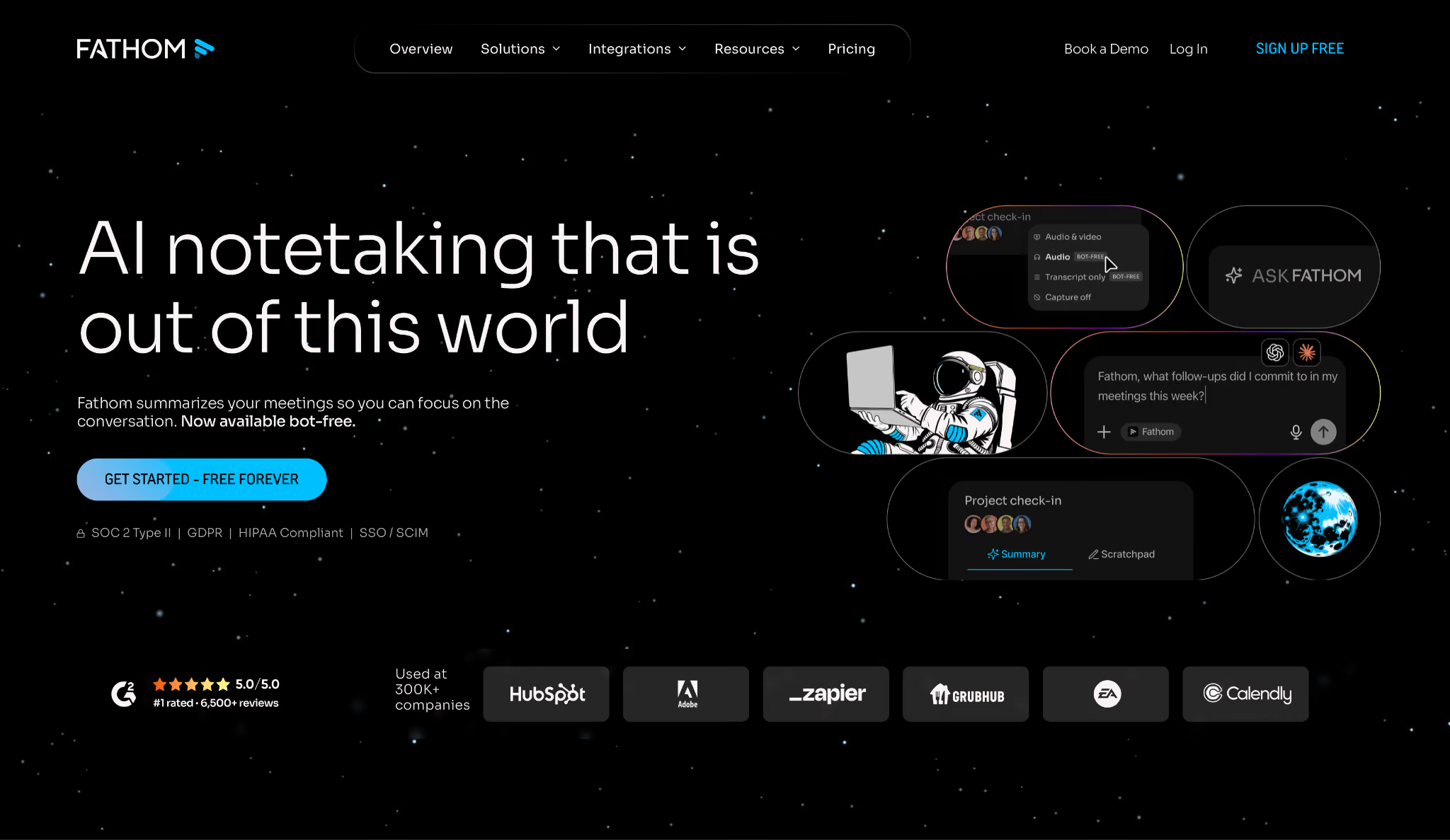
What it does: Fathom joins your Zoom, Google Meet, or Teams calls, records and transcribes each call, and generates a meeting summary with action items, with an unlimited free tier that doesn't expire.
Best for: Solo professionals and small teams who want a no-friction meeting notetaker without paying anything, and don't need the team analytics of Fireflies or Gong.
Fathom has the shortest setup of the ten. Connect your calendar, join a call, and the summary is in your inbox before the next one starts.
The free tier includes unlimited recordings and unlimited AI summaries. CRM sync to HubSpot sits on the paid plans. For most day-to-day note-taking, that covers it.
The trade-off is depth. Fathom's Ask Fathom does search across past calls, but on the free plan it only reaches back two weeks, where AskFred covers your whole history.
The conversation intelligence features are also shallower than Gong's.
For a solo EA or small team running straightforward calls, that's not a problem. For teams running involved sales cycles, it becomes one.
Key features
- Unlimited free recording: No call limits, no storage caps, no credit card required on the free tier
- AI summaries: Generates action items, decisions, and follow-up tasks the moment each call wraps
- CRM sync: Pushes meeting outcomes to HubSpot and Salesforce on the paid plans
- Highlight reels: Create shareable clips of key moments from any recorded call
Pros and cons
Pros:
✅ Unlimited recordings and summaries at $0. The free tier works as a full product, with no expiration
✅ Unlimited recordings, transcriptions, and AI summaries on the free plan, with no credit card and no expiration
Cons:
❌ Searchable call history is capped on the free plan at the last two weeks, so asking "what did we commit to in Q1?" needs a paid plan, where AskFred searches the full history at a lower tier
❌ Conversation intelligence (talk time, sentiment, deal signals) is limited compared to Fireflies Business or Gong
What users say
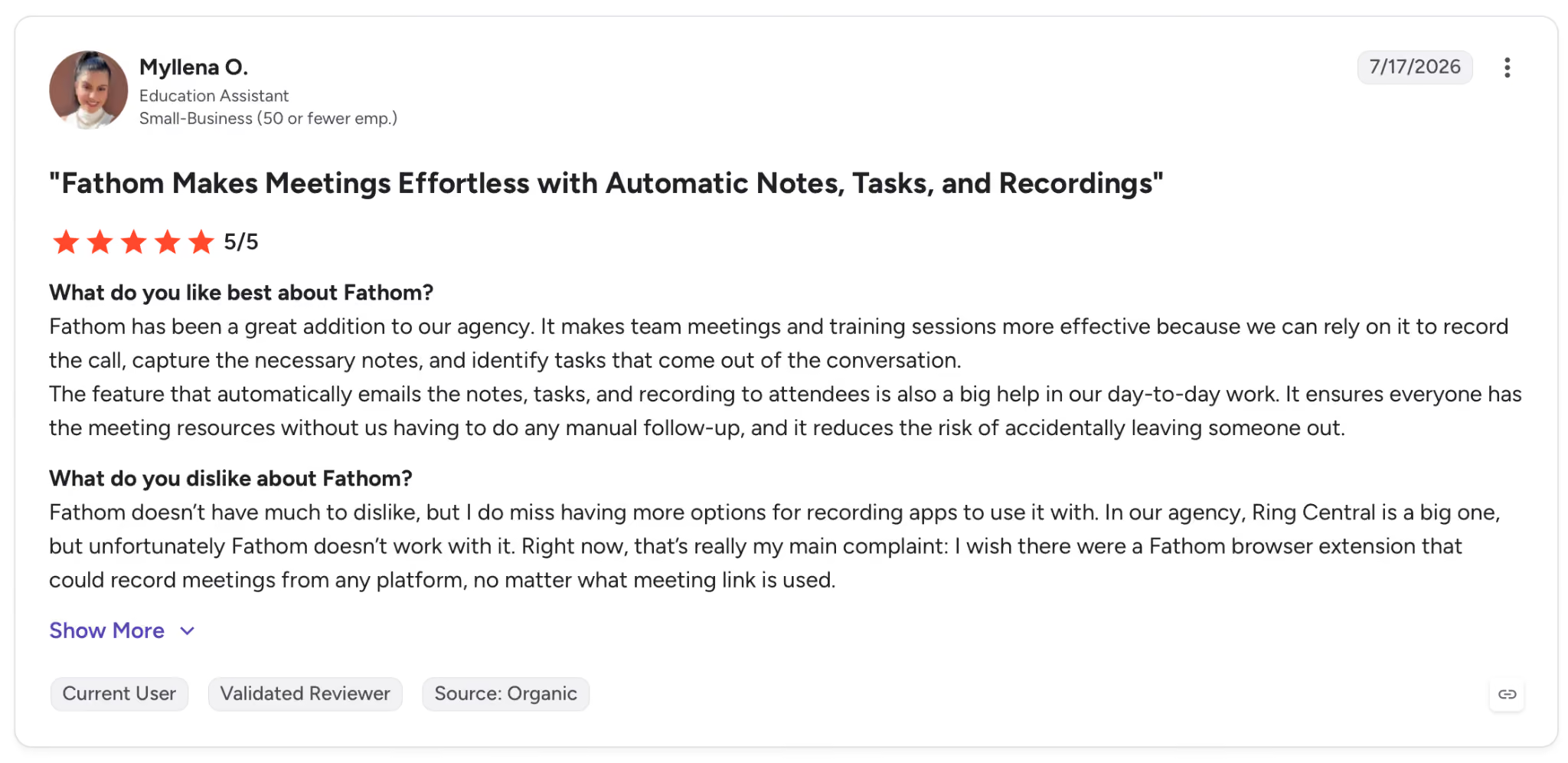
"It makes team meetings and training sessions more effective because we can rely on it to record the call, capture the necessary notes, and identify tasks that come out of the conversation." — Myllena O., G2
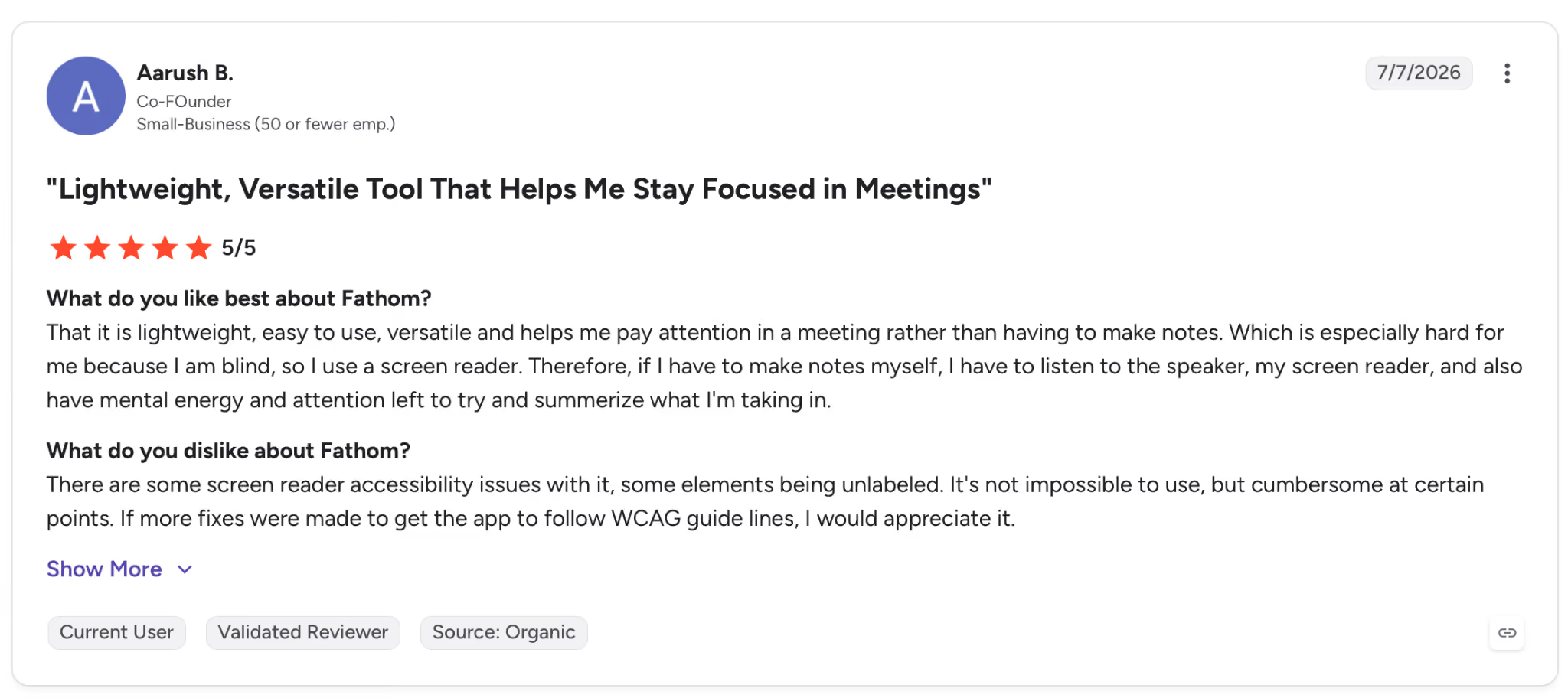
"There are some screen reader accessibility issues with it, some elements being unlabeled." — Aarush B., G2
Pricing
Premium starts at $20/user/month (billed monthly), adding advanced summaries and the conversational meeting assistant. Below all of that sits the free tier, which is unlimited and doesn't expire, with recordings and AI summaries, no credit card required.
Bottom line
If you want a meeting notetaker that works on day one and costs nothing, Fathom is where to start. Getting unlimited recordings and summaries for free is more than the entry-level paid plans from Fireflies and Otter include.
Need searchable call history or revenue intelligence? Move up to Fireflies or Gong.
10. Otter.ai: Best AI tool for executive assistants who need live transcription
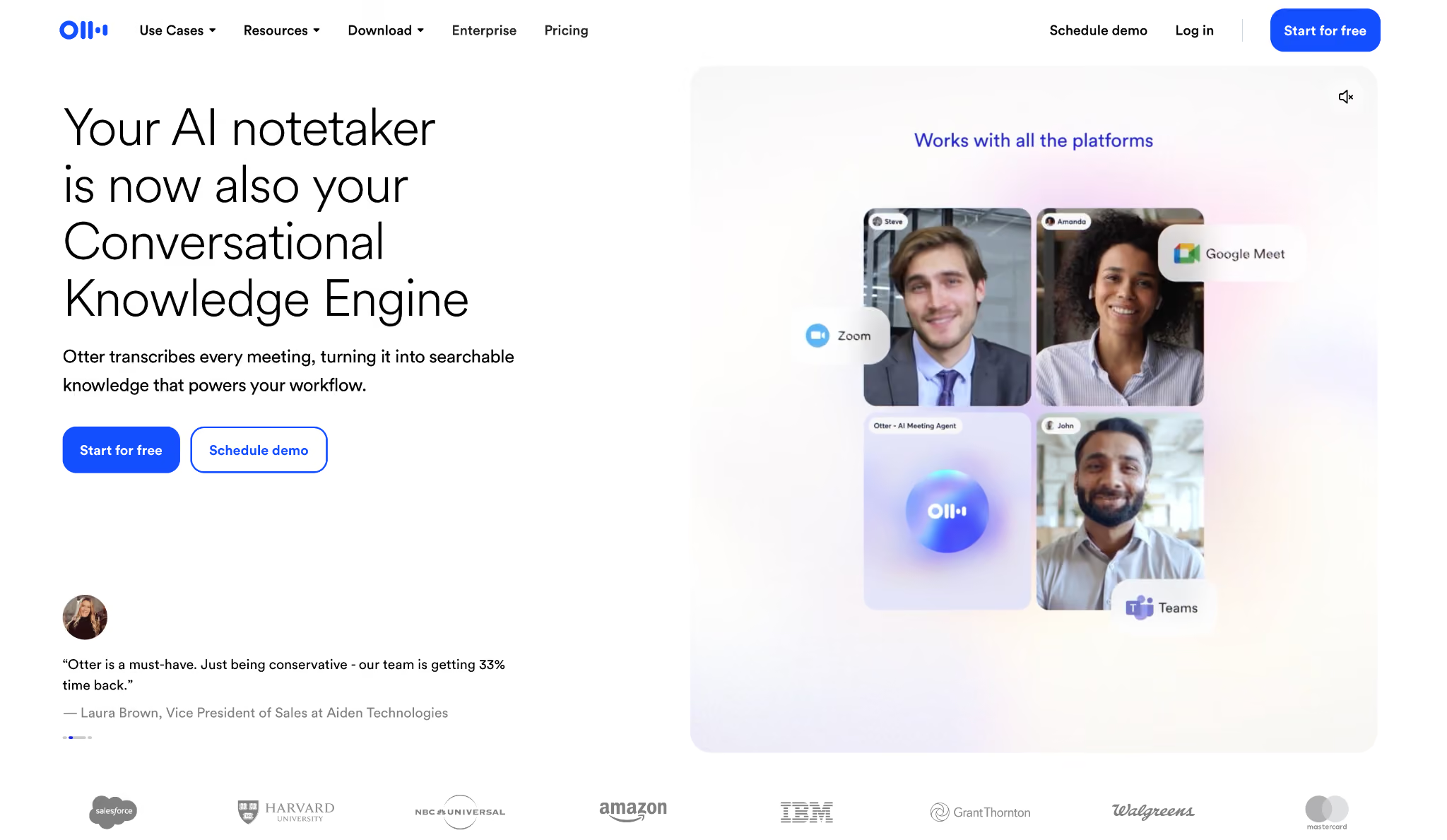
What it does: Otter.ai transcribes meetings as they happen, labels speakers automatically, and turns the call into shareable notes with action items. It plugs into Zoom, Google Meet, and Teams natively.
Best for: Teams that need accurate, live transcription and collaborative meeting notes, especially when participants join from different time zones and need to reference the transcript during the call.
What sets Otter apart is the live experience, with the transcript appearing as the conversation unfolds and visible to everyone in the meeting.
Attendees can mark sections, add comments, and assign action items while the call is still running. For distributed teams running detailed review meetings, that in-call collaboration considerably reduces follow-up work.
Otter performs well in clean audio, but accuracy drops with heavy accents, cross-talk, or a poor connection. On conference room calls with a shared microphone, speaker identification gets unreliable.
Key features
- Real-time transcription: Live transcript visible to all meeting participants as the conversation unfolds
- Speaker identification: Labels each speaker by voice, useful for attribution in review and negotiation calls
- Otter AI Chat: Ask questions about the transcript after the call ends: "What did we decide about the Q3 budget?"
- Action items and highlights: Detects commitments during the call and generates a post-meeting summary with owner assignments
Pros and cons
Pros:
✅ Live transcript visible during the call cuts note-taking friction; participants can reference and mark sections as it runs
✅ Native Zoom integration requires no additional setup beyond connecting your calendar
Cons:
❌ Accuracy degrades with heavy accents, fast speech, or overlapping conversation; conference room and panel settings are where it struggles hardest
❌ Free plan caps at 300 minutes of transcription per month, which runs out quickly for active meeting schedules
What users say
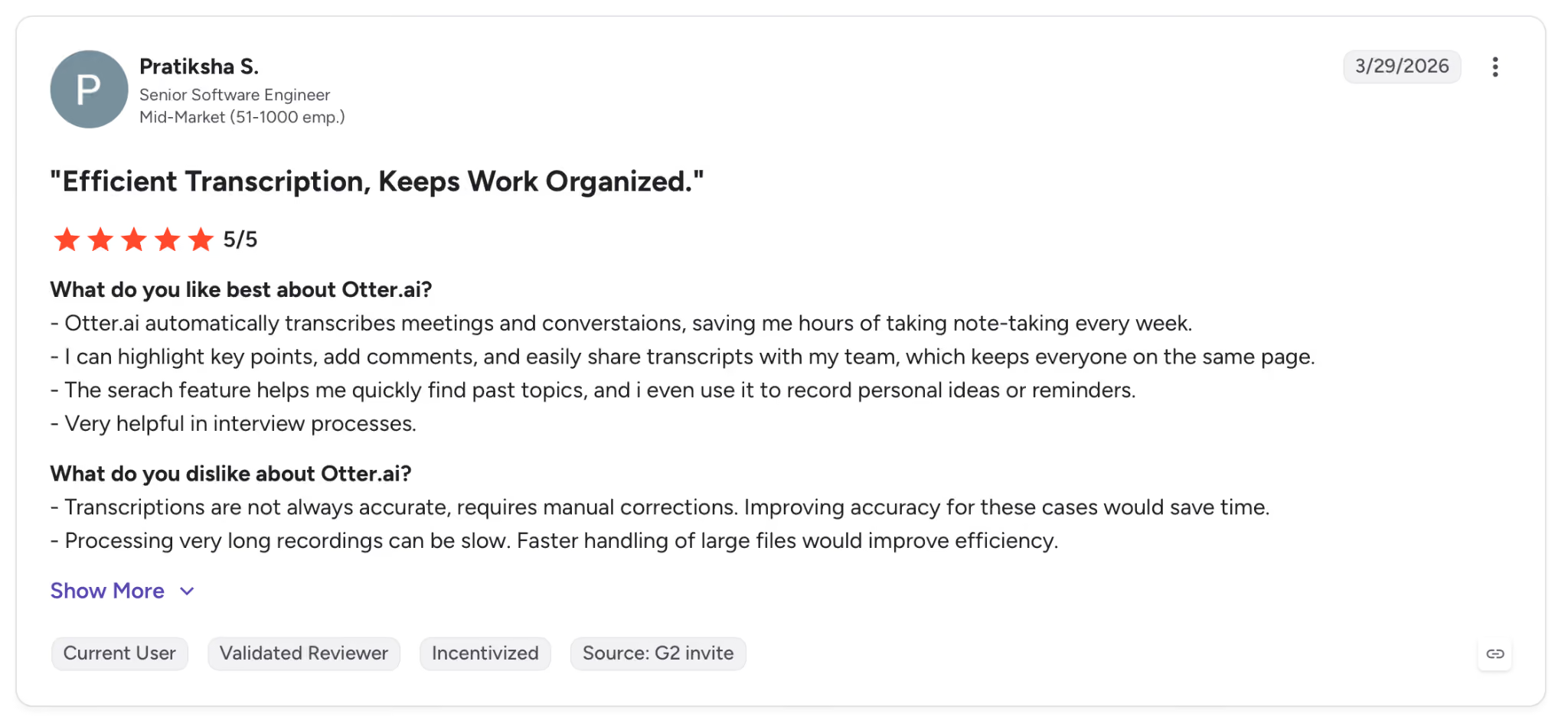
"Otter.ai automatically transcribes meetings and conversations, saving me hours of taking note-taking every week." — Pratiksha S., G2
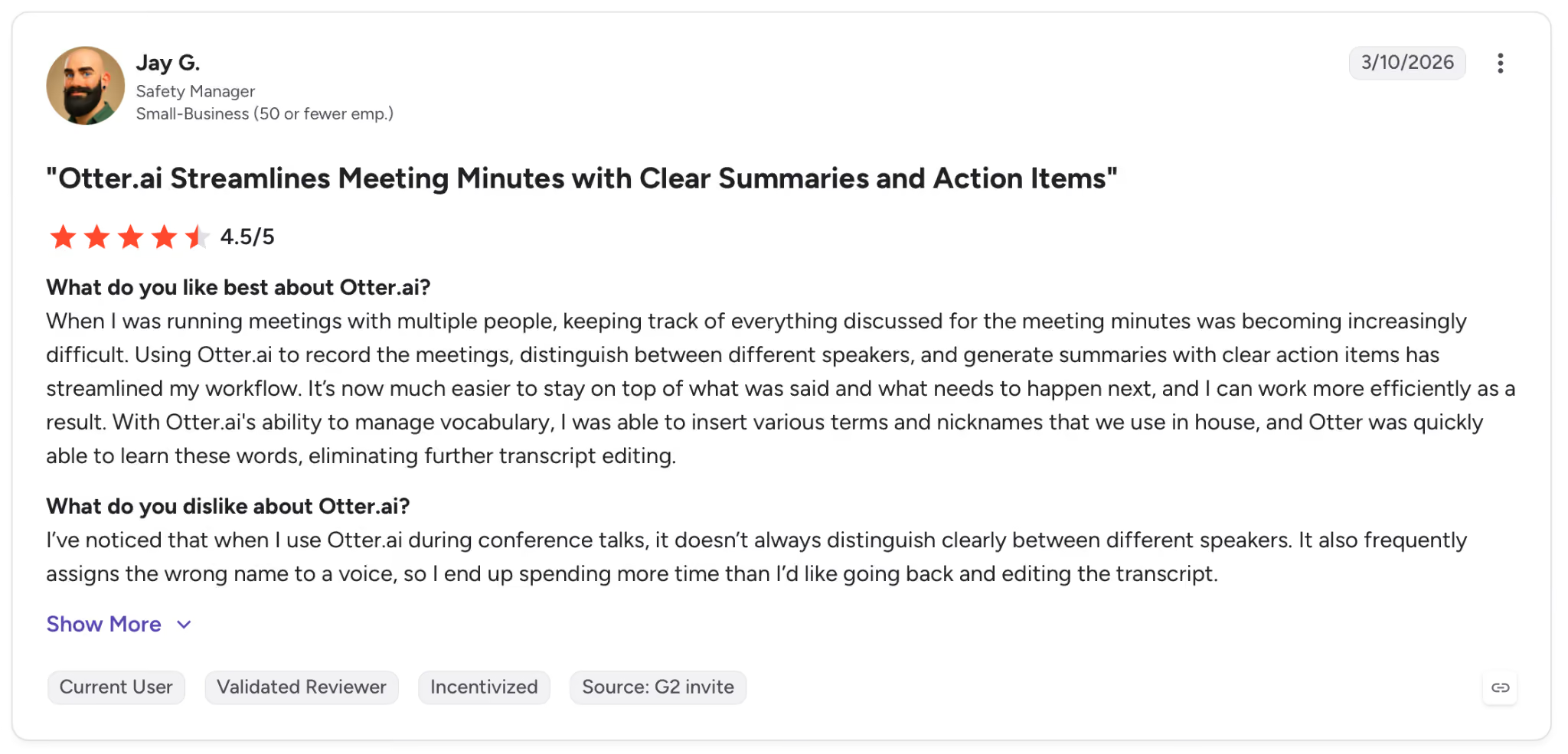
"I’ve noticed that when I use Otter.ai during conference talks, it doesn’t always distinguish clearly between different speakers." — Jay G., G2
Pricing
Pro from $16.99 billed monthly, 1,200 transcription minutes, custom vocabulary, and advanced search. Free plan available with 300 min/month cap.
Bottom line
Reach for Otter.ai when seeing the transcript during the call matters more than mining it afterward. For distributed teams where in-call reference cuts follow-up confusion, that's where it wins. When you need searchable call history or revenue signals, Fireflies does more.
{{cta}}
Which AI tool for executive assistants should you choose?
Each tool on this list solves a different problem. Which one depends on where your day breaks down.
Choose Superhuman if you want AI that surfaces context, drafts, and next steps across every app you're working in, and the Business suite (Mail + Grammarly + Docs + Go) would replace multiple existing subscriptions.
Choose Motion if your to-do list stays undone because your calendar has no open window for it, and you want AI that finds and protects those windows automatically, even when other meetings move unexpectedly.
Choose Fireflies if calls end with commitments you can't reconstruct from memory, and your team needs to search across months of call history without going recording by recording.
Choose Lindy if your admin work is fragmented across five tools and no single one covers the full loop, and your team needs the AI to work for everyone, including people who never configured a thing.
Choose Notion AI if your team already lives in Notion, and the problem is finding information buried across hundreds of pages, not acting on it in external tools.
Choose Reclaim if your calendar fills with meetings before focus time has a chance to land, and you need something to defend those blocks automatically without touching the calendar yourself.
Choose Microsoft Copilot if your organization runs on Microsoft 365, and the goal is getting AI from the tools already in place, without adding anything new.
Choose Gong if you're supporting a revenue team and revenue intelligence and rep coaching matter more than individual note-taking.
Choose Fathom if you want unlimited meeting recordings and summaries at no cost, and searchable call history or revenue analytics aren't requirements.
Choose Otter.ai if live transcription visible to all participants during the call is the specific thing that reduces follow-up work for your team.
Skip this category entirely if your workload is primarily hands-on, or your team is small enough that a shared calendar and a good email client already handle the load.
Final verdict
The question people ask when looking for AI tools for executive assistants is usually "which one does everything?" None of them do.
The best stack is usually two tools, one for the calendar and scheduling layer and one for the communication and knowledge layer.
Motion or Reclaim handle the calendar. Fireflies or Fathom cover meeting notes, and Gong takes the revenue calls. Notion AI serves as the knowledge base, while Microsoft Copilot covers everything within the M365 stack.
Lindy is the one tool that takes on the full admin loop in one place, from inbox and calendar to follow-ups and CRM. It suits teams done stitching tools together.
The usage-based pricing means you need to verify your workload in the trial first, but if the math works, its coverage is hard to match with a single tool.
Pick the tool that removes the specific friction you're tired of. If that friction is fragmented admin, the 7-day trial is a reasonable first step.
Frequently asked questions
What are the best AI tools for executive assistants in 2026?
The best AI tools for executive assistants in 2026 depend on the job. Lindy handles full admin coverage, Motion covers calendar scheduling, Fireflies takes meeting follow-ups, Reclaim protects focus time, and Notion AI manages knowledge.
What is the difference between an AI tool for executive assistants and an AI executive assistant?
The main difference is autonomy. An AI tool helps a human EA work faster by automating specific tasks like transcription or scheduling, while an AI executive assistant like Lindy handles those tasks on its own without a person in the loop.
Can AI fully replace a human executive assistant?
No, AI cannot fully replace a human executive assistant.
AI handles scheduling, inbox triage, and meeting follow-ups well, but managing sensitive relationships and navigating difficult decisions still require a person.
How much do AI tools for executive assistants cost?
AI tools for executive assistants range from free to $49.99/month for Lindy, with custom enterprise pricing for Gong. Free options include Fathom, Reclaim Lite, and Otter.ai basic, and teams commonly start with Fireflies Pro at $18/seat/month or Motion at $29/seat/month.
How long does it take to set up an AI tool for executive assistants?
Setup time depends on the tool. Fathom and Otter.ai show value within the first call. Lindy and Motion take a day or two to connect your full tool stack and finish setup.









