AI-Powered Workflows: Top 9 Platforms & Automation Tips
Marvin tested nine AI workflow platforms, including Make, n8n, Zapier, and Bardeen, across real automation scenarios, weighing workflow intelligence, integrations, and pricing.
.avif)

Most automations run on fixed rules that break when a situation doesn’t meet those rules. But AI-powered workflows can handle those edge cases and adapt to keep the automation going. They help teams automate repeatable, tedious workflows.
Let’s start with a quick list of the top 9 tools.
The 9 best AI workflow tools: TL;DR
We prepared this list of the best AI workflow tools right now, each with its standout strength. Here they are:
- Aisera – Best for agentic IT and support automation at scale
- Kissflow – Best for low-code business process management
- Appian – Best for enterprise-grade AI business process automation
- Make – Best for visual, low-code builders who want flexibility
- n8n – Best for open-source and self-hosted AI workflow automation
- Eden AI – Best for chaining multi-vendor AI models into one workflow
- Zapier – Best for no-code users who need plug-and-play integrations
- Tray.ai – Best for data-heavy teams needing deep API-level logic
- Bardeen – Best for browser-based personal task automations
Next, the detailed reviews below break down what each tool can do and how they compare on pricing, setup, and everyday usability.
1. Aisera – Best for agentic IT and support automation at scale

Aisera combines generative AI with pre-trained industry models to power self-service bots, ticket resolution, and provisioning without scripting. It’s for enterprises that want to automate IT and employee support using AI workflow automation.
It’s known for orchestration through “action bots,” which can handle requests across systems like ServiceNow, Zendesk, and Salesforce.
Features
- Pre-trained support and IT models
- Ticket triage and resolution
- Agent orchestration with action bots
- Multi-channel support
Pros
- Enterprise-grade compliance
- 24/7 coverage at scale
- Cloud, on-prem, or hybrid deployment
Cons
- Opaque pricing
- High learning curve for SMBs
Pricing
Contact their team for a quote-based pricing
2. Kissflow – Best for low-code business process management
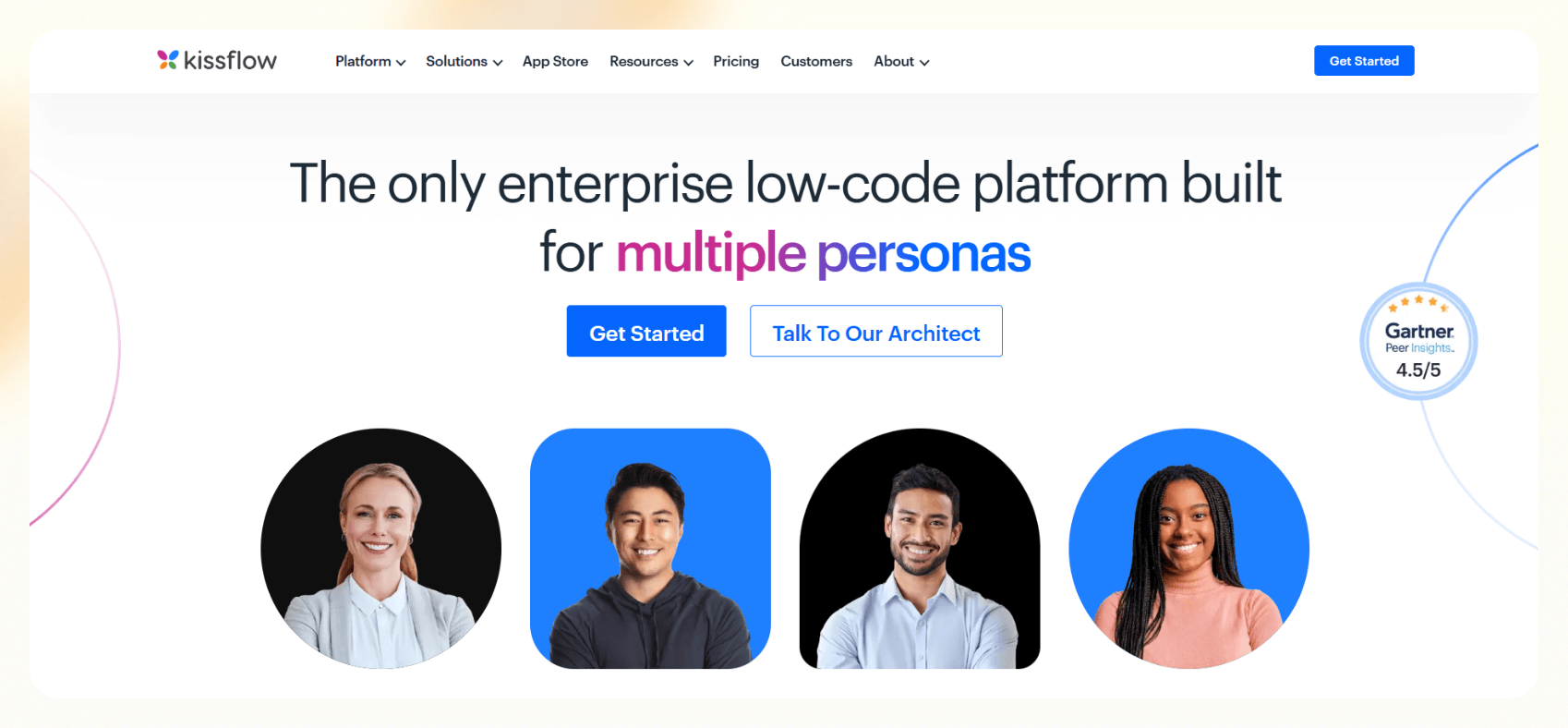
Kissflow is a low-code platform that helps teams map, build, and run structured business processes. It supports AI workflow automation through features like smart form suggestions, rule-based routing, and integration with AI services.
It’s for teams that need a visual interface to automate processes like approvals, onboarding, or procurement across departments.
Features
- Drag-and-drop process builder
- AI-assisted workflow suggestions
- Integrates with Google Workspace and Microsoft 365
- Custom dashboards and analytics
Pros
- Scales across teams and departments
- Intuitive UI for non-tech users
- Supports structured process mapping
Cons
- Entry price is high for small teams
- AI features are limited when compared to native AI tools
Pricing
- Starts at $1,500/month for the basic plan
3. Appian – Best for enterprise-grade AI business process automation
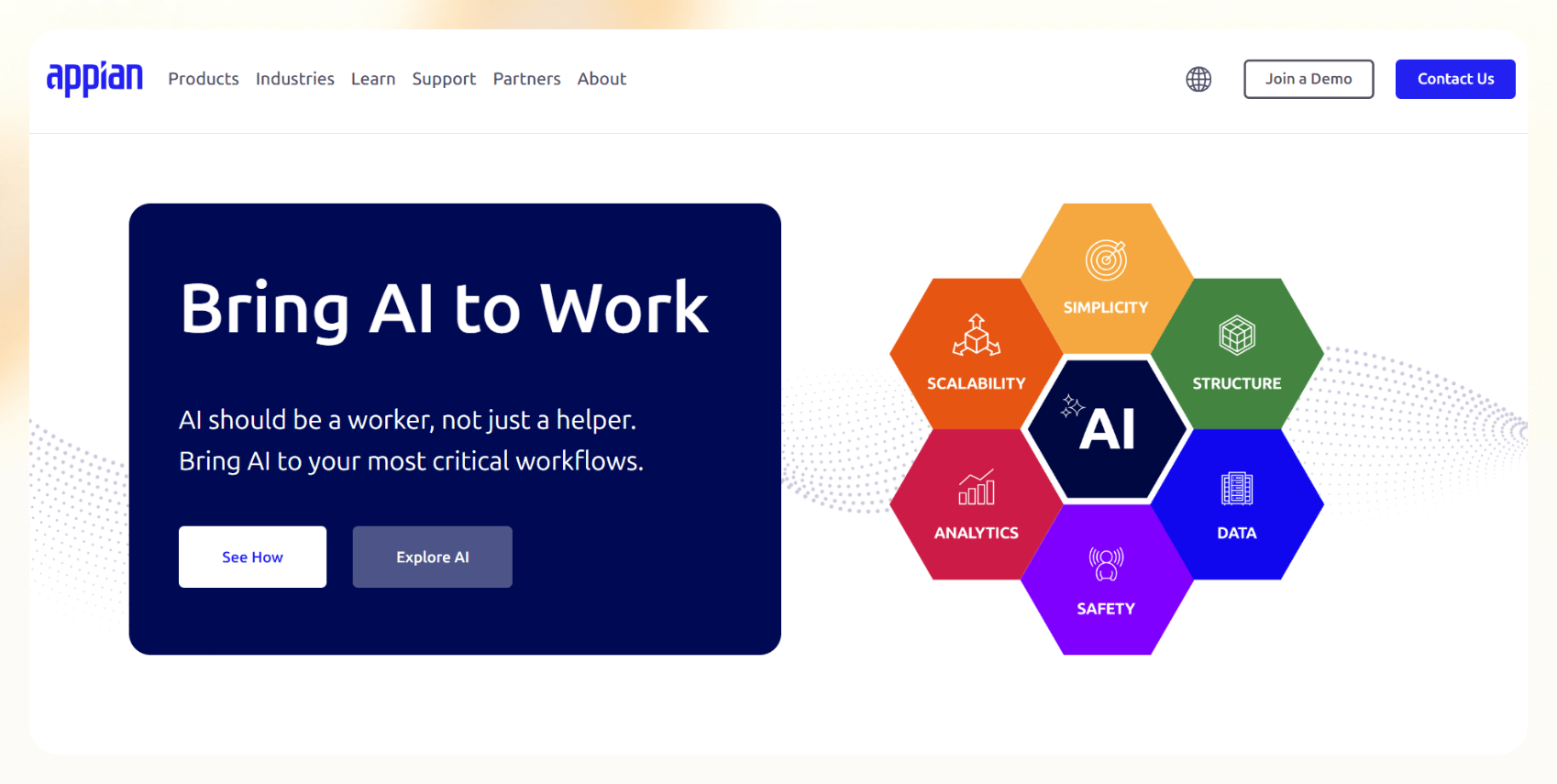
Appian is a low-code platform tailored for large enterprises that need end-to-end AI business process automation. It combines workflow design, RPA, and native AI capabilities like document understanding and natural language processing.
With deep integration into legacy systems, Appian is often used in finance, healthcare, and government to manage complex, compliance-heavy workflows.
Features
- AI document extraction and natural language processing
- Low-code builder with governance tools
- Case management and task routing
- Integration with AWS Bedrock, OpenAI, Claude
Pros
- Secure, enterprise-ready infrastructure
- Strong compliance and data governance
- Works well with legacy systems
Cons
- Requires IT resources to implement
- Pricing and setup can be complex
Pricing
- Custom enterprise pricing via demo or sales team
4. Make – Best for visual, low-code builders who want flexibility
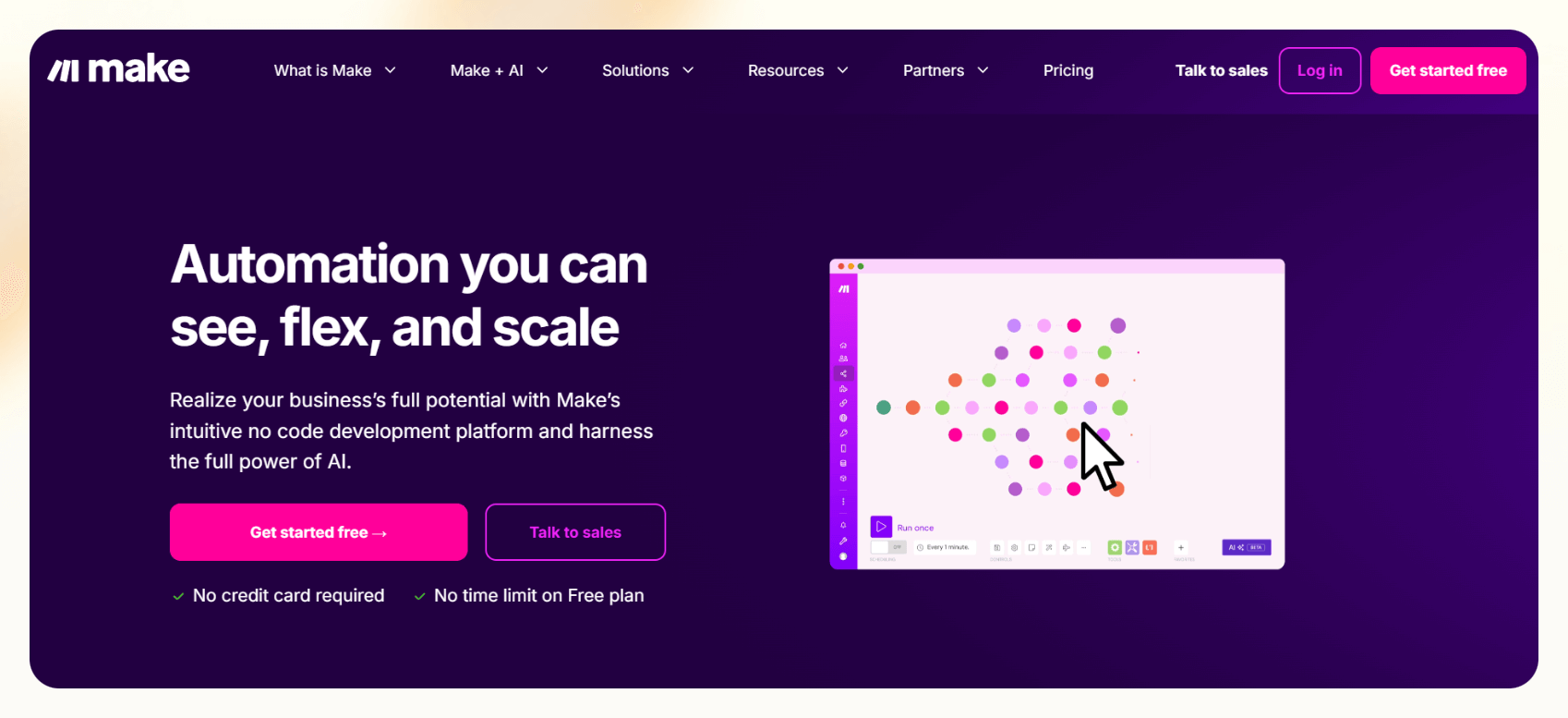
Make is a visual automation tool built for users who want granular control without writing code. You can build AI workflows in Make by adding models, connecting APIs, and combining them with detailed logic without writing code.
Its interface feels more like flowcharting, making it a favorite for tinkerers and power users.
Features
- Visual workflow builder
- API and webhook support
- Prebuilt templates for common workflows
- Scheduling and conditional logic
Pros
- Flexible, granular control
- Large library of app connectors
- Transparent, usage-based pricing
Cons
- Can be overwhelming for beginners
- Costs scale with usage volume
Pricing
- Free tier available
- Paid plans start at $10.59/month for 10,000 operations, billed monthly
5. n8n – Best for open-source and self-hosted AI workflow automation
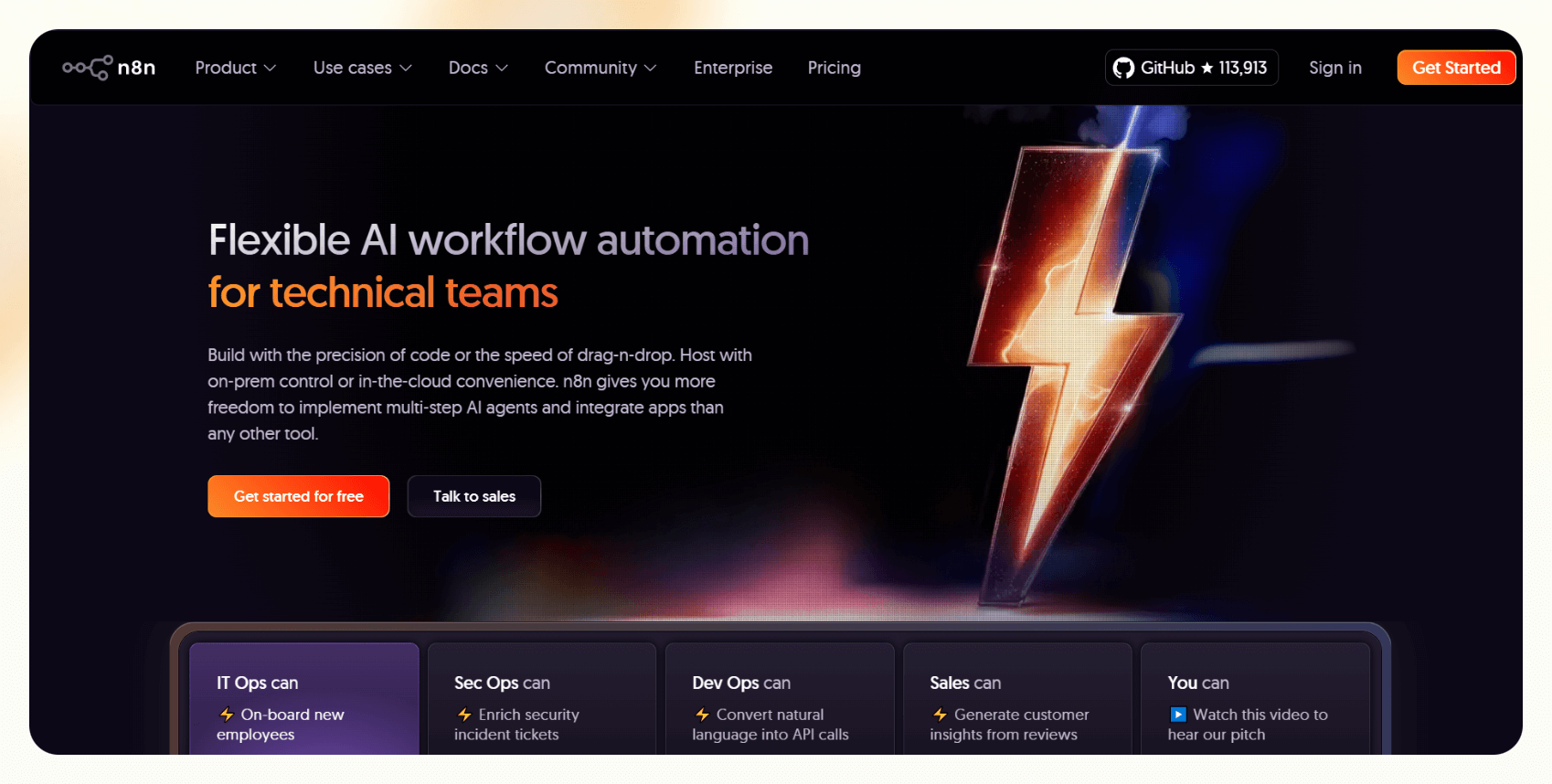
n8n is an open-source automation tool that offers deep customization for teams that want to self-host or fine-tune workflows at the system level.
It’s one of the few platforms that allows you to embed AI models directly into nodes, making it ideal for developers building custom AI workflow automation pipelines.
Features
- 500+ prebuilt integrations
- AI-ready with support for OpenAI, Hugging Face
- Visual workflow builder
- Full local or cloud deployment
Pros
- Open-source with no vendor lock-in
- Great for privacy-sensitive environments
- Highly customizable
Cons
- Steep learning curve
- Needs technical expertise to get the most out of it
Pricing
- Free if self-hosted
- Paid plans start from $24/month, billed monthly
6. Eden AI – Best for chaining multi-vendor AI models into one workflow
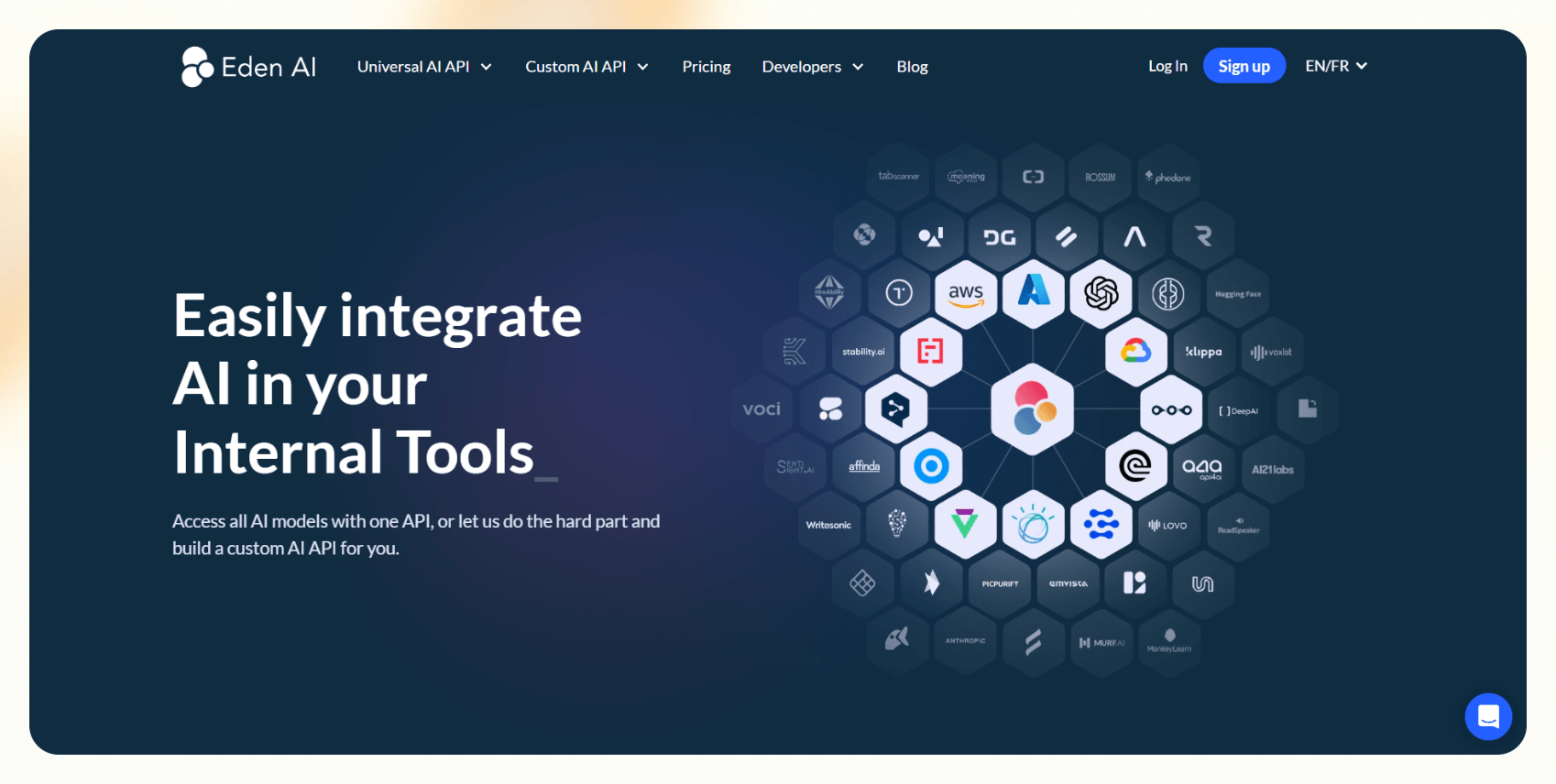
Eden AI gives you AI-driven automation by a unified API to access and compare models from different providers like OpenAI, Google Cloud, and AWS.
It’s not an actual workflow builder, but it works for teams that want to combine model-driven steps across vision, NLP, or speech tasks in a controlled, cost-optimized way.
Features
- Centralized API for 100+ AI services
- Cost/performance monitoring
- Batch processing and logging
- Multi-key management and caching
Pros
- Reduces vendor lock-in
- Ideal for evaluating AI model quality
- Can add multiple AI models
Cons
- Not a full workflow UI
- Requires dev support for chaining steps
Pricing
- Free tier available
- Paid plans are custom and need assistance from their engineering team
7. Zapier – Best for no-code users who need plug-and-play integrations

Zapier is one of the most popular AI workflow tools for automating repetitive tasks between apps without writing code. It now offers AI features like natural language Zap creation and custom GPT actions.
It's great for teams that want quick wins without learning a new platform.
Features
- 8,000+ app integrations
- AI-enabled Zap creation
- Built-in Tables and Interfaces
- Custom webhooks and filters
Pros
- Easy to get started
- Massive integration library
- Powerful with multi-step Zaps
Cons
- Pricing can get expensive with task volume
- Limited memory/context compared to agent-based tools
Pricing
- Free tier available
- Paid plans start at $29.99/month for 750 tasks
8. Tray.ai – Best for data-heavy teams needing deep API-level logic

Tray.ai is a low-code automation platform built for teams that need advanced control over their workflows, especially those involving complex data movement.
It’s more technical than Zapier or Make, but offers richer customization, making it well-suited for AI workflow management in larger organizations.
Features
- Visual builder with conditional logic
- API support and authentication layers
- Error handling and testing tools
- Workspace-wide governance
Pros
- Scales well with volume and complexity
- Strong support for team collaboration
- Ideal for API-first setups
Cons
- Requires technical onboarding
- Not ideal for smaller teams or solo builders
Pricing
- Quote-based pricing, need to contact sales
9. Bardeen – Best for browser-based personal task automations

Bardeen focuses on automating repetitive personal workflows like emails copying LinkedIn data to a spreadsheet or drafting directly from your browser.
It’s lightweight, fast, and perfect for individuals or small teams looking for low-friction AI workflow automation without creating a complex system.
Features
- Chrome extension for on-page triggers
- Playbook builder with GPT steps
- Integrates with Notion, Sheets, Gmail
- Automates web scraping and form fills
Pros
- Great for solo users and VAs
- Doesn’t require separate dashboards
- Fast to set up
Cons
- Limited to browser-based tasks
- Not designed for team-wide workflows
Pricing
- No free plan available
- Paid tiers start from $129/month, billed monthly
Top AI workflow tools: At a glance
If you're comparing tools for your next automation project, we created a quick reference table that covers what each one’s best at, what they offer, and how they’re priced. Here’s a clearer sense of how they stack up across the AI workflow tools landscape:
| Tool | Best For | Key Features | Pricing |
|---|---|---|---|
| Aisera | Agentic IT and support automation | Pre-trained bots, ticketing, action bots, orchestration | Quote-based |
| Kissflow | Low-code BPM for business teams | Visual builder, analytics, smart forms | From $1,500/month |
| Appian | Enterprise AI process automation | RPA + AI, NLP, case management, security controls | Custom enterprise pricing |
| Make | Visual low-code flexibility | Drag-and-drop builder, API integrations, conditional logic | Starts at $10.59/month |
| n8n | Self-hosted, open-source automation | 500+ integrations, AI nodes, full deployment control | From $24/month |
| Eden AI | Chaining multiple AI models | Unified API, cost monitoring, multi-model support | Free + usage-based tiers |
| Zapier | Plug-and-play no-code automation | 8,000+ integrations, GPT steps, Interfaces | Starts at $29.99/month |
| Tray.ai | Deep logic + API-heavy workflows | Conditional logic, governance, complex integrations | Quote-based |
| Bardeen | Personal browser task automation | Chrome extension, playbooks, web scraping | From $129/month |
Let’s now discuss how we ended up with this list.
How I tested the best AI workflow tools
Each tool was evaluated in practical scenarios across different types of AI workflows, from inbox triage to lead routing and ticket resolution.
We focused on how well these tools performed in situations where speed, context, and usability matter. Whether you're managing a lean ops team or experimenting with AI workflow management in a startup, the tools here were tested with that lens.
Criteria of evaluation
We focused on 4 main criteria. Here’s what we looked for while testing each platform:
- Workflow intelligence: Does the tool handle multi-step flows with memory, conditional logic, or natural language triggers? Can it adapt in real-time or personalize responses?
- UI/UX and onboarding: Is the tool easy to pick up without technical help? Does it offer templates or guided flows to reduce friction?
- Depth of integrations: Does it connect natively with common tools, email, CRMs, calendars, databases, etc.? How seamless is the setup?
- Custom logic capabilities: Can you build beyond simple triggers and actions? Does it support advanced branching, AI reasoning, or multi-agent workflows?
We also scored tools on how well they balanced power and usability for non-technical operators looking to automate without developer support.
With all that said, let’s define AI-powered workflows.
What are AI-powered workflows?
AI-powered workflows can understand context, interpret language, and adapt to inputs. For example, an agent can triage your inbox, prioritize tasks, or book meetings based on how you configure them. Based on your prompts, it understands the intent behind the emails and responds accordingly.
When we talk about AI in workflows, we’re usually referring to systems that use models like GPT or Claude to analyze text, generate output, or take actions. These models power everything from customer support replies to smart lead routing.
How is AI workflow automation different from RPA?
Robotic Process Automation (RPA) is rule-based. It works great for repetitive, well-defined tasks like copying data from a form into a CRM. But it breaks when the context shifts.
AI workflow automation, on the other hand, is flexible. It can interpret messy data, make decisions with uncertainty, and respond to natural language.
Next, let’s see how AI benefits business workflows.
Benefits of AI workflow automation
The main advantage of AI workflow automation is that it saves time and reduces errors without manual oversight. Instead of having to check every input or babysit every process, AI handles the nuance for you. AI helps:
- Save time and reduce manual errors: AI agents can summarize emails, autofill forms, and even write replies without missing details or needing a checklist.
- Scale without hiring: With AI-driven automation, lean teams can handle more tickets, leads, or operations without expanding headcount.
- Drive efficiency across departments: Whether it's routing a support request, syncing calendar invites, or processing documents, AI workflows can reduce lag and backlogs company-wide.
With benefits out of the way, we focus on their use cases next.
Use cases by industry domains
AI workflows are showing up everywhere, from sales pipelines to HR onboarding. Here's where they make the most impact:
- Sales & marketing: Route inbound leads, enrich CRM data, send personalized follow-ups, or score prospects based on intent signals.
- HR & recruiting: Schedule interviews, rank candidate profiles, summarize resumes, or trigger onboarding tasks across systems.
- IT & support: Triage tickets, auto-respond to common queries, or escalate high-priority issues without waiting on human agents.
- Operations: Handle repetitive admin work, extract info from PDFs, and sync tools like Notion, Slack, and Google Calendar, all with AI workflow automation.
So, how do you choose the right AI workflow tool? We answer that next.
Checklist: How to choose the right AI workflow tool
Choosing the right platform comes down to more than just features. Use this checklist to zero in on what matters for your business:
- What type of workflows are you automating? Do you need linear task automation or branching intelligent workflow automation with decision-making?
- Do you need human-in-the-loop workflows? Some platforms let you review outputs before actions are taken, essential for high-stakes work.
- Are you integrating with CRM, email, or calendar tools? Tools like Gmail, HubSpot, and Google Calendar are common, but not every platform supports them natively.
- Do you want no-code, low-code, or full-code flexibility? Teams without developers should avoid platforms that assume technical setup.
- What’s your tolerance for setup time? Some tools are plug-and-play. Others require onboarding assistance or custom logic.
- Do you care about data privacy or hosting control? If yes, open-source or self-hosted options like n8n might be a better fit.
Frequently asked questions
What’s the best AI workflow platform for small teams?
Tools like Zapier offer the best balance of usability and power if you need to automate admin tasks fast, without engineering help.
How can I get started with AI workflows quickly?
Start with one repetitive task, like triaging emails or scheduling meetings, and use a no-code tool to automate it. Many offer templates to help you launch fast.
Can AI workflows integrate with email and CRM systems?
Yes, most modern AI workflow tools offer native integrations with Gmail, Outlook, HubSpot, and Salesforce.
Are no-code tools powerful enough for AI workflows?
Yes, no-code platforms like Make can be powerful enough. Look for options that offer prebuilt, customizable templates that speed up setup without limiting flexibility.
What is intelligent workflow automation?
Intelligent workflow automation refers to workflows that make context-aware decisions using AI models, often across multiple apps.
How secure are AI workflow tools?
Enterprise-grade tools like Appian and Aisera are generally secure. Open-source options like n8n give you full hosting control.
What kinds of tasks can AI workflows automate?
With AI, you can automate everything from email replies and lead routing to document parsing and appointment scheduling.
What’s the best AI workflow tool in 2026?
If you want a no-code tool to automate everyday tasks with minimum set up, Zapier is one of the best. If you want complete control, n8n makes much more sense. In the end, the best tool depends on your team size, use case, and whether you prioritize flexibility, speed, or control.










